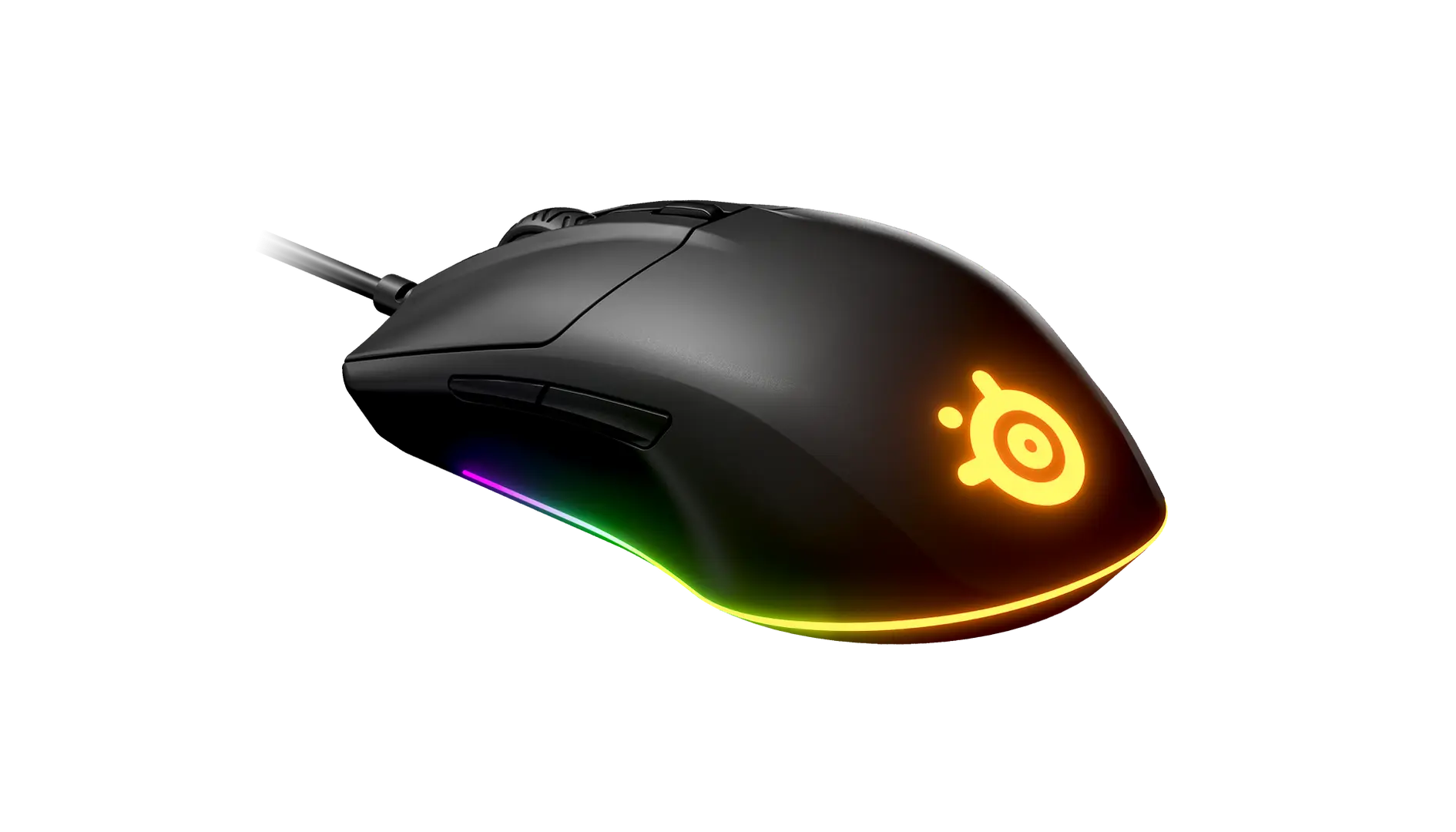
ASUS ROG Harpe Ace MiniBlack · 90MP03Z0-BMUA00 · UK manufacturer configuration
- Weight
- 49 gThis one: 65 g
- Body length
- 117 mmThis one: 121 mm

Black · UK configuration · ASUS part P722
The ROG Keris II Origin is ASUS's 65 g right-handed ergonomic wireless mouse with 3-zone RGB lighting, the 42,000 DPI ROG AimPoint Pro sensor, swappable ROG Micro Switches II and tri-mode connectivity.
As an Amazon Associate I earn from qualifying purchases.
Email me when the ASUS ROG Keris II Origin gets cheaper on eBay. We check exact-model listings once a day at 12:00 UTC.
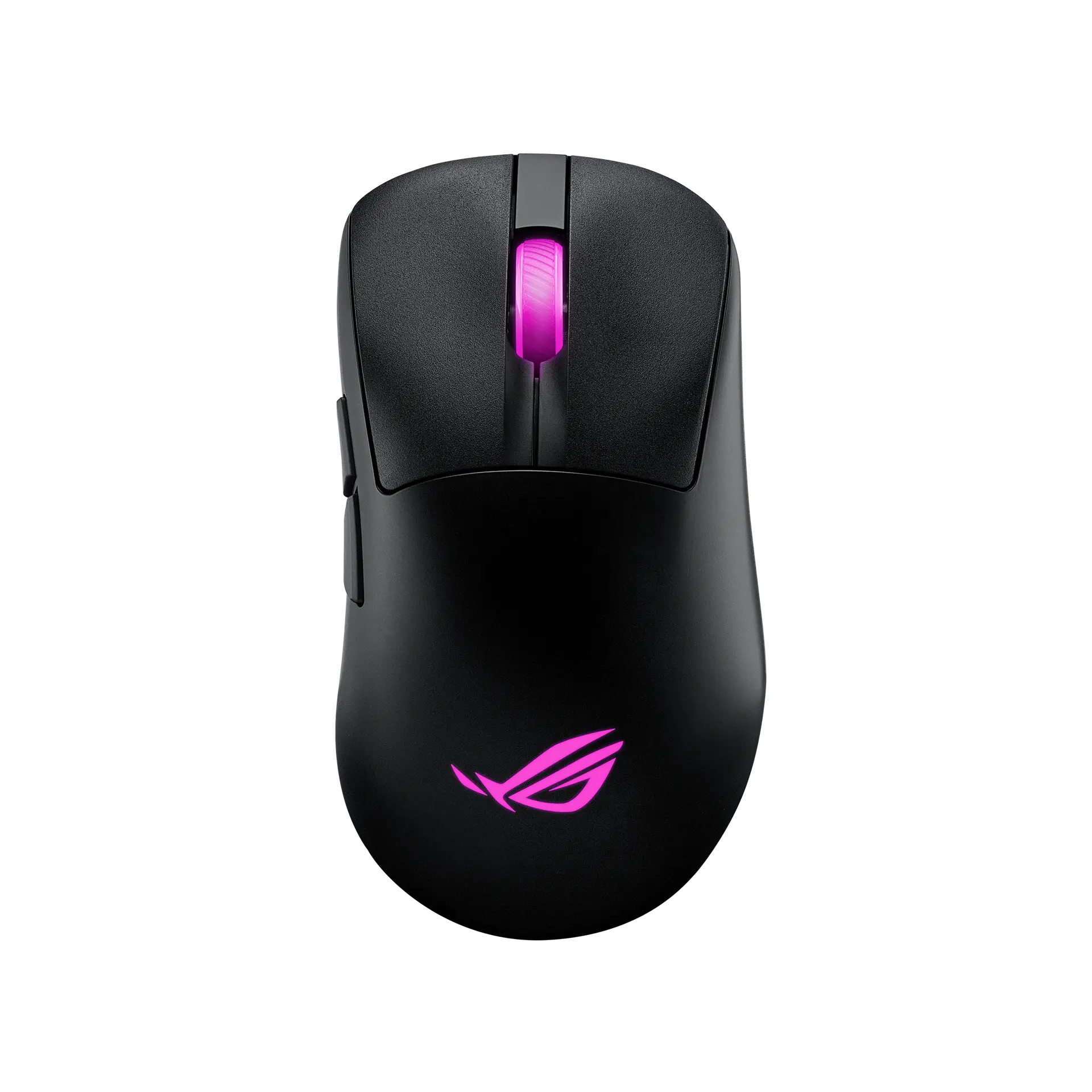
Specifications checked 27 Sept 2026Manufacturer specifications, not a hands-on test.
The nearest checked mice by key specifications, with what differs from the ASUS ROG Keris II Origin. The first matches the Compare button above.
ASUS ROG Harpe Ace MiniBlack · 90MP03Z0-BMUA00 · UK manufacturer configuration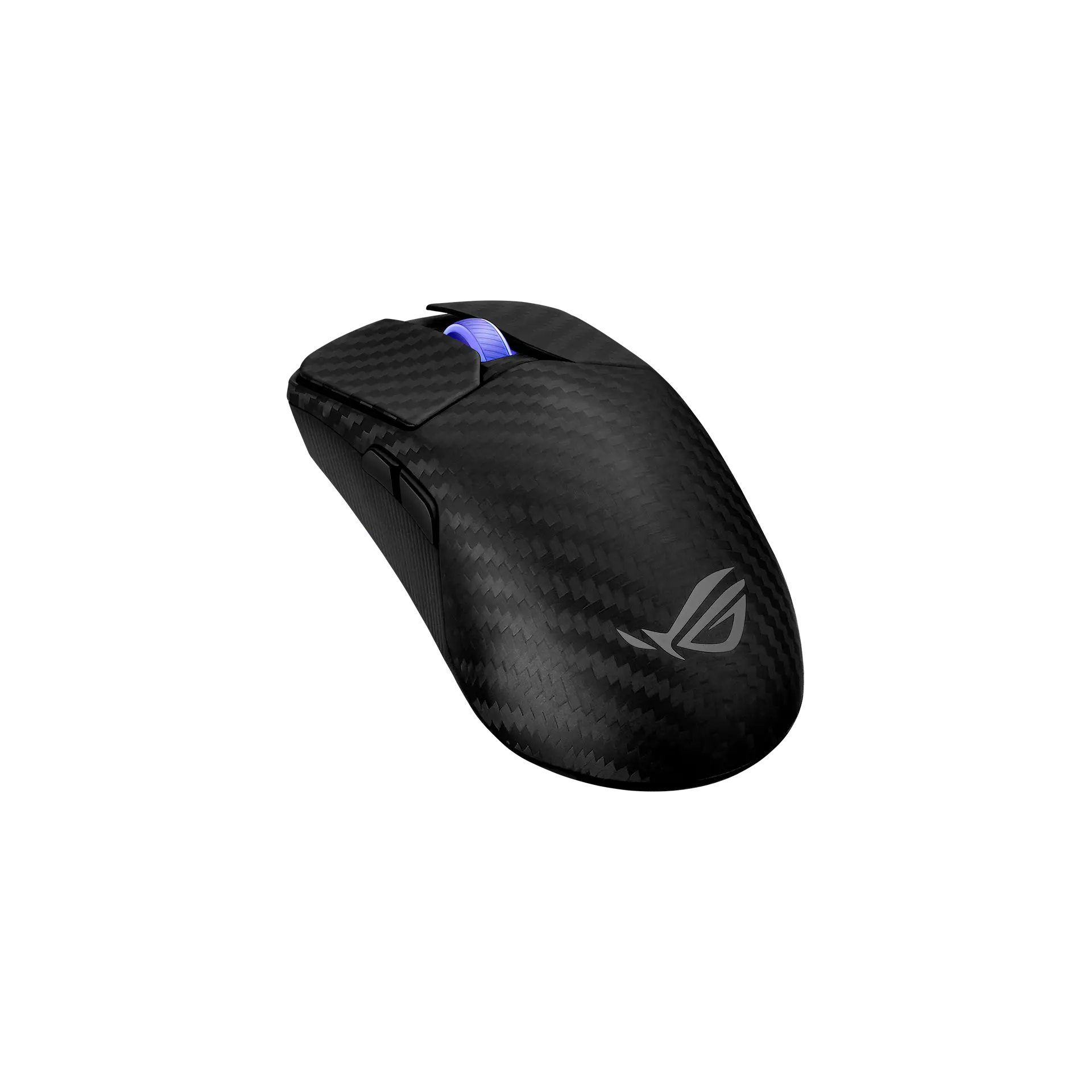 ASUS ROG Harpe Ace ExtremeBlack · 90MP03U0-BMUA00 · UK manufacturer configuration
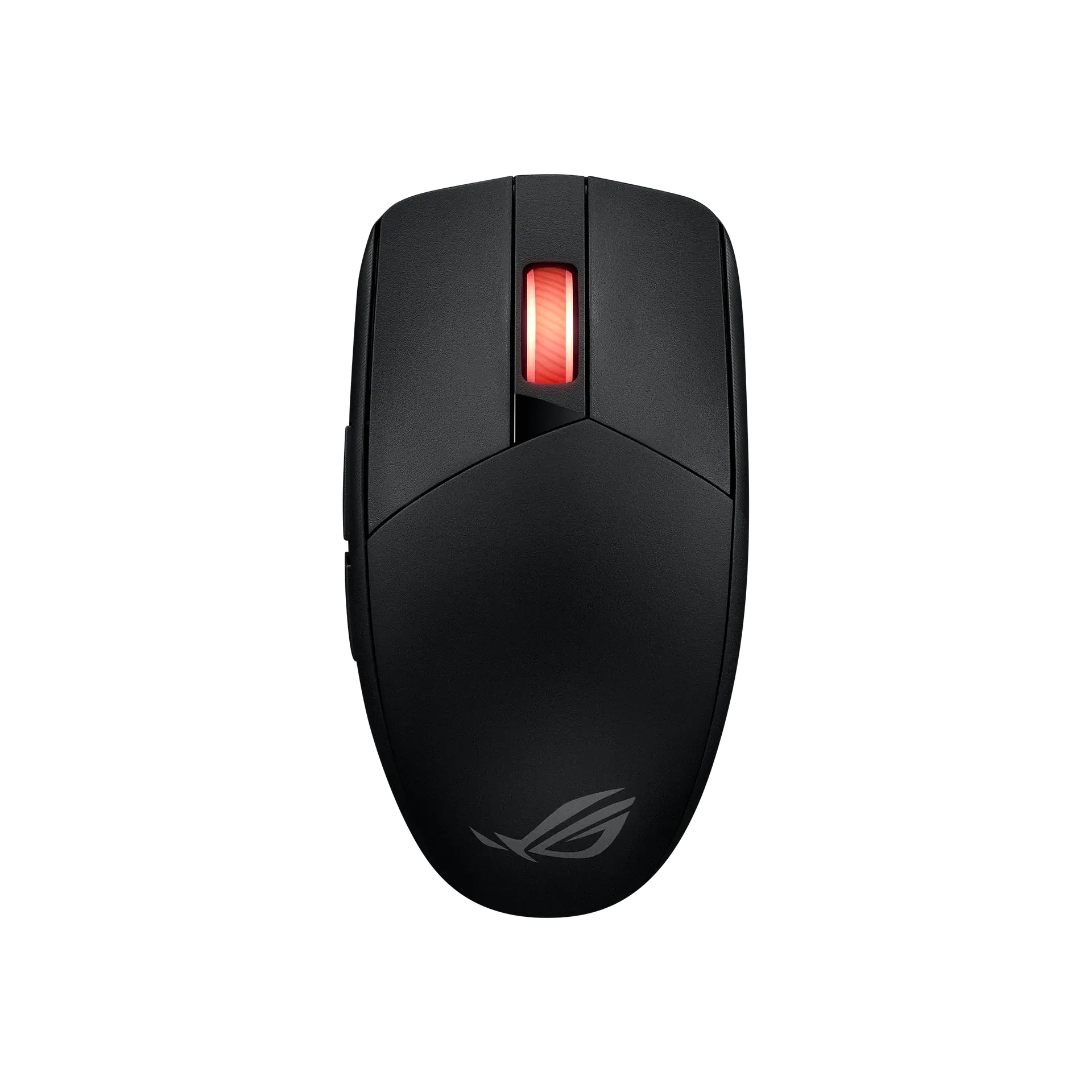 ASUS ROG Strix Impact III WirelessBlack · 90MP03D0-BMAA00 · US manufacturer configuration
Push-Fit Switch Socket II takes 3-pin mechanical and 5-pin optical switches, and two spare ROG Micro Switches II come in the box.
ASUS rates the battery at up to 127 hours on 2.4 GHz at 1000 Hz and up to 192 hours on Bluetooth, both with lighting off, and lists five onboard profiles and individually programmable 3-zone RGB.
The supplied receiver tops out at 1000 Hz; 2000–8000 Hz needs the ROG Polling Rate Booster, which is sold separately.
It is right-handed only, ASUS does not state the weight's cable basis or a tracking-speed rating on these pages, and onboard memory does not store macros or Windows shortcuts.
Exact configuration: Black · P722 · UK manufacturer configuration
27 specifications in 6 groups. Values are manufacturer specifications unless a row says “Measured result” or “Calculated from cited specifications”.
ASUS's sensor name, with track-on-glass technology. The supplier is not stated.
SourceThe quick start guide's polling-rate options without the booster stop at 1000 Hz (500 and 1000 Hz not supported over Bluetooth); 2000 Hz and above need the ROG Polling Rate Booster.
SourceASUS's quick start guide gives the resolution as 100 DPI to 42000 DPI.
SourceDPI 1–4 default to 400 / 800 / 1600 (default) / 3200 DPI and can be customised in Armoury Crate or with DPI On-The-Scroll.
SourceWith the ROG Polling Rate Booster, which ASUS says is sold separately and not included; ASUS lists 8000 Hz for both USB and 2.4 GHz RF with the booster.
Button combinations on the mouse, per ASUS.
ASUS states a 65-gram design without stating whether the cable or receiver is included; the spec table has no weight row.
SourceMouse body as listed by ASUS.
ASUS's listed width; ASUS does not state the measurement basis.
SourceASUS files the model under Ergonomic Right-Handed mice and describes a right-side ring-finger ledge; the official views show the side buttons on the left. Not a grip or comfort test.
Each zone is individually programmable; pre-cut grip tape lets the lighting show through, per ASUS.
ASUS lists 2.4GHz RF, Bluetooth and wired USB, with a bundled ROG Omni Receiver. ASUS's quick start guide describes pairing Bluetooth mode to additional host devices (max. 3).
ASUS says the bundled Omni Receiver supports multiple-device wireless connections with a single receiver.
SourceASUS rates the 2.4 GHz RF figures at a 1000 Hz polling rate. Its overview footnote gives the Bluetooth figures at 1000 Hz as well, but ASUS's quick start guide marks 500 Hz and 1000 Hz as not supported over Bluetooth, so the polling rate behind the Bluetooth figures is unresolved.
Included ROG Paracord (USB Type-C to Type-A).
The quick start guide describes switching between 5 onboard profiles; ASUS notes onboard memory does not support macros and Windows shortcuts.
Profiles 1–5 cycled with a hotkey, per the quick start guide.
SourceASUS lists Armoury Crate in the specification table and promotes browser-based setup with Gear Link on the overview.
ASUS's listed OS support.
Manufacturer box contents; the ROG Polling Rate Booster is not included. ASUS says grip tape and mouse feet are consumables not covered by warranty. Check the seller's listing.
More of the nearest checked mice by key specifications, for a side-by-side comparison.
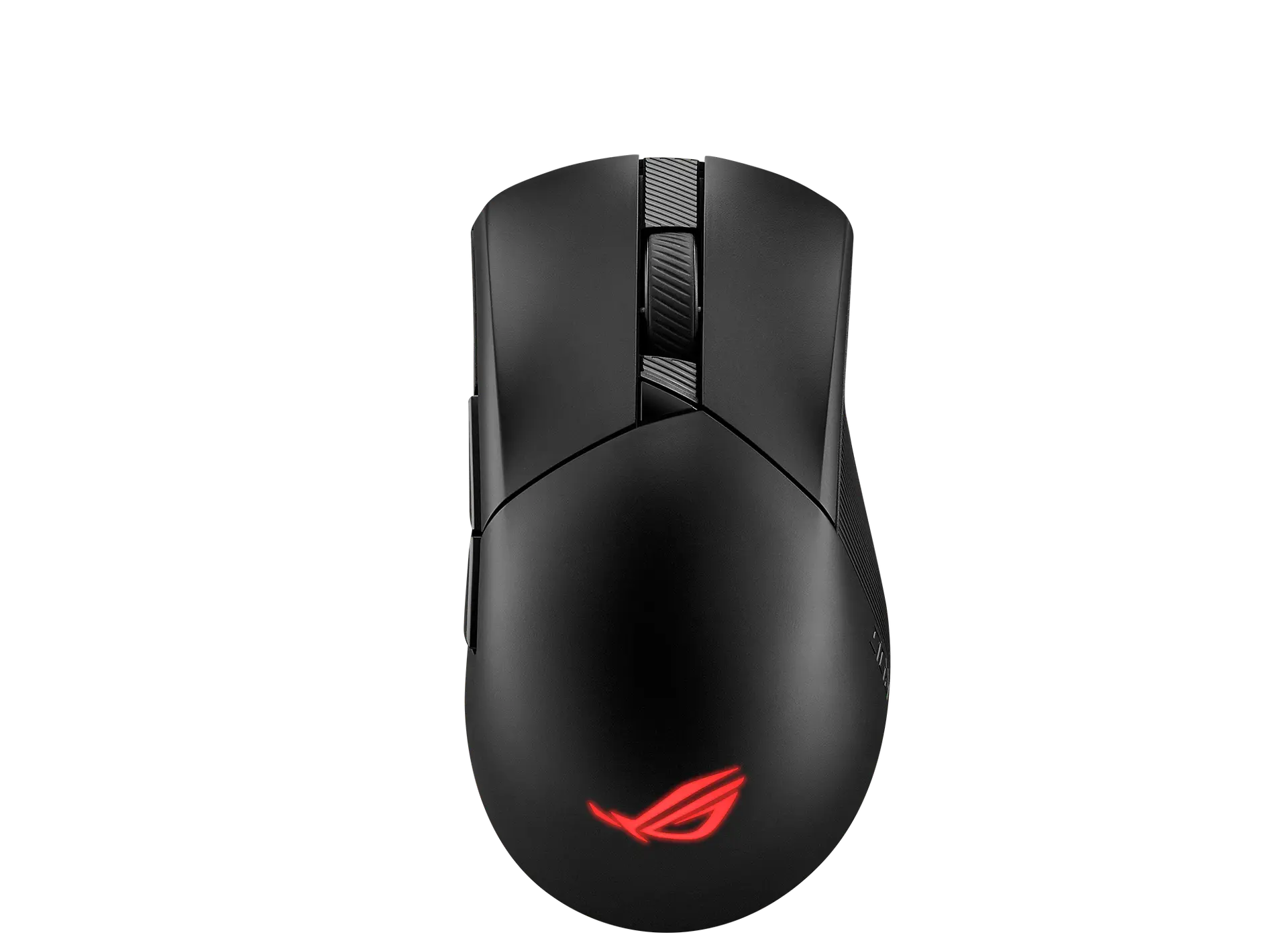 ASUS ROG Gladius III Wireless AimPointBlack · 90MP02Y0-BMUA00 · UK manufacturer configurationCompare the two
 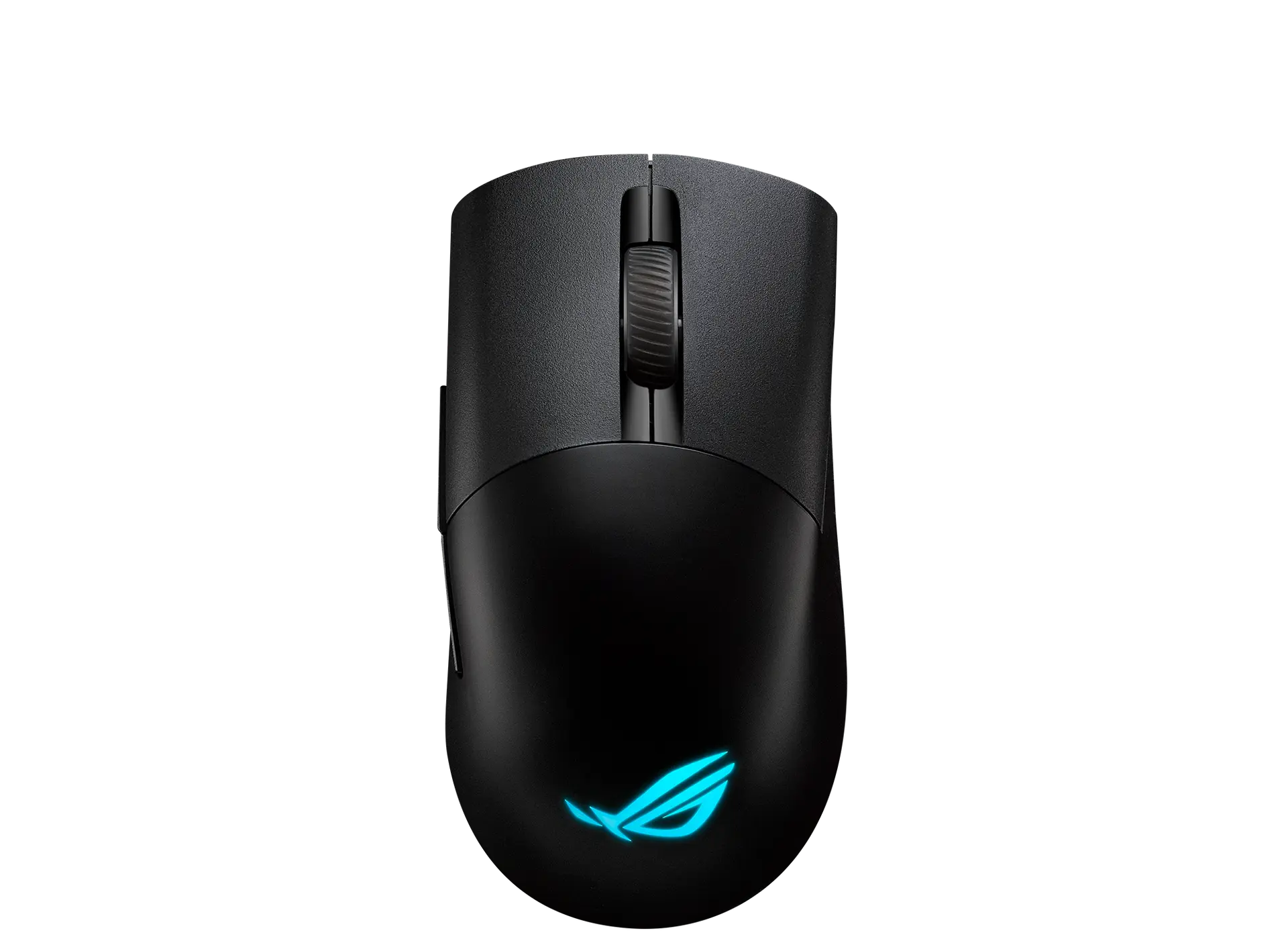 ASUS ROG Keris Wireless AimPointBlack · 90MP02V0-BMUA00 · UK manufacturer configurationCompare the two
 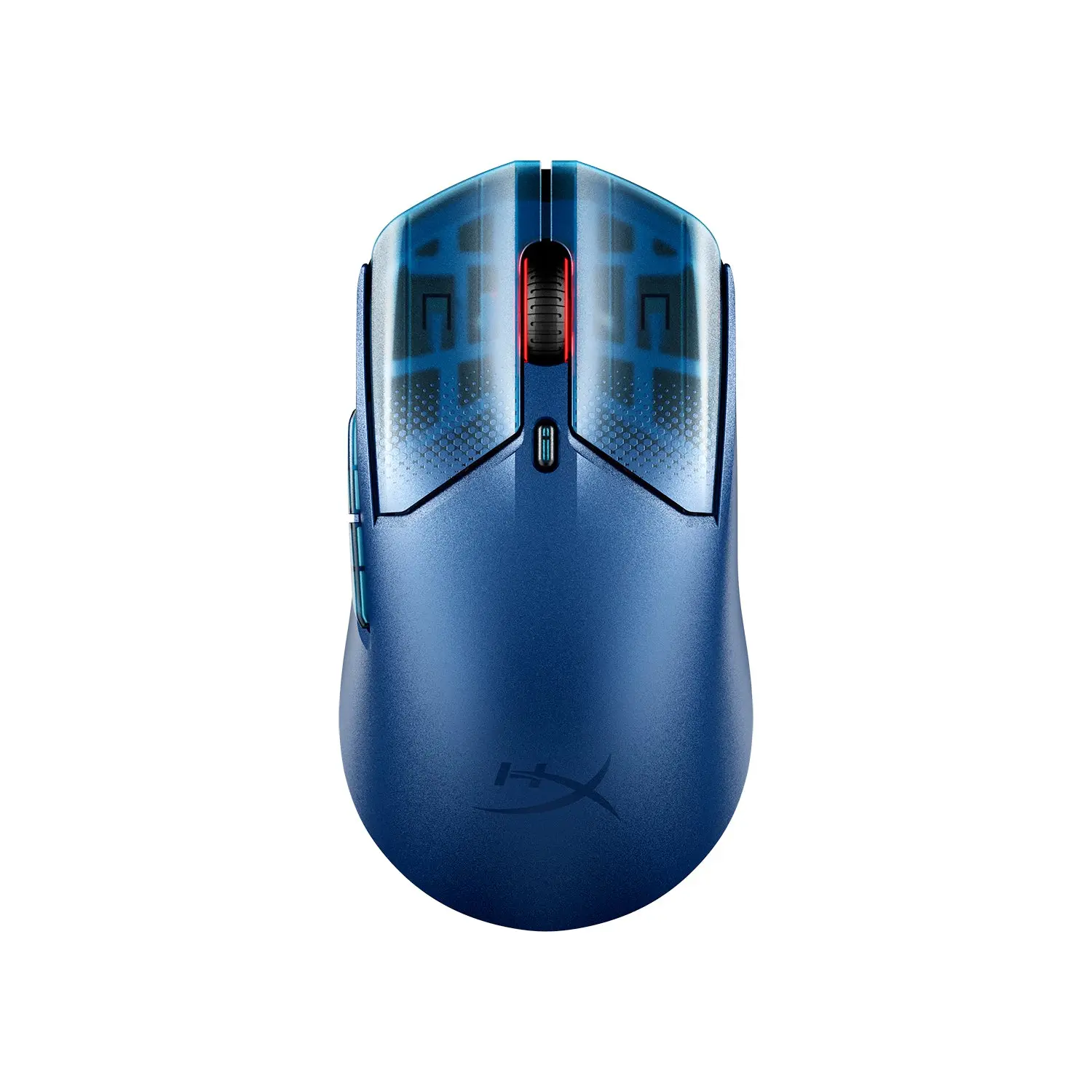 HyperX Pulsefire Haste 2 S WirelessNavy · 9B001AA · global manufacturer configurationCompare the two
 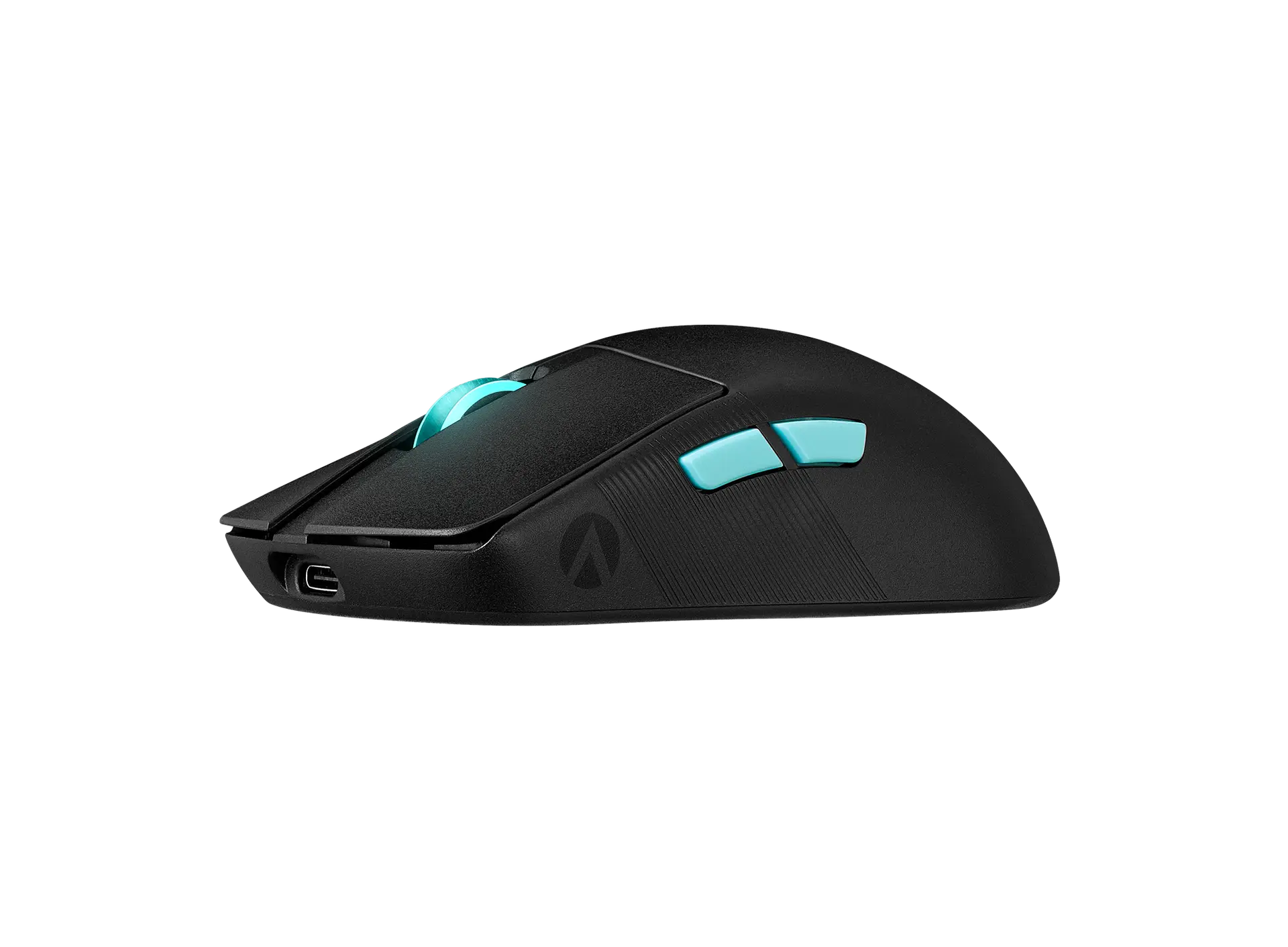 ASUS ROG Harpe Ace Aim Lab EditionBlack · 90MP02W0-BMAA02 · US manufacturer configurationCompare the two
 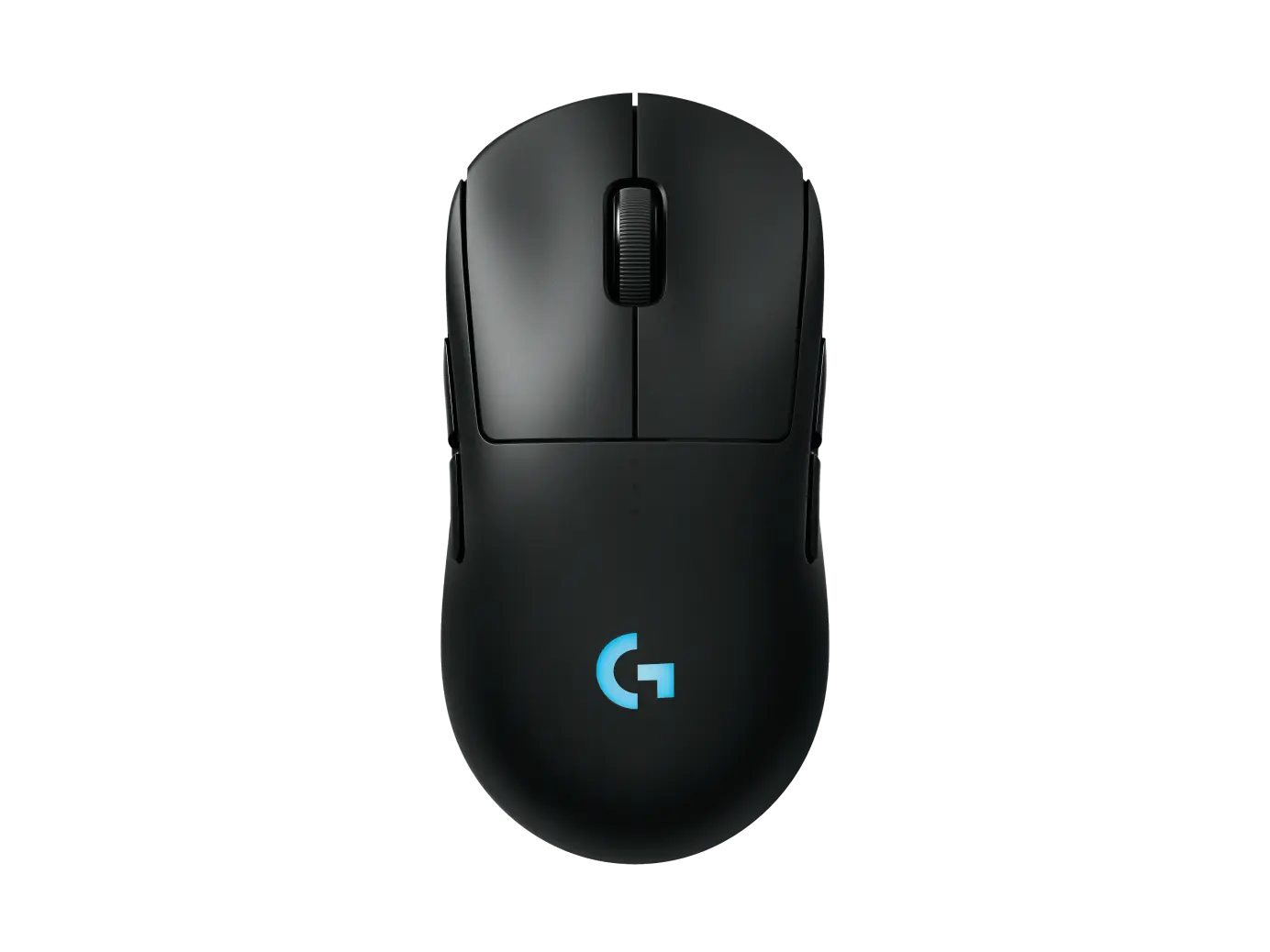 Logitech PRO 2 LIGHTSPEEDBlack · 910-007296 · UK manufacturer configurationCompare the two
 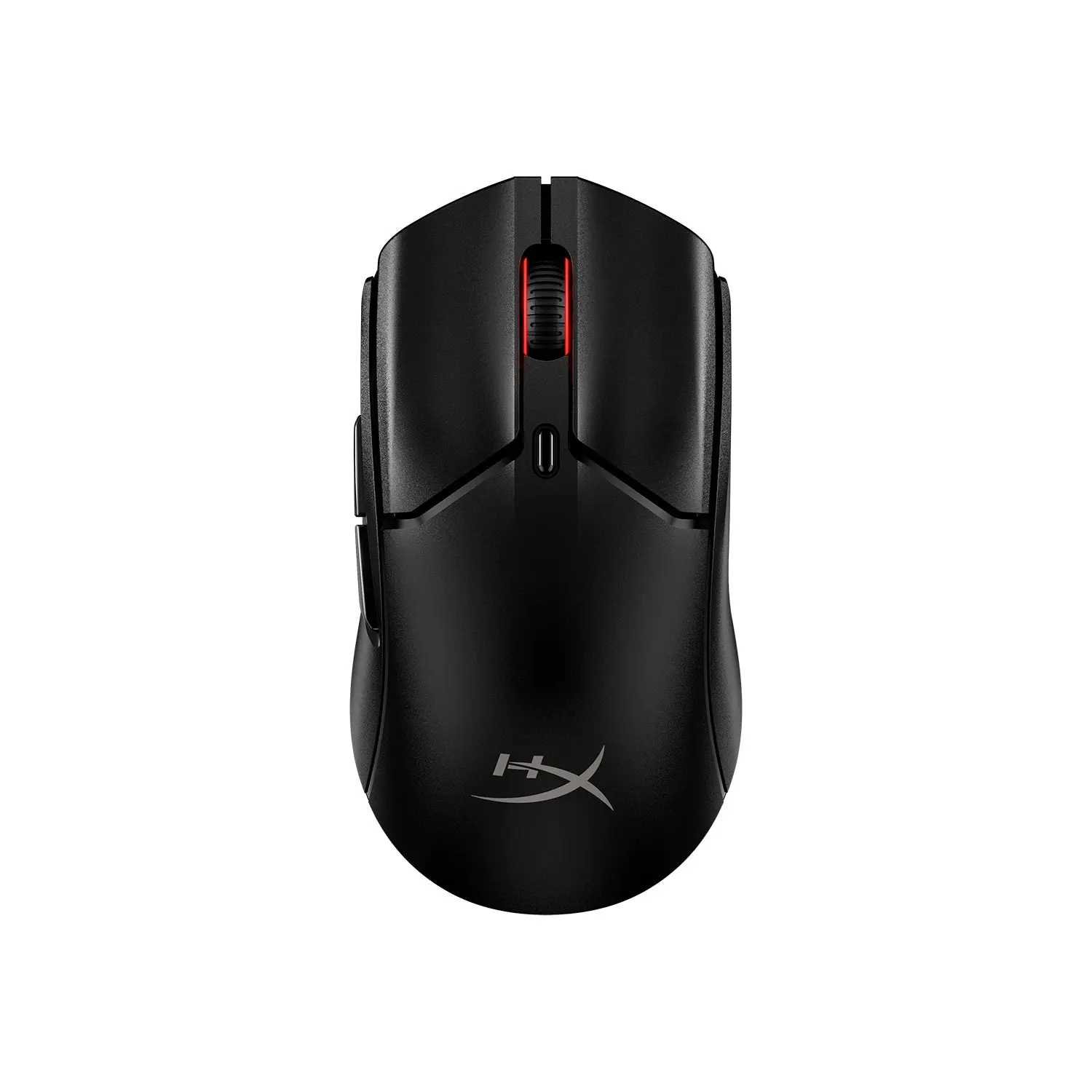 HyperX Pulsefire Haste 2 Mini WirelessBlack · 7D388AA · global manufacturer configurationCompare the two
 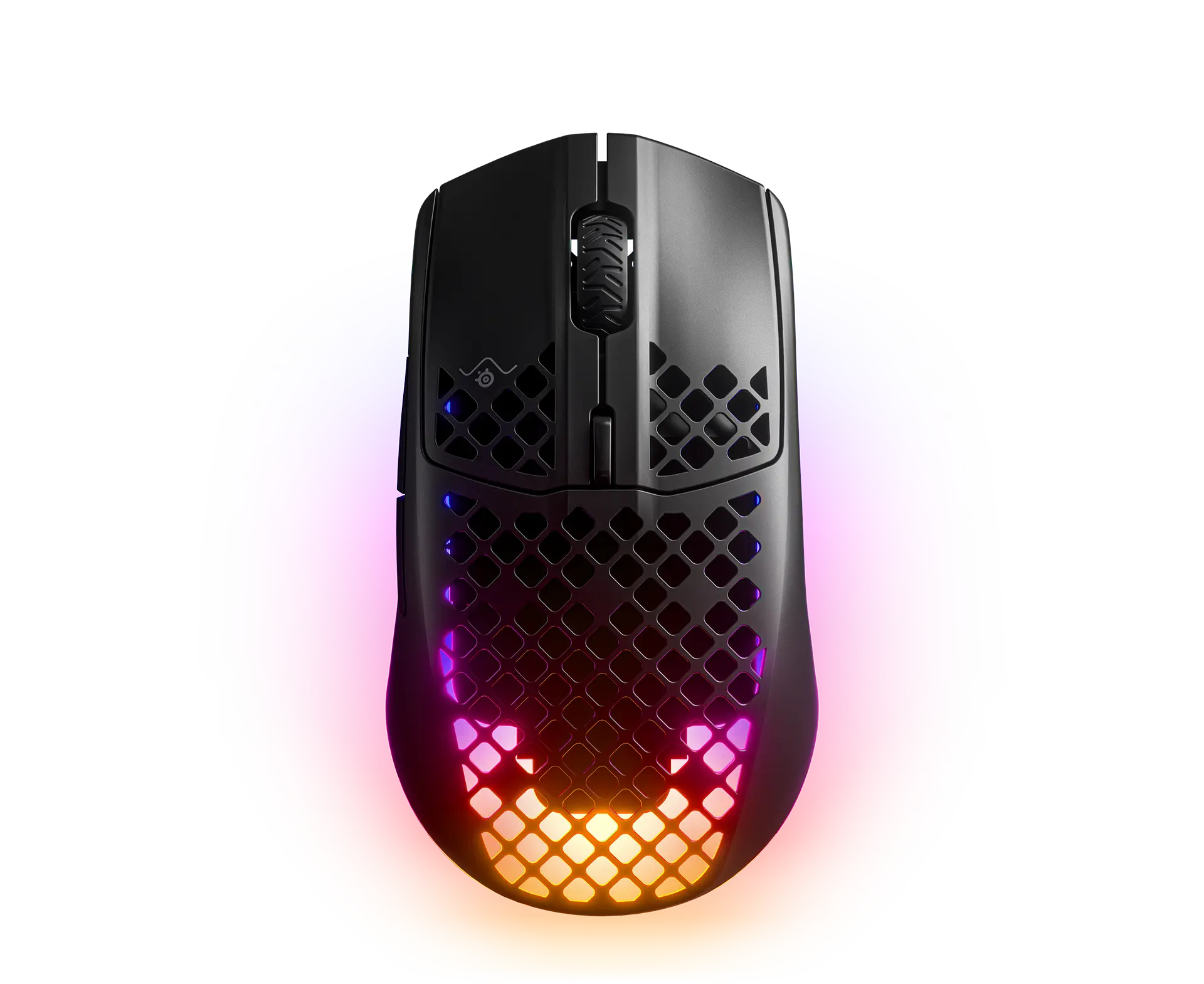 SteelSeries Aerox 3 Wireless (2022)Onyx (black) · 62612 · global manufacturer configurationCompare the two
  HyperX Pulsefire Haste 2 Core WirelessBlack · 8R2E6AA · global manufacturer configurationCompare the two