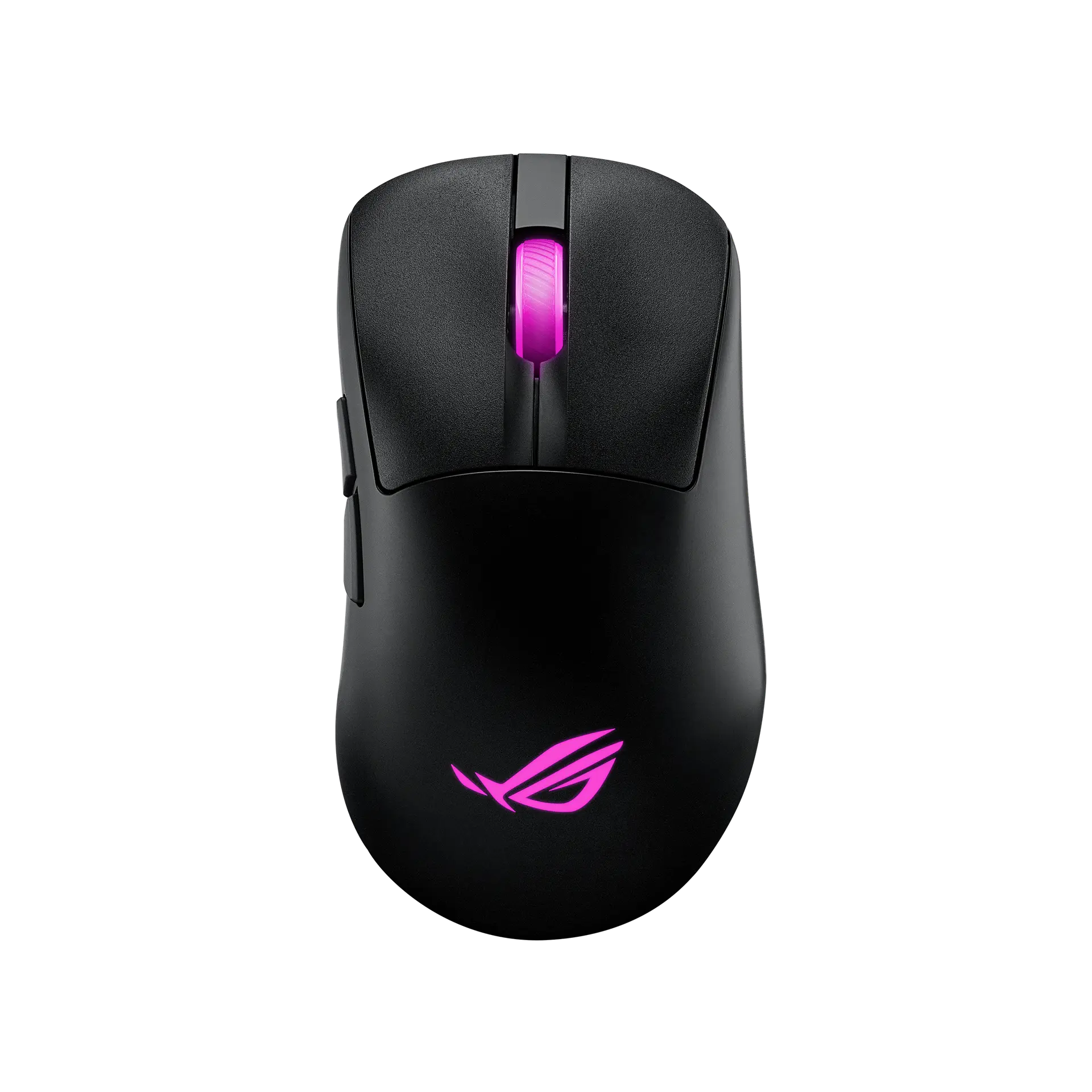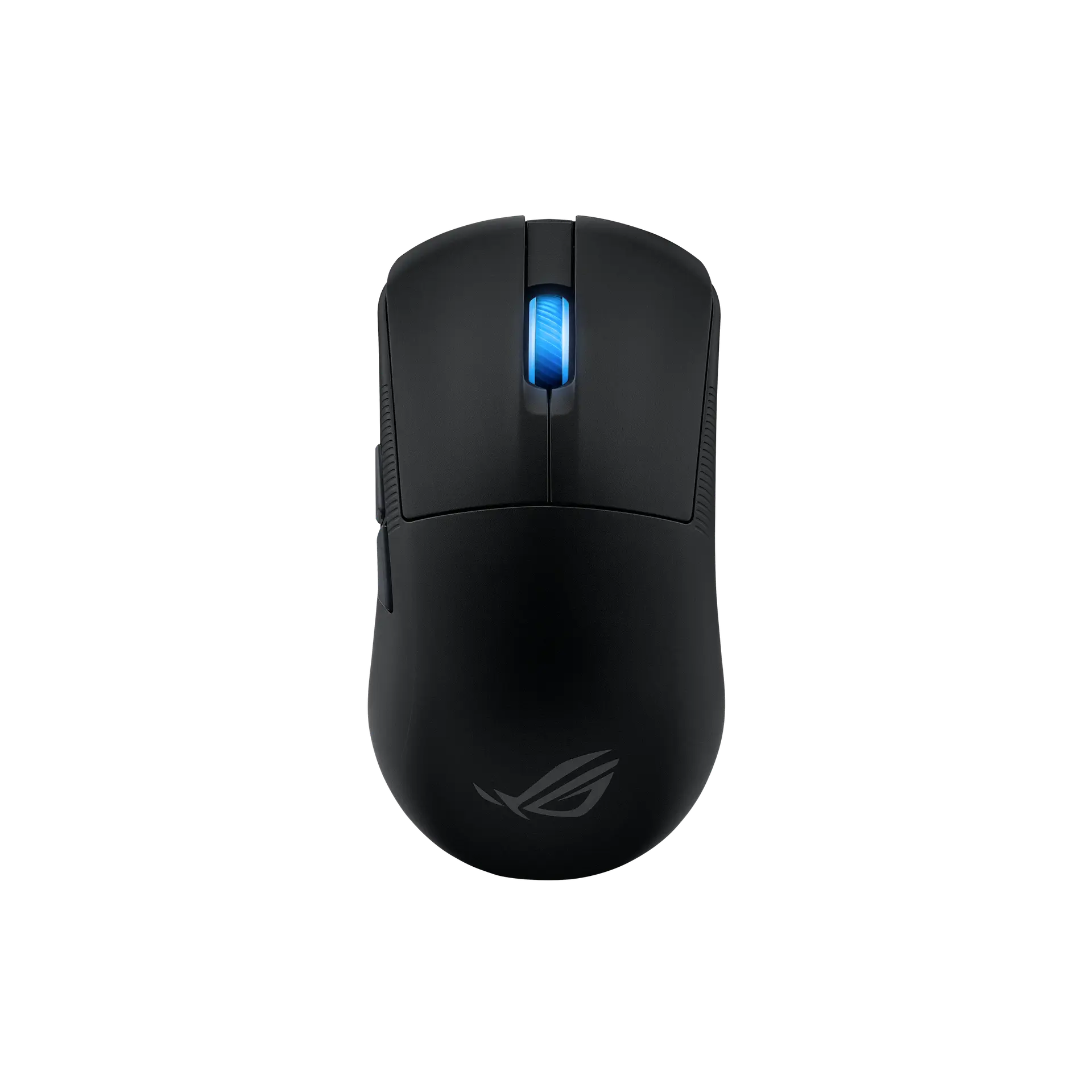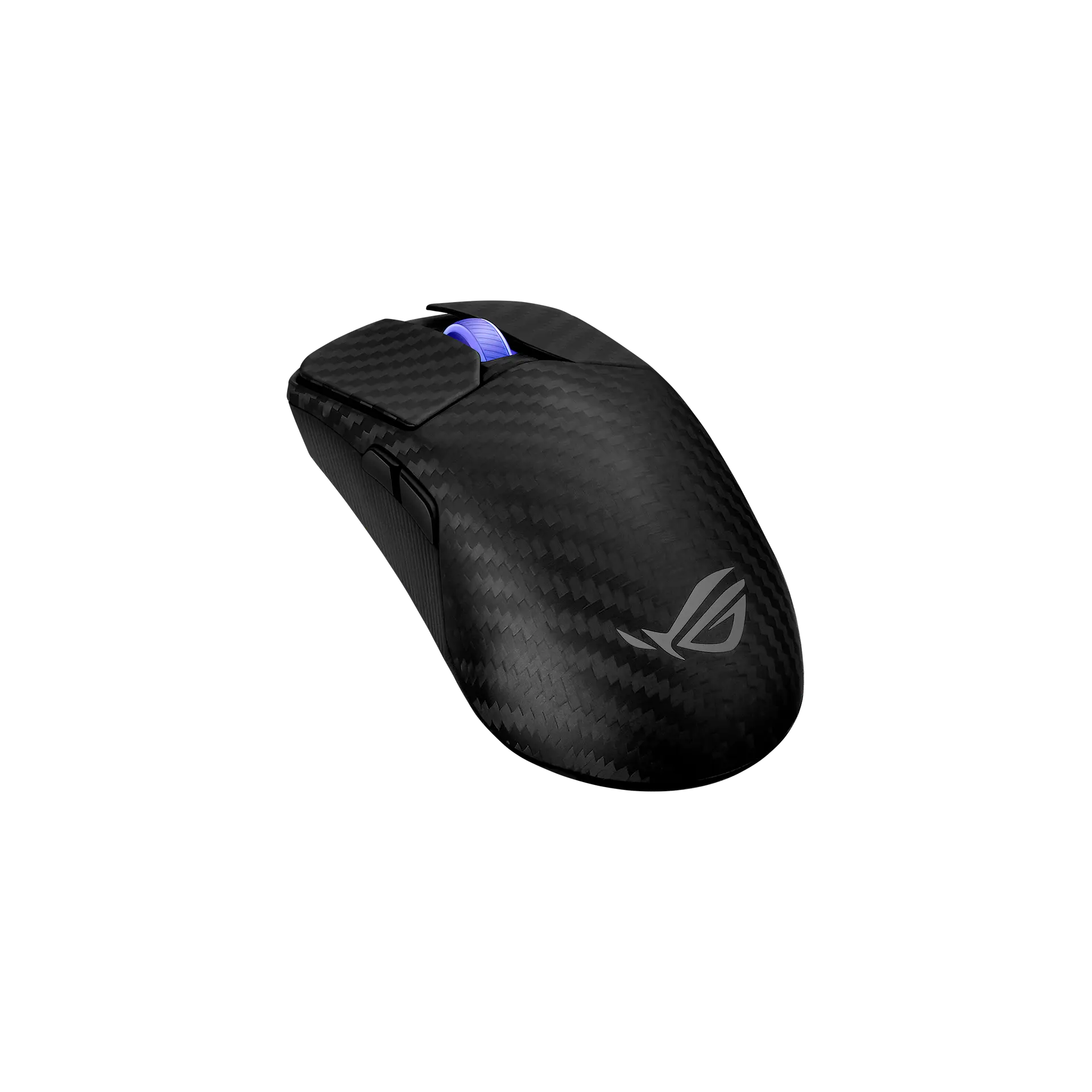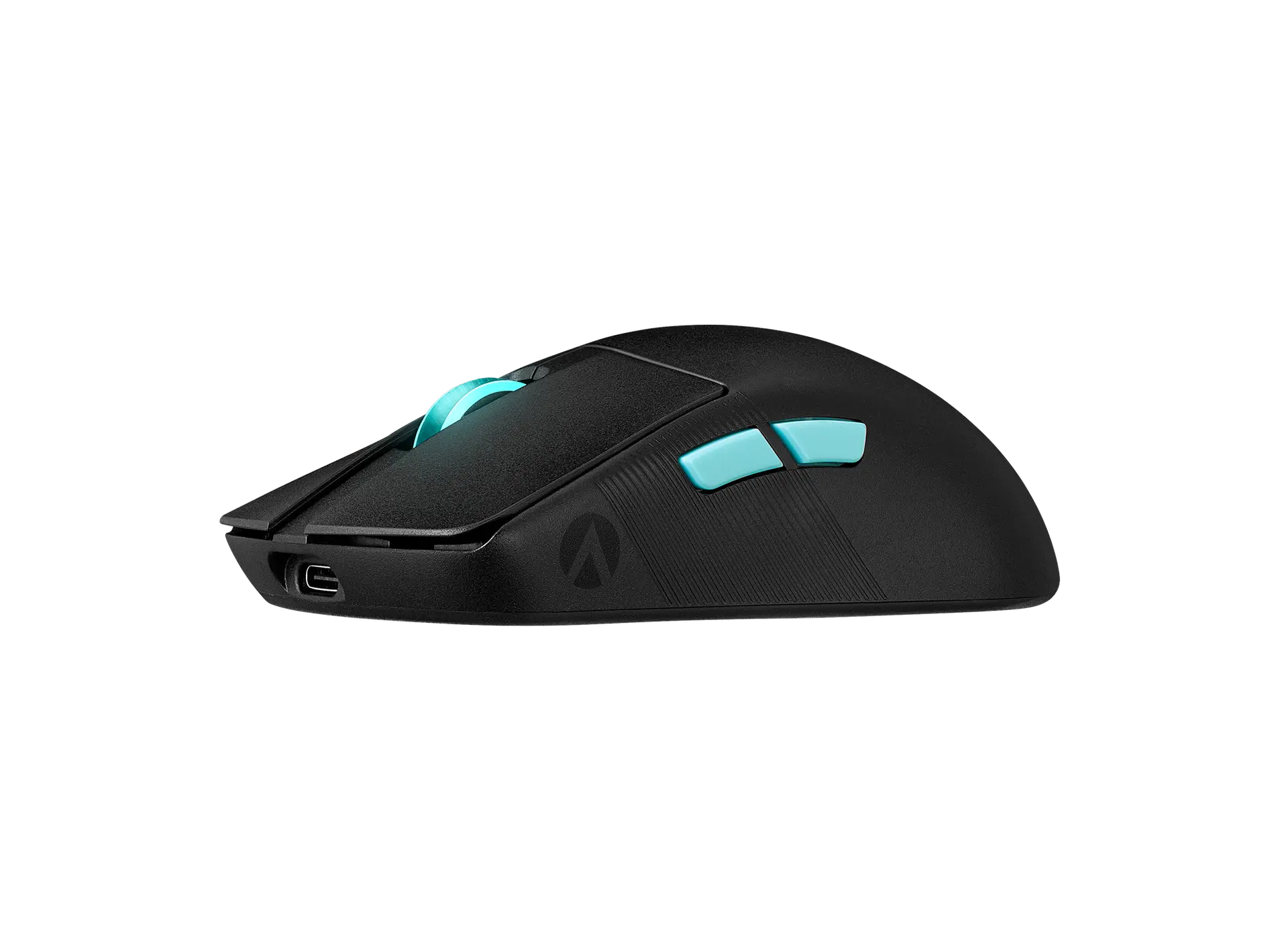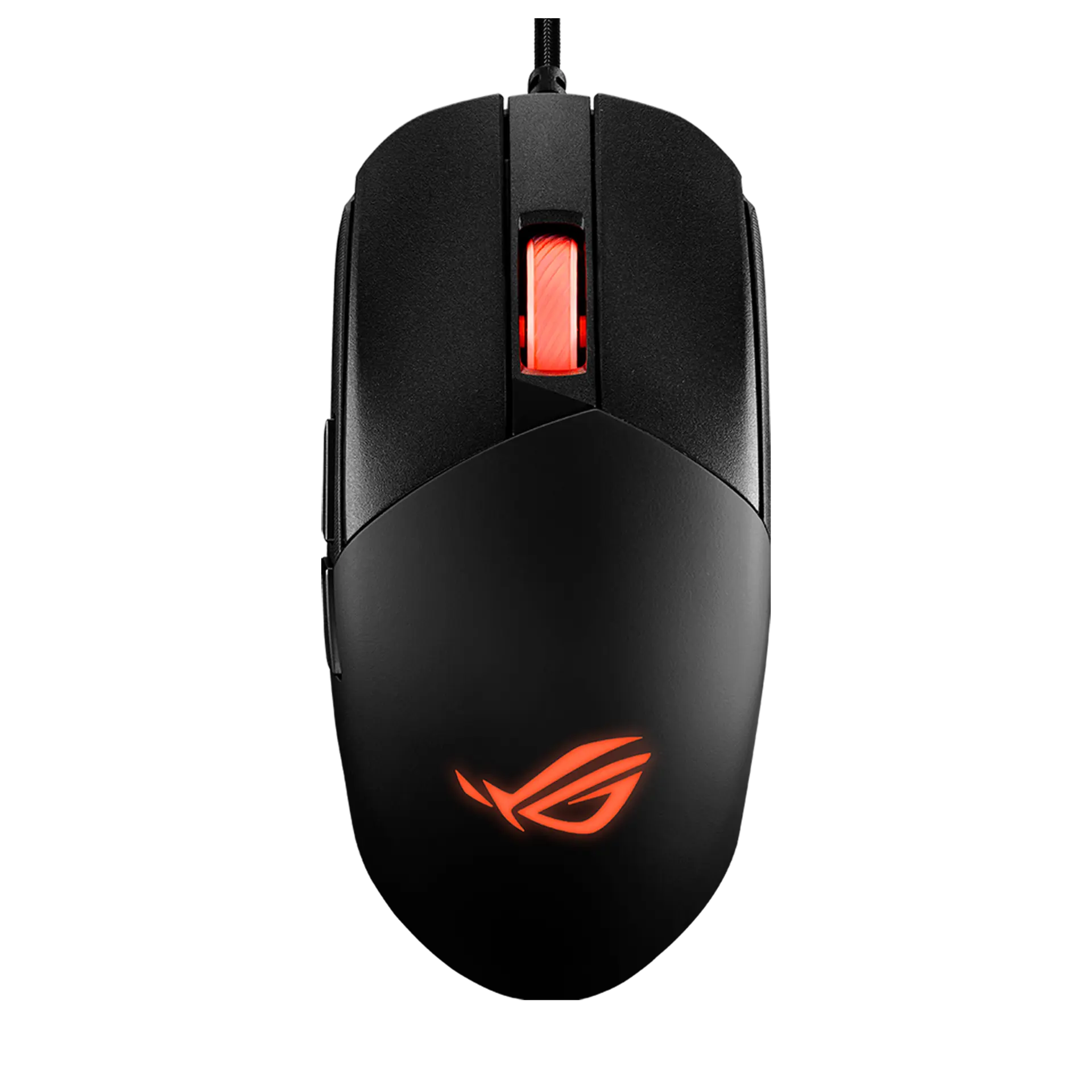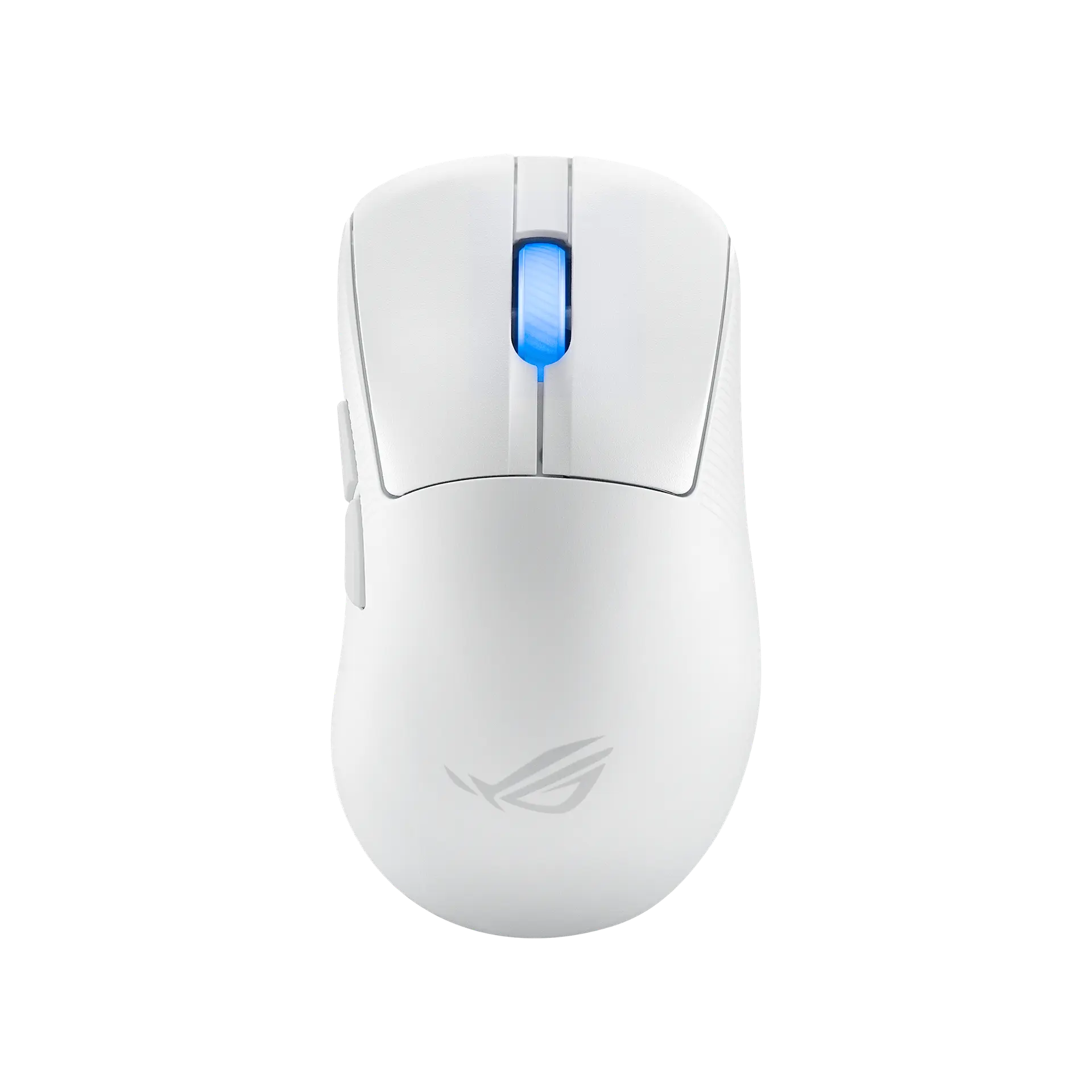
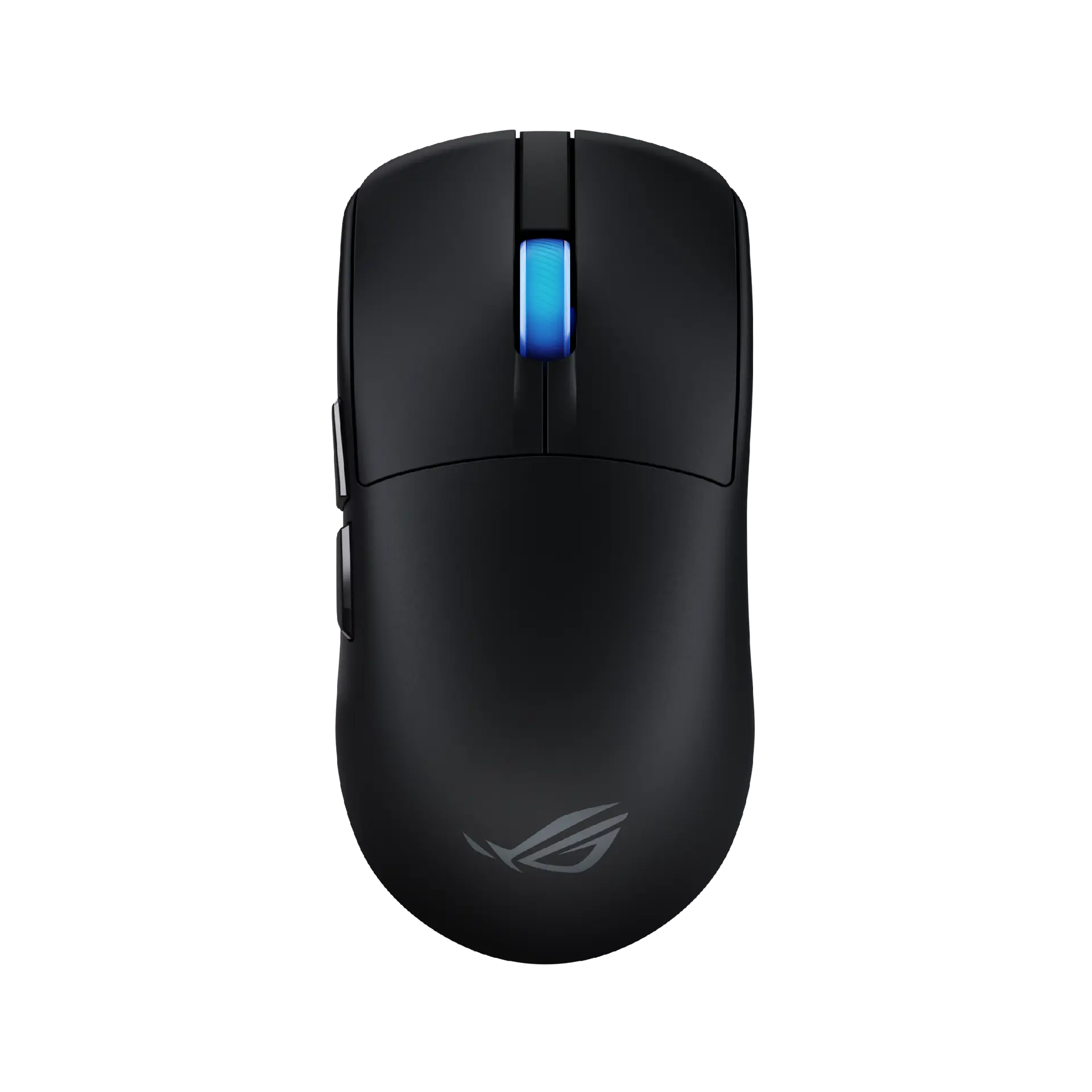
ASUS ROG Harpe II Ace
Compared with yours · ASUS ROG Keris II Ace
- Weight54 g → 48 g
- Length121 mm → 126.1 mm
- Hand orientationRight-handed ergonomic shape; side buttons on the left → Right-handed symmetrical shape; side buttons on the left
- Sensor configurationLift-off distance (Low / High) → Lift-off distance (Low / High); polling rate; DPI (four presets); hardware reset
- Maximum wireless report rate4000 Hz → 8000 Hz
3 more differences
- Customisation softwareArmoury Crate → Gear Link (web browser)
- Power sourceRechargeable battery → Lithium-ion; up to 101 hours with lighting off or 84 hours with default lighting (2.4 GHz at 1000 Hz, and Bluetooth)
- LightingRGB → Scroll wheel (Aura Sync)
Same: Listed controls 6 · Connection 2.4 GHz RF wireless (receiver), Bluetooth 5.1 or wired USB 2.0 (USB-C to USB-A ROG Paracord)
Compare side by sideFull comparison vs ASUS ROG Keris II Ace
More details & evidence
Exact model: Black · P723 · UK manufacturer configuration
Sources: 29 of 30 specifications cited · 1 with conflicting sources, shown as such.
Evidence · Conflicting facts to check
29/30 listed facts sourced. Checked date unavailable. This describes source coverage, not product quality or independent testing.
- Manufacturer facts
- 28
- Calculated from sources
- 1
- Independent measurements
- Not available
- Owner evidence
- Not available
- Conflicting facts
- 1
UK exact model
Market details
UK specification. UK availability not verified.
The specification region comes from this product’s reviewed variant record. It does not confirm local stock, warranty or delivery.
Check the manufacturer sourceWe have no current verified retailer listing for this exact variant in United Kingdom. A price you enter does not establish retailer availability.
Before you choose
- Settings are made only through the Gear Link web tool in 2.4 GHz or wired mode, the switches are not hot-swappable, and onboard memory does not store macros or Windows shortcuts.ROG Harpe II Ace Gaming Mouse — ASUS ROG UK product overview and footnotes[Mouse] ROG Harpe II Ace FAQs — ASUS USA official support
- ASUS's overview claims ROG Omni Receiver multi-device support but its FAQ says the Harpe II Ace does not support Omni one-to-two pairing; ASUS's web pages also give no button count.ROG Harpe II Ace Gaming Mouse — ASUS ROG UK product overview and footnotes[Mouse] ROG Harpe II Ace FAQs — ASUS USA official support
Key specification sources
Evidence & conditions
Manufacturer specification
ASUS lists 48 g as the weight without cable and without dongle ("~48g" in the second table block).
ROG Harpe II Ace Gaming Mouse — ASUS ROG UK tech specsROG Harpe II Ace Gaming Mouse — ASUS ROG UK product overview and footnotesROG Harpe II Ace Gaming Mouse — ASUS ROG USA tech specsEvidence & conditions
Calculated from cited facts
ASUS's web pages give no button count. Versus counts the buttons labelled in the quick start guide's "Mouse features" diagram (left-click, right-click, forward, backward and DPI) plus the scroll-wheel click, which the guide uses in its key combinations. The separately labelled pairing button, a connection control, is not counted.
ROG Harpe II Ace (P723) Quick Start Guide Q25971 — ASUS download PDFEvidence & conditions
Manufacturer specification
ASUS lists tri-mode connectivity. ASUS's FAQ says device settings are available only in 2.4 GHz wireless or wired mode. ASUS's quick start guide describes pairing Bluetooth mode to additional host devices (max. 3).
ROG Harpe II Ace Gaming Mouse — ASUS ROG UK tech specsROG Harpe II Ace Gaming Mouse — ASUS ROG UK product overview and footnotesROG Harpe II Ace Gaming Mouse — ASUS ROG USA tech specs[Mouse] ROG Harpe II Ace FAQs — ASUS USA official supportROG Harpe II Ace (P723) Quick Start Guide Q25971 — ASUS download PDFEvidence & conditions
Manufacturer specification
ROG Harpe II Ace Gaming Mouse — ASUS ROG UK tech specsEnter a price you found
Your total including delivery and taxes, for this exact variant in new condition. This remains your assumption.