


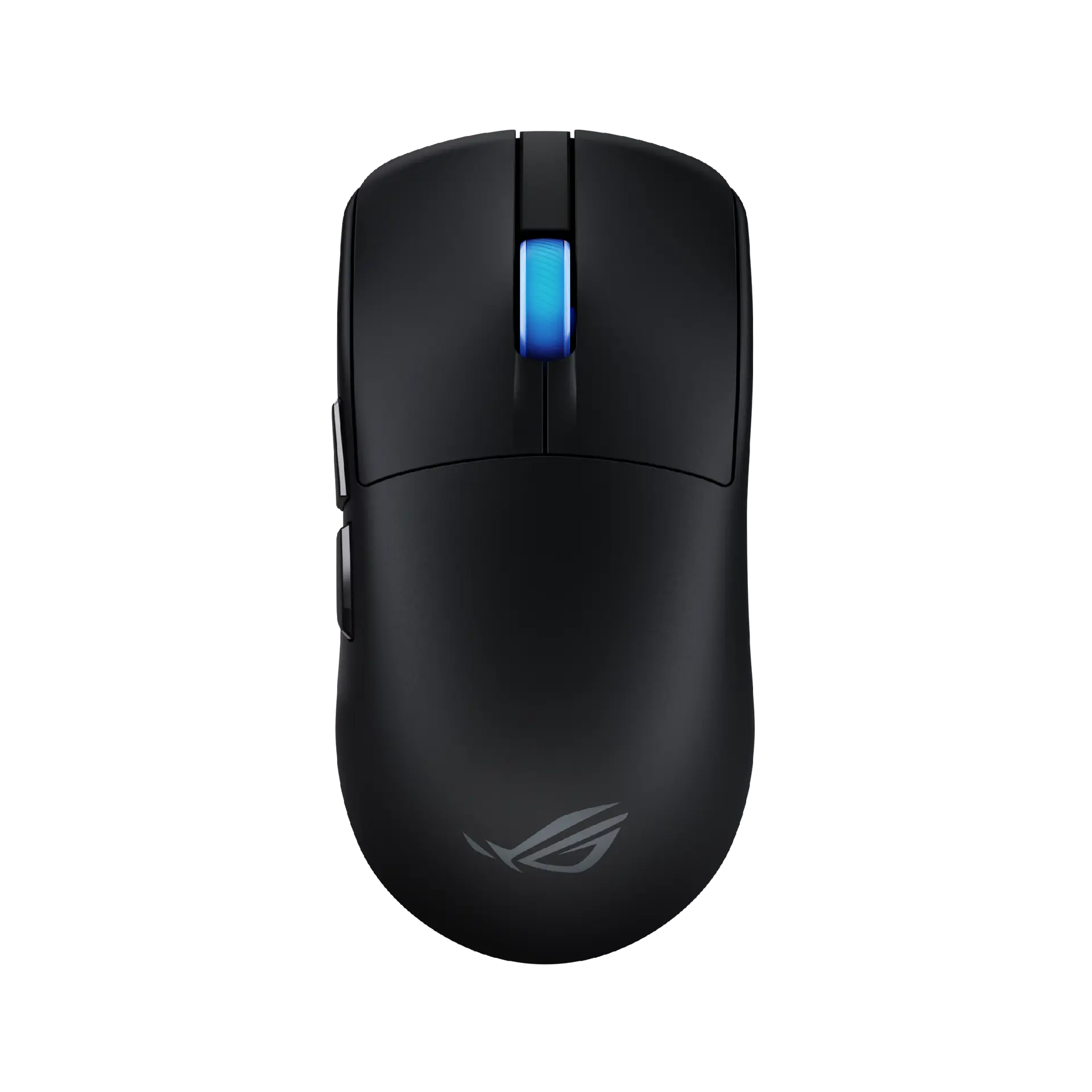
 ASUS ROG Harpe II AceBlack · P723 · UK manufacturer configuration
- Weight
- 48 gThis one: 54 g
- Maximum wireless report rate
- 8000 HzThis one: 4000 Hz

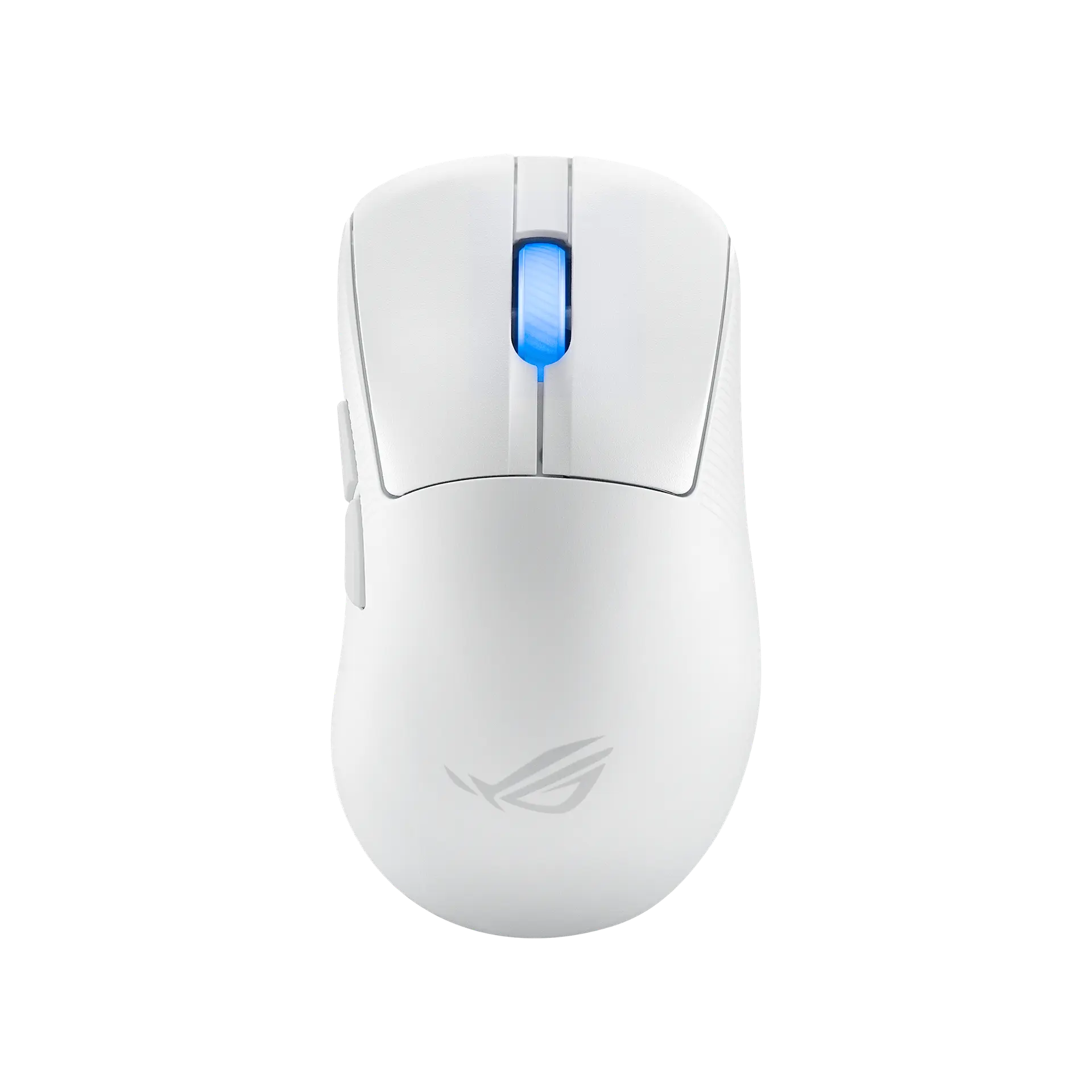
Moonlight White · UK configuration · ASUS part P714
The ROG Keris II Ace is ASUS's 54 g right-handed ergonomic wireless mouse with the 42,000 DPI ROG AimPoint Pro sensor, ROG Optical Micro Switches, tri-mode connectivity and an included ROG Polling Rate Booster for up to 4000 Hz wireless and 8000 Hz wired.
As an Amazon Associate I earn from qualifying purchases.
Email me when the ASUS ROG Keris II Ace gets cheaper on eBay. We check exact-model listings once a day at 12:00 UTC.
Specifications checked 27 Sept 2026Manufacturer specifications, not a hands-on test.
The nearest checked mice by key specifications, with what differs from the ASUS ROG Keris II Ace. The first matches the Compare button above.
ASUS ROG Harpe II AceBlack · P723 · UK manufacturer configuration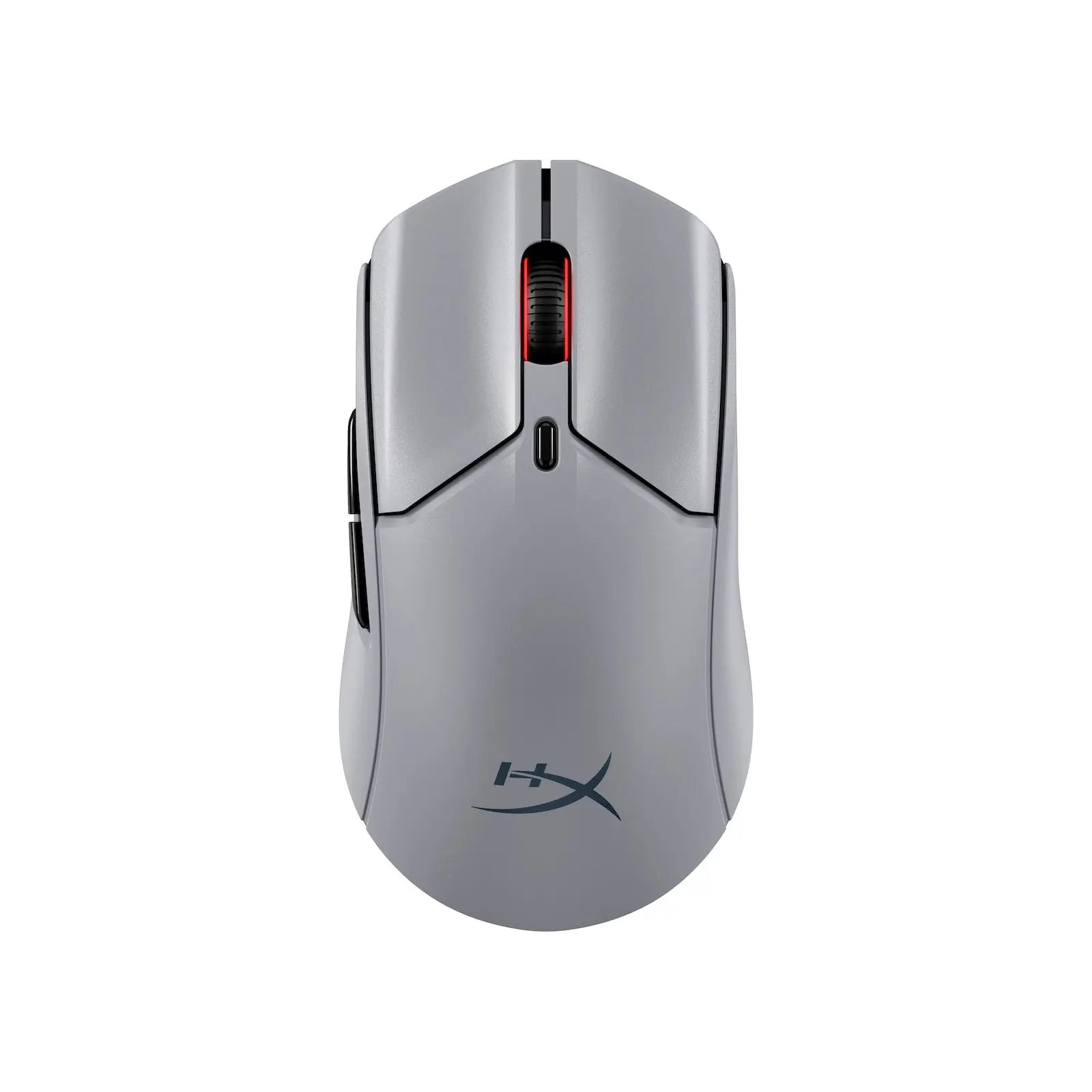 HyperX Pulsefire Haste 2 Pro 4K WirelessSlate Grey · A1KY5AA · global manufacturer configuration
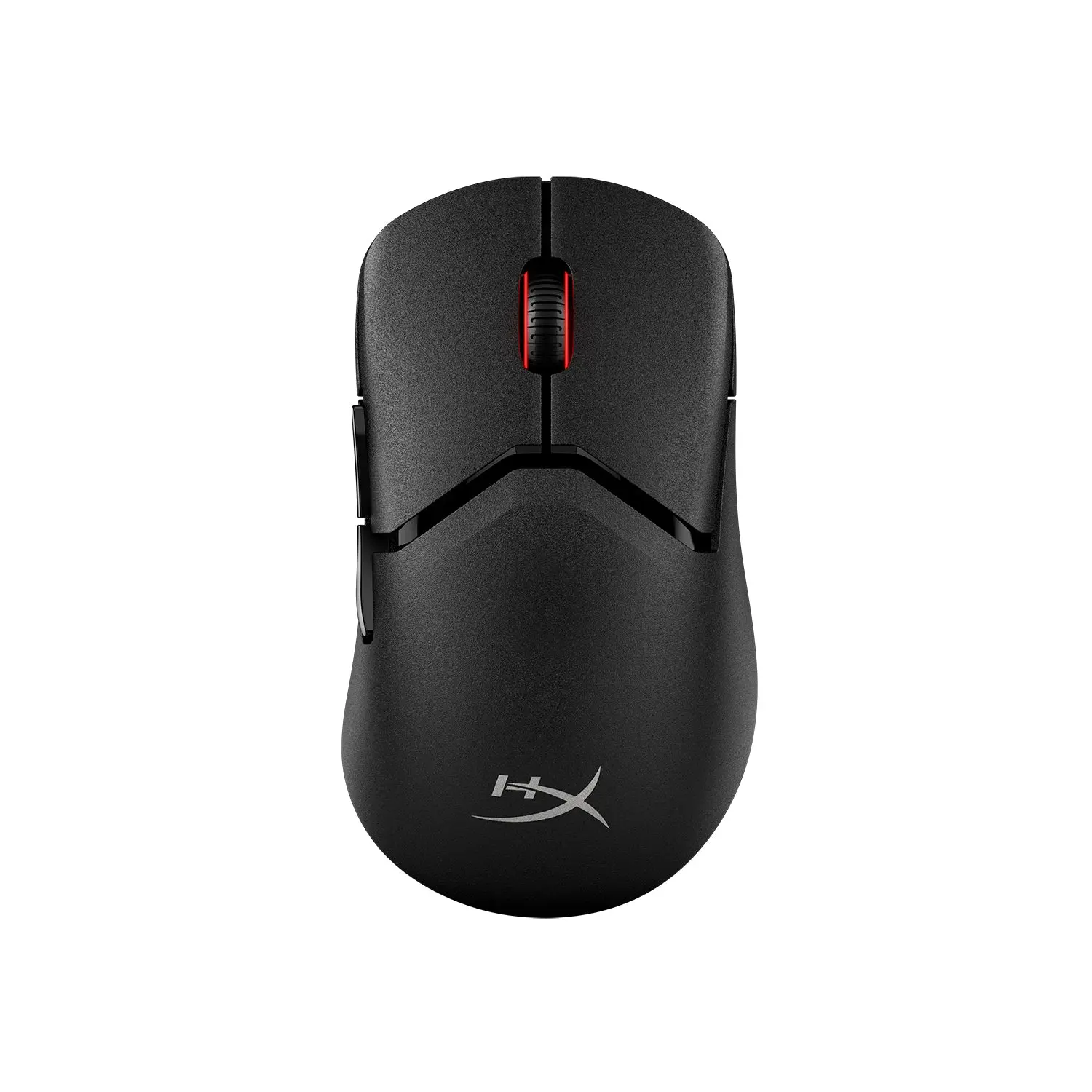 HyperX Pulsefire Saga Pro WirelessBlack · A2PB2AA · global manufacturer configuration
The Polling Rate Booster is in the box, so the 4000 Hz wireless and 8000 Hz wired rates need no extra purchase; wired USB, 2.4 GHz and Bluetooth 5.1 are all supported.
ASUS publishes a 100–42,000 DPI range with track-on-glass capability, 100-million-click optical switches, PTFE feet, a 2 m paracord and five onboard profiles, and DPI, polling rate and lift-off distance can be changed on the mouse.
Report rates above 2K Hz need the booster attached, and ASUS rates battery life at 107 hours in 2.4 GHz mode only with lighting off (67 hours with default lighting).
It is right-handed only, and onboard memory does not support macros or Windows shortcuts.
Exact configuration: Moonlight White · P714 · UK manufacturer configuration
37 specifications in 7 groups. Values are manufacturer specifications unless a row says “Measured result” or “Calculated from cited specifications”.
ASUS's sensor name; ASUS states < 1% deviation and track-on-glass capability. The supplier is not stated.
2.4 GHz RF, with the included ROG Polling Rate Booster; the quick start guide marks 2000, 4000 and 8000 Hz as needing the booster and not supported over Bluetooth.
ASUS gives the range as 100-42,000 DPI (100 DPI to 42000 DPI in the quick start guide).
DPI 1–4 default to 400 / 800 / 1600 (default) / 3200 DPI, switched with the DPI button and customisable in Armoury Crate or with DPI On-The-Scroll.
ASUS lists the USB report rate as 8000 Hz with the ROG Polling Rate Booster.
ASUS's maximum speed rating; test surface not stated.
ASUS's maximum acceleration rating; test surface not stated.
Source explicitly gives Pairing button+Forward button to cycle Low(red,default)/High(purple) lift-off distance. HardwareDPI/polling/reset controls remain separately represented in on_mouse_adjustments. This neutral sensor label does not transfer physical on-mouse adjustment scope to the peer.
ASUS lists 54 g as the weight without cable and without dongle.
Mouse body as listed by ASUS.
ASUS's listed width; ASUS does not state the measurement basis.
SourceASUS lists the shape as right-handed and describes an ergonomic shell with a ring-finger ledge on the right; the official views show the forward and back buttons on the left side. Not a grip or comfort test.
ASUS lists scroll-wheel lighting with Aura Sync, set in Armoury Crate, and says it works with Windows Dynamic Lighting. Published lighting implementation: Scroll wheel (Aura Sync). Source-specific tooling, location, modes and effects remain qualified; more detailed wording does not establish another RGB product lacks that implementation.
Up to 107 hours in 2.4 GHz RF mode with lighting off. Report rate, workload/motion, host/firmware and other test conditions are not stated. This manufacturer claim is not a measured everyday runtime or a matched test against a different mode or lighting condition.
Manufacturer lists 67 hours in 2.4 GHz RF mode with default lighting on. Report rate, workload/motion, host/firmware and other test conditions are not stated. This manufacturer claim is not a measured everyday runtime or a matched test against a different mode or lighting condition.
SourceManufacturer lists 134 hours in Bluetooth mode with lighting off. Report rate, workload/motion, host/firmware and other test conditions are not stated. This manufacturer claim is not a measured everyday runtime or a matched test against a different mode or lighting condition.
SourceManufacturer lists 89 hours in Bluetooth mode with default lighting on. Report rate, workload/motion, host/firmware and other test conditions are not stated. This manufacturer claim is not a measured everyday runtime or a matched test against a different mode or lighting condition.
SourceASUS lists tri-mode connectivity: wired USB, 2.4 GHz RF and Bluetooth. ASUS's overview also lists the ROG Omni Receiver (multi-device connectivity via one single dongle), and the quick start guide describes pairing Bluetooth mode to additional host devices (max. 3).
Source-derived power-category interpretation of ASUS’s explicitly named Lithium-ion battery chemistry; this is not a verbatim manufacturer charging-capability statement. Exact chemistry is listed separately. Charge time, capacity, user replaceability and charging protocol/power remain unverified; USB connector shape or wired data operation does not establish them. Original combined source-backed description retained: Lithium-ion; 2.4 GHz RF: up to 107 hours (lighting off) or 67 hours (default lighting); Bluetooth: 134 hours (lighting off) or 89 hours (default lighting). Original condition retained: ASUS's ratings; report rate and other test conditions are not stated.
Included ROG Paracord (USB Type-C to Type-A).
Exact manufacturer Battery Type wording: Lithium-ion battery. Chemistry alone does not establish capacity, charging time, replaceability, charging protocol or runtime under another mode.
Battery capacity is not established by the complete retained exact UK/US technical inventories or P714 guide. The positive Lithium-ion chemistry and all stated runtimes remain independently recorded. · No capacity is calculated from runtime, weight or connector shape.
A complete charging-time measurement/claim is not established by the retained exact sources. The guide’s USB-C-to-A wired-operation instruction is not a charging-time or charging-protocol declaration. · No charging rate, wattage, protocol or time is inferred from the USB connector or Li-ion chemistry.
The retained exact sources do not establish user replaceability. The guide’s generic danger-of-incorrect-replacement warning does not authorise or describe a user replacement procedure. · Neither user-replaceable nor non-replaceable is inferred from chemistry, warning text or wired operation.
ASUS's quick start guide describes switching between 5 onboard profiles; ASUS notes onboard memory does not support macros and Windows shortcuts.
Profiles 1–5 cycled with a hotkey, each with its own lighting effect, per the quick start guide.
SourceASUS's listed OS support.
Manufacturer box contents. ASUS says the grip tape, mouse feet and Polling Rate Booster are consumables not covered by warranty. Check the seller's listing.
Button combinations on the mouse, without software, per ASUS. Full original controls are retained; QSG specifies sensorLOD low/high, fourDPIsettings/DPIOn-The-Scroll, polling-rate adjustment and hardware reset with its stated button combinations.
More of the nearest checked mice by key specifications, for a side-by-side comparison.
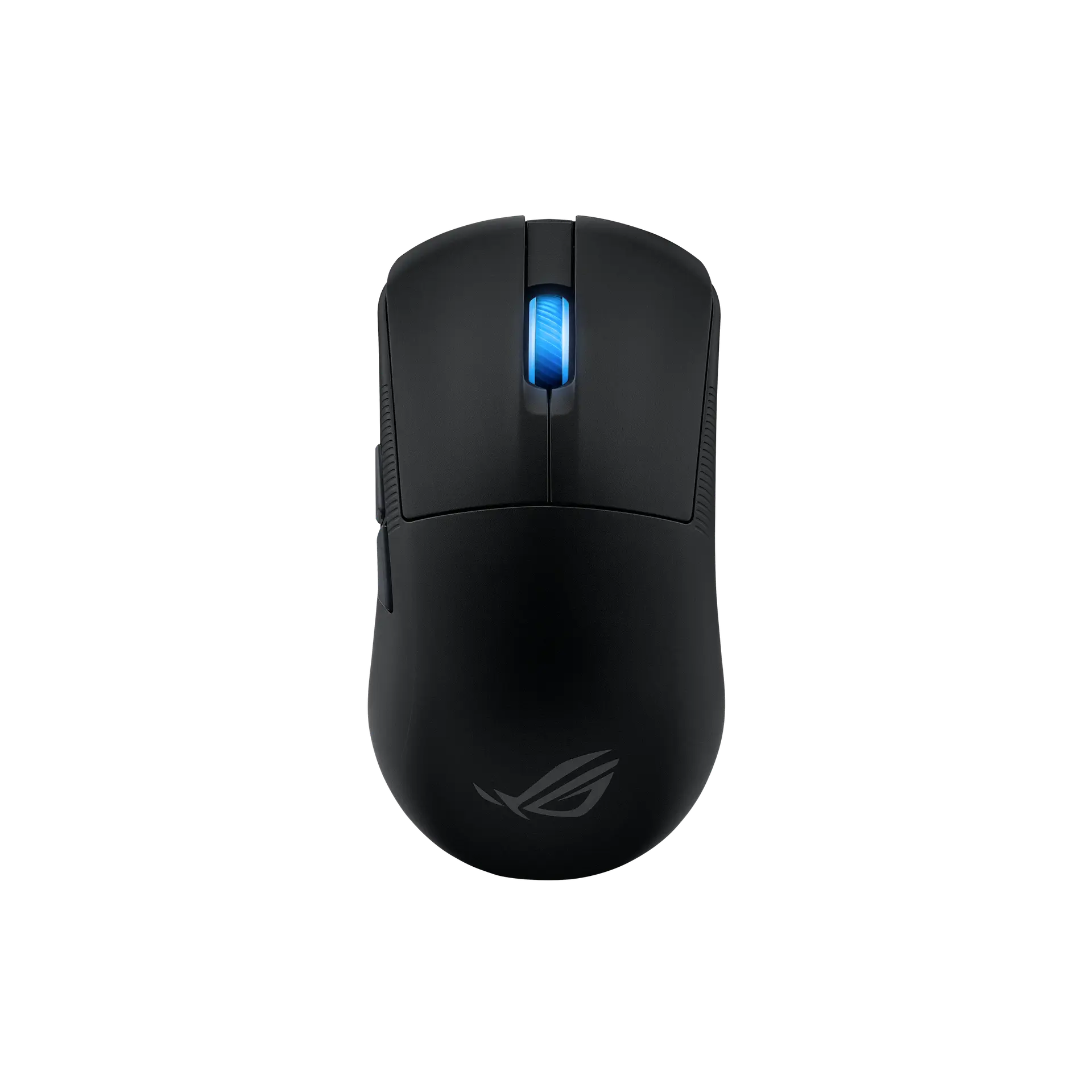 ASUS ROG Harpe Ace MiniBlack · 90MP03Z0-BMUA00 · UK manufacturer configurationCompare the two
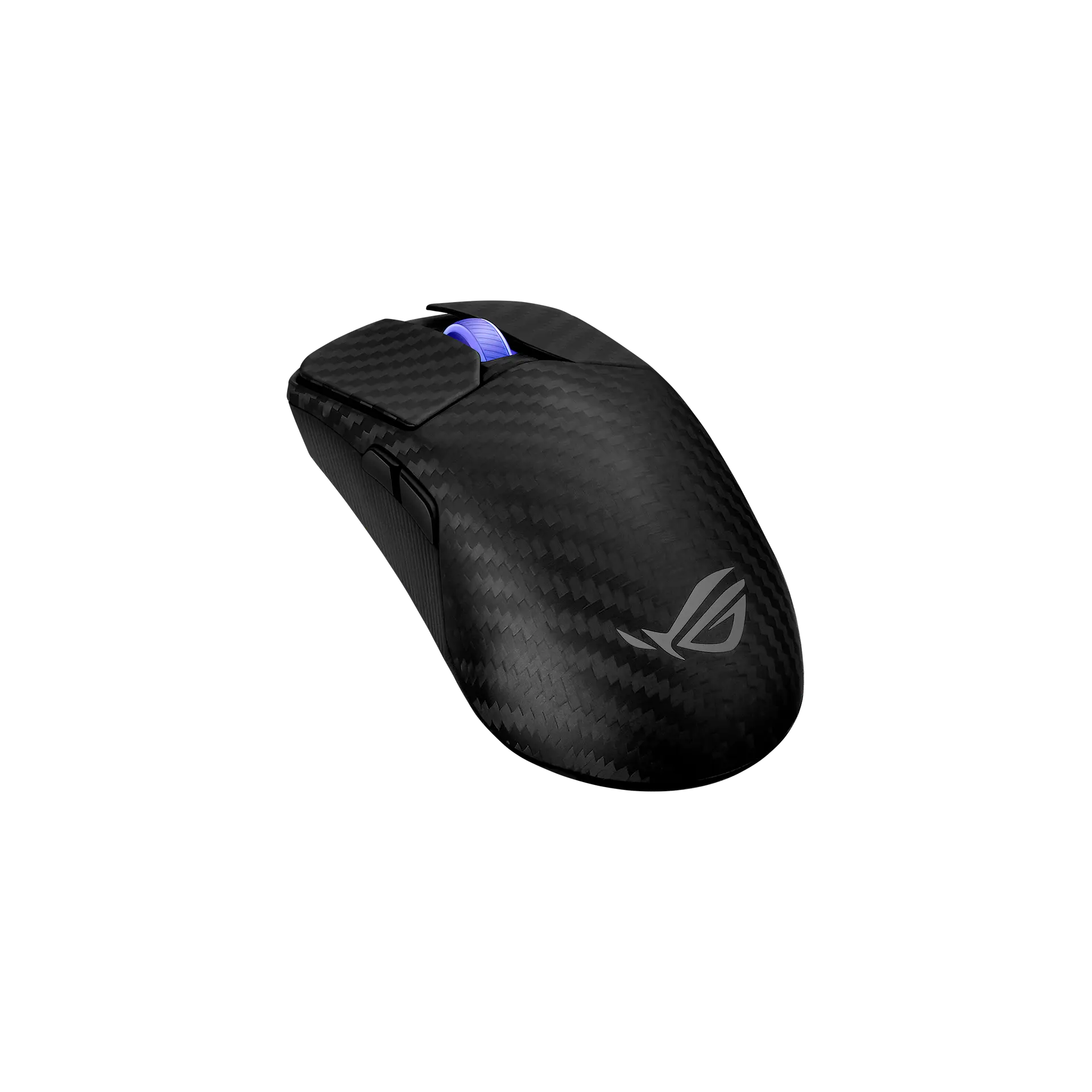 ASUS ROG Harpe Ace ExtremeBlack · 90MP03U0-BMUA00 · UK manufacturer configurationCompare the two
 Razer Viper V3 ProBlack · RZ01-05120100-R3G1 · UK manufacturer configurationCompare the two
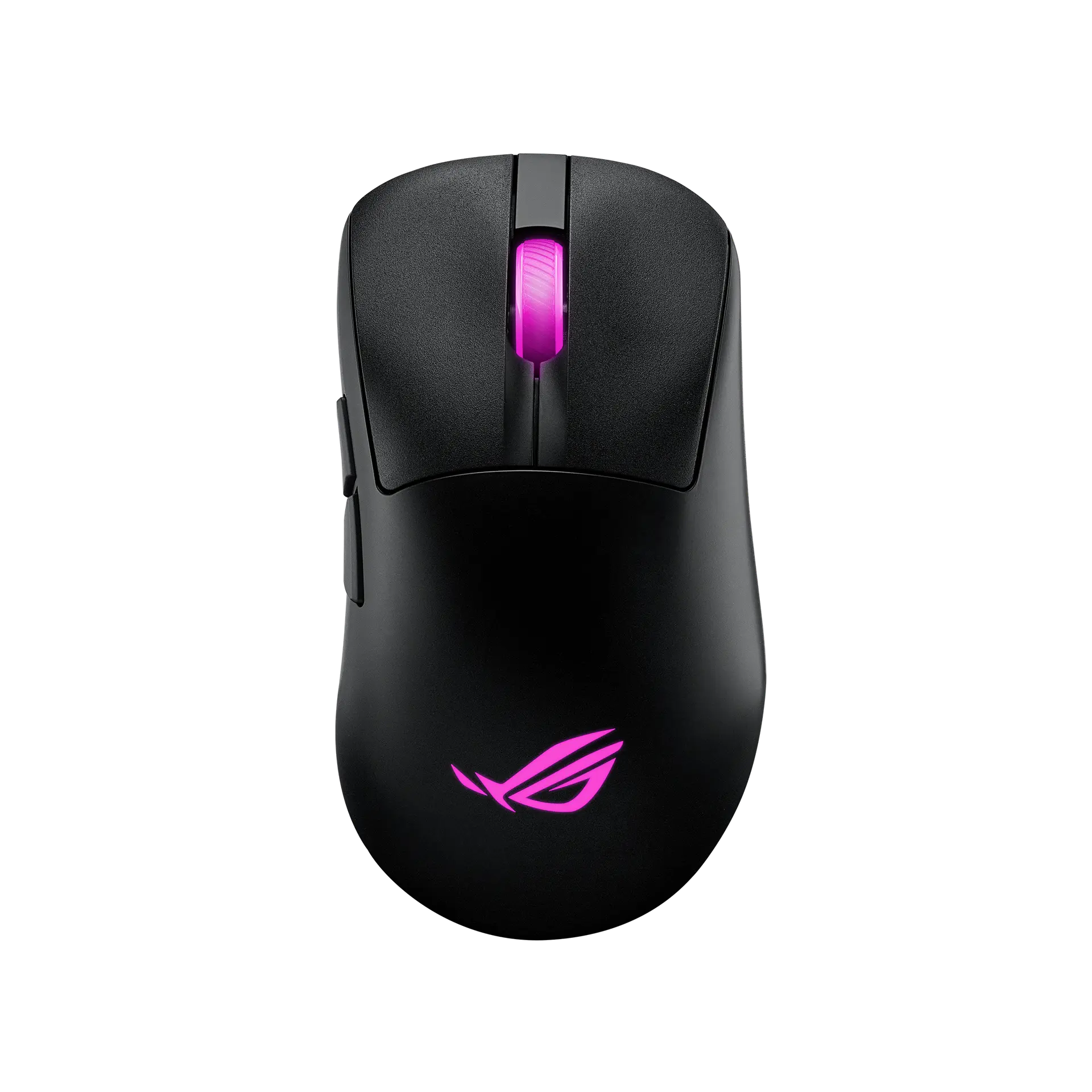 ASUS ROG Keris II OriginBlack · P722 · UK manufacturer configurationCompare the two
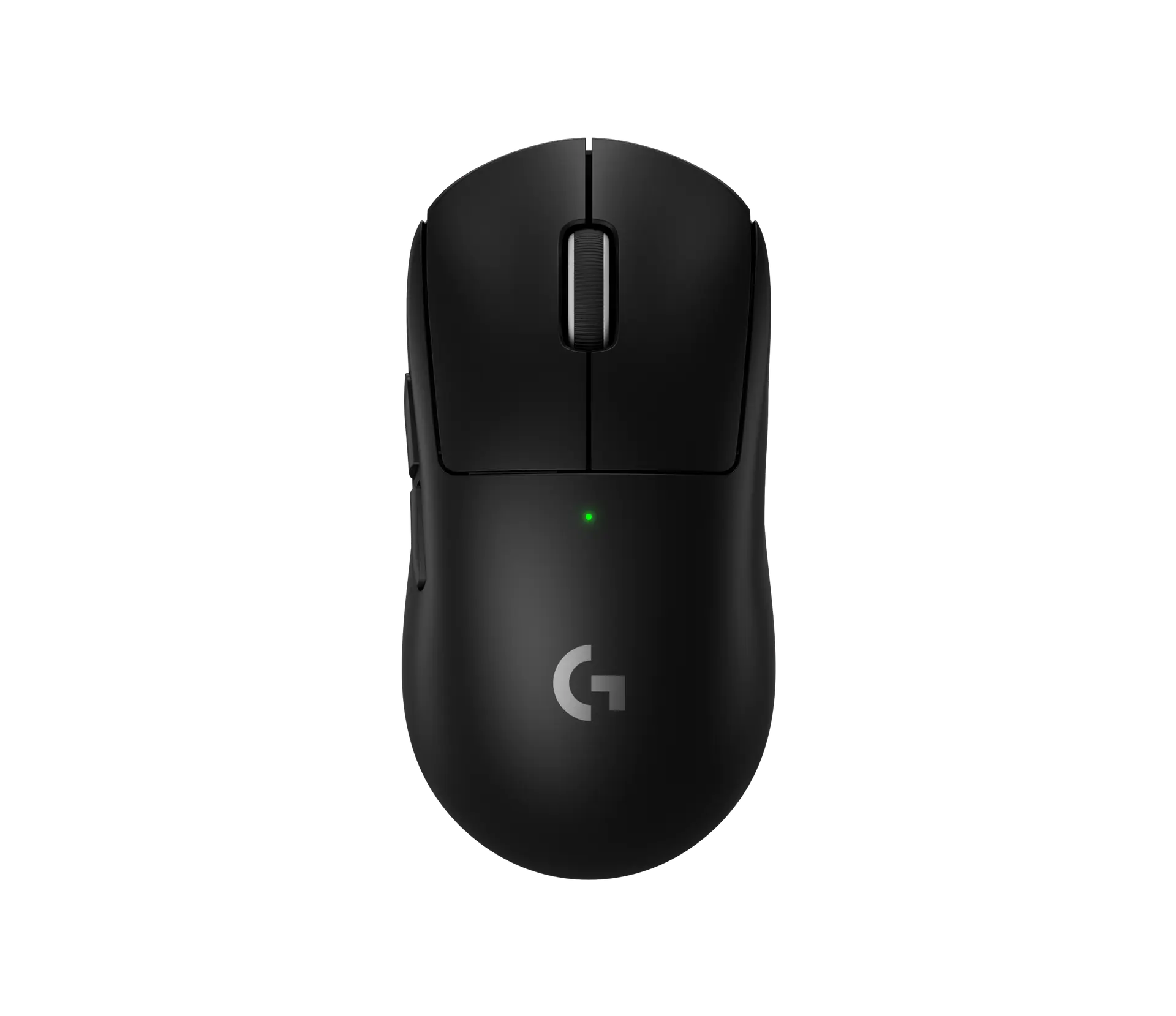 Logitech PRO X SUPERLIGHT 2Black · 910-006631 · UK manufacturer configurationCompare the two
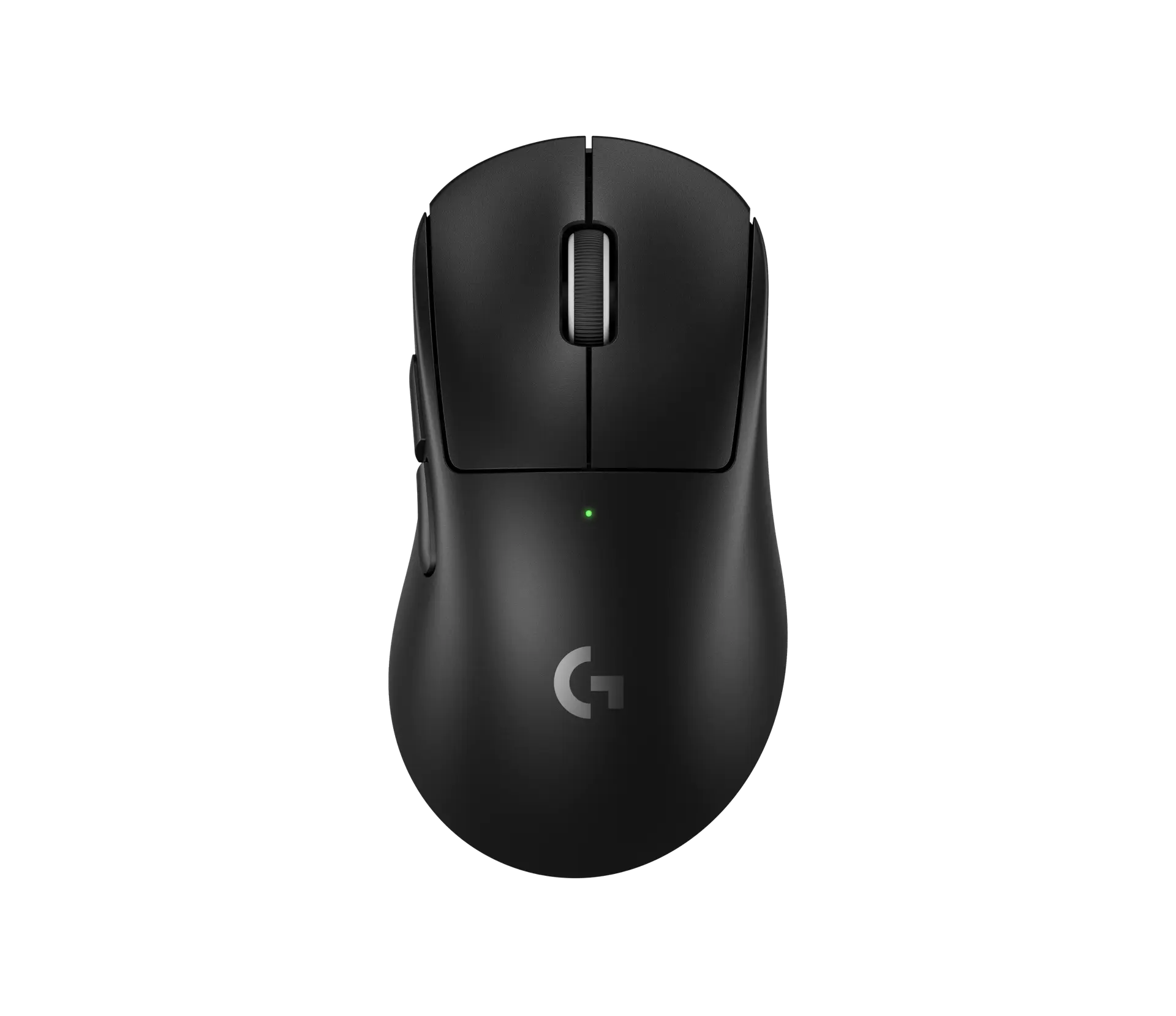 Logitech PRO X SUPERLIGHT 2 DEXBlack · 910-007358 · UK manufacturer configurationCompare the two
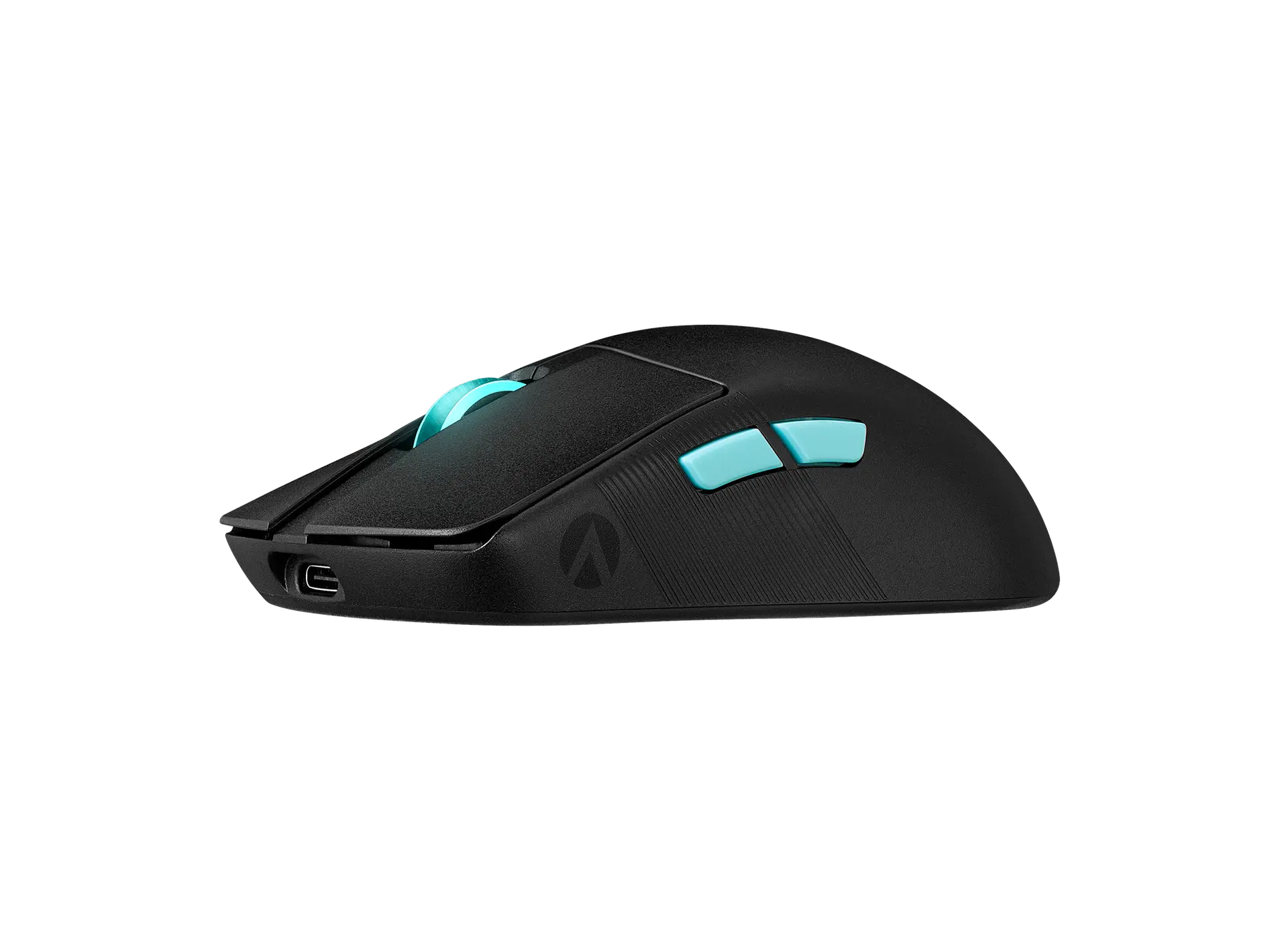 ASUS ROG Harpe Ace Aim Lab EditionBlack · 90MP02W0-BMAA02 · US manufacturer configurationCompare the two
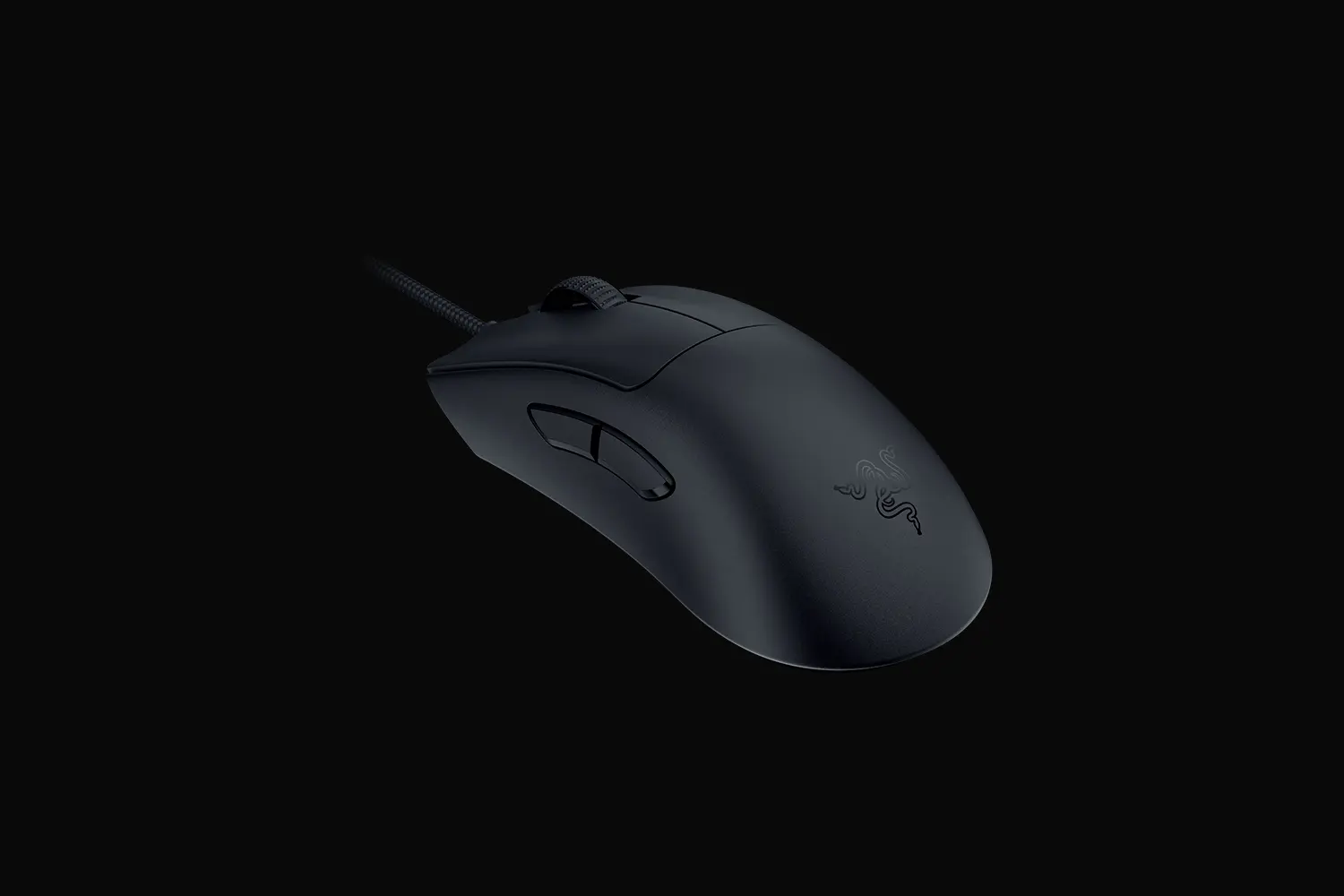 Razer DeathAdder V3Black · RZ01-04640100-R3M1 · UK manufacturer configurationCompare the two