


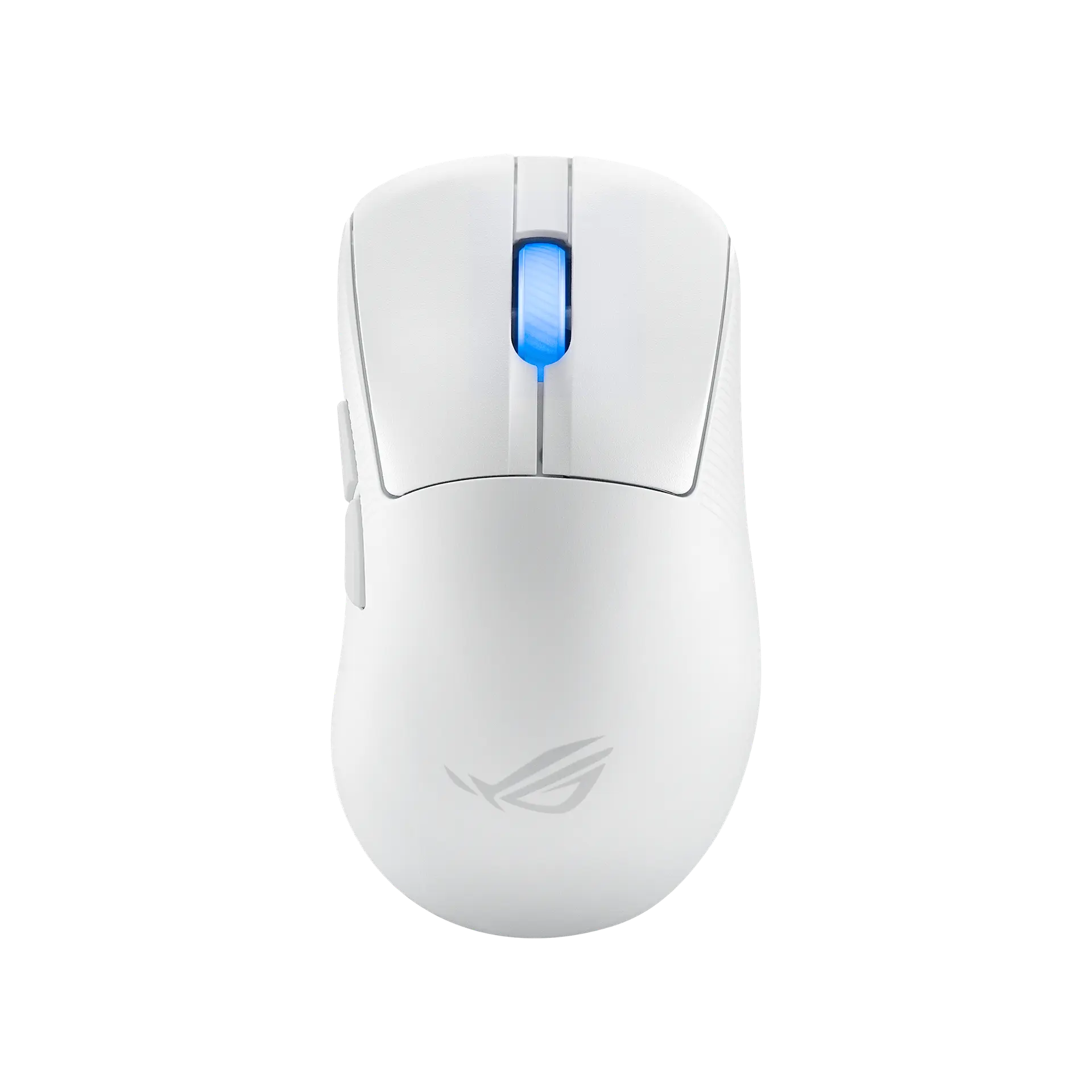
 ASUS ROG Keris II AceMoonlight White · P714 · UK manufacturer configuration
- Weight
- 54 gThis one: 48 g
- Maximum wireless report rate
- 4000 HzThis one: 8000 Hz

Black · UK configuration · ASUS part P723
The ROG Harpe II Ace is ASUS's 48 g right-handed symmetrical wireless mouse with the 42,000 DPI ROG AimPoint Pro sensor, ROG Optical Micro Switches and SpeedNova 8K wireless, which reaches 8000 Hz without a separate polling-rate booster.
As an Amazon Associate I earn from qualifying purchases.
Email me when the ASUS ROG Harpe II Ace gets cheaper on eBay. We check exact-model listings once a day at 12:00 UTC.
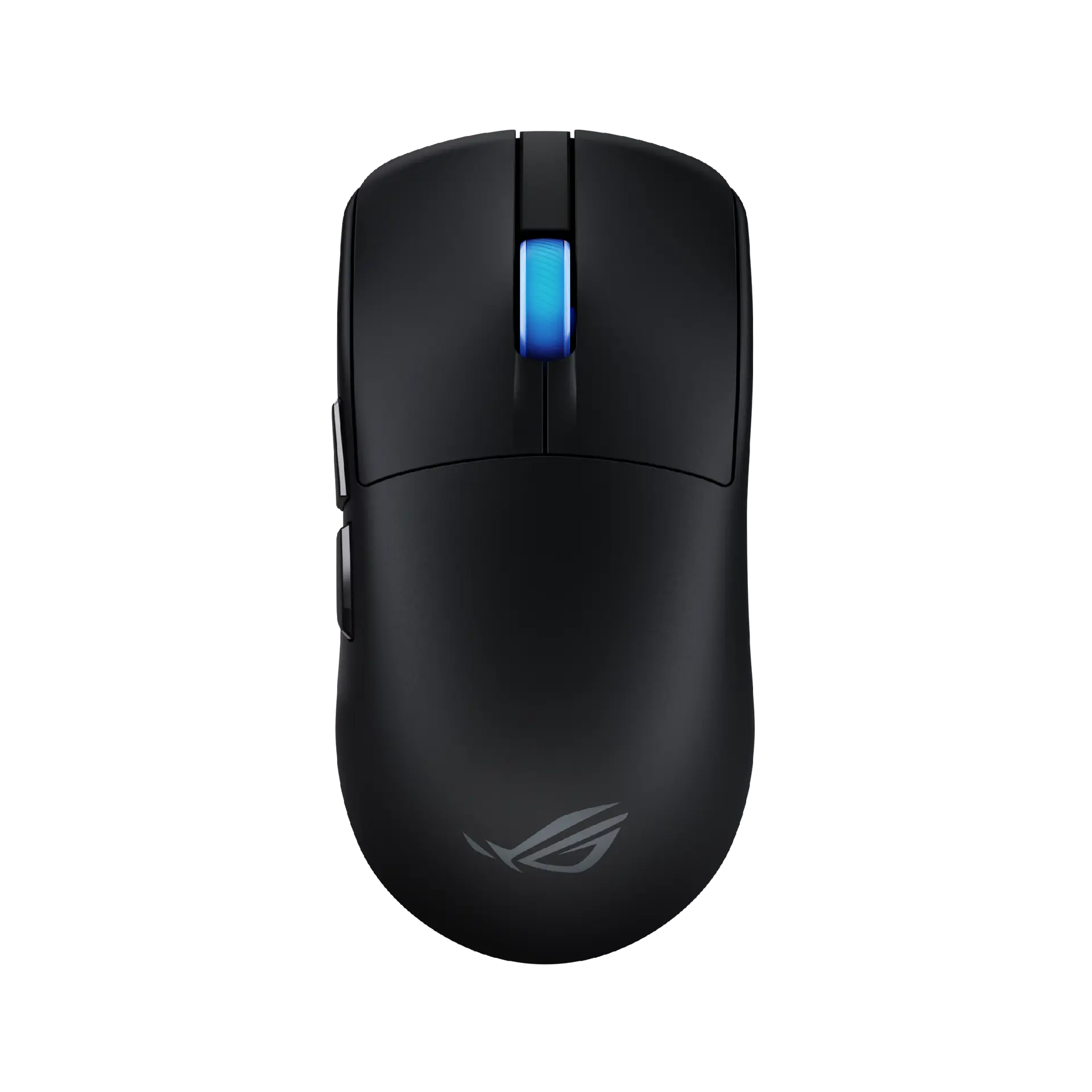
Specifications checked 27 Sept 2026Manufacturer specifications, not a hands-on test.
The nearest checked mice by key specifications, with what differs from the ASUS ROG Harpe II Ace. The first matches the Compare button above.
ASUS ROG Keris II AceMoonlight White · P714 · UK manufacturer configuration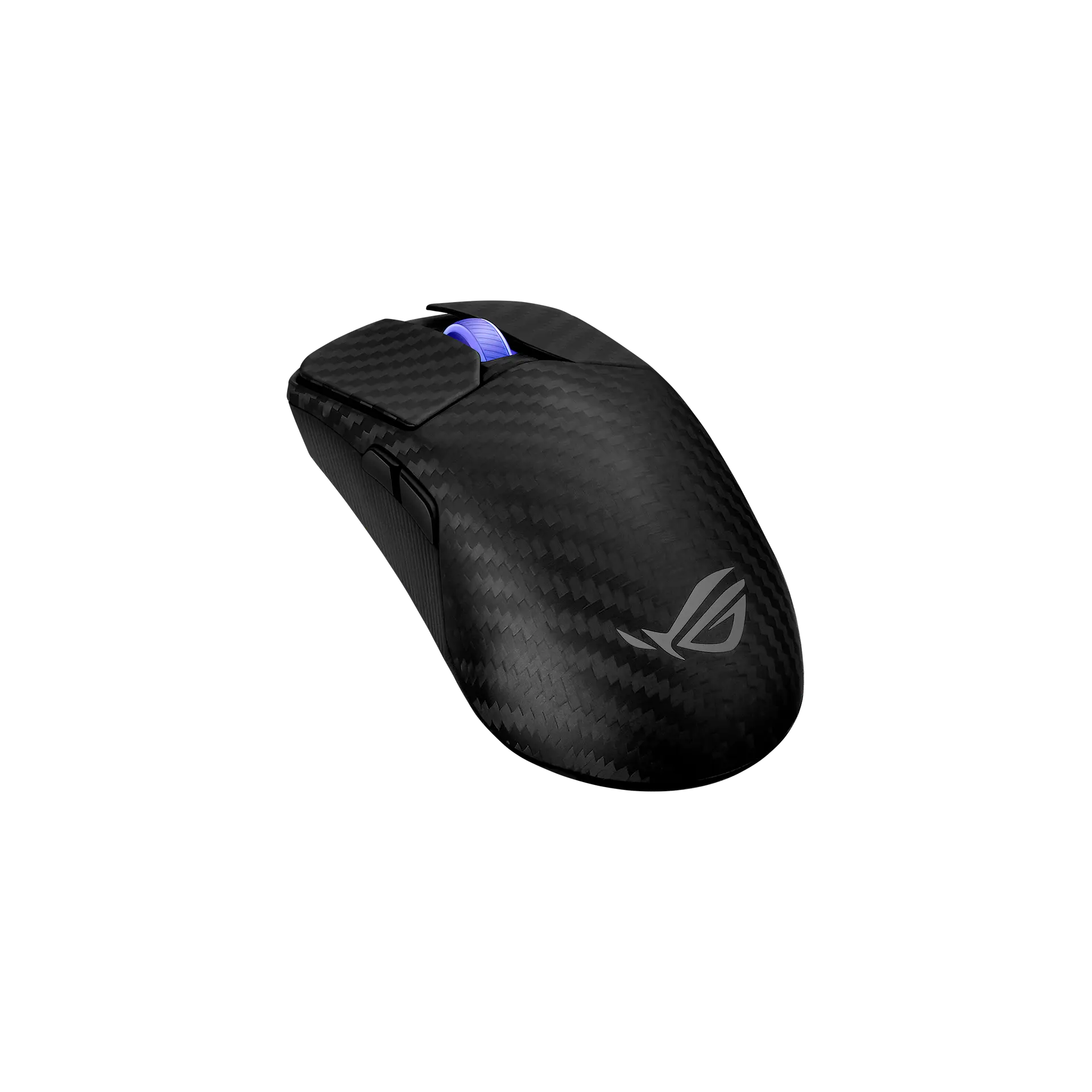 ASUS ROG Harpe Ace ExtremeBlack · 90MP03U0-BMUA00 · UK manufacturer configuration
 Razer Viper V3 ProBlack · RZ01-05120100-R3G1 · UK manufacturer configuration
ASUS lists 8000 Hz both wireless and wired with no booster needed, five onboard memory profiles, and an on-mouse Zone mode that switches to 8K polling with lighting off.
At 48 g it uses a bio-based nylon shell that ASUS says cuts the mouse's weight by up to 11% compared with the Harpe Ace Aim Lab Edition, with 100-million-click optical switches and large PTFE feet.
Settings are made only through the Gear Link web tool in 2.4 GHz or wired mode, the switches are not hot-swappable, and onboard memory does not store macros or Windows shortcuts.
ASUS's overview claims ROG Omni Receiver multi-device support but its FAQ says the Harpe II Ace does not support Omni one-to-two pairing; ASUS's web pages also give no button count.
Exact configuration: Black · P723 · UK manufacturer configuration
30 specifications in 7 groups. Values are manufacturer specifications unless a row says “Measured result” or “Calculated from cited specifications”.
ASUS's sensor name, with track-on-glass technology. The supplier is not stated.
2.4 GHz RF with ROG SpeedNova 8K and the bundled wireless dongle; ASUS says the polling-rate booster is not supported for this product and not needed. Selectable 125 / 250 / 500 / 1000 (default) / 2000 / 4000 / 8000 Hz; the quick start guide marks 500 Hz and above as not supported over Bluetooth.
ASUS's quick start guide gives the resolution as 100 DPI to 42000 DPI.
SourceThe DPI button switches between four settings: 400 / 800 / 1600 (default) / 3200 DPI.
SourceASUS's listed USB report rate.
ASUS's maximum speed rating; test surface not stated.
ASUS's maximum acceleration rating; test surface not stated.
Key combinations on the mouse, per ASUS's quick start guide: lift-off distance with the Pairing and Forward buttons (Low by default), polling rate with the Pairing and Backward buttons, and a hardware reset; ASUS's FAQ says the DPI button switches between four DPI settings. DPI On-The-Scroll is unconfirmed: the guide's specification footnote says "You may customize the DPI settings for DPI 1-4 through Armoury Crate or the DPI On-The-Scroll tuning function.", but the guide gives no DPI On-The-Scroll procedure for this model and ASUS's FAQ says Harpe II Ace device settings are only available via Gear Link.
ASUS lists 48 g as the weight without cable and without dongle ("~48g" in the second table block).
Mouse body as listed by ASUS.
ASUS's listed width; ASUS does not state the measurement basis.
SourceASUS's specification table lists the shape as right-handed symmetrical and the overview describes a right-handed symmetrical shape (its introduction also says semi-symmetrical), recommended for claw and fingertip grips; the official views show the forward and backward buttons on the left side only. Not a grip or comfort test.
ASUS's FAQ says Aura Sync cross-product features remain available in Armoury Crate.
ASUS says the bio-based shell reduces weight by up to 11% compared with the Harpe Ace Aim Lab Edition and is 30% more durable than the previous generation; it has a matte anti-slip coating.
SourceASUS's overview describes large 100% PTFE mouse feet, and both spec pages list the bundled set as 100% PTFE (2 semi-circle, 1 for sensor). ASUS's P723 quick start guide instead refers to "the bundled glass mouse feet" and does not recommend using them with a glass mouse pad, so ASUS's sources disagree on the bundled set's material.
ASUS lists tri-mode connectivity. ASUS's FAQ says device settings are available only in 2.4 GHz wireless or wired mode. ASUS's quick start guide describes pairing Bluetooth mode to additional host devices (max. 3).
ASUS's product overview and its support FAQ disagree on Omni Receiver multi-device support. · The UK overview says tri-mode connectivity "plus an ROG Omni Receiver supporting multiple-device wireless connection with a single receiver"; ASUS's US FAQ says the Harpe II Ace does not support the Omni one-to-two pairing feature and cannot pair with other devices' dongles.
ASUS's rating; ASUS notes increased power consumption in Zone mode.
Included ROG Paracord (USB Type-C to Type-A).
ASUS's FAQ describes cycling through 5 memory profiles; ASUS notes onboard memory does not support macros and Windows shortcuts.
Cycled with the DPI button and scroll wheel pressed together, per ASUS's FAQ.
ASUS's FAQ says device settings are available only via Gear Link, in 2.4 GHz wireless or wired mode; Armoury Crate is used only for cross-product features such as Aura Sync.
ASUS's listed OS support.
Manufacturer box contents, as listed on the spec pages. ASUS says grip tape and mouse feet are consumables not covered by warranty. ASUS's quick start guide refers to the bundled mouse feet as glass, while the spec pages list a 100% PTFE set, so the bundled feet material is disputed between ASUS sources. Check the seller's listing.
Toggled on the mouse by holding the DPI, Forward and Backward buttons, which ASUS's quick start guide documents in RF 2.4G wireless mode; ASUS notes increased power consumption while Zone mode is on.
More of the nearest checked mice by key specifications, for a side-by-side comparison.
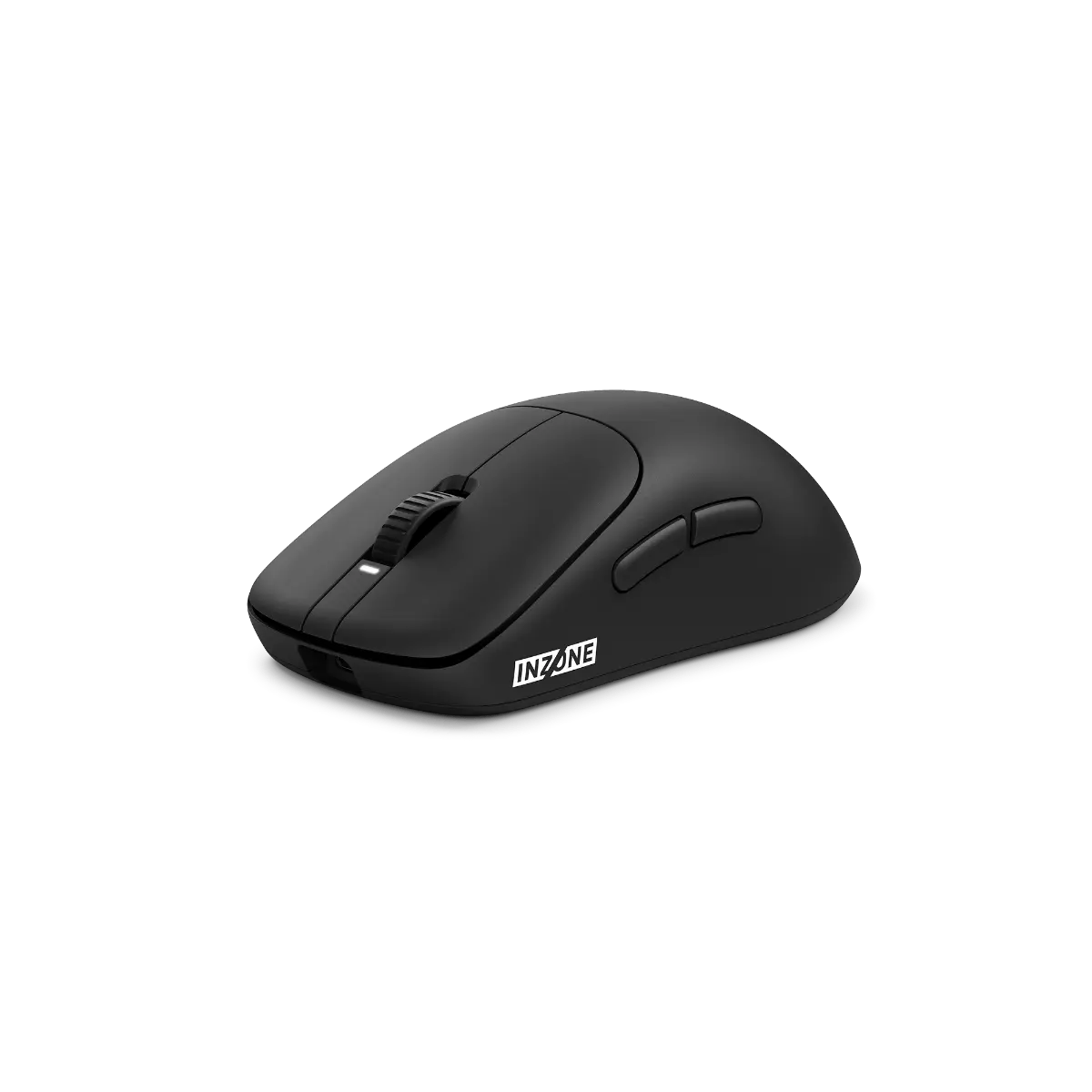 Sony INZONE Mouse-ABlack · MSEG500B.CE7 · UK catalogueCompare the two
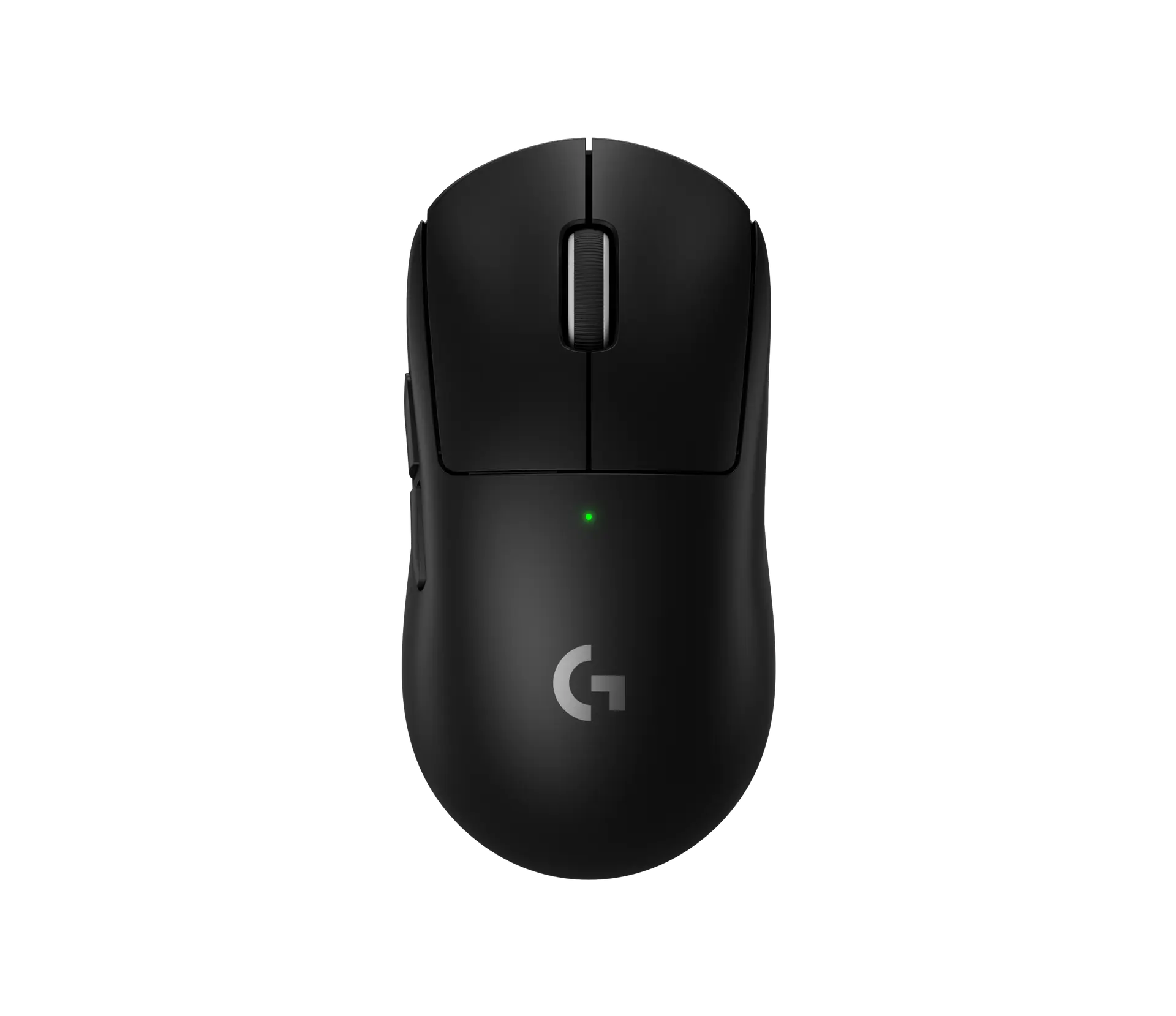 Logitech PRO X SUPERLIGHT 2Black · 910-006631 · UK manufacturer configurationCompare the two
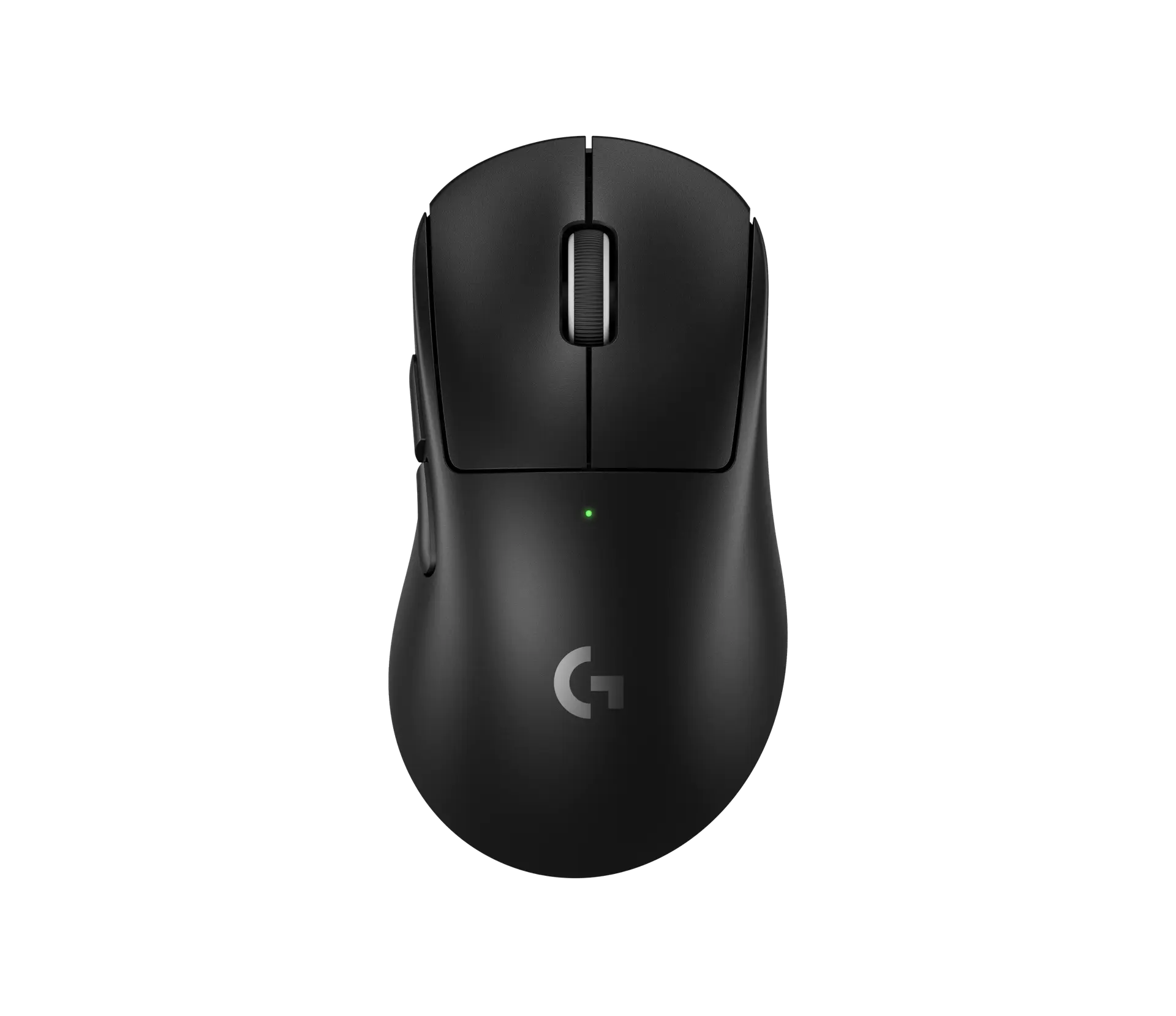 Logitech PRO X SUPERLIGHT 2 DEXBlack · 910-007358 · UK manufacturer configurationCompare the two
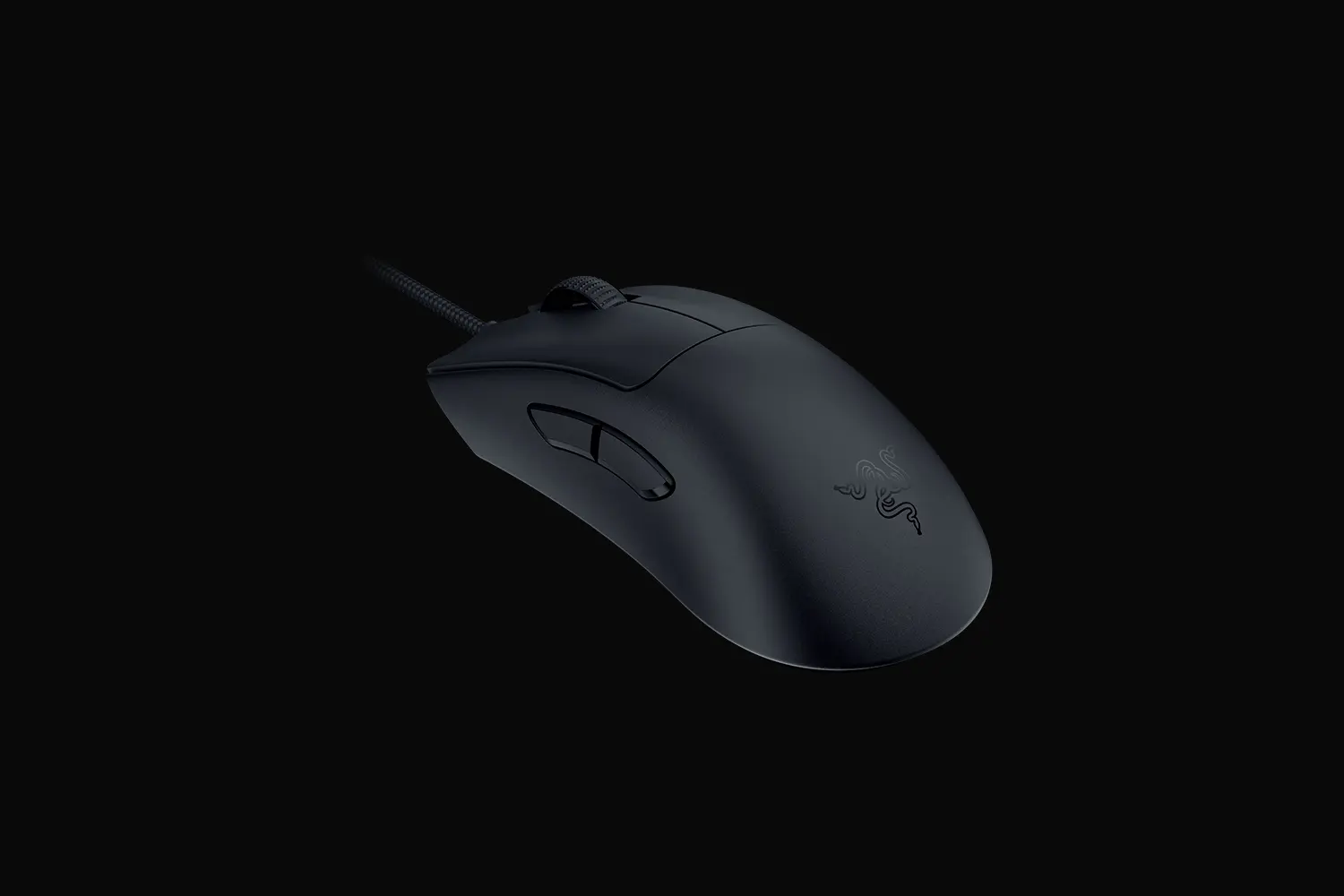 Razer DeathAdder V3Black · RZ01-04640100-R3M1 · UK manufacturer configurationCompare the two
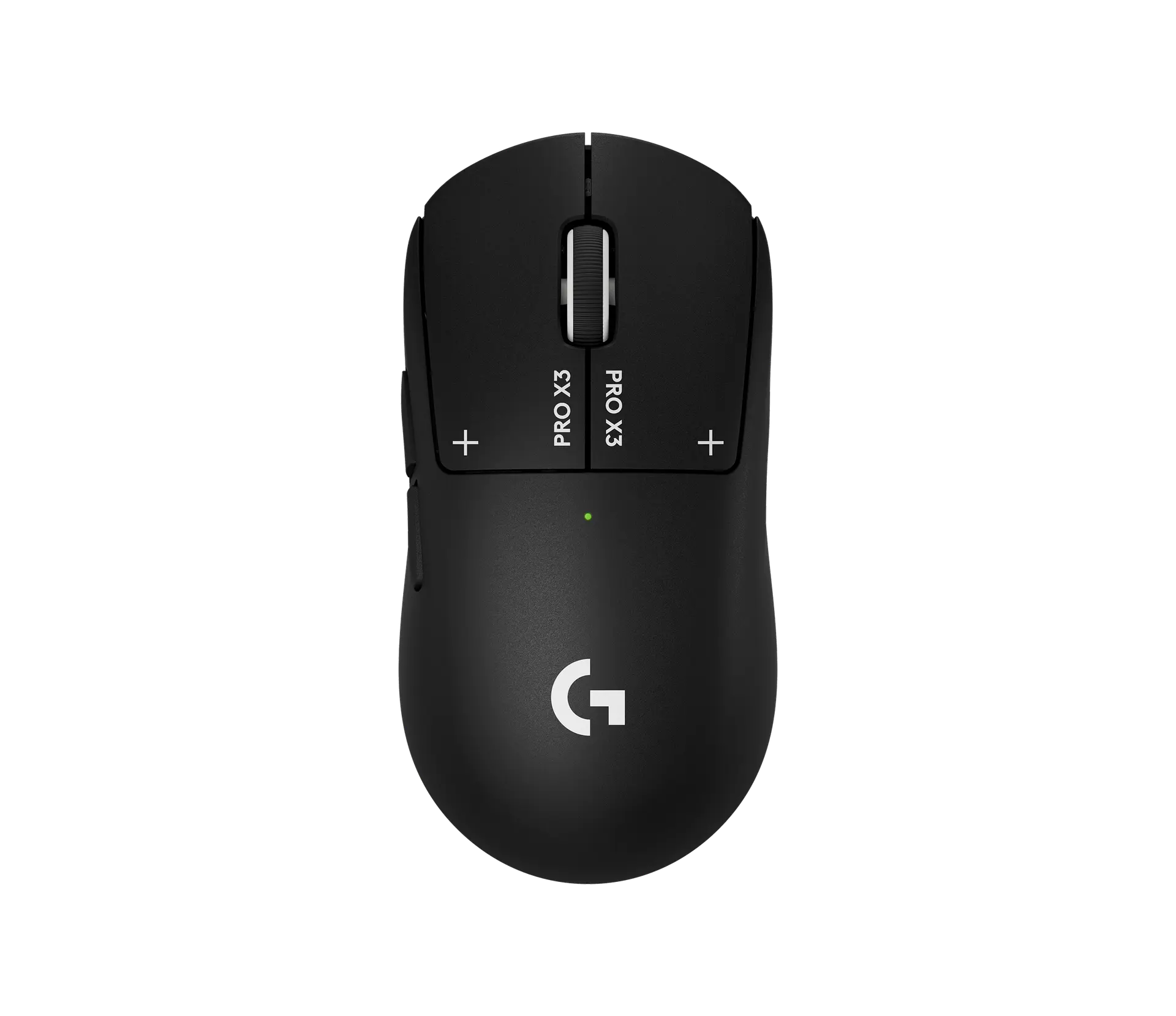 Logitech PRO X3 SUPERSTRIKEMidnight Black · 910-007879 · UK manufacturer configurationCompare the two
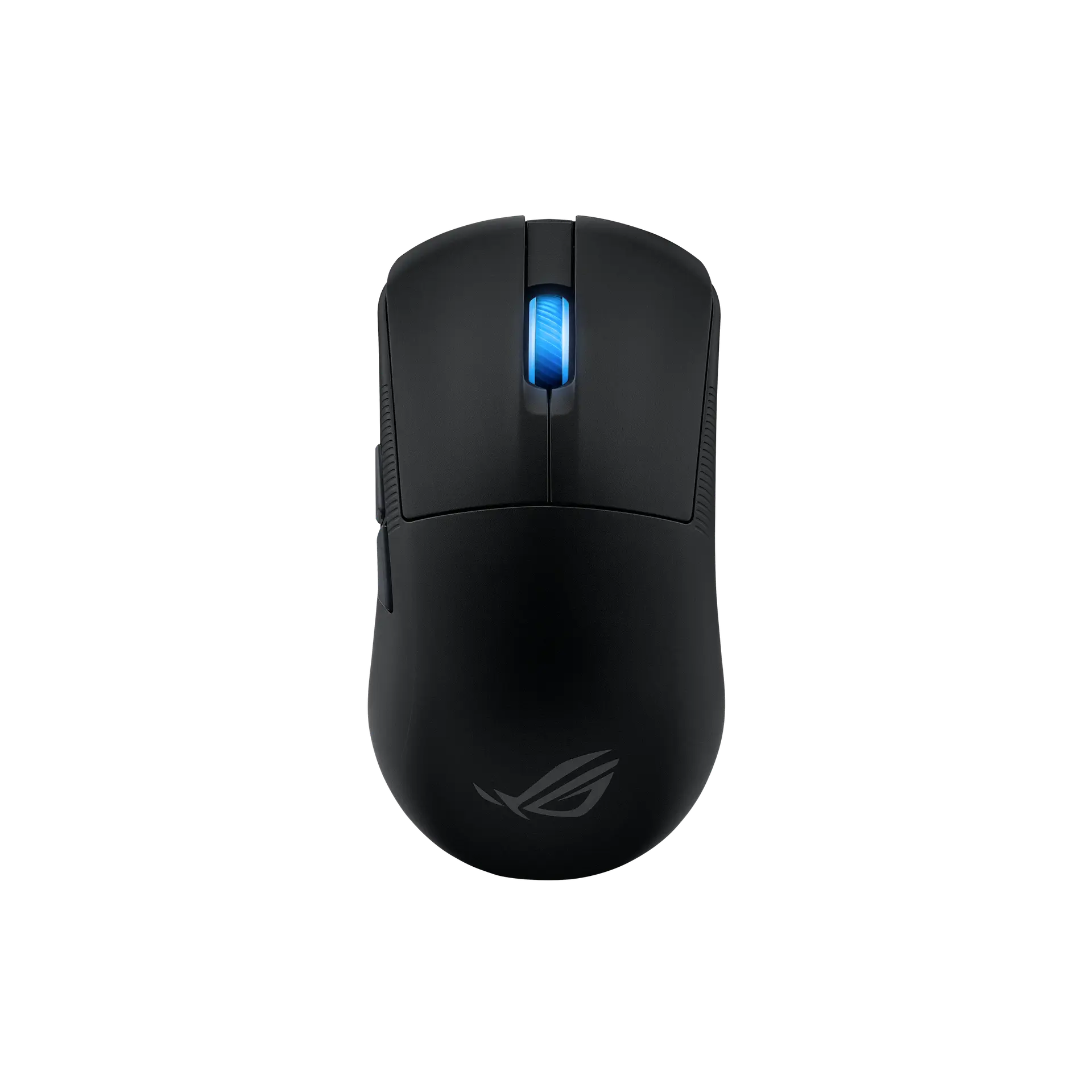 ASUS ROG Harpe Ace MiniBlack · 90MP03Z0-BMUA00 · UK manufacturer configurationCompare the two
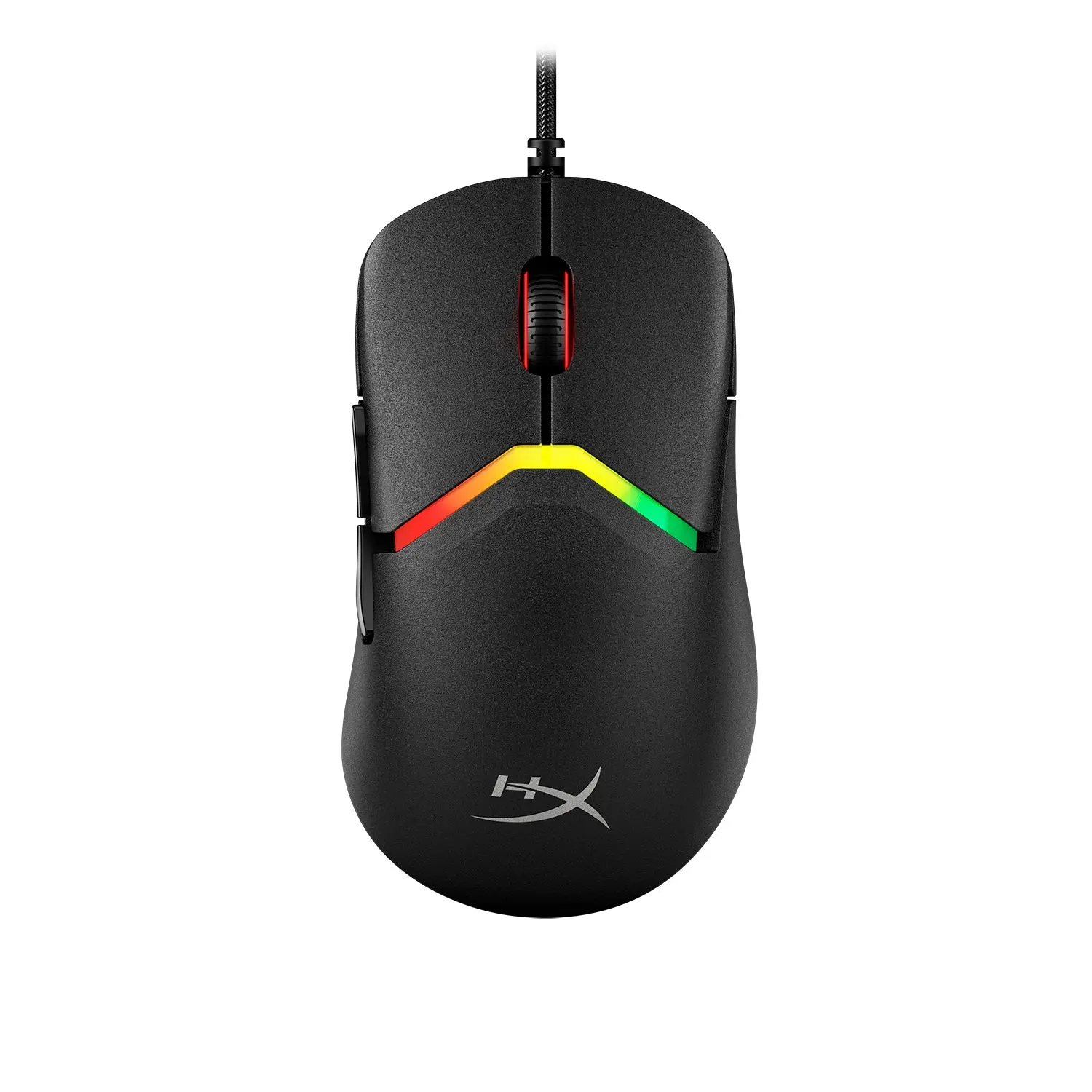 HyperX Pulsefire SagaBlack · A2PB3AA · global manufacturer configurationCompare the two
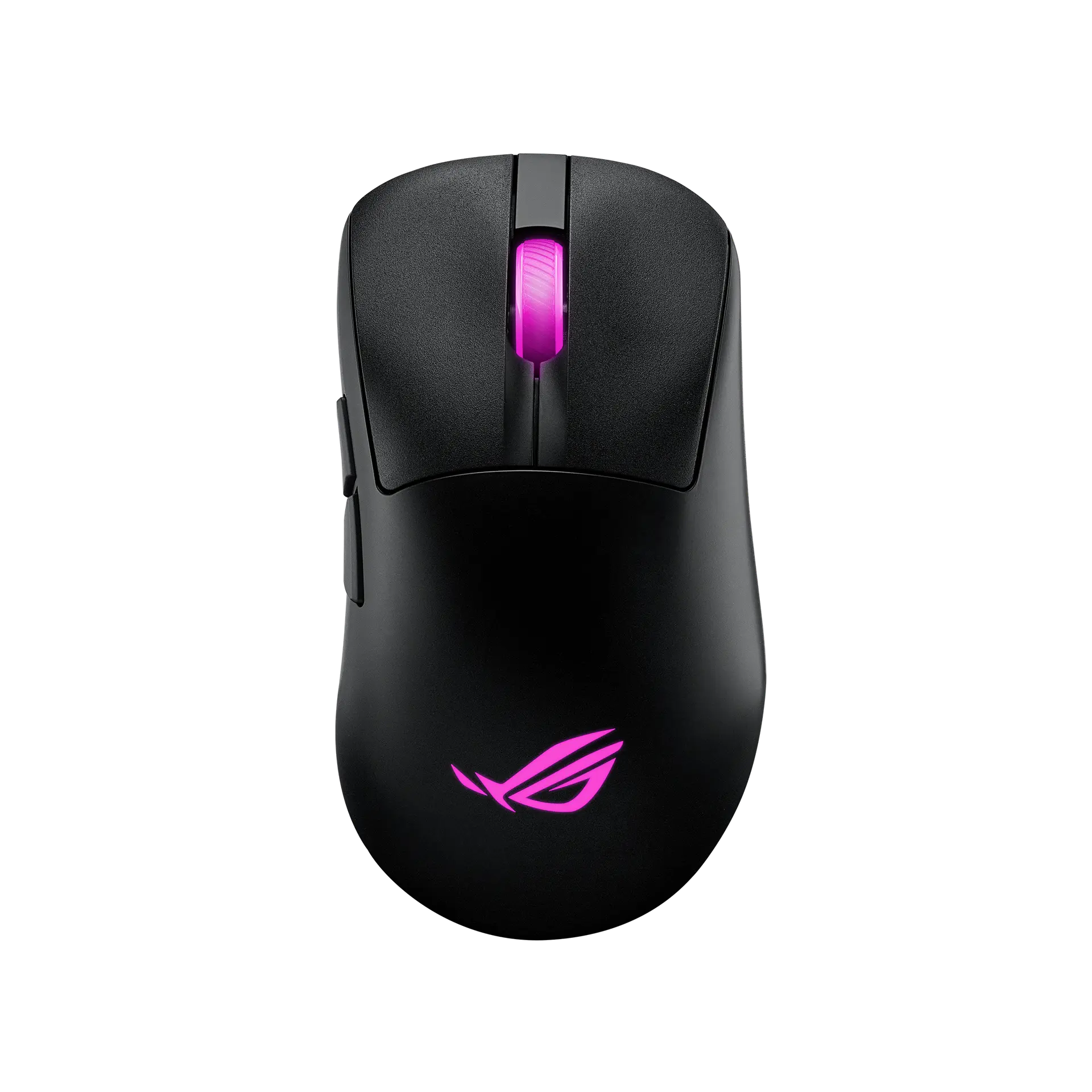 ASUS ROG Keris II OriginBlack · P722 · UK manufacturer configurationCompare the two