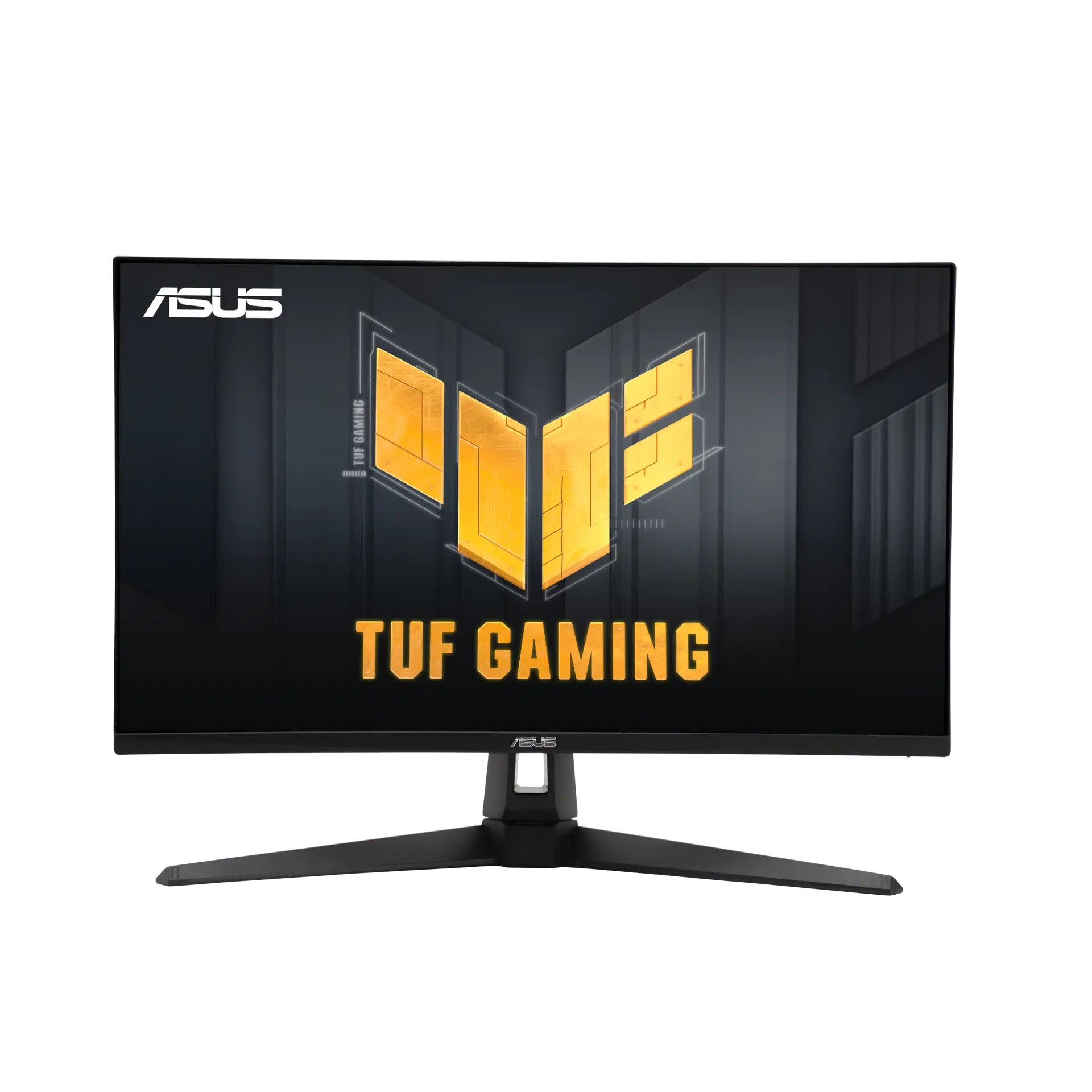
 ASUS TUF Gaming VG27AQ3AUK specification
- Refresh rate at native resolution
- 180 HzThis one: 240 Hz
- Typical brightness
- 250 cd/m²This one: 400 cd/m²

UK specification
A 27-inch 2560 × 1440 Fast IPS gaming monitor with a native 240 Hz refresh rate and an overclock to 260 Hz over DisplayPort, with a 10-bit colour listing, 90% DCI-P3, VESA DisplayHDR 400, ELMB Sync, a two-port USB hub and a stand that adjusts for height, tilt, swivel and pivot.
As an Amazon Associate I earn from qualifying purchases.
Email me when the ASUS TUF Gaming VG27AQML1A gets cheaper on eBay. We check exact-model listings once a day at 12:00 UTC.
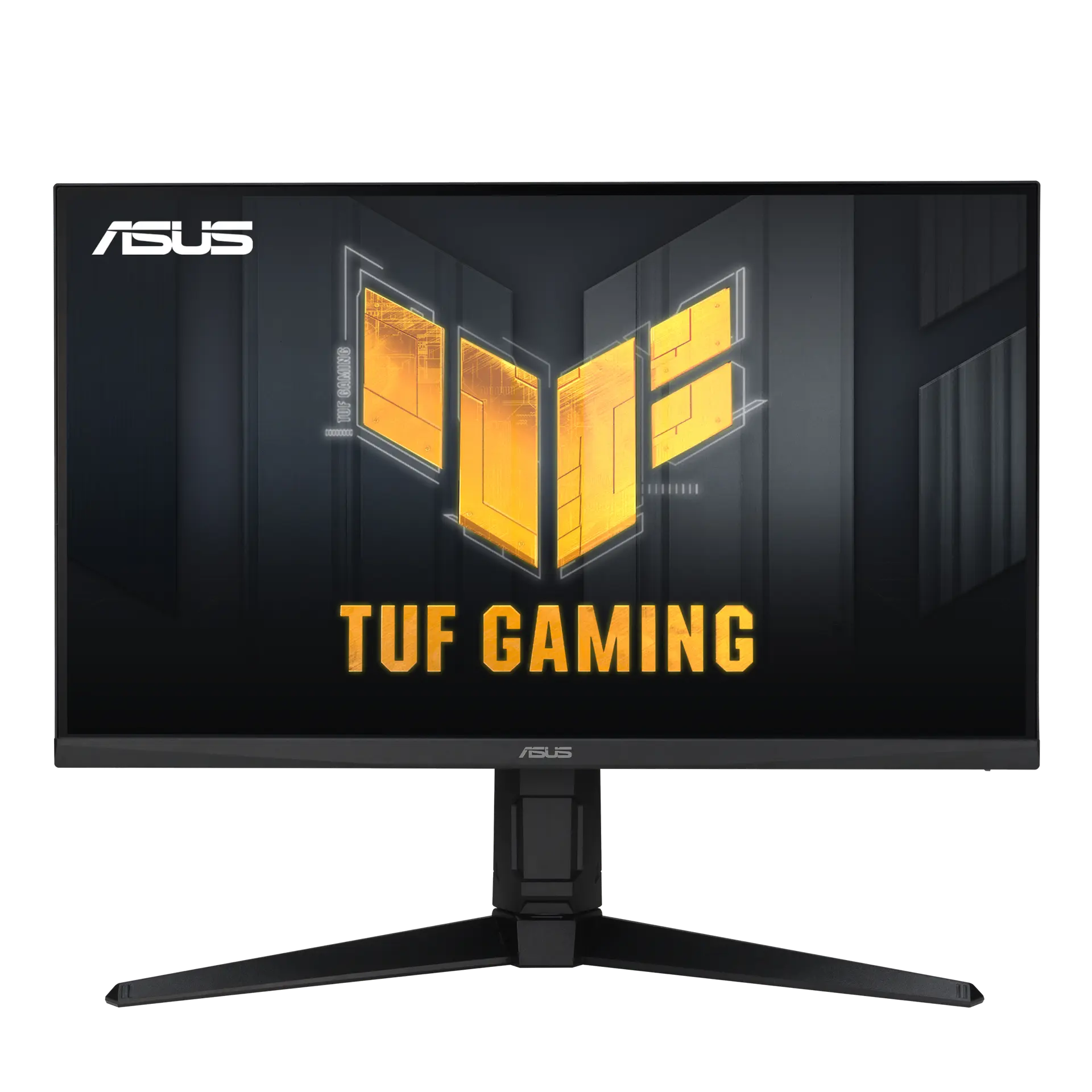
Specifications checked 26 Sept 2026Manufacturer specifications, not a hands-on test.
The nearest checked monitors by key specifications, with what differs from the ASUS TUF Gaming VG27AQML1A. The first matches the Compare button above.
ASUS TUF Gaming VG27AQ3AUK specification ASUS ROG Strix XG27ACSUK specification
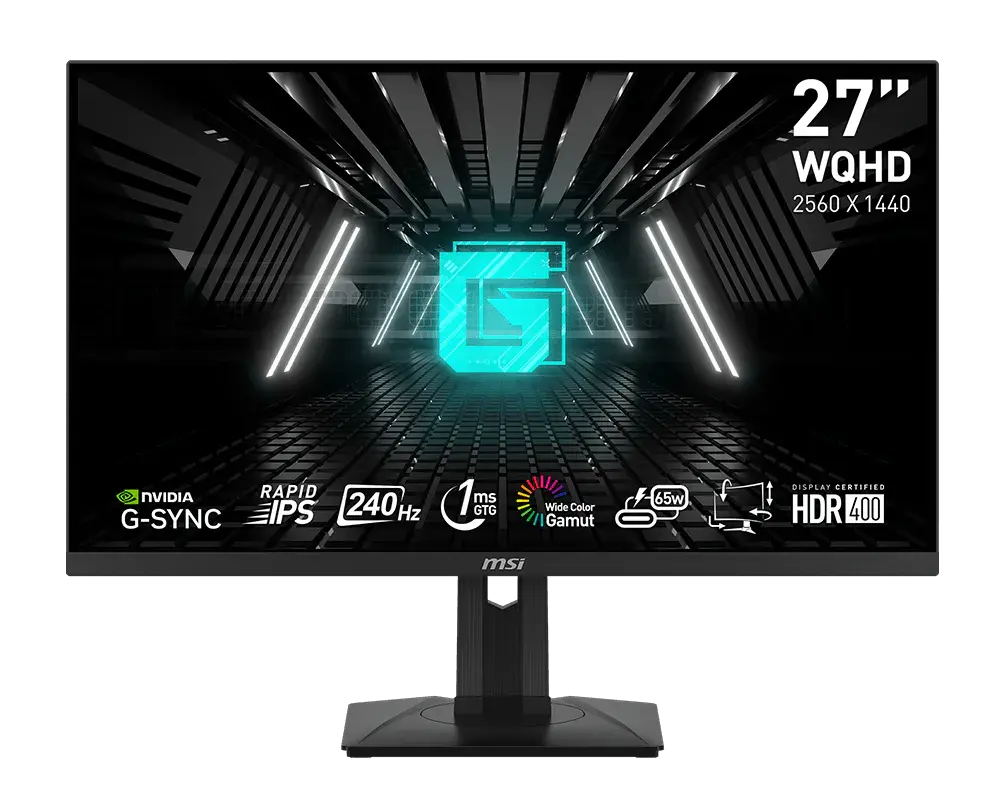 MSI G274QPX27-inch · 2560 × 1440 · 240 Hz · MSI global specification
ELMB Sync is listed, so blur reduction can run together with variable refresh; FreeSync Premium, G-SYNC Compatible and VESA AdaptiveSync Display 240Hz are also listed.
The stand provides 130 mm of height travel, ±20° swivel, ±90° pivot and −5° to +20° tilt, with a 100 × 100 mm VESA pattern.
ASUS lists 400 cd/m² typical brightness, 90% DCI-P3, 1.07 billion colours and VESA DisplayHDR 400, plus a two-port USB 3.2 Gen 1 hub.
HDMI inputs are listed at 48–144 Hz, so the 260 Hz maximum requires DisplayPort; there is no USB-C input.
260 Hz is an overclock: the VESA AdaptiveSync Display certificate is for 240Hz, the user manual limits Variable Refresh Rate to 48–240 Hz over DisplayPort, and ASUS publishes only an upper-bound (<26 W) power figure.
The 100,000,000:1 figure is a maximum contrast claim (labelled HDR in the table and “with ASCR on” in the manual); typical static contrast is 1000:1.
Exact configuration: UK specification
62 specifications in 10 groups. Values are manufacturer specifications unless a row says “Measured result” or “Calculated from cited specifications”.
ASUS product-page statement “native 240Hz”; 260 Hz requires the Overclocking setting over DisplayPort.
260 Hz is an overclocked mode: ASUS states “Overclock to 260Hz (native 240Hz)”, and the user manual sets the 260 Hz maximum through the on-screen Overclocking item (DisplayPort input only), warning that overclocking may cause screen flickering. The HDMI inputs list a 48–144 Hz vertical range; the VESA AdaptiveSync Display certificate is listed at 240Hz.
Manufacturer claim; not a measured response or input-lag result.
SourceProduct-page key-spec heading “1MS (MPRT)”; the ELMB paragraph on the same page gives “1 ms GTG”, and the technical table lists only 1 ms GtG. A different measure from GtG; not a measured result.
Vertical signal-frequency ranges from the specification table. The user manual says Variable Refresh Rate can only be activated within 48–144 Hz over HDMI and 48–240 Hz over DisplayPort.
Upper bound of the listed HDMI vertical frequency range.
SourceASUS ELMB Sync runs blur reduction together with variable refresh; ASUS notes it “works better over 85Hz”.
ASUS ELMB. The user manual says ELMB alone can only be activated with Variable Refresh Rate off and at 120, 144, 155, 160, 165, 240 or 260 Hz; ELMB Sync can be turned on while Variable Refresh Rate is on.
Typical SDR brightness.
SourceDCI-P3 figure from the technical table; ASUS does not state the CIE basis, and it is not a colour-accuracy claim. The product pages’ sRGB claim is recorded separately under srgb_coverage because its figure is inconsistent.
ASUS product pages disagree: the UK and US headline, overview and colour-performance text state “100% sRGB”, while the same pages’ meta description and structured-data description state “99% sRGB”. The technical tables list only DCI-P3 90%. No measurement basis is stated; no single percentage is assigned.
User-manual HDR Setting modes (the product page lists “Multiple HDR modes”); the manual describes Cinema HDR as complying with VESA DisplayHDR. ELMB, GameVisual, Shadow Boost and several image controls are unavailable while HDR content is displayed.
ASUS does not say whether 10-bit is native or uses FRC.
SourceA dynamic maximum, not static panel contrast (1000:1 typical). The technical table labels it “Contrast Ratio (HDR, Max)”; the user manual lists the same figure as the maximum contrast “with ASCR on”.
The complete I/O list has no USB-C port.
SourceThe technical table lists the two Type-A ports; the user manual lists the Type-B upstream port.
Adjustment travel, not overall assembled height.
SourceThe user manual says to lift the monitor to its highest position and tilt it fully before pivoting.
Converted from ASUS’s centimetre figures; ASUS labels dimensions as estimates that vary by region. The user manual gives this height at the highest stand position (403.9 mm at the lowest).
Front-to-back depth with the supplied stand; allow cable clearance.
SourceASUS “Net Weight”, listed separately from “Net Weight without Stand”; estimate that may vary by region.
SourceUpper bounds; the user manual says the on-mode figure is measured at 200 nits screen brightness without audio, USB or card-reader connection. Not typical running-power measurements.
ASUS publishes only an upper bound (<26 W, measured per the user manual at 200 nits without audio, USB or card-reader connection); no typical operating figure is stated.
The UK accessory list names a power cord and no separate adapter.
SourceListed in the ASUS certificate table.
SourceThe product page says four filter settings are available.
Manufacturer-listed features and TÜV certificates from the ASUS UK and US certificate lists. The product page says four filter settings control the amount of blue-light reduction; the user manual says Level 4 is the setting in compliance with TÜV Low Blue Light certification. Not medical advice.
Complete “Certificate” list from the ASUS UK technical table; the US table lists the same seven.
The product page describes seven GameVisual pre-set modes (Racing, MOBA, Cinema, RTS/RPG, FPS, sRGB, Scenery), selectable by hotkey or the on-screen menu; the user manual also lists Night Vision as a GameVisual mode. Colour-temperature selection is listed separately with 4 modes.
Named ASUS game functions from the technical table, product page and user manual. The manual says Shadow Boost is only available in Racing, RTS/RPG, FPS or sRGB mode. DisplayWidget Center is desktop software for changing monitor settings with a mouse.
UK technical-table list; ASUS says accessories vary by region. The US list additionally names an L-shaped screwdriver, and the user manual marks the DisplayPort, HDMI and USB cables, L-shaped screwdriver, 4 screws and 4 rubbers as optional.
More of the nearest checked monitors by key specifications, for a side-by-side comparison.
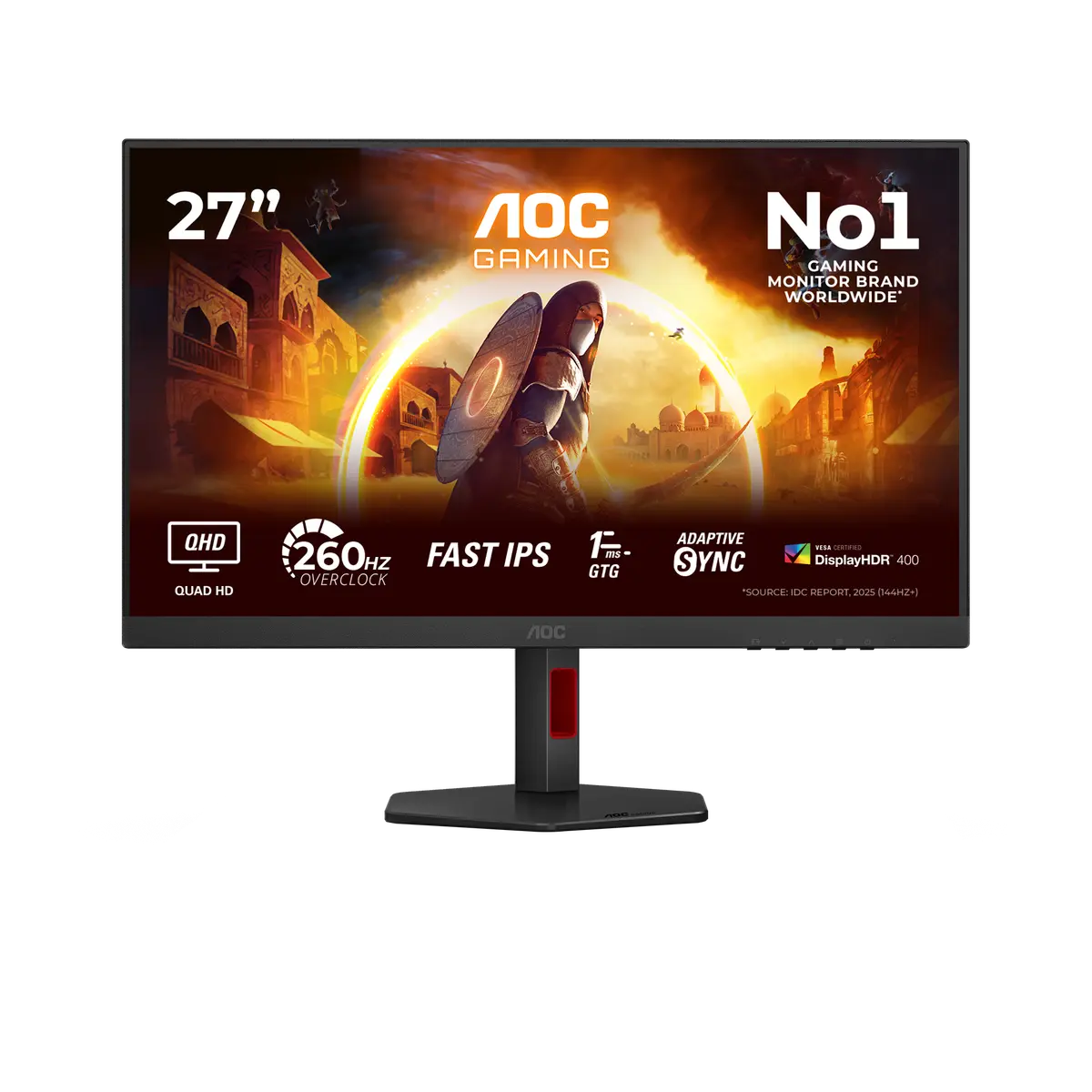 AOC Q27G4ZRQ27G4ZR · 27-inch Fast IPS · AOC UK specificationCompare the two
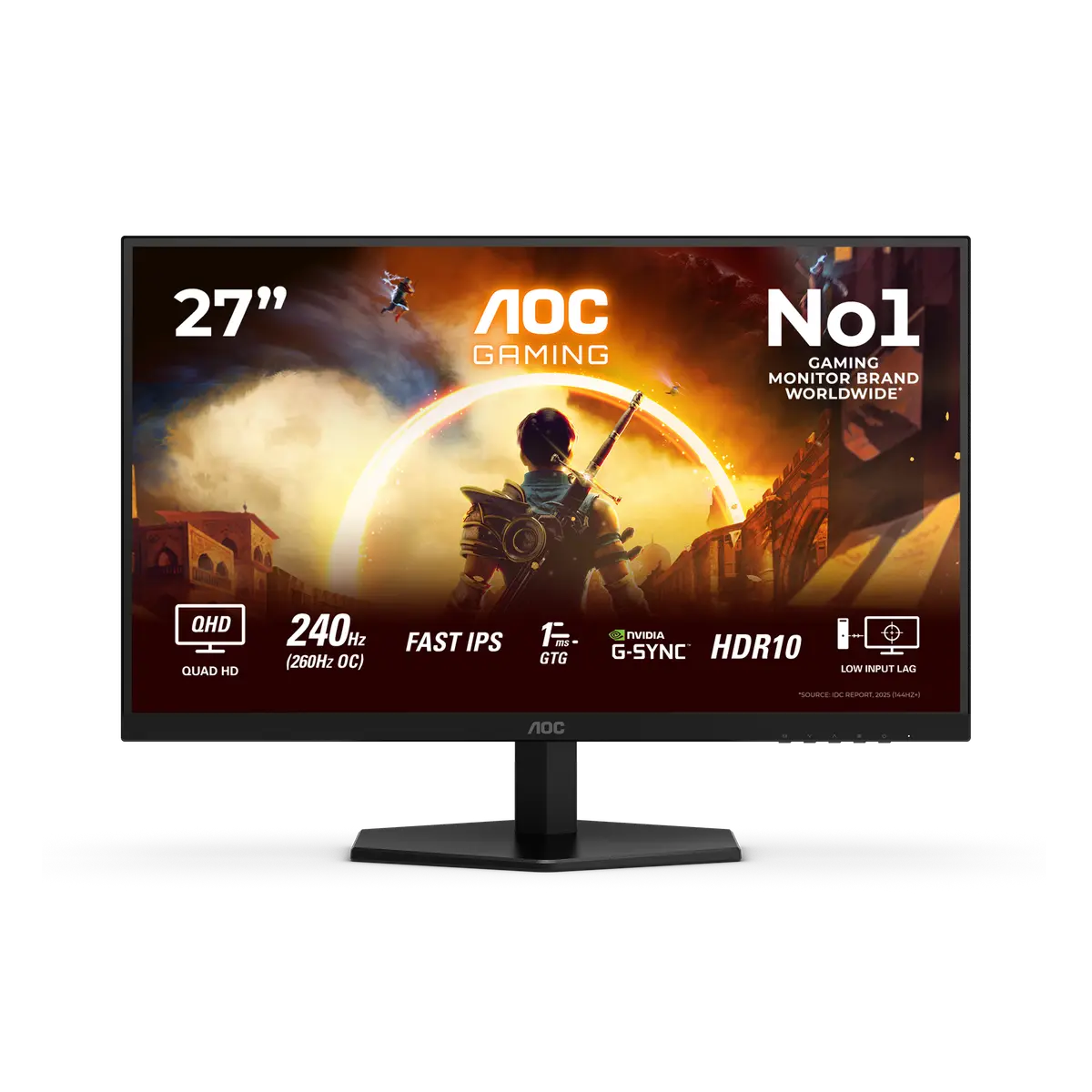 AOC Q27G42ZEQ27G42ZE · 27-inch Fast IPS · AOC UK specificationCompare the two
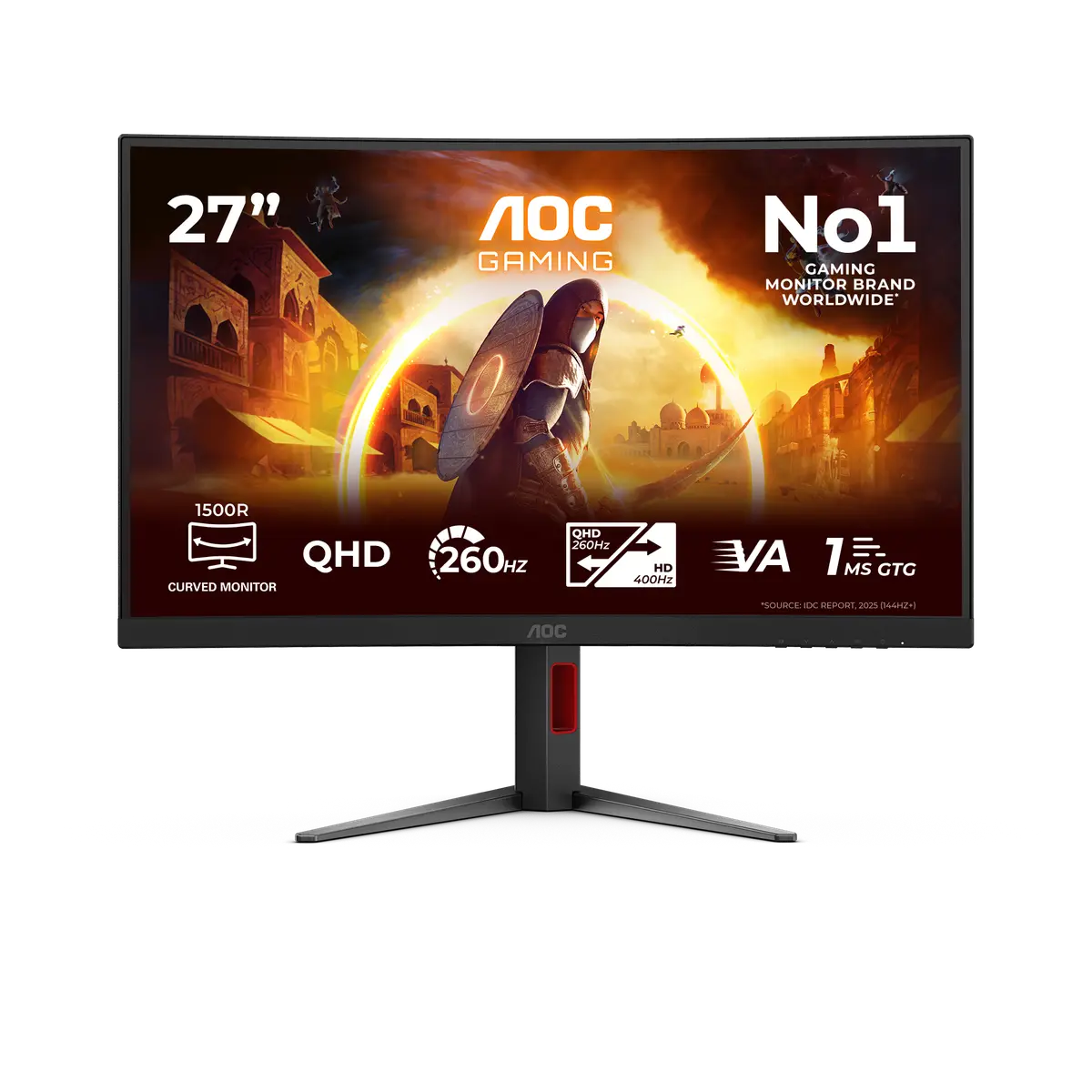 AOC CQ27G4Z2CQ27G4Z2 · 27-inch Fast VA · AOC UK specificationCompare the two
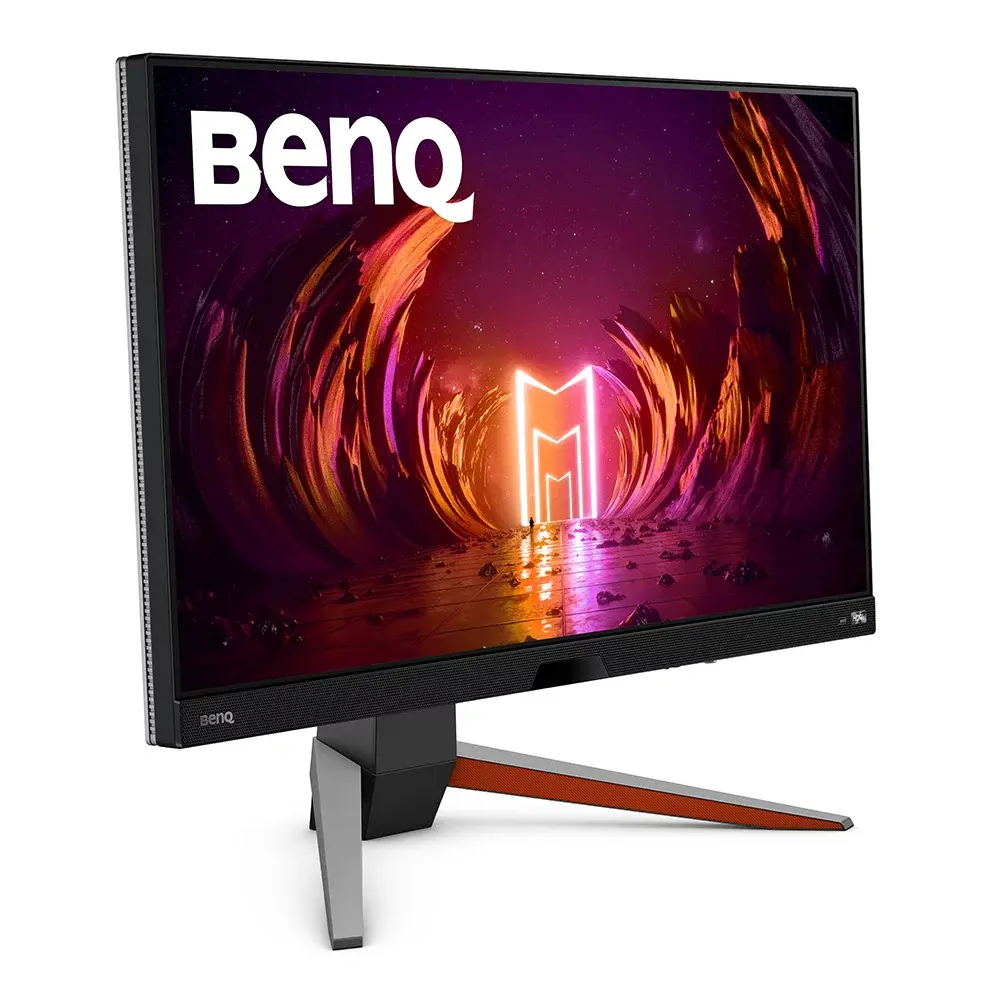 BenQ MOBIUZ EX270QMEX270QM · 27-inch 1440p 240 Hz IPS · BenQ UK specificationCompare the two
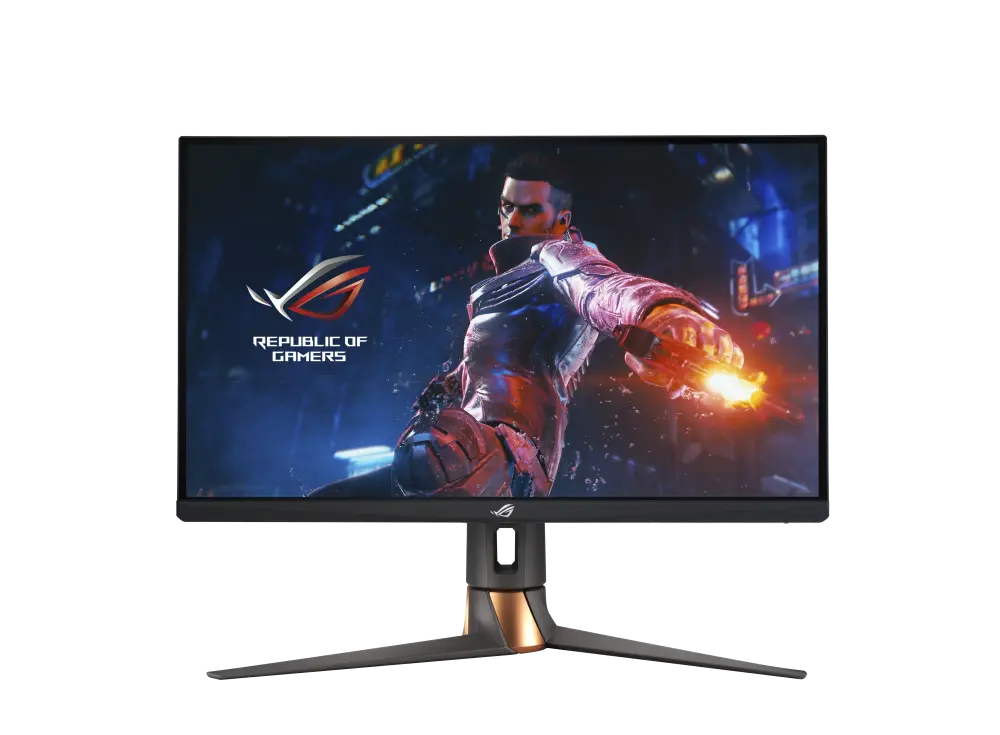 ASUS ROG Swift PG279QMGlobal manufacturer specification · ROG Swift PG279QMCompare the two
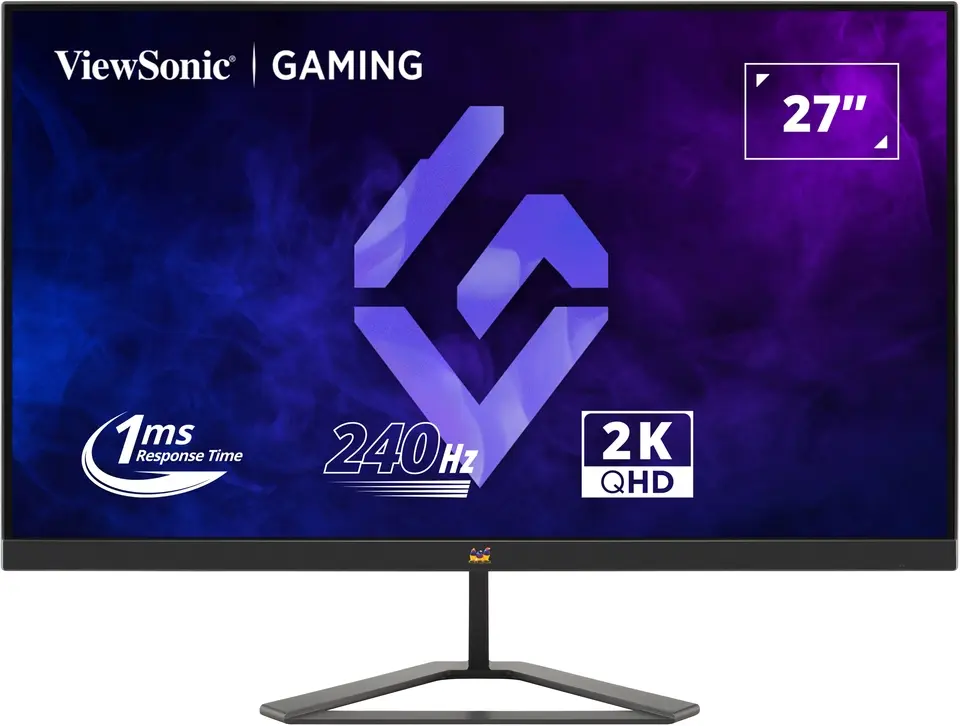 ViewSonic VX2758A-2K-PRO-3VX2758A-2K-PRO-3 · exact VX2758A-2K-PRO-3 UK manufacturer catalogue configurationCompare the two
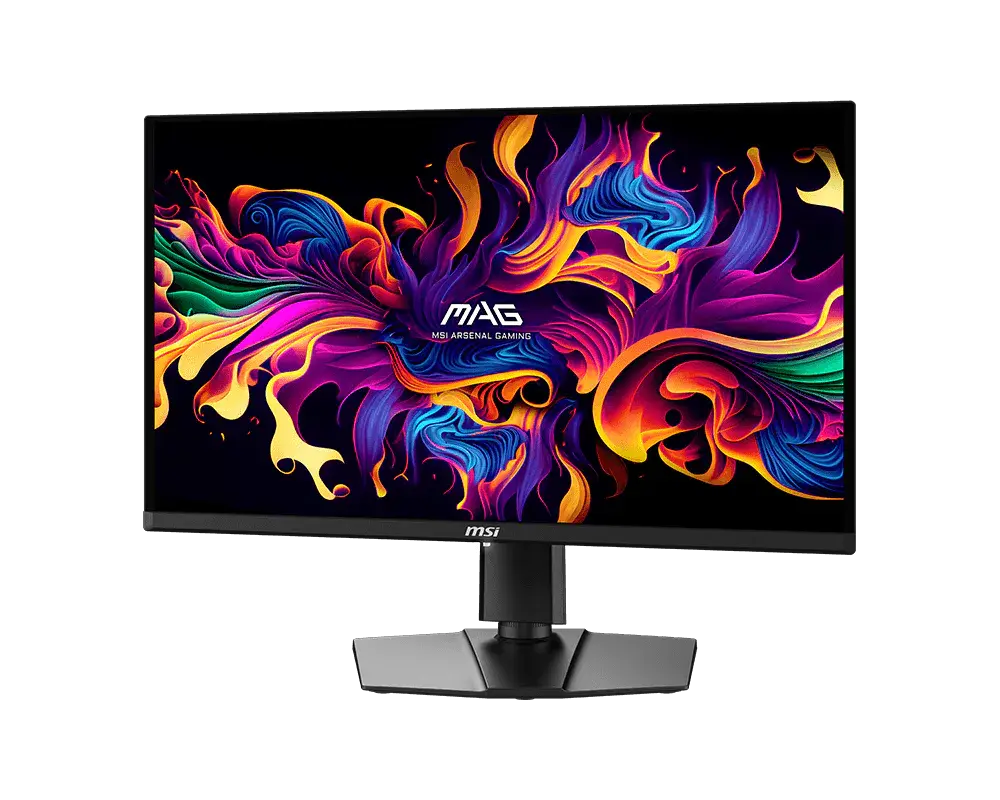 MSI MAG 271QPX QD-OLED E226.5-inch · 2560 × 1440 · 240 Hz · exact MSI global configurationCompare the two
 AOC Q27G4ZDRQ27G4ZDR · 26.5-inch QD - OLED · AOC UK specificationCompare the two