


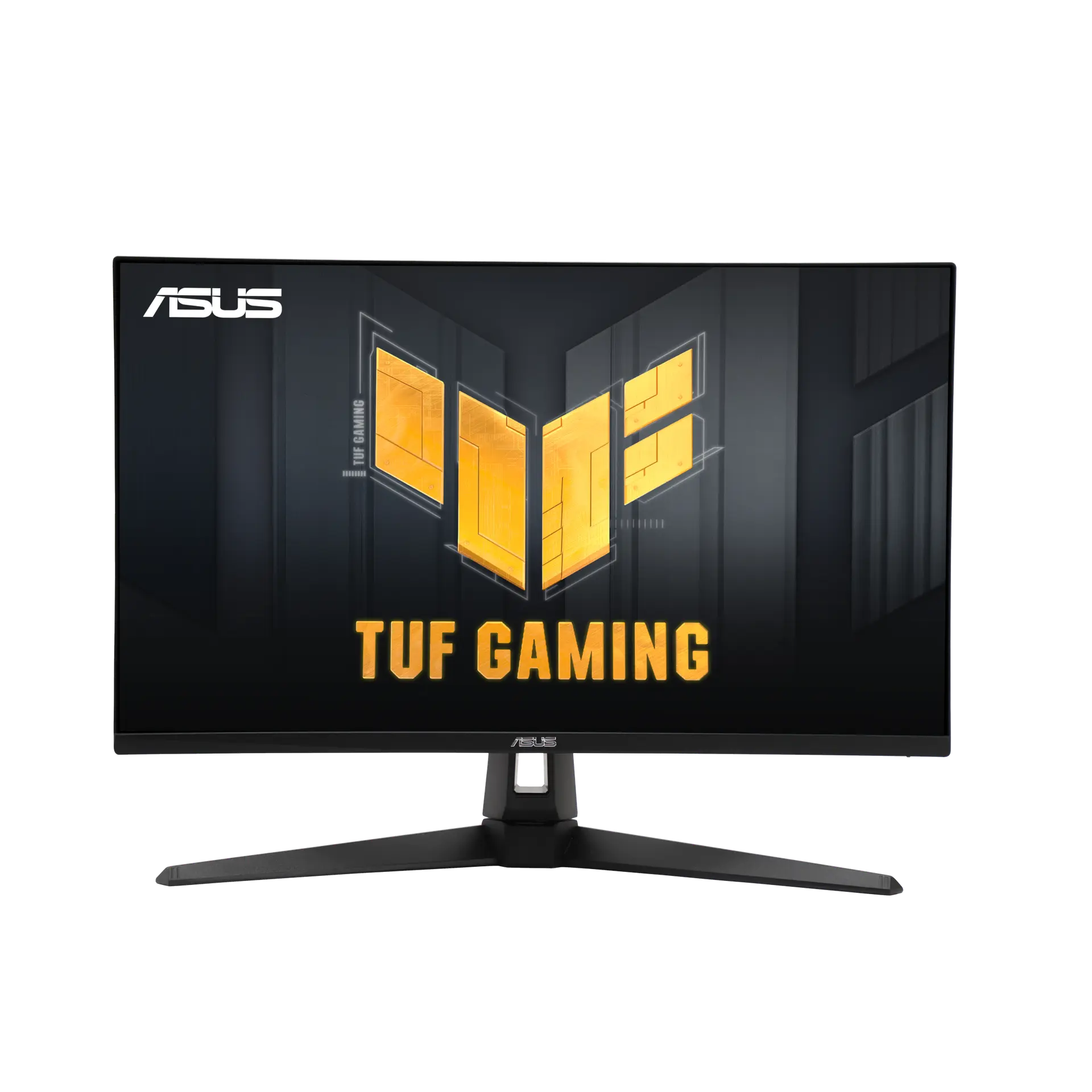
 ASUS TUF Gaming VG27AQ3AUK specification
- Typical brightness
- 250 cd/m²This one: 350 cd/m²
- USB-C connection
- NoThis one: Yes

UK specification
A 27-inch 2560 × 1440 Fast IPS gaming monitor with an overclocked 180 Hz refresh rate over DisplayPort or USB-C, ELMB Sync, DisplayHDR 400, 97% DCI-P3 and a stand that adjusts for tilt, swivel, pivot and height. Its USB-C input carries video and 7.5 W power delivery.
As an Amazon Associate I earn from qualifying purchases.
Email me when the ASUS ROG Strix XG27ACS gets cheaper on eBay. We check exact-model listings once a day at 12:00 UTC.
Specifications checked 26 Sept 2026Manufacturer specifications, not a hands-on test.
The nearest checked monitors by key specifications, with what differs from the ASUS ROG Strix XG27ACS. The first matches the Compare button above.
ASUS TUF Gaming VG27AQ3AUK specification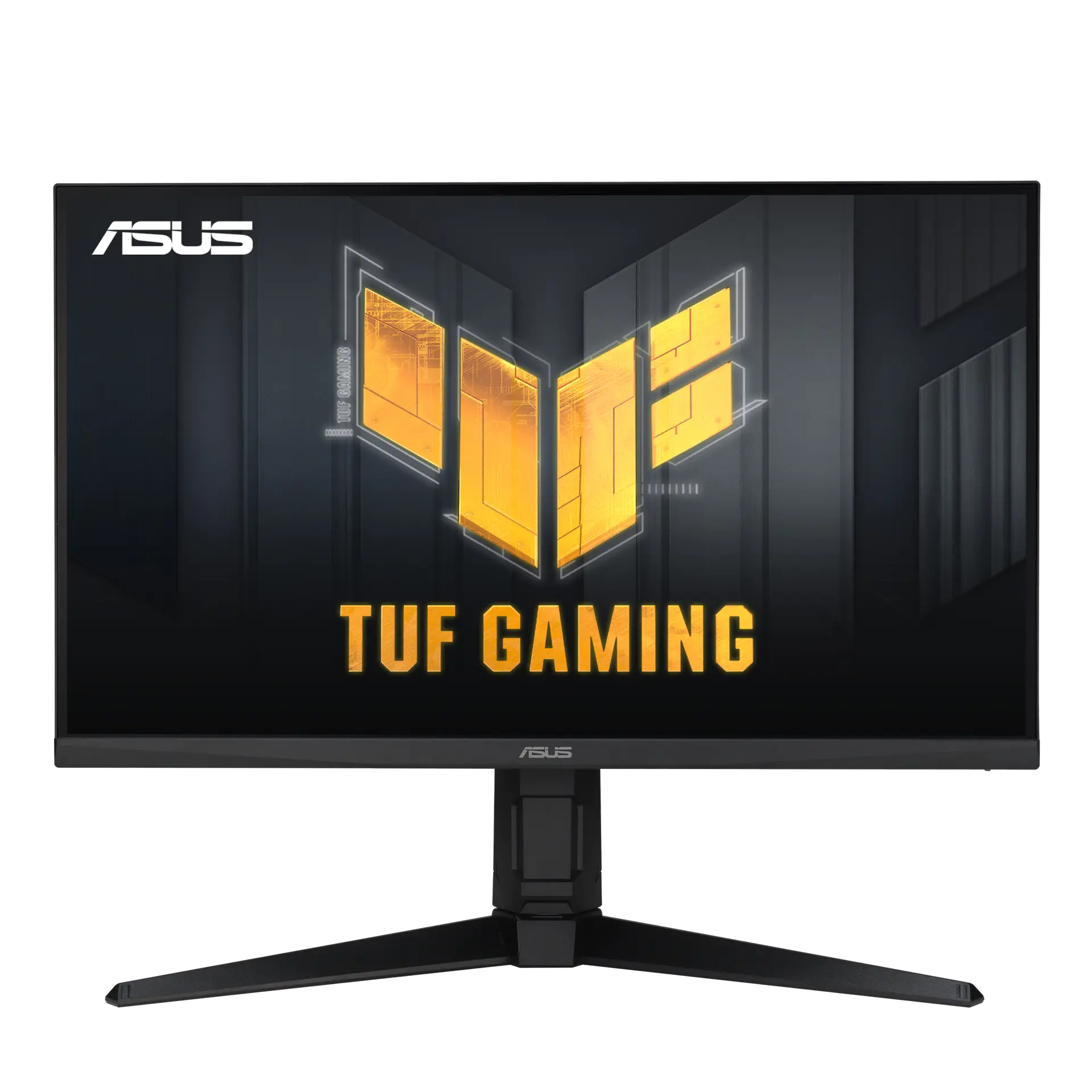 ASUS TUF Gaming VG27AQML1AUK specification
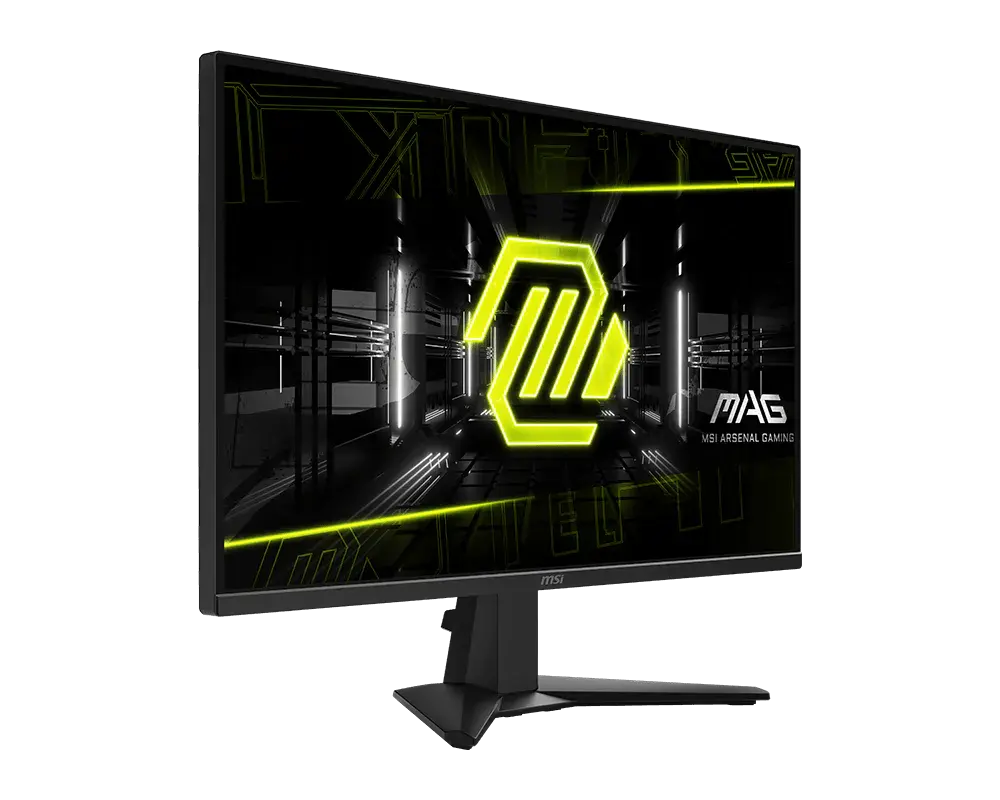 MSI MAG 275QFMAG 275QF · 27-inch Rapid IPS · US specification
USB-C with DisplayPort Alt Mode accepts video at up to 180 Hz from a source whose USB-C port supports DP Alt Mode, alongside DisplayPort 1.4 and HDMI 2.0.
ELMB Sync is listed, so blur reduction can run with variable refresh; FreeSync, G-SYNC Compatible and VESA AdaptiveSync Display 180Hz are also listed.
The stand provides 120 mm height travel, ±45° swivel and ±90° pivot, with a 100 × 100 mm VESA pattern and a tripod socket.
USB-C power delivery is listed at 7.5 W; ASUS’s product page describes using it to charge a phone held on the stand.
HDMI is limited to 144 Hz and there are no built-in speakers.
ASUS’s tables and user guide list no downstream USB ports, although the product page says the USB-C port can serve as a USB hub. On-mode power appears as “<23.1W*” in the ASUS tables and as 23.1 W in the user guide, with no measurement basis stated.
Exact configuration: UK specification
63 specifications in 10 groups. Values are manufacturer specifications unless a row says “Measured result” or “Calculated from cited specifications”.
ASUS describes 180 Hz as an overclocked refresh rate (headline: “180Hz (Above 144Hz)”). 180 Hz applies over DisplayPort or USB-C (48–180 Hz vertical range); HDMI is listed at 48–144 Hz.
Manufacturer claim; not a measured response or input-lag result.
SourceASUS Extreme Low Motion Blur (ELMB). The user guide states ELMB alone works only with Variable Refresh Rate off at 144, 165 or 180 Hz and is disabled below 85 Hz; ELMB SYNC is used with Variable Refresh Rate on.
ASUS ELMB Sync runs blur reduction together with variable refresh.
Typical SDR brightness.
SourcePeak HDR figure (asterisked); ASUS gives no window size. The model carries VESA DisplayHDR 400.
SourceASUS does not state the CIE basis; a figure above 100% is relative gamut size, not coverage or colour accuracy.
SourceUser-guide HDR Setting options; with Brightness Adjustable on, brightness is adjustable in HDR mode.
SourceThe user guide specification lists 16.7M display colours at 8 bit; the technical tables list 16.7M colours without a bit depth. ASUS does not state whether FRC is used.
ASUS sources disagree: the second specification table on the ASUS US page lists “Color Temp. Selection : Yes (4 modes)”, while the user guide lists seven preset colour-temperature modes (4000K, 5000K, 6500K, 7500K, 8200K, 9300K, 10000K) and User Mode.
Video input via DisplayPort Alt Mode; the source device must support DP Alt Mode.
SourceASUS lists USB-C power delivery at 7.5 W (the user guide: Type-C input supports DP alt mode and PD 7.5W). The UK product page says a phone on the stand’s phone holder can be charged via the Type-C port.
ASUS sources disagree: the UK product page says the USB Type-C port “can serve as a USB hub, meaning that you can connect your device to your wired peripherals”, while the UK and US technical tables list only DisplayPort 1.4, HDMI 2.0, one USB-C (DP Alt Mode) input and an earphone jack, and the user guide’s rear-panel list names no downstream USB port.
Listed in the second specification table on the ASUS US page; the UK table and the user guide have no HDCP row.
SourceAdjustment travel, not overall assembled height.
SourceASUS product page: a phone holder on the stand, with the phone charged via the monitor’s Type-C port; the user guide’s outline drawing labels the phone holder. ASUS lists USB-C power delivery at 7.5 W.
Converted from ASUS’s centimetre figures; ASUS labels dimensions as estimates that vary by region. The 512.9 mm height is with the stand at its highest; the user guide gives 614.81 × 392.88 × 218.82 mm at its lowest.
Front-to-back depth with the supplied stand; allow cable clearance.
SourceEstimate that may vary by region.
SourceNo measurement basis is stated in either source; these are declared figures, not typical running-power measurements.
ASUS sources differ: the UK and US technical tables give on-mode “Power Consumption : <23.1W*” (an asterisked upper bound with no footnote), while the user guide’s specification table gives “Power Consumption 23.1 W” without “<” or an asterisk. Neither states a measurement basis or that the figure is typical.
The second specification table on the ASUS US page lists “Low Blue Light : Yes (Hardware Solution)”; the UK table lists the TÜV Low Blue Light certificate only. The user guide describes the Blue Light Filter as adjusting the energy level of blue light emitted from the LED backlight.
Certificate list, identical on the ASUS UK and US pages.
User guide: Brightness is user-configurable at Levels 1 to 3; at Level 4 it is not. The second US table lists Low Blue Light as a hardware solution.
The nine GameVisual video preset modes from the user guide; the technical tables list Game Visual without mode names. The user guide’s Color menu also offers Display Color Space presets (sRGB, DCI-P3, Wide Gamut) and gamma 1.8, 2.0, 2.2, 2.4 and 2.6.
Named ASUS functions from the UK and US technical tables, UK product page and user guide. ASUS describes Dynamic Crosshair as AI-powered GamePlus that analyses the on-screen scene and adjusts the crosshair. Trace Free is listed only in the US page’s second table.
GamePlus Crosshair, including Dynamic Crosshair.
Desktop software named in the UK technical table and product page.
Accessory list from the ASUS UK and US tables; ASUS says accessories vary by region. The user guide’s package list also names the monitor stand and base and marks the HDMI cable and DP cable as optional.
More of the nearest checked monitors by key specifications, for a side-by-side comparison.
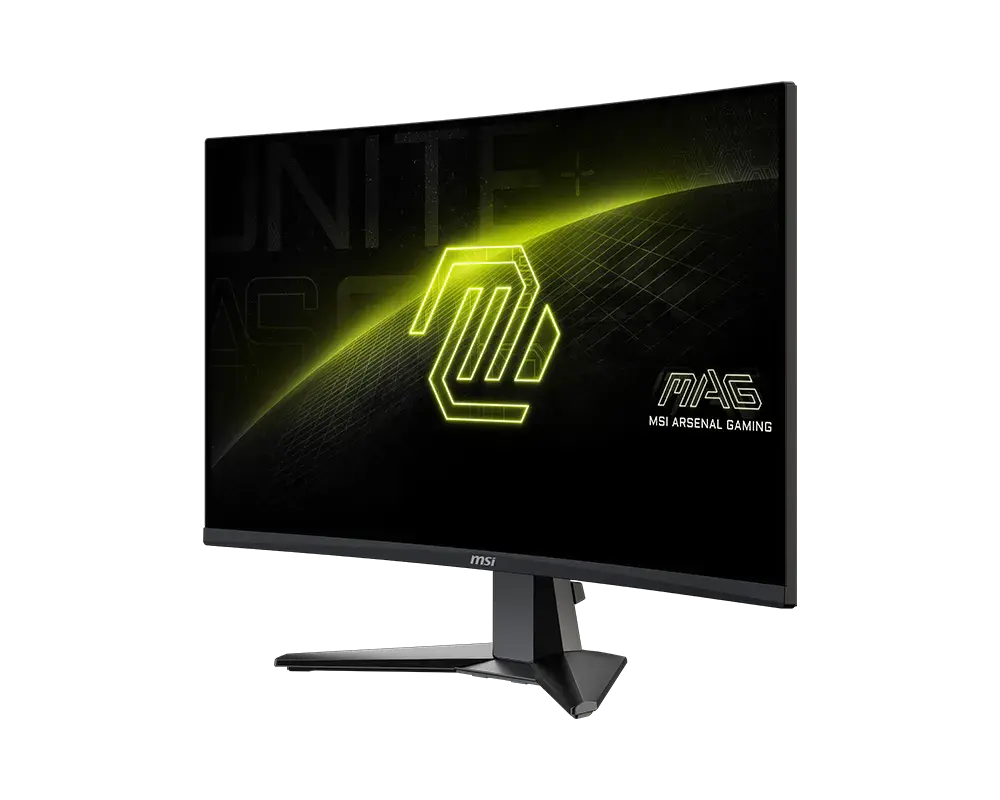 MSI MAG 27CQ6F27-inch · 2560 × 1440 · 180 Hz · exact MSI global configurationCompare the two
 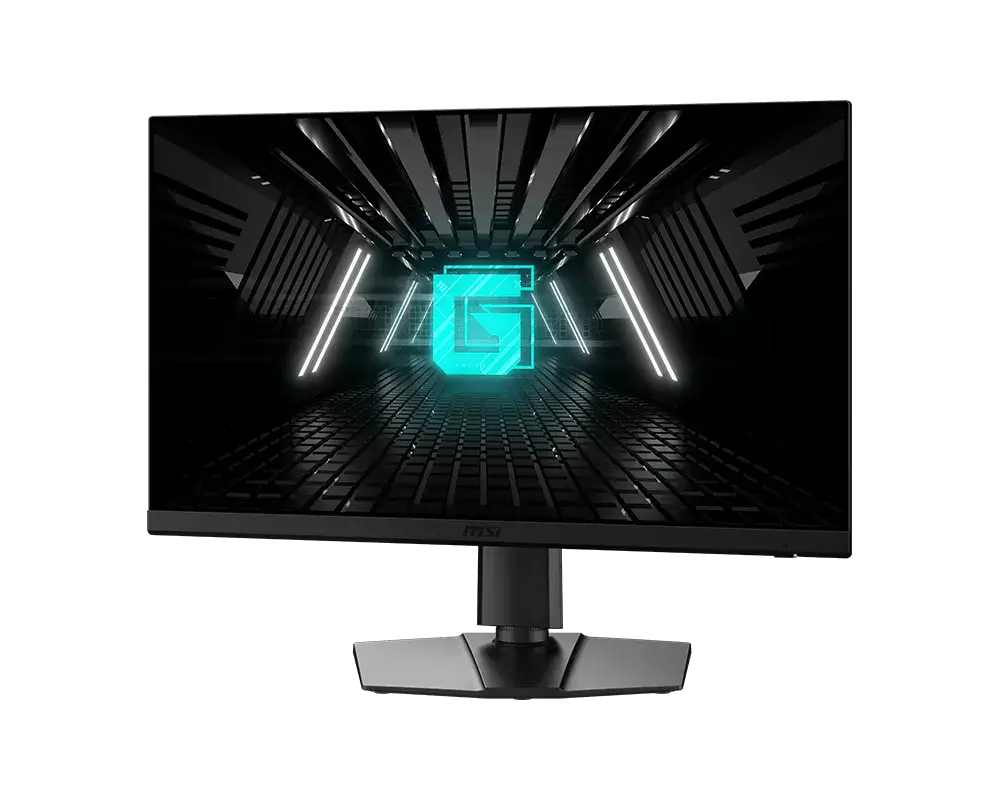 MSI G272QPF E227-inch · 2560 × 1440 · 180 Hz · exact MSI global configurationCompare the two
 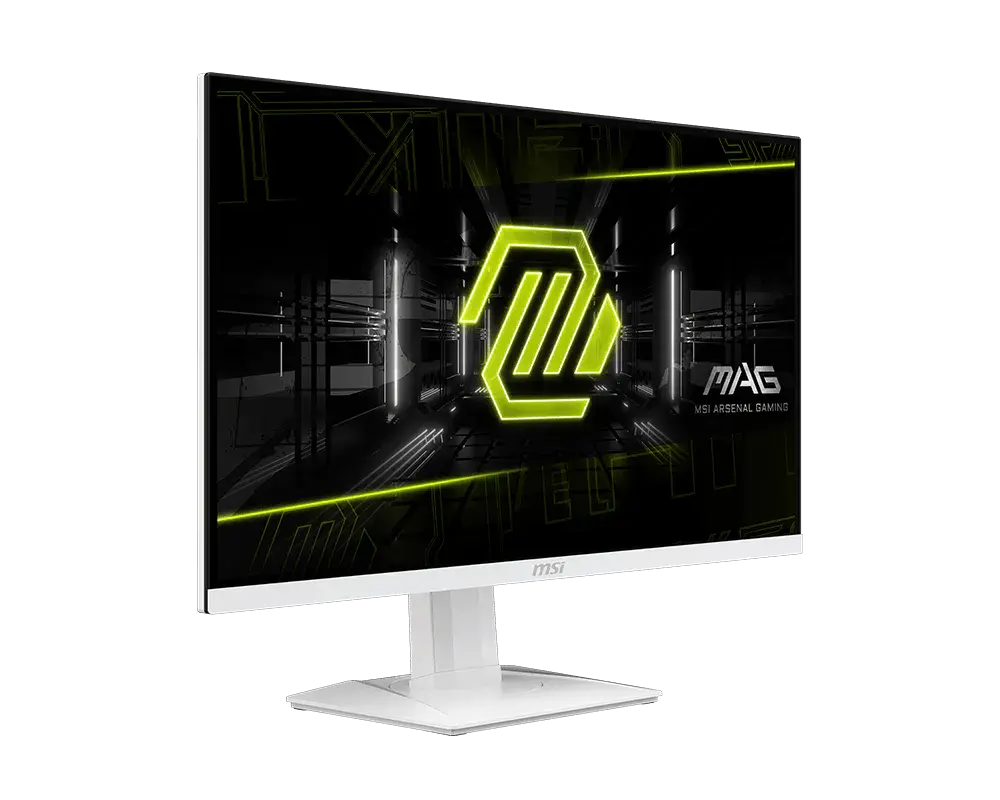 MSI MAG 274QRFW27-inch · 2560 × 1440 · 180 Hz · exact MSI global configurationCompare the two
 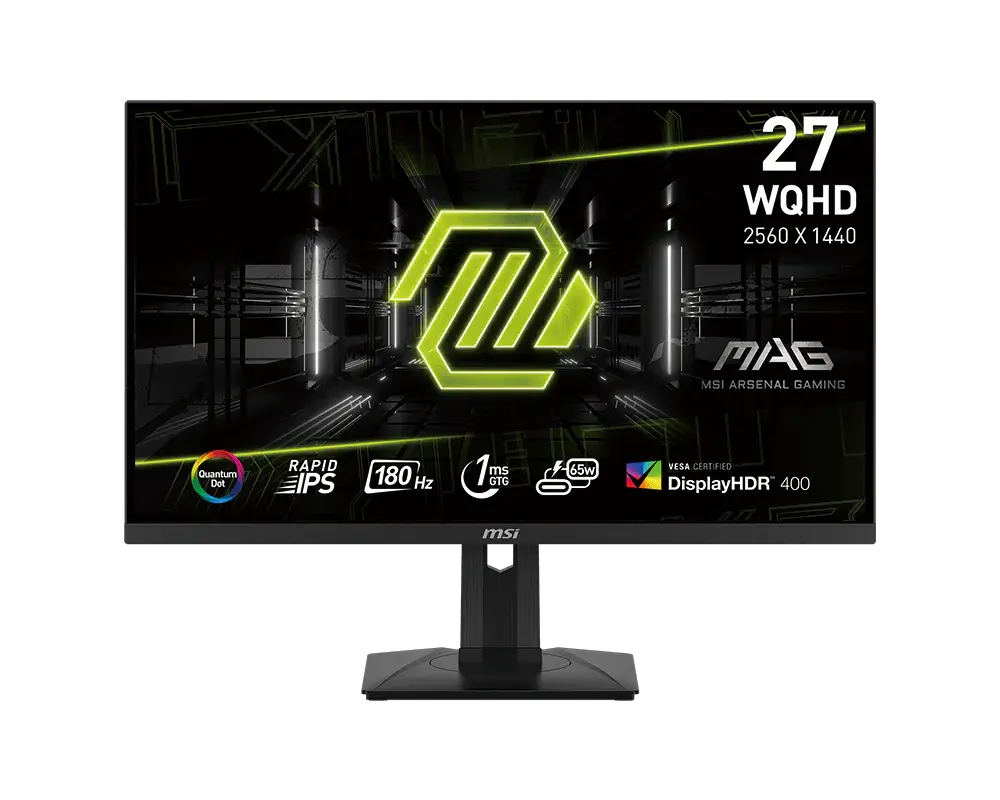 MSI MAG 274QRF QD E227-inch · 2560 × 1440 · 180 Hz · MSI global specificationCompare the two
 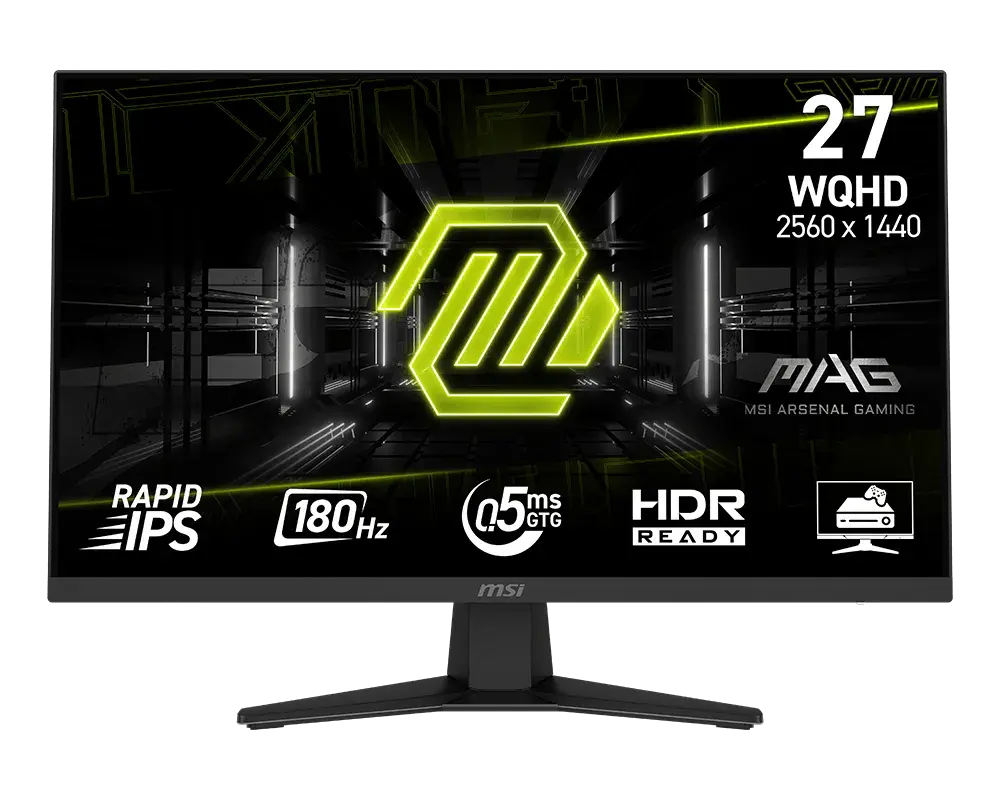 MSI MAG 274QF27-inch · 2560 × 1440 · 180 Hz · MSI global specificationCompare the two
  AOC Q27G4XFQ27G4XF · 27-inch Fast IPS · AOC UK specificationCompare the two
  AOC Q27G4FQ27G4F · 27-inch Fast IPS · AOC UK specificationCompare the two
 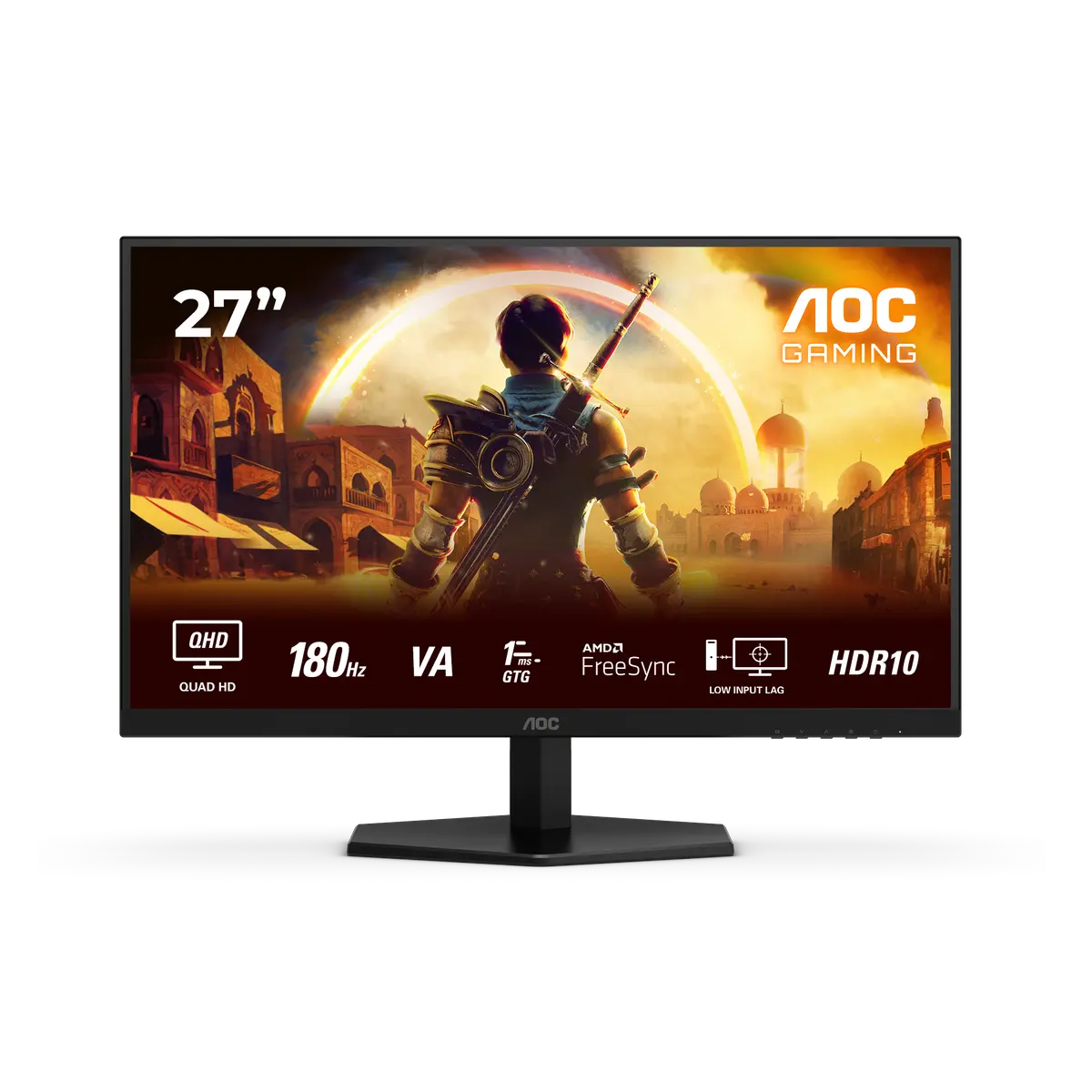 AOC Q27G42XNEQ27G42XNE · 27-inch Fast VA · AOC UK specificationCompare the two