


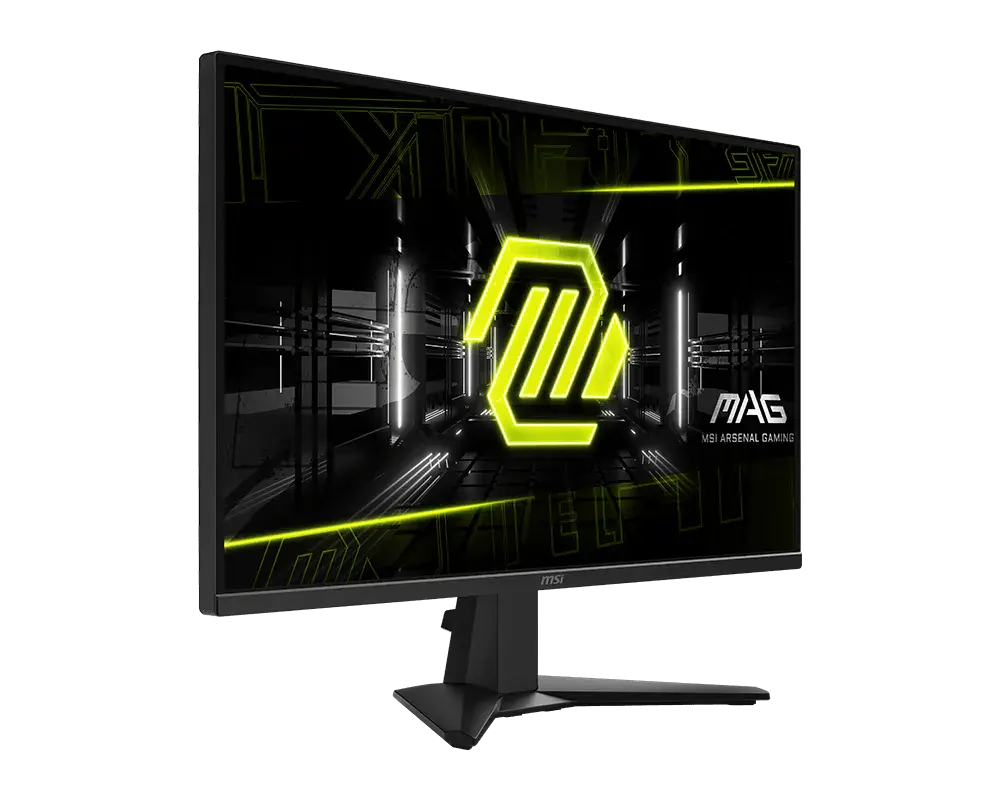
 MSI MAG 275QFMAG 275QF · 27-inch Rapid IPS · US specification
- Maximum refresh rate
- 180 HzThis one: 165 Hz
- Panel technology
- Rapid IPS LCDThis one: IPS LCD

27-inch IPS · Canadian specification
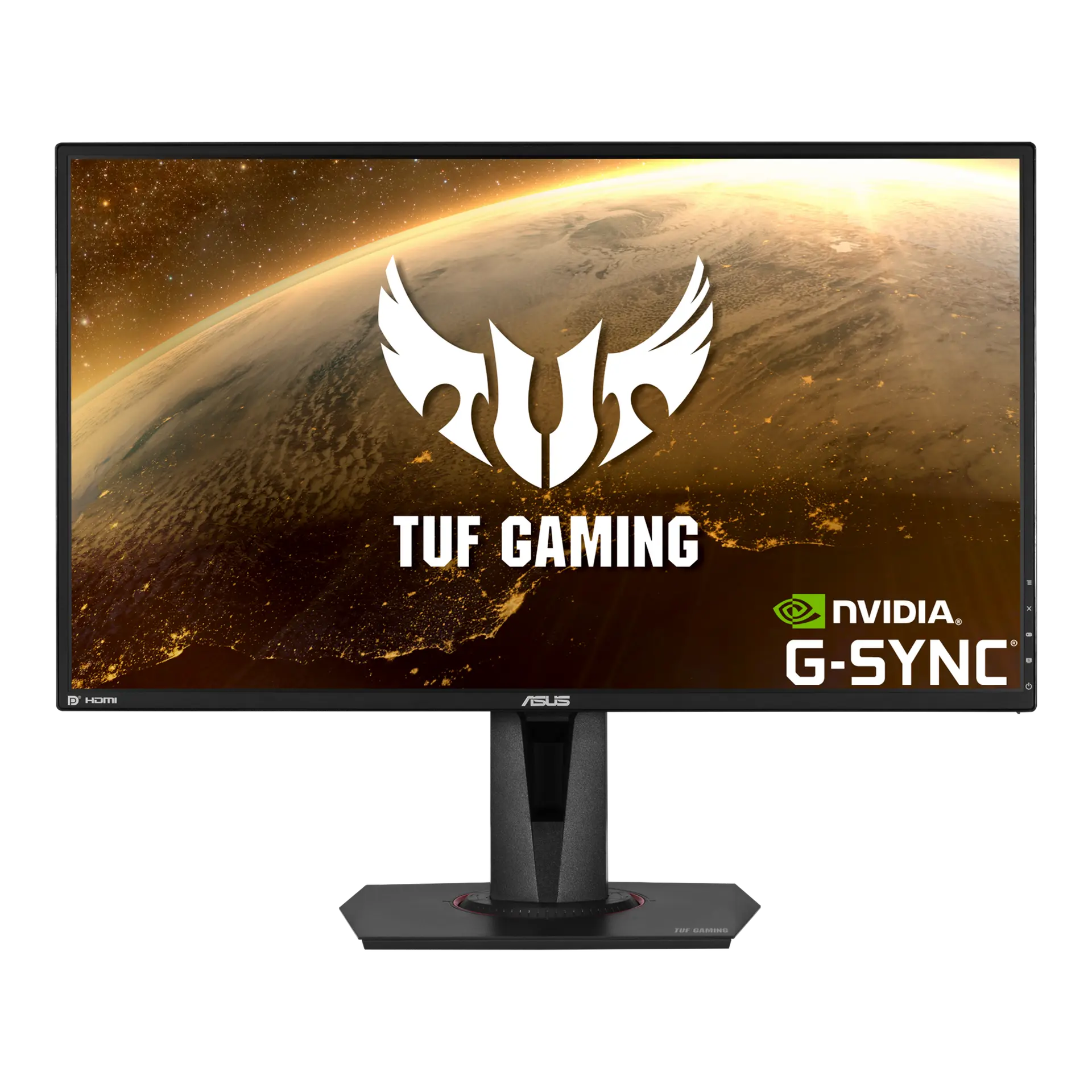
A 27-inch QHD (2560 × 1440) IPS gaming monitor with up to 165 Hz over DisplayPort, a 1 ms MPRT rating, ELMB Sync and G-SYNC Compatible Adaptive-Sync. Its stand adjusts for height, swivel and portrait pivot; HDMI tops out at 144 Hz.
As an Amazon Associate I earn from qualifying purchases.
Email me when the ASUS TUF Gaming VG27AQ gets cheaper on eBay. We check exact-model listings once a day at 12:00 UTC.
Specifications checked 12 Sept 2026Manufacturer specifications, not a hands-on test.
The nearest checked monitors by key specifications, with what differs from the ASUS TUF Gaming VG27AQ. The first matches the Compare button above.
MSI MAG 275QFMAG 275QF · 27-inch Rapid IPS · US specification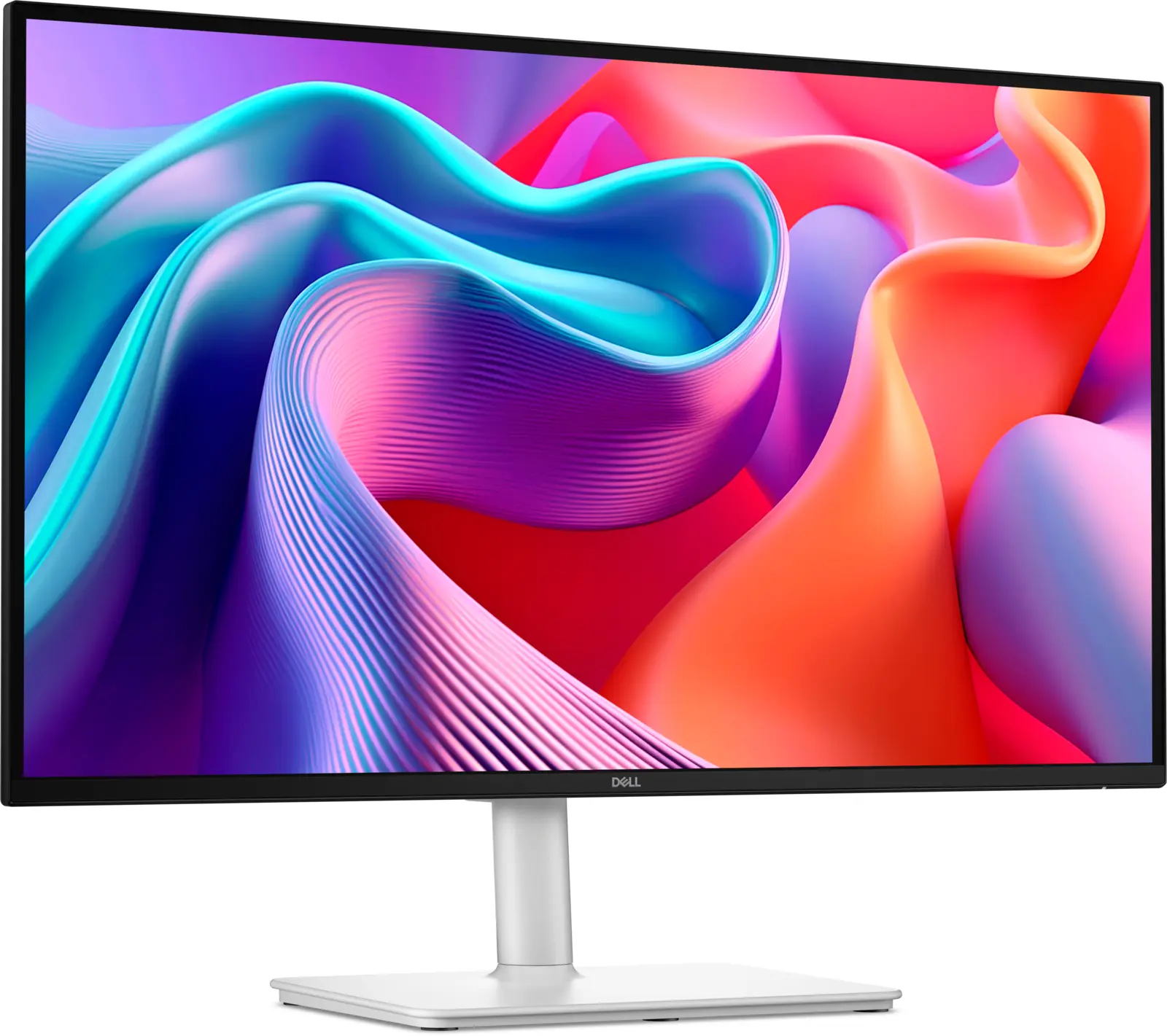 Dell 27 Plus S2725DSMUK specification (Dell UK manufacturer part VWPNT, Ash White)
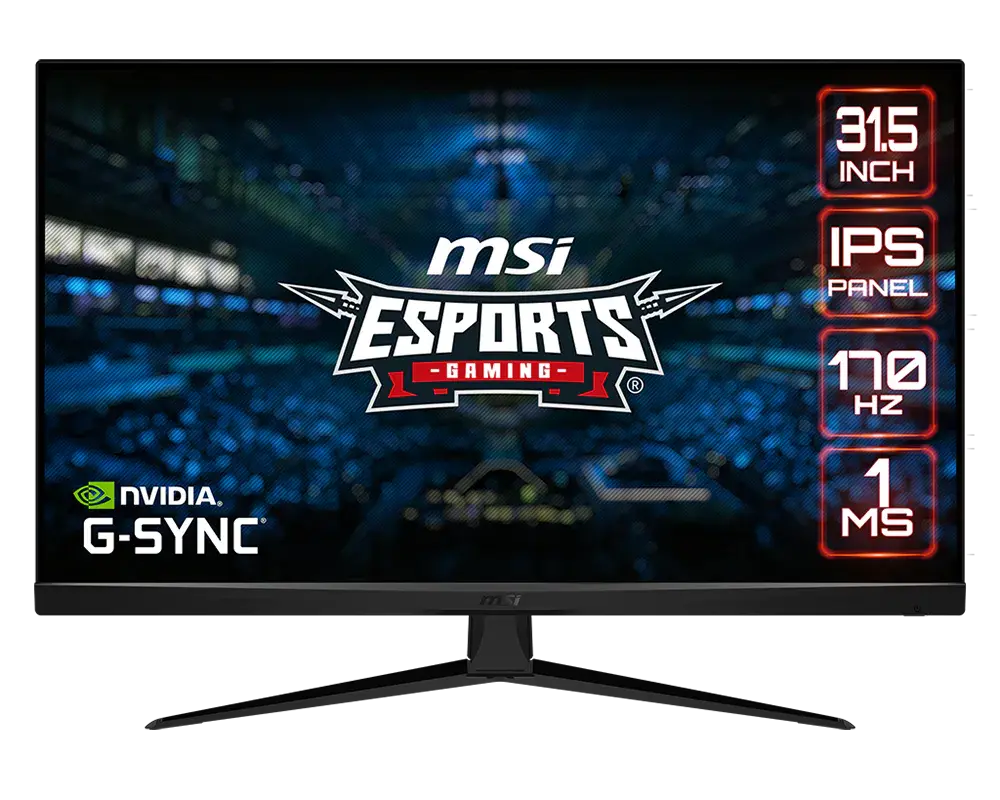 MSI G321Q31.5-inch · 2560 × 1440 · 170 Hz · MSI global specification
The stand supports 130 mm height travel, swivel and portrait pivot, with a 100 × 100 mm VESA pattern for an alternative mount.
ELMB Sync runs ASUS's blur reduction together with Adaptive-Sync, and the monitor is G-SYNC Compatible. ASUS lists vertical input-signal ranges of 48–165 Hz over DisplayPort and 48–144 Hz over HDMI; 165 Hz requires compatible DisplayPort overclocking.
The 2560 × 1440 IPS panel accepts HDR10 and is rated at 350 cd/m² typical brightness with 178° viewing angles, and two 2 W speakers are built in.
165 Hz requires compatible DisplayPort overclocking; ASUS does not guarantee overclocking performance. HDMI is limited to 144 Hz.
ASUS's own pages give different sRGB coverage and pivot range figures, so check those details on the seller's listing if colour coverage or portrait rotation matters to you.
The 1 ms response figure is an MPRT (blur-reduction) rating rather than grey-to-grey, and HDR10 input is paired with only 350 cd/m² typical brightness.
Connectivity is basic: one DisplayPort 1.2 and two HDMI 2.0 inputs, with no USB ports listed.
Exact configuration: VG27AQ · 27-inch IPS · Canadian specification
48 specifications in 10 groups. Values are manufacturer specifications unless a row says “Measured result” or “Calculated from cited specifications”. 1 row repeats a listed fact in the manufacturer’s own wording, kept under “Manufacturer wording”.
Rigid flat screen shown in the exact-model manufacturer gallery.
SourceRounded pitch.
SourceASUS specifies viewing angles at a contrast ratio of at least 10:1.
Source165 Hz needs DisplayPort overclocking and a compatible graphics card; ASUS does not guarantee overclocking performance. HDMI is limited to 144 Hz.
These limits refer to 2560 × 1440. Input, GPU and enabled settings determine the usable mode.
ELMB motion-picture response; a different measure from GtG.
G-SYNC Compatible classification.
ASUS ELMB Sync allows blur reduction and G-SYNC Compatible variable refresh together.
Input signal ranges; source device support varies.
SourceThe same facts in the manufacturer’s combined or original wording, each with its source.
Motion-picture response time with ELMB; not grey-to-grey or input lag.
Manufacturer typical brightness.
SourceTypical static contrast, not dynamic contrast.
SourceASUS does not state native panel bit depth or FRC use.
SourceASUS lists 16.7 million colours but does not state native panel depth or FRC.
SourceThe Canadian technical table lists 100% sRGB, while the same model overview lists 99%. The measurement standard is not stated in these passages; no single percentage or colour-accuracy ranking is assigned.
HDR10 input with selectable HDR modes.
SourceASUS lists DisplayPort and HDMI inputs only and does not mention USB-C.
SourceThe Canadian specification lists one DisplayPort 1.2 input and two HDMI 2.0 inputs. It does not specify an HDMI letter revision or headphone output in the retained I/O table. DisplayPort version is also recorded separately.
SourceOne DisplayPort 1.2 input; the refresh limits and overclocking note above still apply.
SourcePivot supported; ASUS's pages give different ranges.
ASUS's technical table lists 0–90° counterclockwise; its product overview lists +90° to −90°.
Check the arm's load rating and screw requirements.
SourceManufacturer estimate for this regional specification; dimensions may vary by region.
SourceNet weight including the stand; manufacturer estimate, with regional variation noted by ASUS.
SourceFront-to-back depth with the supplied stand; allow separate clearance for cables.
SourceManufacturer estimate, with regional variation noted by ASUS.
SourceConverted directly from the manufacturer’s 62.00 × 36.30 × 6.60 cm. Estimated regional dimensions.
SourceSelectable picture presets.
SourceNamed ASUS game functions.
Manufacturer-listed features and TÜV labels. This is not medical advice or proof that every blur-reduction mode is flicker-free.
SourceRated output.
SourceThe retained Canadian I/O specification lists video inputs but does not establish whether a headphone output is present. · Omission from this source is not evidence that the connection is absent.
SourceASUS says accessories vary by region; check the seller's box contents.
SourceMore of the nearest checked monitors by key specifications, for a side-by-side comparison.
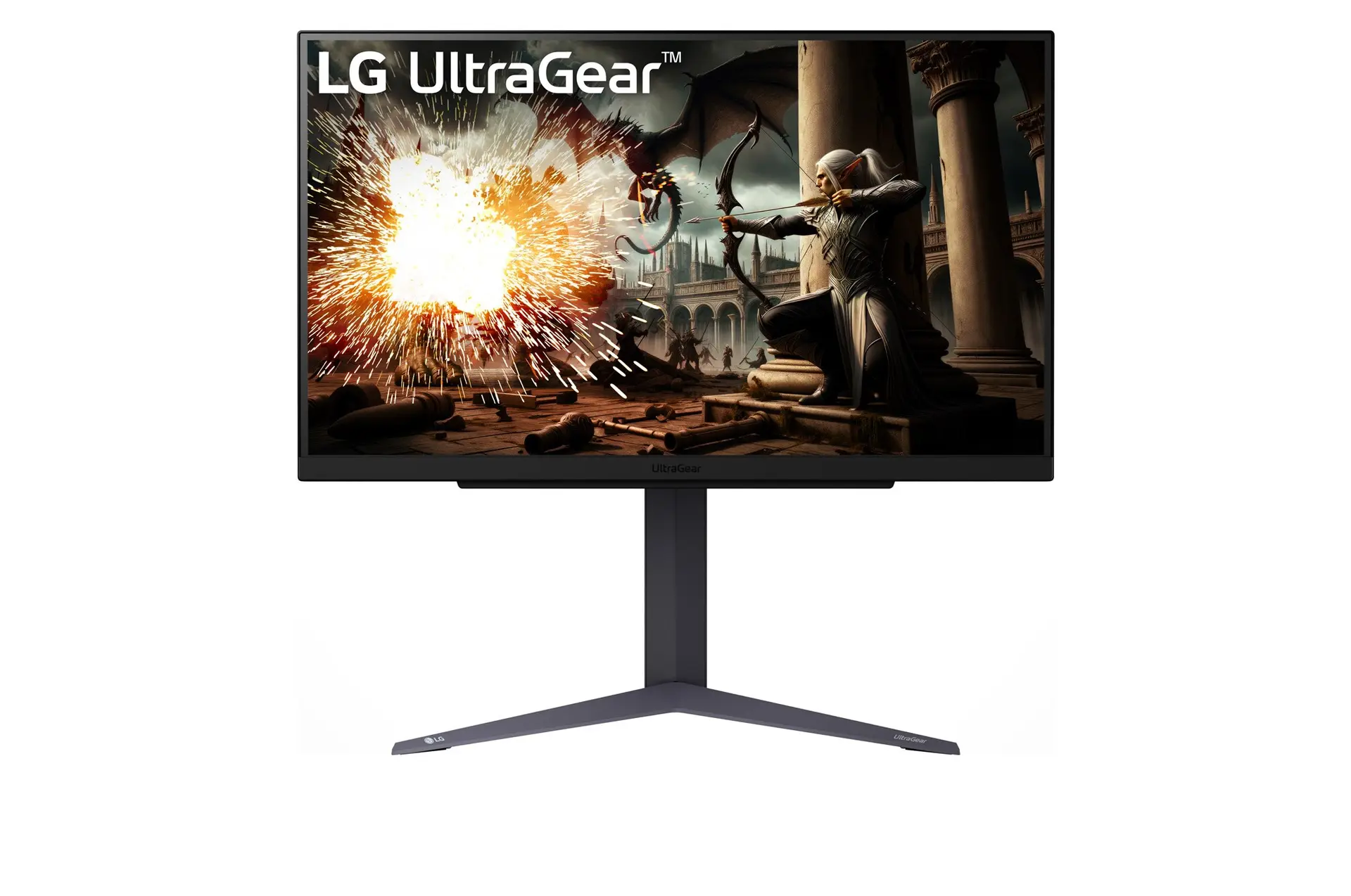 LG UltraGear 27GS75Q-BUK model 27GS75Q-BCompare the two
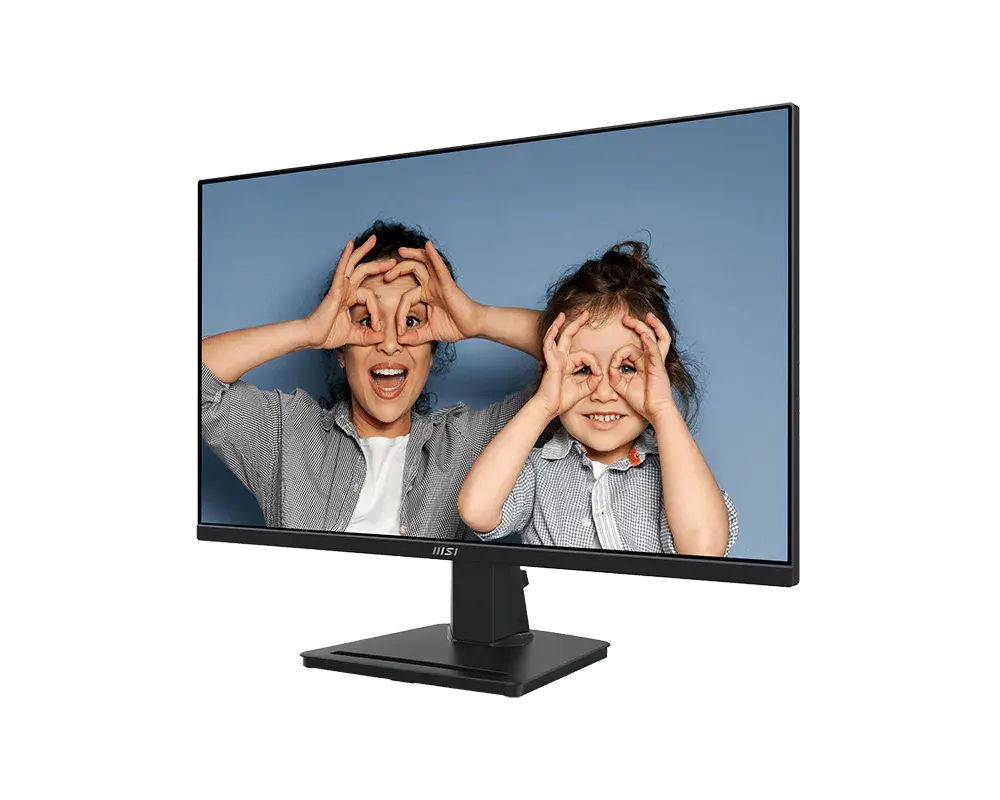 MSI PRO MP275Q27-inch · 2560 × 1440 · 100 Hz · exact MSI global configurationCompare the two
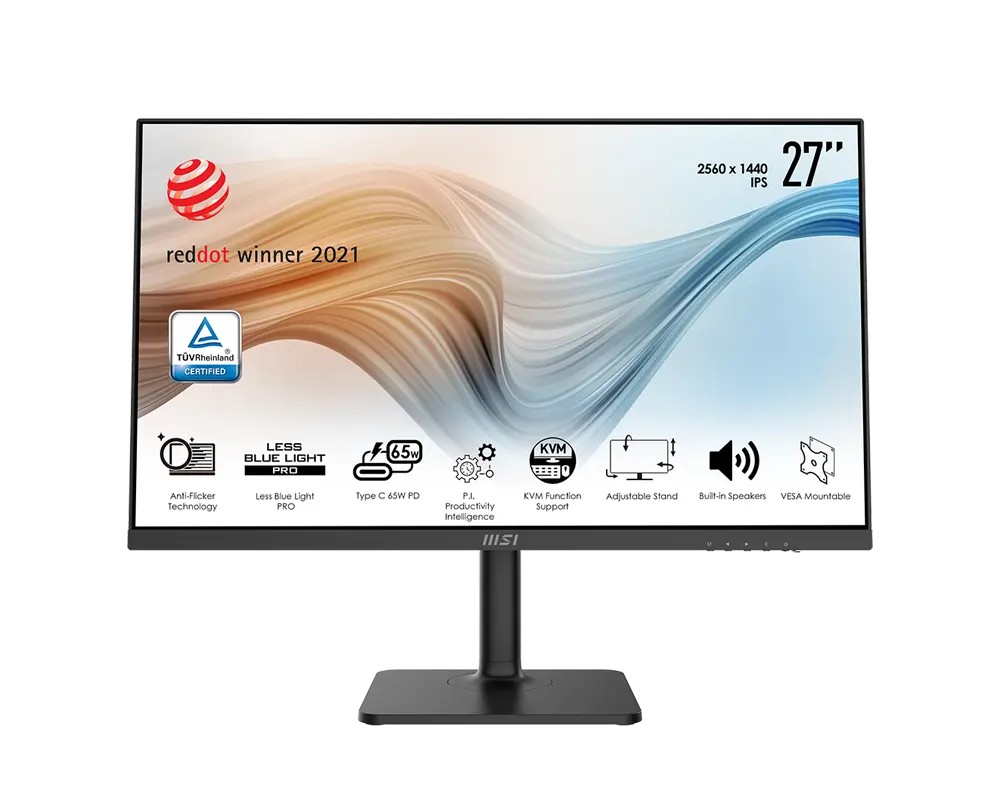 MSI Modern MD272QP27 in · 2560 × 1440 · 75 Hz · MSI global model with supplied standCompare the two
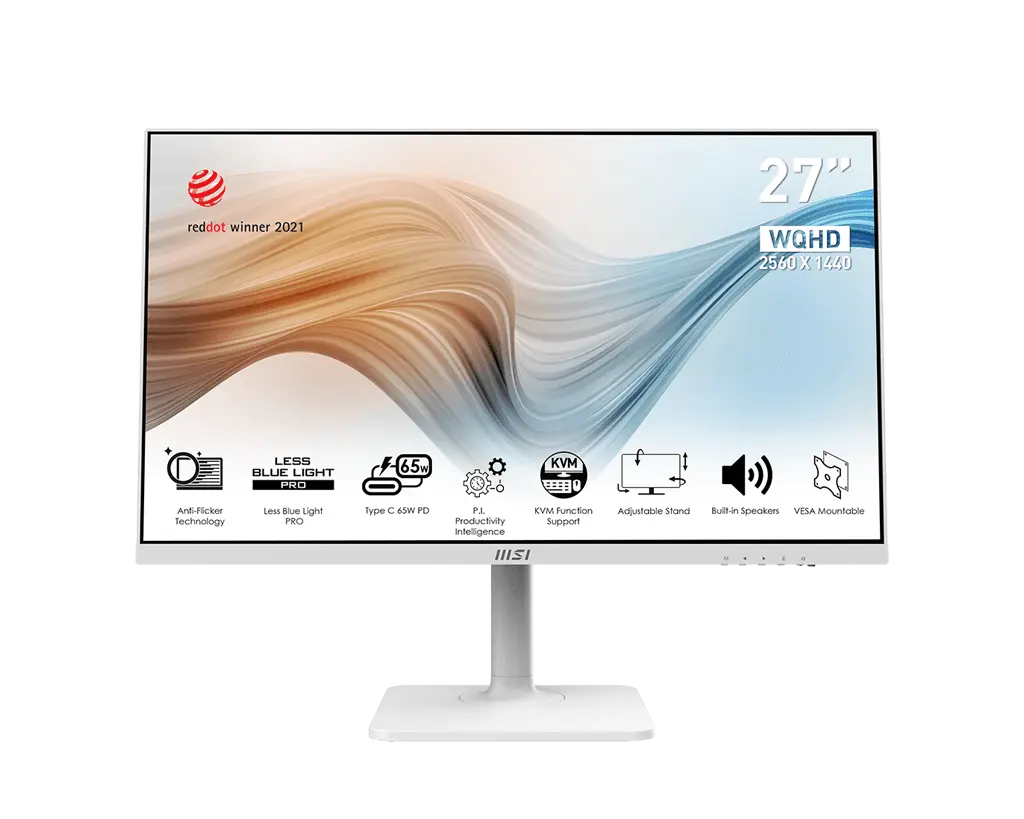 MSI Modern MD272QPW27 in · 2560 × 1440 · 75 Hz · white · MSI global model with supplied standCompare the two
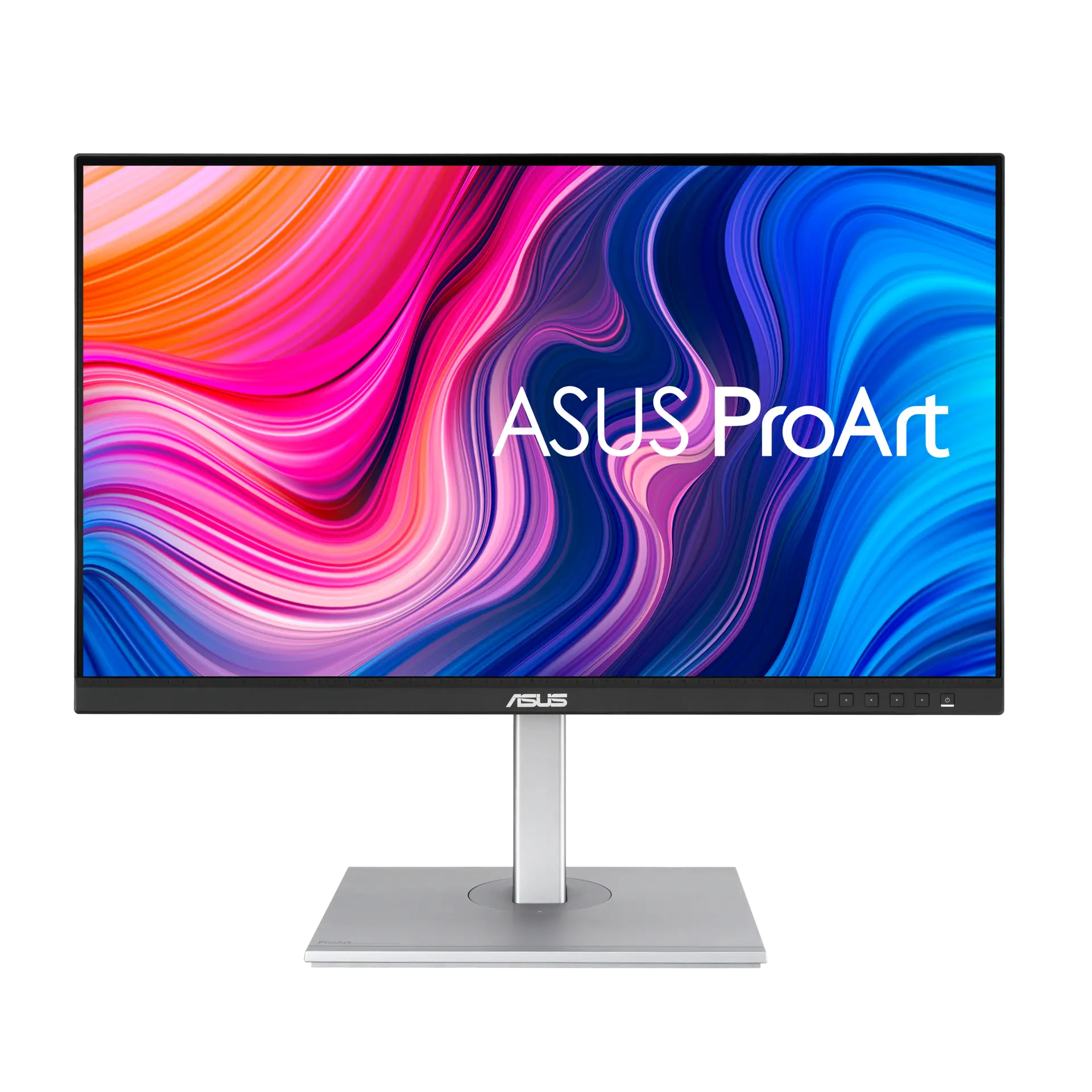 ASUS ProArt Display PA278CVUK specificationCompare the two
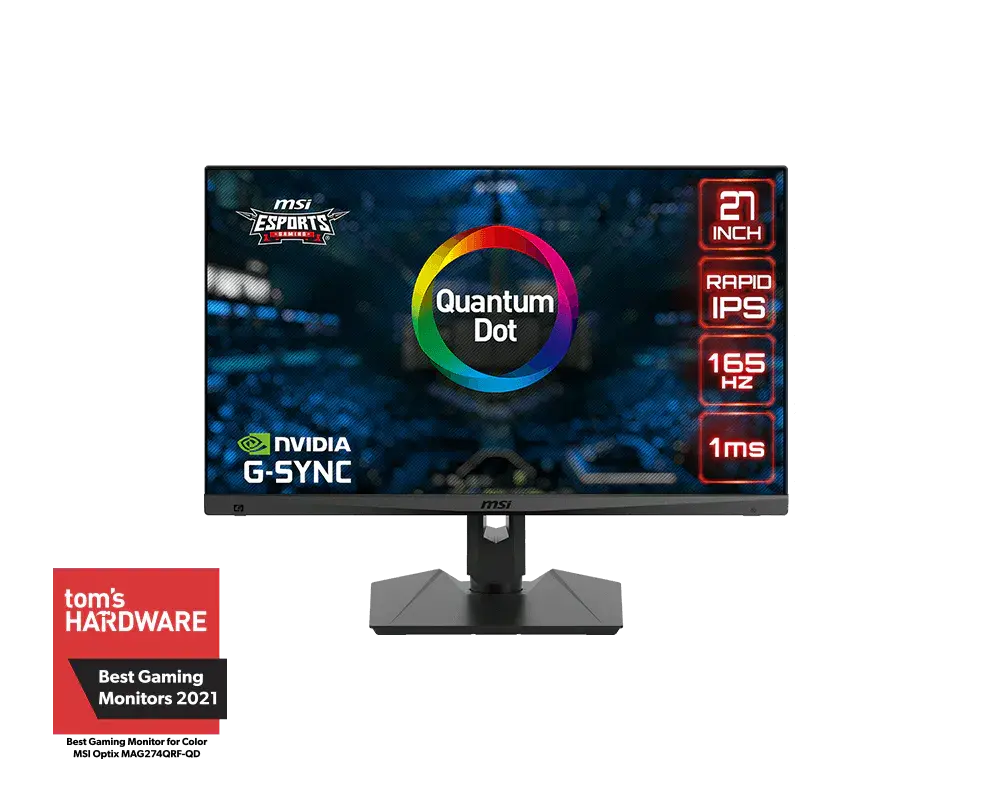 MSI Optix MAG274QRF-QD27-inch · 2560 × 1440 · 165 Hz · MSI global specificationCompare the two
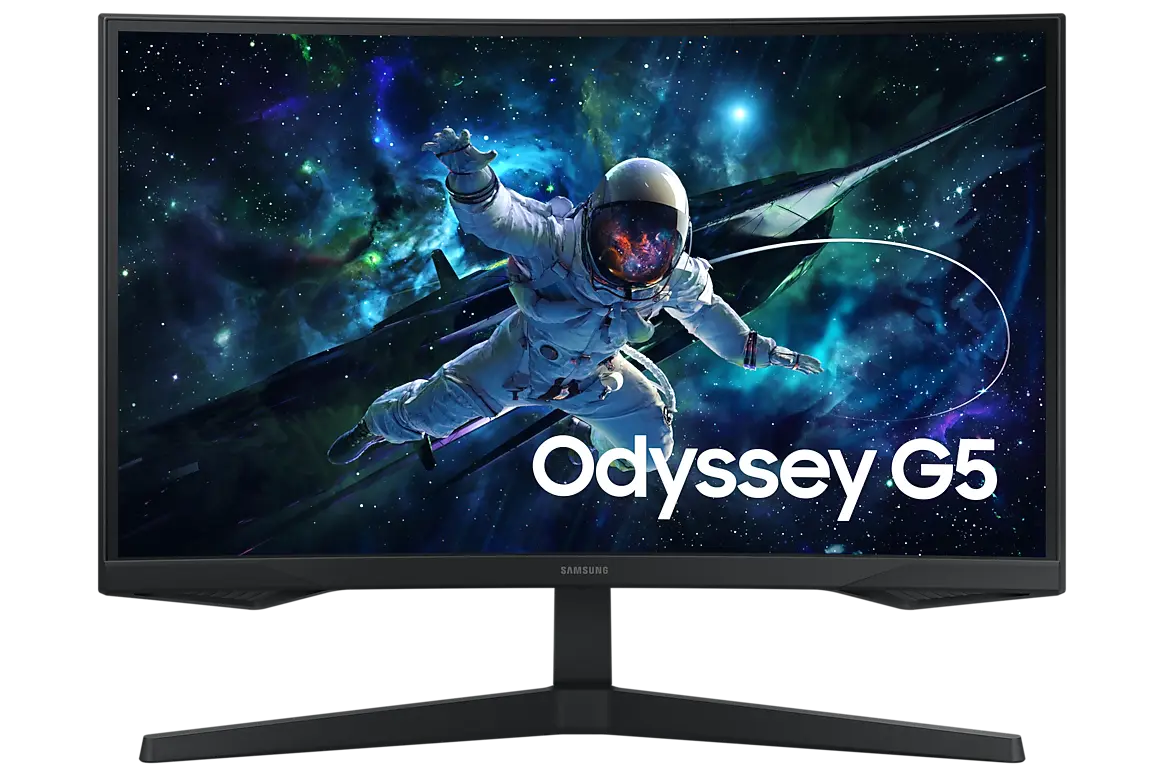 Samsung Odyssey G5 G55C 27-inchLS27CG552EUXXU · 27-inch VA · Samsung UK specificationCompare the two
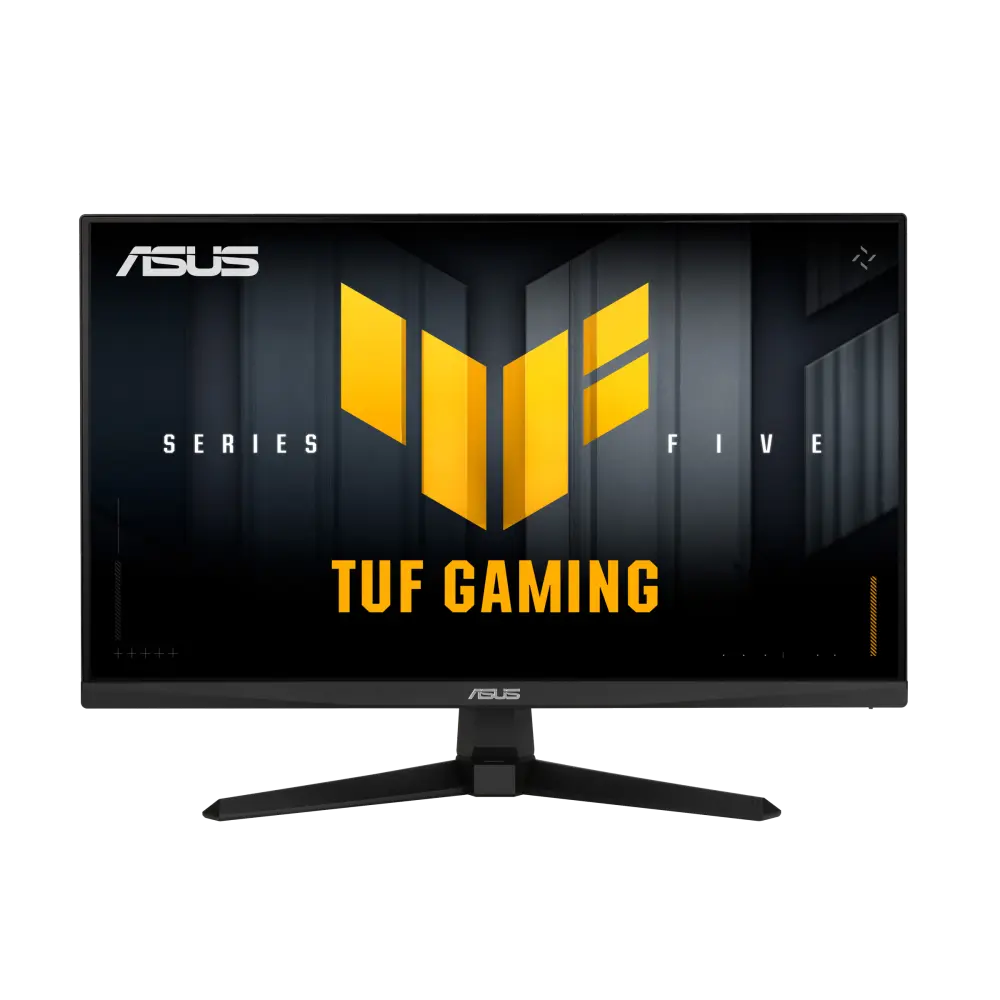 ASUS TUF Gaming VG27AQE5AUK manufacturer specification · TUF Gaming VG27AQE5ACompare the two