


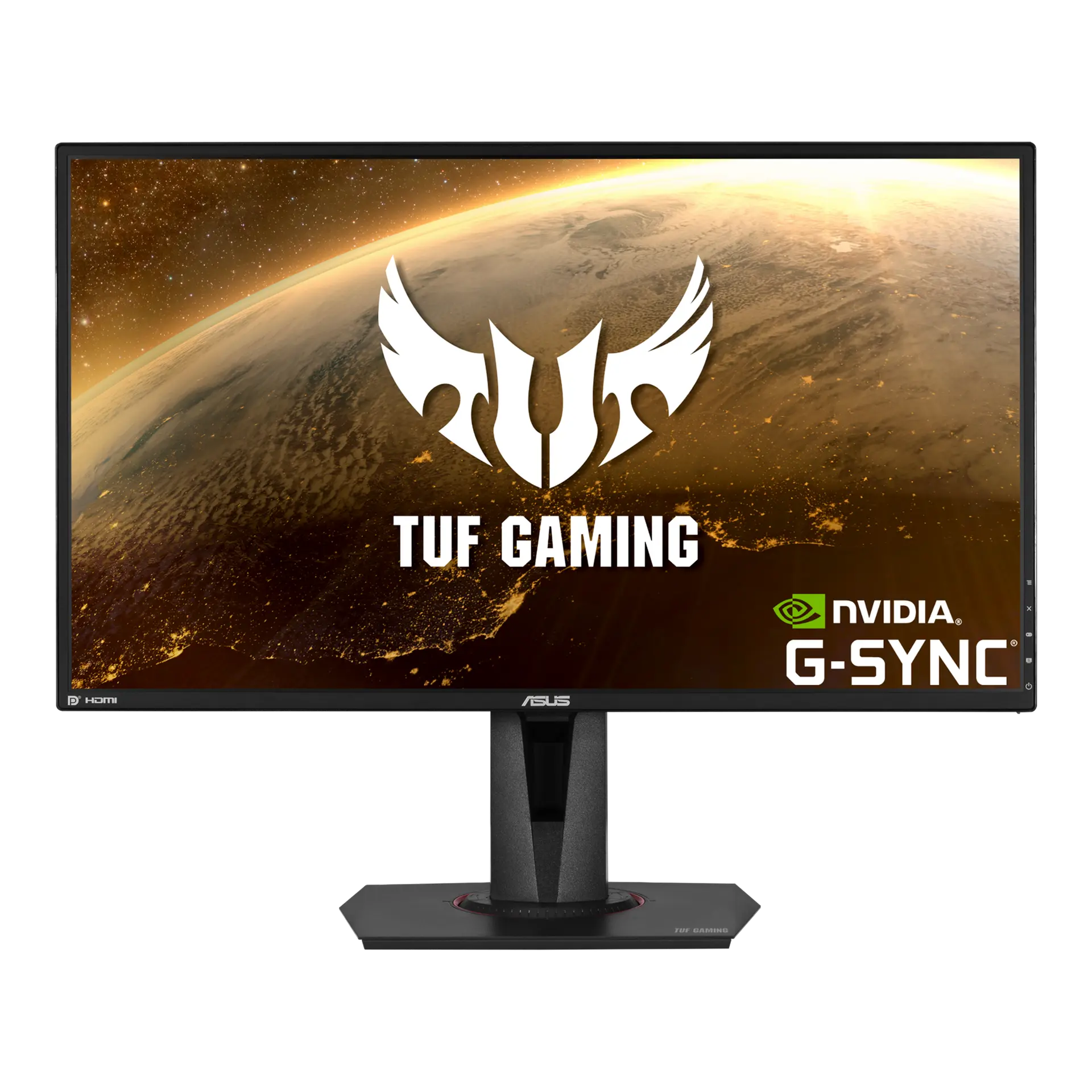
 ASUS TUF Gaming VG27AQVG27AQ · 27-inch IPS · Canadian specification
- Screen diagonal
- 27 inThis one: 31.5 in
- Declared brightness
- 350 cd/m²This one: 300 cd/m²

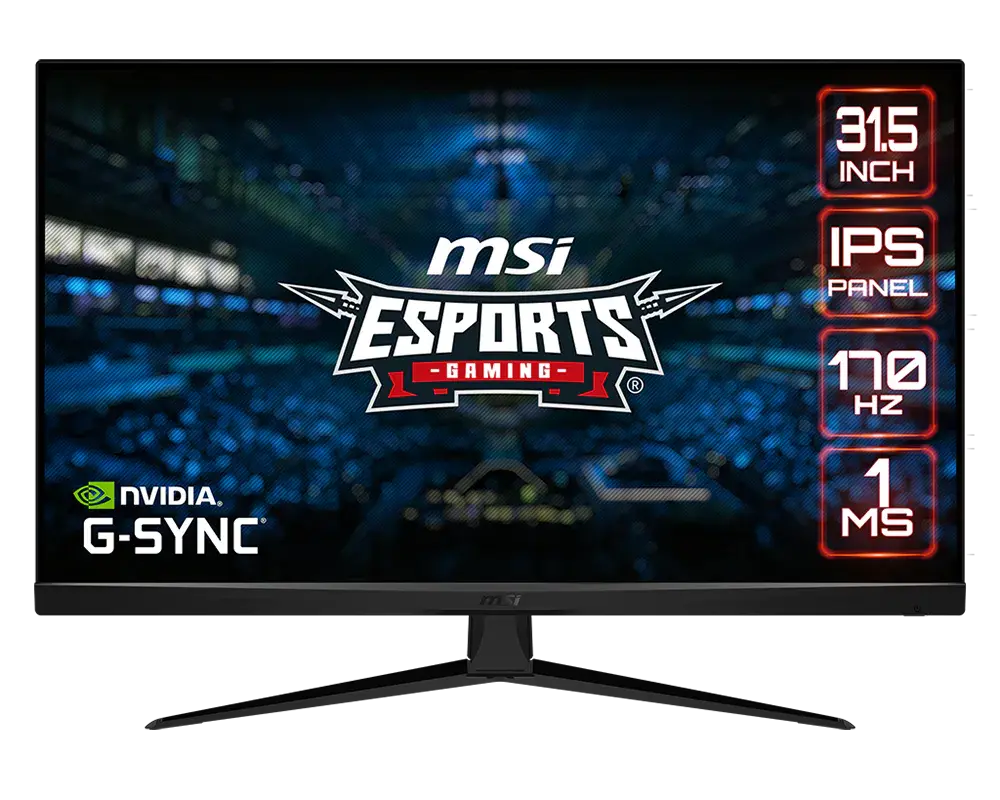
31.5-inch · 2560 × 1440 · 170 Hz
31.5-inch flat IPS monitor with 2560 × 1440 resolution, DisplayPort overclock up to 170 Hz and HDMI up to 144 Hz. The supplied stand tilts but does not adjust in height, swivel or pivot.
As an Amazon Associate I earn from qualifying purchases.
Email me when the MSI G321Q gets cheaper on eBay. We check exact-model listings once a day at 12:00 UTC.
Specifications checked 11 Sept 2026Manufacturer specifications, not a hands-on test.
The nearest checked monitors by key specifications, with what differs from the MSI G321Q. The first matches the Compare button above.
ASUS TUF Gaming VG27AQVG27AQ · 27-inch IPS · Canadian specification Dell 27 Plus S2725DSMUK specification (Dell UK manufacturer part VWPNT, Ash White)
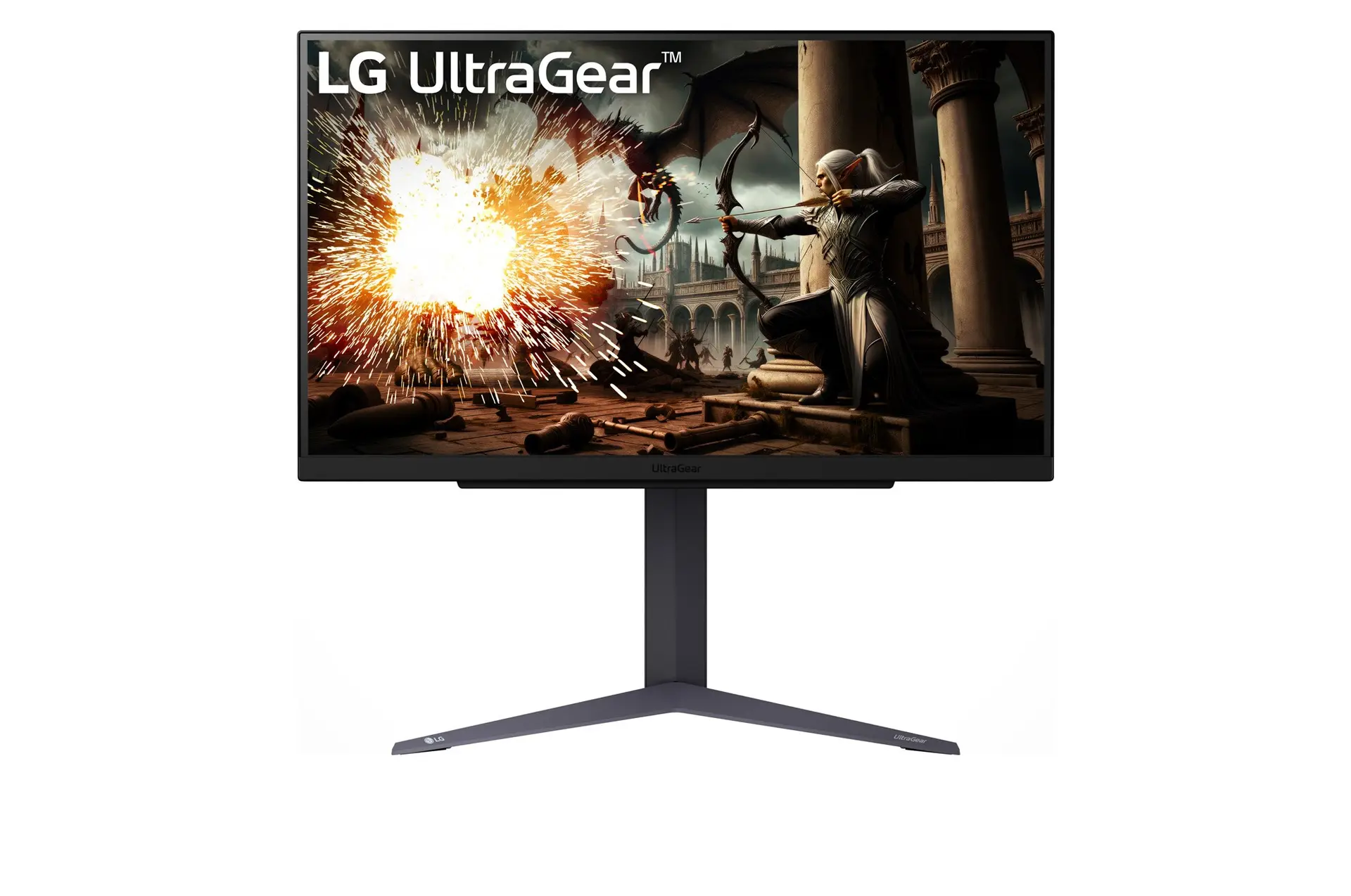 LG UltraGear 27GS75Q-BUK model 27GS75Q-B
It reaches 170 Hz over DisplayPort at 2560 × 1440 with G-SYNC Compatible and FreeSync Premium support, and the IPS panel covers 123% sRGB (CIE 1976).
PS5 1440p optimisation with VRR, 120 Hz console input over HDMI, Night Vision and Smart Crosshair are included, with a 100 × 100 mm VESA pattern for an arm.
HDMI is limited to 144 Hz, and MSI's specification table and connection diagram give different DisplayPort versions (1.4 and 1.2a).
The supplied stand has no height adjustment, swivel or portrait pivot; a separate compatible 100 × 100 mm VESA mount is an option. No USB ports are specified.
Exact configuration: 31.5-inch · 2560 × 1440 · 170 Hz · MSI global specification
59 specifications in 10 groups. Values are manufacturer specifications unless a row says “Measured result” or “Calculated from cited specifications”.
Manufacturer panel diagonal; rounded size printed on marketing imagery may differ.
SourceExact panel curvature row.
SourceManufacturer-reported pitch.
SourceManufacturer surface description.
SourceEnglish manual p. 24: 170 Hz maximum, default 165 Hz. DisplayPort overclock must be enabled for 170 Hz; HDMI native maximum 144 Hz remains separate.
SourceGtG, MPRT and input lag are different measures.
SourceDisplayPort: up to 170 Hz with overclocking; HDMI: up to 144 Hz, at native 2560 × 1440. The source, cable and selected mode must support the signal.
SourceThe exact specification names NVIDIA G-SYNC Compatible and AMD FreeSync Premium. This confirms adaptive-sync capability, not every console/GPU/input combination.
SourceOperation depends on the source, connection and selected mode.
Source2560 × 1440 over HDMI; the 170 Hz overclock applies to DisplayPort.
SourceBlur-reduction (MPRT) figure, not GtG or input lag.
SourcePublished signal range; not guaranteed full range for every input.
SourceAdaptive-Sync activation range; input and source limits apply.
SourceEnglish manual pp. 16, 18 and 20: enabling MPRT disables adaptive sync and HDCR; enabling adaptive sync disables MPRT. MPRT requires refresh above 85 Hz and locks brightness/response-time settings. HDR disables MPRT.
SourceSpecification row p. 24: 4 ms GtG, separate from 1 ms MPRT.
SourceManual pp. 15–16: MPRT needs a refresh rate above 85 Hz, cannot run with Adaptive-Sync or HDR, and locks brightness and response controls.
SourceSDR typical brightness, not HDR peak.
SourceStatic contrast.
SourceWhere FRC is listed, the panel uses frame-rate control to reach the stated depth.
SourceHDR Ready as described by MSI; not a DisplayHDR certification.
SourceCIE 1976 basis; percentages above 100% are relative volume, not coverage.
SourceFRC-assisted count, not native 10-bit panel depth.
SourcePro Mode lists sRGB for this model (p. 19). Adobe RGB, Display P3 and Calibration 1–3 modes are marked only for MAG321QR-QD. Preset availability is not calibrated gamut accuracy.
SourceUSB ports are explicitly N/A in the exact datasheet; video ports are HDMI and DisplayPort.
SourceMSI's video-port specification says DisplayPort 1.4 but the connection diagram caption says 1.2a. · Input counts and types.
SourceUSB ports are explicitly N/A.
SourceDatasheet PIP/PBP N/A.
SourceExact marketing lists PS5 1440p VRR. Manual pp. 26–27 separately lists HDMI 1080p/1440p at 120 Hz and 2160p 30/50/60 Hz input timings. The physical panel remains 2560 × 1440; accepting a 4K input is not native 4K display. Confirm device/firmware/VRR mode combination.
Conflicting manufacturer table and connection-diagram labels; no version selected. · MSI's web specification and datasheet video table say DisplayPort 1.4; the datasheet diagram and English manual (p. 10) say 1.2a. One input, with the 170 Hz overclocked mode.
Manual pp. 8–10 and 23 identify CEC on HDMI connector 7 (the first HDMI input), with automatic power behaviour for supported CEC devices. No support is asserted for every input or HDMI 2.1 bandwidth.
SourceThe exact datasheet lists height adjustment N/A.
SourceThe exact datasheet lists swivel N/A.
SourceThe exact datasheet lists pivot N/A.
SourceLock slot only; no lock included.
SourceExact tilt and N/A adjustment rows; third-party VESA stand capability is separate.
SourceManual p. 25 supplies plate 100 × 100 mm and screw dimensions; follow installation instructions and mount-specific clearance.
SourceManufacturer dimensions with stand, shown width × height × depth. Stand depth is not panel thickness and excludes additional cable clearance.
SourceManufacturer dimensions with stand, shown width × height × depth. Stand depth is not panel thickness and excludes additional cable clearance.
SourcePanel active area, not chassis dimensions.
SourceManufacturer dimensions explicitly without stand; mounting and cable clearance are extra.
SourceThe manual (p. 25) lists 6.8 kg net and 8.8 kg gross without saying whether the stand is included. · The manual (p. 25) lists 6.8 kg net and 8.8 kg gross without saying whether the stand is included.
Manual p. 25 (G321Q column); MSI does not say whether the stand is included.
SourceManual p. 25 G321Q gross row; not product-only mass.
SourceAdapter rating, not the monitor's power use.
SourceMSI lists an adapter rating but no typical operating wattage. · MSI lists an adapter rating but no typical operating wattage.
SourceManual pp. 13–14 and 21: directional OSD control with configurable shortcuts. The Macro Key belongs to MAG321QR-QD, not the G321Q rear-panel diagram.
Dark-area adjustment.
SourceThe manual (p. 31) says it does not apply with MPRT on.
The manual (p. 19) says Low Blue Light shifts colour temperature toward yellow and is forced on in Anti-Blue mode; HDR greys it out (p. 15).
SourceManual pp. 16 and 19. Premium Color and additional colour/calibration presets belong to MAG321QR-QD, not G321Q.
SourceSelectable OSD overlays (manual pp. 17–18).
SourceThe manual lists country-dependent contents; the USB upstream cable belongs to other models with USB ports. Check the seller's box.
SourceMore of the nearest checked monitors by key specifications, for a side-by-side comparison.
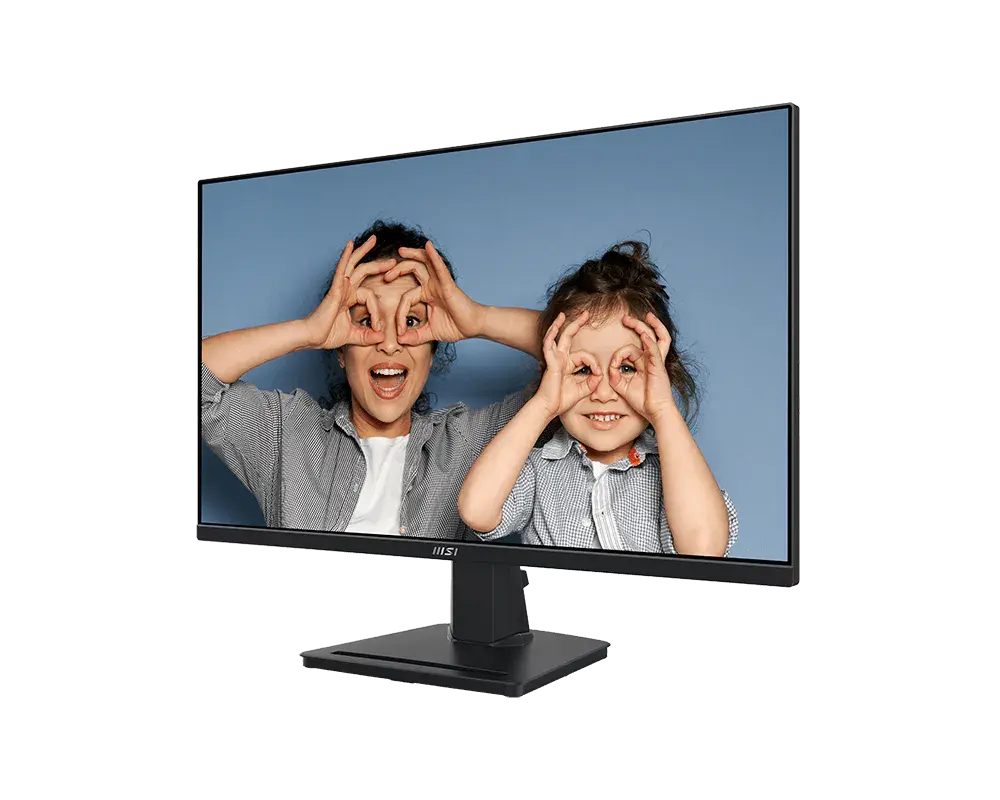 MSI PRO MP275Q27-inch · 2560 × 1440 · 100 Hz · exact MSI global configurationCompare the two
 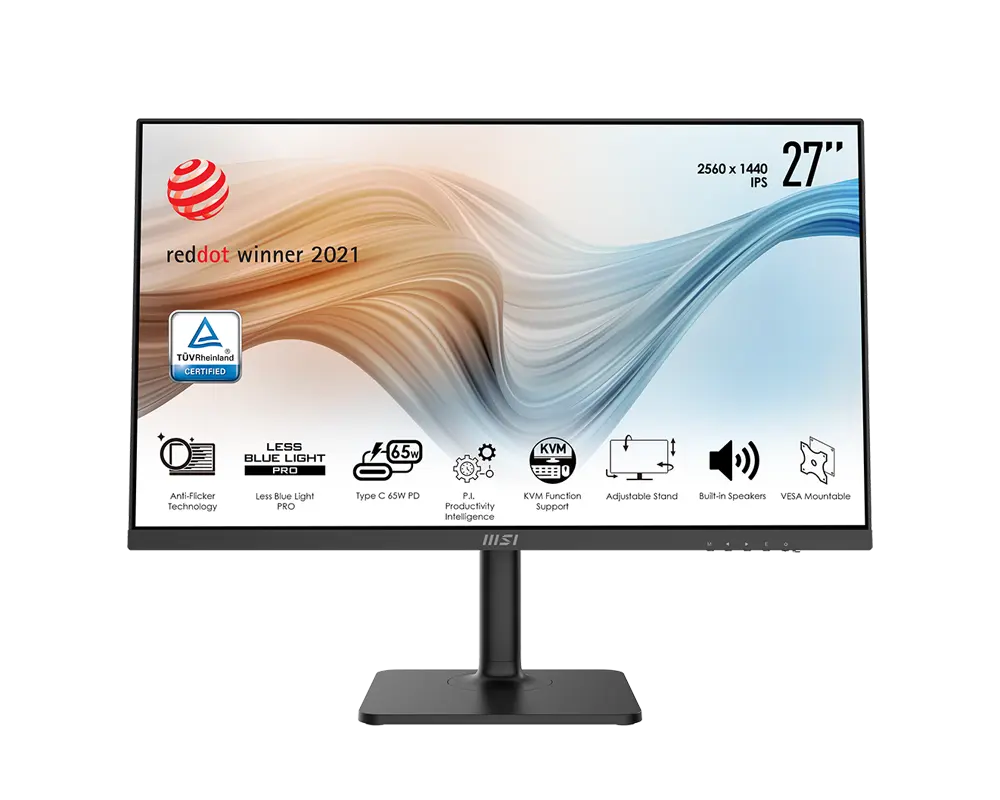 MSI Modern MD272QP27 in · 2560 × 1440 · 75 Hz · MSI global model with supplied standCompare the two
 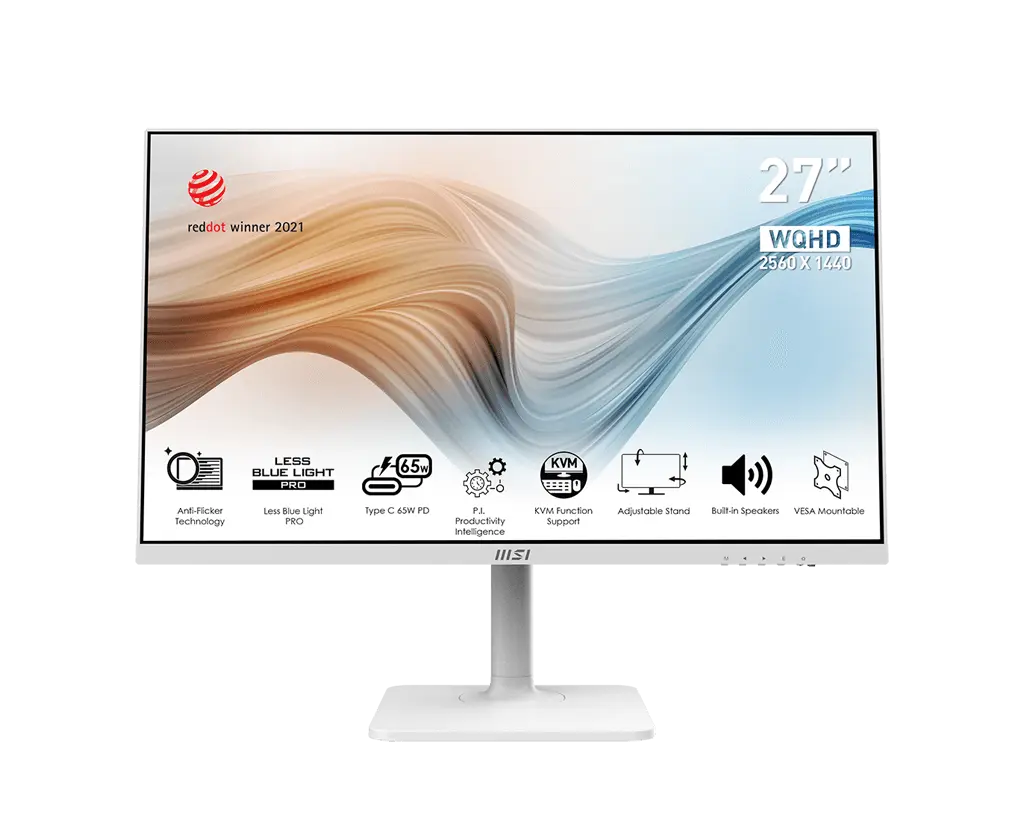 MSI Modern MD272QPW27 in · 2560 × 1440 · 75 Hz · white · MSI global model with supplied standCompare the two
 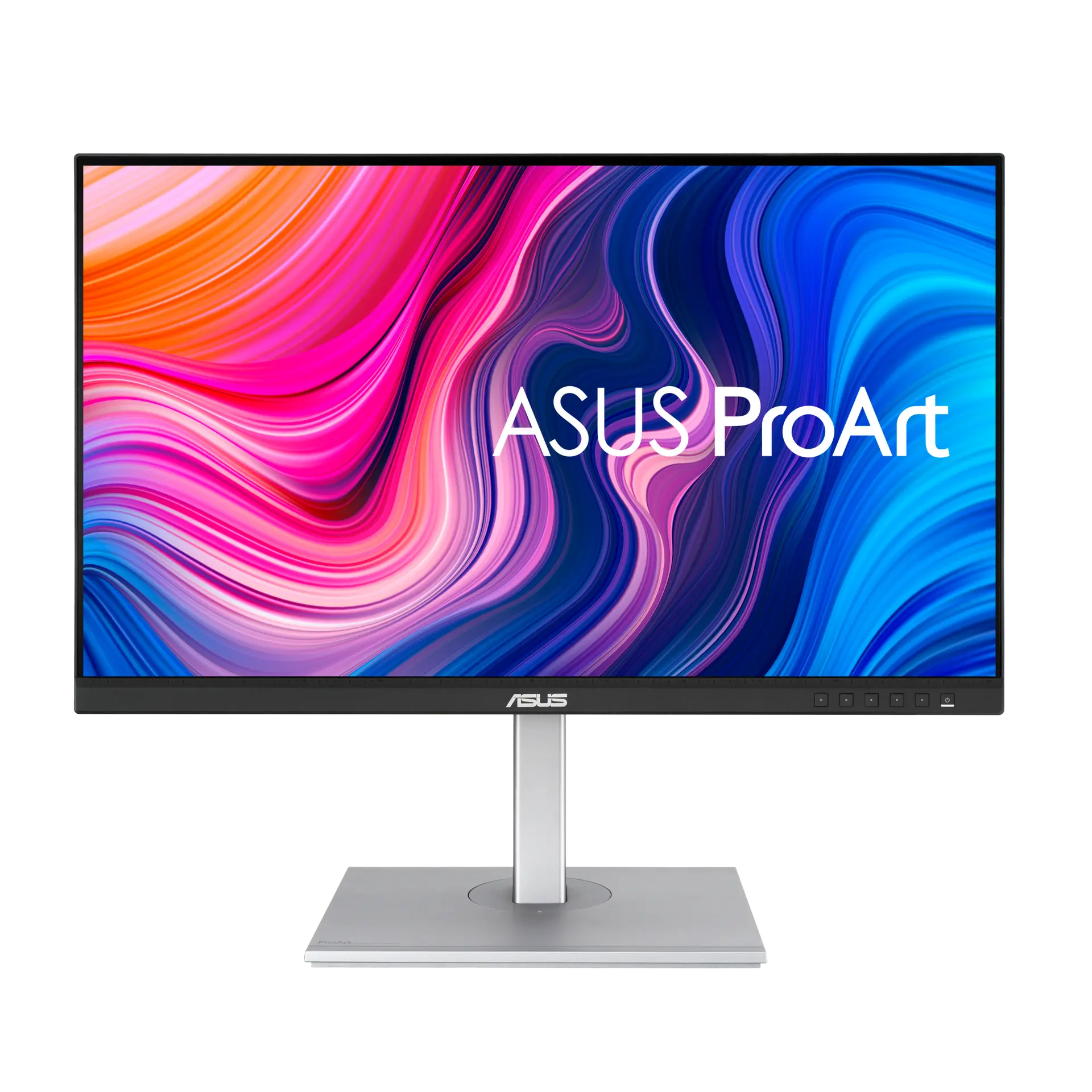 ASUS ProArt Display PA278CVUK specificationCompare the two
 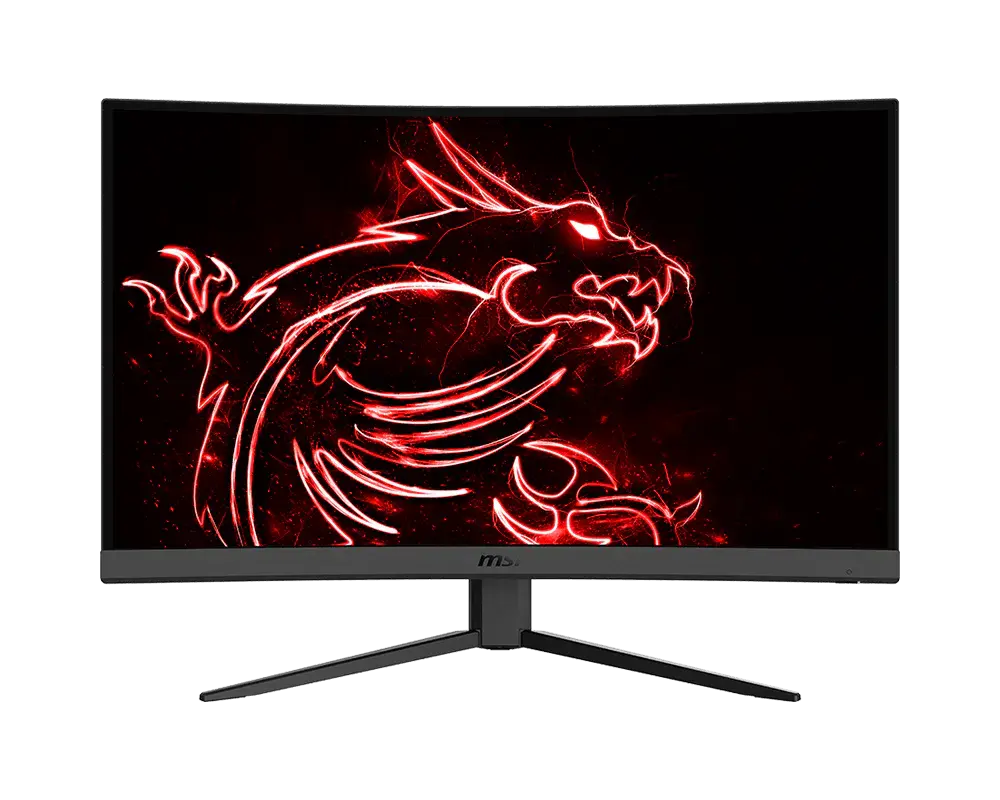 MSI G32CQ4 E231.5-inch · 2560 × 1440 · 170 Hz · MSI global specificationCompare the two
 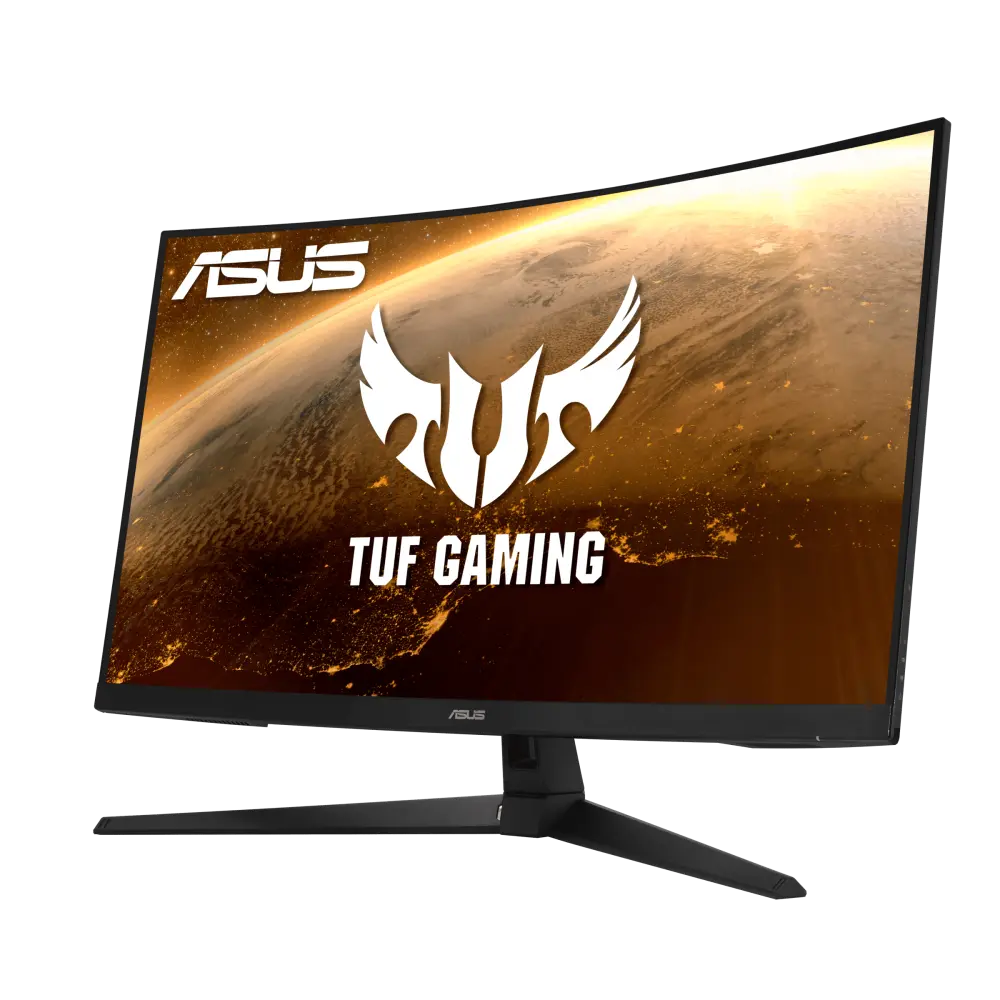 ASUS TUF Gaming VG32VQ1BRUK manufacturer specification · TUF Gaming VG32VQ1BRCompare the two
 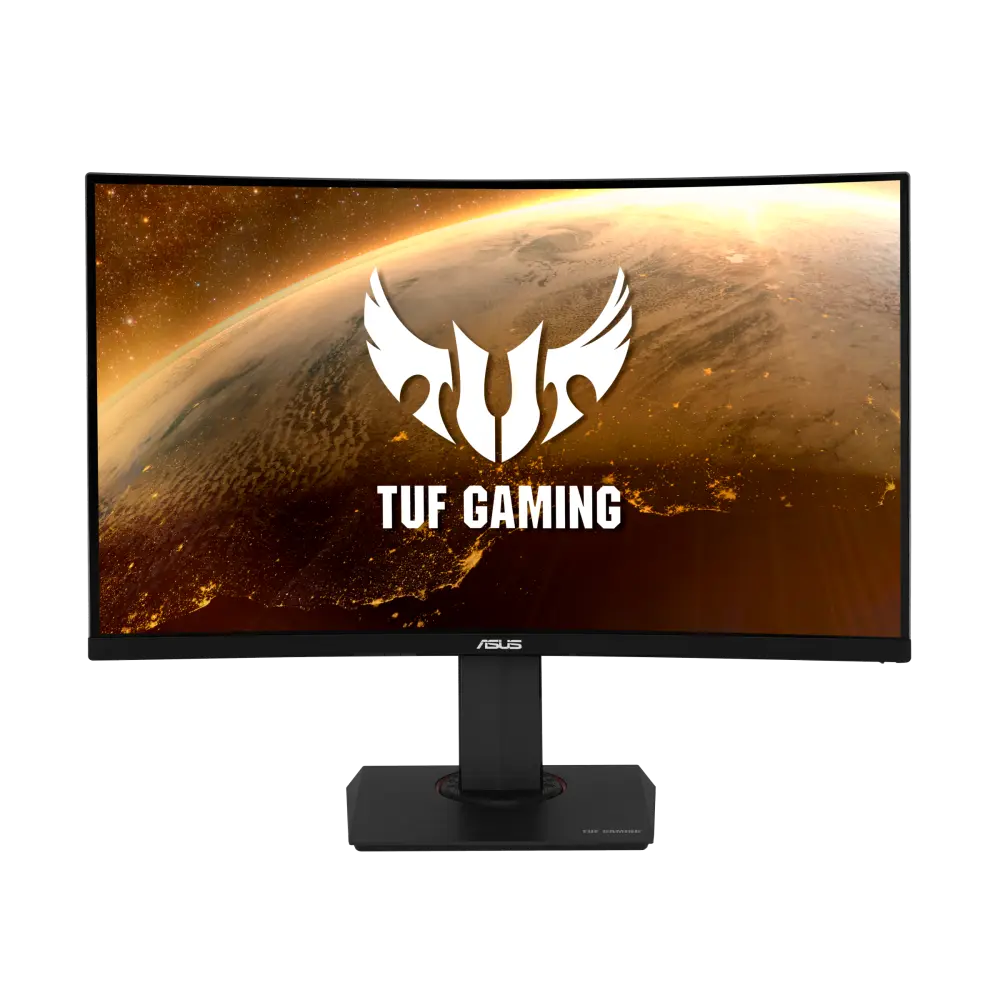 ASUS TUF Gaming VG32VQRUK manufacturer specification · TUF Gaming VG32VQRCompare the two
 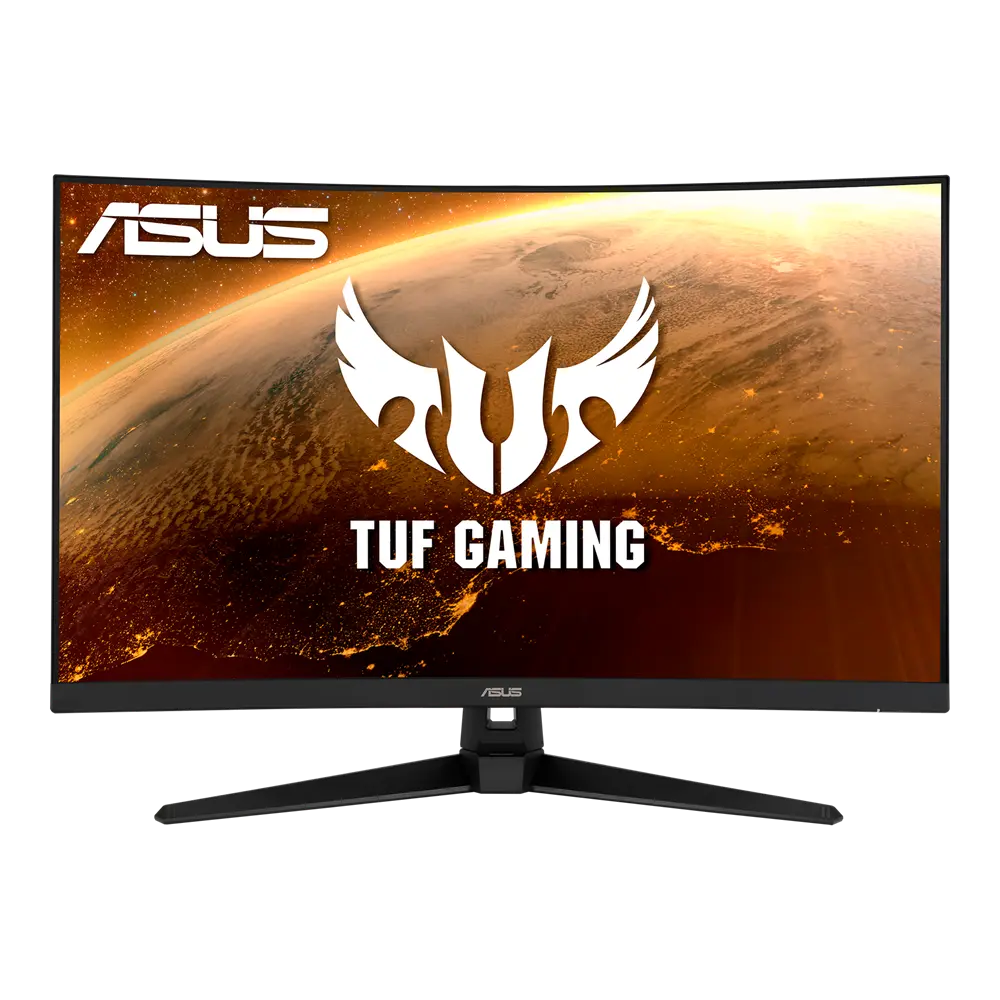 ASUS TUF Gaming VG32VQ1BGlobal manufacturer specification · TUF Gaming VG32VQ1BCompare the two