 ASUS ProArt Display OLED PA32UCDMUK manufacturer specification · ProArt Display OLED PA32UCDM
- Response method and claim
- 0.1ms(GTG)This one: 0.03 ms GtG

UK specification
A 31.5-inch 3840 × 2160 QD-OLED gaming monitor rated at 240 Hz on HDMI 2.1, DisplayPort 1.4 (DSC) and USB-C (the user guide gives up to 3840 × 2160 at 144 Hz on USB-C with DSC on when its Type-C bandwidth is set to USB 3.2), with DisplayHDR 400 True Black, Dolby Vision, USB-C power delivery of 65 W by default or 90 W when enabled in the on-screen menu, a KVM switch and a 3-year warranty that includes burn-in.
As an Amazon Associate I earn from qualifying purchases.
Email me when the ASUS ROG Swift OLED PG32UCDM gets cheaper on eBay. We check exact-model listings once a day at 12:00 UTC.
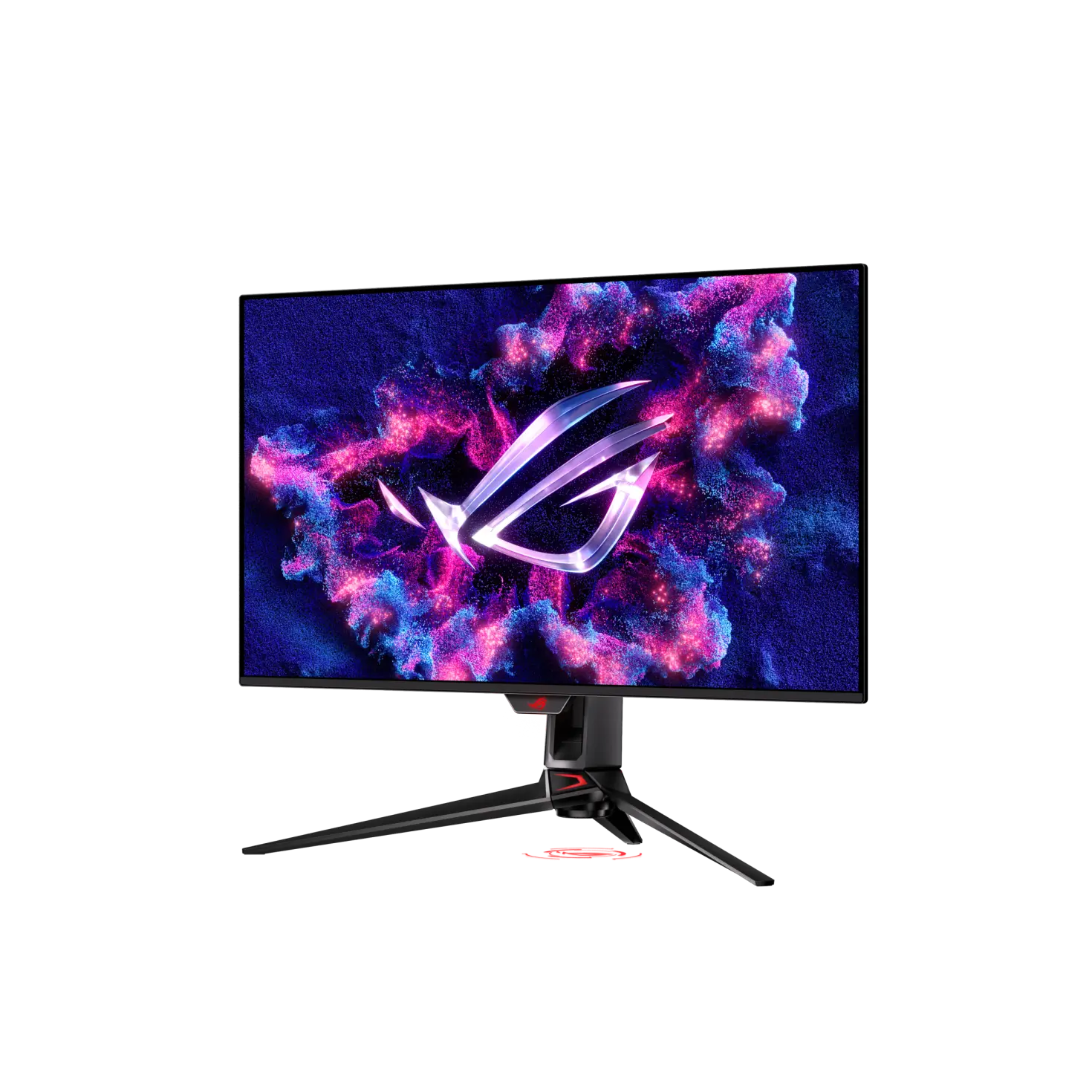
Specifications checked 26 Sept 2026Manufacturer specifications, not a hands-on test.
The nearest checked monitors by key specifications, with what differs from the ASUS ROG Swift OLED PG32UCDM. The first matches the Compare button above.
ASUS ProArt Display OLED PA32UCDMUK manufacturer specification · ProArt Display OLED PA32UCDM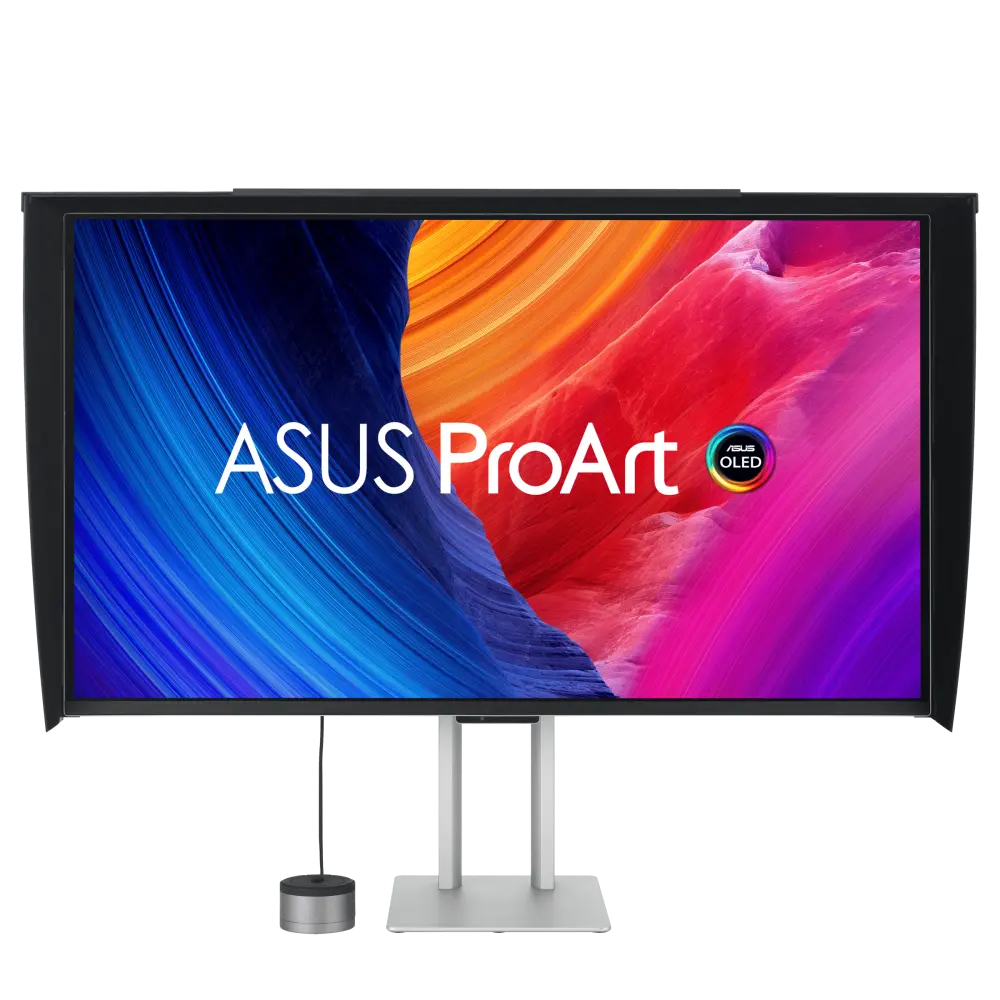 ASUS ProArt Display OLED PA32UCDMR-KUK manufacturer specification · ProArt Display OLED PA32UCDMR-K
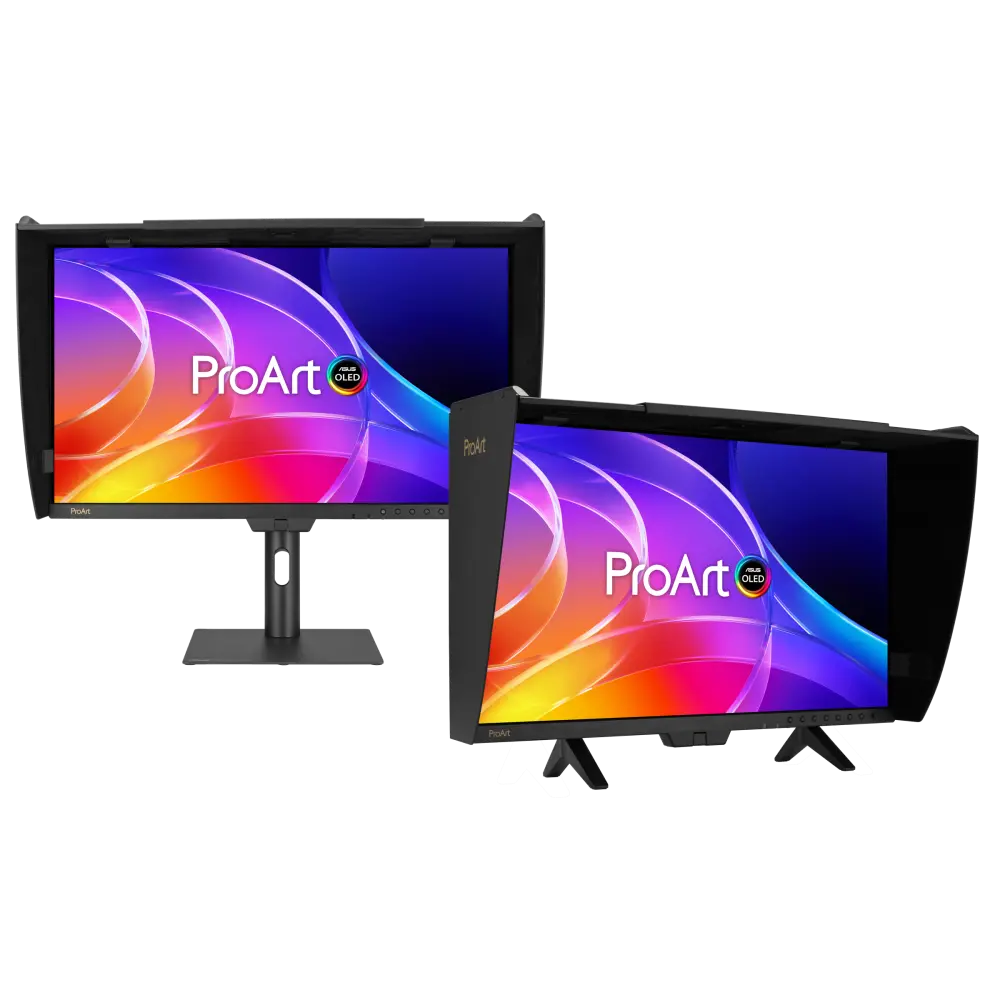 ASUS ProArt Display OLED PA32USDGlobal manufacturer specification · ProArt Display OLED PA32USD
Two HDMI 2.1 (FRL) inputs list up to 240 Hz, and the USB-C input carries video with 65 W power delivery by default or 90 W when enabled in the on-screen menu, alongside a KVM switch that moves the three USB 3.2 Gen 1 Type-A ports between the USB-C and USB Type-B upstream connections, and an optical S/PDIF output.
ASUS lists 99% DCI-P3, 10-bit colour, ΔE < 2, 6-axis colour adjustment and a 1,000 cd/m² HDR peak (DisplayHDR 400 True Black).
The UK warranty is 3 years including panel burn-in, and ASUS lists OLED Care, a proximity sensor, a custom passive heatsink and a graphene film for heat management.
ASUS’s technical tables and user guide give 80 mm of height travel, but its product page shows 0–110 mm; the user guide lists no pivot, and swivel is ±15°.
It weighs 8.8 kg with its stand and is 274 mm deep with the stand fitted, and it uses an external power adapter.
DisplayPort is version 1.4 with DSC, and there are no built-in speakers.
Exact configuration: UK specification
70 specifications in 10 groups. Values are manufacturer specifications unless a row says “Measured result” or “Calculated from cited specifications”.
ASUS lists up to 240 Hz on HDMI, DisplayPort and USB-C. The user guide says that with the USB-C port’s Type-C Bandwidth set to USB 3.2, USB-C is up to 3840 × 2160 at 144 Hz when DSC support is on.
Manufacturer claim; not a measured response or input-lag result.
SourceThe user guide says Variable Refresh Rate can only be activated within 48–240 Hz. The technical table’s wider HDMI 24–240 Hz figure is an input signal-frequency range, recorded separately.
Vertical figures from ASUS’s Digital Signal Frequency row; these are input signal ranges, not the variable-refresh window.
Source240 Hz is the technical-table maximum (DisplayPort / USB-C 48–240 Hz vertical range). The user guide’s Type-C Bandwidth setting selects USB 2.0 or USB 3.2 for the USB-C port and says USB 3.2 is up to 3840 × 2160 at 144 Hz when DSC support is on; the guide gives no separate USB-C figure for the USB 2.0 setting.
ASUS Extreme Low Motion Blur (ELMB). The user guide says it is available only at a 120 Hz refresh rate, disables variable refresh rate and limits the maximum brightness setting to 70.
User-guide specification figure, listed alongside the 1,000 cd/m² peak; ASUS does not state its measurement basis. The UK and US technical tables list only the HDR peak.
SourcePeak HDR figure; ASUS gives no window size. The model carries VESA DisplayHDR 400 True Black.
SourceASUS does not state the CIE basis.
SourceThe user guide says Dolby Vision requires monitor firmware MCM105/305 or higher; the product page links a Dolby Vision firmware update.
User-guide HDR Setting and DolbyVision Setting options. Gaming HDR and Cinema HDR include a Dynamic Brightness Boost that cannot be disabled; Console HDR has an optional Dynamic Brightness Boost; the Dolby Vision modes are available only with Dolby Vision content.
SourceASUS’s UK product page advertises “True 10-bit”; the technical table and user guide list 1073.7M colours (10 bit). Manufacturer claim, not a measured result.
Manufacturer claim; test conditions not stated.
SourceColour calibration e-report viewed via DisplayWidget Center; the user guide’s on-screen menu also includes a Color Calibration Report view.
The user guide says the earphone jack is only available when an HDMI, DisplayPort or USB-C cable is connected.
The user guide says PIP/PBP runs at 60 Hz, cannot be used with HDR, and disables variable refresh rate, Aspect Control, ELMB and DSC; PIP size is Small, Middle or Large.
Maximum. ASUS says power delivery defaults to 65 W and 90 W must be enabled in the on-screen menu. The user guide’s USB-C Charging setting offers 65 W or 90 W, and selecting 90 W limits the maximum brightness setting to 65. The guide lists output profiles of 5 V/3 A, 9 V/3 A, 12 V/3 A, 15 V/3 A and 20 V/3.25 A for 65 W, and 5 V/3 A, 9 V/3 A, 12 V/3 A, 15 V/3 A and 20 V/4.5 A for 90 W.
The UK technical table lists the hub as 3 × USB 3.2 Gen 1 Type-A. The user guide lists 1 × USB Type-C, 1 × USB 3.2 Gen 1 Type-B and 3 × USB 3.2 Gen 1 Type-A, says the Type-B port connects a USB upstream cable that enables the monitor’s USB ports, and says the USB-C port is also for a USB upstream cable (a USB-C-to-Type-A cable enables only the Type-A downstream ports). Its KVM setting switches the USB downstream ports between the USB-C and Type-B upstream ports, and its Type-C Bandwidth setting selects USB 2.0 or USB 3.2 for USB-C.
The user guide’s KVM setting switches the USB downstream ports between the USB-C and USB Type-B upstream ports, with an Auto KVM Detection option (firmware MCM103/303 or higher). Keyboard Hotkey 1 (Ctrl+Alt+Q) switches KVM and PIP when a keyboard is connected to a downstream port and the upstream port is connected; the guide adds that Keyboard Hotkey 1 is only available when the KVM and/or PIP function is activated.
User-guide setting for power on/off control of consoles and set-top boxes; off by default and requires monitor firmware MCM103/303 or higher.
SourceASUS sources disagree: the UK and US technical tables (“Height Adjustment : 0~80mm”) and the user guide (“Height Adjustment 80 mm”; with-stand heights of 579 mm highest and 499 mm lowest) give 80 mm, while the UK product-page ergonomic stand graphic gives “0-110MM HEIGHT ADJUSTMENT”. Adjustment travel, not overall assembled height.
The user-guide specification summary lists pivot as “No”. The UK and US technical tables have no pivot row, and the product page lists only tilt, swivel and height adjustment.
Tilt −5° to +20° and swivel ±15° agree across the UK and US technical tables, the user guide and the UK product page, and the user guide lists pivot as “No”. Height travel conflicts: the tables and user guide give 80 mm, while the product-page stand graphic gives 0–110 mm.
The user guide’s Cable management section says the cables can be organised with the cable management slot; ASUS gives no further detail.
SourceConverted from ASUS’s centimetre figures; ASUS labels dimensions as estimates that vary by region. The user guide gives this as the highest stand position and 718 × 499 × 274 mm at the lowest.
Front-to-back depth with the supplied stand; allow cable clearance.
SourceASUS “Net Weight”, listed separately from “Net Weight without Stand”; estimate that may vary by region.
SourceUpper bounds; not typical running-power measurements. The user guide writes the on-mode figure as “< 42 W (Typ.)”, measured at a screen brightness of 200 nits without audio, USB or card-reader connections.
ASUS publishes only an upper bound (<42 W); the user guide labels it “< 42 W (Typ.)” at a screen brightness of 200 nits without audio, USB or card-reader connections. No typical operating figure without the inequality is stated.
The product page describes seven GameVisual presets (Racing, MOBA, Cinema, RTS/RPG, FPS, sRGB, Scenery); the user guide lists nine, adding Night Vision and User Mode and naming the sRGB preset “sRGB Cal”. The guide says GameVisual is unavailable while HDR content is displayed.
Named ASUS functions from the UK technical table, product page and user guide. The guide says Aspect Control disables variable refresh rate, PIP/PBP and ELMB, and that Uniform Brightness keeps the maximum screen brightness from changing with the displayed image size. DisplayWidget Center is desktop software for changing monitor and OLED settings with a mouse.
OLED Care functions named on the UK product page and in the user guide. The user guide says the proximity sensor turns the monitor off when no presence is detected within a selectable 50–110 cm range over the preset time.
ASUS says the heatsink, airflow design and graphene film improve heat management to reduce the risk of burn-in. ASUS describes the heatsink as passive but does not separately state that the monitor has no fan.
SourceThe UK technical table lists Aura Sync and the UK product page a projected ROG logo at the base of the monitor. The user guide’s Lighting Effect menu lists Aura RGB effects (R/G/B/C/M/Y colour choice for Static, Breathing and Strobing), Aura Sync (which disables the Aura RGB setting) and LIGHT IN MOTION, which sets the brightness of the light on the stand from Off to Level 3. The guide says Aura lighting is controlled by Armoury Crate software, and activating it needs Aura Sync turned on and a USB Type-B or Type-C connection to the computer.
ASUS says accessories vary by region; the US page lists a shorter accessory set. The user guide lists quick start guide, warranty card, power adapter, power cord, ROG welcome card with envelope, ROG wall mount kit, ROG sticker and ROG pouch, with HDMI, DisplayPort, USB Type-A to Type-B and USB Type-C cables marked optional. The same guide says the ROG wall mount kit attaches to the back of the monitor after the arm/base is detached, and that the VESA wall mount kit (100 x 100 mm) is purchased separately; the UK table's 'VESA mount kit' entry is read with that note.
As stated on the ROG UK page; regional terms apply.
SourceMore of the nearest checked monitors by key specifications, for a side-by-side comparison.
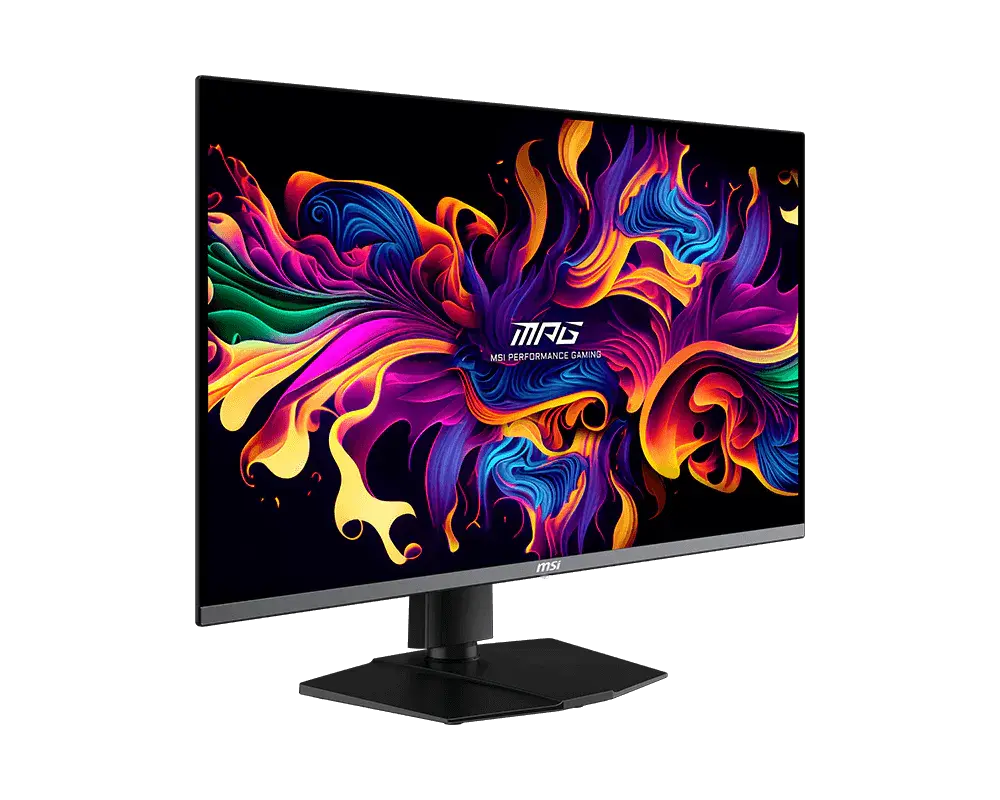 MSI MPG 322URX QD-OLED31.5-inch · 3840 × 2160 · 240 Hz · exact MSI global configurationCompare the two
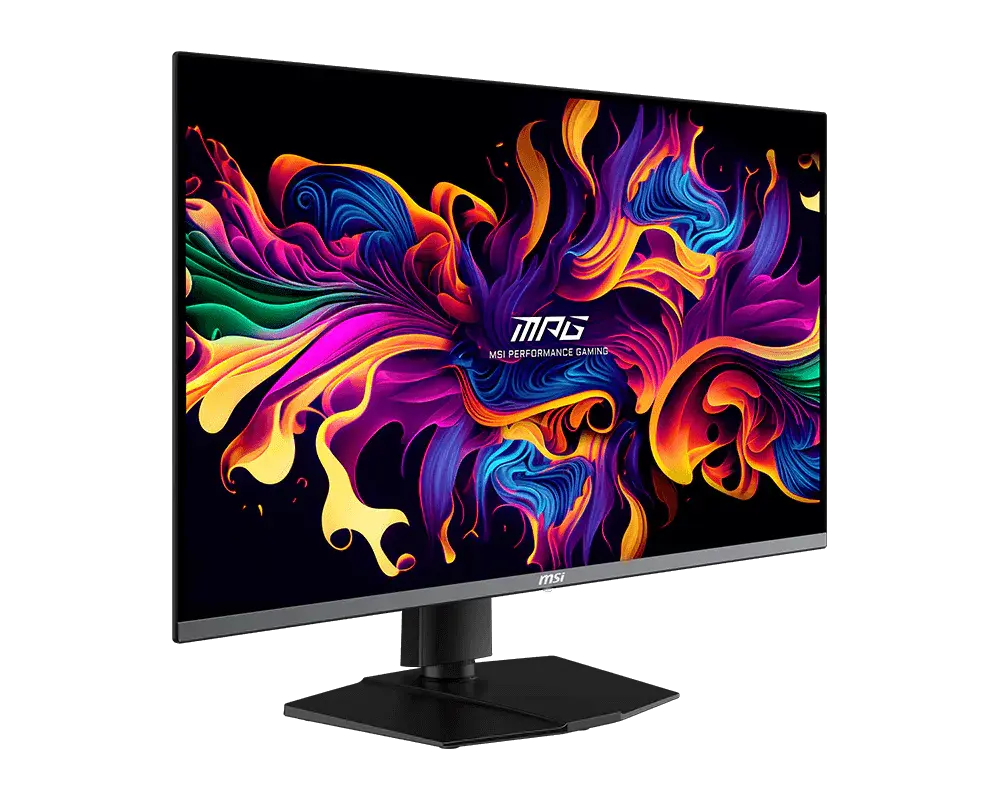 MSI MPG 321URX QD-OLED31.5-inch · 3840 × 2160 · 240 Hz · exact MSI global configurationCompare the two
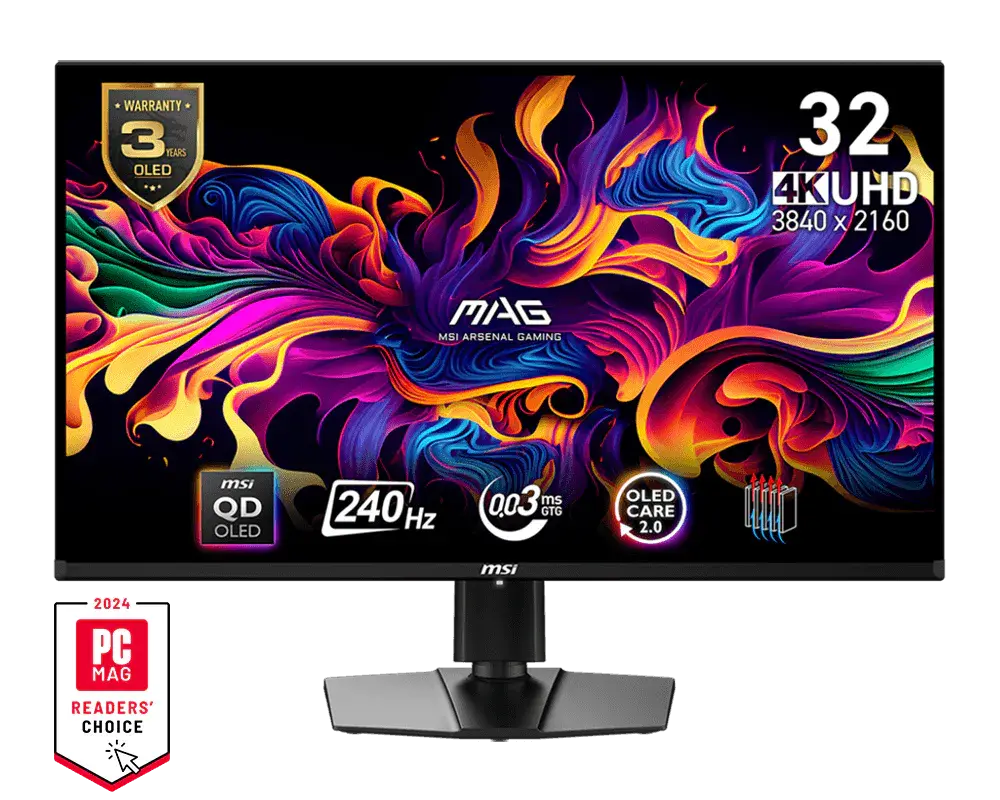 MSI MAG 321UPX QD-OLED31.5-inch · 3840 × 2160 · 240 Hz · MSI global specificationCompare the two
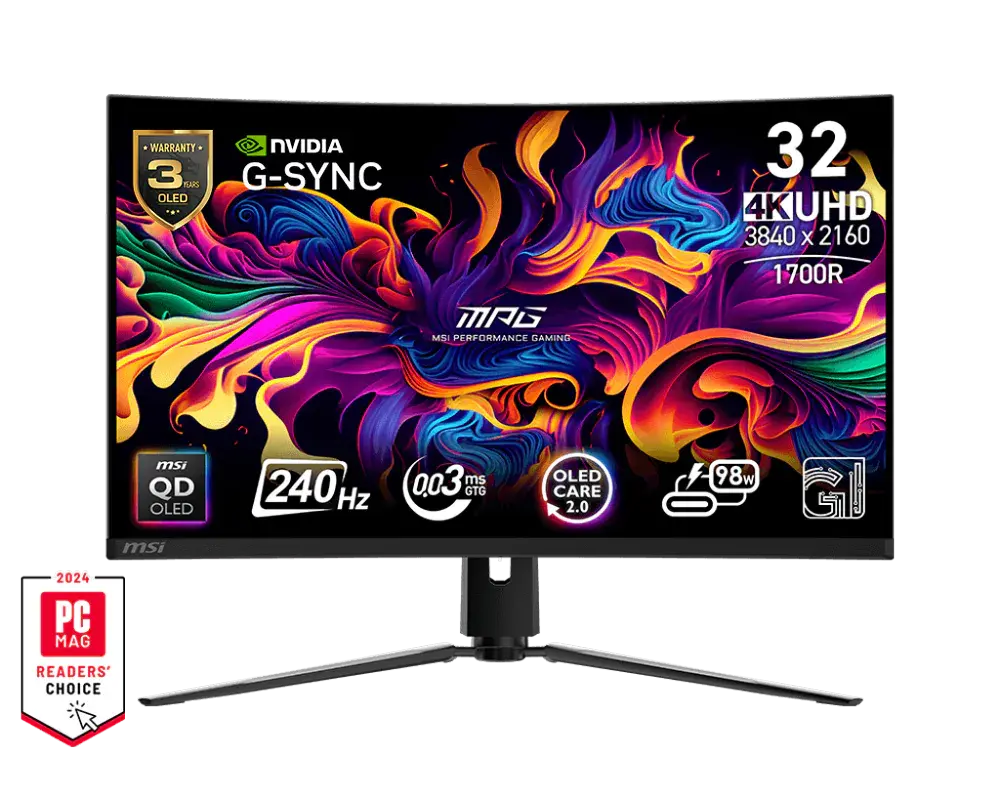 MSI MPG 321CURX QD-OLED31.5-inch · 3840 × 2160 · 240 Hz · MSI global specificationCompare the two
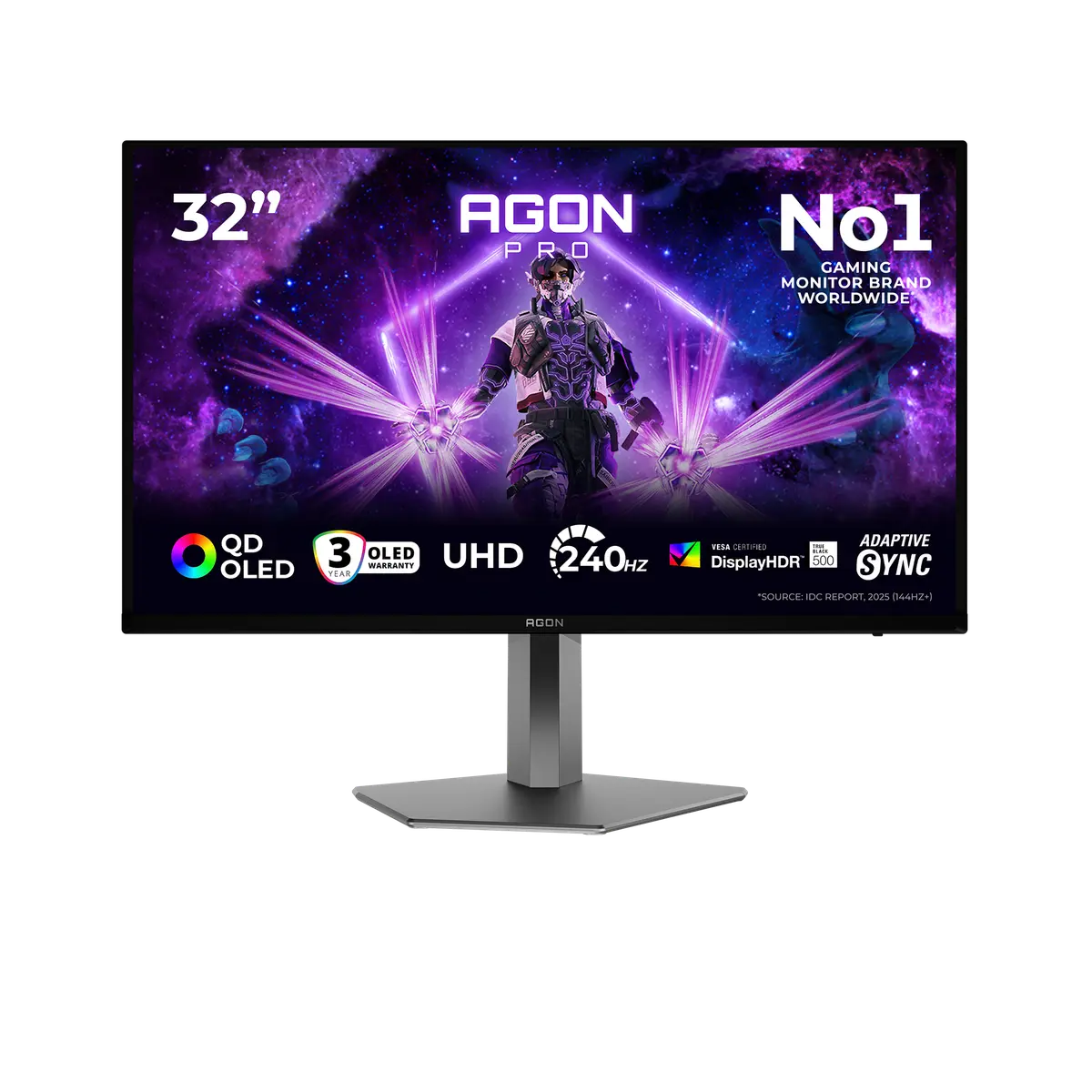 AOC AG326UZD2AG326UZD2 · 31.5-inch QD - OLED · AOC UK specificationCompare the two
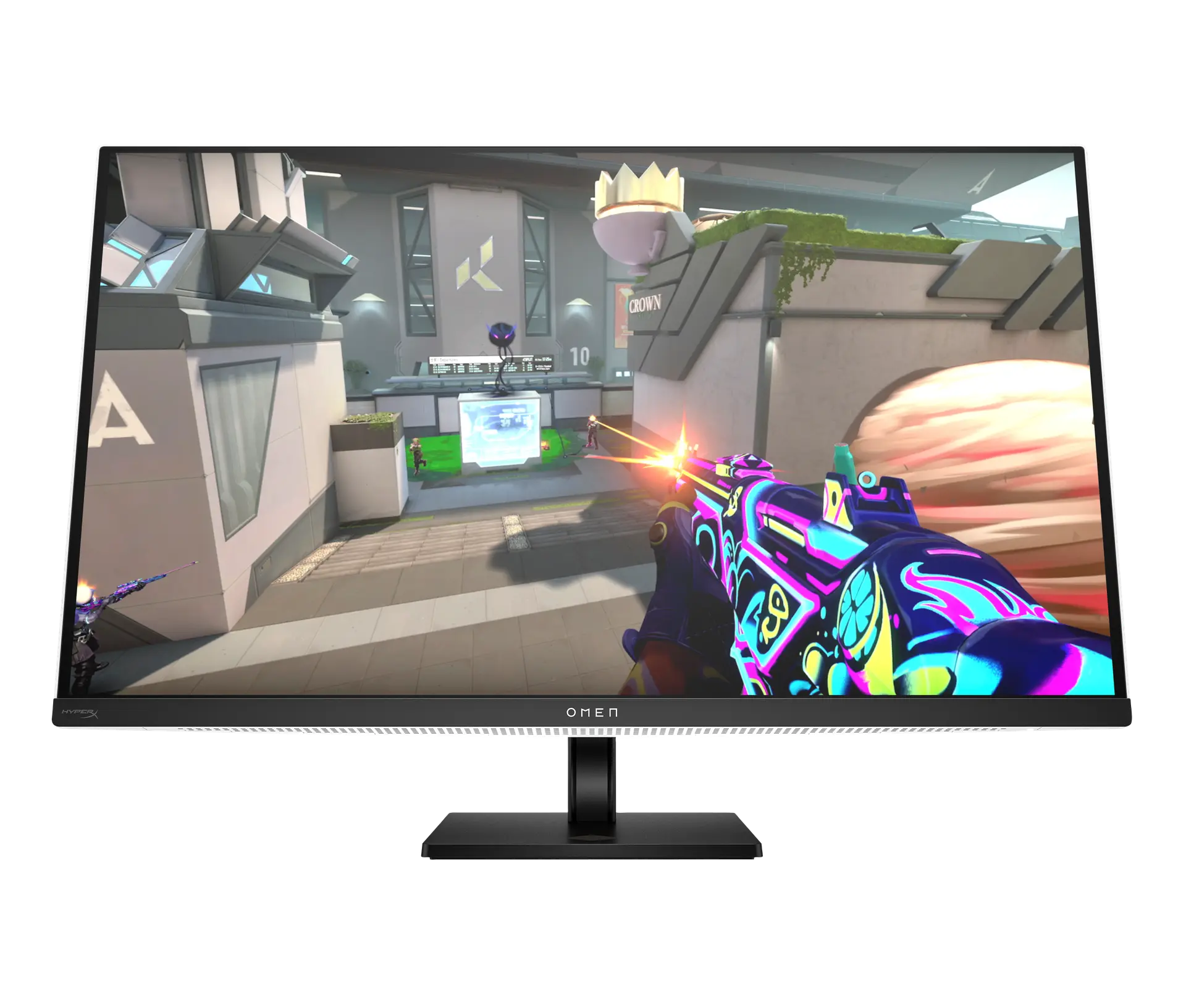 HP OMEN Transcend 32UK model 9R181AA#ABUCompare the two
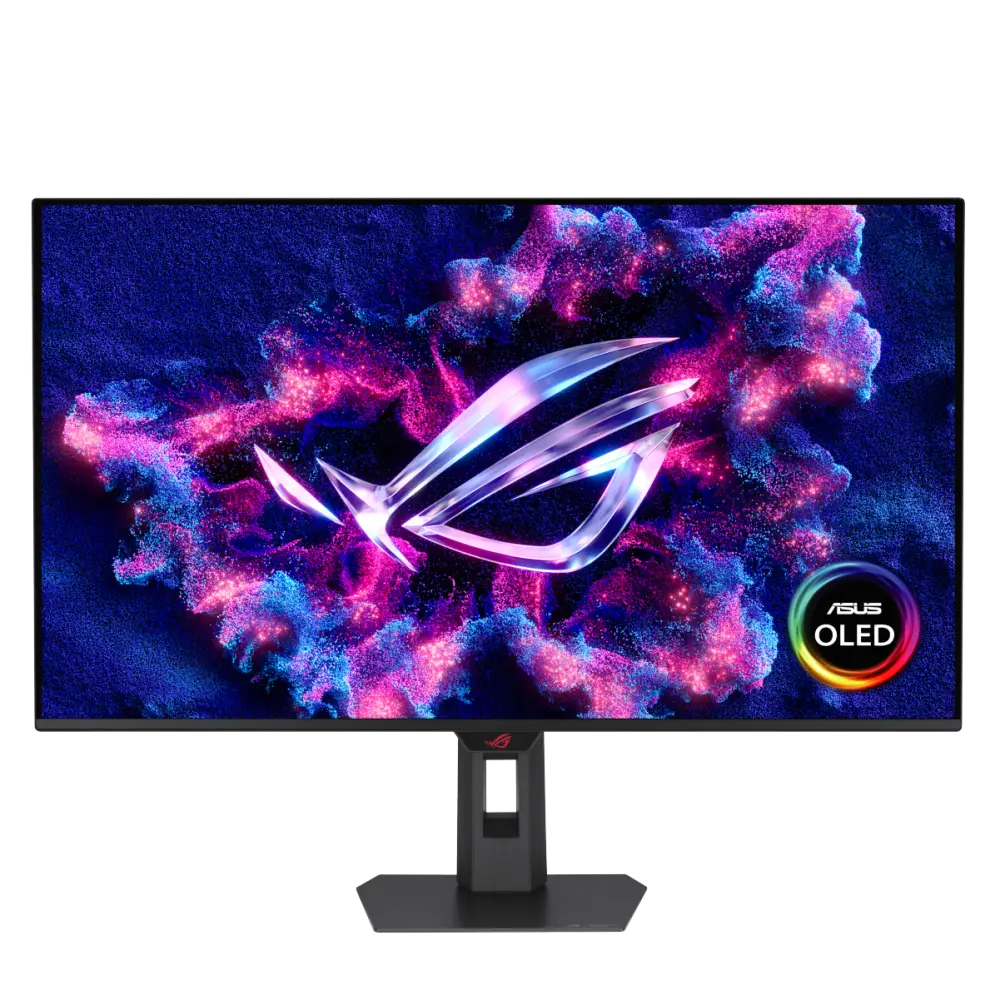 ASUS ROG Strix OLED XG32UQDMSUK manufacturer specification · ROG Strix OLED XG32UQDMSCompare the two
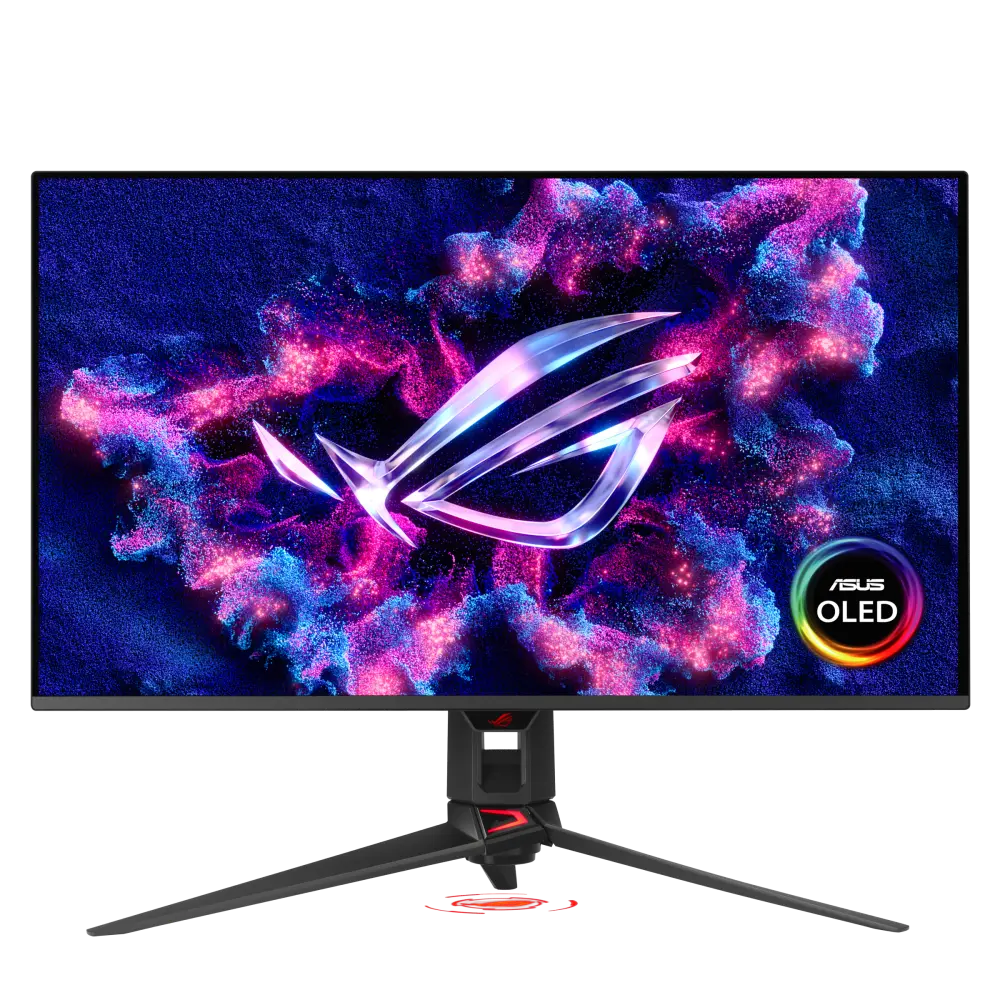 ASUS ROG Swift OLED PG32UCDM Gen3 (PG32UCDM3)UK manufacturer specification · ROG Swift OLED PG32UCDM Gen3 (PG32UCDM3)Compare the two