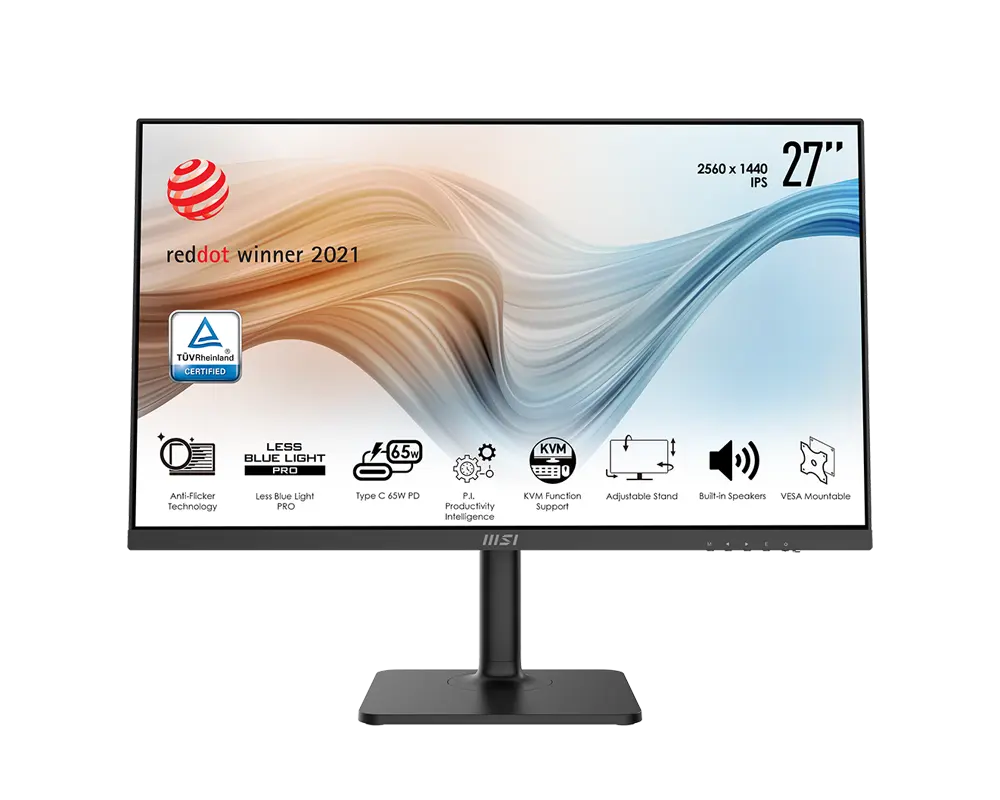
 MSI Modern MD272QP27 in · 2560 × 1440 · 75 Hz · MSI global model with supplied stand
- Response method and claim
- 4 ms GtGThis one: 5 ms GtG
- Typical brightness
- 300 cd/m²This one: 350 cd/m²

UK specification
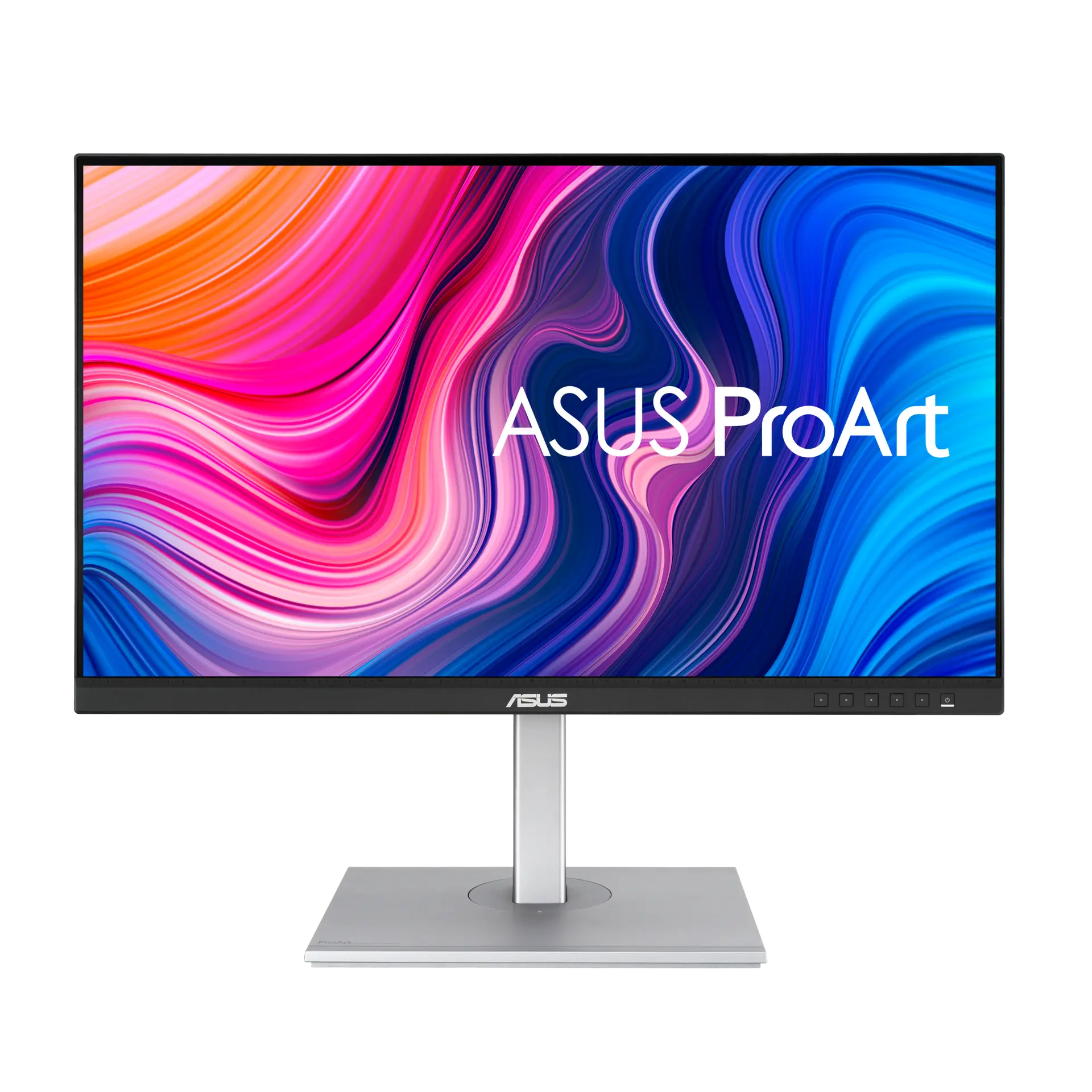
A 27-inch 2560 × 1440 IPS ProArt monitor for creative professionals, with 100% sRGB and 100% Rec. 709 claims, a ΔE < 2 Calman Verified claim, USB-C with DisplayPort Alt Mode and 65 W power delivery, a four-port USB hub and a 150 mm height-adjustable stand.
As an Amazon Associate I earn from qualifying purchases.
Email me when the ASUS ProArt Display PA278CV gets cheaper on eBay. We check exact-model listings once a day at 12:00 UTC.
Specifications checked 26 Sept 2026Manufacturer specifications, not a hands-on test.
The nearest checked monitors by key specifications, with what differs from the ASUS ProArt Display PA278CV. The first matches the Compare button above.
MSI Modern MD272QP27 in · 2560 × 1440 · 75 Hz · MSI global model with supplied stand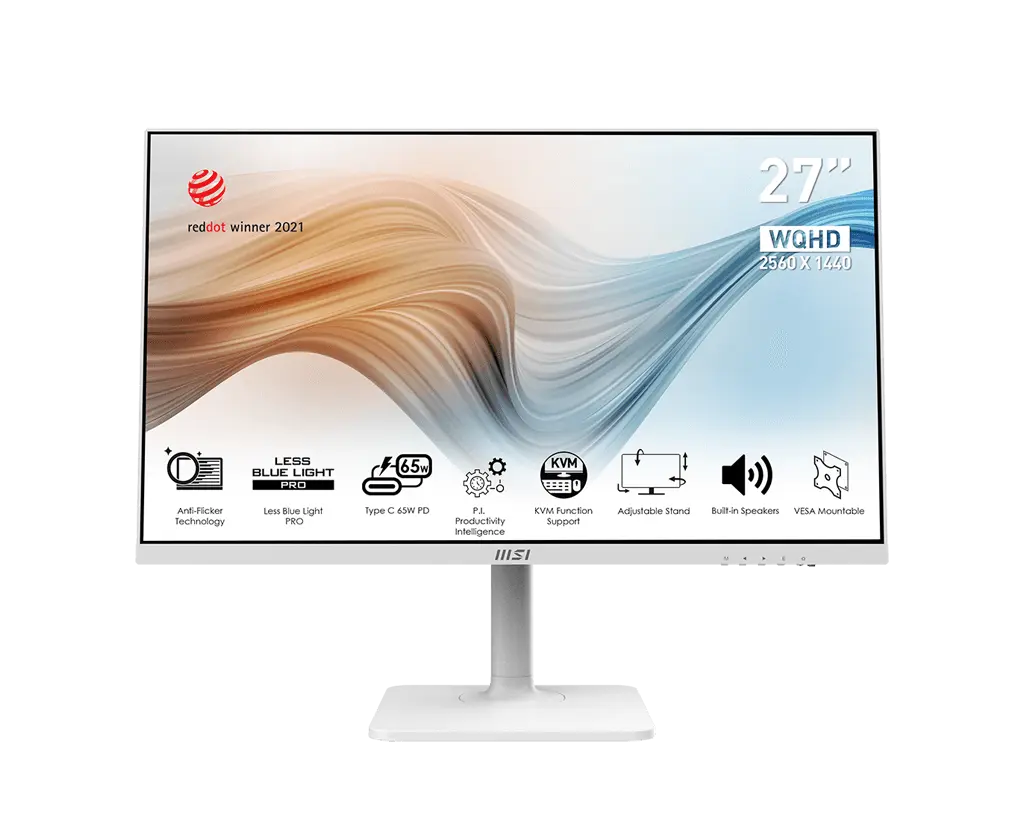 MSI Modern MD272QPW27 in · 2560 × 1440 · 75 Hz · white · MSI global model with supplied stand
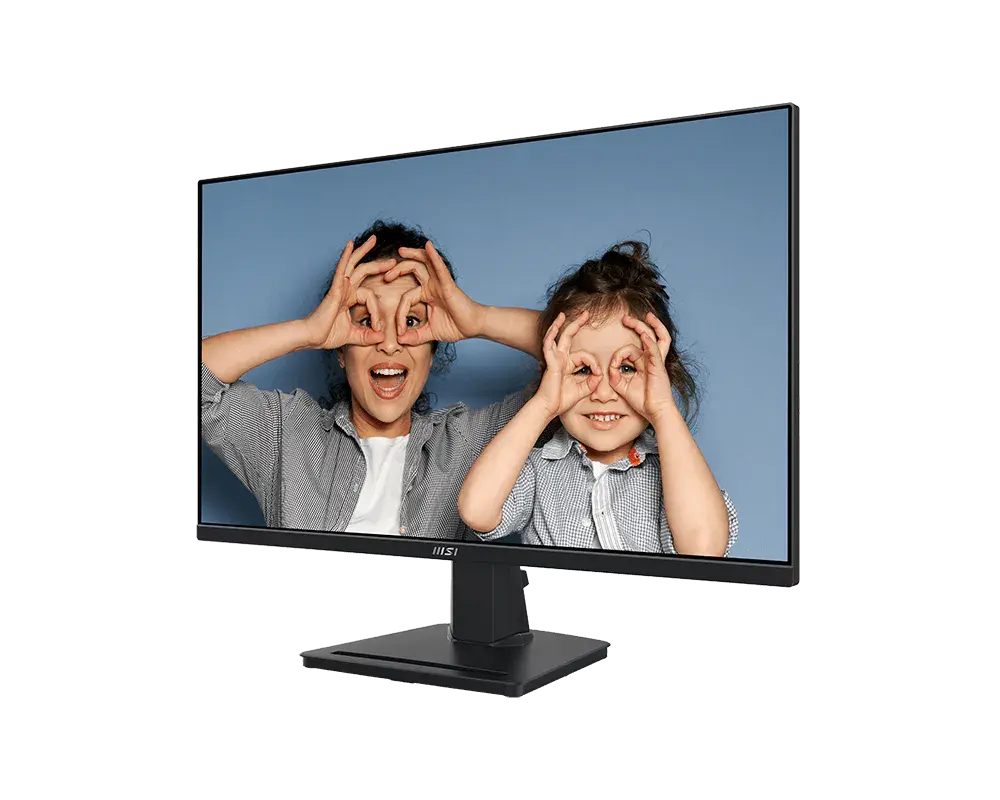 MSI PRO MP275Q27-inch · 2560 × 1440 · 100 Hz · exact MSI global configuration
A single USB-C cable carries DisplayPort video, USB data and up to 65 W of power delivery, and the monitor includes a four-port USB 3.2 Gen 1 hub and a DisplayPort output for daisy chaining, which ASUS rates at up to four monitors when the input source is 2560 × 1440 at 30 Hz and no USB-C device is connected.
ASUS lists 100% sRGB and 100% Rec. 709, ΔE < 2, Calman Verified, a colour pre-calibration report, 6-axis colour adjustment and gamma presets from 1.8 to 2.6.
The stand offers 150 mm height travel, −5° to +35° tilt, ±45° swivel and ±90° pivot, with a 100 × 100 mm VESA pattern.
Refresh is limited to 75 Hz, Adaptive-Sync covers 48–75 Hz, and response is rated at 5 ms GtG.
Colours are listed as 16.7 million, DCI-P3 is described only as supported without a figure, and the technical table and datasheet list no HDR support, although the user manual lists an HDR preset.
The HDMI input is version 1.4 and USB-C power delivery is rated at up to 65 W.
Exact configuration: UK specification
58 specifications in 10 groups. Values are manufacturer specifications unless a row says “Measured result” or “Calculated from cited specifications”.
ASUS lists a 46–75 Hz vertical signal-frequency range on HDMI and DisplayPort; the Adaptive-Sync range is 48–75 Hz.
Manufacturer claim; not a measured response or input-lag result.
SourceAdaptive-Sync over 48–75 Hz (product page, datasheet and user manual); the manual says DisplayPort Stream must be set to DisplayPort 1.2 to activate it.
Adaptive-Sync range from the product page, datasheet and user manual. The technical table’s vertical signal-frequency ranges (HDMI and DisplayPort 46–75 Hz) are input ranges, recorded under refresh_rate.
Typical SDR brightness.
SourceASUS Smart Contrast Ratio (ASCR) maximum; not comparable with the 1000:1 typical static contrast.
The technical table lists sRGB 100%; the product page and datasheet state 100% sRGB and 100% Rec. 709. DCI-P3 is described only as “support” without a figure. ASUS does not state the CIE basis.
ASUS lists 16.7 million colours but does not state native panel bit depth or FRC use.
SourceManufacturer claim; test conditions not stated.
SourceASUS sources disagree: the user manual’s ProArt Preset list includes an HDR mode that “Contains two HDR modes (PQ Optimized and PQ Clip)”, while the UK technical table has no HDR row, the product-page datasheet lists ProArt Preset as “10 modes” with no HDR mode, and the product page makes no HDR claim. No HDR format or certification is stated.
ProArt Palette controls. The user manual lists the colour-temperature modes as 9300K, 6500K, 5500K, 5000K and P3-Theater (P3-Theater only in DCI-P3 Mode); the product page also describes two-point greyscale sliders for all six colours.
The technical table lists “DisplayPort 1.2 x 2 (Daisy Chain)”; the datasheet port diagram labels one DisplayPort 1.2 “In” and the other “Out (MST)”, and the user manual lists one DisplayPort input and one daisy-chain DisplayPort output.
The user manual lists output profiles of 5V/3A, 9V/3A, 12V/3A, 15V/3A and 20V/3.25A; a USB-C to USB-A connection only enables the USB Type-A ports.
The user manual says daisy chaining needs DisplayPort Stream set to DisplayPort 1.2 and Auto Source Detection off, and states the four-monitor figure for a 2560 × 1440@30Hz input source with no USB-C device connected.
Adjustment travel, not overall assembled height.
SourceConverted from ASUS’s centimetre figures; ASUS labels dimensions as estimates that vary by region. The datasheet and user manual give the height range with stand as 374–524 mm.
Front-to-back depth with the supplied stand; allow cable clearance.
SourceASUS sources disagree: the UK technical table (“Net Weight : 8.7 kg”) and the datasheet (“Net Weight (Esti.) : 8.7 kg”) give 8.7 kg, while the user manual gives “8.8 kg (Net)”. All three list a separate without-stand weight, and all are estimates.
ASUS sources disagree: the UK technical table and datasheet give 5.8 kg, while the user manual gives “5.9 kg (without stand)”.
ASUS sources disagree: the UK and US technical tables give “Power Consumption : 15.18 W” and the product-page datasheet gives “Power On (Typical): <15.18W*”, while the user manual gives “Power On: < 21.28 W** (Typ.)”. The datasheet and manual both say the figure is measured at a screen brightness of 200 nits without audio, USB or card-reader connection. No single typical figure is assigned; not a measured running cost.
ASUS Ultra-Low Blue Light with four blue-light filter settings (product page).
The technical table and datasheet list these 10 ProArt Preset modes; the user manual says ProArt Preset contains 11 sub-functions, adding an HDR mode (see hdr_support).
On-screen overlays for previewing documents or photos at actual size without printing.
UK technical-table list; ASUS says accessories vary by region. The US list additionally names a DisplayPort cable; the datasheet marks the USB-C, HDMI, DisplayPort and USB-C to USB-A cables as optional, and the user manual also lists a cable holder.
Technical-table row “LCD ZBD Warranty : Yes(3 yr)”. ASUS’s Zero Bright Dot programme covers bright-dot sub-pixel defects (permanently “on”); dark dots are not included, and exclusions apply. It is not a general panel or product warranty, and these pages do not state the overall product warranty period. The programme description comes from an ASUS USA support article.
More of the nearest checked monitors by key specifications, for a side-by-side comparison.
 Dell 27 Plus S2725DSMUK specification (Dell UK manufacturer part VWPNT, Ash White)Compare the two
 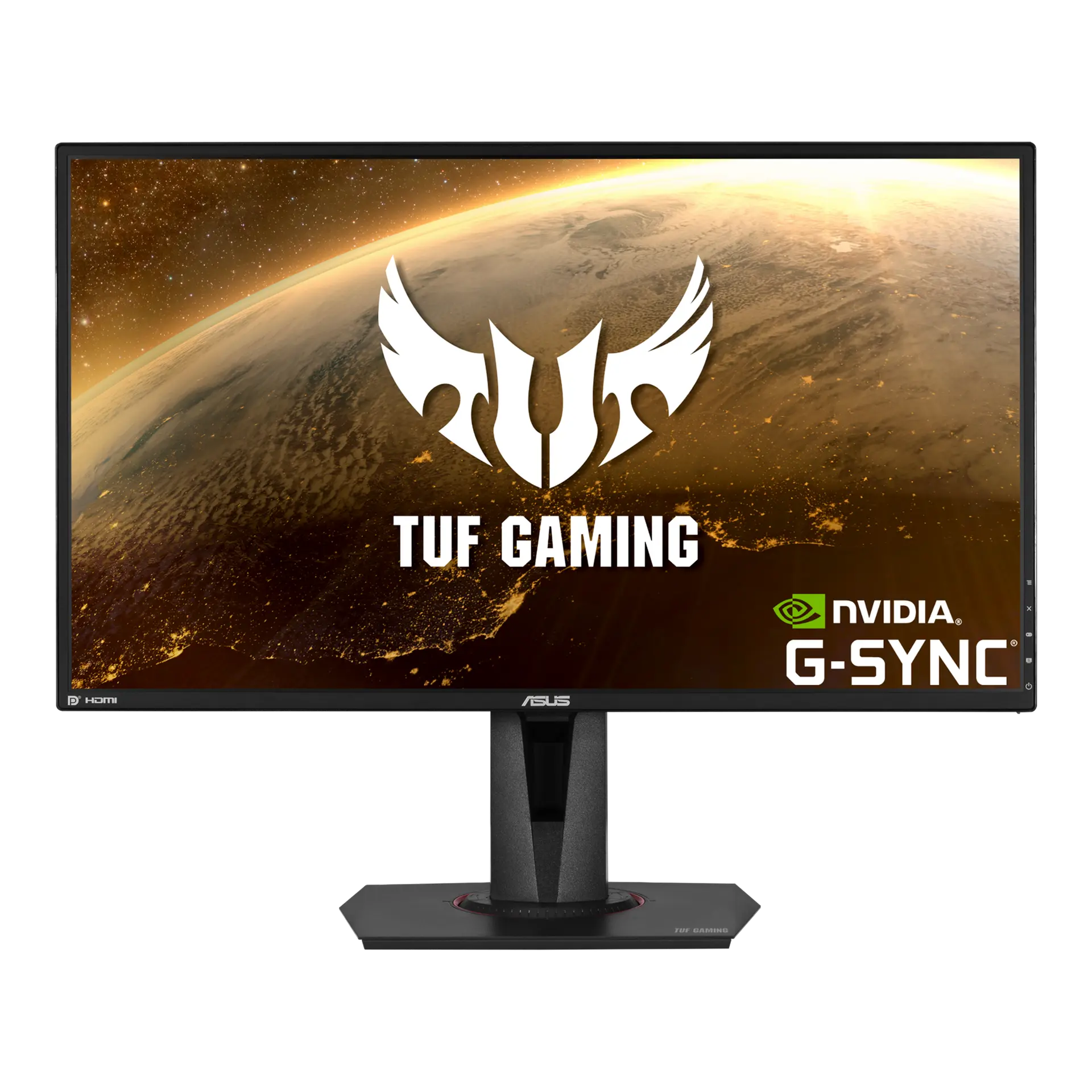 ASUS TUF Gaming VG27AQVG27AQ · 27-inch IPS · Canadian specificationCompare the two
 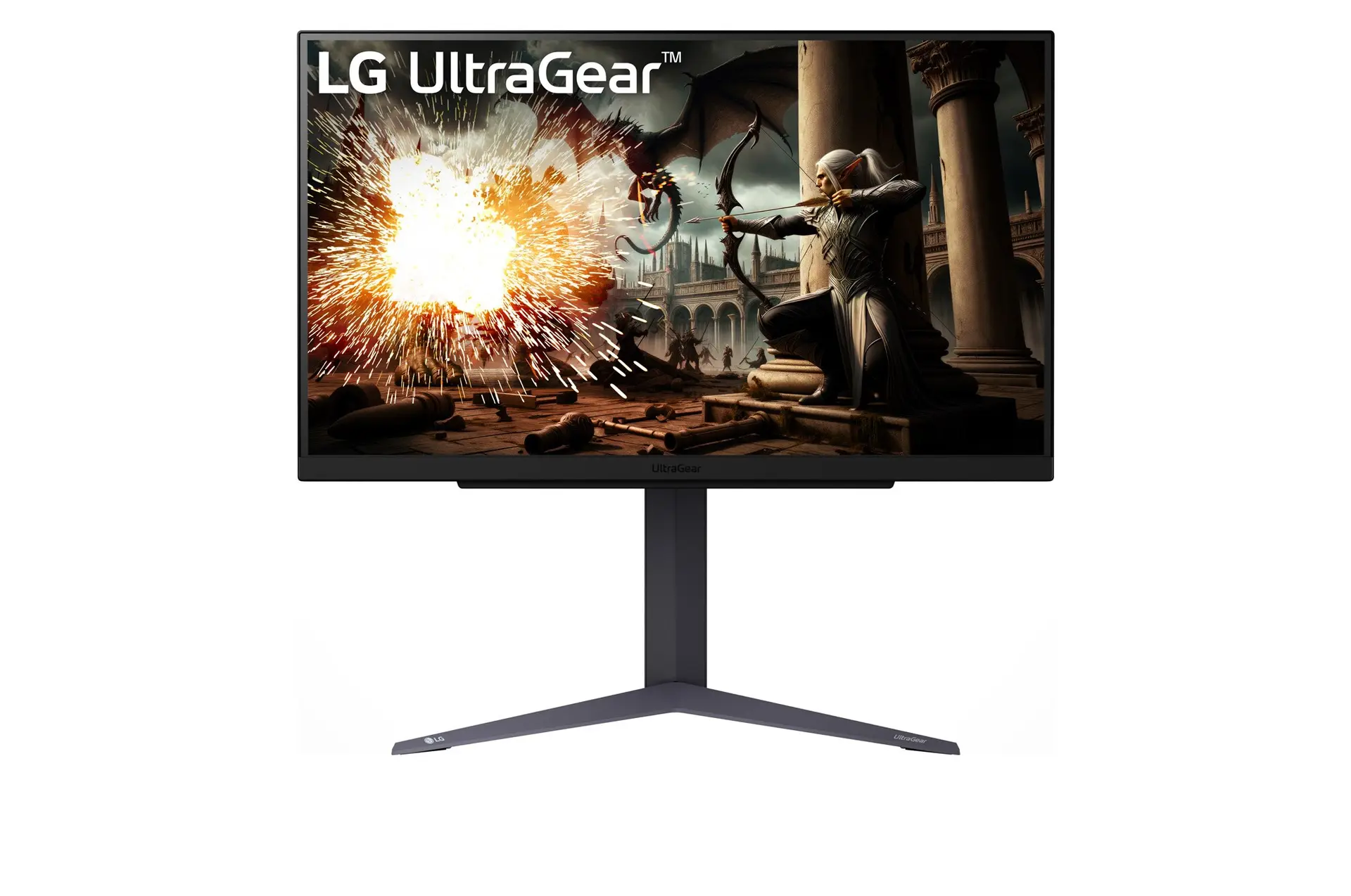 LG UltraGear 27GS75Q-BUK model 27GS75Q-BCompare the two
 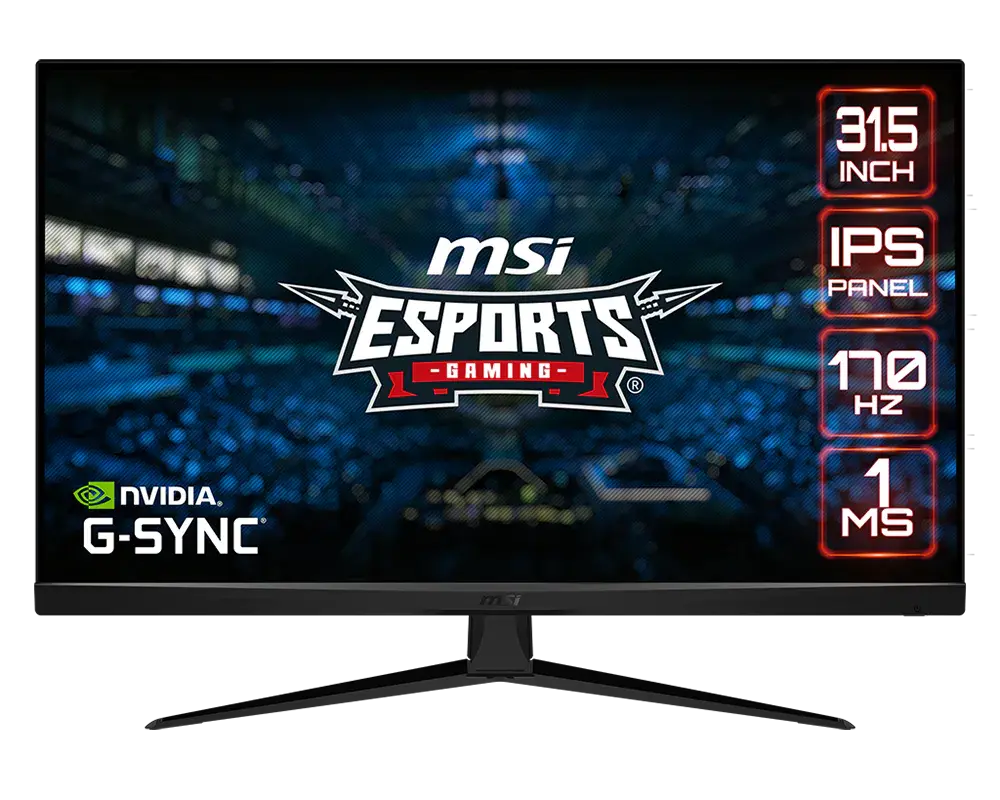 MSI G321Q31.5-inch · 2560 × 1440 · 170 Hz · MSI global specificationCompare the two
 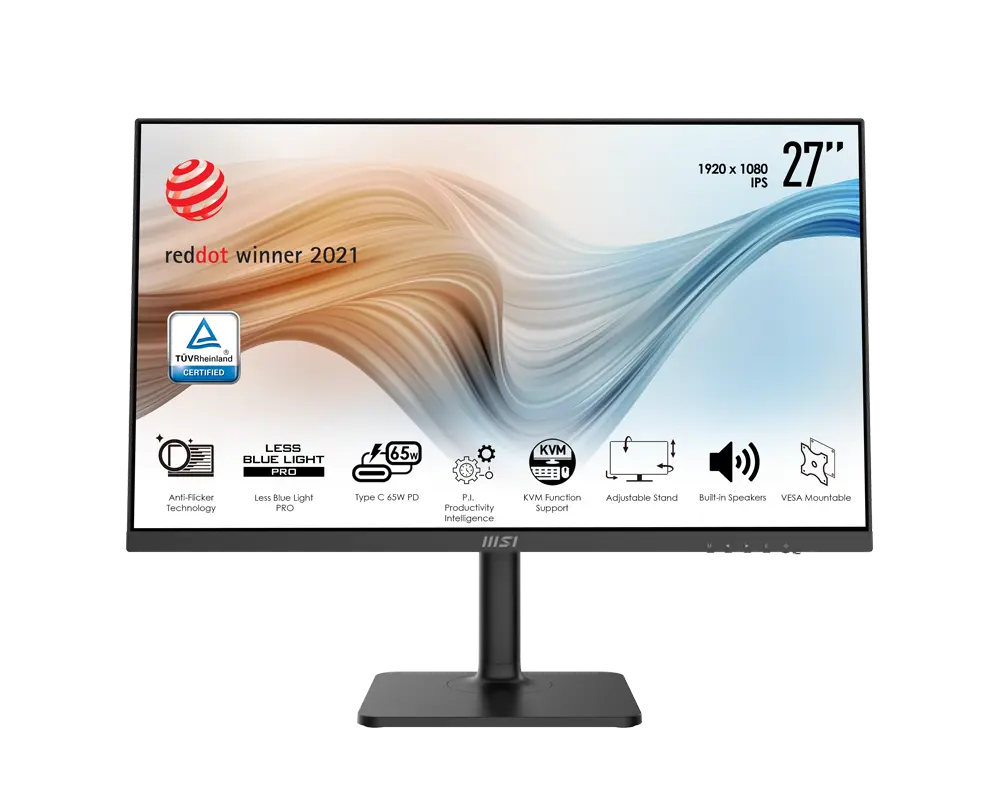 MSI Modern MD272P27 in · 1920 × 1080 · 75 Hz · MSI global model with supplied standCompare the two
 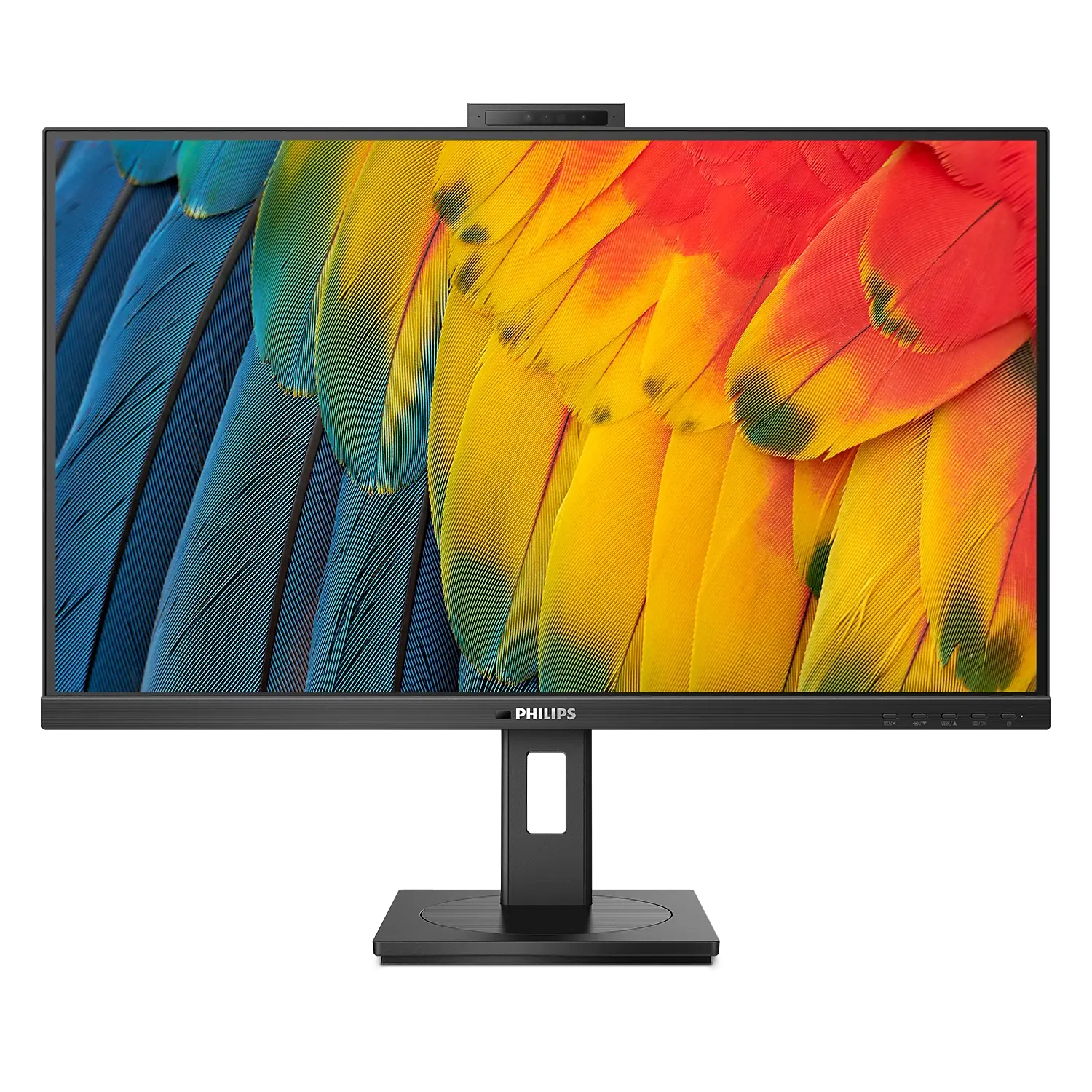 Philips 5000 Series 27B1U5601HUK/EU model 27B1U5601H/00Compare the two
  ASUS BE27AQUK manufacturer specification · BE27AQCompare the two
 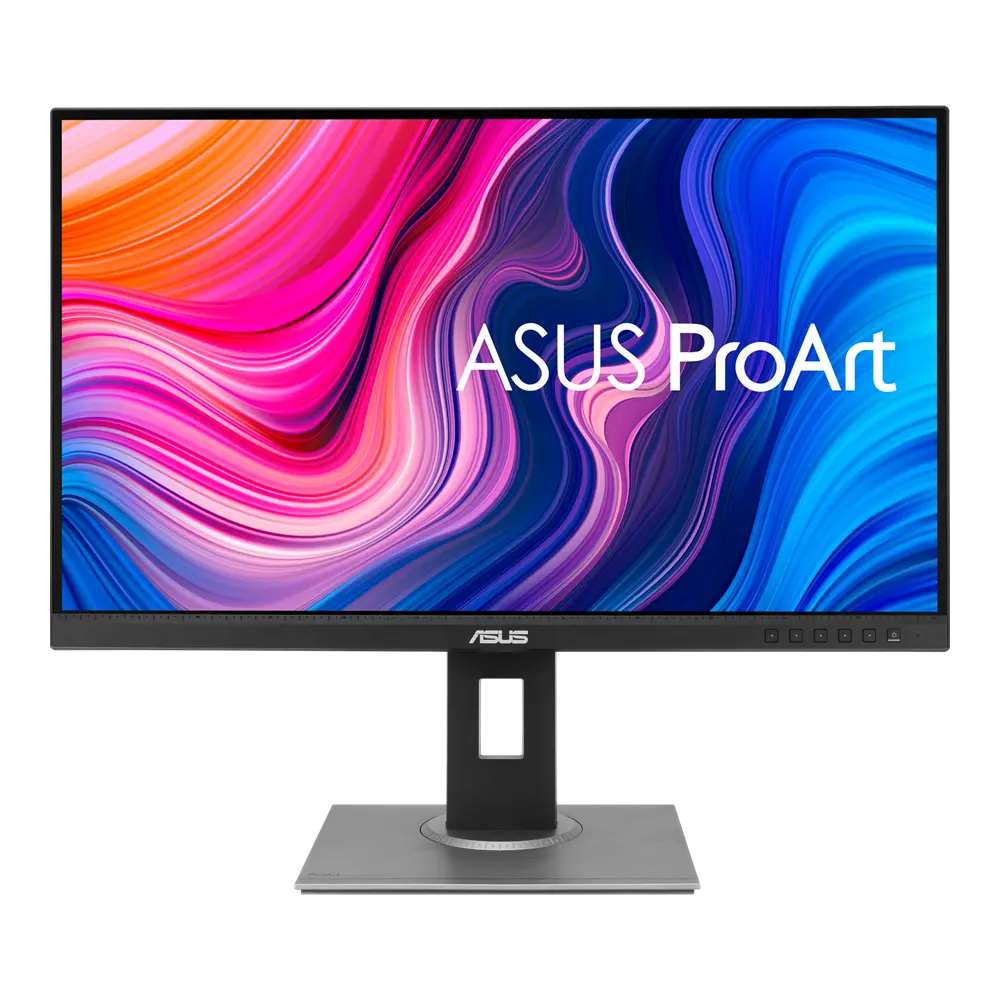 ASUS ProArt Display PA278QVUK manufacturer specification · ProArt Display PA278QVCompare the two