


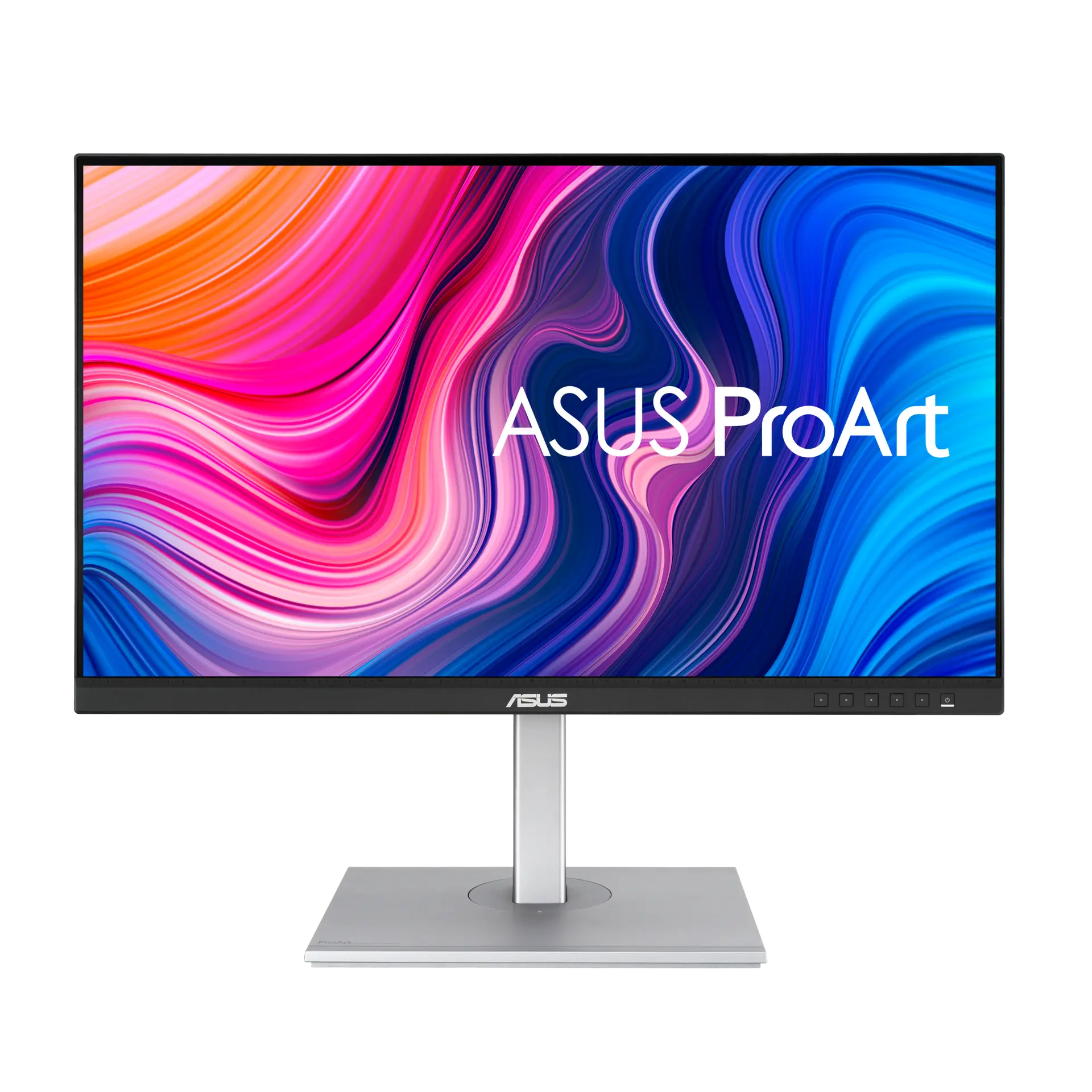
 ASUS ProArt Display PA278CVUK specification
- Response method and claim
- 5 ms GtGThis one: 4 ms GtG
- Declared typical brightness
- 350 cd/m²This one: 300 cd/m²

27 in · 2560 × 1440 · 75 Hz · with supplied stand
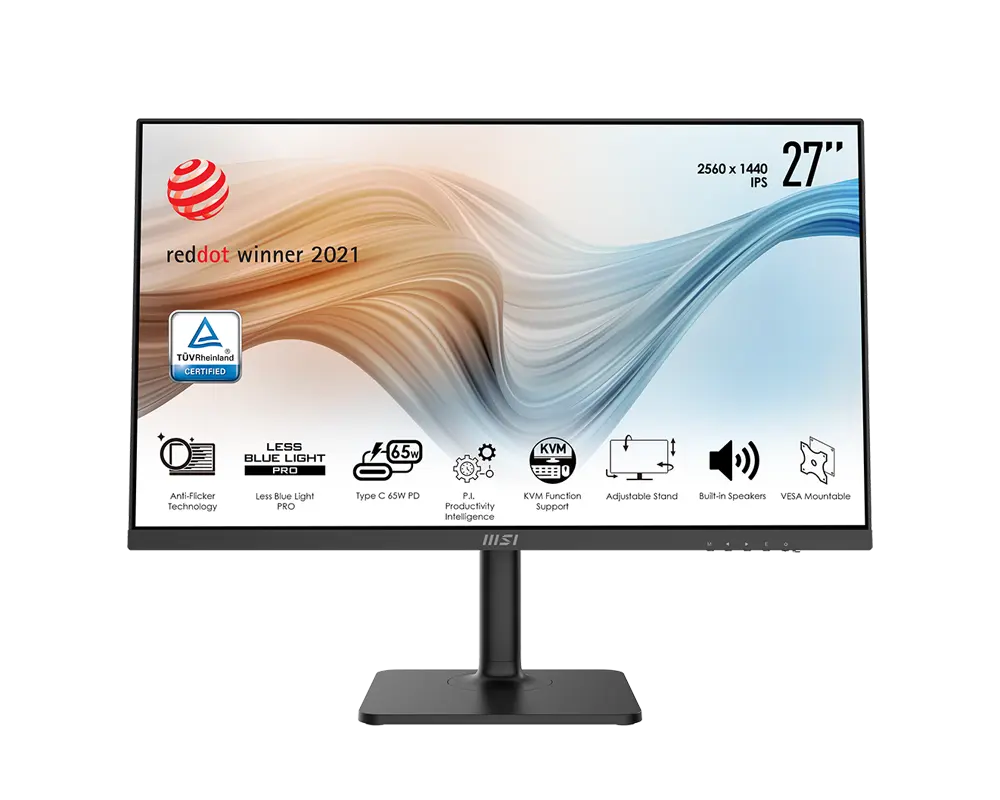
27-inch QHD IPS monitor with up to 75 Hz over HDMI, DisplayPort and USB-C. It includes KVM switching, up to 65 W USB-C charging and a stand with height, swivel and portrait adjustment.
As an Amazon Associate I earn from qualifying purchases.
Email me when the MSI Modern MD272QP gets cheaper on eBay. We check exact-model listings once a day at 12:00 UTC.
Specifications checked 11 Sept 2026Manufacturer specifications, not a hands-on test.
The nearest checked monitors by key specifications, with what differs from the MSI Modern MD272QP. The first matches the Compare button above.
ASUS ProArt Display PA278CVUK specification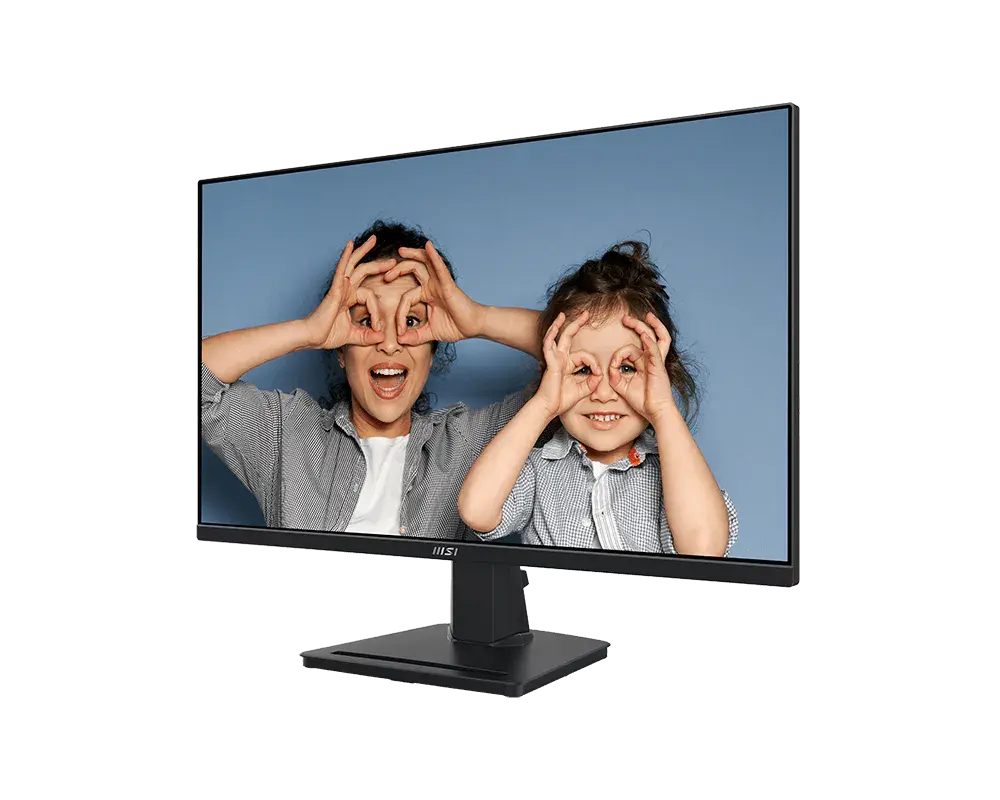 MSI PRO MP275Q27-inch · 2560 × 1440 · 100 Hz · exact MSI global configuration
 Dell 27 Plus S2725DSMUK specification (Dell UK manufacturer part VWPNT, Ash White)
The on-screen KVM menu can switch USB devices between USB-B upstream and USB-C. MSI’s Productivity Intelligence software adds a documented Windows switching workflow and configurable hotkeys.
The stand provides 110 mm height travel, ±30° swivel and ±90° portrait pivot. A hardware Less Blue Light PRO filter and an sRGB picture preset are documented.
MSI's datasheet lists 95% sRGB while the manual lists 99%, and the DCI-P3 figures also differ; check the listing if colour coverage matters.
The peripheral hub is USB 2.0, USB-C charging tops out at 65 W, and KVM switching needs the matching USB upstream connections.
Refresh tops out at 75 Hz with a 4 ms GtG response, and the HDMI input is version 1.4b.
Exact configuration: 27 in · 2560 × 1440 · 75 Hz · MSI global model with supplied stand
71 specifications in 10 groups. Values are manufacturer specifications unless a row says “Measured result” or “Calculated from cited specifications”. 1 row repeats a listed fact in the manufacturer’s own wording, kept under “Manufacturer wording”.
HDMI, DisplayPort and USB-C: 2560 × 1440 up to 75 Hz. Compatible source and cable required.
The maximum refresh rate is documented; a factory default rate is not specified.
SourceGrey-to-grey response; not input lag.
SourceMSI does not list an MPRT or Anti Motion Blur mode for this model.
SourceMSI does not list an MPRT mode for this model.
SourceThe named adaptive-sync mode is documented, but HDMI Forum VRR is not separately confirmed.
SourceThe same facts in the manufacturer’s combined or original wording, each with its source.
Grey-to-grey response; not input lag.
Typical brightness; not an HDR peak figure.
SourceMSI's datasheet gives 95% sRGB (CIE 1976), while the shared manual gives 99% for the QP/QPW models; check the listing.
MSI's shared manual lists 80% DCI-P3 (CIE 1976), while its Poland model sheet lists 73% area and 73% overlap; check the listing.
MSI's shared manual mentions incoming HDR signals, but its Poland model sheet lists HDR as N/A; HDR support is unclear.
HDMI, DisplayPort and USB-C: 2560 × 1440 up to 75 Hz. USB-C provides up to 65 W to a compatible device.
Both source USB-C port and cable must support DisplayPort Alt Mode.
SourceUp to 20 V / 3.25 A to a compatible connected device and cable. This is charging output, not monitor running power.
Connect the selected upstream data connection. The Type-A hub is USB 2.0, not USB 3.x.
OSD offers Auto, USB-B upstream or USB-C selection. Use USB-B plus HDMI/DP for one computer and a display/data-capable USB-C connection for the other.
Requires the CEC setting enabled and a CEC-capable source.
SourceKVM is documented, but simultaneous PIP/PBP display is not confirmed.
SourceFrom the HDMI, DisplayPort and USB-C timing table; needs a compatible source and cable.
SourceMSI lists 613.5 × 401.5 × 200.81 mm (width × height × depth). · Declared assembled dimensions are not the full stand-adjustment envelope. Allow additional cable clearance.
MSI lists 200.81 mm. · Excludes additional cable clearance.
MSI lists 5.85 kg net but does not say whether that includes the stand; see the net weight row.
Net mass, excluding packaging; MSI does not say whether it includes the stand.
MSI does not list running power; the adapter rating and USB-C charging output are not the monitor's consumption.
SourceMSI's P.I. software switching needs Windows 10/11 with P.I. installed on both computers; the on-screen KVM menu works separately.
SourceMSI does not list Eye-Q Check for this model.
SourceEnabling Low Blue Light shifts the image warmer; Anti-Blue mode forces it on.
SourceMSI's Less Blue Light PRO filter targets the 415–455 nm range.
MSI's flicker-free declaration excludes Anti Motion Blur/MPRT where available.
SourceContents vary by country. Confirm the exact retailer bundle, including its power adapter and cables.
SourceMore of the nearest checked monitors by key specifications, for a side-by-side comparison.
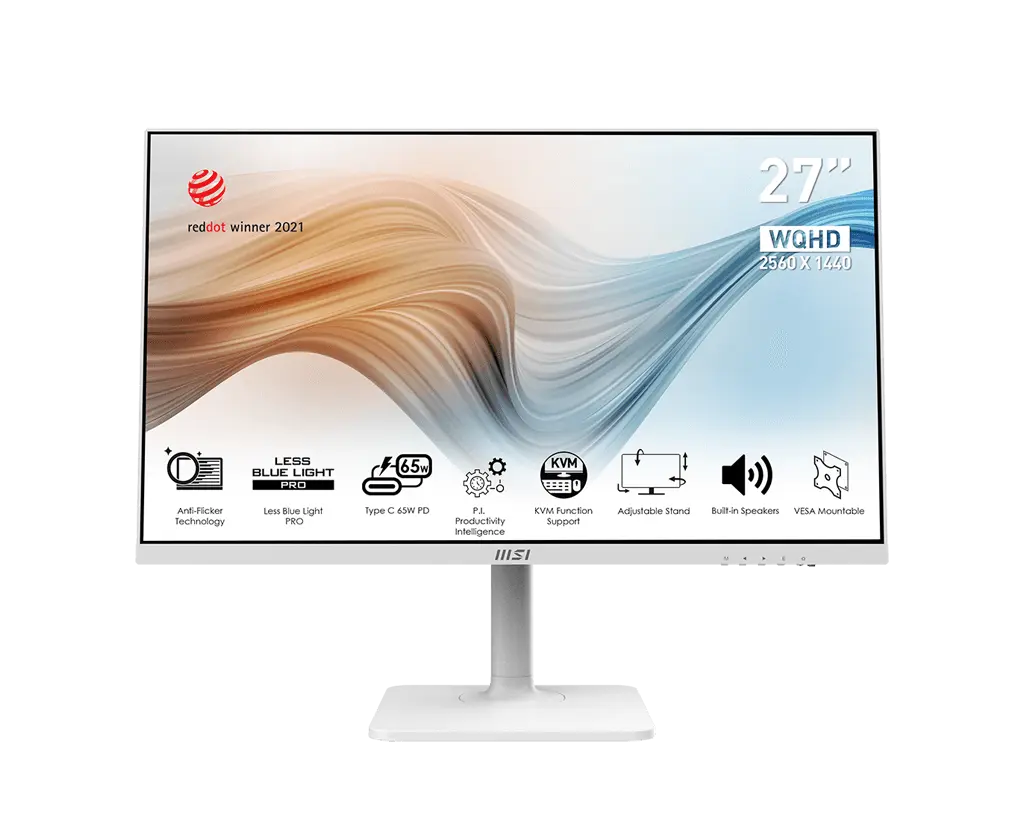 MSI Modern MD272QPW27 in · 2560 × 1440 · 75 Hz · white · MSI global model with supplied standCompare the two
 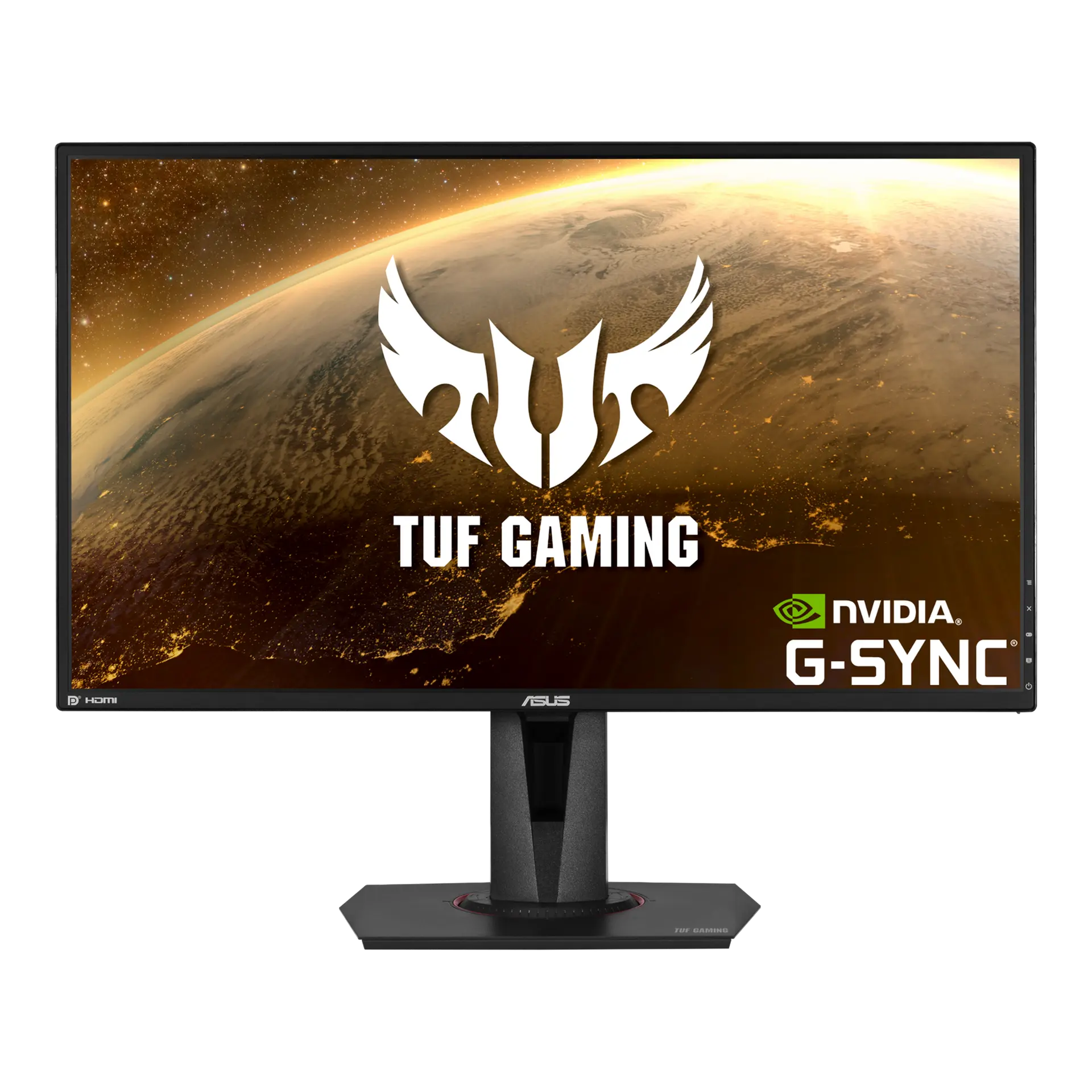 ASUS TUF Gaming VG27AQVG27AQ · 27-inch IPS · Canadian specificationCompare the two
 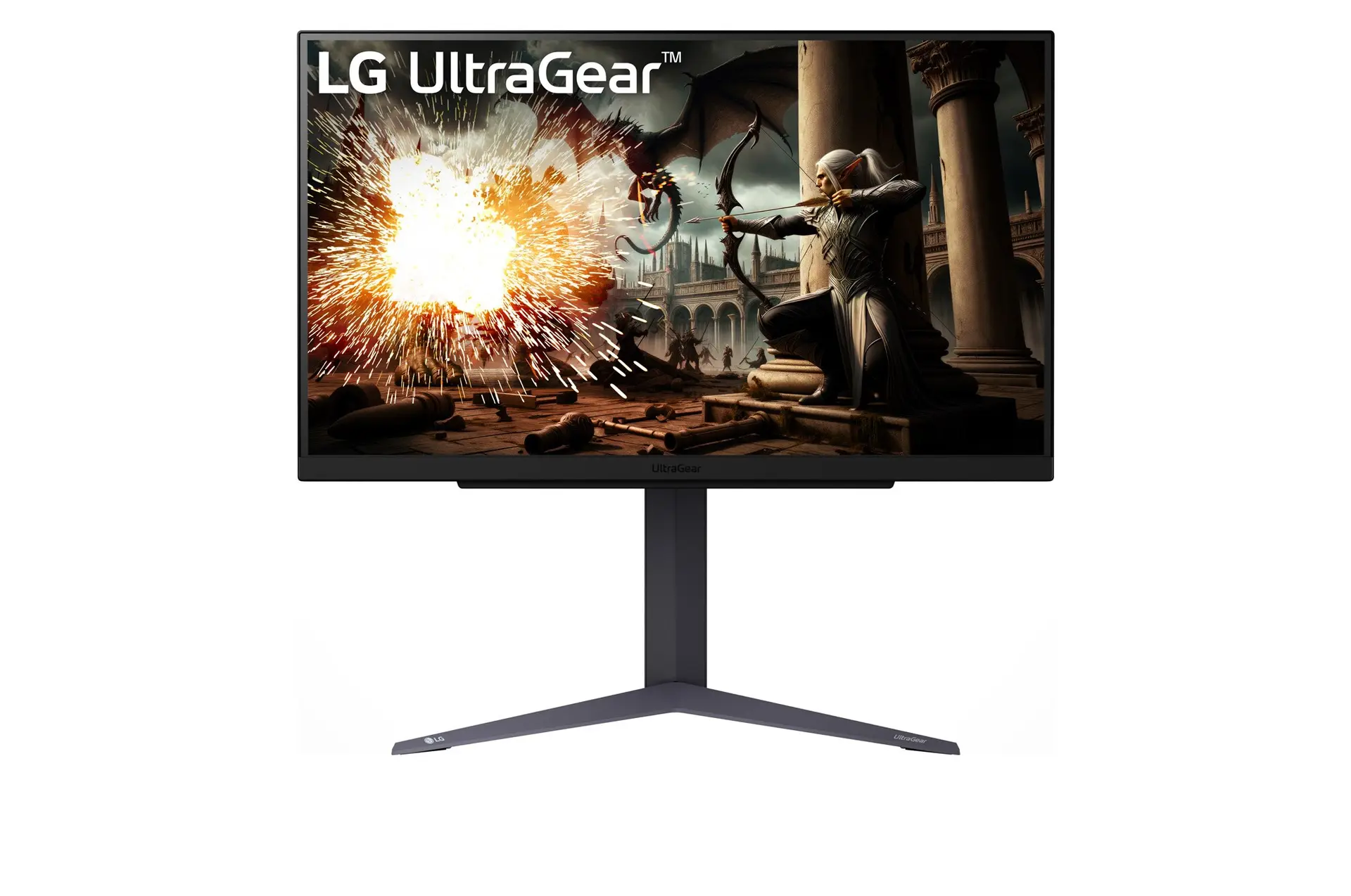 LG UltraGear 27GS75Q-BUK model 27GS75Q-BCompare the two
 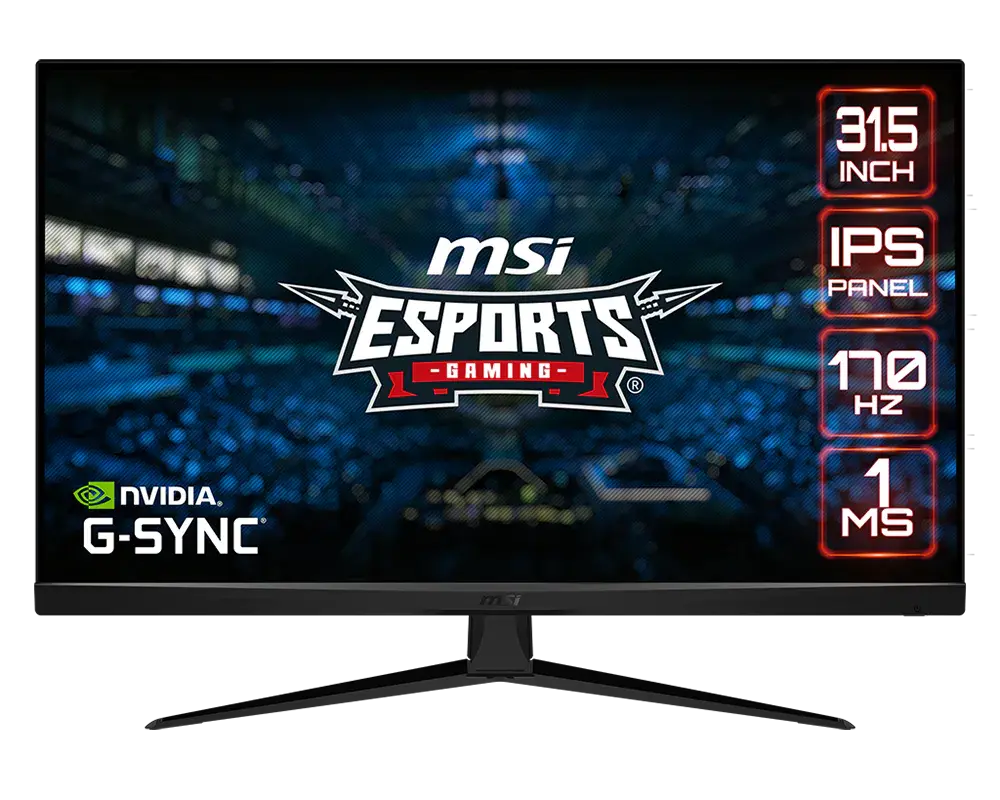 MSI G321Q31.5-inch · 2560 × 1440 · 170 Hz · MSI global specificationCompare the two
 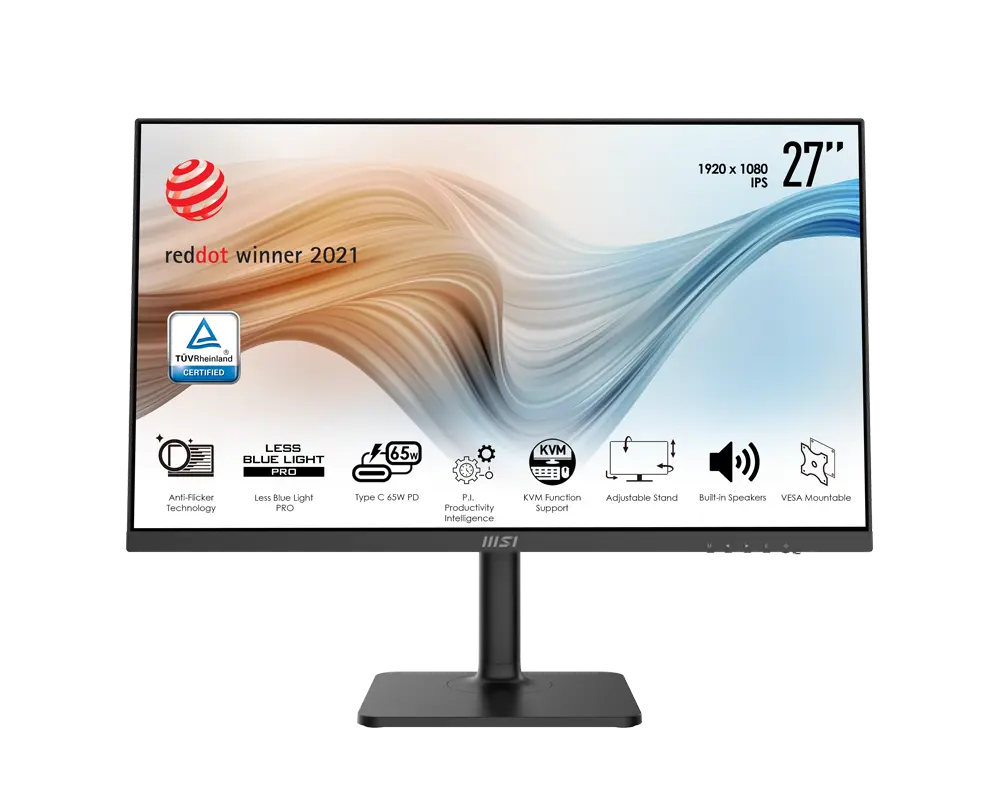 MSI Modern MD272P27 in · 1920 × 1080 · 75 Hz · MSI global model with supplied standCompare the two
 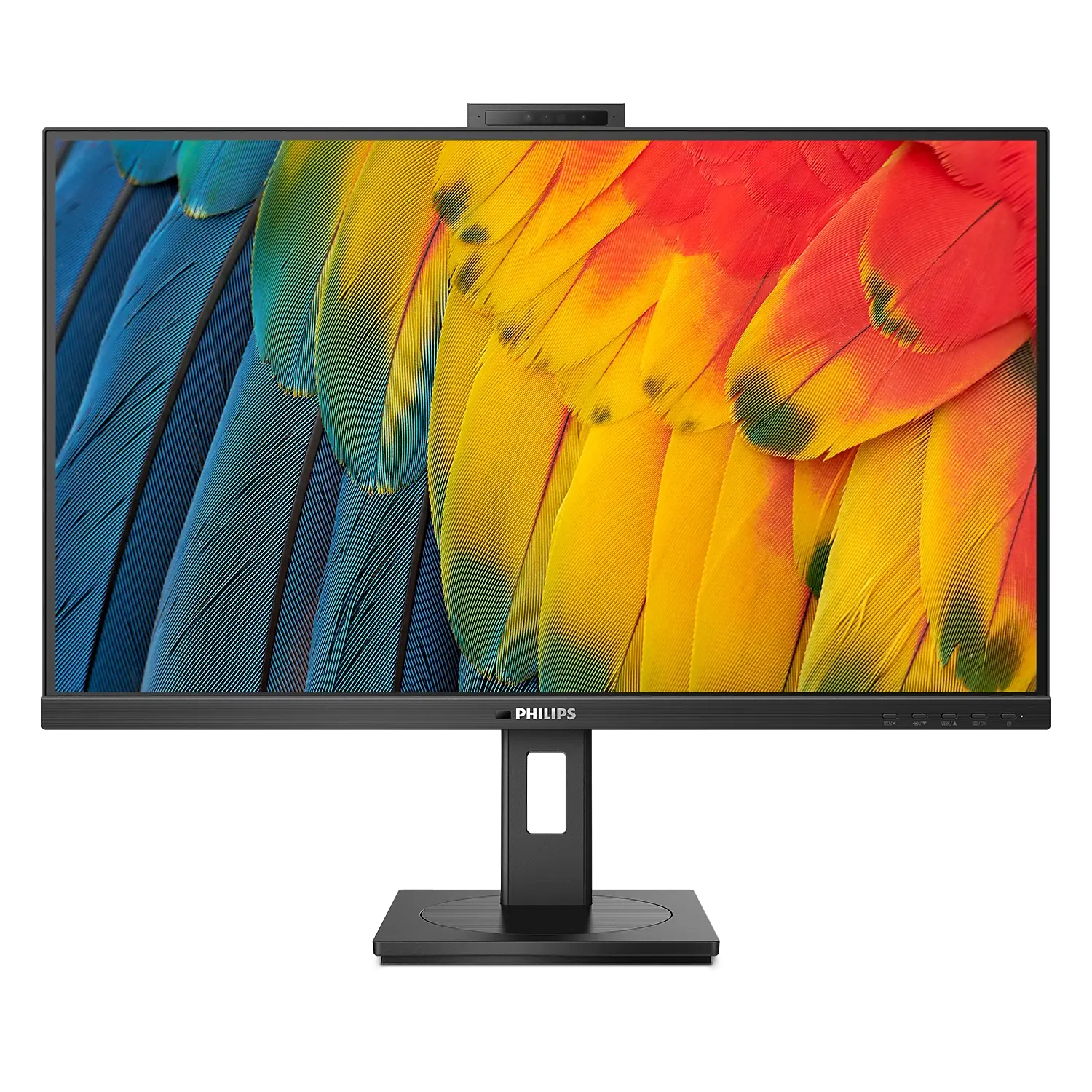 Philips 5000 Series 27B1U5601HUK/EU model 27B1U5601H/00Compare the two
  ASUS BE27AQUK manufacturer specification · BE27AQCompare the two
 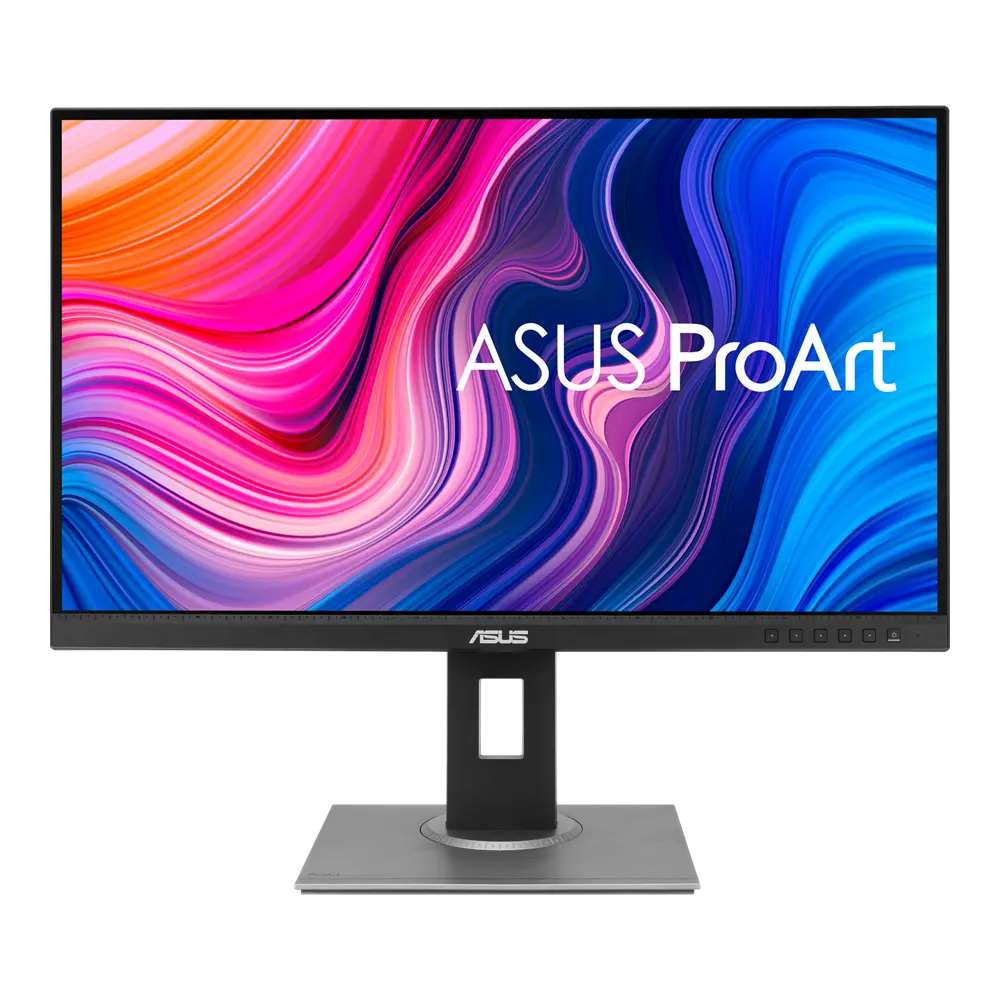 ASUS ProArt Display PA278QVUK manufacturer specification · ProArt Display PA278QVCompare the two