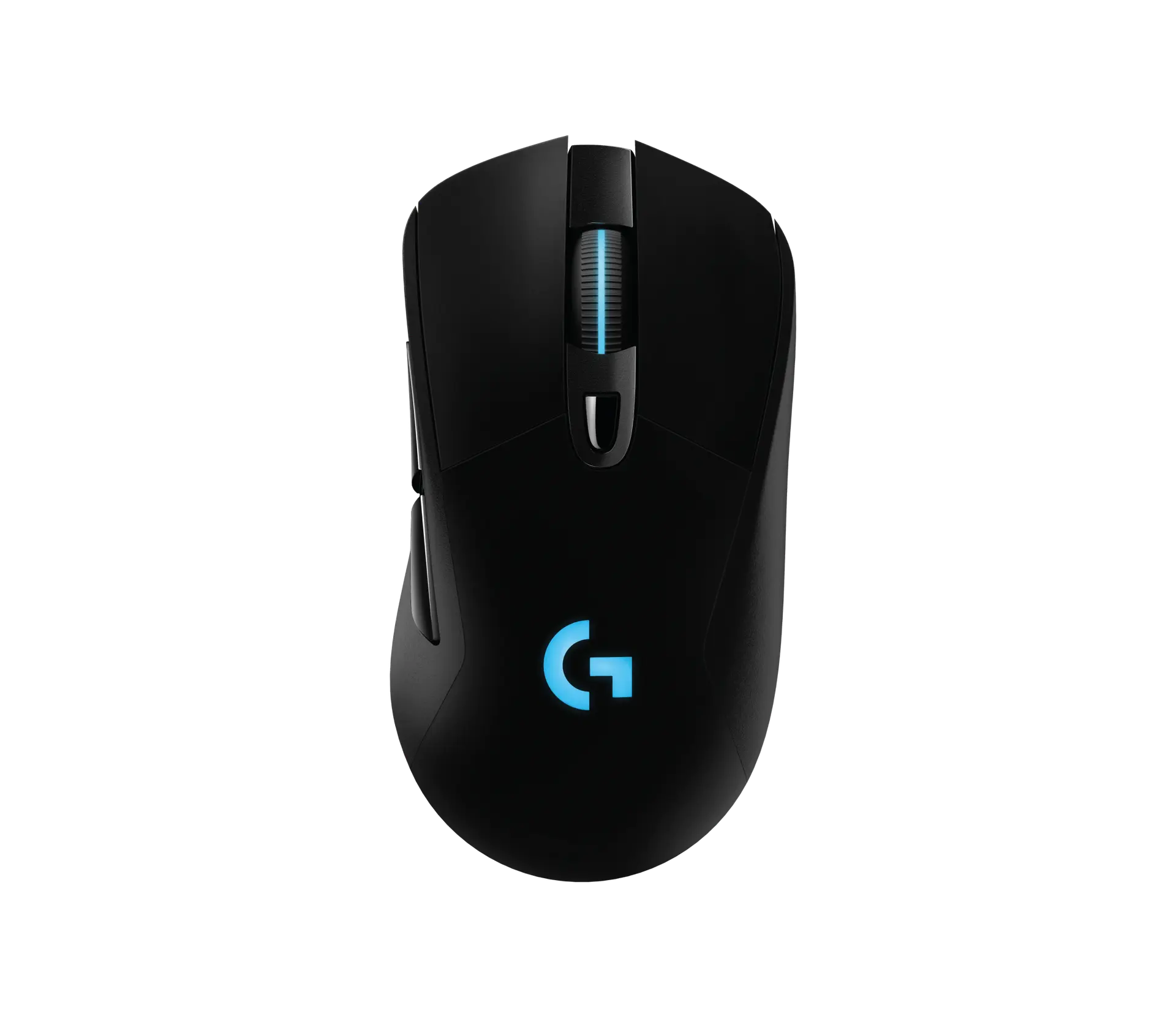
 Logitech G703 LIGHTSPEED HEROBlack · 910-005641 · UK manufacturer configuration
- Weight
- 95 gThis one: 55 g
- Sensor model / type
- HERO 25KThis one: Razer Focus X 26K optical

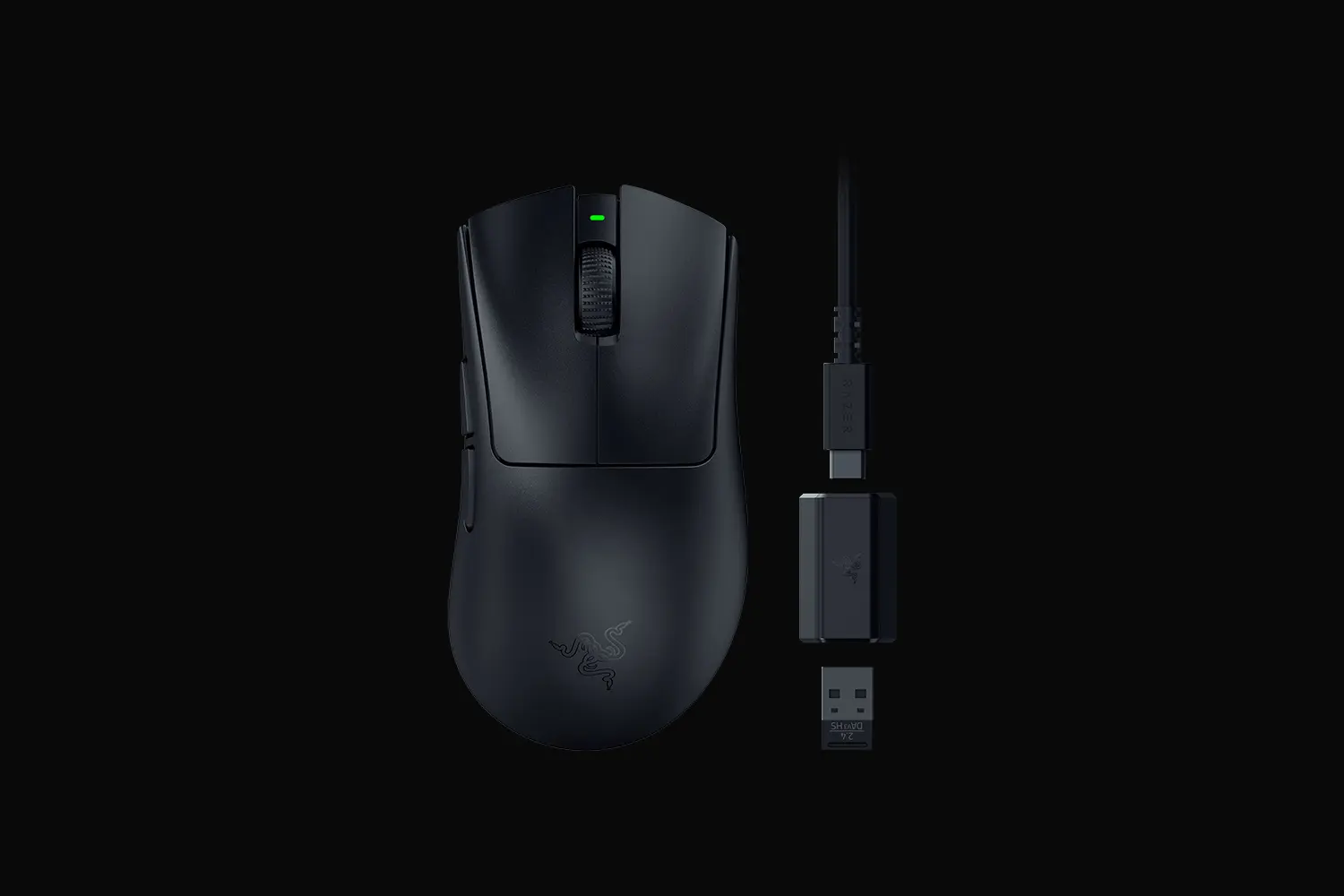
Black · UK configuration · Razer part RZ01-05140100-R3G1
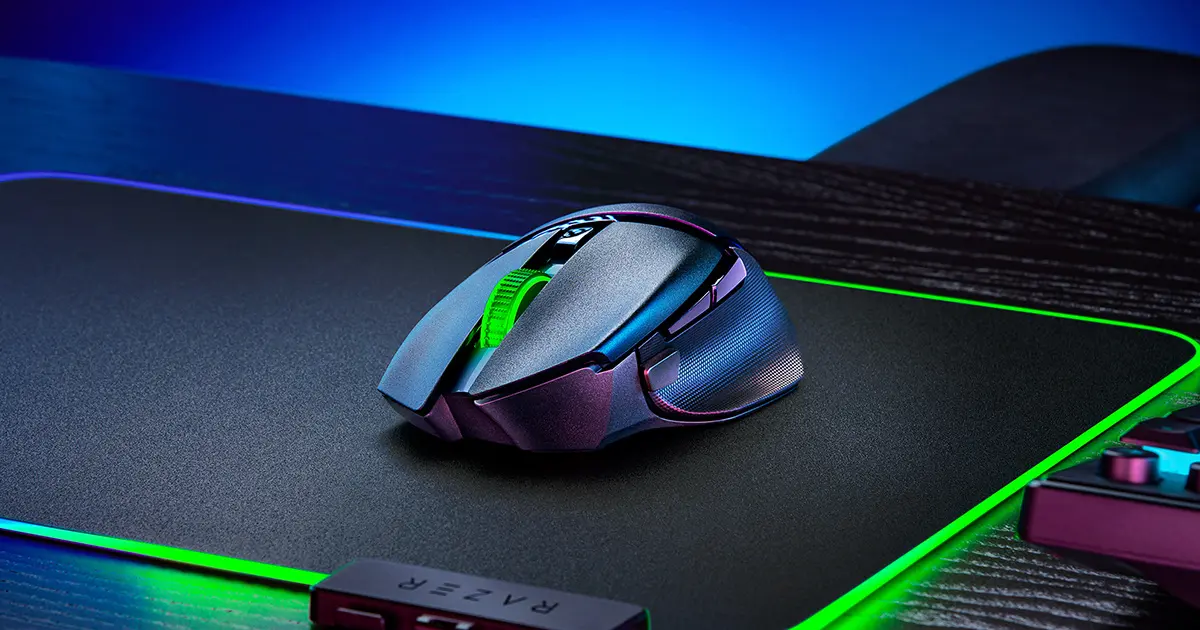
The DeathAdder V3 HyperSpeed is Razer's 55 g wireless right-handed ergonomic mouse. Razer describes its shape as similar to the DeathAdder V3 Pro but refined to a reduced length and narrower width; it uses a Focus X 26K sensor and HyperSpeed wireless.
As an Amazon Associate I earn from qualifying purchases.
Email me when the Razer DeathAdder V3 HyperSpeed gets cheaper on eBay. We check exact-model listings once a day at 12:00 UTC.
Specifications checked 26 Sept 2026Manufacturer specifications, not a hands-on test.
The nearest checked mice by key specifications, with what differs from the Razer DeathAdder V3 HyperSpeed. The first matches the Compare button above.
Logitech G703 LIGHTSPEED HEROBlack · 910-005641 · UK manufacturer configuration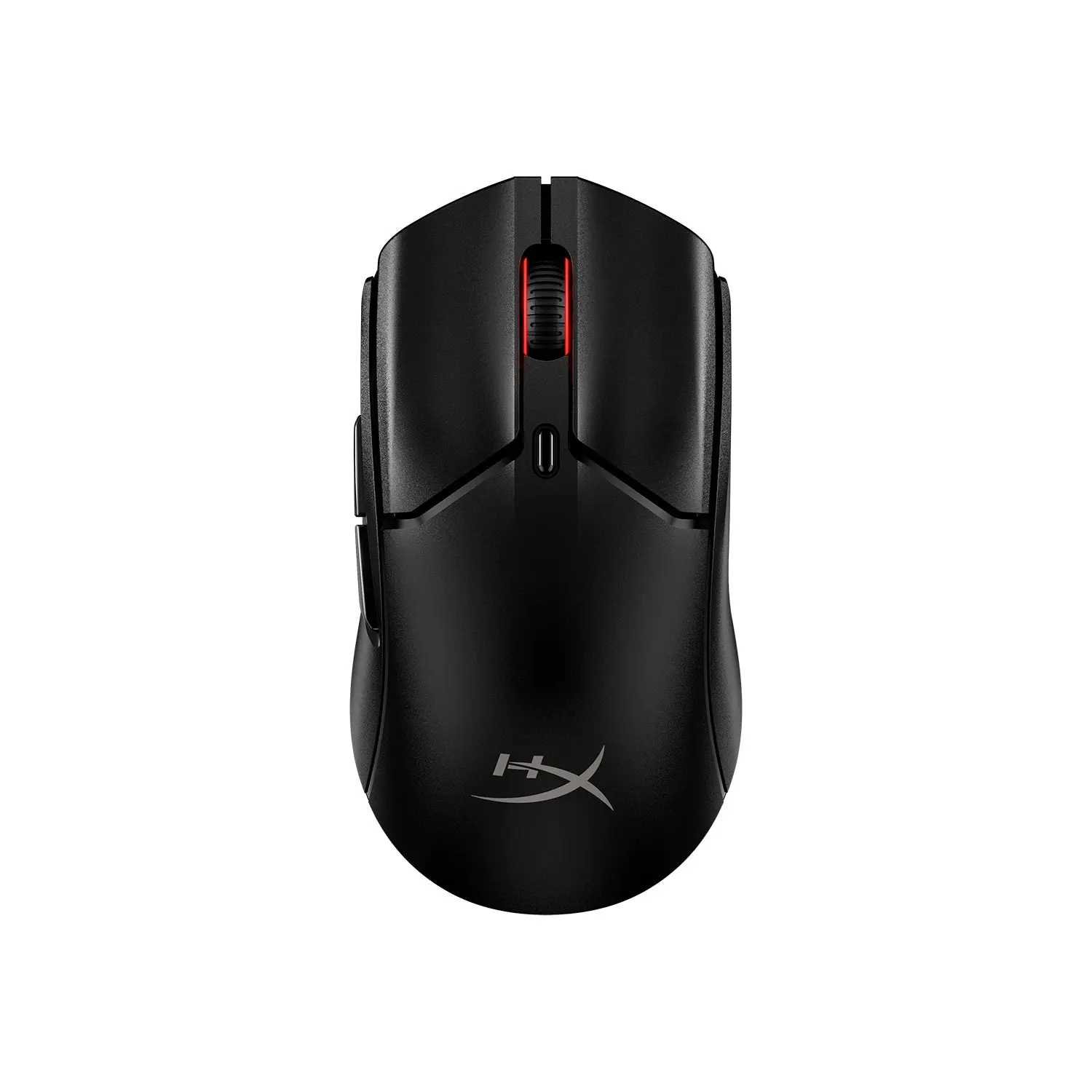 HyperX Pulsefire Haste 2 Mini WirelessBlack · 7D388AA · global manufacturer configuration
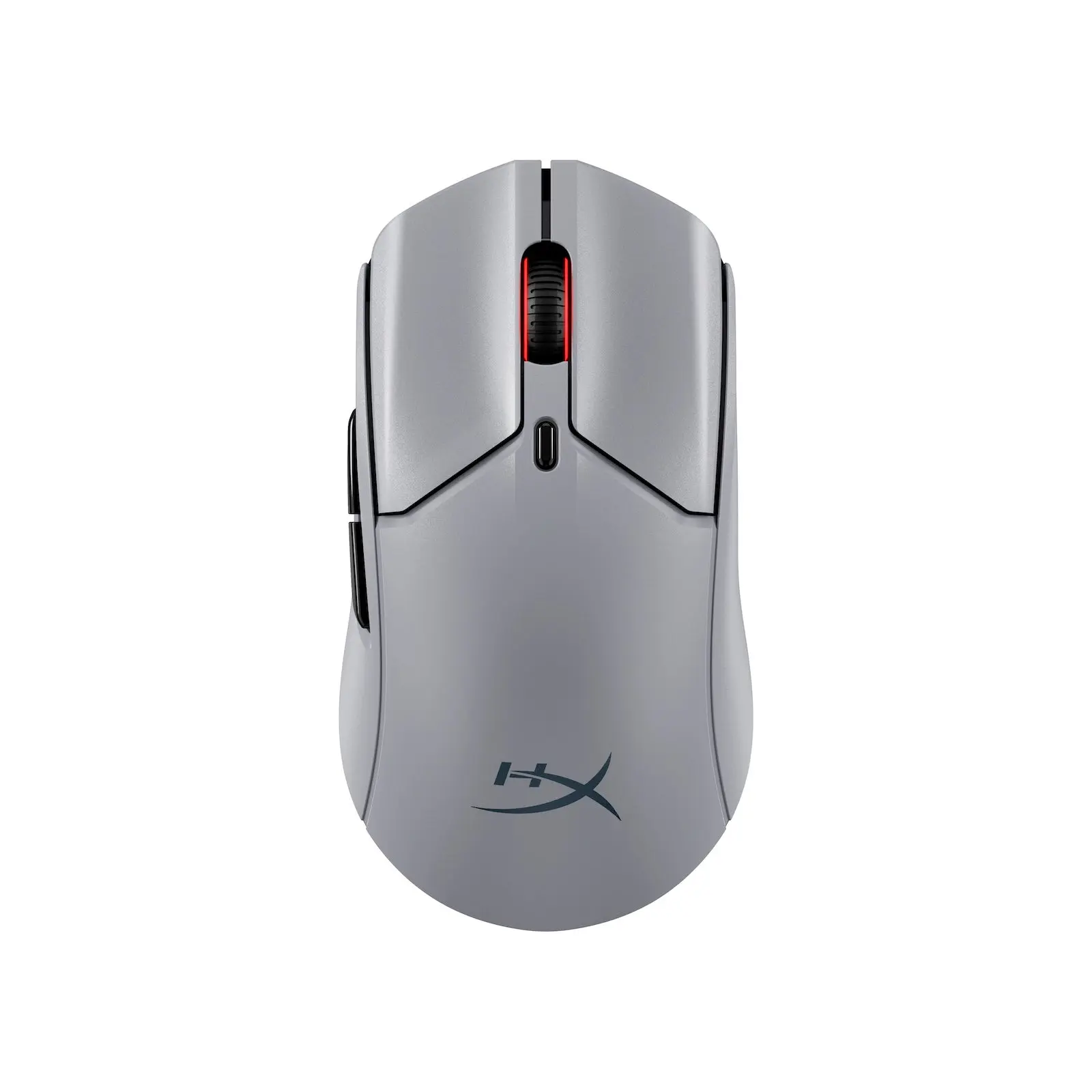 HyperX Pulsefire Haste 2 Pro 4K WirelessSlate Grey · A1KY5AA · global manufacturer configuration
Razer rates the battery at up to 100 hours at 1000 Hz, and the included dongle can also pair a compatible Razer HyperSpeed keyboard.
At 55 g it uses Razer's Gen-3 optical switches, rated for 90 million clicks, and 100% PTFE feet.
8000 Hz wireless needs the separately sold HyperPolling dongle, and Razer rates battery life at 20 hours at that rate.
Razer rates its Focus X 26K sensor at 500 IPS and 40 G. The mouse is right-handed only, with one onboard profile, no Bluetooth and no RGB, and Razer does not state the included dongle's maximum report rate.
Exact configuration: Black · RZ01-05140100-R3G1 · UK manufacturer configuration
34 specifications in 7 groups. Values are manufacturer specifications unless a row says “Measured result” or “Calculated from cited specifications”.
Razer's sensor name.
Razer does not list a minimum sensitivity for this model. · Razer lists only the 26,000 DPI maximum.
SourceOnly with the Razer HyperPolling Wireless Dongle, sold separately.
SourceRazer's maximum speed rating; test surface not stated.
SourceRazer's maximum acceleration rating; test surface not stated.
SourceFive factory DPI stages (400, 800, 1600 default, 3200, 6400) cycled by the underside button.
SourceRazer does not name which button triggers it on this page. Razer's FAQ says the underside button is programmable on Synapse, and the onboard profile keeps the last used Razer Synapse profile's button configs.
SourceConfigured in Razer Synapse. Smart Tracking automatically calibrates lift-off distance; Dynamic Sensitivity changes DPI output/mouse-input response. These advertised sensor/software functions do not establish equivalent physical on-mouse adjustment controls.
SourceExcluding cable and dongle, as listed by Razer.
Mouse body length.
SourceMouse body as listed by Razer.
Overall width, not grip width.
SourceRazer's stated form factor; side-button position from the official product views. Not a grip or comfort test.
Razer lists no RGB lighting.
SourceOriginal exact connection description: Razer HyperSpeed wireless (USB dongle); wired USB-C. Razer lists HyperSpeed wireless and wired modes; no Bluetooth is listed. The included dongle supports HyperSpeed multi-device pairing. This common availability value does not equate proprietary receiver systems: the distinct sourced ecosystem is retained in wireless_ecosystem. The exact package names USB Type-A to USB Type-C cable; standard HyperSpeed dongle multi-device support remains positive. Bluetooth support is unverified.
The official manual explicitly identifies an internal Li-ion rechargeable battery; capacity and user replaceability are not specified. Charging uses the supplied USB Type-A to USB Type-C cable from a powered PC USB port; a depleted battery is claimed to fully charge in approximately 4 hours. A non-powered USB hub/port may affect charging. Razer's rated wireless battery life by report rate; other test conditions are not stated. Original conditioned runtime claims are retained separately: Up to 100 hours at 1000 Hz; up to 20 hours at 8000 Hz (with the separately sold HyperPolling dongle).
Razer does not list the cable length for this model. · Razer names a PVC USB Type-A to USB Type-C cable but gives no length.
Manufacturer-named proprietary receiver system. Different names are retained; these sources do not establish cross-model/cross-brand interoperability, protocol equivalence or independently measured latency.
Up to 100 hours at 1000 Hz, a manufacturer wireless rating. The source does not give the motion/workload, lighting, firmware, test surface or exact receiver configuration for this rating. This is not a measured everyday runtime or a matched comparison with a lighting-off or constant-motion claim.
Up to 20 hours at 8000 Hz, a manufacturer wireless rating. 8000 Hz wireless operation requires the separately sold Razer HyperPolling Wireless Dongle. The source does not give motion/workload, lighting, firmware or test-surface conditions. This is not a measured everyday runtime or a matched comparison with a lighting-off or constant-motion claim.
The exact model master guide explicitly names a Li-ion rechargeable battery inside the mouse. Lithium-ion is the expanded name of the source’s Li-ion chemistry. Battery capacity and user replaceability remain unverified; this chemistry claim does not establish charging wattage/protocol or runtime under an unstated condition.
SourceApproximately 4 hours to fully charge a depleted battery, per the manufacturer master guide. Its instruction uses the supplied USB Type-A to USB Type-C cable from a PC USB port and recommends a full charge before first use. The USB connection must supply sufficient power; charging may be affected by a non-powered USB hub or port, including those on keyboards/peripherals. Charging wattage/protocol, ambient conditions, workload and whether the mouse is operating during this duration are not stated. This is a conditioned manufacturer claim, not an independently measured charging result or a comparison with an unknown counterpart.
SourceHolds one profile based on the last-used Razer Synapse profile, including DPI and button settings.
SourceOne onboard profile, per Razer's specification table and FAQ.
Button, DPI and profile settings are configured in Razer Synapse.
SourceThe exact maximum with the included HyperSpeed dongle remains unresolved. The guide documents Synapse polling choices125/500/1000 Hz;8000 Hz needs the separately sold HyperPolling dongle. · Razer quotes its battery rating at 1000 Hz but does not give that as the maximum; 8000 Hz needs the sold-separately HyperPolling dongle. The master-guide Synapse Performance tab lists selectable125,500and1000 Hz. These documented software choices do not unambiguously identify the maximum of the exact included receiver/current firmware; preserve that hardware maximum as unknown.
Manufacturer box contents; the HyperPolling dongle is not included. Check the seller's listing.
SourceThe complete physical DPI/polling/LOD/reset adjustment inventory remains unresolved. The manual explicitly documents the underside Power/DPI cycle button and five stages; these positive DPI controls remain in dpi_steps and the conditions here. It does not establish an ASUS-equivalent hardware polling/LOD/reset combination set. · Do not infer absence of all hardware controls or map source software capabilities onto physical adjustment functions. The official guide positively instructs pressing the physical Power/DPI cycle button to cycle five stages (400, 800, 1600 default, 3200, 6400); fine tuning and on-the-fly reassignment are via Synapse. This known subset is not a verified absence of other hardware controls.
More of the nearest checked mice by key specifications, for a side-by-side comparison.
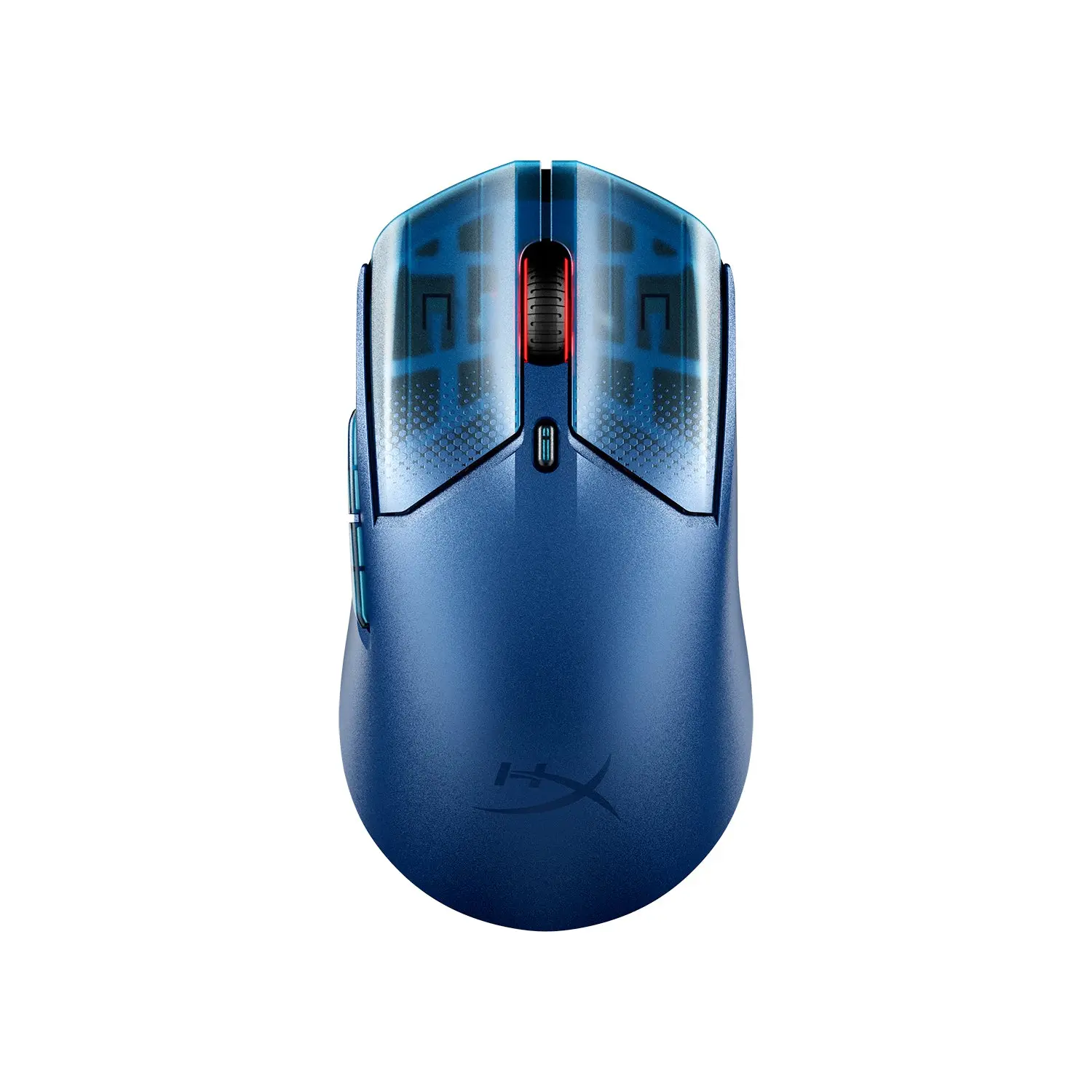 HyperX Pulsefire Haste 2 S WirelessNavy · 9B001AA · global manufacturer configurationCompare the two
 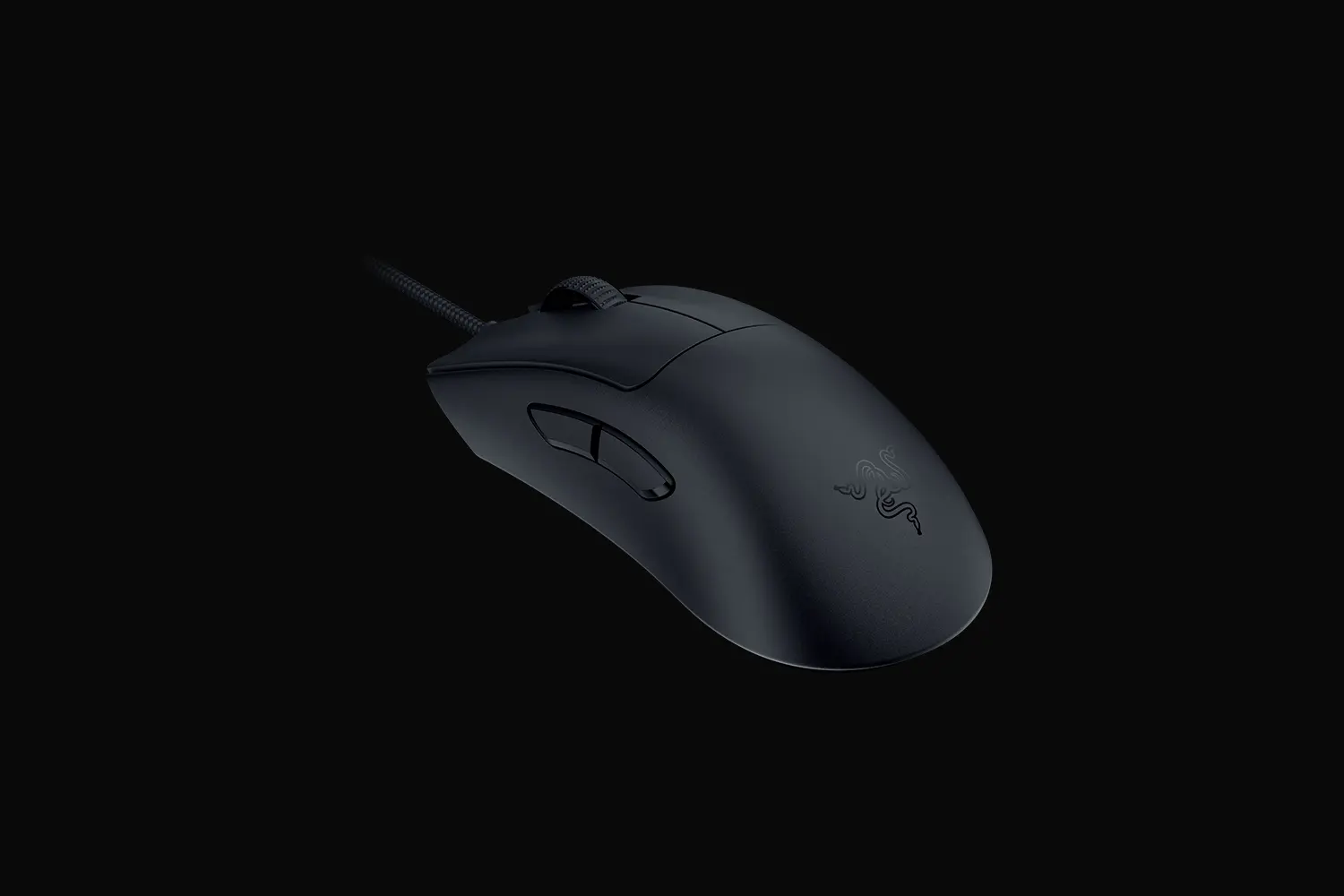 Razer DeathAdder V3Black · RZ01-04640100-R3M1 · UK manufacturer configurationCompare the two
 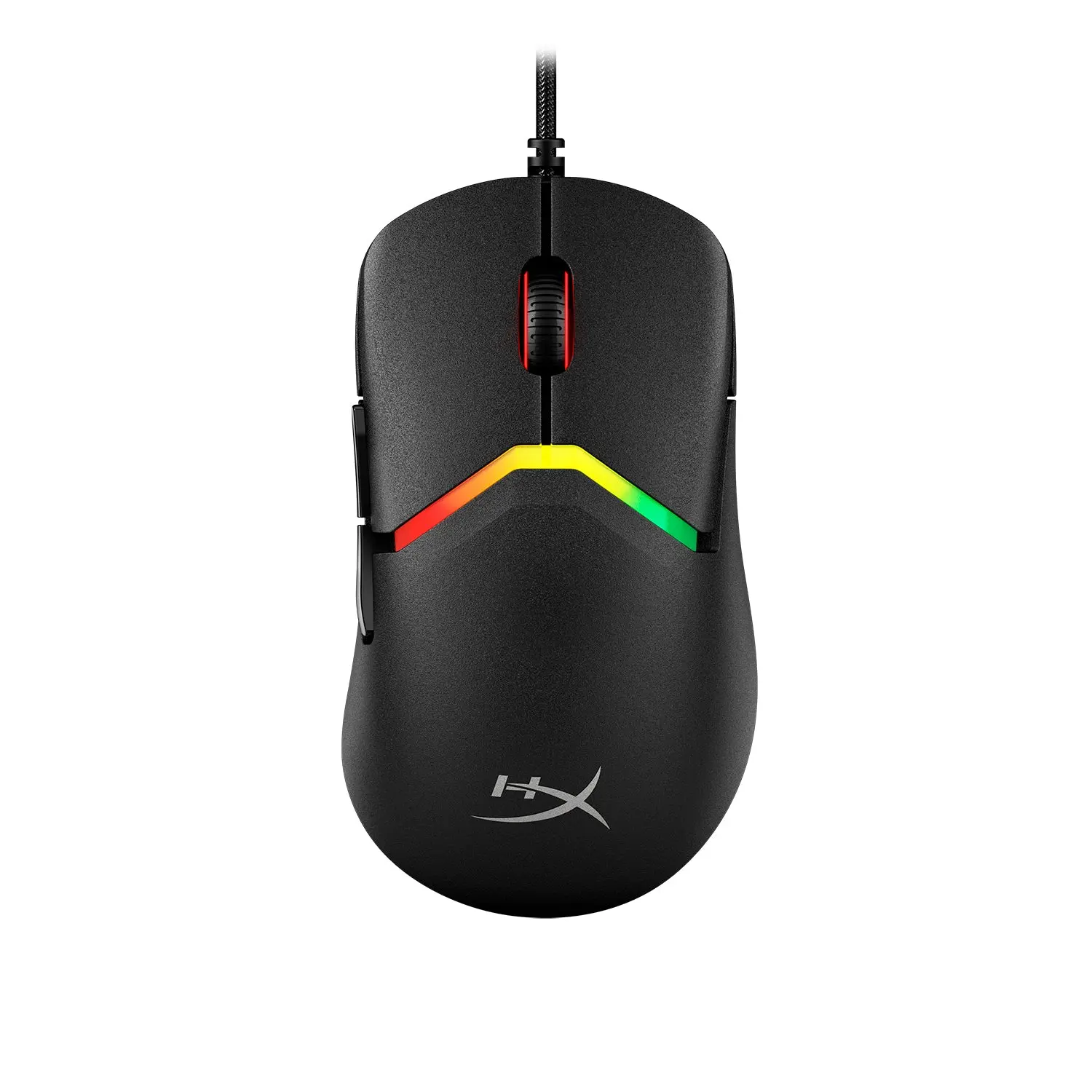 HyperX Pulsefire SagaBlack · A2PB3AA · global manufacturer configurationCompare the two
 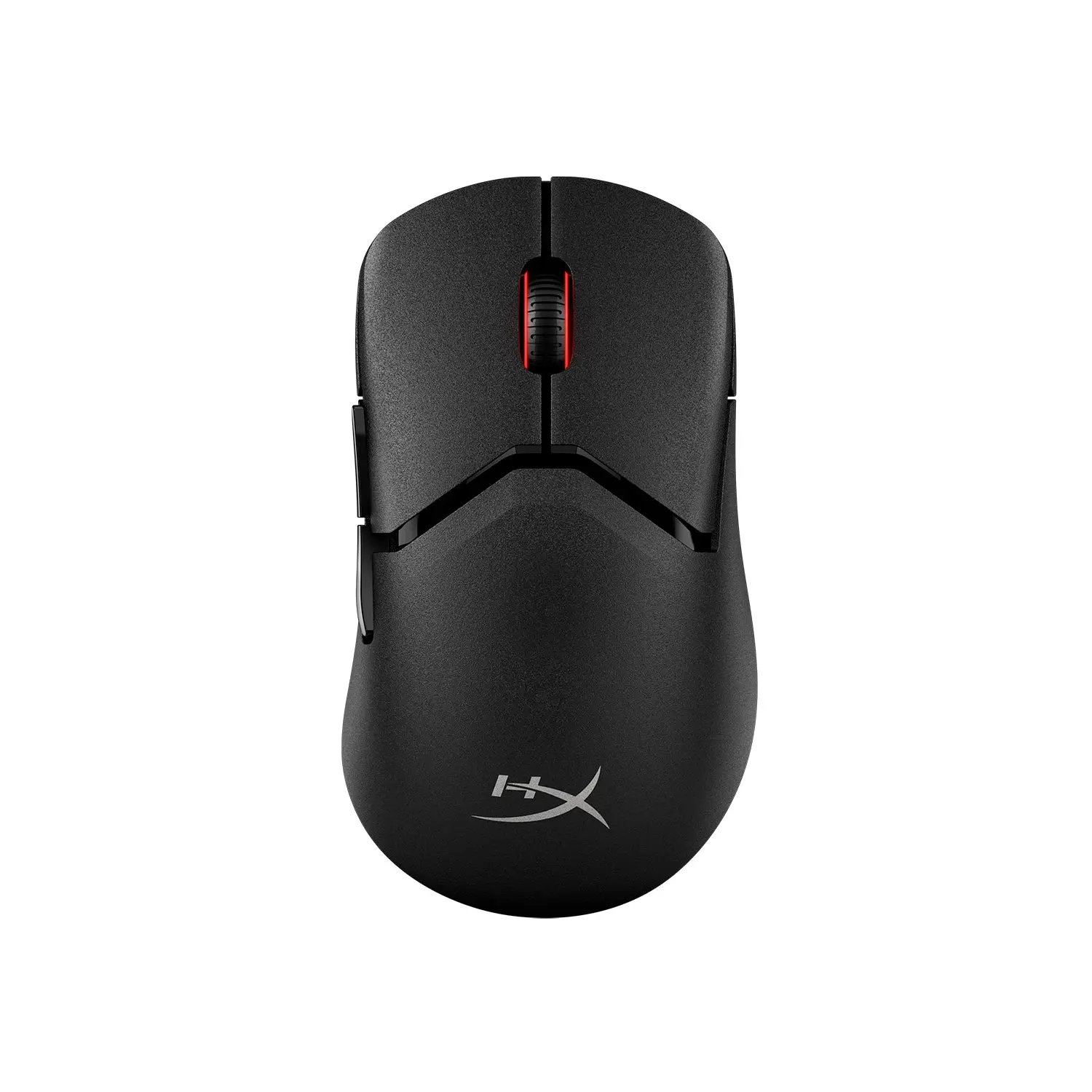 HyperX Pulsefire Saga Pro WirelessBlack · A2PB2AA · global manufacturer configurationCompare the two
  Sony INZONE Mouse-ABlack · MSEG500B.CE7 · UK catalogueCompare the two
  Razer Viper V3 ProBlack · RZ01-05120100-R3G1 · UK manufacturer configurationCompare the two
 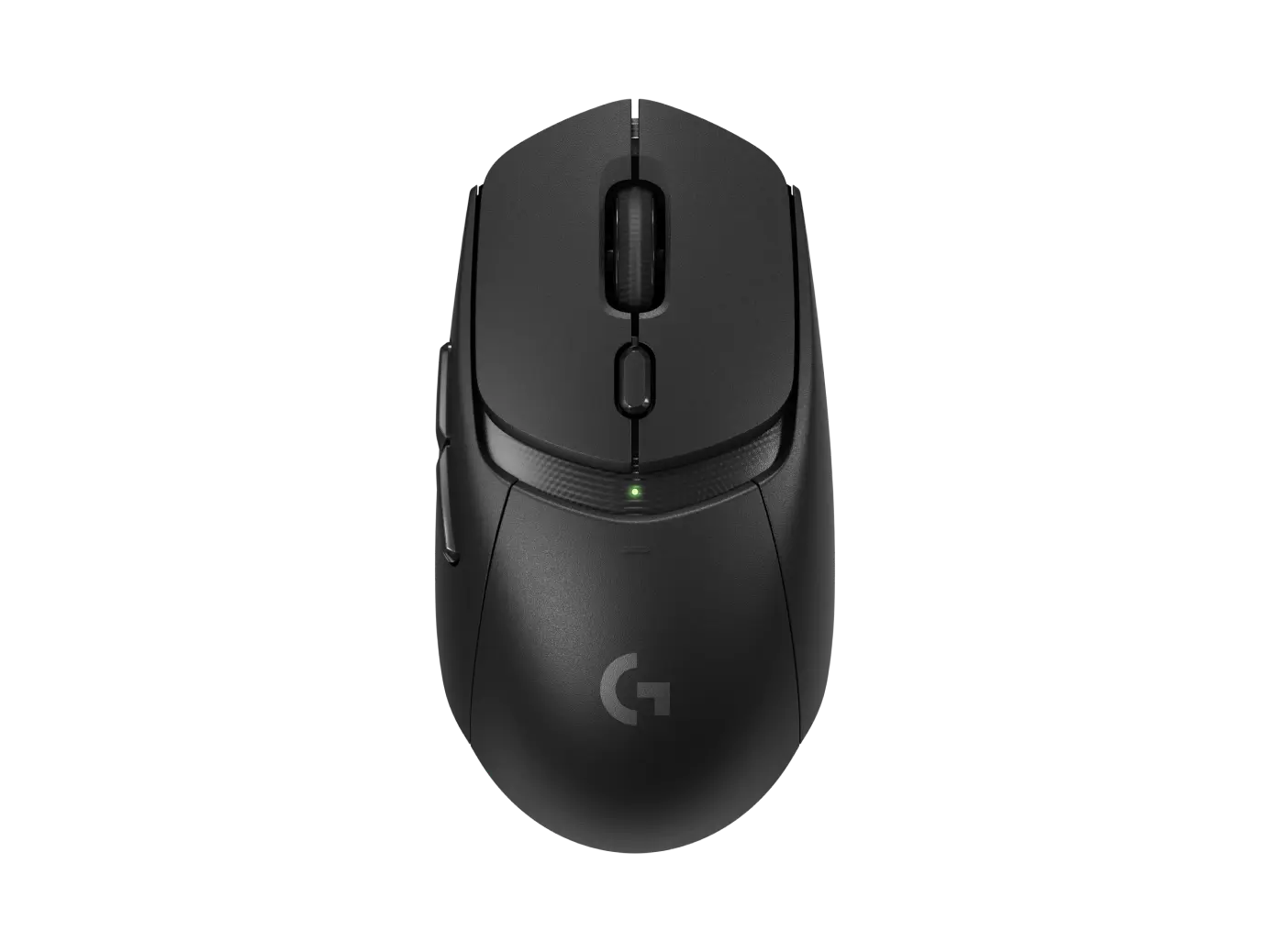 Logitech G309 LIGHTSPEEDBlack · 910-007200 · UK manufacturer configurationCompare the two
 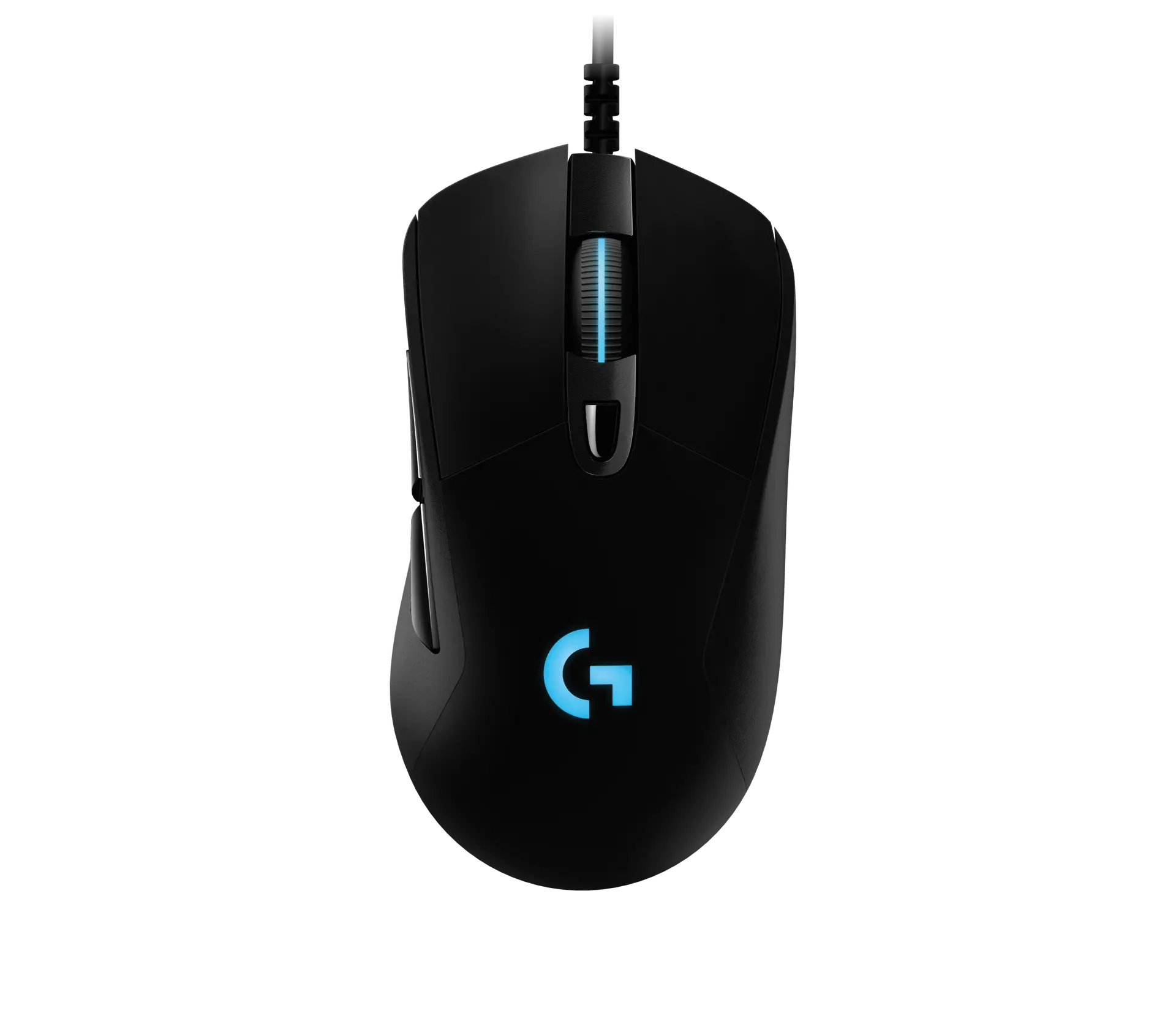 Logitech G403 HEROBlack · 910-005633 · UK manufacturer configurationCompare the two