Skip to specifications
versus.deals
Menu
Browse versus.deals
MICE

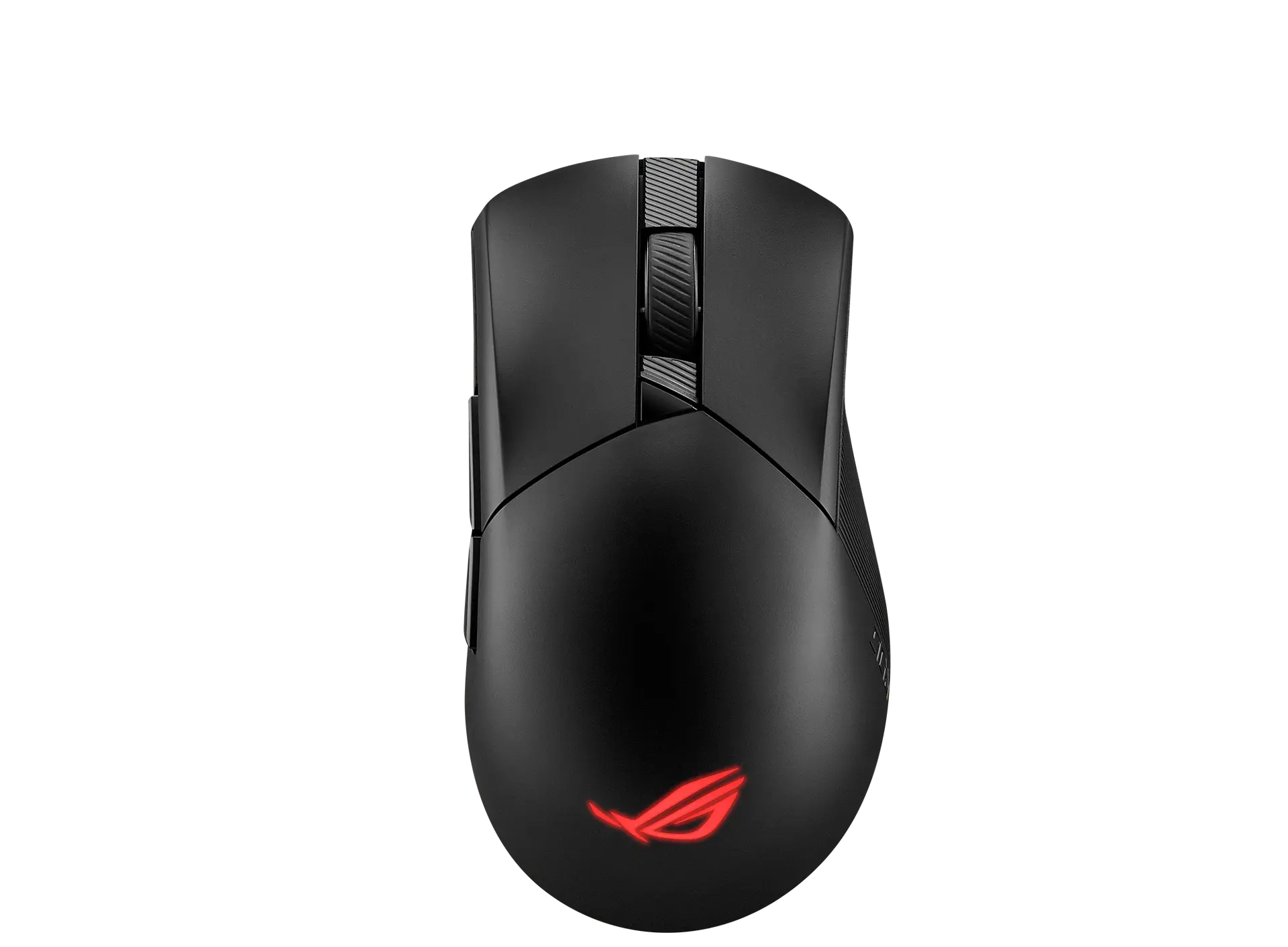
ASUS ROG Harpe Ace Aim Lab Edition

Black · US configuration · ASUS part 90MP02W0-BMAA02

Weight
54 g
Connections
2.4 GHz RF wireless (USB dongle), Bluetooth 5.1 or wired USB 2.0 (USB-C to USB-A ROG Paracord)
Sensor model / type
ROG AimPoint optical sensor

The ROG Harpe Ace Aim Lab Edition is ASUS's 54 g ambidextrous-shaped wireless mouse with the 36,000 DPI ROG AimPoint sensor, five programmable buttons, tri-mode connectivity and Aim Lab Settings Optimizer support.

Prices & buying options

Search links open retailer results.

UK: no verified listing yet · checked daily

US: no verified listing yet · checked daily

As an eBay Partner, we may be compensated if you make a purchase.

Affiliate links

We may earn a commission. Search results can include other models; check the exact variant and final price with the retailer.

As an Amazon Associate I earn from qualifying purchases.

Price alert

Email me when the ASUS ROG Harpe Ace Aim Lab Edition gets cheaper on eBay. We check exact-model listings once a day at 12:00 UTC.

We'll send a link to confirm first.

THE ACTUAL PRODUCT
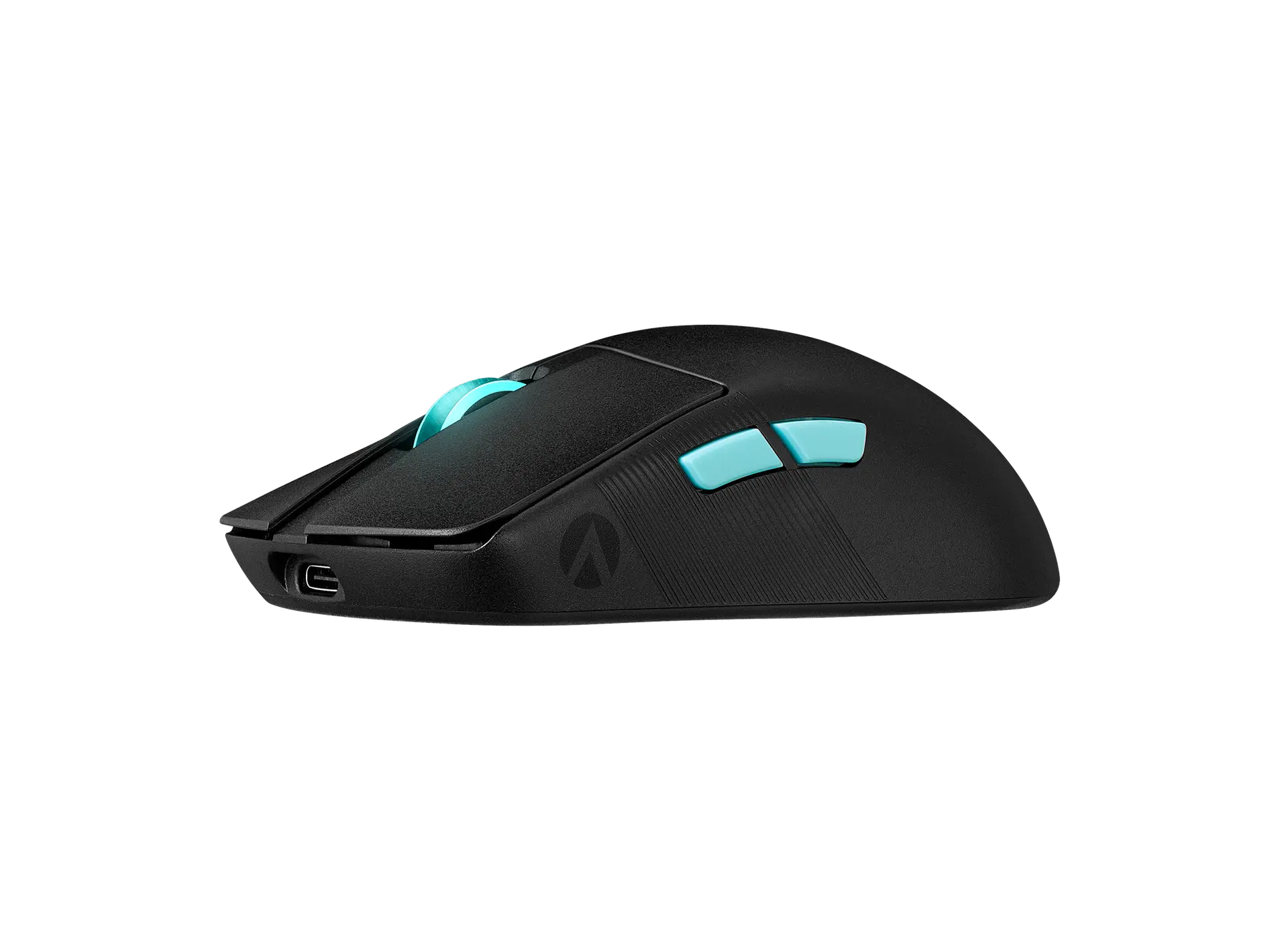
ASUS ROG Harpe Ace Aim Lab Edition wireless mouse in black, left-side view showing the two cyan side buttons, cyan scroll wheel, Aim Lab logo and USB-C port
Official product image · Image source detailsProduct imagery does not establish a retailer’s bundle or condition.
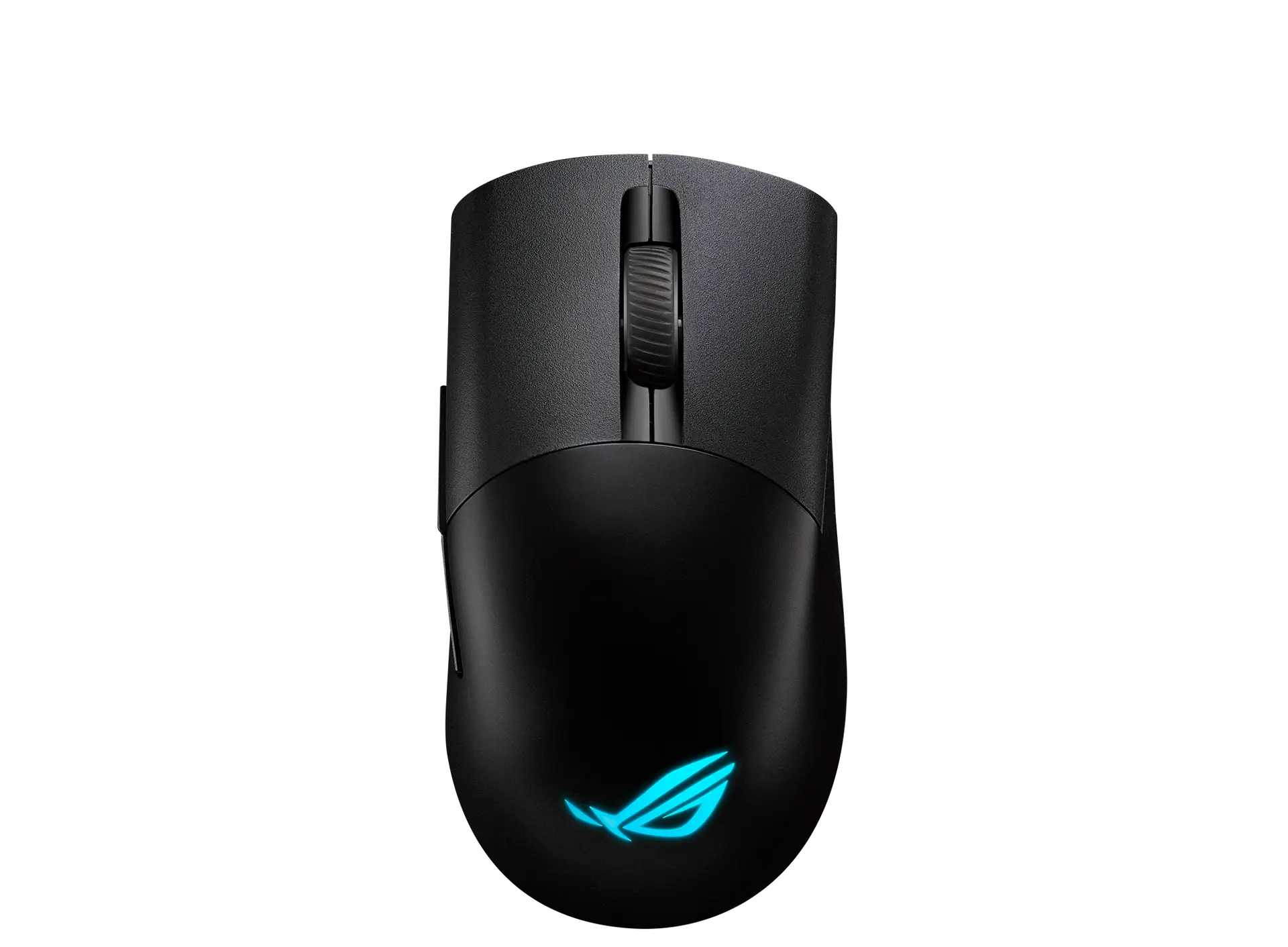
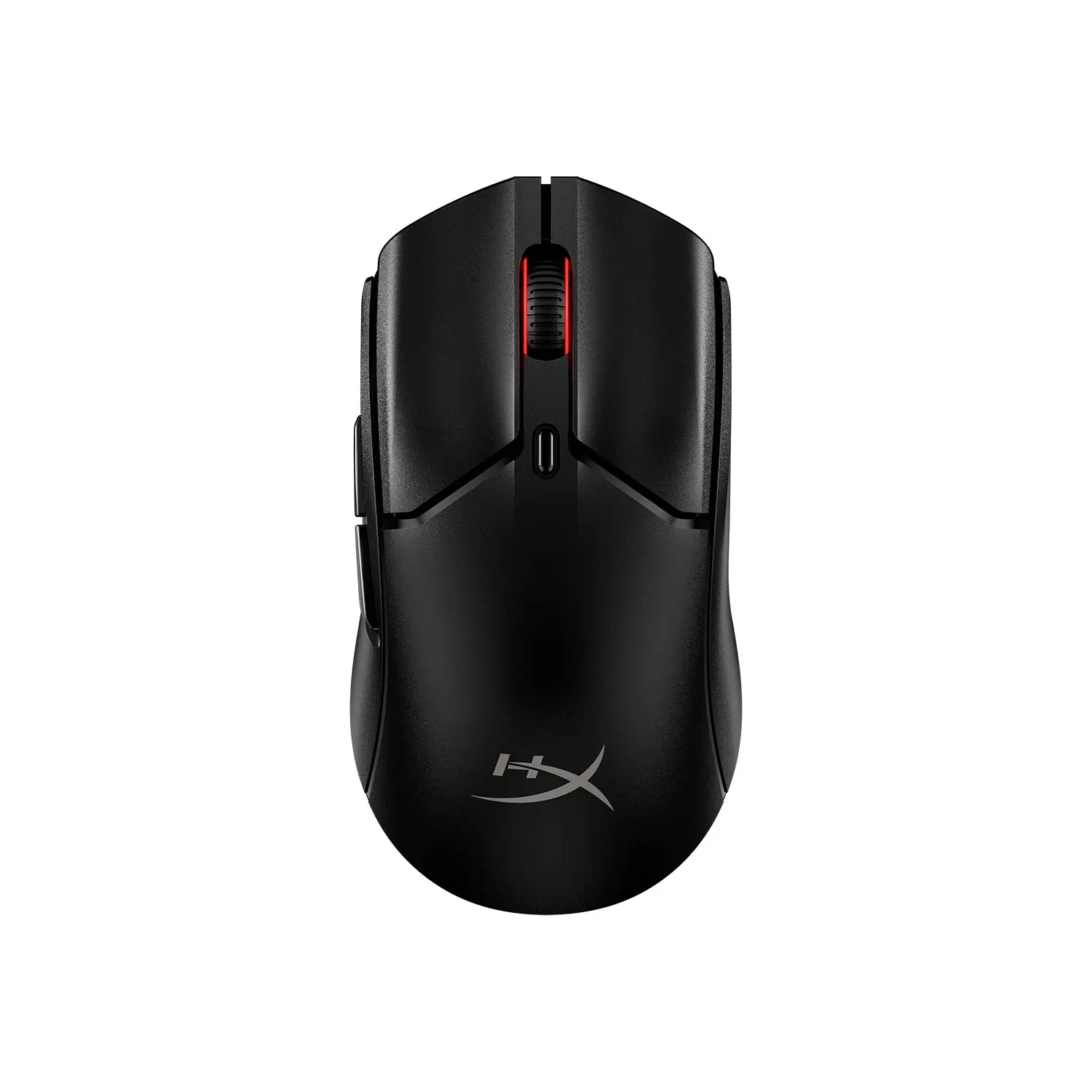
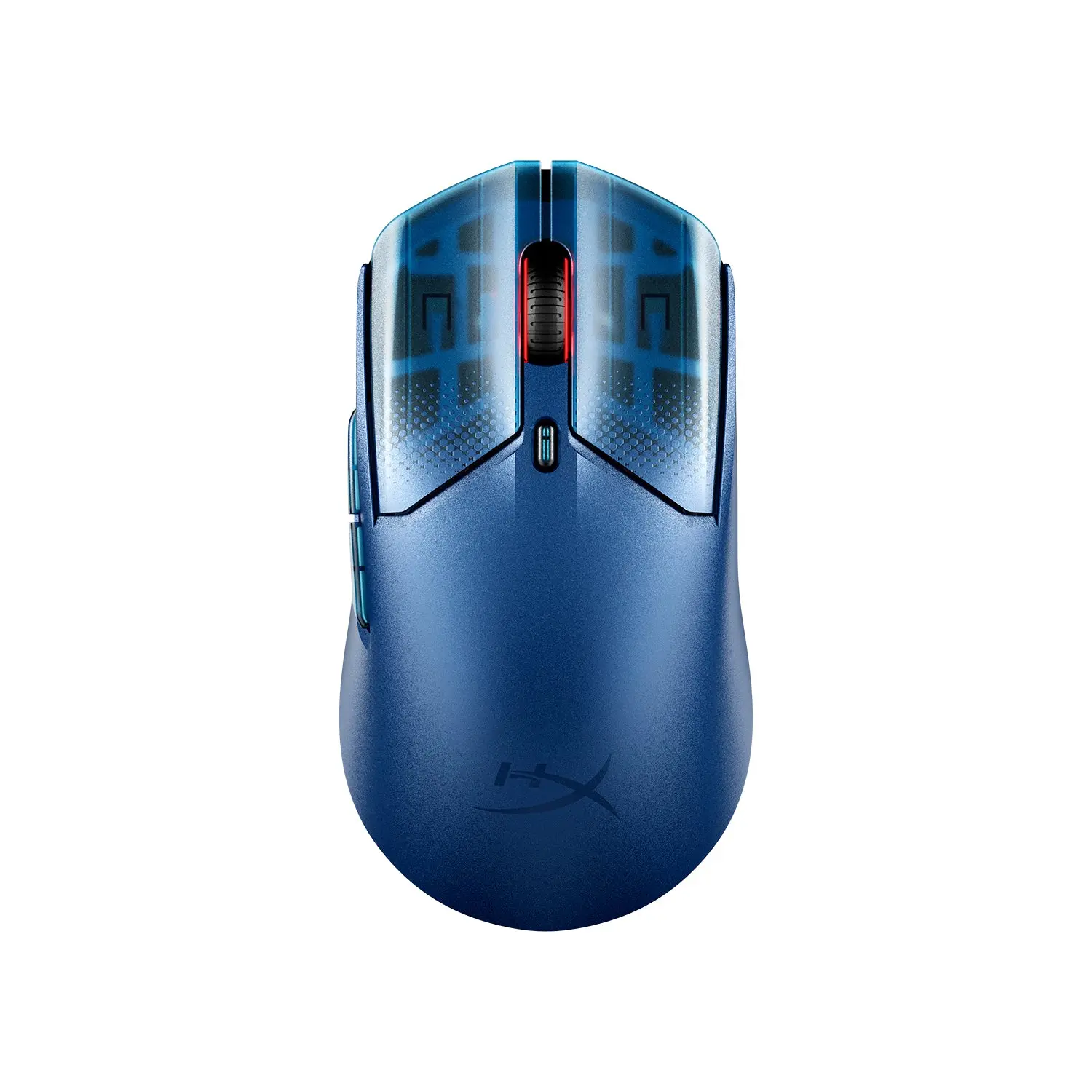
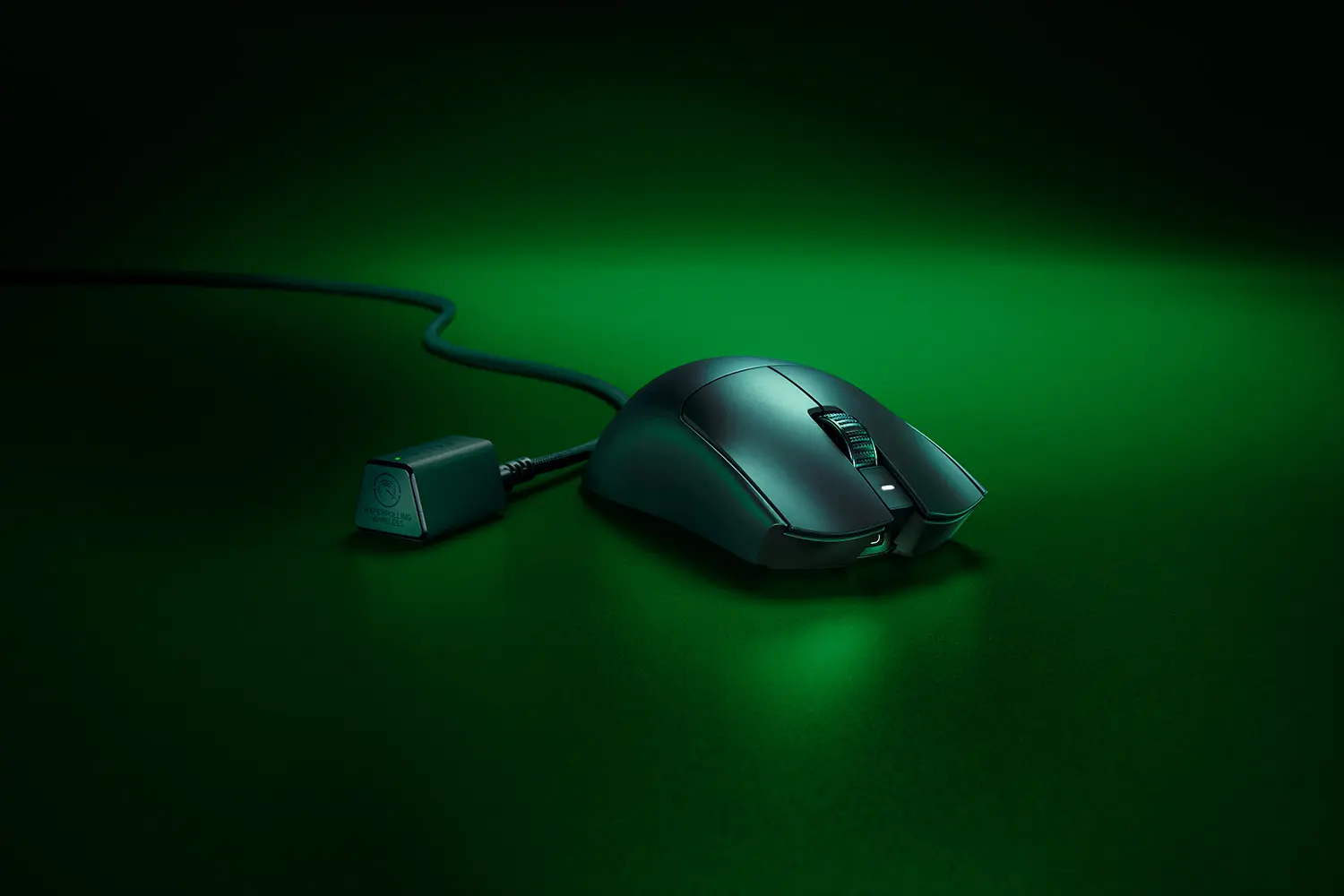
Compare with ASUS ROG Keris Wireless AimPoint

Specifications checked 28 Sept 2026Manufacturer specifications, not a hands-on test.

Options worth comparing

Explore all alternatives

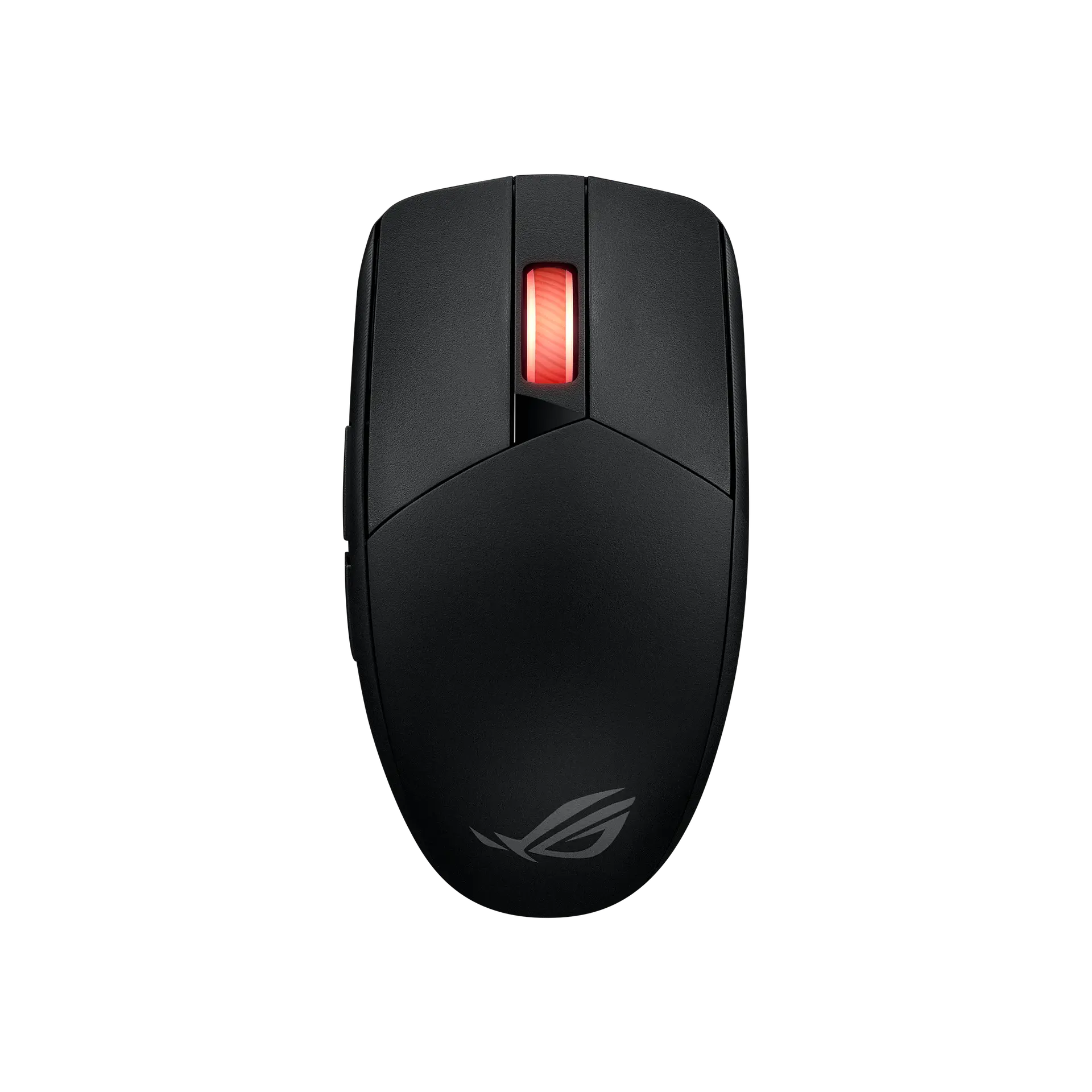
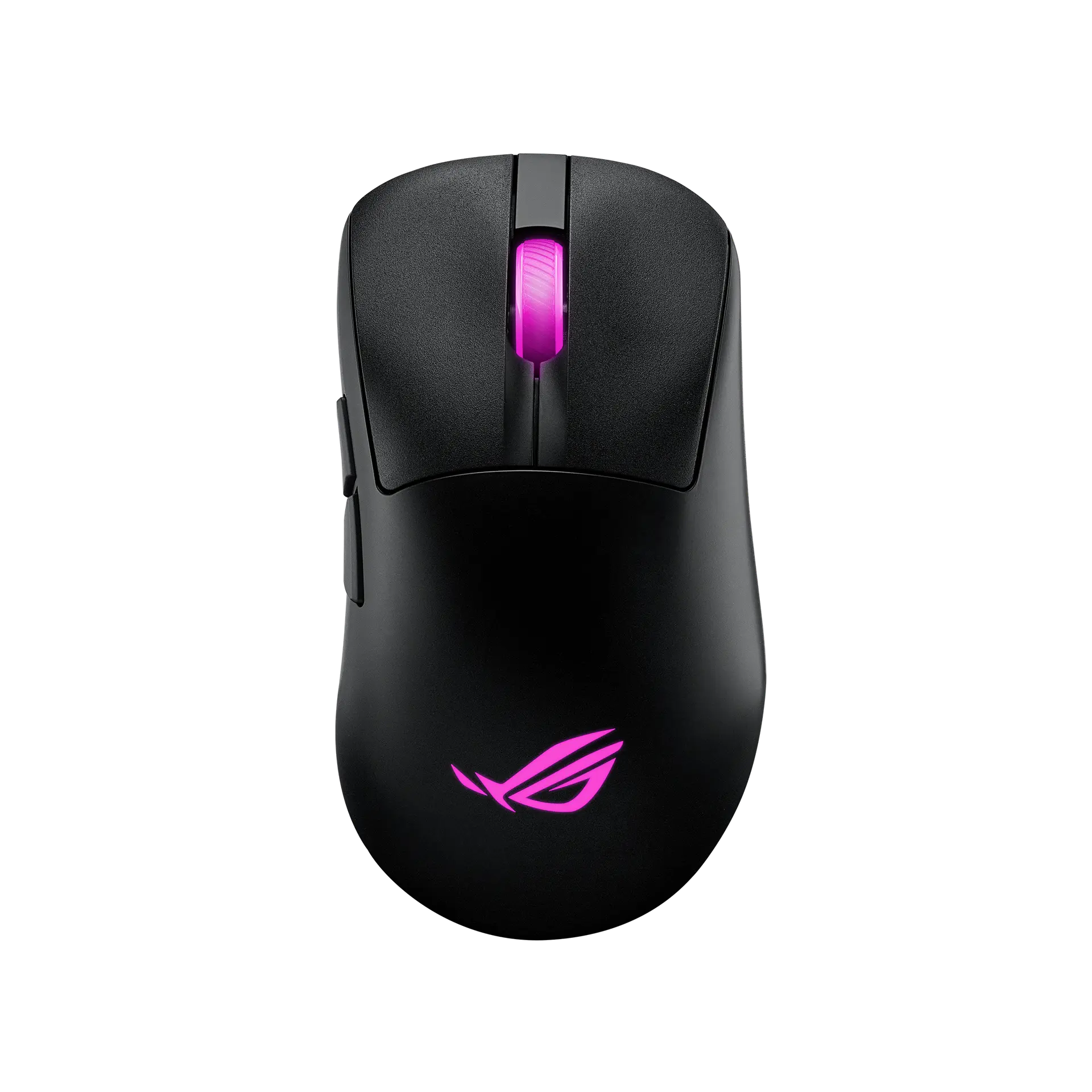
The nearest checked mice by key specifications, with what differs from the ASUS ROG Harpe Ace Aim Lab Edition. The first matches the Compare button above.

The useful part.

Key strengths

ASUS lists a 100–36,000 DPI range with < 1% CPI deviation, 2.4 GHz, Bluetooth (up to three devices) and wired modes, and dongle storage inside the mouse.

Battery ratings are published per mode and lighting state: 90 hours on 2.4 GHz and 98.5 hours on Bluetooth with lighting off.

The checks that matter.

Before you buy

ASUS lists a maximum report rate of 1000 Hz (the guide's polling options stop at 1000 Hz, and 500 Hz and above are not available over Bluetooth), and its mechanical micro switches are rated for 70 million clicks.

Despite the ambidextrous shape, both side buttons are on the left; onboard memory does not store macros or Windows shortcuts, and the black version needs a firmware update for Omni Receiver support.

Every specification. With its source.

Full specifications

Exact configuration: Black · 90MP02W0-BMAA02 · US manufacturer configuration

29 specifications in 6 groups. Values are manufacturer specifications unless a row says “Measured result” or “Calculated from cited specifications”.

Sensor & tracking

9 items
Sensor model / type
ROG AimPoint optical sensor

ASUS's sensor name; ASUS states < 1% CPI deviation. The supplier is not stated.

3 sources
Maximum wireless report rate
1000 Hz

The quick start guide's polling-rate hotkey cycles 125 / 250 / 500 / 1000 Hz, with 500 and 1000 Hz not supported over Bluetooth; ASUS's tables list 1000 Hz for USB.

2 sources
Minimum sensitivity
100 DPI

ASUS gives the resolution range as 100-36,000 DPI.

Source
DPI presets
4 settings

DPI 1–4 default to 400 / 800 / 1600 (default) / 3200 DPI and can be customised in Armoury Crate or with DPI On-The-Scroll.

Source
Published tracking speed
650 IPS

ASUS's maximum speed rating; test surface not stated.

2 sources
Published acceleration threshold
50 G

ASUS's maximum acceleration rating; test surface not stated.

2 sources
On-mouse adjustments
DPI on-the-scroll; polling rate; lift-off distance; hardware reset

Button combinations on the mouse, per ASUS. Surface calibration is in Armoury Crate.

Source

Shape, weight & build

8 items
Weight
54 g

ASUS states 54 g without cable and USB dongle; the first specification block labels the row "Weight With Cable" but gives the value as "54g (without cable and USB dongle)".

3 sources
Body length
127.5 mmSource
Dimensions
127.5 × 63.7 × 39.6 mm (length × width × height)

Mouse body as listed by ASUS.

2 sources
Body width
63.7 mm

ASUS's listed width; ASUS does not state the measurement basis.

Source
Hand orientation
Ambidextrous shape; side buttons on the left only

ASUS lists the shape as ambidextrous; the official left- and right-side views show two side buttons on the left and none on the right, so the side-button layout suits right-handed use. Not a grip or comfort test.

2 sources
Lighting
Aura Sync RGB

ASUS lists Aura Sync; lighting effects are set in Armoury Crate.

2 sources
Shell material
Bio-based nylon outer shellSource

Buttons & switches

3 items
Listed controls
5

ASUS's specification table lists 5 buttons and the overview describes five programmable buttons; ASUS does not say which controls the count includes. The quick start guide's diagram labels left-click, right-click, forward, backward, DPI and pairing buttons plus the scroll wheel.

4 sources
Main switch technology
ROG Micro Switches (mechanical)

ASUS's table names the "ROG 70M Mechanical Switch"; ASUS says left and right switches within a ±5 g force deviation are paired.

3 sources
Claimed main-switch durability
70 million clicks

ASUS's lifespan rating for the ROG Micro Switches.

2 sources

Connection & battery

3 items
Connections
2.4 GHz RF wireless (USB dongle), Bluetooth 5.1 or wired USB 2.0 (USB-C to USB-A ROG Paracord)

ASUS lists tri-mode connectivity and says Bluetooth mode can pair up to three devices.

3 sources
ROG Omni Receiver support
Yes

ASUS says the Harpe Ace was the first mouse with the ROG Omni Receiver (one mouse and one keyboard on one USB dongle); the Black version needs a firmware update to unlock it, and Omni-compatible devices can be paired with only one receiver at a time.

Source
Battery life
Li-ion; 2.4 GHz RF: 90 hours (lighting off) or 70 hours (default lighting); Bluetooth: 98.5 hours (lighting off) or 79 hours (default lighting)

Per ASUS's footnotes. The specification table instead lists "90 hours without lighting" and "79 hours with default lighting (Breathing)" without naming the connection mode. Report rate is not stated.

2 sources

Software & onboard memory

3 items
Onboard memory
Yes

ASUS describes on-the-fly adjustment of DPI, polling rate and lift-off distance on the mouse, and notes that onboard memory does not support macros and Windows shortcuts.

2 sources
Onboard profile capacity
5 profiles

Five profiles in the quick start guide's profile table; ASUS marks Profile 5 as for the Aim Lab app only.

Source
Customisation software
Armoury Crate

ASUS says Armoury Crate adjusts performance and surface calibration, maps buttons and sets Aura Sync lighting; the Aim Lab Settings Optimizer tailors mouse settings to the player.


3 sources

Box, compatibility & warranty

3 items
Receiver storage
Dongle storage in the mouseSource
Listed operating systems
Windows 10; Windows 11

ASUS's listed OS support.

2 sources
Listed package
Mouse; USB dongle; USB dongle extender; ROG Paracord; quick start guide; warranty booklet; ROG x Aim Lab sticker; 3 mouse feet; thank-you card; mouse grip tape set (one-time stick)

Manufacturer box contents. ASUS says the grip tape is a consumable not covered by warranty. Check the seller's listing.

3 sources
Similar products.

Compare with another mouse

More of the nearest checked mice by key specifications, for a side-by-side comparison.