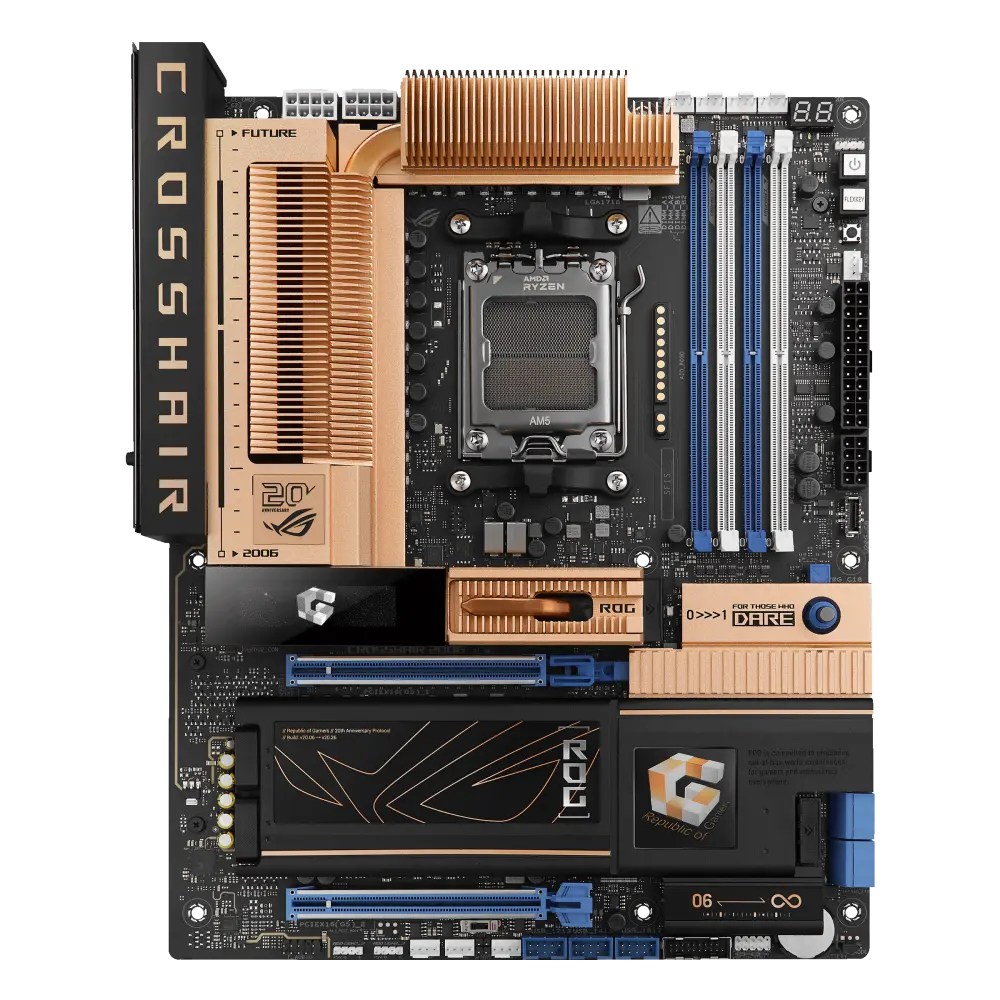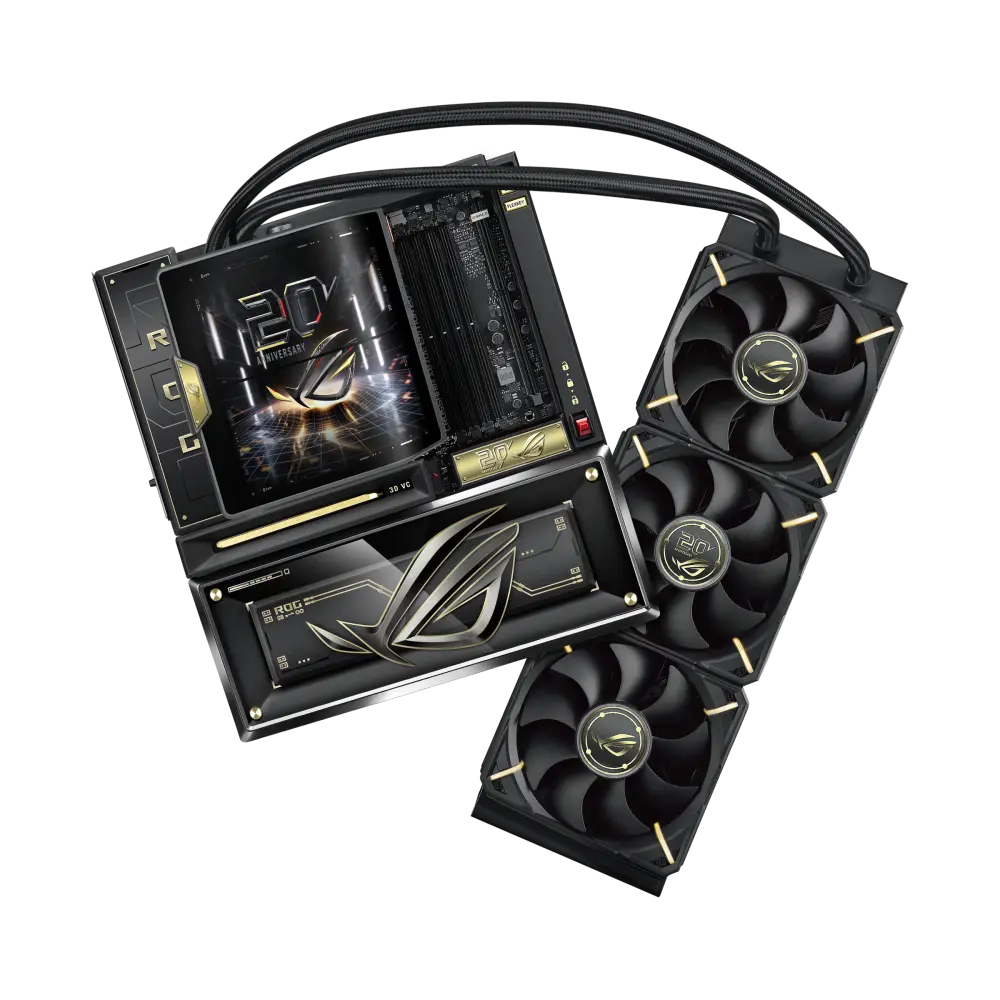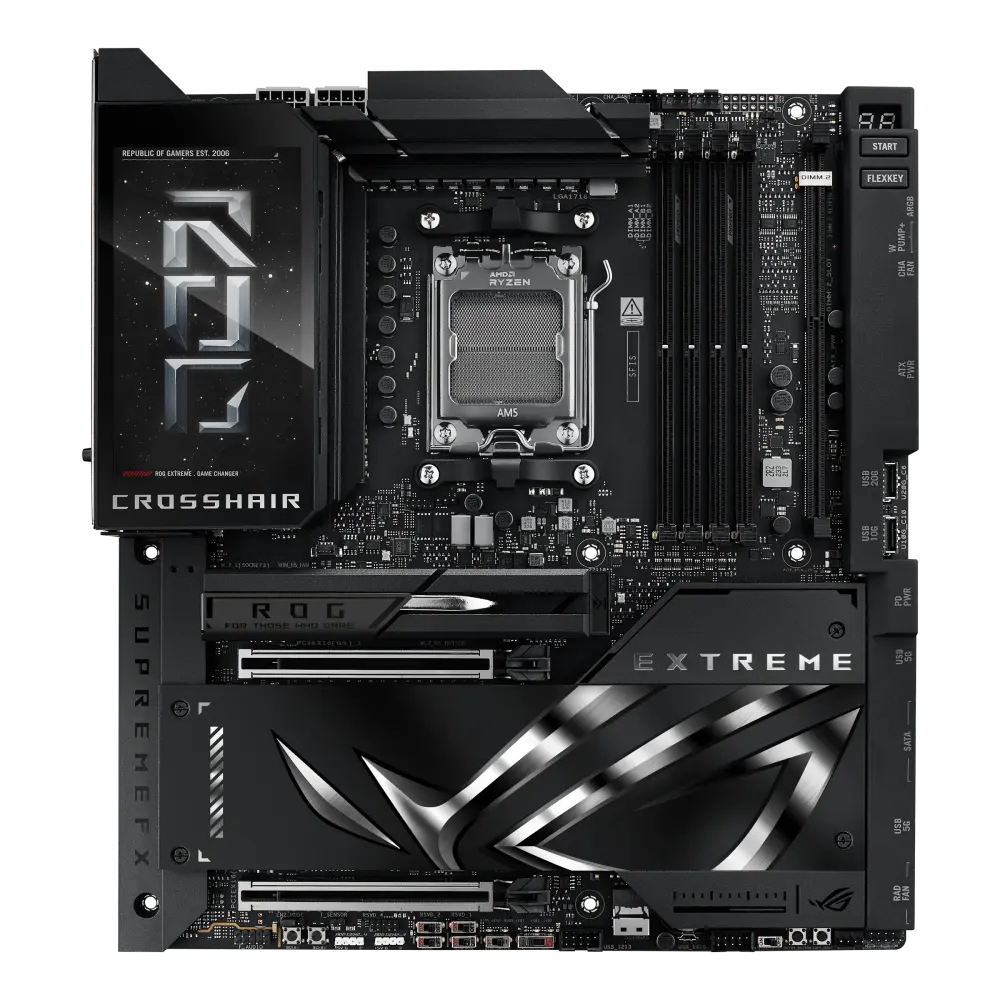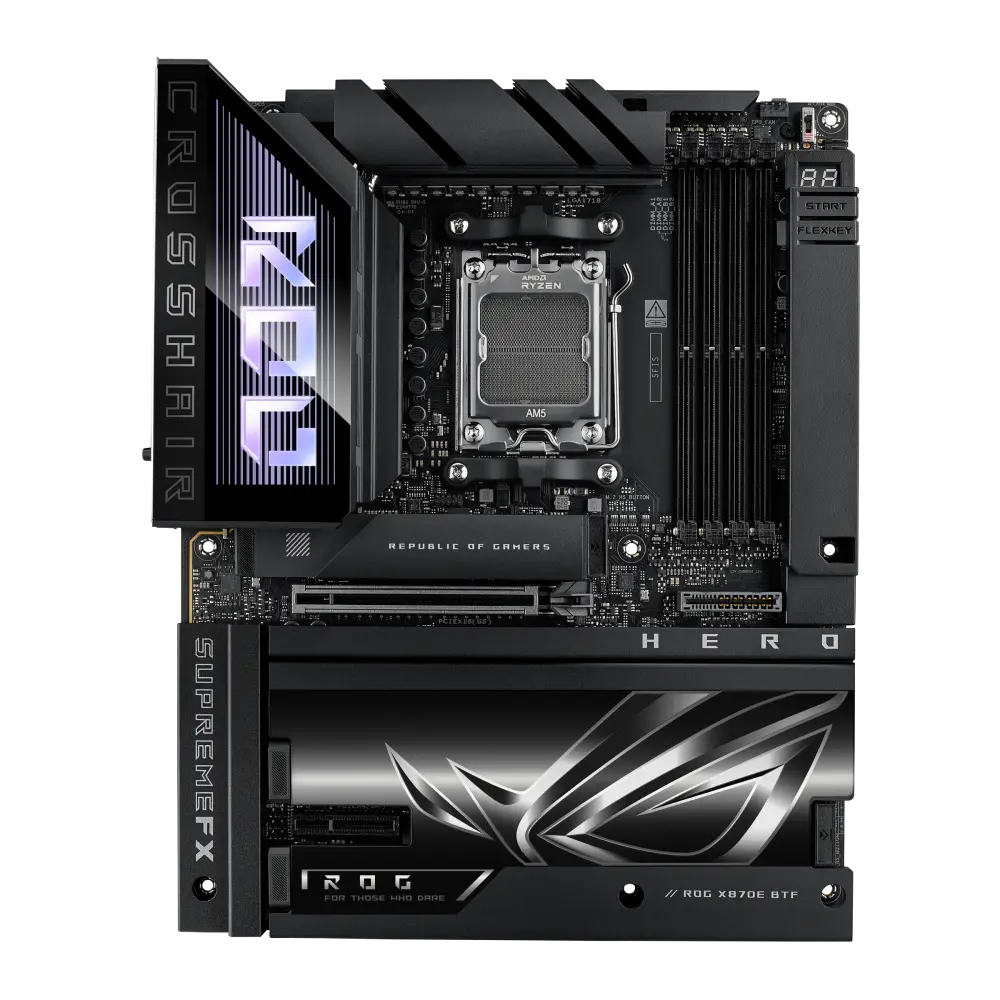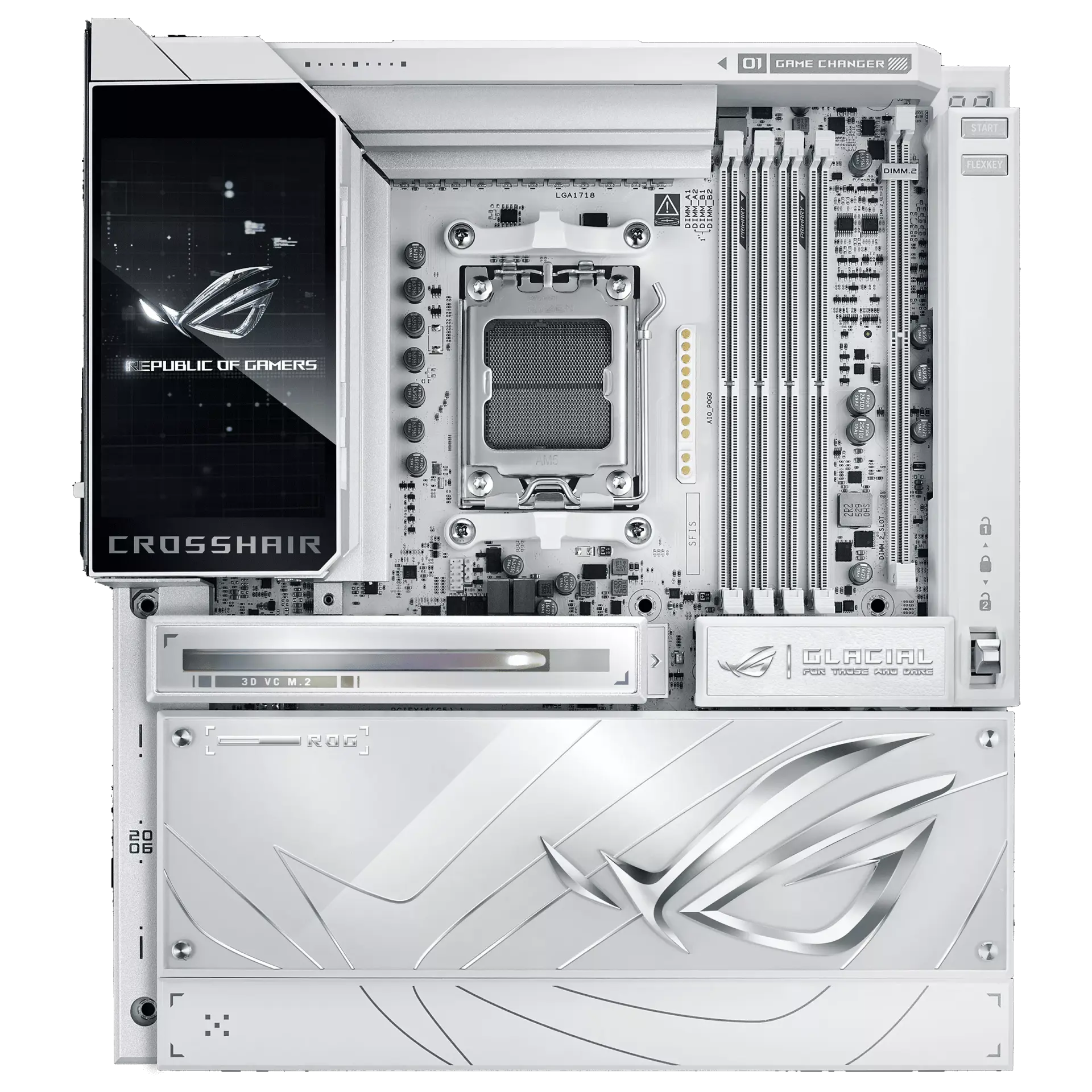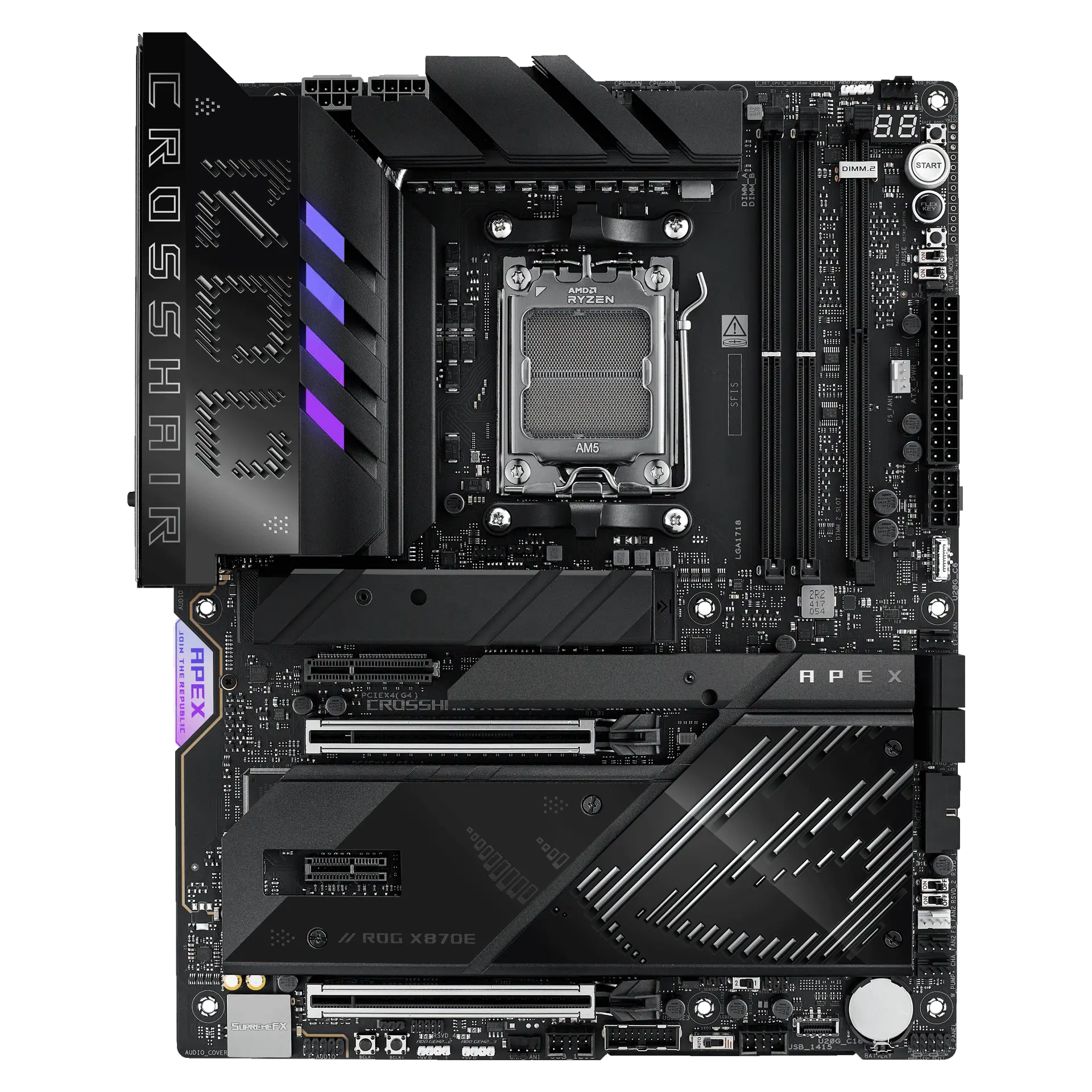
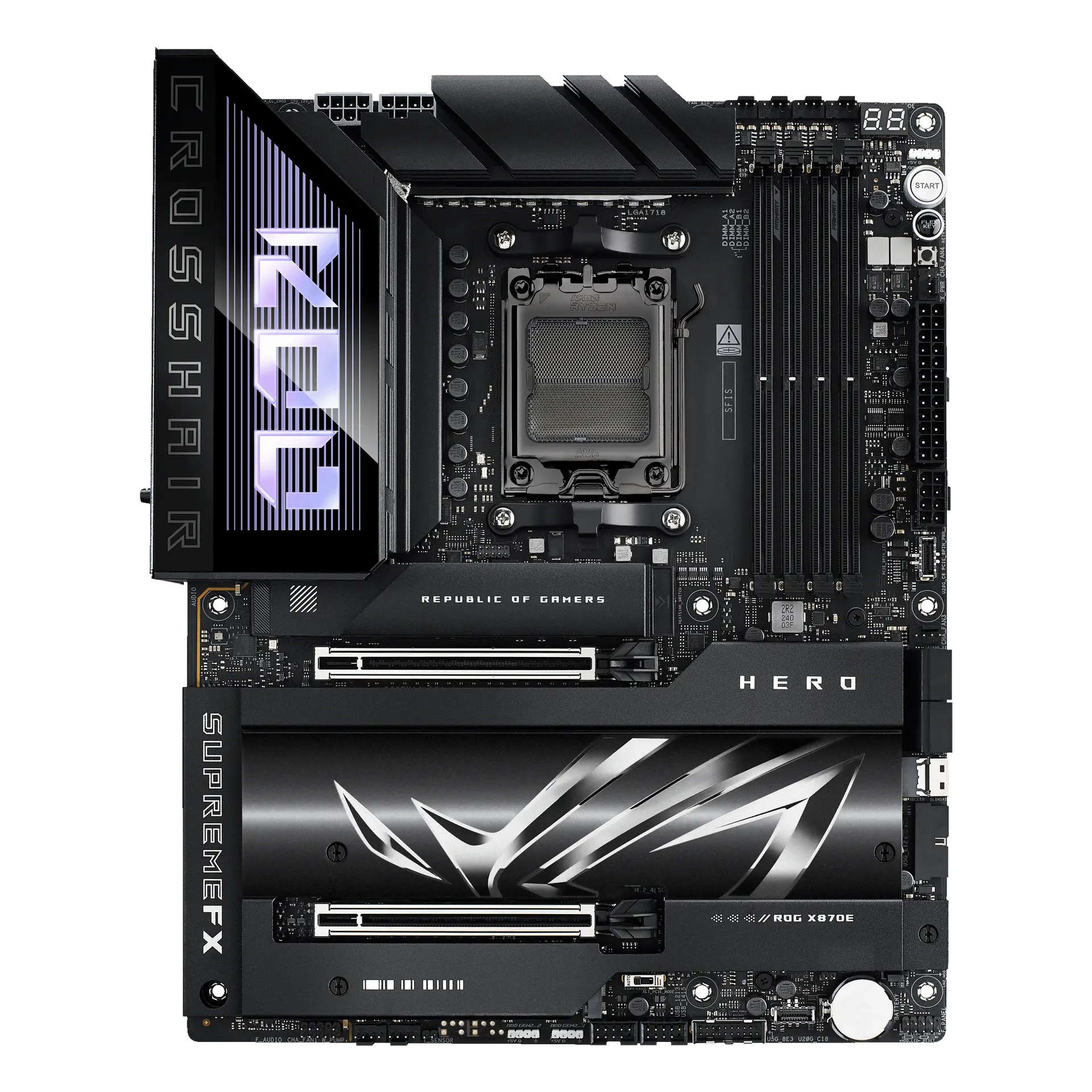
ASUS ROG CROSSHAIR X870E HERO
Compared with yours · ASUS ROG CROSSHAIR X870E APEX
- Memory slots2 → 4
- Maximum memory128 GB → 256 GB
- Memory type, slots and limit2 DDR5 DIMM slots; up to 128 GB; dual channel; AMD EXPO → 4 DDR5 DIMM slots; up to 256 GB; dual channel; AMD EXPO
- Storage interfaces5 M.2 storage positions (3 onboard + 2 on supplied DIMM.2 card); 4 SATA 6 Gb/s ports → 5 M.2 storage positions; 4 SATA 6 Gb/s ports
- PCIe expansion configurationAMD Ryzen 9000 & 7000 Series Desktop Processors 2 × PCIe 5.0 × 16 slots with Q-Release Slim (supports x16 or x8/x8 or x8/x4/x4 modes) AMD Ryzen 8700 & 8600 & 8400 Series Desktop Processors 2 × PCIe 4.0 × 16 slots with Q-Release Slim (only supports PCIEx16_1 & total bandwidth for x8, PCIEx16_2 will be disabled) AMD Ryzen 8500 & 8300 Series Desktop Processors 2 × PCIe 4.0 × 16 slots with Q-Release Slim (only supports PCIEx16_1 & total bandwidth for x4, PCIEx16_2 will be disabled) AMD X870E Chipset 1 × PCIe 4.0 × 4 slot 1 × PCIe 3.0 × 1 slot Please check the PCIe bifurcation table on the support site (https://www.asus.com/support/FAQ/1037507/). When both PCIEX16_1 and PCIEX16_2 are in use, they will each run in x8 mode. When M.2_2 is enabled, but M.2_3 is not in use, PCIEX16_1 will run in x8 mode and PCIEX16_2 will be disabled. When M.2_3 is enabled, but M.2_2 is not in use, PCIEX16_1 will run in x8 mode and PCIEX16_2 will run in x4 mode. When both M.2_2 and M.2_3 are enabled, PCIEX16_1 will run in x8 mode and PCIEX16_2 will be disabled. - To ensure compatibility of the device installed, please refer to https://www.asus.com/support/ for the list of supported → AMD Ryzen 9000 & 7000 Series Desktop Processors 2 × PCIe 5.0 × 16 slots with Q-Release Slim (supports x16 or x8/x8 or x8/x4/x4 modes) AMD Ryzen 8700 & 8600 & 8400 Series Desktop Processors 2 × PCIe 4.0 × 16 slots with Q-Release Slim (only supports PCIEx16_1 & total bandwidth for x8, PCIEx16_2 will be disabled) AMD Ryzen 8500 & 8300 Series Desktop Processors 2 × PCIe 4.0 × 16 slots with Q-Release Slim (only supports PCIEx16_1 & total bandwidth for x4, PCIEx16_2 will be disabled) Please check the PCIe bifurcation table on the support site (https://www.asus.com/support/FAQ/1037507/). When both PCIEX16_1 and PCIEX16_2 are in use, they will each run in x8 mode. When M.2_2 is enabled, but M.2_3 is not in use, PCIEX16_1 will run in x8 mode and PCIEX16_2 will be disabled. When M.2_3 is enabled, but M.2_2 is not in use, PCIEX16_1 will run in x8 mode and PCIEX16_2 will run in x4 mode. When both M.2_2 and M.2_3 are enabled, PCIEX16_1 will run in x8 mode and PCIEX16_2 will be disabled. - To ensure compatibility of the device installed, please refer to https://www.asus.com/support/ for the list of supported
1 more difference
- Network interfaces1 × Realtek 5Gb Ethernet; Wi-Fi 7 (320 MHz listed); Bluetooth 5.4 listed → 1 × Intel 2.5Gb Ethernet 1 × Realtek 5Gb Ethernet; Wi-Fi 7 (320 MHz listed); Bluetooth 5.4 listed
Same: Socket AM5 · M.2 slots 5
Compare side by sideFull comparison vs ASUS ROG CROSSHAIR X870E APEX
More details & evidence
Exact model: 90MB1IE0-M0MAY0 · AM5 · ATX · ASUS UK specification
Sources: 26 of 26 specifications cited.
Evidence · 100% source coverage
26/26 listed facts sourced. Checked 10 Sept 2026. This describes source coverage, not product quality or independent testing.
- Manufacturer facts
- 25
- Calculated from sources
- 1
- Independent measurements
- Not available
- Owner evidence
- Not available
- Conflicting facts
- None recorded
UK exact model
Market details
UK specification. UK availability not verified.
The specification region comes from this product’s reviewed variant record. It does not confirm local stock, warranty or delivery.
Check the manufacturer sourceWe have no current verified retailer listing for this exact variant in United Kingdom. A price you enter does not establish retailer availability.
Before you choose
- With Ryzen 8000, M.2_2 and M.2_3 are unavailable and M.2_1 uses PCIe 4.0. Using M.2_2 or M.2_3 reduces the primary graphics slot to x8. M.2_2 disables the second graphics slot; M.2_3 alone leaves that slot at x4. The separate SlimSAS connector supports PCIe 4.0 x4.ASUS ROG CROSSHAIR X870E HERO — technical specifications
- Check the exact processor, BIOS and memory kit before purchase. The 256 GB ceiling and listed overclocking profiles are configuration limits, not a tested build guarantee.ASUS ROG CROSSHAIR X870E HERO — technical specifications
Key specification sources
Evidence & conditions
Manufacturer specification
ASUS ROG CROSSHAIR X870E HERO — technical specificationsEvidence & conditions
Manufacturer specification
Physical DDR5 module positions; this count is not a guarantee of capacity or profile speed.
ASUS ROG CROSSHAIR X870E HERO — technical specificationsEvidence & conditions
Manufacturer specification
With Ryzen 8000, M.2_2 and M.2_3 are unavailable and M.2_1 uses PCIe 4.0. Using M.2_2 or M.2_3 reduces the primary graphics slot to x8. M.2_2 disables the second graphics slot; M.2_3 alone leaves that slot at x4. The separate SlimSAS connector supports PCIe 4.0 x4.
ASUS ROG CROSSHAIR X870E HERO — technical specificationsEvidence & conditions
Manufacturer specification
Manufacturer capacity ceiling; check CPU support, BIOS and the validated DIMM population.
ASUS ROG CROSSHAIR X870E HERO — technical specificationsEnter a price you found
Your total including delivery and taxes, for this exact variant in new condition. This remains your assumption.