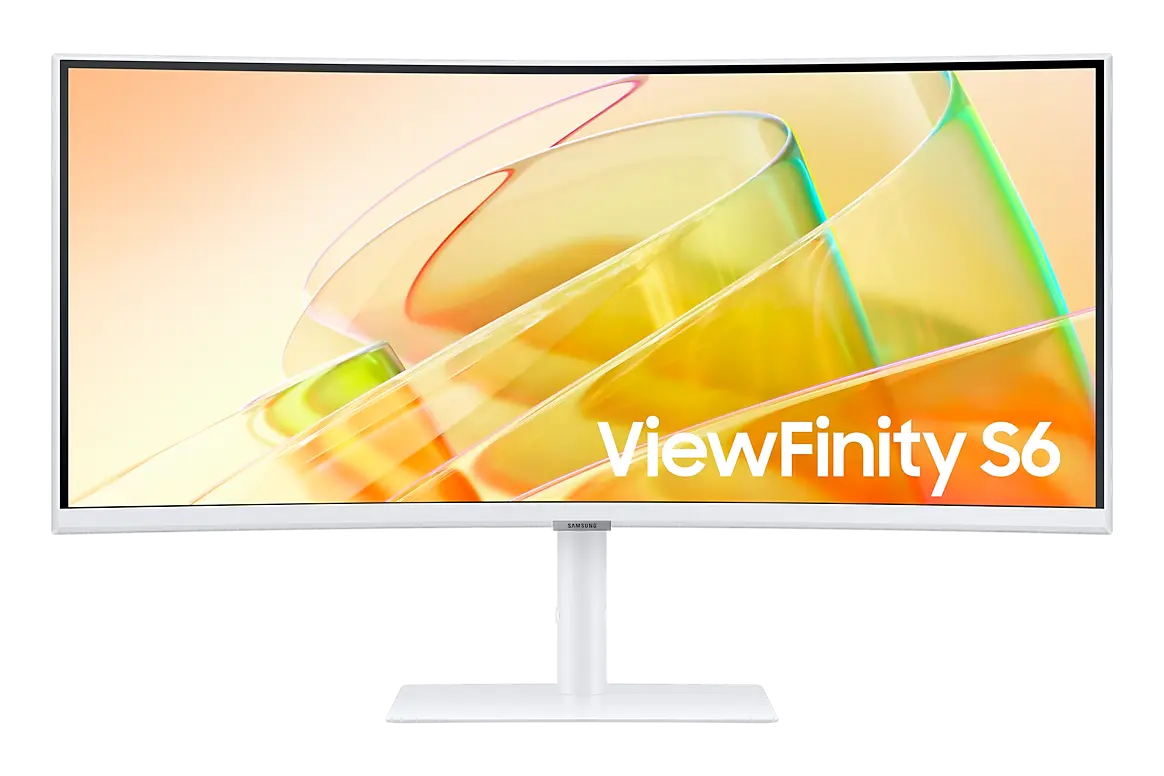
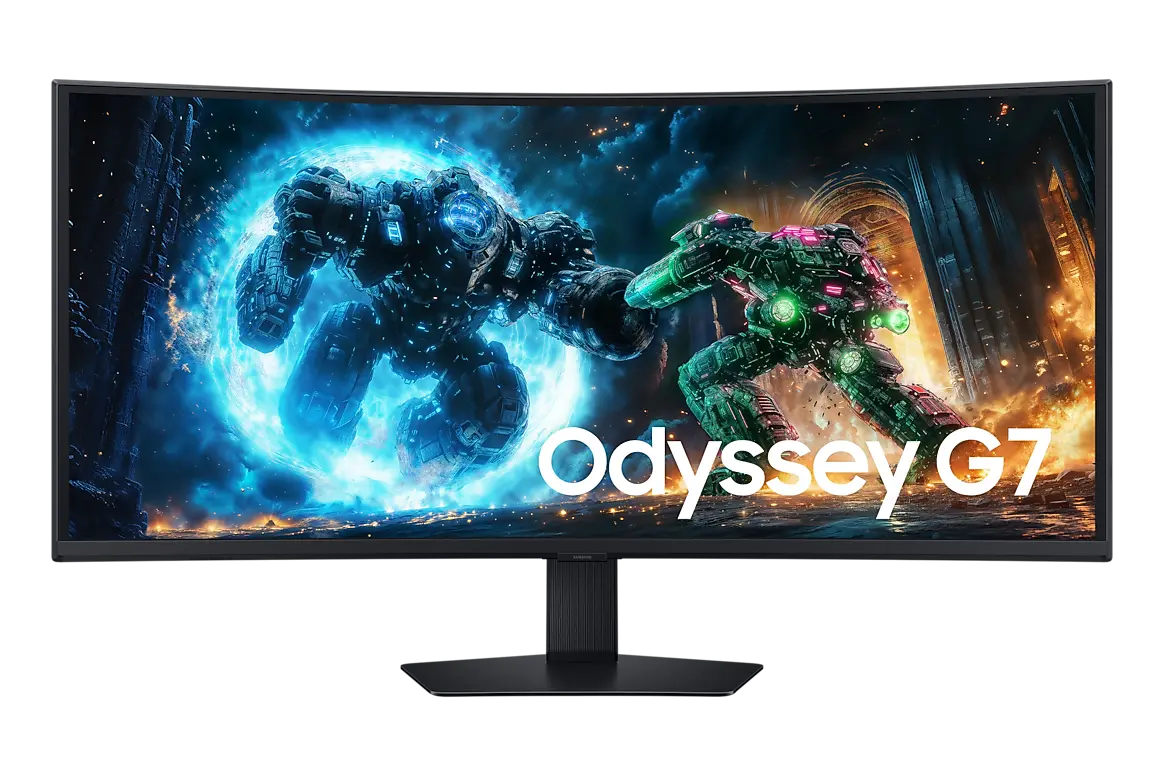
 Samsung Odyssey G7 G75F 40-inchLS40FG756EUXXU · 40-inch VA · Samsung UK specification
- Maximum refresh rate
- 180 HzThis one: 144 Hz
- Manufacturer response-time claim
- 1msThis one: 4 ms GtG

40-inch VA · UK specification · Samsung part LS40H850TAUXXU
A 40-inch 5120 × 2160 VA monitor with a 1000R curve and up to 144 Hz, plus Thunderbolt 5 with 140 W charging and daisy-chain output, a KVM switch, Ethernet and PiP/PbP.
As an Amazon Associate I earn from qualifying purchases.
Email me when the Samsung ViewFinity S8 S85TH 40-inch gets cheaper on eBay. We check exact-model listings once a day at 12:00 UTC.
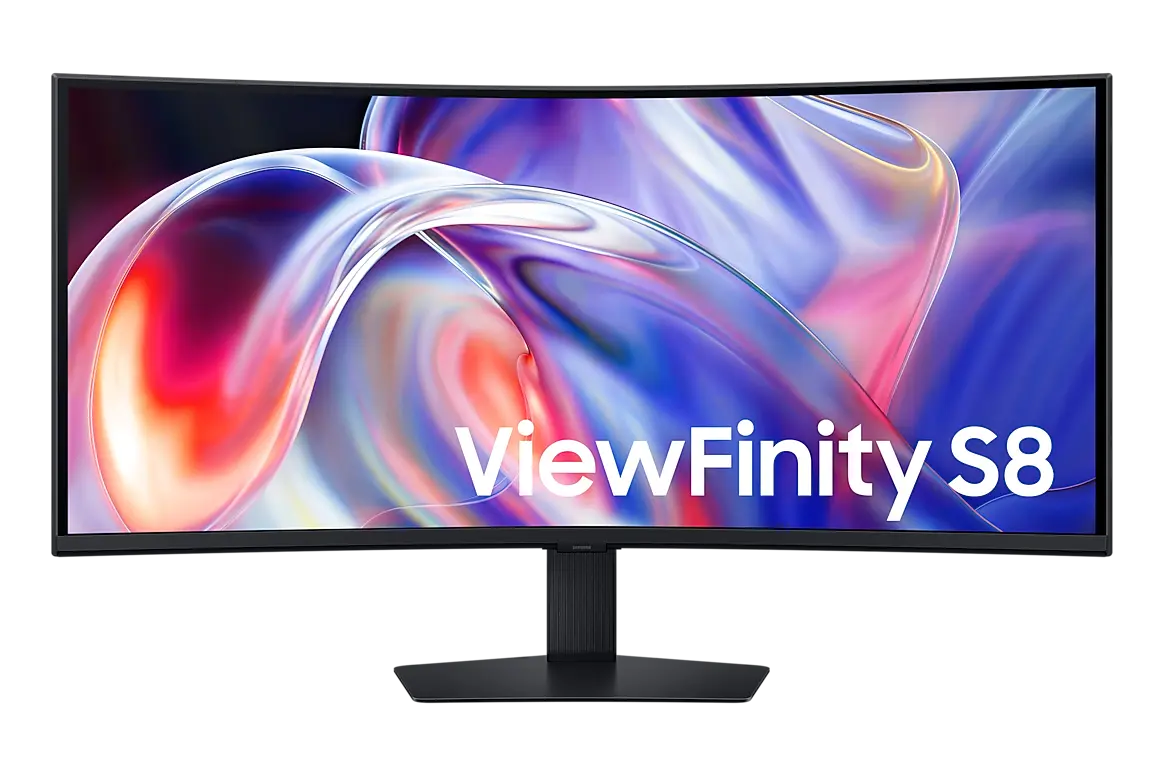
Specifications checked 21 Sept 2026Manufacturer specifications, not a hands-on test.
The nearest checked monitors by key specifications, with what differs from the Samsung ViewFinity S8 S85TH 40-inch. The first matches the Compare button above.
Samsung Odyssey G7 G75F 40-inchLS40FG756EUXXU · 40-inch VA · Samsung UK specification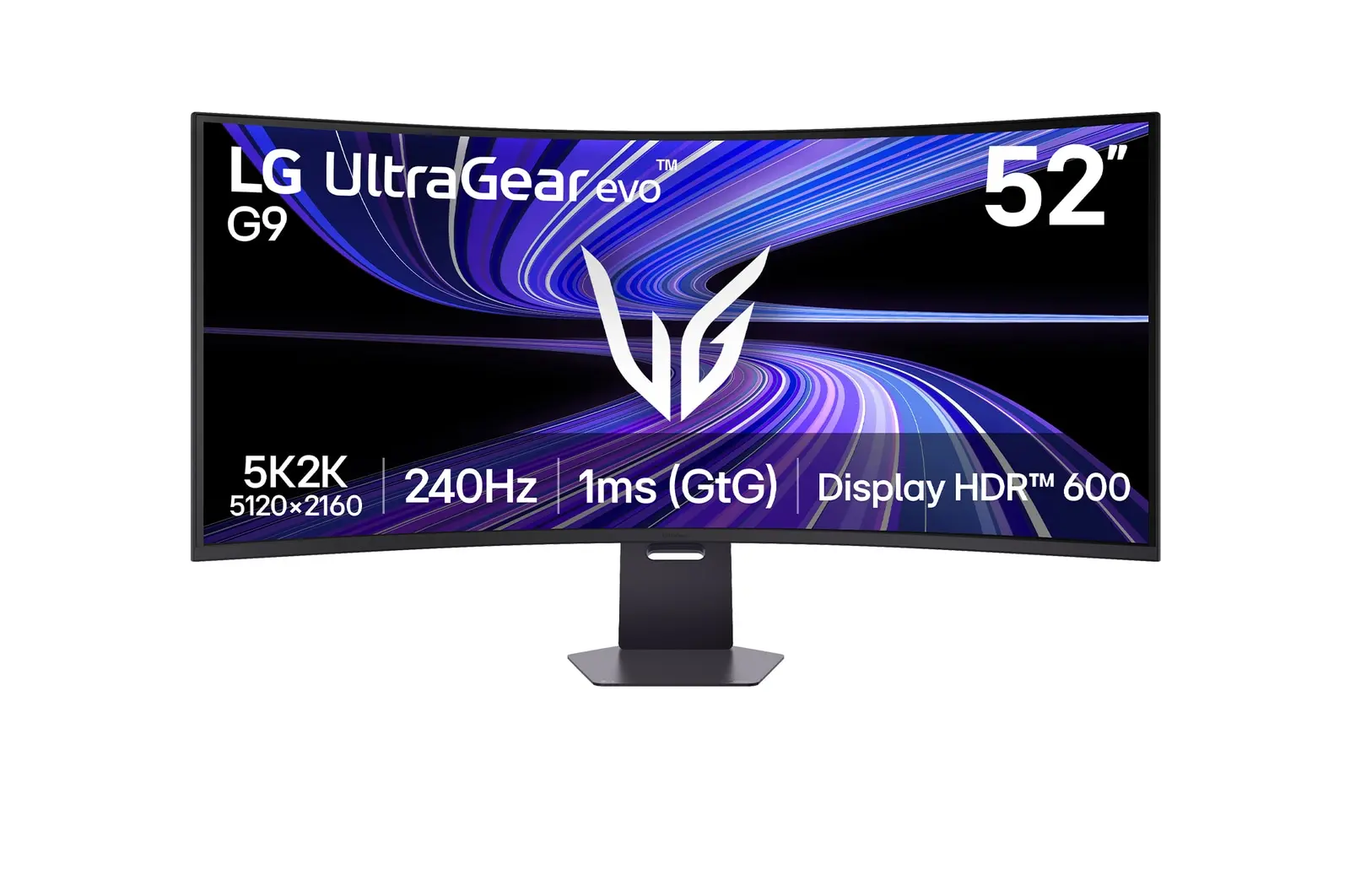 LG 52G930B-BUK manufacturer model · 52G930B-B
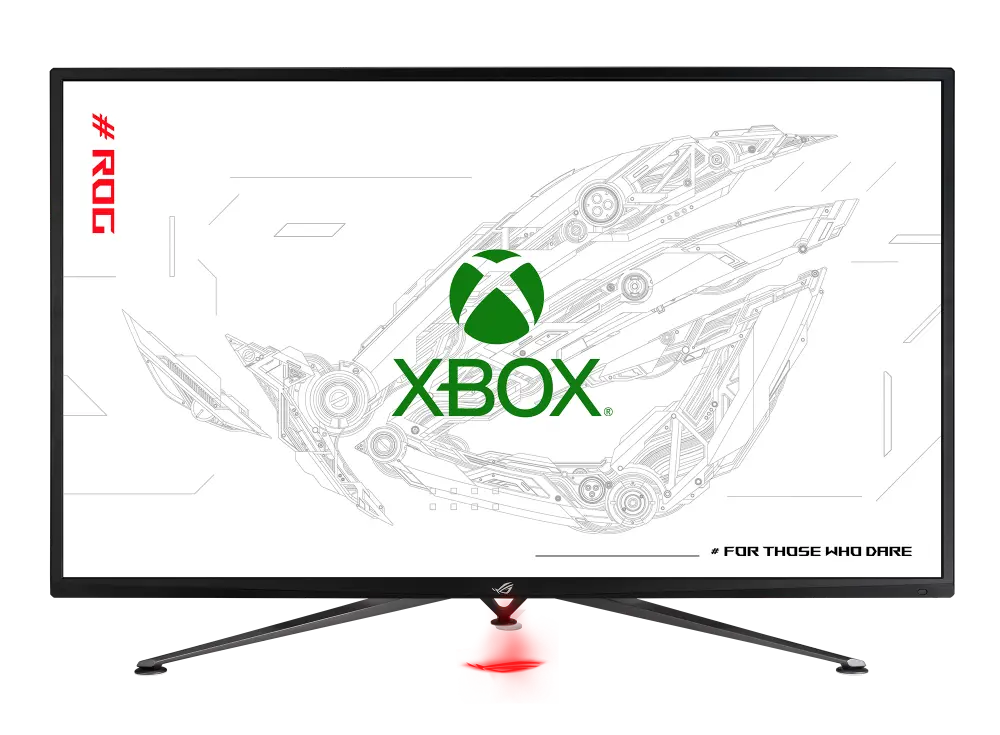 ASUS ROG Strix XG43UQ Xbox EditionGlobal manufacturer specification · ROG Strix XG43UQ Xbox Edition
The 5120 × 2160 VA panel reaches 144 Hz, covers 99% sRGB and supports HDR10+ and FreeSync Premium; it ships at 60 Hz, so select 144 Hz in the monitor settings.
Thunderbolt 5 carries video, data and up to 140 W charging over one cable, with daisy-chain output, a KVM switch, Ethernet and five USB-A ports.
Thunderbolt charging tops out at 140 W, which may not be enough for the most power-hungry laptops.
It needs 362.1 mm of desk depth and weighs 14.3 kg with the stand.
Samsung lists minimums for Thunderbolt 5 display support: macOS 14.5 on Apple silicon Macs, macOS 15 on Intel Macs, and Intel 12th Gen with Windows 11 on PCs.
Exact configuration: LS40H850TAUXXU · 40-inch VA · Samsung UK specification
44 specifications in 9 groups. Values are manufacturer specifications unless a row says “Measured result” or “Calculated from cited specifications”. 2 rows repeat listed facts in the manufacturer’s own wording, kept under “Manufacturer wording”.
Nominal screen-size class; the active diagonal can differ slightly.
SourceManufacturer resolution notation: WUHD (5120 x 2160). See the separate refresh-mode conditions for any lower-resolution configurations.
SourceSamsung UK lists 'Max 144 Hz'; the default is 60 Hz and 144 Hz is set in the monitor settings. Refresh rate may vary by content and input; per-input limits at 5120 × 2160 are not published.
SourceManufacturer response time; GtG and MPRT are different measures and depend on settings.
SourceThe same facts in the manufacturer’s combined or original wording, each with its source.
Ships set to 60 Hz; select 144 Hz in the monitor settings. · Samsung says the default is 60 Hz, adjustable to 144 Hz in the monitor settings, and that refresh rate may vary by content and input source. Per-input limits are not published.
SourceManufacturer typical brightness; picture mode and content affect output.
SourceManufacturer colour specification in its stated colour space.
SourceManufacturer-listed HDR formats or certification.
SourceManufacturer colour specification in its stated colour space.
SourceThe same facts in the manufacturer’s combined or original wording, each with its source.
Manufacturer-listed HDR formats or certification.
SourceThe listed connections include USB-C or Thunderbolt. Video, data, upstream/downstream roles and charging power depend on the particular port.
SourceSamsung UK interface rows. The Thunderbolt port is listed under the heading “Thunderbolt 3” with version 5.0; HDCP 2.2 is listed for DP, HDMI and Thunderbolt. The split of the five USB-A ports between 3.2 Gen2 and Gen1 is not stated.
SourceThunderbolt port 1 (listed under “Thunderbolt 3”, version 5.0): 140 W. Thunderbolt downstream (daisy-chain) port: 15 W. No charging figure is listed for the USB-C downstream or the data-only USB-C upstream port. Samsung notes actual charging power may vary with the PC.
SourceSamsung does not state the Ethernet speed.
SourceListed under a 'Thunderbolt 3' heading with 'Version of Thunderbolt 5.0'; Samsung's feature text claims 80 Gbps and up to 140 W. Display support needs macOS 14.5 on Apple silicon, macOS 15 on Intel Macs, or Intel 12th Gen with Windows 11.
SourceVia the listed Thunderbolt downstream (daisy-chain) port. Host GPU/OS support and the second monitor's inputs determine the achievable resolution and refresh rate.
SourceHeight-adjustable stand; travel is listed separately.
SourceSamsung UK lists the height-adjustable stand as '120.0(±5.0)' without a unit.
SourceMatch the screw size, monitor weight and the mount's load rating as well as the hole pattern.
SourceSamsung lists the height-adjustable stand figure without a unit.
SourceManufacturer dimensions in the stated orientation; allow extra room for cables and stand movement. A height range shows the stand's lowest and highest positions.
SourceDepth from the manufacturer dimension tuple. Allow additional room for cable routing and movement.
SourceManufacturer width in the listed landscape configuration.
SourceNet product weight with the supplied stand or arm; packaging excluded.
SourceManufacturer dimensions in the stated orientation; allow extra room for cables and stand movement. A height range shows the stand's lowest and highest positions.
SourceManufacturer typical power figure; brightness, USB devices and charging load change real use.
SourceManufacturer power figure under the stated operating mode; real use, brightness, connected USB devices and charging load can differ.
SourceManufacturer power figure under the stated operating mode; real use, brightness, connected USB devices and charging load can differ.
SourceManufacturer power figure under the stated operating mode; real use, brightness, connected USB devices and charging load can differ.
SourceUK model specification; US versions can differ in plugs, bundled accessories and warranty.
SourceMore of the nearest checked monitors by key specifications, for a side-by-side comparison.
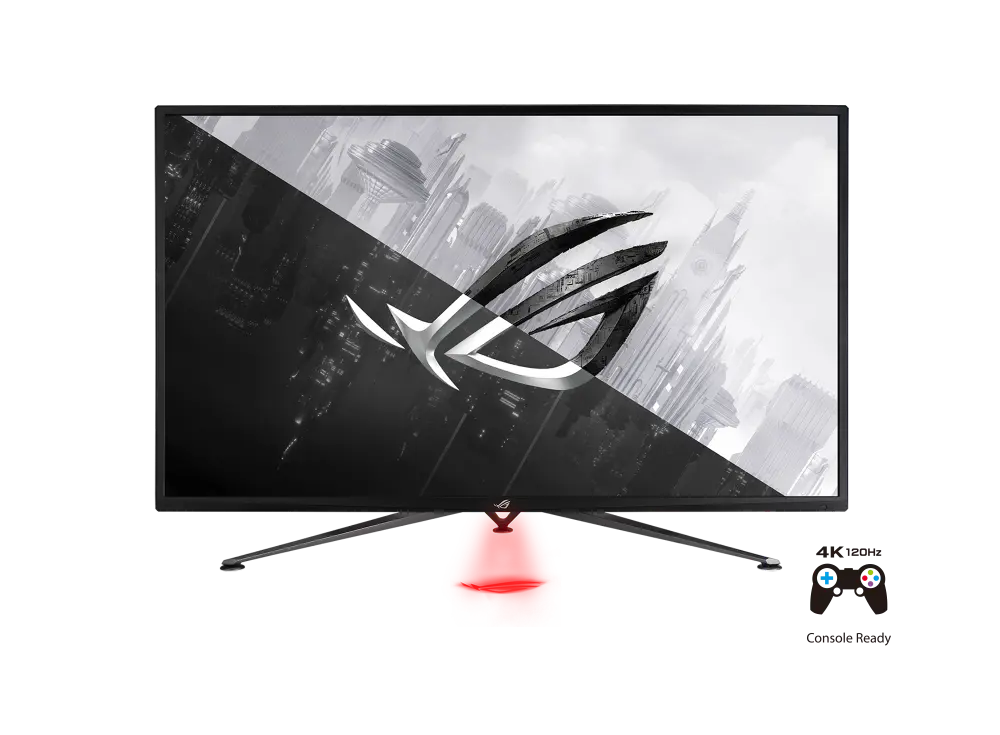 ASUS ROG STRIX XG43UQGlobal manufacturer specification · ROG STRIX XG43UQCompare the two
 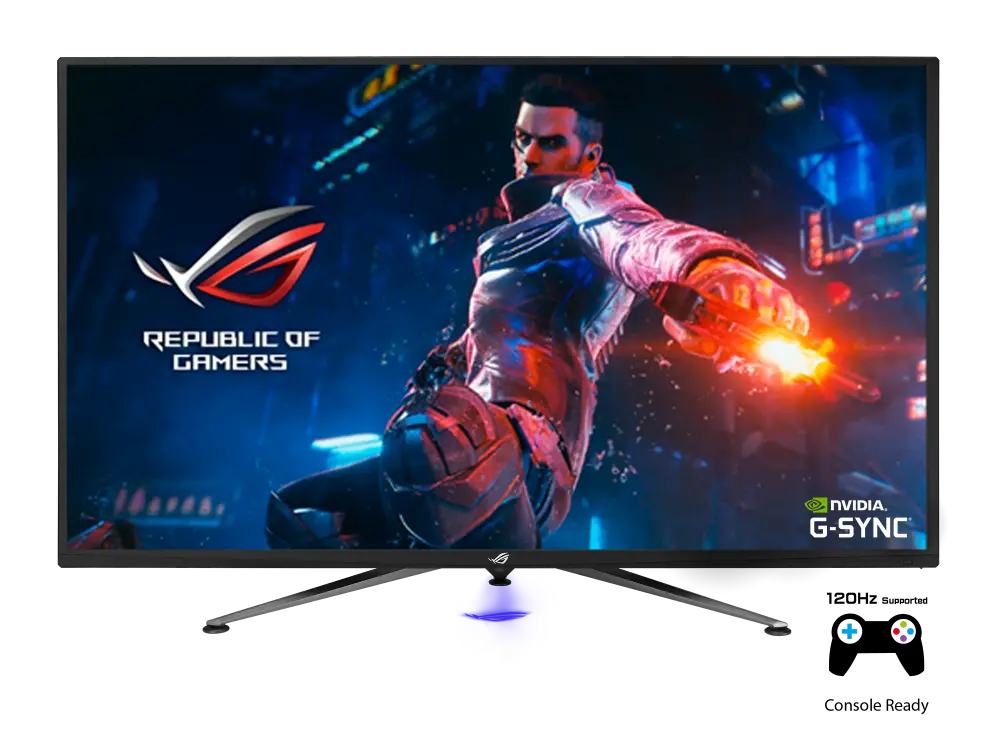 ASUS ROG SWIFT PG43UQGlobal manufacturer specification · ROG SWIFT PG43UQCompare the two
 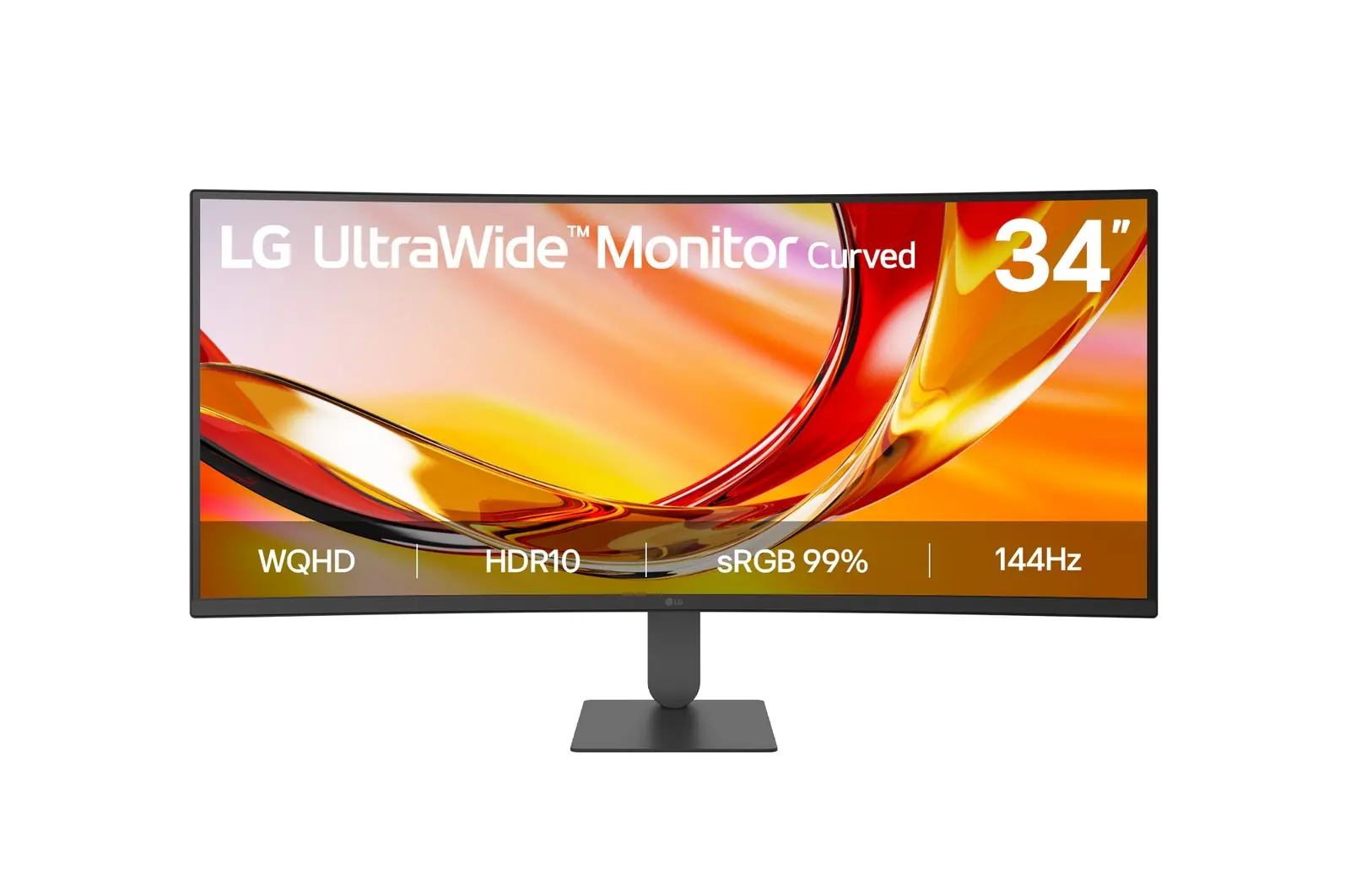 LG 34U620B-BUK manufacturer model · 34U620B-BCompare the two
 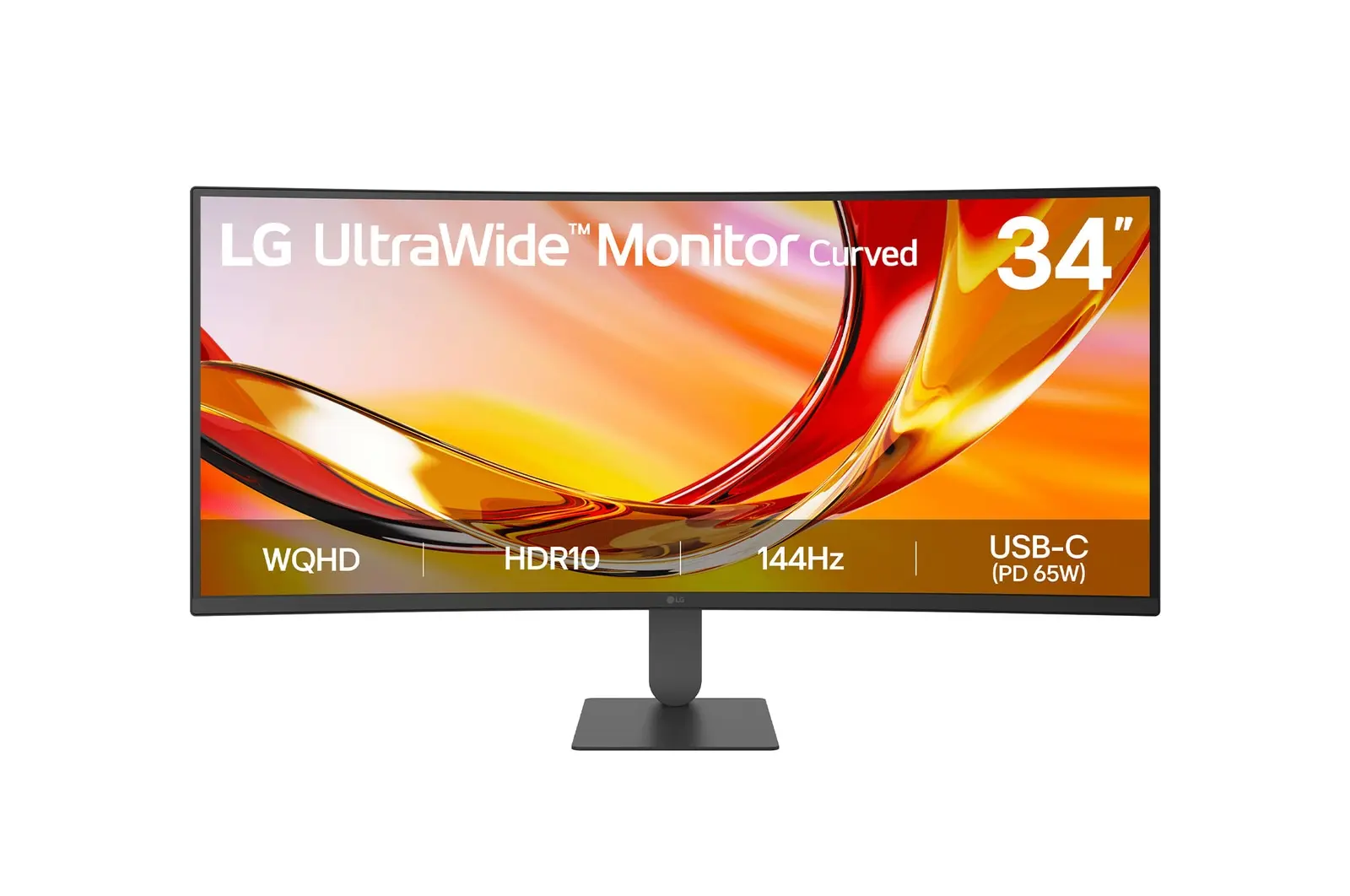 LG 34U640B-BUK manufacturer model · 34U640B-BCompare the two
 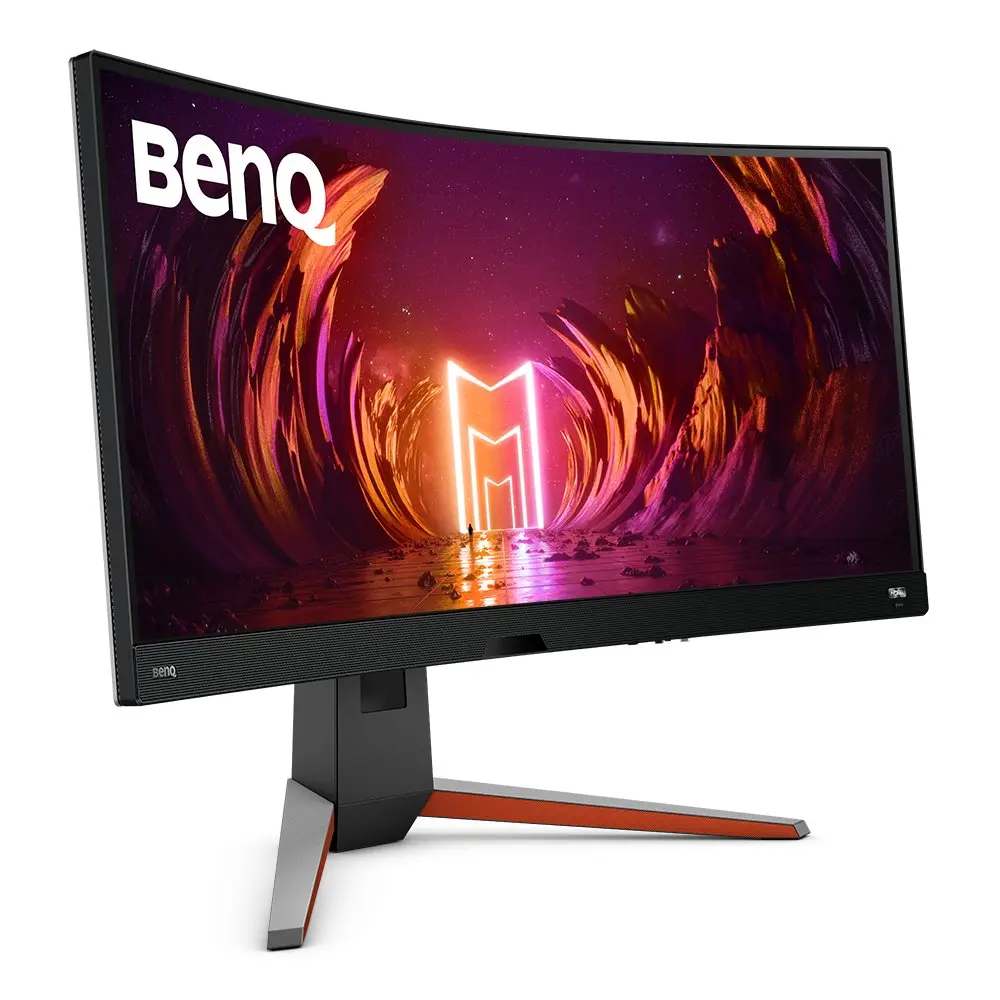 BenQ EX3410Rex3410r · exact EX3410R UK manufacturer catalogue configurationCompare the two
 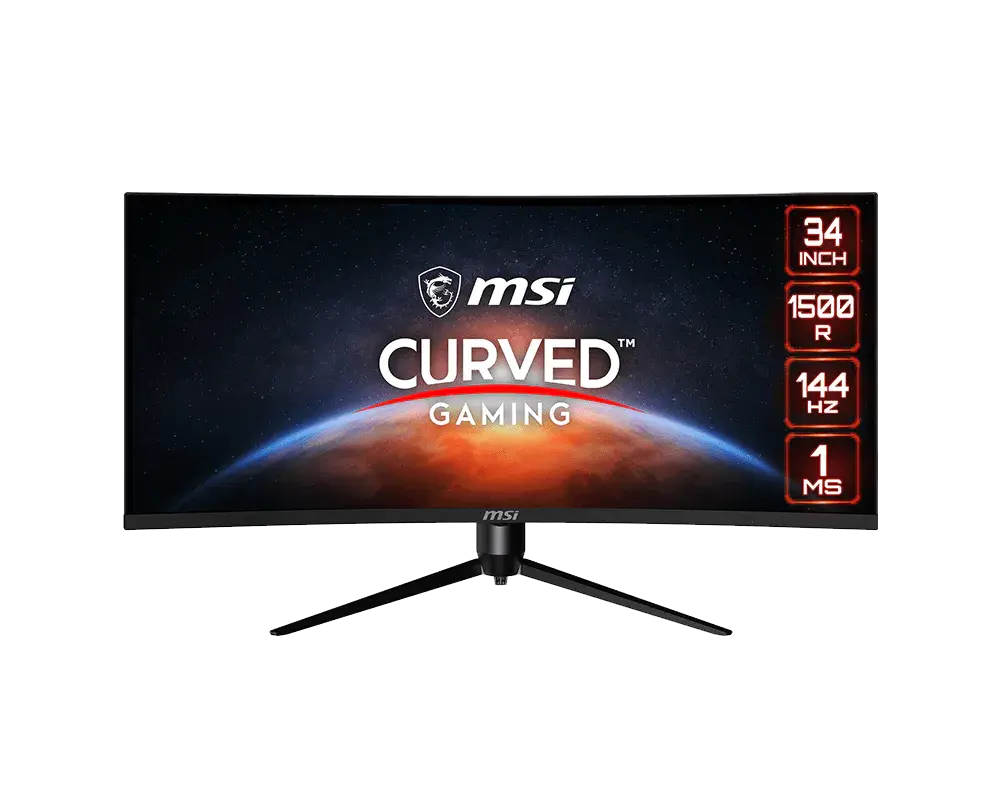 MSI Optix MAG342CQRGlobal manufacturer model · Optix MAG342CQR · regional retail SKU not specifiedCompare the two
 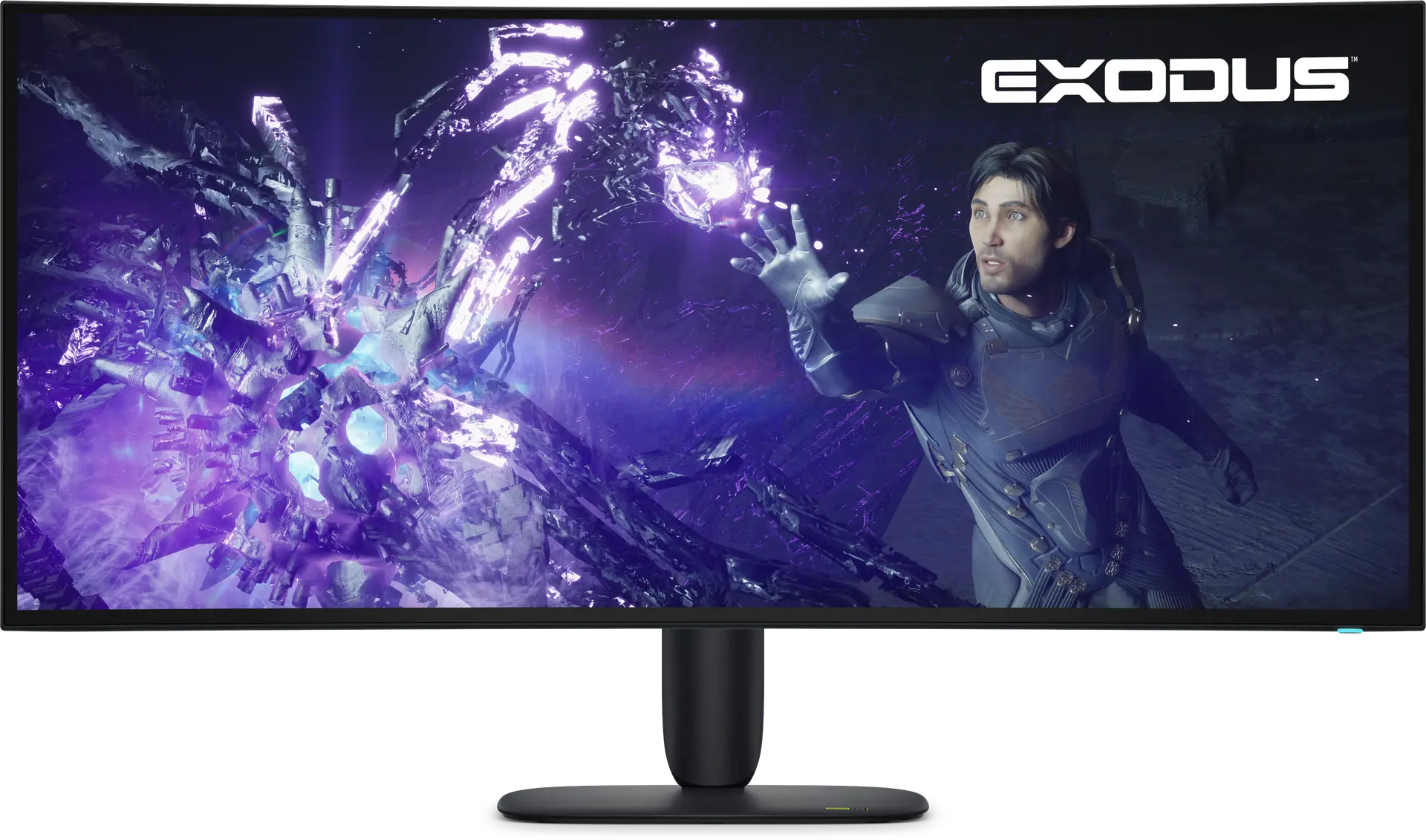 Alienware 39 5K OLED Gaming Monitor - AW3926QWUK manufacturer part XP9P8 · Dell offer aw3926qwCompare the two
 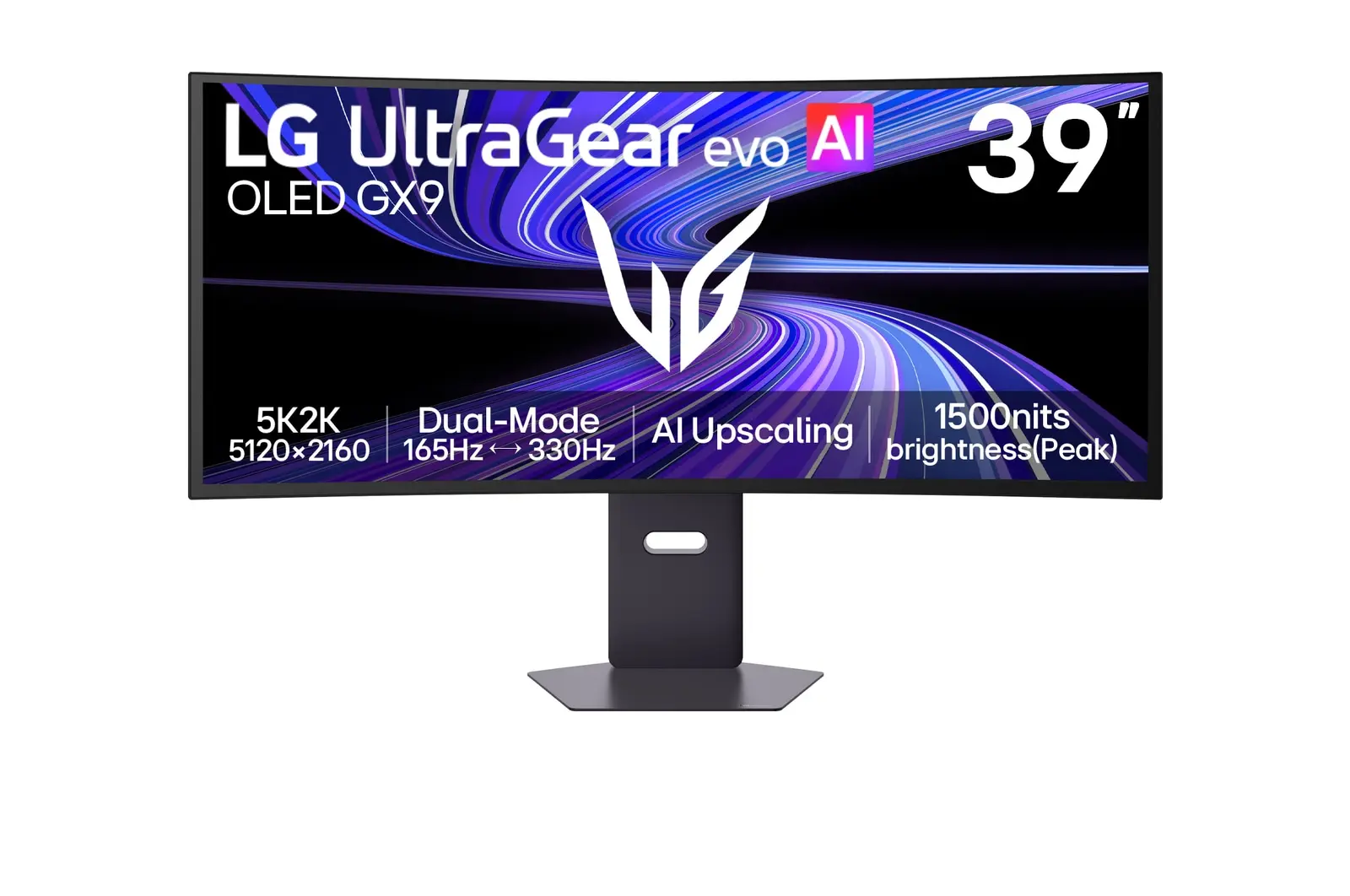 LG 39GX950B-BUK manufacturer model · 39GX950B-BCompare the two