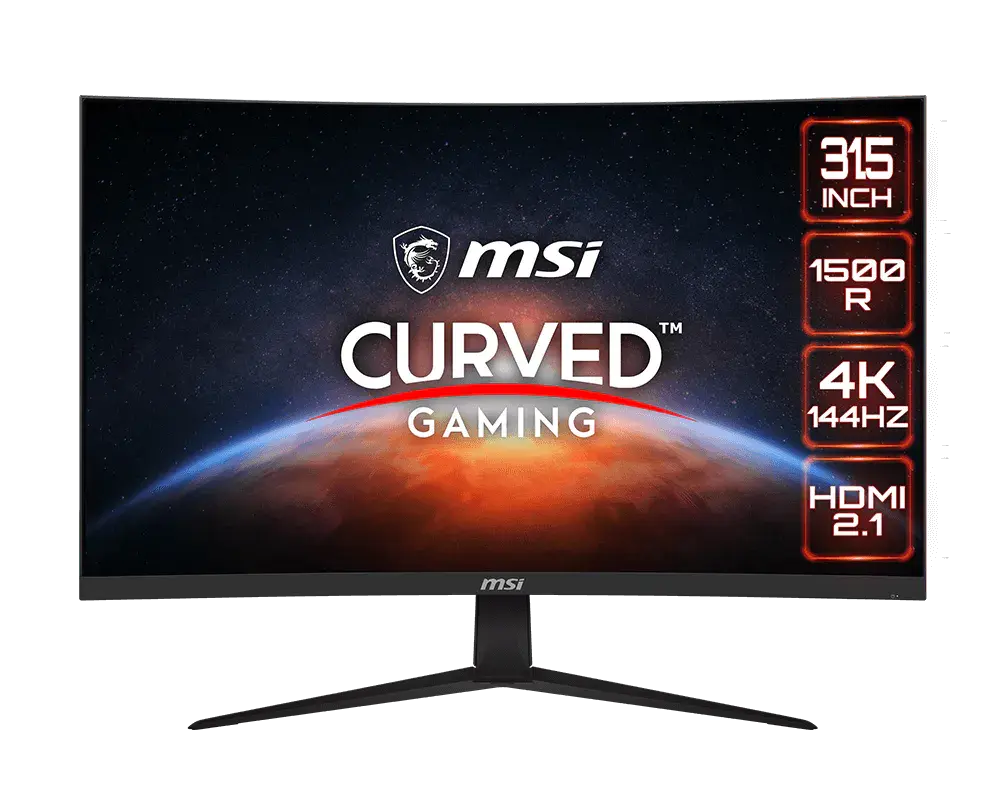
 MSI G321Q31.5-inch · 2560 × 1440 · 170 Hz · MSI global specification
- Panel technology
- IPS LCDThis one: VA LCD
- Declared brightness
- 300 cd/m²This one: 250 cd/m²

31.5-inch · 2560 × 1440 · 170 Hz
31.5-inch curved VA monitor with native 2560 × 1440 resolution. DisplayPort supports 165 Hz by default or 170 Hz with overclocking; HDMI reaches 144 Hz at native resolution.
As an Amazon Associate I earn from qualifying purchases.
Email me when the MSI G32CQ4 E2 gets cheaper on eBay. We check exact-model listings once a day at 12:00 UTC.
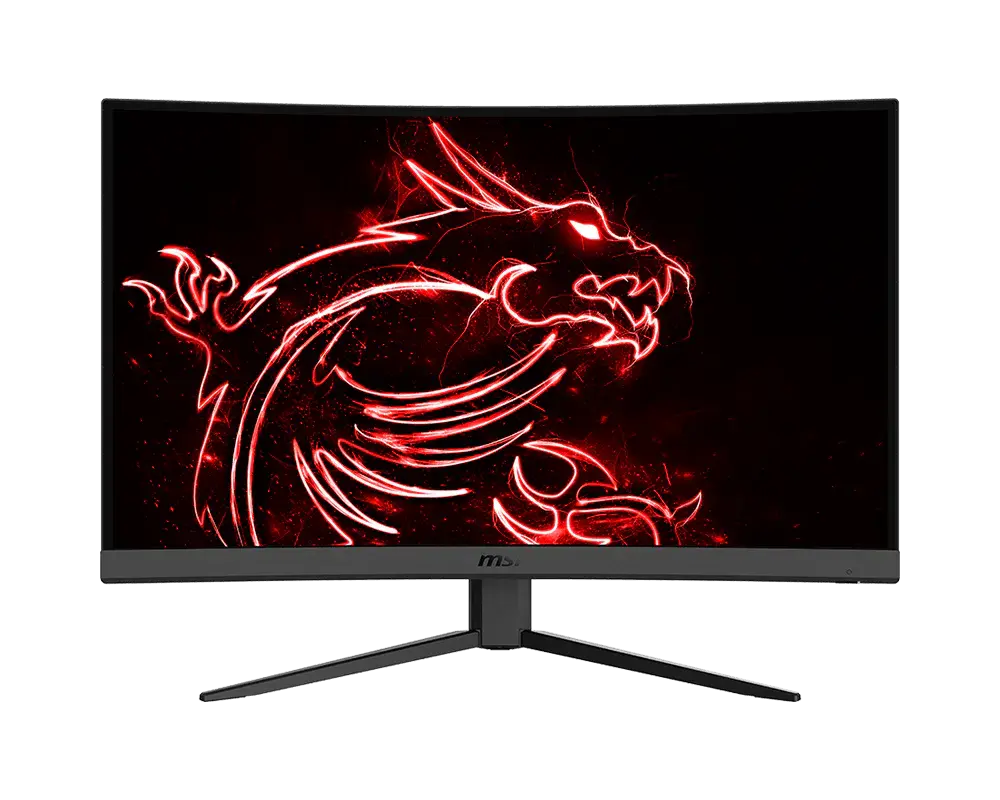
Specifications checked 11 Sept 2026Manufacturer specifications, not a hands-on test.
The nearest checked monitors by key specifications, with what differs from the MSI G32CQ4 E2. The first matches the Compare button above.
MSI G321Q31.5-inch · 2560 × 1440 · 170 Hz · MSI global specification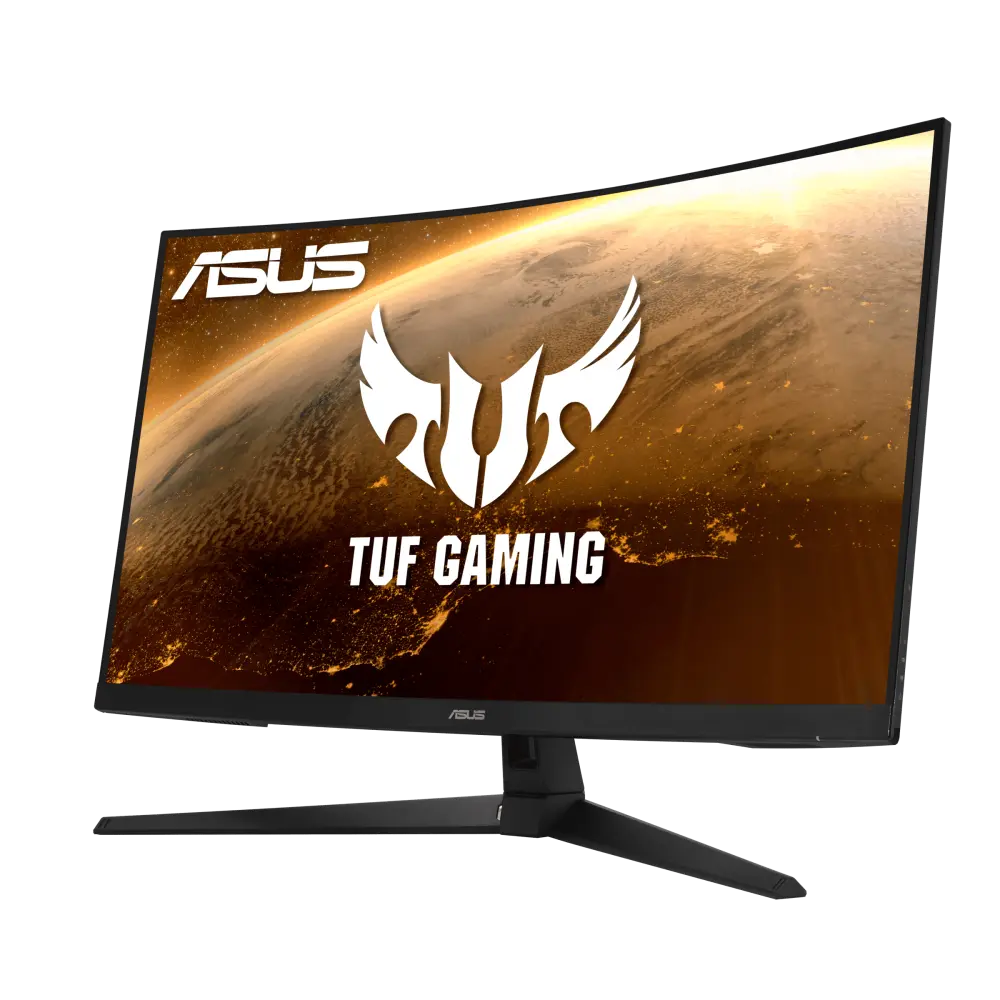 ASUS TUF Gaming VG32VQ1BRUK manufacturer specification · TUF Gaming VG32VQ1BR
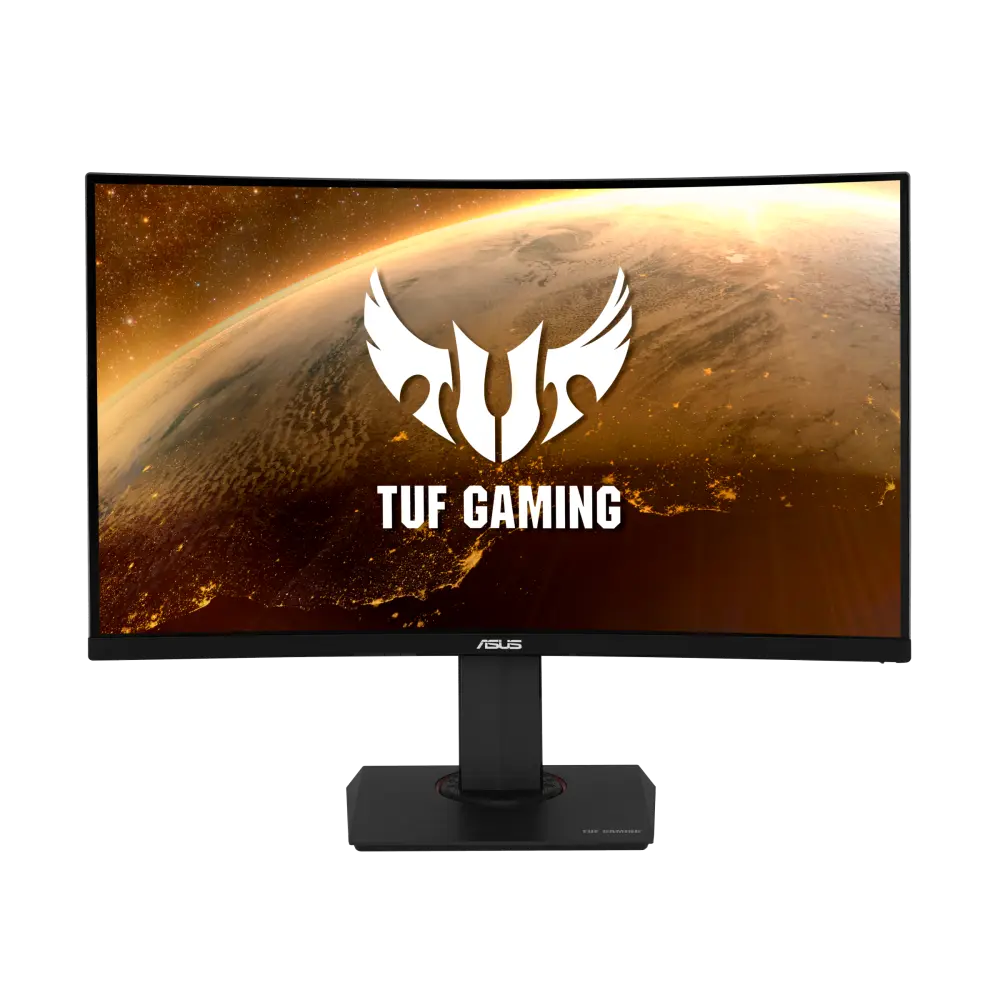 ASUS TUF Gaming VG32VQRUK manufacturer specification · TUF Gaming VG32VQR
Offers a 170 Hz DisplayPort overclock at QHD resolution, plus a 100 × 100 mm VESA mount. The default is 165 Hz.
The 1500R VA panel has 3000:1 contrast, and the monitor includes an sRGB preset, Smart Crosshair and configurable joystick shortcuts.
Enabling adaptive sync disables MPRT. MPRT also needs refresh above 85 Hz, locks brightness/response controls, and cannot be used with HDR or HDCR.
MSI's datasheet and manual give different gamut and weight figures, so check those on the listing if they matter.
The 1 ms figure is MPRT; the grey-to-grey rating is 4 ms, and typical brightness is 250 cd/m².
Exact configuration: 31.5-inch · 2560 × 1440 · 170 Hz · MSI global specification
50 specifications in 9 groups. Values are manufacturer specifications unless a row says “Measured result” or “Calculated from cited specifications”.
Manufacturer panel diagonal; rounded size printed on marketing imagery may differ.
SourceExact pixel-pitch row for both axes.
SourceManufacturer surface description.
SourceManual p. 25 lists 170 Hz maximum and 165 Hz default. Native QHD over HDMI is limited to 144 Hz; DP OverClocking must be enabled for 170 Hz.
SourceGtG, MPRT and input lag are different measures.
SourceDisplayPort: native 2560 × 1440 up to 170 Hz with DP OverClocking on; default 165 Hz. HDMI: native QHD up to 144 Hz. Needs a compatible source, cable and mode; lower the rate if overclocking causes errors.
Manual p. 18 says enabling Adaptive-Sync disables MPRT. MSI lists no FreeSync tier or G-SYNC certification.
Adaptive-Sync as named by MSI.
Source2560 × 1440 up to 144 Hz over HDMI; 170 Hz needs DisplayPort with overclocking.
SourceBlur-reduction (MPRT) figure, separate from GtG or input lag.
SourceInput signal-frequency row, not proof of VRR range for every input.
SourceG32CQ4 E2 manual p. 25: 4 ms GtG, separate from 1 ms MPRT.
SourceMPRT needs a refresh rate above 85 Hz and locks brightness and response-time controls. HDR disables MPRT; HDCR and MPRT cannot run together; enabling Adaptive-Sync disables MPRT.
SourceManual p. 18 says enabling Adaptive-Sync disables MPRT.
SourceManual p. 25 lists 250 nits typical for G32CQ4 E2; not HDR peak.
Static contrast.
SourceWhere FRC is listed, the panel uses frame-rate control to reach the stated depth.
SourceHDR Ready as listed by MSI; not a DisplayHDR certification. HDR input disables Night Vision, MPRT, Low Blue Light, HDCR, brightness, contrast and colour-temperature controls (manual p. 16).
FRC-assisted count, not native 10-bit depth.
SourceMSI's datasheet and manual give different gamut figures. · MSI's datasheet lists DCI-P3 91% / sRGB 114.8%; the G32CQ4 E2 manual column lists 92% / 117% (both CIE 1976).
Pro Mode includes an sRGB preset.
SourceDisplayPort: up to 170 Hz with overclocking; HDMI: up to 144 Hz, at native 2560 × 1440. The source, cable and selected mode must support the signal.
SourceThe video-port table and rear connection caption agree.
SourceExact G32CQ4 E2 timing table p. 28 permits 1080p120 and QHD120 on HDMI and DP, and 2160p30/50/60 input on HDMI only. Native panel remains 2560 × 1440. No specific-console VRR or native 4K guarantee.
MSI does not list height adjustment for this model. · The G32CQ4 E2 stand diagram shows tilt; the 130 mm height travel in the shared manual applies to the G27CQ4P E2.
MSI does not list height adjustment for this model. · MSI's G32CQ4 E2 stand diagram and specification list tilt but do not mention swivel.
MSI does not list height adjustment for this model. · MSI's G32CQ4 E2 stand diagram and specification list tilt but do not mention portrait pivot.
Lock slot only; no lock included.
SourceManufacturer dimensions with stand, shown width × height × depth. Stand depth is not panel thickness and excludes additional cable clearance.
SourceManufacturer dimensions with stand, shown width × height × depth. Stand depth is not panel thickness and excludes additional cable clearance.
SourcePanel active area, not chassis dimensions.
SourceMSI's datasheet and manual give different net weights. · Datasheet states 6.4 kg net; shared G32CQ4 E2 manual row states 6.2 kg net. No documented regional or revision explanation; stand inclusion is also unspecified.
MSI's datasheet and manual give different gross weights. · MSI's datasheet states 9.1 kg gross; the G32CQ4 E2 manual row states 9.0 kg gross.
MSI does not list a typical operating wattage. · MSI's datasheet lists 6.4 kg net and the manual 6.2 kg; neither says whether the stand is included.
MSI labels this power consumption but gives no mode or test conditions.
SourceMSI does not list a typical operating wattage. · MSI's 41 W figure has no measurement conditions; the 20 V / 3.25 A adapter is a supply rating.
SourceManual p. 25 identifies adapter ADPC2065 and matches the datasheet ratings. Output rating is not actual monitor consumption.
Manual pp. 14 and 21: multi-directional OSD navigation with configurable hotkeys; supports Smart Crosshair.
Gaming-menu dark-area adjustment with Normal, Strong, Strongest and A.I. options; unavailable with HDR.
SourceG32CQ4 E2 is explicitly named for icon, white/red/automatic colour, position and reset controls. This is a display overlay, not game aiming accuracy.
SourceOSD mode that shifts colour temperature toward yellow, forced on in Anti-Blue mode and disabled with HDR; MSI describes it as a software solution.
SourceDoes not apply with Anti Motion Blur/MPRT on.
SourceOne headphone output; MSI does not list speakers.
SourceMore of the nearest checked monitors by key specifications, for a side-by-side comparison.
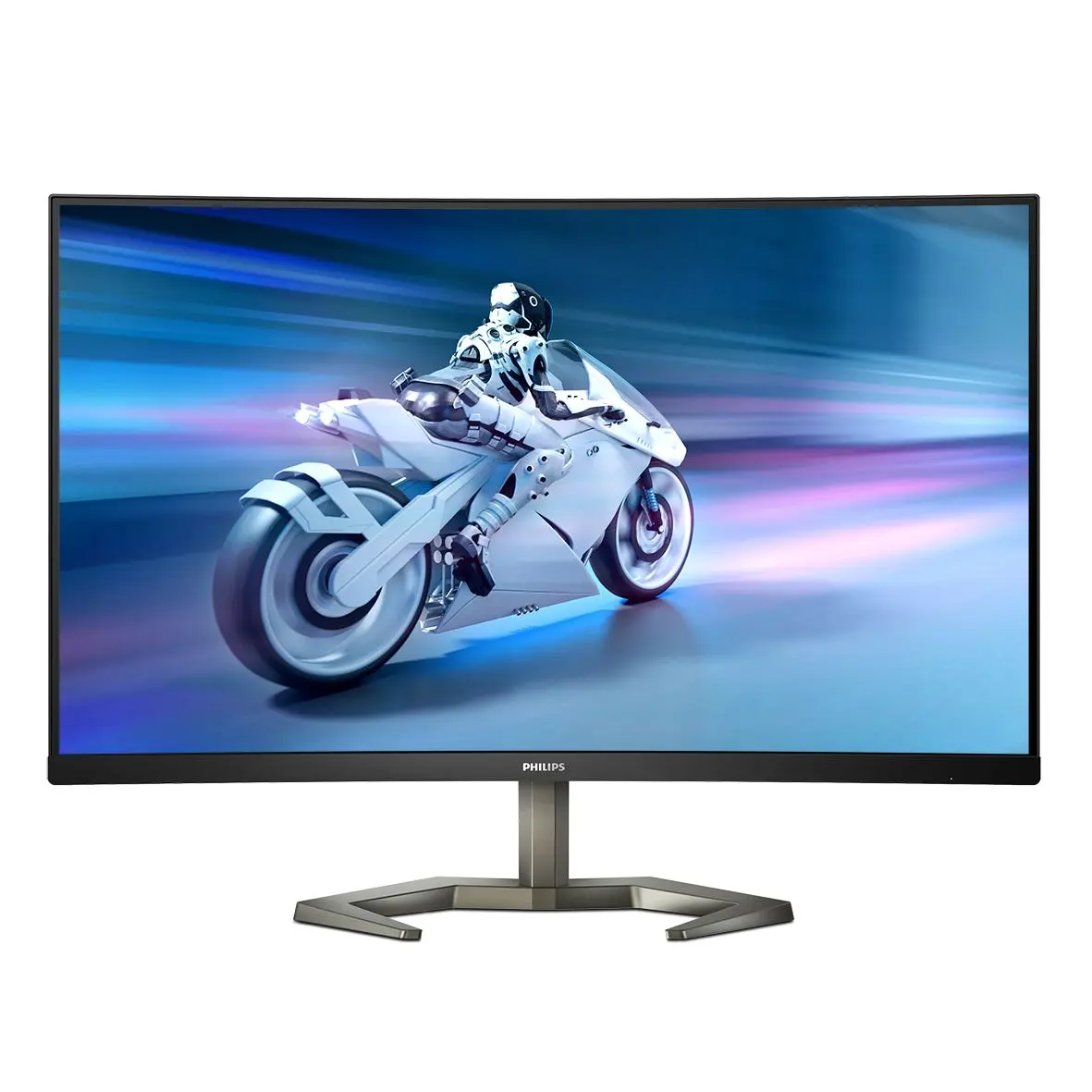 Philips 32M1C5500VL/0032M1C5500VL/00 · official en_GB catalogue configurationCompare the two
 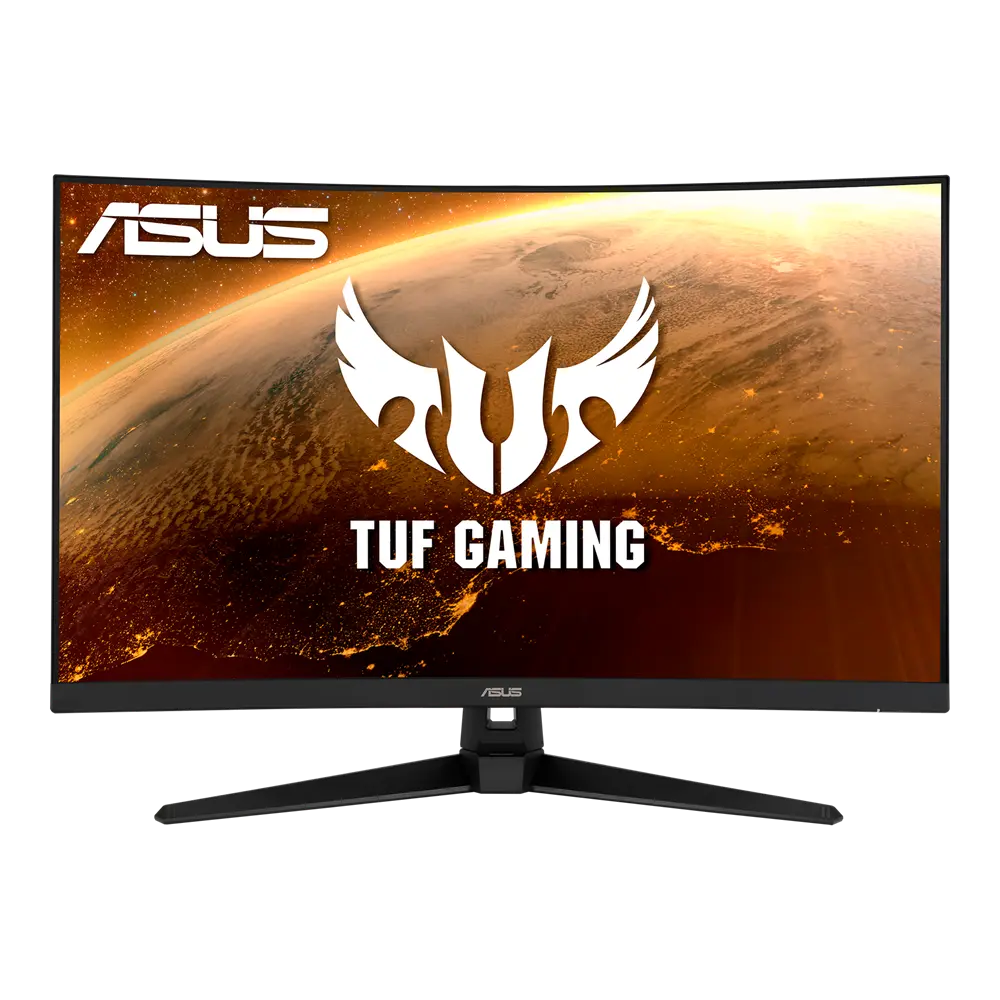 ASUS TUF Gaming VG32VQ1BGlobal manufacturer specification · TUF Gaming VG32VQ1BCompare the two
 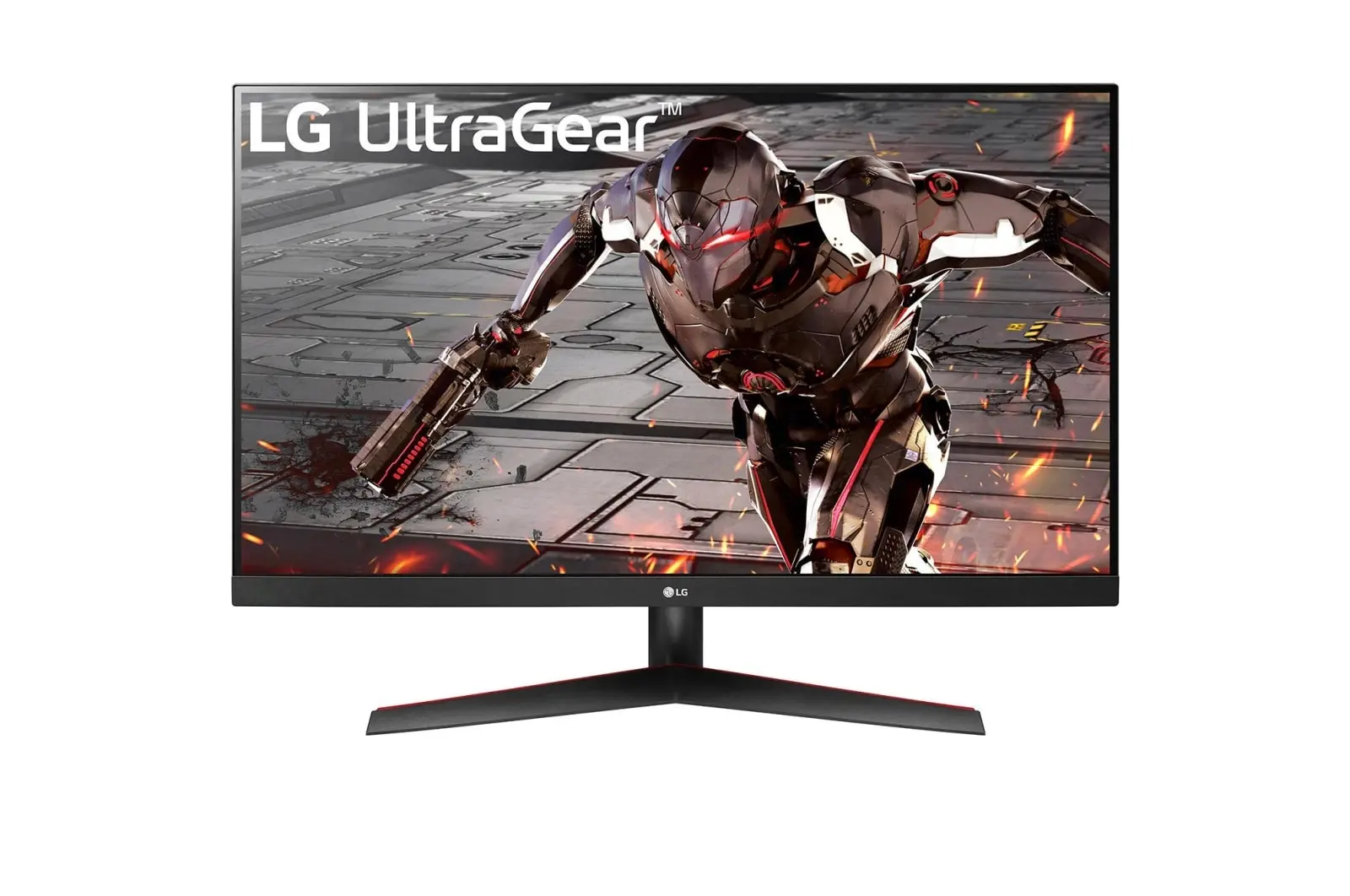 LG 32GN600-BUK manufacturer model · 32GN600-BCompare the two
 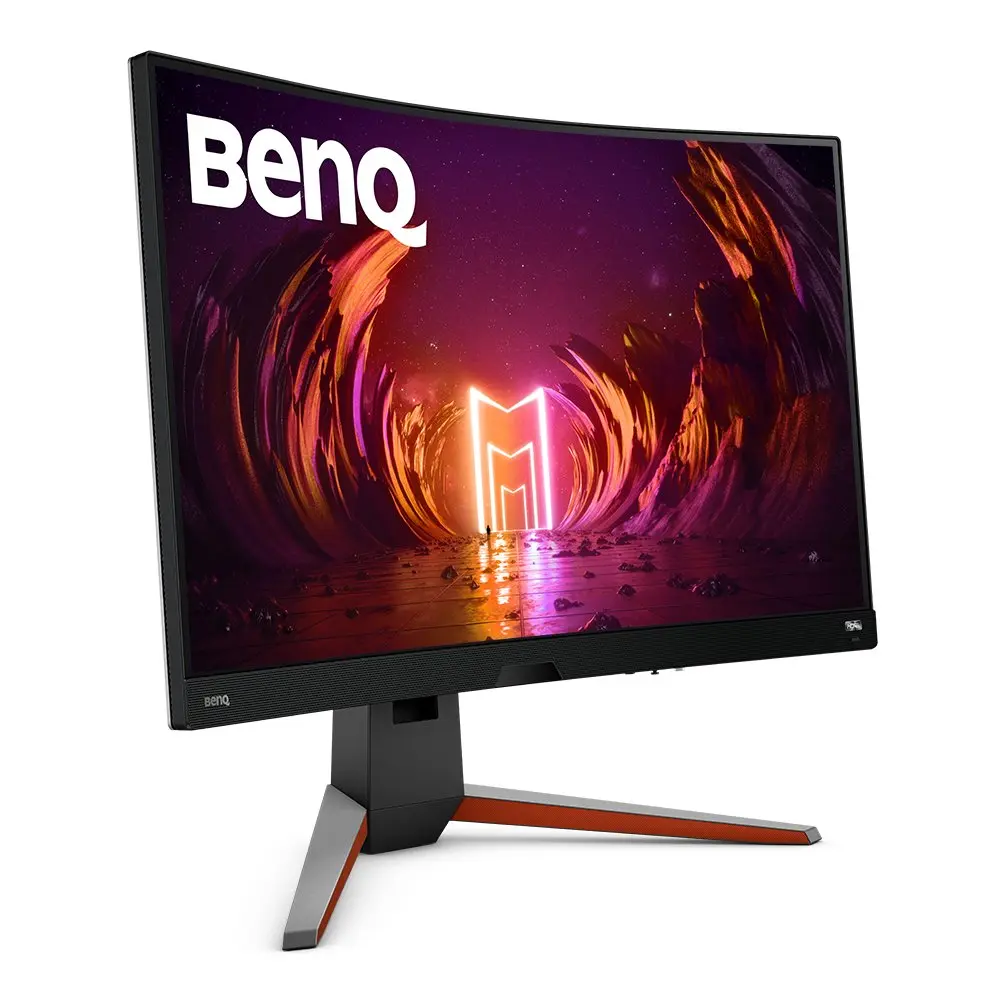 BenQ EX3210Rex3210r · exact EX3210R UK manufacturer catalogue configurationCompare the two
  ASUS ProArt Display PA328CGVUK manufacturer specification · ProArt Display PA328CGVCompare the two
 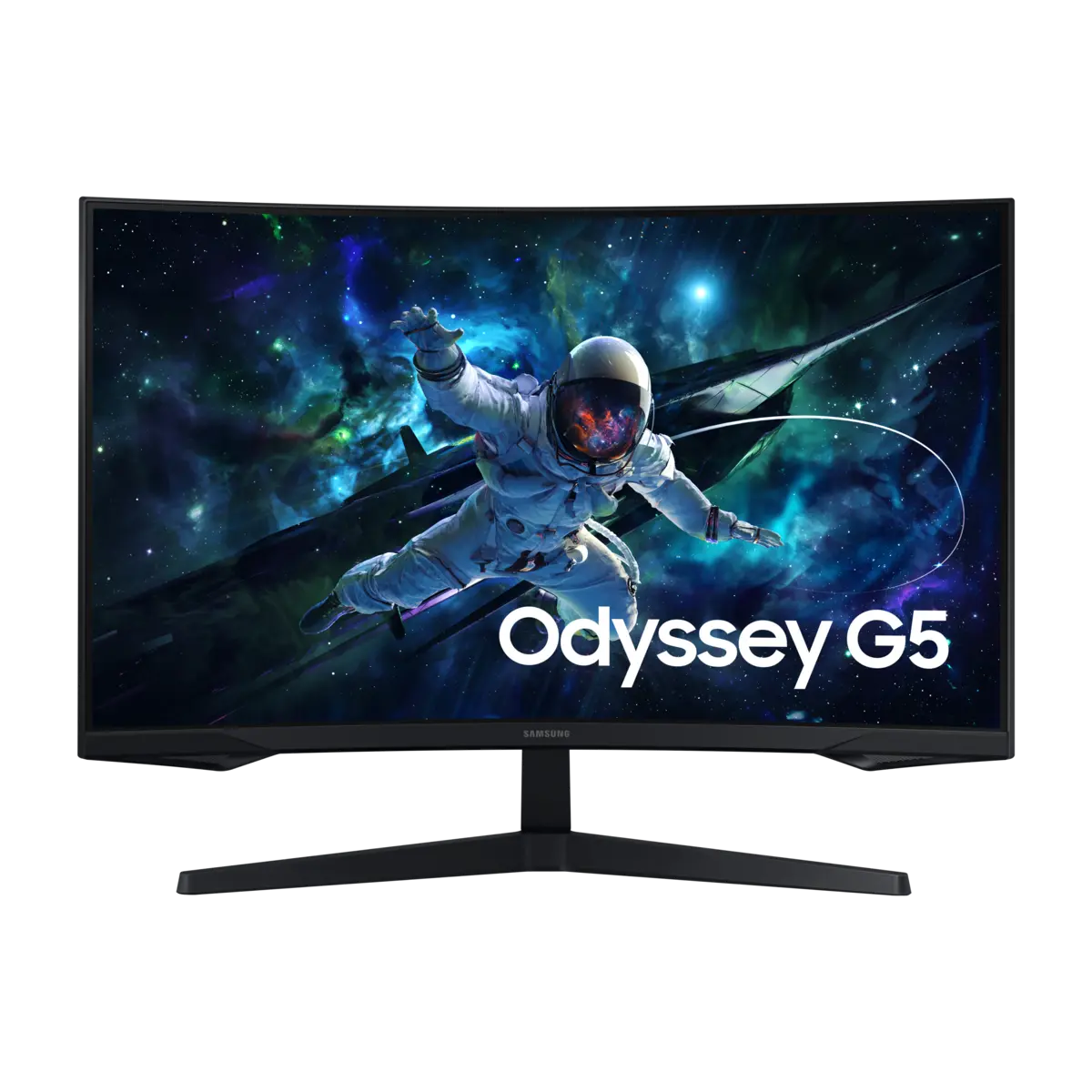 Samsung 32" Odyssey G55C, QHD, 165Hz Curved Gaming MonitorUK LS32CG552EUXXU · 32 · BlackCompare the two
 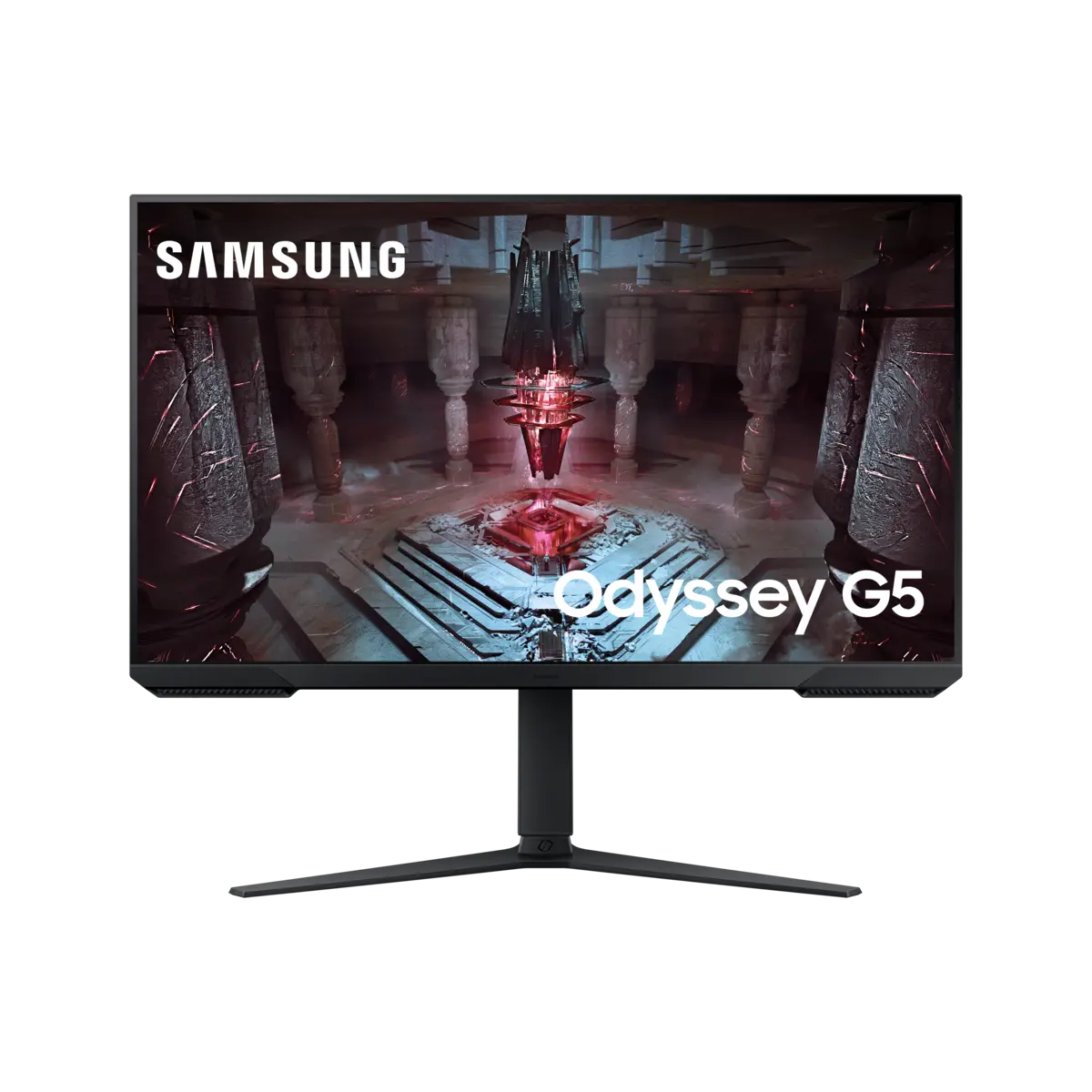 Samsung 32" G51C QHD, 165Hz, VA Odyssey Gaming MonitorUK LS32CG510EUXXU · 32 · BlackCompare the two
 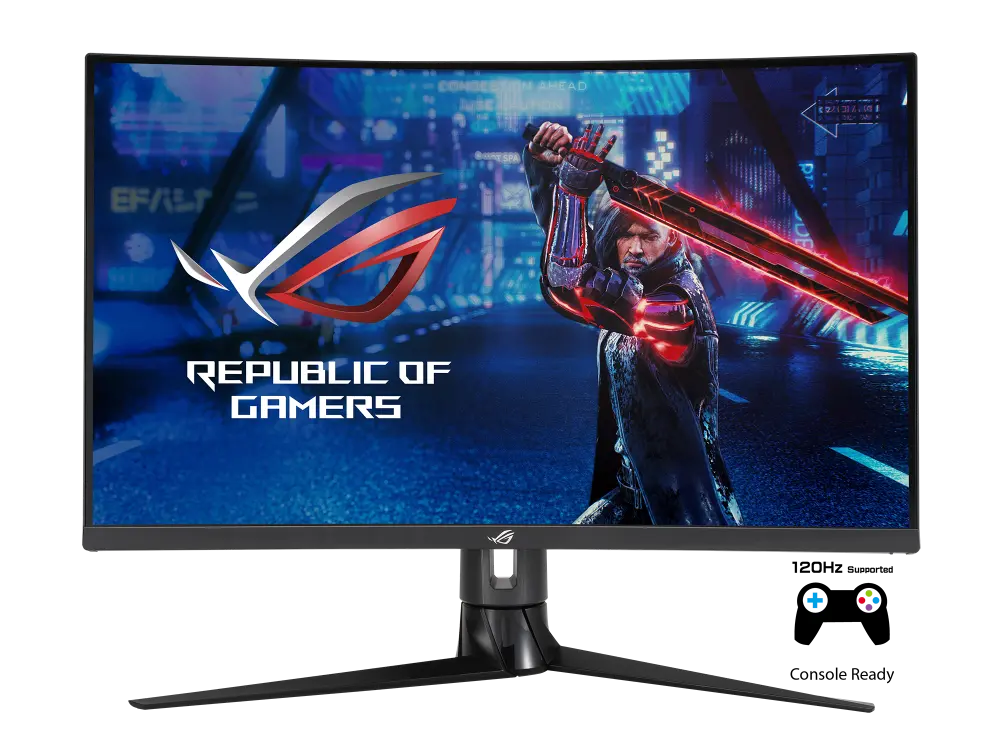 ASUS ROG Strix XG32VCUK manufacturer specification · ROG Strix XG32VCCompare the two