

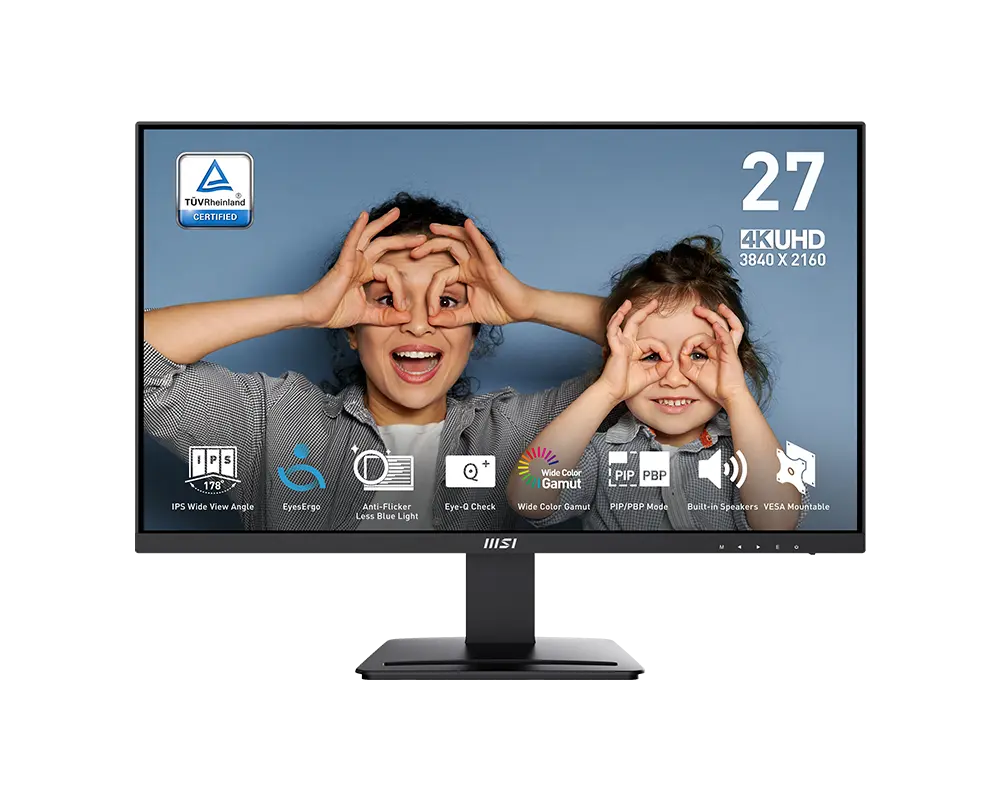
 MSI PRO MP273U27 in · 3840 × 2160 · 60 Hz · MSI global model with supplied stand
- Response method and claim
- 4 ms GtGThis one: 5 ms GtG
- Typical brightness
- 300 cd/m²This one: 350 cd/m²

UK specification
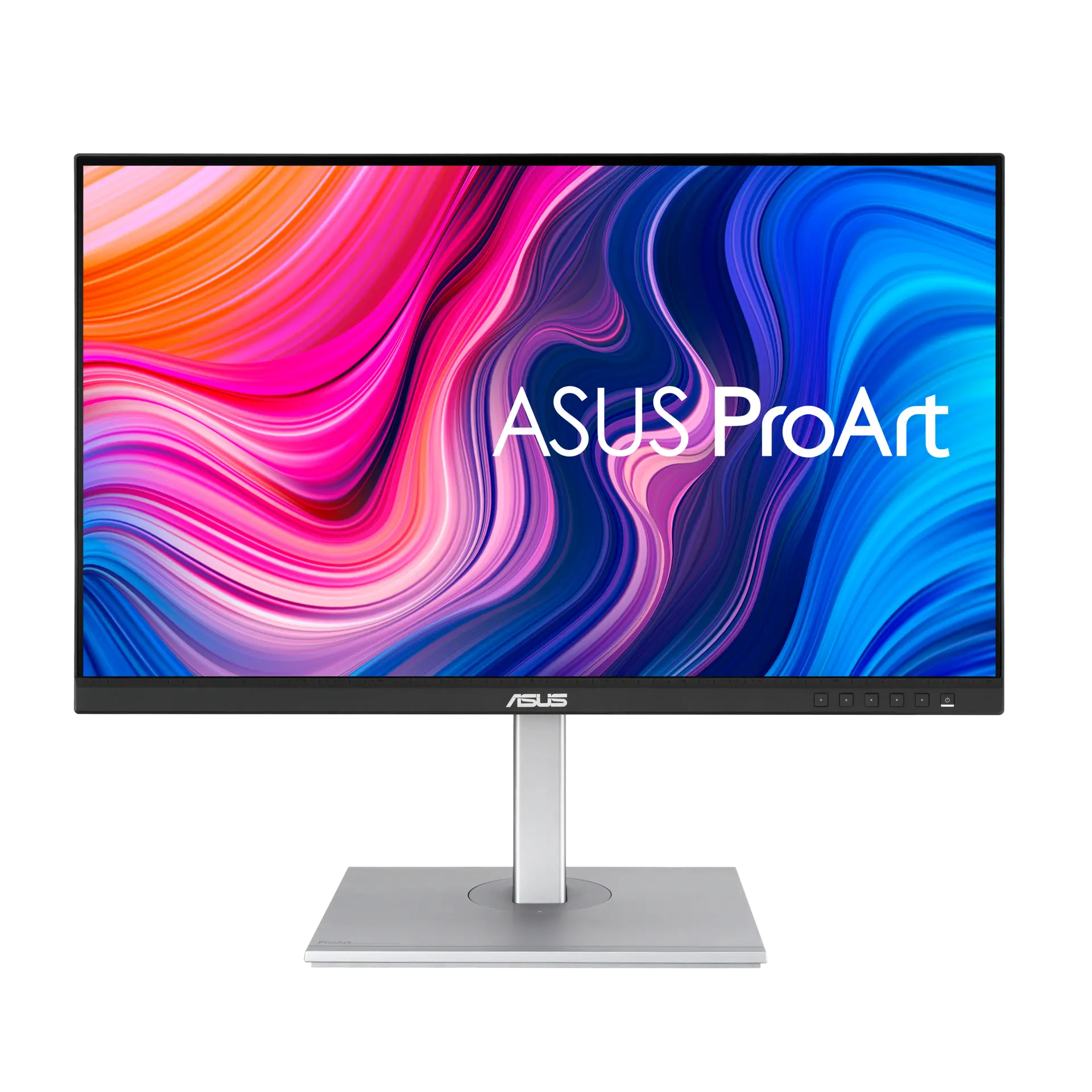
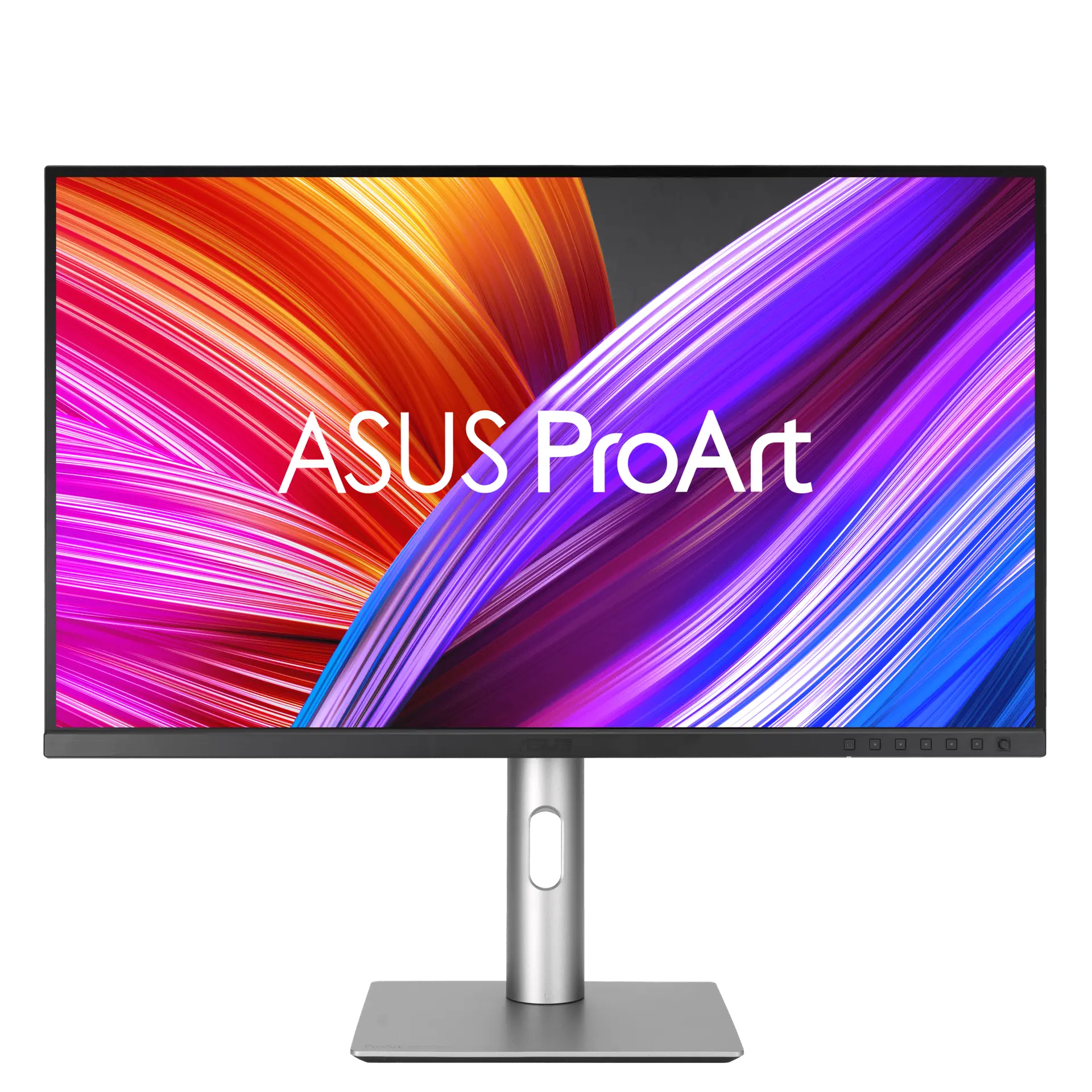
A 27-inch 3840 × 2160 IPS ProArt monitor for colour-critical work, listing 99% Adobe RGB and DCI-P3, 10-bit colour, ΔE < 2 and DisplayHDR 400, with USB-C video plus 96 W charging, a USB hub and a fully adjustable quick-release stand. It runs at 60 Hz.
As an Amazon Associate I earn from qualifying purchases.
Email me when the ASUS ProArt Display PA279CRV gets cheaper on eBay. We check exact-model listings once a day at 12:00 UTC.
Specifications checked 26 Sept 2026Manufacturer specifications, not a hands-on test.
The nearest checked monitors by key specifications, with what differs from the ASUS ProArt Display PA279CRV. The first matches the Compare button above.
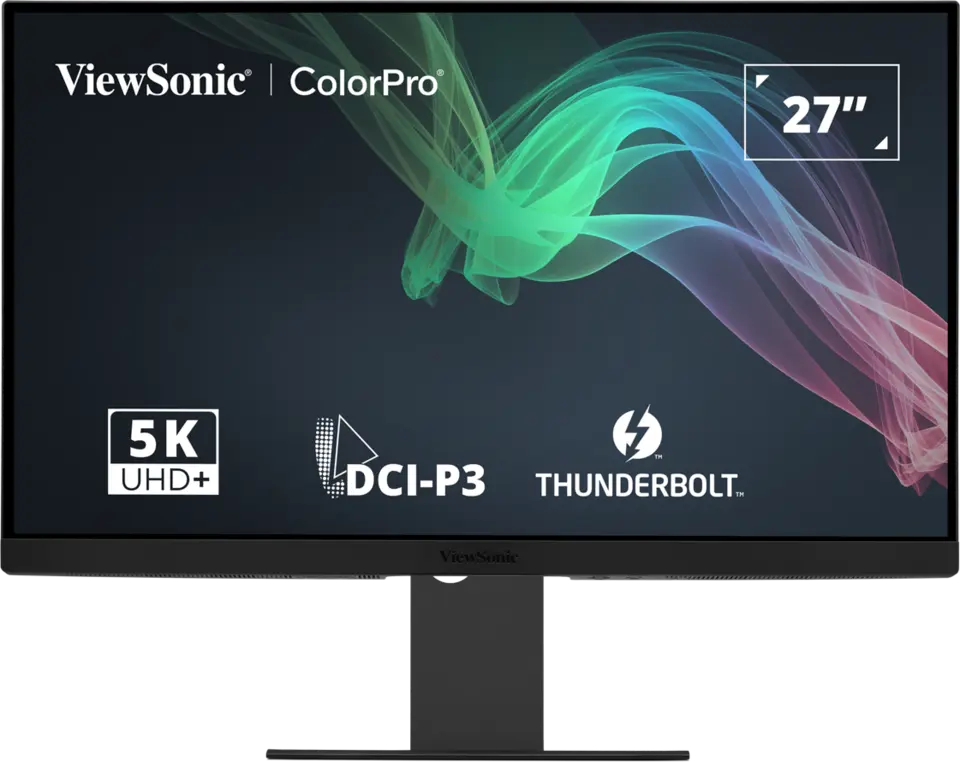
MSI PRO MP273U27 in · 3840 × 2160 · 60 Hz · MSI global model with supplied stand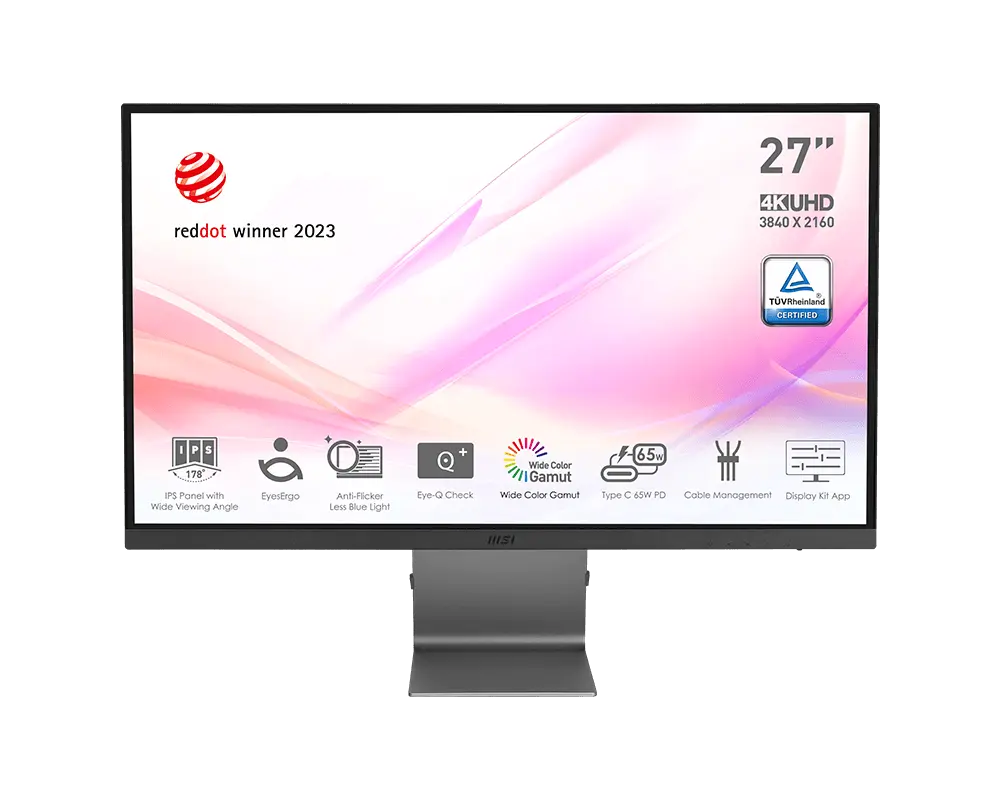 MSI Modern MD271UL27 in · 3840 × 2160 · 60 Hz · MSI global model with supplied stand
 LG 27UP850K-W UHD 4K IPS MonitorUK model 27UP850K-W
ASUS lists 100% sRGB, 99% Adobe RGB and 99% DCI-P3 with 10-bit colour, ΔE < 2, Calman Verified and a colour pre-calibration report, plus presets that include DICOM and Rec.2020.
USB-C carries video and up to 96 W of laptop charging, alongside two HDMI 2.0 inputs, a DisplayPort 1.4 input plus a DisplayPort MST output for daisy chaining, PIP/PBP and a USB hub with USB-C and USB-A ports.
The 3840 × 2160 panel works out at 163 ppi, which ASUS says is four times the pixel density of similarly sized Full HD displays; the stand gives 130 mm of height travel, ±30° swivel and ±90° pivot.
Refresh tops out at 60 Hz, with a 48–60 Hz vertical input range and a 5 ms GtG response rating.
HDR tops out at VESA DisplayHDR 400: ASUS declares a 400 cd/m² HDR peak and 1000:1 typical contrast for the LED-backlit IPS panel.
Daisy chaining needs an MST-capable source and Power Saving at Normal Level, and the input is fixed rather than auto-detected while the DisplayPort output cable is connected.
Exact configuration: UK specification
67 specifications in 10 groups. Values are manufacturer specifications unless a row says “Measured result” or “Calculated from cited specifications”.
ASUS lists a 48–60 Hz vertical input range.
SourceManufacturer claim; not a measured response or input-lag result.
SourceAdaptive-Sync within the listed 48–60 Hz range; VESA MediaSync Display certified. The user guide says MediaSync can only be activated within 48–60 Hz and needs PIP/PBP turned off.
Variable-refresh (VESA MediaSync) range from the user guide: “MediaSync can only be activated within 48Hz ~ 60Hz.” The technical table’s Digital Signal Frequency (48 ~ 60 Hz vertical) is an input range, recorded under refresh_rate.
Single vertical range listed for all inputs.
SourceTypical SDR brightness.
SourcePeak HDR figure; ASUS gives no window size. The model carries VESA DisplayHDR 400; the user guide says meeting the DisplayHDR standard needs Dynamic Dimming set to Fast and the PQ Clip HDR mode.
User-guide OSD Settings item that synchronises backlight dimming with the content as contrast changes; the four values set the synchronisation speed. It needs PIP/PBP turned off. ASUS does not say whether the dimming is global or zoned, and gives no zone count.
SourceASUS does not state the CIE basis.
SourceHDR10 and VESA DisplayHDR 400 are from the technical table. The user guide says the HDR preset contains three modes (PQ Optimized, PQ Clip and PQ Basic) and needs PIP/PBP turned off, and that for better HDR performance “to meet DisplayHDR standard” Dynamic Dimming must be set to Fast and the HDR mode to PQ Clip.
ASUS does not say whether 10-bit is native or uses FRC.
SourceManufacturer claim; test conditions not stated.
SourceASUS “Contrast Ratio (Max)”; typical static contrast is 1000:1.
SourceProArt Palette, QuickFit Plus, ProArt Chroma Tune, Trace Free and Mac Compliance are listed in the technical table. The product page says DisplayWidget Center adjusts settings including brightness, contrast and colour temperature, with Windows and macOS downloads; MacBook brightness buttons control the monitor’s brightness with DisplayWidget Center installed and the mouse cursor on the ProArt display, and ASUS notes these Mac functions require the latest firmware version.
The technical table lists 5 colour-temperature modes; the user guide lists 6 (9300K, 6500K, 5500K, 5000K, P3-Theater and M Model), with only 6500K, P3-Theater and M Model available in DCI-P3 Mode.
The technical table lists “DisplayPort 1.4 x 2 (Daisy Chain)”. The product-page port diagram labels them “DisplayPort (In)” and “DisplayPort (MST)”, and the user guide describes one as the DisplayPort input and the other as the daisy-chain DisplayPort output; its specification lists one DisplayPort 1.4 input, two HDMI 2.0 inputs and DisplayPort over USB-C.
The user guide says PIP/PBP needs MediaSync/VRR/Dynamic Dimming turned off and HDR disabled on the device; HDR, MediaSync and Dynamic Dimming each need PIP/PBP turned off.
The UK and US technical tables and the exact-model user guide specification list “1 x USB 3.2 Gen 1 Type-C” and “3 x USB 3.2 Gen 1 Type-A”, and the user guide describes both as ports for USB devices. The UK product page’s hub paragraph says only that the hub “includes one USB Type-A port and USB-C”; the three-port count is taken from the tables and user guide.
The user guide says the monitor supports daisy chaining on DisplayPort and USB Type-C, the source must support Multi-Stream Transport (MST), Power Saving must be at Normal Level, and the input is fixed (no auto detection) while the DisplayPort output cable is plugged in.
Adjustment travel, not overall assembled height.
SourceASUS lists “Easy cable management” among the design features on the UK product page without describing the arrangement.
SourceConverted from ASUS’s technical-table figures (61.22 × 53.81 × 21.50 cm), which ASUS labels as estimates that vary by region. The height is with the stand at its highest position: the user guide gives 612.22 × 538.11 × 215.00 mm (highest) and 612.22 × 408.11 × 215.00 mm (lowest).
Front-to-back depth with the supplied stand; allow cable clearance.
SourceASUS “Net Weight”, listed separately from “Net Weight without Stand”; estimate that may vary by region.
SourceThe user guide defines the figure as on-mode power consumption as defined in ENERGY STAR version 8.0; ASUS gives no other brightness or load basis. Not a measured running cost.
The technical table lists power saving <0.5 W and 0 W with the hard switch off; the user guide adds DC power off ≤0.3 W.
Listed in the ASUS certificate table, with TCO Certified and EPEAT Gold.
SourceTechnical table 'Flicker-free : Yes'; the ASUS UK and US certificate lists include TÜV Flicker-free.
Technical table 'Low Blue Light : Yes (Hardware Solution)'; the ASUS UK and US certificate lists include TÜV Low Blue Light (Hardware Solution).
Technical table 'Low Blue Light : Yes (Hardware Solution)'; the certificate lists include TÜV Low Blue Light (Hardware Solution). The user guide says the Low Blue Light panel's TÜV Rheinland (Hardware Solution) compliance applies at the factory reset/default setting (Preset mode: Standard).
Certificates as listed in the ASUS UK and US technical tables; the UK product page advertises 'TÜV Eye Care' with 'ASUS Flicker-free and ultra-low blue light'. The user guide says the Blue Light Filter adjusts the strength of blue-light filtering and needs HDR disabled on the source device.
The technical table and user guide list the ten ProArt Preset modes; the user guide says HDR contains PQ Optimized, PQ Clip and PQ Basic. The product page additionally lists P3 preset modes DCI-P3, Display-P3 and a new M Model-P3 mode for colour consistency with MacBook and MacBook Pro; its Mac section notes “These functions require the latest firmware version.” The user guide lists P3-Theater and M Model as colour-temperature settings available in DCI-P3 Mode.
From the user guide’s front-view description; shortcut functions can be reassigned, and holding the 5-way button for over 5 seconds toggles Key Lock.
Complete “Certificate” list from the ASUS UK technical table; the US table lists the same nine.
ASUS says accessories vary by region. The user guide’s package list marks the HDMI, DisplayPort and USB-C to C cables as optional.
ASUS technical-table row “LCD ZBD Warranty”. It is not the general product warranty, which these ASUS pages do not state.
SourceMore of the nearest checked monitors by key specifications, for a side-by-side comparison.
 Sony INZONE M9 II26.9-inch 3840 × 2160 IPS LCD · Black · SDM27U9M2B.CEI · UK catalogueCompare the two
 BenQ PD2732UPD2732U · 27-inch IPS · BenQ UK specificationCompare the two
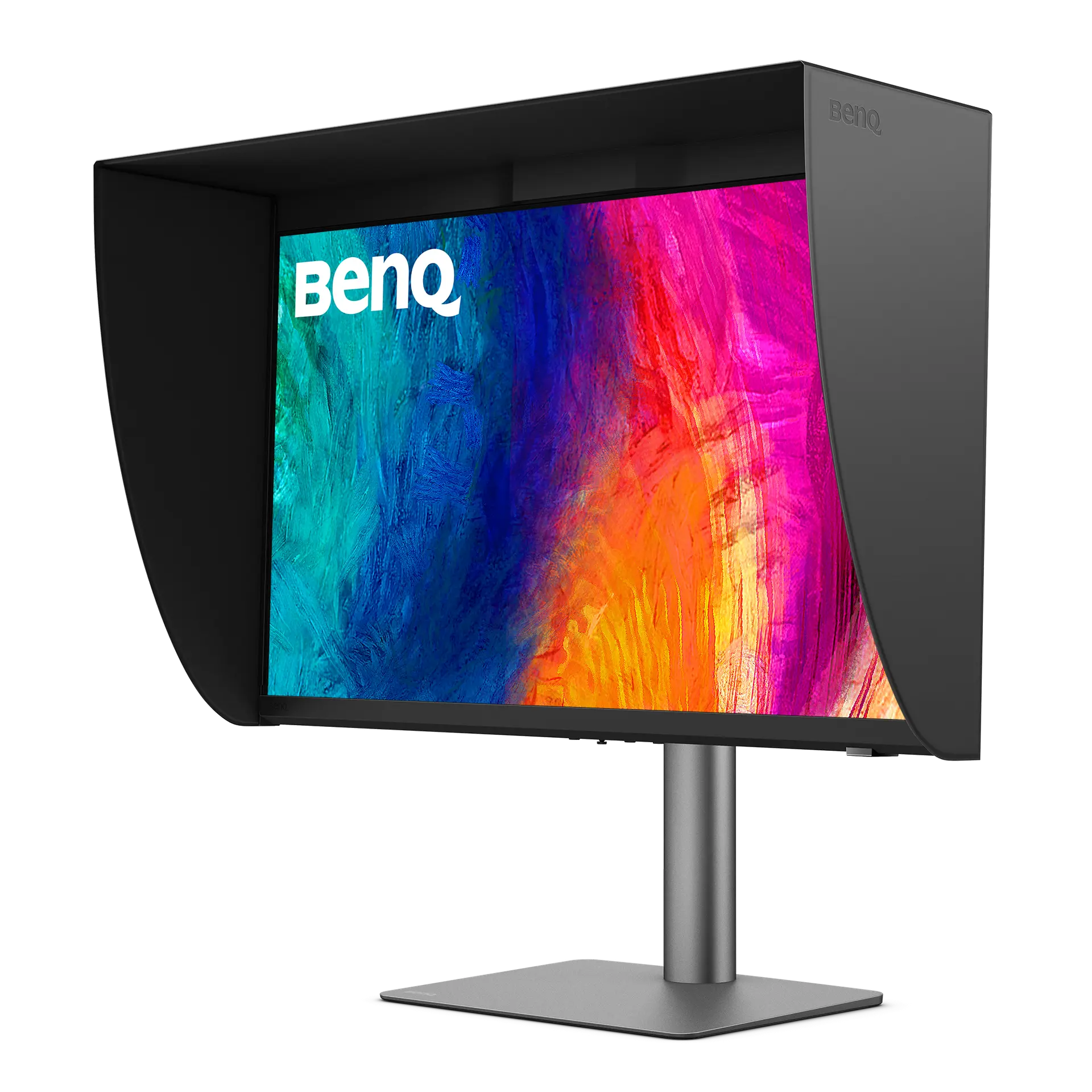 BenQ PD2770UPD2770U · 27-inch IPS · BenQ UK specificationCompare the two
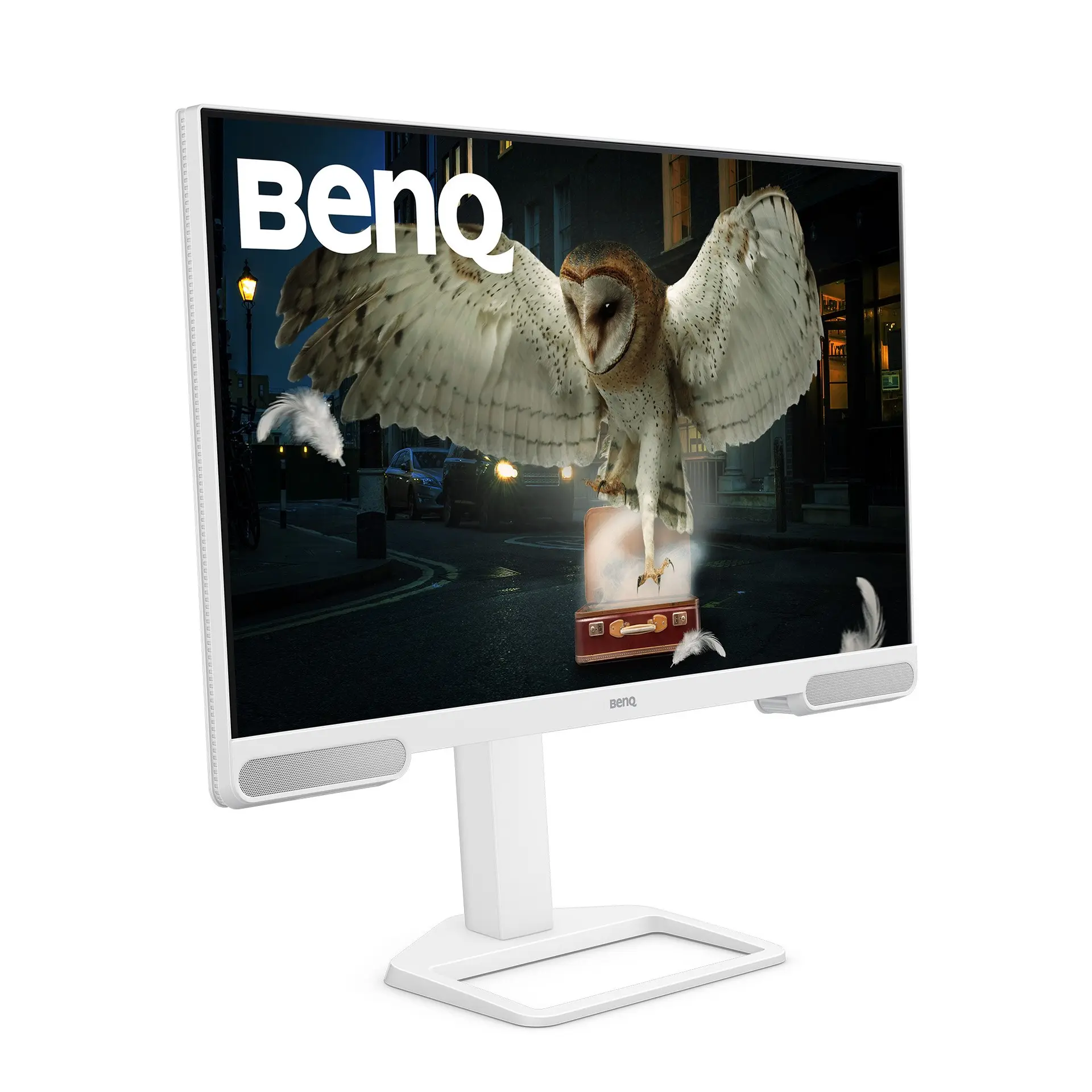 BenQ EW2790UEW2790U · 27-inch IPS · BenQ UK specificationCompare the two
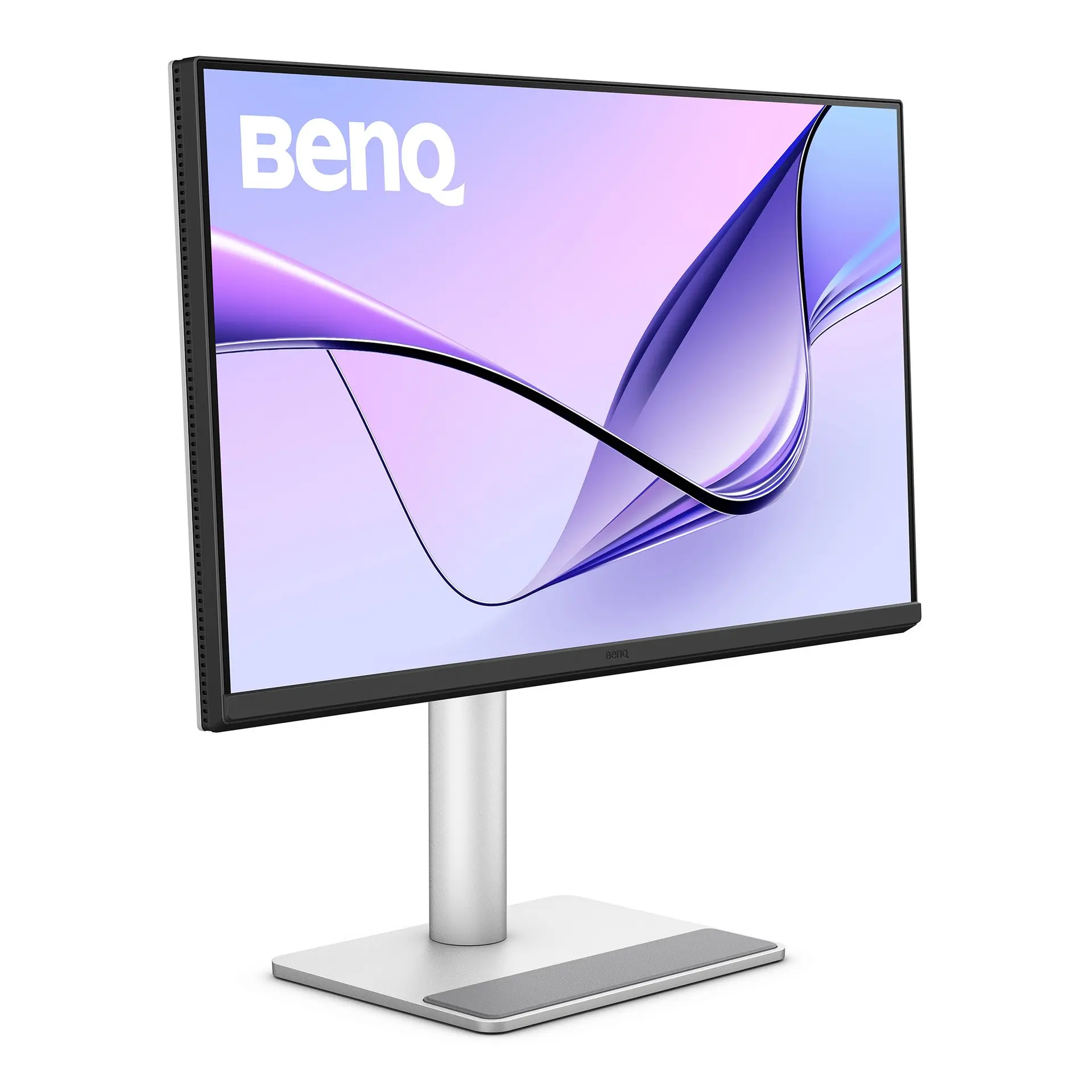 BenQ MA270UMA270U · 27-inch IPS · BenQ UK specificationCompare the two
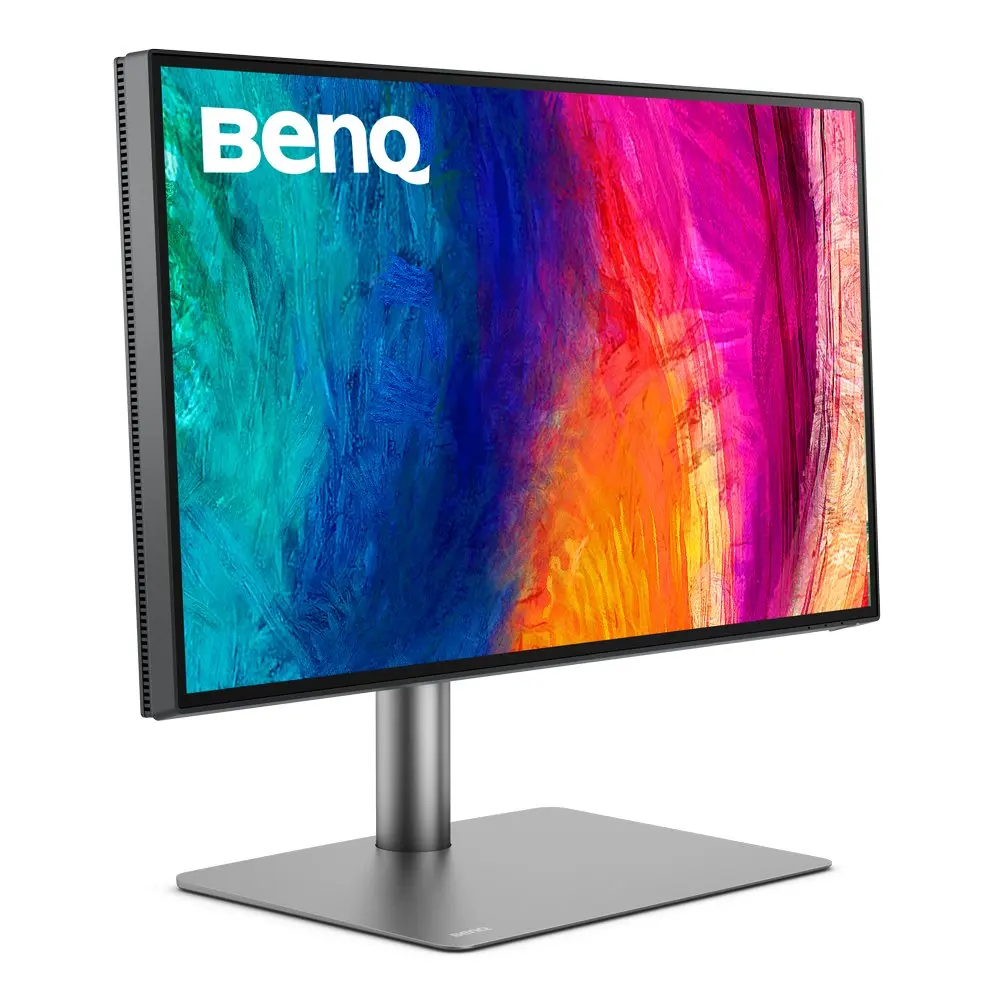 BenQ PD2725UPD2725U · 27-inch 4K IPS · Thunderbolt 3 · BenQ UK specificationCompare the two
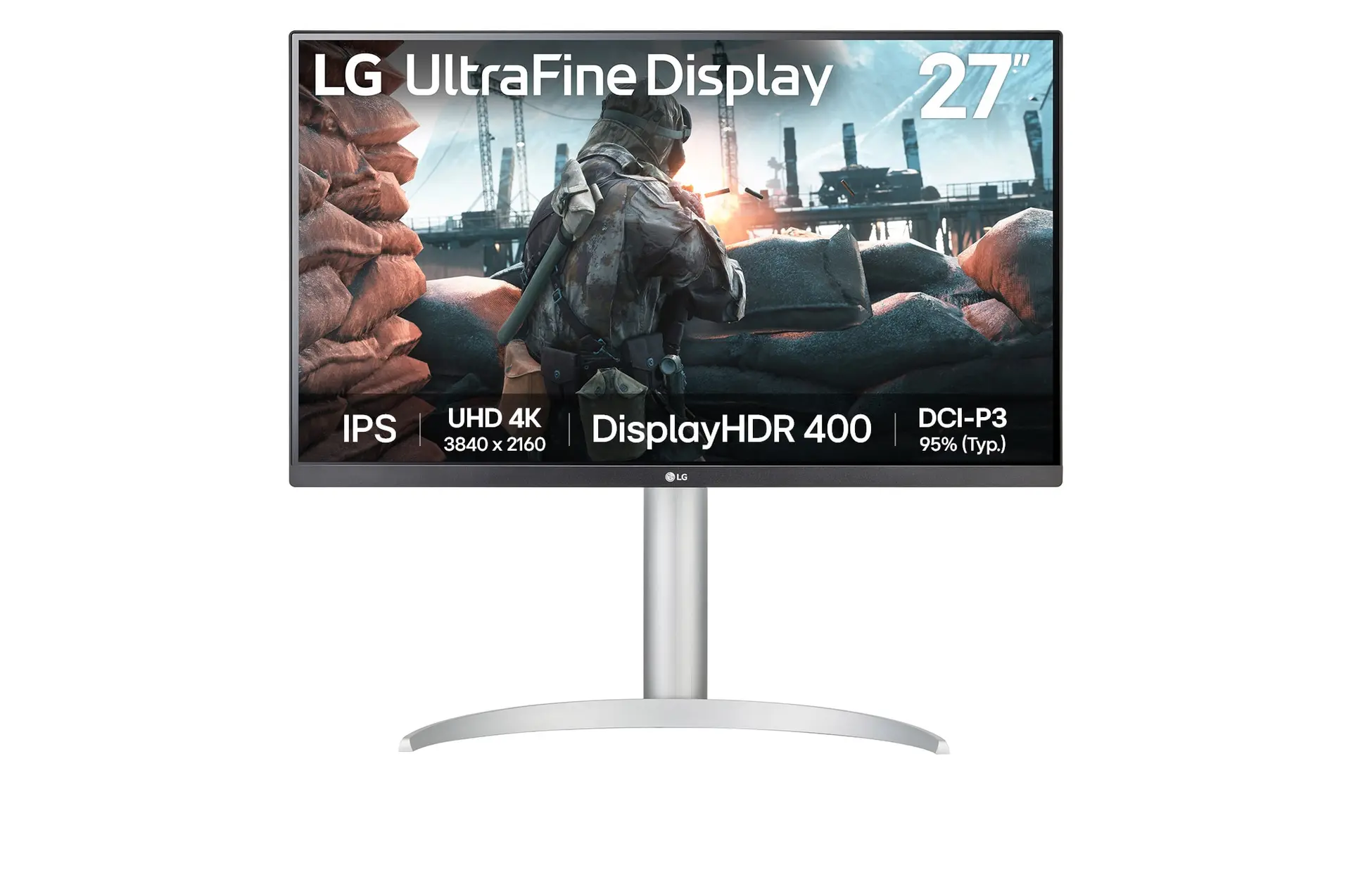 LG UltraFine 27UP650K-WUK model 27UP650K-WCompare the two
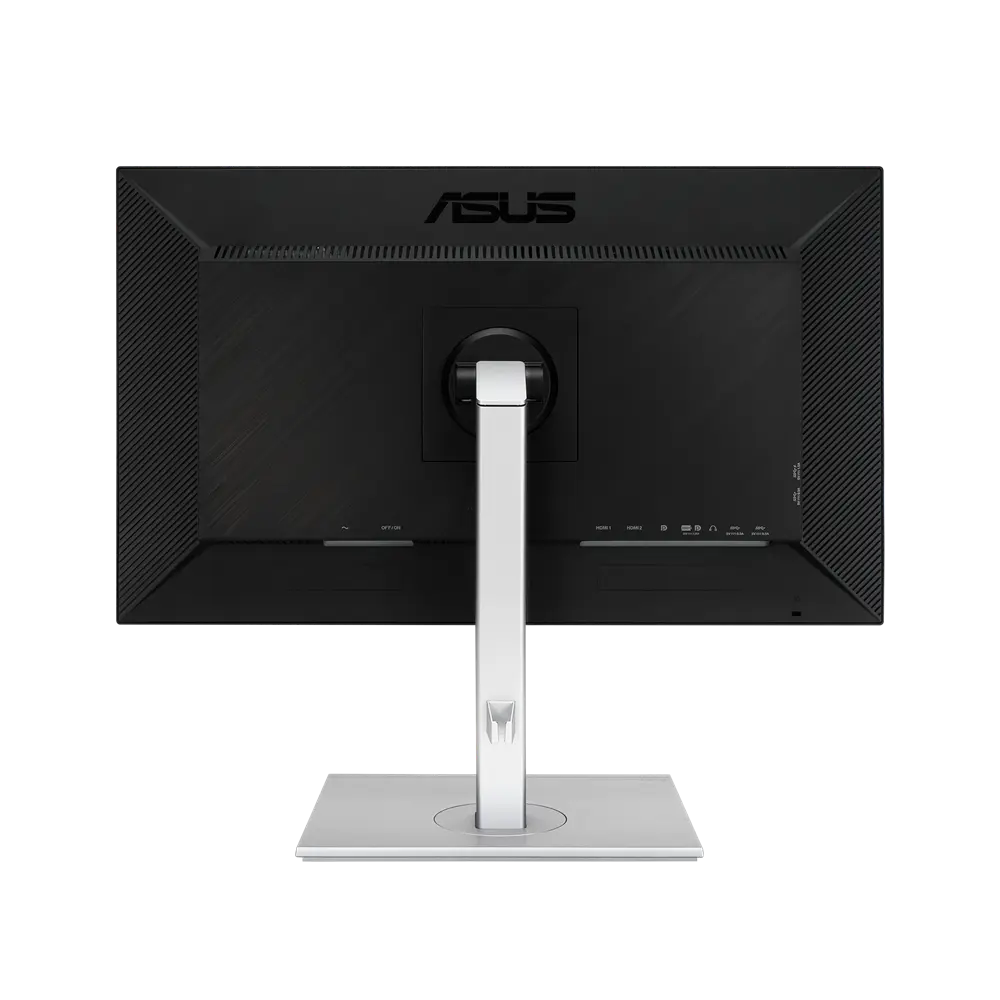 ASUS ProArt Display PA279CVUK manufacturer specification · ProArt Display PA279CVCompare the two