

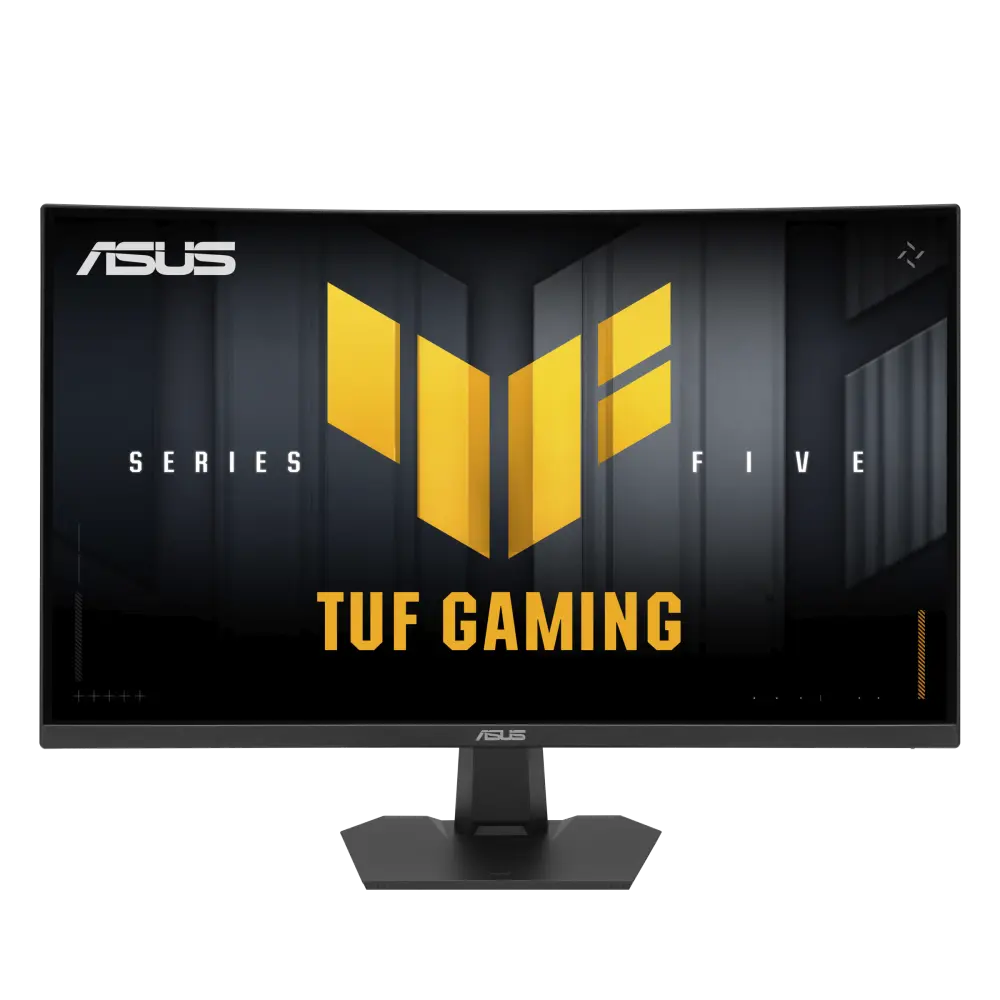
 ASUS TUF Gaming VG27WQ5FGlobal manufacturer specification · TUF Gaming VG27WQ5F
- Refresh rate at native resolution
- 220 HzThis one: 240 Hz
- GtG response-time claim
- 1ms(GTG), 0.5ms(min.)This one: 1 ms

27-inch Fast VA · UK specification
A 27-inch Fast VA monitor with a 2560 × 1440 panel, a listed 240 Hz native refresh rate and a 260 Hz overclocked mode over DisplayPort. Its specified depth with stand is 239.4 mm.
As an Amazon Associate I earn from qualifying purchases.
Email me when the AOC CQ27G4Z2 gets cheaper on eBay. We check exact-model listings once a day at 12:00 UTC.
Specifications checked 28 Sept 2026Manufacturer specifications, not a hands-on test.
The nearest checked monitors by key specifications, with what differs from the AOC CQ27G4Z2. The first matches the Compare button above.
ASUS TUF Gaming VG27WQ5FGlobal manufacturer specification · TUF Gaming VG27WQ5F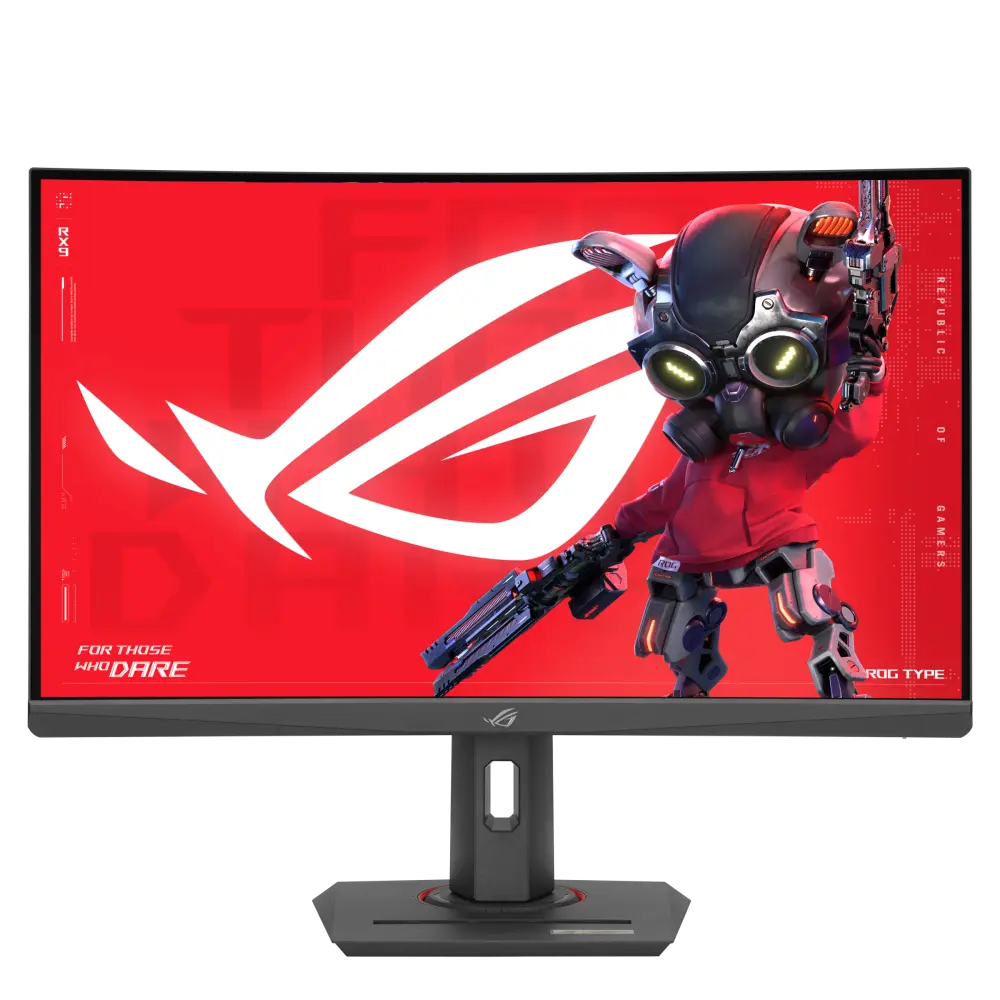 ASUS ROG Strix XG27WCMSUK manufacturer specification · ROG Strix XG27WCMS
 AOC CQ32G4ZACQ32G4ZA · 31.5-inch Fast VA · AOC UK specification
The 2560 × 1440 panel runs at a listed 240 Hz over DisplayPort, or 260 Hz with AOC's OverClock setting on; HDMI is limited to 144 Hz at this resolution.
The supplied stand is height-adjustable; AOC lists 130 mm of travel on its UK specification page but 120 mm in the user manual.
The headline maximum spans different resolution modes: QHD@260Hz / HD@400Hz. The faster lower-resolution mode does not deliver the same pixel detail as the native panel mode.
Allow for the 239.4 mm listed depth with the supplied stand, plus cable clearance. Check desk depth before choosing this size.
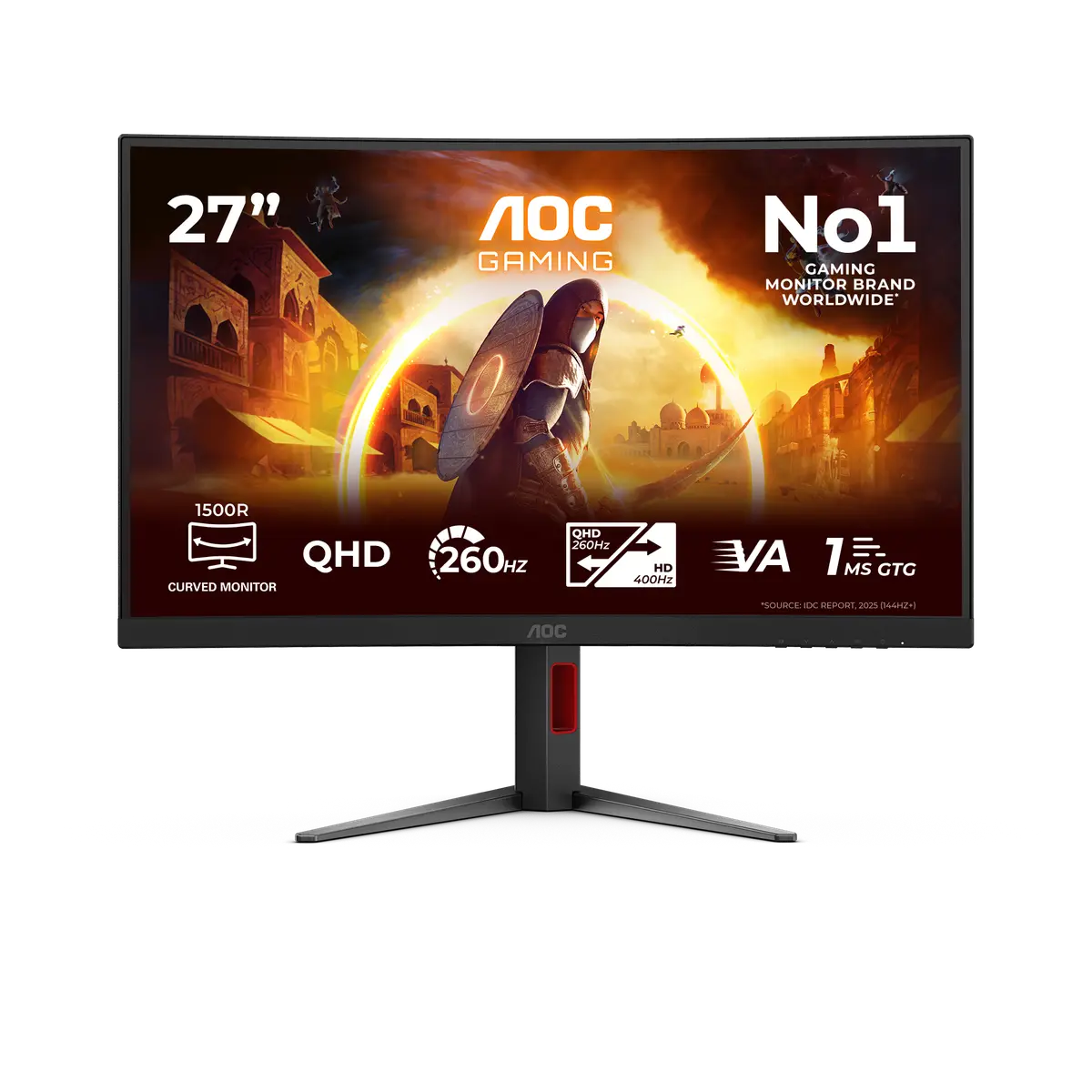
Exact configuration: CQ27G4Z2 · 27-inch Fast VA · AOC UK specification
53 specifications in 10 groups. Values are manufacturer specifications unless a row says “Measured result” or “Calculated from cited specifications”.
Manufacturer-listed panel diagonal; a rounded size may appear in the product name.
SourceManufacturer resolution notation: 2560x1440. See the separate refresh-mode conditions for any lower-resolution configurations.
SourceManufacturer panel designation; technology alone does not establish tested image quality.
SourceAt the native 2560 × 1440 resolution over DisplayPort with AOC's OverClock setting off. The manual lists QHD 260 Hz only with OverClock on and advises 240 Hz if display errors occur while overclocking; the OC setting is not treated as the stock rate. HDMI is limited to QHD 144 Hz. Available modes depend on input, cable and source.
Manufacturer response-time claim; settings and transition method matter. GtG and MPRT values are different measures and are not independent motion-clarity results.
SourceAOC's UK page lists 'QHD@260Hz / HD@400Hz'. The 400 Hz figure applies only in the lower-resolution HD Dual Resolution mode, not at the native panel resolution, and the page's per-input vertical row (48~144Hz HDMI / 48~260Hz DisplayPort) does not state which input carries it; the input limits and OverClock states are from the CQ27G4Z2 user manual.
Manufacturer response-time claim; settings and transition method matter. GtG and MPRT values are different measures and are not independent motion-clarity results.
SourceNeeds a compatible source, input and driver.
SourceAOC's UK page lists 350 cd/m² under 'Brightness in nits' without stating whether it is typical, sustained or peak output or giving a window size; the figure is kept as brightness_claim.
SourceAOC does not state the window size or whether this is sustained or peak brightness.
SourceAOC's UK page lists 'Display colours 16.7 Million', while the linked CQ27G4Z2 user manual lists '1.07B Colors' (with 10-bit support only in certain modes). The colour count is left unresolved.
Manufacturer-listed HDR formats or certification. This alone does not establish real-scene HDR quality, local dimming or measured peak brightness.
SourceManufacturer colour specification under its stated colour space and measurement basis. Coverage and gamut volume are not interchangeable, and this is not an independent colour-accuracy measurement.
SourceManufacturer colour specification under its stated colour space and measurement basis. Coverage and gamut volume are not interchangeable, and this is not an independent colour-accuracy measurement.
SourceManufacturer colour specification under its stated colour space and measurement basis. Coverage and gamut volume are not interchangeable, and this is not an independent colour-accuracy measurement.
SourceThe inspected exact-model specification does not establish this feature. It has not been inferred from another model or from an omitted field.
SourceManufacturer port counts and versions. Confirm source-device support, cable bandwidth and the exact mode; a connector name alone does not guarantee every advertised configuration.
SourceNo positive charging-output rating is established in the inspected specification.
SourceAOC advertises a Low Input Lag mode in a feature tile; the exact-model manual's Game Setting menu has an Off / On Low Input Lag setting that turns off the frame buffer to decrease input lag. When Adaptive-Sync is enabled, Low Input Lag is enabled by default and cannot be adjusted. No input-lag figure is published.
Height-adjustable stand, per AOC's UK specification table and the user manual's Adjusting Viewing Angle illustration; the travel figure differs between those sources and is recorded separately as a conflict.
AOC's UK specification table lists Height adjust (mm) 130mm, while the exact-model user manual's Adjusting Viewing Angle illustration labels the height travel 120mm; the page's with-base height range (396.4~516.4 mm) also spans 120 mm. No single travel figure is selected.
Match the screw pattern, screw dimensions, product weight and mount load rating; the pattern alone does not verify a safe mount.
SourceManufacturer dimensions in the stated orientation; allow additional room for cables and movement. A listed height range is retained without inferring an adjustment travel.
SourceDepth from the manufacturer dimension tuple. Allow additional room for cable routing and movement.
SourceManufacturer width in the listed landscape configuration.
SourceAOC lists a 5.37 kg 'Net weight excl. package' but does not explicitly state that the figure includes the stand; it is kept as reported_net_weight.
SourceAOC's net weight excluding packaging; stand inclusion is not explicitly stated.
SourceManufacturer dimensions in the stated orientation; allow additional room for cables and movement. A listed height range is retained without inferring an adjustment travel.
SourceManufacturer power figure under the stated operating mode; real use, brightness, connected USB devices and charging load can differ. Source mode: typical.
SourceManufacturer power figure under the stated operating mode; real use, brightness, connected USB devices and charging load can differ.
SourceManufacturer power figure under the stated operating mode; real use, brightness, connected USB devices and charging load can differ.
SourceManufacturer power figure under the stated operating mode; real use, brightness, connected USB devices and charging load can differ.
SourceAOC lists Blue Light Technology: Low Blue Light. A hardware solution is not stated.
SourceAOC describes G-Menu as a free tool that you install on a PC for customisation; the UK page's Software downloads list a Gmenu .exe.
SourceThe inspected exact-model specification does not establish this feature. It has not been inferred from another model or from an omitted field.
SourceCheck the exact model, purchase market, proof-of-purchase requirements and full manufacturer terms; this is not a cross-border warranty guarantee.
SourcePackage contents describe the inspected regional specification; confirm the exact retailer bundle.
SourceUK and US retailer searches are provided separately. A UK specification does not prove identical US variants, included plugs, stock or cross-border warranty.
SourceMore of the nearest checked monitors by key specifications, for a side-by-side comparison.
 AOC Q27G42XNEQ27G42XNE · 27-inch Fast VA · AOC UK specificationCompare the two
 ASUS TUF Gaming VG27WQ3BUK manufacturer specification · TUF Gaming VG27WQ3BCompare the two
 ASUS ROG Strix XG27WCSUK manufacturer specification · ROG Strix XG27WCSCompare the two
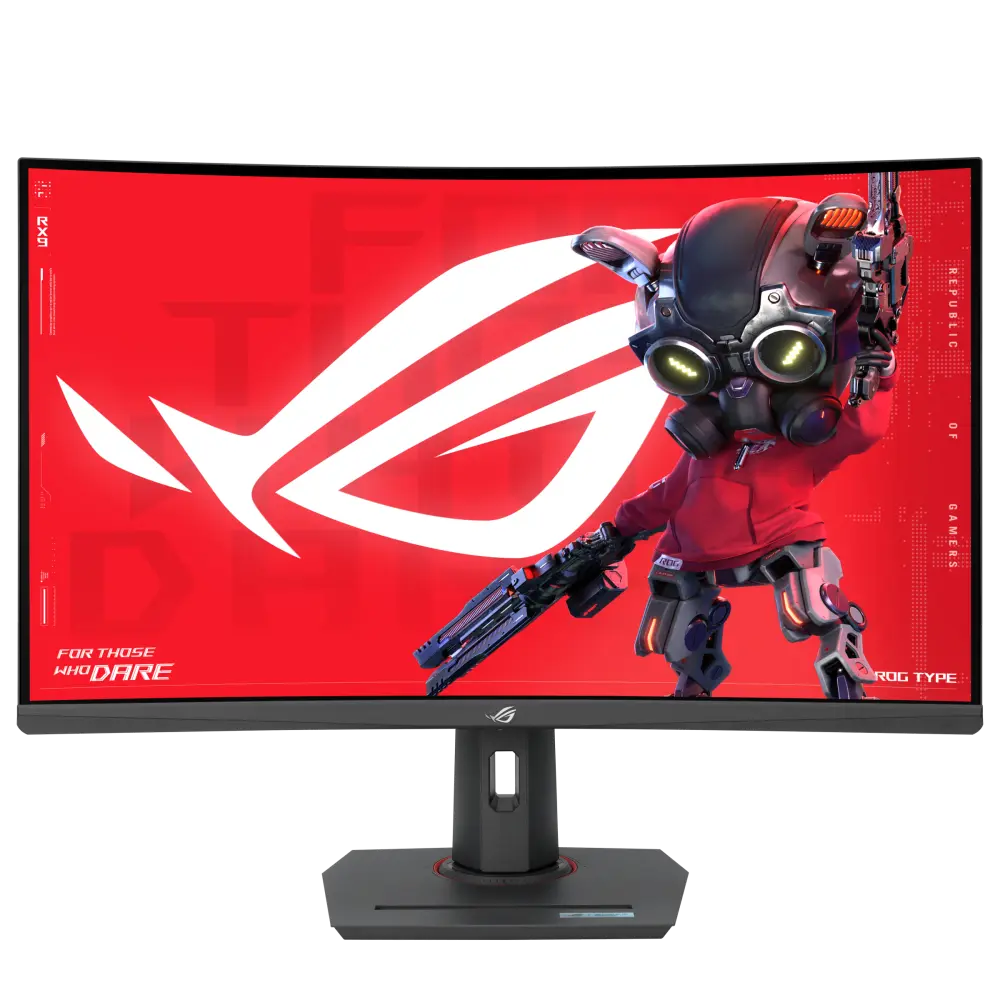 ASUS ROG Strix XG32WCMSUK manufacturer specification · ROG Strix XG32WCMSCompare the two
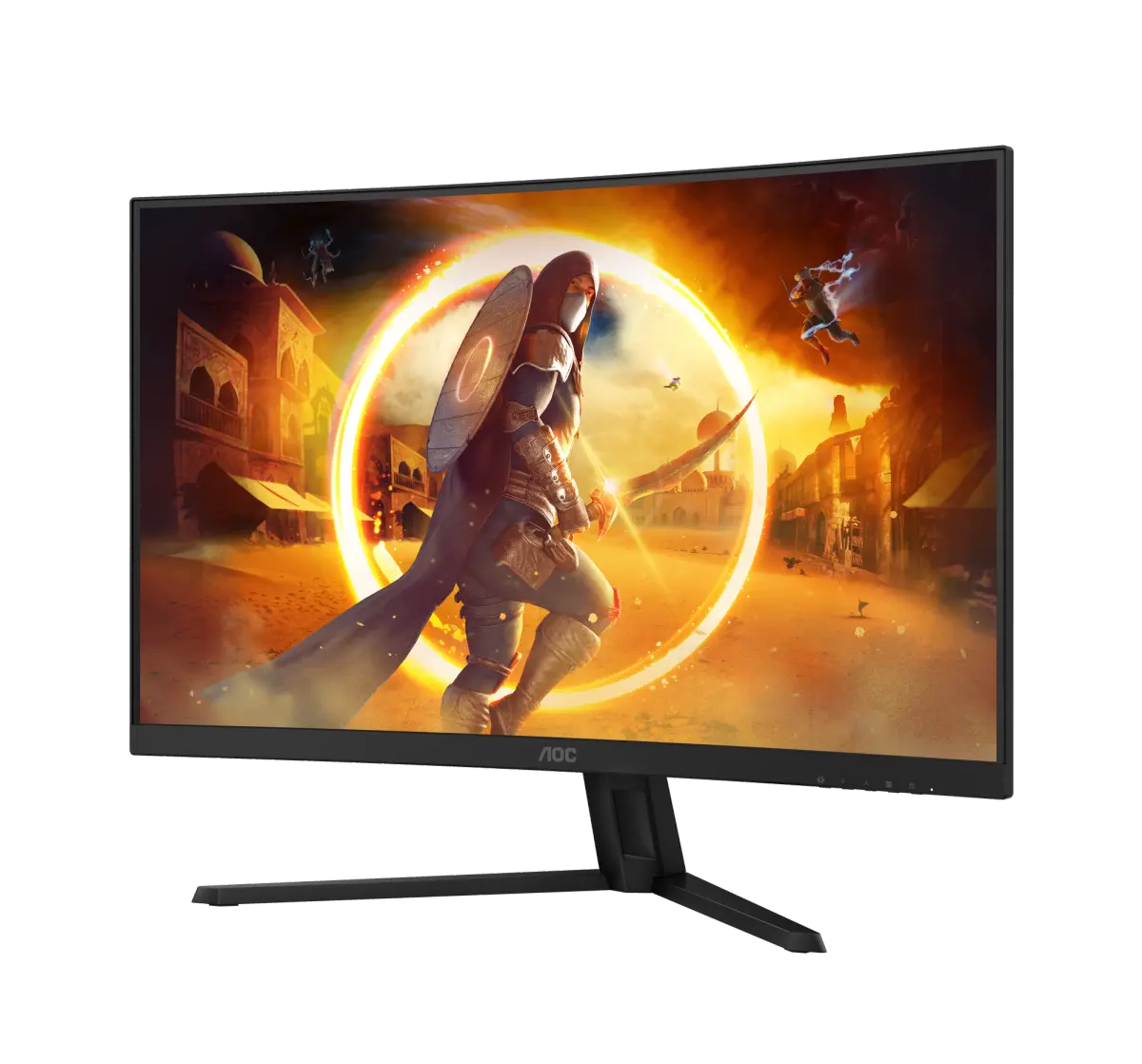 AOC CQ32G4VECQ32G4VE · 31.5-inch Fast VA · AOC UK specificationCompare the two
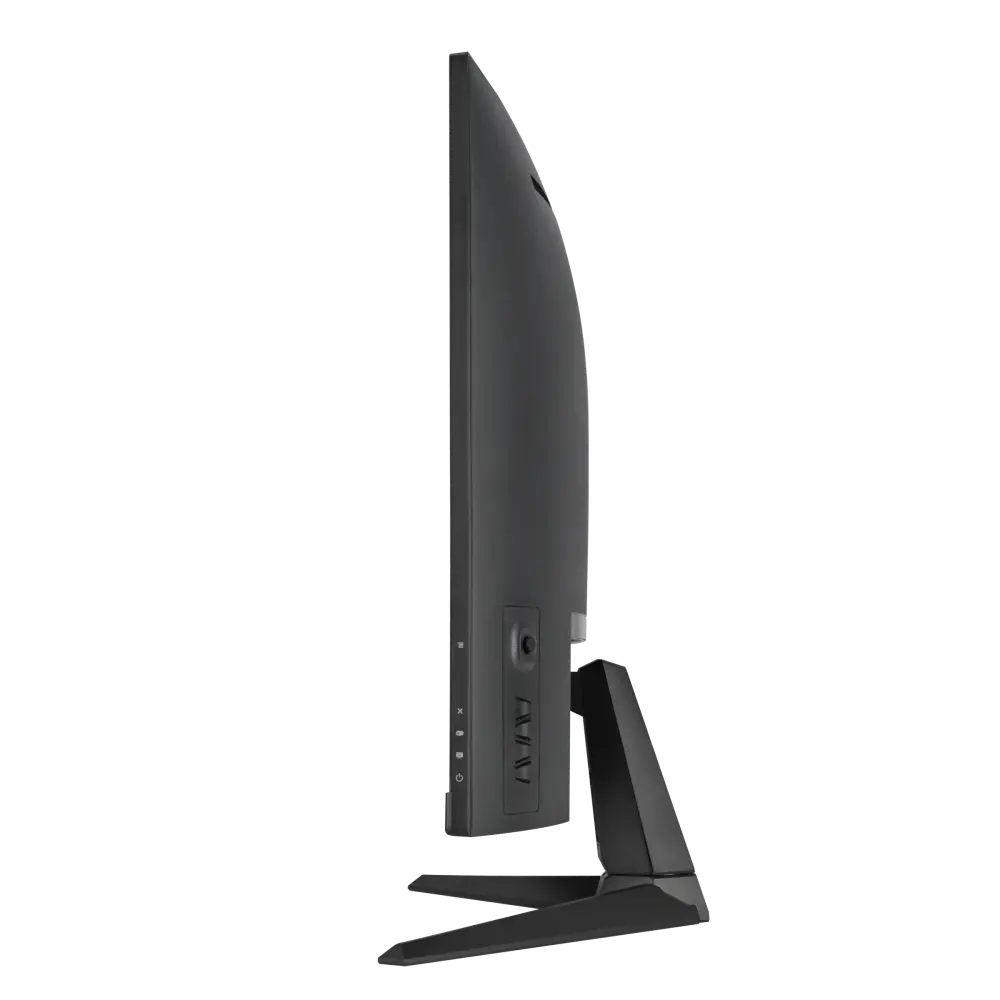 ASUS TUF Gaming VG32WQ3BUK manufacturer specification · TUF Gaming VG32WQ3BCompare the two
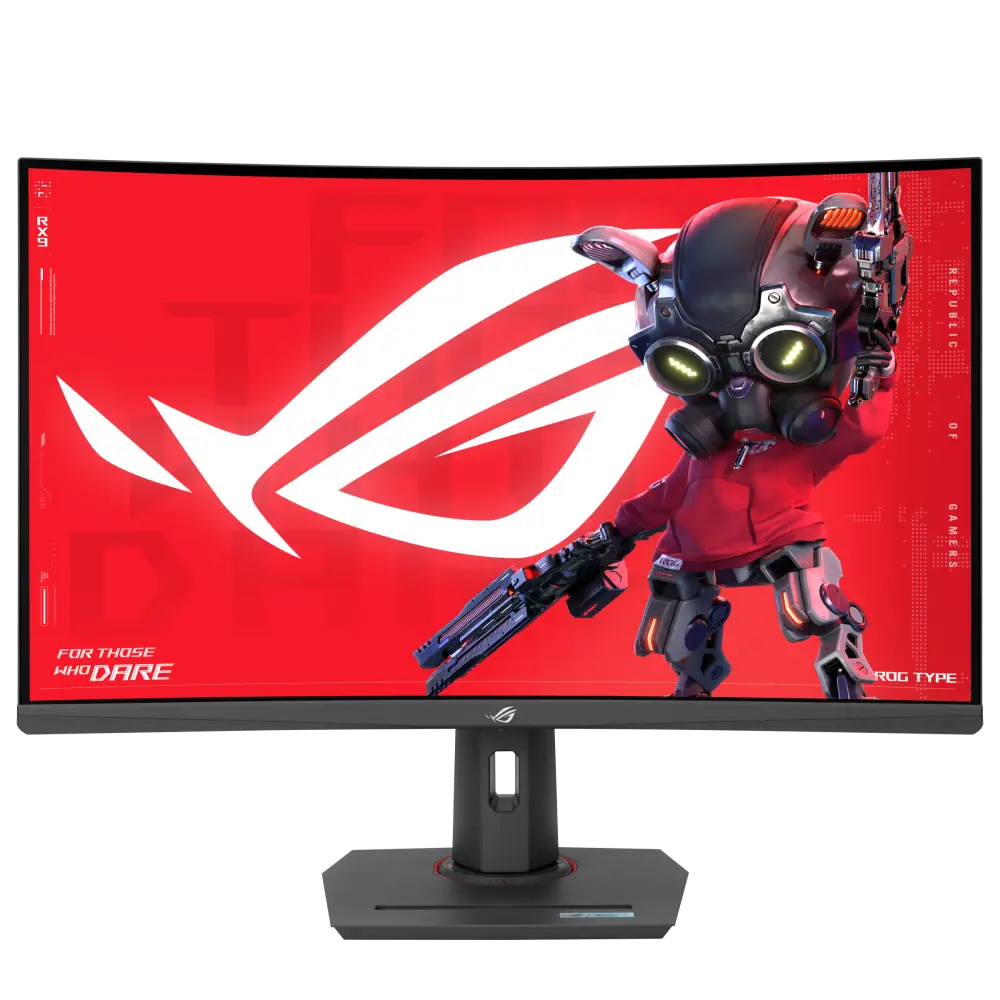 ASUS ROG Strix XG32WCSUK manufacturer specification · ROG Strix XG32WCSCompare the two
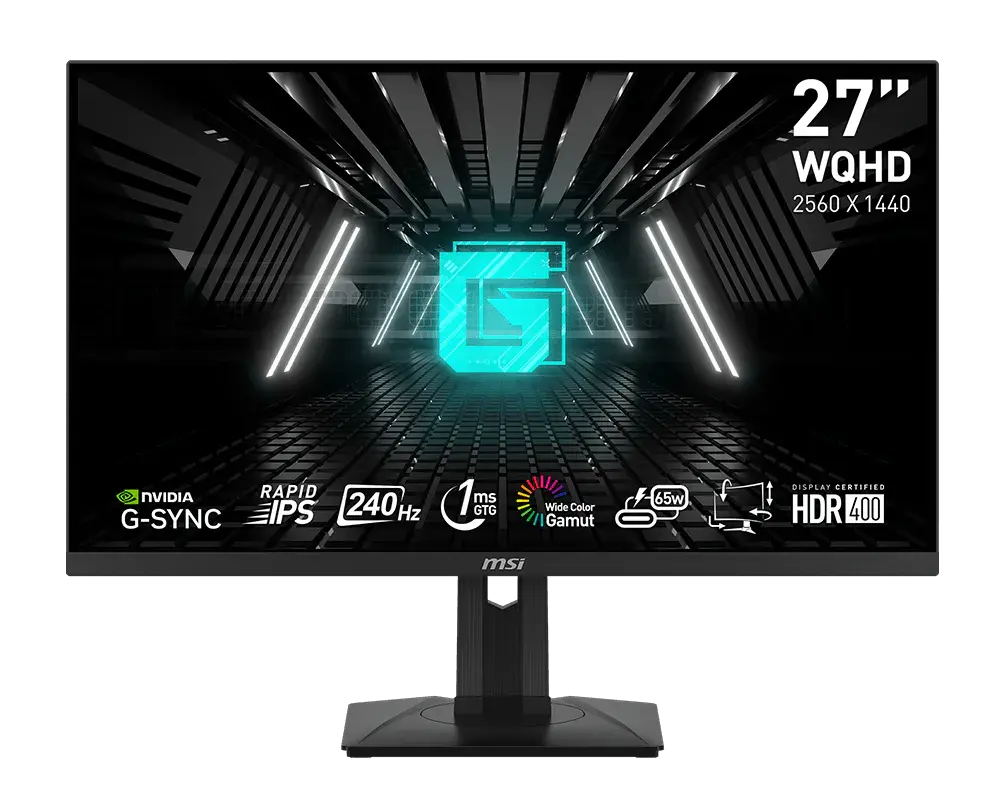 MSI G274QPX27-inch · 2560 × 1440 · 240 Hz · MSI global specificationCompare the two