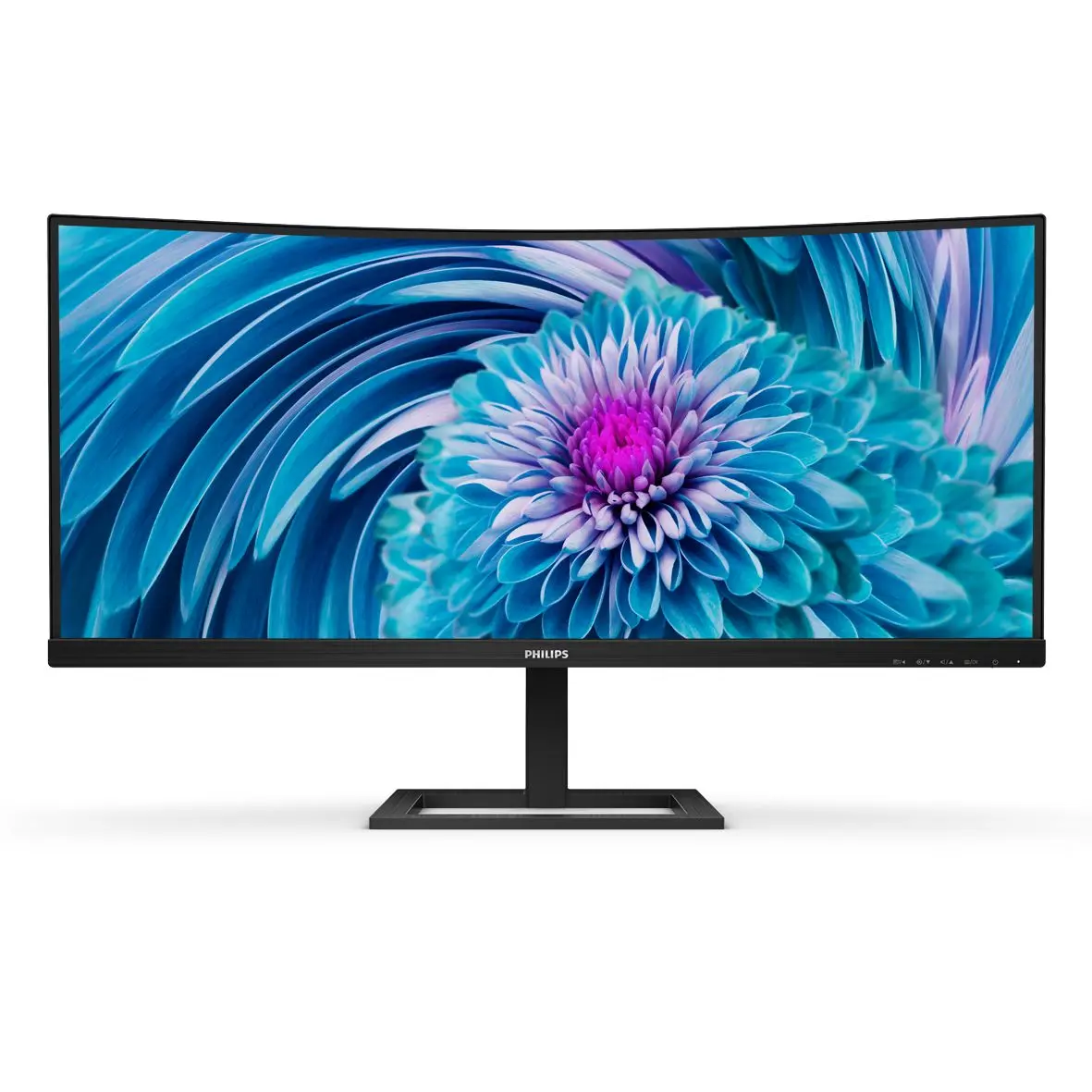
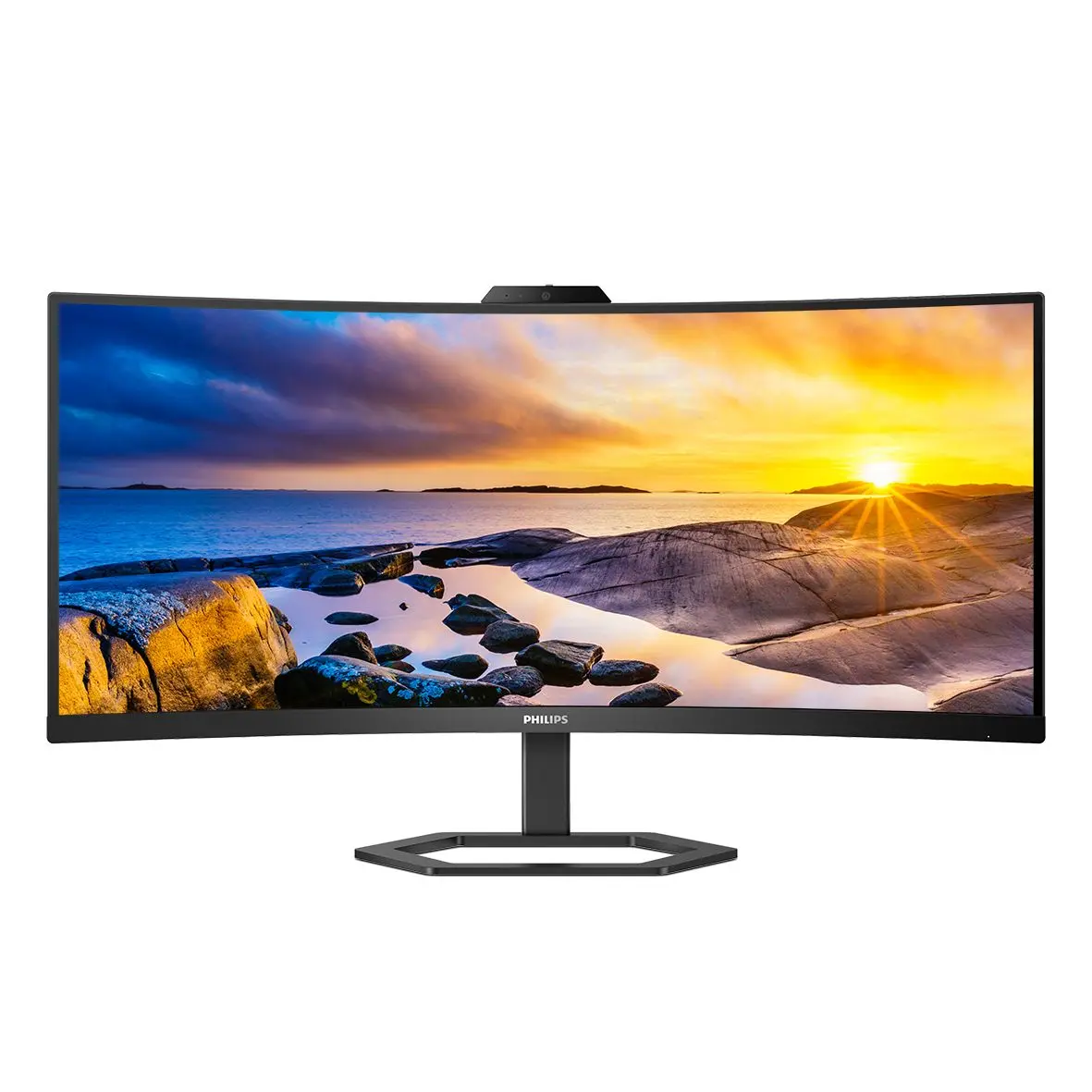
Philips 346E2CUAE/01The maximum resolution works for either HDMI input or DP input. For best output performance, please always ensure that your graphic card is capable of achieving the maximum resolution and refresh rate of this Philips display. Response time value equal to SmartResponse MPRT adjusts the brightness for blur reduction, so the brightness cannot be adjusted while MPRT is turned on. To reduce motion blur, the LED backlight will strobe in time with the screen refresh rate, which may cause a noticeable change in brightness. MPRT is a gaming-optimised mode. Turning on MPRT may cause noticeable screen flickering. It is recommended to turn this mode off when you are not using the gaming function. NTSC Area based on CIE 1976 sRGB Area based on CIE1931 2020 Advanced Micro Devices, Inc. All rights reserved. AMD, the AMD Arrow logo, AMD FreeSync™ and combinations thereof are trademarks of Advanced Micro Devices, Inc. Other product names used in this publication are for identification purposes only and may be trademarks of their respective companies. For USB-C power and charging function, your Notebook/device must support USB-C standard Power Delivery specifications. Please check with your Notebook user manual or manufacturer for more details. For Video transmission via USB-C, your Notebook/device must support USB-C DP Alt mode The monitor may look different from feature images. EPEAT rating is valid only where Philips registers the product. Please visit https://www.epeat.net/ for registration status in your country. The products and accessories listed on this leaflet may differ by country and region.
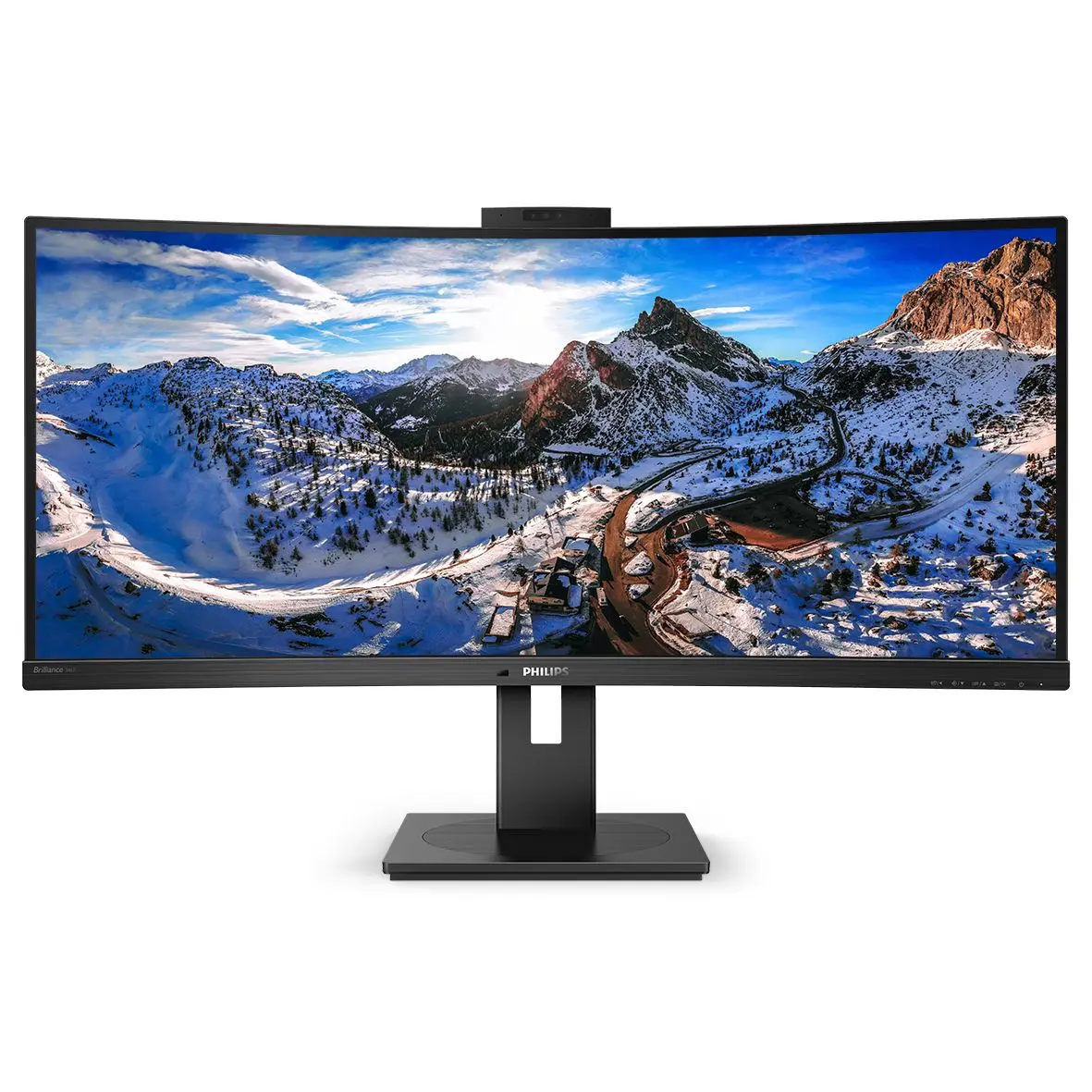
Philips 346P1CRH/00Radius of the arc of the display curvature in mm The maximum resolution works for either USB-C, DP or HDMI input. When connecting to USB-C, if your PC doesn't support HBR3, please switch the USB hub setting to USB 2.0 and the resolution will support 3440 x 1440 @ 100 Hz. Response time value equal to SmartResponse BT. 709 / DCI-P3 Coverage based on CIE1976 NTSC Area based on CIE1976 sRGB Area based on CIE1931 Adobe RGB Coverage based on CIE 1976 If your Ethernet connection seems slow, please enter the OSD menu and select USB 3.0 or a higher version that can support the LAN speed up to 1G. DisplayPort 1.4 version is for HDR For Video transmission via USB-C, your Notebook/device must support USB-C DP Alt mode For USB-C power and charging function, your Notebook/device must support USB-C standard Power Delivery specifications. Please check with your Notebook user manual or manufacturer for more details. Maximum number of external displays that can be supported: 1 by using USB-C, 2 by using DP The maximum external monitor resolution will depend on bandwidth limitation. If your monitor is connected with USB-C and the PC supports HBR3, you can have MST function with a max resolution of 3440 x 1440 @ 60 Hz in the primary monitor and 1920 x 1080 @ 60 Hz in the secondary monitor. If not, please change the USB setting of the primary monitor to USB 2.0 via the OSD setting to have MST function If using MST over DP, both the primary and secondary monitor need to be set to DP out extend mode via the monitor's OSD setting and the maximum resolution of both the primary and the secondary monitor can only be 3440 x 1440 @ 60 Hz. EPEAT rating is valid only where Philips registers the product. Please visit https://www.epeat.net/ for registration status in your country. The monitor may look different from feature images. The products and accessories listed on this leaflet may differ by country and region. The cable(s) supplied with the product may vary in type, quantity and specifications in line with country- or region-specific requirements.