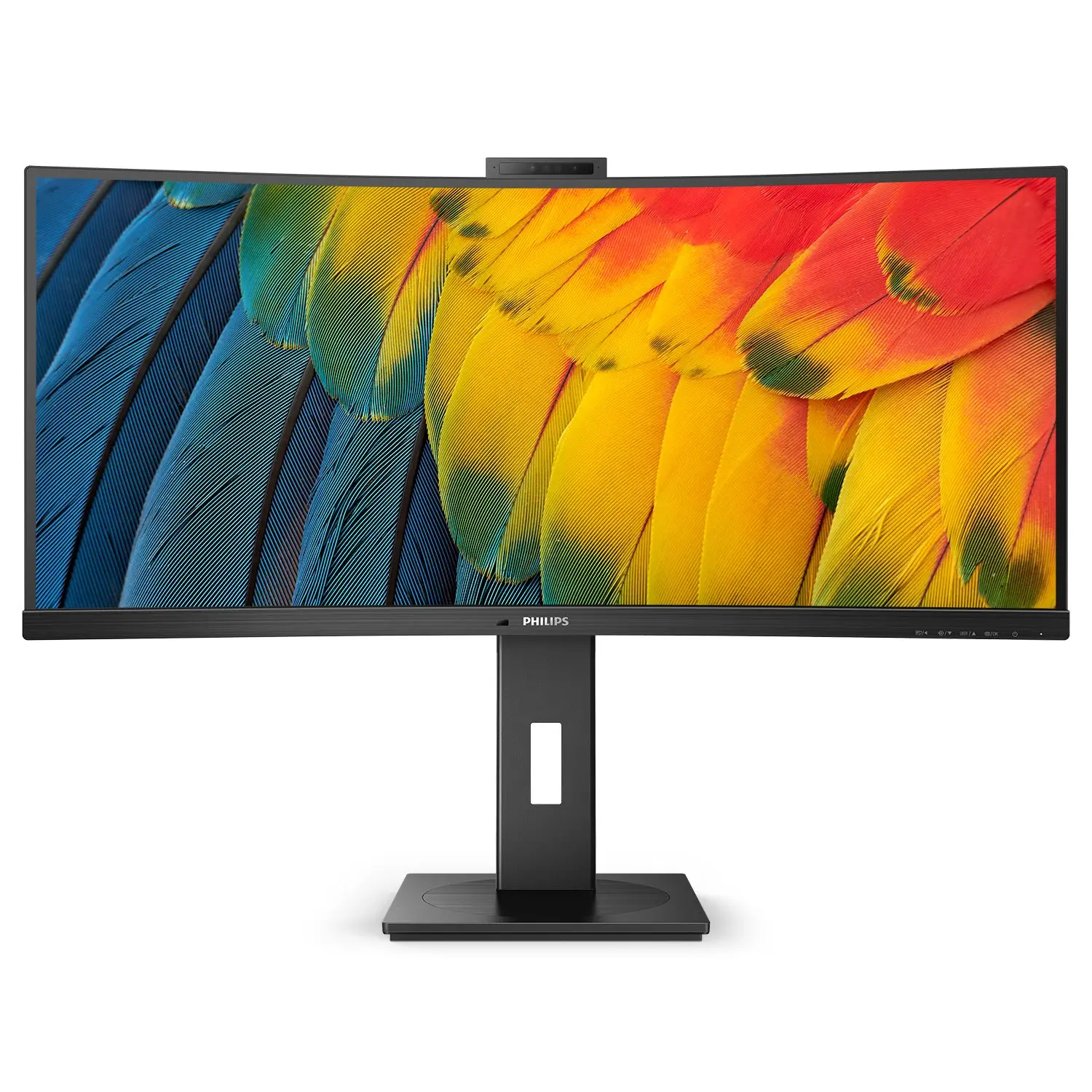
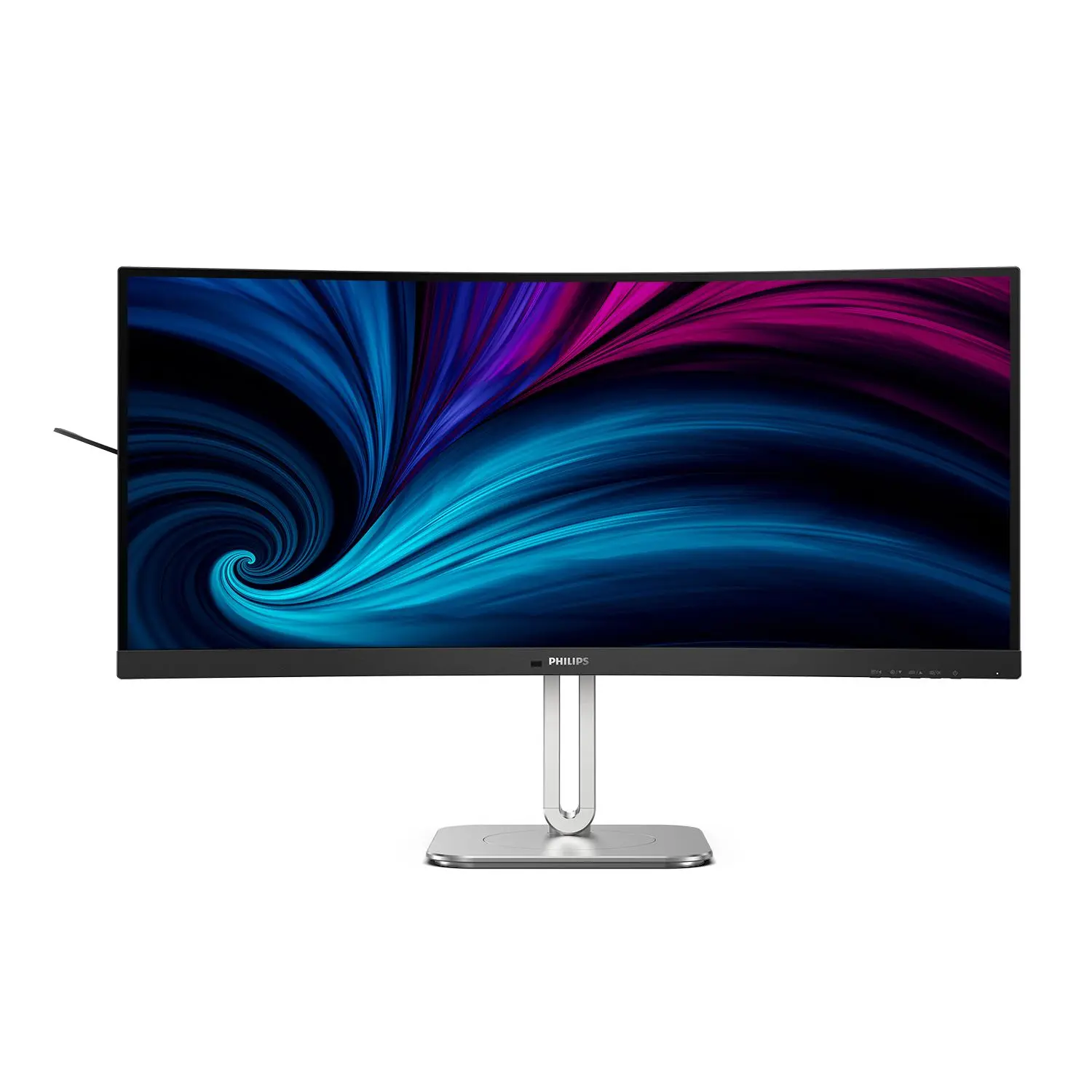
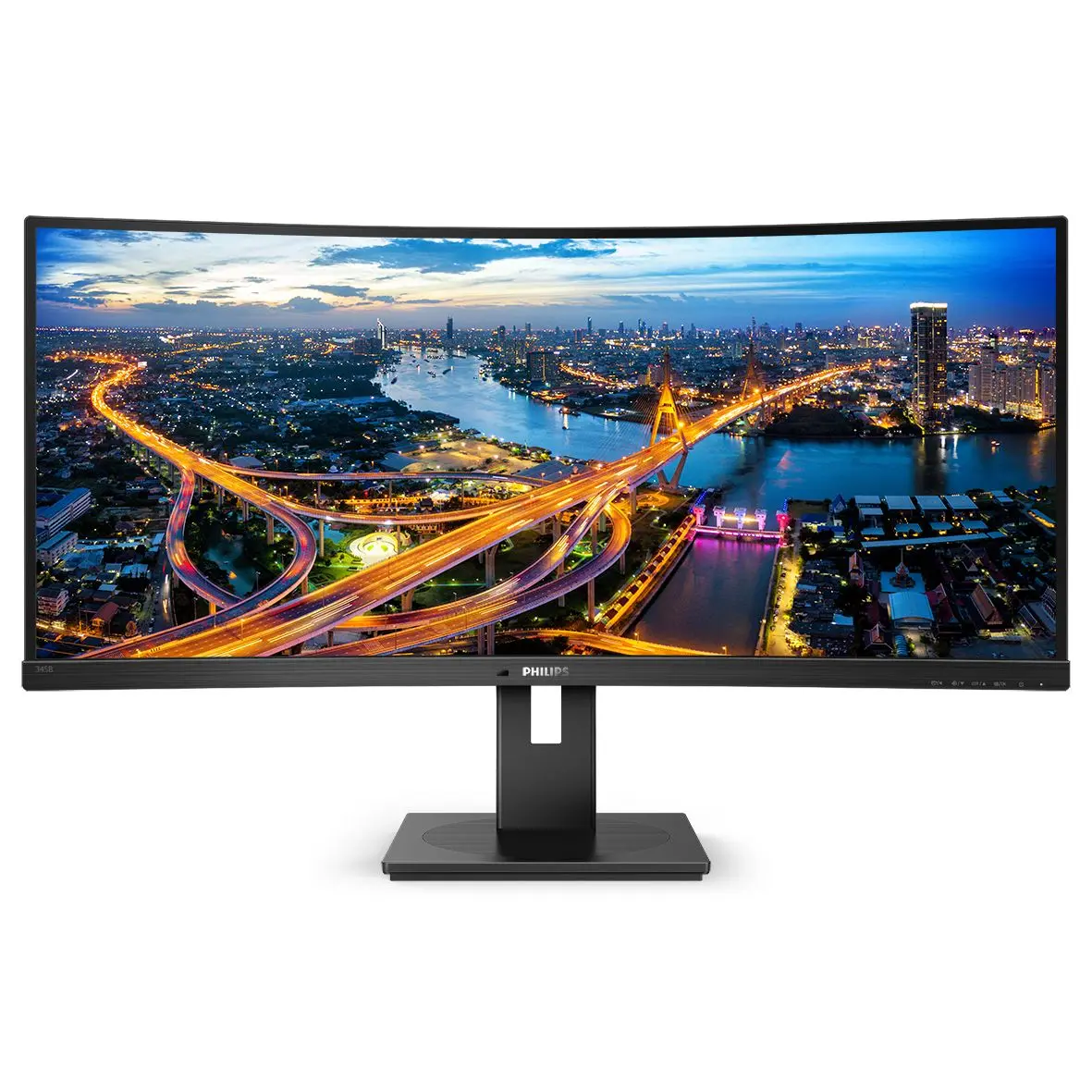
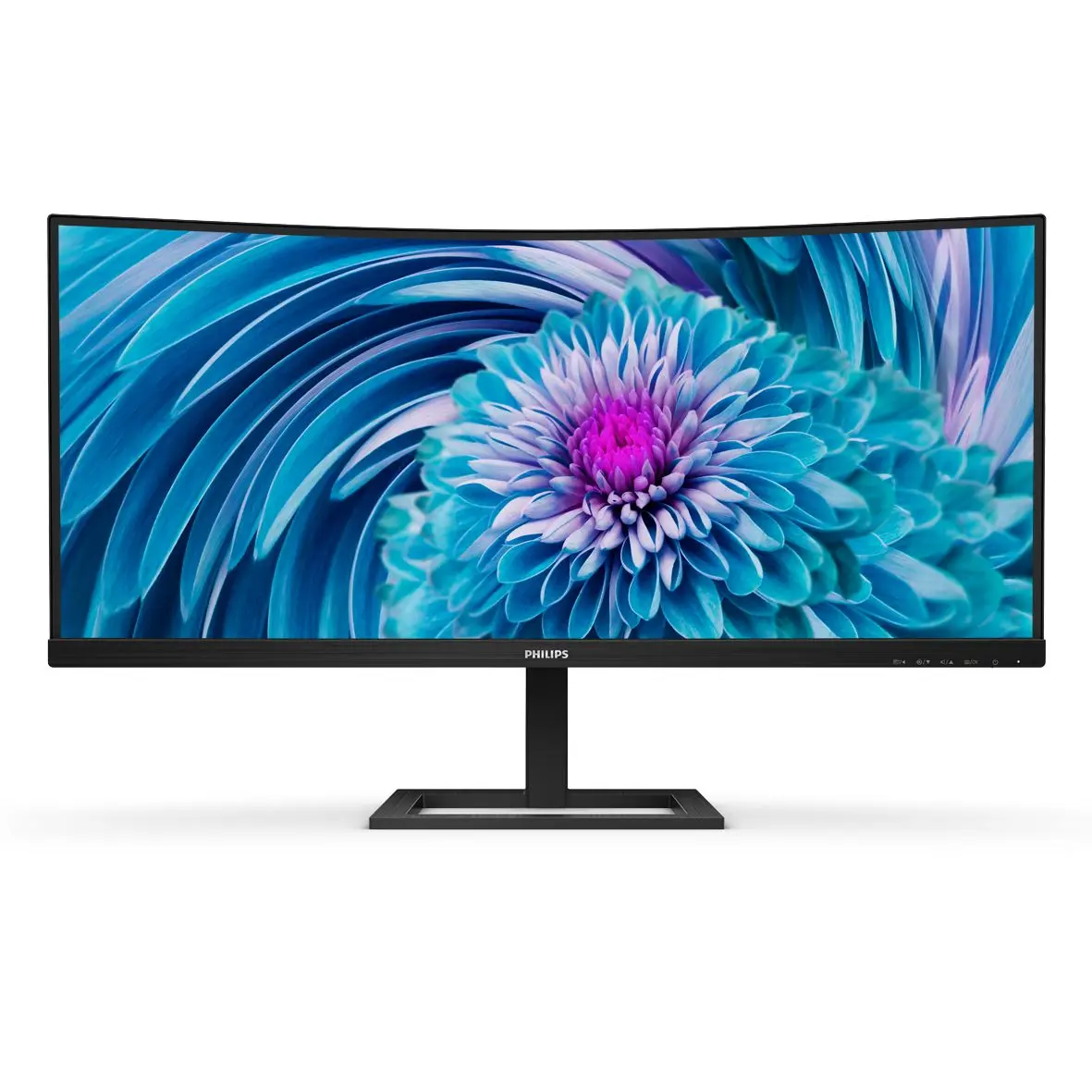
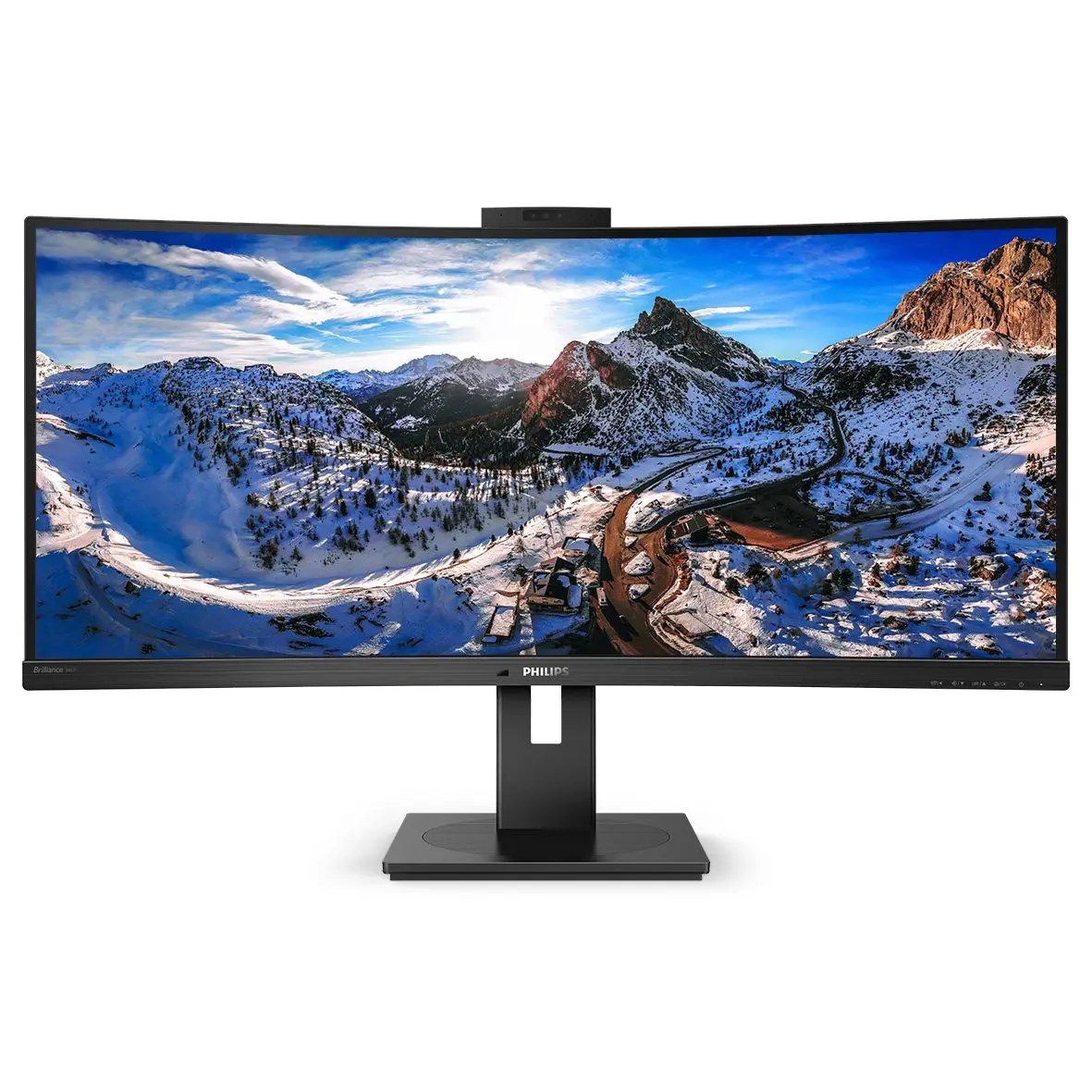
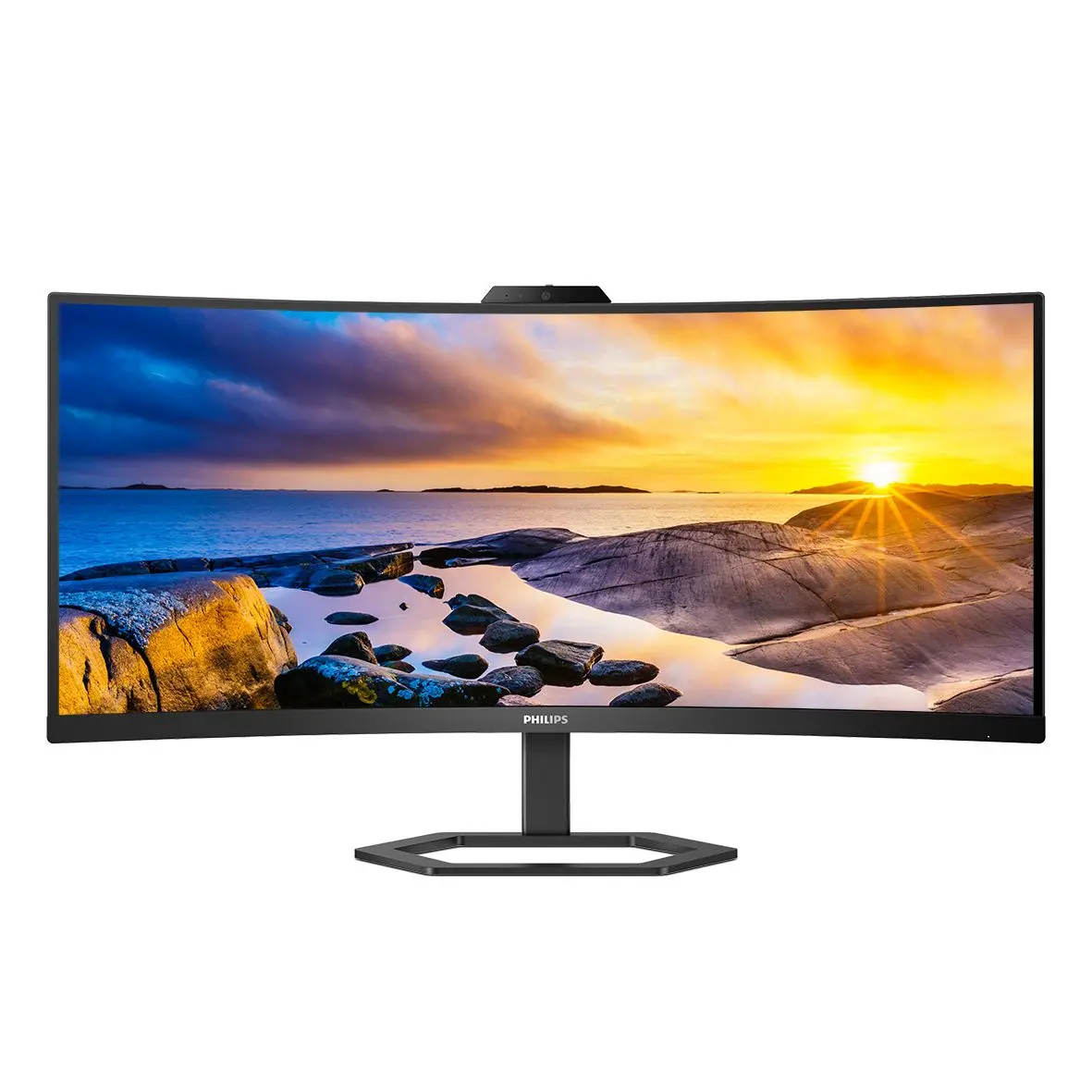
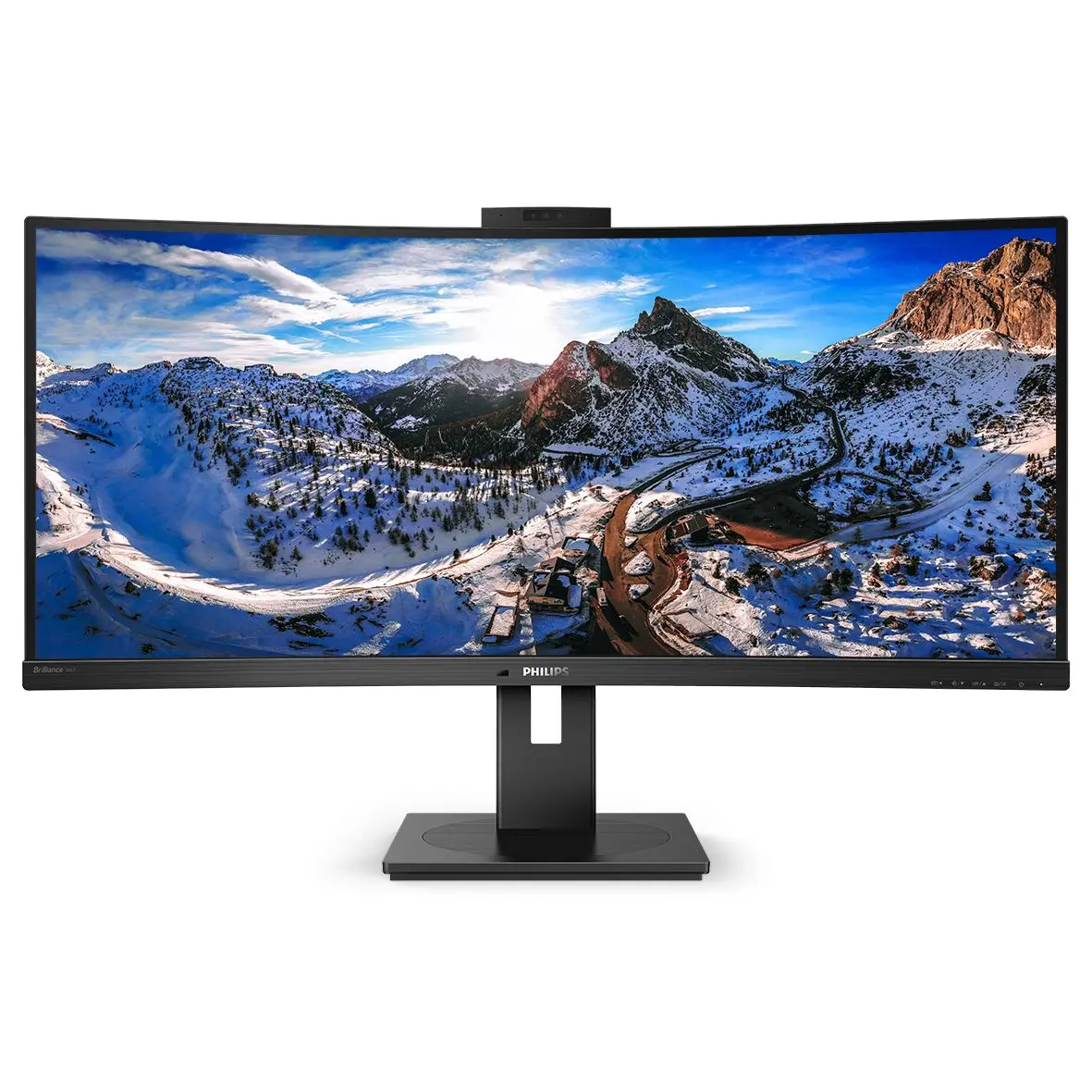
Philips 346P1CRH/00 in its exact official UK catalogue configuration. The manufacturer specifies a 34-inch display; panel, input-specific refresh and stand details are preserved in the specifications.
The source identifies the exact regional model and its display, stand and connection details. Compare the published requirements for your inputs and room or desk; these are manufacturer claims.
Specifications and included accessories can vary by regional code. Manufacturer test conditions and illustrative-image qualifications are preserved. Current stock, independent picture quality and measured performance are not established.
Exact configuration: 346P1CRH/00 · official en_GB catalogue configuration
91 specifications in 11 groups. Values are manufacturer specifications unless a row says “Measured result” or “Calculated from cited specifications”. 2 rows repeat listed facts in the manufacturer’s own wording, kept under “Manufacturer wording”.
Manufacturer display/input specification: 3440 x 1440 @ 100 Hz*. Input, cable, resolution and overclocking requirements remain as published; this is not measured performance.
DisplayPort 1.4 x 1, HDMI 2.0 x 1, USB-C 3.2 Gen 2 x 1 (upstream, power delivery up to 90 W) (Signal Input); Sync Input (Separate Sync); Audio (In/Out) (Headphone out); Ethernet LAN up to 1G*, Wake-on-LAN (RJ45); DisplayPort out (DP, USB-C)* (Signal Output); USB-C x 1, USB-B x 1 (upstream), USB 3.2 x 4 (downstream with 1 fast charge B.C 1.2) (USB:); HDCP 2.2 (HDMI/DP) (HDCP); HBR3 (USB-C) (HBR3)
Section: Connectivity. Source wording and any stated units retained. Unlisted units and capability absences are not inferred. Source field: Signal Input. Section: Connectivity. Source wording and any stated units retained. Unlisted units and capability absences are not inferred. Source field: Sync Input. Section: Connectivity. Source wording and any stated units retained. Unlisted units and capability absences are not inferred. Source field: Audio (In/Out). Section: Connectivity. Source wording and any stated units retained. Unlisted units and capability absences are not inferred. Source field: RJ45. Section: Connectivity. Source wording and any stated units retained. Unlisted units and capability absences are not inferred. Source field: Signal Output. Section: Connectivity. Source wording and any stated units retained. Unlisted units and capability absences are not inferred. Source field: USB:. Section: Connectivity. Source wording and any stated units retained. Unlisted units and capability absences are not inferred. Source field: HDCP. Section: Connectivity. Source wording and any stated units retained. Unlisted units and capability absences are not inferred. Source field: HBR3.
Product with stand (max height): 807 x 601 x 250 mm
Manufacturer tuple, units and stand basis retained exactly. No missing axis label or malformed tuple is silently corrected. Unit context: the same manufacturer Dimensions chapter explicitly labels its dimensions in mm; that chapter unit is applied to the with-stand tuple.
Radius of the arc of the display curvature in mm The maximum resolution works for either USB-C, DP or HDMI input. When connecting to USB-C, if your PC doesn't support HBR3, please switch the USB hub setting to USB 2.0 and the resolution will support 3440 x 1440 @ 100 Hz. Response time value equal to SmartResponse BT. 709 / DCI-P3 Coverage based on CIE1976 NTSC Area based on CIE1976 sRGB Area based on CIE1931 Adobe RGB Coverage based on CIE 1976 If your Ethernet connection seems slow, please enter the OSD menu and select USB 3.0 or a higher version that can support the LAN speed up to 1G. DisplayPort 1.4 version is for HDR For Video transmission via USB-C, your Notebook/device must support USB-C DP Alt mode For USB-C power and charging function, your Notebook/device must support USB-C standard Power Delivery specifications. Please check with your Notebook user manual or manufacturer for more details. Maximum number of external displays that can be supported: 1 by using USB-C, 2 by using DP The maximum external monitor resolution will depend on bandwidth limitation. If your monitor is connected with USB-C and the PC supports HBR3, you can have MST function with a max resolution of 3440 x 1440 @ 60 Hz in the primary monitor and 1920 x 1080 @ 60 Hz in the secondary monitor. If not, please change the USB setting of the primary monitor to USB 2.0 via the OSD setting to have MST function If using MST over DP, both the primary and secondary monitor need to be set to DP out extend mode via the monitor's OSD setting and the maximum resolution of both the primary and the secondary monitor can only be 3440 x 1440 @ 60 Hz. EPEAT rating is valid only where Philips registers the product. Please visit https://www.epeat.net/ for registration status in your country. The monitor may look different from feature images. The products and accessories listed on this leaflet may differ by country and region. The cable(s) supplied with the product may vary in type, quantity and specifications in line with country- or region-specific requirements.Source
Packaging in mm (W x H x D)
904 x 525 x 282
Section: Dimensions. Source wording and any stated units retained. Unlisted units and capability absences are not inferred.




 Philips 34B1U5600CH/0034B1U5600CH/00 · official en_GB catalogue configuration