Skip to comparison
versus.deals
Menu
Browse versus.deals
MONITORS · YOUR NEXT FACE-OFF

ASUS ROG Strix XG32WCMS vs ASUS ROG Strix XG27WCMS

Real specs. Clear sources.Exact models · UK & US buying links

Compared products

YOUR FIRST CHOICE

ASUS ROG Strix XG32WCMS

UK manufacturer specification · ROG Strix XG32WCMS
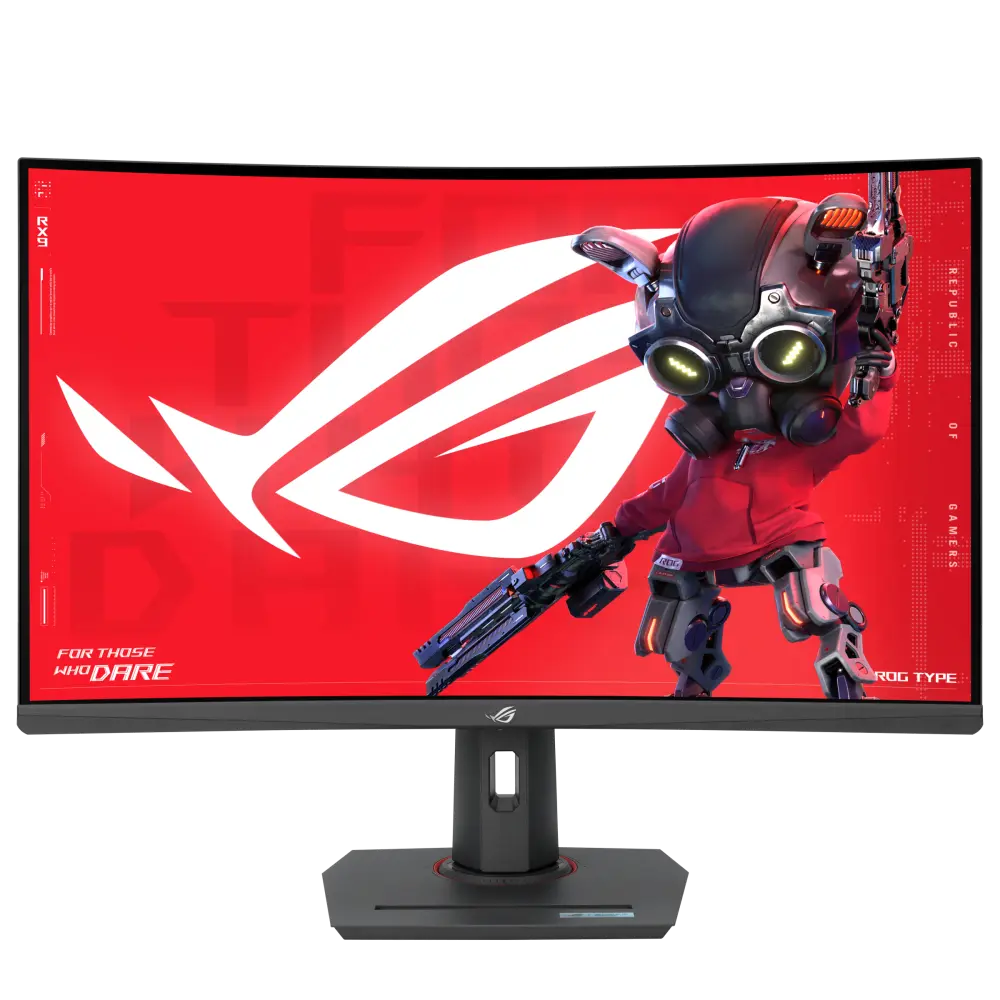
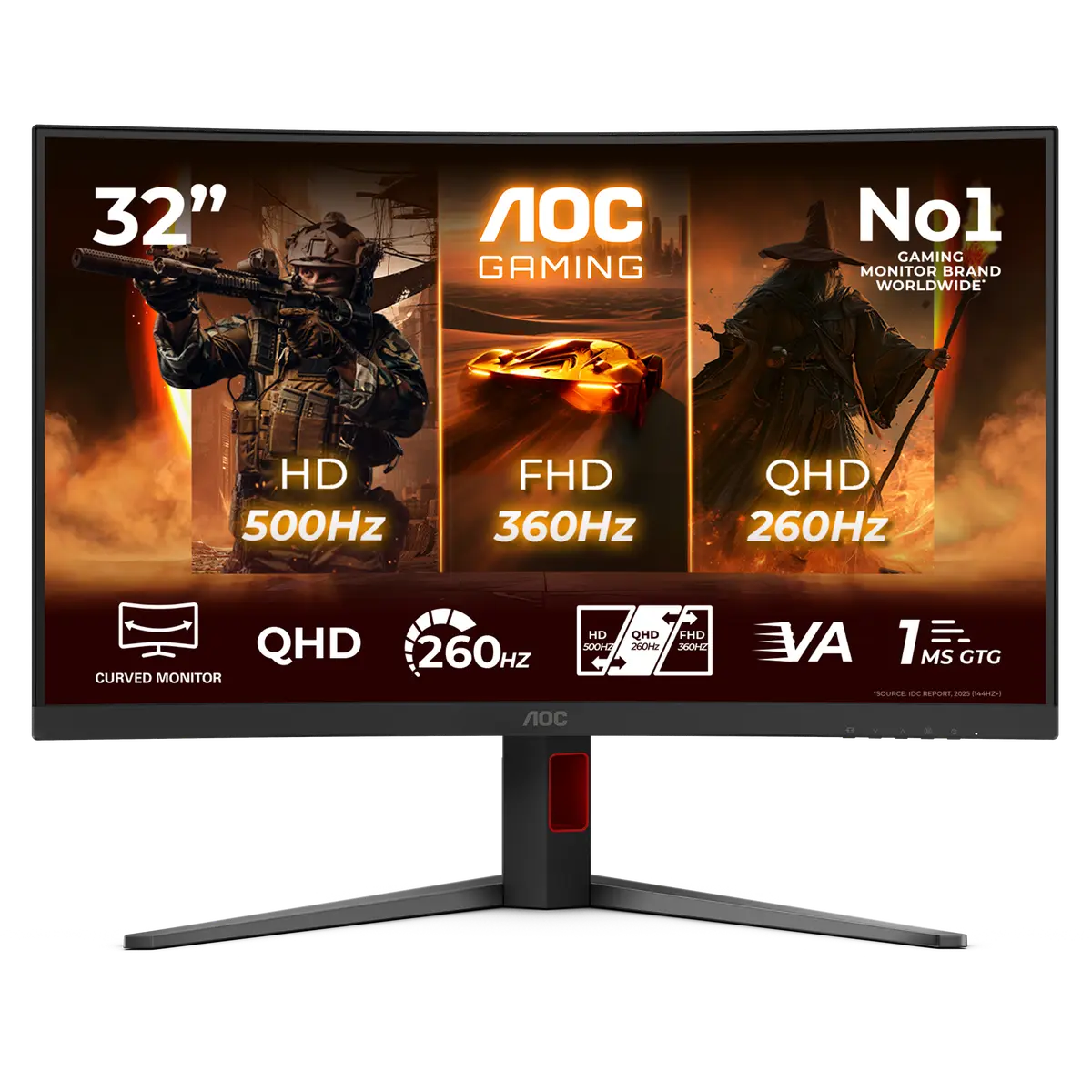
ASUS ROG Strix XG32WCMS official product image
Exact model & source notes

ROG Strix XG32WCMS monitor, identified in the ASUS UK catalogue. Specifications below retain the manufacturer’s configuration and interface conditions.

Specifications checked 17 Oct 2026.

Amazon links open search results. Check the exact variant, current price and availability with the retailer.

Manufacturer specifications

WHICH SUITS YOU?

Choose the XG32WCMS for

  • Larger stated screen diagonal: 31.5 in vs 27 in

Choose the XG27WCMS for

  • Smaller stated screen diagonal: 27 in vs 31.5 in
Built from verified specifications that differ. Not a rating or a recommendation.
See the 6 verified differences
THE CONTENDER

ASUS ROG Strix XG27WCMS

UK manufacturer specification · ROG Strix XG27WCMS

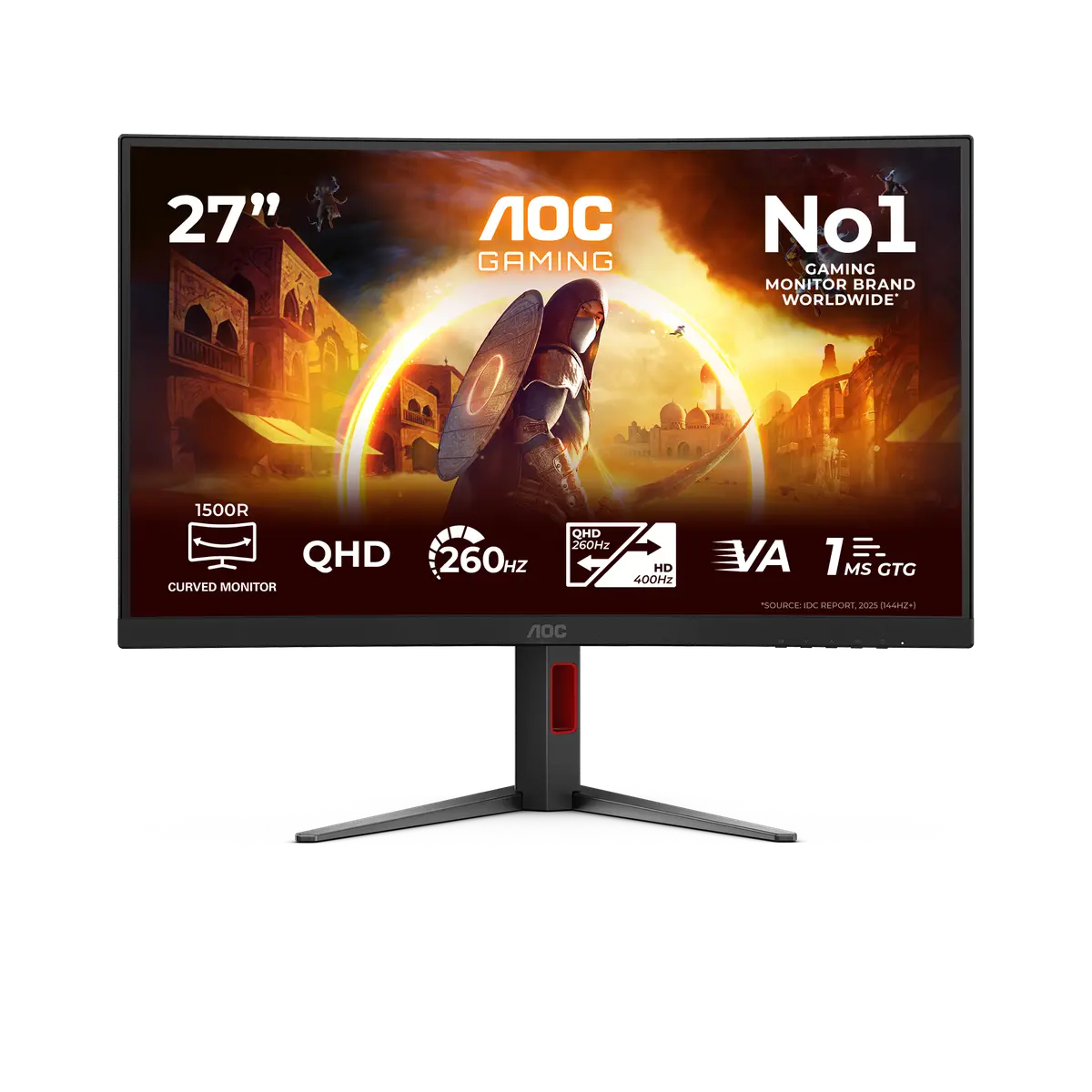
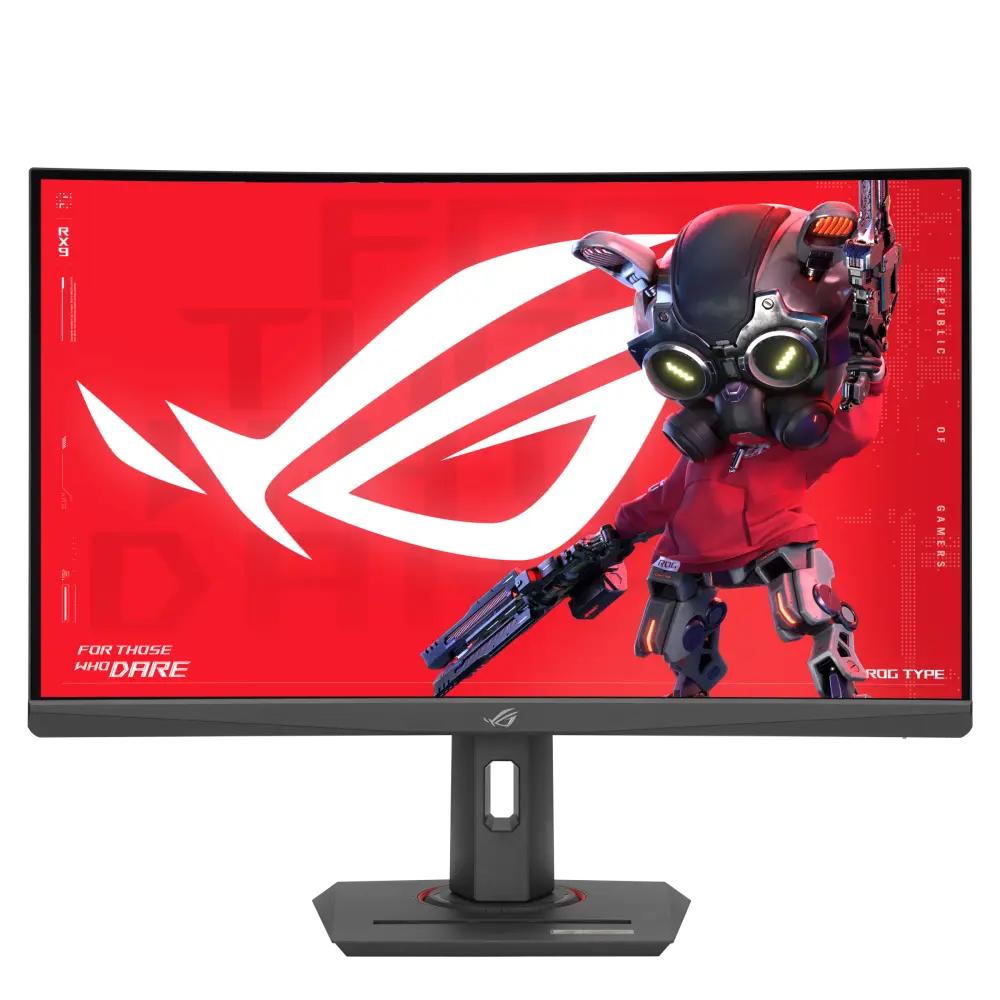
ASUS ROG Strix XG27WCMS official product image
Exact model & source notes

ROG Strix XG27WCMS monitor, identified in the ASUS UK catalogue. Specifications below retain the manufacturer’s configuration and interface conditions.

Specifications checked 17 Oct 2026.

Amazon links open search results. Check the exact variant, current price and availability with the retailer.

Manufacturer specifications

XG32WCMS UK & US retailers

UK & US price history: no verified listing yet

XG27WCMS UK & US retailers

UK & US price history: no verified listing yet

Search links open retailer results, not a matched listing; eBay listings are checked daily. As an Amazon Associate I earn from qualifying purchases. As an eBay Partner, we may be compensated if you make a purchase.

THE DIFFERENCES, MADE VISIBLE

Visual facts

Differences first. Select a topic for its graphic, sources and conditions.

How to read this comparison
  • Manufacturer facts for the exact models shown. Not a quality rating or a test result.
  • “Different” means the known values differ, not that one is better.
  • Missing or conflicting evidence is marked and never counts as a difference. Source chips hold each fact’s sources and conditions.
SPECIFICATIONS SIDE BY SIDE7 topics
SELECTED TOPIC
01 / 07

Screen diagonal

Panel diagonal. Resolution, aspect ratio and viewing distance also affect the workspace; a larger diagonal is not an image-quality score.

Explore the full specifications

Match the monitor to the connection. Refresh limits depend on the input, cable and source device. Confirm the exact regional ports, stand adjustment and mount. Manufacturer response-time methods such as MPRT and GtG are different; neither the image nor these figures establish an independent motion or colour-quality test.

WHAT CHANGES BETWEEN THEM?

Key differences

Full specifications ↓

6 verified differences, most decision-relevant first. All are also drawn in Visual facts above. Missing information stays separate.

Stand and mounting details

In Visual facts
ASUS ROG Strix XG32WCMS1/4" Tripod Socket: Yes Tilt: Yes (+20° ~ -5°) Swivel: Yes (+25° ~ -25°) Height Adjustment: 0~110mm VESA Wall Mounting: 100x100mm Kensington Lock: Yes
ASUS ROG Strix XG27WCMS1/4" Tripod Socket: Yes Tilt: Yes (+20° ~ -5°) Swivel: Yes (+35° ~ -35°) Height Adjustment: 0~120mm VESA Wall Mounting: 100x100mm Kensington Lock: Yes
Sources
ASUS ROG Strix XG32WCMS

Manufacturer specification

ASUS ROG Strix XG32WCMS — official UK technical specifications
ASUS ROG Strix XG27WCMS

Manufacturer specification

ASUS ROG Strix XG27WCMS — official UK technical specifications

Compare the supplied stand and mounting requirements. These affect positioning and desk fit; they do not establish panel quality. Check any separately stated limits or conflicting dimensions.

Declared typical brightness

In Visual facts
ASUS ROG Strix XG32WCMS350 cd/m²
ASUS ROG Strix XG27WCMS400 cd/m²
Sources
ASUS ROG Strix XG32WCMS

Manufacturer specification · Manufacturer typical claim; not measured luminance or HDR peak. Original: 350cd/㎡

ASUS ROG Strix XG32WCMS — official UK technical specifications
ASUS ROG Strix XG27WCMS

Manufacturer specification · Manufacturer typical claim; not measured luminance or HDR peak. Original: 400cd/㎡

ASUS ROG Strix XG27WCMS — official UK technical specifications

Check the exact configuration and source conditions for your use.

Input-specific signal modes

In Visual facts
ASUS ROG Strix XG32WCMSDigital Signal Frequency: HDMI: 30-415KHz (H) / 48-280Hz (V) USB-C, DisplayPort: 415-415KHz (H) / 48-280Hz (V)
ASUS ROG Strix XG27WCMSDigital Signal Frequency: USB-C, DisplayPort: 415~415 KHz (H) /60~280 Hz (V) HDMI: 30~415 KHz (H) / 60~280Hz (V)
Sources
ASUS ROG Strix XG32WCMS

Manufacturer specification

ASUS ROG Strix XG32WCMS — official UK technical specifications
ASUS ROG Strix XG27WCMS

Manufacturer specification

ASUS ROG Strix XG27WCMS — official UK technical specifications

Check the exact configuration and source conditions for your use.

Dimensions with supplied configuration

In Visual facts
ASUS ROG Strix XG32WCMSPhys. Dimension with stand (W x H x D): 70.8 x 57.3 x 24.6 cm (27.87" x 22.56" x 9.69")
ASUS ROG Strix XG27WCMSPhys. Dimension with stand (W x H x D): 61.1 x 39.0 x 21.9 cm (24.06" x 15.35" x 8.62")
Sources
ASUS ROG Strix XG32WCMS

Manufacturer specification · Manufacturer estimated dimensions; original ordering, units and regional qualifications retained. See source for stand configuration.

ASUS ROG Strix XG32WCMS — official UK technical specifications
ASUS ROG Strix XG27WCMS

Manufacturer specification · Manufacturer estimated dimensions; original ordering, units and regional qualifications retained. See source for stand configuration.

ASUS ROG Strix XG27WCMS — official UK technical specifications

A size or weight trade-off; it does not establish the better product.

9 shared fields have the same recorded value.

WHAT EACH CHOICE ASKS OF YOU

What it brings and what to check

ASUS ROG Strix XG32WCMS

What it brings

  • Published monitor interfaces and configuration are available from the exact-model ASUS specification source.

What to check

  • Compatibility and maximum operating modes depend on the source’s stated hardware, firmware and connection requirements; manufacturer figures are not independent measurements.

ASUS ROG Strix XG27WCMS

What it brings

  • Published monitor interfaces and configuration are available from the exact-model ASUS specification source.

What to check

  • Compatibility and maximum operating modes depend on the source’s stated hardware, firmware and connection requirements; manufacturer figures are not independent measurements.
COMPARE THE DETAILS

Full specifications

How we verify
15 of 15 specifications Sources in each row
Source-backed specifications for ASUS ROG Strix XG32WCMS and ASUS ROG Strix XG27WCMS
SpecificationASUS ROG Strix XG32WCMSASUS ROG Strix XG27WCMS
Screen diagonalDifferent
Sources
ASUS ROG Strix XG32WCMS

Manufacturer specification

ASUS ROG Strix XG32WCMS — official UK technical specifications
ASUS ROG Strix XG27WCMS

Manufacturer specification

ASUS ROG Strix XG27WCMS — official UK technical specifications
31.5 in27 in
Native resolution
Sources
ASUS ROG Strix XG32WCMS

Manufacturer specification

ASUS ROG Strix XG32WCMS — official UK technical specifications
ASUS ROG Strix XG27WCMS

Manufacturer specification

ASUS ROG Strix XG27WCMS — official UK technical specifications
2560x14402560x1440
Panel technology
Sources
ASUS ROG Strix XG32WCMS

Manufacturer specification

ASUS ROG Strix XG32WCMS — official UK technical specifications
ASUS ROG Strix XG27WCMS

Manufacturer specification

ASUS ROG Strix XG27WCMS — official UK technical specifications
Fast VAFast VA
Aspect ratio
Sources
ASUS ROG Strix XG32WCMS

Manufacturer specification

ASUS ROG Strix XG32WCMS — official UK technical specifications
ASUS ROG Strix XG27WCMS

Manufacturer specification

ASUS ROG Strix XG27WCMS — official UK technical specifications
16:916:9
Panel coating
Sources
ASUS ROG Strix XG32WCMS

Manufacturer specification

ASUS ROG Strix XG32WCMS — official UK technical specifications
ASUS ROG Strix XG27WCMS

Manufacturer specification

ASUS ROG Strix XG27WCMS — official UK technical specifications
Anti-GlareAnti-Glare
Contrast-ratio claimDifferent
Sources
ASUS ROG Strix XG32WCMS

Manufacturer specification

ASUS ROG Strix XG32WCMS — official UK technical specifications
ASUS ROG Strix XG27WCMS

Manufacturer specification

ASUS ROG Strix XG27WCMS — official UK technical specifications
4000:13000:1
Display colours
Sources
ASUS ROG Strix XG32WCMS

Manufacturer specification

ASUS ROG Strix XG32WCMS — official UK technical specifications
ASUS ROG Strix XG27WCMS

Manufacturer specification

ASUS ROG Strix XG27WCMS — official UK technical specifications
16.7M16.7M
Declared typical brightnessDifferent
Sources
ASUS ROG Strix XG32WCMS

Manufacturer specification · Manufacturer typical claim; not measured luminance or HDR peak. Original: 350cd/㎡

ASUS ROG Strix XG32WCMS — official UK technical specifications
ASUS ROG Strix XG27WCMS

Manufacturer specification · Manufacturer typical claim; not measured luminance or HDR peak. Original: 400cd/㎡

ASUS ROG Strix XG27WCMS — official UK technical specifications
350 cd/m²400 cd/m²
Maximum refresh rate
Sources
ASUS ROG Strix XG32WCMS

Manufacturer specification · Manufacturer-listed maximum; input-specific signal-frequency restrictions, overclocking and source/cable requirements remain as shown in the specifications. Digital Signal Frequency : HDMI : 30-415KHz (H) / 48-280Hz (V) USB-C, DisplayPort : 415-415KHz (H) / 48-280Hz (V)

ASUS ROG Strix XG32WCMS — official UK technical specifications
ASUS ROG Strix XG27WCMS

Manufacturer specification · Manufacturer-listed maximum; input-specific signal-frequency restrictions, overclocking and source/cable requirements remain as shown in the specifications. Digital Signal Frequency : USB-C, DisplayPort: 415~415 KHz (H) /60~280 Hz (V) HDMI: 30~415 KHz (H) / 60~280Hz (V)

ASUS ROG Strix XG27WCMS — official UK technical specifications
280 Hz280 Hz
Response-time claim
Sources
ASUS ROG Strix XG32WCMS

Manufacturer specification

ASUS ROG Strix XG32WCMS — official UK technical specifications
ASUS ROG Strix XG27WCMS

Manufacturer specification

ASUS ROG Strix XG27WCMS — official UK technical specifications
1ms(GTG)1ms(GTG)
Input-specific signal modesDifferent
Sources
ASUS ROG Strix XG32WCMS

Manufacturer specification

ASUS ROG Strix XG32WCMS — official UK technical specifications
ASUS ROG Strix XG27WCMS

Manufacturer specification

ASUS ROG Strix XG27WCMS — official UK technical specifications
Digital Signal Frequency: HDMI: 30-415KHz (H) / 48-280Hz (V) USB-C, DisplayPort: 415-415KHz (H) / 48-280Hz (V)Digital Signal Frequency: USB-C, DisplayPort: 415~415 KHz (H) /60~280 Hz (V) HDMI: 30~415 KHz (H) / 60~280Hz (V)
Inputs and versions
Sources
ASUS ROG Strix XG32WCMS

Manufacturer specification

ASUS ROG Strix XG32WCMS — official UK technical specifications
ASUS ROG Strix XG27WCMS

Manufacturer specification

ASUS ROG Strix XG27WCMS — official UK technical specifications
DisplayPort 1.4x 1 (HBR3) HDMI (v2.1)x 1 (FRL) USB-Cx 1 (DP Alt Mode) Earphone jack: Yes USB-C Power Delivery: 15WDisplayPort 1.4x 1 (HBR3) HDMI (v2.1)x 1 (FRL) USB-Cx 1 (DP Alt Mode) Earphone jack: Yes USB-C Power Delivery: 15W
Audio and speaker specification
Sources
ASUS ROG Strix XG32WCMS

Manufacturer specification

ASUS ROG Strix XG32WCMS — official UK technical specifications
ASUS ROG Strix XG27WCMS

Manufacturer specification

ASUS ROG Strix XG27WCMS — official UK technical specifications
Speaker:NoSpeaker:No
Dimensions with supplied configurationDifferent
Sources
ASUS ROG Strix XG32WCMS

Manufacturer specification · Manufacturer estimated dimensions; original ordering, units and regional qualifications retained. See source for stand configuration.

ASUS ROG Strix XG32WCMS — official UK technical specifications
ASUS ROG Strix XG27WCMS

Manufacturer specification · Manufacturer estimated dimensions; original ordering, units and regional qualifications retained. See source for stand configuration.

ASUS ROG Strix XG27WCMS — official UK technical specifications
Phys. Dimension with stand (W x H x D): 70.8 x 57.3 x 24.6 cm (27.87" x 22.56" x 9.69")Phys. Dimension with stand (W x H x D): 61.1 x 39.0 x 21.9 cm (24.06" x 15.35" x 8.62")
Stand and mounting detailsDifferent
Sources
ASUS ROG Strix XG32WCMS

Manufacturer specification

ASUS ROG Strix XG32WCMS — official UK technical specifications
ASUS ROG Strix XG27WCMS

Manufacturer specification

ASUS ROG Strix XG27WCMS — official UK technical specifications
1/4" Tripod Socket: Yes Tilt: Yes (+20° ~ -5°) Swivel: Yes (+25° ~ -25°) Height Adjustment: 0~110mm VESA Wall Mounting: 100x100mm Kensington Lock: Yes1/4" Tripod Socket: Yes Tilt: Yes (+20° ~ -5°) Swivel: Yes (+35° ~ -35°) Height Adjustment: 0~120mm VESA Wall Mounting: 100x100mm Kensington Lock: Yes
FIND YOUR CONTENDERS

More products

Closest monitors to this pair by shared key specifications. Not a popularity ranking.

See all 1749 monitors

Each record represents an explicitly checked model and configuration. Original import: 5 Sept 2026; this is not its verification date. This is not a list of current offers or a popularity ranking.