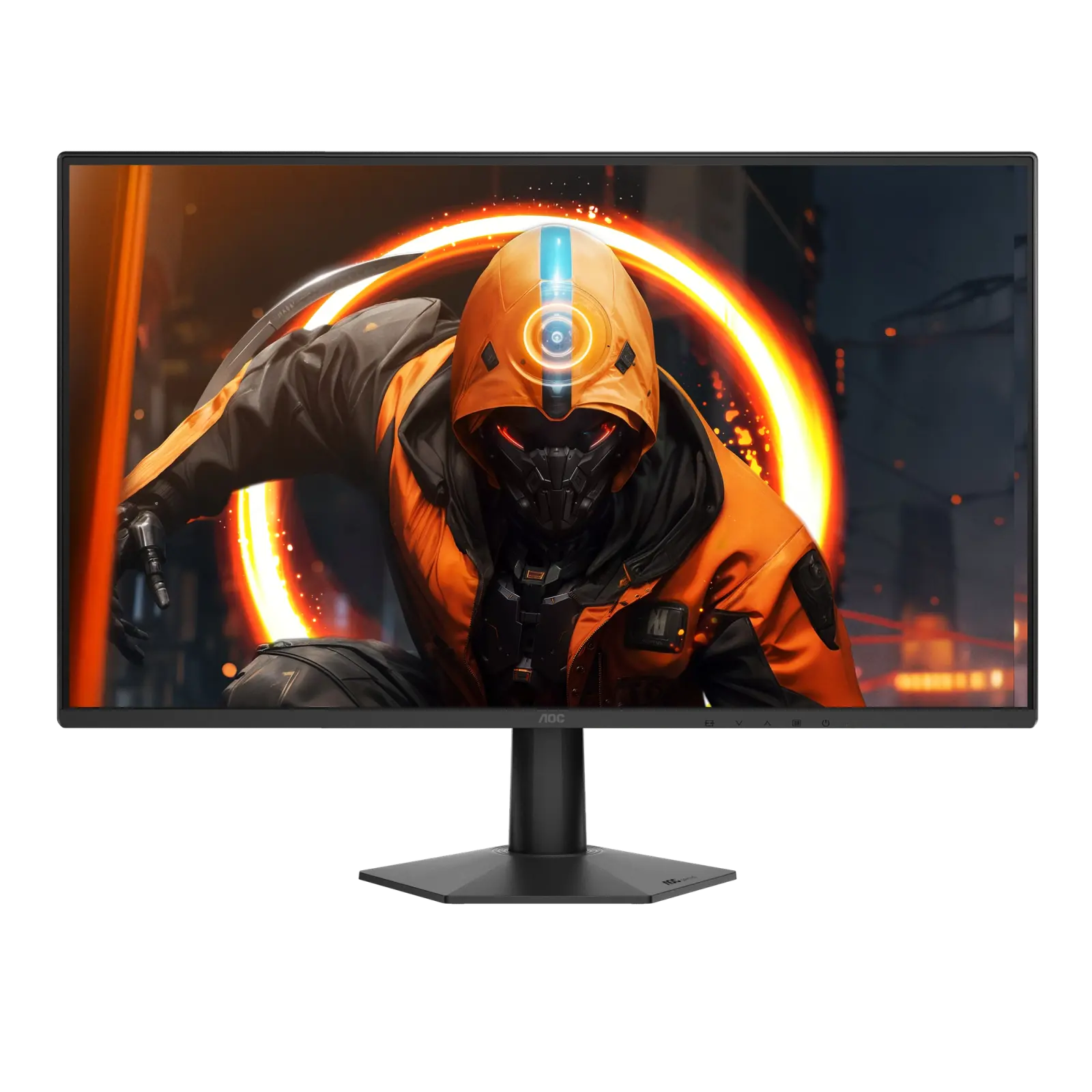
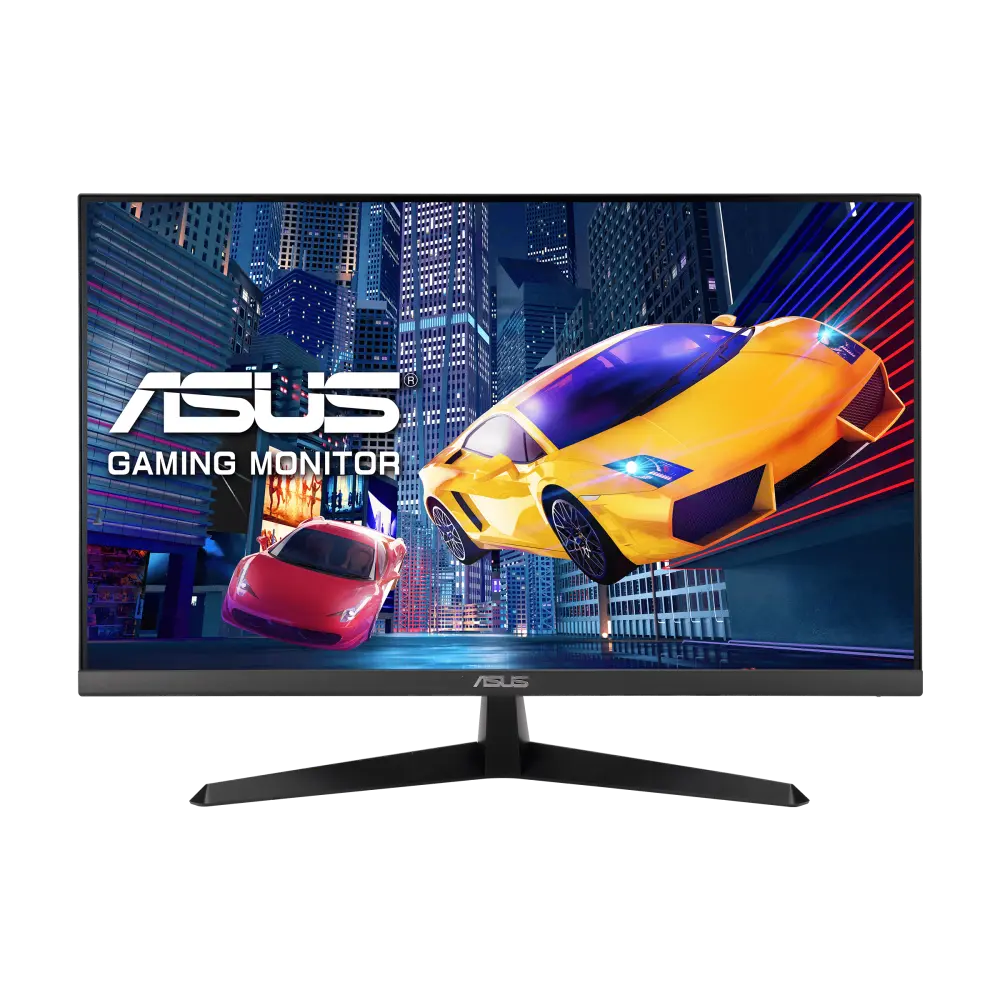
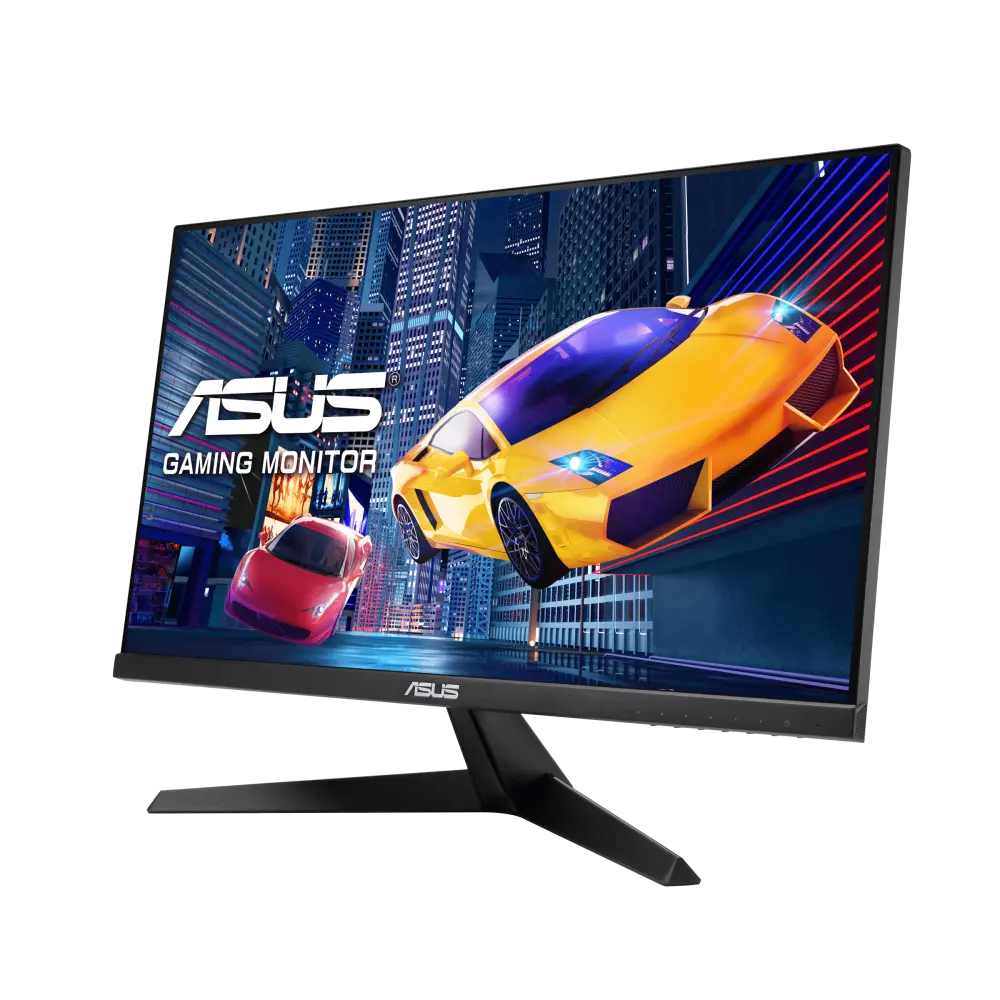
A 27-inch 1080p IPS gaming monitor rated at 144 Hz with an overclocked 180 Hz mode listed on AOC's product page, a 0.5 ms MPRT claim, adaptive sync with G-SYNC Compatible listing, one HDMI 2.0 and one DisplayPort 1.4 input.
Specifications checked 26 Sept 2026.
Amazon links open search results. Check the exact variant, current price and availability with the retailer.
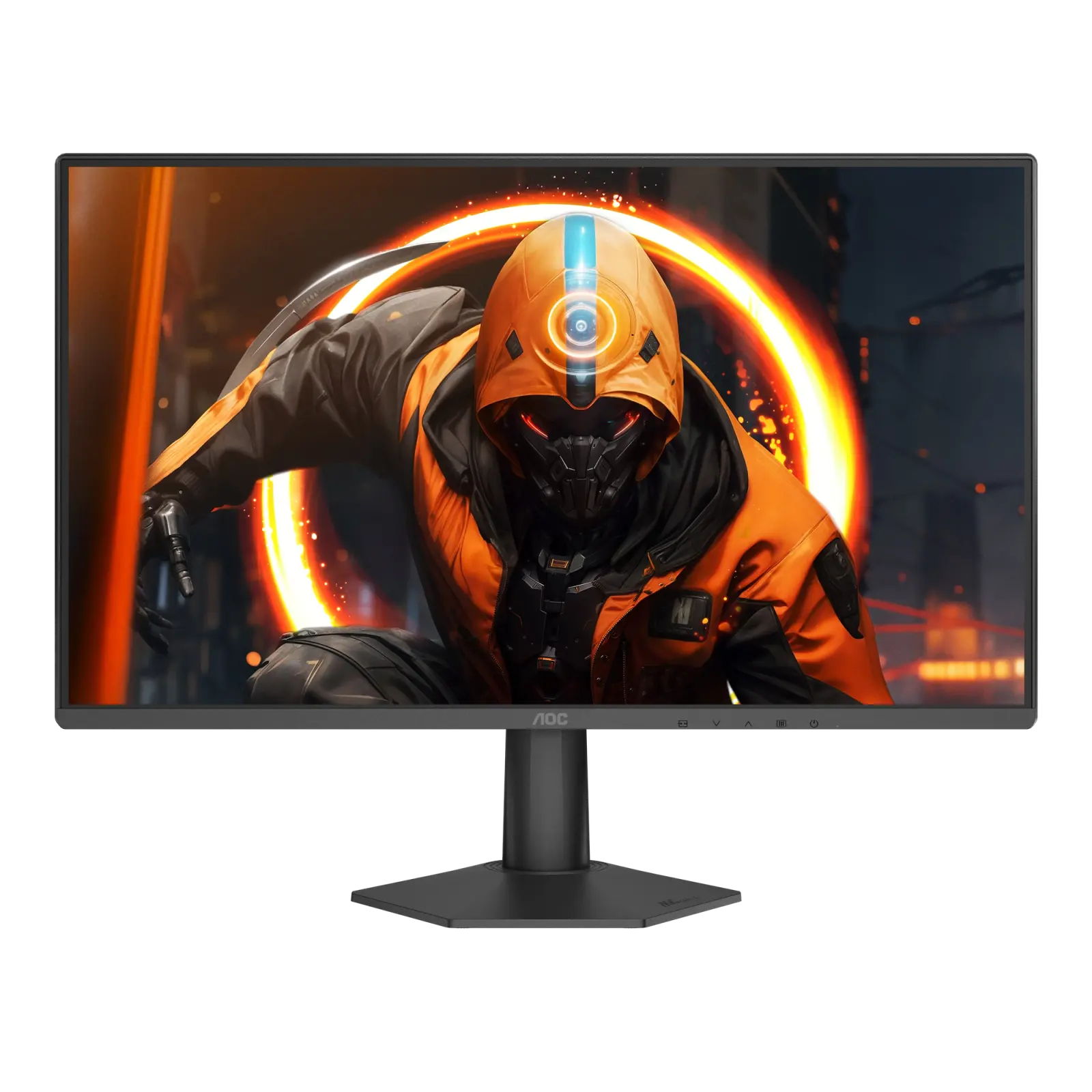
A 23.8-inch 1080p IPS gaming monitor rated at 144 Hz with an overclocked 180 Hz mode listed on AOC's product page, a 0.5 ms MPRT claim and G-SYNC Compatible adaptive sync, with one HDMI 2.0 and one DisplayPort 1.4 input.
Specifications checked 26 Sept 2026.
Amazon links open search results. Check the exact variant, current price and availability with the retailer.
Search links open retailer results, not a matched listing; eBay listings are checked daily. As an Amazon Associate I earn from qualifying purchases. As an eBay Partner, we may be compensated if you make a purchase.
THE DIFFERENCES, MADE VISIBLE
Visual facts
Differences first. Select a topic for its graphic, sources and conditions.
How to read this comparison
Manufacturer facts for the exact models shown. Not a quality rating or a test result.
“Different” means the known values differ, not that one is better.
Missing or conflicting evidence is marked and never counts as a difference. Source chips hold each fact’s sources and conditions.
SPECIFICATIONS SIDE BY SIDE8 topics
SELECTED TOPIC
01 / 08
Screen diagonal
Panel diagonal. Resolution, aspect ratio and viewing distance also affect the workspace; a larger diagonal is not an image-quality score.
Match the monitor to the connection. Refresh limits depend on the input, cable and source device. Confirm the exact regional ports, stand adjustment and mount. Manufacturer response-time methods such as MPRT and GtG are different; neither the image nor these figures establish an independent motion or colour-quality test.
AOC 27G50FExternal; 19 V DC adapter (product page: 1.9 A; user manual: 2.0 A)
AOC 24G50FExternal; 19 V DC, 1.31 A adapter
Sources
AOC 27G50F
Manufacturer specification · AOC's product page and the 27G50F user manual state different adapter current ratings; the difference is not resolved here.
Evidence is missing or conflicting on at least one side. This is not a verified difference.
HDR support
AOC 27G50FConflicting evidence
AOC 24G50FConflicting evidence
Sources
AOC 27G50F
AOC's UK specification table lists only 'HDR Ready', while the same page's feature section advertises HDR10 and the 27G50F user manual says it is compatible with input signals in HDR10 format. No DisplayHDR certification or HDR peak brightness is published, so HDR display capability stays unresolved. · Manufacturer specification
AOC's UK specification table lists only 'HDR Ready', while the same page's feature section advertises HDR10 and the 24G50F user manual says it is compatible with input signals in HDR10 format. No DisplayHDR certification or HDR peak brightness is published, so HDR display capability stays unresolved. · Manufacturer specification
Evidence is missing or conflicting on at least one side. This is not a verified difference.
Pixel pitch
AOC 27G50F0.3114 mm
AOC 24G50FNot verified
Sources
AOC 27G50F
Manufacturer specification · AOC's same table also lists 'Pixels per Inch 93.0', which does not match this pitch for a 27-inch 1920 × 1080 panel (0.3114 mm is about 81.6 ppi). The PPI row is not used in this record.
Evidence is missing or conflicting on at least one side. This is not a verified difference.
Typical operating power
AOC 27G50FConflicting evidence
AOC 24G50FConflicting evidence
Sources
AOC 27G50F
AOC's UK product page lists 'Power consumption on (typical) in watts 21.0', while the 27G50F user manual lists 'Typical (default brightness and contrast) 20W' and a maximum of ≤35 W at brightness and contrast 100. The two typical figures are kept unresolved. · Manufacturer specification
AOC's UK product page lists 'Power consumption on (typical) in watts 18.0', while the 24G50F user manual lists 'Typical Setting* 20W*' and a maximum of ≤30 W at brightness and contrast 100, measured including the power adapter at its input with typical power in high-performance mode. The two typical figures are kept unresolved. · Manufacturer specification
Evidence is missing or conflicting on at least one side. This is not a verified difference.
Weight with stand
AOC 27G50FNot verified
AOC 24G50FNot verified
Sources
AOC 27G50F
AOC lists a 3.14 kg 'Net weight excl. package' next to a separate 'Product without stand' figure, but does not explicitly state that the net figure includes the stand; it is kept as reported_net_weight. · Manufacturer specification
AOC lists a 2.49 kg 'Net weight excl. package' next to a separate 'Product without stand' figure, but does not explicitly state that the net figure includes the stand; it is kept as reported_net_weight. · Manufacturer specification
AOC lists a 36.2 mm depth without the stand and a typical power figure of 21 W on its product page (20 W at default brightness and contrast in the manual), and describes an e-sports stand whose base reduces its desk footprint and includes cable management.
The 27-inch 1920 × 1080 panel has a 0.3114 mm pixel pitch (AOC's separate 93 ppi row does not match that pitch), and the colour depth is listed as 16.7M (6 bits + FRC).
AOC names HDR10 input support but lists no DisplayHDR certification or HDR peak brightness, and the 180 Hz overclocked mode appears on the product page but not in the user manual, which gives a 144 Hz maximum.
AOC lists a 2.49 kg net weight excluding packaging (stand inclusion not stated), a typical power figure of 18 W on its product page (20 W in the manual) and an e-sports stand whose base reduces its desk footprint and includes cable management.
Only one HDMI 2.0 and one DisplayPort input are listed, with no listed USB ports or speakers, and AOC lists only tilt (−3° ±2° to +21° ±2°) for the stand.
AOC names HDR10 input support but lists no DisplayHDR certification or HDR peak brightness, and the 180 Hz overclocked mode appears on the product page but not in the user manual, which gives a 144 Hz maximum.
Manufacturer specification · AOC's same table also lists 'Pixels per Inch 93.0', which does not match this pitch for a 27-inch 1920 × 1080 panel (0.3114 mm is about 81.6 ppi). The PPI row is not used in this record.
Manufacturer specification · AOC's manual says the monitor is compatible with input signals in HDR10 format. No DisplayHDR certification or HDR peak brightness is published.
Manufacturer specification · AOC's manual says the monitor is compatible with input signals in HDR10 format. No DisplayHDR certification or HDR peak brightness is published.
Manufacturer specification · Manufacturer MPRT claim; AOC describes MPRT as switching the backlight off and on during picture changes and lists MBR Sync. A different measure from GtG; test conditions are not published.
Manufacturer specification · Manufacturer MPRT claim; AOC describes MPRT as switching the backlight off and on during picture changes and lists MBR Sync. A different measure from GtG; test conditions are not published.
Manufacturer specification · AOC's specification table lists 'Sync technology (VRR): Adaptive sync + MBR Sync' and, in a separate row, 'NVIDIA G-SYNC Compatible'. MBR Sync is AOC's motion-blur reduction mode and is recorded under motion-blur reduction, not as a sync technology.
Manufacturer specification · AOC's specification table lists 'Sync technology (VRR): Adaptive sync + MBR Sync' and, in a separate row, 'NVIDIA G-SYNC Compatible'. MBR Sync is AOC's motion-blur reduction mode and is recorded under motion-blur reduction, not as a sync technology. The 24G50F user manual says Adaptive-Sync works with DisplayPort/HDMI and NVIDIA G-SYNC Compatible works with DisplayPort.
Manufacturer specification · AOC lists MBR Sync with its sync technology. The user manual describes MBR (Motion Blur Reduction, levels 0–20), adjustable when Adaptive-Sync is off at 75 Hz or higher, with screen brightness decreasing as the level rises, and MBR Sync (Motion Blur Remove, off/on), adjustable when Adaptive-Sync is on at 75 Hz or higher. Neither can be adjusted unless HDR is set to Off.
Manufacturer specification · AOC lists MBR Sync with its sync technology. The user manual describes MBR (Motion Blur Reduction, levels 0–20), adjustable when Adaptive-Sync is off at 75 Hz or higher, with screen brightness decreasing as the level rises, and MBR Sync (Motion Blur Remove, off/on), adjustable when G-SYNC Compatible/Adaptive-Sync is on at 75 Hz or higher. Neither can be adjusted unless HDR is set to Off.
Manufacturer specification · AOC's product page lists a 180 Hz OC maximum; 144 Hz is treated as the stock rate. The 180 Hz OC mode is listed only on AOC's product page; the 27G50F user manual gives a 1920x1080@144Hz maximum and a 48~144 Hz vertical scan range and does not mention 180 Hz. Per-input limits are not published on the UK page.
Manufacturer specification · AOC's product page lists a 180 Hz OC maximum; 144 Hz is treated as the stock rate. The 180 Hz OC mode is listed only on AOC's product page; the 24G50F user manual gives a 1920x1080@144Hz maximum and a 48~144 Hz vertical scan range and does not mention 180 Hz. Per-input limits are not published on the UK page.
Manufacturer specification · The 180 Hz OC mode is listed only on AOC's product page; the 27G50F user manual gives a 1920x1080@144Hz maximum and a 48~144 Hz vertical scan range and does not mention 180 Hz.
Manufacturer specification · The 180 Hz OC mode is listed only on AOC's product page; the 24G50F user manual gives a 1920x1080@144Hz maximum and a 48~144 Hz vertical scan range and does not mention 180 Hz.
Manufacturer specification · AOC's product page and the 27G50F user manual state different adapter current ratings; the difference is not resolved here.
Manufacturer specification · Dial Point, Shadow Control and Sniper Scope are named on AOC's UK product page; Sniper Scope is not described in the user manual. The manual's Game Setting menu lists Gaming Mode (Standard, FPS, RTS, Racing, Gamer 1–3), Shadow Control (0–20), Game Color (0–20), Dial Point (Off/On/Dynamic, a centre aiming indicator) and Frame Counter (shows the vertical frequency in a chosen corner). With HDR not set to Off, Gaming Mode, Shadow Control and Game Color cannot be adjusted. Manufacturer on-screen functions, not proof of better game performance.
Manufacturer specification · Dial Point, Shadow Control and Sniper Scope are named on AOC's UK product page; Sniper Scope is not described in the user manual. The manual's Game Setting menu lists Gaming Mode (Standard, FPS, RTS, Racing, Gamer 1–3), Shadow Control (0–20), Game Color (0–20), Dial Point (Off/On/Dynamic, a centre aiming indicator) and Frame Counter (shows the vertical frequency in a chosen corner). With HDR not set to Off, Gaming Mode, Shadow Control and Game Color cannot be adjusted. Manufacturer on-screen functions, not proof of better game performance.
Manufacturer specification · AOC advertises Anti-Blue Light technology; the manual describes a LowBlue Mode that decreases blue light by controlling colour temperature. A hardware solution is not stated.
Manufacturer specification · AOC advertises Anti-Blue Light technology; the manual describes a LowBlue Mode that decreases blue light by controlling colour temperature. A hardware solution is not stated.
Show unverified (6)Not verified, not provided or conflicting for both products. Kept for completeness; never counted as a difference.
Specifications without verified values for either product
Weight with standSources
AOC 27G50F
AOC lists a 3.14 kg 'Net weight excl. package' next to a separate 'Product without stand' figure, but does not explicitly state that the net figure includes the stand; it is kept as reported_net_weight. · Manufacturer specification
AOC lists a 2.49 kg 'Net weight excl. package' next to a separate 'Product without stand' figure, but does not explicitly state that the net figure includes the stand; it is kept as reported_net_weight. · Manufacturer specification
AOC's UK product page lists 'Power consumption on (typical) in watts 21.0', while the 27G50F user manual lists 'Typical (default brightness and contrast) 20W' and a maximum of ≤35 W at brightness and contrast 100. The two typical figures are kept unresolved. · Manufacturer specification
AOC's UK product page lists 'Power consumption on (typical) in watts 18.0', while the 24G50F user manual lists 'Typical Setting* 20W*' and a maximum of ≤30 W at brightness and contrast 100, measured including the power adapter at its input with typical power in high-performance mode. The two typical figures are kept unresolved. · Manufacturer specification
AOC's UK specification table lists only 'HDR Ready', while the same page's feature section advertises HDR10 and the 27G50F user manual says it is compatible with input signals in HDR10 format. No DisplayHDR certification or HDR peak brightness is published, so HDR display capability stays unresolved. · Manufacturer specification
AOC's UK specification table lists only 'HDR Ready', while the same page's feature section advertises HDR10 and the 24G50F user manual says it is compatible with input signals in HDR10 format. No DisplayHDR certification or HDR peak brightness is published, so HDR display capability stays unresolved. · Manufacturer specification
Each record represents an explicitly checked model and configuration. Original import: 5 Sept 2026; this is not its verification date. This is not a list of current offers or a popularity ranking.