 ASUS ProArt Display PA249CGVUK manufacturer specification · ProArt Display PA249CGV
- Manufacturer response-time claim
- 5ms(GTG)This one: 4 ms GtG
- Typical brightness
- 350 cd/m²This one: 300 cd/m²

23.8-inch 1080p IPS 144 Hz (180 Hz OC) · UK specification
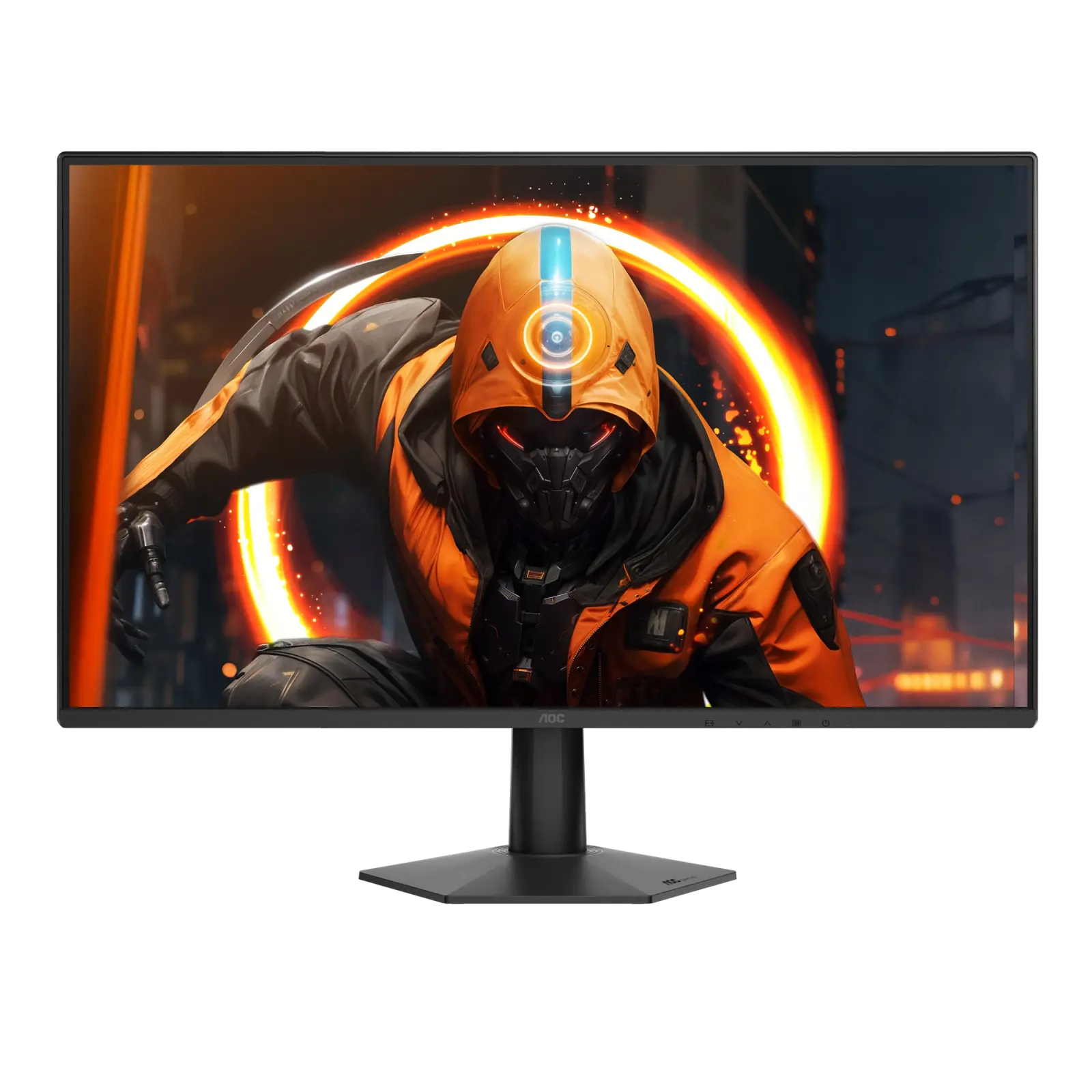
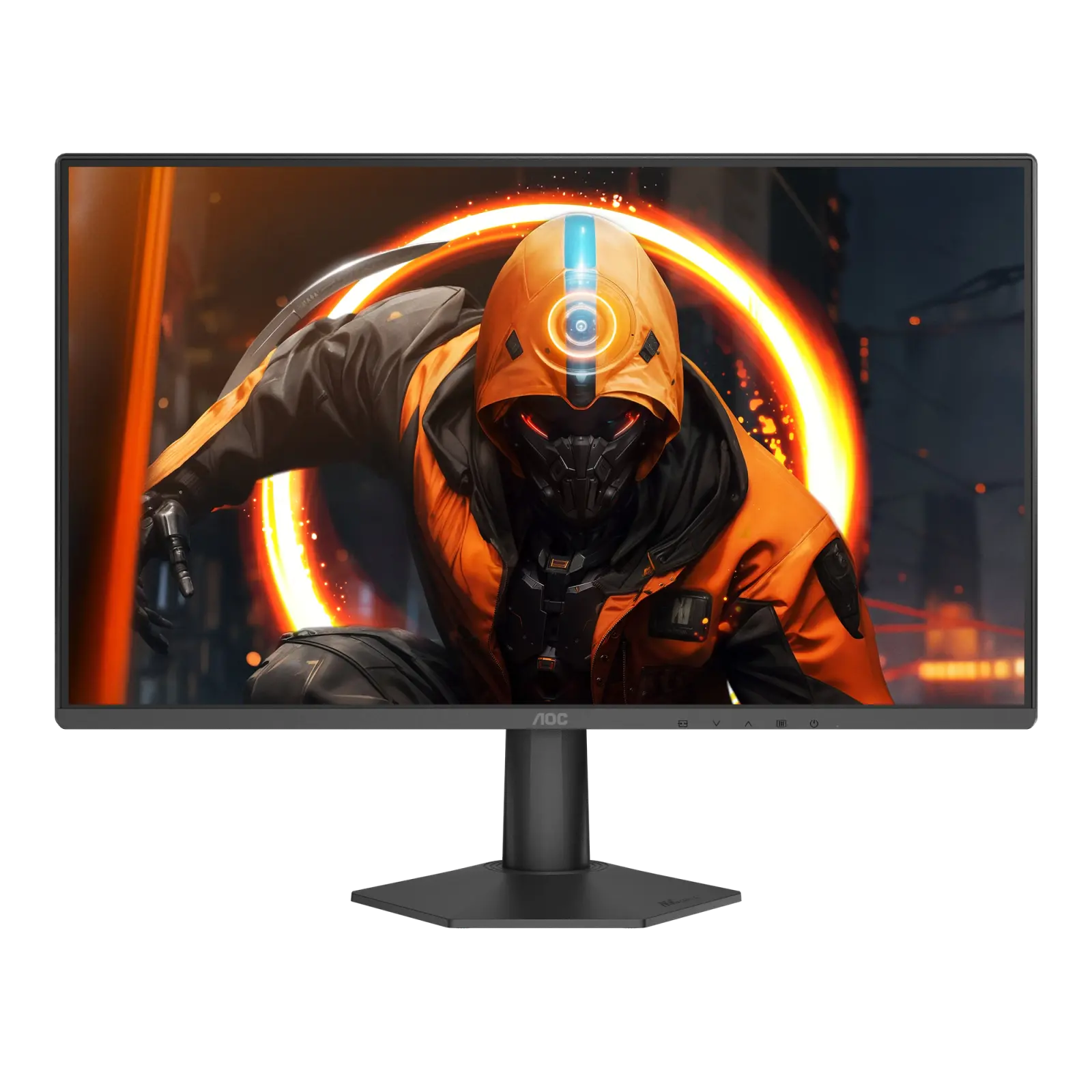
A 23.8-inch 1080p IPS gaming monitor rated at 144 Hz with an overclocked 180 Hz mode listed on AOC's product page, a 0.5 ms MPRT claim and G-SYNC Compatible adaptive sync, with one HDMI 2.0 and one DisplayPort 1.4 input.
As an Amazon Associate I earn from qualifying purchases.
Email me when the AOC 24G50F gets cheaper on eBay. We check exact-model listings once a day at 12:00 UTC.
Specifications checked 26 Sept 2026Manufacturer specifications, not a hands-on test.
The nearest checked monitors by key specifications, with what differs from the AOC 24G50F. The first matches the Compare button above.
ASUS ProArt Display PA249CGVUK manufacturer specification · ProArt Display PA249CGV ASUS VY249HG2UK manufacturer specification · VY249HG2
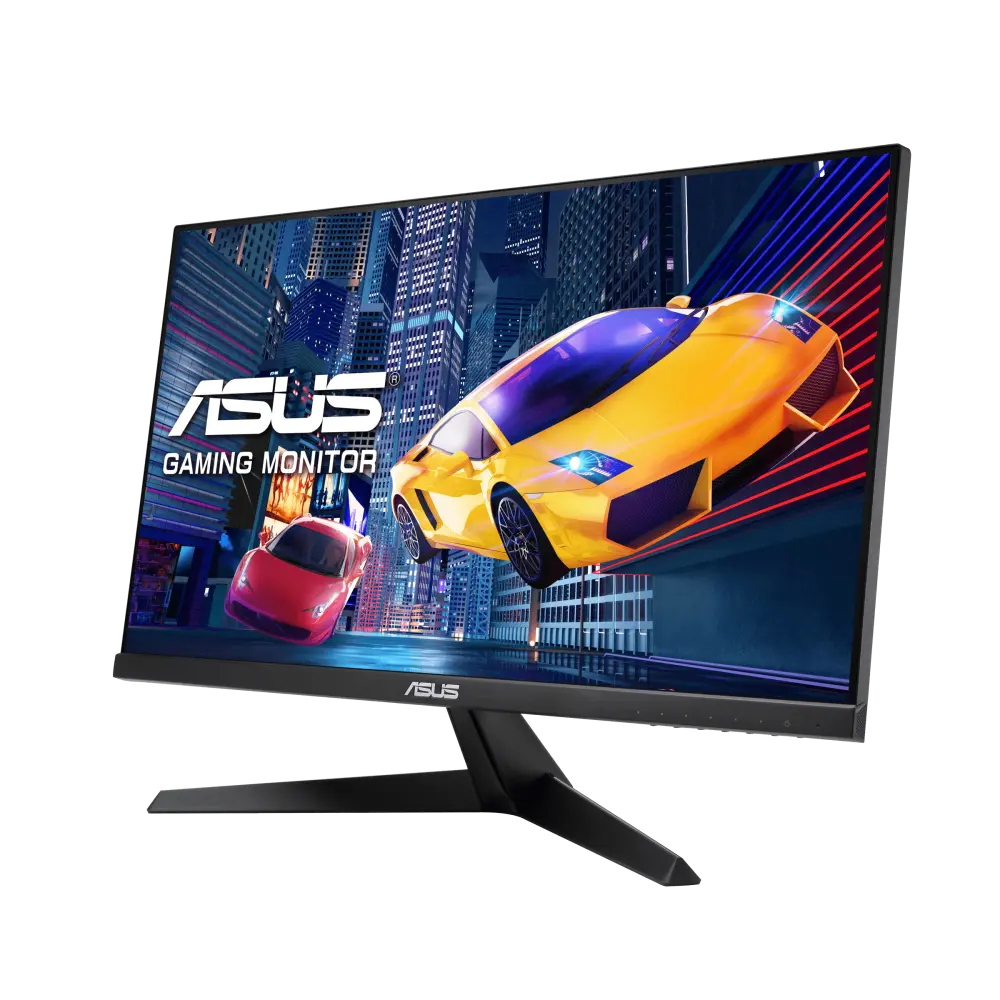 ASUS VY249HGEUK manufacturer specification · VY249HGE
AOC's product page lists 144 Hz with a 180 Hz OC mode, a 0.5 ms MPRT claim with MBR Sync, and NVIDIA G-SYNC Compatible adaptive sync.
At 23.8 inches, 1920 × 1080 is a denser picture than the same resolution on a 27-inch screen.
AOC lists a 2.49 kg net weight excluding packaging (stand inclusion not stated), a typical power figure of 18 W on its product page (20 W in the manual) and an e-sports stand whose base reduces its desk footprint and includes cable management.
The colour depth is 16.7M (6 bits + FRC), and AOC gives the gamut only as panel-native NTSC coverage.
Only one HDMI 2.0 and one DisplayPort input are listed, with no listed USB ports or speakers, and AOC lists only tilt (−3° ±2° to +21° ±2°) for the stand.
AOC names HDR10 input support but lists no DisplayHDR certification or HDR peak brightness, and the 180 Hz overclocked mode appears on the product page but not in the user manual, which gives a 144 Hz maximum.
Exact configuration: 24G50F · 23.8-inch 1080p IPS 144 Hz (180 Hz OC) · AOC UK specification
48 specifications in 10 groups. Values are manufacturer specifications unless a row says “Measured result” or “Calculated from cited specifications”. 1 row repeats a listed fact in the manufacturer’s own wording, kept under “Manufacturer wording”.
AOC's product page lists a 180 Hz OC maximum; 144 Hz is treated as the stock rate. The 180 Hz OC mode is listed only on AOC's product page; the 24G50F user manual gives a 1920x1080@144Hz maximum and a 48~144 Hz vertical scan range and does not mention 180 Hz. Per-input limits are not published on the UK page.
Manufacturer GtG claim (AOC also lists 'OD Response (typical) 4 ms GtG'); test conditions are not published.
SourceManufacturer MPRT claim; AOC describes MPRT as switching the backlight off and on during picture changes and lists MBR Sync. A different measure from GtG; test conditions are not published.
SourceAOC's specification table lists 'Sync technology (VRR): Adaptive sync + MBR Sync' and, in a separate row, 'NVIDIA G-SYNC Compatible'. MBR Sync is AOC's motion-blur reduction mode and is recorded under motion-blur reduction, not as a sync technology. The 24G50F user manual says Adaptive-Sync works with DisplayPort/HDMI and NVIDIA G-SYNC Compatible works with DisplayPort.
Needs a compatible source, input and driver.
SourceAOC lists MBR Sync with its sync technology. The user manual describes MBR (Motion Blur Reduction, levels 0–20), adjustable when Adaptive-Sync is off at 75 Hz or higher, with screen brightness decreasing as the level rises, and MBR Sync (Motion Blur Remove, off/on), adjustable when G-SYNC Compatible/Adaptive-Sync is on at 75 Hz or higher. Neither can be adjusted unless HDR is set to Off.
The 180 Hz OC mode is listed only on AOC's product page; the 24G50F user manual gives a 1920x1080@144Hz maximum and a 48~144 Hz vertical scan range and does not mention 180 Hz.
AOC's manual says the monitor is compatible with input signals in HDR10 format. No DisplayHDR certification or HDR peak brightness is published.
AOC's UK specification table lists only 'HDR Ready', while the same page's feature section advertises HDR10 and the 24G50F user manual says it is compatible with input signals in HDR10 format. No DisplayHDR certification or HDR peak brightness is published, so HDR display capability stays unresolved.
AOC's UK connectivity list names HDMI, DisplayPort and audio out only; an explicit 'No' for USB-C is not published.
SourceManufacturer port counts and versions.
SourceManufacturer dimensions; a height range covers the stand's lowest and highest positions. Allow extra room for cables.
SourceAllow additional room for cables.
SourceAOC lists a 2.49 kg 'Net weight excl. package' next to a separate 'Product without stand' figure, but does not explicitly state that the net figure includes the stand; it is kept as reported_net_weight.
SourceAOC's net weight excluding packaging; stand inclusion is not explicitly stated.
SourceAOC's UK product page lists 'Power consumption on (typical) in watts 18.0', while the 24G50F user manual lists 'Typical Setting* 20W*' and a maximum of ≤30 W at brightness and contrast 100, measured including the power adapter at its input with typical power in high-performance mode. The two typical figures are kept unresolved.
The same facts in the manufacturer’s combined or original wording, each with its source.
Dial Point, Shadow Control and Sniper Scope are named on AOC's UK product page; Sniper Scope is not described in the user manual. The manual's Game Setting menu lists Gaming Mode (Standard, FPS, RTS, Racing, Gamer 1–3), Shadow Control (0–20), Game Color (0–20), Dial Point (Off/On/Dynamic, a centre aiming indicator) and Frame Counter (shows the vertical frequency in a chosen corner). With HDR not set to Off, Gaming Mode, Shadow Control and Game Color cannot be adjusted. Manufacturer on-screen functions, not proof of better game performance.
Free PC tool; AOC says it can be installed on a PC for customisation.
SourceAOC advertises Anti-Blue Light technology; the manual describes a LowBlue Mode that decreases blue light by controlling colour temperature. A hardware solution is not stated.
UK specification (aoc.com/uk); US units can differ in plug, bundled cables and warranty.
SourceMore of the nearest checked monitors by key specifications, for a side-by-side comparison.
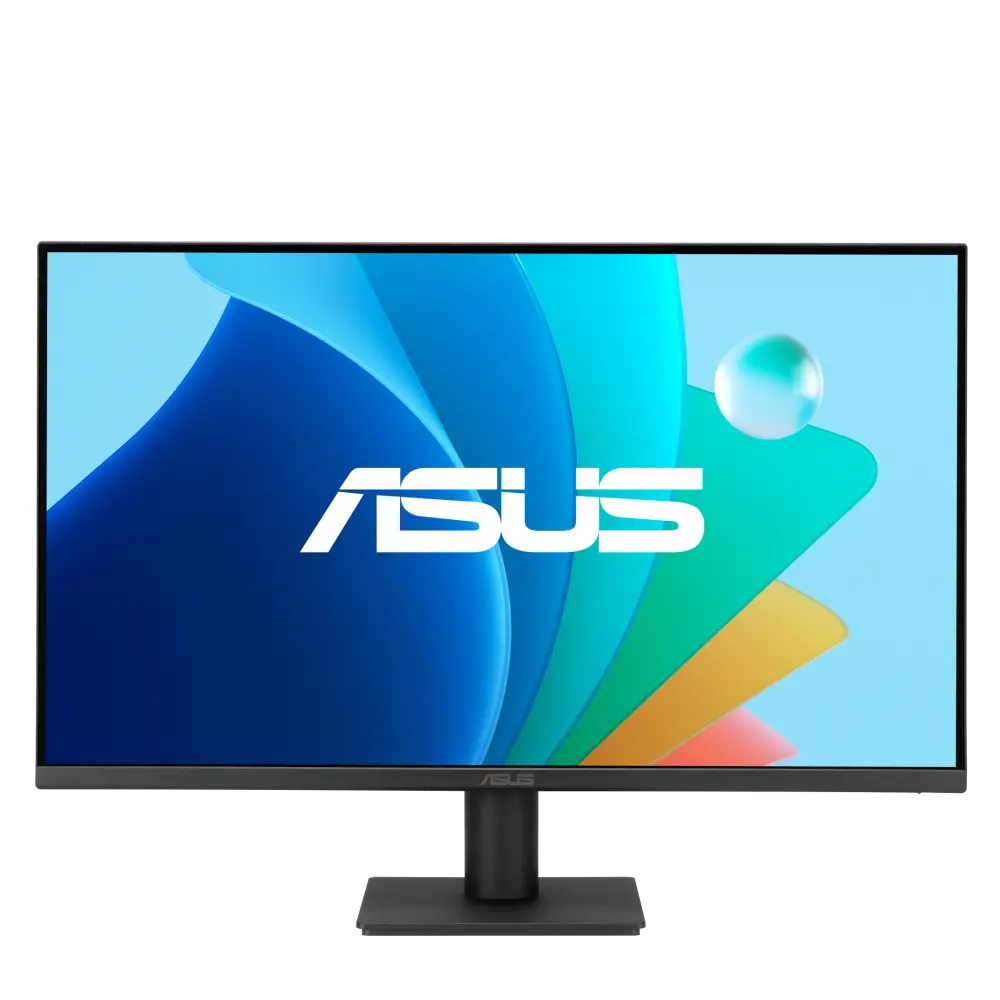 ASUS VA249HG2Global manufacturer specification · VA249HG2Compare the two
 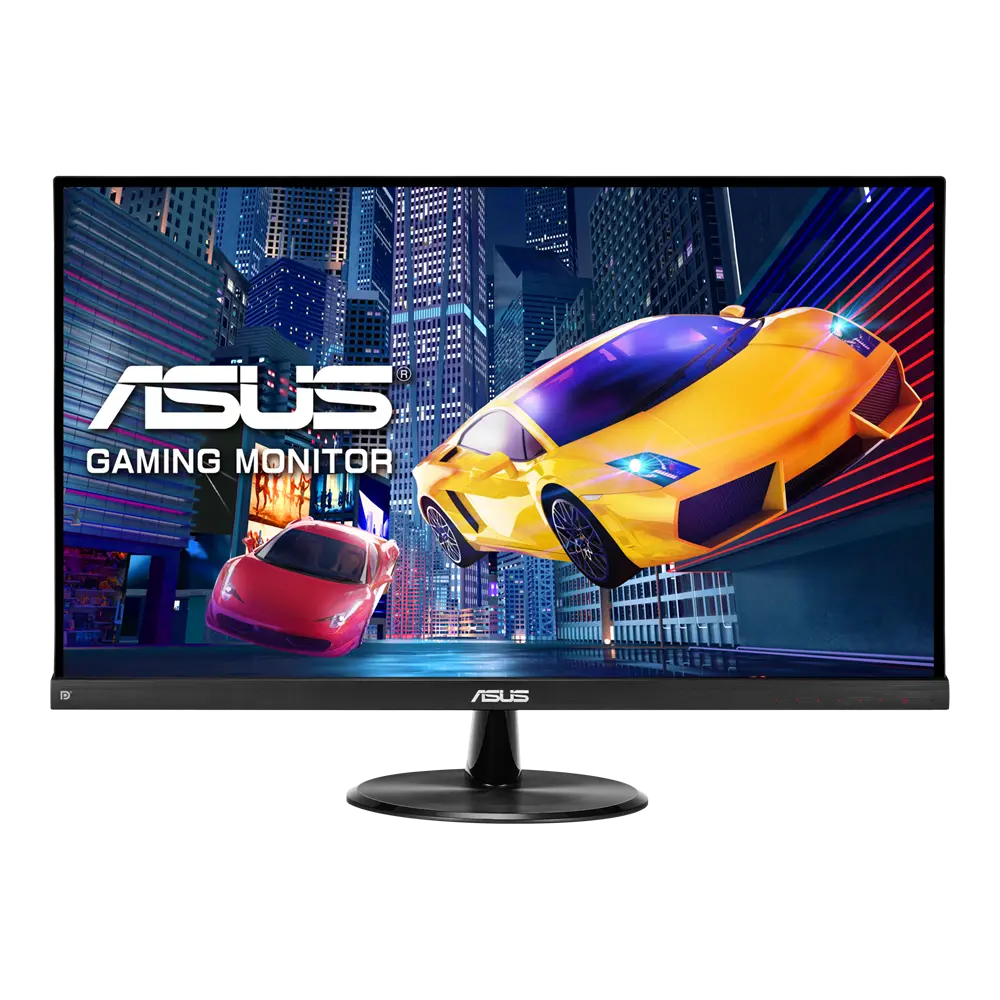 ASUS VP249QGRGlobal manufacturer specification · VP249QGRCompare the two
 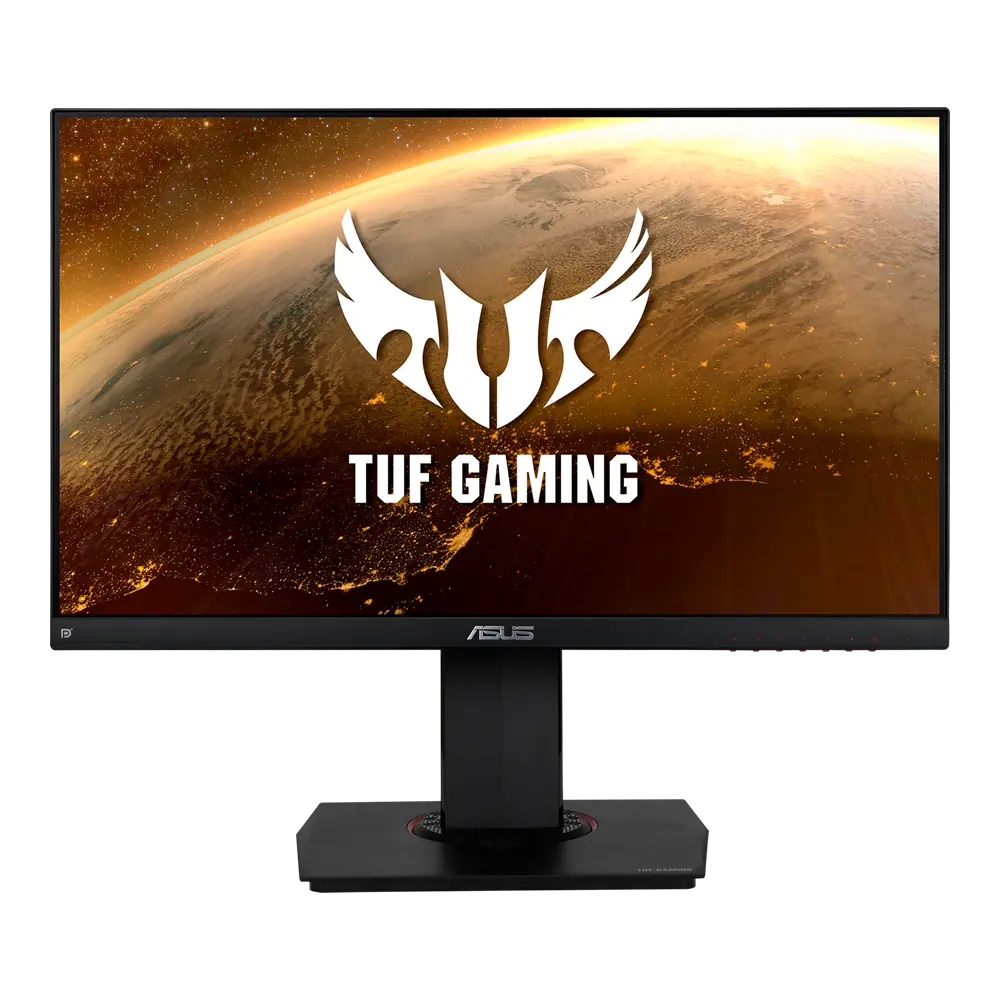 ASUS TUF Gaming VG249QGlobal manufacturer specification · TUF Gaming VG249QCompare the two
 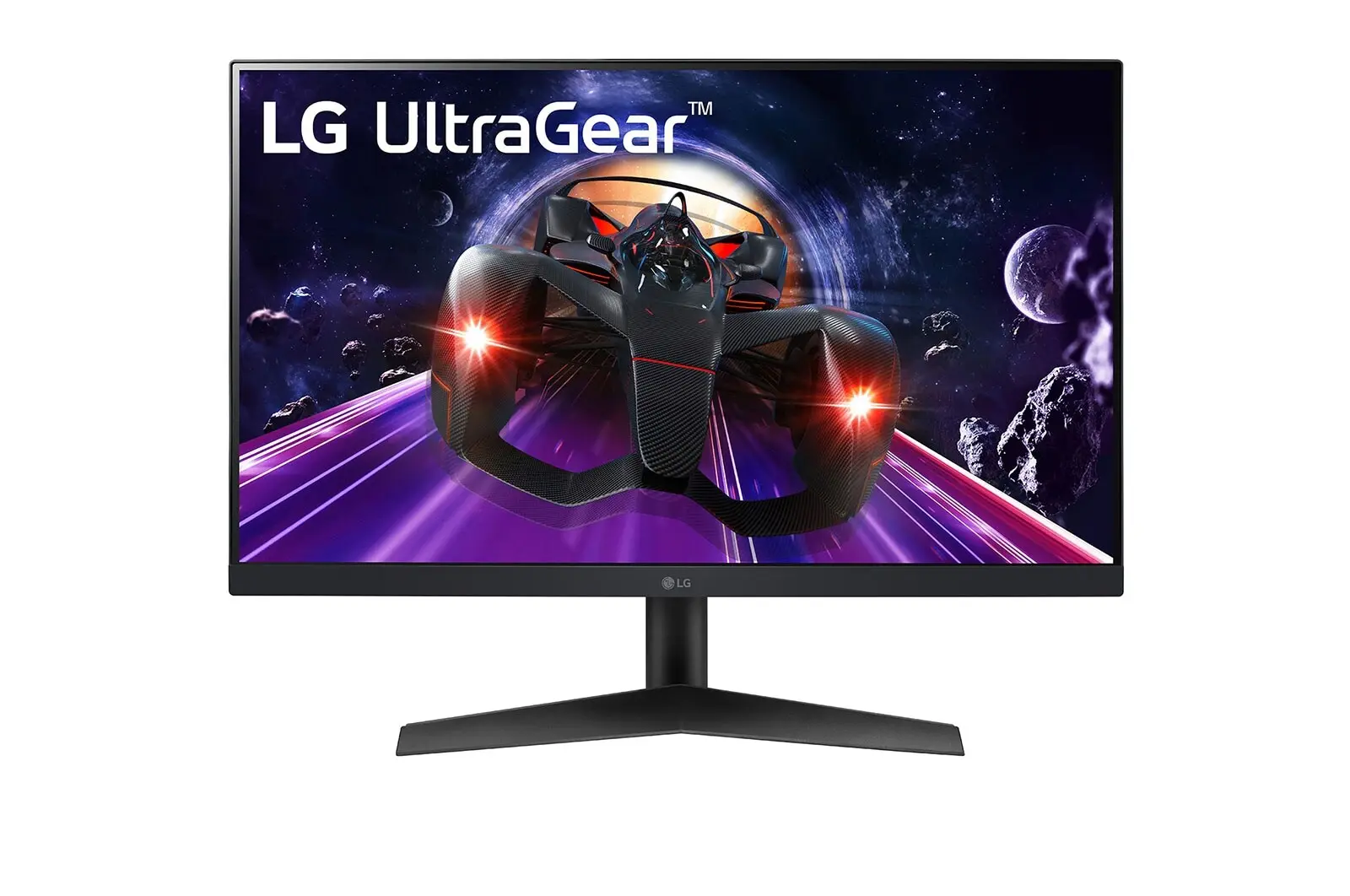 LG 24GN60R-BUK manufacturer model · 24GN60R-BCompare the two
 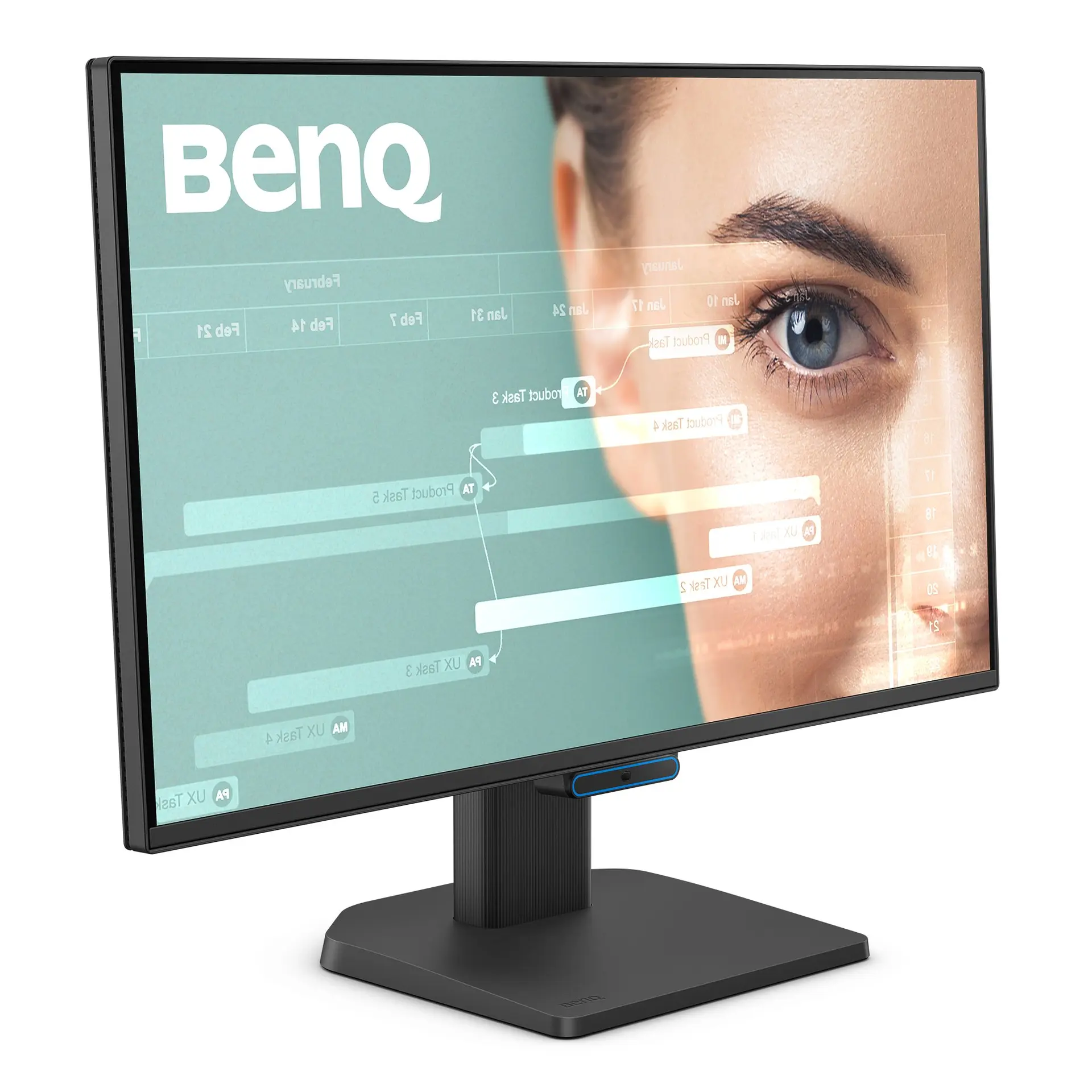 BenQ GW2490CGW2490C · exact GW2490C UK manufacturer catalogue configurationCompare the two
 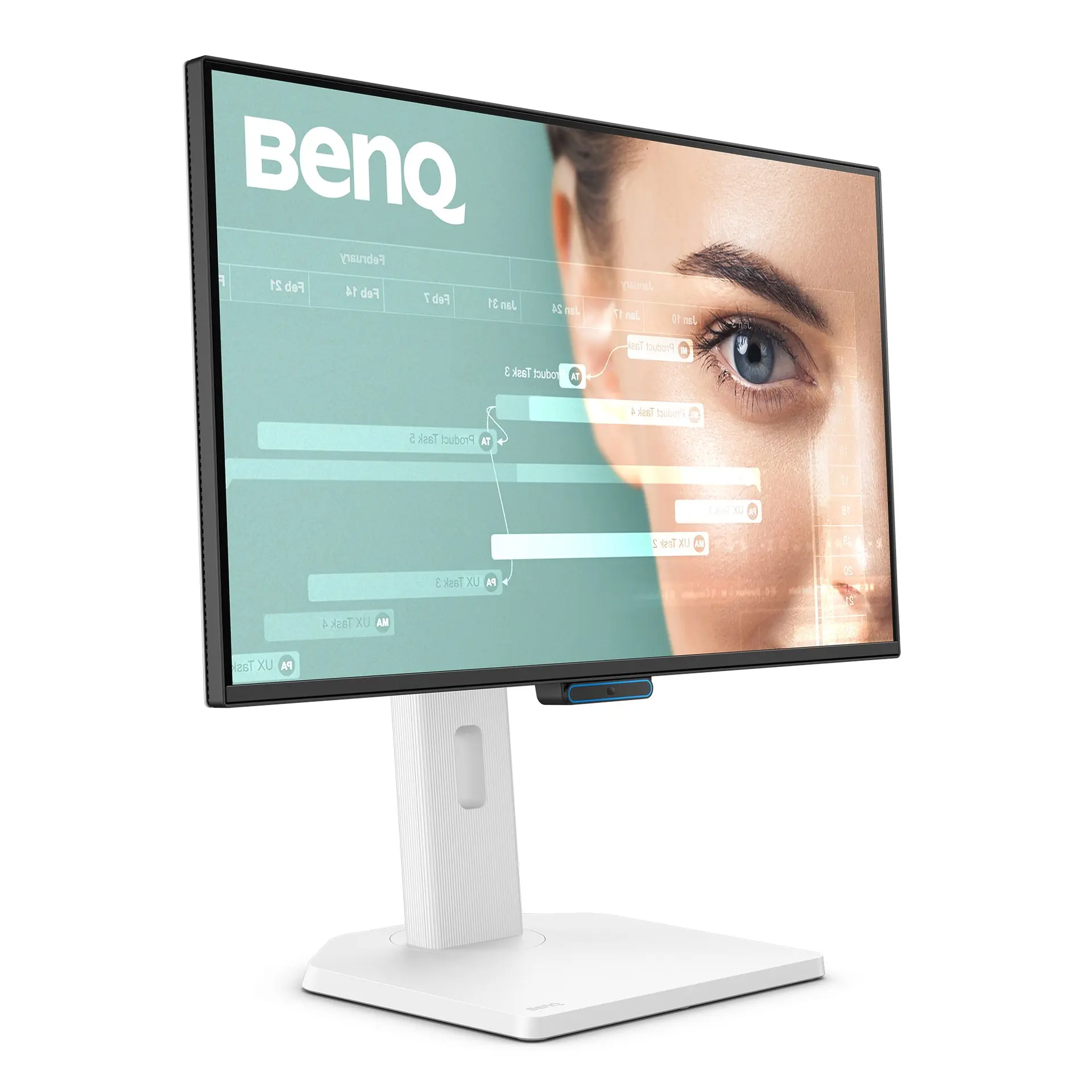 BenQ GW2490TCGW2490TC · exact GW2490TC UK manufacturer catalogue configurationCompare the two
 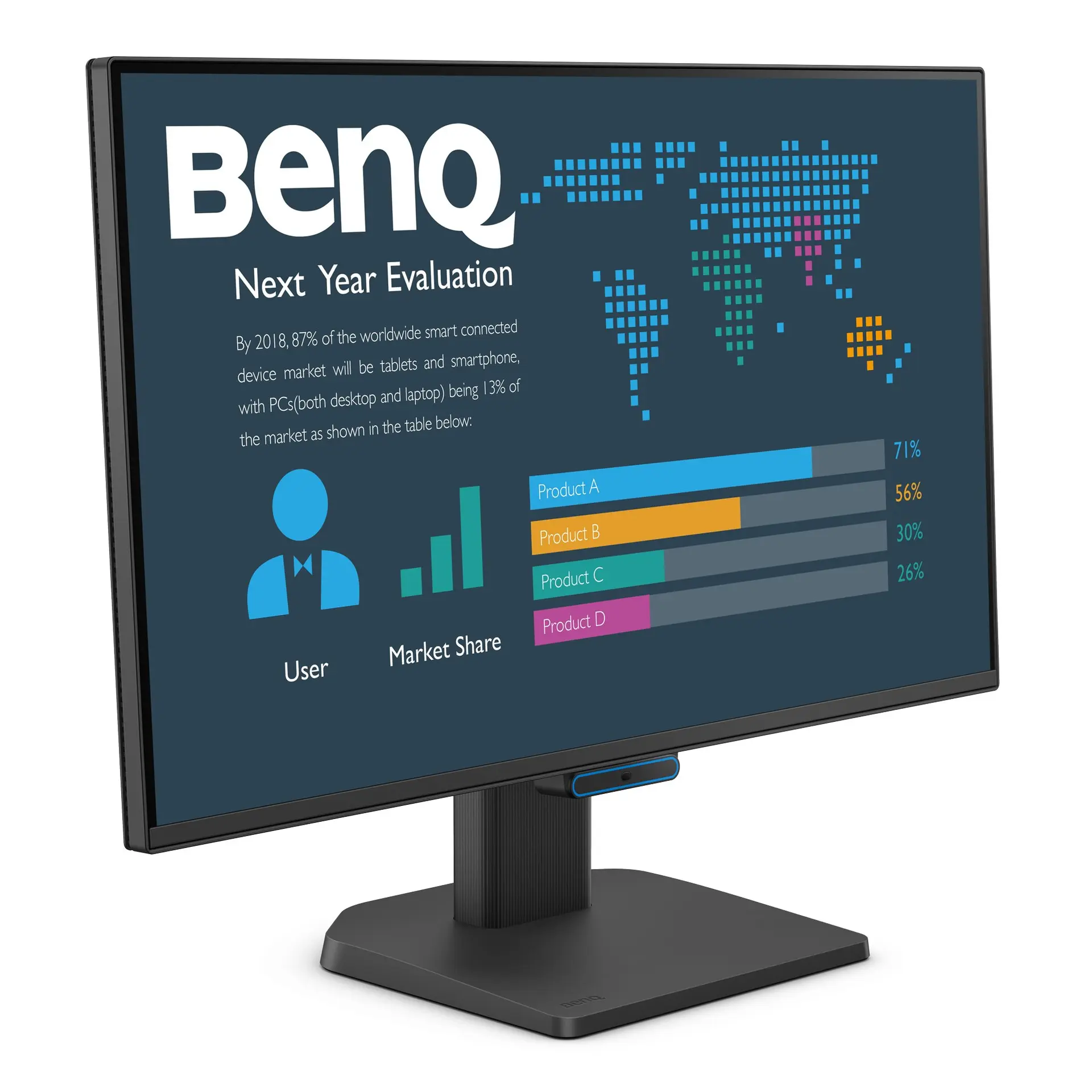 BenQ BL2490CBL2490C · exact BL2490C UK manufacturer catalogue configurationCompare the two
 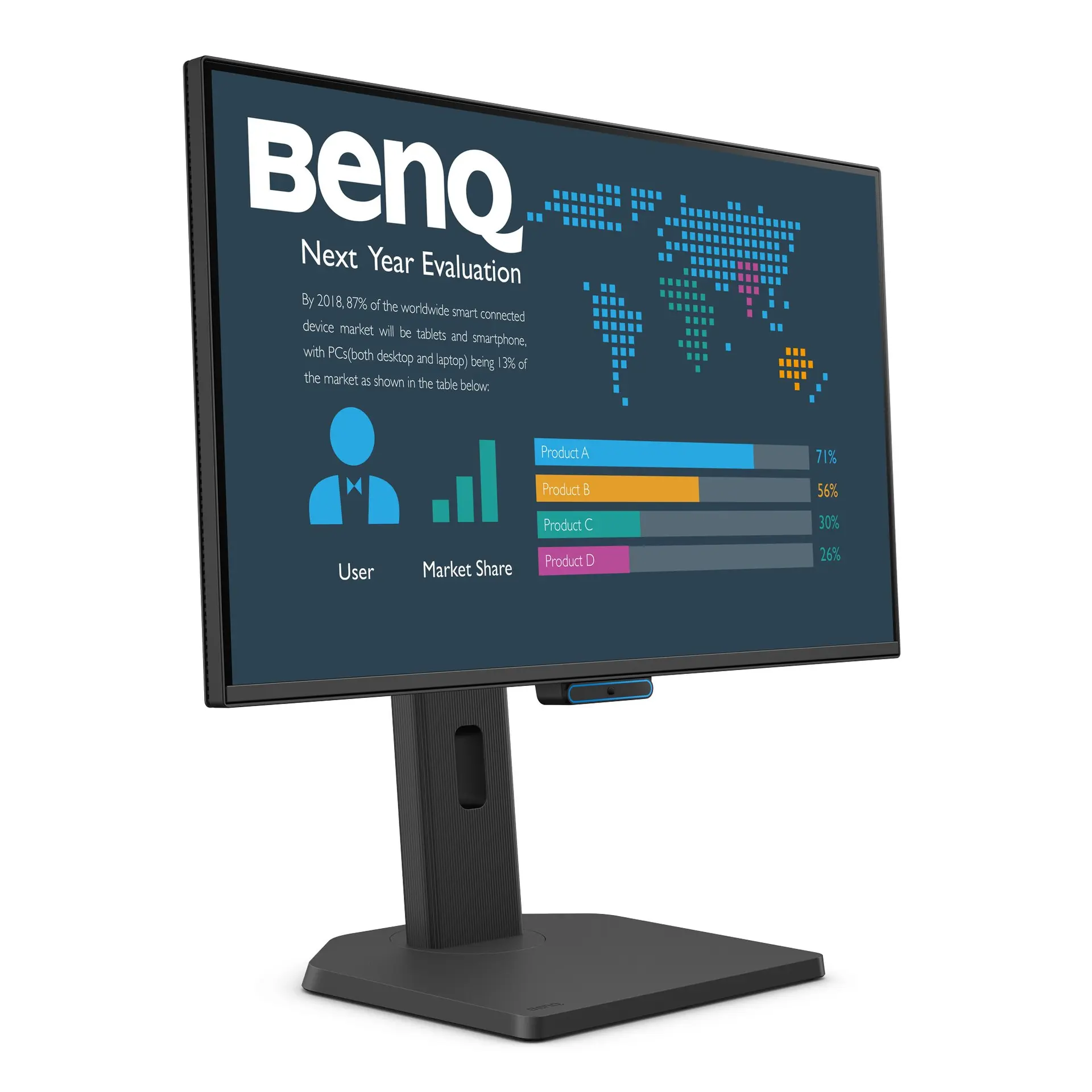 BenQ BL2490TCBL2490TC · exact BL2490TC UK manufacturer catalogue configurationCompare the two