


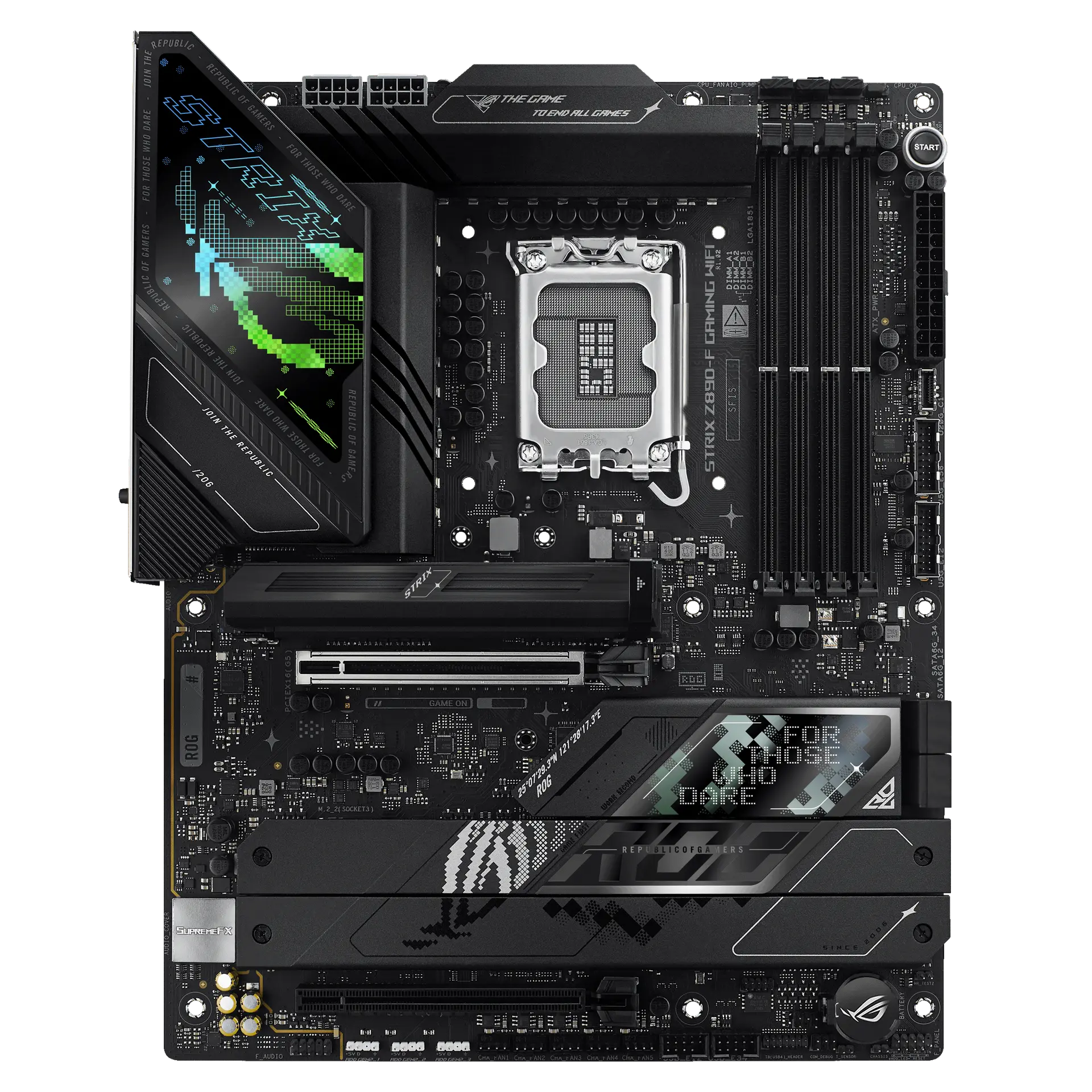
 ASUS ROG STRIX Z890-F GAMING WIFI90MB1I40-M0AAY0 · LGA1851 · ATX · ASUS global specification
- M.2 storage slots
- 5This one: 4

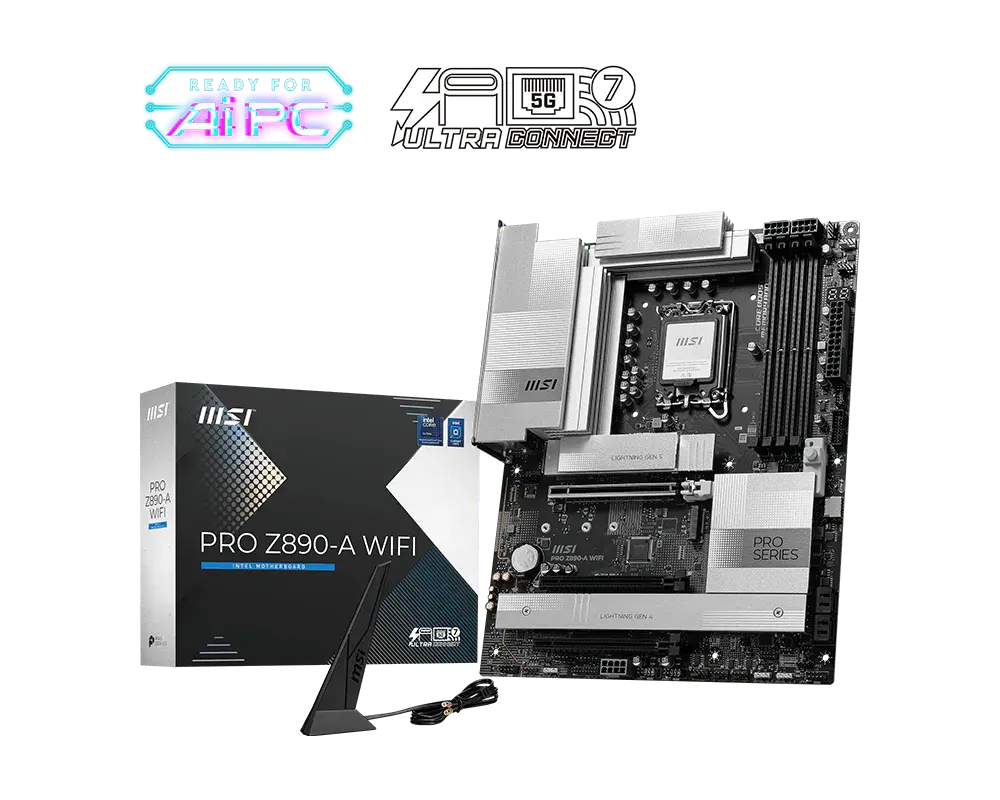
LGA 1851 · DDR5 · ATX
An ATX Intel Z890 motherboard for Core Ultra (Series 2) processors: four DDR5 slots rated up to DDR5-9200+ (OC), a PCIe 5.0 x16 graphics slot, four M.2 slots (one PCIe 5.0 x4), two rear Thunderbolt 4 ports, Realtek 5 Gb Ethernet and Wi-Fi 7.
As an Amazon Associate I earn from qualifying purchases.
Email me when the MSI PRO Z890-A WIFI gets cheaper on eBay. We check exact-model listings once a day at 12:00 UTC.
Specifications checked 8 Sept 2026Manufacturer specifications, not a hands-on test.
The nearest checked motherboards by key specifications, with what differs from the MSI PRO Z890-A WIFI. The first matches the Compare button above.
ASUS ROG STRIX Z890-F GAMING WIFI90MB1I40-M0AAY0 · LGA1851 · ATX · ASUS global specification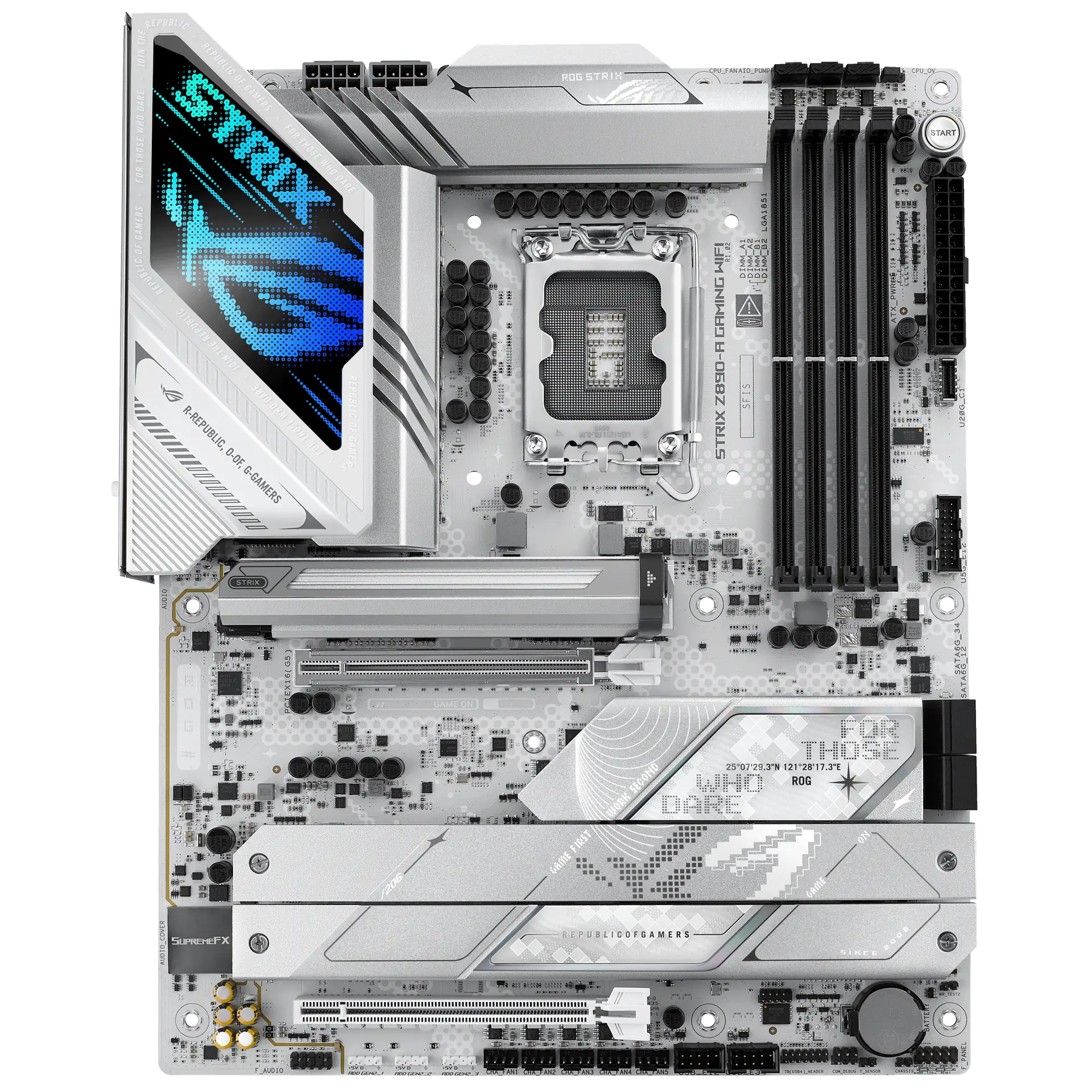 ASUS ROG STRIX Z890-A GAMING WIFI90MB1I90-M0AAY0 · LGA1851 · ATX · ASUS global specification
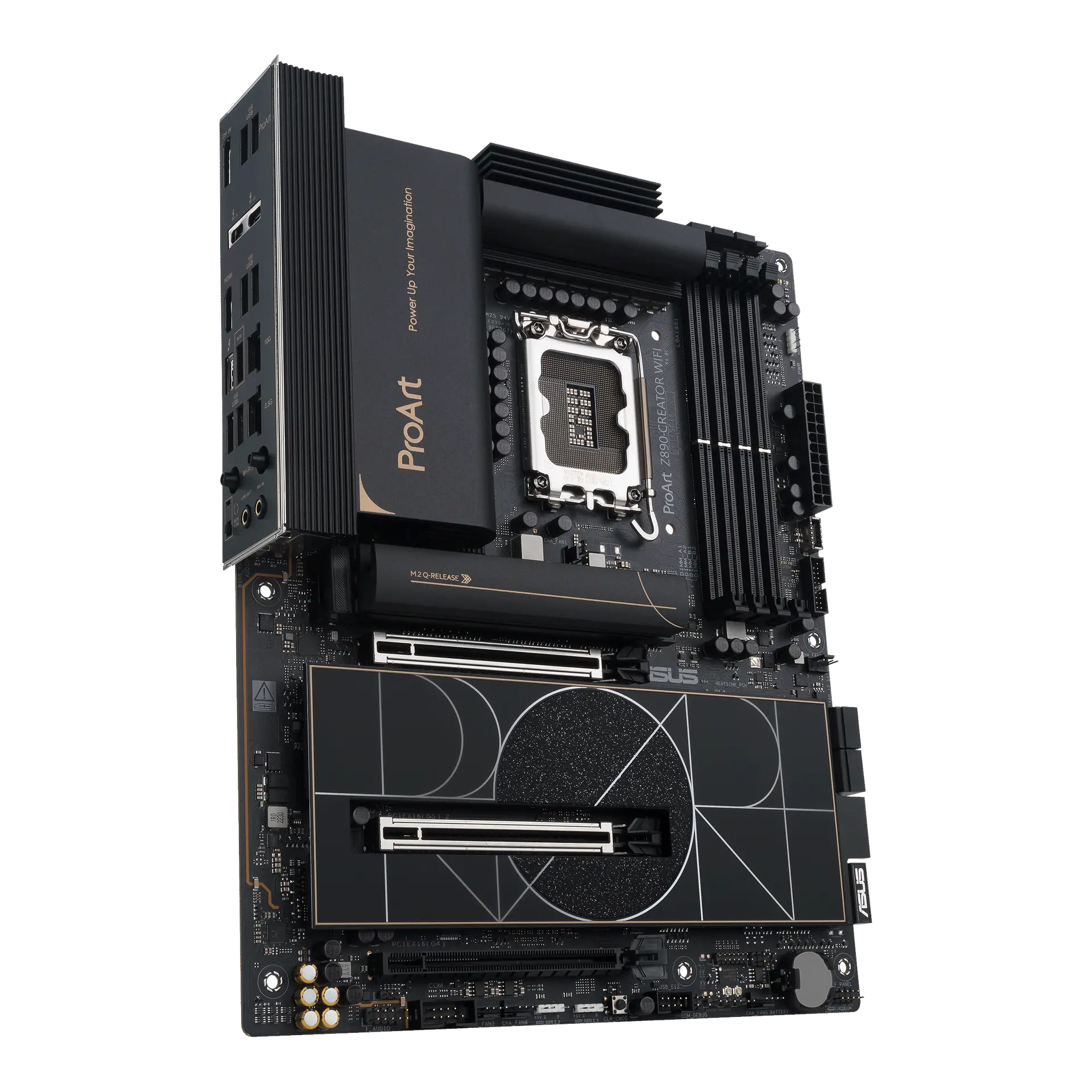 ASUS ProArt Z890-CREATOR WIFIProArt Z890-CREATOR WIFI · LGA1851 · ATX · ASUS global specification
PCIe 5.0 x16 graphics slot and a PCIe 5.0 x4 M.2 slot, plus three more PCIe 4.0 x4 M.2 slots.
Two rear Thunderbolt 4 ports (up to 40 Gb/s), Realtek 8126 5 Gb Ethernet and Intel Wi-Fi 7 with Bluetooth 5.4.
DDR5 up to 9200+ MT/s (OC) with CUDIMM support, a rear Flash BIOS button and an EZ Digit Debug LED.
Only one of the four M.2 slots is PCIe 5.0, there are just four SATA ports, and the two extra x16-length slots are wired PCIe 4.0 x4.
Wi-Fi 7 needs Windows 11 version 24H2, 6 GHz use depends on local regulations, and the Thunderbolt ports drop to 20 Gb/s with USB4 devices.
Products in this catalogue that list the same socket or memory type as the MSI PRO Z890-A WIFI. A shared socket or memory type is necessary but not sufficient: check the exact CPU and memory support lists, and the BIOS version, before buying.
Start a build with thisOpens My setups with the MSI PRO Z890-A WIFI in place and checks each part you addExact configuration: LGA 1851 · DDR5 · ATX · MSI global specification
23 specifications in 9 groups. Values are manufacturer specifications unless a row says “Measured result” or “Calculated from cited specifications”. 1 row repeats a listed fact in the manufacturer’s own wording, kept under “Manufacturer wording”.
Physical DDR5 DIMM positions; not a capacity or speed guarantee.
SourceManufacturer capacity ceiling; CPU, BIOS and module validation apply.
SourceMSI specifies Intel XMP 3.0. The overclocked speed is MSI's 1DPC 1R maximum; MSI lists 1DPC 2R up to 7200+, 2DPC 1R up to 6400+ and 2DPC 2R up to 5600+ MT/s. · CPU, BIOS and validated DIMM population determine supported capacity and speeds. DDR4 and DDR5 are not interchangeable.
SourcePCI_E1 connects to the CPU; PCI_E2 and PCI_E3 connect to the chipset. All three are x16-length slots. · Electrical link widths, not a guarantee of the installed system’s performance.
SourceThe stated PCI_E1 electrical link is separate from M.2 storage links. It does not establish the lane allocation of every expansion slot or measured GPU performance.
Storage M.2 positions; bandwidth and protocol are specified separately.
SourceSATA 6 Gb/s connectors; check lane sharing and drive power.
SourceMSI labels the slots M.2_1 to M.2_4. M.2_1 and M.2_2 connect to the CPU; M.2_3 and M.2_4 connect to the chipset. · Check the exact slot protocol, supported module length and lane allocation before installation.
SourceListed SATA controller modes require compatible drives and array setup. They do not establish NVMe RAID or a data protection guarantee.
SourceThe same facts in the manufacturer’s combined or original wording, each with its source.
Listed M.2 NVMe controller modes require compatible drives and array setup.
SourceBoth ports are on the rear panel. Up to 40 Gb/s with Thunderbolt devices, 20 Gb/s with USB4 devices and 10 Gb/s with USB 3.2 devices; actual operation depends on the connected device and cable.
These outputs require a processor with integrated graphics; graphics specifications vary with the installed CPU. MSI's specification page gives HDMI a 4K 120 Hz maximum while its datasheet quotes 8K 60 Hz for HDMI 2.1 FRL; check the manual if you need 8K over HDMI.
Rear port inventory only. Rated interface rates are not simultaneous measured throughput; Thunderbolt 4 ports run 20 Gb/s with USB4 devices and 10 Gb/s with USB 3.2 devices.
SourceManufacturer-listed front connectivity requires compatible case ports and cabling. These are not additional rear-panel sockets.
SourceManufacturer combined port/header totals; these are not all rear-panel sockets. Use the connection diagram and manual to locate them.
SourceWireless features require compatible OS, driver and router. 6 GHz availability depends on regional rules.
SourceManufacturer-listed onboard audio hardware, not a measured sound-quality result. Where alternatives are listed, no particular unseen controller revision is promised.
SourceBoard headers, not included fans or a statement of their current limits.
SourceCheck MSI's exact CPU support list and its required BIOS. Family support does not confirm the firmware installed on a retail board.
SourceDiagnostic indicators are not proof that a fault will be automatically repaired.
SourceThe rear-panel list and datasheet connection legend explicitly list a Flash BIOS Button. CPU-free recovery procedure and USB preparation require the board manual.
More of the nearest checked motherboards by key specifications, for a side-by-side comparison.
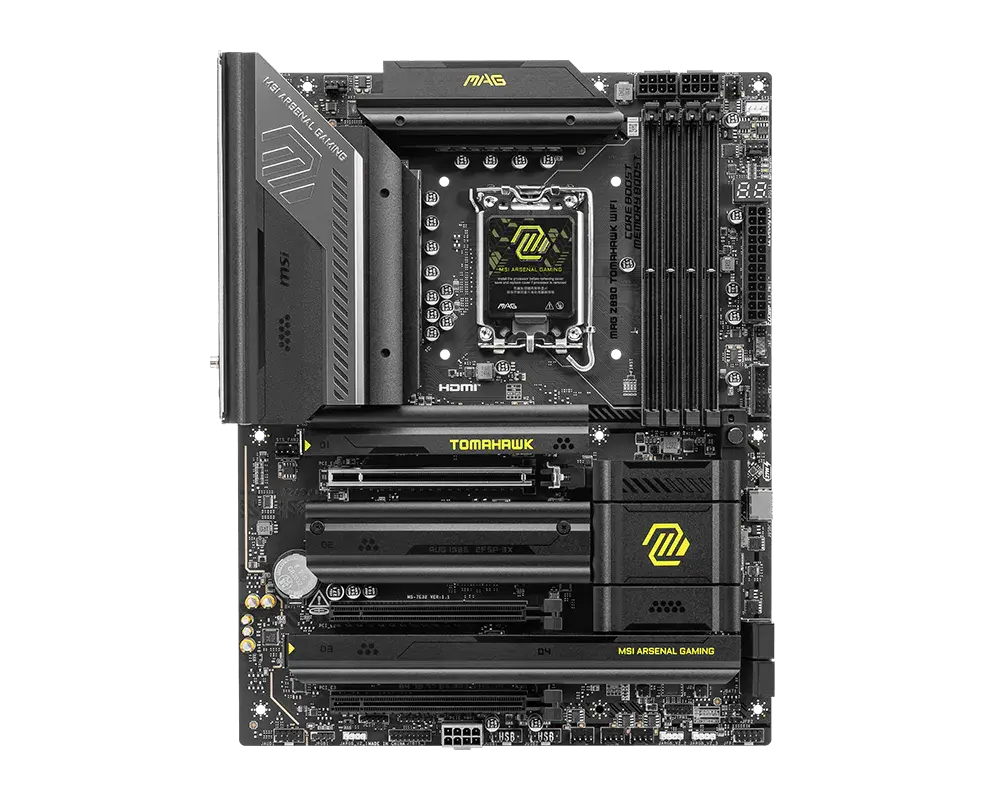 MSI MAG Z890 TOMAHAWK WIFILGA1851 · ATX · DDR5 · board-only configuration · MSI global specificationCompare the two
  ASUS ROG STRIX Z890-H GAMING WIFI90MB1K20-M0AAY0 · LGA1851 · ATX · ASUS global specificationCompare the two
 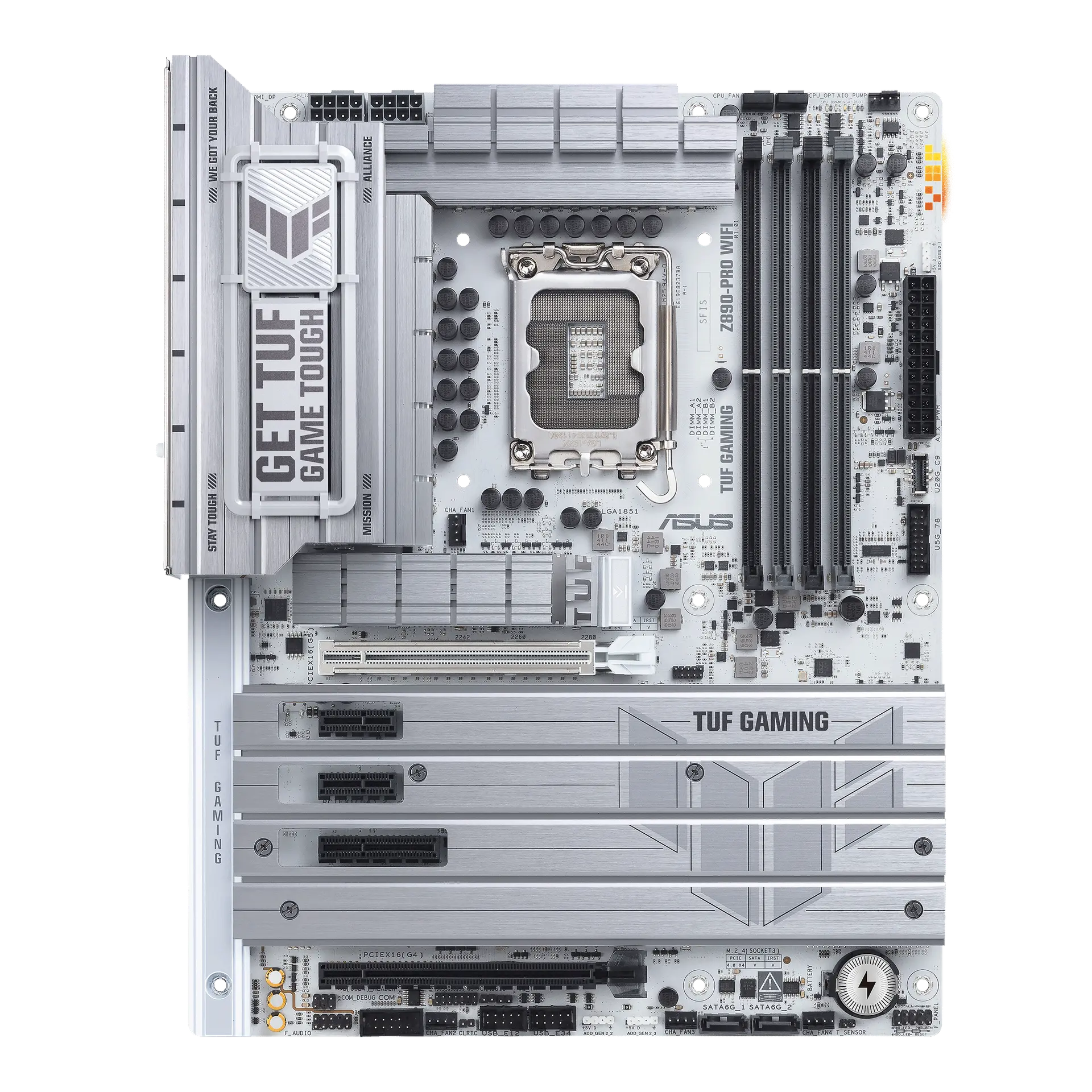 ASUS TUF GAMING Z890-PRO WIFITUF GAMING Z890-PRO WIFI · LGA1851 · ATX · ASUS global specificationCompare the two
  ASUS TUF GAMING Z890-PLUS WIFITUF GAMING Z890-PLUS WIFI · LGA1851 · ATX · ASUS global specificationCompare the two
 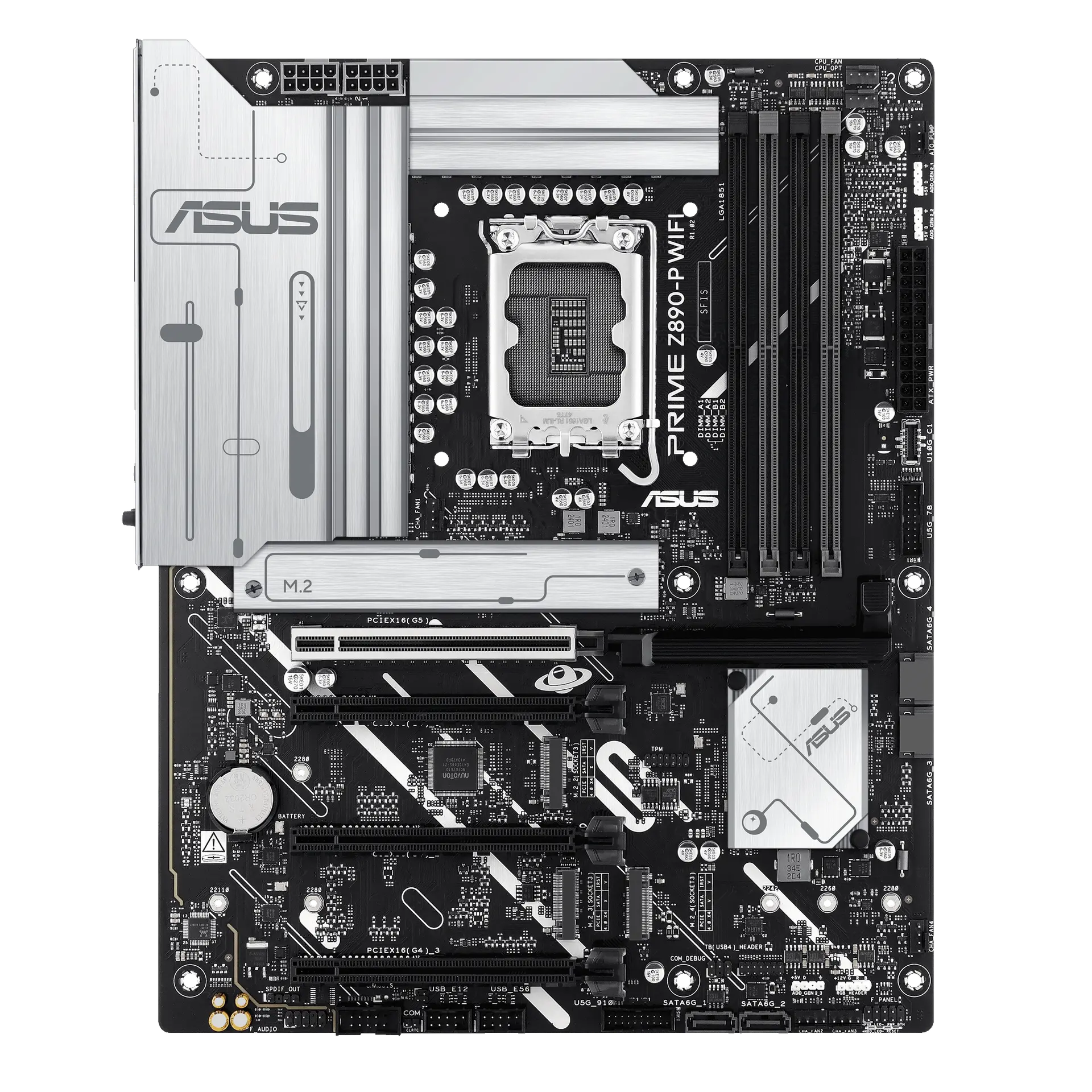 ASUS PRIME Z890-P WIFIPRIME Z890-P WIFI · LGA1851 · ATX · ASUS global specificationCompare the two
 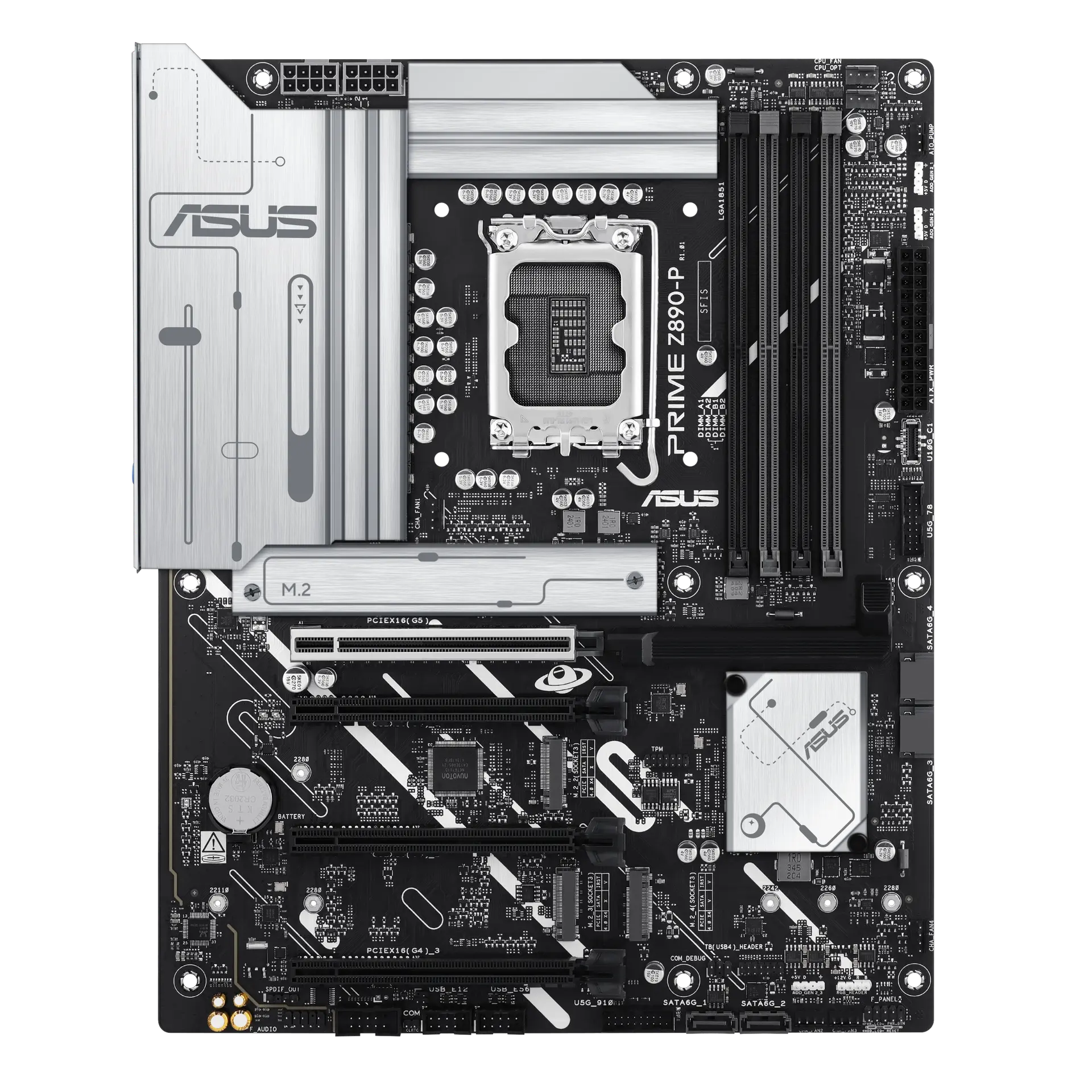 ASUS PRIME Z890-PPRIME Z890-P · LGA1851 · ATX · ASUS global specificationCompare the two
 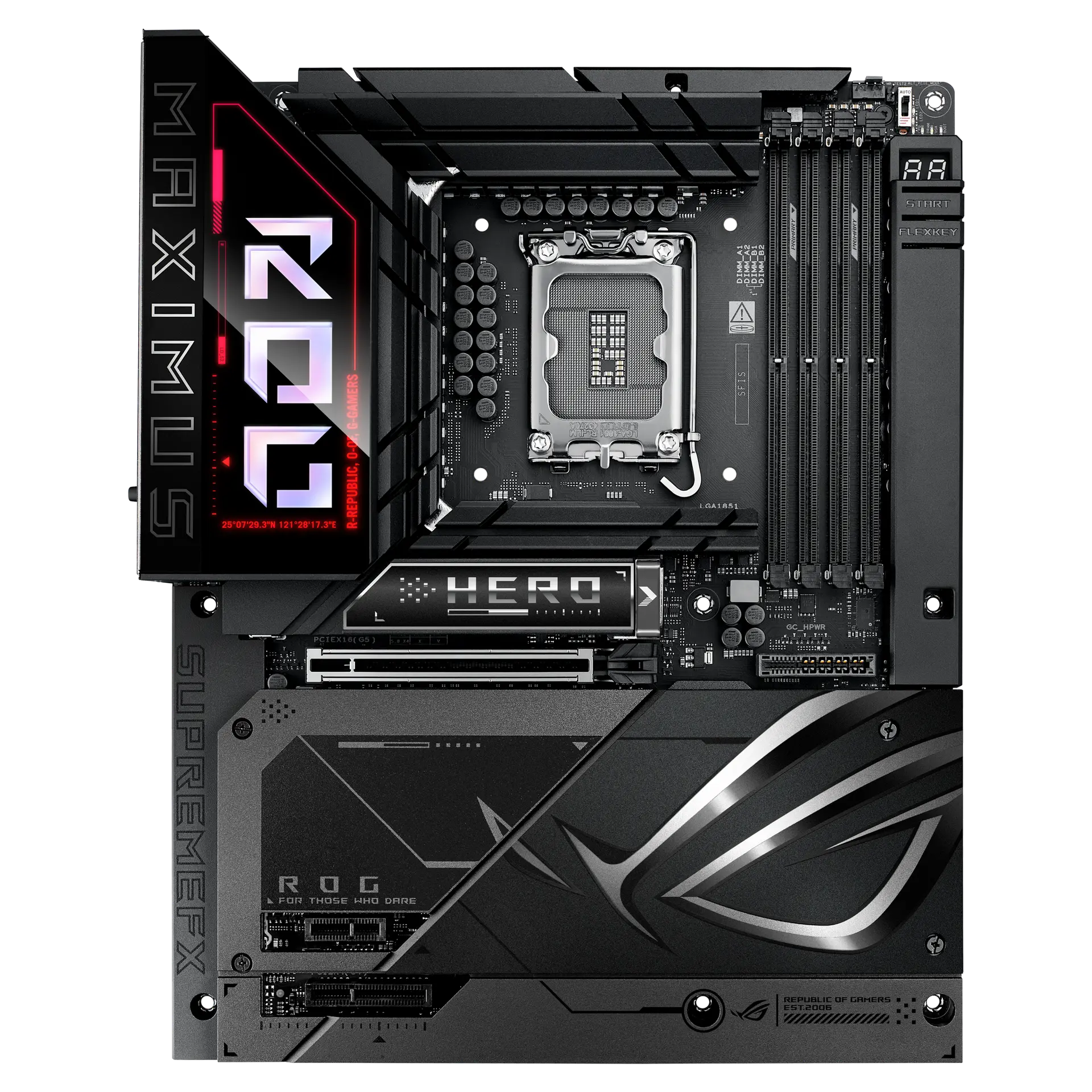 ASUS ROG MAXIMUS Z890 HERO BTF90MB1KG0-M0AAY0 · LGA1851 · ATX · ASUS global specificationCompare the two
 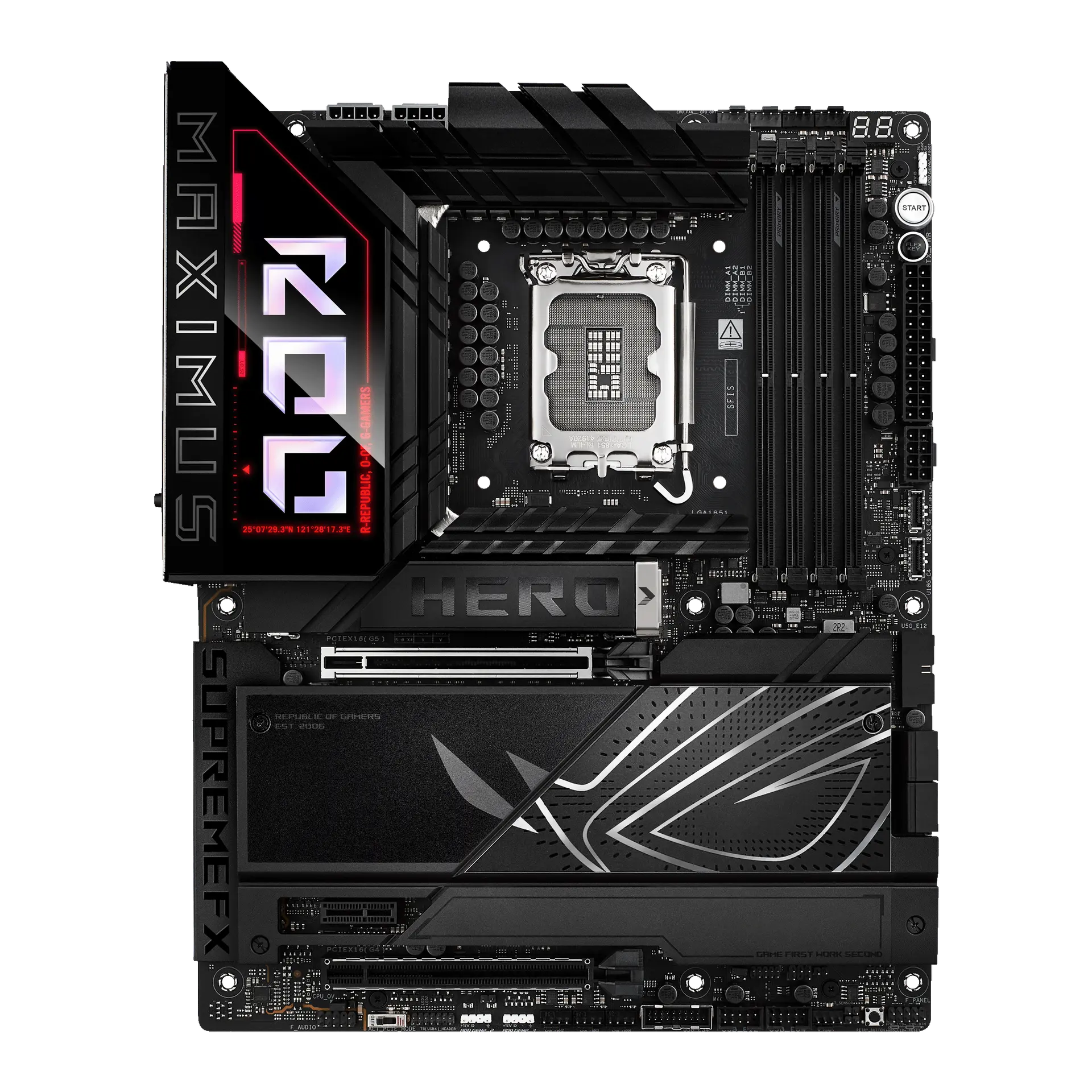 ASUS ROG MAXIMUS Z890 HERO90MB1ID0-M0AAY0 · LGA1851 · ATX · ASUS global specificationCompare the two