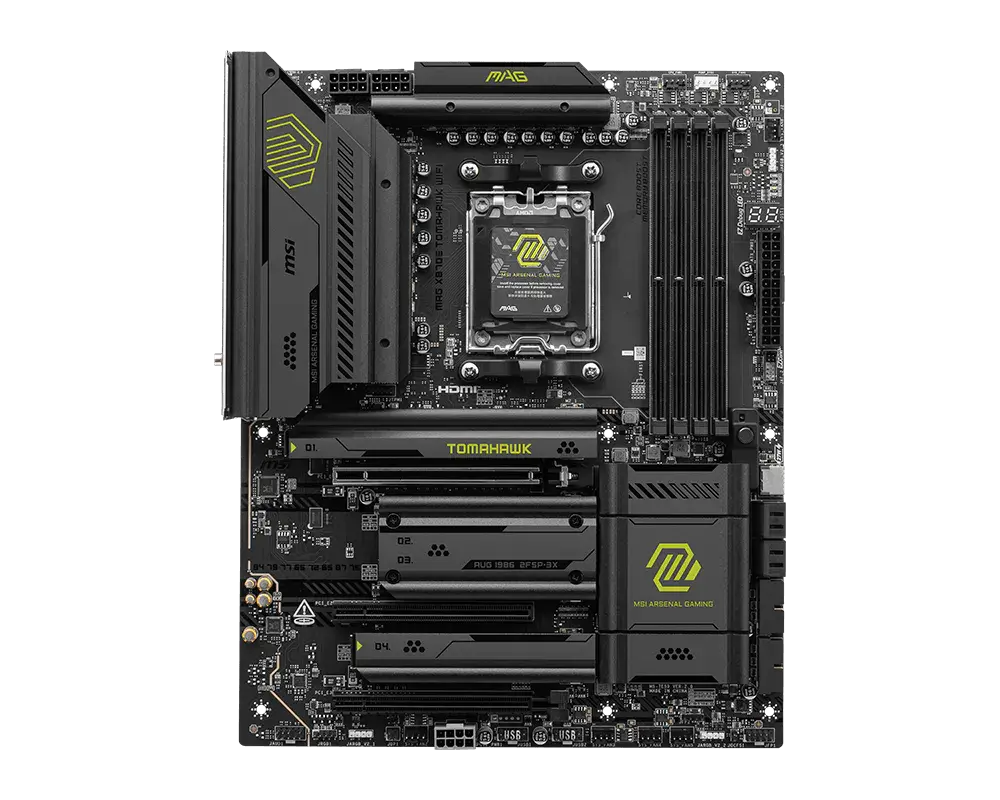
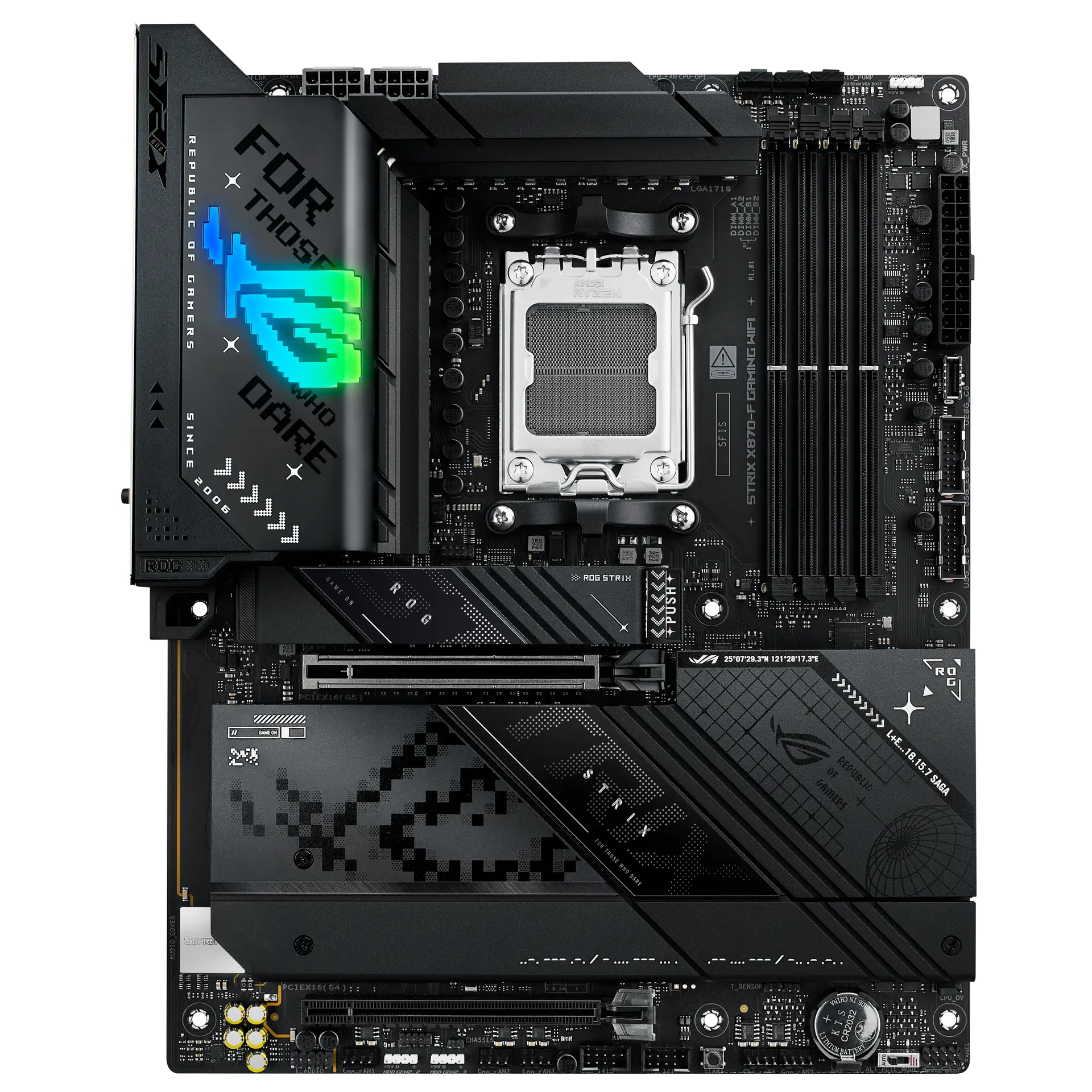
 ASUS ROG STRIX X870-F GAMING WIFI90MB1IV0-M0EAY0 · AM5 · ATX · ASUS UK specification
- SATA storage ports
- 2This one: 4

AM5 · ATX · DDR5 · board only
An ATX AM5 motherboard with AMD X870: four DDR5 slots rated up to DDR5-8400+ (OC), a PCIe 5.0 x16 graphics slot, four M.2 slots (two PCIe 5.0 x4), two rear USB4 40 Gb/s ports, Realtek 5 Gb Ethernet and Wi-Fi 7.
As an Amazon Associate I earn from qualifying purchases.
Email me when the MSI MAG X870 TOMAHAWK WIFI gets cheaper on eBay. We check exact-model listings once a day at 12:00 UTC.
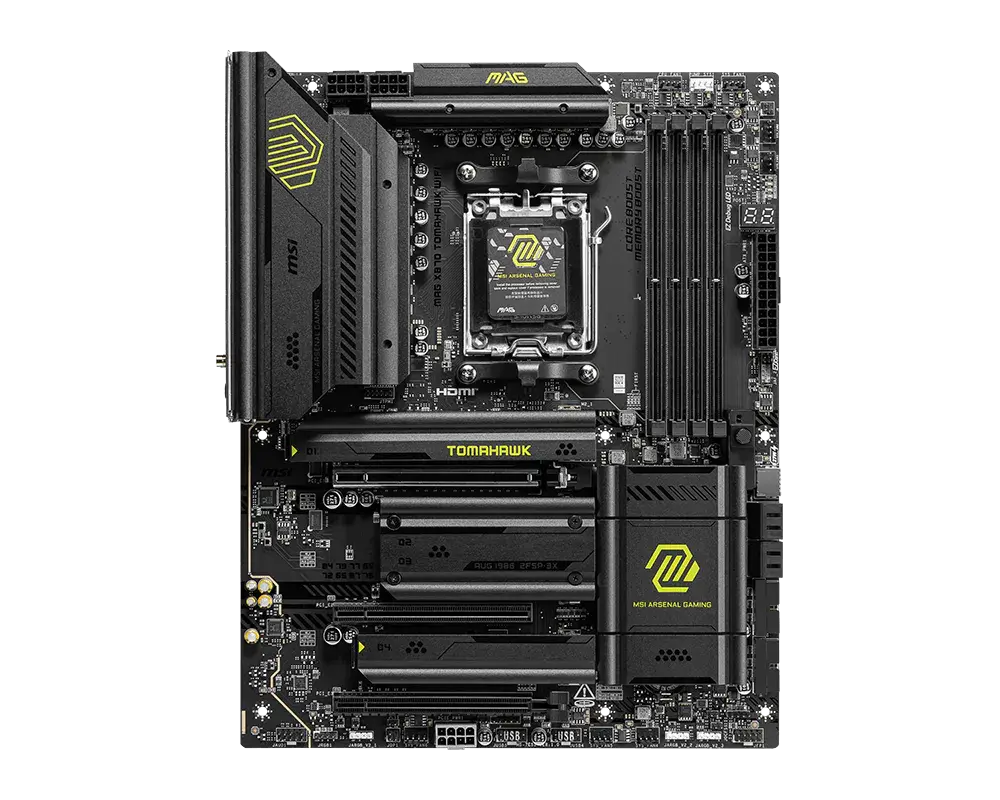
Specifications checked 7 Sept 2026Manufacturer specifications, not a hands-on test.
The nearest checked motherboards by key specifications, with what differs from the MSI MAG X870 TOMAHAWK WIFI. The first matches the Compare button above.
ASUS ROG STRIX X870-F GAMING WIFI90MB1IV0-M0EAY0 · AM5 · ATX · ASUS UK specification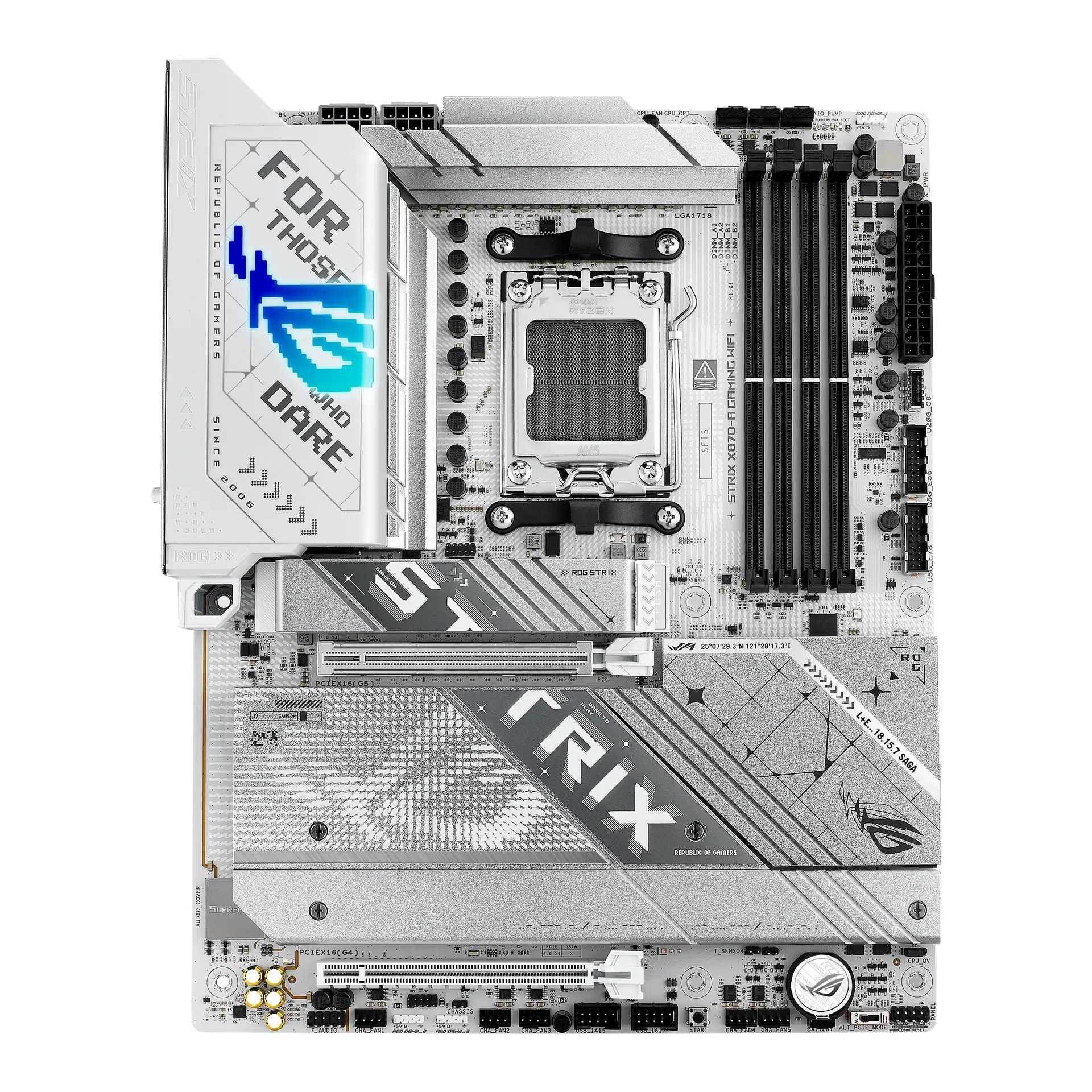 ASUS ROG STRIX X870-A GAMING WIFI90MB1IF0-M0AAY0 · AM5 · ATX · ASUS global specification
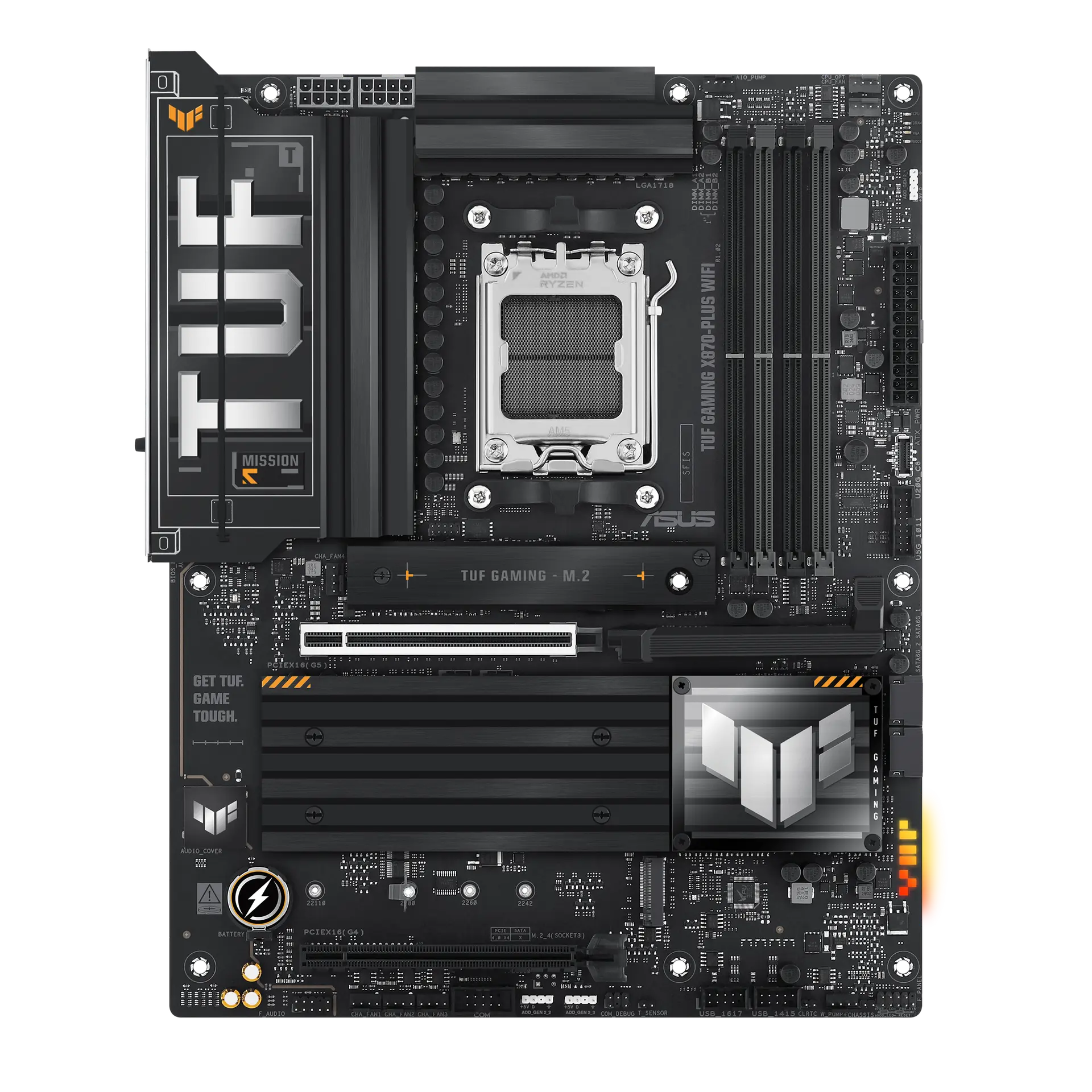 ASUS TUF GAMING X870-PLUS WIFITUF GAMING X870-PLUS WIFI · AM5 · ATX · ASUS UK specification
A PCIe 5.0 x16 graphics slot and two PCIe 5.0 x4 M.2 slots, with four M.2 slots in total.
Two rear USB4 40 Gb/s Type-C ports, 5 Gb Ethernet, Wi-Fi 7 and Bluetooth 5.4.
DDR5 up to 8400+ MT/s (OC) with AMD EXPO, plus rear Flash BIOS and Clear CMOS buttons.
M2_2 shares lanes with the rear USB4 ports (both drop to x2 when it is used) and is unavailable with Ryzen 8500/8300; a drive in M2_3 drops PCI_E3 to x2.
Only four SATA ports, and MSI lists RAID modes for NVMe drives only.
Products in this catalogue that list the same socket or memory type as the MSI MAG X870 TOMAHAWK WIFI. A shared socket or memory type is necessary but not sufficient: check the exact CPU and memory support lists, and the BIOS version, before buying.
Exact configuration: AM5 · ATX · DDR5 · board-only configuration · MSI global specification
23 specifications in 8 groups. Values are manufacturer specifications unless a row says “Measured result” or “Calculated from cited specifications”.
Physical DDR5 module positions, not included modules. Consult the board manual for population order and compatible capacities.
SourceManufacturer capacity ceiling for this exact board, not included memory or a performance measurement. CPU, BIOS, DIMM population and the validated-module list determine support. DDR5 slots require DDR5 modules; DDR4 and DDR5 are not interchangeable. CUDIMM support is bypass mode only; compatibility depends on CPU and BIOS, and some combinations may not boot. Check the exact memory support list.
SourceThe overclocked speed is MSI's 1DPC 1R maximum with Ryzen 9000; MSI lists 1DPC 2R, 2DPC 1R and 2DPC 2R up to 6400+ MT/s. JEDEC speeds are 4800–5600 MT/s. CUDIMMs run in clock-driver bypass mode only. · Manufacturer capacity ceiling for this exact board, not included memory or a performance measurement. CPU, BIOS, DIMM population and the validated-module list determine support. DDR5 slots require DDR5 modules; DDR4 and DDR5 are not interchangeable. CUDIMM support is bypass mode only; compatibility depends on CPU and BIOS, and some combinations may not boot. Check the exact memory support list.
SourceAll three slots are x16 length. PCI_E1 (PCIe 5.0 x16) uses CPU lanes; PCI_E2 (PCIe 3.0 x1) and PCI_E3 (PCIe 4.0 x4) use chipset lanes. · All three connectors have x16 physical length. E1 uses CPU lanes: Ryzen 7000/9000 x16 Gen5; 8700/8600/8400 x8 Gen4; 8500/8300 x4 Gen4. E2/E3 use chipset lanes. M2_3 population reduces E3 to x2; forcing E3 x4 disables M2_3.
SourceMSI EZ PCIe Release operates the graphics-card slot latch. This is an installation control, not a PCIe bandwidth or gaming-performance measurement.
SourceOnboard M.2 storage positions only. Ryzen 8000 reduces CPU M.2 links to PCIe 4.0; M2_2 is unavailable with Ryzen 8500/8300. M2_2 and the rear USB4 controller share CPU PCIe 5.0 x4 lanes. With M2_2 populated, each runs at x2; selecting M2_2 x4 in BIOS disables rear USB4. The USB4 controller itself supports at most PCIe 4.0 x4. PCI_E3 runs at x2 when M2_3 is used; selecting PCI_E3 x4 in BIOS disables M2_3.
SourceSATA 6 Gb/s connectors, not supplied drives or power cables. Ryzen 8000 reduces CPU M.2 links to PCIe 4.0; M2_2 is unavailable with Ryzen 8500/8300. M2_2 and the rear USB4 controller share CPU PCIe 5.0 x4 lanes. With M2_2 populated, each runs at x2; selecting M2_2 x4 in BIOS disables rear USB4. The USB4 controller itself supports at most PCIe 4.0 x4. PCI_E3 runs at x2 when M2_3 is used; selecting PCI_E3 x4 in BIOS disables M2_3.
SourceM2_1 and M2_2 connect to the CPU (PCIe 5.0 x4); M2_3 (PCIe 4.0 x2) and M2_4 (PCIe 4.0 x4) connect to the chipset. M2_1 accepts drives up to 22110; the others up to 2280. · Ryzen 8000 reduces CPU M.2 links to PCIe 4.0; M2_2 is unavailable with Ryzen 8500/8300. M2_2 and the rear USB4 controller share CPU PCIe 5.0 x4 lanes. With M2_2 populated, each runs at x2; selecting M2_2 x4 in BIOS disables rear USB4. The USB4 controller itself supports at most PCIe 4.0 x4. PCI_E3 runs at x2 when M2_3 is used; selecting PCI_E3 x4 in BIOS disables M2_3.
SourceRAID 5 requires Ryzen 9000; RAID 10 requires Ryzen 9000 or 7000. Requires compatible drives and array setup.
SourceMSI lists RAID modes for M.2 NVMe drives only; SATA RAID support is not stated. · Check the manual or BIOS documentation before relying on SATA arrays.
SourceMSI describes tool-less SSD and Shield Frozr installation/removal under EZ M.2 Shield Frozr II. An installation convenience, not a cooling measurement; it may not suit every SSD heatsink.
SourceM2_2 shares lanes with rear USB4. Populating it splits the link; selecting its x4 BIOS mode disables rear USB4. Controller maximum is PCIe 4.0 x4.
SourceM2_2 shares lanes with rear USB4. Populating it splits the link; selecting its x4 BIOS mode disables rear USB4. Controller maximum is PCIe 4.0 x4.
SourceNominal port signalling rate, not measured throughput. M2_2 shares lanes with rear USB4. Populating it splits the link; selecting its x4 BIOS mode disables rear USB4. Controller maximum is PCIe 4.0 x4.
SourceRequires processor integrated graphics. HDMI maximum 8K 60 Hz; USB4 display maximum 4K 60 Hz. CPU and connected equipment affect support; discrete GPU outputs are separate. M2_2 shares lanes with rear USB4. Populating it splits the link; selecting its x4 BIOS mode disables rear USB4. Controller maximum is PCIe 4.0 x4.
SourceMSI names the Ethernet controller Realtek 8126-CG for this board. · Wi-Fi 7 requires supported Windows 11, drivers and access point; MSI specifies Windows 11 24H2 for full Wi-Fi 7 operation. 6 GHz availability depends on country rules. Bluetooth version depends on module vendor and drivers; no measured throughput is claimed.
SourceManufacturer-listed onboard audio hardware, not a measured sound-quality result. Where alternatives are listed, no particular unseen controller revision is promised.
SourceCheck MSI's exact CPU support list and its required BIOS. Family support does not confirm the firmware installed on a retail board.
SourceRear-panel control; follow the exact board's firmware and flashing instructions.
SourceListed rear-panel control; follow the board manual before resetting firmware settings.
SourceMore of the nearest checked motherboards by key specifications, for a side-by-side comparison.
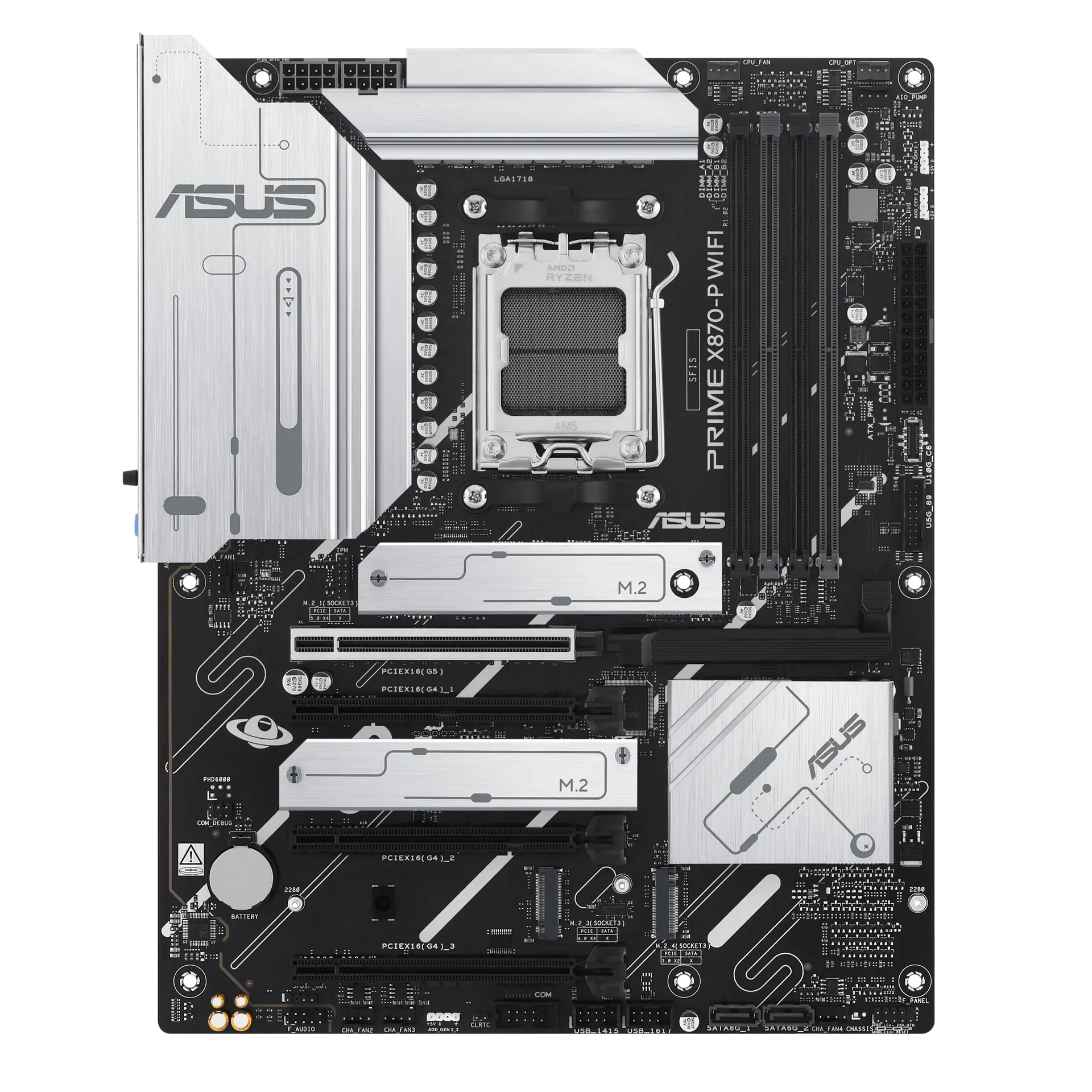 ASUS PRIME X870-P WIFIPRIME X870-P WIFI · AM5 · ATX · ASUS UK specificationCompare the two
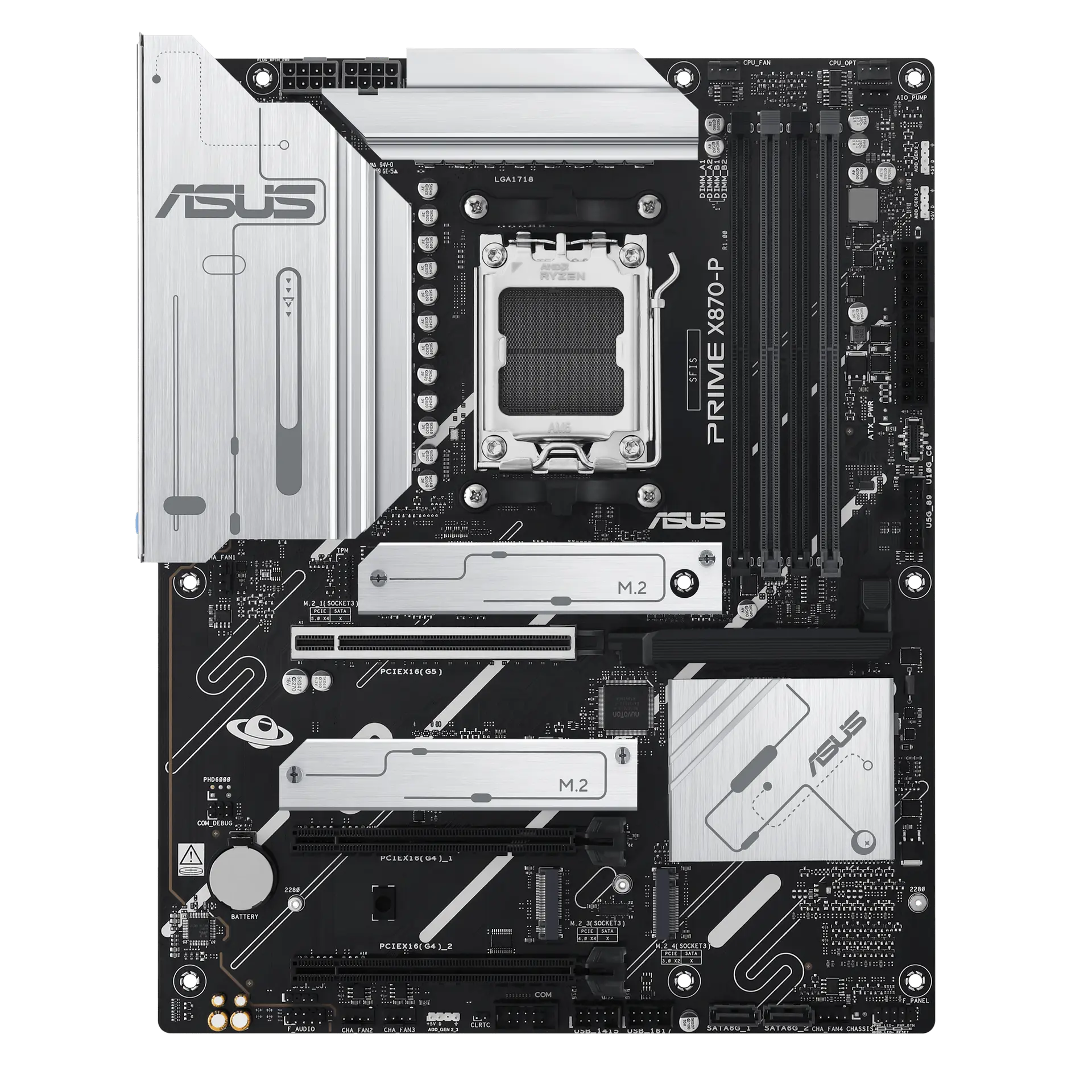 ASUS PRIME X870-PPRIME X870-P · AM5 · ATX · ASUS UK specificationCompare the two
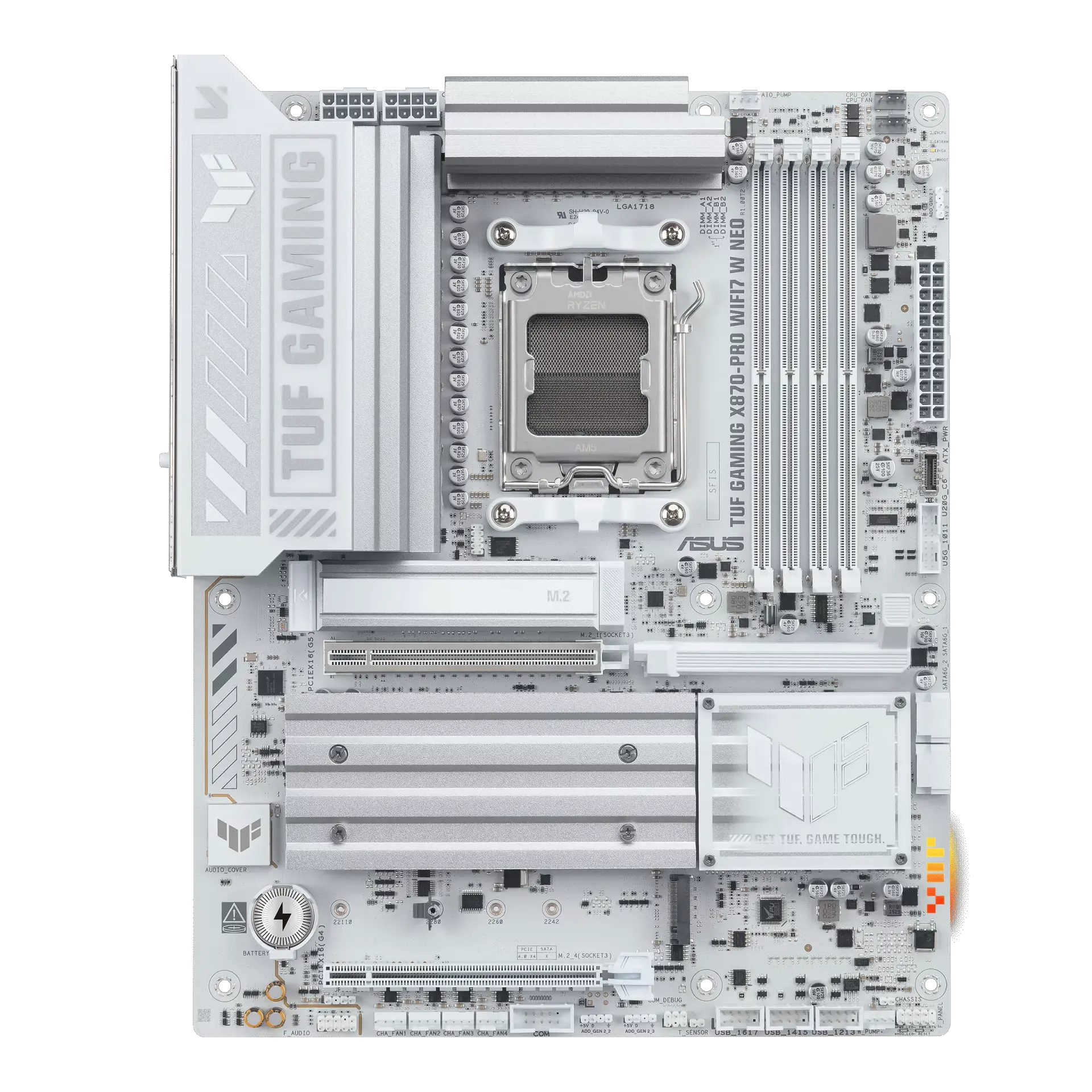 ASUS TUF GAMING X870-PRO WIFI7 W NEOTUF GAMING X870-PRO WIFI7 W NEO · AM5 · ATX · ASUS UK specificationCompare the two
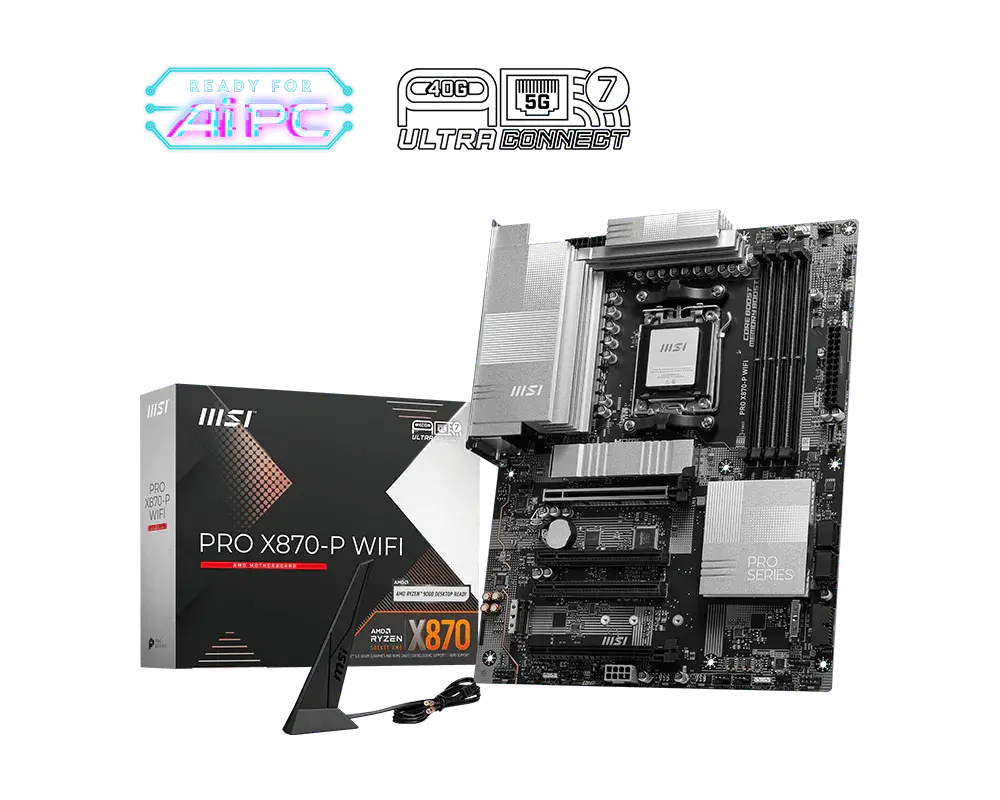 MSI PRO X870-P WIFIAM5 · DDR5 · ATX · MSI global specificationCompare the two
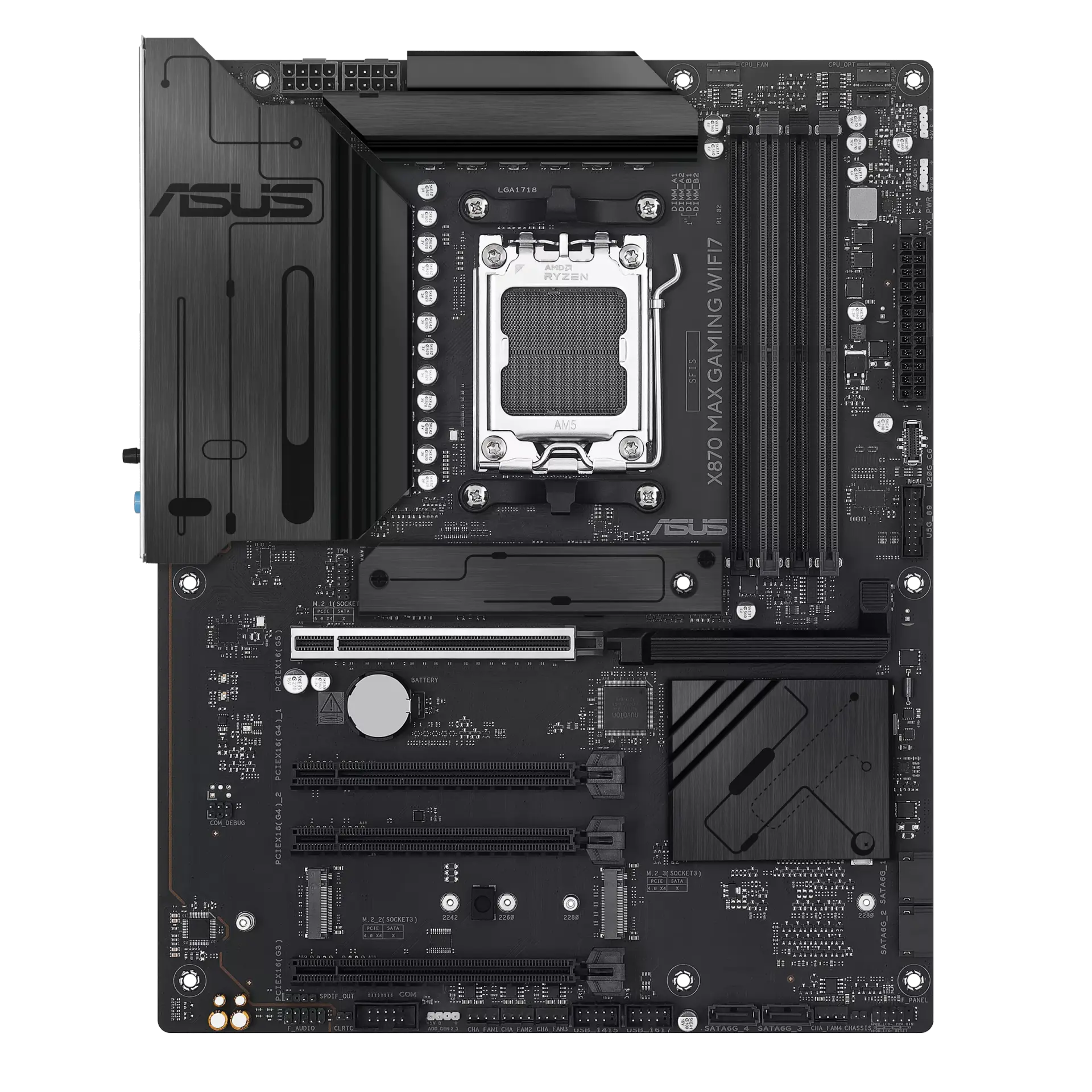 ASUS X870 MAX GAMING WIFI7X870 MAX GAMING WIFI7 · AM5 · ATX · ASUS UK specificationCompare the two
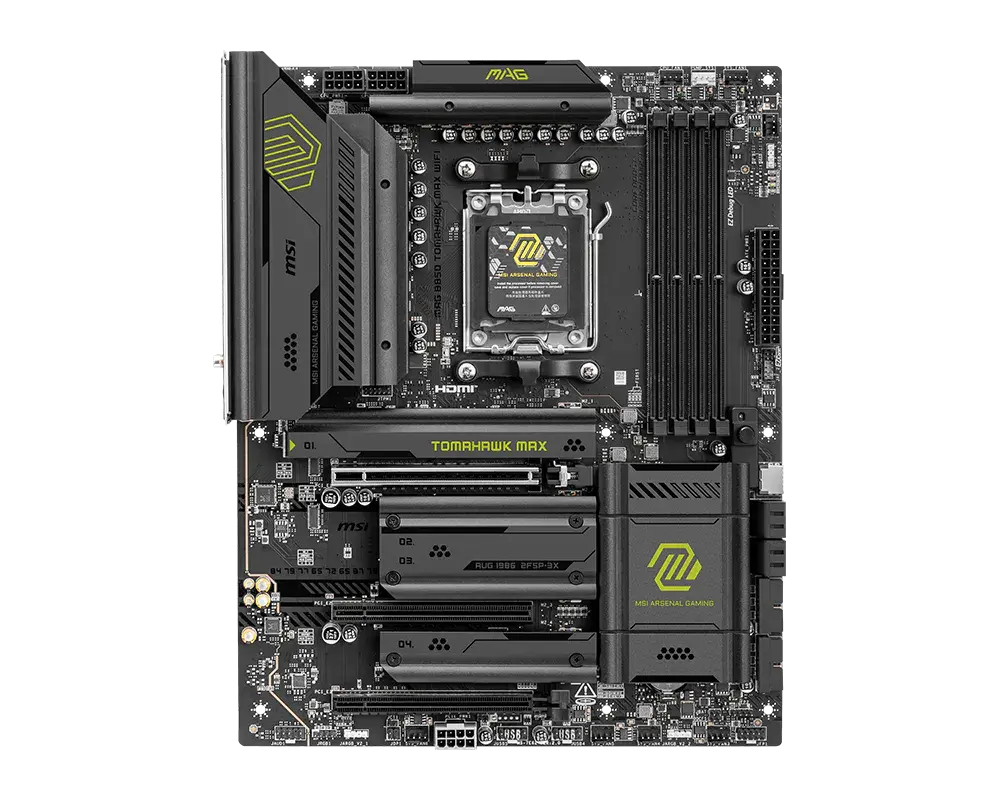 MSI MAG B850 TOMAHAWK MAX WIFIAM5 · ATX · DDR5 · board-only configuration · MSI global specificationCompare the two
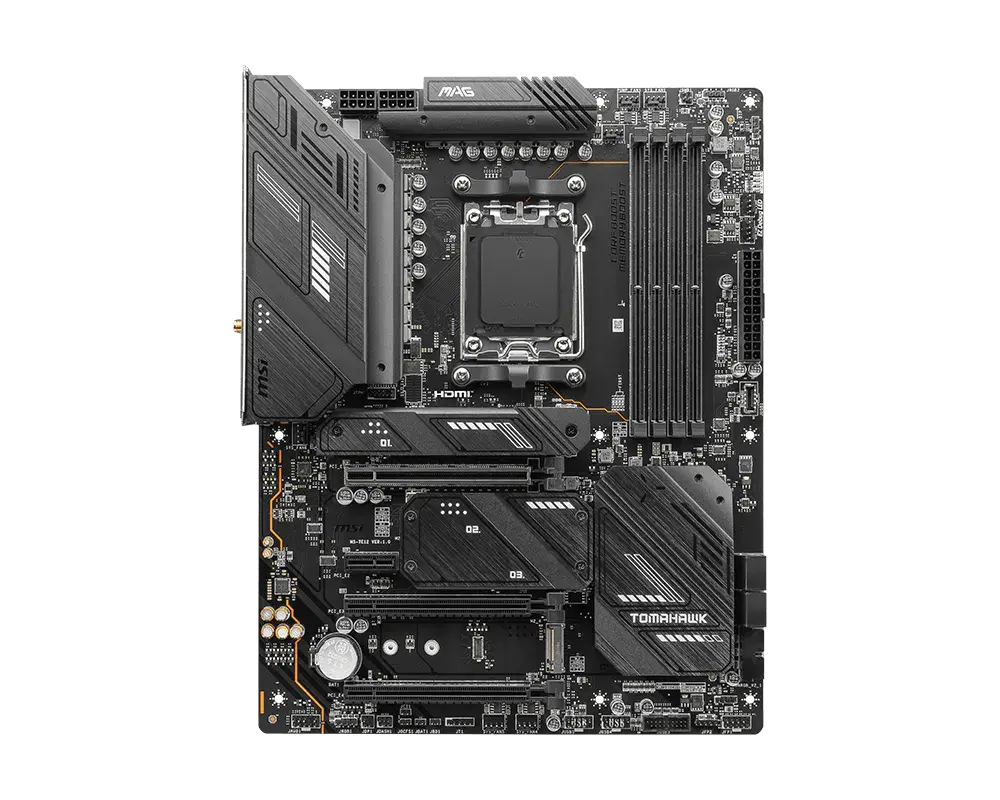 MSI MAG X670E TOMAHAWK WIFIAM5 · ATX · DDR5 · board-only configuration · MSI global specificationCompare the two
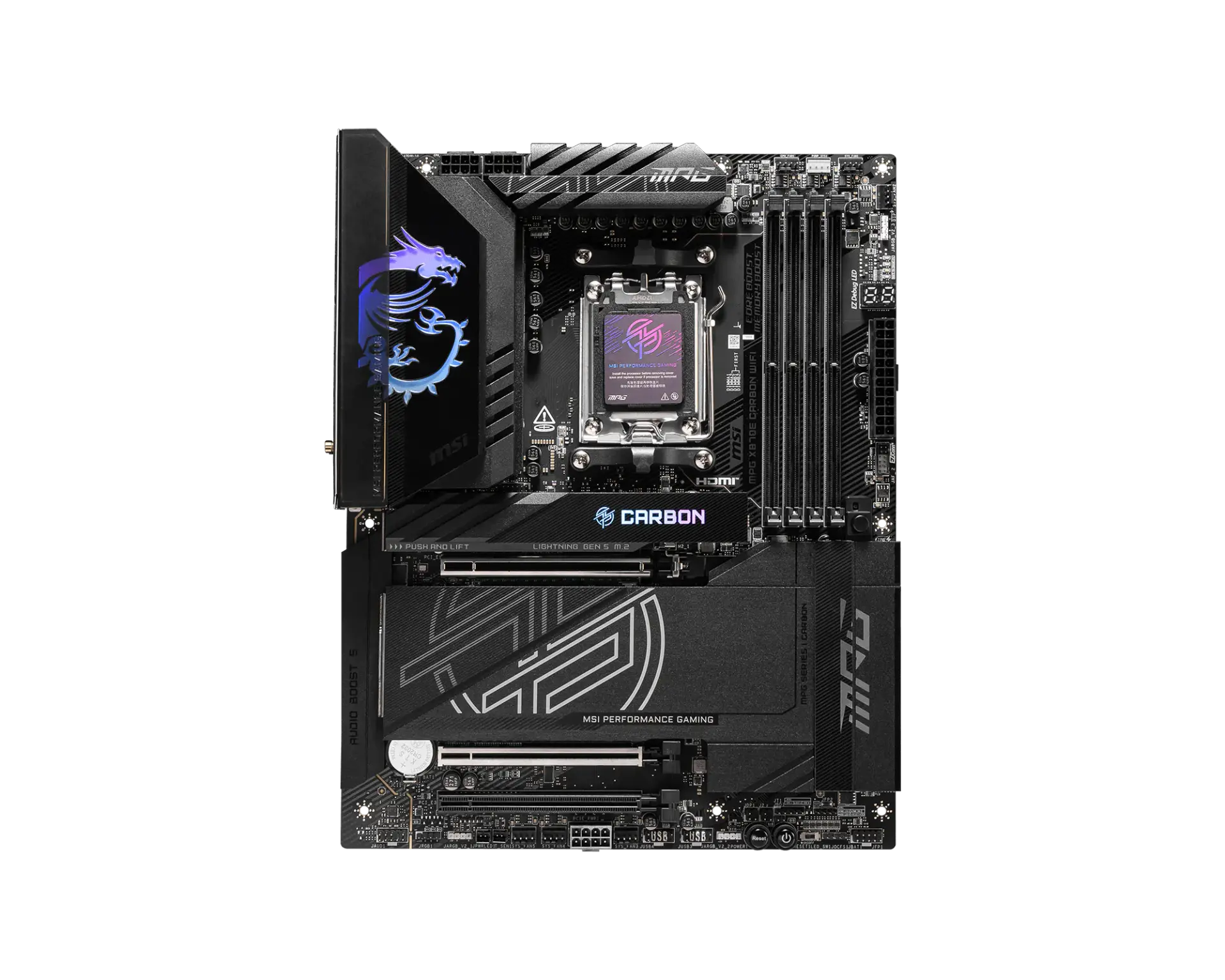 MSI MPG X870E CARBON WIFIAM5 · ATX · DDR5 · board-only configuration · MSI global specificationCompare the two