


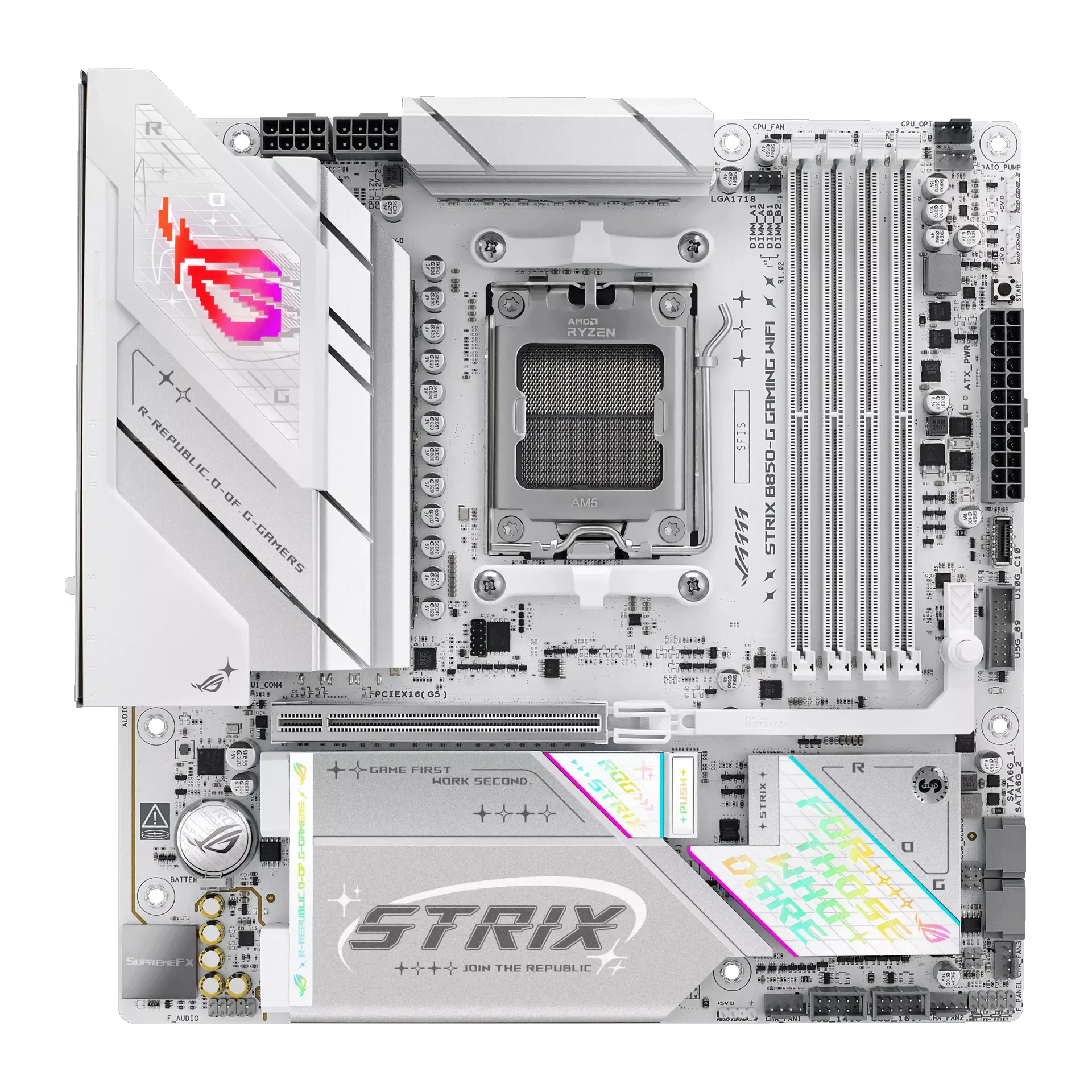
 ASUS ROG STRIX B850-G GAMING WIFIROG STRIX B850-G GAMING WIFI · AM5 · Micro-ATX · ASUS UK specification
- M.2 storage positions
- 4This one: 3
- SATA storage ports
- 2This one: 4

AM5 · Micro-ATX · UK specification
A micro-ATX AM5 motherboard with AMD B850: four DDR5 slots rated up to DDR5-8000+ (OC), a PCIe 5.0 x16 graphics slot, three M.2 slots (one PCIe 5.0 x4), four SATA ports, Realtek 2.5 Gb Ethernet and Wi-Fi 6E.
As an Amazon Associate I earn from qualifying purchases.
Email me when the ASUS TUF GAMING B850M-E WIFI gets cheaper on eBay. We check exact-model listings once a day at 12:00 UTC.
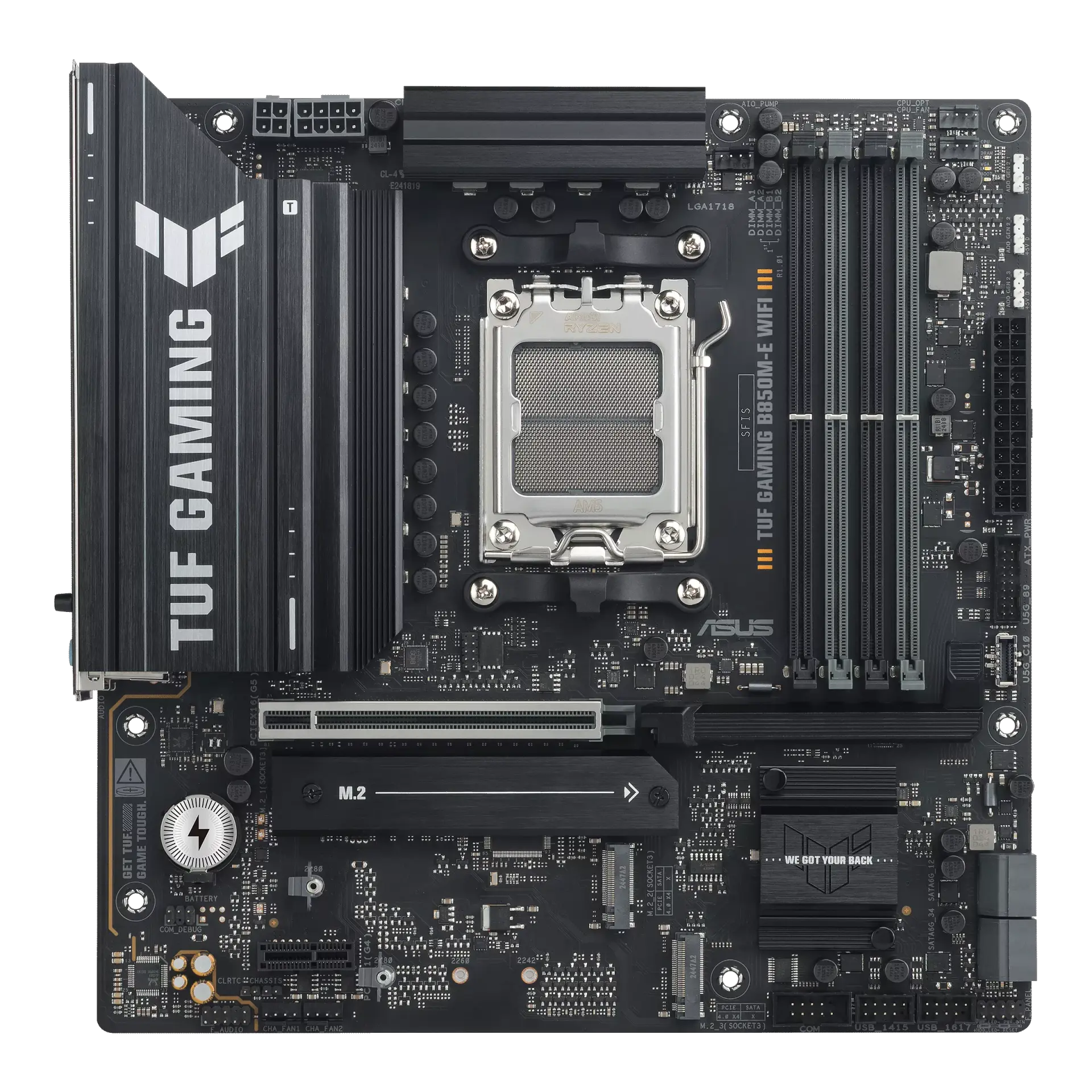
Specifications checked 27 Sept 2026Manufacturer specifications, not a hands-on test.
The nearest checked motherboards by key specifications, with what differs from the ASUS TUF GAMING B850M-E WIFI. The first matches the Compare button above.
ASUS ROG STRIX B850-G GAMING WIFIROG STRIX B850-G GAMING WIFI · AM5 · Micro-ATX · ASUS UK specification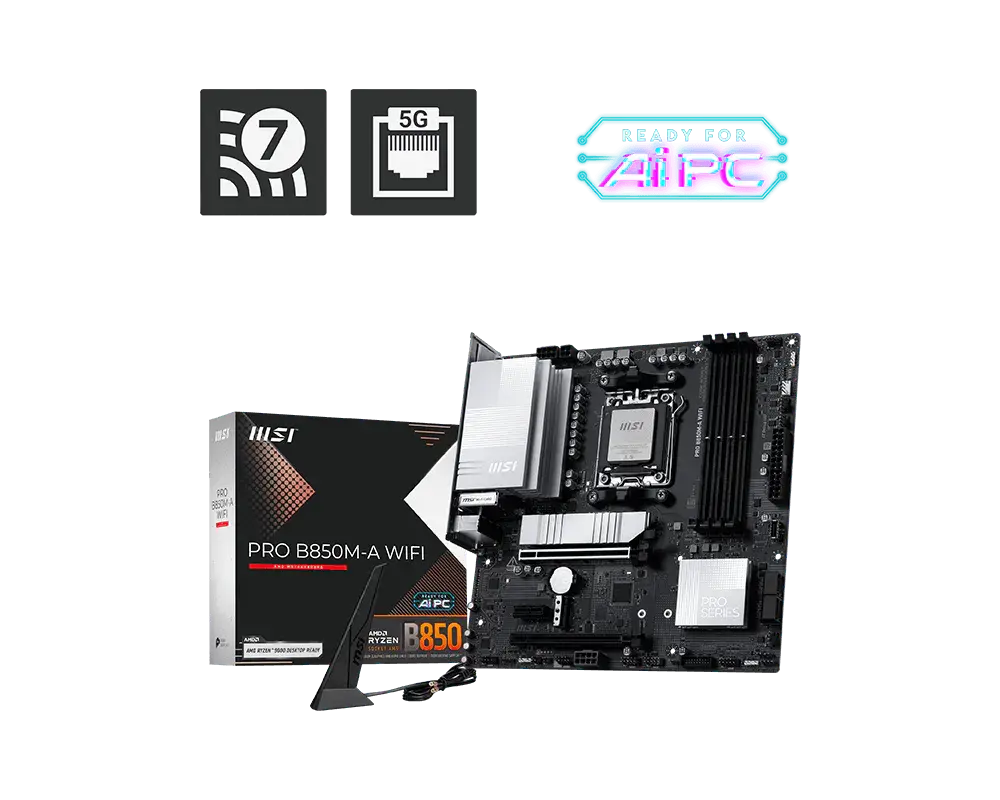 MSI PRO B850M-A WIFIAM5 · DDR5 · Micro-ATX · Wi-Fi 7 · MSI global specification
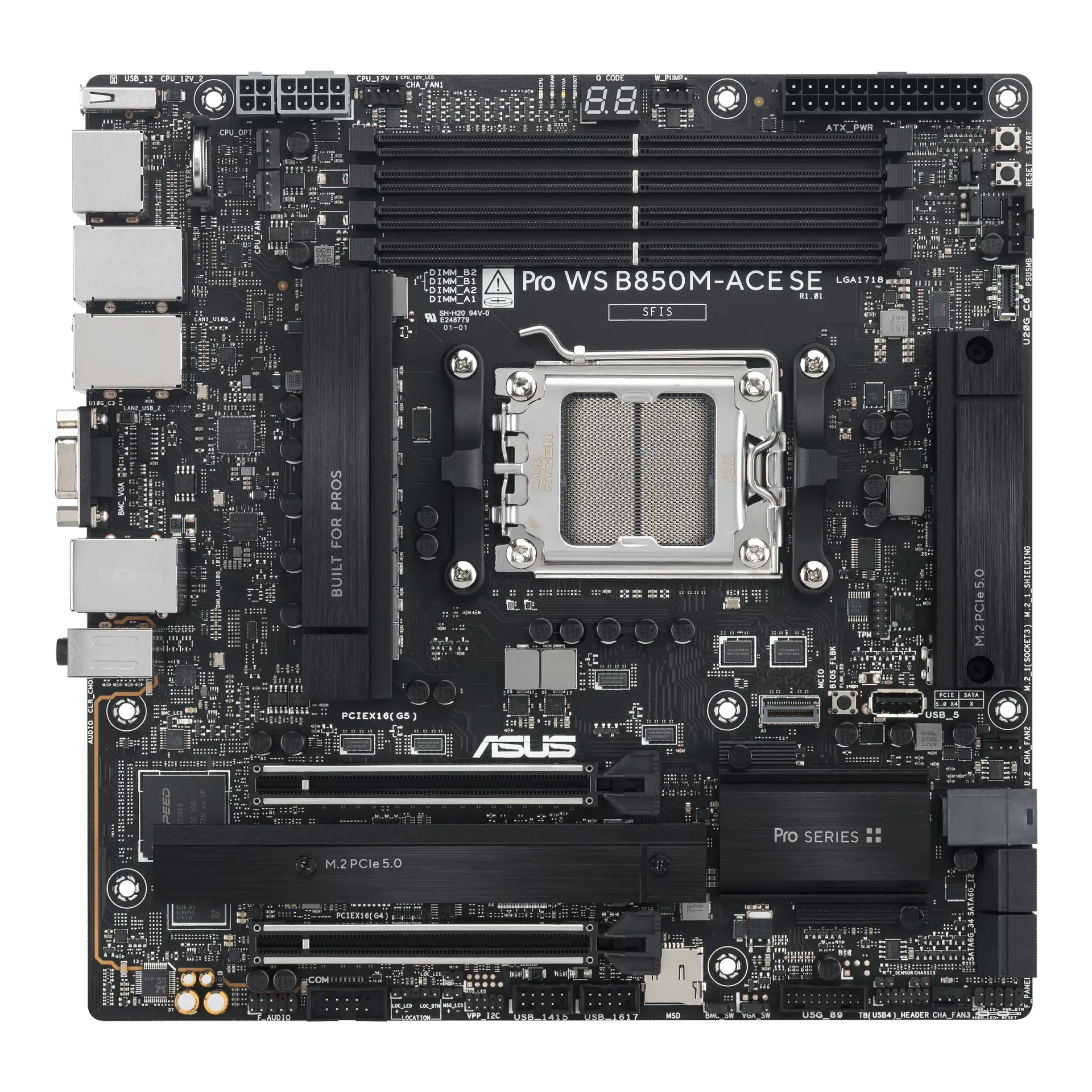 ASUS Pro WS B850M-ACE SEPro WS B850M-ACE SE · AM5 · Micro-ATX · ASUS UK specification
A PCIe 5.0 x16 graphics slot and a PCIe 5.0 x4 M.2 slot, with three M.2 slots and four SATA ports in total.
Two DisplayPort outputs plus HDMI for integrated graphics, a rear PS/2 port and a BIOS FlashBack button.
Accepts ECC as well as non-ECC unbuffered DDR5 up to 8000+ MT/s (OC), and ASUS lists Windows 10 (21H2 and later) as well as Windows 11.
Wi-Fi 6E and Bluetooth 5.3 rather than Wi-Fi 7, a single 2.5 Gb Ethernet port, and only eight rear USB ports with 10 Gb/s as the fastest.
Two chassis fan headers, an 8-pin plus 4-pin CPU power input, a back-panel list with no Clear CMOS button (ASUS lists an internal Clear CMOS header), and an unnamed Realtek audio codec.
Products in this catalogue that list the same socket or memory type as the ASUS TUF GAMING B850M-E WIFI. A shared socket or memory type is necessary but not sufficient: check the exact CPU and memory support lists, and the BIOS version, before buying.
Exact configuration: TUF GAMING B850M-E WIFI · AM5 · Micro-ATX · ASUS UK specification
36 specifications in 9 groups. Values are manufacturer specifications unless a row says “Measured result” or “Calculated from cited specifications”.
Check case mounting positions and connector clearance.
SourceUK and US buying links are searches, not proof of stock, identical regional wireless modules, bundles or warranty. Confirm the exact model and part identifier with the retailer.
SourcePhysical DDR5 module positions; this count is not a guarantee of capacity or profile speed.
SourceManufacturer capacity ceiling; check CPU support, BIOS and the validated DIMM population.
SourceASUS lists up to 8000+ MT/s (OC) with Ryzen 9000, 8000 and 7000 processors and AEMP. · Supported capacity, module population and profile speeds depend on the exact CPU, installed BIOS and validated memory kit. Profile support does not guarantee an overclock.
SourceThese are manufacturer-listed overclocking configurations, not guaranteed stock transfer rates or tested performance. CPU family and DIMM layout remain material.
SourceThe x16 slot is listed under the Ryzen processor; the x1 slot under the B850 chipset. · With Ryzen 8000 the x16 slot runs PCIe 4.0 x8/x4. See ASUS's PCIe bifurcation table.
SourceASUS PCIe Slot Q-Release. An installation control, not a bandwidth or performance measurement.
SourceRyzen 8000 processors change the CPU-attached M.2 links (M.2_1 PCIe 4.0 x4; M.2_2 PCIe 4.0 x4/x2).
SourceSATA 6 Gb/s; check the source for lane sharing and drive power requirements.
SourceM.2_1 (PCIe 5.0 x4) and M.2_2 (PCIe 4.0 x4) are listed under the Ryzen processor; M.2_3 under the B850 chipset. M.2_3 accepts 2242/2260/2280; M.2_1 and M.2_2 accept 2280. · With Ryzen 8000, M.2_1 runs PCIe 4.0 x4 and M.2_2 PCIe 4.0 x4/x2.
SourceASUS lists AMD RAIDXpert2 levels per CPU family (Ryzen 9000: 0/1/5/10; 8000: 0/1; 7000: 0/1/10) without stating which apply to SATA versus NVMe devices.
SourceASUS lists AMD RAIDXpert2 levels per CPU family (Ryzen 9000: 0/1/5/10; 8000: 0/1; 7000: 0/1/10) without stating which apply to NVMe versus SATA devices.
SourceInstallation feature only; ASUS does not say which M.2 slots use it, and it is not a cooling measurement. A screw package for M.2 SSDs is also listed.
SourceA generic 'Enlarged M.2 Heatsinks' pop-up on the same ASUS page says all three M.2 slots have dedicated heatsinks. The model's labelled cooling layout ('M.2 Heatsink', singular), the gallery image and that pop-up's own illustration all show a single M.2 heatsink, so the pop-up sentence is treated as template text and no per-slot heatsinks are recorded. · Manufacturer cooling design, not measured temperatures. ASUS's labelled cooling layout names one M.2 heatsink for this board's three M.2 slots and does not say which slot it covers. ASUS lists M.2 Q-Latch for the SSD itself but no M.2 Q-Release heatsink switch for this board.
Connector count and listed modes describe the rear panel. Display output depends on the CPU's integrated graphics.
SourceInternal headers need compatible case ports or accessories.
SourceRequires a processor with integrated graphics; see AMD CPU specifications. Not measured display performance.
SourceASUS's complete rear USB list (8 ports) has no USB4 port; the fastest rear ports are USB 10 Gb/s.
SourceASUS says the Wi-Fi 6E 6 GHz band is supported only in Windows 11 or later and depends on local regulations; Bluetooth versions may vary by module.
SourceLink-rate capability; real throughput depends on the connected network, cabling and workload. ASUS also lists TUF LANGuard.
Source2x2 Wi-Fi 6E (not Wi-Fi 7). The 6 GHz band is supported only in Windows 11 or later and depends on local regulations.
SourceThe manufacturer notes that the Bluetooth version can depend on the installed wireless module.
SourceASUS says 7.1 output needs a chassis HD audio front-panel module. A codec description is not an independent sound-quality measurement.
SourceCheck the complete connector list and the PSU cable type.
SourceHeader counts do not specify electrical current limits.
SourceCheck the manual for connector voltage and LED limits before connecting lighting.
SourceManufacturer power-stage ratings with DIGI+ VRM (DrMOS); not a measured VRM temperature or overclocking result.
Check ASUS's exact CPU support list and its required BIOS. Family support does not confirm the firmware installed on a retail board.
SourceFlash-ROM capacity does not identify the BIOS version installed on a retail board.
SourceIndividual features and drivers can have newer operating-system requirements; ASUS limits Wi-Fi 6E 6 GHz operation to Windows 11 or later.
SourceASUS BIOS FlashBack button. Use the exact model firmware and follow ASUS's BIOS FlashBack instructions.
SourceASUS's complete back-panel list has no Clear CMOS button; it lists an internal Clear CMOS header instead. Omission is recorded as unconfirmed rather than a sourced absence.
SourceMore of the nearest checked motherboards by key specifications, for a side-by-side comparison.
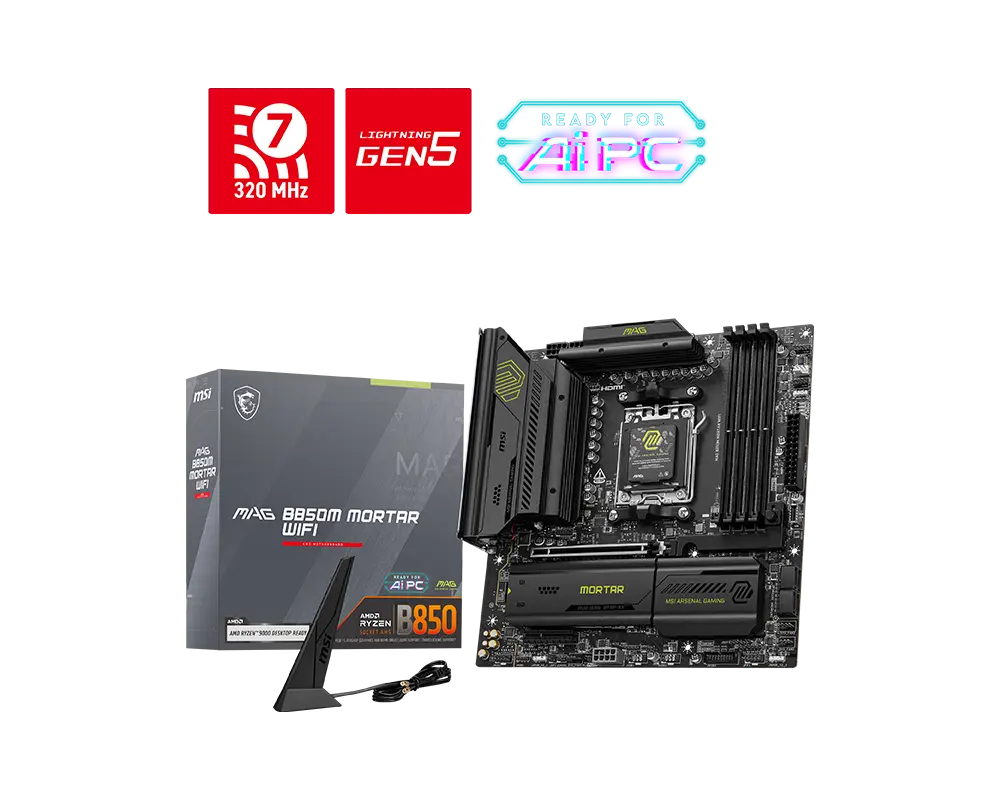 MSI MAG B850M MORTAR WIFIAM5 · DDR5 · Micro-ATX · MSI global specificationCompare the two
 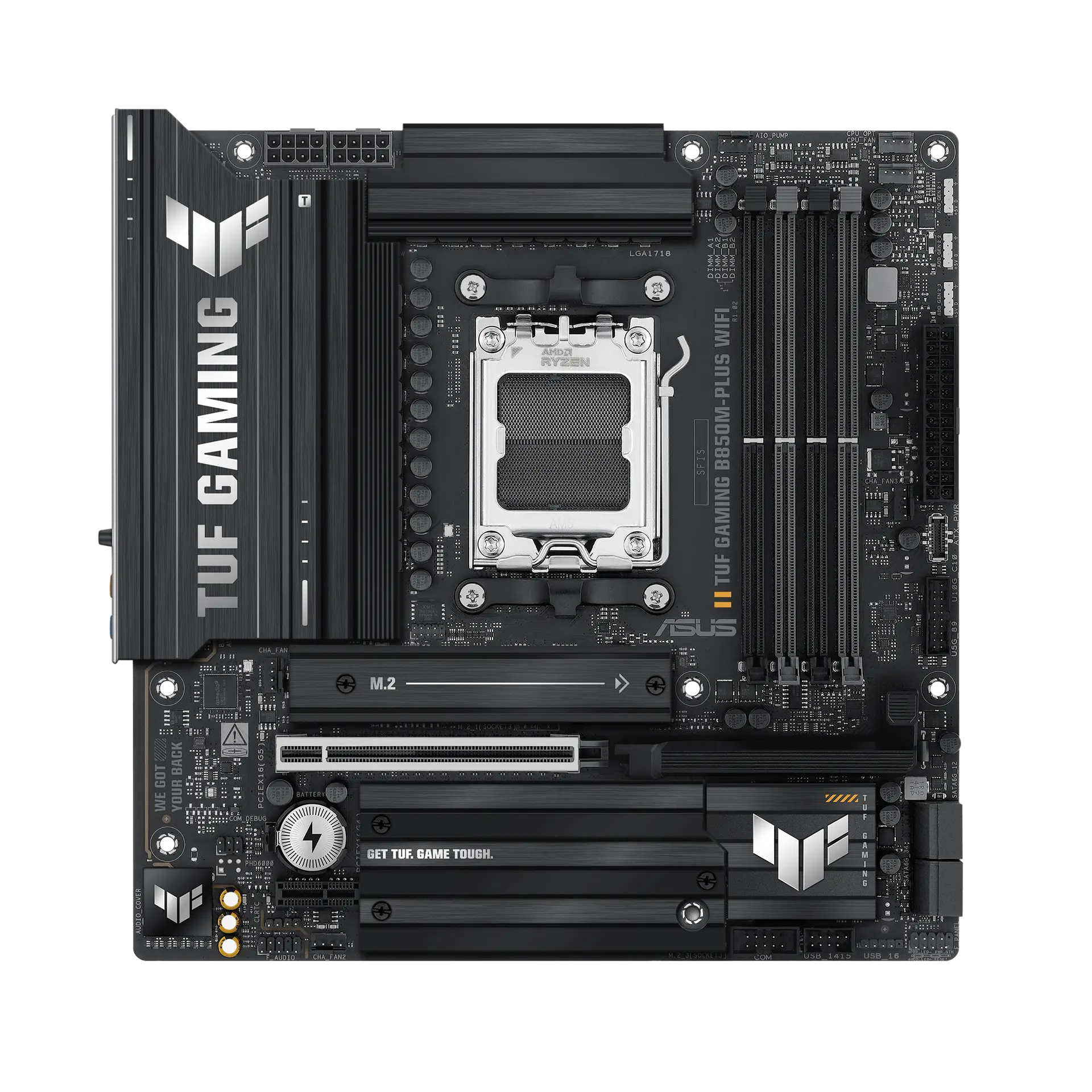 ASUS TUF GAMING B850M-PLUS WIFITUF GAMING B850M-PLUS WIFI · AM5 · Micro-ATX · ASUS UK specificationCompare the two
 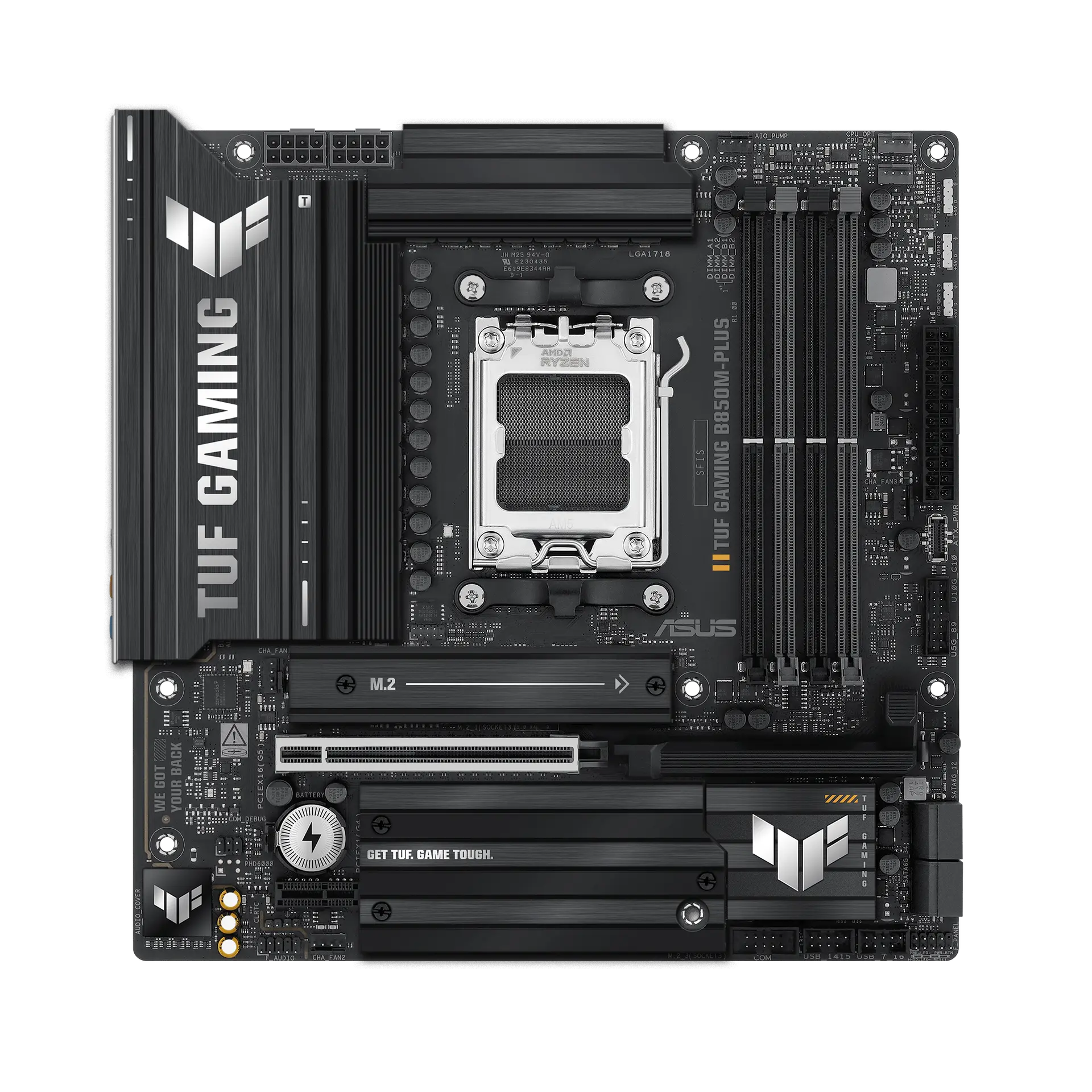 ASUS TUF GAMING B850M-PLUSTUF GAMING B850M-PLUS · AM5 · Micro-ATX · ASUS UK specificationCompare the two
 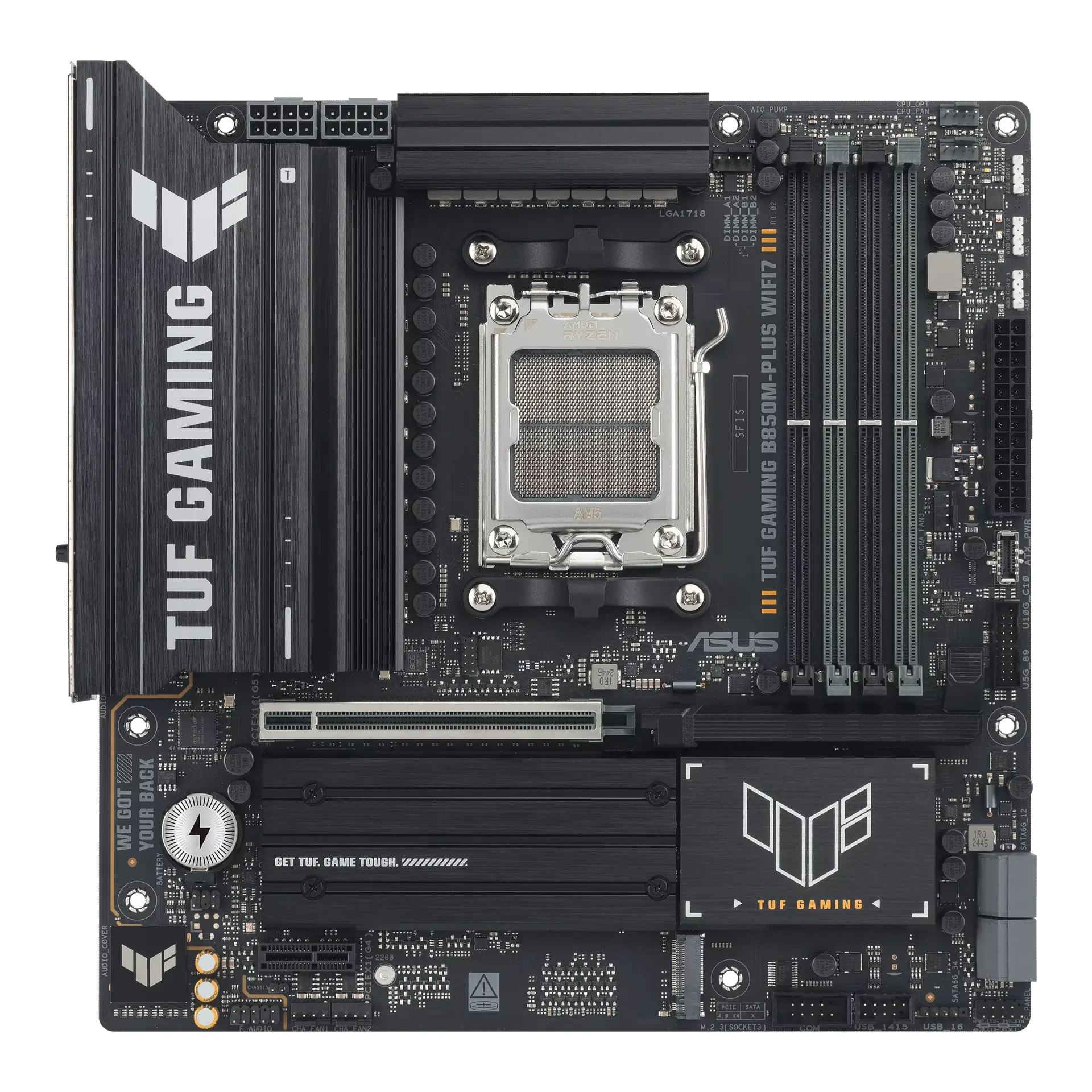 ASUS TUF GAMING B850M-PLUS WIFI7TUF GAMING B850M-PLUS WIFI7 · AM5 · Micro-ATX · ASUS UK specificationCompare the two
  ASUS B850M MAX GAMING WIFIB850M MAX GAMING WIFI · AM5 · Micro-ATX · ASUS UK specificationCompare the two
 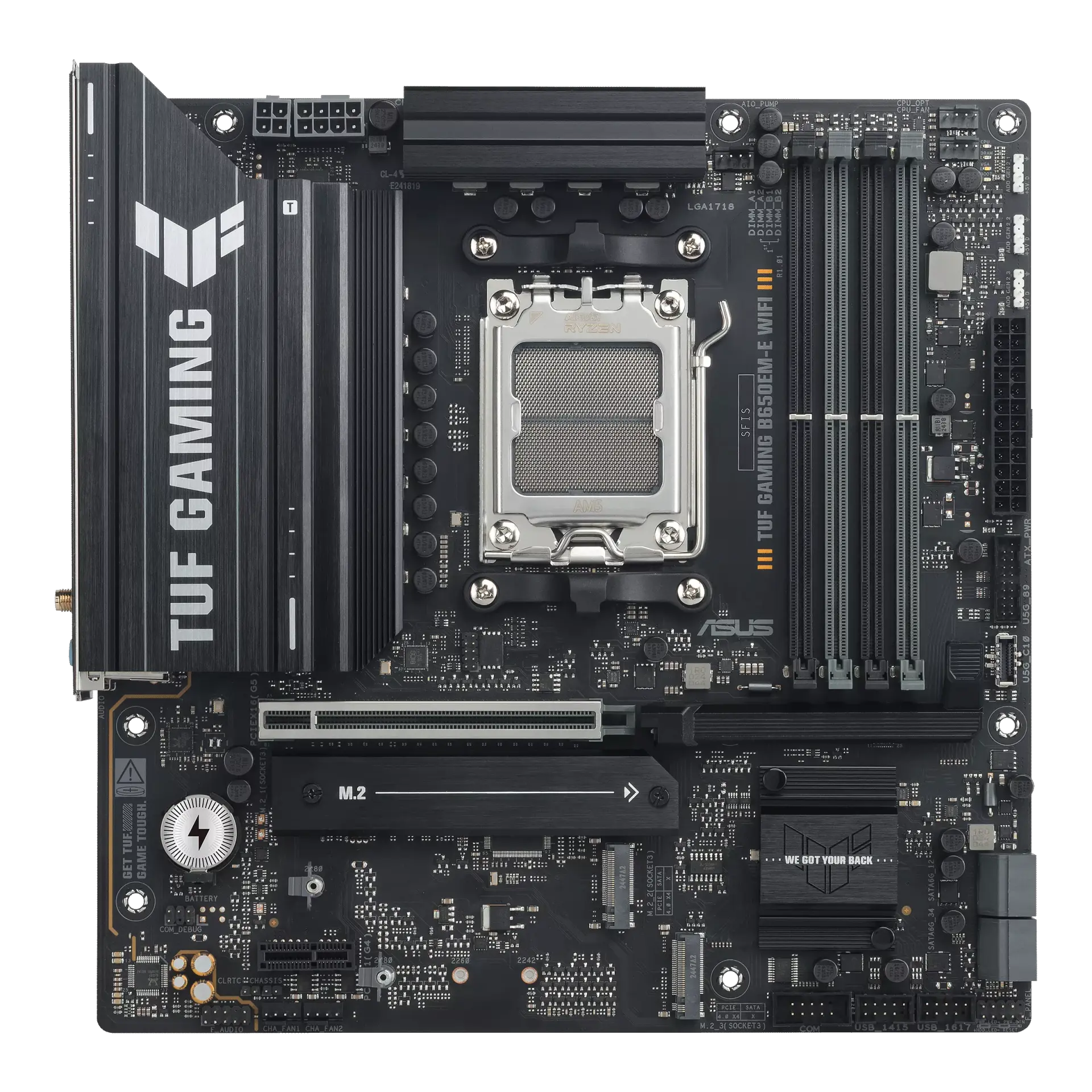 ASUS TUF GAMING B650EM-E WIFITUF GAMING B650EM-E WIFI · AM5 · Micro-ATX · ASUS UK specificationCompare the two
 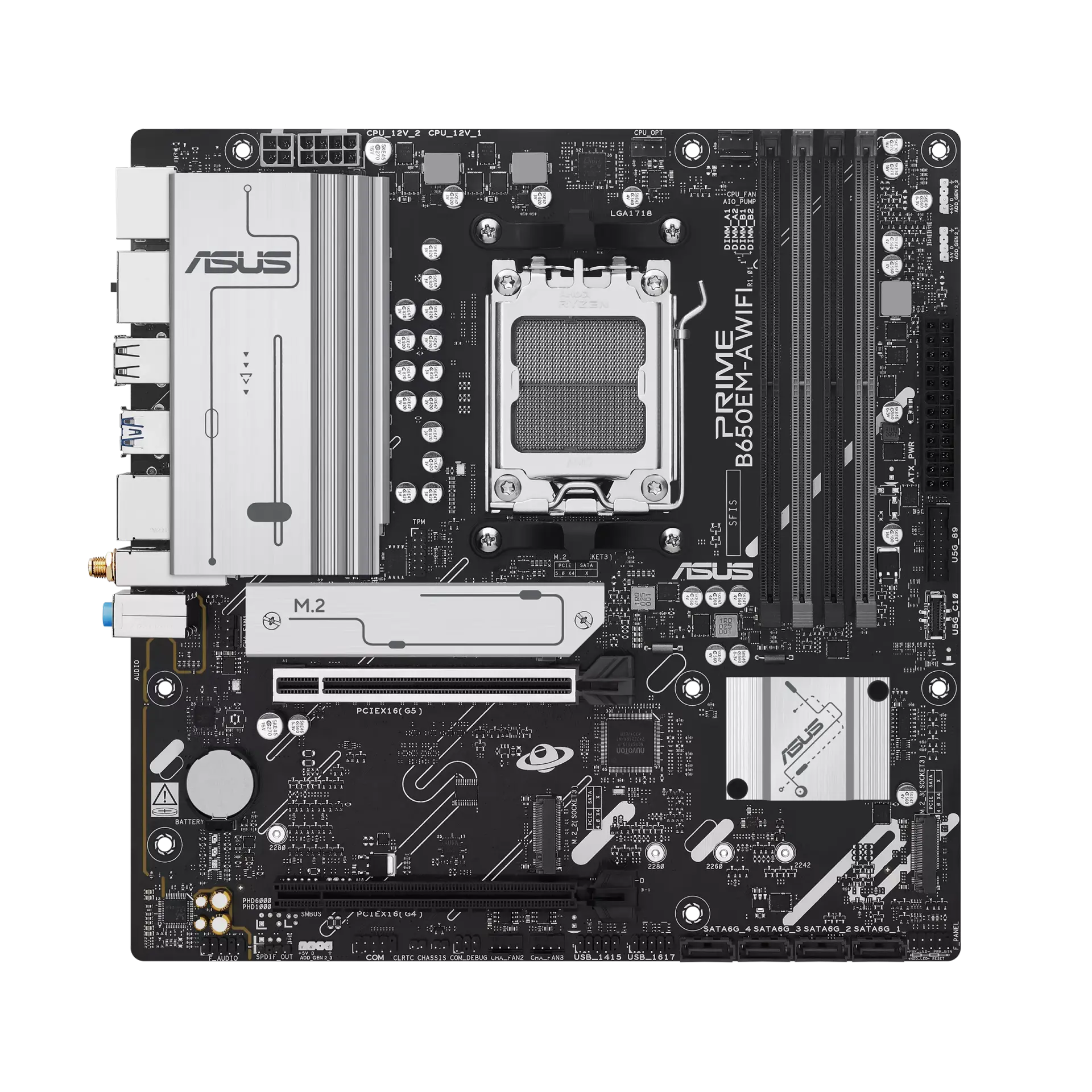 ASUS PRIME B650EM-A WIFIPRIME B650EM-A WIFI · AM5 · Micro-ATX · ASUS UK specificationCompare the two
 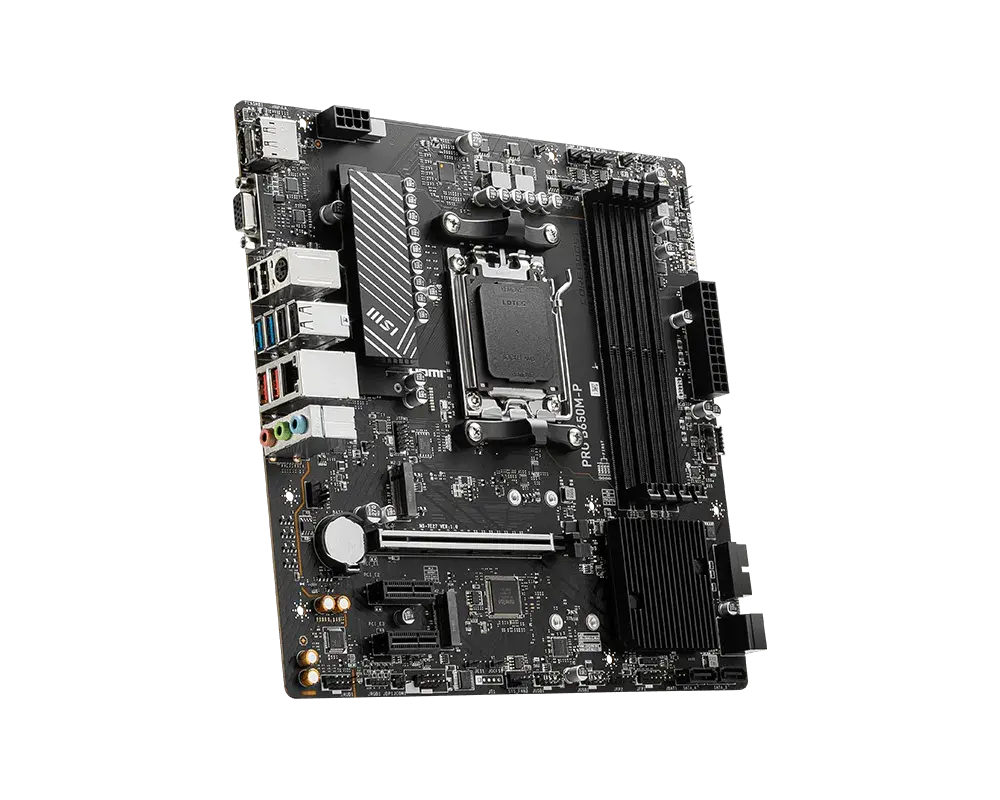 MSI PRO B650M-PAM5 · Micro-ATX · DDR5 · board-only configuration · MSI global specificationCompare the two