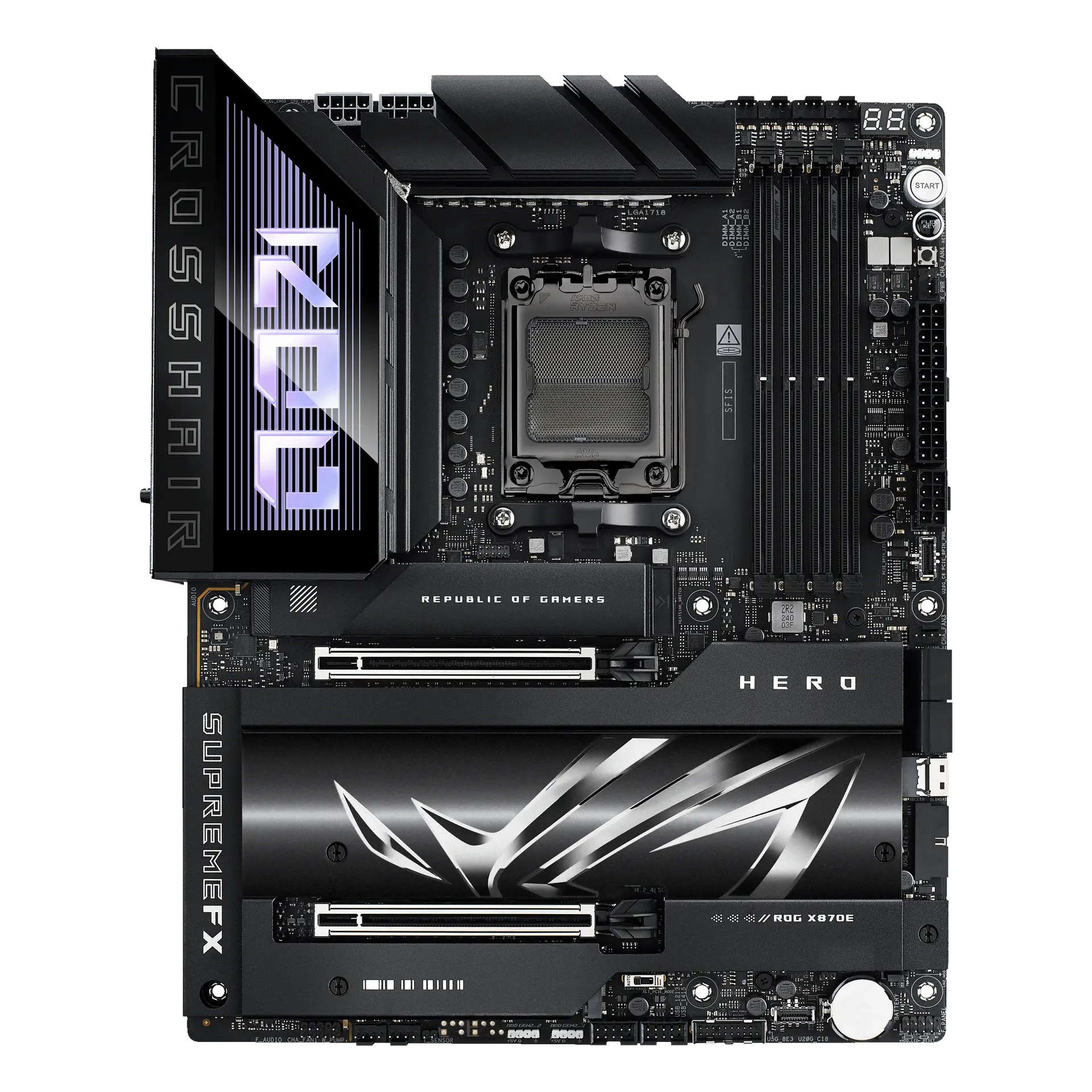
 ASUS ROG CROSSHAIR X870E HERO90MB1IE0-M0MAY0 · AM5 · ATX · ASUS UK specification
- M.2 storage positions
- 5This one: 4

AM5 · ATX · UK specification
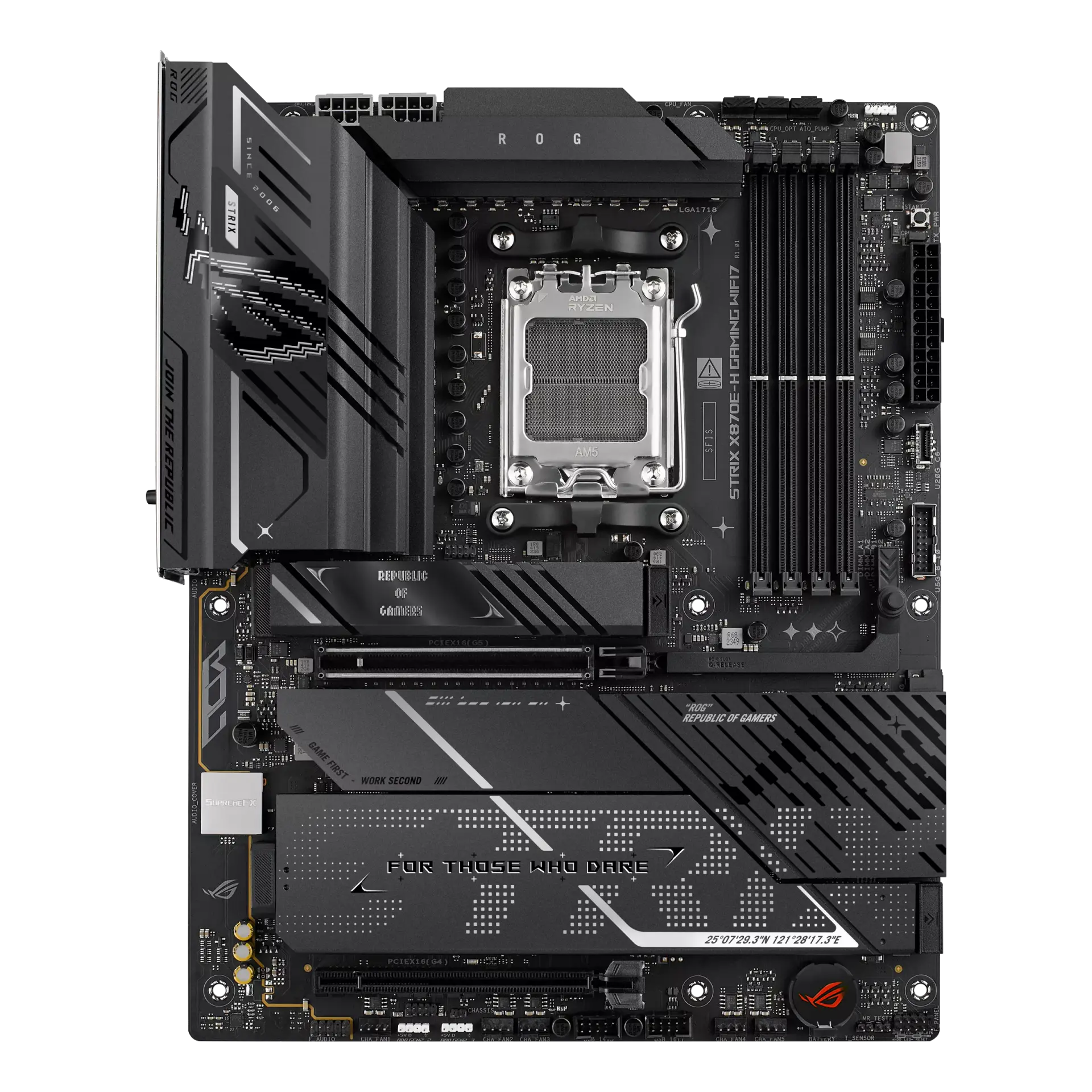
An ATX AM5 motherboard with AMD X870E: four DDR5 slots rated up to DDR5-8000+ (OC), a PCIe 5.0 x16 graphics slot, four M.2 slots (two PCIe 5.0 x4), two rear USB4 40 Gb/s ports, Realtek 5 Gb Ethernet and Wi-Fi 7.
As an Amazon Associate I earn from qualifying purchases.
Email me when the ASUS ROG STRIX X870E-H GAMING WIFI7 gets cheaper on eBay. We check exact-model listings once a day at 12:00 UTC.
Specifications checked 27 Sept 2026Manufacturer specifications, not a hands-on test.
The nearest checked motherboards by key specifications, with what differs from the ASUS ROG STRIX X870E-H GAMING WIFI7. The first matches the Compare button above.
ASUS ROG CROSSHAIR X870E HERO90MB1IE0-M0MAY0 · AM5 · ATX · ASUS UK specification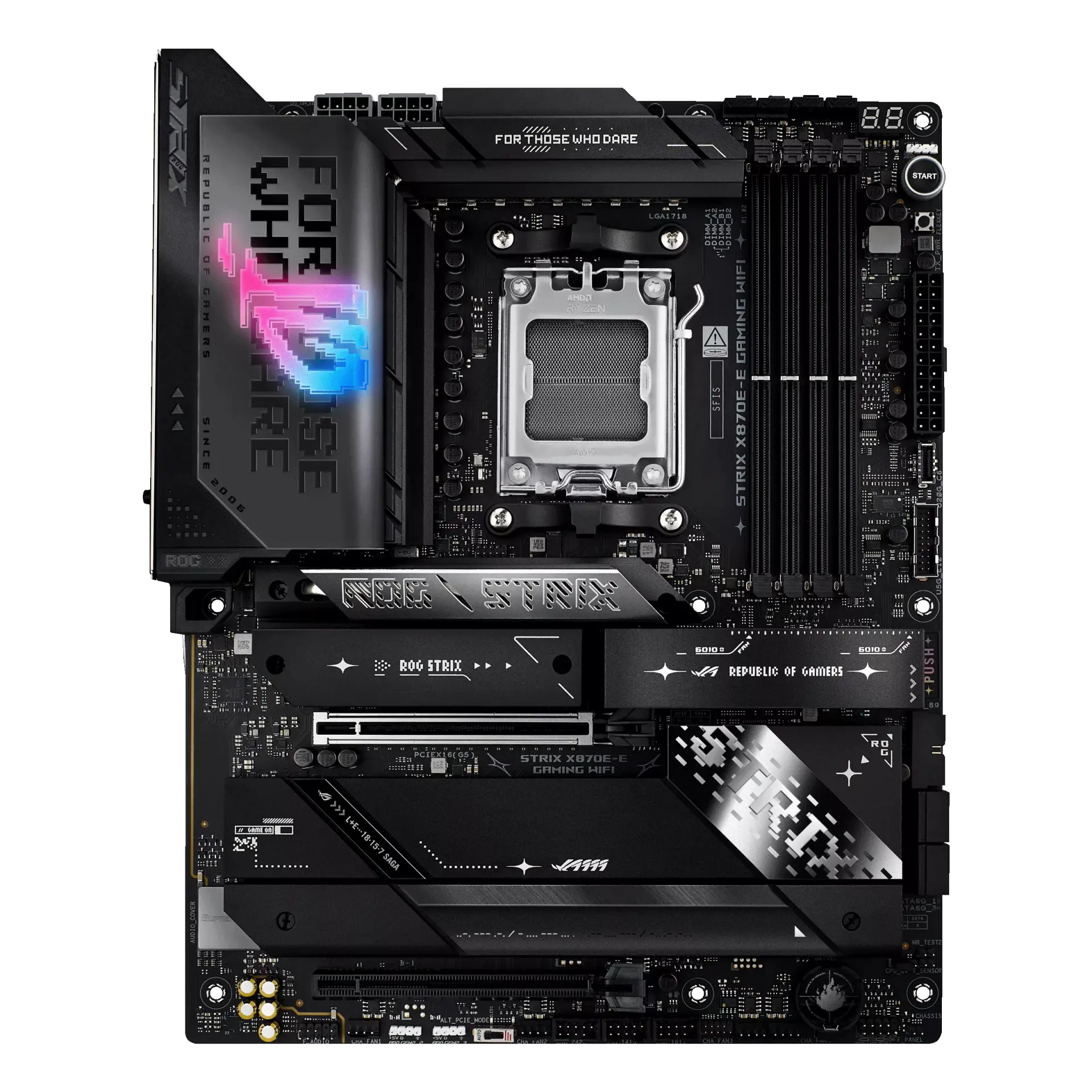 ASUS ROG STRIX X870E-E GAMING WIFIROG STRIX X870E-E GAMING WIFI · AM5 · ATX · ASUS US specification
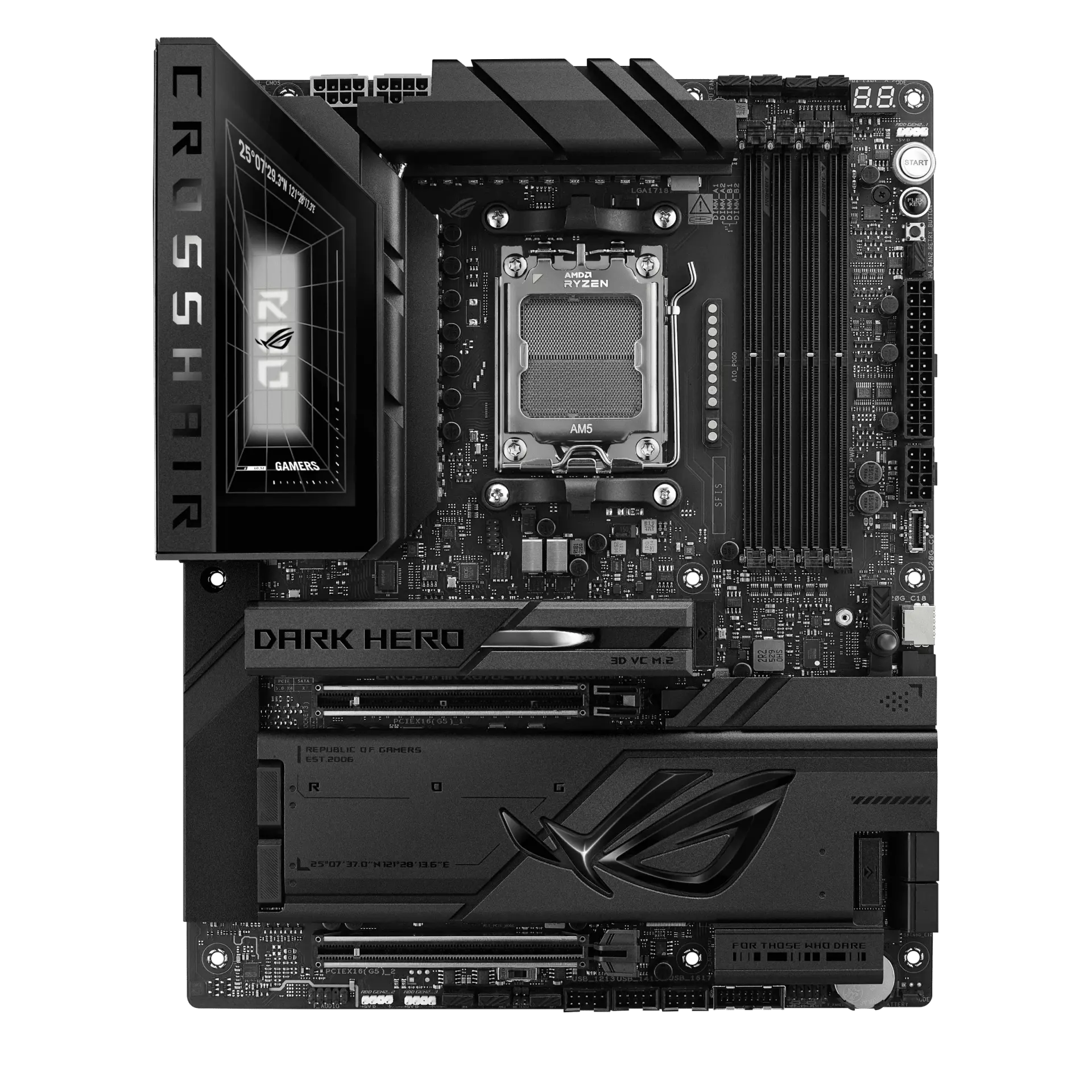 ASUS ROG CROSSHAIR X870E DARK HEROROG CROSSHAIR X870E DARK HERO · AM5 · ATX · ASUS UK specification
A PCIe 5.0 x16 graphics slot and two PCIe 5.0 x4 M.2 slots, with four M.2 slots and four SATA ports in total.
Two rear USB4 40 Gb/s Type-C ports with display output, a 10 Gb/s USB-C port with up to 30 W PD/PPS fast-charge and a front 20 Gb/s USB-C connector.
Realtek 5 Gb Ethernet, Wi-Fi 7 and Bluetooth 5.4, plus rear BIOS FlashBack and Clear CMOS buttons and PCIe Slot Q-Release.
Populating M.2_2 runs PCIEX16(G5) at x8, M.2_2 is disabled with Ryzen 8000 processors, and ASUS does not say which RAID levels apply to SATA versus NVMe drives.
Wi-Fi 7 is limited to 160 MHz channels, and there is no rear DisplayPort: integrated-graphics output uses one HDMI port or the two USB4 Type-C ports.
Products in this catalogue that list the same socket or memory type as the ASUS ROG STRIX X870E-H GAMING WIFI7. A shared socket or memory type is necessary but not sufficient: check the exact CPU and memory support lists, and the BIOS version, before buying.
Exact configuration: ROG STRIX X870E-H GAMING WIFI7 · AM5 · ATX · ASUS UK specification
40 specifications in 9 groups. Values are manufacturer specifications unless a row says “Measured result” or “Calculated from cited specifications”.
Check case mounting positions and connector clearance.
SourceUK and US buying links are searches, not proof of stock, identical regional wireless modules, bundles or warranty. Confirm the exact model and part identifier with the retailer.
SourcePhysical DDR5 module positions; this count is not a guarantee of capacity or profile speed.
SourceManufacturer capacity ceiling; check CPU support, BIOS and the validated DIMM population.
SourceASUS lists up to 8000+ MT/s (OC) with Ryzen 9000, 8000 and 7000 processors, DIMM Fit / DIMM Fit Pro and AEMP. It notes that non-ECC, unbuffered DDR5 supports on-die ECC; ECC-module support is not stated. · Supported capacity, module population and profile speeds depend on the exact CPU, installed BIOS and validated memory kit. Profile support does not guarantee an overclock.
SourceThese are manufacturer-listed overclocking configurations, not guaranteed stock transfer rates or tested performance. CPU family and DIMM layout remain material.
SourceThe PCIe 5.0 x16 slot is listed under the Ryzen processor; the x4-mode slot is listed under the X870E chipset. · With Ryzen 8000 the first slot runs at PCIe 4.0 x8/x4. Populating M.2_2 runs PCIEX16(G5) at x8. See ASUS's PCIe bifurcation table.
SourceASUS PCIe Slot Q-Release. An installation control, not a bandwidth or performance measurement.
SourceM.2_2 reduces PCIEX16(G5) to x8 and is unavailable with Ryzen 8000; Ryzen 8000 also changes M.2_1 to PCIe 4.0 x4/x2, depending on the processor.
SourceSATA 6 Gb/s; check the source for lane sharing and drive power requirements.
SourceM.2_1 and M.2_2 are listed under the Ryzen processor; M.2_3 and M.2_4 under the X870E chipset. M.2_2 accepts 2280/22110 drives, M.2_1 2242/2260/2280, M.2_3/M.2_4 2280. · With Ryzen 8000, M.2_1 runs PCIe 4.0 x4/x2 and M.2_2 is disabled. M.2_2 shares bandwidth with PCIEX16(G5): populating it runs that slot at x8.
SourceRead the simultaneous-use restriction rather than assuming every slot keeps full bandwidth with all M.2 slots populated.
SourceASUS lists AMD RAIDXpert2 levels per CPU family (Ryzen 9000: 0/1/5/10; 8000: 0/1; 7000: 0/1/10) without stating which apply to SATA versus NVMe devices.
SourceASUS lists AMD RAIDXpert2 levels per CPU family (Ryzen 9000: 0/1/5/10; 8000: 0/1; 7000: 0/1/10) without stating which apply to NVMe versus SATA devices.
SourceInstallation features, not a cooling measurement. ASUS says all four M.2 slots have M.2 Q-Release; it does not say which slots use M.2 Q-Latch.
ASUS M.2 Q-Release: ASUS says all four M.2 slots have a switch (a lever or button, depending on motherboard model) that removes the heatsink without tiny screws during SSD installation. An installation convenience, not a cooling measurement.
ASUS says heatsinks cover every onboard M.2 slot. Manufacturer cooling design, not measured temperatures.
Connector count and listed modes describe the rear panel. Display output depends on the CPU's integrated graphics. There is no rear DisplayPort; the USB4 ports provide Type-C display output.
SourceInternal headers need compatible case ports or accessories. The 30 W fast-charge rating applies to a rear 10 Gb/s Type-C port, not this front connector.
SourceASUS's own pages disagree on the USB4 display maximum: the specification footnote says max. 4K@60Hz as specified in DisplayPort 1.4a, while the ASUS UK overview says USB4 external display support reaches up to 8K output with one port in use, or dual 4K displays with both. Both statements are recorded; neither is chosen. · Requires a processor with integrated graphics; see AMD CPU specifications. Not measured display performance.
ASUS lists no lane sharing between the USB4 ports and the M.2 slots.
SourceNominal port signalling rate, not measured throughput.
SourceWireless bands and channel widths depend on local rules, the operating system and the installed module. Full Wi-Fi 7 features require Windows 11 24H2 or later; ASUS states Windows 10 supports only Wi-Fi 6. Bluetooth versions may vary by module.
SourceLink-rate capability; real throughput depends on the connected network, cabling and workload. ASUS also lists ASUS LANGuard.
Source2x2 Wi-Fi 7 (Realtek RTL8922AE) with up to 160 MHz channels. Wireless bands and channel widths depend on local rules, the operating system and the installed module. Full Wi-Fi 7 features need Windows 11 24H2 or later; Windows 10 supports only Wi-Fi 6.
SourceThe manufacturer notes that the Bluetooth version can depend on the installed wireless module.
SourceChannel configuration and spatial-audio support depend on the connected outputs, chassis audio wiring and software. ASUS states the rear LINE OUT port does not support spatial audio. A codec name is not an independent sound-quality measurement.
SourceCheck the complete connector list and the PSU cable type. Additional graphics-card, front-panel fast-charge and cooling connections can have separate requirements.
SourceHeader counts do not specify electrical current limits.
SourceCheck the manual for connector voltage and LED limits before connecting lighting.
SourceManufacturer power-stage ratings (16 VCORE, 2 SoC, 1 MISC); not a measured VRM temperature or overclocking result.
SourceCheck ASUS's exact CPU support list and its required BIOS. Family support does not confirm the firmware installed on a retail board.
SourceFlash-ROM capacity does not identify the BIOS version installed on a retail board.
SourceIndividual features and drivers can have newer operating-system requirements, particularly wireless networking.
SourceASUS BIOS FlashBack button. Use the exact model firmware and follow ASUS's BIOS FlashBack instructions.
SourceListed rear-panel control; follow the board manual before resetting firmware settings.
SourceMore of the nearest checked motherboards by key specifications, for a side-by-side comparison.
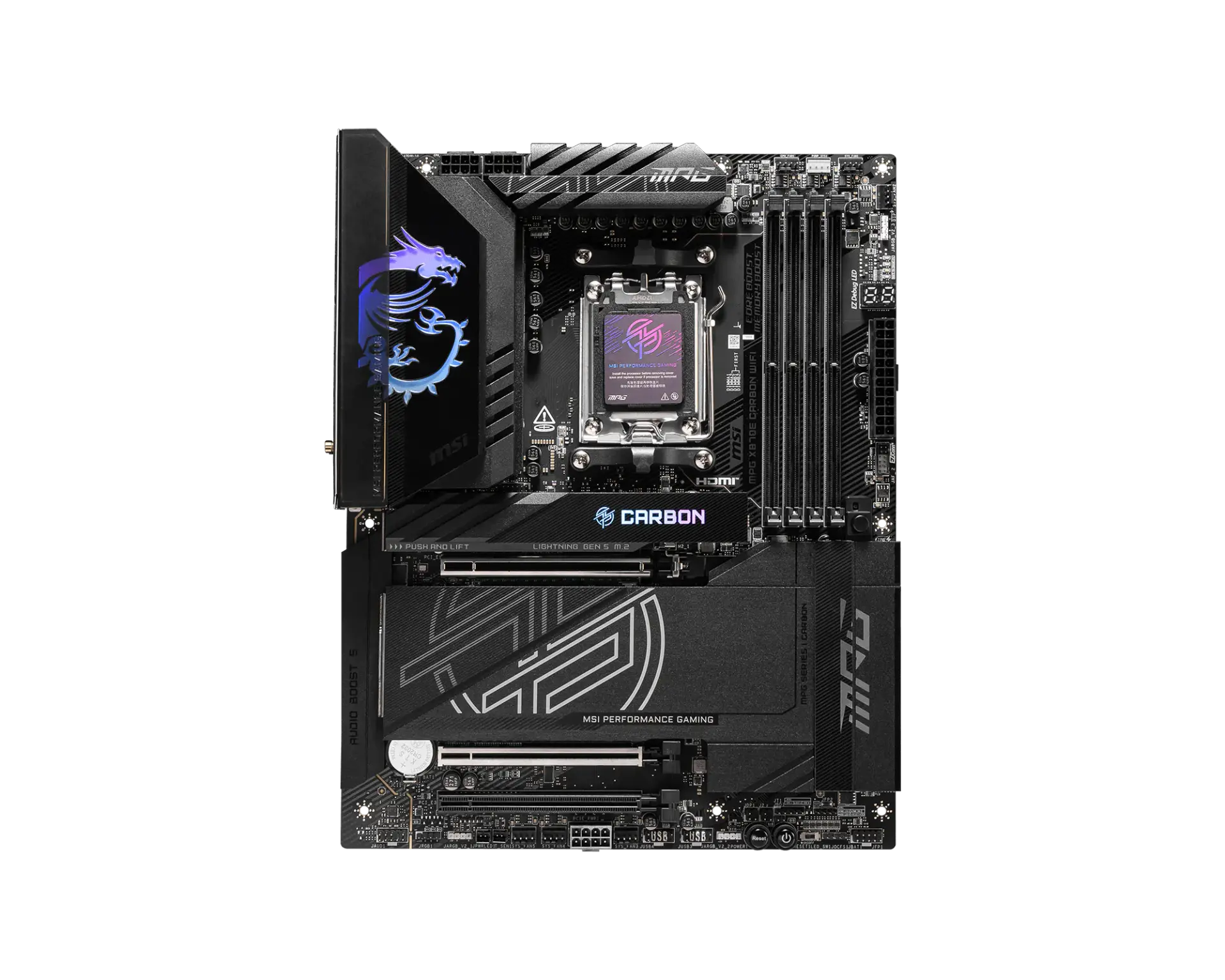 MSI MPG X870E CARBON WIFIAM5 · ATX · DDR5 · board-only configuration · MSI global specificationCompare the two
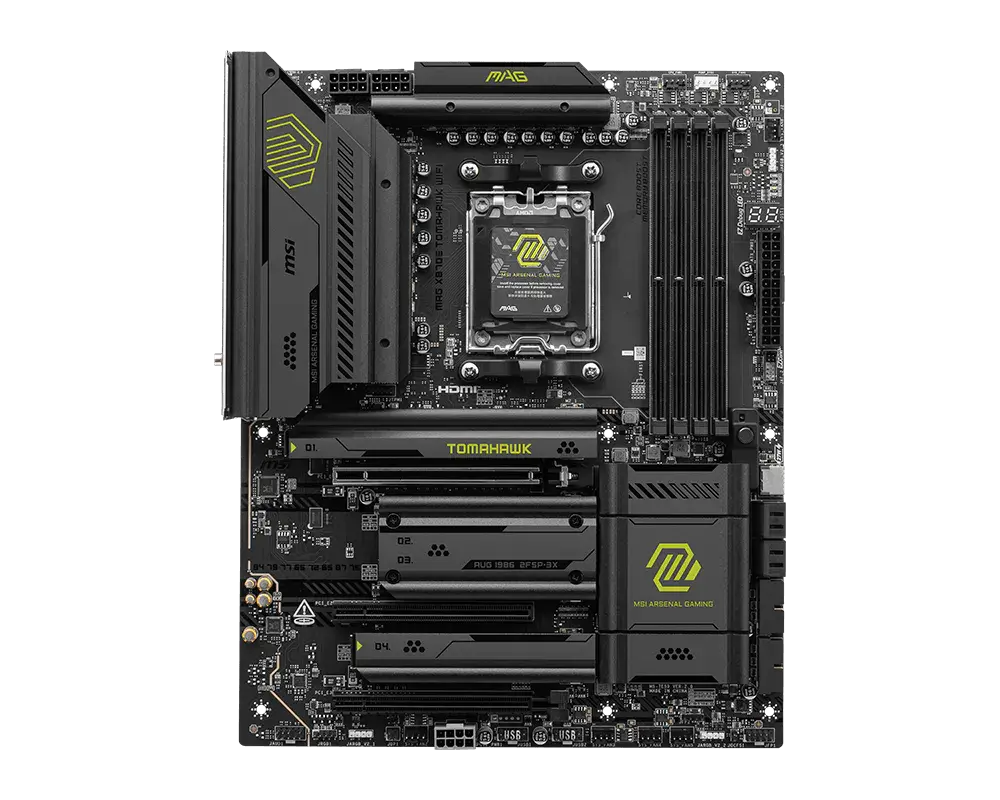 MSI MAG X870E TOMAHAWK WIFIAM5 · ATX · DDR5 · board-only configuration · MSI global specificationCompare the two
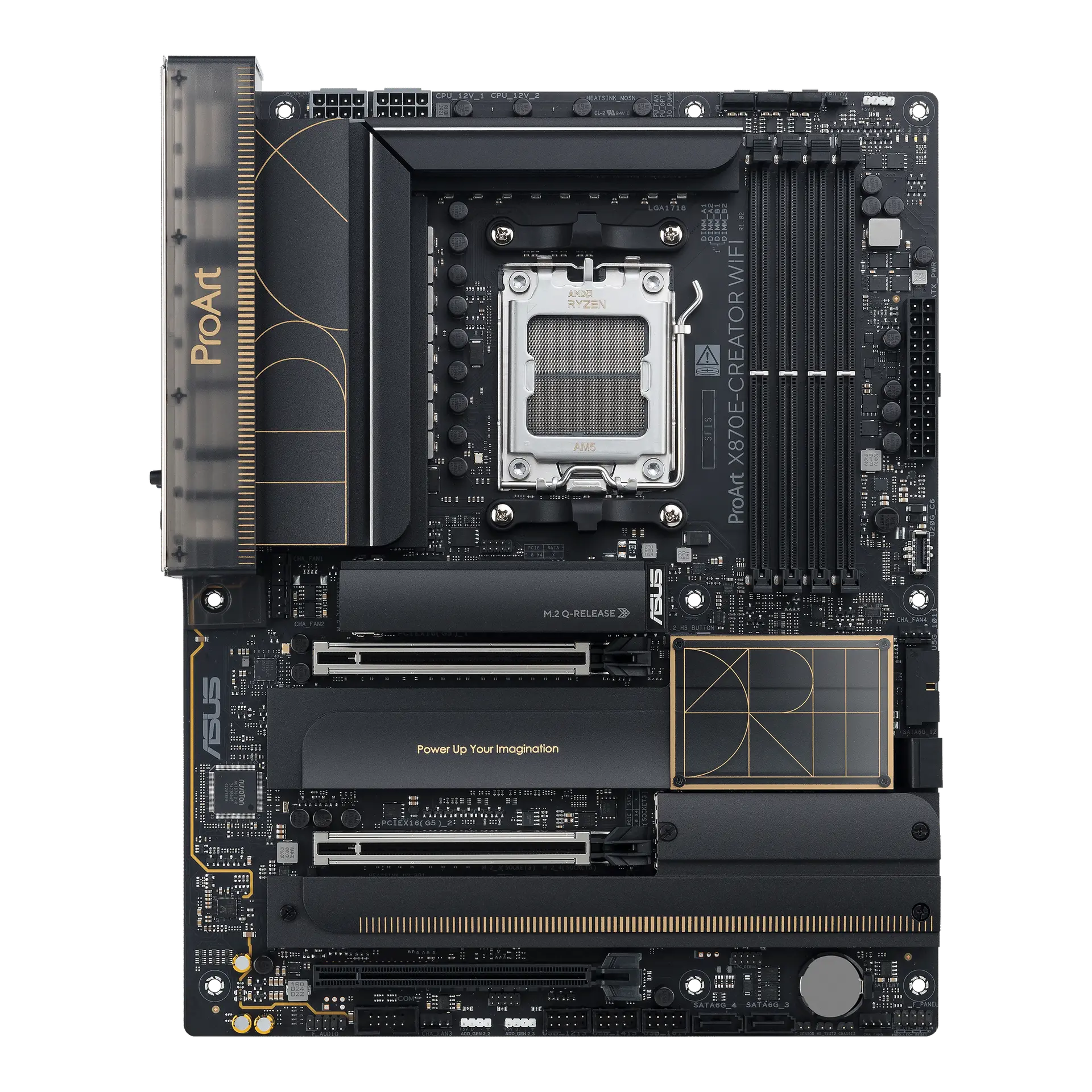 ASUS ProArt X870E-CREATOR WIFIProArt X870E-CREATOR WIFI · AM5 · ATX · ASUS UK specificationCompare the two
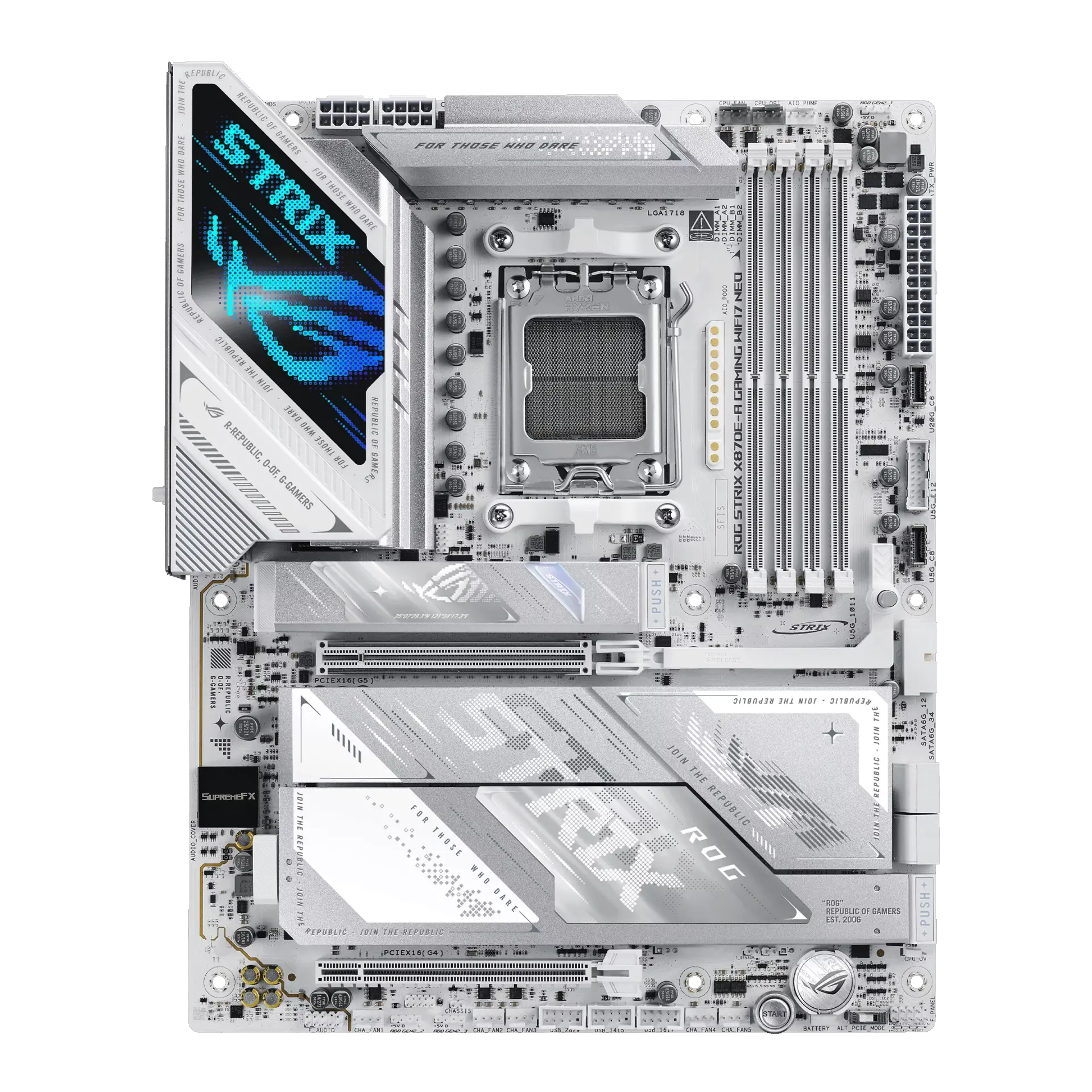 ASUS ROG STRIX X870E-A GAMING WIFI7 NEOROG STRIX X870E-A GAMING WIFI7 NEO · AM5 · ATX · ASUS UK specificationCompare the two
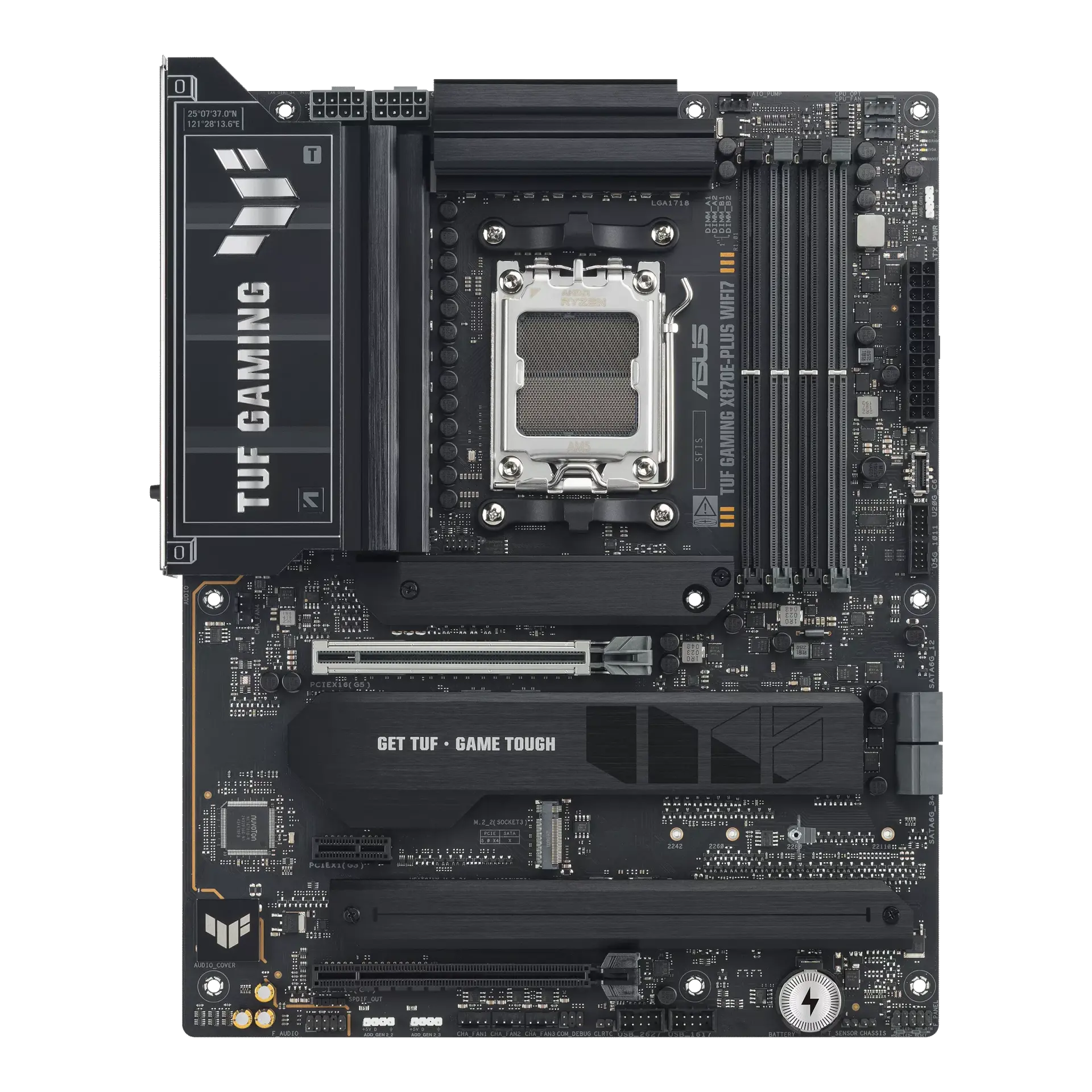 ASUS TUF GAMING X870E-PLUS WIFI7TUF GAMING X870E-PLUS WIFI7 · AM5 · ATX · ASUS UK specificationCompare the two
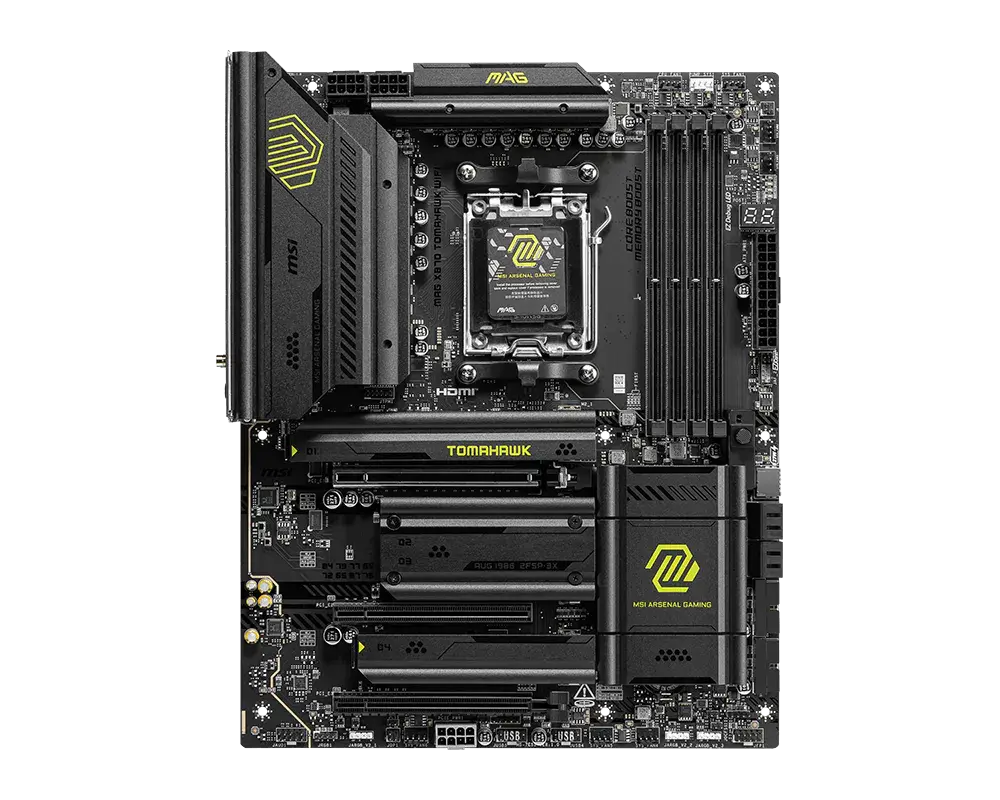 MSI MAG X870 TOMAHAWK WIFIAM5 · ATX · DDR5 · board-only configuration · MSI global specificationCompare the two
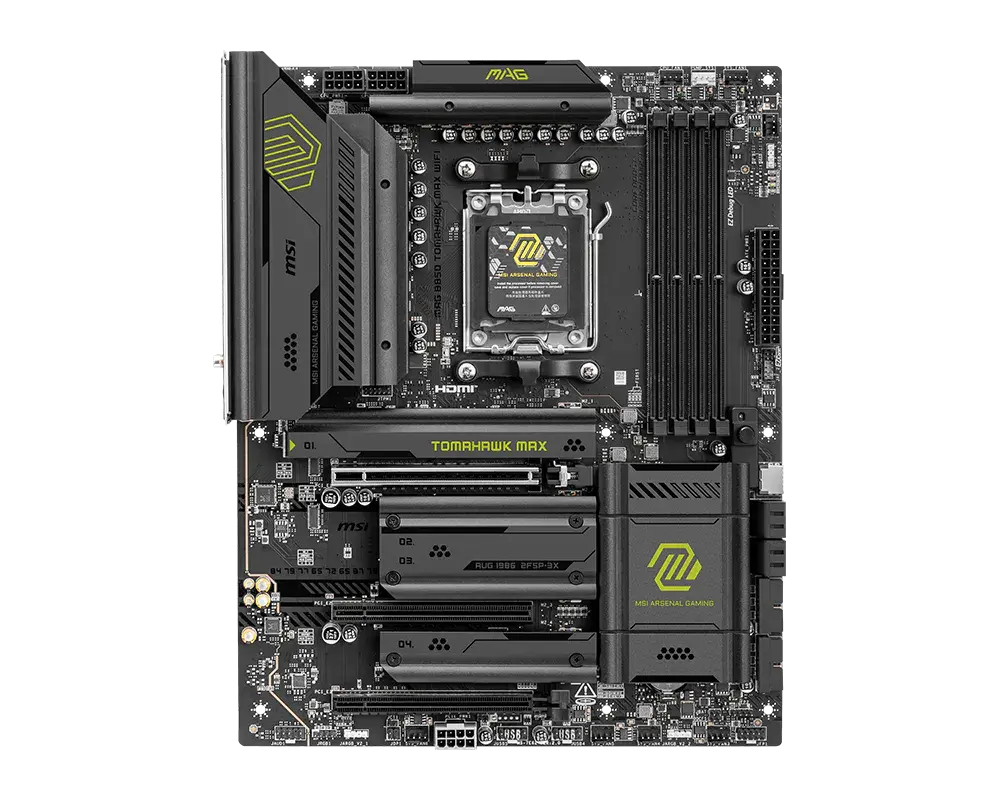 MSI MAG B850 TOMAHAWK MAX WIFIAM5 · ATX · DDR5 · board-only configuration · MSI global specificationCompare the two
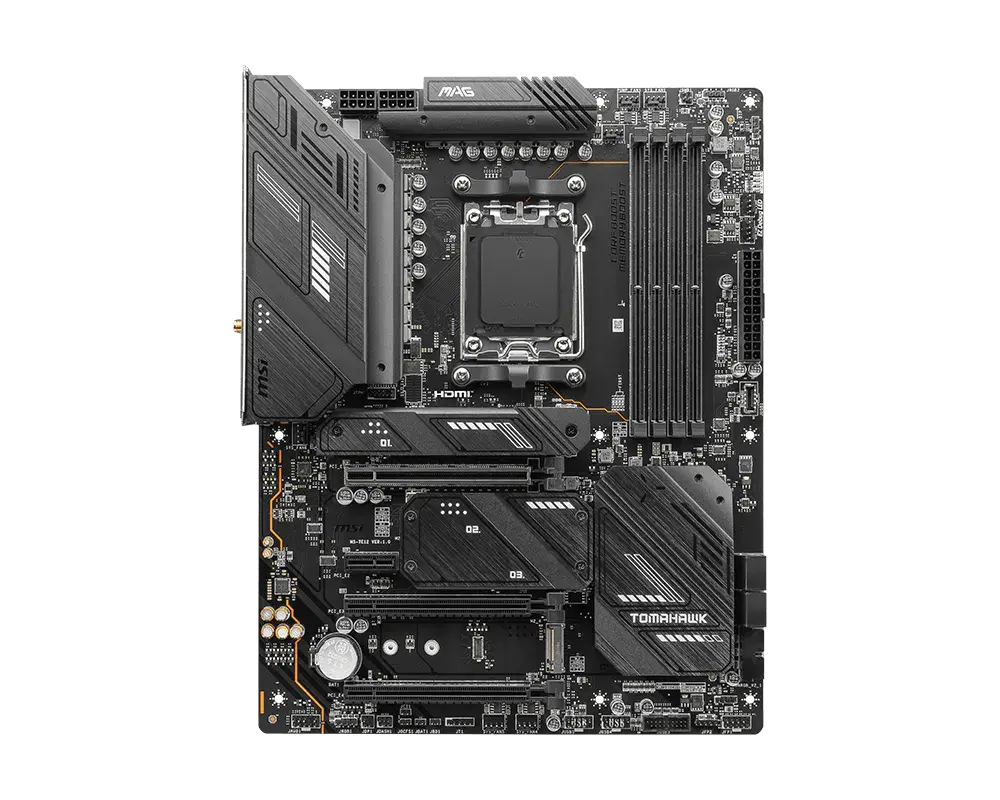 MSI MAG X670E TOMAHAWK WIFIAM5 · ATX · DDR5 · board-only configuration · MSI global specificationCompare the two