


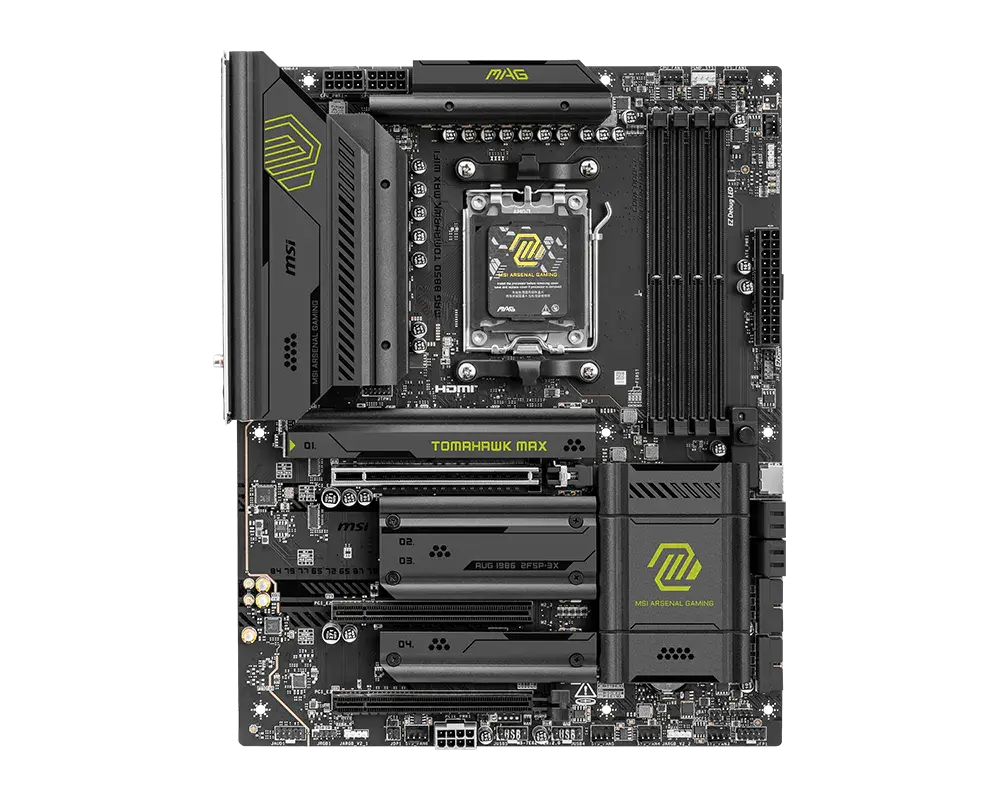
 MSI MAG B850 TOMAHAWK MAX WIFIAM5 · ATX · DDR5 · board-only configuration · MSI global specification
- M.2 storage positions
- 4This one: 3

AM5 · ATX · UK specification
An ATX AM5 motherboard with AMD B850 that also supports AMD EPYC 4005 processors: four DDR5 slots, two PCIe 5.0 x16 slots (x16 or x8/x8), three M.2 slots (two PCIe 5.0 x4), two Realtek 5 Gb Ethernet ports and Wi-Fi 7.
As an Amazon Associate I earn from qualifying purchases.
Email me when the ASUS ProArt B850-CREATOR WIFI NEO gets cheaper on eBay. We check exact-model listings once a day at 12:00 UTC.
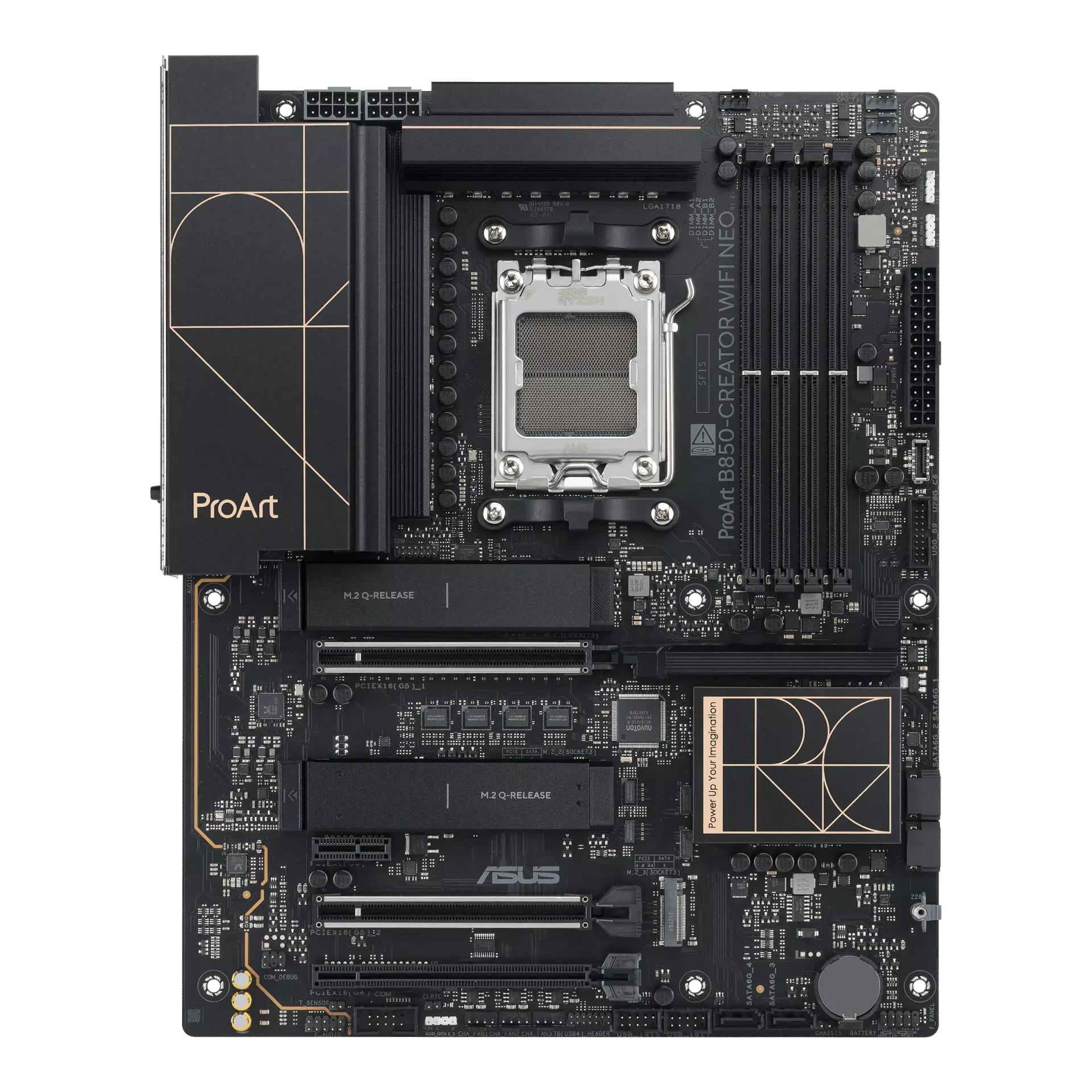
Specifications checked 27 Sept 2026Manufacturer specifications, not a hands-on test.
The nearest checked motherboards by key specifications, with what differs from the ASUS ProArt B850-CREATOR WIFI NEO. The first matches the Compare button above.
MSI MAG B850 TOMAHAWK MAX WIFIAM5 · ATX · DDR5 · board-only configuration · MSI global specification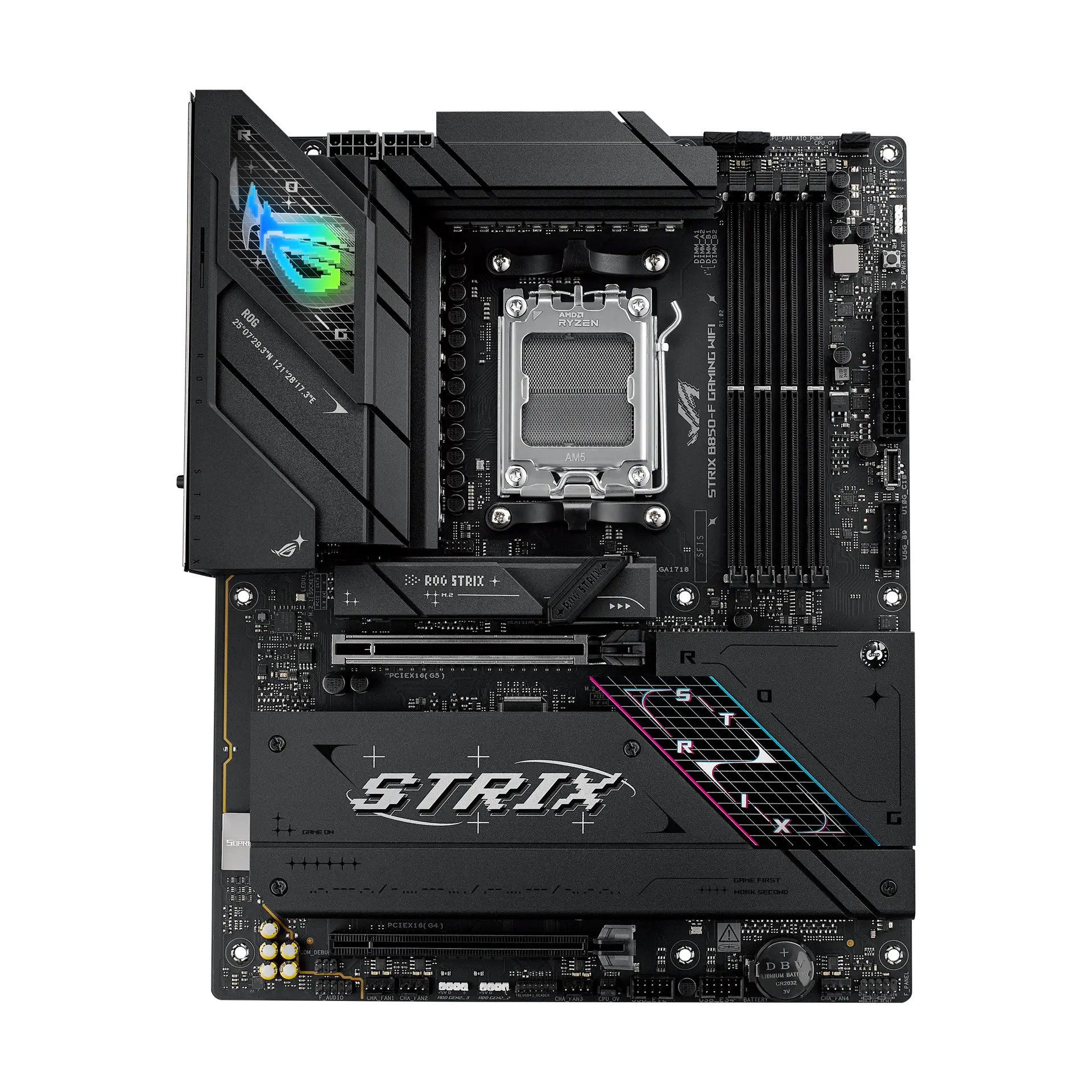 ASUS ROG STRIX B850-F GAMING WIFI90MB1J70-M0MAY0 · AM5 · ATX · ASUS UK specification
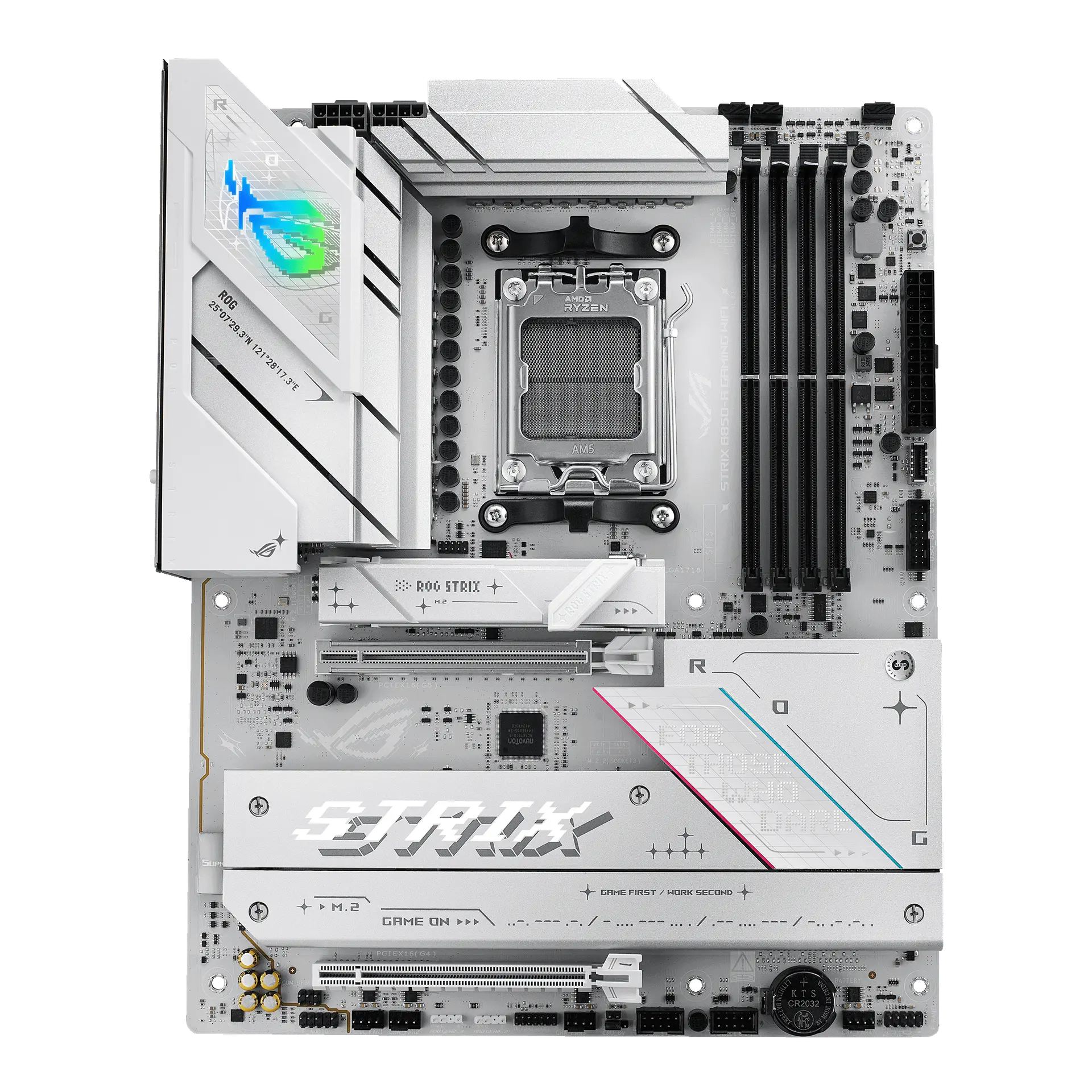 ASUS ROG STRIX B850-A GAMING WIFI90MB1J50-M0MAY0 · AM5 · ATX · ASUS UK specification
Two CPU-connected PCIe 5.0 x16 slots that split x8/x8, plus two PCIe 5.0 x4 M.2 slots and four SATA ports.
Dual Realtek 5 Gb Ethernet, Wi-Fi 7, a rear USB-C port with DisplayPort Alt mode and a front 20 Gb/s USB-C connector rated up to 30 W PD/QC4+.
AMD EPYC 4005 support with Windows Server 2025/2022 listed, ECC and non-ECC unbuffered DDR5, ASUS Control Center Express, an SPI TPM header and a Thunderbolt (USB4) header.
Using M.2_3 disables the chipset x16 slot, and installing both graphics-length PCIe 5.0 cards runs each at x8.
Only eight rear USB ports (none faster than 10 Gb/s, no USB4), a back-panel list with no Clear CMOS button (ASUS lists an internal Clear CMOS header), no stated Bluetooth version, and onboard audio is disabled with an EPYC CPU.
Products in this catalogue that list the same socket or memory type as the ASUS ProArt B850-CREATOR WIFI NEO. A shared socket or memory type is necessary but not sufficient: check the exact CPU and memory support lists, and the BIOS version, before buying.
Exact configuration: ProArt B850-CREATOR WIFI NEO · AM5 · ATX · ASUS UK specification
40 specifications in 10 groups. Values are manufacturer specifications unless a row says “Measured result” or “Calculated from cited specifications”.
Check case mounting positions and connector clearance.
SourceUK and US buying links are searches, not proof of stock, identical regional wireless modules, bundles or warranty. Confirm the exact model and part identifier with the retailer.
SourcePhysical DDR5 module positions; this count is not a guarantee of capacity or profile speed.
SourceManufacturer capacity ceiling; check CPU support, BIOS and the validated DIMM population.
SourceASUS also lists AEMP. · Supported capacity, module population and profile speeds depend on the exact CPU, installed BIOS and validated memory kit. ASUS's footnotes cover manual overclocking and XMP/EXPO/AEMP profiles and say four-DIMM use can impact profile results. Profile support does not guarantee an overclock.
SourceThese are manufacturer-listed configurations, not guaranteed stock transfer rates or tested performance. ASUS's footnotes cover manual overclocking and XMP/EXPO/AEMP profiles without marking which figure is which. CPU family and DIMM layout remain material.
SourceThe two PCIe 5.0 slots are listed under the Ryzen 9000/7000 and EPYC 4005 processors; the x4-mode and x1 slots under the B850 chipset. · Using both PCIe 5.0 slots runs each at x8. With Ryzen 8000 only one CPU x16 slot is listed, at PCIe 4.0 x8/x4. PCIEX16(G4) is disabled when M.2_3 is in use.
SourceASUS PCIe Slot Q-Release (with PCIe SafeSlot). An installation control, not a bandwidth or performance measurement.
SourceUsing M.2_3 disables PCIEX16(G4). Ryzen 8000 processors change the CPU-attached M.2 links.
SourceSATA 6 Gb/s; check the source for lane sharing and drive power requirements.
SourceM.2_1 and M.2_2 are listed under the Ryzen/EPYC processor (2242/2260/2280); M.2_3 under the B850 chipset (2280). · Using M.2_3 disables PCIEX16(G4). With Ryzen 8000, M.2_1 runs PCIe 4.0 x4 and M.2_2 PCIe 4.0 x4/x2.
SourceRead the simultaneous-use restrictions rather than assuming every slot keeps full bandwidth with all M.2 slots populated.
SourceASUS lists AMD RAIDXpert2 RAID 0/1/5/10 for Ryzen 9000, 8000 and 7000 processors without stating which levels apply to SATA versus NVMe devices.
SourceASUS lists AMD RAIDXpert2 RAID 0/1/5/10 for Ryzen 9000, 8000 and 7000 processors without stating which levels apply to NVMe versus SATA devices.
SourceInstallation features only; ASUS does not say which M.2 slots use each one, and they are not a cooling measurement.
SourceManufacturer cooling design, not measured temperatures. ASUS does not state how many M.2 heatsinks the board has or which of its three M.2 slots they and the backplate cover.
ASUS M.2 Q-Release switch removes the M.2 heatsink without tiny screws; M.2 Q-Latch secures an M.2 SSD without specific tools. An installation convenience, not a cooling measurement; ASUS does not say which M.2 slots use each mechanism.
Connector count and listed modes describe the rear panel. Display output depends on the CPU's integrated graphics.
SourceInternal headers need compatible case ports or accessories. The 30 W PD/QC4+ rating applies to the front 20 Gb/s USB-C connector.
SourceAvailable only with processors that have integrated graphics; see AMD CPU specifications. ASUS advises connecting the monitor to the rear HDMI port or a graphics card while installing the operating system. Not measured display performance.
SourceASUS's complete rear USB list (8 ports) has no USB4 port. The board has a Thunderbolt (USB4) header for a compatible add-in card.
SourceA header for a compatible ASUS Thunderbolt/USB4 add-in card, which ASUS says is sold separately; no USB4 port is built into the rear panel.
Wireless bands and channel widths depend on local rules, the operating system and the installed module. Full Wi-Fi 7 features require Windows 11 24H2 or later; ASUS states Windows 10 supports only Wi-Fi 6 and Windows Server has limited Wi-Fi/Bluetooth support.
SourceLink-rate capability; real throughput depends on the connected network, cabling and workload. ASUS also lists ASUS LANGuard.
Source2x2 Wi-Fi 7 (Realtek RTL8922AE) with up to 160 MHz channels. Full Wi-Fi 7 features need Windows 11 24H2 or later; Windows 10 supports only Wi-Fi 6, and Windows Server support is limited.
SourceASUS lists Bluetooth with LE Audio support but no version number for this board; the version depends on the installed Wi-Fi module.
SourceASUS says 7.1 output needs a chassis HD audio front-panel module, 32-bit/192 kHz is not supported for 7.1, and onboard audio is disabled when an EPYC CPU is installed. A codec name is not an independent sound-quality measurement.
SourceCheck the complete connector list and the PSU cable type. Additional graphics-card, front-panel fast-charge and cooling connections can have separate requirements.
SourceHeader counts do not specify electrical current limits.
SourceCheck the manual for connector voltage and LED limits before connecting lighting.
SourceManufacturer power-stage ratings with DIGI+ VRM (DrMOS); not a measured VRM temperature or overclocking result.
ASUS lists support for CPUs up to 170 W. Check ASUS's exact CPU support list and its required BIOS; family support does not confirm the firmware installed on a retail board. ASUS says onboard audio is disabled with an EPYC CPU.
SourceFlash-ROM capacity does not identify the BIOS version installed on a retail board. ASUS lists integrated Wi-Fi driver support in the UEFI BIOS.
SourceASUS says Wi-Fi and Bluetooth have limited support under Windows Server. Individual features and drivers can have newer operating-system requirements.
SourceASUS BIOS FlashBack button. Use the exact model firmware and follow ASUS's BIOS FlashBack instructions.
SourceASUS's complete back-panel list has no Clear CMOS button; it lists an internal Clear CMOS header instead. Omission is recorded as unconfirmed rather than a sourced absence.
SourceManageability software and a TPM header; not a built-in BMC. Features depend on the operating system and ACC Express licensing.
SourceMore of the nearest checked motherboards by key specifications, for a side-by-side comparison.
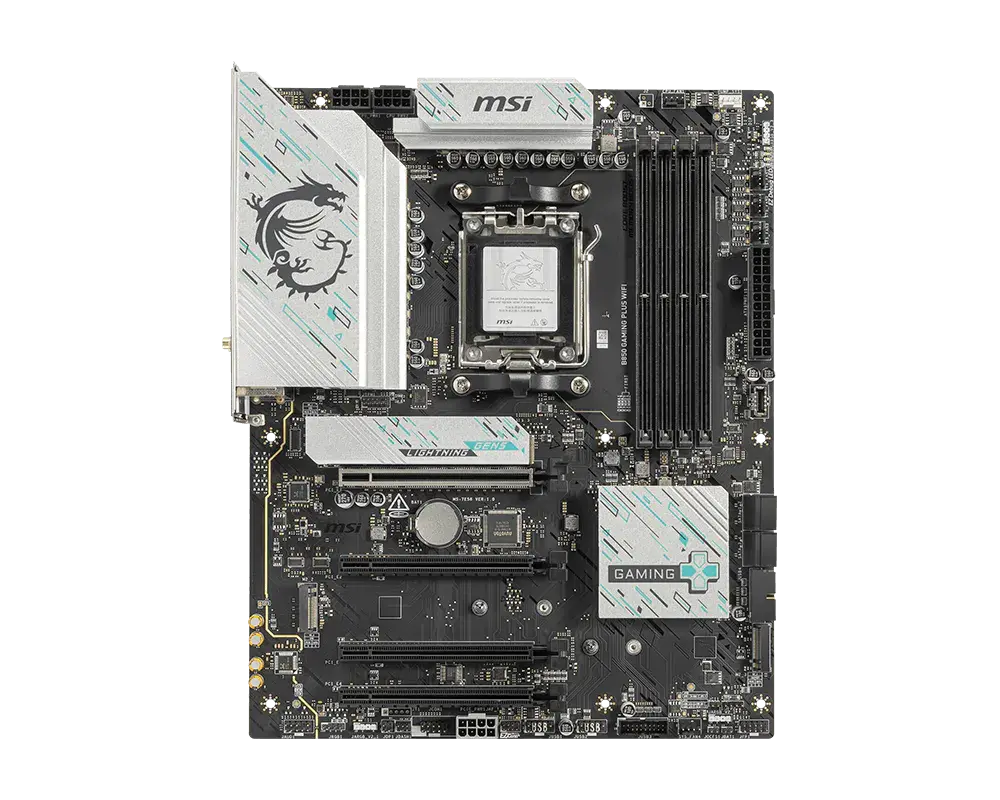 MSI B850 GAMING PLUS WIFIAM5 · ATX · DDR5 · board-only configuration · MSI global specificationCompare the two
 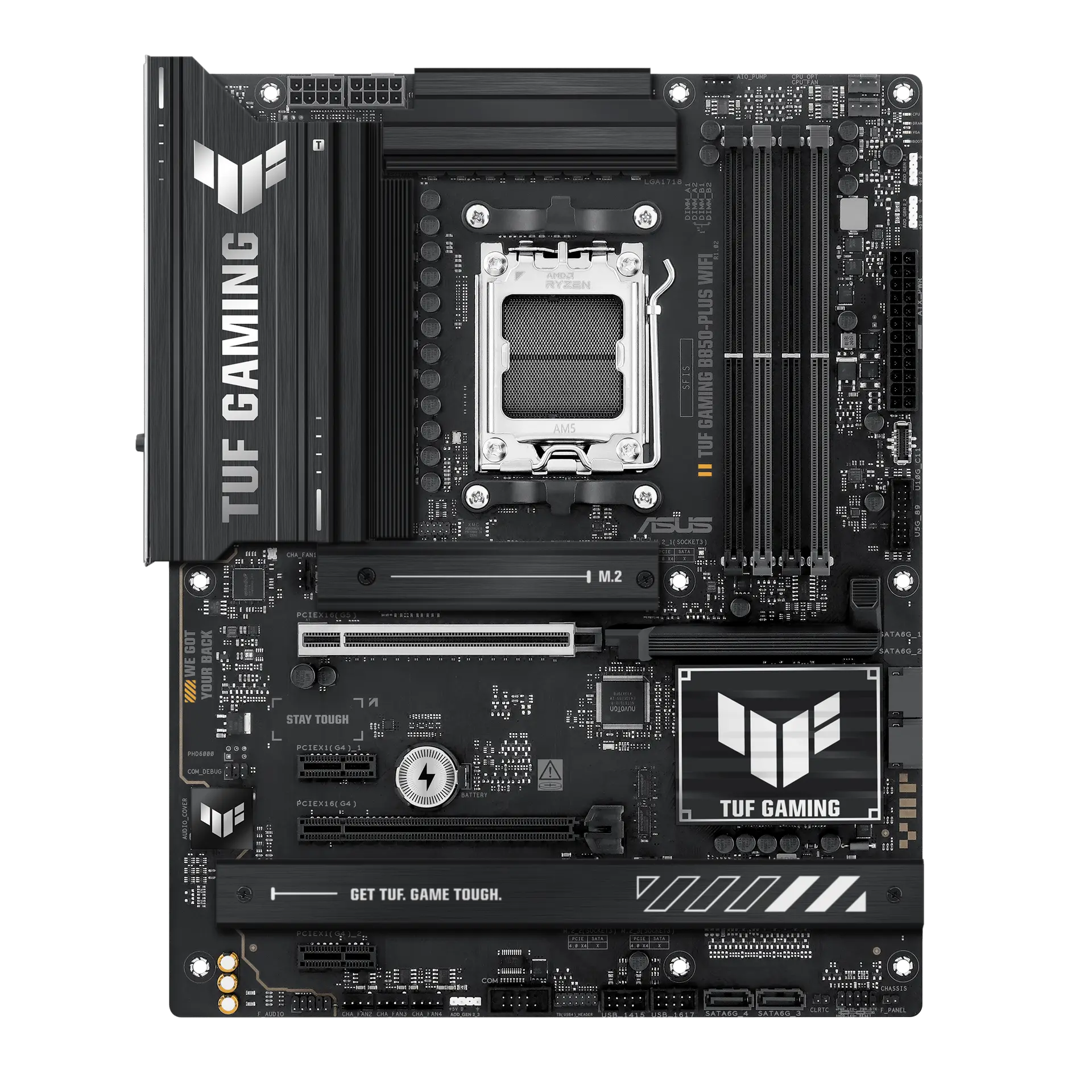 ASUS TUF GAMING B850-PLUS WIFITUF GAMING B850-PLUS WIFI · AM5 · ATX · ASUS UK specificationCompare the two
 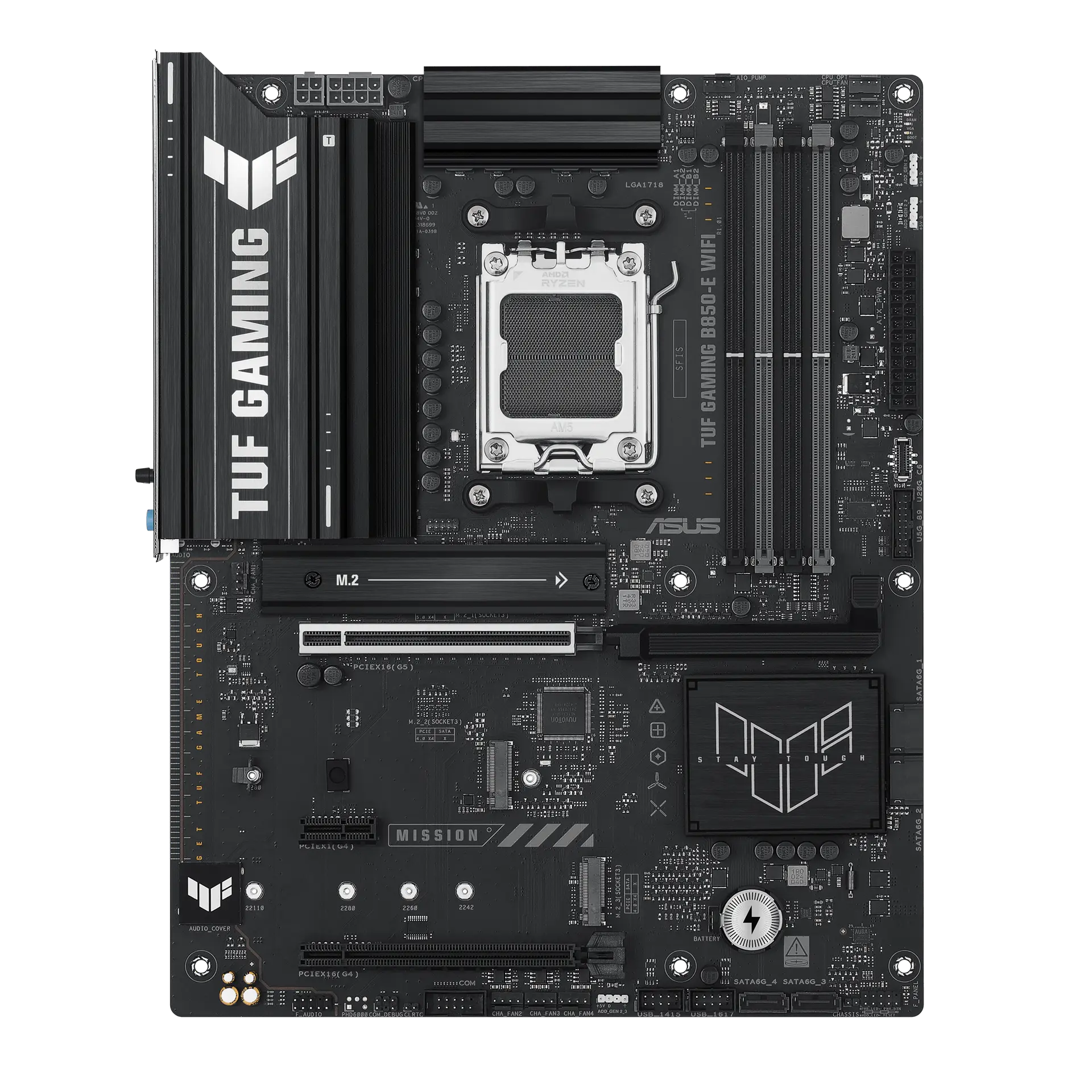 ASUS TUF GAMING B850-E WIFITUF GAMING B850-E WIFI · AM5 · ATX · ASUS UK specificationCompare the two
 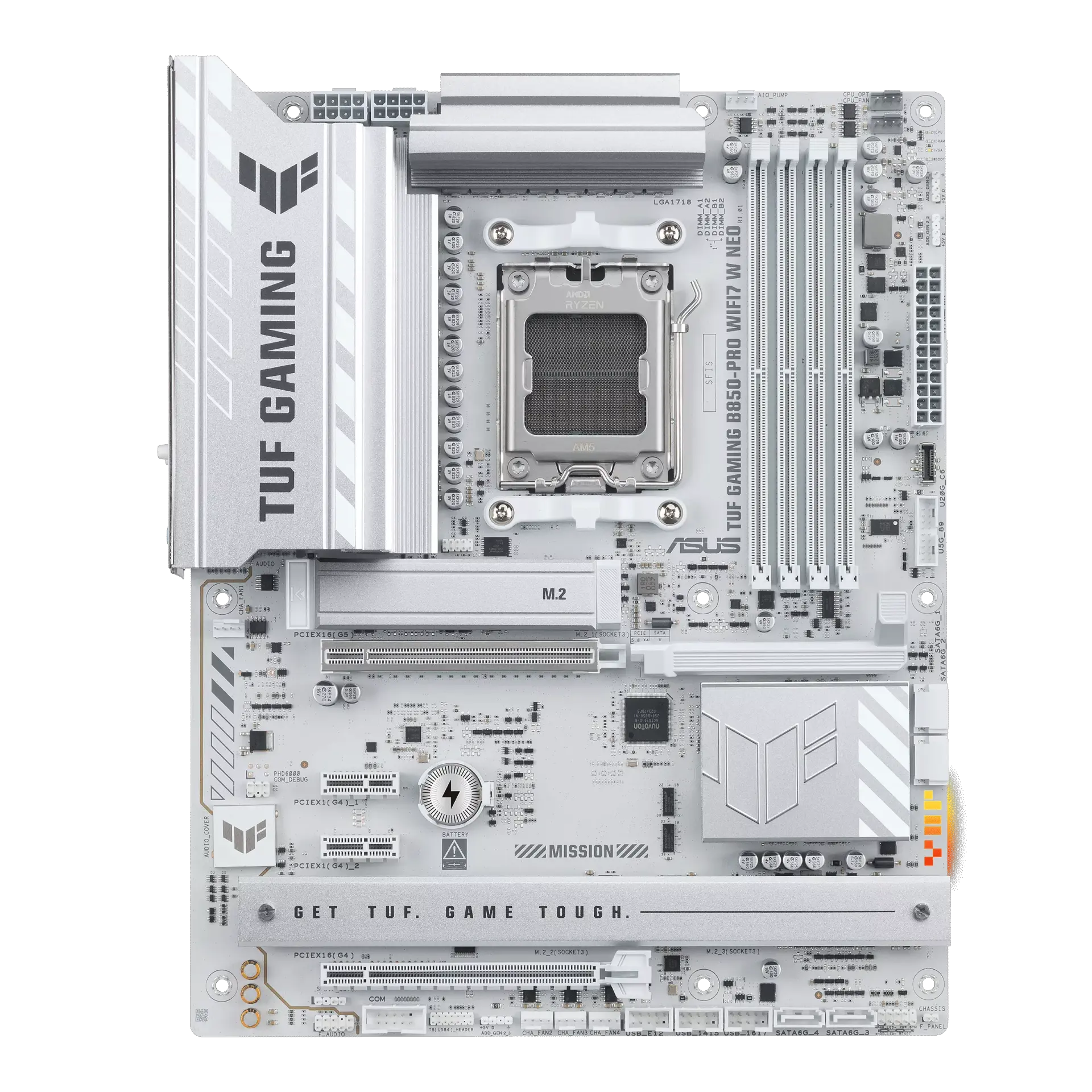 ASUS TUF GAMING B850-PRO WIFI7 W NEOTUF GAMING B850-PRO WIFI7 W NEO · AM5 · ATX · ASUS UK specificationCompare the two
 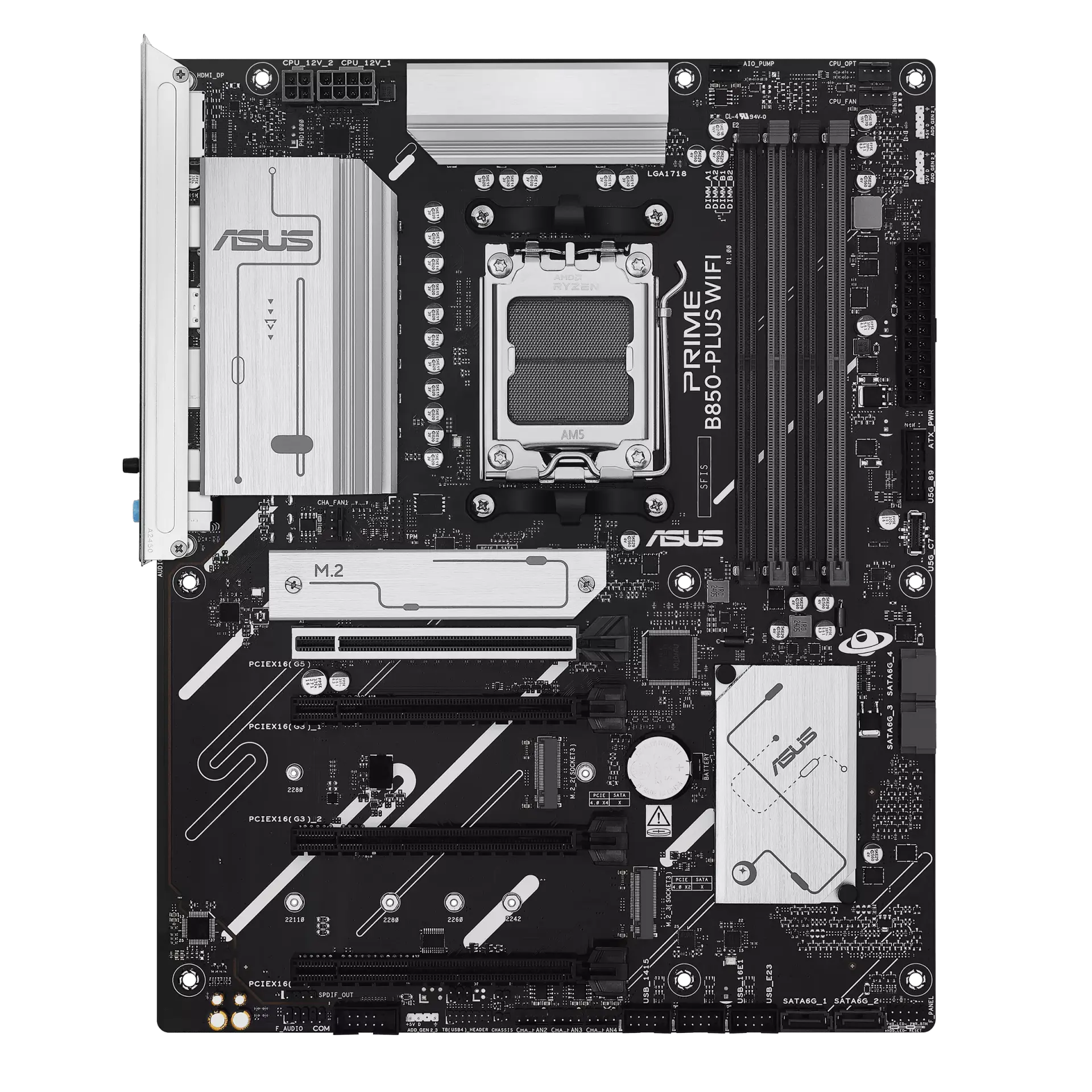 ASUS PRIME B850-PLUS WIFIPRIME B850-PLUS WIFI · AM5 · ATX · ASUS US specificationCompare the two
 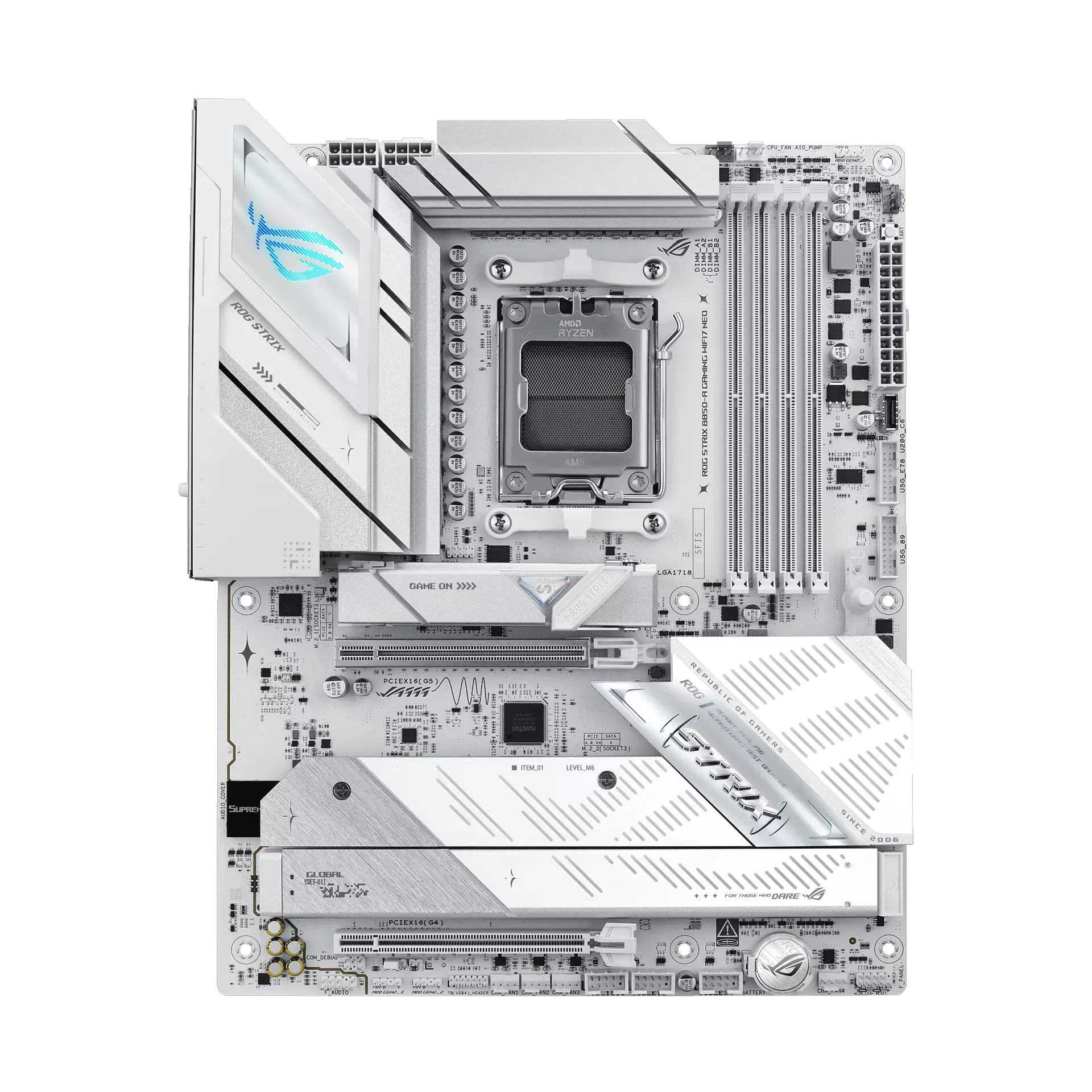 ASUS ROG STRIX B850-A GAMING WIFI7 NEOROG STRIX B850-A GAMING WIFI7 NEO · AM5 · ATX · ASUS UK specificationCompare the two
 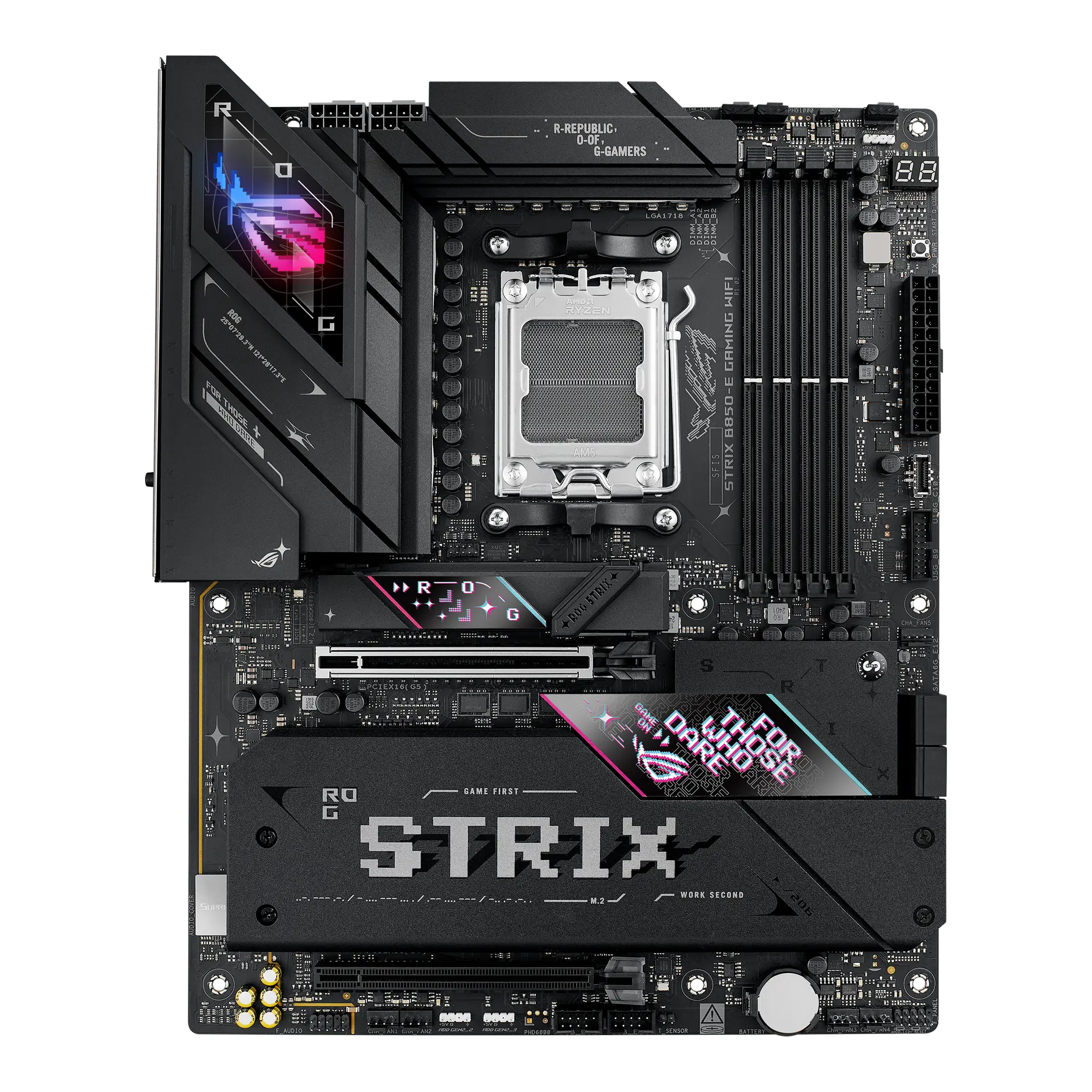 ASUS ROG STRIX B850-E GAMING WIFI90MB1J60-M0AAY0 · AM5 · ATX · ASUS global specificationCompare the two
 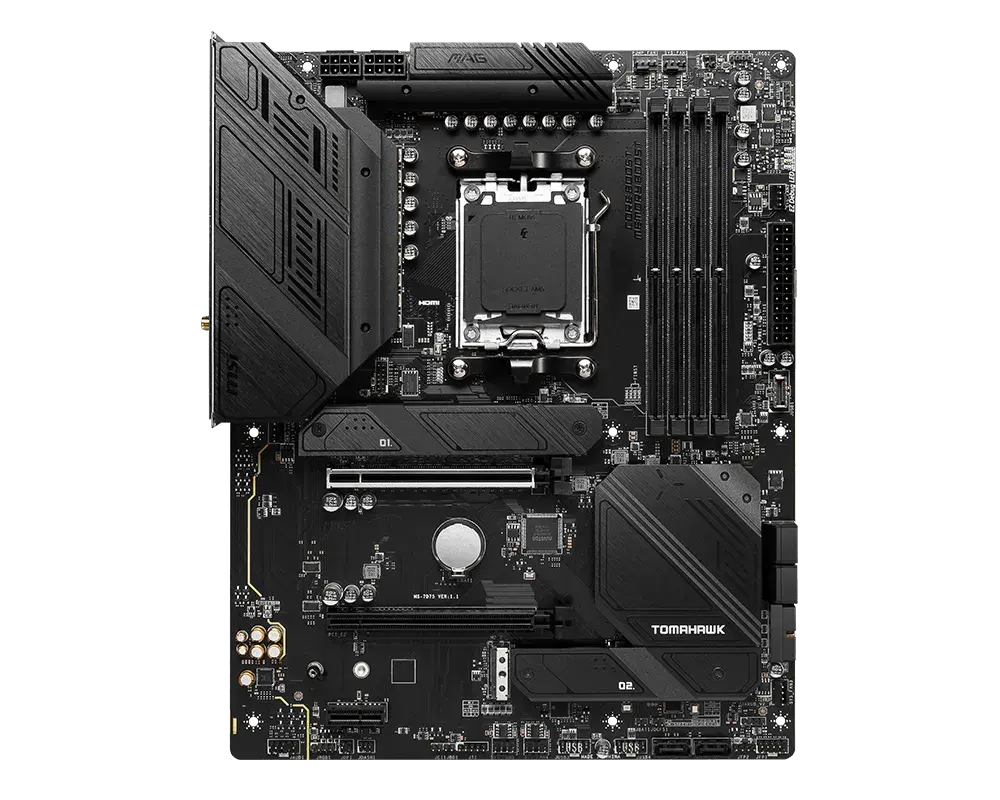 MSI MAG B650 TOMAHAWK WIFIAM5 · ATX · DDR5 · board-only configuration · MSI global specificationCompare the two