


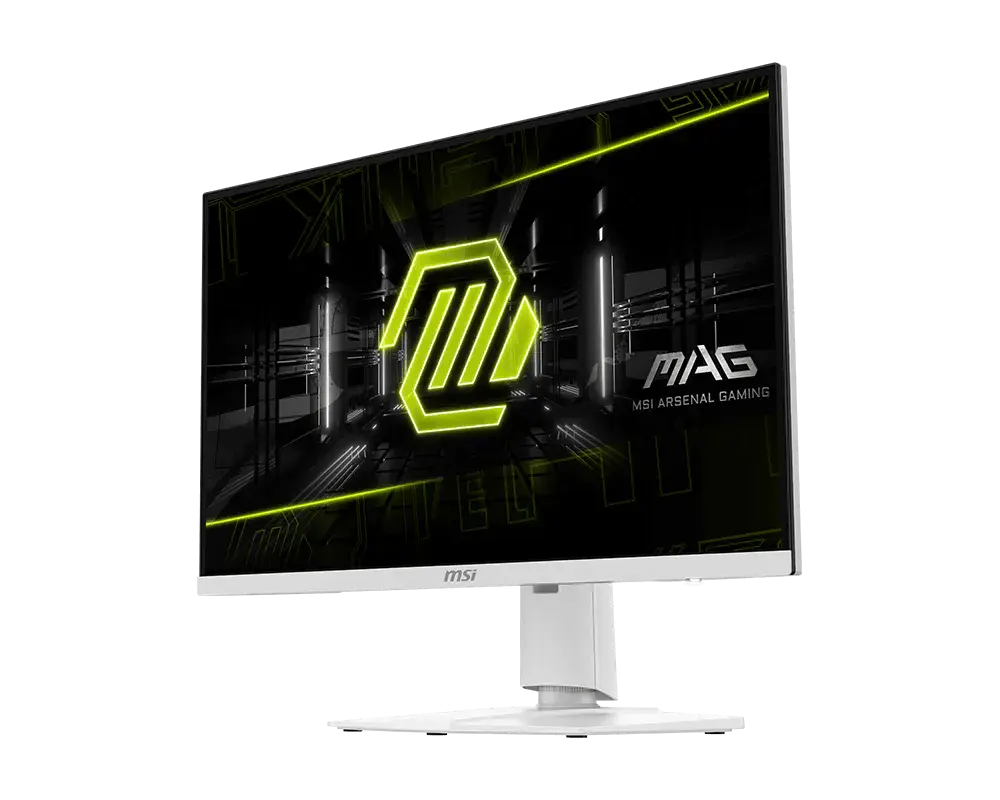
 MSI MAG 274URFW27-inch · 3840 × 2160 · 160 Hz · exact MSI global configuration
- Maximum listed refresh rate
- 160 HzThis one: 144 Hz
- Response method and claim
- 0.5 ms GtG minimumThis one: 1 ms GtG

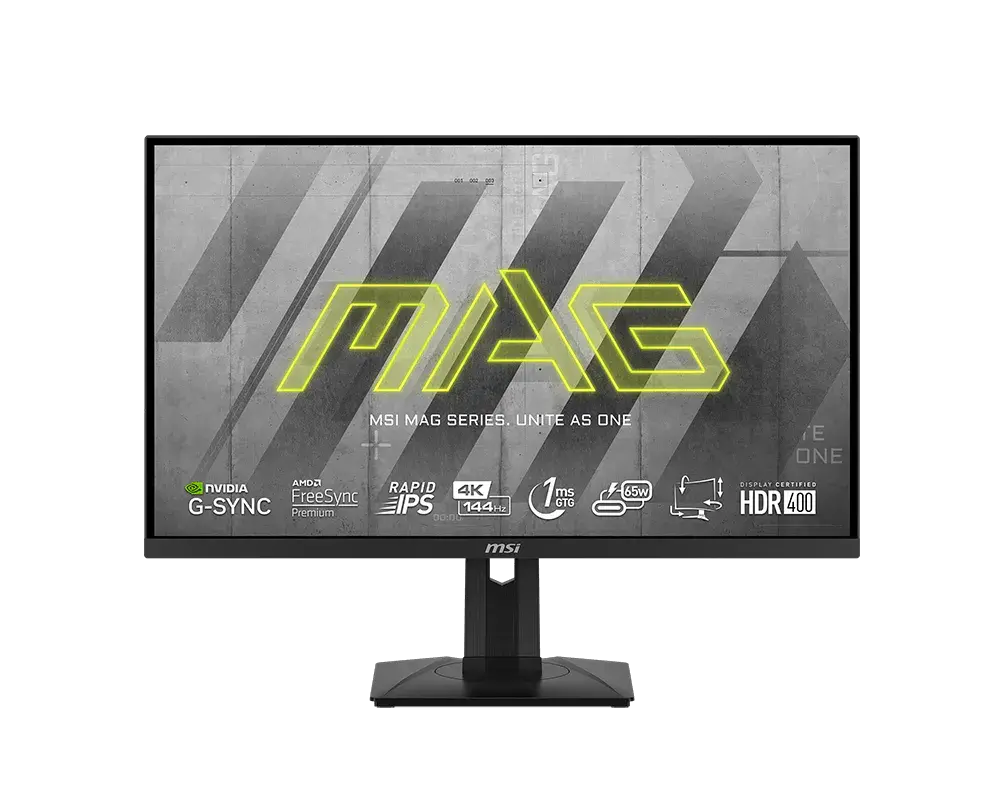
27-inch · 3840 × 2160 · 144 Hz
A 27-inch 3840 × 2160 Rapid IPS monitor with up to 144 Hz on every input, 1 ms GtG response and DisplayHDR 400, plus USB-C with 65 W charging, a USB hub and KVM switching.
As an Amazon Associate I earn from qualifying purchases.
Email me when the MSI MAG 274UPF gets cheaper on eBay. We check exact-model listings once a day at 12:00 UTC.
Specifications checked 11 Sept 2026Manufacturer specifications, not a hands-on test.
The nearest checked monitors by key specifications, with what differs from the MSI MAG 274UPF. The first matches the Compare button above.
MSI MAG 274URFW27-inch · 3840 × 2160 · 160 Hz · exact MSI global configuration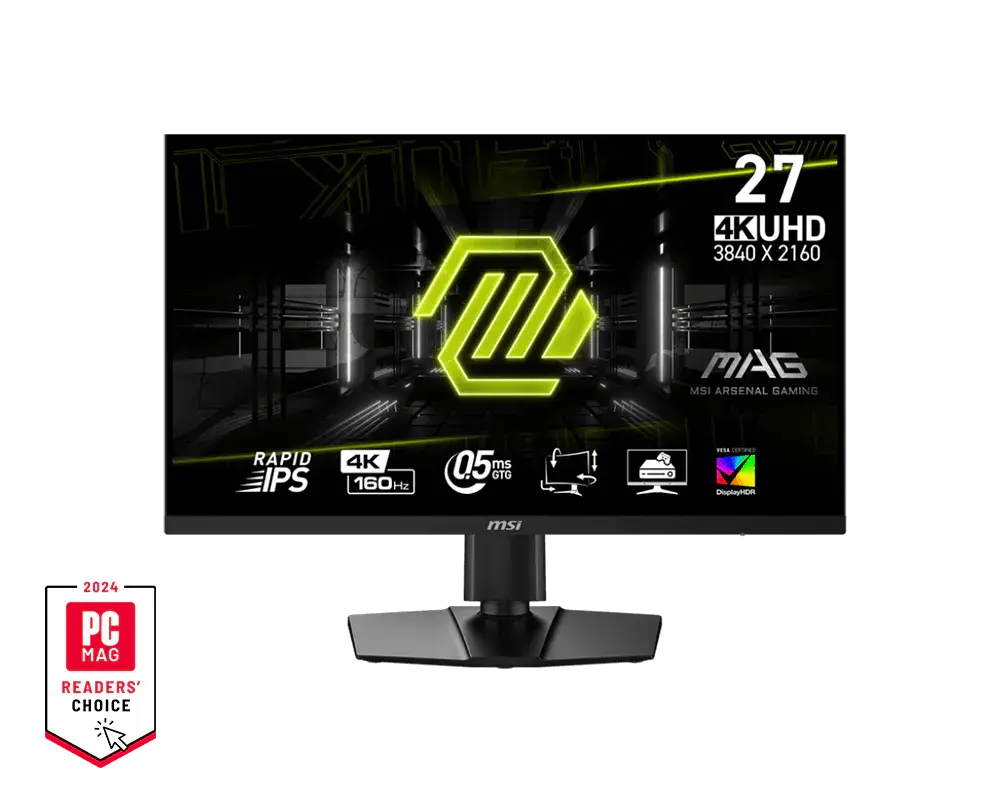 MSI MAG 274UPF E227-inch · 3840 × 2160 · 160 Hz · MSI global specification
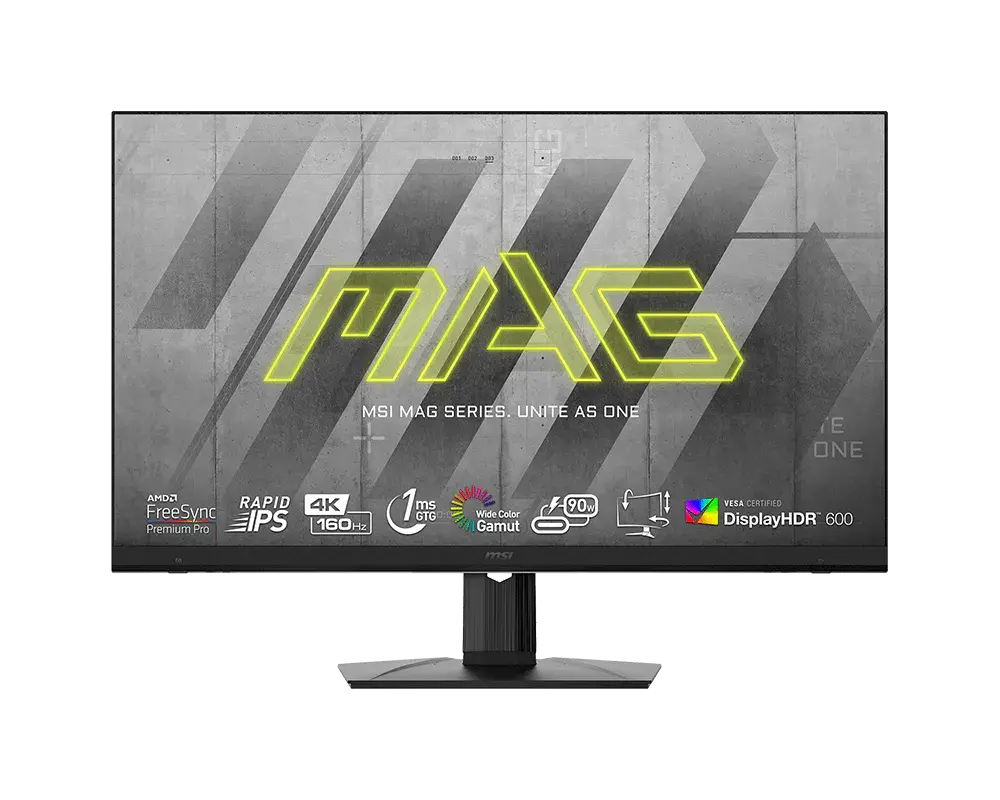 MSI MAG 323UPF32-inch · 3840 × 2160 · 160 Hz · MSI global specification
KVM can select USB-B upstream or USB-C for shared peripherals. The stand offers 130 mm height travel, ±45° swivel and ±90° portrait pivot.
Both HDMI inputs, DisplayPort and USB-C accept native 4K up to 144 Hz, with 1 ms GtG response and DisplayHDR 400; HDMI console timings include 2160p at 120 Hz.
MPRT and Adaptive-Sync can't run together, and PIP/PBP doesn't support HDR and runs at up to 60 Hz.
MSI's datasheet lists 98% DCI-P3 but the manual lists 97%, so check the listing if colour coverage matters.
MSI lists the HDMI, USB-C, USB upstream and DisplayPort cables as optional and says contents vary by country, so check what the listing includes.
Exact configuration: 27-inch · 3840 × 2160 · 144 Hz · MSI global specification
83 specifications in 10 groups. Values are manufacturer specifications unless a row says “Measured result” or “Calculated from cited specifications”. 1 row repeats a listed fact in the manufacturer’s own wording, kept under “Manufacturer wording”.
HDMI, DisplayPort and USB-C: 3840 × 2160 up to 144 Hz. Set HDMI 2.1 to PC for 144 Hz. Compatible source and cable required.
HDMI 2.1 must be set to PC for UHD at 144 Hz.
SourceMSI's timing table does not state a factory default refresh rate.
SourceMSI does not say whether the 1 ms GtG figure is a minimum.
SourceMPRT figure; not input lag or average pixel transition time.
SourceMPRT requires refresh above 85 Hz and disables Adaptive-Sync, HDCR, PIP/PBP and Optix Scope; brightness and response controls are locked. HDR prevents its use.
SourceEnabling MPRT disables Adaptive-Sync; enabling Adaptive-Sync disables MPRT.
SourcePIP without HDR; supported resolutions follow the manual. Not a PBP figure.
SourceLinked to Adaptive-Sync. Disabled in 1:1 screen-size mode. Compatible source and cable required.
SourceMSI does not list ALLM for the original MAG 274UPF.
SourceThe same facts in the manufacturer’s combined or original wording, each with its source.
GtG minimum, typical GtG, MPRT and input lag measure different things.
Typical SDR brightness; not an HDR peak figure.
Peak figure; MSI gives no window size or sustained output.
SourceFigures above 100% describe colour volume, not coverage.
MSI's datasheet lists 98% DCI-P3, while the original UPF manual lists 97%; both use CIE 1976.
HDR disables PIP/PBP and several image-processing controls.
HDMI, DisplayPort and USB-C: 3840 × 2160 up to 144 Hz. USB-C charging is limited to 65 W. USB data requires an appropriate upstream connection.
Both the source port and cable must support DisplayPort Alt Mode.
SourceUp to 20 V / 3.25 A; compatible device and cable required. This is charging output, not monitor consumption.
SourceTwo USB 2.0 Type-A peripheral ports with USB-B or USB-C upstream selection.
OSD offers Auto, USB-B upstream or USB-C selection. A working upstream data connection is required.
SourcePIP/PBP does not support HDR and disables Adaptive-Sync, Optix Scope and HDMI CEC. PIP and PBP use the separate 60 Hz modes.
SourceUse the CEC-capable HDMI input and enable CEC. PIP/PBP disables CEC; a compatible source device is required.
SourceThe datasheet describes PS5/Xbox Series X UHD120 at 4:2:0. HDMI PC mode is separately required for UHD144.
SourceMSI's specification page and datasheet list 613.5 × 196.5 × 402.1 mm (W × D × H); the V1.0 manual prints the same numbers under a W × H × D label, which is a label mix-up (196.5 mm is the depth). · Manufacturer assembled dimensions with the supplied stand. Depth excludes additional cable clearance; this is not panel thickness.
MSI's specification page and datasheet list 613.5 × 196.5 × 402.1 mm (W × D × H); the V1.0 manual prints the same numbers under a W × H × D label, which is a label mix-up (196.5 mm is the depth). · Supplied-stand depth, excluding additional cable clearance. Not panel thickness.
Manufacturer net mass with supplied stand; not bare-panel mass.
The manual identifies adapter ADS-120QL-19-3 190120E; the supplied unit may vary.
SourceMSI does not publish a power-consumption figure; adapter and USB-C charging ratings are not consumption figures.
SourceManufacturer energy-label figure; not a measurement for your brightness, refresh rate, USB charging or workload.
SourceRequires the appropriate USB connection; functions vary by software version and monitor model.
SourceOptix Scope disables Adaptive-Sync and PIP/PBP; HDR also prevents its use.
SourceDark-area adjustment.
SourceThe original model documents a Night Vision A.I. level, but the separate A.I. Vision feature found on E2 is not confirmed.
SourceShifts the image toward a warmer colour temperature.
SourceMSI describes hardware reduction in the 415–455 nm band.
MSI's Anti-Flicker declaration does not cover operation with motion-blur reduction enabled.
SourcePackage contents vary by country; check the listing.
SourceMore of the nearest checked monitors by key specifications, for a side-by-side comparison.
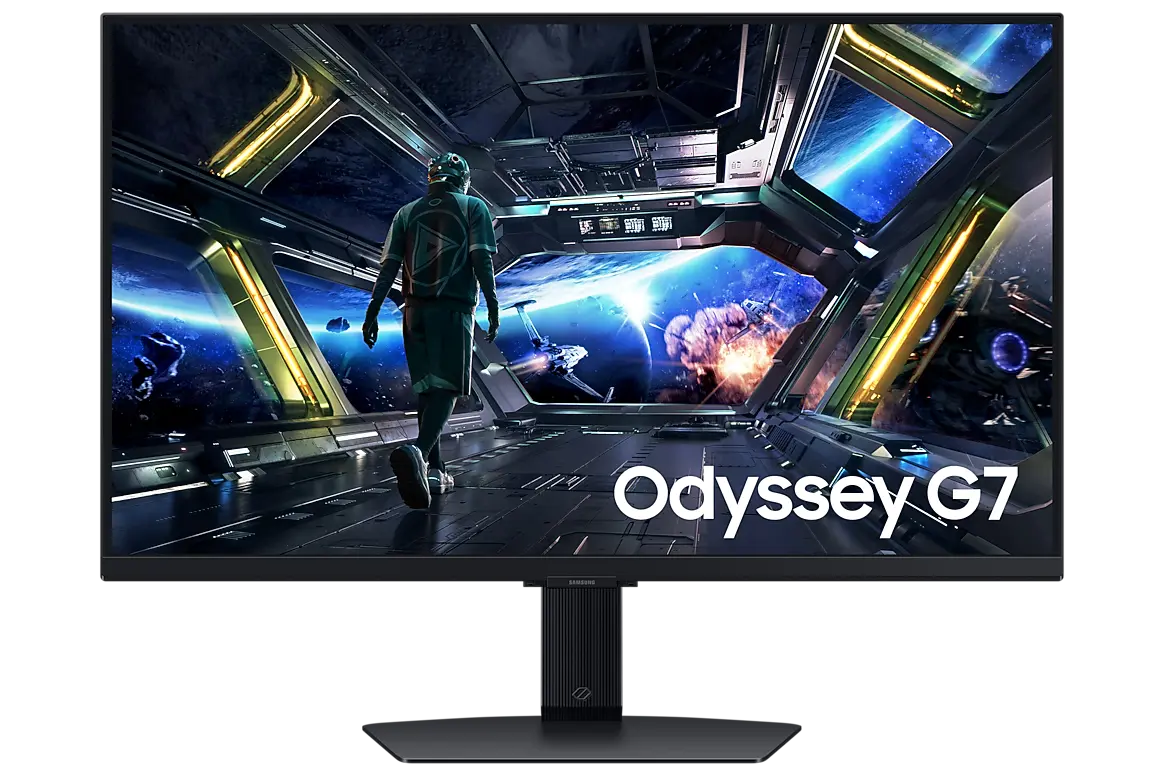 Samsung Odyssey G7 G70D 27-inchLS27DG702EUXXU · 27-inch IPS · Samsung UK specificationCompare the two
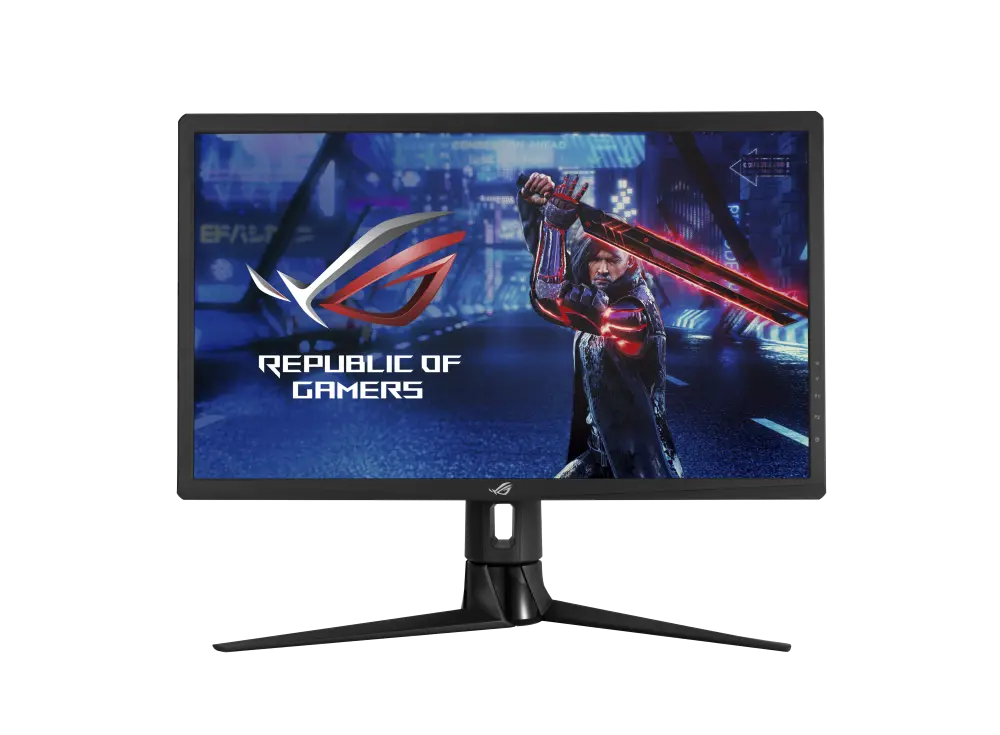 ASUS ROG Strix XG27UQRGlobal manufacturer specification · ROG Strix XG27UQRCompare the two
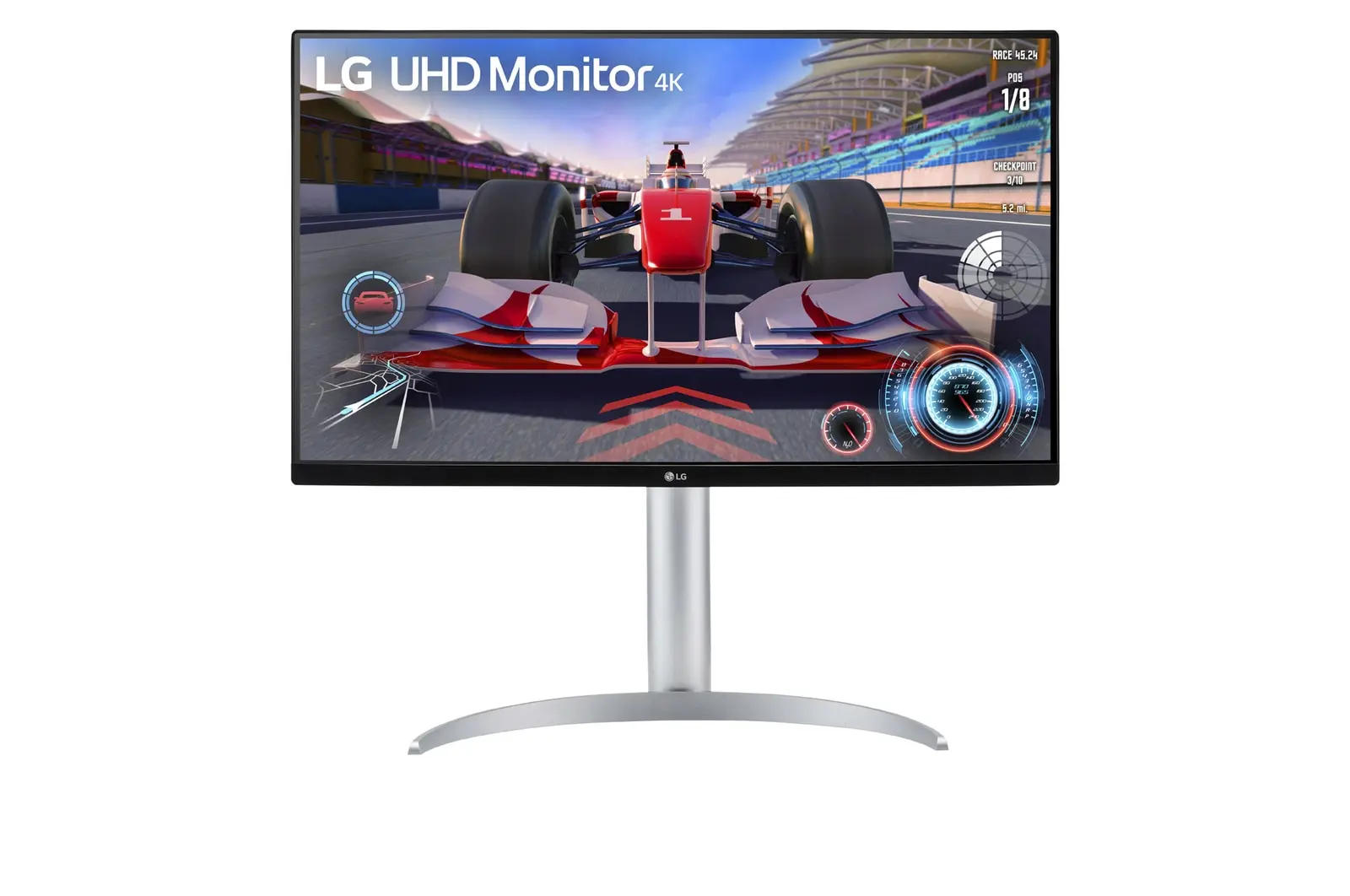 LG 27UQ750-WUK manufacturer model · 27UQ750-WCompare the two
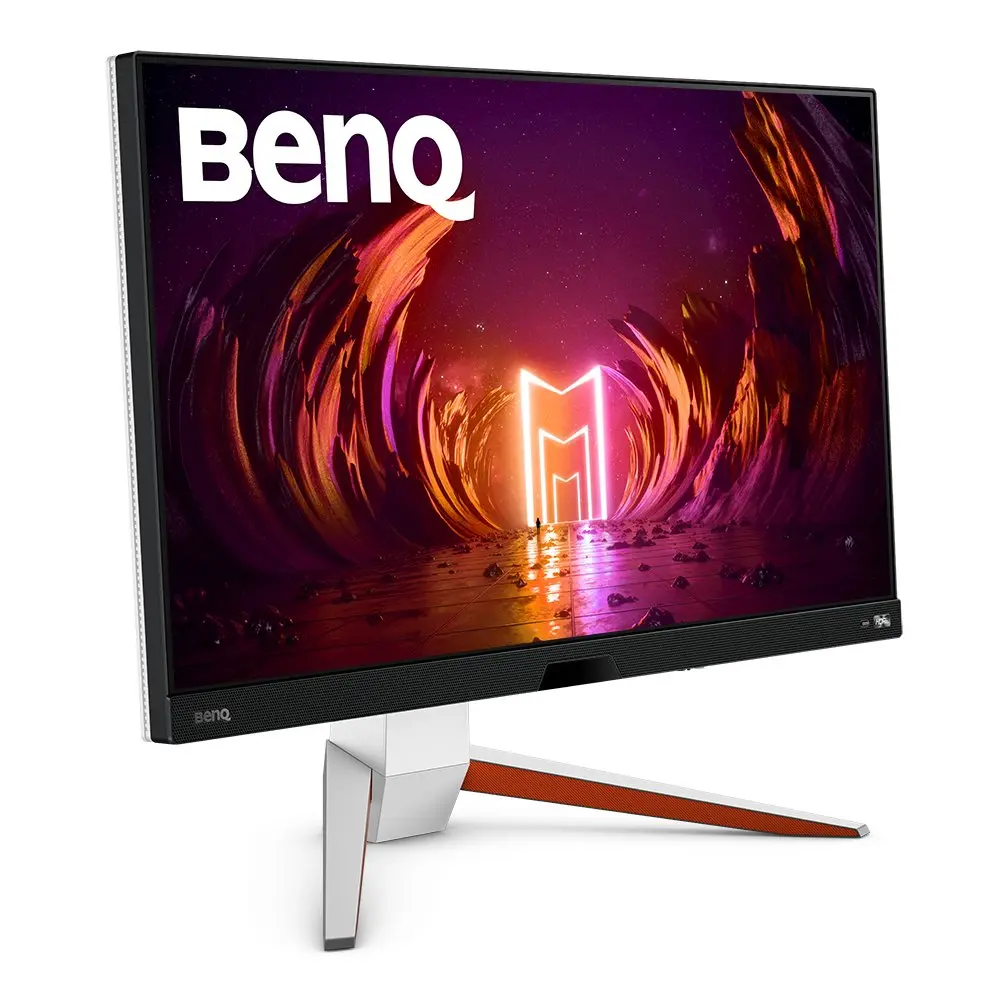 BenQ EX2710UEX2710U · exact EX2710U UK manufacturer catalogue configurationCompare the two
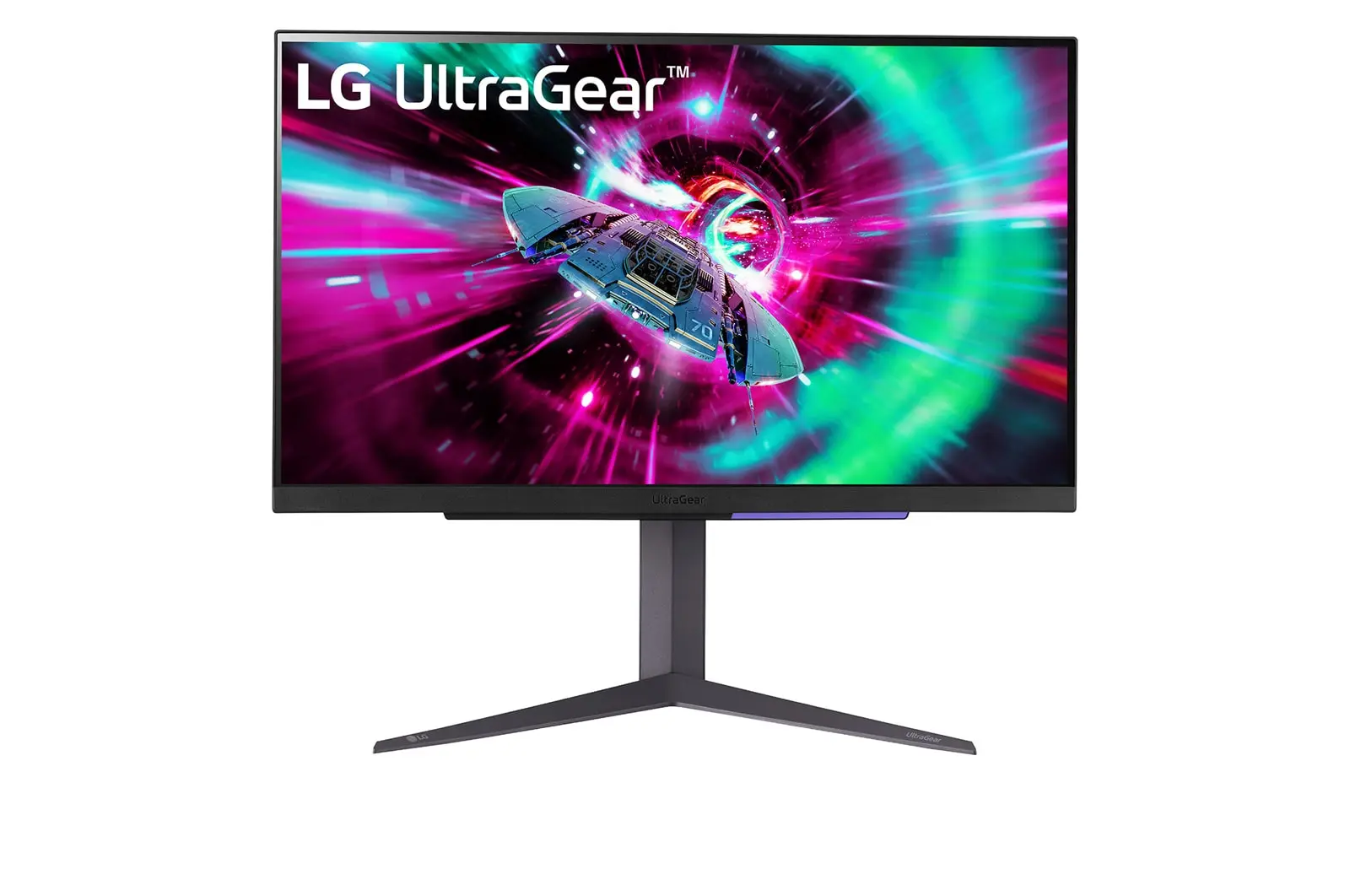 LG 27GR93U-BUK manufacturer configuration · 27GR93U-BCompare the two
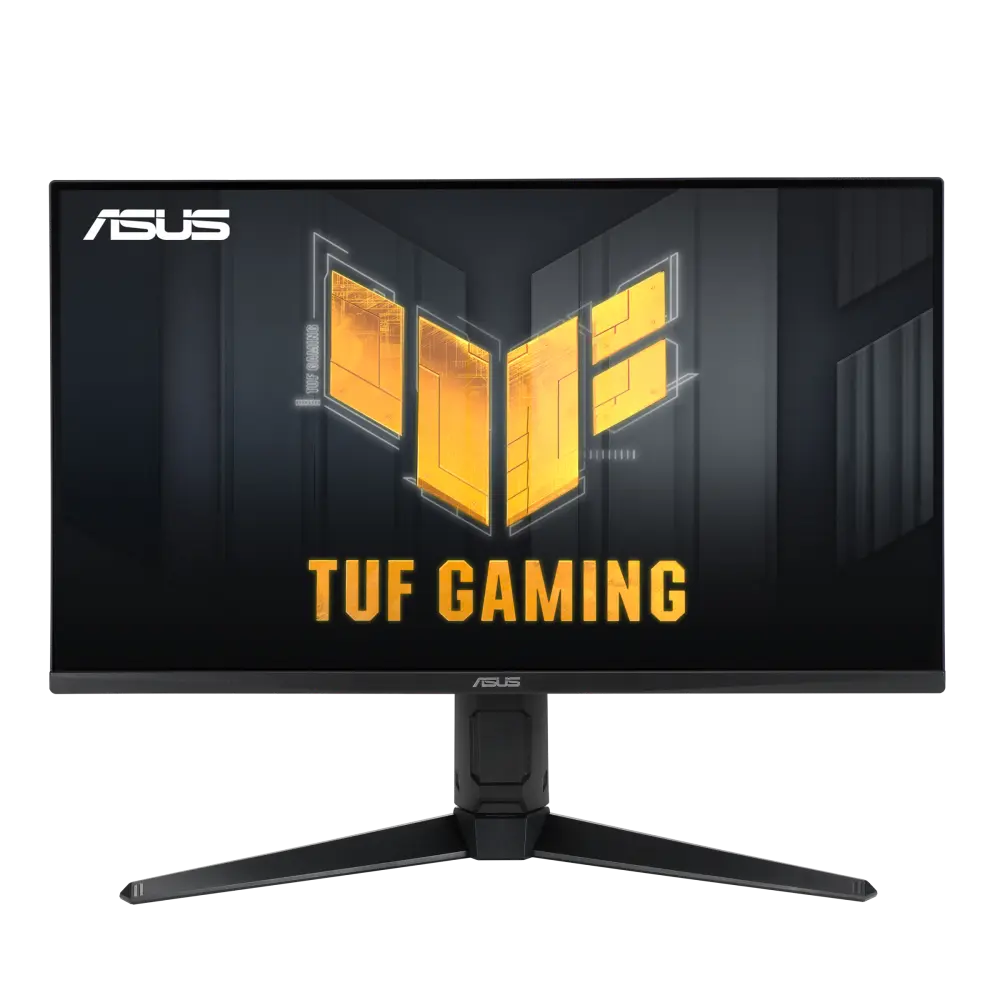 ASUS TUF Gaming VG28UQL1AUK manufacturer specification · TUF Gaming VG28UQL1ACompare the two
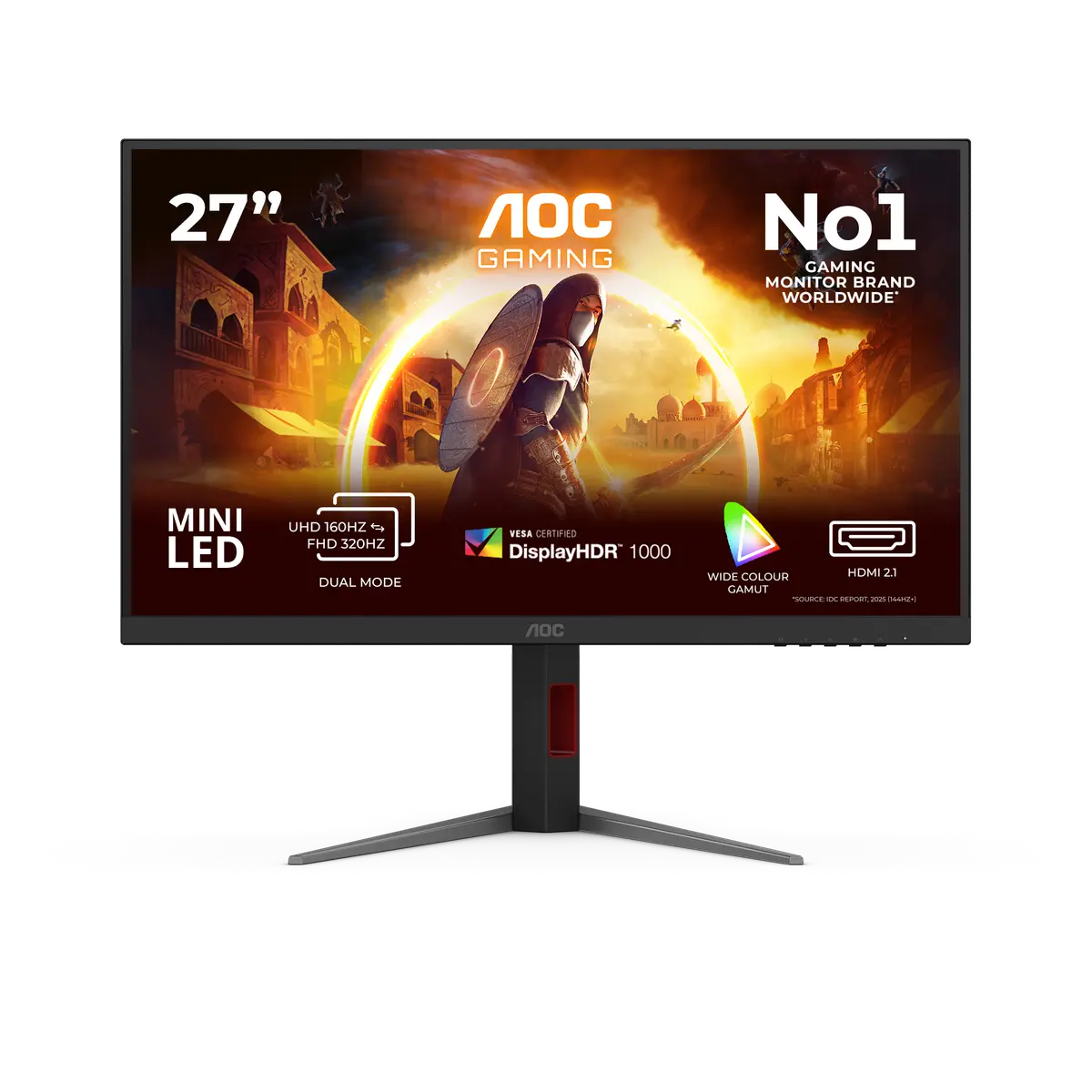 AOC U27G4XMU27G4XM · 27-inch Fast IPS · AOC UK specificationCompare the two
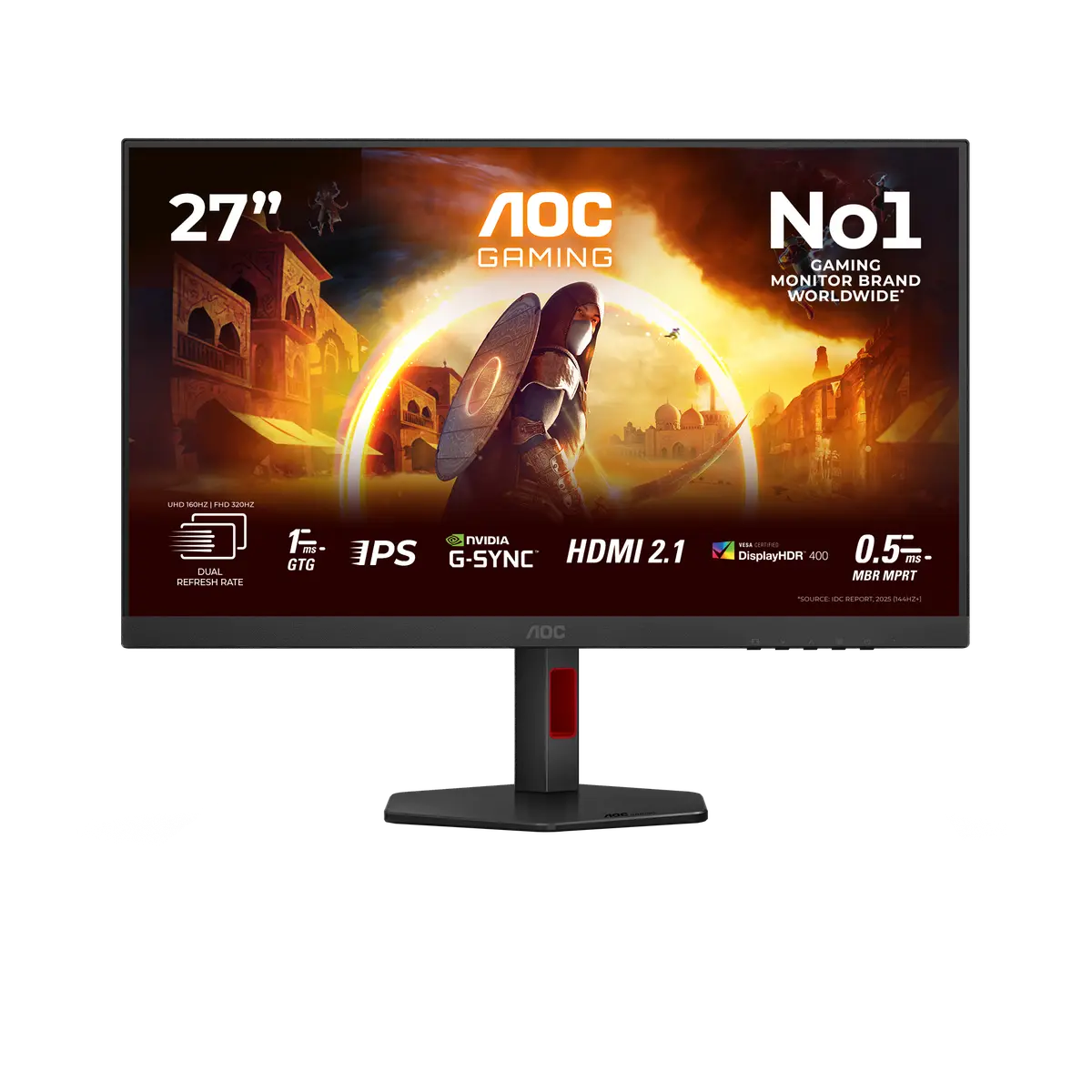 AOC U27G4RU27G4R · 27-inch Fast IPS · AOC UK specificationCompare the two