


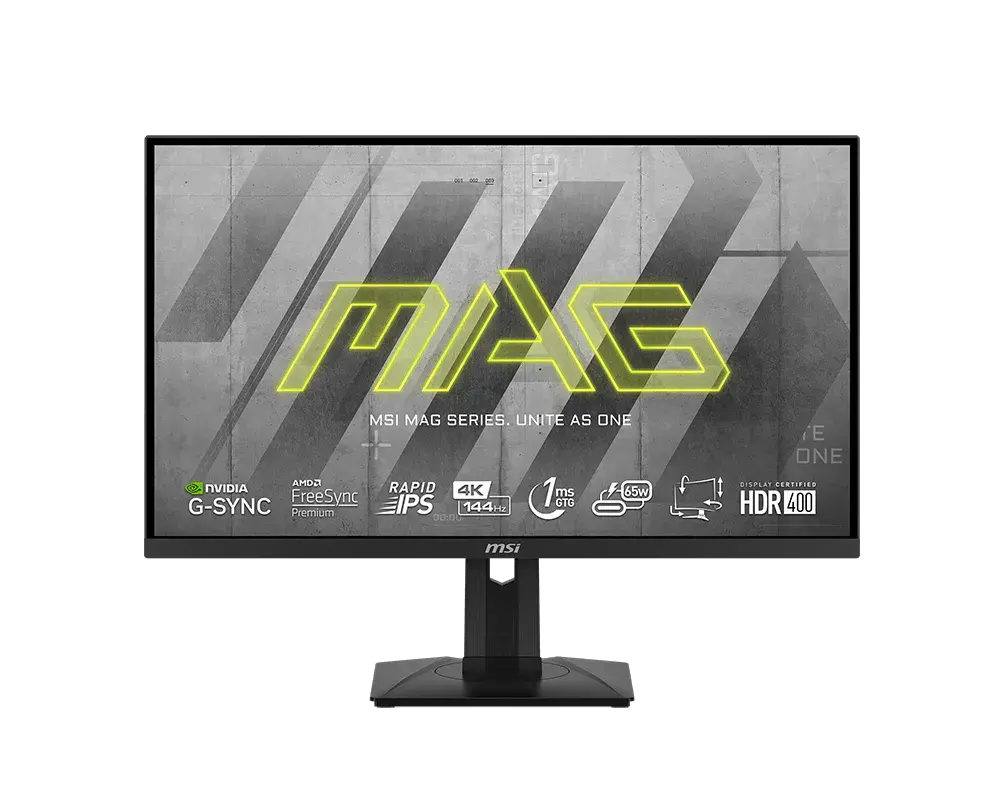
 MSI MAG 274UPF27-inch · 3840 × 2160 · 144 Hz · MSI global specification
- Maximum listed refresh rate
- 144 HzThis one: 160 Hz
- Response method and claim
- 1 ms GtGThis one: 0.5 ms GtG minimum

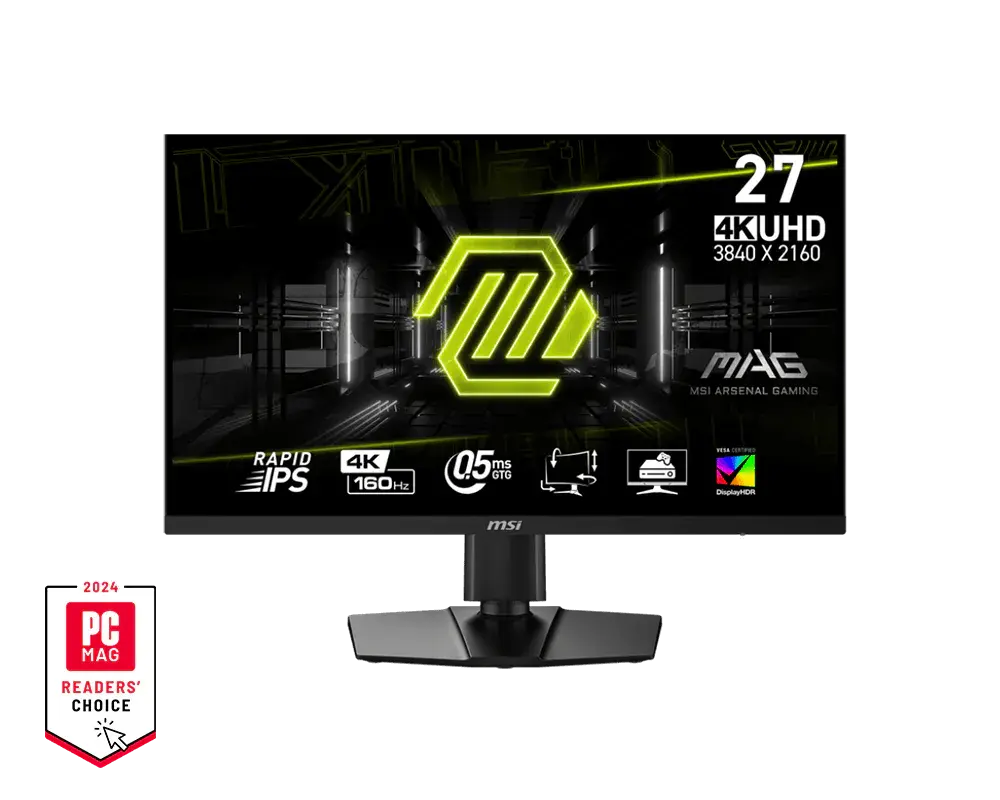
27-inch · 3840 × 2160 · 160 Hz
A 27-inch 3840 × 2160 Rapid IPS monitor with up to 160 Hz on every input and a 0.5 ms minimum GtG rating, plus USB-C display input with 15 W charging and A.I. Vision; its USB-C port does not carry USB data.
As an Amazon Associate I earn from qualifying purchases.
Email me when the MSI MAG 274UPF E2 gets cheaper on eBay. We check exact-model listings once a day at 12:00 UTC.
Specifications checked 11 Sept 2026Manufacturer specifications, not a hands-on test.
The nearest checked monitors by key specifications, with what differs from the MSI MAG 274UPF E2. The first matches the Compare button above.
MSI MAG 274UPF27-inch · 3840 × 2160 · 144 Hz · MSI global specification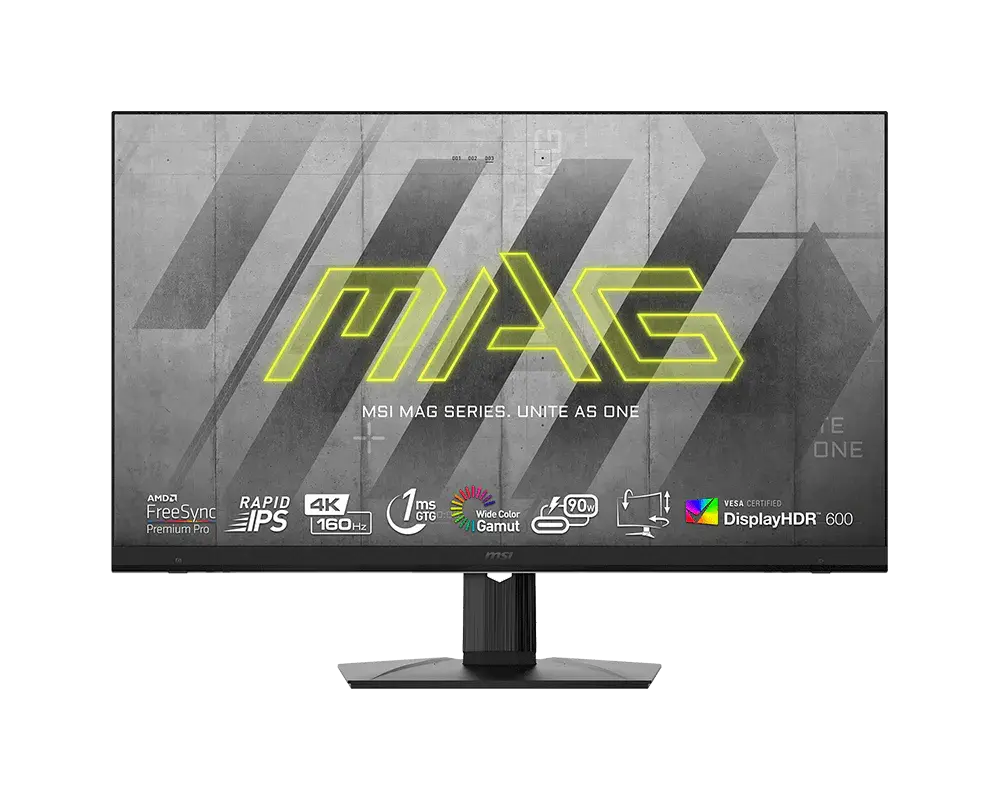 MSI MAG 323UPF32-inch · 3840 × 2160 · 160 Hz · MSI global specification
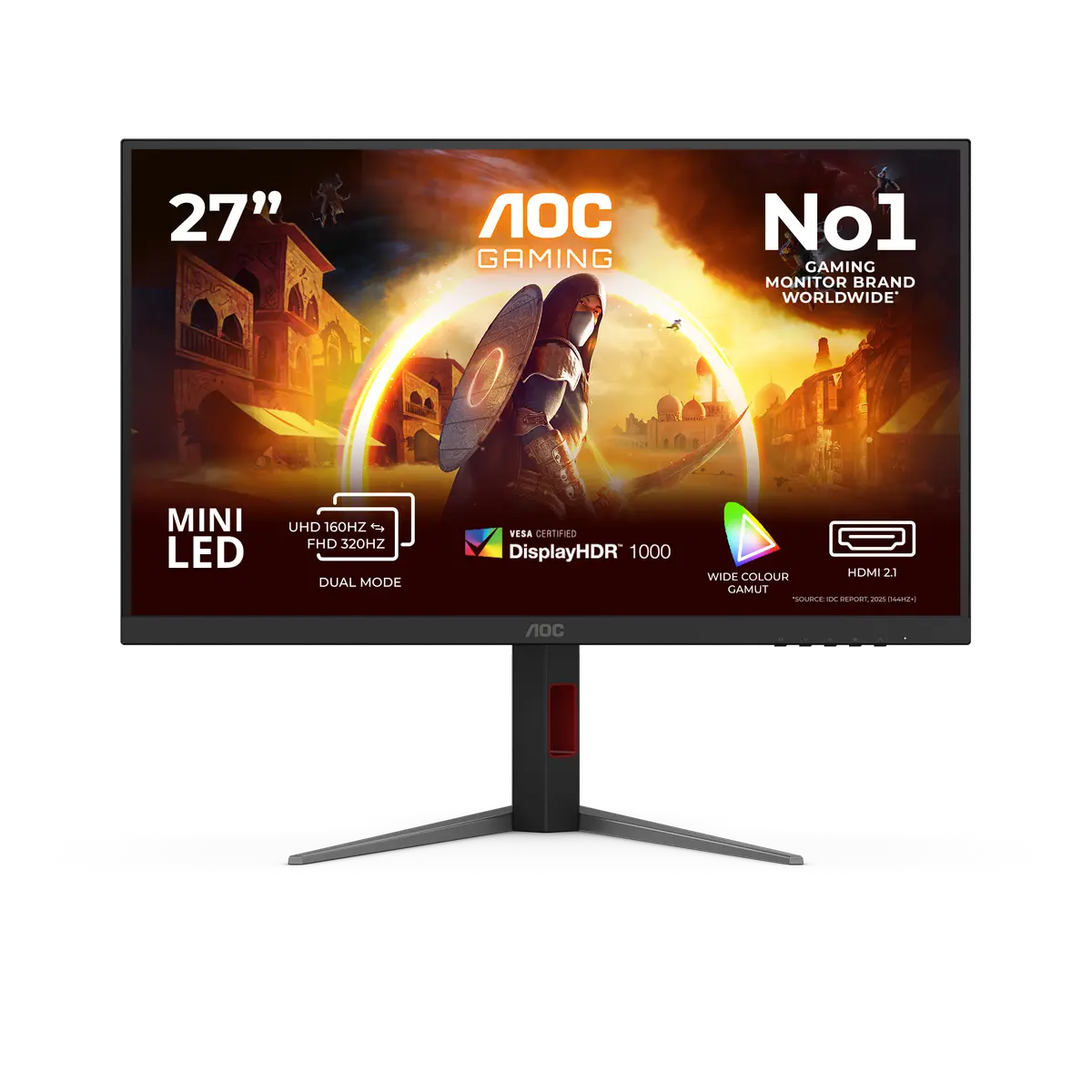 AOC U27G4XMU27G4XM · 27-inch Fast IPS · AOC UK specification
A.I. Vision, Smart Crosshair, Optix Scope and MPRT Sync are built in, and PIP supports 4K up to 120 Hz (without HDR).
Both HDMI inputs, DisplayPort and USB-C accept native 4K up to 160 Hz, with a 0.5 ms minimum GtG rating; HDMI console timings include 2160p at 120 Hz.
USB-C charging is limited to 15 W and there is no USB data hub. MSI's KVM information for this model is inconsistent, so check before relying on KVM.
MSI's datasheet labels the HDR support as both DisplayHDR 400 and DisplayHDR True Black 400, so check the listing if HDR certification matters.
MSI lists the HDMI and DisplayPort cables as optional and says contents vary by country, so check what the listing includes.
Exact configuration: 27-inch · 3840 × 2160 · 160 Hz · MSI global specification
83 specifications in 10 groups. Values are manufacturer specifications unless a row says “Measured result” or “Calculated from cited specifications”. 1 row repeats a listed fact in the manufacturer’s own wording, kept under “Manufacturer wording”.
HDMI, DisplayPort and USB-C: 3840 × 2160 up to 160 Hz. Compatible source and cable required.
Compatible source and cable required.
SourceMSI's timing table does not state a factory default refresh rate.
SourceMSI gives only a 0.5 ms minimum GtG figure, not a typical or average value.
SourceBest-case minimum; not an average or input lag.
SourceMPRT figure; not input lag or average pixel transition time.
SourceMPRT Sync requires refresh above 85 Hz. It disables HDCR, PIP/PBP and Optix Scope and locks brightness/response controls; HDR and A.I. Vision prevent its use.
SourceThe E2 manual names MPRT Sync and does not list Adaptive-Sync among its disabled functions, but the supported simultaneous refresh range is not explicitly confirmed.
SourcePIP without HDR; supported resolutions follow the manual. Not a PBP figure.
SourceLinked to Adaptive-Sync. Disabled in the 16:10 screen-size mode. Compatible source and cable required.
SourceConsole-mode feature; requires a compatible source.
SourceThe same facts in the manufacturer’s combined or original wording, each with its source.
GtG minimum, typical GtG, MPRT and input lag measure different things.
Typical SDR brightness; not an HDR peak figure.
Peak figure; MSI gives no window size or sustained output.
SourceFigures above 100% describe colour volume, not coverage.
HDR disables PIP/PBP and several image-processing controls.
MSI's E2 datasheet specification and model page list DisplayHDR 400, but the datasheet feature block says DisplayHDR True Black 400. Check the listing if the certification matters.
Up to 160 Hz at 3840 × 2160 through DisplayPort, HDMI or USB-C DisplayPort Alt Mode. The USB-C port carries video and charging only, not USB data.
Both the source port and cable must support DisplayPort Alt Mode.
SourceUp to 5 V / 3 A; compatible device and cable required. This is charging output, not monitor consumption.
SourceNo USB-A/B hub ports; the USB-C connector carries display and charging only.
MSI's KVM FAQ lists the E2, but the E2 manual says its USB-C port has no data transmission and shows no USB-A/B hub or KVM control. Check before relying on KVM.
PIP/PBP does not support HDR and disables Adaptive-Sync, Optix Scope and HDMI CEC. PIP supports UHD up to 120 Hz; PBP uses the separate 60 Hz modes.
SourceUse the CEC-capable HDMI input and enable CEC. PIP/PBP disables CEC; a compatible source device is required.
SourceRequires a compatible console and cable.
SourceManufacturer assembled dimensions with stand. Depth excludes additional cable clearance; this is not panel thickness.
Excludes additional cable clearance.
Manufacturer net mass with supplied stand; not bare-panel mass.
MSI does not list the weight without the stand.
SourceThe manual specifies a 65 W adapter; the supplied unit may vary by country.
SourceMSI does not publish a power-consumption figure; adapter and USB-C charging ratings are not consumption figures.
SourceMSI does not provide a declared on-mode energy figure for the E2.
SourceMSI does not list Gaming Intelligence for the E2, and its USB-C port does not carry USB data.
SourceMSI does not document a USB firmware-update method for the E2; its USB-C port does not carry USB data.
SourceOptix Scope disables Adaptive-Sync and PIP/PBP; HDR also prevents its use.
SourceDark-area adjustment.
SourceLocks Night Vision, brightness and HDCR and disables MPRT Sync. Unavailable with HDR.
SourceShifts the image toward a warmer colour temperature.
SourceMSI lists a Low Blue Light mode but not the hardware Less Blue Light PRO filter for the E2.
SourceMSI's Anti-Flicker declaration does not cover operation with motion-blur reduction enabled.
SourcePackage contents vary by country; check the listing.
SourceMore of the nearest checked monitors by key specifications, for a side-by-side comparison.
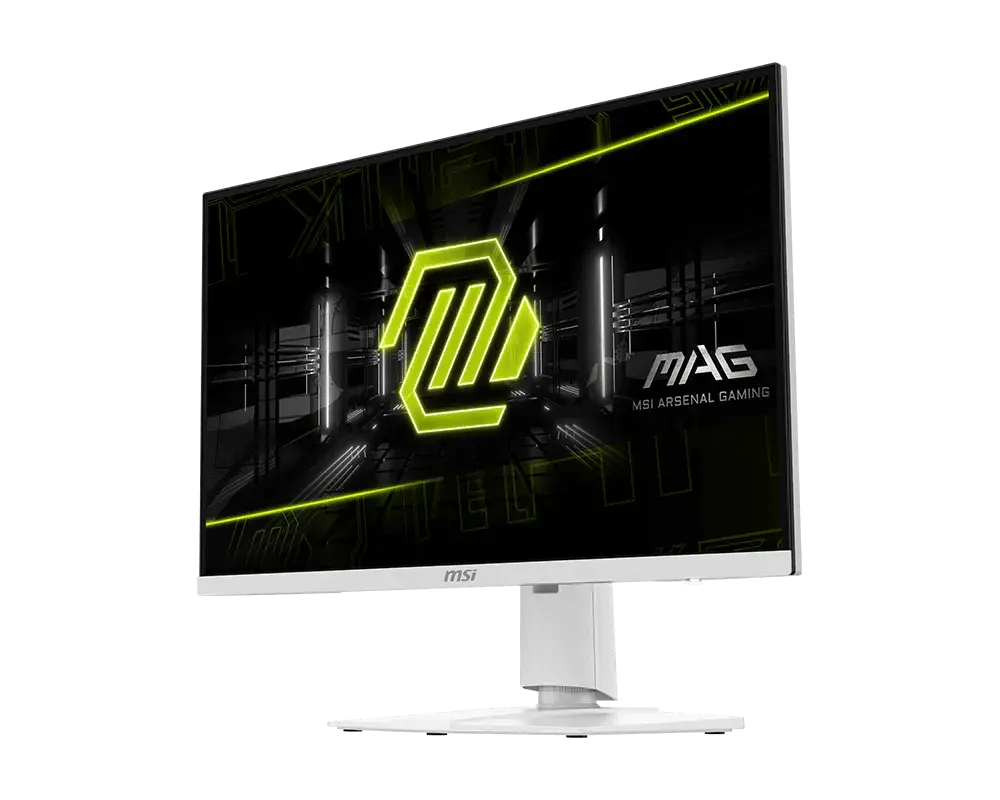 MSI MAG 274URFW27-inch · 3840 × 2160 · 160 Hz · exact MSI global configurationCompare the two
 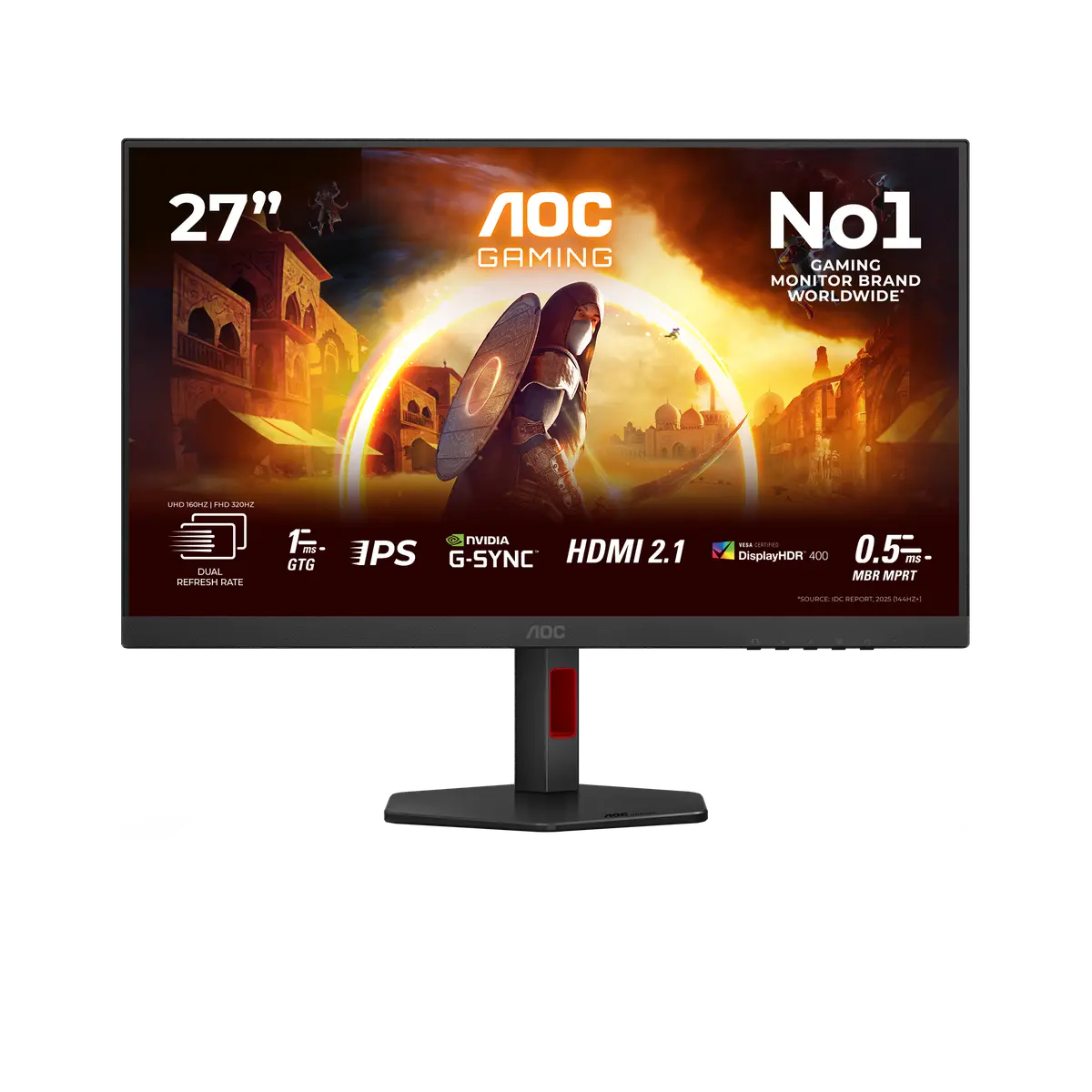 AOC U27G4RU27G4R · 27-inch Fast IPS · AOC UK specificationCompare the two
 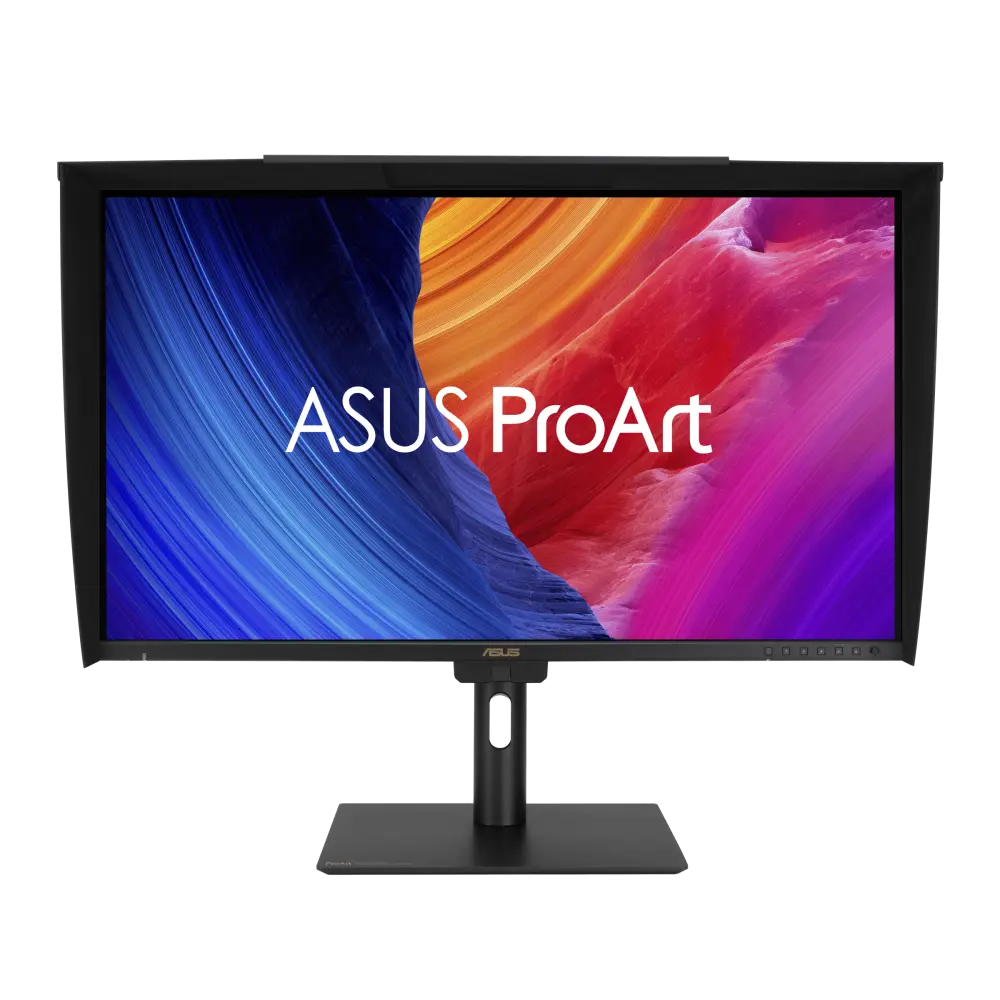 ASUS ProArt Display PA27UCGEUK manufacturer specification · ProArt Display PA27UCGECompare the two
 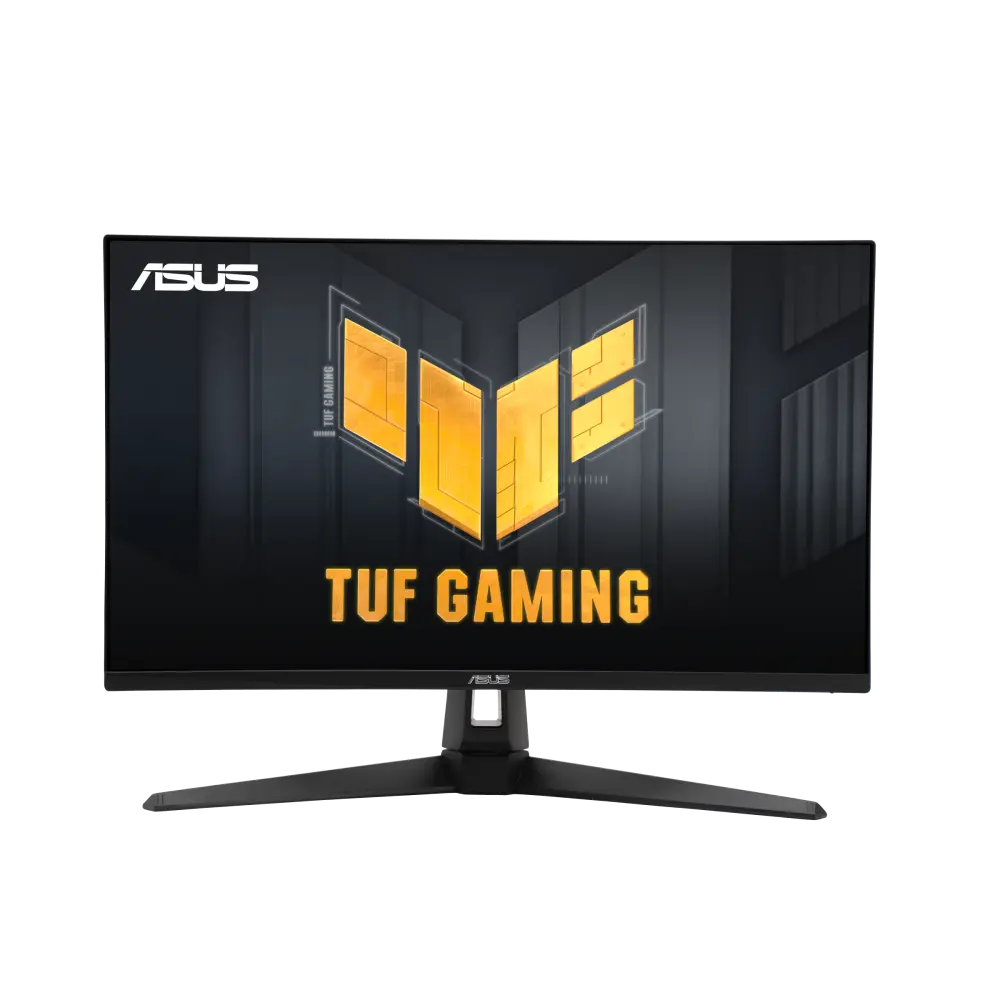 ASUS TUF Gaming VG27UQ1AUK manufacturer specification · TUF Gaming VG27UQ1ACompare the two
 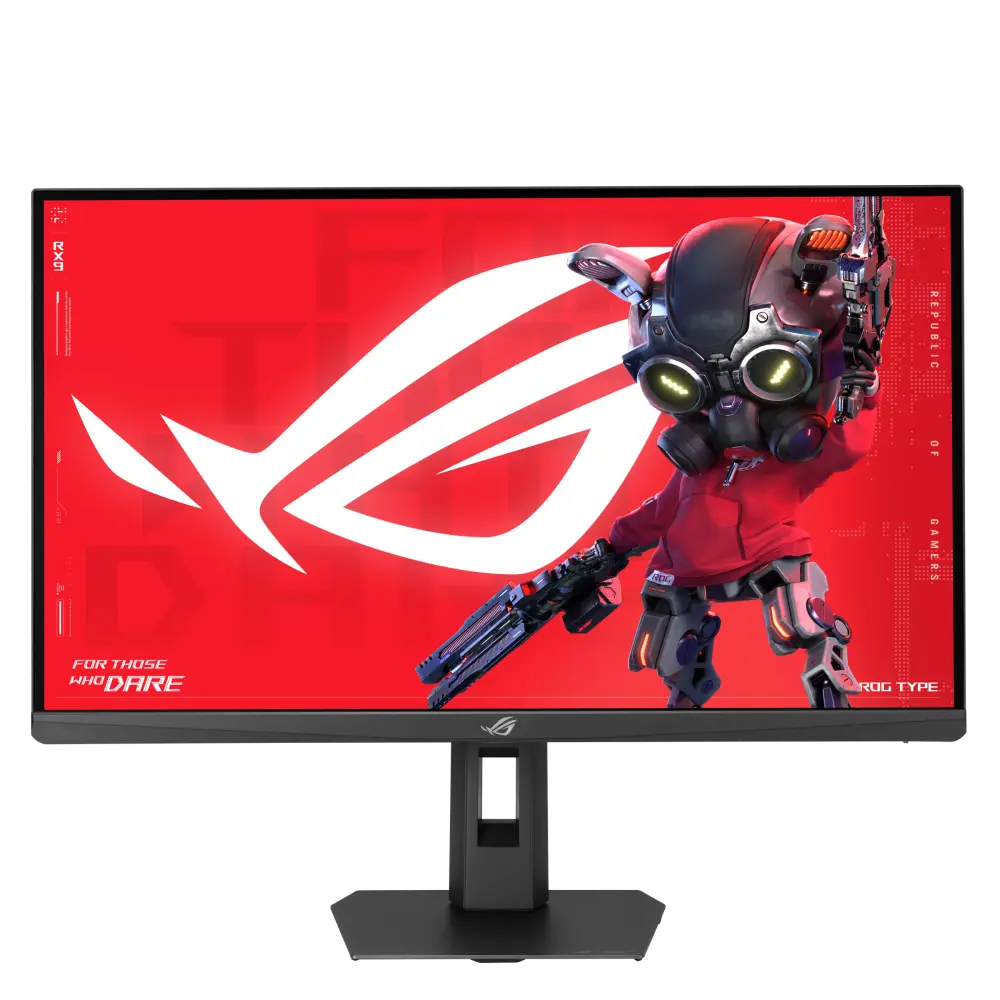 ASUS ROG Strix XG27UCS Gen2 (XG27UCSR)UK manufacturer specification · ROG Strix XG27UCS Gen2 (XG27UCSR)Compare the two
 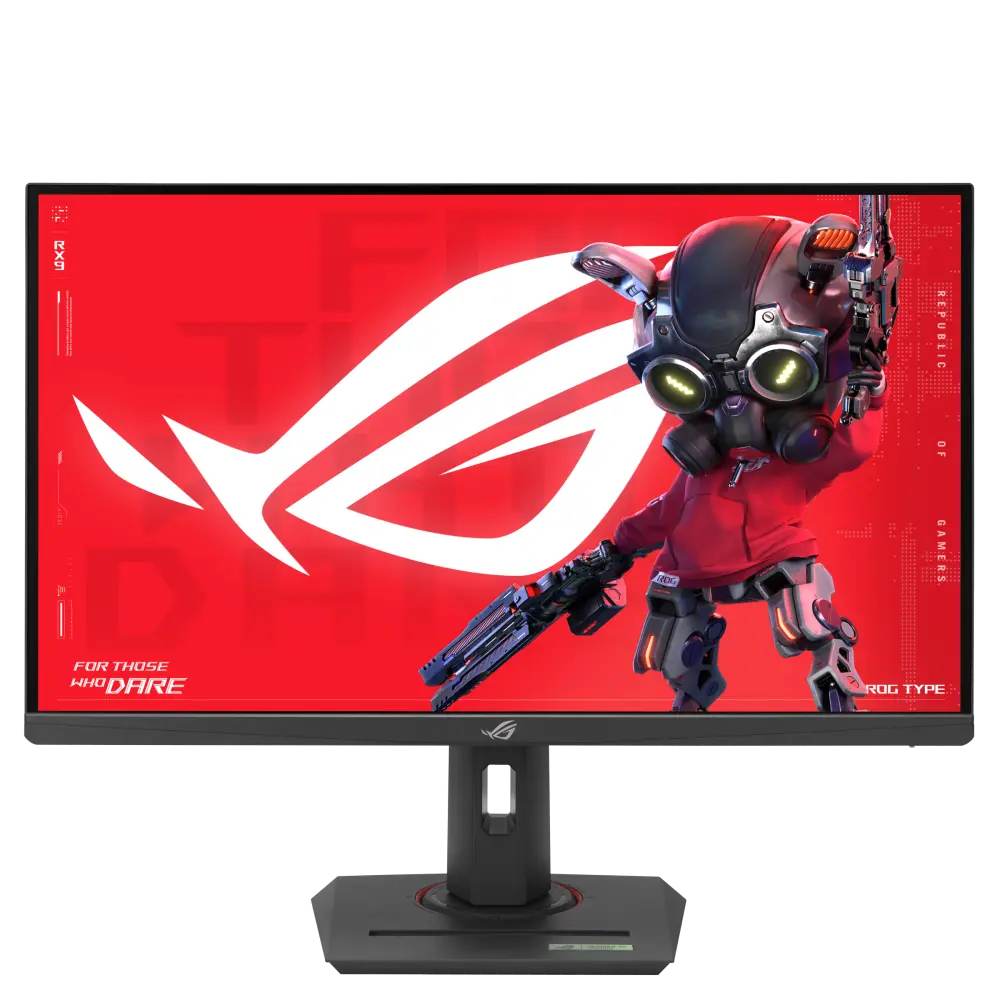 ASUS ROG Strix XG27UCGGlobal manufacturer specification · ROG Strix XG27UCGCompare the two
 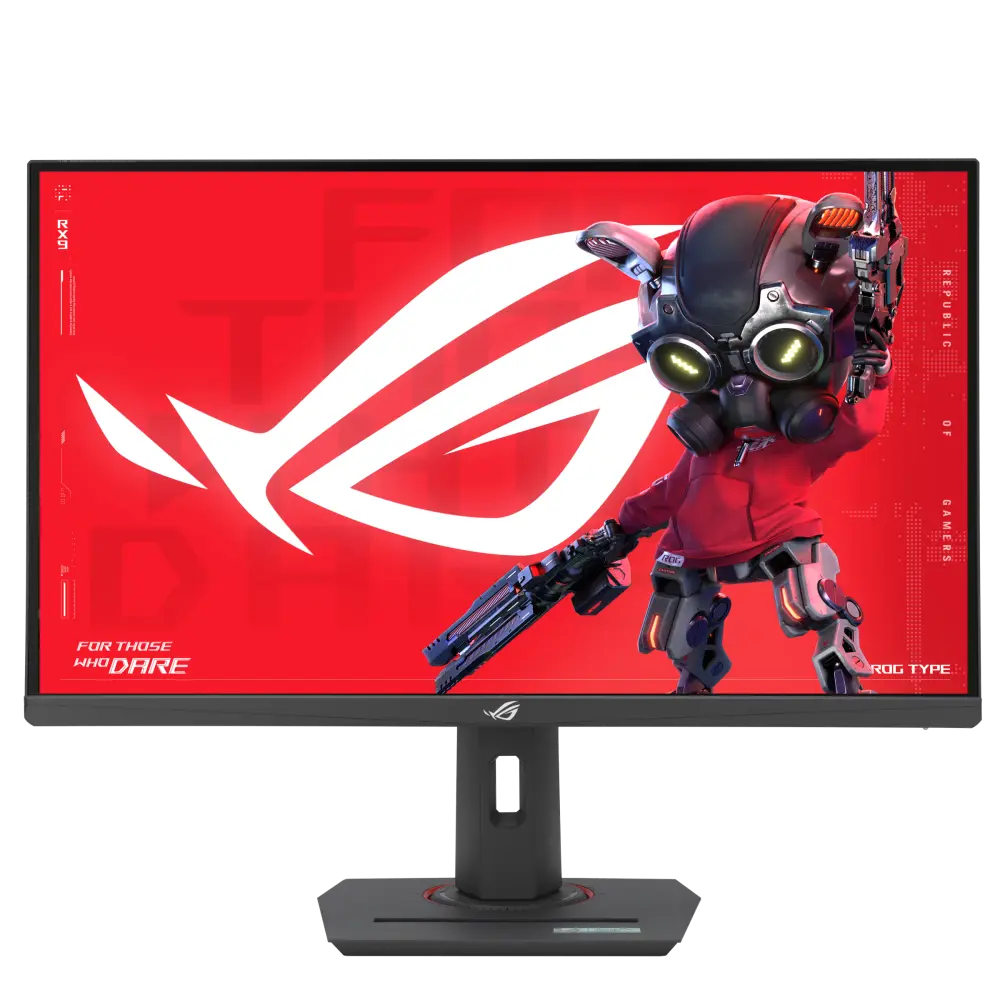 ASUS ROG Strix XG27UCSGlobal manufacturer specification · ROG Strix XG27UCSCompare the two
 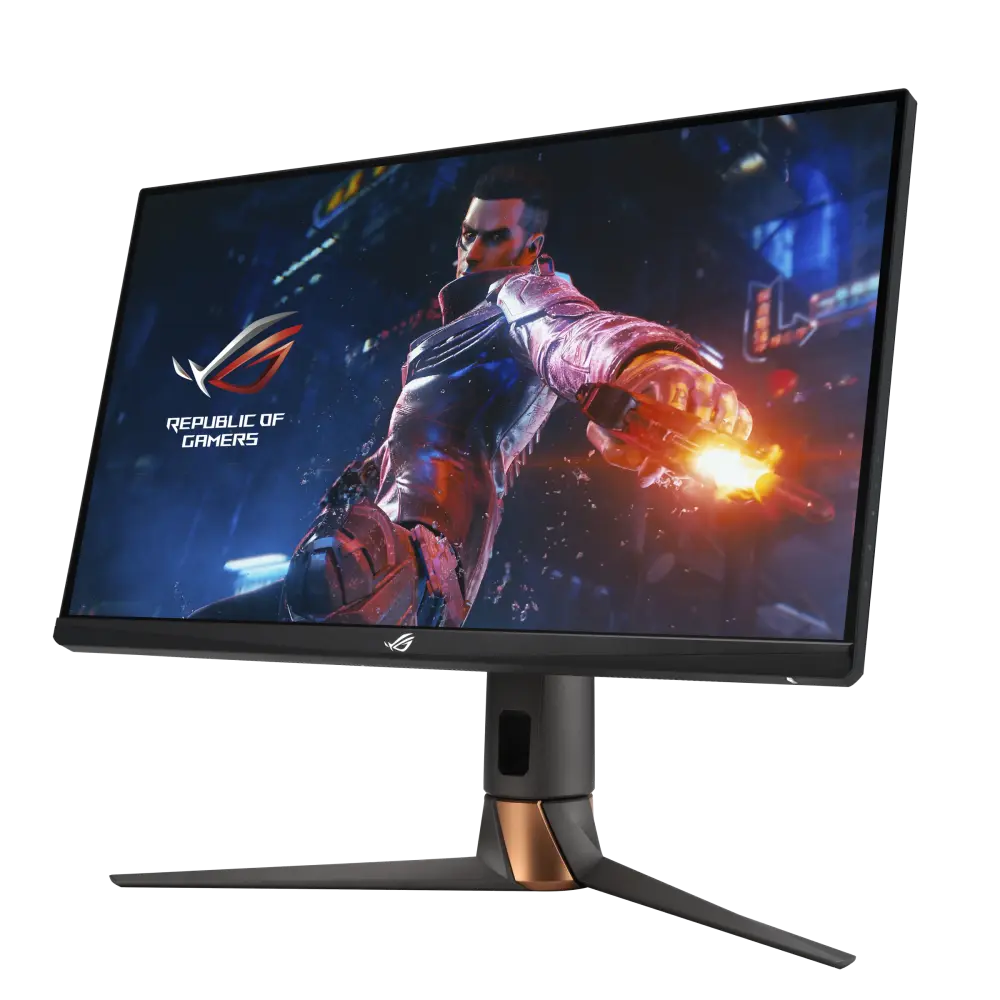 ASUS ROG Swift PG27UQRGlobal manufacturer specification · ROG Swift PG27UQRCompare the two