


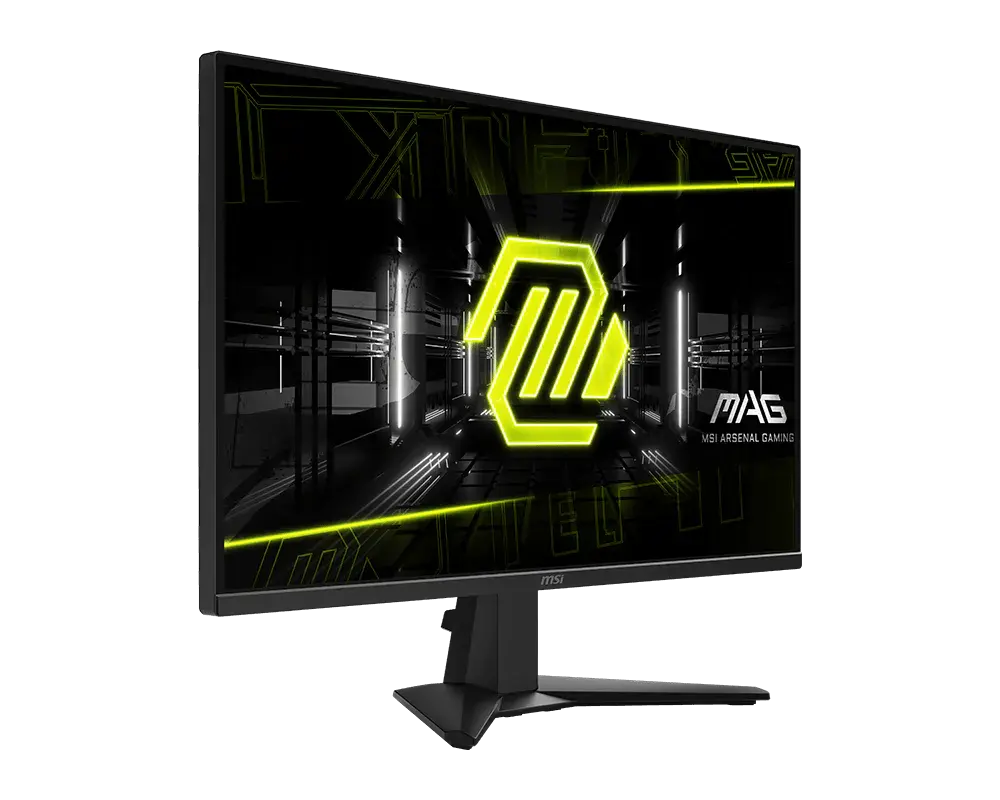
 MSI MAG 275QFMAG 275QF · 27-inch Rapid IPS · US specification
- Response method and claim
- 0.5 ms GtG minimumThis one: 1 ms GtG
- Declared brightness
- 300 cd/m²This one: 400 cd/m²

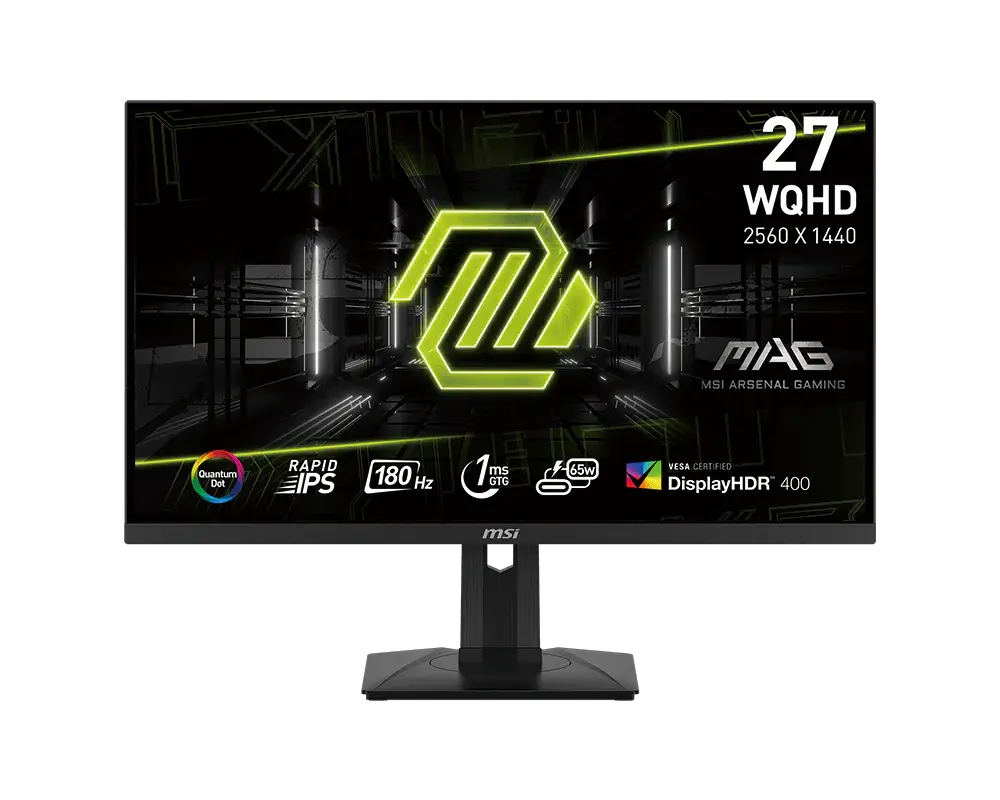
27-inch · 2560 × 1440 · 180 Hz
A 27-inch 2560 × 1440 Rapid IPS Quantum Dot monitor with up to 180 Hz over DisplayPort or USB-C, 1 ms GtG response and DisplayHDR 400. USB-C supplies up to 65 W, with a USB hub and KVM for sharing peripherals.
As an Amazon Associate I earn from qualifying purchases.
Email me when the MSI MAG 274QRF QD E2 gets cheaper on eBay. We check exact-model listings once a day at 12:00 UTC.
Specifications checked 11 Sept 2026Manufacturer specifications, not a hands-on test.
The nearest checked monitors by key specifications, with what differs from the MSI MAG 274QRF QD E2. The first matches the Compare button above.
MSI MAG 275QFMAG 275QF · 27-inch Rapid IPS · US specification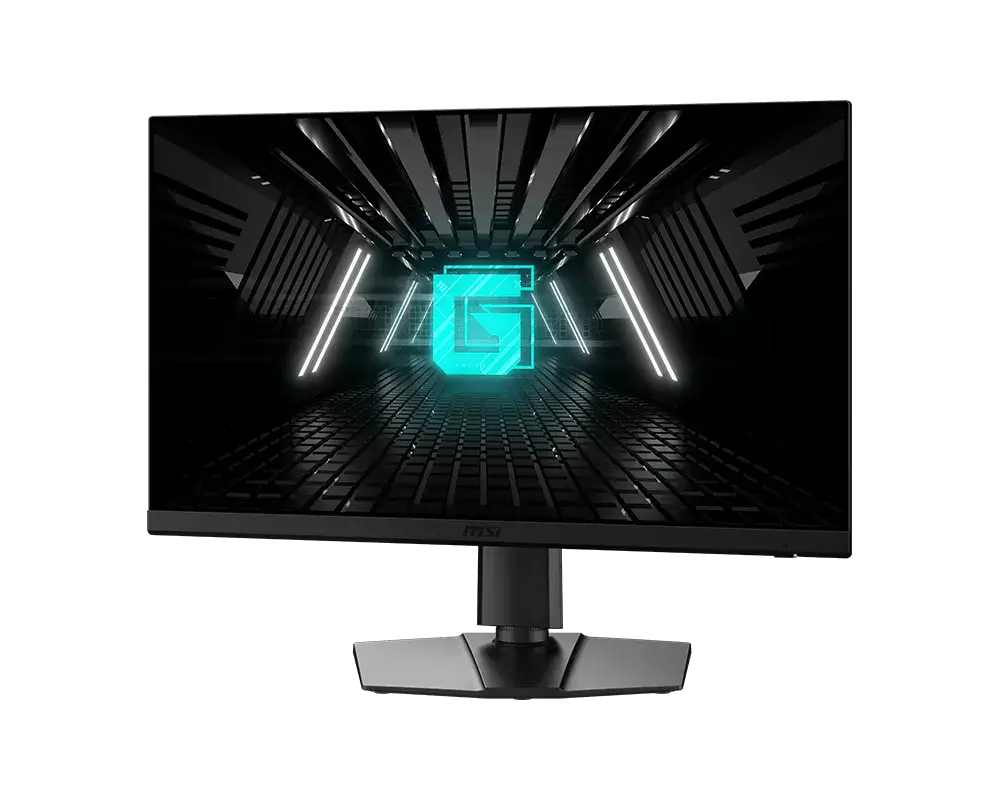 MSI G272QPF E227-inch · 2560 × 1440 · 180 Hz · exact MSI global configuration
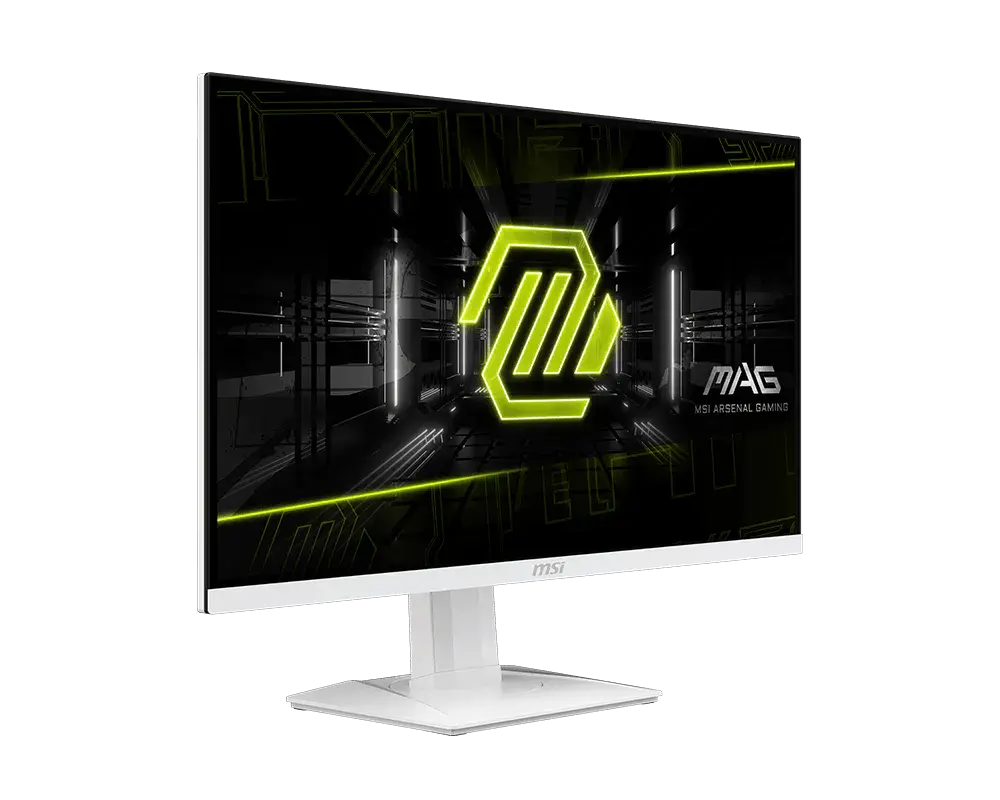 MSI MAG 274QRFW27-inch · 2560 × 1440 · 180 Hz · exact MSI global configuration
The stand tilts, swivels ±45°, pivots ±90° into portrait and offers 130 mm of height travel.
USB-C with 65 W charging, two USB-A ports and KVM switching between the USB-B and USB-C hosts let two computers share one keyboard and mouse, and firmware can be updated over USB.
HDMI is limited to 144 Hz at 2560 × 1440. MPRT can't run with Adaptive-Sync, and HDR disables PIP/PBP, so these modes can't be combined.
MSI's datasheet lists 98% DCI-P3 but its manual lists 95%, so check the listing if colour coverage matters. The HDMI 2.0b inputs accept 2160p only at 30/60 Hz.
The USB hub is USB 2.0 only (two Type-A ports and a Type-B upstream port), and the monitor runs from an external 120 W power adapter rather than a built-in supply.
Exact configuration: 27-inch · 2560 × 1440 · 180 Hz · MSI global specification
66 specifications in 10 groups. Values are manufacturer specifications unless a row says “Measured result” or “Calculated from cited specifications”.
At 2560 × 1440 through DisplayPort or USB-C DisplayPort Alt Mode; HDMI maximum 144 Hz. Compatible source, cable and mode required.
MPRT figure for the blur-reduction mode, which can't run together with Adaptive-Sync.
SourceAdaptive-Sync disables MPRT and PIP/PBP and sets 1:1 size to Auto; a compatible source, driver and mode are required.
Compatible source/cable/mode required. PBP separately accepts 1280 × 1440 at 60 Hz per input.
At native WQHD with DP Alt Mode source/cable.
MPRT requires refresh above 85 Hz; locks Response Time/Brightness, disables Adaptive-Sync, HDCR and PIP/PBP and sets 1:1 to Auto. HDR disables the setting.
SourceMSI does not list HDMI VRR for this model.
Typical SDR brightness.
Peak HDR figure; MSI gives no window size.
SourceMSI's datasheet lists Adobe RGB 94%, DCI-P3 98% and sRGB 150%; the V1.1 manual lists DCI-P3 95% and sRGB 150%. Check the listing if DCI-P3 coverage matters. Figures above 100% describe colour volume, not coverage.
Up to 65 W (20 V / 3.25 A) with compatible device/cable; output, not monitor consumption.
Auto switches USB input; Upstream and Type C can be selected as fixed USB sources. Compatible upstream connection required.
HDR disables PIP/PBP. PIP/PBP locks response-time adjustment, disables MPRT and Adaptive-Sync, disables/locks HDMI CEC and constrains screen-size modes. PBP input is 1280 × 1440 at 60 Hz.
The first HDMI connector supports CEC. A CEC device can wake the monitor, and turning the monitor off can put the device into power saving. PIP/PBP disables CEC.
SourceAccepted input timings with a compatible source and cable; the panel itself is 2560 × 1440.
MSI's datasheet swaps the height and pivot labels (mm vs degrees); the manual's illustration and specification table give 130 mm height travel and ±90° pivot. · Supplied stand has 130 mm vertical travel; overall monitor height is a separate measurement.
MSI's datasheet swaps the height and pivot labels (mm vs degrees); the manual's illustration and specification table give 130 mm height travel and ±90° pivot.
MSI's datasheet swaps the height and pivot labels (mm vs degrees); the manual's illustration and specification table give 130 mm height travel and ±90° pivot. · Adjustment travel, not overall assembled height.
Assembled dimensions with the supplied stand; allow extra space for cables.
With stand; excludes extra cable clearance.
Net monitor with stand; packaging excluded.
MSI's datasheet lists 8.6 kg gross; the V1.1 manual lists 13.3 kg.
MSI does not publish an operating power-consumption figure; the adapter rating is not a consumption figure.
Anti-Blue mode forces Low Blue Light on. HDR disables its control; no health outcome asserted.
SourceMSI lists a Low Blue Light mode but not a hardware blue-light filter for this model.
MSI's TÜV Flicker Free declaration excludes MPRT operation.
SourceMSI does not list A.I. Vision for this model; Night Vision A.I. is listed separately.
SourceHDR disables the control.
SourceRGB LED on/off control in the manual; desktop lighting sync depends on compatible software.
SourceRequires compatible software, a USB connection and a supported version.
Use MSI firmware for this model through the documented USB process.
SourceMSI lists a headphone output but does not say whether speakers are built in.
MSI's datasheet lists a DisplayPort 1.4a cable and a USB Type-B to A cable; the V1.1 manual marks the USB upstream, HDMI and DisplayPort cables as optional and says contents vary by country.
More of the nearest checked monitors by key specifications, for a side-by-side comparison.
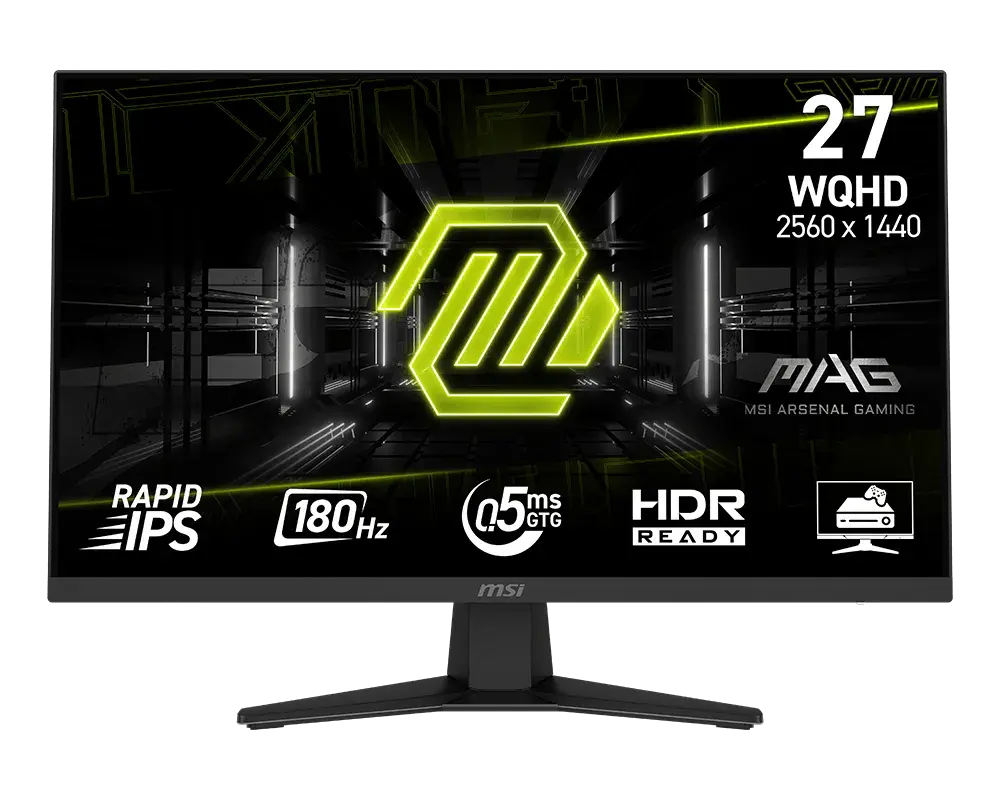 MSI MAG 274QF27-inch · 2560 × 1440 · 180 Hz · MSI global specificationCompare the two
 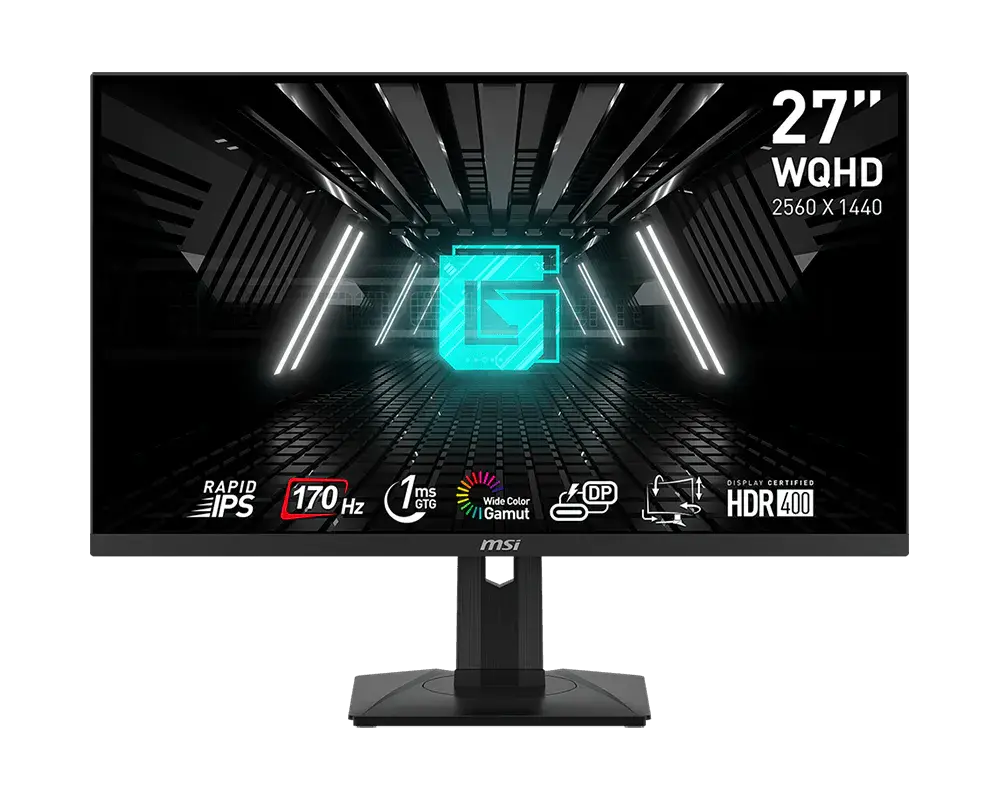 MSI G274QPF27-inch · 2560 × 1440 · 170 Hz · MSI global specificationCompare the two
 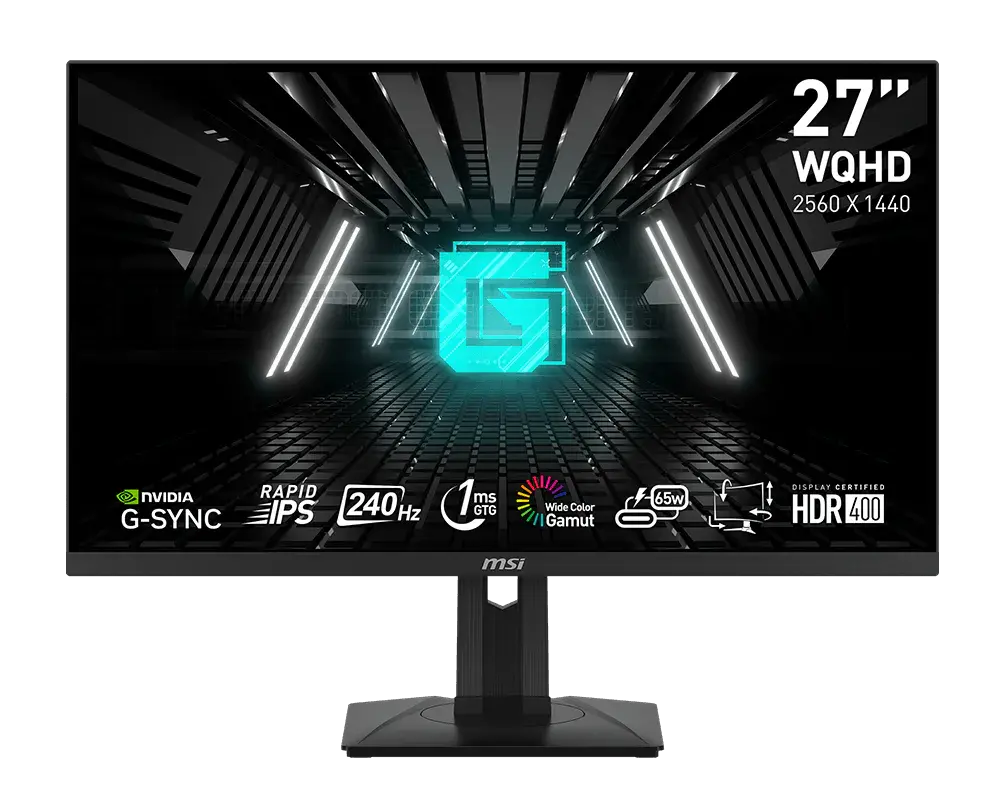 MSI G274QPX27-inch · 2560 × 1440 · 240 Hz · MSI global specificationCompare the two
 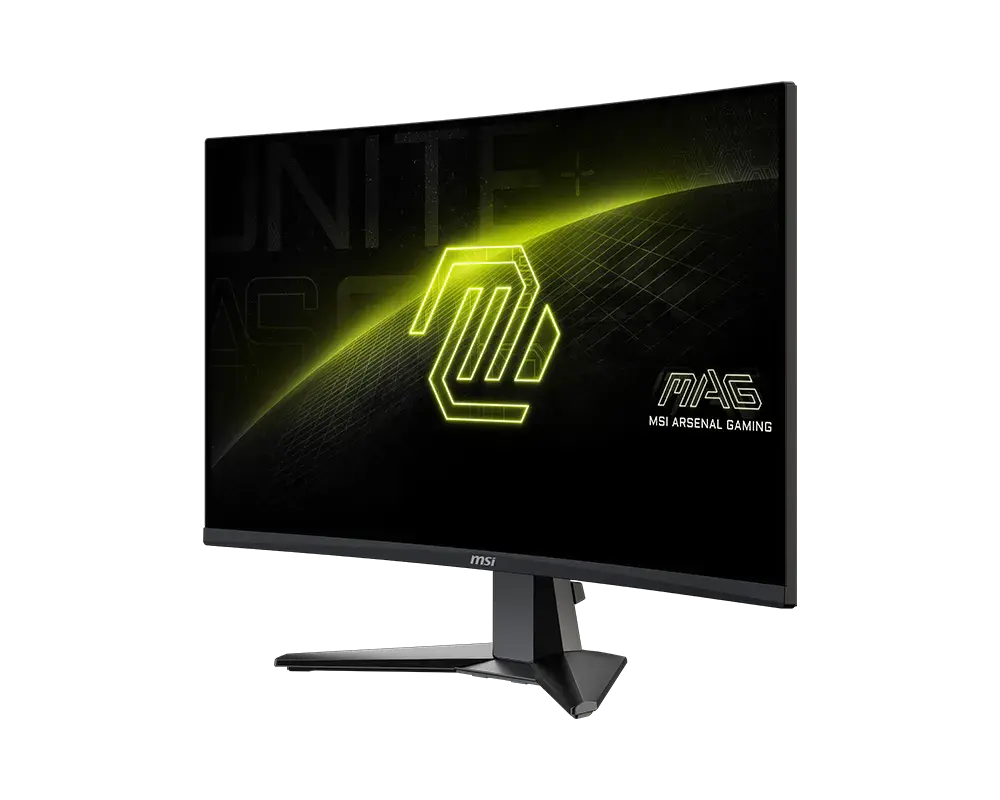 MSI MAG 27CQ6F27-inch · 2560 × 1440 · 180 Hz · exact MSI global configurationCompare the two
 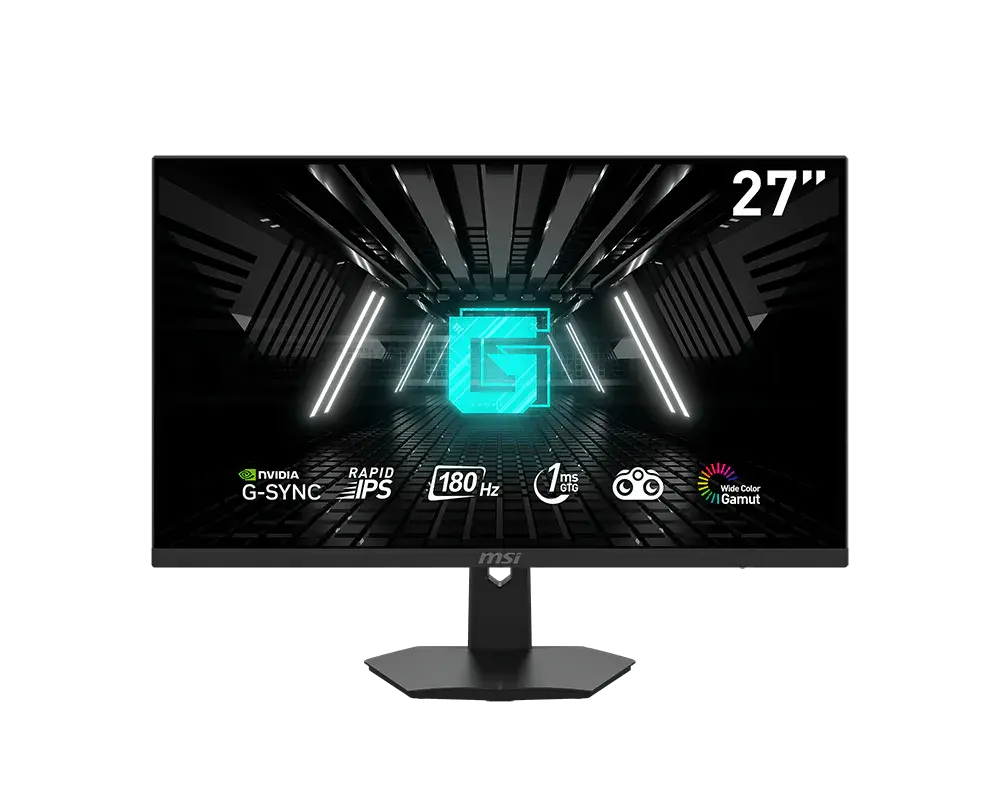 MSI G274F27-inch · 1920 × 1080 · 180 Hz · MSI global specificationCompare the two
 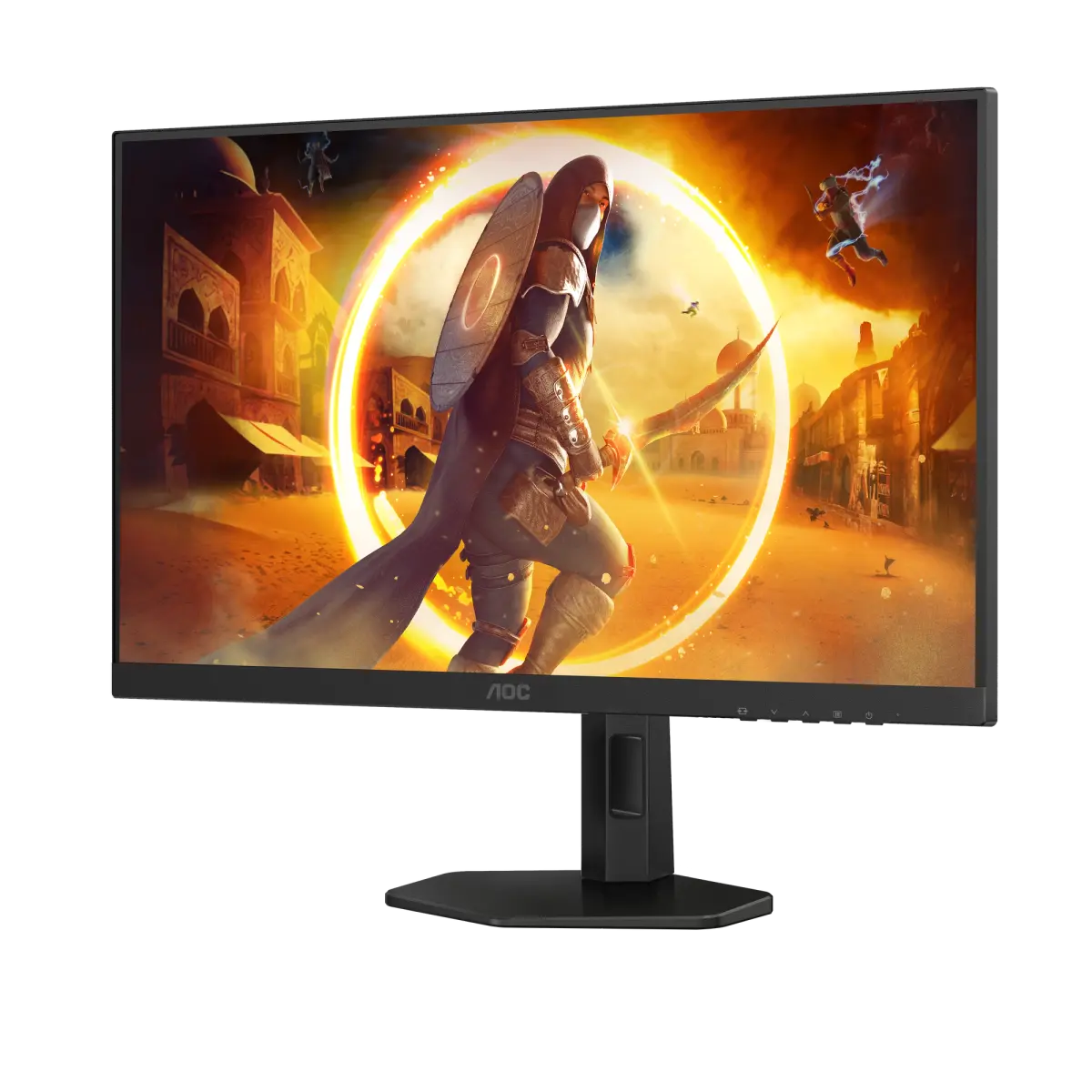 AOC Q27G4XFQ27G4XF · 27-inch Fast IPS · AOC UK specificationCompare the two
 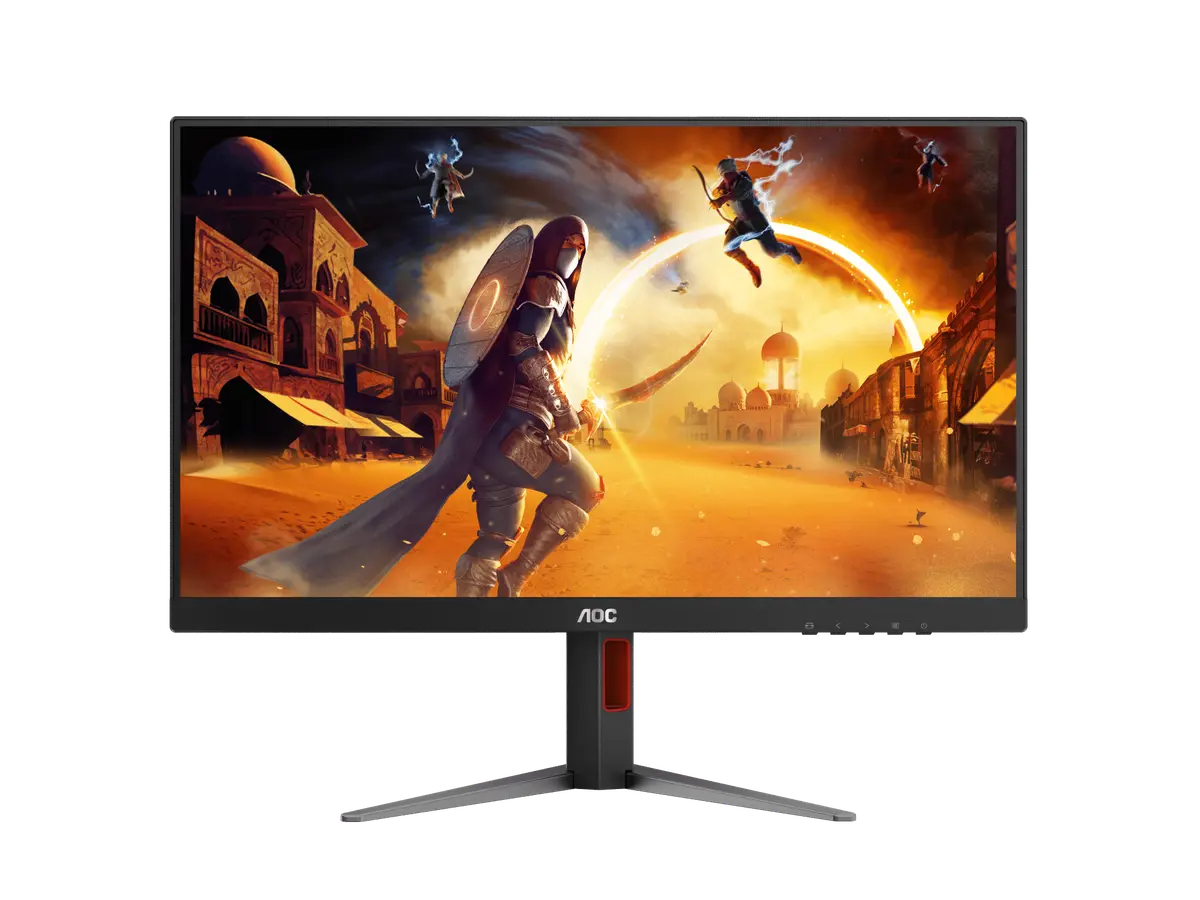 AOC Q27G4FQ27G4F · 27-inch Fast IPS · AOC UK specificationCompare the two
 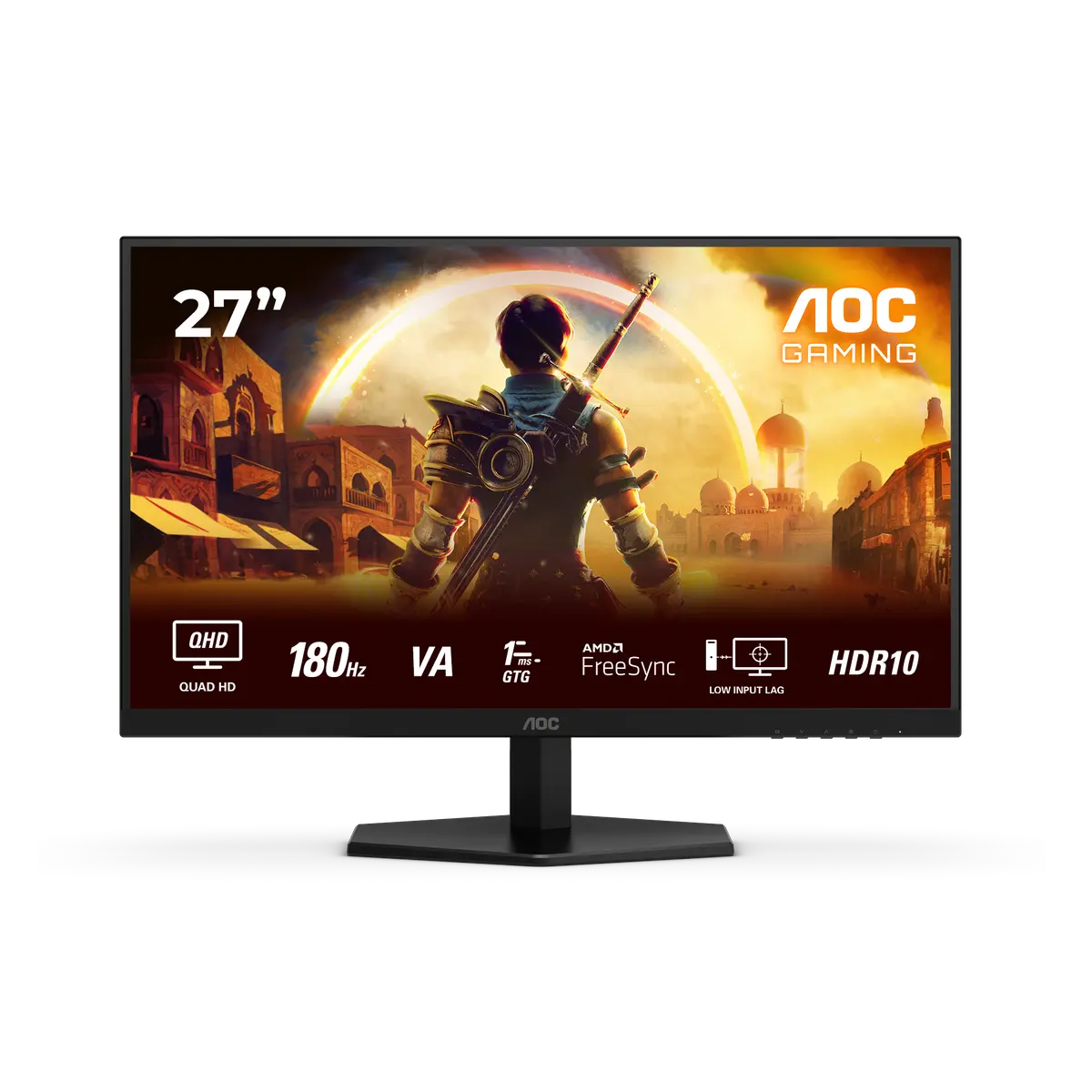 AOC Q27G42XNEQ27G42XNE · 27-inch Fast VA · AOC UK specificationCompare the two