 BenQ PD3226GPD3226G · 31.5-inch IPS · BenQ UK specification
- Panel technology
- IPSThis one: VA LCD
- Response method and claim
- 1 msThis one: 1 ms MPRT

31.5-inch · 3840 × 2160 · 144 Hz
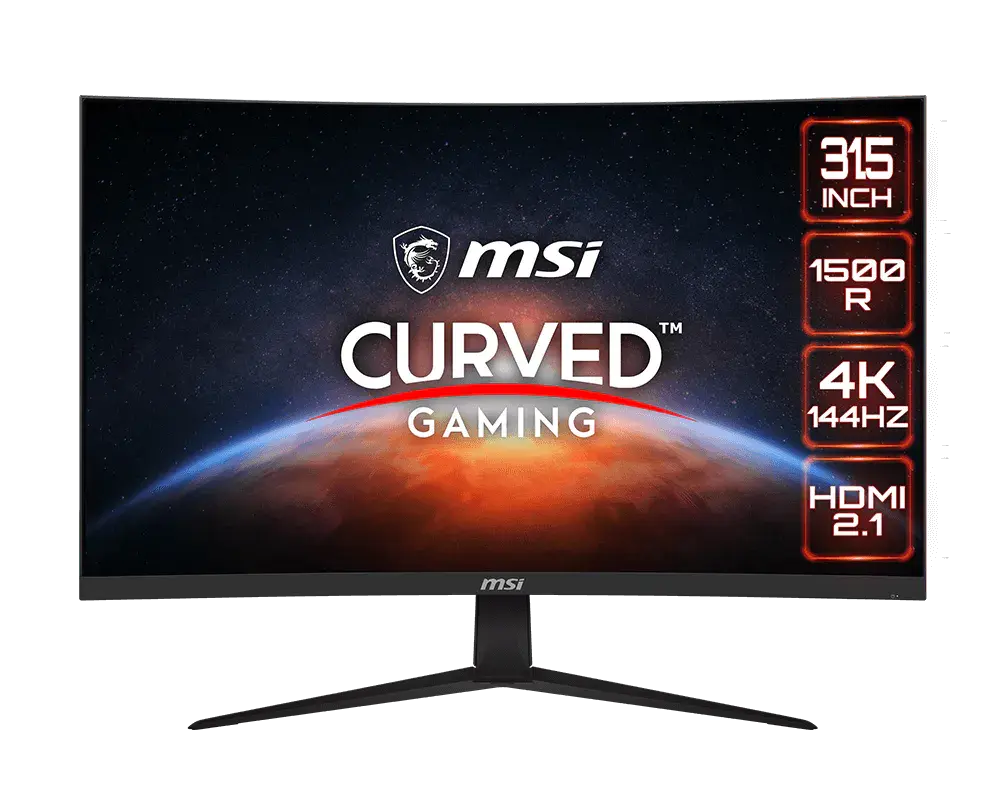
31.5-inch curved VA monitor with native 4K resolution and up to 144 Hz. USB-C supports display input and up to 15 W charging, but MPRT Sync disables charging.
As an Amazon Associate I earn from qualifying purchases.
Email me when the MSI G321CU gets cheaper on eBay. We check exact-model listings once a day at 12:00 UTC.
Specifications checked 11 Sept 2026Manufacturer specifications, not a hands-on test.
The nearest checked monitors by key specifications, with what differs from the MSI G321CU. The first matches the Compare button above.
BenQ PD3226GPD3226G · 31.5-inch IPS · BenQ UK specification BenQ EX321UXEX321UX · 31.5-inch IPS · BenQ UK specification
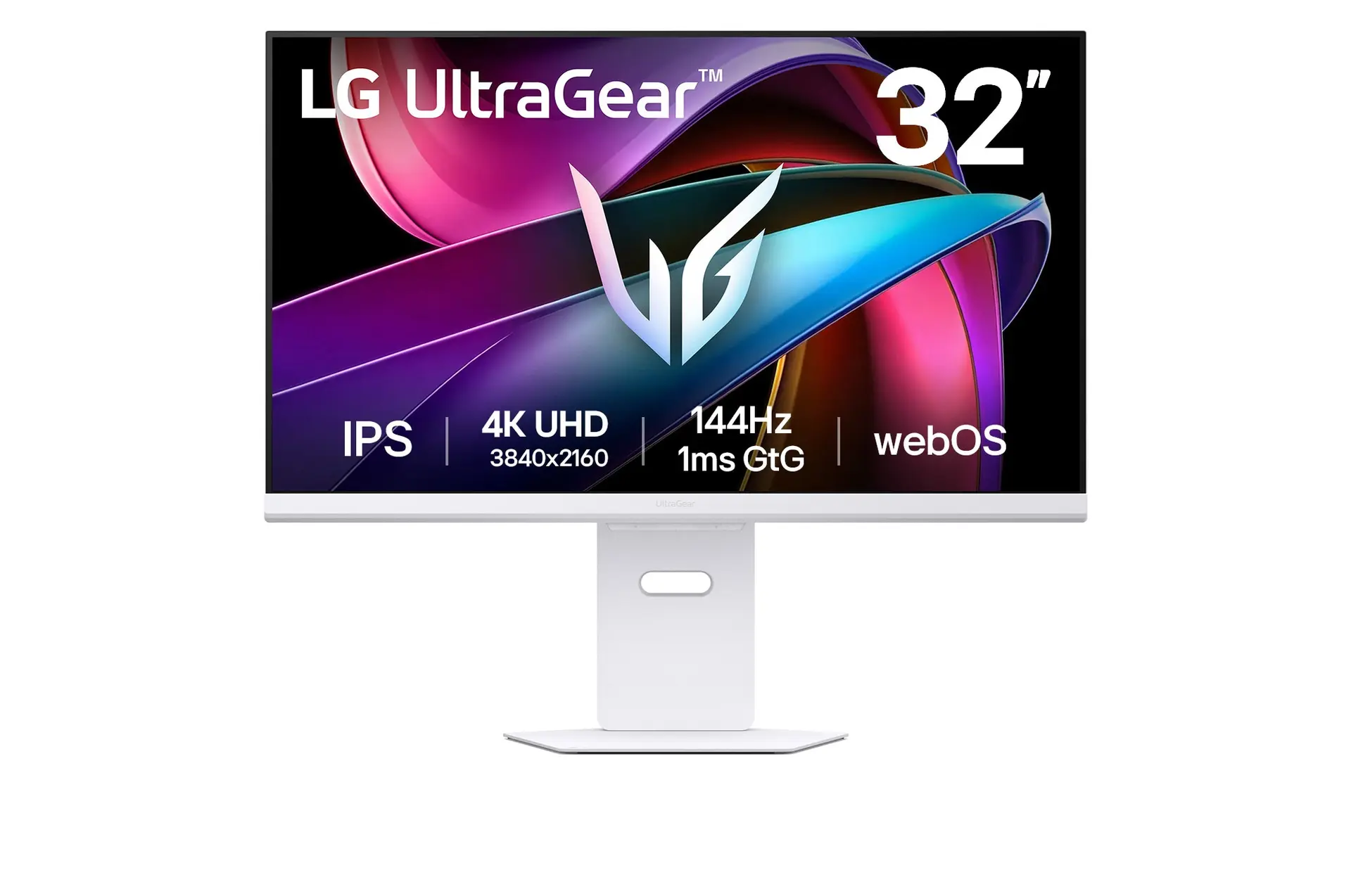 LG UltraGear 32G810SA-WUK model 32G810SA-W
Provides 4K at up to 144 Hz and USB-C display input. HDMI requires the 4K 144Hz – PC setting for its maximum mode.
PIP/PBP can show multiple inputs, and the 1500R VA panel has 3000:1 contrast and 114% sRGB (CIE 1976).
MPRT Sync disables USB-C charging. PIP/PBP disables FreeSync Premium and MPRT Sync; these features are not all available together.
MSI's documents give different DisplayPort revisions (1.4a and 1.4b), and its overview and manual disagree on USB-C data transfer, so do not count on USB-C for data.
The 1 ms figure is MPRT; the grey-to-grey rating is 4 ms. MSI does not list height, swivel or pivot adjustment for the stand.
Exact configuration: 31.5-inch · 3840 × 2160 · 144 Hz · MSI global specification
58 specifications in 9 groups. Values are manufacturer specifications unless a row says “Measured result” or “Calculated from cited specifications”.
Manufacturer panel diagonal; rounded size printed on marketing imagery may differ.
SourceManufacturer surface description.
SourceManufacturer specification for each axis.
SourceDisplayPort: up to 144 Hz; HDMI: up to 144 Hz; USB-C DisplayPort Alt Mode: up to 144 Hz, at native 3840 × 2160. The source, cable and selected mode must support the signal.
SourceSeparate from the manual's 4 ms GtG figure; neither is input lag.
SourceAMD FreeSync Premium. Enabling it disables PIP/PBP and Optix Scope and changes 1:1 screen size to Auto; those modes can also disable FreeSync.
SourcePIP/PBP and Optix Scope cannot stay active with FreeSync Premium.
SourceMSI's datasheet lists 3840 × 2160 up to 144 Hz over USB-C; needs a compatible source and cable.
Source3840 × 2160 at 144 Hz needs HDMI 2.1 set to '4K 144Hz – PC' (manual pp. 18, 22–23); the console setting is 4K 120 Hz. PIP/PBP locks this setting.
SourceExact signal-frequency row; not proof of adaptive-sync range for every input.
SourceBlur-reduction (MPRT) figure, not GtG or input lag. MPRT Sync needs a refresh rate above 85 Hz and disables USB-C charging.
SourceManual p. 20 lists 4 ms GtG separately from 1 ms MPRT.
SourceNeeds a refresh rate above 85 Hz. Locks response time and brightness; disables HDCR, PIP/PBP, Optix Scope and USB-C charging. HDR and 1:1 screen size also disable it. MSI does not say whether it runs with FreeSync.
SourceMSI does not say whether MPRT Sync and FreeSync can run together. · The manual calls the mode MPRT Sync but does not say whether it runs with FreeSync Premium.
SourceNeeds a refresh rate above 85 Hz. Locks response time and brightness; disables HDCR, PIP/PBP, Optix Scope and USB-C charging. HDR and 1:1 screen size also disable it. MSI does not say whether it runs with FreeSync.
SourceSDR typical brightness, not HDR peak.
SourceStatic contrast.
SourceWhere FRC is listed, the panel uses frame-rate control to reach the stated depth.
SourceHDR Ready as listed by MSI; not a DisplayHDR certification. HDR disables Night Vision, contrast, MPRT Sync, colour temperature, Low Blue Light, Optix Scope, HDCR, PIP/PBP and brightness adjustment.
CIE 1976 basis; percentages above 100% are relative volume.
SourceColour count reached with FRC, not a native 10-bit panel.
SourceOne USB-C DisplayPort Alt Mode input. Charging is up to 15 W but disabled by MPRT Sync. MSI's overview and manual disagree on USB data transfer.
SourceMSI's video-port table says DisplayPort 1.4a but the connection caption says 1.4b. · Input counts and types.
SourceUp to 15 W (5 V / 3 A). Turning on MPRT Sync switches USB-C charging off.
SourceMSI's documents give different DisplayPort revisions (1.4a and 1.4b). · MSI's specification page and PDF table say DisplayPort 1.4a; the PDF connection diagram says 1.4b.
PIP/PBP disables MPRT Sync, FreeSync Premium and Optix Scope, locks response-time and HDMI 2.1 settings, and disables CEC; split-screen modes use separate 60 Hz timings.
SourceUSB data-transfer support is disputed. · MSI's overview advertises USB-C data transfer, but the manual (p. 7) says the port supports video signals only, not data.
Manual p. 23: PIP supports Full HD, QHD and UHD at 60 Hz. PBP supports 960 × 2160 and 2880 × 2160 at 60 Hz in Mode 1, and 1920 × 2160 at 60 Hz in Mode 2; the 2160p rows exclude USB-C.
SourceManual p. 7 labels CEC on the first HDMI input; needs a compatible source. PIP/PBP switches it off.
SourceMSI does not list height adjustment for this model. · MSI's datasheet and manual (p. 5) list tilt only.
SourceOnly tilt is stated in the sheet; omitted height, pivot and swivel are not proven absent.
SourceMSI does not list portrait pivot for this model. · MSI's stand instructions and specification do not mention pivot.
SourceMSI does not list swivel for this model. · MSI's stand instructions and specification do not mention swivel.
SourceLock slot only; no lock included.
SourceDatasheet W×D×H and manual p. 21 W×H×D agree after reordering axes. This is assembled size; allow additional cable clearance.
Manufacturer dimensions with stand, shown width × height × depth. Stand depth is not panel thickness and excludes additional cable clearance.
SourcePanel active area, not external chassis dimensions.
SourceSecond triple is explicitly Without Stand; cable and mounting clearance are additional.
SourceManual p. 21 net weight; MSI does not say whether the stand is included.
SourceGross figure in manual p. 21, not product-only mass.
SourceStand inclusion is unspecified. · The manual gives 5.9 kg net and 8.6 kg gross without saying whether the stand is included.
SourceSupply-input range, not operating power consumption.
SourceOperating consumption is unknown. · The manual lists adapter ratings (19 V, 4.74 A output) but no typical operating wattage.
SourceAdapter YJS090G-1904740D, output 19 V / 4.74 A (manual p. 20). MSI does not list typical operating wattage.
SourceDirectional navigation with configurable hotkeys. Available shortcuts include input, PIP/PBP, brightness, Night Vision and Optix Scope; availability depends on the active mode.
SourceOSD dark-area adjustment; disabled with HDR.
SourceOSD crosshair with white, red or automatic colour, position and reset controls. Can be enabled alongside Optix Scope; no gameplay benefit guaranteed.
SourceCentral magnifier with 1.5×, 2× and 4× settings. Enabling it disables MPRT Sync, FreeSync Premium and PIP/PBP; HDR disables it. Not whole-screen resolution enhancement.
SourceOSD colour-temperature adjustment that warms the display; Anti-Blue mode forces it on and HDR disables it.
SourceDoes not apply with Anti Motion Blur/MPRT on.
SourceMore of the nearest checked monitors by key specifications, for a side-by-side comparison.
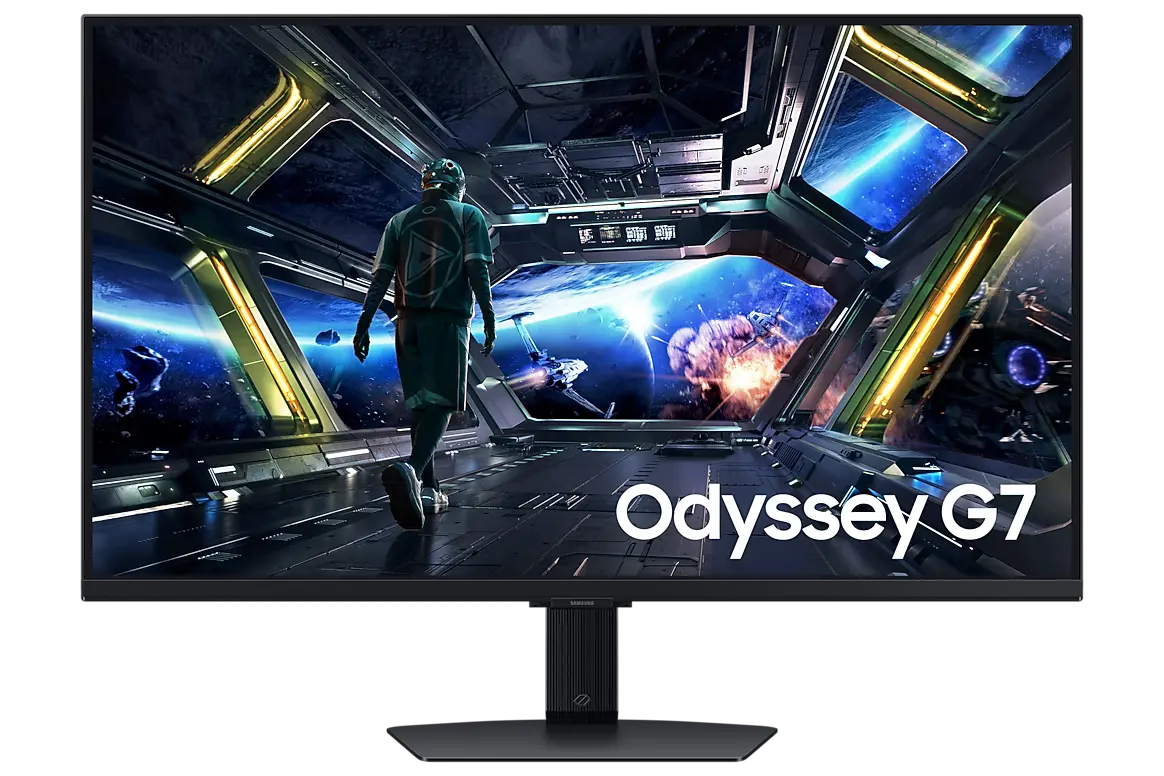 Samsung Odyssey G7 G70D 32-inchLS32DG702EUXXU · 32-inch IPS · Samsung UK specificationCompare the two
 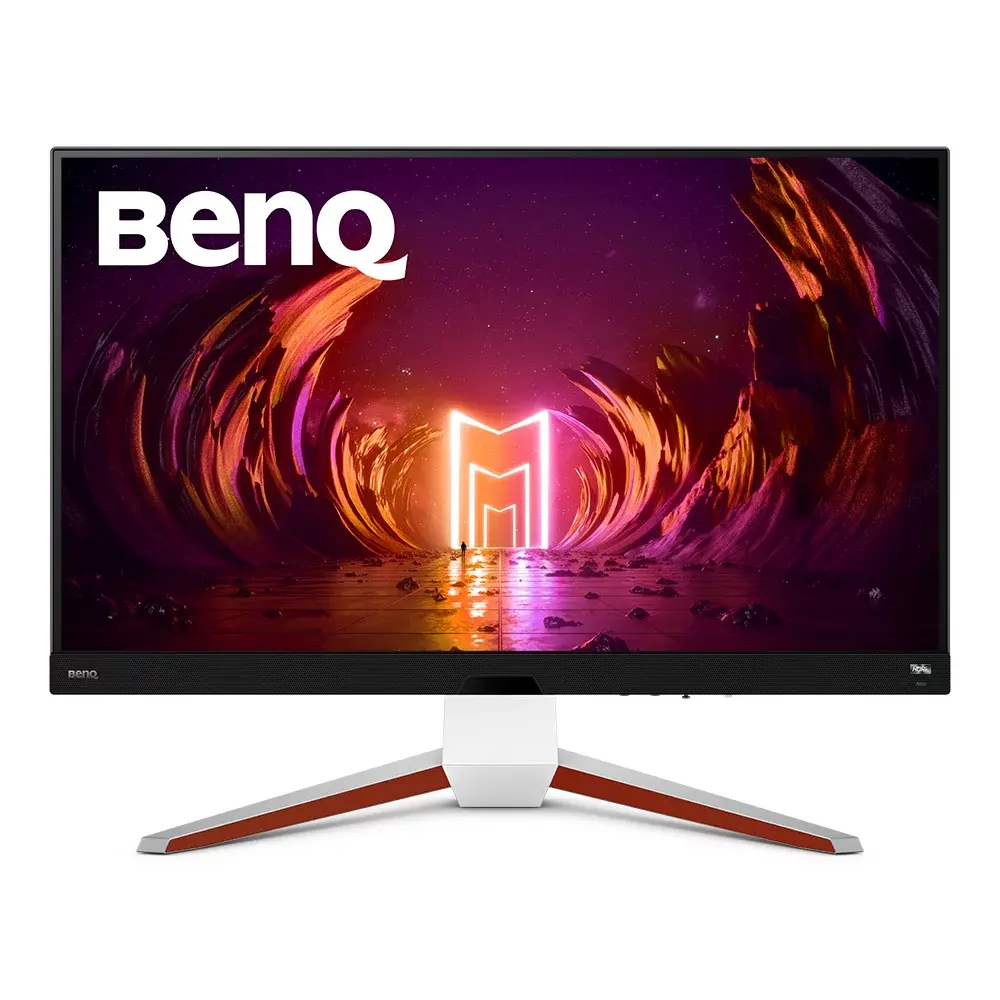 BenQ MOBIUZ EX3210UEX3210U · 32-inch 4K 144 Hz IPS · BenQ UK specificationCompare the two
 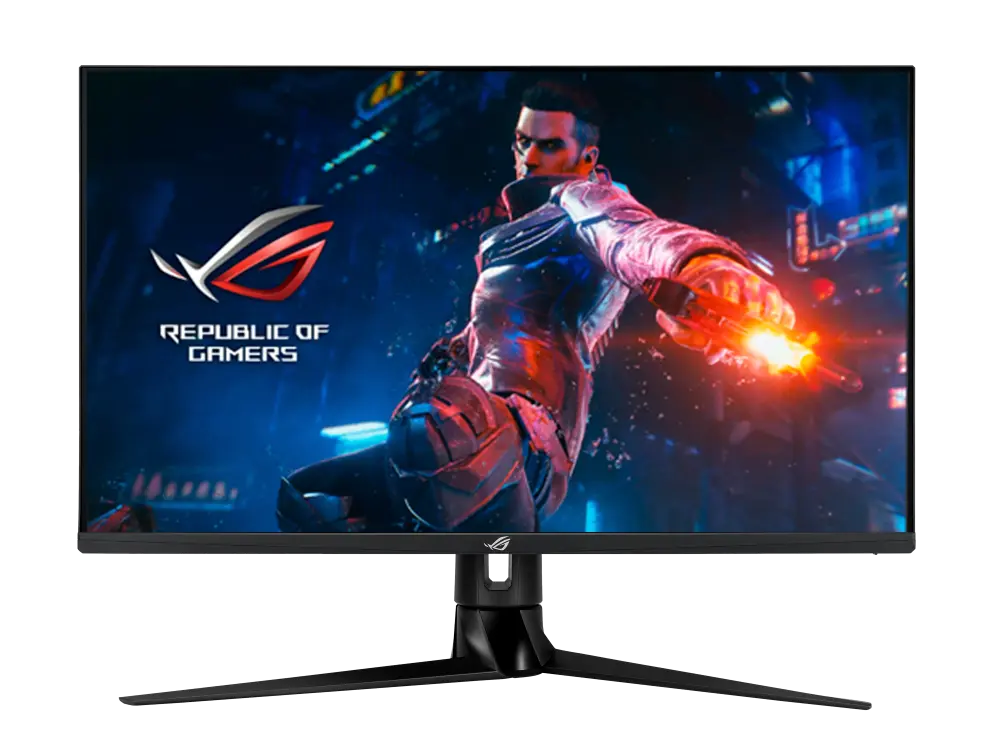 ASUS ROG Swift PG32UQRGlobal manufacturer specification · ROG Swift PG32UQRCompare the two
 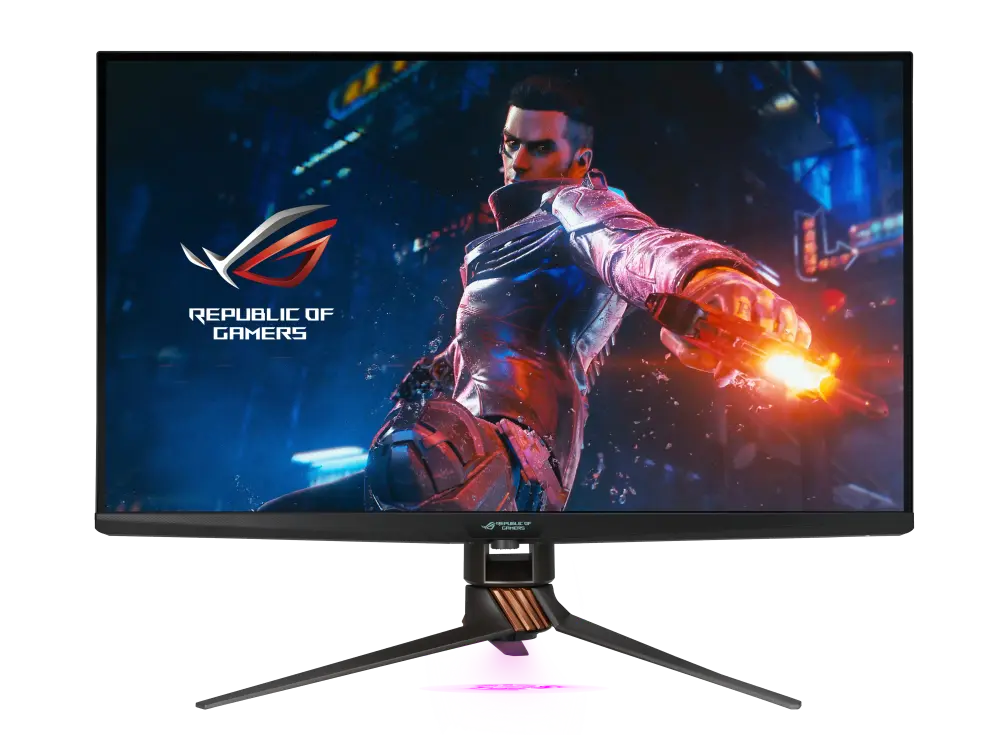 ASUS ROG Swift PG32UQXGlobal manufacturer specification · ROG Swift PG32UQXCompare the two
 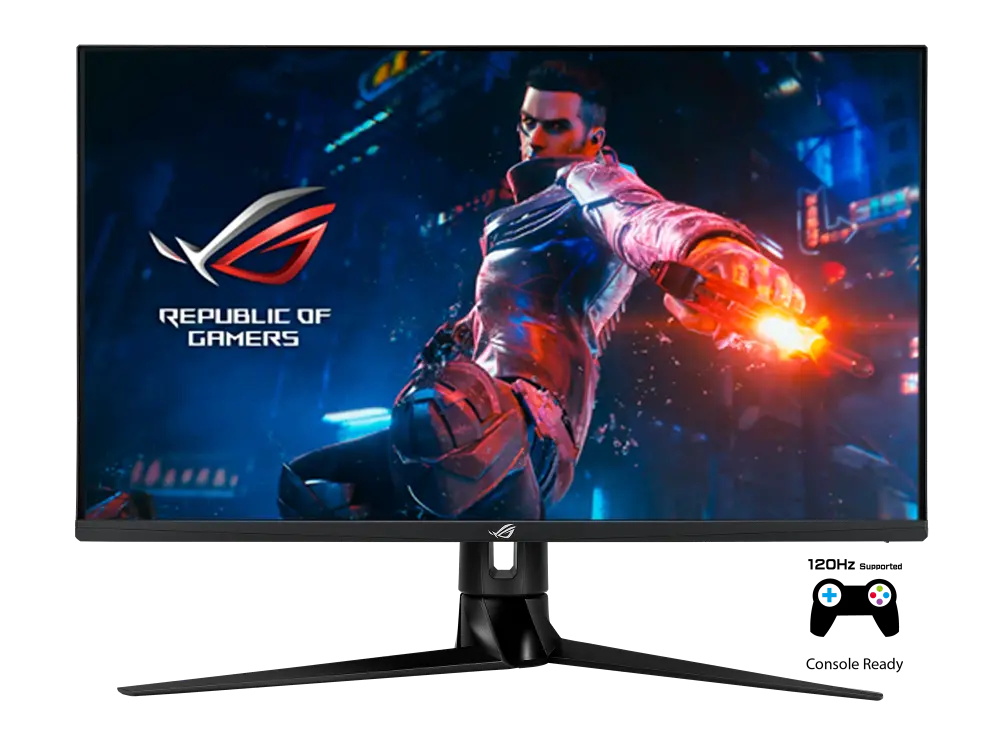 ASUS ROG Swift PG32UQGlobal manufacturer specification · ROG Swift PG32UQCompare the two
 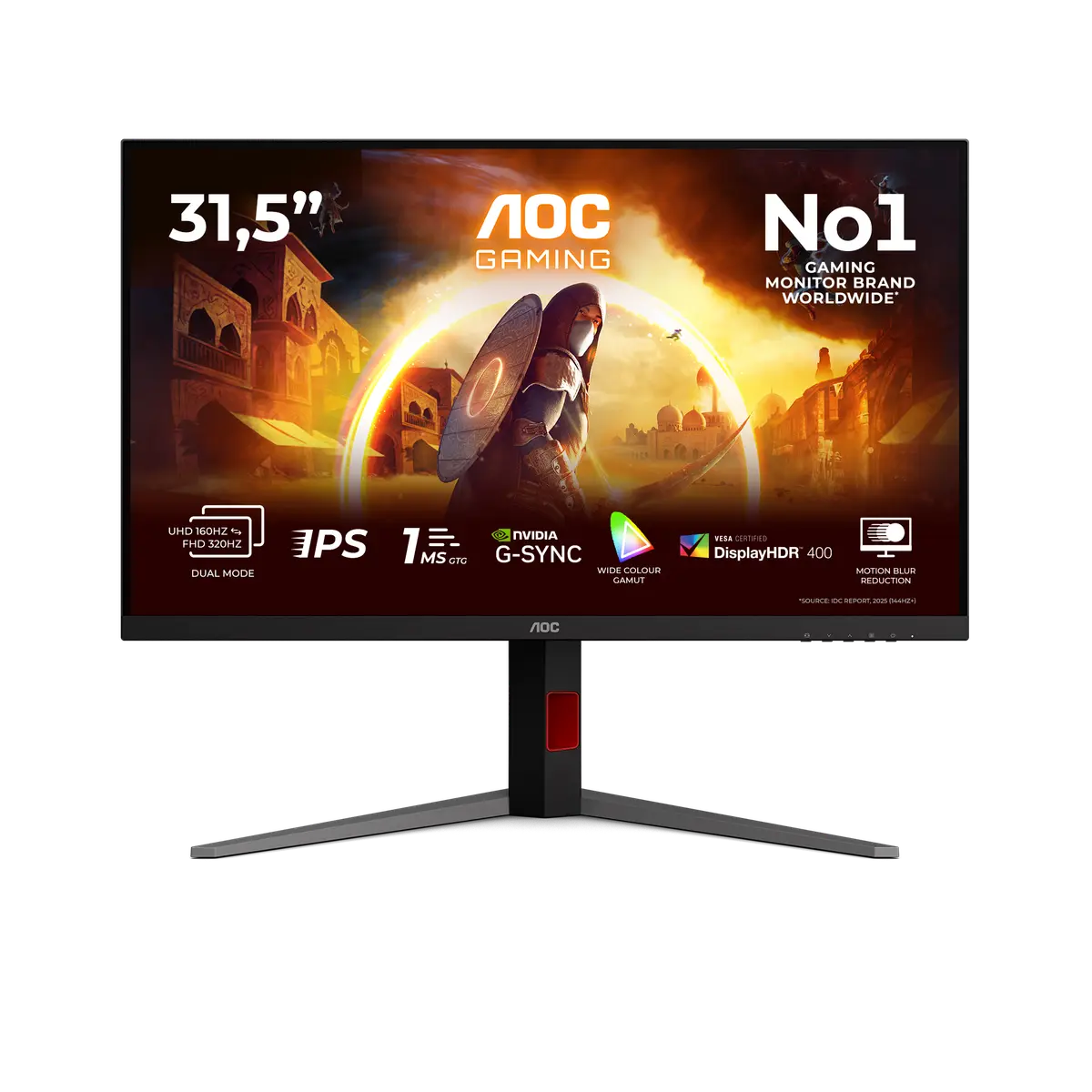 AOC U32G4UU32G4U · 31.5-inch Fast IPS · AOC UK specificationCompare the two
 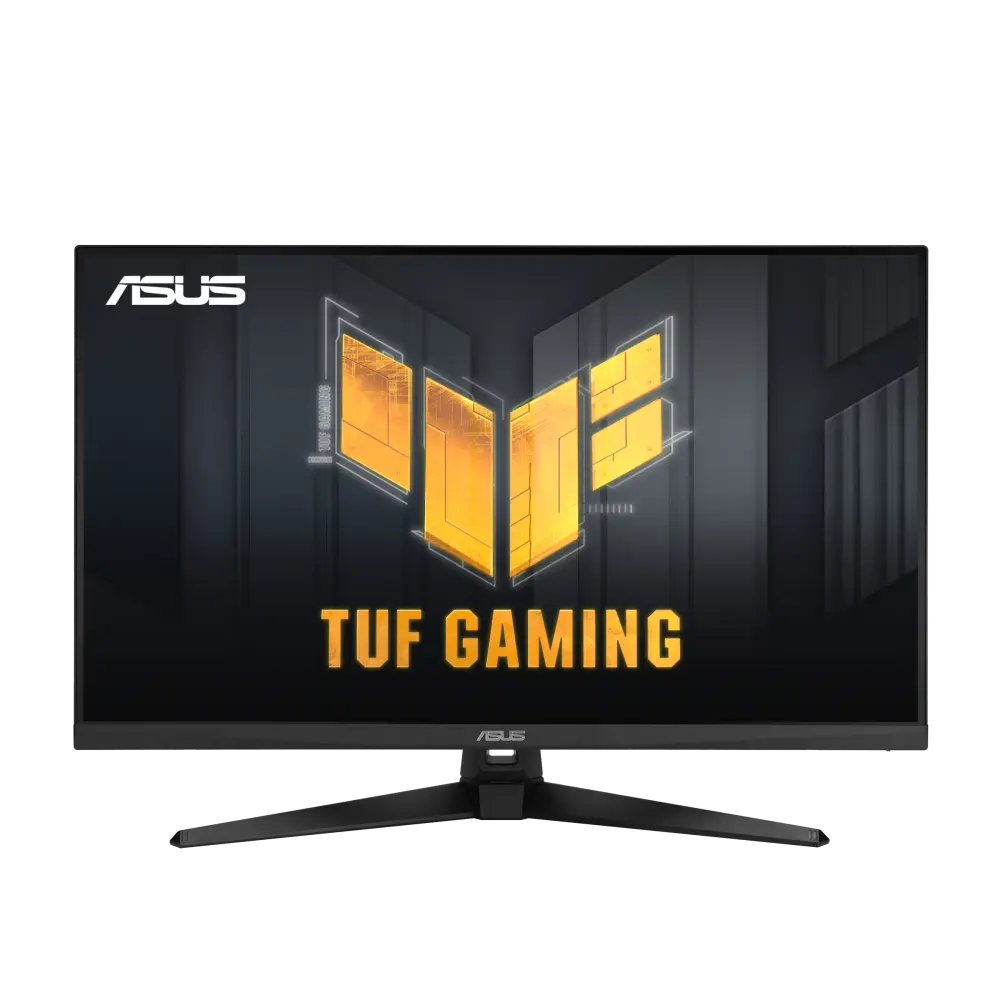 ASUS TUF Gaming VG32UQA1AUK manufacturer specification · TUF Gaming VG32UQA1ACompare the two
 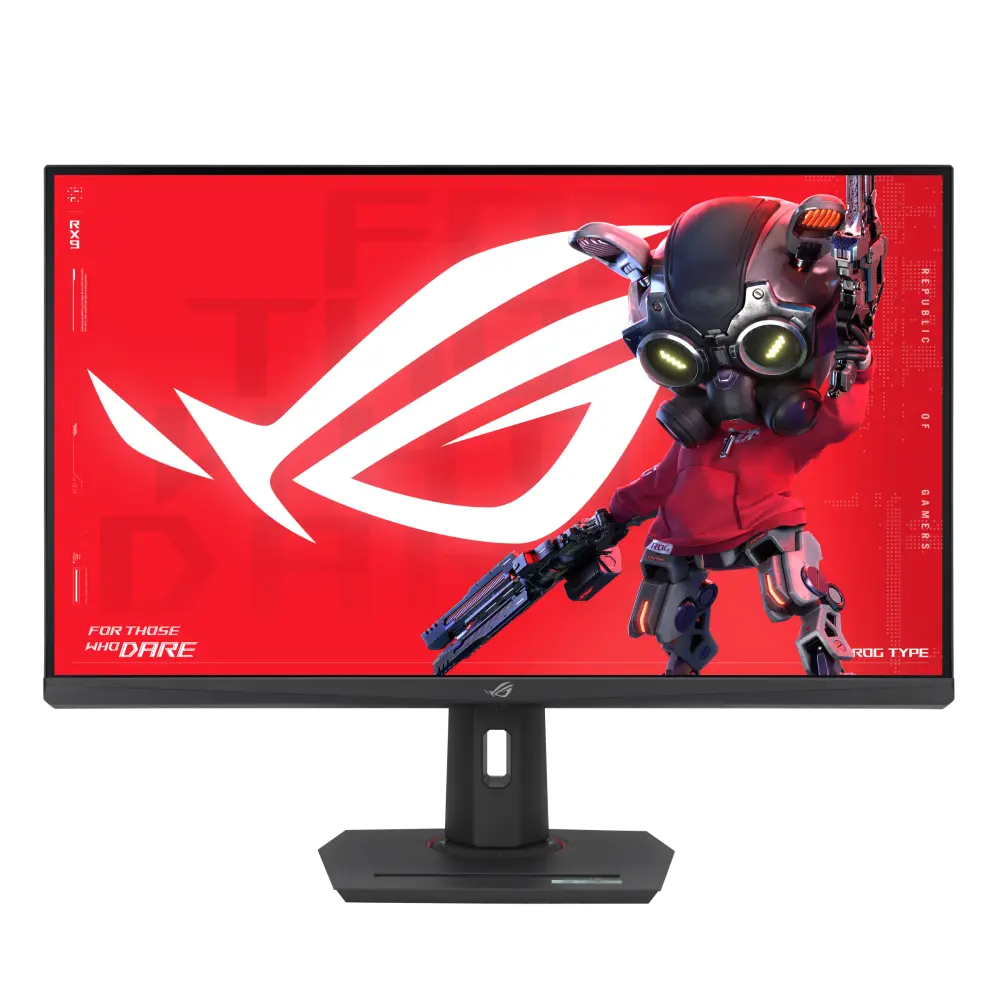 ASUS ROG Strix XG32UCGUK manufacturer specification · ROG Strix XG32UCGCompare the two