


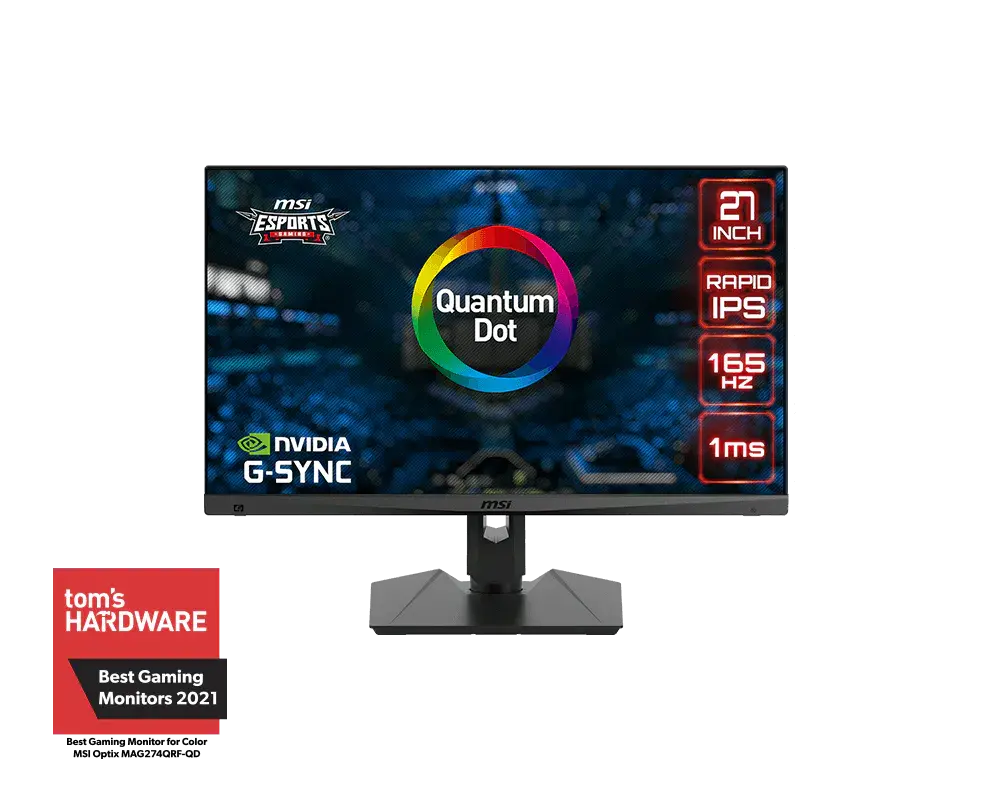
 MSI Optix MAG274QRF-QD27-inch · 2560 × 1440 · 165 Hz · MSI global specification
- Refresh rate
- 165 HzThis one: 170 Hz

27-inch · 2560 × 1440 · 170 Hz
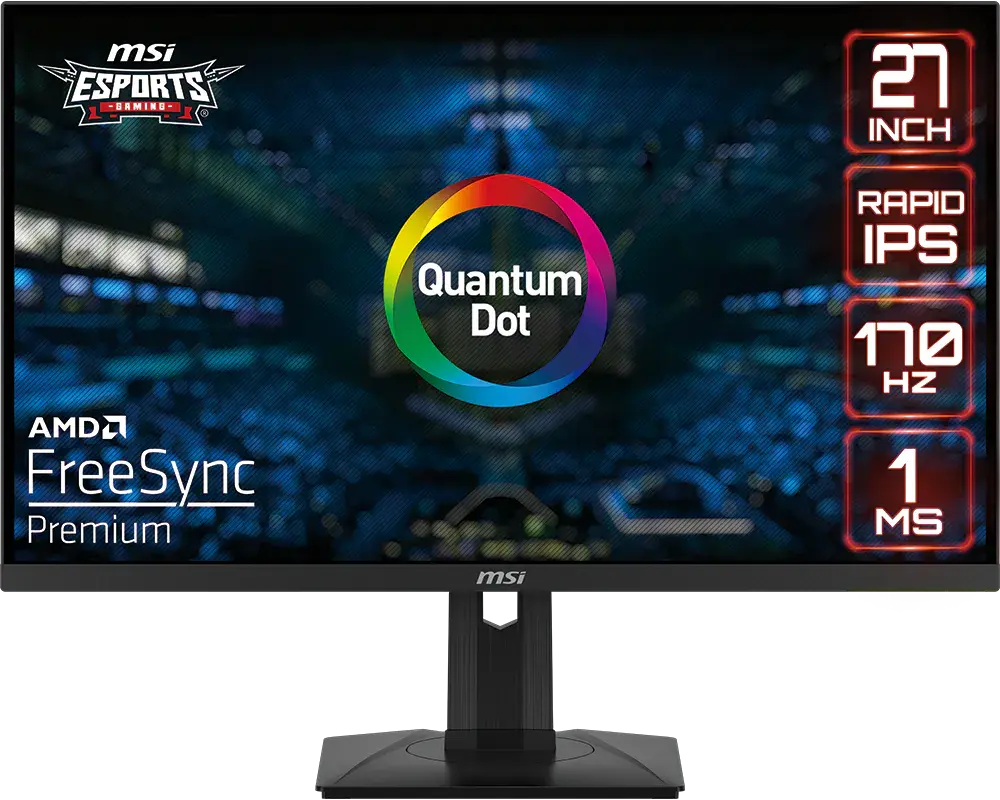
A 27-inch 2560 × 1440 Quantum Dot Rapid IPS monitor with USB-C video and up to 15 W charging. Native refresh reaches 170 Hz over DisplayPort or USB-C with DP OverClocking enabled; the default is 165 Hz and HDMI reaches 144 Hz.
As an Amazon Associate I earn from qualifying purchases.
Email me when the MSI G274QPF-QD gets cheaper on eBay. We check exact-model listings once a day at 12:00 UTC.
Specifications checked 11 Sept 2026Manufacturer specifications, not a hands-on test.
The nearest checked monitors by key specifications, with what differs from the MSI G274QPF-QD. The first matches the Compare button above.
MSI Optix MAG274QRF-QD27-inch · 2560 × 1440 · 165 Hz · MSI global specification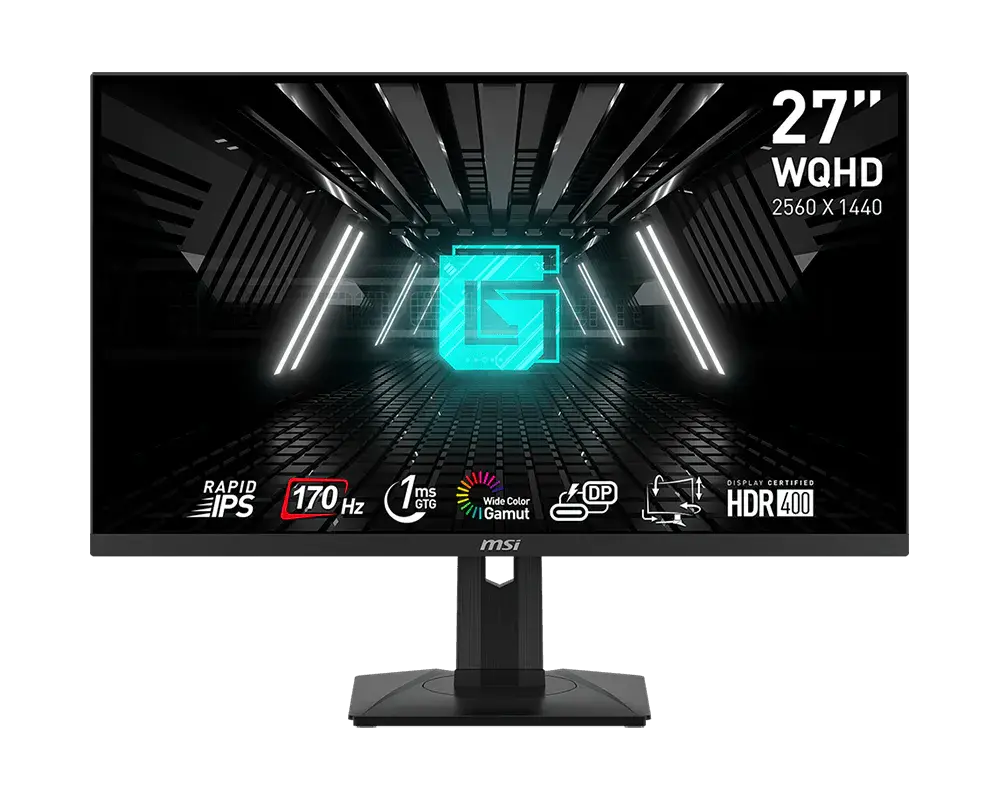 MSI G274QPF27-inch · 2560 × 1440 · 170 Hz · MSI global specification
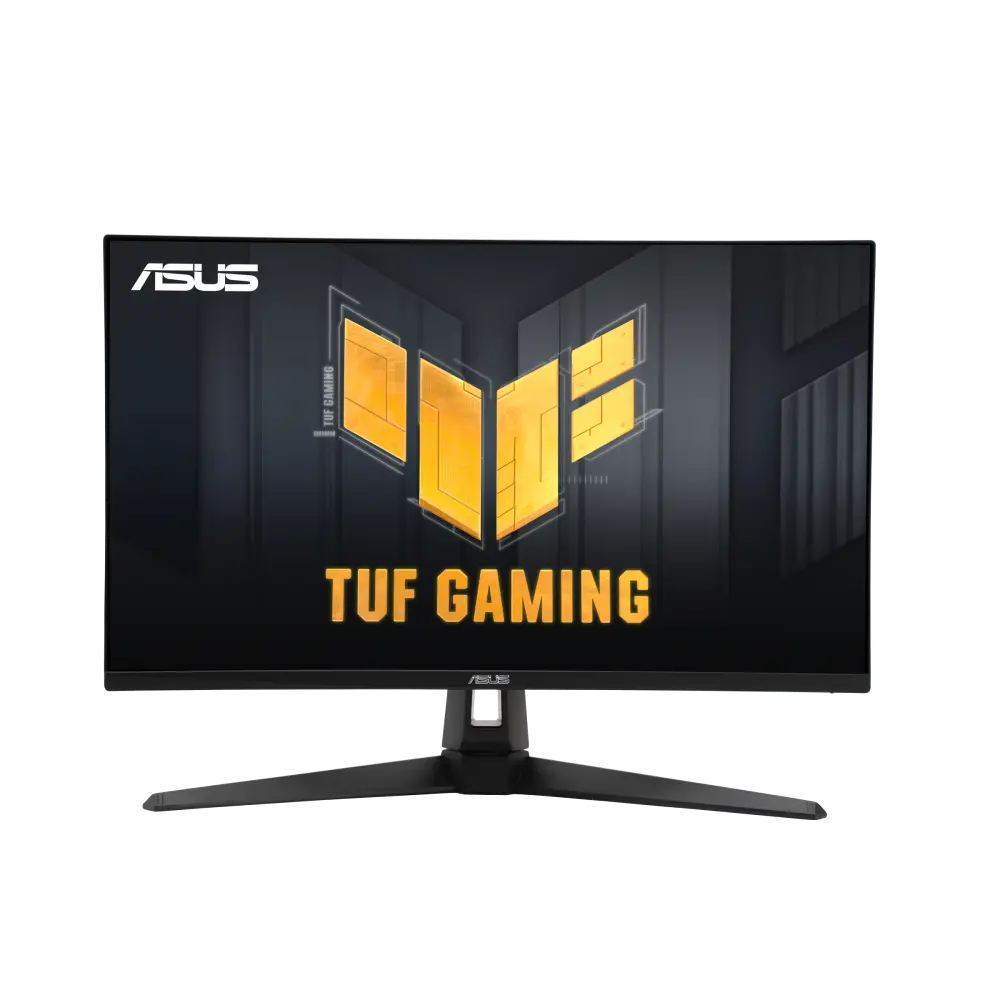 ASUS TUF Gaming VG27AQA1AUK manufacturer specification · TUF Gaming VG27AQA1A
The supplied stand offers 130 mm height travel, swivel and portrait pivot. USB-C supports video plus 15 W charging for a compatible device.
The QD model adds a Quantum Dot layer, FreeSync Premium and G-SYNC Compatible support, and sRGB, Adobe RGB and Display P3 presets.
170 Hz requires DP OverClocking and a compatible device/cable. HDMI reaches 144 Hz at WQHD; USB-C video/charging is not a USB data hub. MPRT cannot run with Adaptive-Sync, and HDR disables PIP/PBP.
MSI's datasheet and manual give different weights and DCI-P3/sRGB gamut figures, so check those on the listing if they matter.
HDMI and DisplayPort cables are listed as optional, so check the seller's box, including whether a USB-C cable is supplied.
Exact configuration: 27-inch · 2560 × 1440 · 170 Hz · MSI global specification
65 specifications in 10 groups. Values are manufacturer specifications unless a row says “Measured result” or “Calculated from cited specifications”.
Manufacturer panel diagonal; rounded size printed on marketing imagery may differ.
SourceAt 2560 × 1440 over DisplayPort or USB-C with DP OverClocking on; default 165 Hz. HDMI supports up to 144 Hz. Needs a compatible source and cable; lower the rate if overclocking causes errors.
GtG, MPRT and input lag are different measures.
SourceEnabling Adaptive-Sync disables MPRT and resets PIP/PBP off and 1:1 size to Auto. The QD manual marks the latter two settings adjustable. Device and input restrictions apply.
Manufacturer-listed technology; needs a compatible source, input and driver.
SourceDefault maximum 165 Hz; 170 Hz requires DP OverClocking ON and a compatible device/cable. PBP has a separate 1280 × 1440 at 60 Hz input mode.
At 2560 × 1440.
At 2560 × 1440 with DP OverClocking on and a compatible source and cable; default 165 Hz.
SourceAvailable above 85 Hz; HDR disables it. MPRT locks response-time/brightness controls, disables Adaptive-Sync and HDCR, and resets PIP/PBP off and 1:1 size to Auto. The latter two are marked adjustable in the QD manual.
SourceBlur-reduction mode figure.
SourceMSI's datasheet and user guide do not list HDMI VRR.
SDR typical brightness, not HDR peak.
SourceStatic contrast.
SourceManufacturer panel basis; FRC is not native 10-bit.
Certification listed by MSI.
SourceManufacturer HDR peak; test window and duration not stated.
MSI's datasheet lists Adobe RGB 93%, DCI-P3 95%, sRGB 150%; the V1.0 manual lists DCI-P3 98%, sRGB 154% (both CIE 1976).
Manufacturer colour-layer description.
SourceHDR greys out Night Vision, MPRT, Low Blue Light, HDCR, brightness, contrast, colour-temperature and PIP/PBP controls.
DisplayPort and USB-C support native 170 Hz with DP OverClocking on; HDMI reaches 144 Hz. USB-C charging is up to 15 W; there is no USB data hub.
SourceMaximum charging output, not the monitor’s power consumption. Compatible device and cable required.
SourceHDR disables PIP/PBP. Enabling PIP/PBP locks response-time adjustment, switches MPRT and Adaptive-Sync off, and disables/locks HDMI CEC. PBP input timing is 1280 × 1440 at 60 Hz; input/aspect restrictions apply.
Compatible CEC device required. Power coordination can reset Game/Pro modes; PIP/PBP disables and locks CEC.
SourceAccepted HDMI timing is not native 4K resolution or 4K 120 Hz support.
SourceMSI's datasheet and user guide do not list a KVM switch.
Adjustment travel, separate from assembled monitor height.
SourceMSI's specification page and datasheet list 613.49 × 196.48 × 402.08 mm (W × D × H); the V1.0 manual lists 613.49 × 532.08 × 196.48 mm (W × H × D). The 130 mm difference equals the stand's 0–130 mm height travel, so the datasheet gives the lowest and the manual the highest stand position; MSI does not label which. · Manufacturer dimensions with the supplied stand; allow extra room for cables and stand movement. The height range shows the stand's lowest and highest positions.
MSI lists 196.48 mm. · Manufacturer dimensions with stand, reordered width × depth × height where required. Stand depth is not panel thickness and excludes additional cable clearance.
SourceMSI's datasheet gives 6.05 kg net; the V1.0 manual gives 6.0 kg net.
Manufacturer bare-monitor mass; stand removed.
SourceMSI datasheet gives 8 kg gross; V1.0 manual gives 8.1 kg gross. Package basis is not resolved.
MSI lists 613.5 × 69.74 × 362.46 mm (width × depth × height).
SourceMSI lists a 65 W adapter rating and 15 W USB-C charging output but no typical operating wattage.
Dark-scene picture processing; not available with HDR.
Changes colour temperature warmer; Anti-Blue forces it on and HDR greys out the control.
SourceFlicker-free operation does not apply with MPRT on.
SourceMSI's datasheet and user guide do not say whether speakers are built in.
Check the exact local bundle; package contents can vary by country.
SourceMore of the nearest checked monitors by key specifications, for a side-by-side comparison.
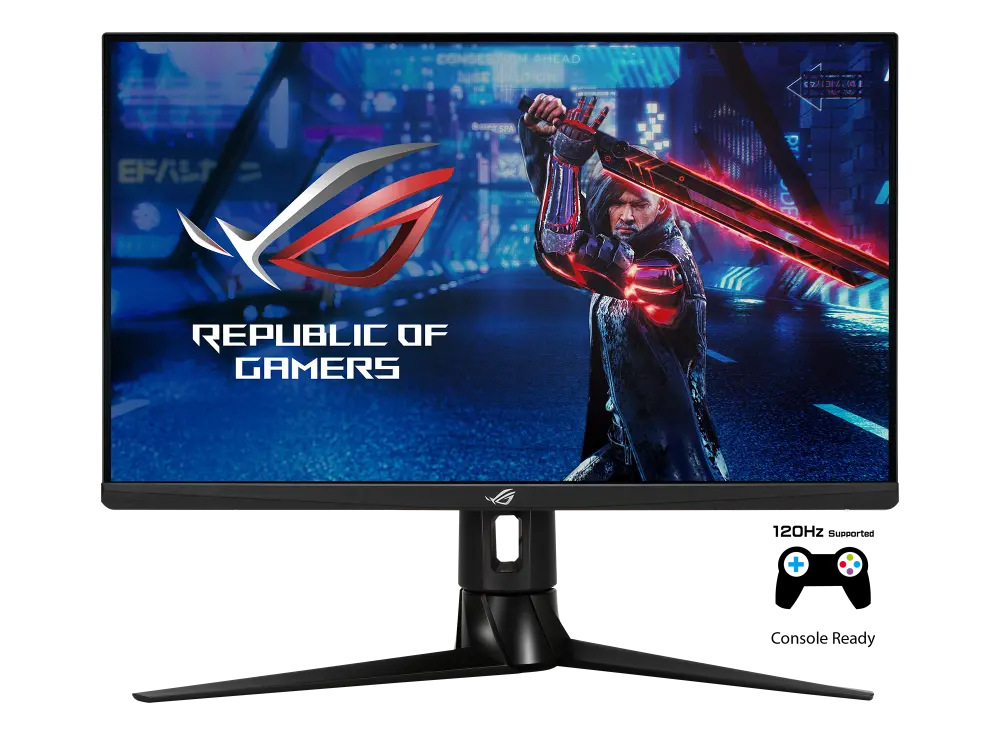 ASUS ROG Strix XG27AQUK manufacturer specification · ROG Strix XG27AQCompare the two
 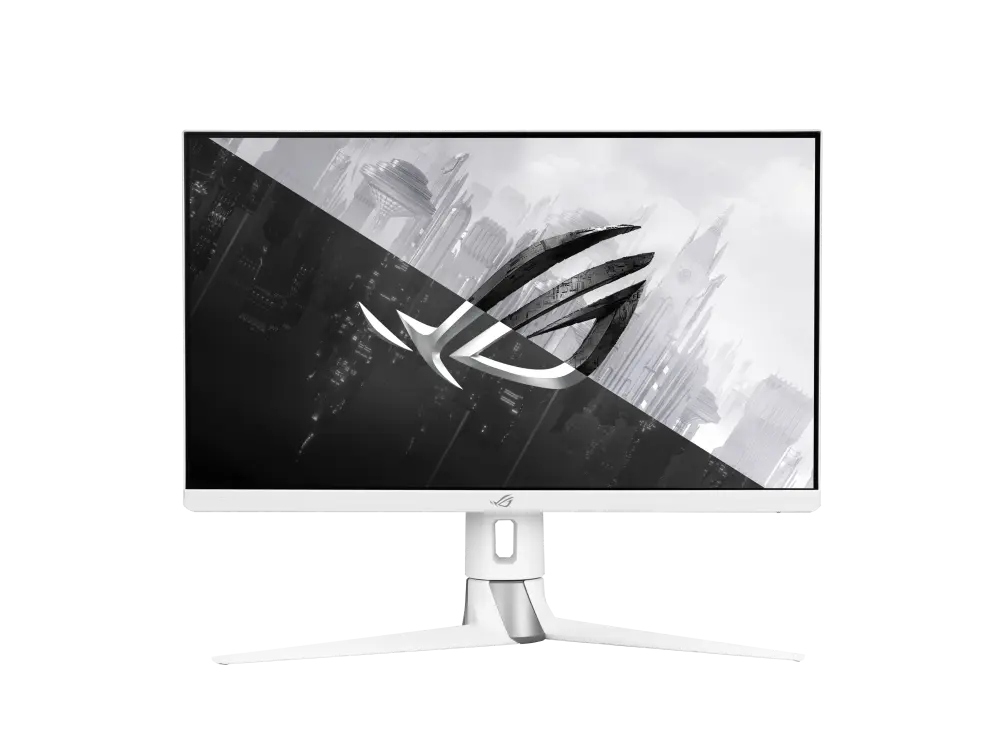 ASUS ROG Strix XG27AQ-WUK manufacturer specification · ROG Strix XG27AQ-WCompare the two
 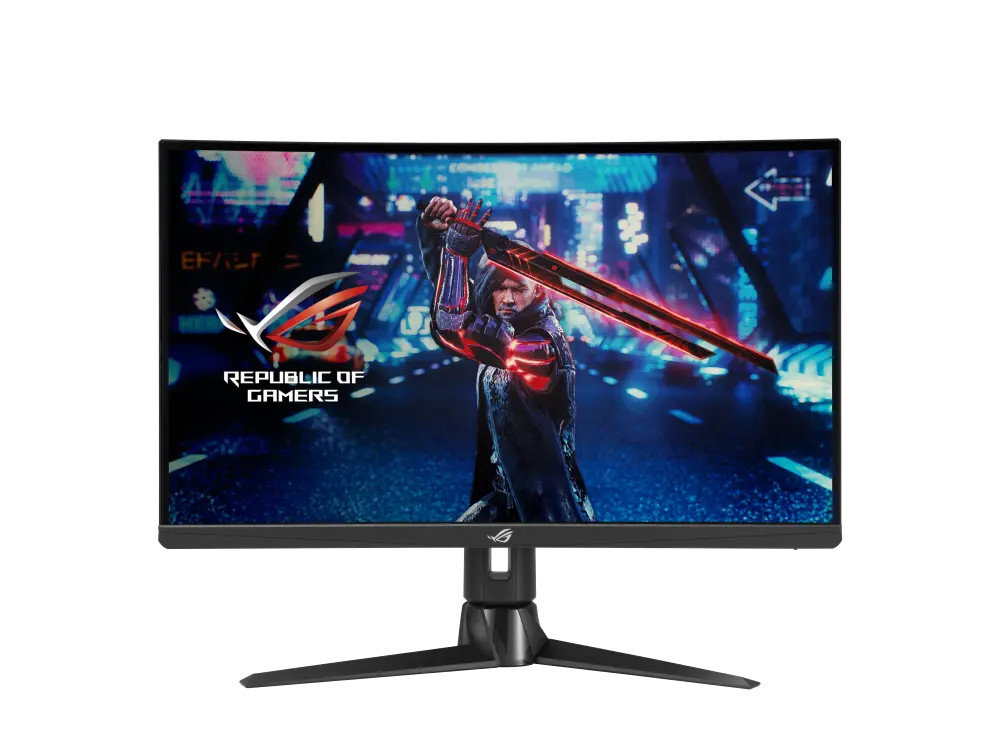 ASUS ROG Strix XG27AQVUK manufacturer specification · ROG Strix XG27AQVCompare the two
 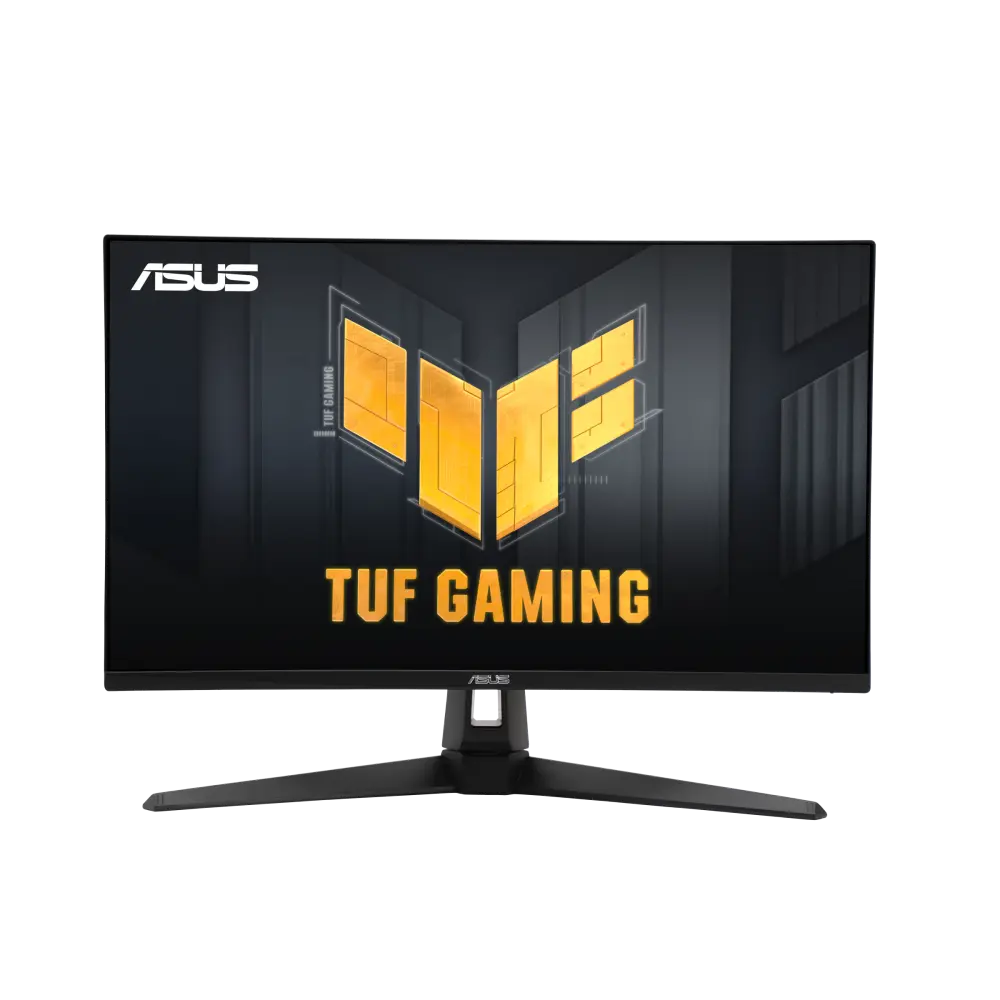 ASUS TUF Gaming VG27AC1AGlobal manufacturer specification · TUF Gaming VG27AC1ACompare the two
 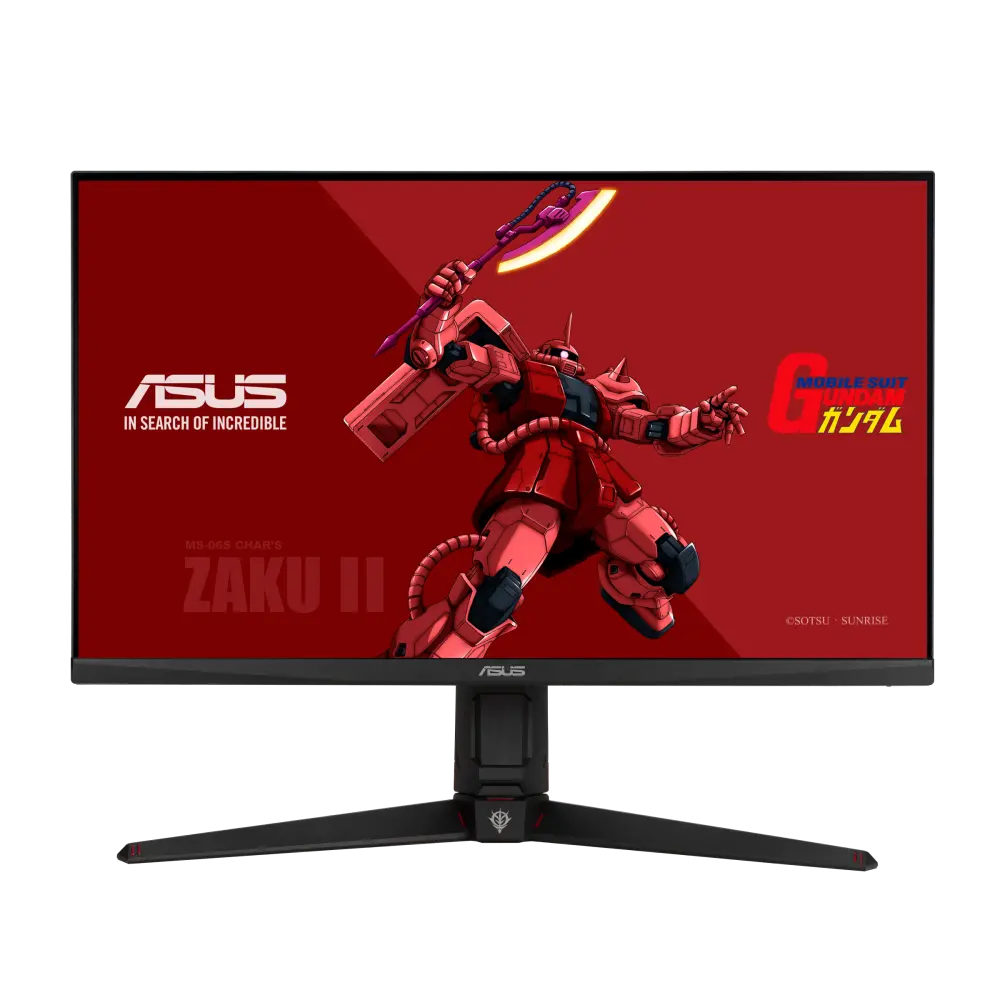 ASUS TUF Gaming VG27AQGL1A ZAKU II EDITIONGlobal manufacturer specification · TUF Gaming VG27AQGL1A ZAKU II EDITIONCompare the two
 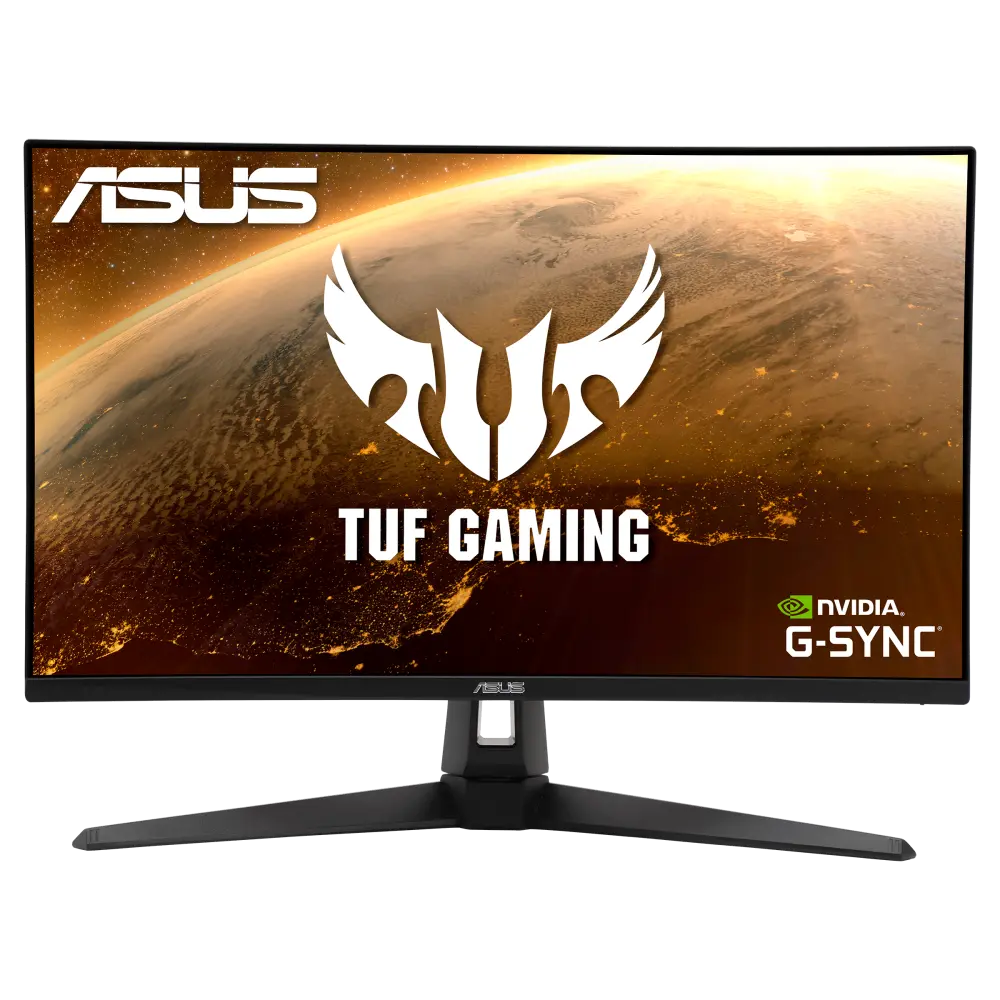 ASUS TUF GAMING VG27AQ1AGlobal manufacturer specification · TUF GAMING VG27AQ1ACompare the two
 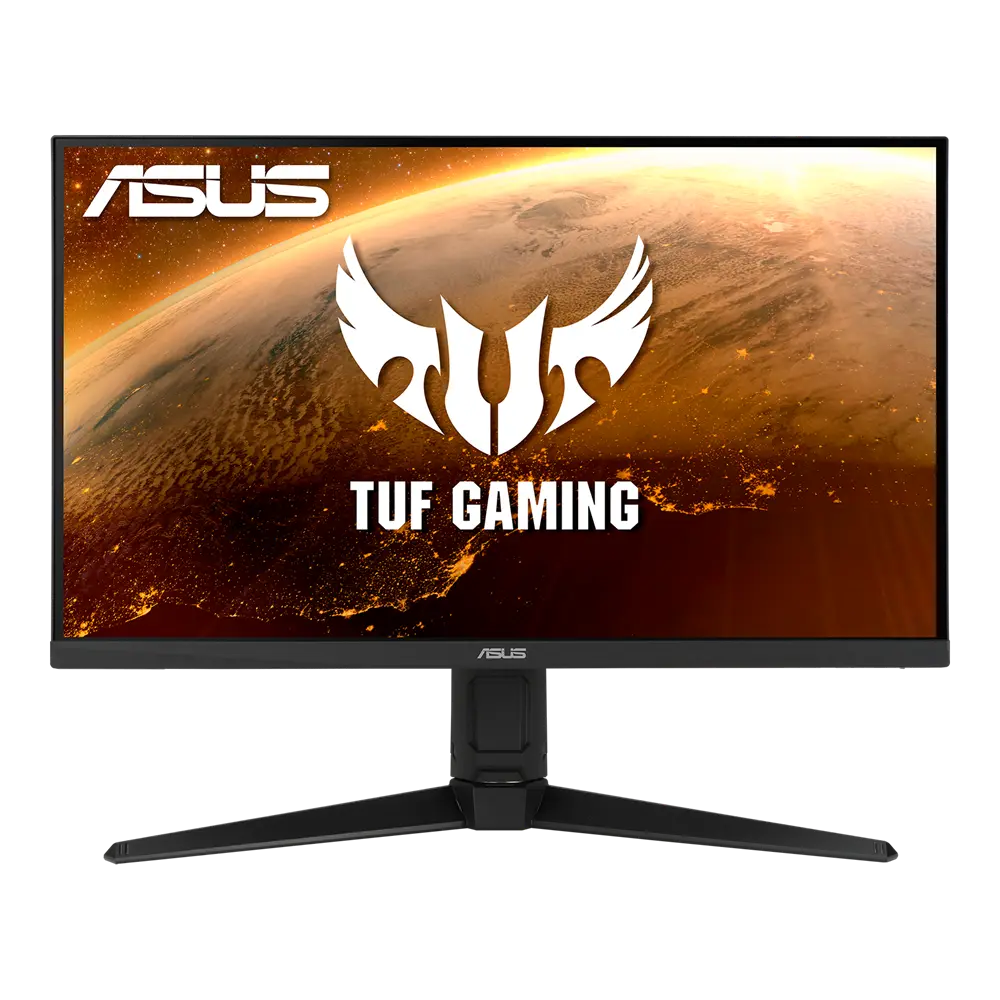 ASUS TUF Gaming VG27AQL1AGlobal manufacturer specification · TUF Gaming VG27AQL1ACompare the two
 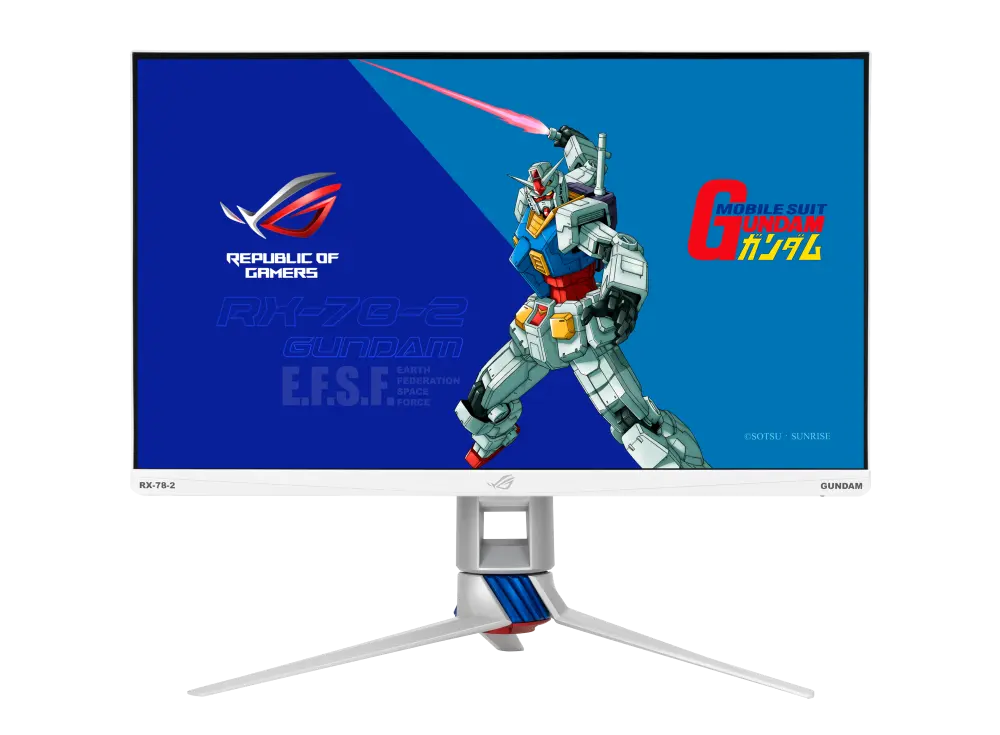 ASUS ROG Strix XG279Q-G GUNDAM EDITIONGlobal manufacturer specification · ROG Strix XG279Q-G GUNDAM EDITIONCompare the two