 ASUS BE27ACGNUK manufacturer specification · BE27ACGN
- Panel technology
- IPSThis one: IPS Black LCD (LED edge-lit)
- Response method and claim
- 5ms(GTG)This one: 5 ms (Fast mode); 8 ms (Normal mode)

UK specification (Dell UK manufacturer part 1W34K, with stand)
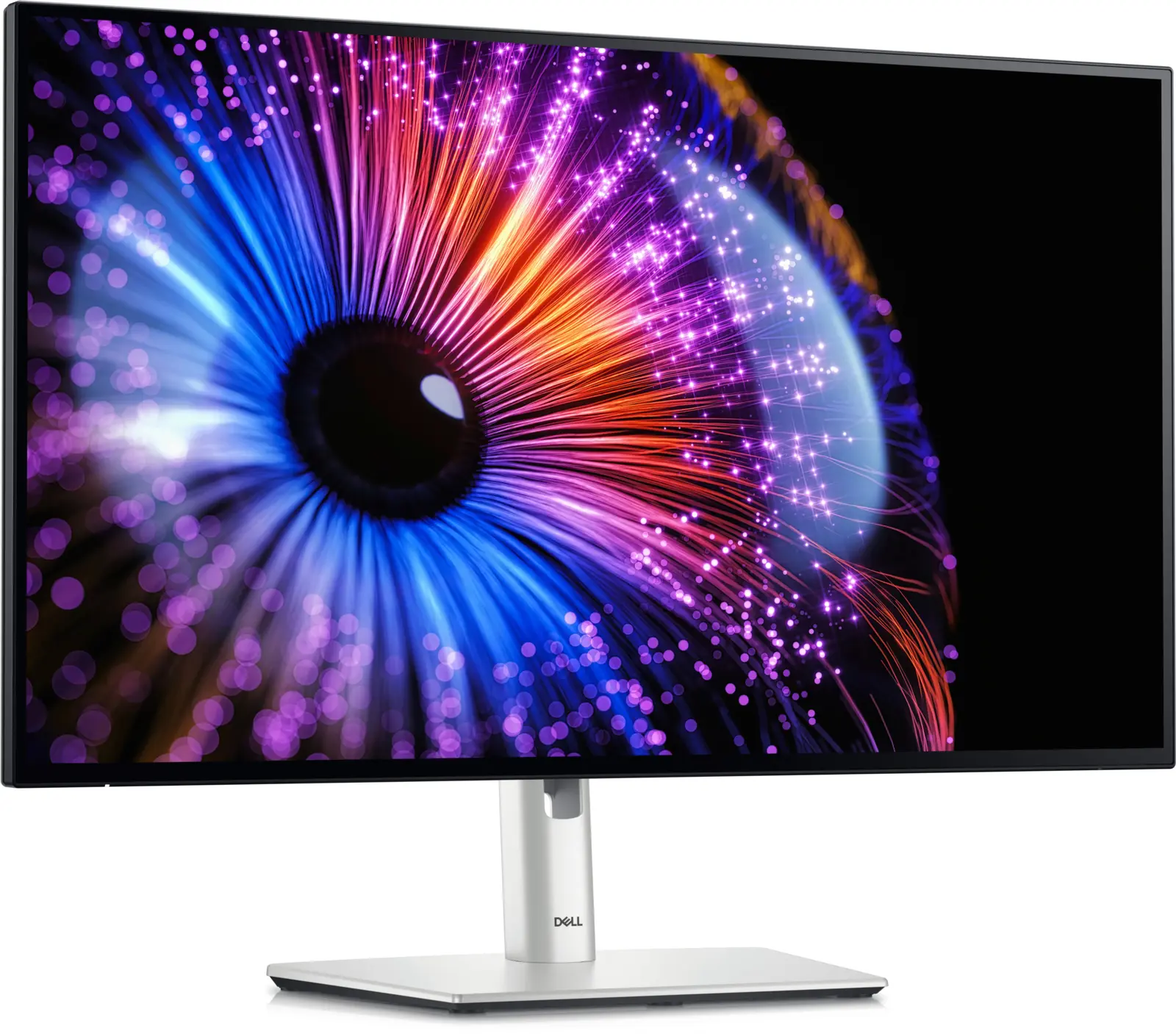
A 27-inch 2560 × 1440 IPS Black monitor at up to 120 Hz, built as a Thunderbolt 4 hub with up to 90 W power delivery, 2.5GbE Ethernet, KVM and daisy chaining. Its stand adjusts for height, tilt, swivel and pivot, and Dell lists 2000:1 native contrast, 98% DCI-P3 and TÜV Rheinland 5-star eye-comfort certification.
As an Amazon Associate I earn from qualifying purchases.
Email me when the Dell UltraSharp U2724DE gets cheaper on eBay. We check exact-model listings once a day at 12:00 UTC.
Specifications checked 26 Sept 2026Manufacturer specifications, not a hands-on test.
The nearest checked monitors by key specifications, with what differs from the Dell UltraSharp U2724DE. The first matches the Compare button above.
ASUS BE27ACGNUK manufacturer specification · BE27ACGN ASUS BE27AQGUK manufacturer specification · BE27AQG
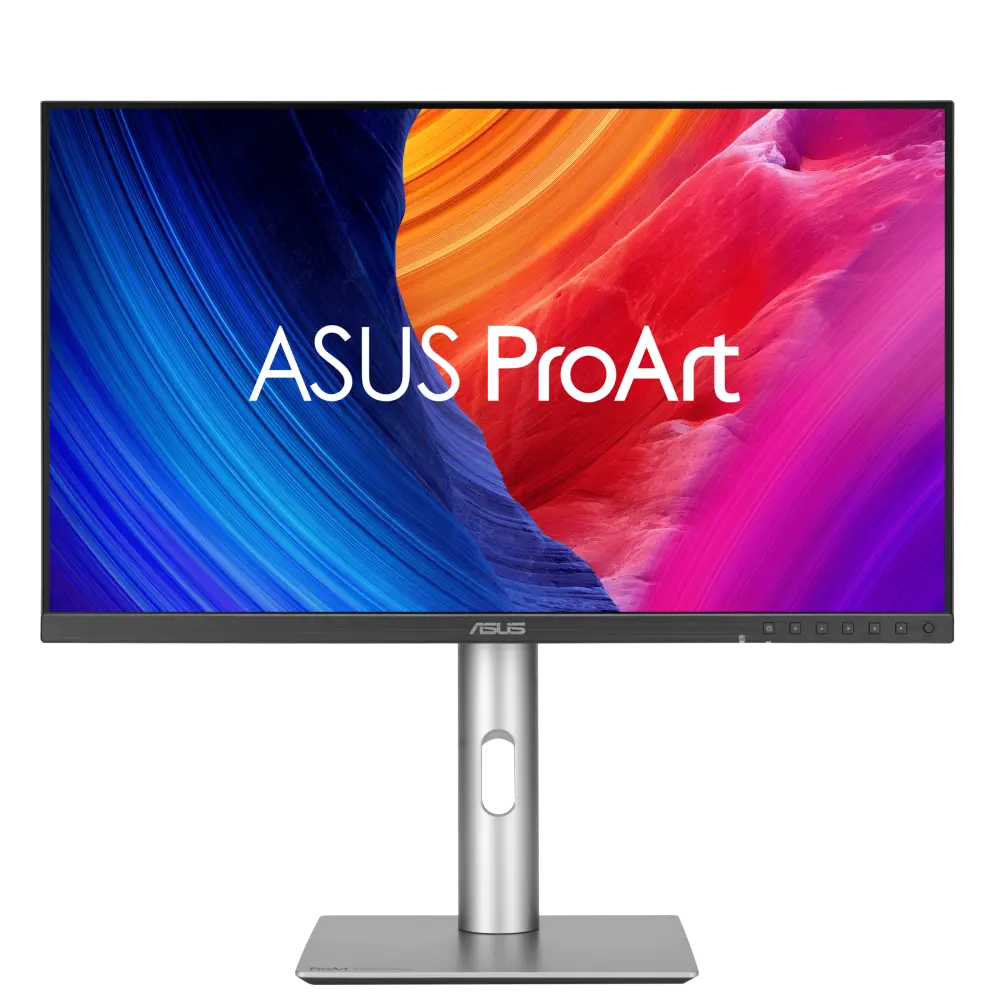 ASUS ProArt Display PA278QV Gen2 (PA278QGV)UK manufacturer specification · ProArt-Display-PA278QV-Gen2-PA278QGV
One Thunderbolt 4 cable carries video and data to a laptop while delivering up to 90 W, and the hub includes 2.5GbE Ethernet and 10 Gbps USB-A and USB-C ports.
Auto KVM lets one keyboard and mouse control two connected PCs, PiP/PbP shows two PC sources on one screen, and a Thunderbolt 4 downstream port supports daisy chaining a second monitor.
The stand offers 150 mm of height travel with tilt, ±45° swivel and pivot, and Dell lists Delta E < 2 average colour accuracy with a factory calibration report, plus Calman Verified Dell Color Management software for calibration with a separately sold colorimeter.
The maximum is 120 Hz with a 5 ms (Fast mode) response. Dell names VRR on the HDMI input and DRR for Microsoft Windows on DisplayPort, but gives no variable-refresh range and names no FreeSync or G-SYNC support.
There are no built-in speakers, only an audio line out, and Dell lists no HDR support.
Dell UK’s table lists a 60 Hz standard refresh rate beside the 120 Hz maximum preset, while Dell US lists 120 Hz for both, and Dell does not explain the difference.
Exact configuration: UK specification (Dell UK manufacturer part 1W34K, with stand)
59 specifications in 10 groups. Values are manufacturer specifications unless a row says “Measured result” or “Calculated from cited specifications”.
Maximum 120 Hz at 2560 × 1440 (“Maximum Preset Resolution 2560 x 1440 at 120 Hz” on both tables). The UK table’s “Standard Refresh Rate” row reads 60 Hz while the US table’s reads 120 Hz; Dell does not explain the UK row.
Dell does not state GtG or MPRT method on these pages; manufacturer claims.
Dell names input-specific variable refresh but no general adaptive-sync technology: the HDMI input “supports up to QHD 2560 x 1440 120Hz TMDS, VRR as specified in HDMI 2.1”, and the Dell US port details list the DisplayPort 1.4 input with “DRR for Microsoft Windows”. Neither page names FreeSync, G-SYNC or VESA Adaptive-Sync, or gives a variable-refresh range, so general adaptive-sync support is not established.
Dell lists the HDMI input as “VRR as specified in HDMI 2.1” with TMDS signalling up to 2560 × 1440 at 120 Hz. No VRR range is stated. Separately, Dell US lists “DRR for Microsoft Windows” on the DisplayPort 1.4 input.
Dell “Brightness” row for this SDR IPS monitor; Dell does not label it typical on this page.
SourceCoverage figures; CIE basis not stated on this page.
SourceDell Color Management software (Windows and macOS) calibrates the monitor’s colours and creates, stores and manages ICC profiles; Dell states it has Calman Verified certification. Calibration needs a compatible external colorimeter, sold separately.
Dell US lists “High Dynamic Range (HDR) Ready: No”; the UK table has no HDR row.
SourceDell: a built-in Ambient Light Sensor optimises brightness and colour temperature based on the surroundings. The UK feature list names the Ambient Light Sensor; the US feature list also names Auto Brightness Control (ABC).
Transcribed from Dell UK’s “Ports and slots” list; the US Interface/Port Details list matches (3 + 1 USB-A downstream) and additionally annotates the DisplayPort 1.4 input with “DRR for Microsoft Windows” and “Supports 2 x QHD 120Hz 8 bit”, which Dell does not explain further.
Via the Thunderbolt 4 upstream port.
SourceViews content from two PC sources.
Only the HDMI HDCP version is stated.
SourceHeight at full stand extension; Dell lists 385.58 mm compressed.
SourceDell approximate figure.
SourceDell lists “Weight (Approximate) 5.23 kg” next to “Weight with Stand (Approximate) 7.37 kg” but does not state that the 5.23 kg figure excludes the stand.
SourceDell’s unlabelled “Weight (Approximate)” figure (5.23 kg) is probably the panel alone, but the page does not say so; kept as reported_net_weight rather than a stand-less weight.
SourceDell lists “Maximum Power Consumption 225 W” without stating its basis or a breakdown; whether it includes power delivered to connected devices is not stated by Dell. An upper bound, not a typical running-power figure.
Dell UK tech table (TCO Certified, TCO Certified Edge, ENERGY STAR 8.0, RoHS) and feature text (EPEAT Gold). Dell’s footnote: “EPEAT registered where applicable. EPEAT registration varies by country.” The US table lists TCO Certified, TCO Certified Edge, Energy Star and RoHS without the ENERGY STAR version.
ComfortView Plus: Dell states it reduces blue-light emissions to ≤35% without sacrificing colour accuracy. Manufacturer claim; no health outcome asserted.
Dell cites TÜV Rheinland Eye Comfort certification (August 2023); the Dell US table lists “Eye Comfort Certification: Yes” and “Eye Comfort Rating: 5 Star”. Manufacturer-listed features and certification; not medical advice.
Both the UK and US tables list a 3-year limited warranty. The Dell US page additionally lists “3-Year Advanced Exchange Service and Premium Panel Exchange”; the UK page does not list these services.
More of the nearest checked monitors by key specifications, for a side-by-side comparison.
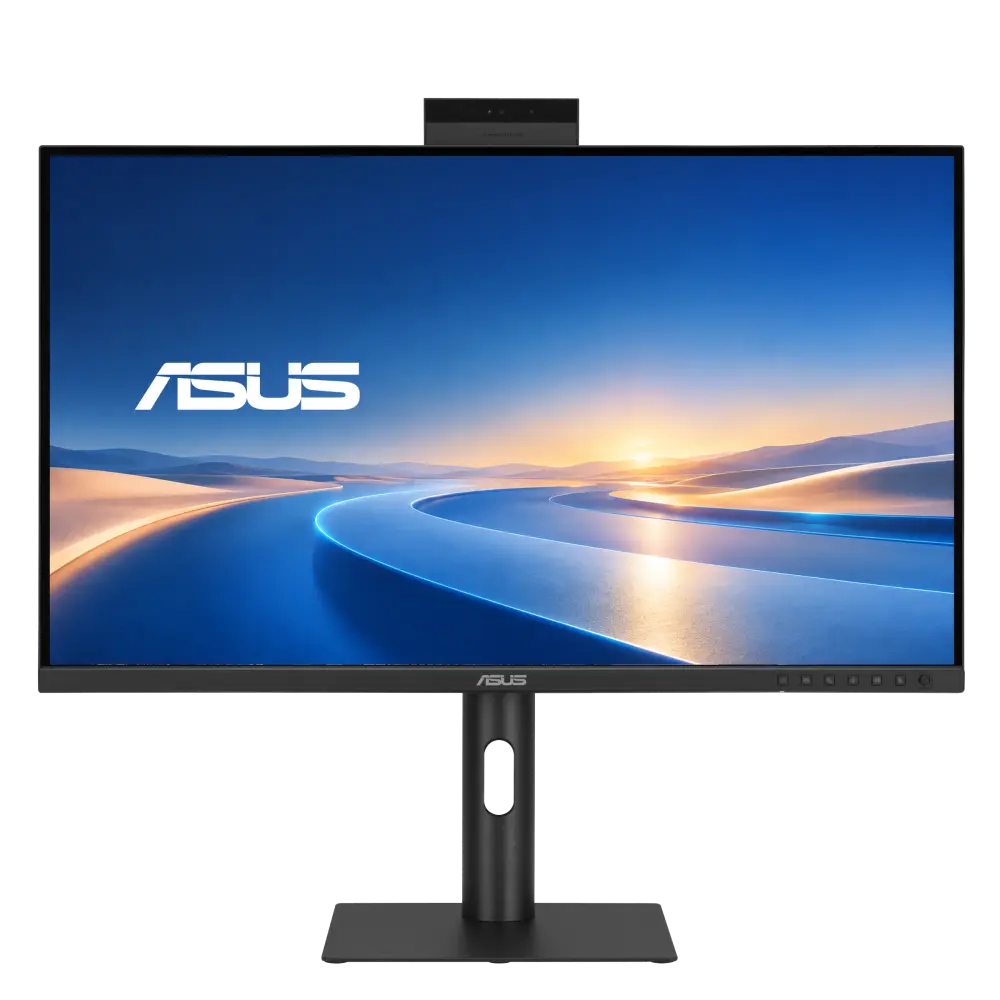 ASUS BE27ACGNKGlobal manufacturer specification · BE27ACGNKCompare the two
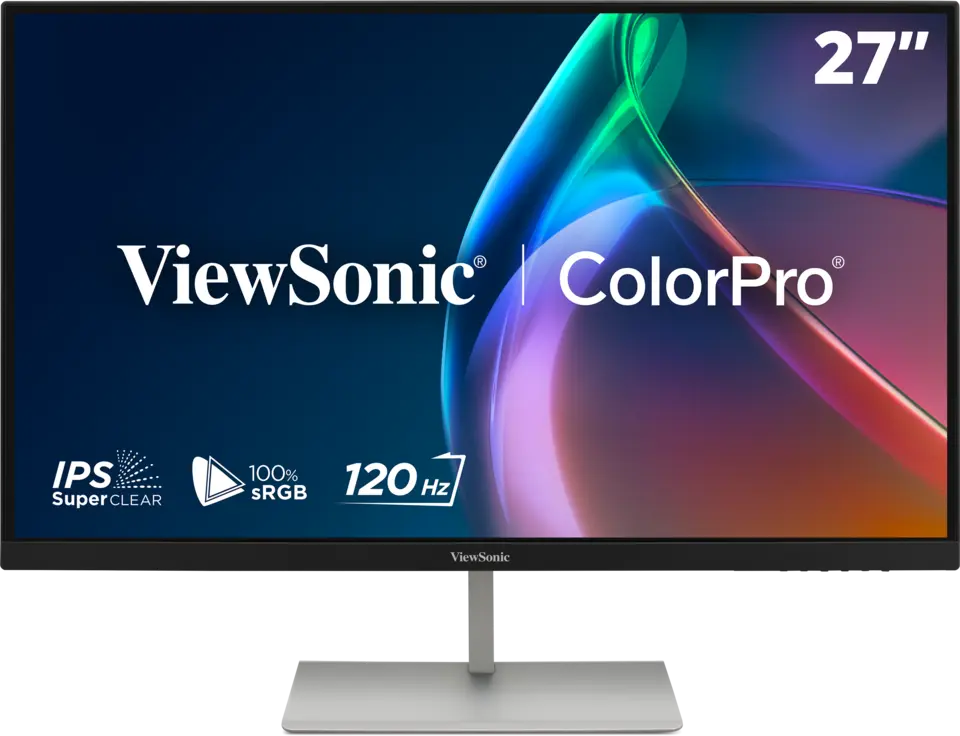 ViewSonic VP2766-2KVP2766-2K · exact VP2766-2K UK manufacturer catalogue configurationCompare the two
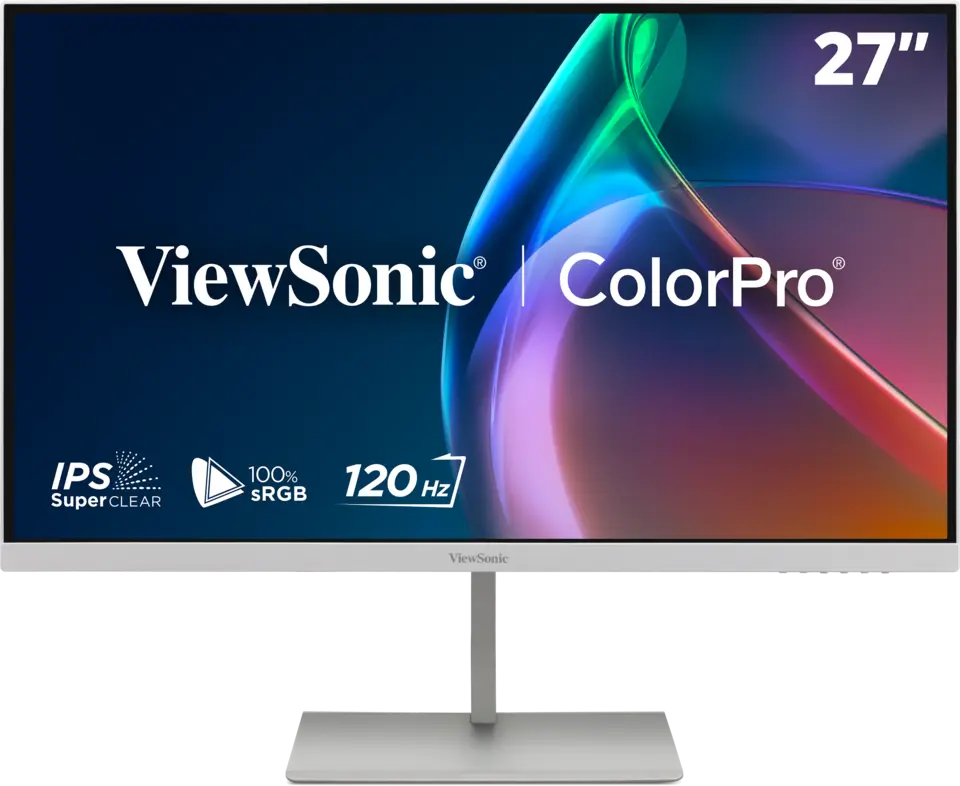 ViewSonic VP2766-2K-WVP2766-2K-W · exact VP2766-2K-W UK manufacturer catalogue configurationCompare the two
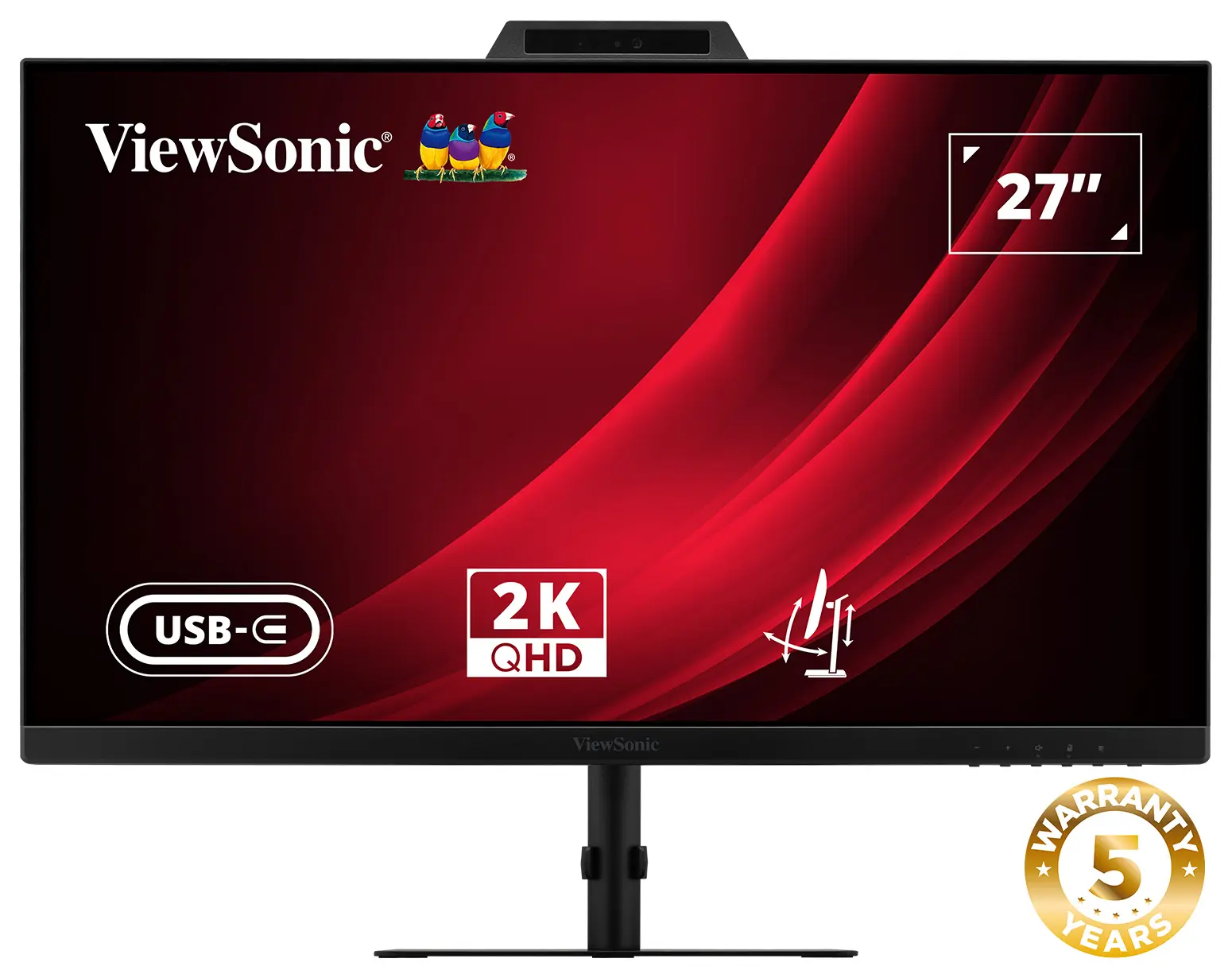 ViewSonic VG2741V-2KVG2741V-2K · exact VG2741V-2K UK manufacturer catalogue configurationCompare the two
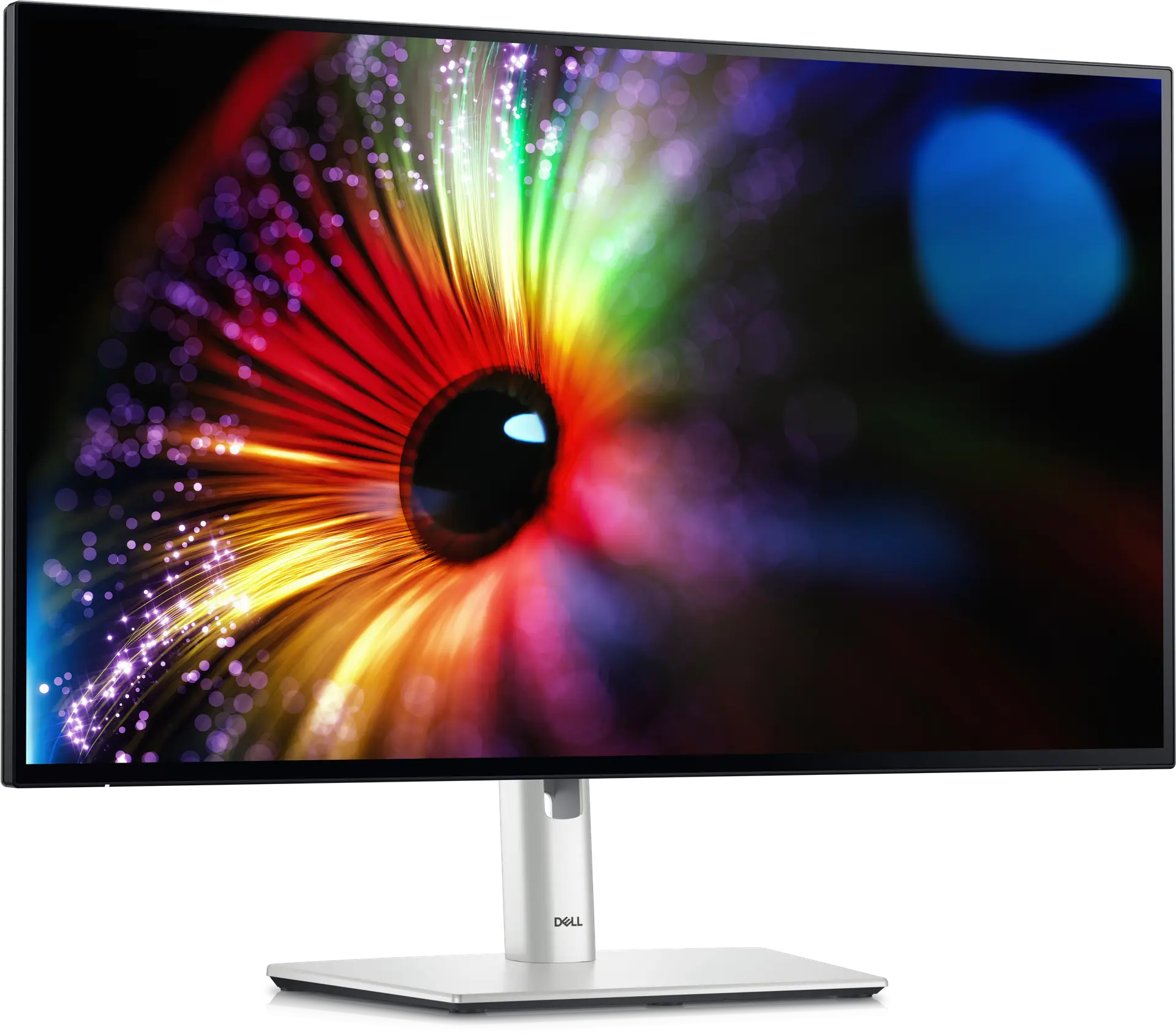 Dell UltraSharp 27 Monitor - U2724DUK manufacturer part P3FG2 · Dell offer u2724d_monitorCompare the two
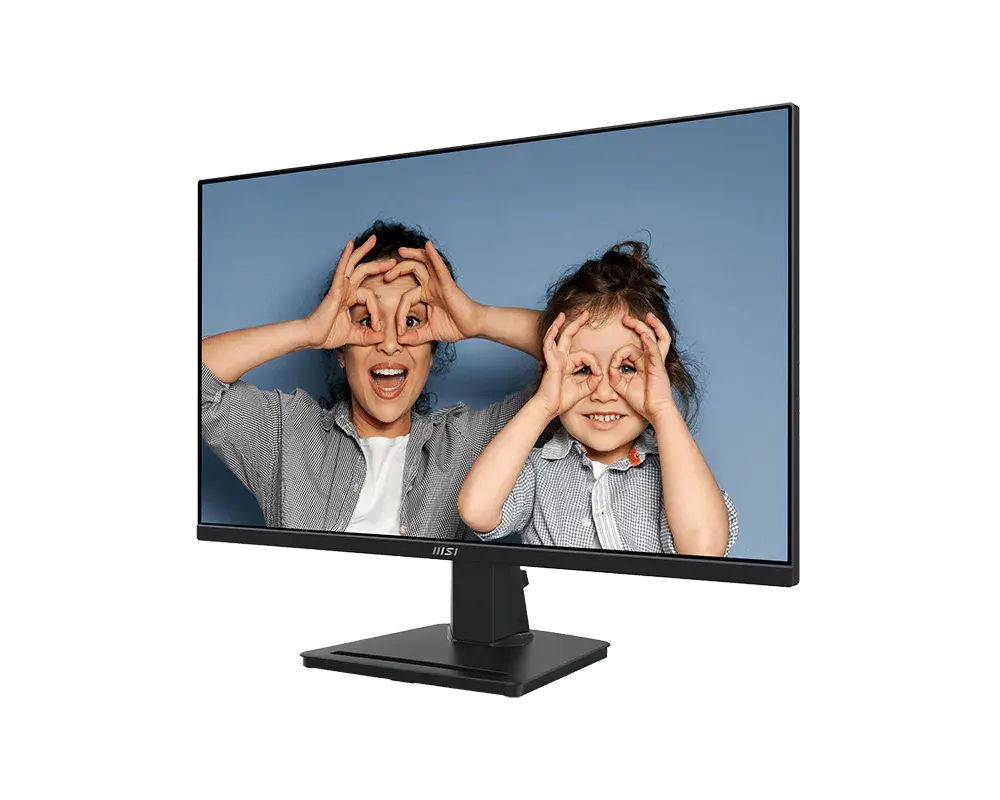 MSI PRO MP275Q27-inch · 2560 × 1440 · 100 Hz · exact MSI global configurationCompare the two
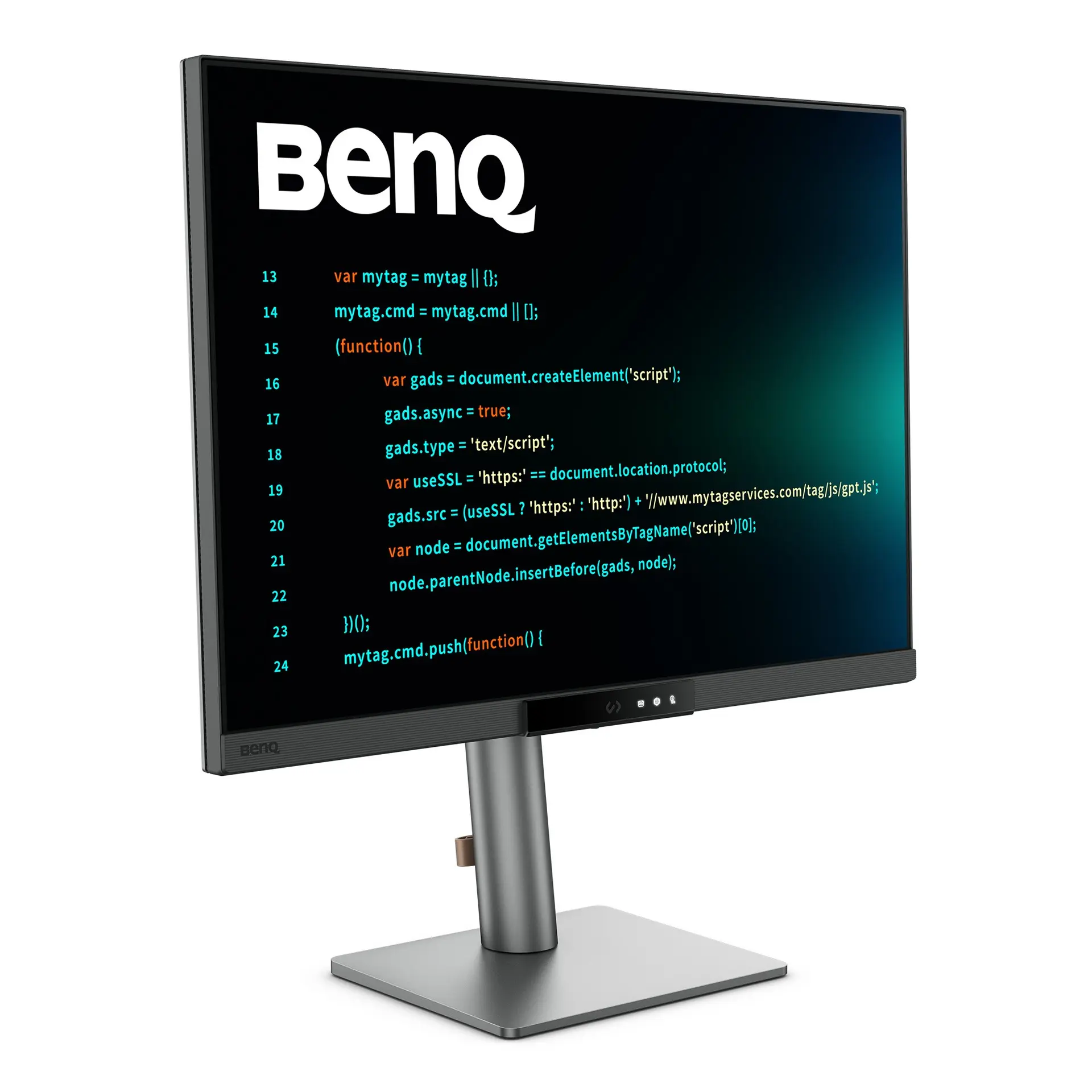 BenQ RD270QRD270Q · 27-inch IPS · BenQ UK specificationCompare the two
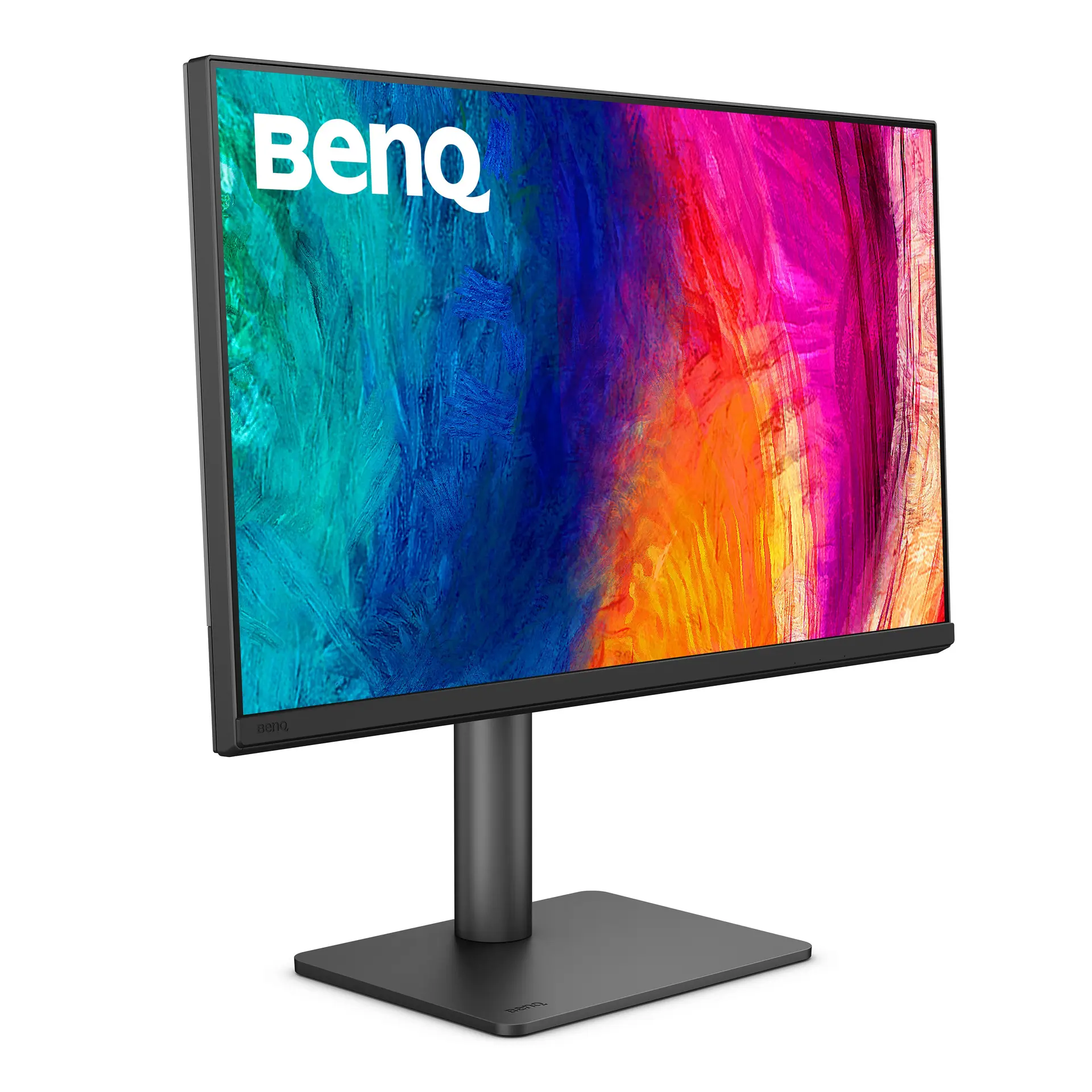 BenQ PD2706QNPD2706QN · 27-inch IPS · BenQ UK specificationCompare the two