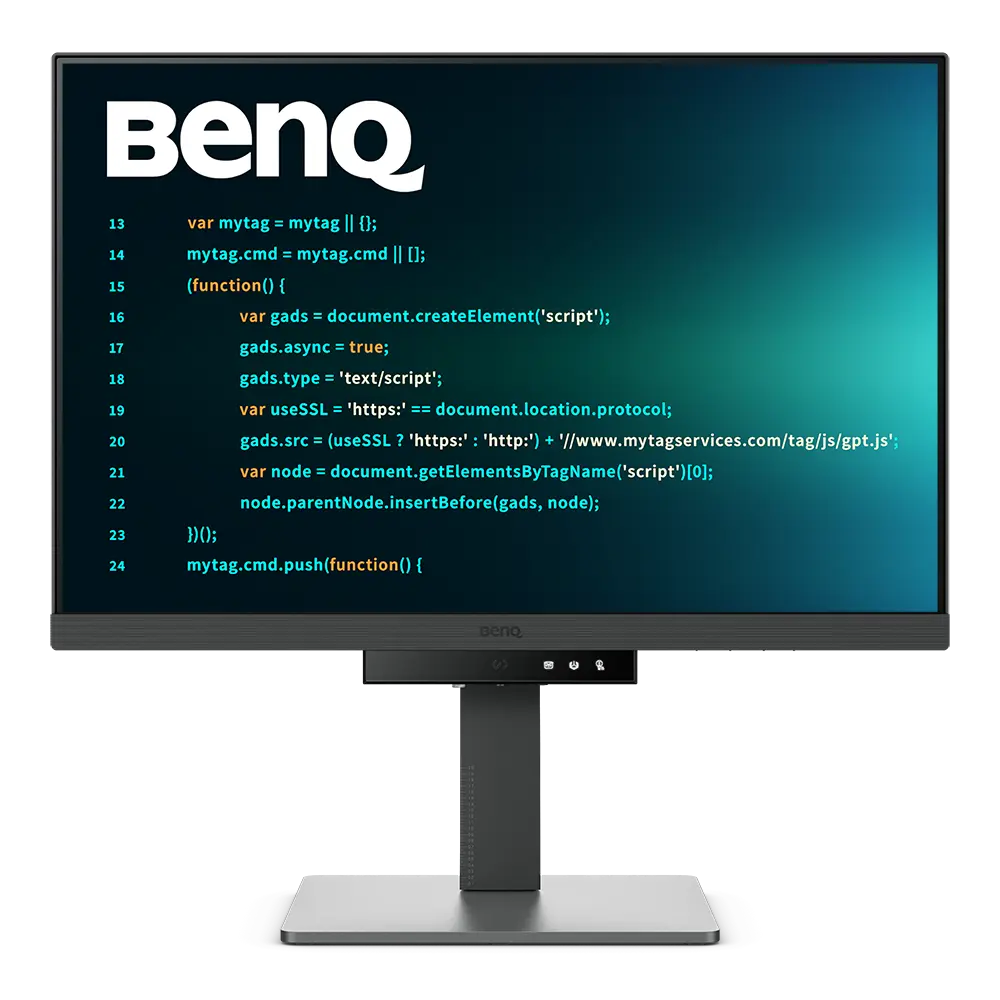
 BenQ PV3200UPV3200U · 31.5-inch IPS · BenQ UK specification
- Typical brightness
- 350 cd/m²This one: 400 cd/m²

31.5-inch IPS · UK specification
A 31.5-inch 4K IPS programming monitor with a Nano Matte screen, 2000:1 native contrast, MoonHalo rear light, a KVM switch and USB-C with 90 W charging.
As an Amazon Associate I earn from qualifying purchases.
Email me when the BenQ RD320U gets cheaper on eBay. We check exact-model listings once a day at 12:00 UTC.
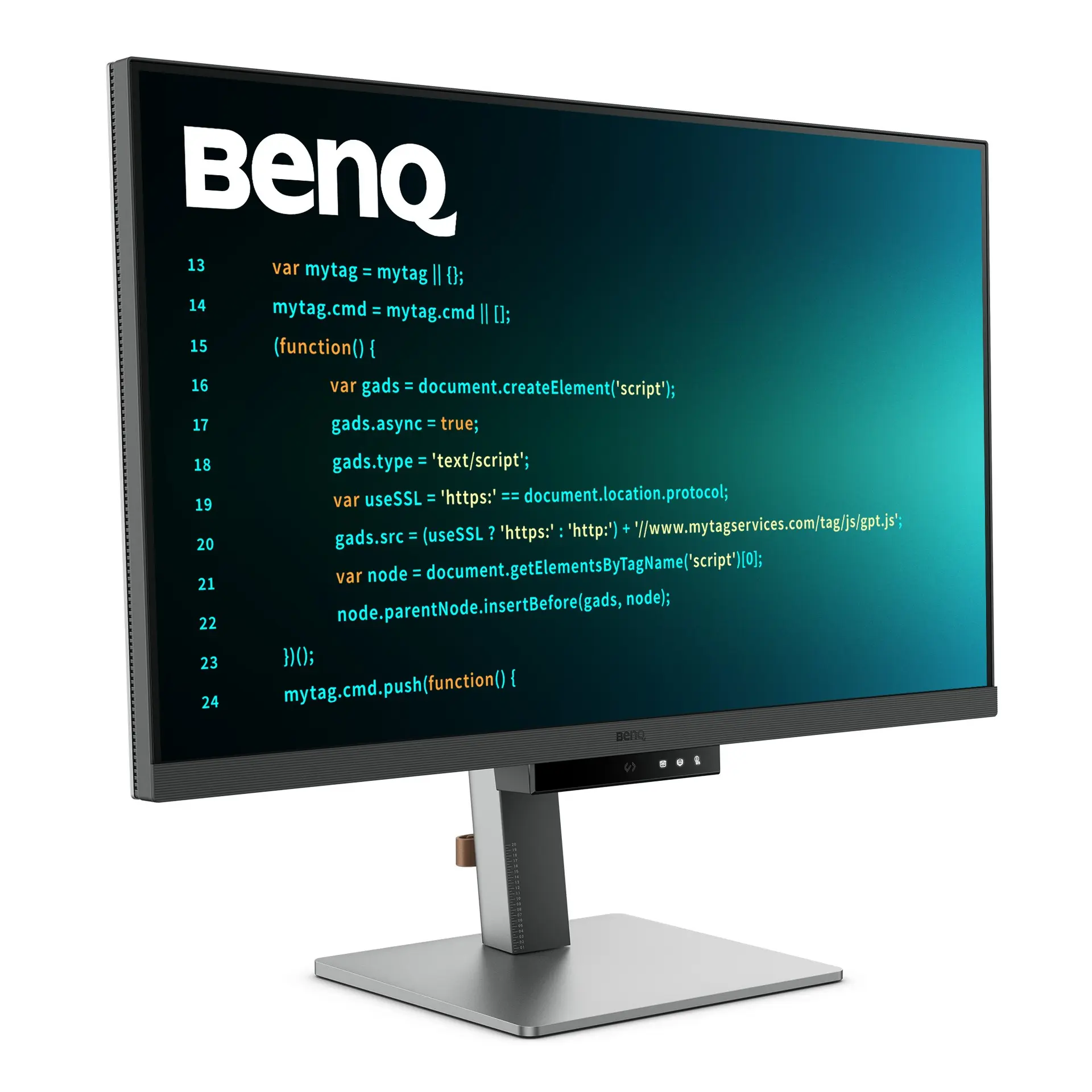
Specifications checked 26 Sept 2026Manufacturer specifications, not a hands-on test.
The nearest checked monitors by key specifications, with what differs from the BenQ RD320U. The first matches the Compare button above.
BenQ PV3200UPV3200U · 31.5-inch IPS · BenQ UK specification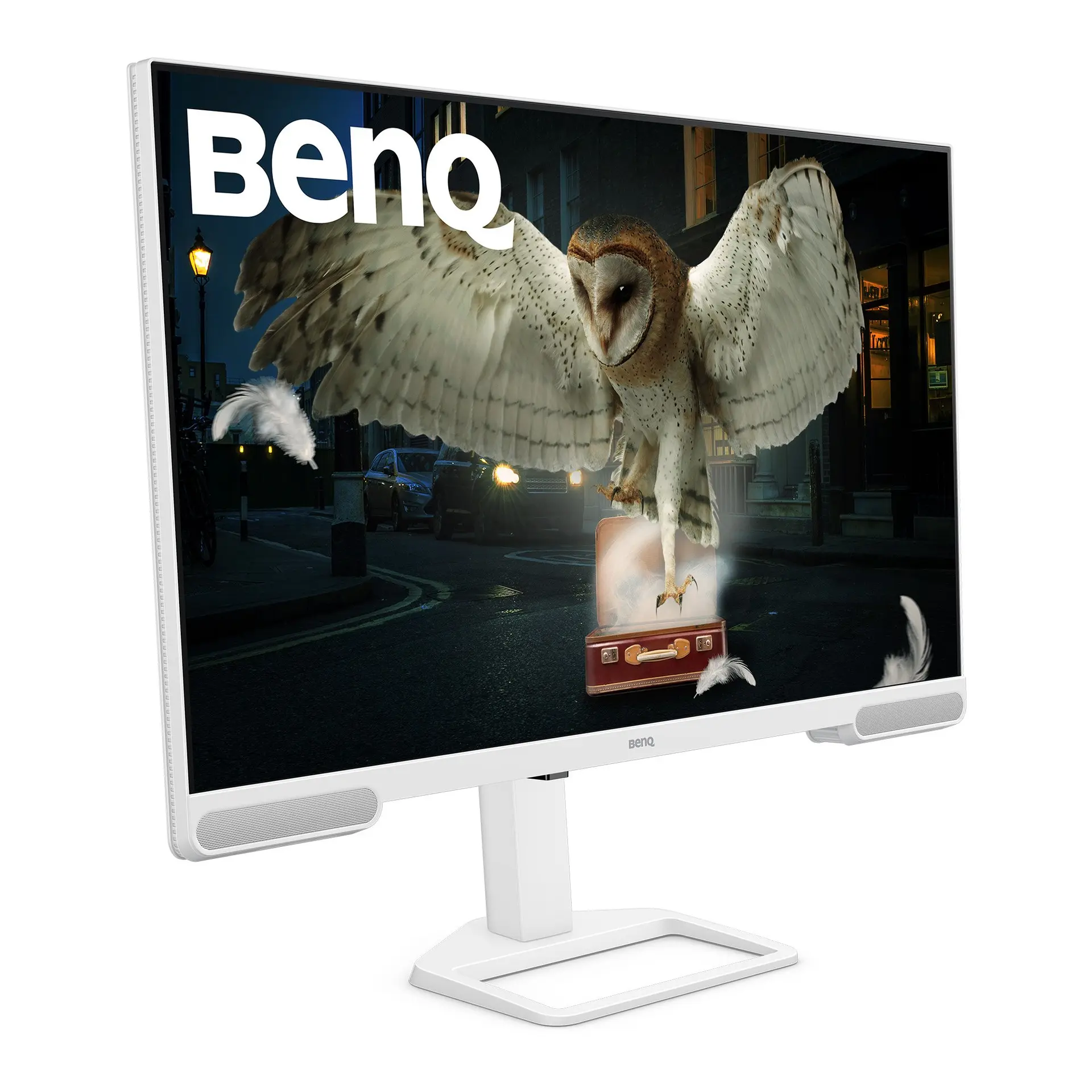 BenQ EW3290UEW3290U · 31.5-inch IPS · BenQ UK specification
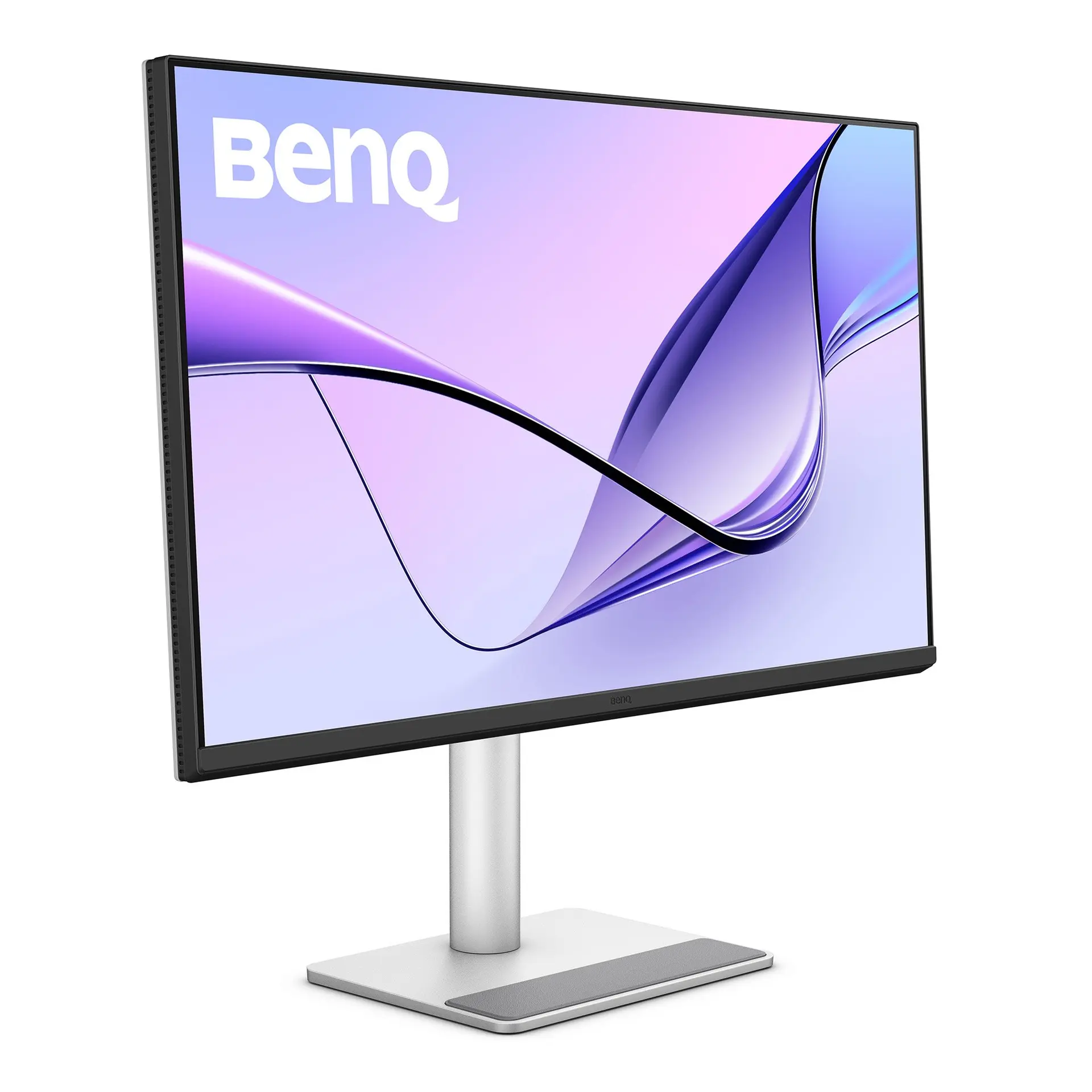 BenQ MA320UMA320U · 31.5-inch IPS · BenQ UK specification
A listed 2000:1 native contrast and 98% P3 colour gamut on a Nano Matte 4K panel.
USB-C carries video, data and 90 W, with MST daisy-chain output (not from Macs, which BenQ says daisy-chain only via Thunderbolt); the four downstream USB ports are USB 3.2 Gen 2 (10 Gbps), while the USB-B upstream is listed at 5 Gbps.
It runs at 60 Hz.
BenQ lists 140 PPI for the 31.5-inch 4K panel.
Exact configuration: RD320U · 31.5-inch IPS · BenQ UK specification
56 specifications in 10 groups. Values are manufacturer specifications unless a row says “Measured result” or “Calculated from cited specifications”. 1 row repeats a listed fact in the manufacturer’s own wording, kept under “Manufacturer wording”.
Manufacturer-listed panel diagonal; a rounded size may appear in the product name.
SourceManufacturer resolution notation: 3840x2160.
SourceLeft/right angles at a contrast ratio of at least 10:1, as listed.
SourceAt native resolution; the source device and input must support the mode.
SourceManufacturer GtG claim; BenQ’s specification table publishes no test conditions for it and lists no MPRT figure.
SourceThe same facts in the manufacturer’s combined or original wording, each with its source.
The source device and input must support the mode.
SourceManufacturer typical brightness; picture mode and content affect output.
SourceManufacturer-listed HDR formats or certification.
SourceManufacturer colour specification.
SourceManufacturer colour specification in its stated colour space; coverage is not an independent measurement.
SourceComplete “Color Mode” row from BenQ’s UK specification table. The product page describes the coding modes’ dark and light themes, with adjustable brightness, sharpness and contrast, and a Coding HotKey at the heart of the function bar.
BenQ’s table lists “Brightness Intelligence Gen2 (B.I. Gen2): Yes”; the product page says B.I. Gen2 automatically detects the brightness in the room and adjusts the screen brightness, with an option to fine-tune it manually, and that it also powers MoonHalo’s Auto Dimming. Colour-temperature adjustment is not stated for this feature.
BenQ’s table lists “Night Hours Protection: Yes”; the product page describes minimum brightness technology for night hours and dark rooms, with ambient light detection and auto-switch. No minimum-brightness figure is published.
The listed connections include USB-C or Thunderbolt. Video, data, upstream/downstream roles and charging power depend on the particular port.
SourceManufacturer port counts and versions; the source device and cable must support the mode you want.
Source90 W from the USB-C port that also carries DisplayPort Alt Mode video and data. Downstream accessory ports supply less and are not laptop-charging ports.
SourceDownstream USB ports need the listed upstream connection to the computer.
SourceMulti-Stream Transport via the listed USB-C out port. BenQ notes that Mac and MacBook devices only support daisy chaining via Thunderbolt, that daisy chaining is not supported via HDMI or regular USB ports on any device, and that M1/M2 Macs connect only a single external display.
Height-adjustable stand; travel is listed separately.
SourceManufacturer-listed travel: 110 mm. Not calculated from the external height range.
SourceDown/up range as listed by BenQ.
SourceLeft/right range as listed by BenQ.
SourcePortrait pivot supported; angle listed separately.
SourceMatch the screw size, monitor weight and the mount’s load rating as well as the hole pattern.
SourceBenQ lists 468.6 - 581.6x714.6x263.1 mm (height × width × depth). · Manufacturer dimensions with the supplied stand; a height range shows the stand’s lowest and highest positions. Allow extra room for cables and movement.
SourceDepth from the manufacturer dimension tuple. Allow additional room for cable routing and movement.
SourceManufacturer width in the listed landscape configuration.
SourceManufacturer panel dimensions without the base.
SourceBenQ lists “Net Weight” separately from “Net Weight (w/o Base)”, so this figure includes the supplied base; packaging excluded.
SourceManufacturer normal-mode figure; brightness, USB devices and charging load change real use.
SourceManufacturer power figure under the stated operating mode; real use, brightness, connected USB devices and charging load can differ.
SourceManufacturer power figure under the stated operating mode; real use, brightness, connected USB devices and charging load can differ.
SourceBenQ lists this as “Low Blue Light Plus”; the product page says it includes Circadian Mode, which automatically adjusts colour temperature through the day.
Complete “TUV Certificate” row (Certification) and Environmental Standards rows from BenQ’s UK specification table. The product page describes the TÜV Reflection Free certification, TÜV Rheinland’s Low Blue Light certification and Eyesafe 2.0 certification. Manufacturer-listed certificates, not independent measurements or health claims.
BenQ’s TÜV certificate row names “Low Blue light (Hardware Solution)” as well as a separate “Low Blue light (Software Solution)” certificate.
SourceBenQ notes that the signal cable may vary by region; check the seller’s listing.
SourceAccessory bundles can vary by market; check the seller’s listing.
SourceBenQ UK specification table. BenQ’s US page for the same model was checked separately on 26 September 2026 (see research notes); plugs, bundled accessories and warranty can still differ by market.
More of the nearest checked monitors by key specifications, for a side-by-side comparison.
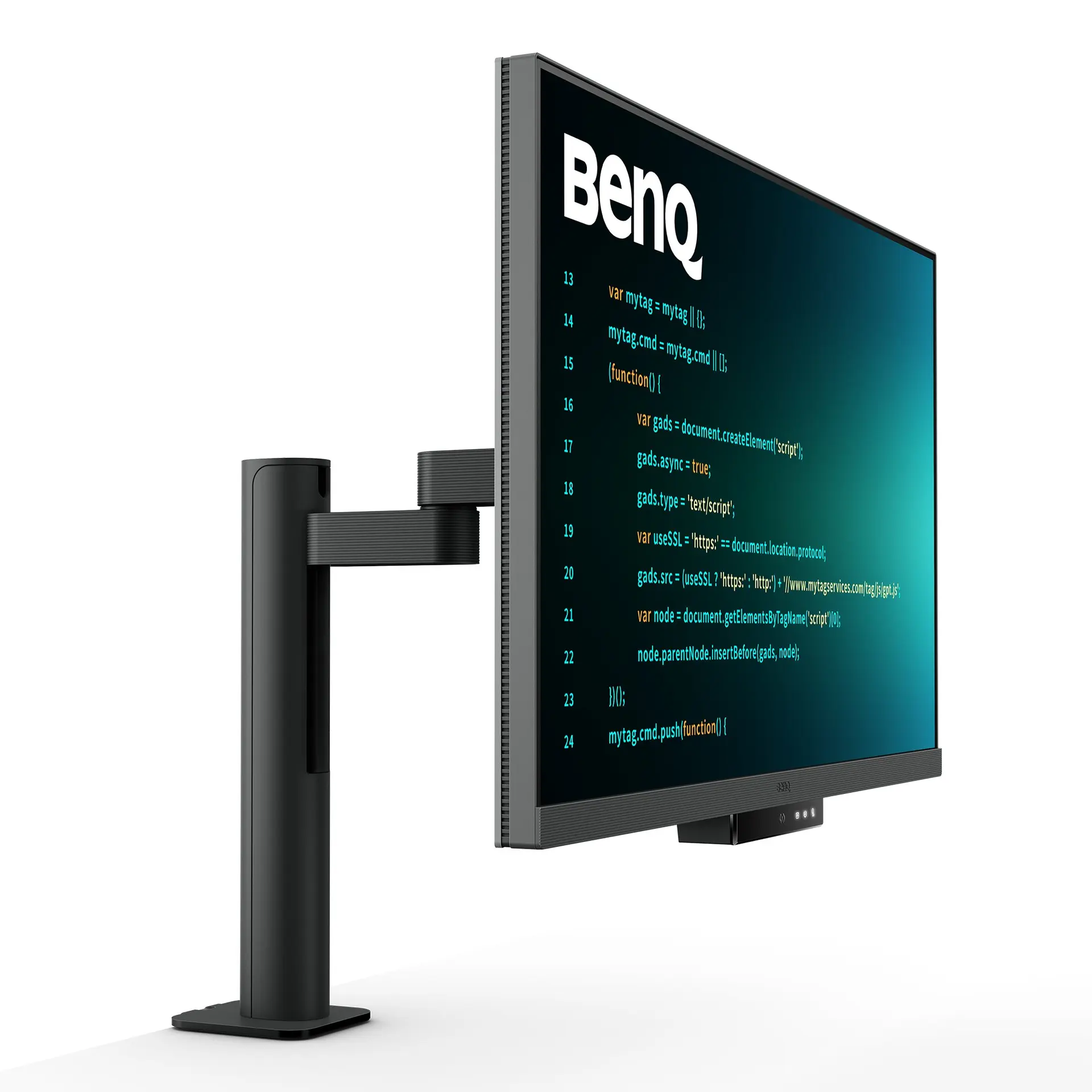 BenQ RD320UARD320UA · 31.5-inch IPS · flexible arm · BenQ UK specificationCompare the two
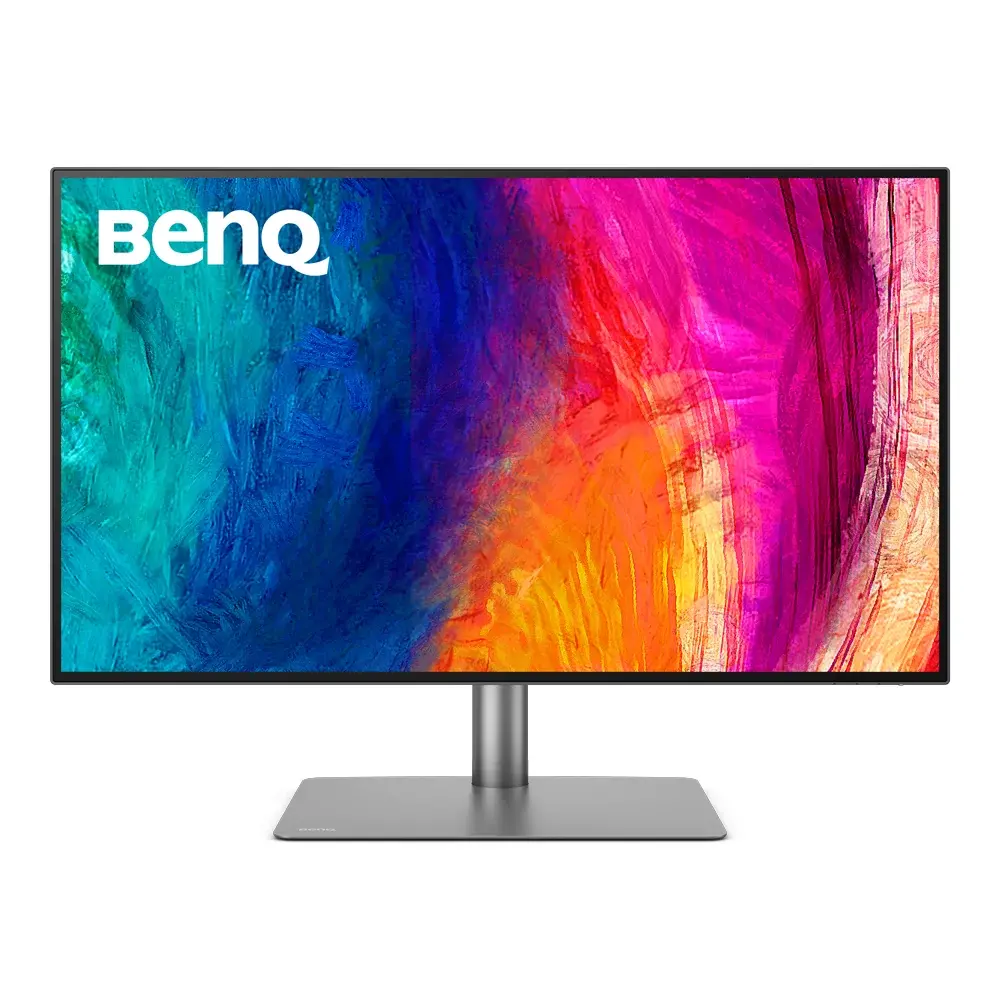 BenQ PD3225UPD3225U · 31.5-inch 4K IPS · Thunderbolt 3 · BenQ UK specificationCompare the two
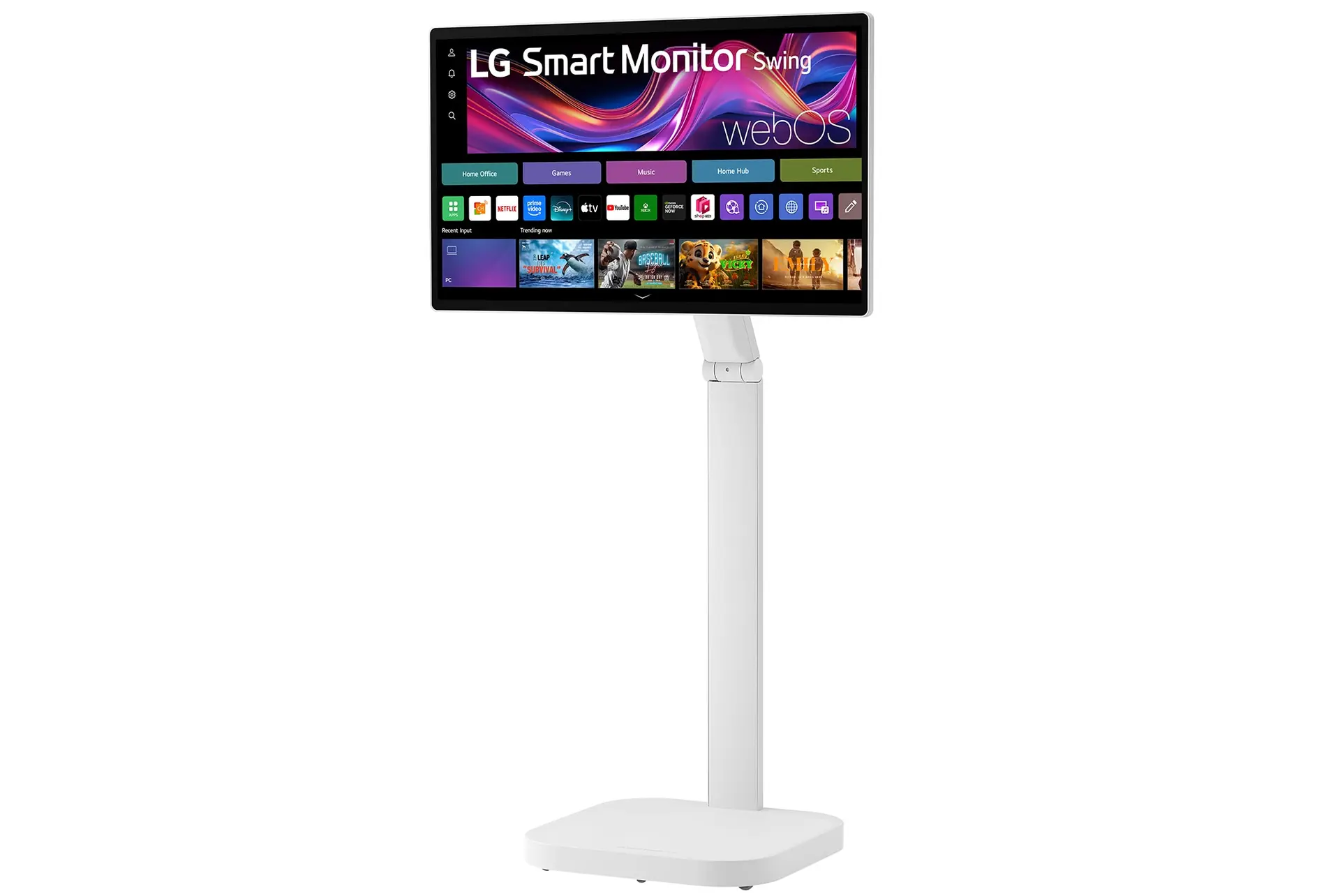 LG Smart Monitor Swing 32U889SA-WUK model 32U889SA-WCompare the two
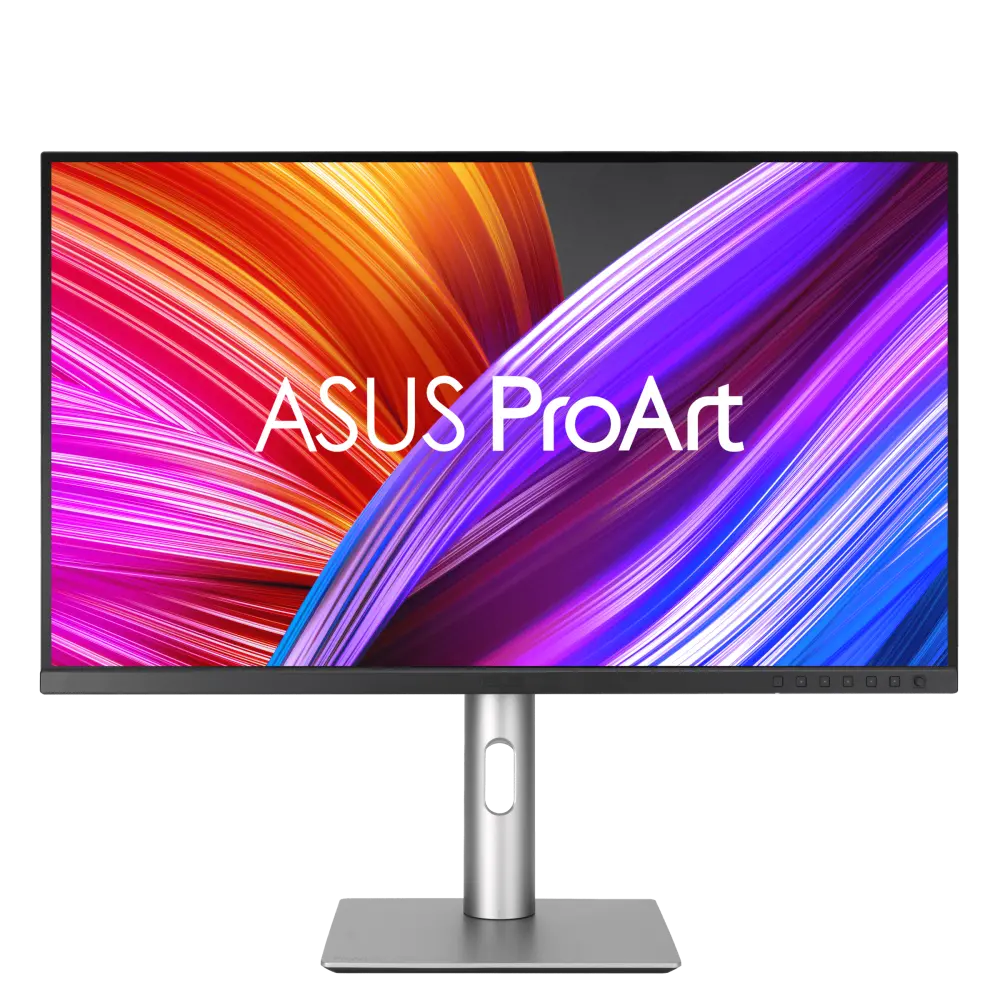 ASUS ProArt Display PA329CRVUK manufacturer specification · ProArt Display PA329CRVCompare the two
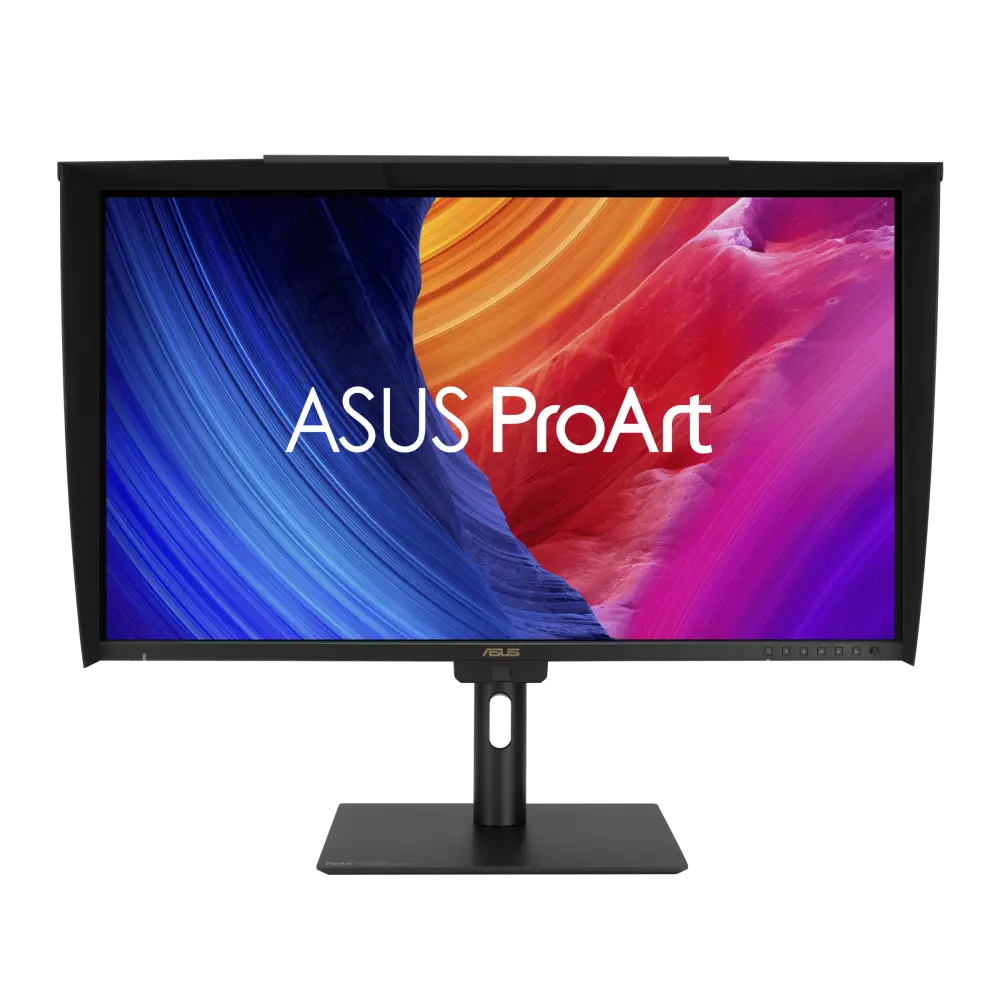 ASUS ProArt Display PA32UCEUK manufacturer specification · ProArt Display PA32UCECompare the two
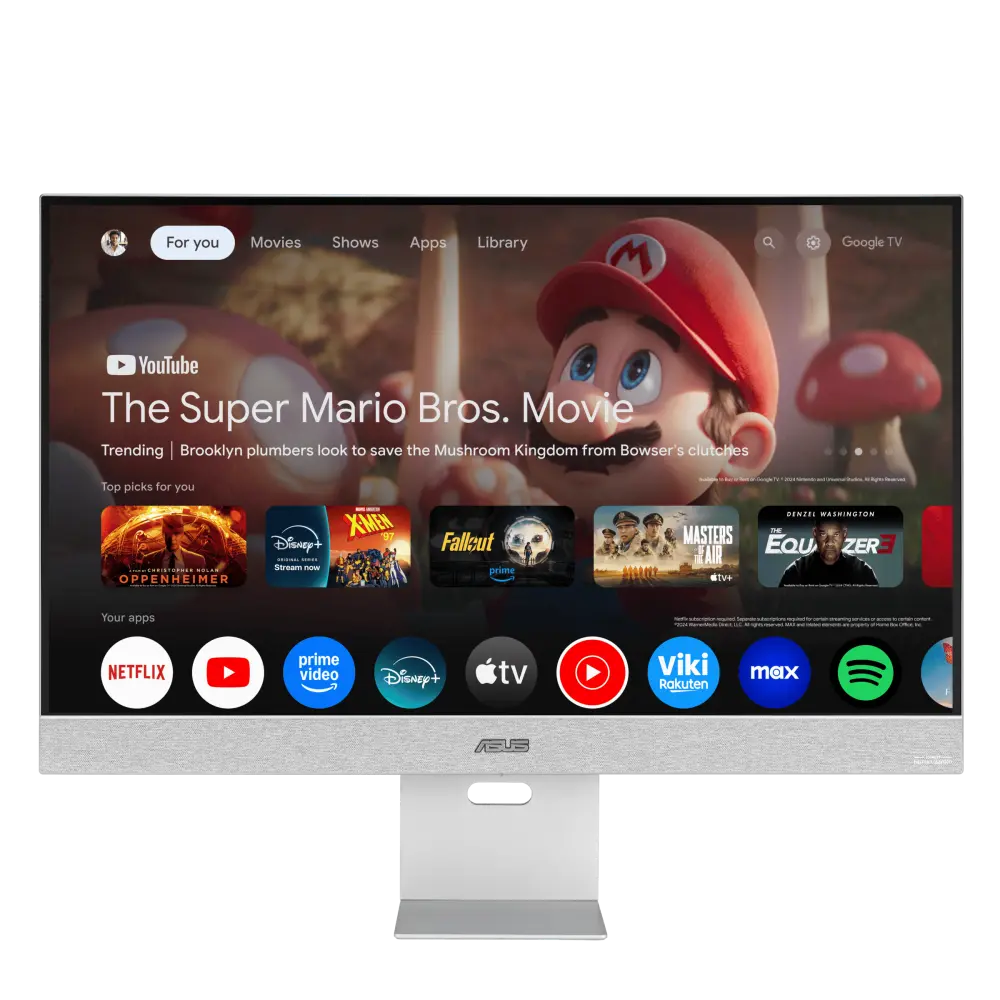 ASUS ZenScreen Smart Monitor MS32UCUK manufacturer specification · ZenScreen Smart Monitor MS32UCCompare the two
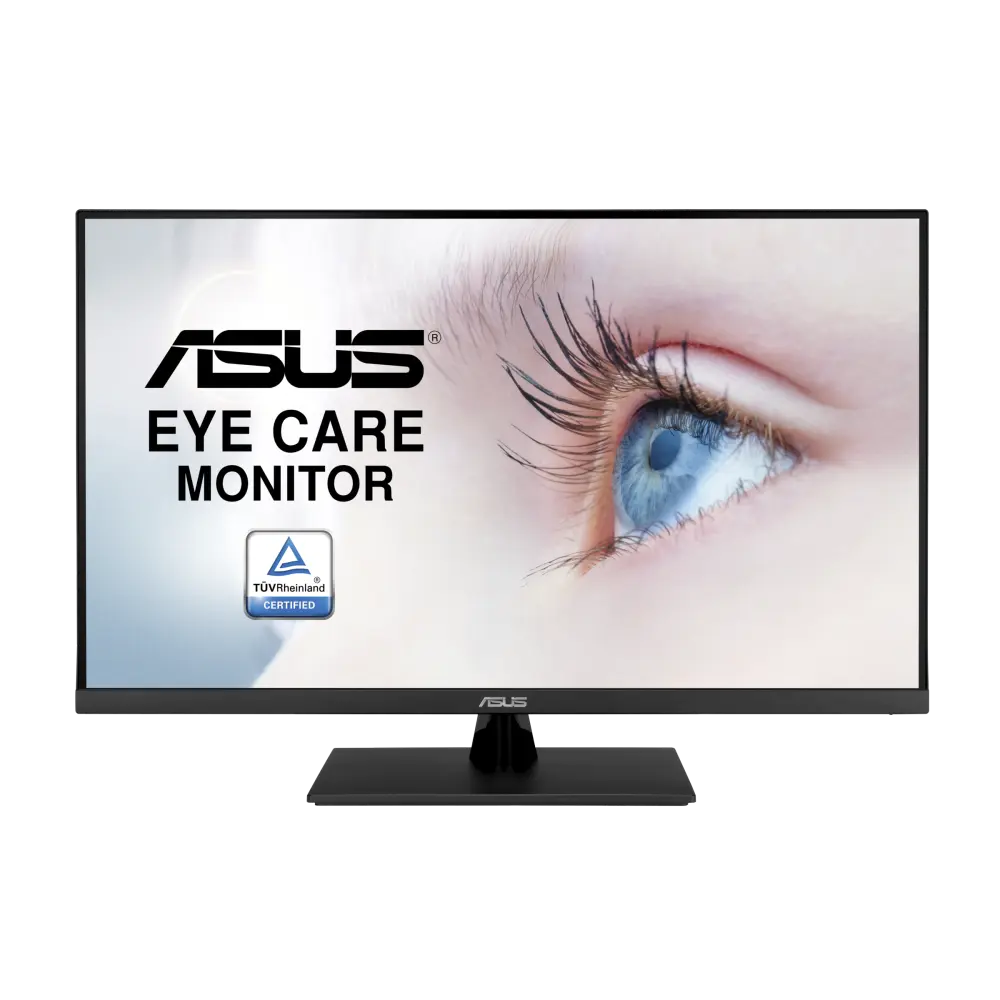 ASUS VP32UQUK manufacturer specification · VP32UQCompare the two
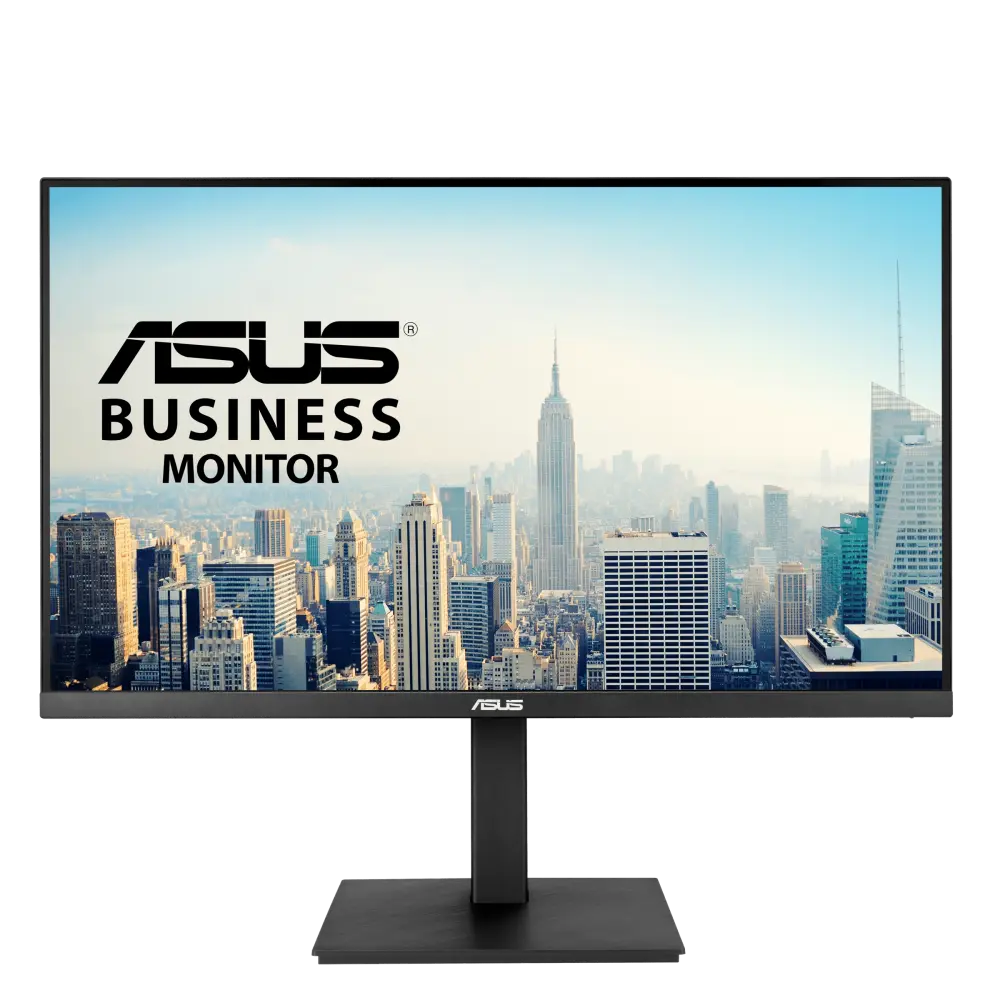 ASUS VA32UQSBGlobal manufacturer specification · VA32UQSBCompare the two