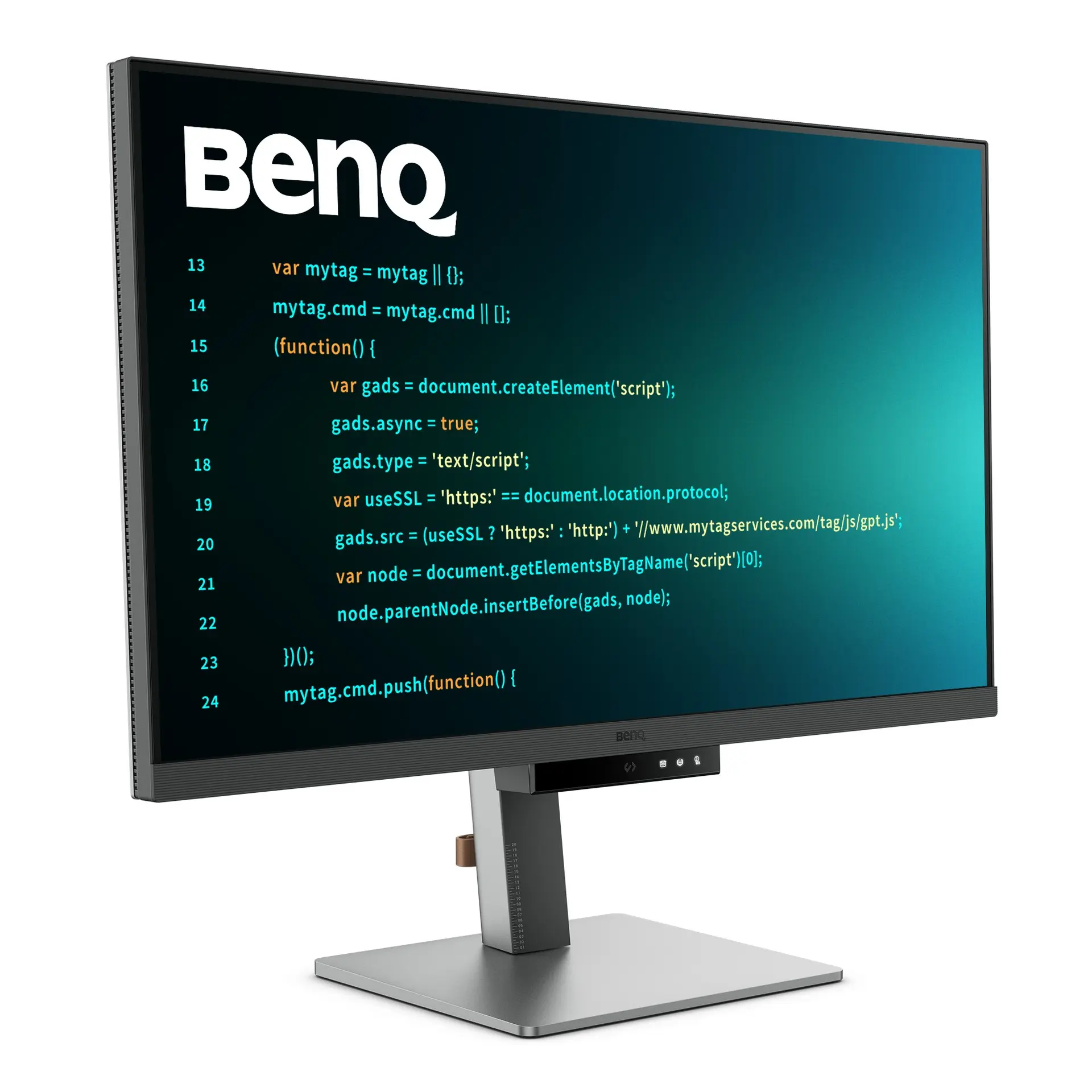
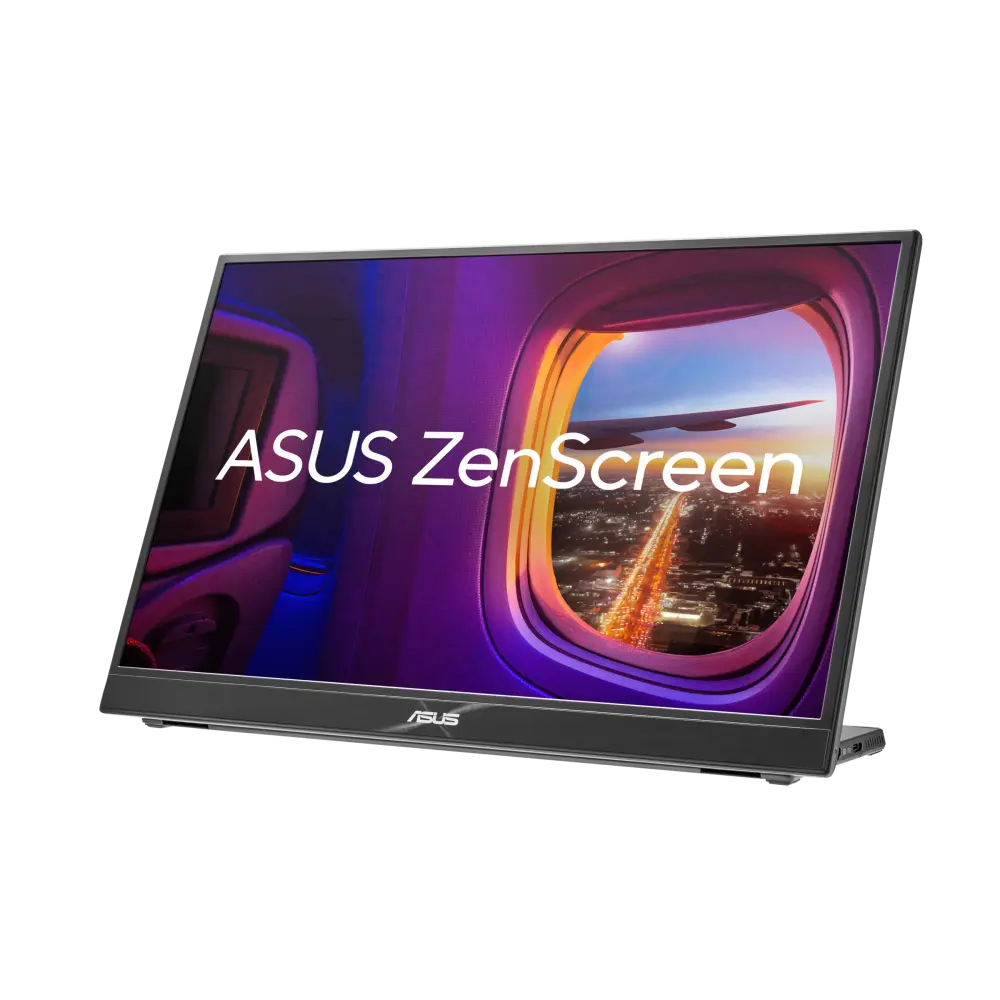
 ASUS ZenScreen MB16QHGUK manufacturer specification · ASUS ZenScreen MB16QHG
- Screen diagonal
- 16 inThis one: 24.1 in
- Refresh rate at native resolution
- 120 HzThis one: 60 Hz

24.1-inch IPS · UK specification
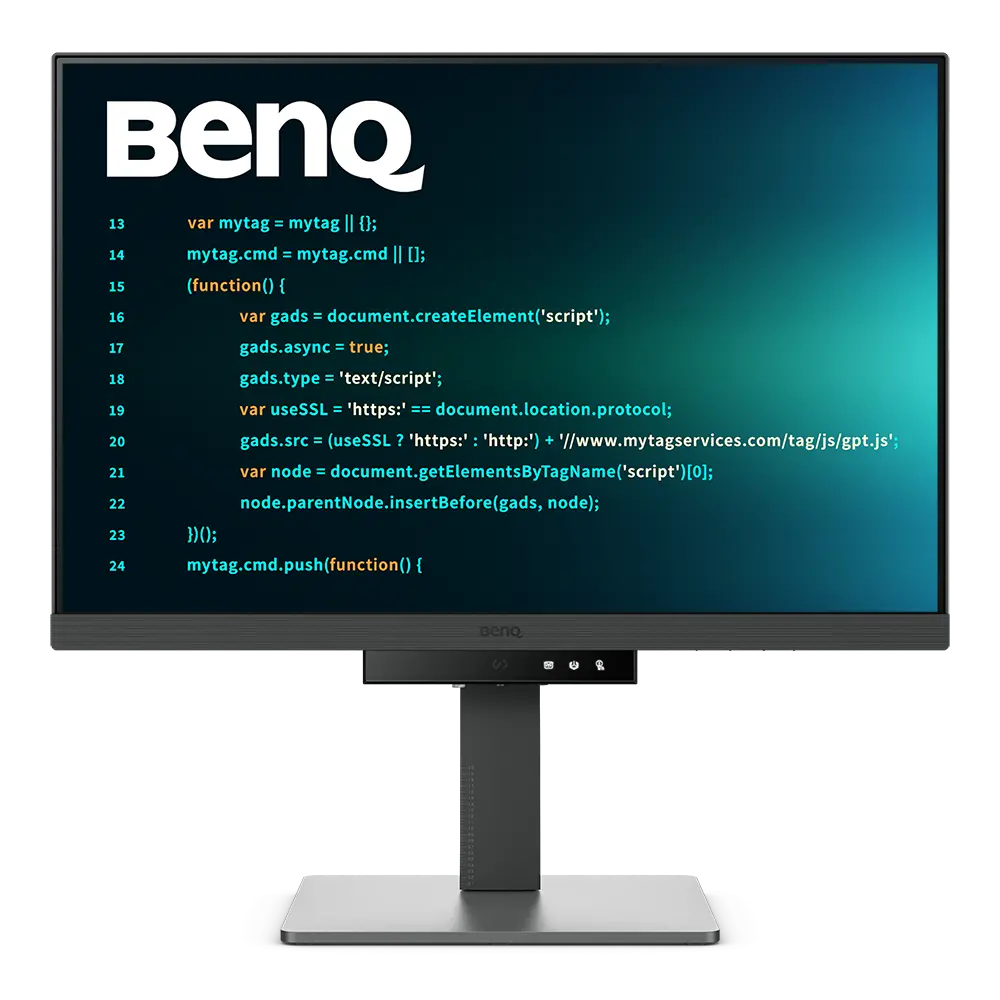
A 24.1-inch 2560 × 1600 (16:10) IPS programming monitor with USB-C with 90 W charging, USB-C MST daisy-chain output and a stand with 110 mm travel, swivel and pivot.
As an Amazon Associate I earn from qualifying purchases.
Email me when the BenQ RD240Q gets cheaper on eBay. We check exact-model listings once a day at 12:00 UTC.
Specifications checked 26 Sept 2026Manufacturer specifications, not a hands-on test.
The nearest checked monitors by key specifications, with what differs from the BenQ RD240Q. The first matches the Compare button above.
ASUS ZenScreen MB16QHGUK manufacturer specification · ASUS ZenScreen MB16QHG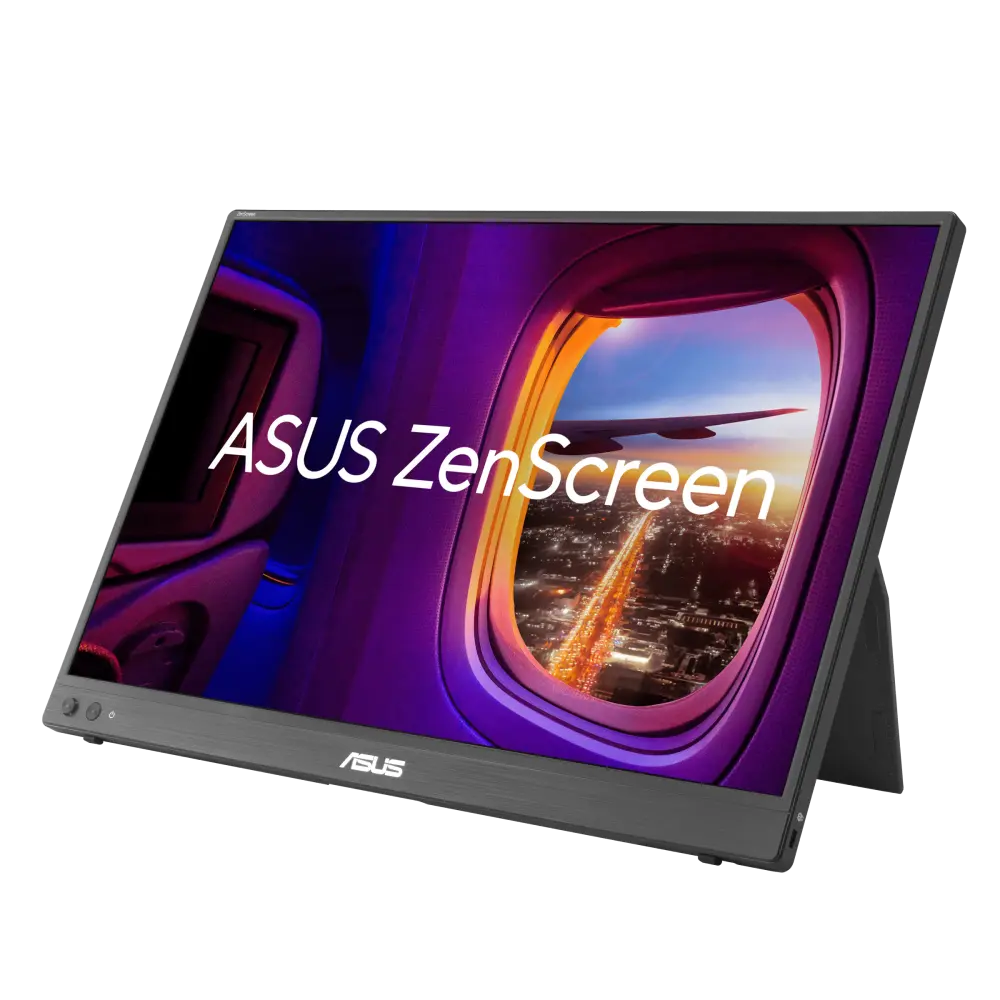 ASUS ZenScreen MB16NCGUK manufacturer specification · ZenScreen MB16NCG
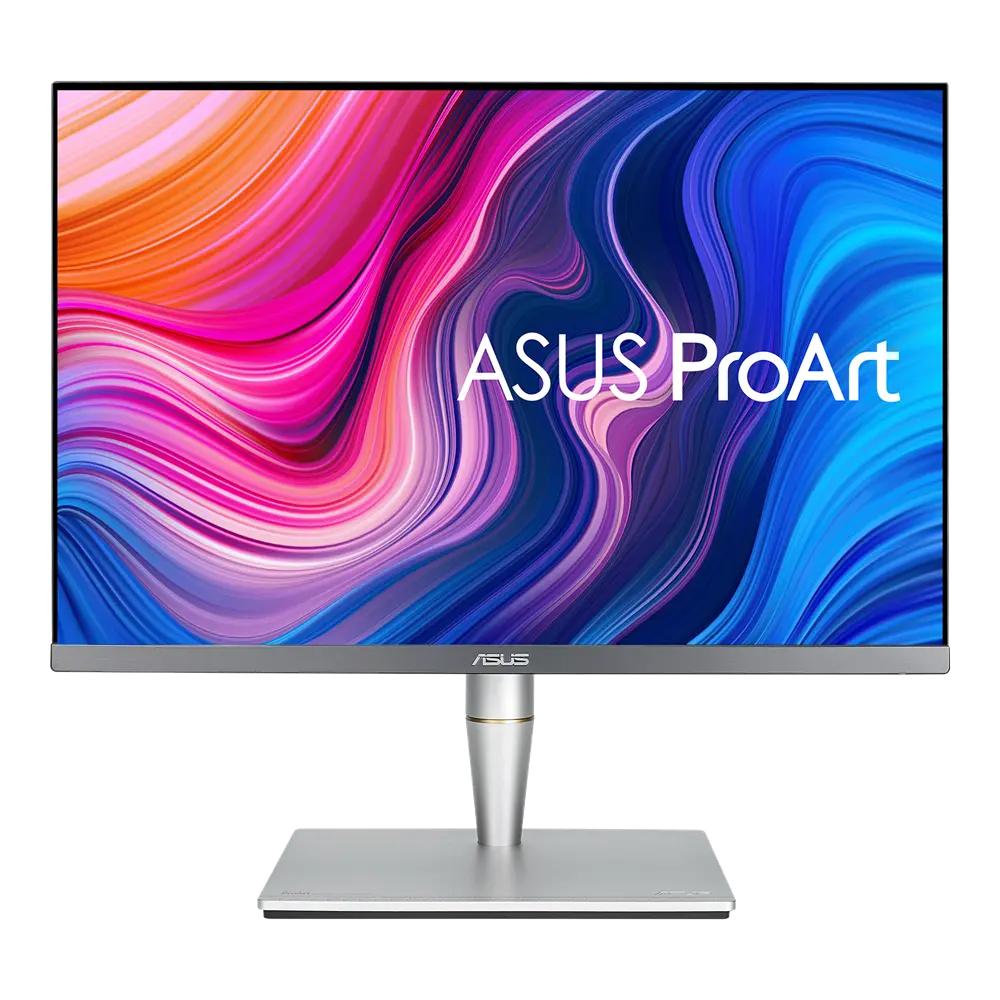 ASUS ProArt Display PA24ACUK manufacturer specification · ProArt Display PA24AC
The 16:10 aspect ratio gives more vertical space than a 16:9 screen of the same width; BenQ says its 16:10 design lets coders achieve more and scroll less.
USB-C carries video, data and 90 W charging, with MST daisy-chain output (not from Macs, which BenQ says daisy-chain only via Thunderbolt) and a four-port USB hub.
It runs at 60 Hz.
HDR is listed only as HDR10 without a DisplayHDR certification, and typical brightness is 300 nits.
Exact configuration: RD240Q · 24.1-inch IPS · BenQ UK specification
53 specifications in 10 groups. Values are manufacturer specifications unless a row says “Measured result” or “Calculated from cited specifications”. 1 row repeats a listed fact in the manufacturer’s own wording, kept under “Manufacturer wording”.
Manufacturer-listed panel diagonal; a rounded size may appear in the product name.
SourceManufacturer resolution notation: 2560x1600.
SourceLeft/right angles at a contrast ratio of at least 10:1, as listed.
SourceAt native resolution; the source device and input must support the mode.
SourceManufacturer GtG claim; BenQ’s specification table publishes no test conditions for it and lists no MPRT figure.
SourceThe same facts in the manufacturer’s combined or original wording, each with its source.
The source device and input must support the mode.
SourceManufacturer typical brightness; picture mode and content affect output.
SourceManufacturer-listed HDR formats or certification.
SourceManufacturer colour specification.
SourceManufacturer colour specification in its stated colour space; coverage is not an independent measurement.
SourceComplete “Color Mode” row from BenQ’s UK specification table. The product page describes the coding modes’ dark and light themes, with adjustable brightness, sharpness and contrast, and a Coding HotKey at the heart of the function bar.
BenQ’s table lists “Brightness Intelligence Gen2 (B.I. Gen2): Yes”; the product page says B.I. Gen2 detects the ambient brightness and automatically adjusts the screen brightness. Colour-temperature adjustment is not stated for this feature.
The listed connections include USB-C or Thunderbolt. Video, data, upstream/downstream roles and charging power depend on the particular port.
SourceManufacturer port counts and versions; the source device and cable must support the mode you want.
Source90 W from the USB-C port that also carries DisplayPort Alt Mode video and data. Downstream accessory ports supply less and are not laptop-charging ports.
SourceBenQ’s table lists no USB Type-B upstream port; the only listed computer connection carrying data is the USB-C port (“USB C(PowerDelivery 90W, DisplayPort Alt Mode, Data)”), so the downstream USB ports need a USB-C connection to the computer.
SourceMulti-Stream Transport via the listed USB-C out port. BenQ notes that Mac and MacBook devices only support daisy chaining via Thunderbolt, that daisy chaining is not supported via HDMI or regular USB ports on any device, and that M1/M2 Macs connect only a single external display.
Height-adjustable stand; travel is listed separately.
SourceManufacturer-listed travel: 110 mm. Not calculated from the external height range.
SourceDown/up range as listed by BenQ.
SourceLeft/right range as listed by BenQ.
SourcePortrait pivot supported; angle listed separately.
SourceMatch the screw size, monitor weight and the mount’s load rating as well as the hole pattern.
SourceBenQ lists 412.1 - 522.1x533.6x228.6 mm (height × width × depth). · Manufacturer dimensions with the supplied stand; a height range shows the stand’s lowest and highest positions. Allow extra room for cables and movement.
SourceDepth from the manufacturer dimension tuple. Allow additional room for cable routing and movement.
SourceManufacturer width in the listed landscape configuration.
SourceManufacturer panel dimensions without the base.
SourceBenQ lists “Net Weight” separately from “Net Weight (w/o Base)”, so this figure includes the supplied base; packaging excluded.
SourceManufacturer normal-mode figure; brightness, USB devices and charging load change real use.
SourceManufacturer power figure under the stated operating mode; real use, brightness, connected USB devices and charging load can differ.
SourceManufacturer power figure under the stated operating mode; real use, brightness, connected USB devices and charging load can differ.
SourceBenQ lists this as “Low Blue Light Plus”; the product page says it includes Circadian Mode, which automatically adjusts colour temperature through the day.
Complete “TUV Certificate” row (Certification) and Environmental Standards rows from BenQ’s UK specification table. The product page says TÜV Rheinland certifies its Flicker-Free and Low Blue Light and describes Eyesafe 2.0 certification. Manufacturer-listed certificates, not independent measurements or health claims.
BenQ’s TÜV certificate row names “Low Blue light (Hardware Solution)” as well as a separate “Low Blue light (Software Solution)” certificate.
SourceBenQ’s table lists “Night Hours Protection: Yes”; the product page describes eye protection in the dark with ambient light detection and auto-switch. No minimum-brightness figure is published.
BenQ notes that the signal cable may vary by region; check the seller’s listing.
SourceAccessory bundles can vary by market; check the seller’s listing.
SourceBenQ UK specification table. BenQ’s US page for the same model was checked separately on 26 September 2026 (see research notes); plugs, bundled accessories and warranty can still differ by market.
More of the nearest checked monitors by key specifications, for a side-by-side comparison.
 BenQ SW242Qsw242q · exact SW242Q UK manufacturer catalogue configurationCompare the two
 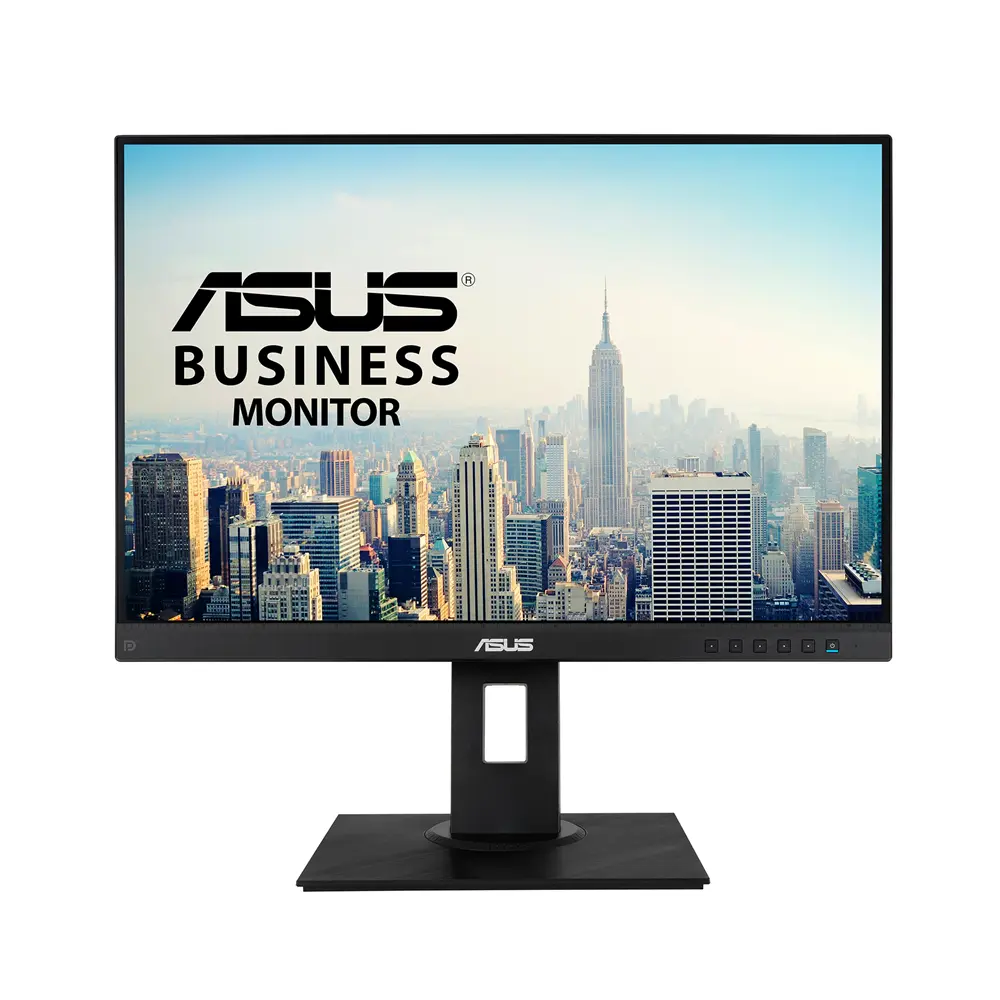 ASUS BE24WQLBGlobal manufacturer specification · BE24WQLBCompare the two
 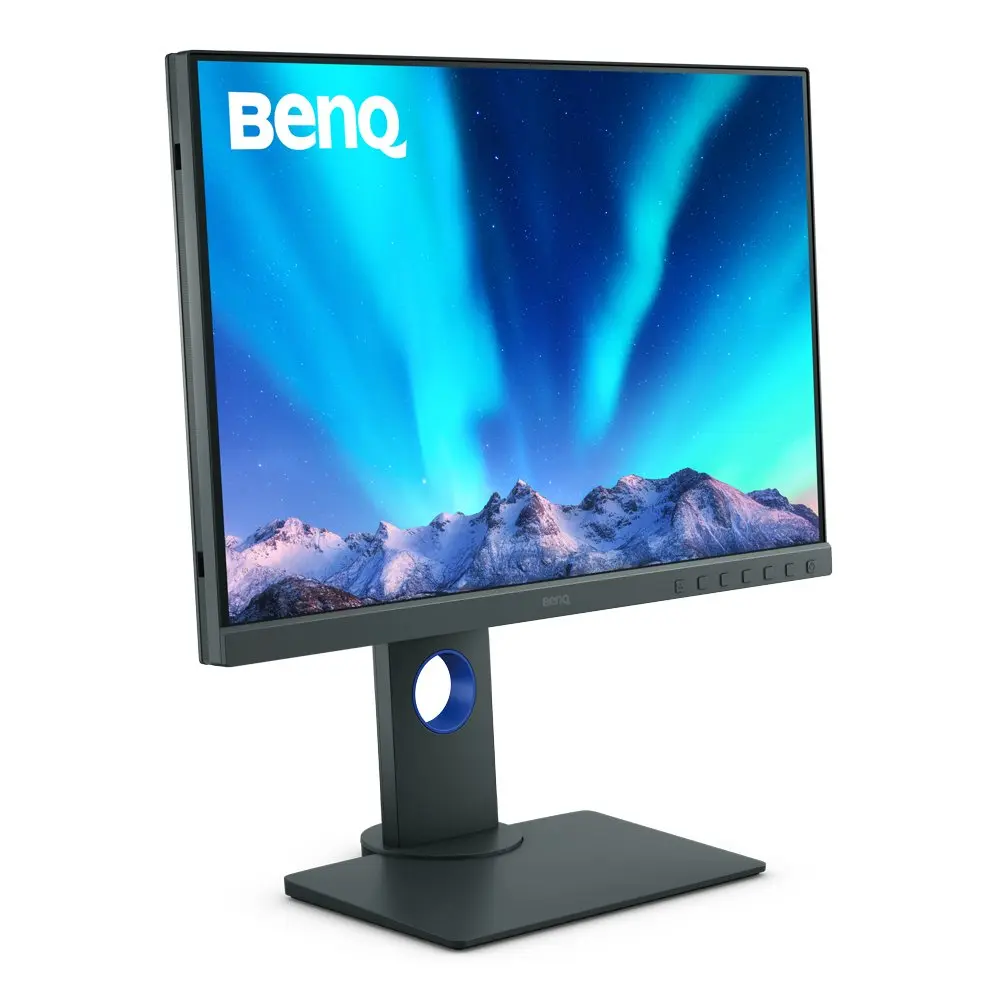 BenQ SW240SW240 · exact SW240 UK manufacturer catalogue configurationCompare the two
 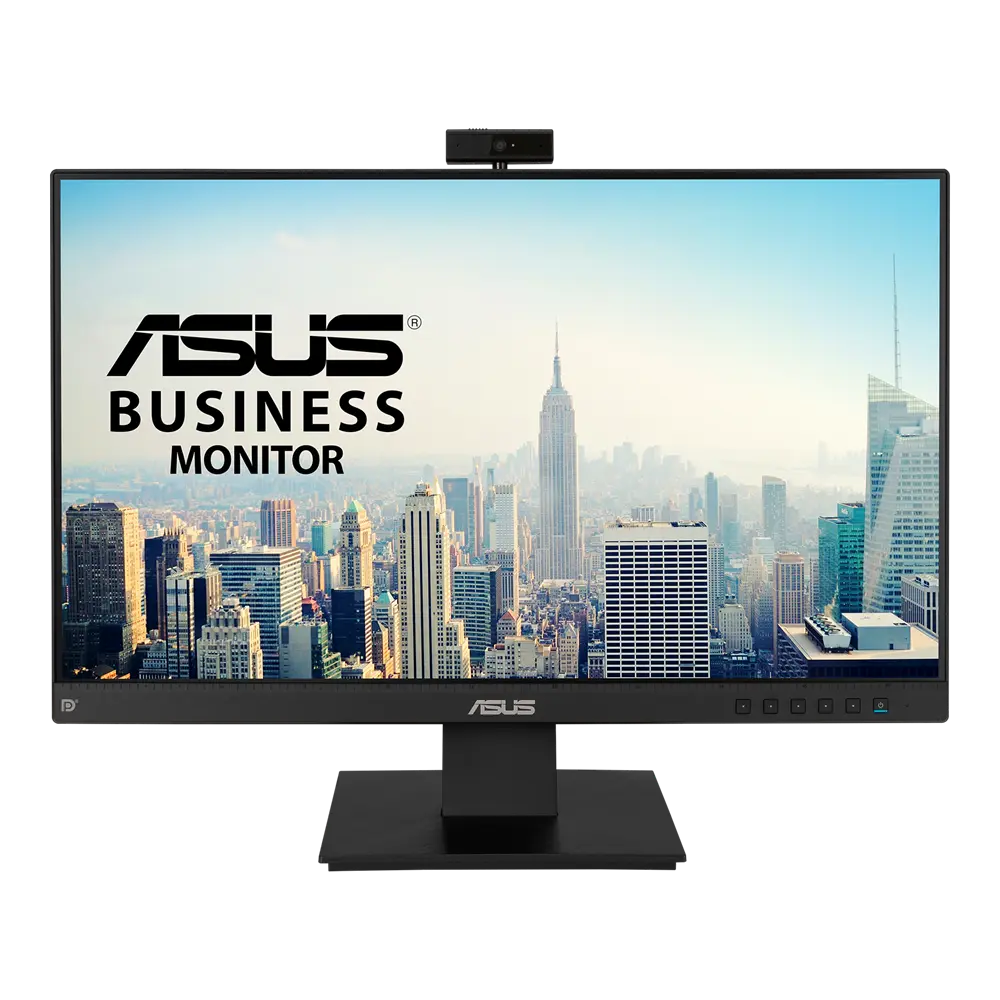 ASUS BE24EQKUK manufacturer specification · BE24EQKCompare the two
 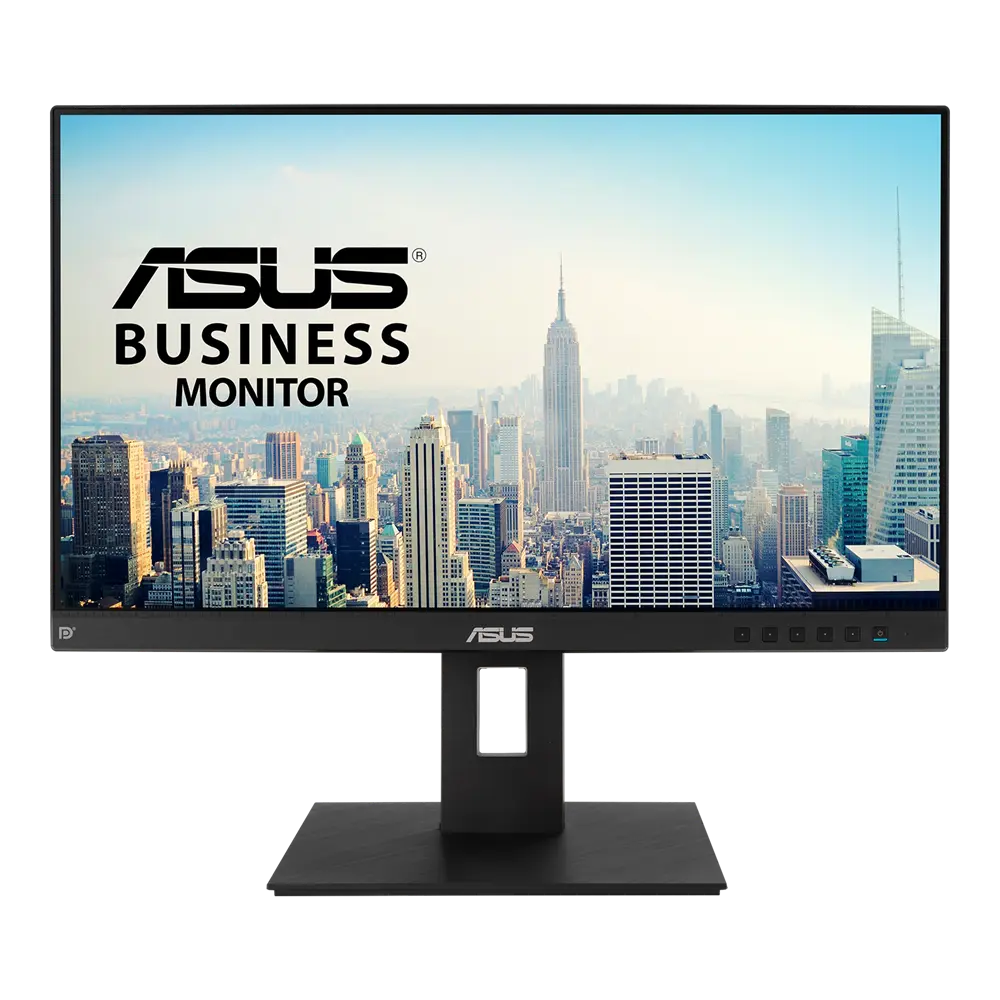 ASUS BE24EQSBUK manufacturer specification · BE24EQSBCompare the two
 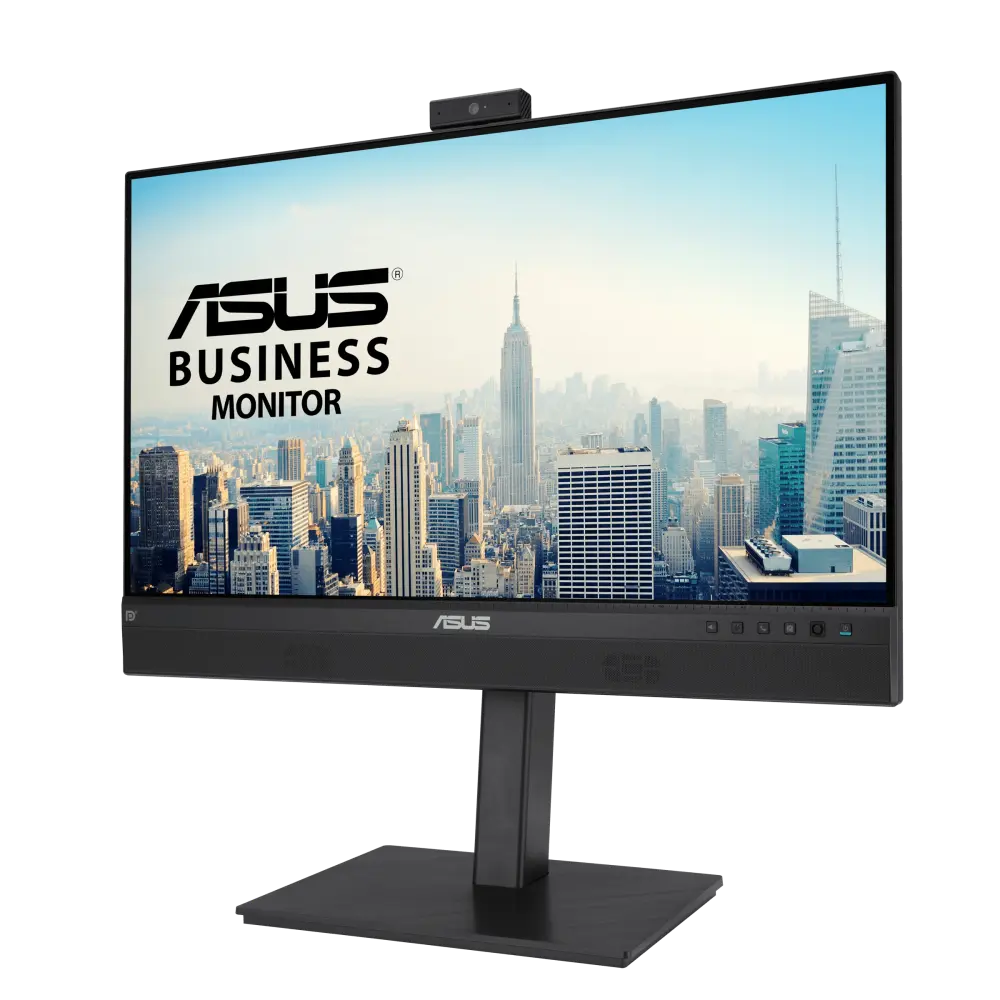 ASUS BE24ECSNKGlobal manufacturer specification · BE24ECSNKCompare the two
 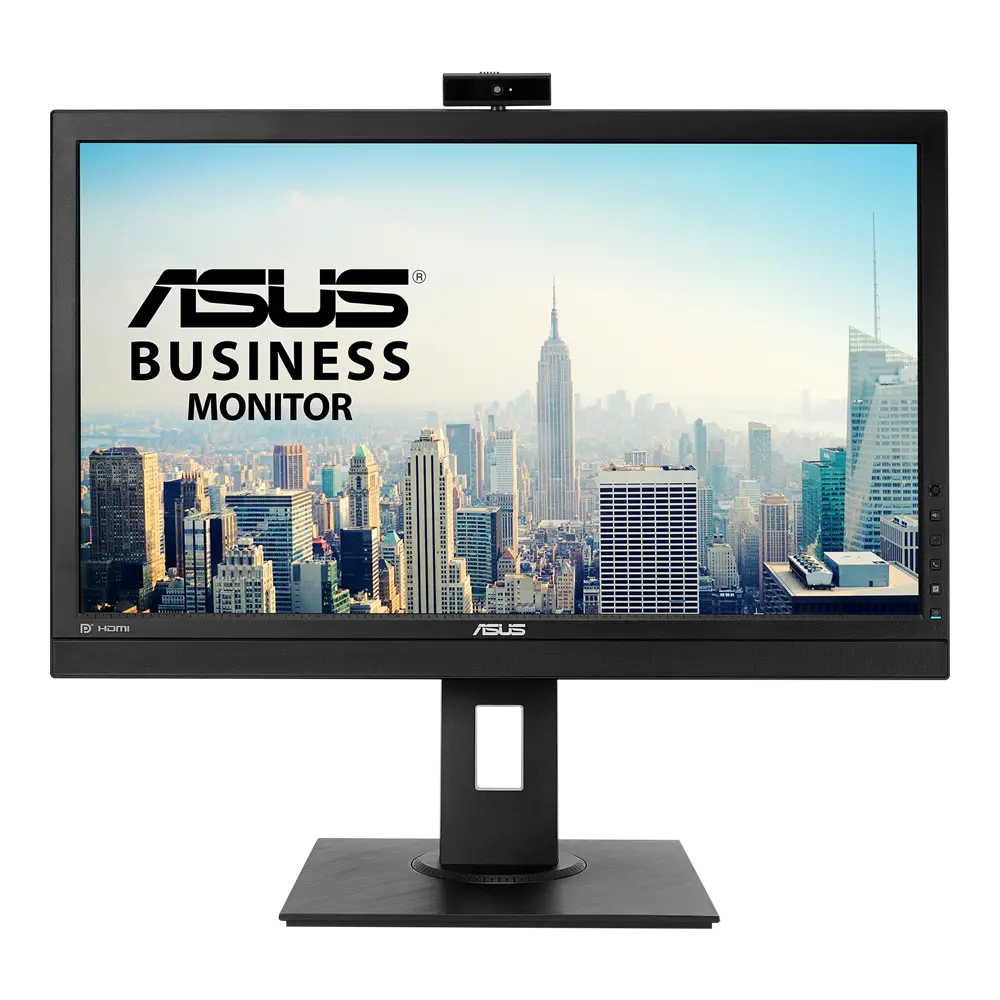 ASUS BE24DQLBGlobal manufacturer specification · BE24DQLBCompare the two
 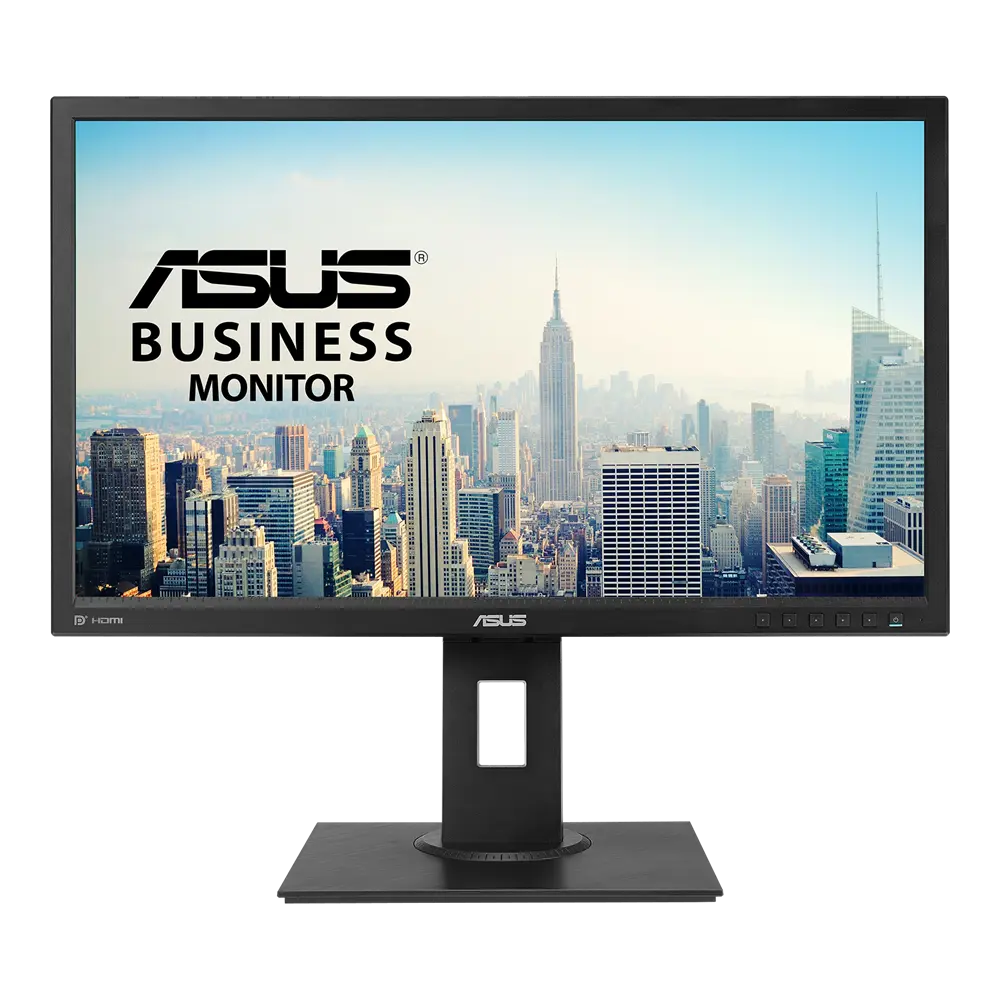 ASUS BE249QLBHGlobal manufacturer specification · BE249QLBHCompare the two