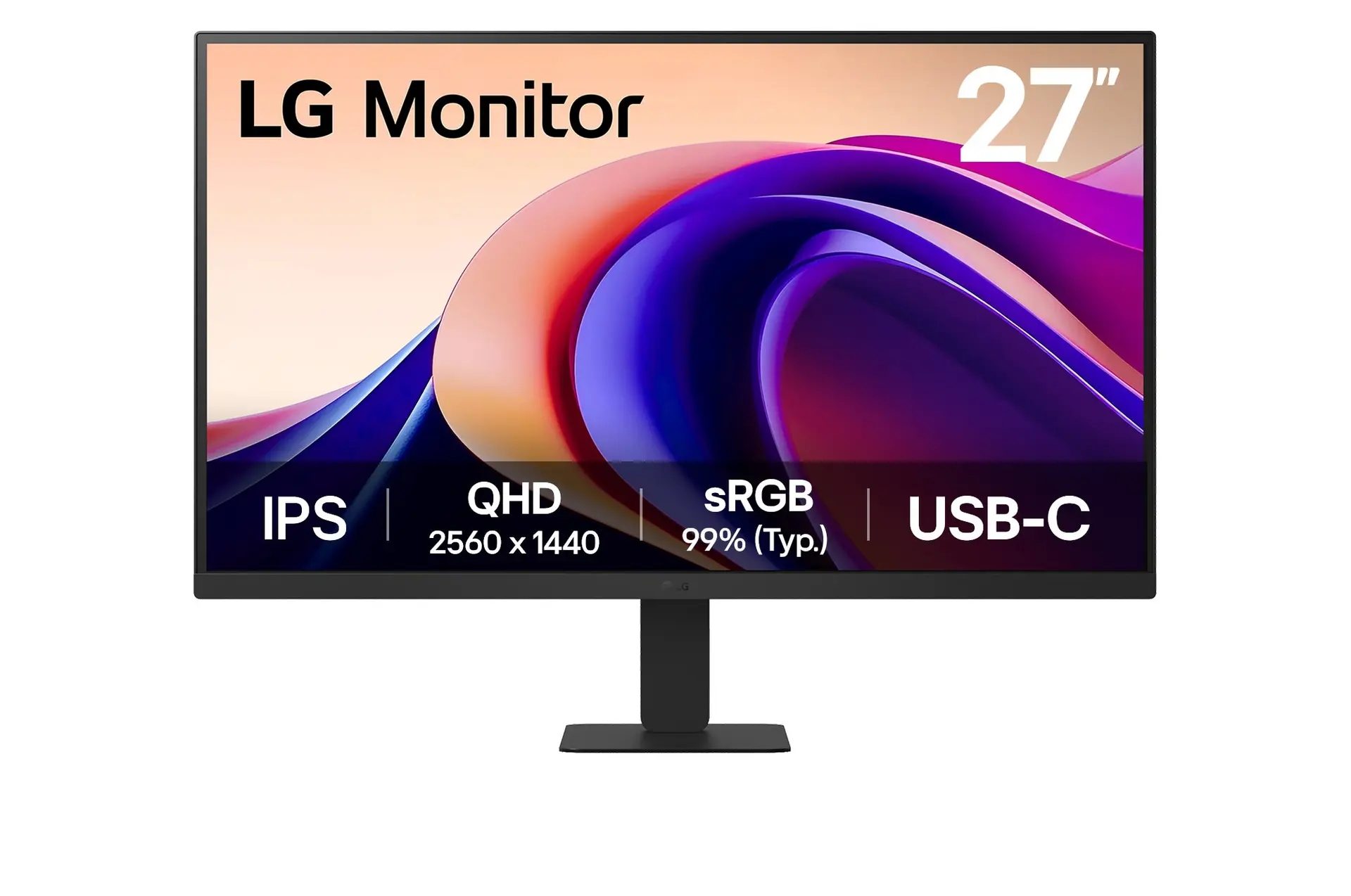
 LG 27U631A-BUK model 27U631A-B
- GtG response-time claim
- 5ms (GtG at Faster)This one: 5 ms
- Typical brightness
- 250 cd/m²This one: 350 cd/m²

27-inch IPS · UK specification
A 27-inch QHD IPS designer monitor with 100% sRGB and 95% P3 coverage, Pantone and Calman validation, and a USB-C hub with 90 W charging, MST daisy-chain output and a KVM switch.
As an Amazon Associate I earn from qualifying purchases.
Email me when the BenQ PD2706QN gets cheaper on eBay. We check exact-model listings once a day at 12:00 UTC.
Specifications checked 10 Sept 2026Manufacturer specifications, not a hands-on test.
The nearest checked monitors by key specifications, with what differs from the BenQ PD2706QN. The first matches the Compare button above.
LG 27U631A-BUK model 27U631A-B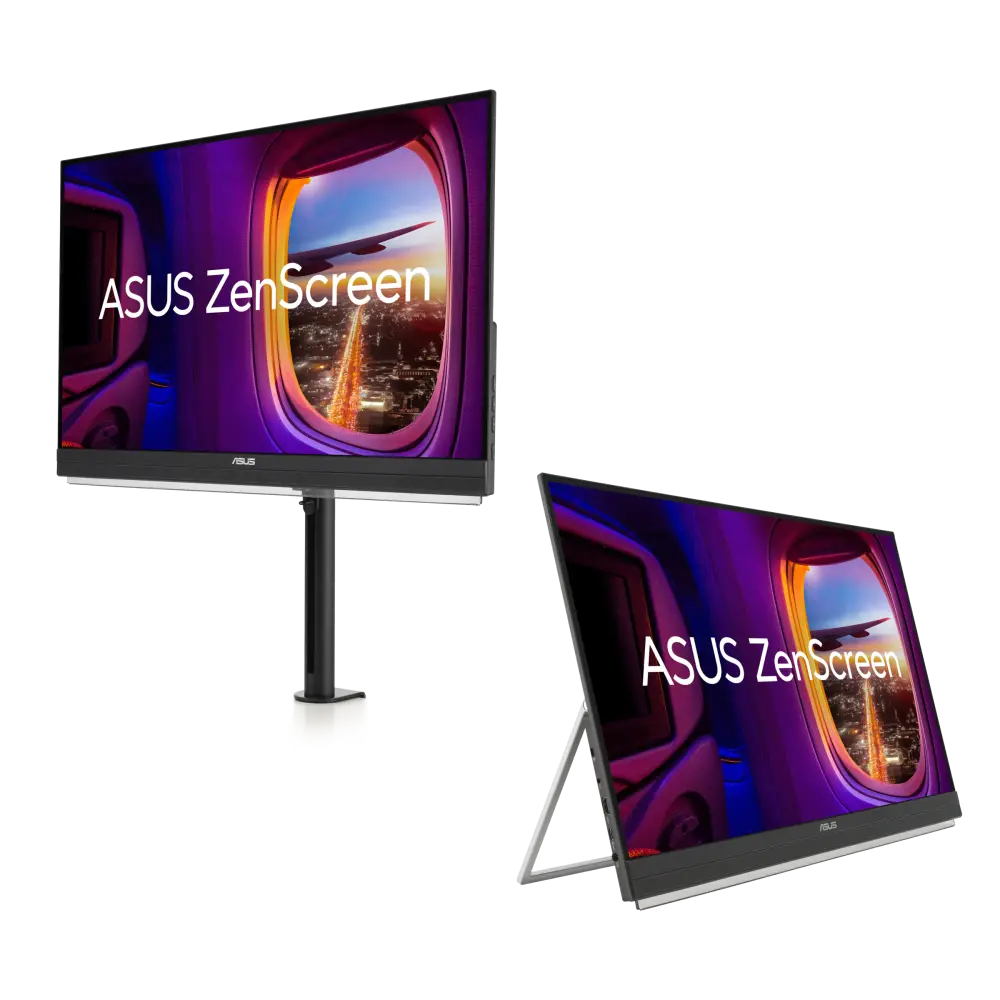 ASUS ZenScreen MB27ACFUK manufacturer specification · ZenScreen MB27ACF
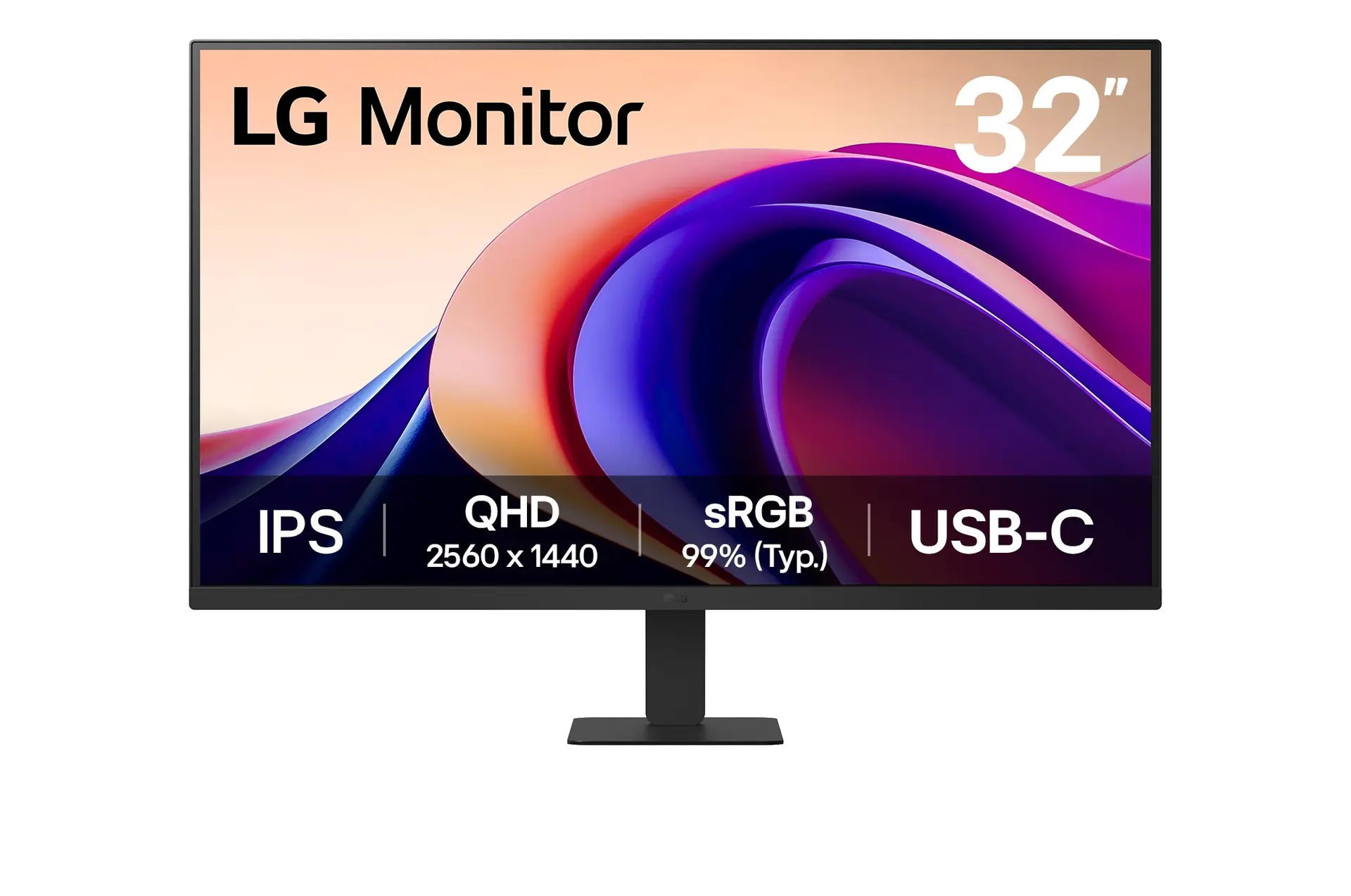 LG 32U631A-BUK model 32U631A-B
The IPS panel covers 100% sRGB and Rec.709 and 95% P3, ships with a ΔE ≤2 calibration report, and is Pantone, Pantone SkinTone and Calman validated.
One USB-C cable carries video, data and up to 90 W charging, with USB-C MST output for daisy-chaining, a KVM switch and a USB 3.2 hub.
The stand offers 115 mm of height travel, 15° swivel each way and 90° portrait pivot.
Its HDMI input is only version 2.0, and the IPS panel's contrast is rated at 1000:1.
Refresh is limited to 100 Hz with a 5 ms response rating, so it suits office and creative work more than fast gaming.
Exact configuration: PD2706QN · 27-inch IPS · BenQ UK specification
48 specifications in 9 groups. Values are manufacturer specifications unless a row says “Measured result” or “Calculated from cited specifications”. 1 row repeats a listed fact in the manufacturer’s own wording, kept under “Manufacturer wording”.
Manufacturer-listed panel diagonal; a rounded size may appear in the product name.
SourceManufacturer resolution notation: 2560x1440. See the separate refresh-mode conditions for any lower-resolution configurations.
SourceAt native resolution; the source device and input must support the mode.
SourceManufacturer response time; GtG and MPRT are different measures and depend on settings.
SourceThe same facts in the manufacturer’s combined or original wording, each with its source.
The source device and input must support the mode.
SourceManufacturer typical brightness; picture mode and content affect output.
SourceManufacturer colour specification in its stated colour space.
SourceManufacturer colour specification in its stated colour space.
SourceManufacturer colour specification in its stated colour space.
SourceManufacturer-listed HDR formats or certification.
SourceManufacturer-listed HDR formats or certification.
SourceManufacturer-listed third-party validation programmes.
SourceThe listed connections include USB-C or Thunderbolt. Video, data, upstream/downstream roles and charging power depend on the particular port.
SourceThe downstream USB ports are USB 3.2 Gen 1 (5 Gbps); two USB-A ports supply 4.5 W, and the third USB-A and the USB-C downstream port 7.5 W. · Manufacturer port counts and versions; the source device and cable must support the mode you want.
Source90 W from the USB-C port that also carries DisplayPort Alt Mode video and data. The downstream ports supply 4.5 W or 7.5 W for accessories, not laptop charging.
SourceHeight-adjustable stand; travel is listed separately.
SourceManufacturer-listed travel: 115 mm. Not calculated from the external height range.
SourceMatch the screw size, monitor weight and the mount's load rating as well as the hole pattern.
SourcePortrait pivot supported; angle listed separately.
SourceBenQ lists 429.97-544.96 × 614 × 220.2 mm (height × width × depth). · Manufacturer dimensions in the stated orientation; allow extra room for cables and stand movement. A height range shows the stand's lowest and highest positions.
SourceDepth from the manufacturer dimension tuple. Allow additional room for cable routing and movement.
SourceManufacturer width in the listed landscape configuration.
SourceNet product weight with the supplied stand or arm; packaging excluded.
SourceBenQ lists 368 × 614 × 80.9 mm (height × width × depth, without base). · Manufacturer dimensions in the stated orientation; allow extra room for cables and stand movement. A height range shows the stand's lowest and highest positions.
SourceManufacturer normal-mode power figure; brightness, USB devices and charging load change real use.
SourceManufacturer power figure under the stated operating mode; real use, brightness, connected USB devices and charging load can differ.
SourceManufacturer power figure under the stated operating mode; real use, brightness, connected USB devices and charging load can differ.
SourceAccessory bundles and cable versions can vary by market; check the seller's listing.
SourceAccessory bundles and cable versions can vary by market; check the seller's listing.
SourceUK model specification; US versions can differ in plugs, bundled accessories and warranty.
SourceMore of the nearest checked monitors by key specifications, for a side-by-side comparison.
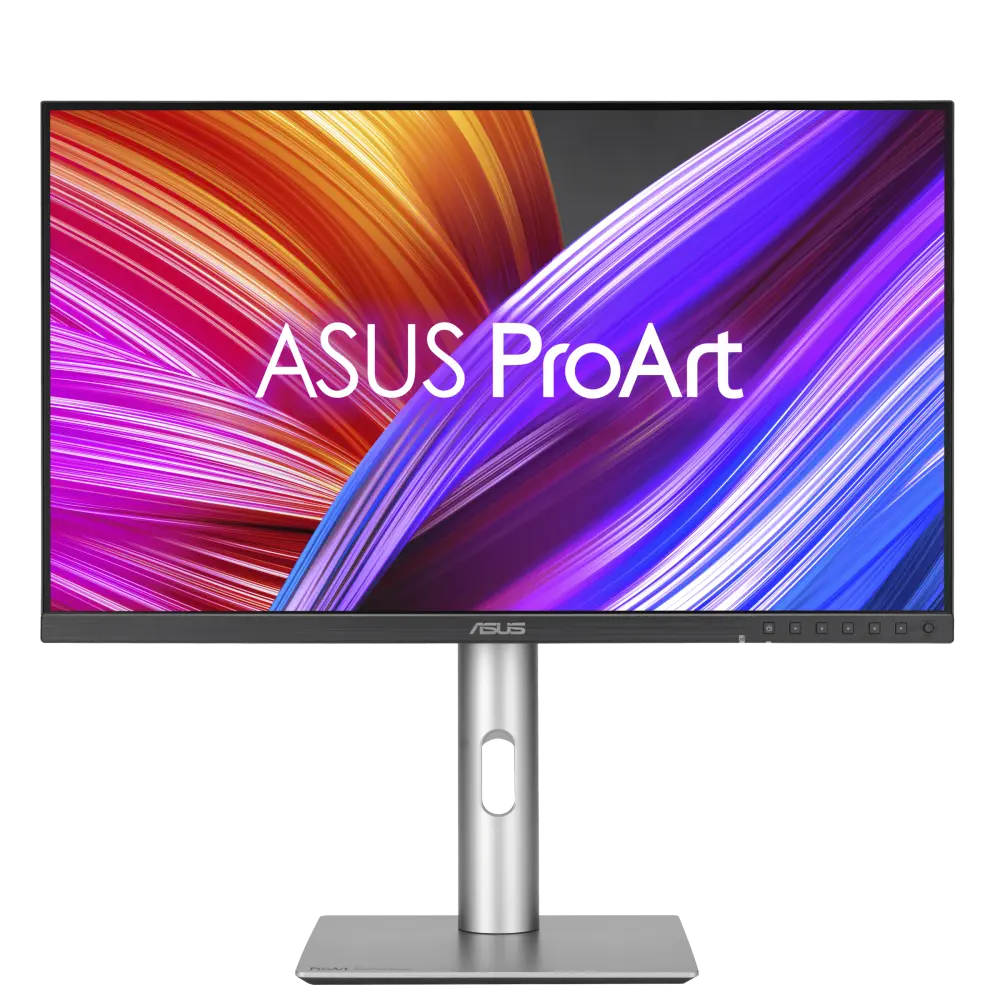 ASUS ProArt Display PA278CFRVUK manufacturer specification · ProArt Display PA278CFRVCompare the two
 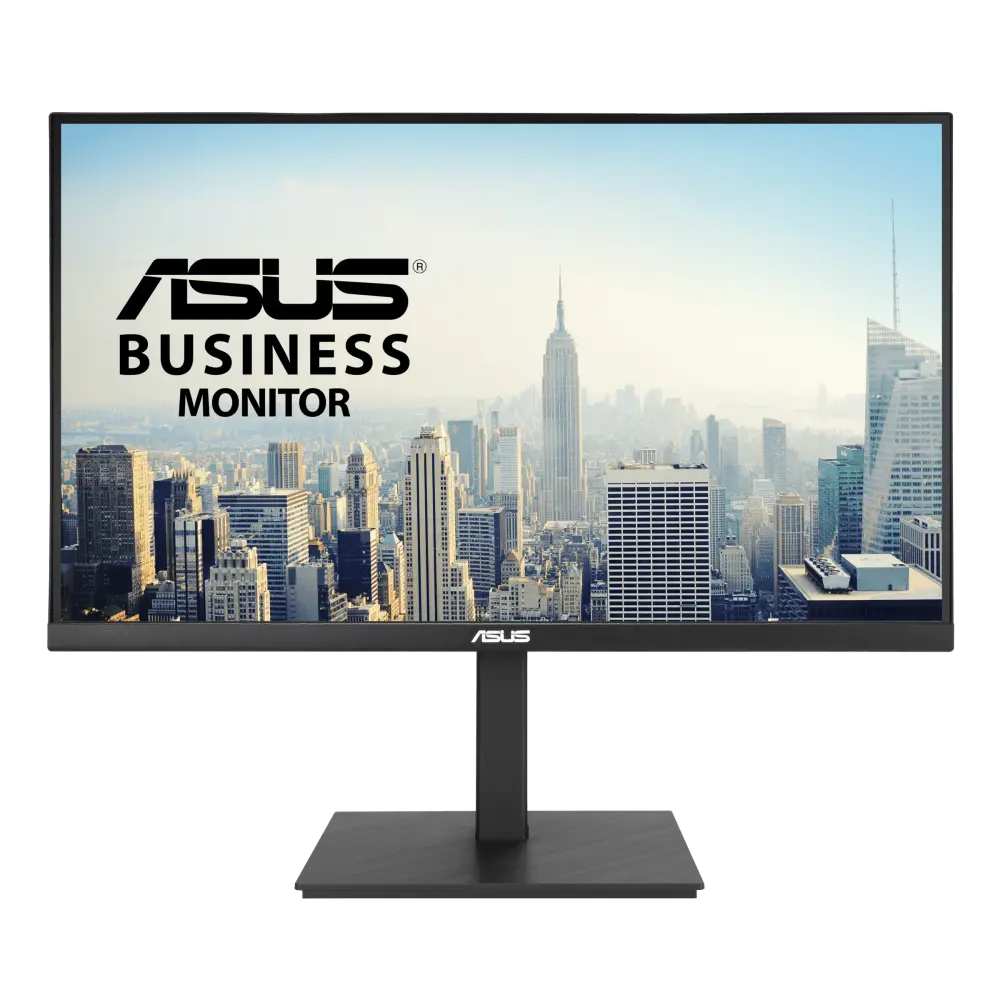 ASUS VA27ACFSNGlobal manufacturer specification · VA27ACFSNCompare the two
  ASUS BE27ACGNUK manufacturer specification · BE27ACGNCompare the two
 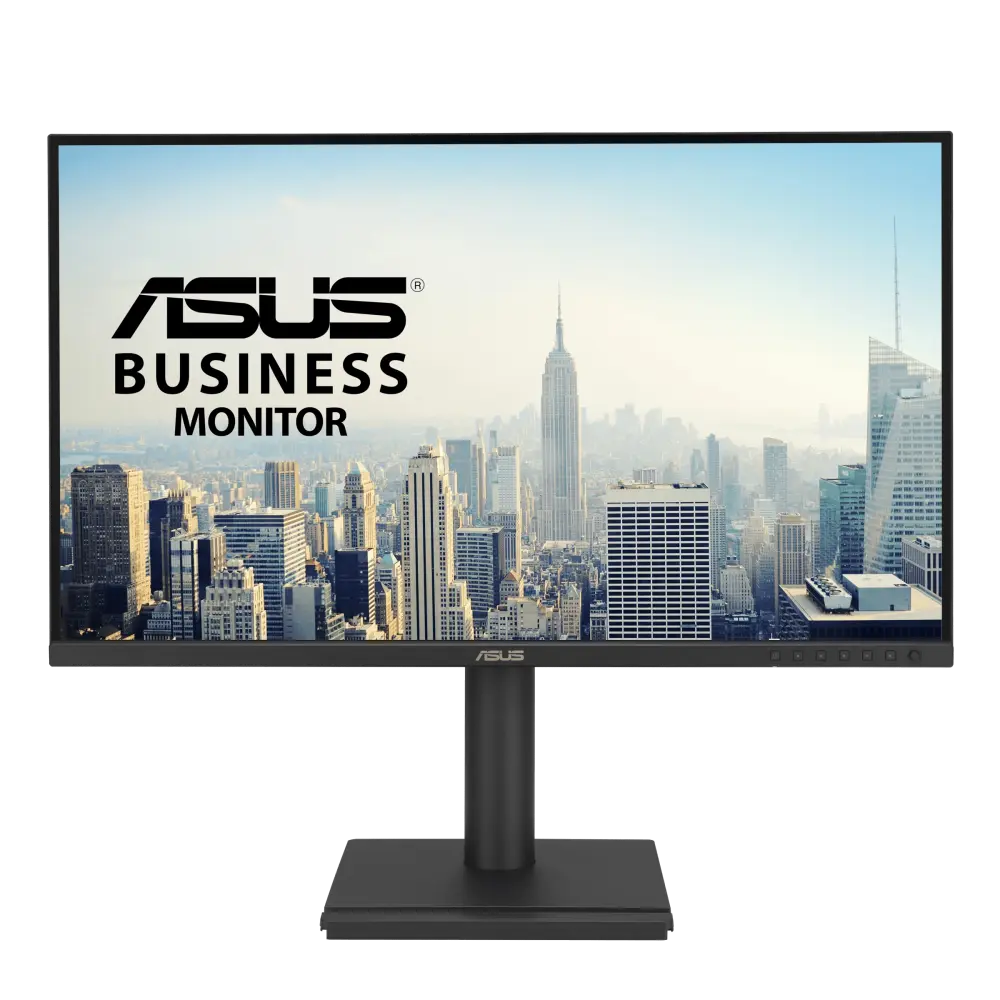 ASUS BE27AQGUK manufacturer specification · BE27AQGCompare the two
 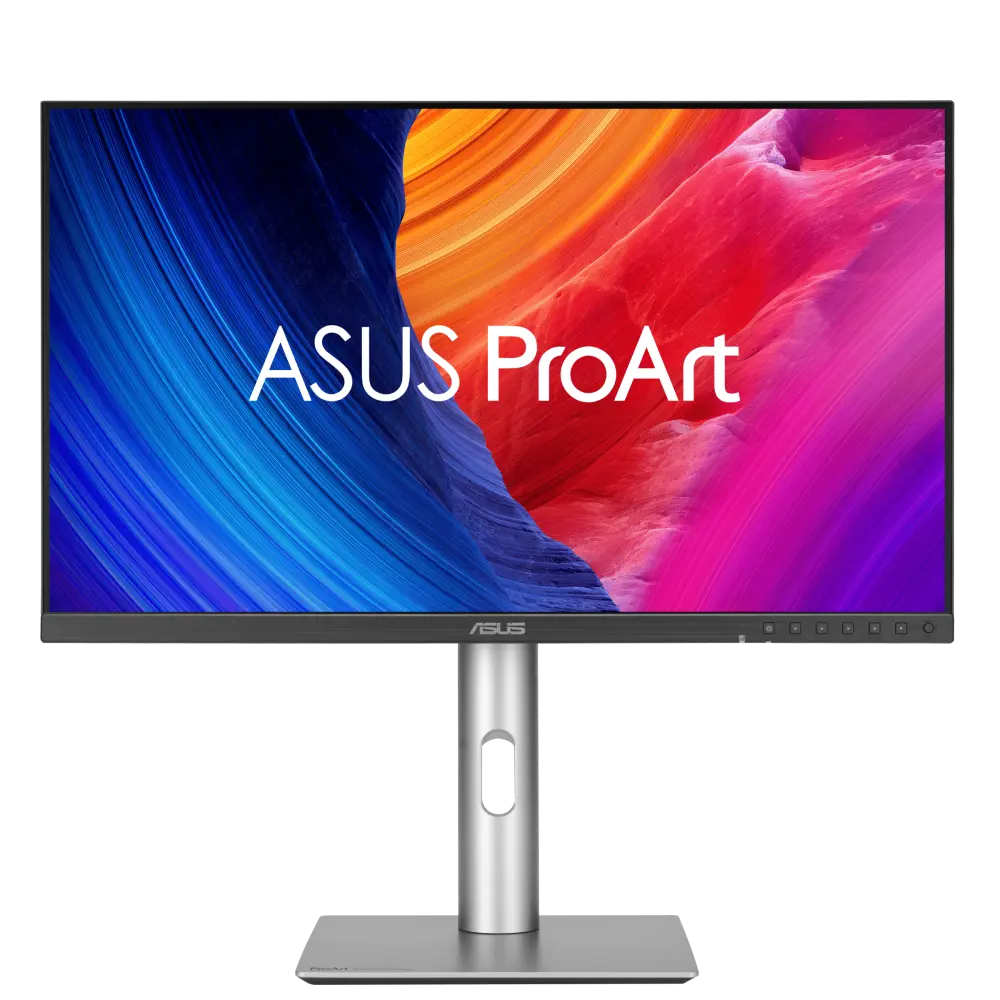 ASUS ProArt Display PA278QV Gen2 (PA278QGV)UK manufacturer specification · ProArt-Display-PA278QV-Gen2-PA278QGVCompare the two
 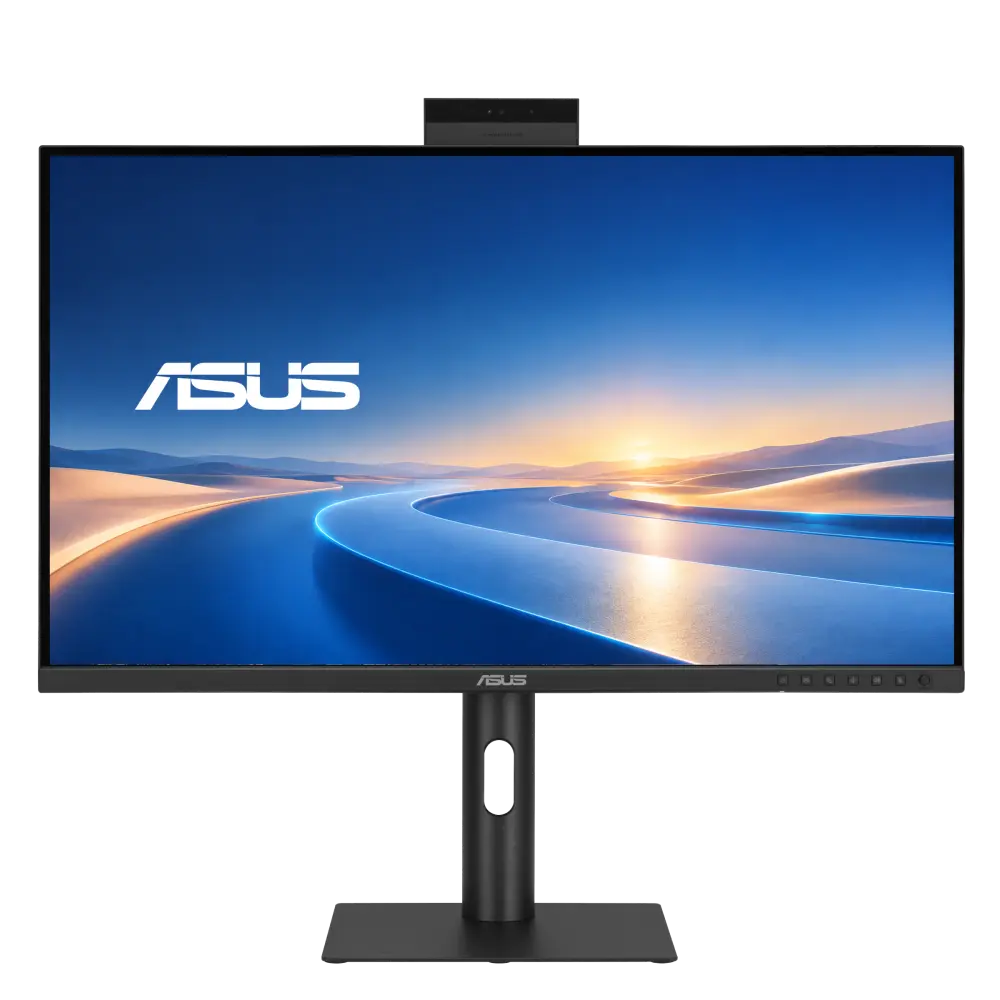 ASUS BE27ACGNKGlobal manufacturer specification · BE27ACGNKCompare the two
  ASUS BE27AQUK manufacturer specification · BE27AQCompare the two
 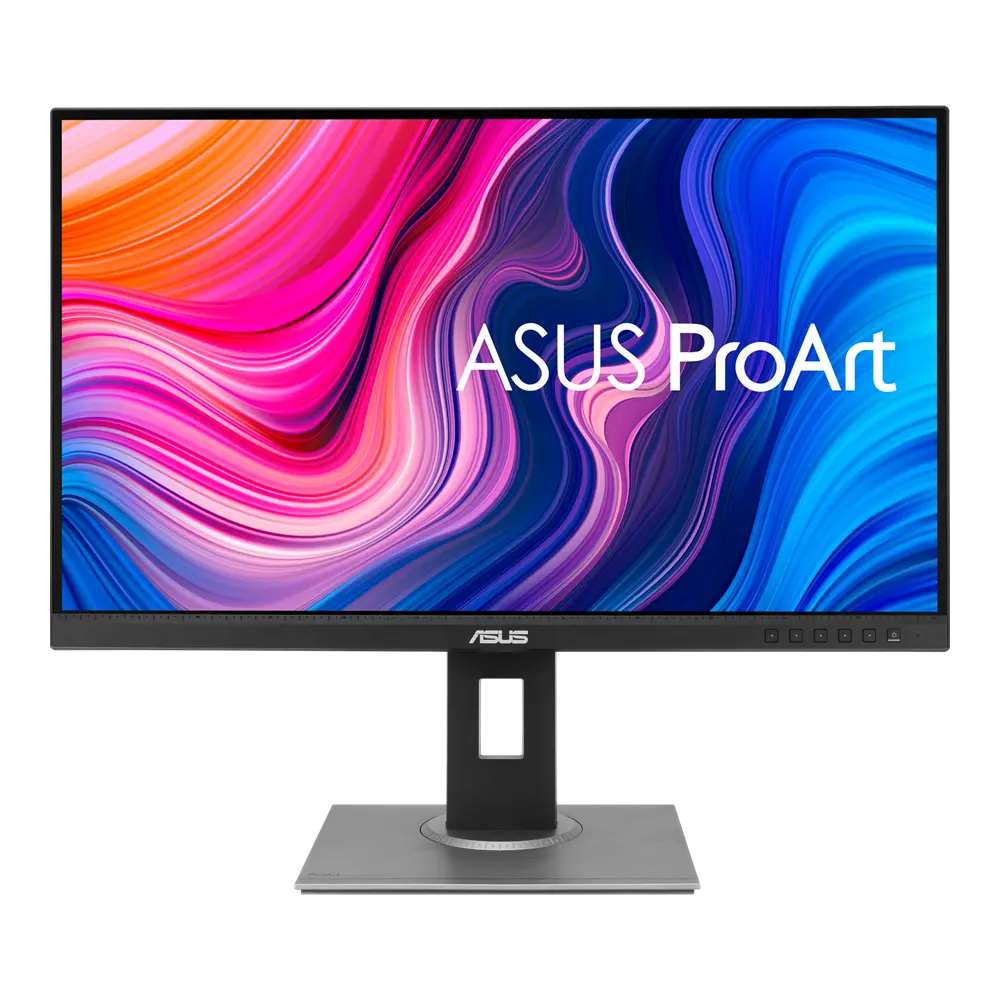 ASUS ProArt Display PA278QVUK manufacturer specification · ProArt Display PA278QVCompare the two