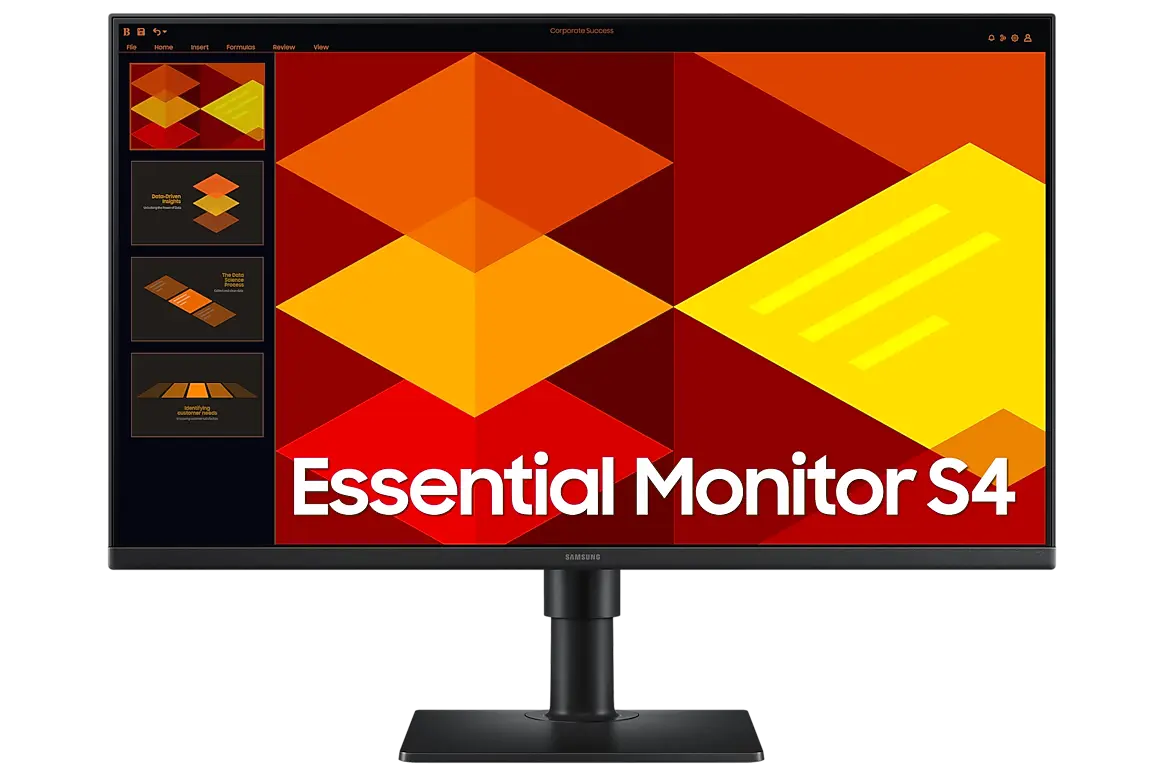
 Samsung Essential S40GD 27-inchLS27D400GAUXXU · 27-inch IPS · Samsung UK specification
- Manufacturer response-time claim
- 5(GTG)This one: 5 ms GtG

27-inch 1080p 100 Hz IPS · UK specification
A 27-inch 1080p IPS monitor for everyday home and office use, rated to 100 Hz, with two HDMI inputs and DisplayPort, built-in 2 W speakers, a built-in power supply and TÜV eye-care certifications.
As an Amazon Associate I earn from qualifying purchases.
Email me when the BenQ GW2790 gets cheaper on eBay. We check exact-model listings once a day at 12:00 UTC.
Specifications checked 26 Sept 2026Manufacturer specifications, not a hands-on test.
The nearest checked monitors by key specifications, with what differs from the BenQ GW2790. The first matches the Compare button above.
Samsung Essential S40GD 27-inchLS27D400GAUXXU · 27-inch IPS · Samsung UK specification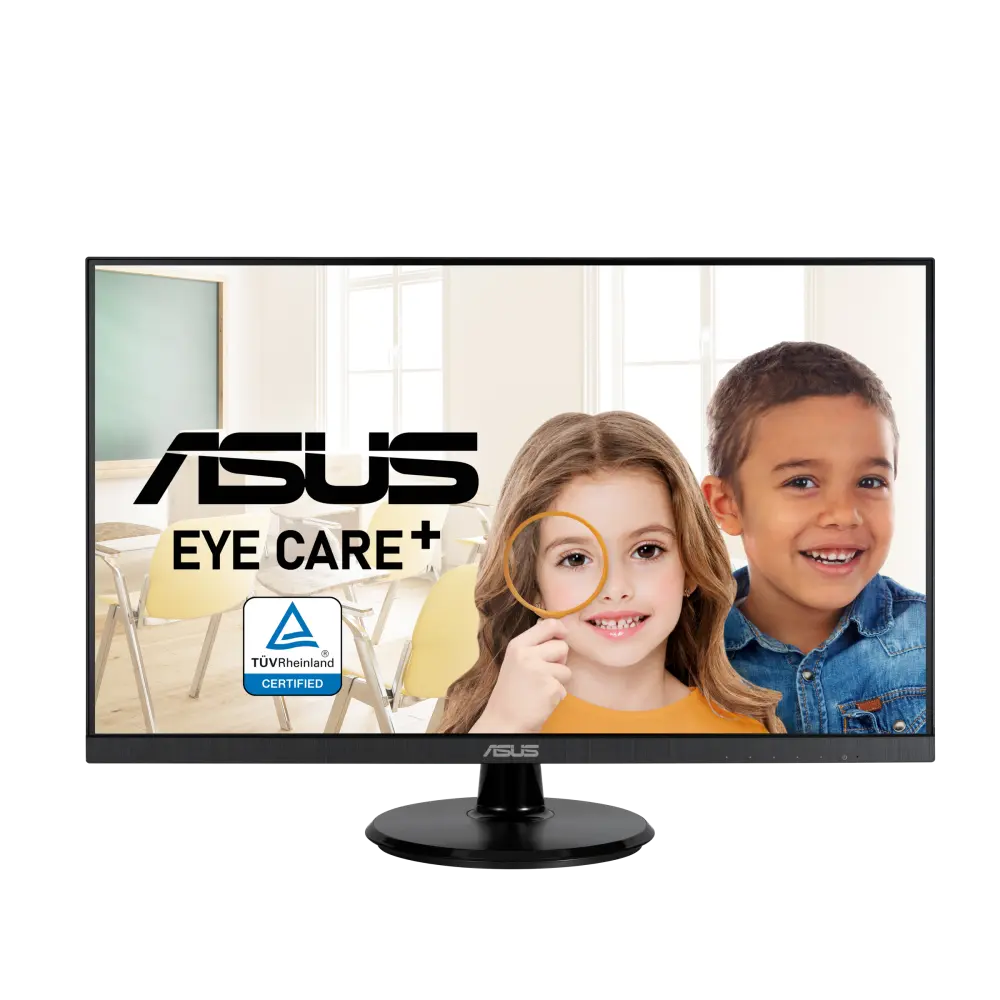 ASUS VA27DQFUK manufacturer specification · VA27DQF
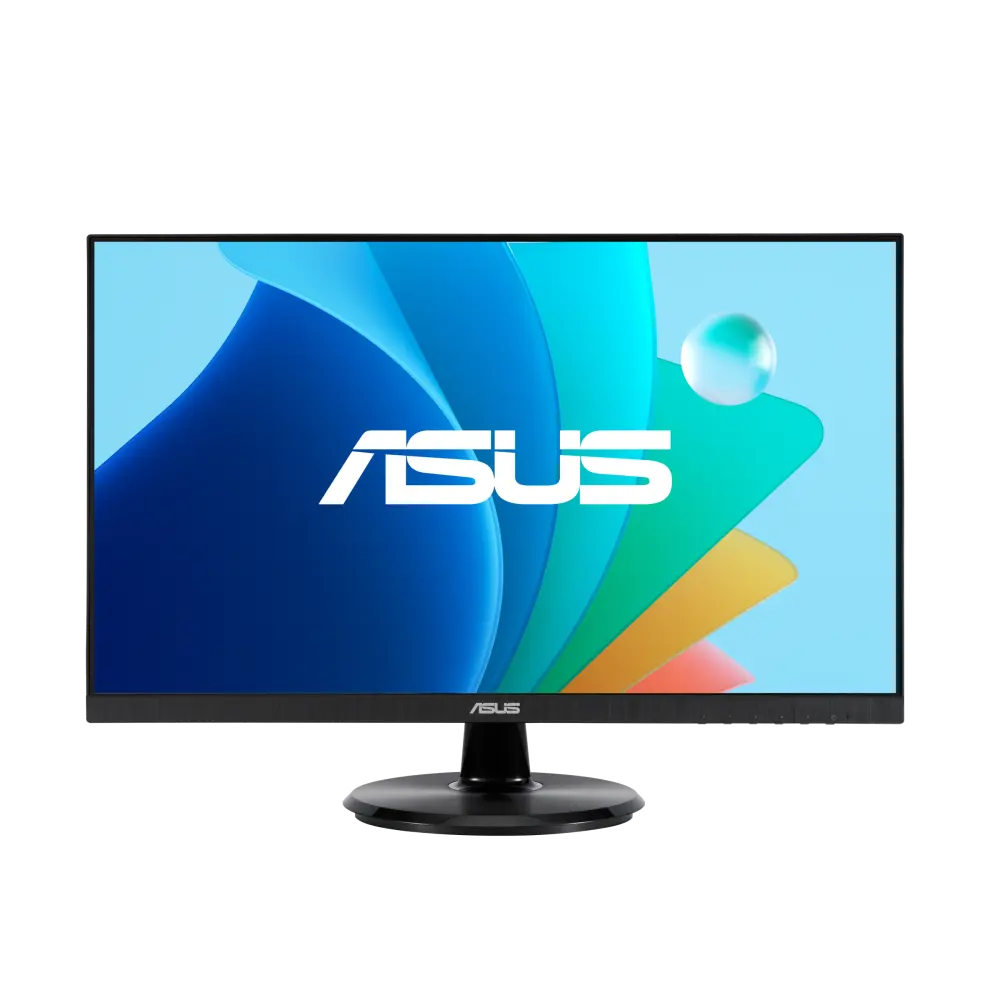 ASUS VA27DQFRUK manufacturer specification · VA27DQFR
Two HDMI 1.4 inputs and a DisplayPort 1.2 input cover a PC plus other devices, and a 100 Hz refresh rate is listed.
The power supply is built in, with a 25 W normal-mode figure, and Energy Star 8.0, TCO Certified 9.0 and EPEAT Bronze are listed.
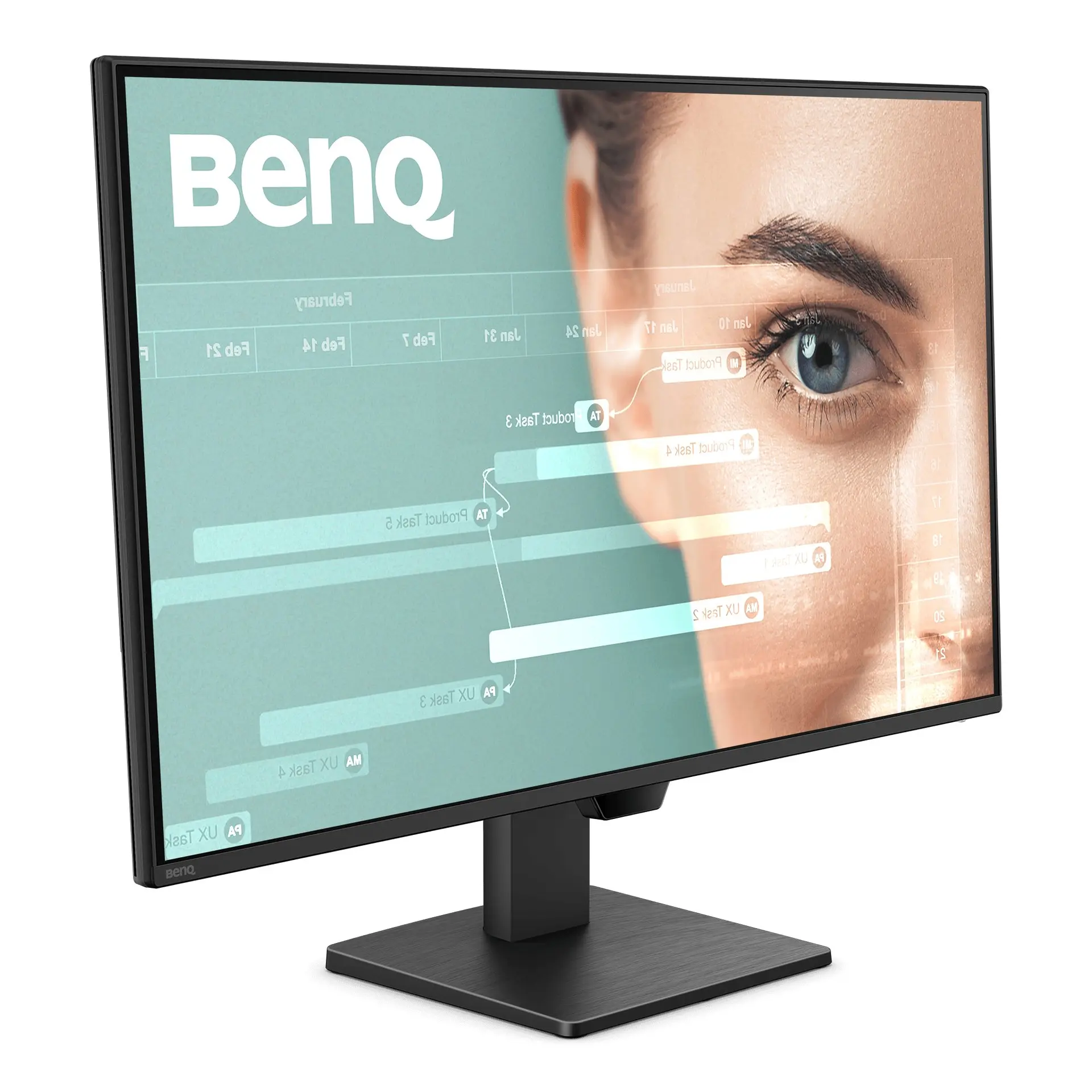
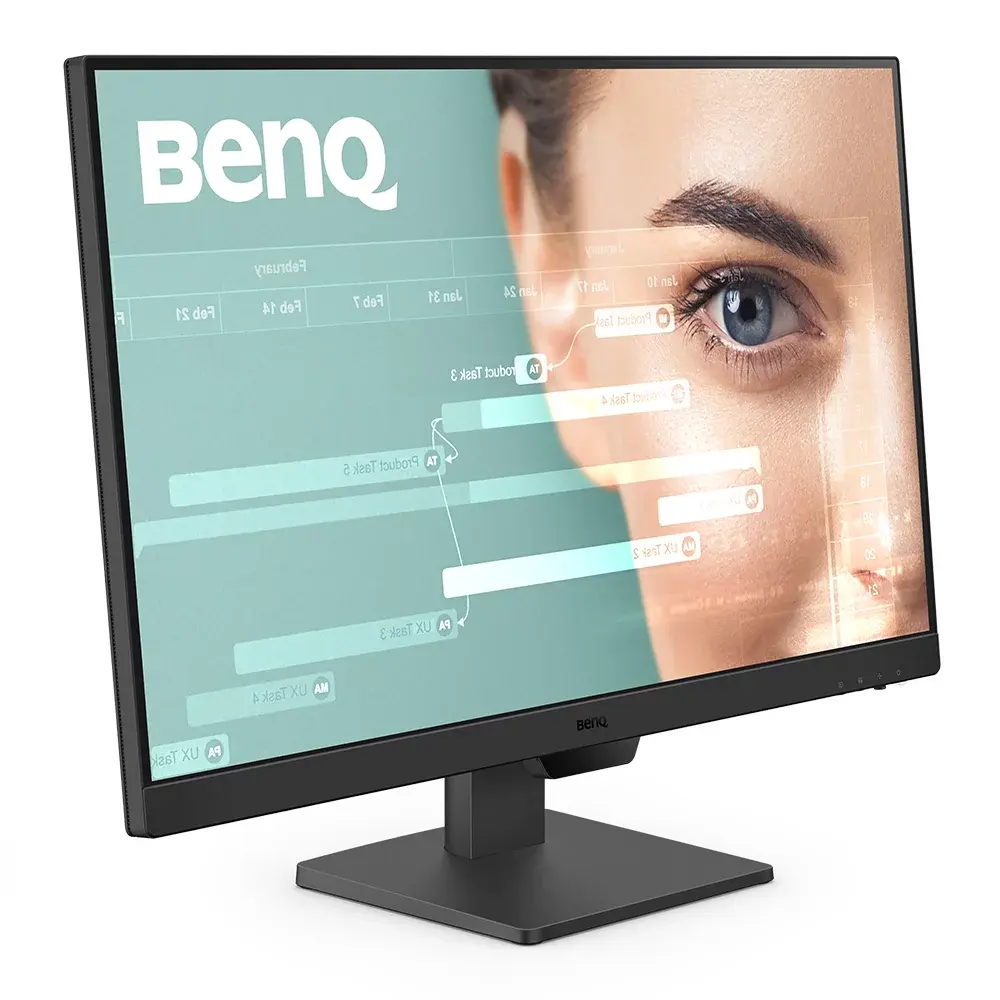
BenQ lists flicker-free and hardware low-blue-light certifications, brightness intelligence and 2 × 2 W speakers.
At 27 inches, 1920 × 1080 gives only 82 ppi, so text is less sharp than on a 1440p or 4K monitor of the same size.
BenQ's table lists only tilt for the stand, with no height, swivel or pivot adjustment rows, and no USB ports are listed.
Exact configuration: GW2790 · 27-inch 1080p 100 Hz IPS · BenQ UK specification
48 specifications in 10 groups. Values are manufacturer specifications unless a row says “Measured result” or “Calculated from cited specifications”.
Color Mode presets listed in BenQ's UK specification table. BenQ's product page describes Coding mode as making every colour stand out for easy readability with optimised contrast and saturation of dark mode, and ePaper Mode as a simulated e-book display that balances text and background for long reading sessions.
BenQ's UK connectivity table lists only HDMI and DisplayPort inputs; an explicit 'No' for USB-C is not published.
SourceManufacturer port counts and versions.
SourceThe UK specification table lists only tilt (−5° to 20°) and no height-adjustment row; the listed with-stand height is a single 449 mm figure.
SourceBenQ describes MediaSync as jitter-free video playback. The UK specification table names no FreeSync or G-Sync gaming adaptive-sync technology; none is inferred.
No swivel row is listed in the UK specification table.
SourceNo pivot row is listed in the UK specification table.
SourceBenQ lists height × width × depth; reordered here as width × height × depth. A height range covers the stand's lowest and highest positions.
SourceAllow additional room for cables.
SourceBenQ lists a 5.00 kg 'Net Weight' next to a separate 'Net Weight (w/o Base)' but does not explicitly state that it includes the stand; it is kept as reported_net_weight.
SourceBenQ's unqualified 'Net Weight'; stand inclusion is not explicitly stated.
SourceFlicker-free technology is also listed.
SourceBenQ's TÜV certificate row lists Flicker-free.
BenQ's TÜV certificate row names "Low Blue light (Hardware Solution)".
SourceBenQ’s table lists “Brightness Intelligence Gen2 (B.I. Gen2): Yes”; the product page says Visual Optimizer (formerly B.I.+) uses a built-in sensor that optimizes brightness and colour temperature for your environment. BenQ does not say whether B.I. Gen2 and Visual Optimizer are the same function, and publishes no adjustment range.
BenQ's UK specification table lists Color Weakness, ePaper and Eye Reminder under Eye Care. The product page says Color Weakness Mode improves colour clarity for users with red-green colour deficiency and ePaper Mode reduces contrast and glare for more paper-like reading; it does not describe Eye Reminder. Low Blue Light, Flicker-free and Brightness Intelligence / Visual Optimizer are recorded in their own fields. Manufacturer-listed features, not medical advice.
Listed as 'Yes' under Software in BenQ's UK specification table. The product page offers Eye-CareU as a free download that helps manage screen time with quick controls, available in Light and Dark themes.
More of the nearest checked monitors by key specifications, for a side-by-side comparison.
 ASUS BE279QFKUK manufacturer specification · BE279QFKCompare the two
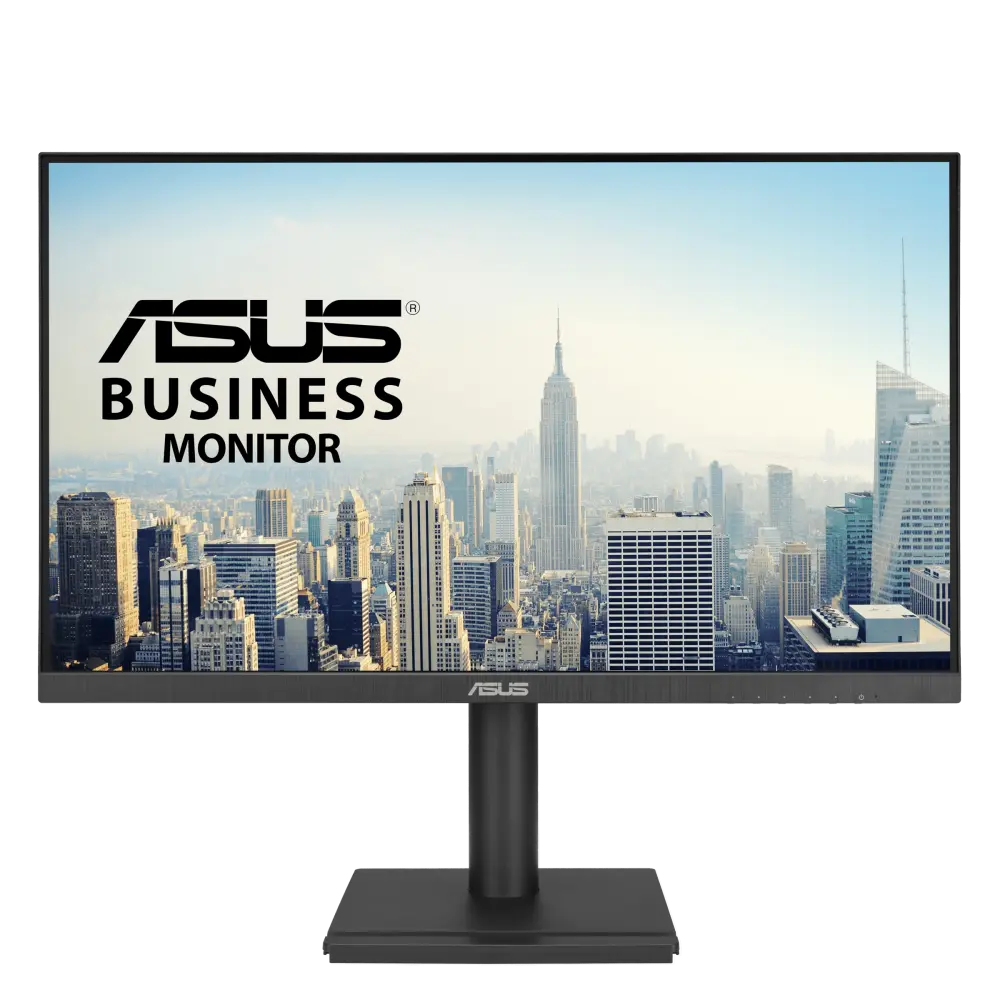 ASUS VA27DQFSUK manufacturer specification · VA27DQFSCompare the two
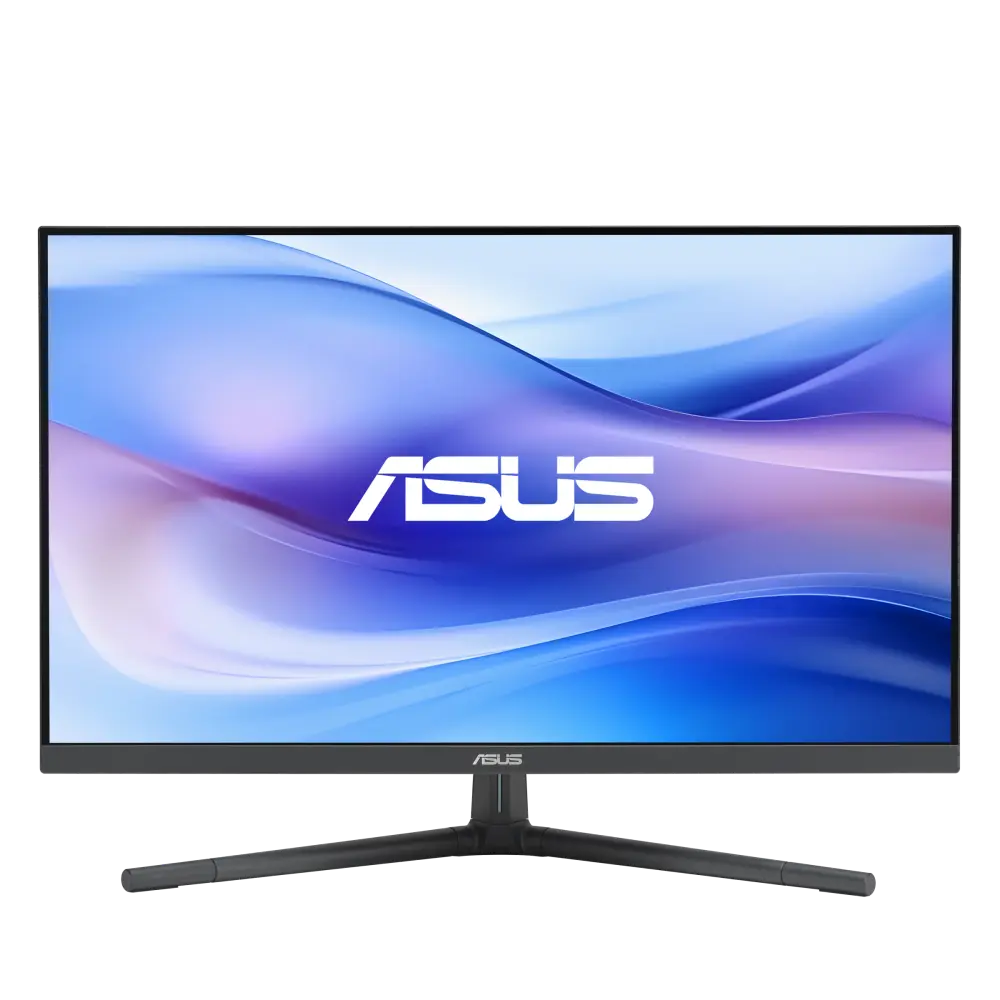 ASUS VU279CFEUK manufacturer specification · VU279CFECompare the two
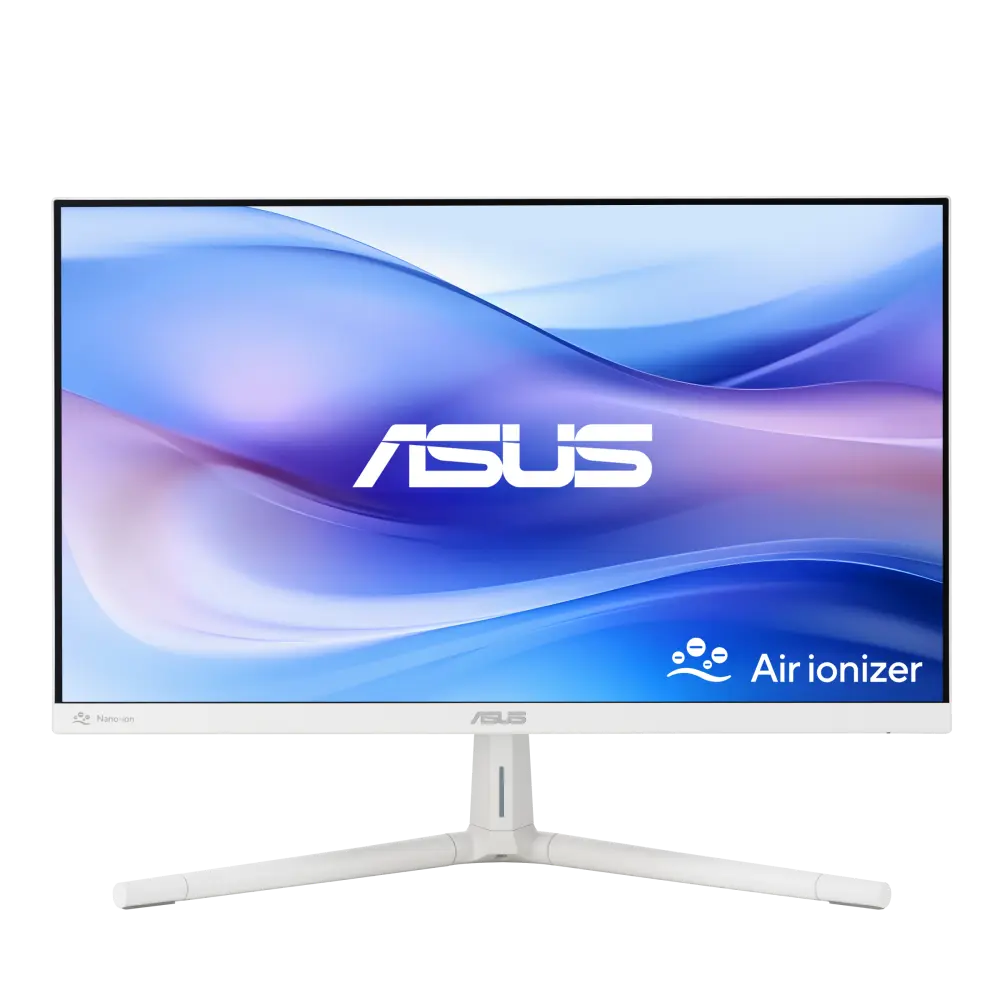 ASUS VU279HFI-WUK manufacturer specification · VU279HFI-WCompare the two
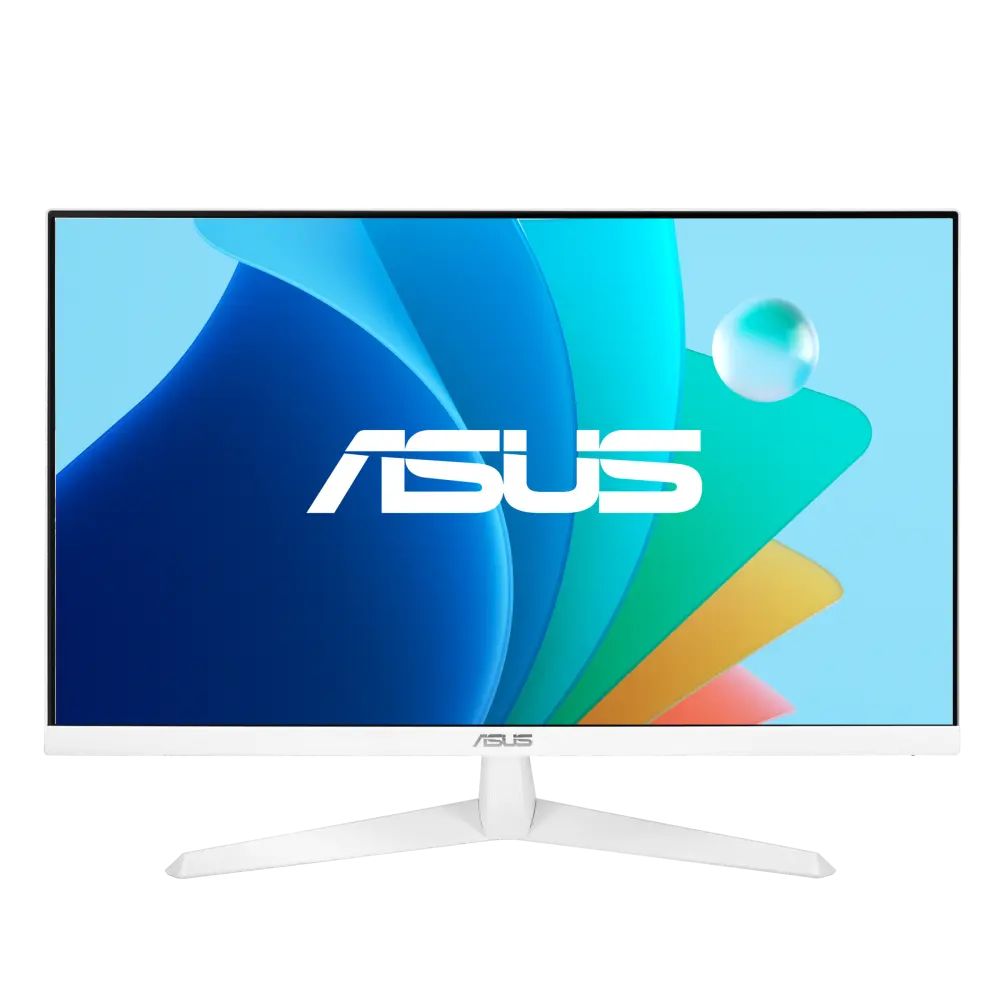 ASUS VY279HF-WUK manufacturer specification · VY279HF-WCompare the two
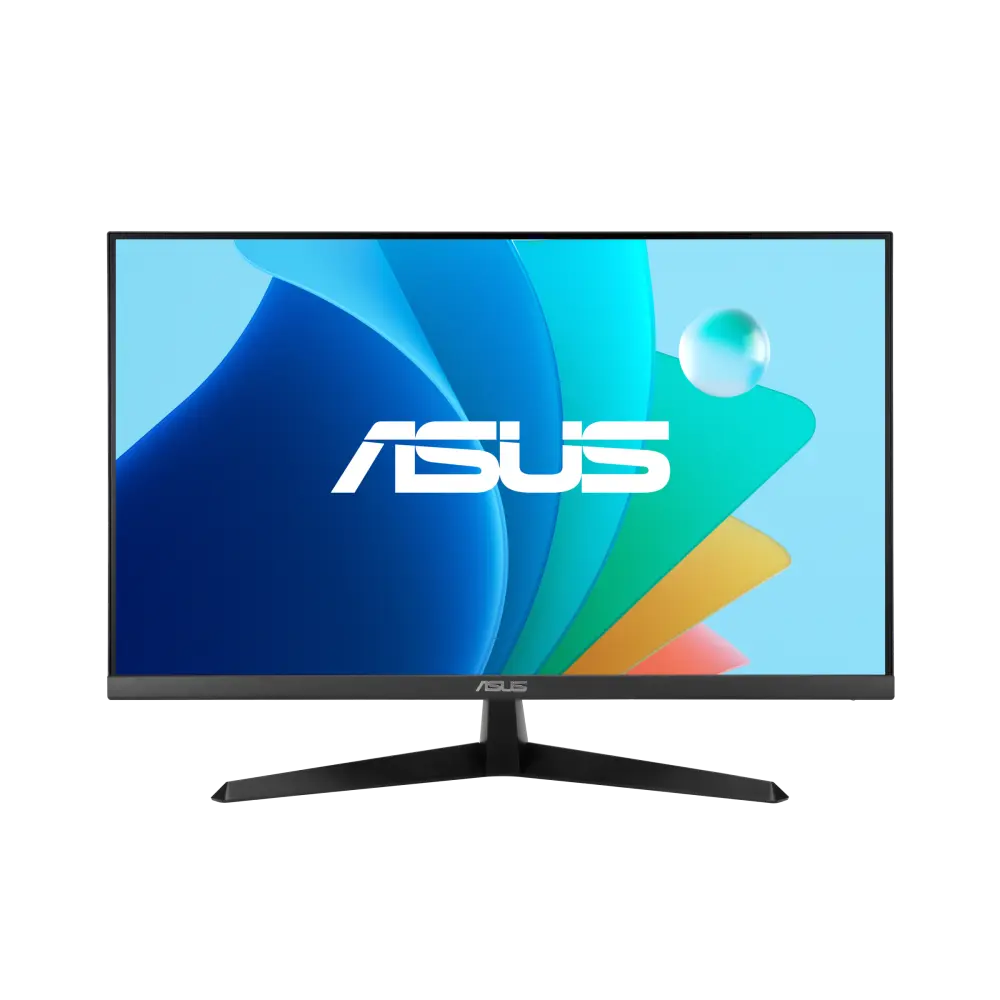 ASUS VY279HFUK manufacturer specification · VY279HFCompare the two
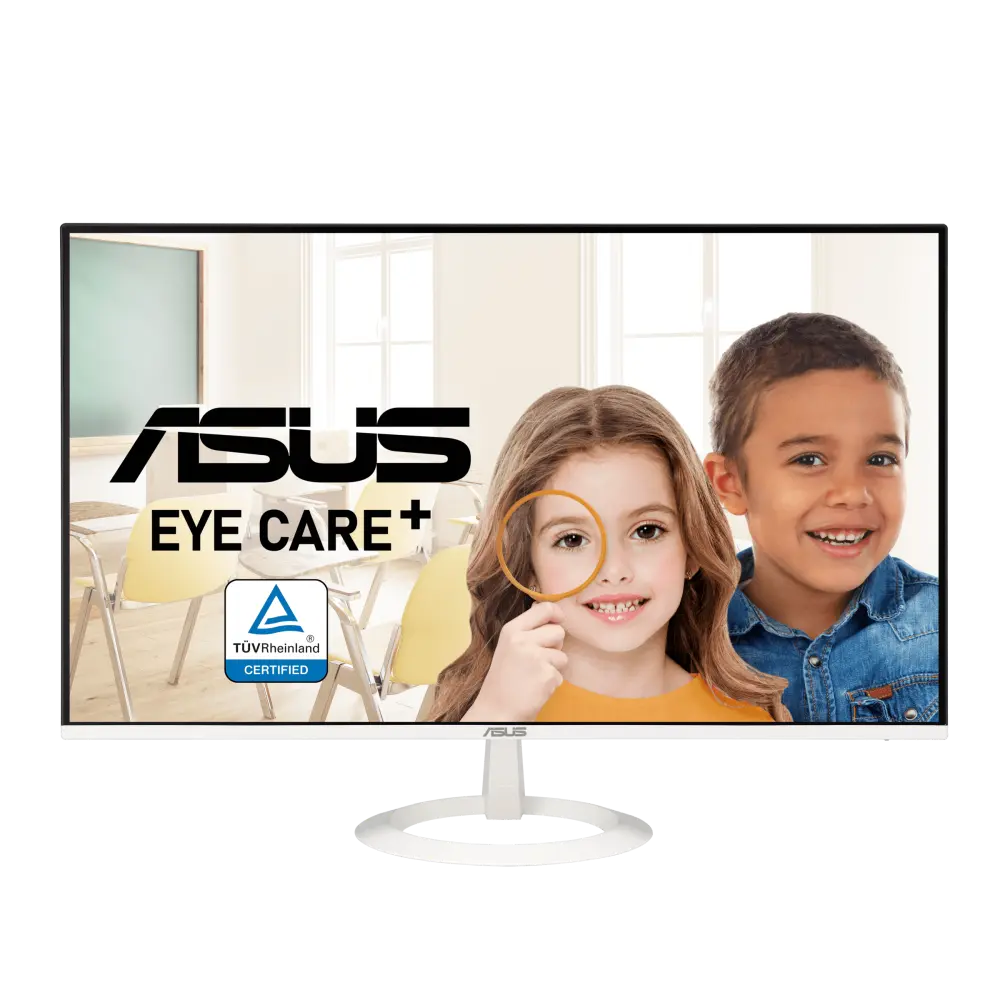 ASUS VZ27EHF-WUK manufacturer specification · VZ27EHF-WCompare the two
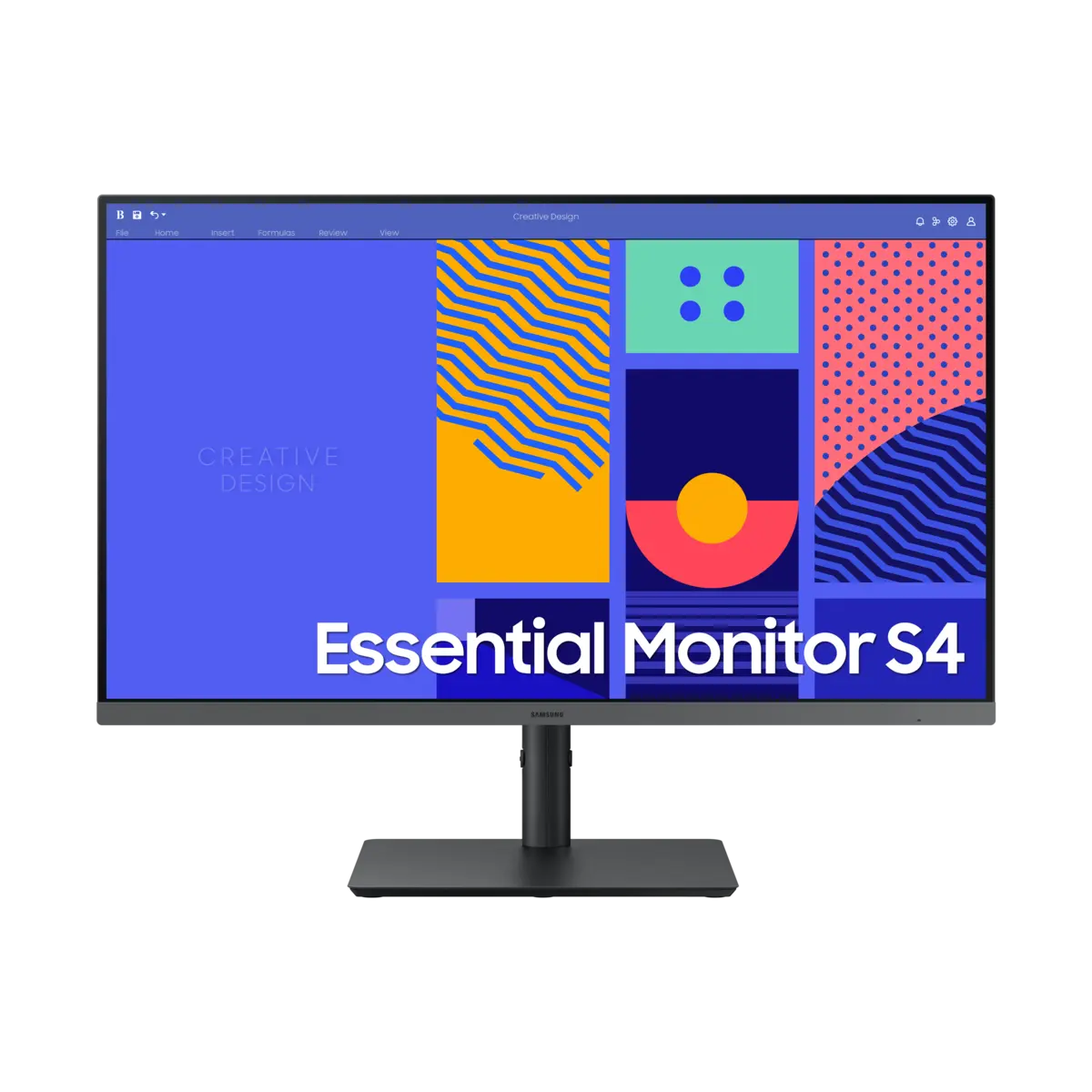 Samsung S43GC 27" Full HD Height Adjustable MonitorUK LS27C432GAUXXU · 27 · BlackCompare the two