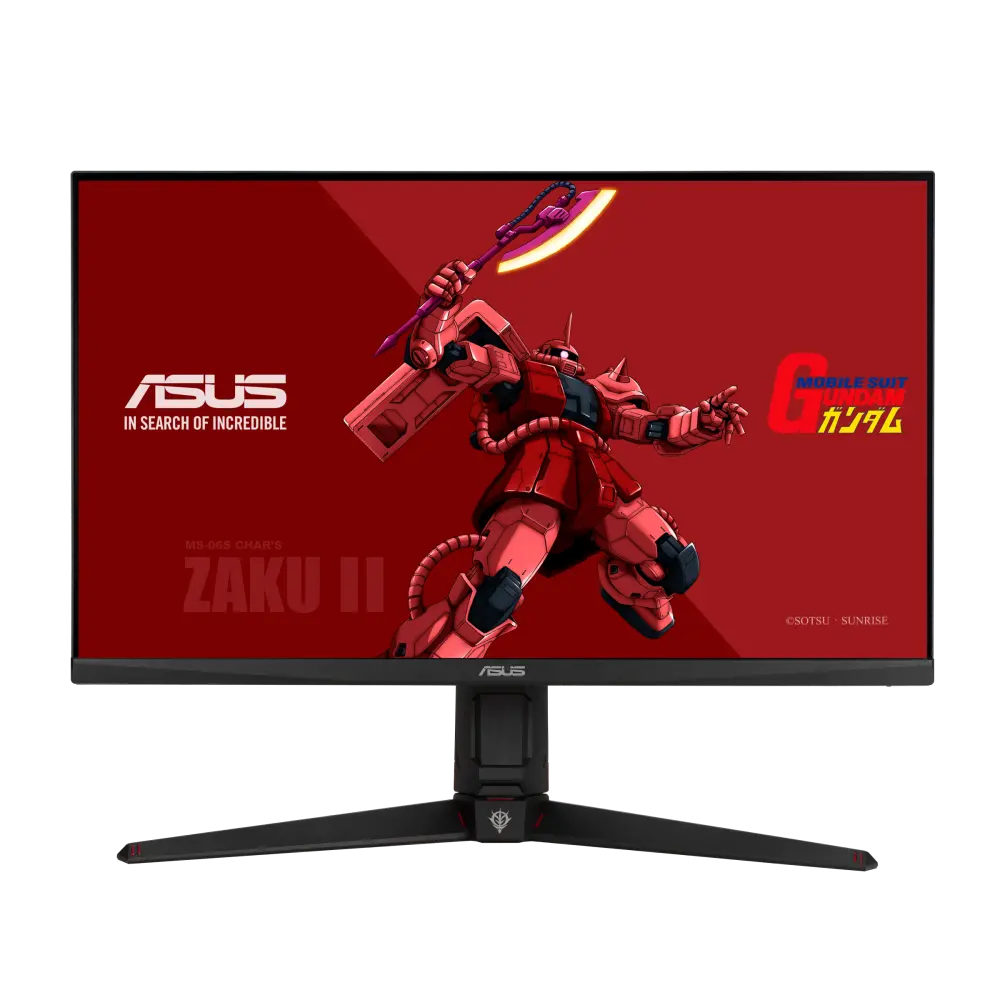
 ASUS TUF Gaming VG27AQGL1A ZAKU II EDITIONGlobal manufacturer specification · TUF Gaming VG27AQGL1A ZAKU II EDITION
- Refresh rate at native resolution
- 170 HzThis one: 180 Hz
- GtG response-time claim
- 1ms MPRTThis one: 1 ms

27-inch IPS · UK specification
A 27-inch 2560 × 1440 IPS gaming monitor rated at 180 Hz over DisplayPort (144 Hz over HDMI), with DisplayHDR 400, FreeSync Premium, a KVM switch and USB-C with 65 W charging.
As an Amazon Associate I earn from qualifying purchases.
Email me when the BenQ EX271Q gets cheaper on eBay. We check exact-model listings once a day at 12:00 UTC.
Specifications checked 28 Sept 2026Manufacturer specifications, not a hands-on test.
The nearest checked monitors by key specifications, with what differs from the BenQ EX271Q. The first matches the Compare button above.
ASUS TUF Gaming VG27AQGL1A ZAKU II EDITIONGlobal manufacturer specification · TUF Gaming VG27AQGL1A ZAKU II EDITION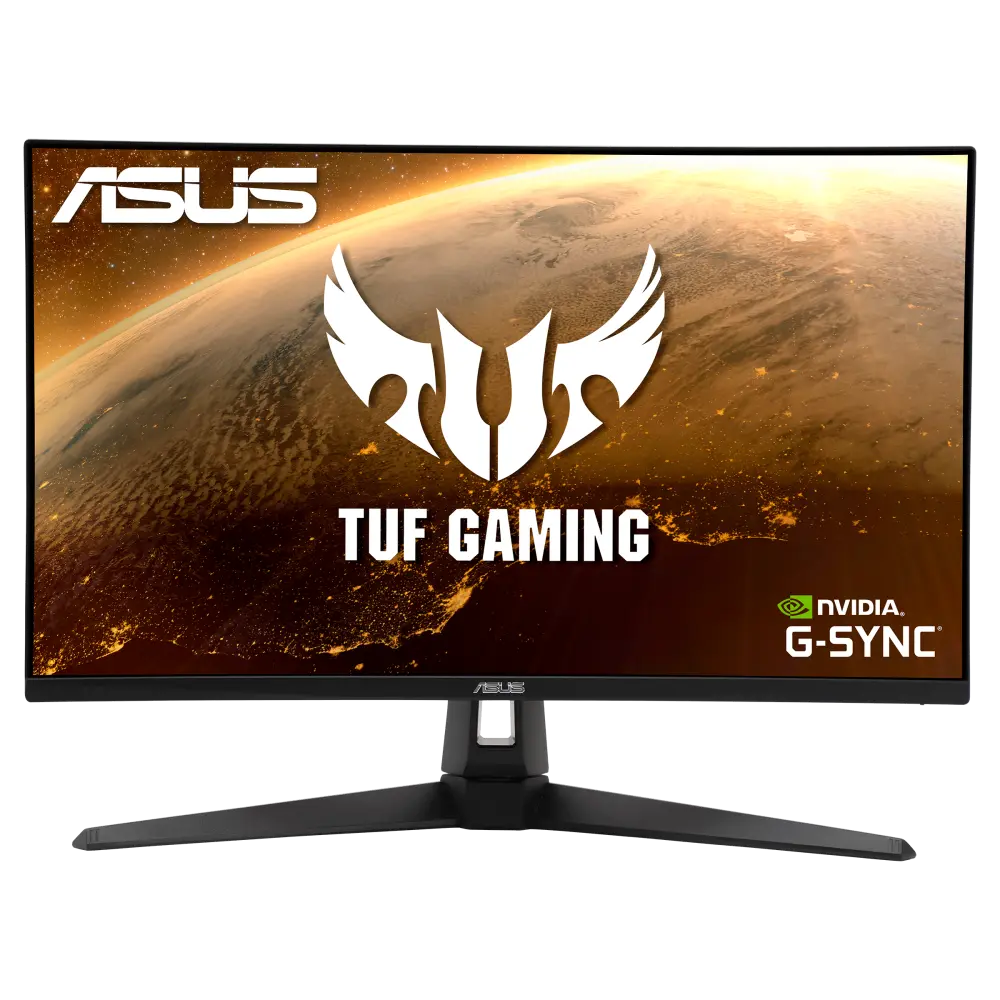 ASUS TUF GAMING VG27AQ1AGlobal manufacturer specification · TUF GAMING VG27AQ1A
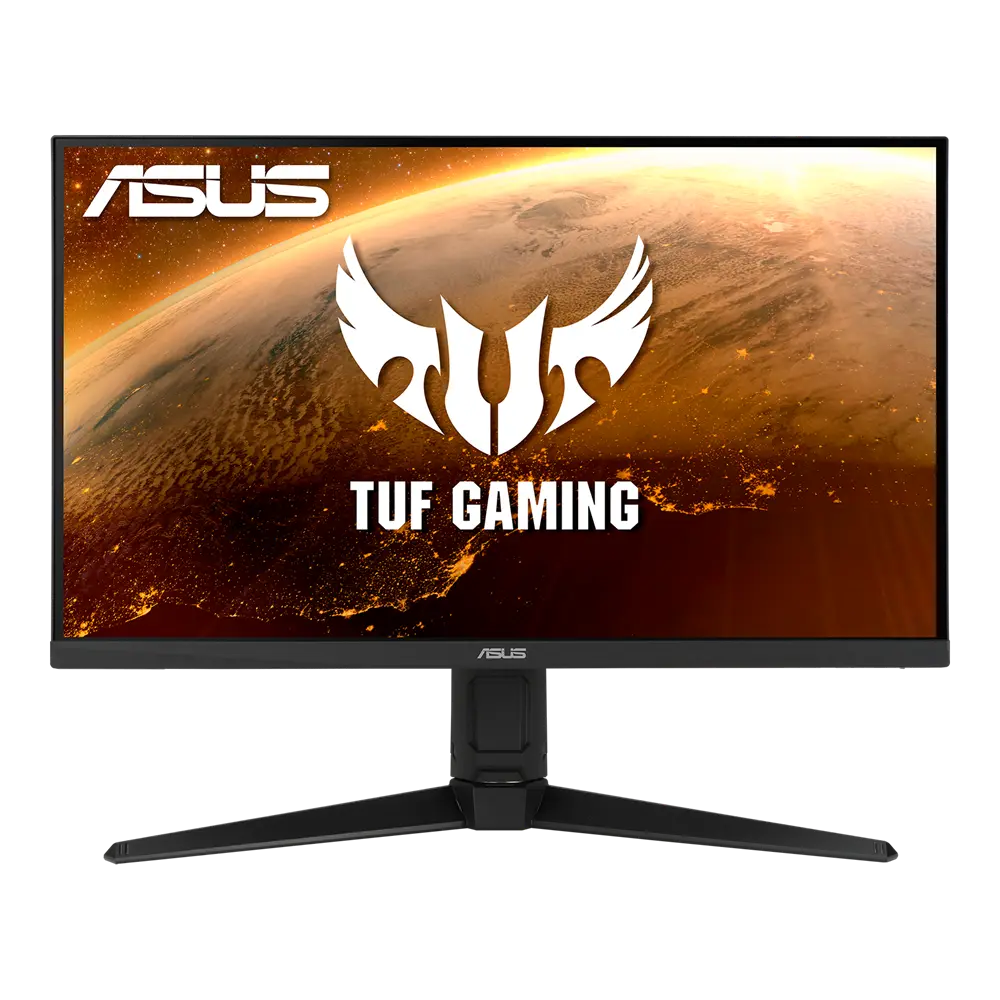 ASUS TUF Gaming VG27AQL1AGlobal manufacturer specification · TUF Gaming VG27AQL1A
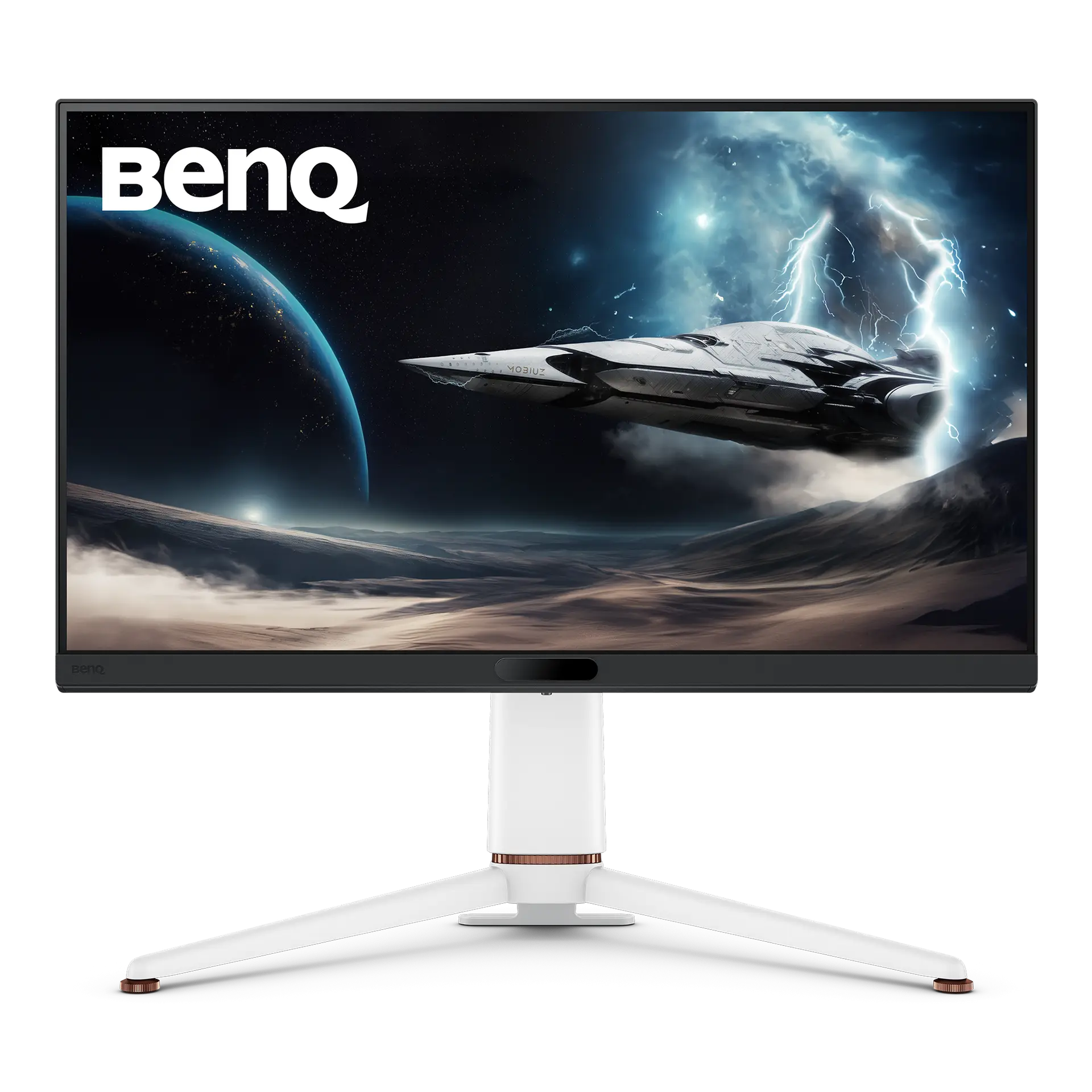
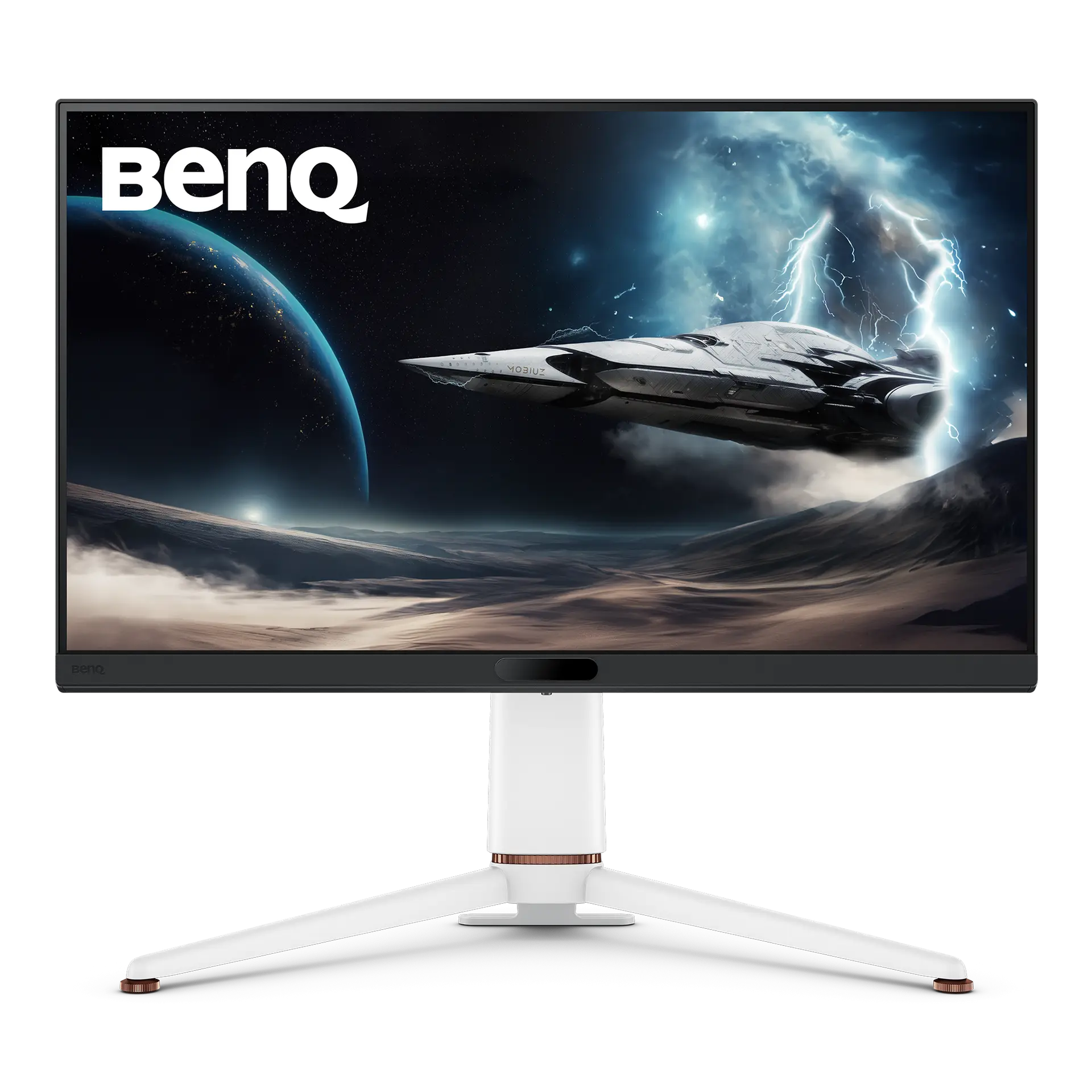
USB-C with DisplayPort Alt Mode and 65 W charging, plus a built-in KVM switch that BenQ says shifts keyboard, video and mouse among your devices.
The stand lists 100 mm of height travel, ±15° swivel and 90° pivot.
The HDMI inputs are listed at 144 Hz and the 180 Hz figure is listed for DisplayPort; BenQ’s UK pages conflict on the HDMI version (2.0 in the specification table, 2.1 on the overview).
BenQ’s table lists no built-in speakers, only a headphone jack.
Exact configuration: EX271Q · 27-inch IPS · BenQ UK specification
55 specifications in 10 groups. Values are manufacturer specifications unless a row says “Measured result” or “Calculated from cited specifications”.
Manufacturer-listed panel diagonal; a rounded size may appear in the product name.
SourceManufacturer resolution notation: 2560x1440.
SourceLeft/right angles at a contrast ratio of at least 10:1, as listed.
SourceBenQ lists HDMI: 144 Hz, DP: 180 Hz; the 180 Hz figure needs the DP input and a source device that supports the mode.
SourceManufacturer GtG claim; BenQ’s specification table publishes no test conditions for it and lists no MPRT figure.
SourceManufacturer-listed HDMI limit at native resolution.
SourceThe source device and input must support the mode.
SourceNeeds compatible source hardware and the right input mode.
SourceManufacturer typical brightness; picture mode and content affect output.
SourceManufacturer HDR peak figure; not a measured real-scene result.
SourceManufacturer-listed HDR formats or certification.
SourceManufacturer colour specification.
SourceManufacturer colour specification in its stated colour space; coverage is not an independent measurement.
SourceThe listed connections include USB-C or Thunderbolt. Video, data, upstream/downstream roles and charging power depend on the particular port.
SourcePort counts and versions as listed in BenQ’s specification table; the product overview instead names HDMI 2.1, so the HDMI version is recorded as conflicting (see hdmi_version). The source device and cable must support the mode you want.
SourceBenQ UK sources conflict: the specification table lists “HDMI (v2.0)” × 2, while the product overview says “DP 1.4, HDMI 2.1, and USB-C”. Neither is chosen.
65 W from the USB-C port that also carries DisplayPort Alt Mode video and data. Downstream accessory ports supply less and are not laptop-charging ports.
SourceDownstream USB ports need the listed upstream connection to the computer.
SourceHeight-adjustable stand; travel is listed separately.
SourceManufacturer-listed travel: 100 mm. Not calculated from the external height range.
SourceBenQ's UK specification table lists Tilt (down/up) -5˚ - 15˚, while the UK product overview's comfort section lists Tilt -5 - 20. The two BenQ UK listings disagree on the upward limit, so no single tilt range is selected. · Down/up range as listed by BenQ.
Left/right range as listed by BenQ.
SourcePortrait pivot supported; angle listed separately.
SourceMatch the screw size, monitor weight and the mount’s load rating as well as the hole pattern.
SourceBenQ lists 545.4x613.8x276.8 mm (height × width × depth) in landscape orientation. · Manufacturer dimensions with the supplied stand; a height range shows the stand’s lowest and highest positions. Allow extra room for cables and movement.
SourceDepth from the manufacturer dimension tuple. Allow additional room for cable routing and movement.
SourceManufacturer width in the listed landscape configuration.
SourceManufacturer panel dimensions without the base.
SourceBenQ lists “Net Weight” separately from “Net Weight (w/o Base)”, so this figure includes the supplied base; packaging excluded.
SourceManufacturer normal-mode figure; brightness, USB devices and charging load change real use.
SourceManufacturer power figure under the stated operating mode; real use, brightness, connected USB devices and charging load can differ.
SourceManufacturer power figure under the stated operating mode; real use, brightness, connected USB devices and charging load can differ.
SourceBenQ's Game Console Compatibility table on the UK product page, as listed (each row carries a "Compatible models" link); it also lists PC at 2K / 1080p 144Hz HDR. The console and its settings must support the listed mode.
SourceBenQ’s table lists “Brightness Intelligence Plus Gen2 (B.I.+ Gen2): Yes”; the product page says Brightness Intelligence Plus automatically adjusts the display brightness and colour temperature.
BenQ notes that the signal cable may vary by region; check the seller’s listing.
SourceAccessory bundles can vary by market; check the seller’s listing.
SourceBenQ UK specification table. BenQ’s US page for the same model was checked separately on 26 September 2026 (see research notes); plugs, bundled accessories and warranty can still differ by market.
More of the nearest checked monitors by key specifications, for a side-by-side comparison.
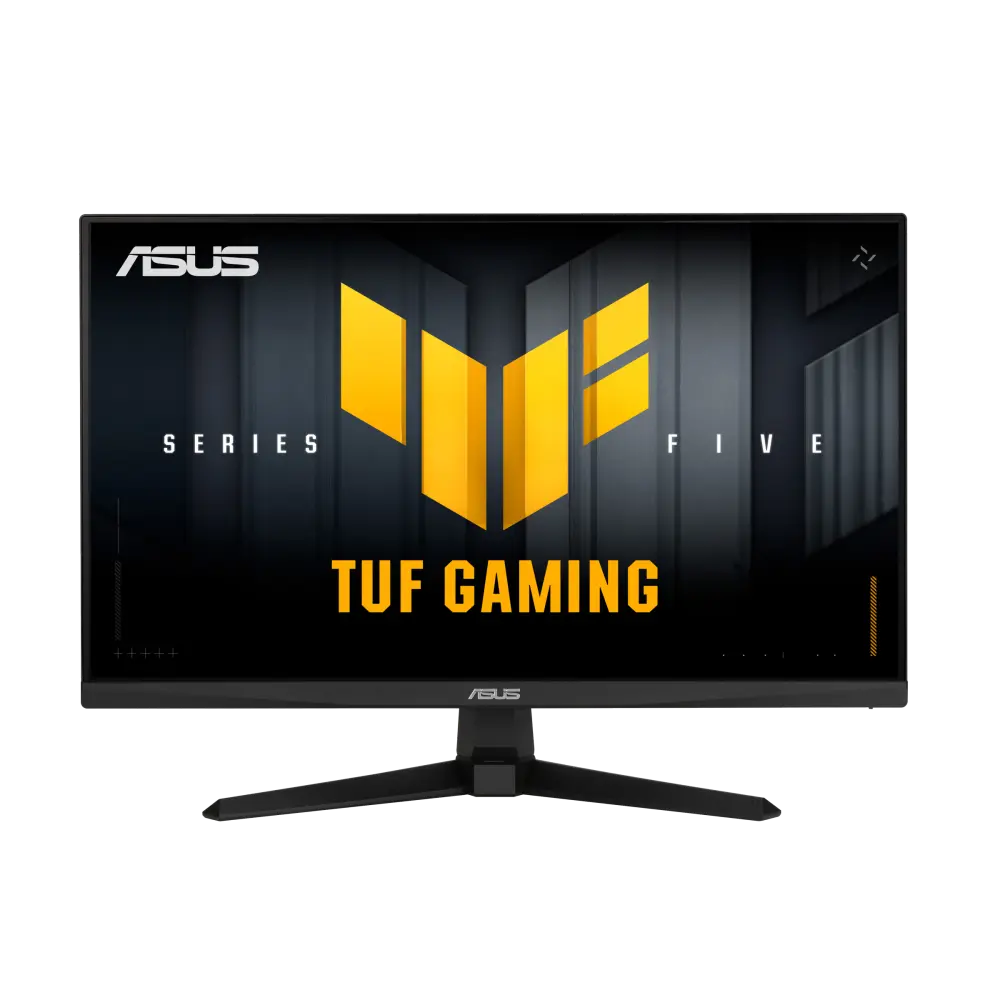 ASUS TUF Gaming VG27AQE5AUK manufacturer specification · TUF Gaming VG27AQE5ACompare the two
 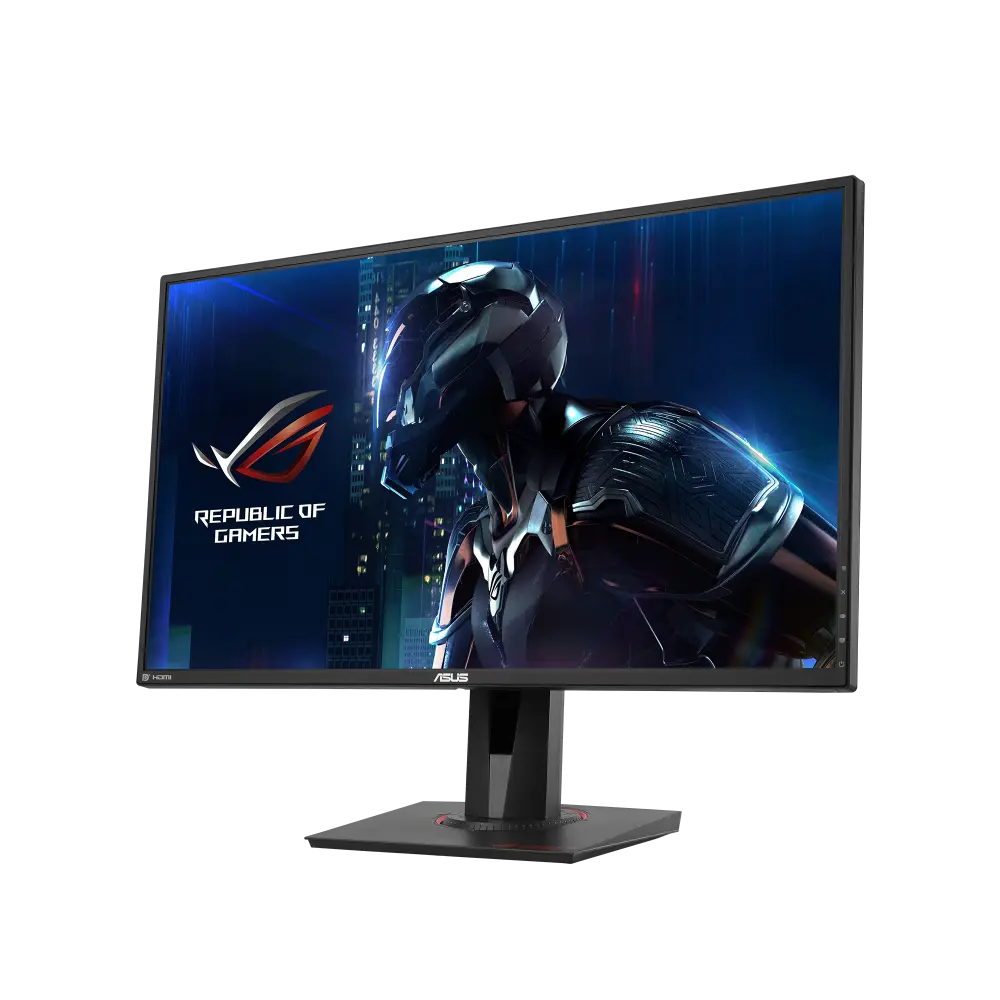 ASUS ROG SWIFT PG279QEGlobal manufacturer specification · ROG SWIFT PG279QECompare the two
 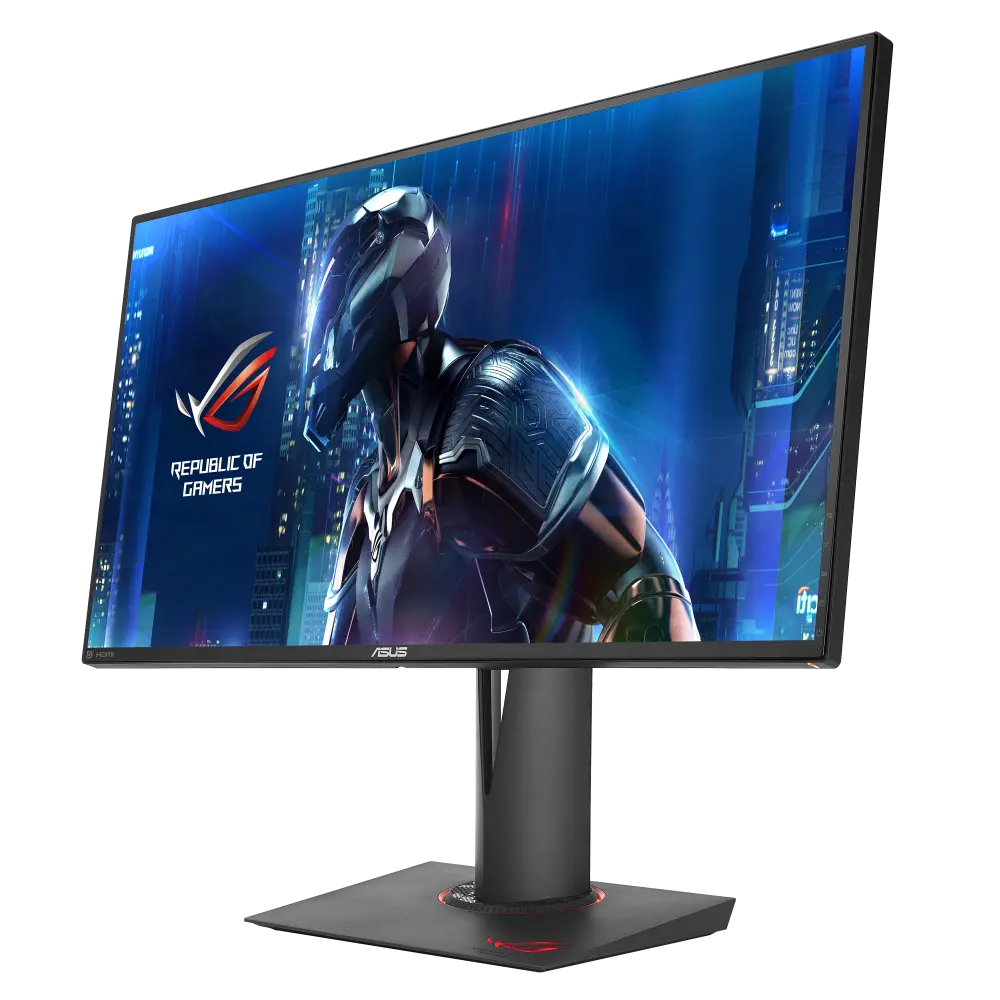 ASUS ROG SWIFT PG279QZGlobal manufacturer specification · ROG SWIFT PG279QZCompare the two
  BenQ EX2710QEX2710Q · exact EX2710Q UK manufacturer catalogue configurationCompare the two
 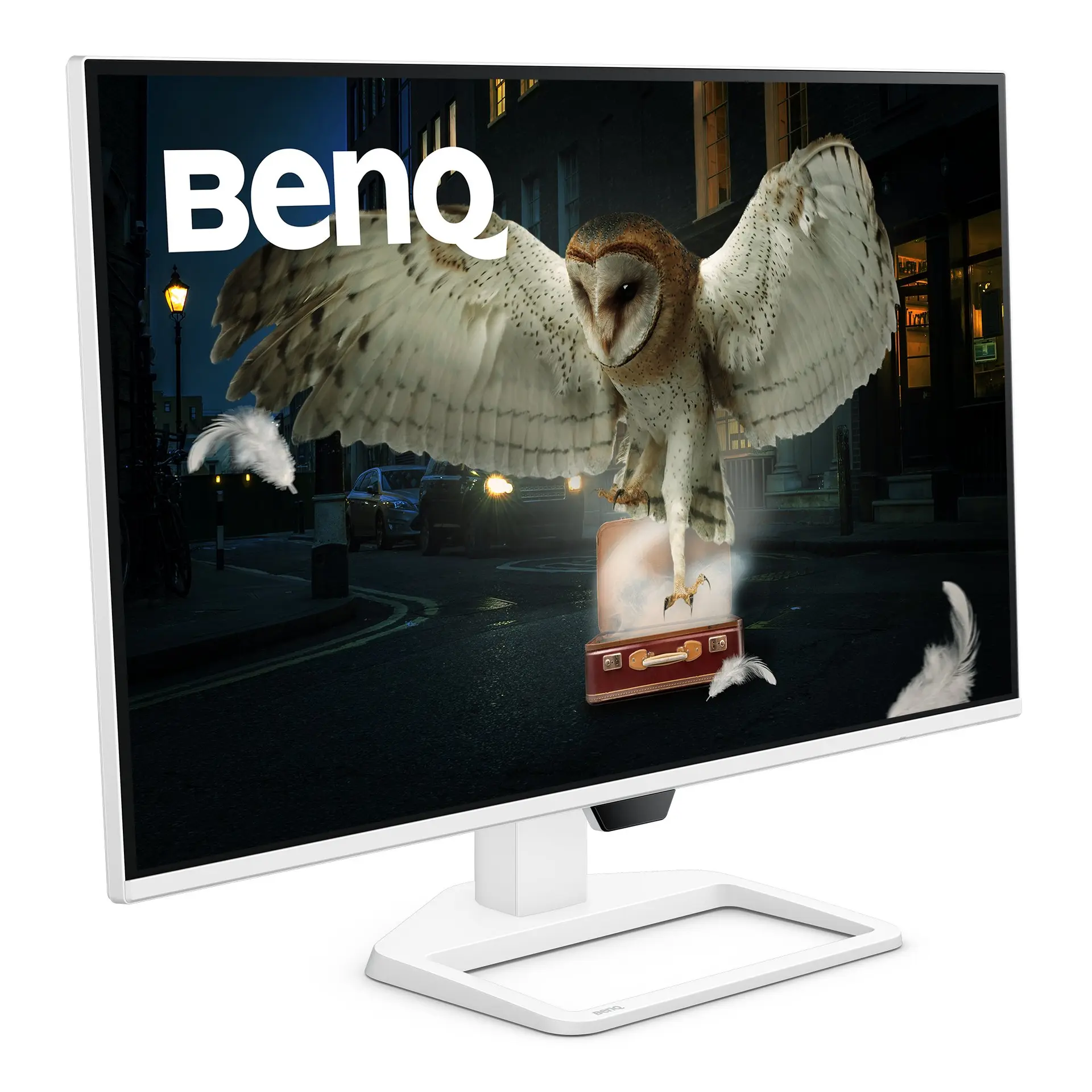 BenQ EW270QEW270Q · 27-inch IPS · BenQ UK specificationCompare the two
 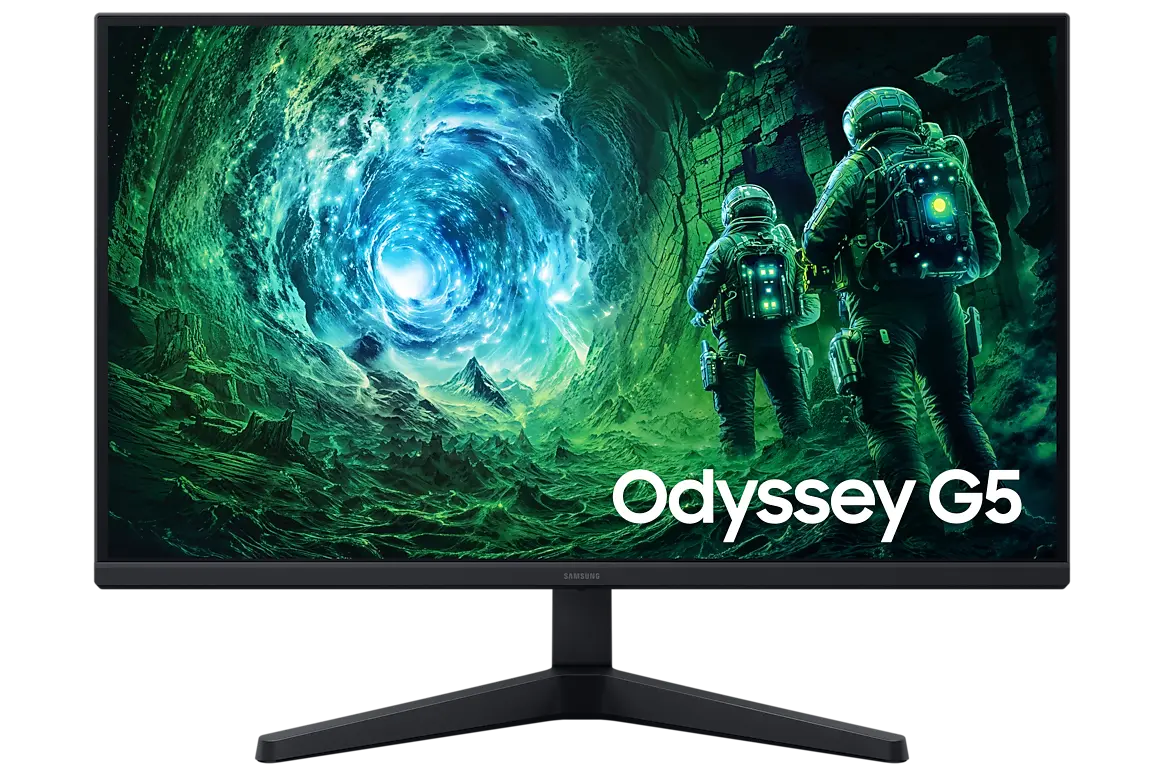 Samsung Odyssey G5 G53F 27-inchLS27FG530EUXXU · 27-inch IPS · Samsung UK specificationCompare the two
 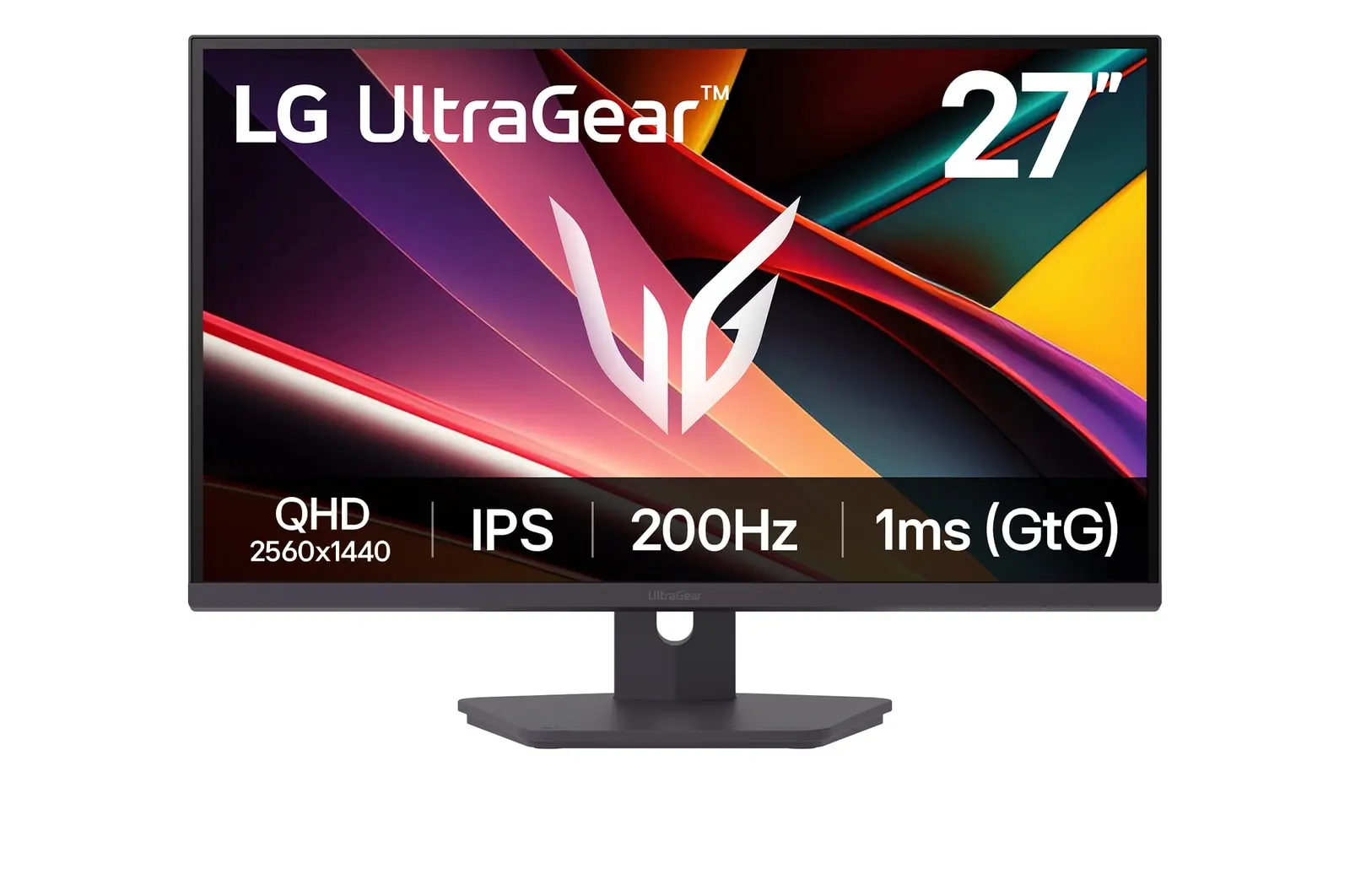 LG 27G610A-BUK manufacturer model · 27G610A-BCompare the two
  LG 27G61ZA-BUK manufacturer model · 27G61ZA-BCompare the two