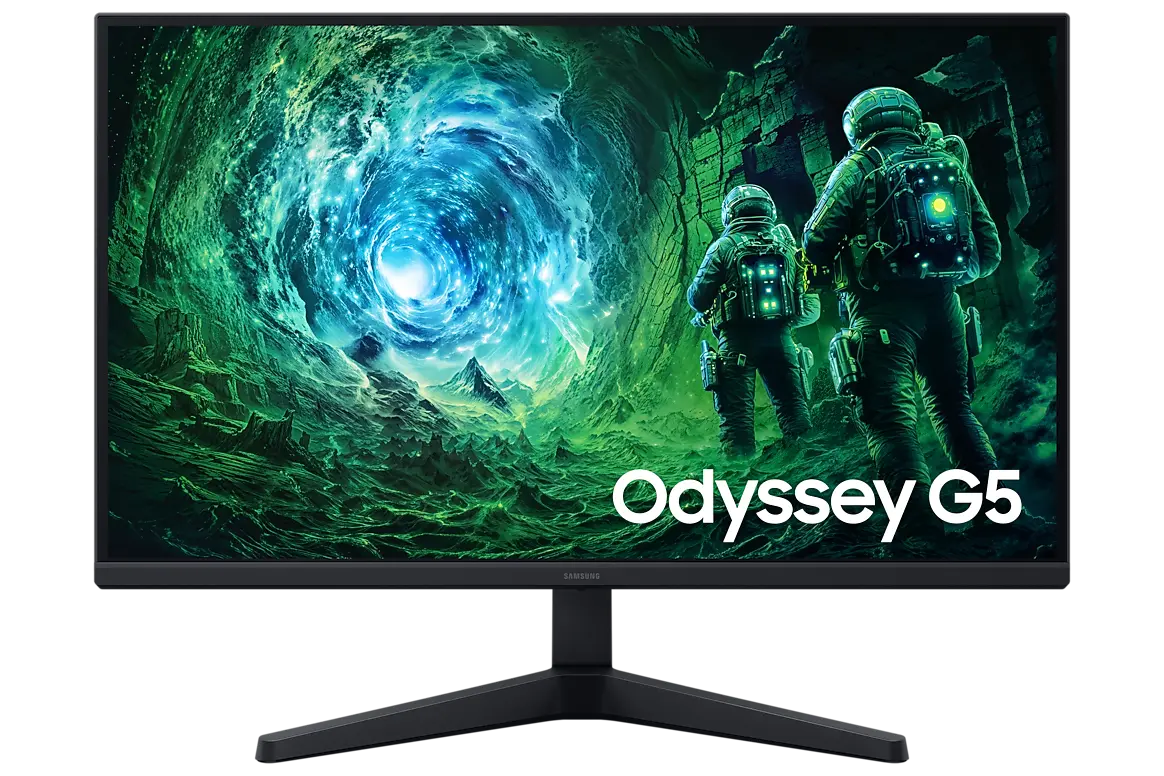
 Samsung Odyssey G5 G53F 27-inchLS27FG530EUXXU · 27-inch IPS · Samsung UK specification
- GtG response-time claim
- 1ms (MPRT)This one: 1 ms
- Typical brightness
- 300 cd/m²This one: 350 cd/m²

27-inch IPS · UK specification
A 27-inch 2560 × 1440 IPS monitor for entertainment with a 200 Hz refresh rate, HDR10 support, 5 W × 2 speakers and a USB-C input with 65 W charging.
As an Amazon Associate I earn from qualifying purchases.
Email me when the BenQ EW270Q gets cheaper on eBay. We check exact-model listings once a day at 12:00 UTC.
Specifications checked 26 Sept 2026Manufacturer specifications, not a hands-on test.
The nearest checked monitors by key specifications, with what differs from the BenQ EW270Q. The first matches the Compare button above.
Samsung Odyssey G5 G53F 27-inchLS27FG530EUXXU · 27-inch IPS · Samsung UK specification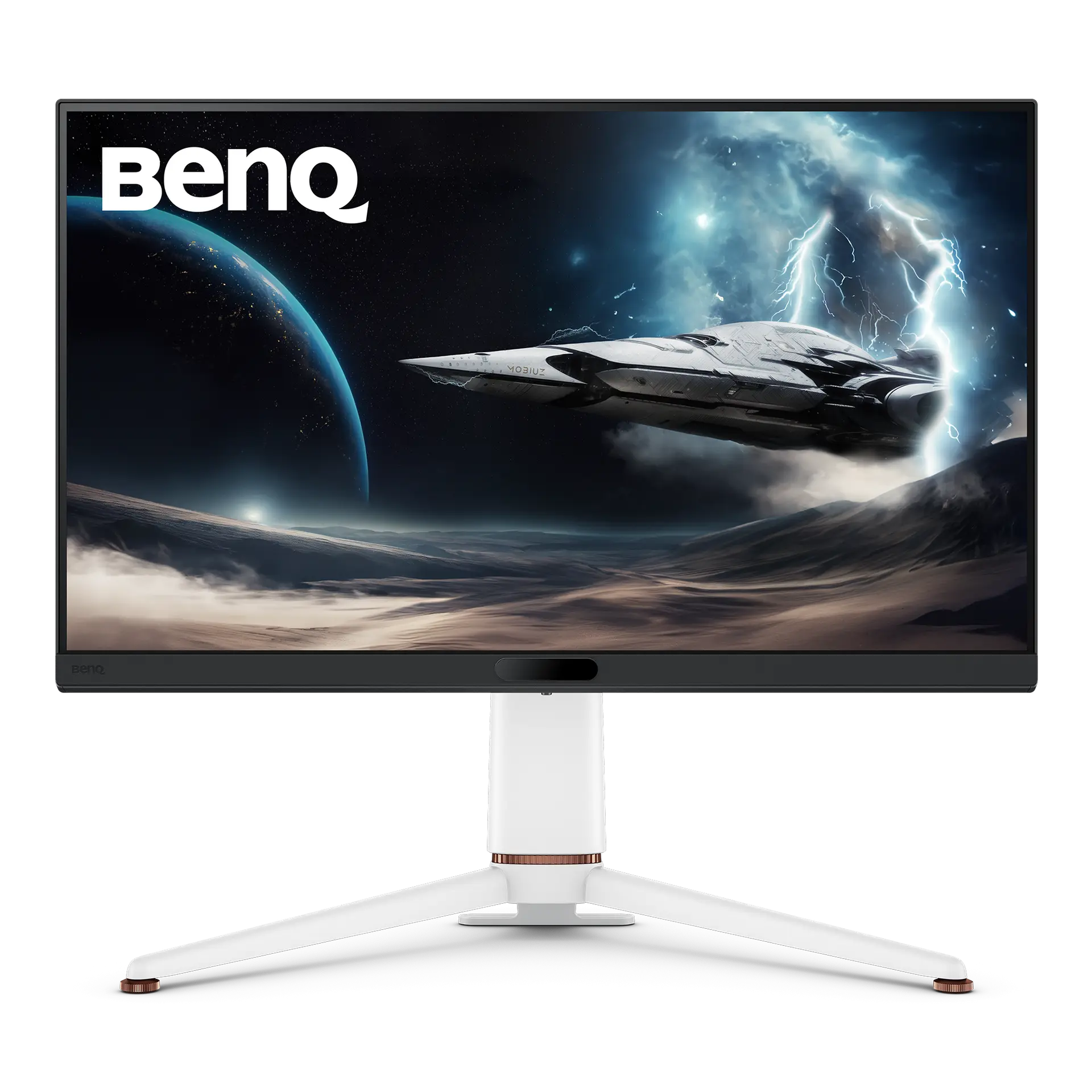 BenQ EX271QEX271Q · 27-inch IPS · BenQ UK specification
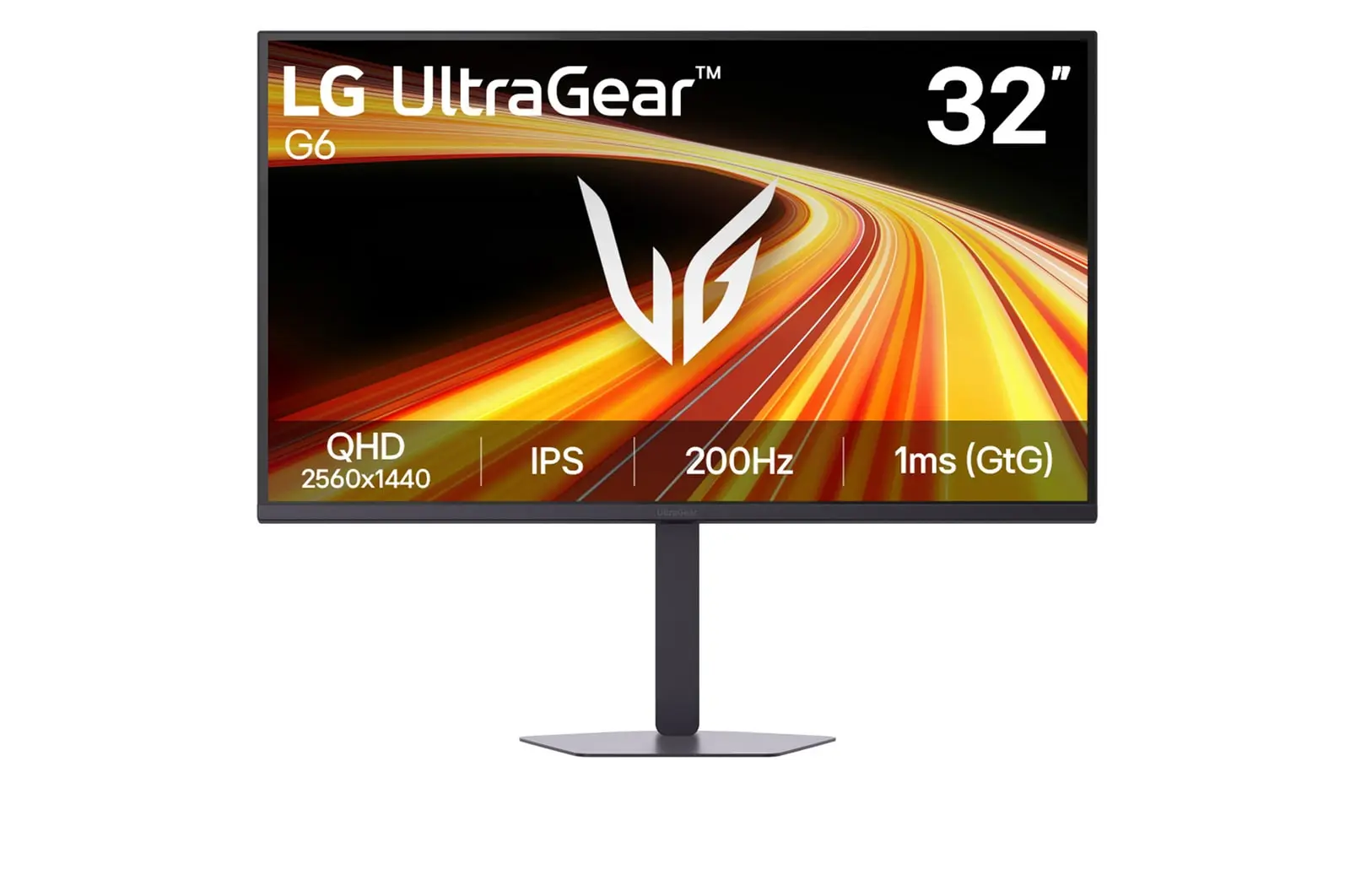 LG 32G620B-BUK manufacturer model · 32G620B-B
A listed 200 Hz at 1440p with FreeSync Premium; BenQ says the 200 Hz refresh rate delivers crisper, smoother visuals. The source must support the mode.
One USB-C cable carries video, data and up to 65 W charging, and 2 × 5 W speakers are built in.
BenQ lists tilt and swivel but no height adjustment or pivot for the stand.
HDR is listed as HDR10 with a 350-nit HDR peak, the same figure as the listed typical brightness.
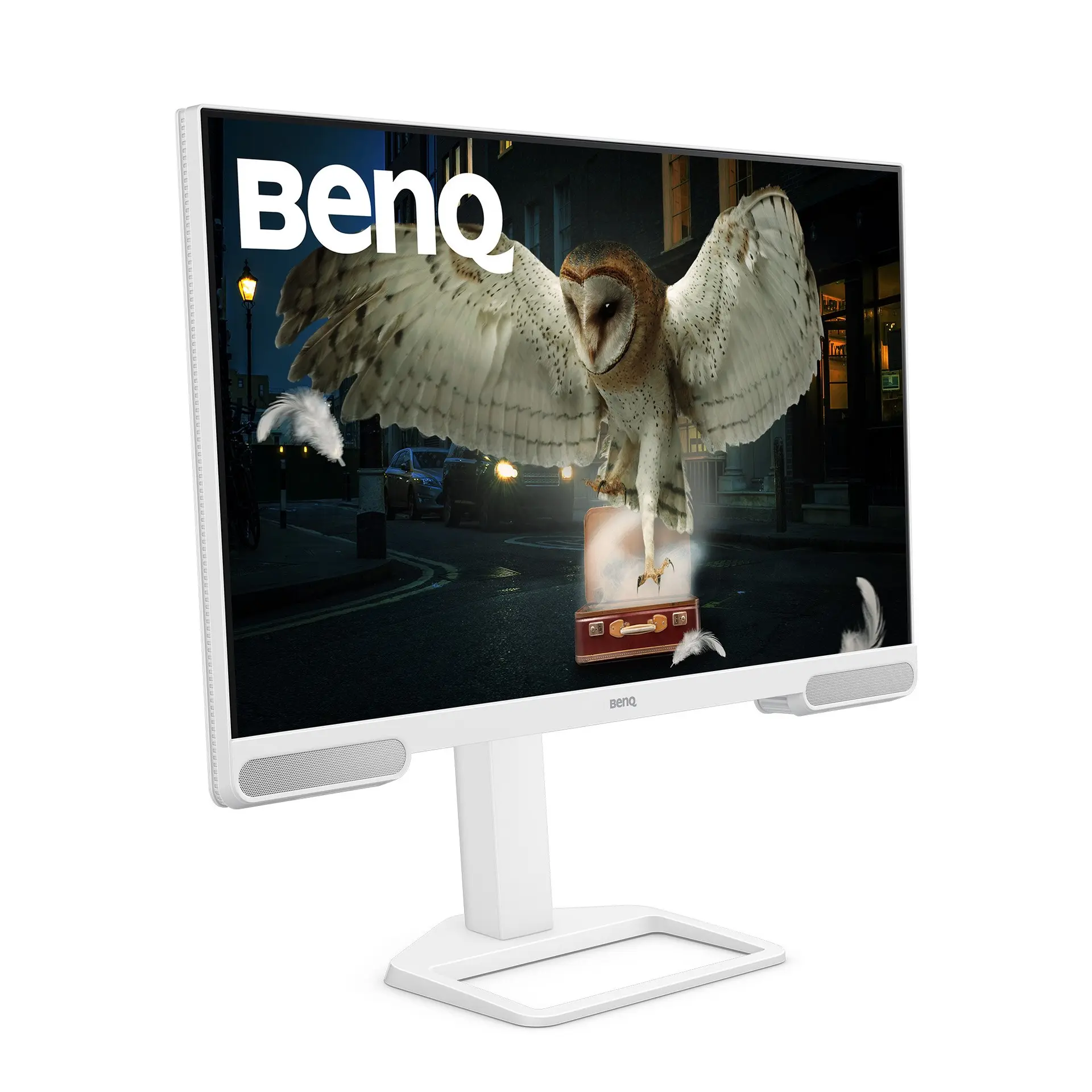
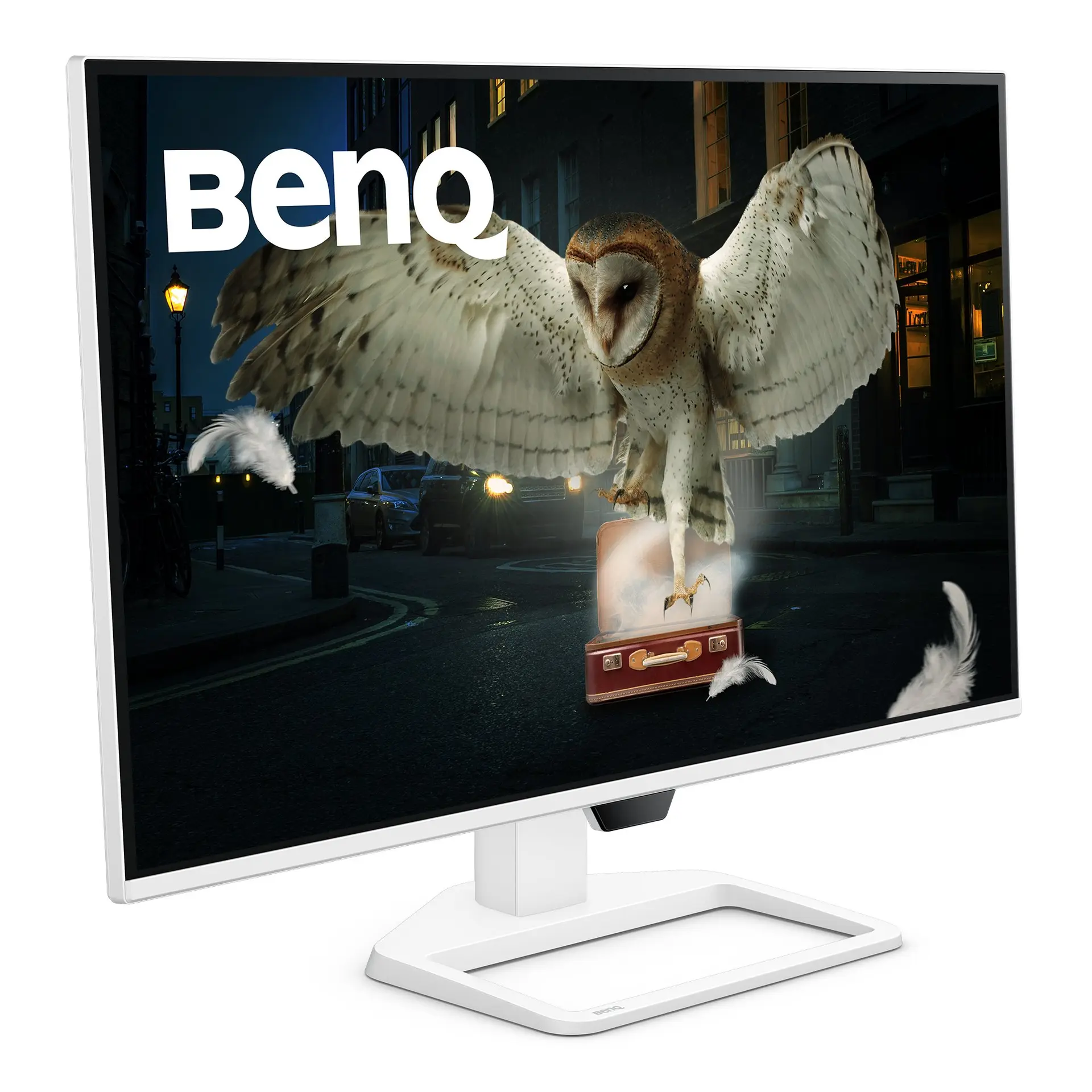
Exact configuration: EW270Q · 27-inch IPS · BenQ UK specification
48 specifications in 10 groups. Values are manufacturer specifications unless a row says “Measured result” or “Calculated from cited specifications”. 1 row repeats a listed fact in the manufacturer’s own wording, kept under “Manufacturer wording”.
Manufacturer-listed panel diagonal; a rounded size may appear in the product name.
SourceManufacturer resolution notation: 2560x1440.
SourceLeft/right angles at a contrast ratio of at least 10:1, as listed.
SourceAt native resolution; the source device and input must support the mode.
SourceManufacturer GtG claim; BenQ’s specification table publishes no test conditions for it and lists no MPRT figure.
SourceNeeds compatible source hardware and the right input mode.
SourceThe same facts in the manufacturer’s combined or original wording, each with its source.
The source device and input must support the mode.
SourceManufacturer typical brightness; picture mode and content affect output.
SourceManufacturer HDR peak figure; not a measured real-scene result.
SourceManufacturer-listed HDR formats or certification.
SourceManufacturer colour specification.
SourceManufacturer colour specification in its stated colour space; coverage is not an independent measurement.
SourceThe listed connections include USB-C or Thunderbolt. Video, data, upstream/downstream roles and charging power depend on the particular port.
SourceManufacturer port counts and versions; the source device and cable must support the mode you want.
Source65 W from the USB-C port that also carries DisplayPort Alt Mode video and data. Downstream accessory ports supply less and are not laptop-charging ports.
SourceBenQ’s specification table has no height-adjustment entry for this model; absence is not inferred from the omission.
SourceDown/up range as listed by BenQ.
SourceLeft/right range as listed by BenQ.
SourceBenQ’s specification table has no pivot entry for this model; absence is not inferred from the omission.
SourceMatch the screw size, monitor weight and the mount’s load rating as well as the hole pattern.
SourceBenQ lists 436.09 x 613.51 x 211.15 mm (height × width × depth) in landscape orientation. · Manufacturer dimensions with the supplied stand; a height range shows the stand’s lowest and highest positions. Allow extra room for cables and movement.
SourceDepth from the manufacturer dimension tuple. Allow additional room for cable routing and movement.
SourceManufacturer width in the listed landscape configuration.
SourceManufacturer panel dimensions without the base.
SourceBenQ lists “Net Weight” separately from “Net Weight (w/o Base)”, so this figure includes the supplied base; packaging excluded.
SourceManufacturer normal-mode figure; brightness, USB devices and charging load change real use.
SourceManufacturer power figure under the stated operating mode; real use, brightness, connected USB devices and charging load can differ.
SourceManufacturer power figure under the stated operating mode; real use, brightness, connected USB devices and charging load can differ.
SourceBenQ lists this as “Low Blue Light Plus”; the product page describes a Low Blue Light panel.
BenQ’s table lists “Visual Optimizer: Yes”; the product page says Visual Optimiser dynamically adjusts screen brightness and colour temperature according to ambient lighting.
BenQ notes that the signal cable may vary by region; check the seller’s listing.
SourceAccessory bundles can vary by market; check the seller’s listing.
SourceBenQ UK specification table. BenQ’s US page for the same model was checked separately on 26 September 2026 (see research notes); plugs, bundled accessories and warranty can still differ by market.
More of the nearest checked monitors by key specifications, for a side-by-side comparison.
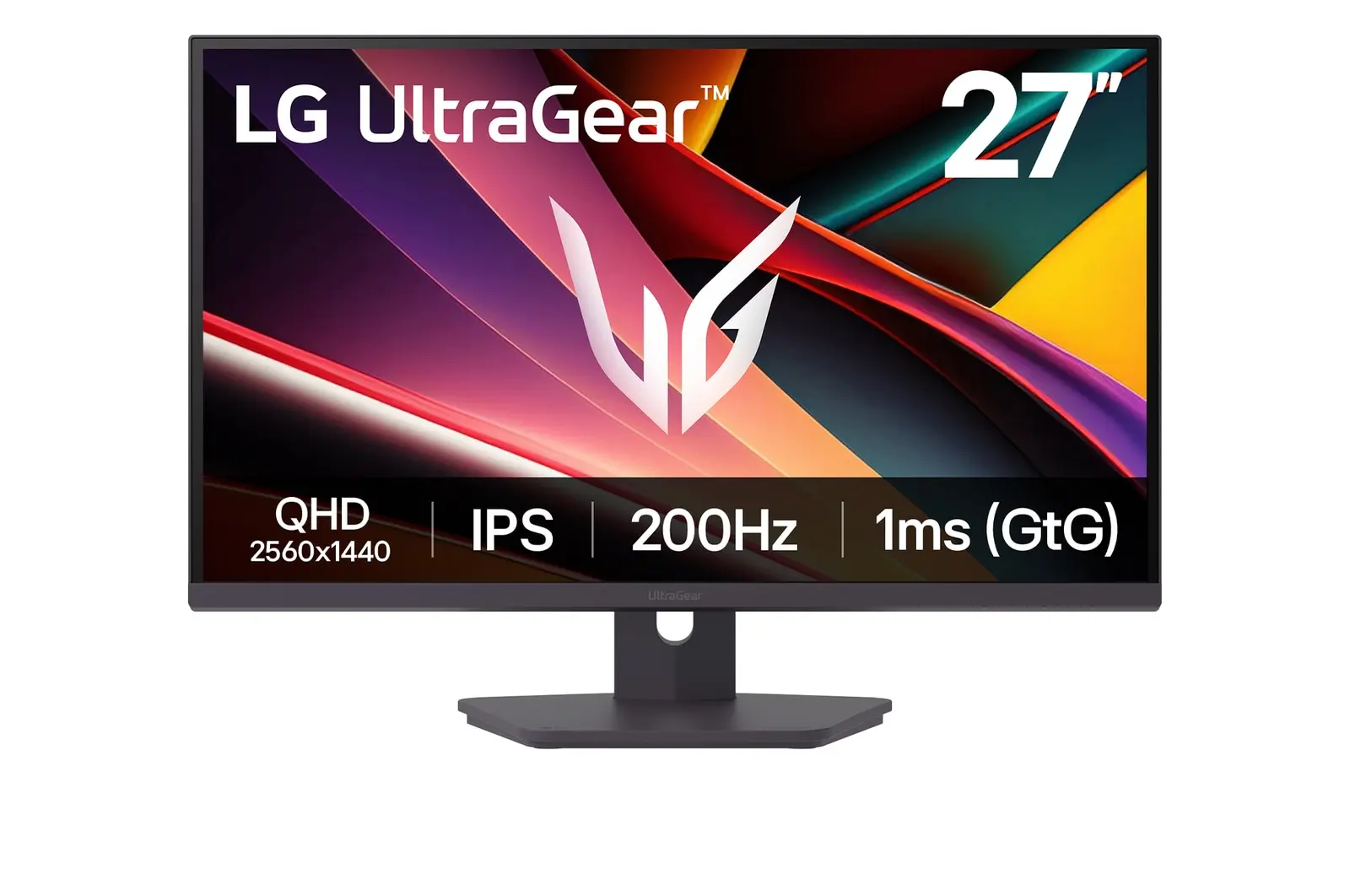 LG 27G610A-BUK manufacturer model · 27G610A-BCompare the two
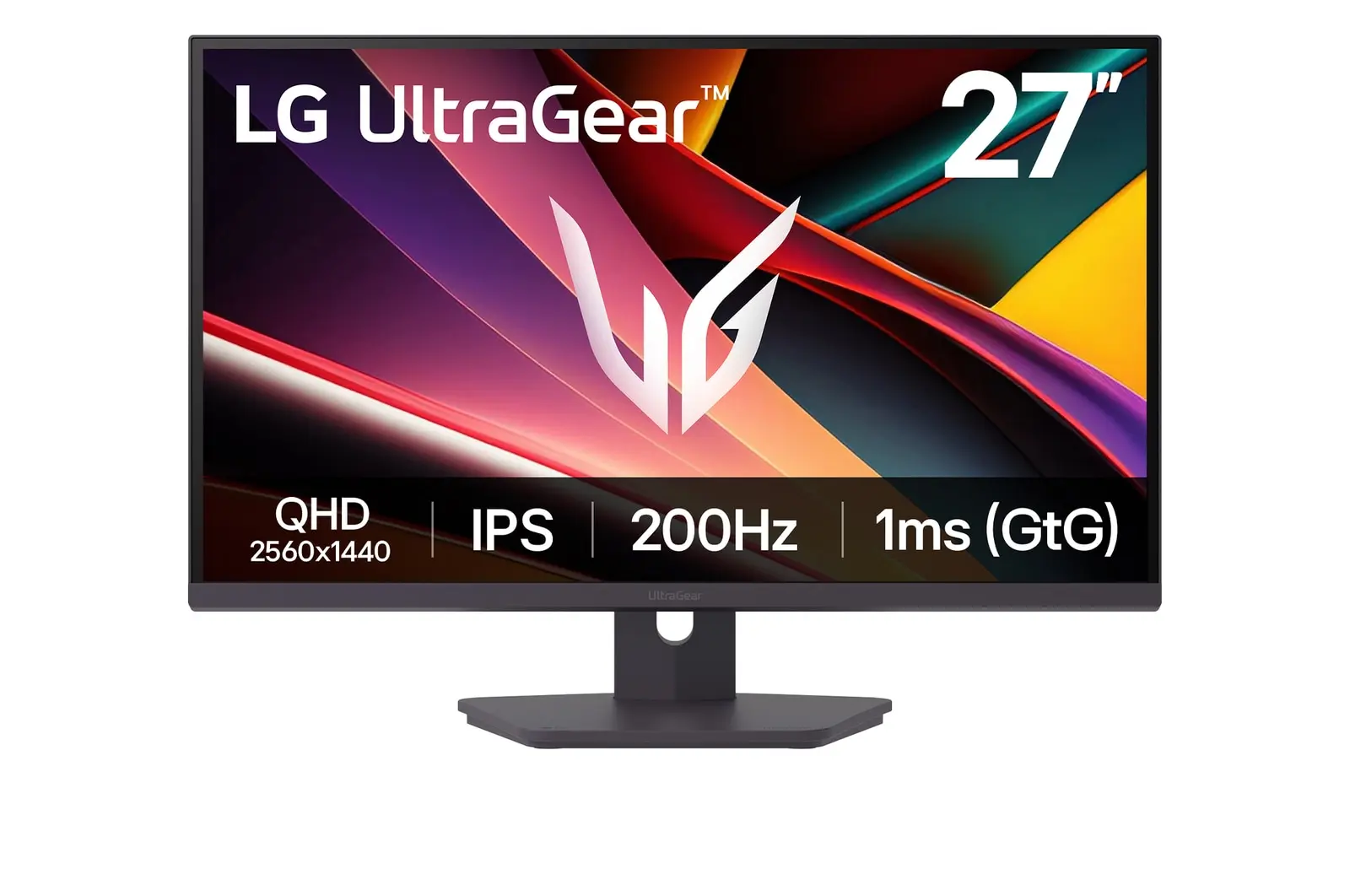 LG 27G61ZA-BUK manufacturer model · 27G61ZA-BCompare the two
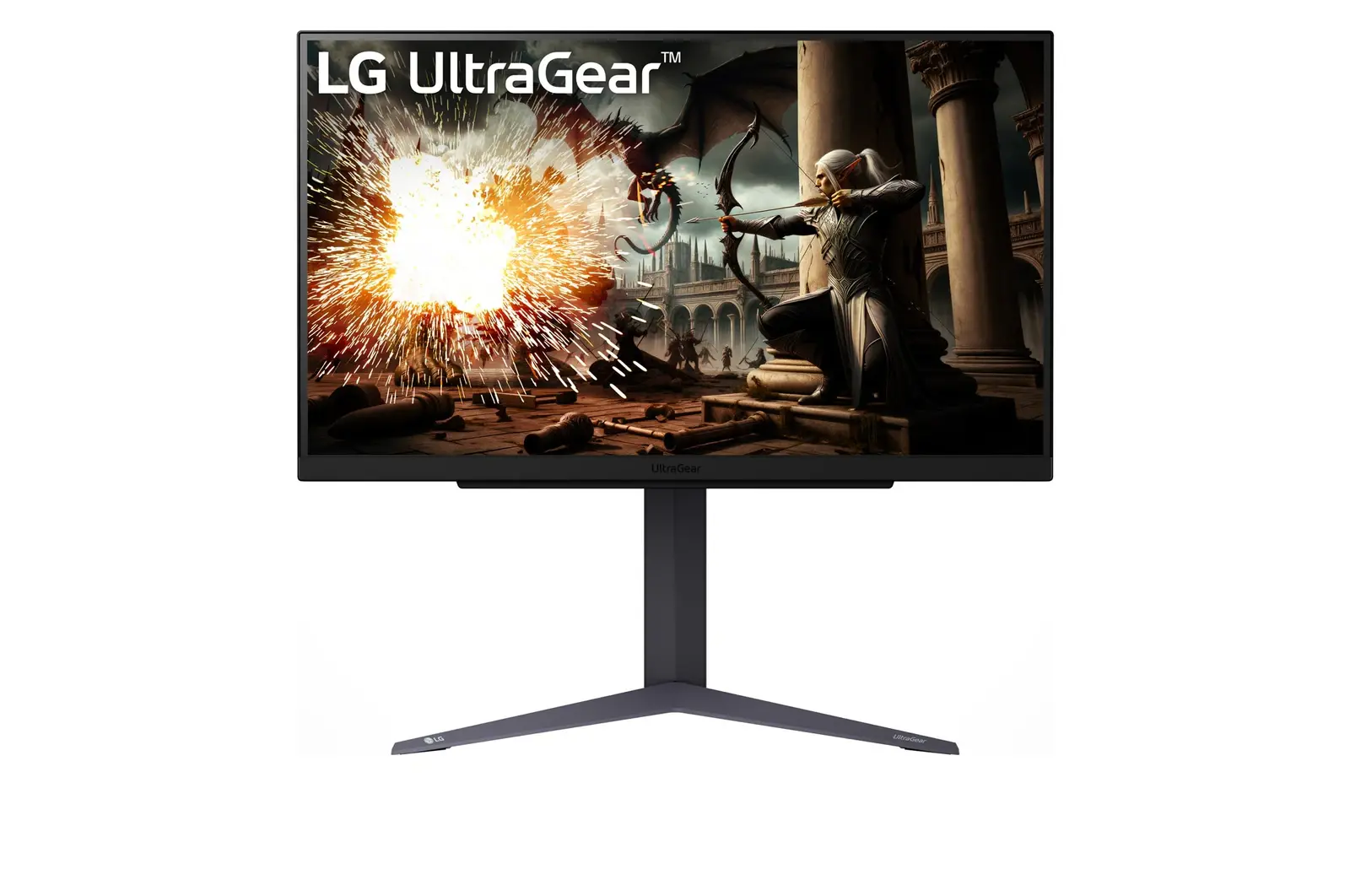 LG 27GS75QN-BUK manufacturer configuration · 27GS75QN-BCompare the two
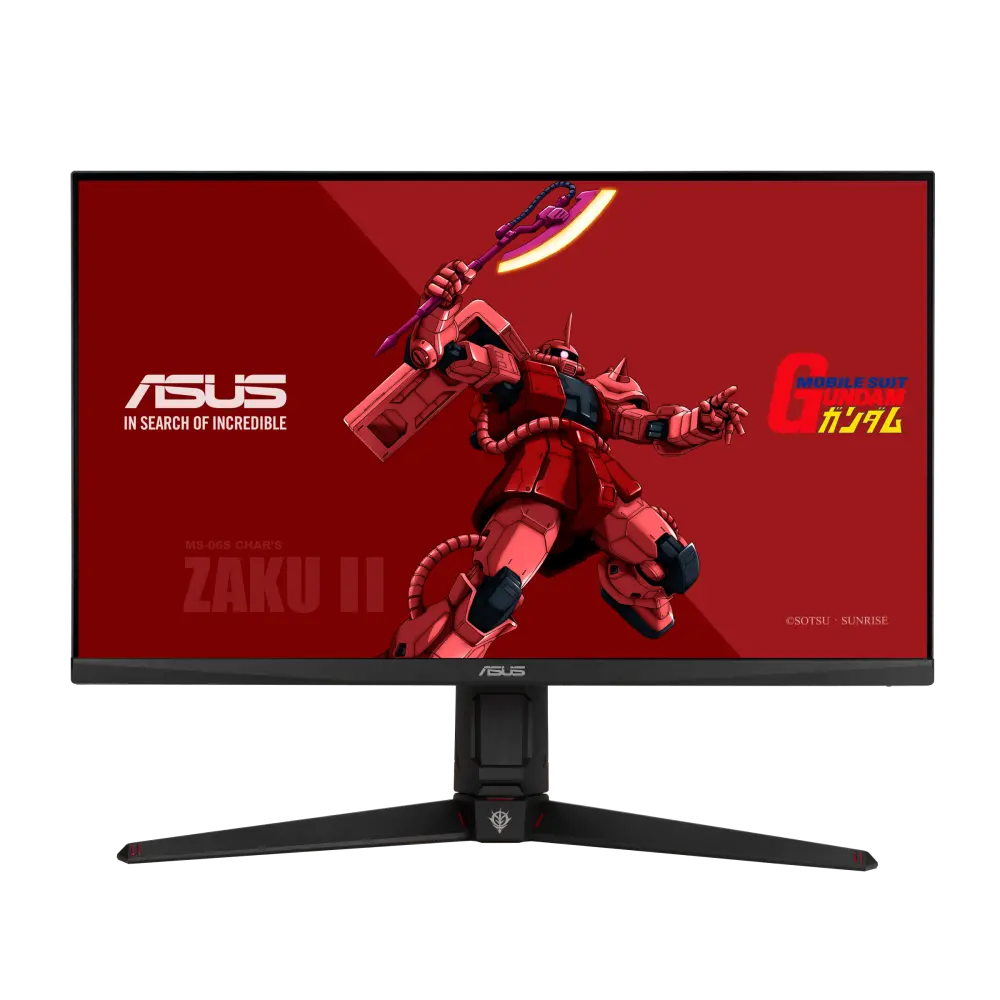 ASUS TUF Gaming VG27AQGL1A ZAKU II EDITIONGlobal manufacturer specification · TUF Gaming VG27AQGL1A ZAKU II EDITIONCompare the two
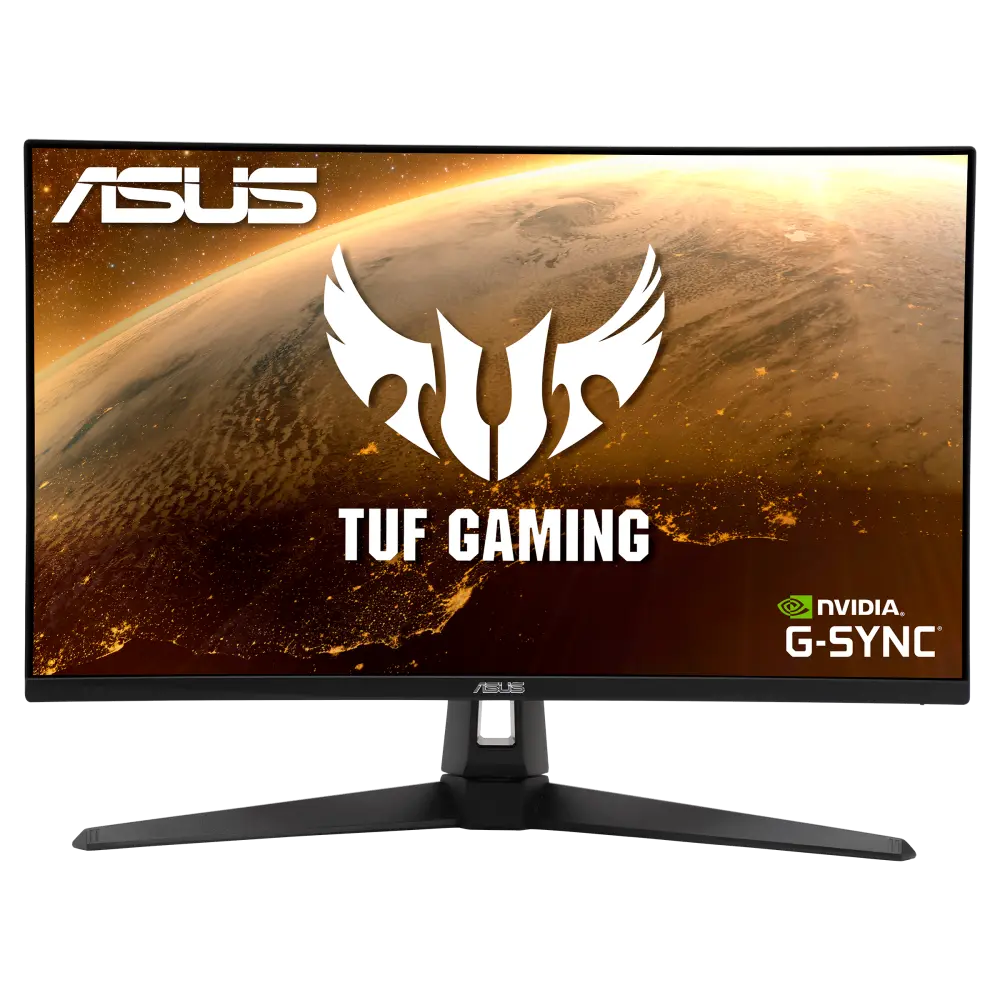 ASUS TUF GAMING VG27AQ1AGlobal manufacturer specification · TUF GAMING VG27AQ1ACompare the two
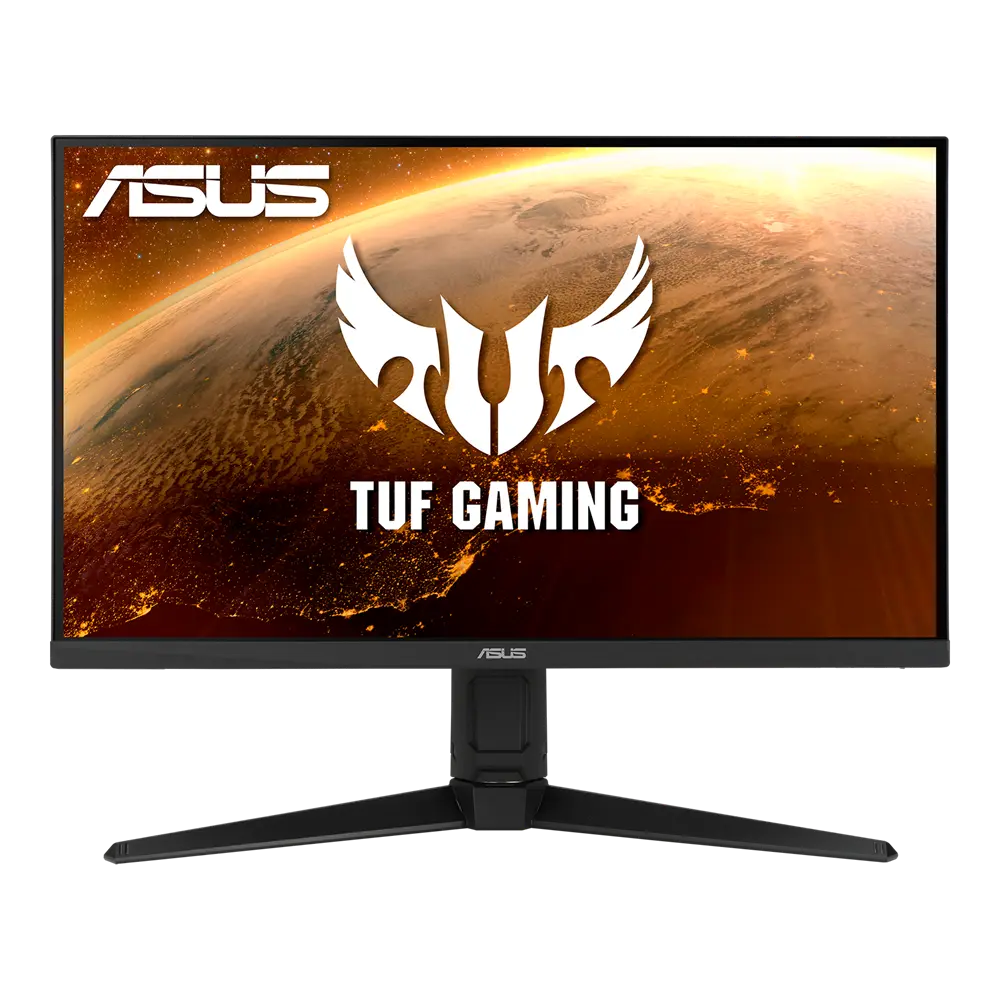 ASUS TUF Gaming VG27AQL1AGlobal manufacturer specification · TUF Gaming VG27AQL1ACompare the two
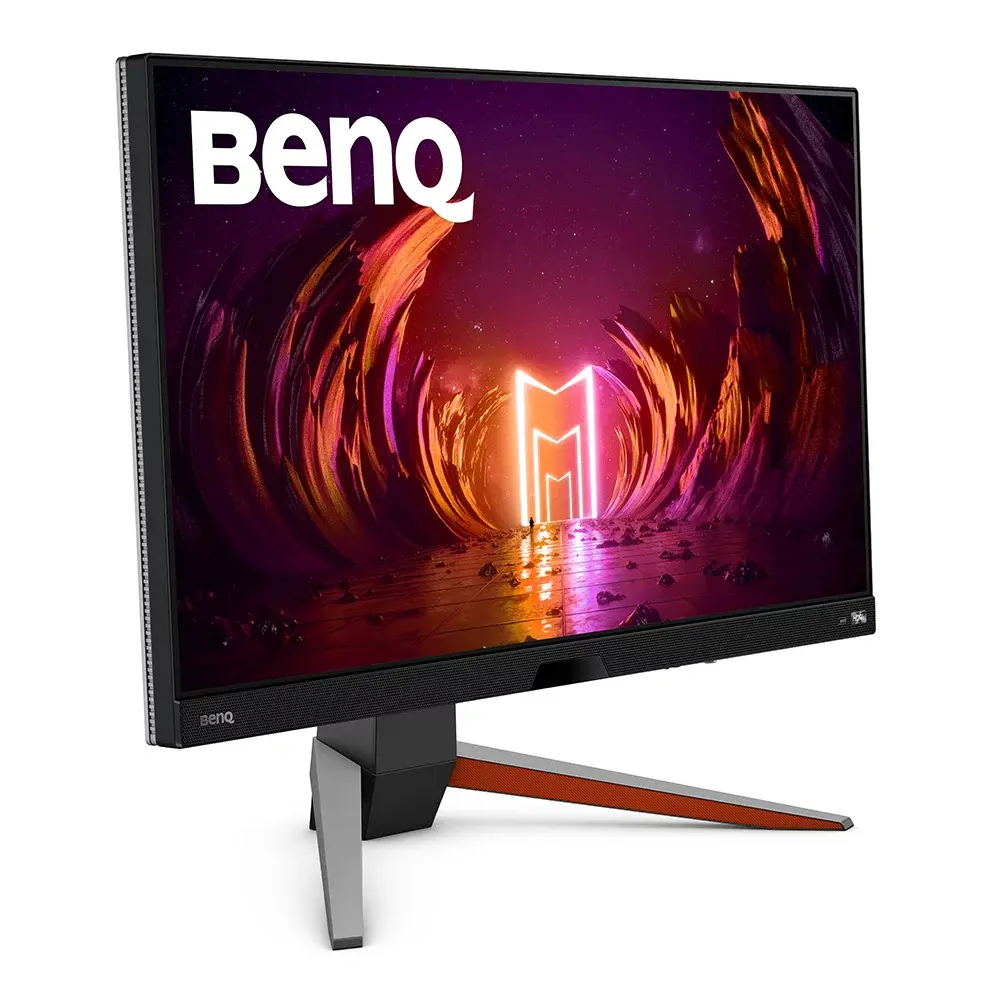 BenQ MOBIUZ EX270QMEX270QM · 27-inch 1440p 240 Hz IPS · BenQ UK specificationCompare the two
 ASUS TUF Gaming VG27AQE5AUK manufacturer specification · TUF Gaming VG27AQE5ACompare the two