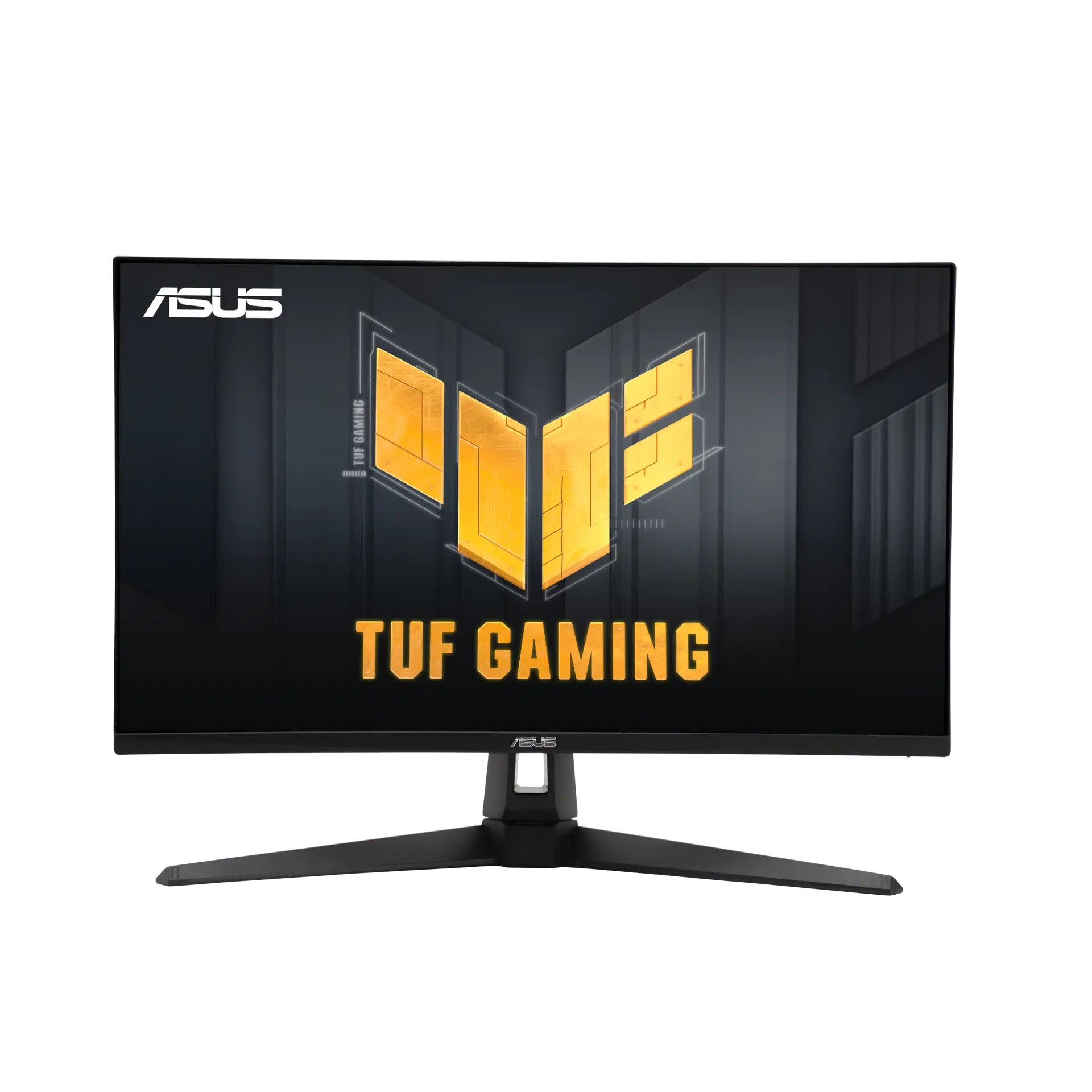


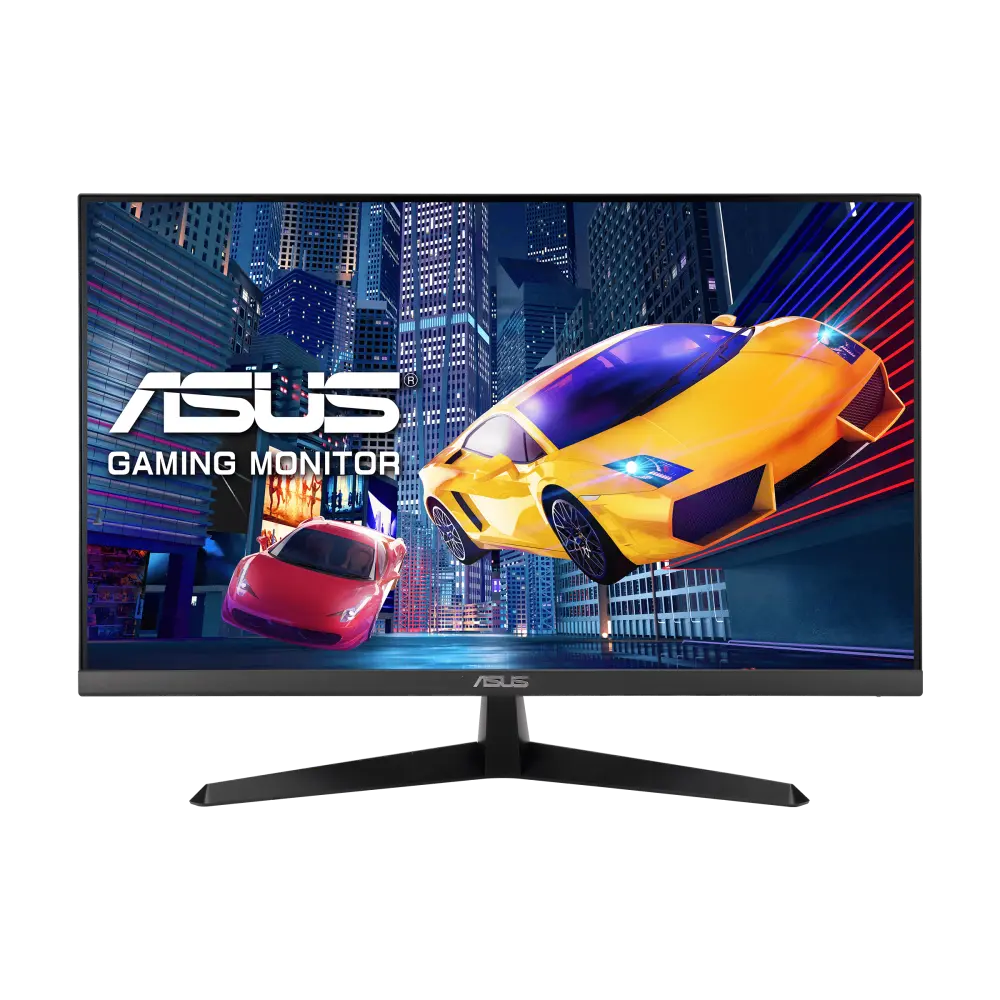
 ASUS VY249HG3Global manufacturer specification · VY249HG3
- Response method and claim
- 1ms MPRTThis one: 1 ms GtG
- Typical brightness
- 300 cd/m²This one: 350 cd/m²

UK specification
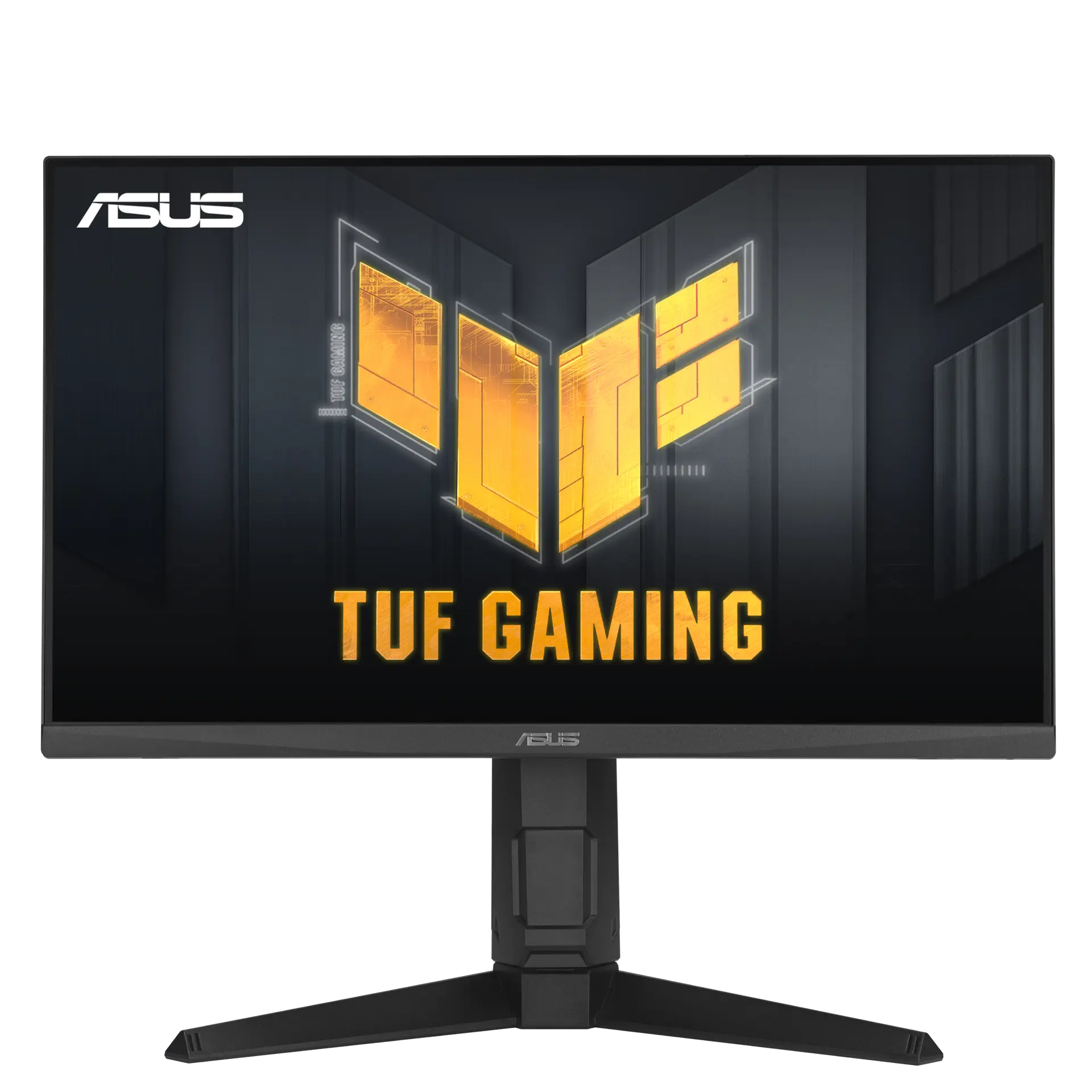
A 23.8-inch 1920 × 1080 IPS gaming monitor (“Fast IPS” on the product page) rated up to 180 Hz on both DisplayPort and HDMI, with FreeSync Premium and G-SYNC Compatible listings and a stand that adjusts for height, tilt, swivel and portrait pivot.
As an Amazon Associate I earn from qualifying purchases.
Email me when the ASUS TUF Gaming VG249QL3A gets cheaper on eBay. We check exact-model listings once a day at 12:00 UTC.
Specifications checked 26 Sept 2026Manufacturer specifications, not a hands-on test.
The nearest checked monitors by key specifications, with what differs from the ASUS TUF Gaming VG249QL3A. The first matches the Compare button above.
ASUS VY249HG3Global manufacturer specification · VY249HG3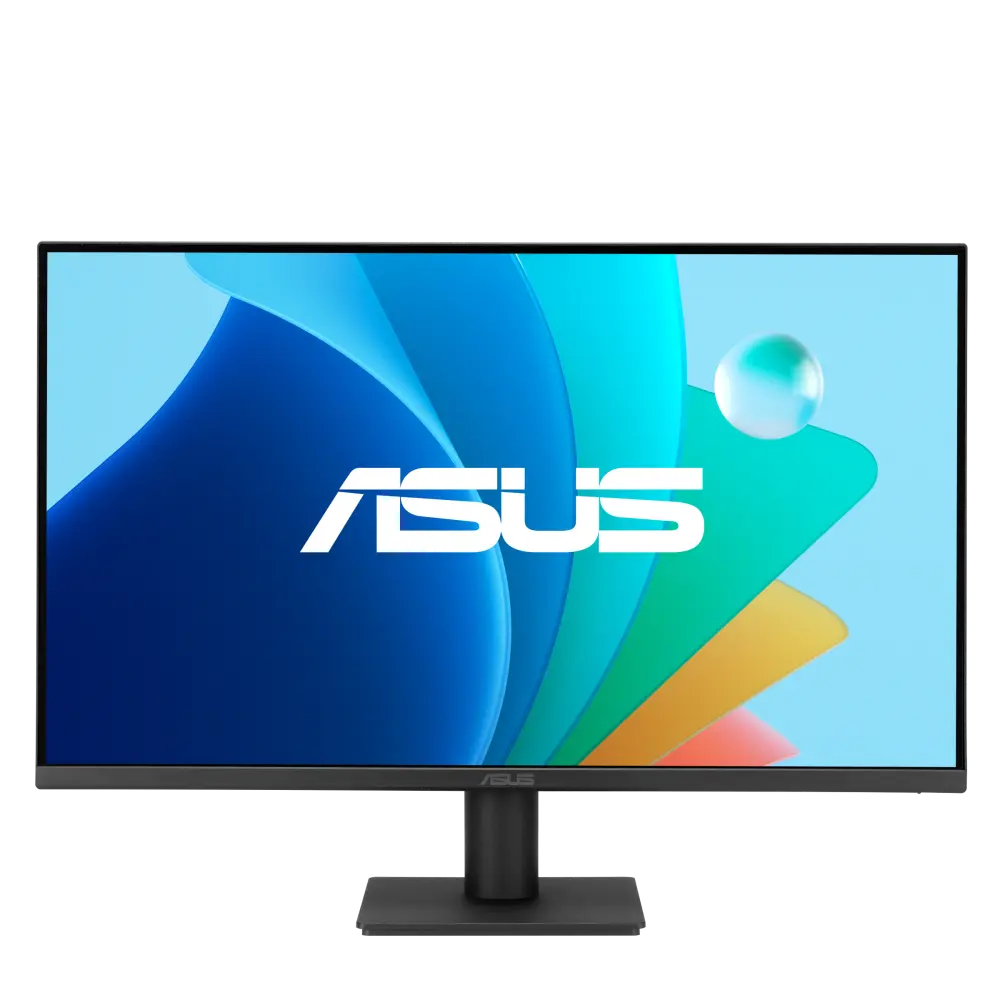 ASUS VA249HG3Global manufacturer specification · VA249HG3
 ASUS TUF Gaming VG249Q3AGlobal manufacturer specification · TUF Gaming VG249Q3A
The stand adds height adjustment, swivel and ±90° pivot to −5° to +23° tilt, with a 100 × 100 mm VESA pattern and a 1/4-inch tripod socket. ASUS’s tables and manual give 120 mm of height travel and ±15° swivel, but its product page shows 130 mm and ±20°.
Both HDMI 2.0 inputs and the DisplayPort input list a 48–180 Hz vertical range, so a console or second PC over HDMI is not capped below the panel maximum by the input table.
ASUS declares a maximum on-mode consumption of 18 W and 350 cd/m² typical brightness, with two 2 W speakers and a headphone output built in.
Native resolution is 1920 × 1080 on the 23.8-inch panel, a 0.2745 mm pixel pitch.
The technical table and user manual list no HDR format, although the product page claims HDR technology and multiple HDR modes; there are no USB ports and no USB-C input.
ELMB blur reduction and Adaptive-Sync are listed, but ELMB Sync (running both together) is not.
Exact configuration: UK specification
57 specifications in 10 groups. Values are manufacturer specifications unless a row says “Measured result” or “Calculated from cited specifications”.
The technical table lists “IPS”; the UK product-page headline and overview call the panel “Fast IPS”.
At contrast ratio ≥ 10:1.
SourceASUS lists a 48–180 Hz vertical range on both DisplayPort and HDMI.
SourceManufacturer claim; not a measured response or input-lag result.
SourceUser manual specification lists “1ms (Gray to Gray), 1ms MPRT”; MPRT is a different measure from GtG. Not a measured result.
SourceVertical signal-frequency ranges from the specification table.
SourceUpper bound of the listed HDMI vertical frequency range.
SourceASUS Extreme Low Motion Blur (ELMB). The user manual states ELMB is disabled when the input vertical frequency is below 85 Hz.
ASUS lists ELMB and Adaptive-Sync but, unlike ELMB Sync models, does not list ELMB Sync; simultaneous operation is not stated.
SourceTypical SDR brightness.
SourceUser manual specification: “16.7M colors (8bits)”. ASUS does not state whether FRC is used.
SourceASUS sources disagree: the UK technical table (“Color Space (sRGB) : 99%”), the product-page headline and overview (“99% sRGB”) and the user manual (“99% SRGB”) give 99% sRGB, while the product-page colour-performance block states “130% sRGB”. No CIE basis or coverage/area definition is given for either figure.
ASUS sources disagree: the UK product page says the VG249QL3A “takes advantage of HDR technology” and lists “Multiple HDR modes”, while the UK technical table and the user-manual specification list no HDR format, HDR mode or DisplayHDR certification.
ASUS sources disagree: the UK and US technical tables (“Height Adjustment : 0~120mm”) and the user manual (“Height adjustment 12 cm”) give 120 mm, while the UK product-page stand graphic gives “Height: 0~130mm”. Adjustment travel, not overall assembled height.
Tilt −5° to +23° and pivot ±90° agree across sources. Swivel and height travel conflict: the UK and US technical tables and the user manual give swivel ±15° and 120 mm (12 cm) height travel; the UK product-page stand graphic gives “Swivel: +20° ~ -20°” and “Height: 0~130mm”.
Converted from ASUS’s centimetre figures; ASUS labels dimensions as estimates that vary by region.
SourceFront-to-back depth with the supplied stand; allow cable clearance.
SourceASUS “Net Weight”, listed separately from “Net Weight without Stand”; estimate that may vary by region.
SourceThe technical table lists “Power Consumption : 18W” without a basis, and the user manual labels the same figure “Power ON Consumption(Max.)”. It is an upper bound; no typical operating figure is published.
Upper bounds from the ASUS technical table and user manual (“Power ON Consumption(Max.) 18W”); not typical running-power measurements.
The UK accessory list names a power cord and no separate adapter.
SourceManufacturer-listed features and TÜV certificates from the ASUS UK and US certificate lists. The product page says four filter settings control the amount of blue-light reduction; the user manual says Level 4 is the setting that complies with TÜV Low Blue Light certification and locks the Brightness control. Not medical advice.
Complete “Certificate” list from the ASUS UK technical table; the US table lists the same six.
The product page describes seven GameVisual pre-set modes (Racing, MOBA, Cinema, RTS/RPG, FPS, sRGB, Scenery); the user manual lists eight modes including User Mode. The technical table separately lists colour-temperature selection with 4 modes.
Named ASUS game functions from the technical table, product page and user manual. DisplayWidget Center is desktop software for changing monitor settings with a mouse.
ASUS says accessories vary by region.
SourceMore of the nearest checked monitors by key specifications, for a side-by-side comparison.
 LG 24GS60F-BUK manufacturer model · 24GS60F-BCompare the two
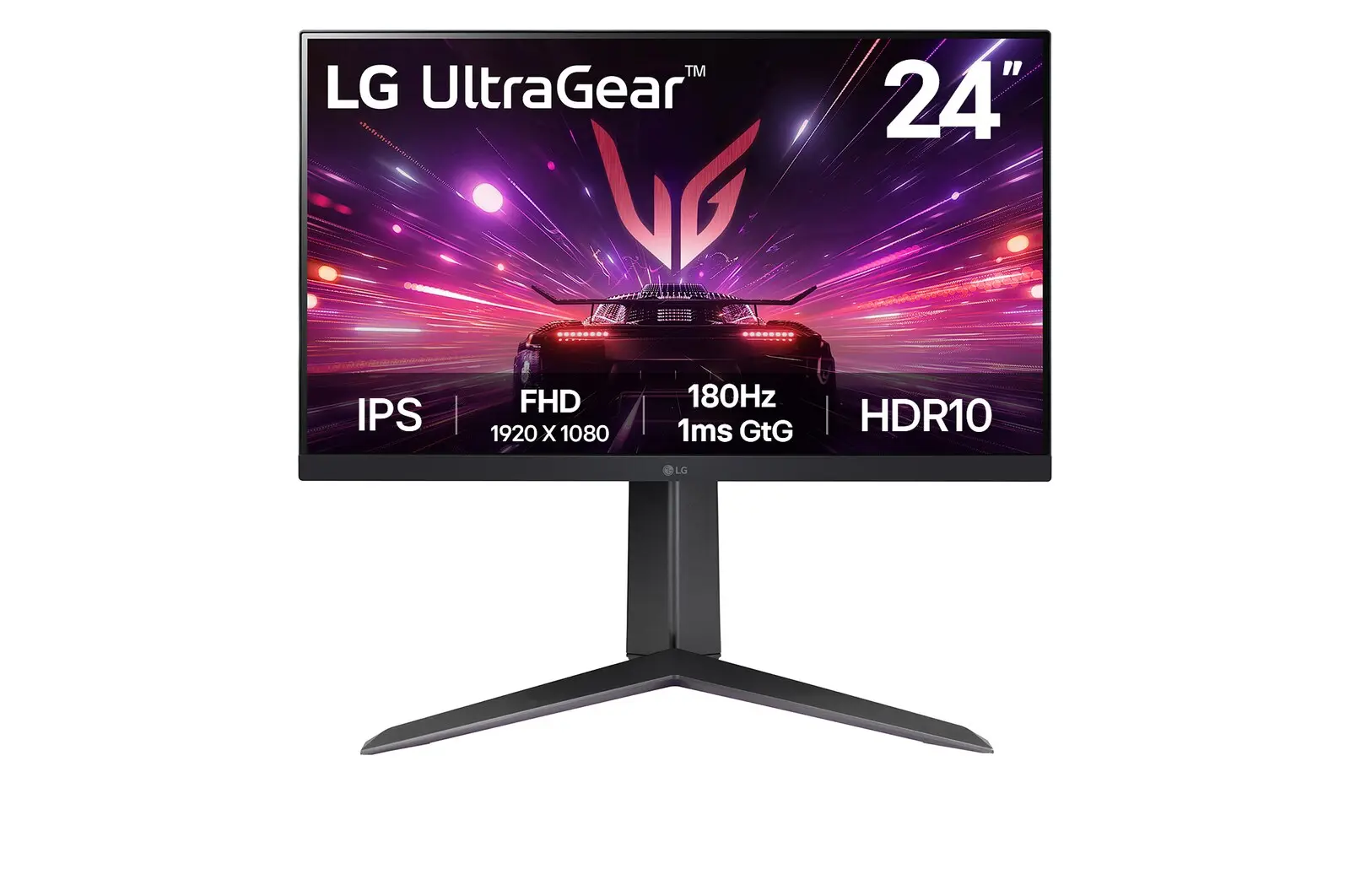 LG 24GS65F-BUK manufacturer model · 24GS65F-BCompare the two
 ASUS TUF Gaming VG259Q3AUK manufacturer specification · TUF Gaming VG259Q3ACompare the two
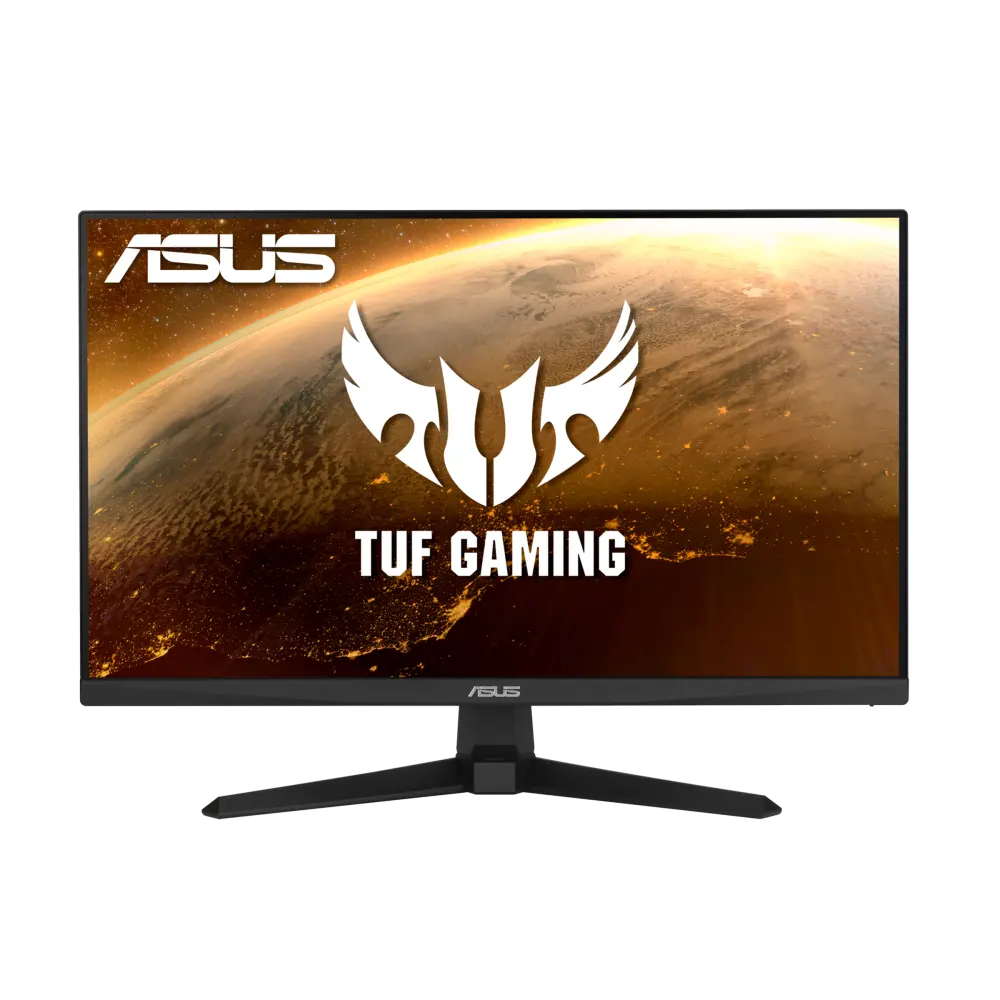 ASUS TUF GAMING VG249Q1AGlobal manufacturer specification · TUF GAMING VG249Q1ACompare the two
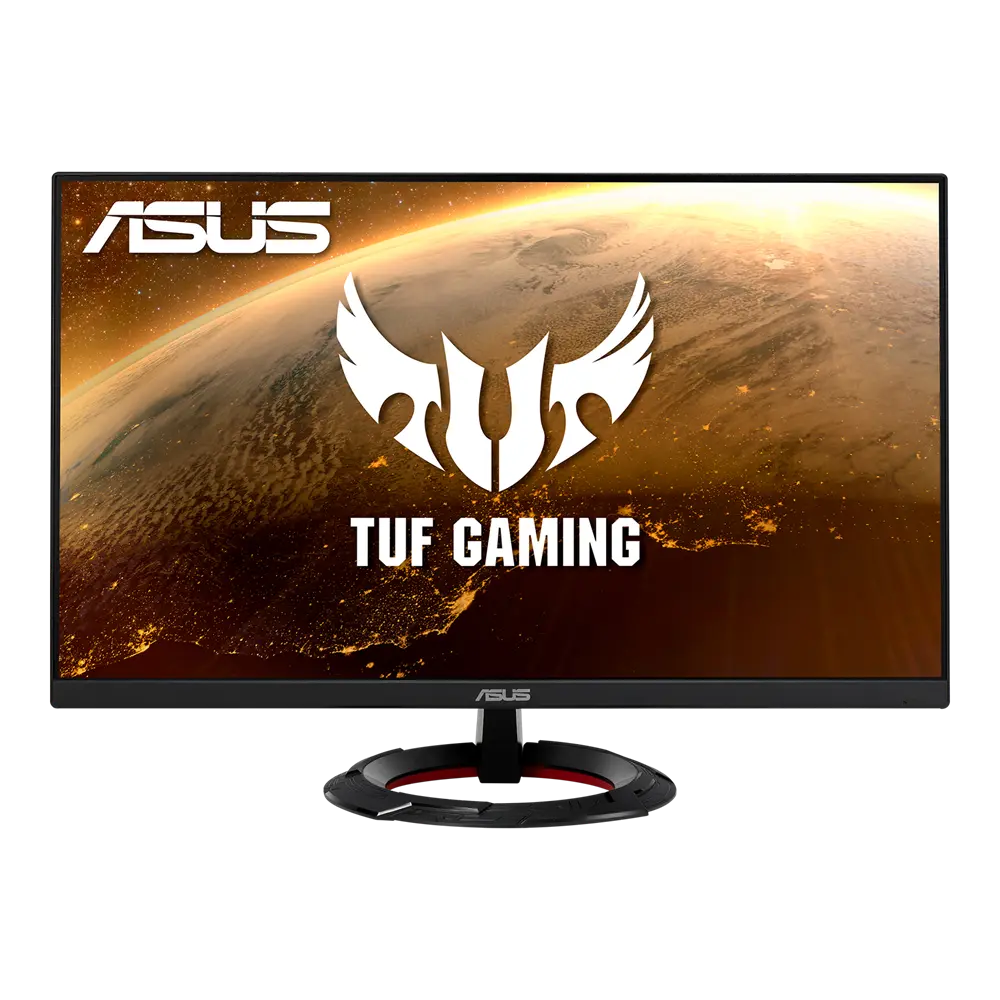 ASUS TUF Gaming VG249Q1RGlobal manufacturer specification · TUF Gaming VG249Q1RCompare the two
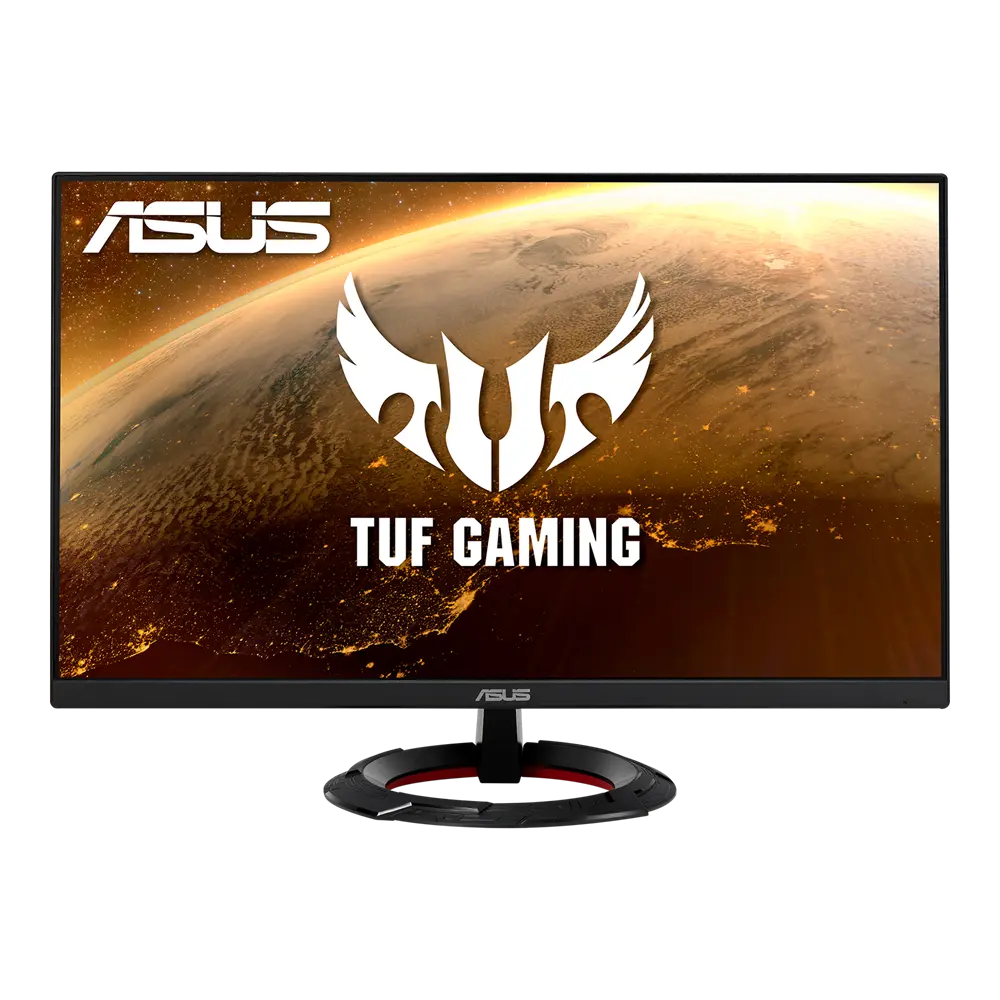 ASUS TUF Gaming VG249Q1RYUS manufacturer specification · TUF Gaming VG249Q1RYCompare the two
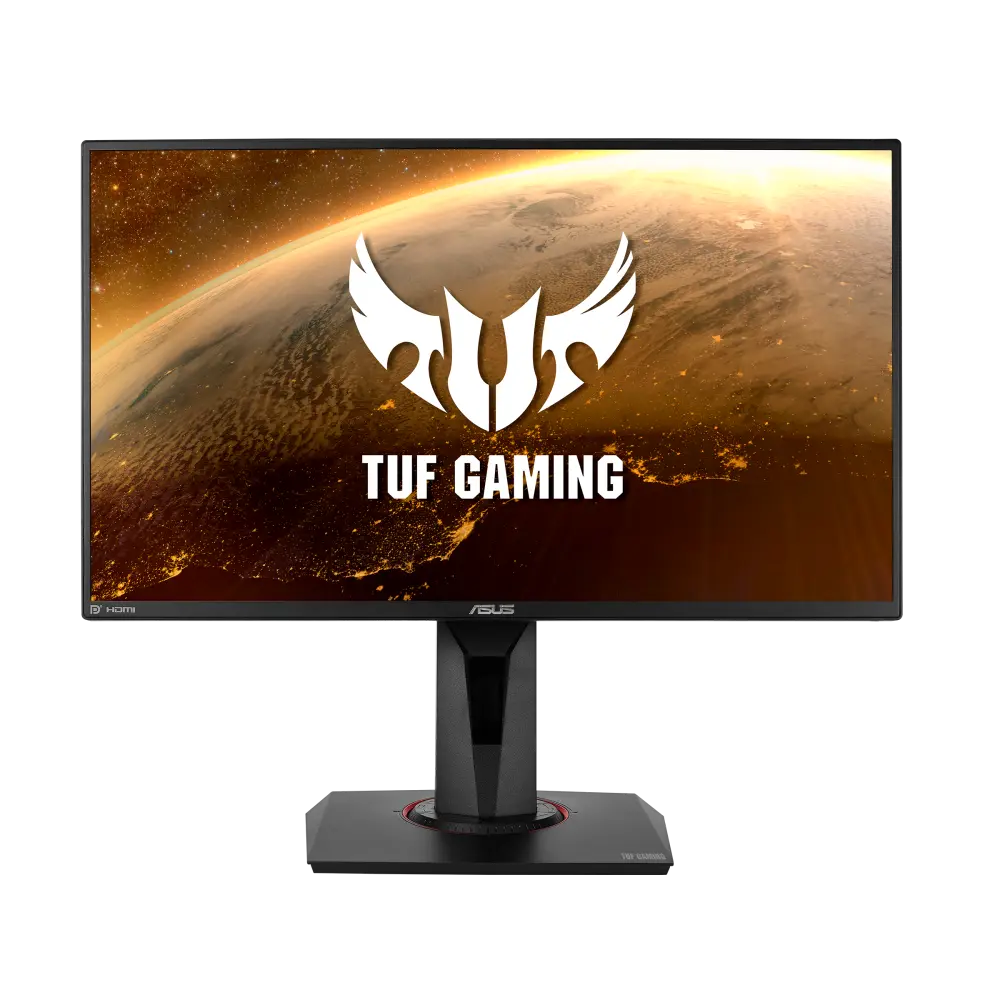 ASUS TUF GAMING VG259QRGlobal manufacturer specification · TUF GAMING VG259QRCompare the two
 BenQ EX271EX271 · 27-inch IPS · BenQ UK specificationCompare the two