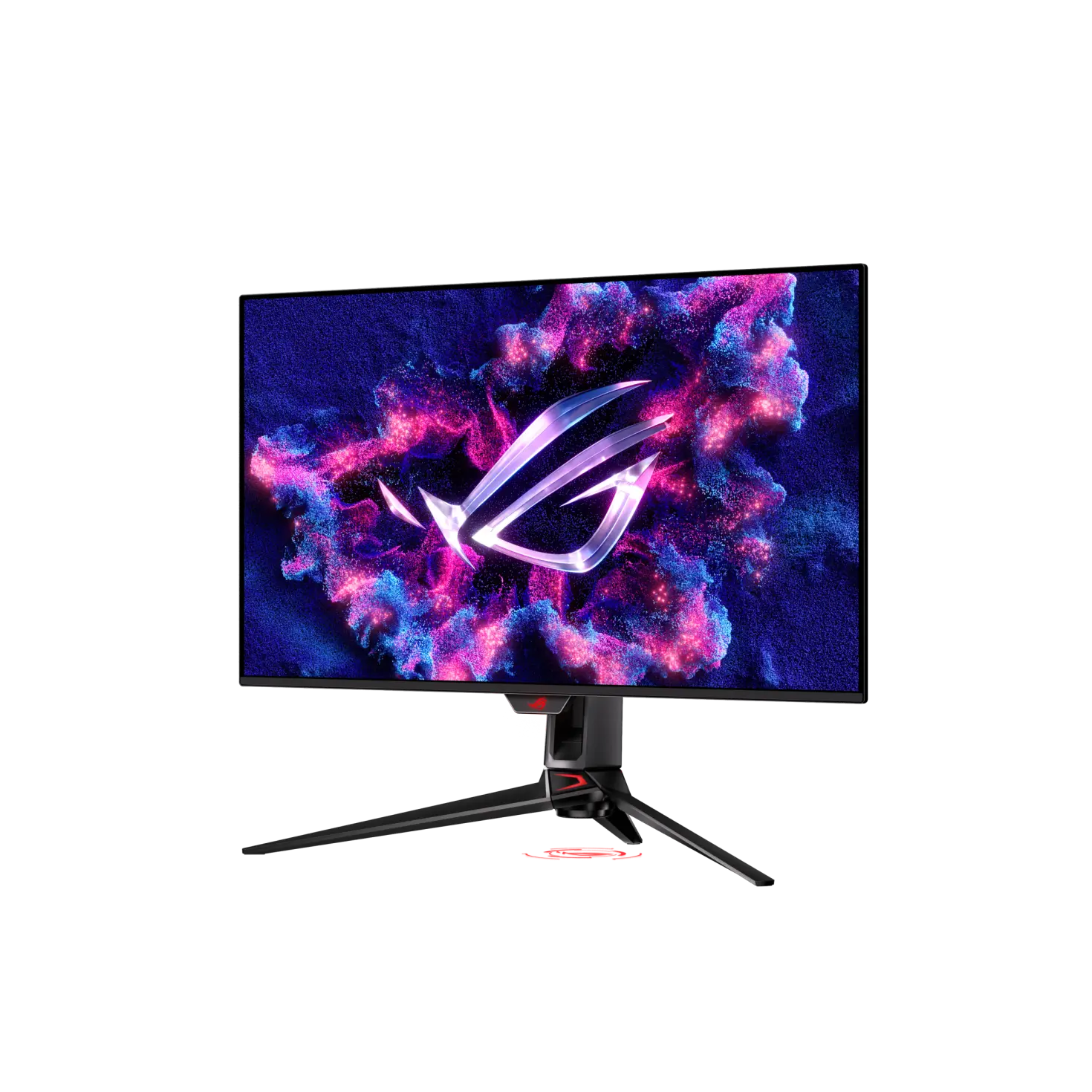
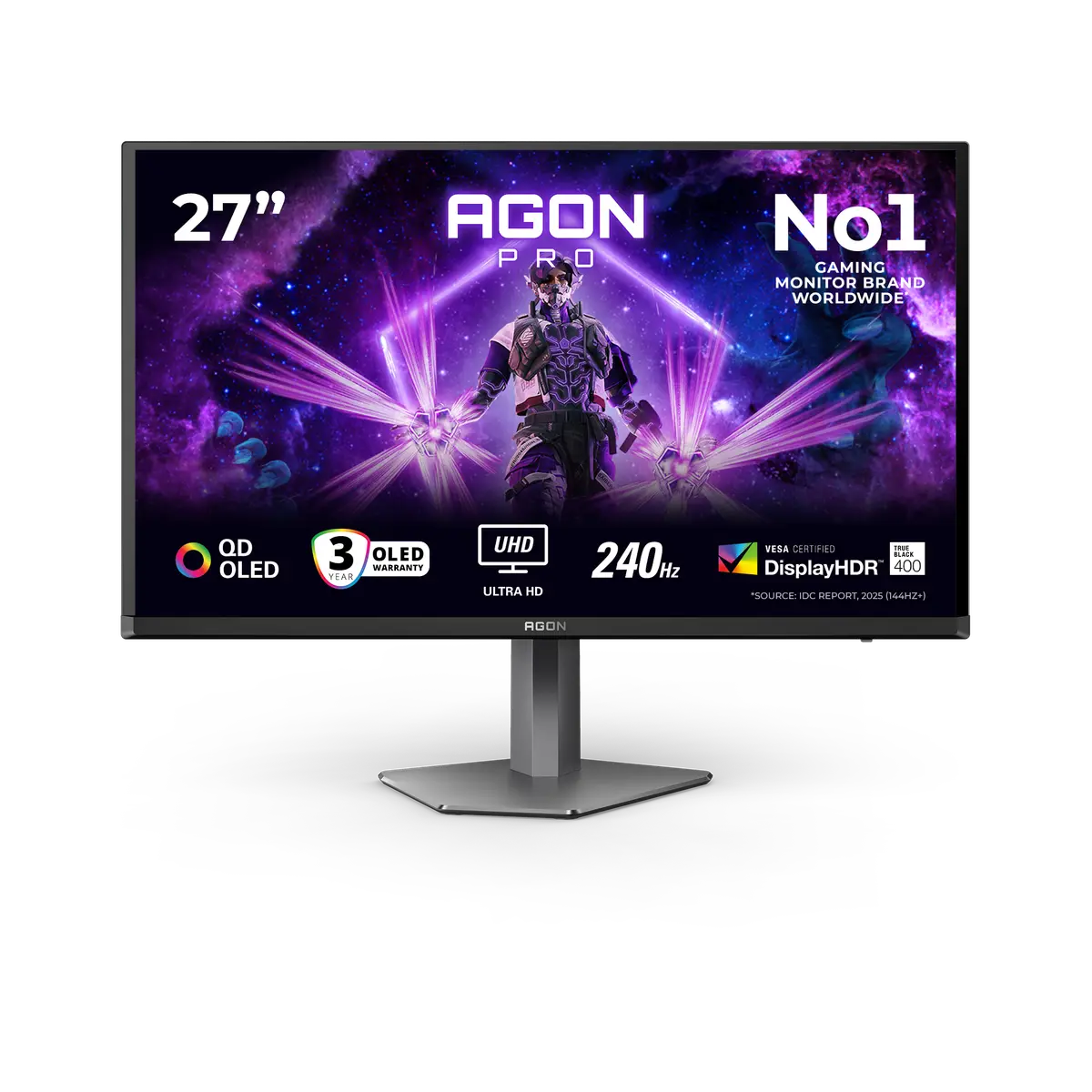
 AOC AG276UZDAG276UZD · 26.5-inch QD - OLED · AOC UK specification
- Panel technology
- QD - OLEDThis one: QD-OLED (Tandem QD-OLED)

UK specification
A 26.5-inch (27-inch class) 3840 × 2160 Tandem QD-OLED gaming monitor rated at 240 Hz on DisplayPort 2.1a, HDMI 2.1 and USB-C (the user guide gives 3840 × 2160 at up to 120 Hz on USB-C when its Type-C bandwidth is set to USB 3.2), with a 0.03 ms GtG claim, DisplayHDR 400 True Black, Dolby Vision, 90 W USB-C power delivery, a KVM switch and a 3-year warranty that includes burn-in.
As an Amazon Associate I earn from qualifying purchases.
Email me when the ASUS ROG Swift OLED PG27UCDM gets cheaper on eBay. We check exact-model listings once a day at 12:00 UTC.
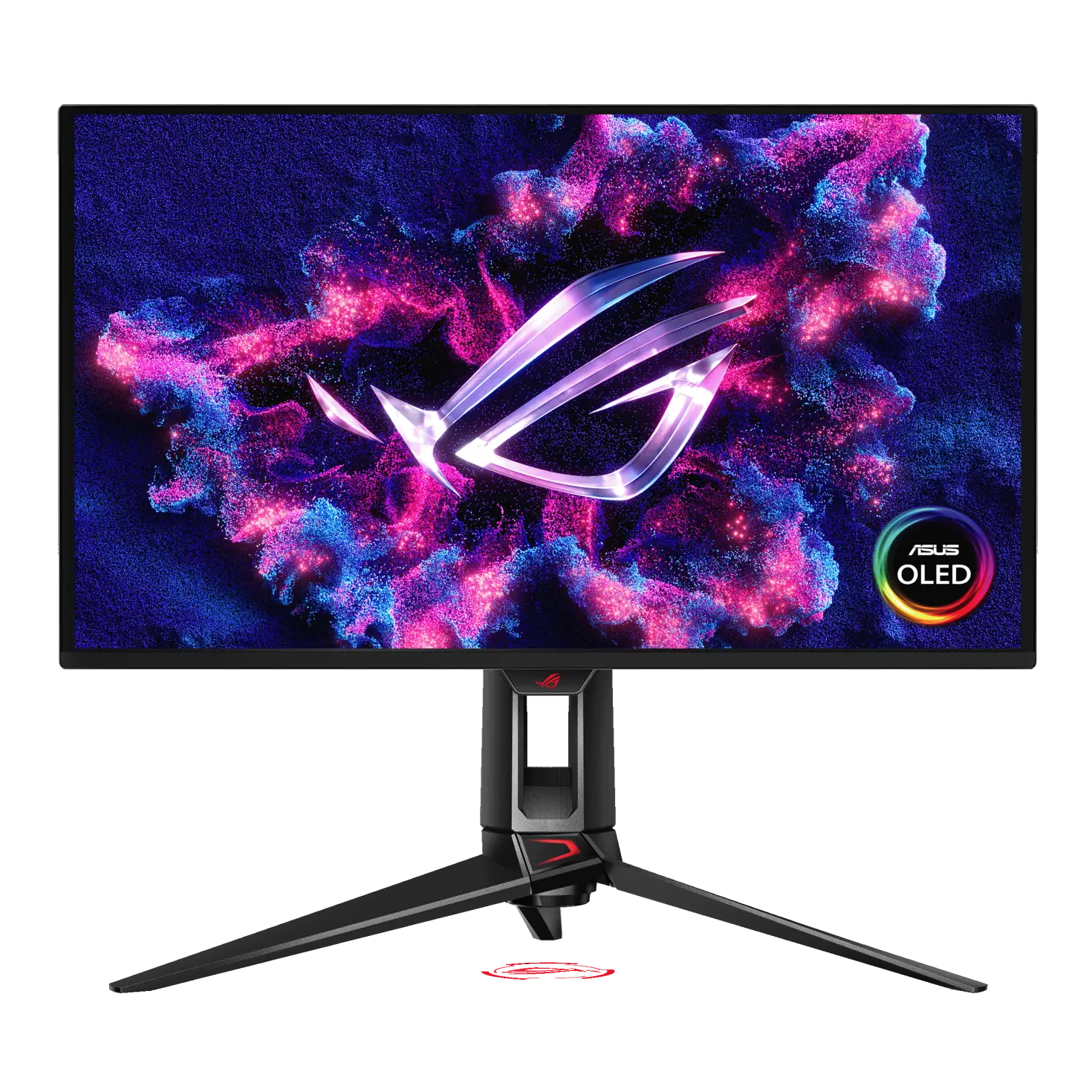
Specifications checked 26 Sept 2026Manufacturer specifications, not a hands-on test.
The nearest checked monitors by key specifications, with what differs from the ASUS ROG Swift OLED PG27UCDM. The first matches the Compare button above.
AOC AG276UZDAG276UZD · 26.5-inch QD - OLED · AOC UK specification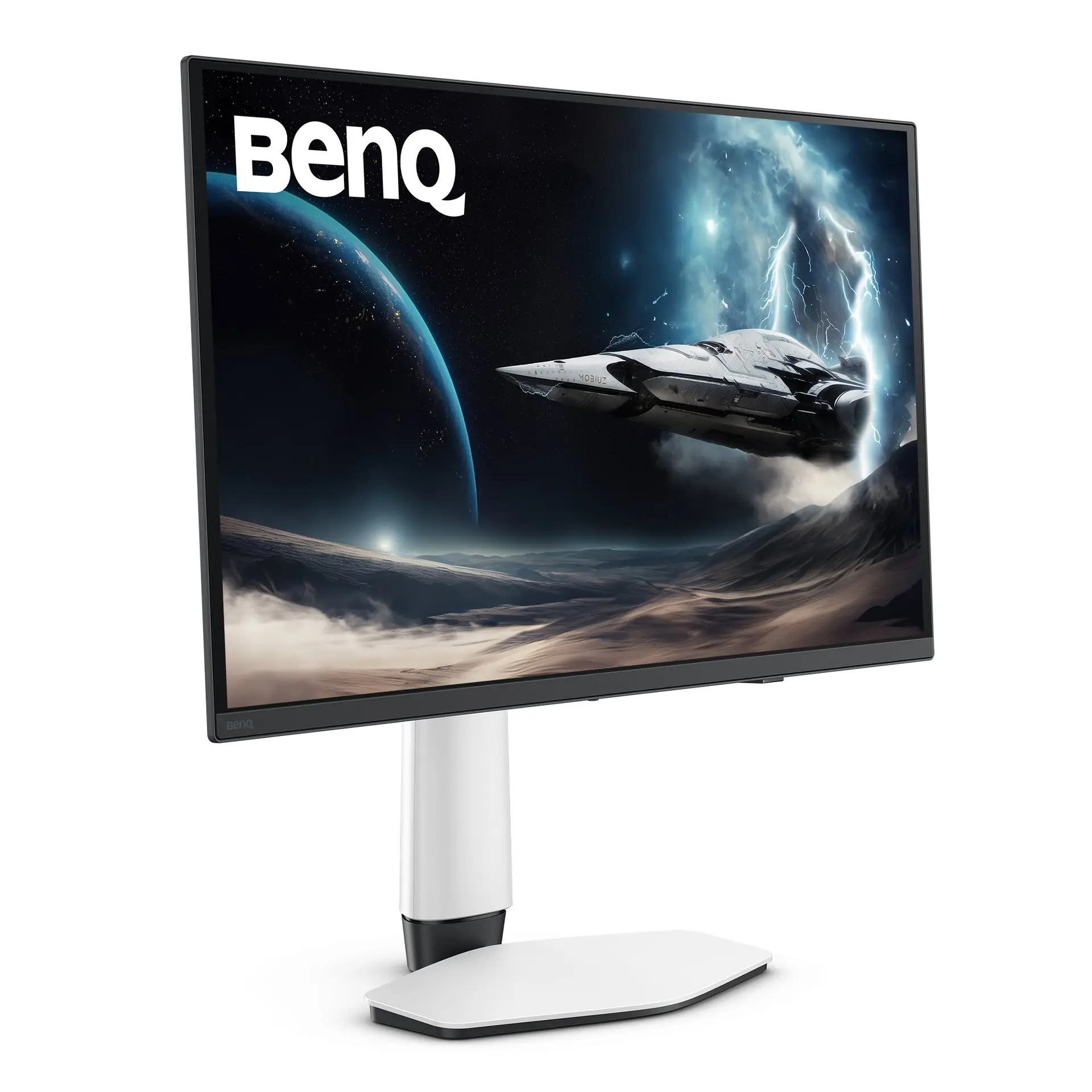 BenQ EX271UZEX271UZ · 26.5-inch OLED · BenQ UK specification
 ASUS ProArt Display OLED PA27UCDMRUK manufacturer specification · ProArt Display OLED PA27UCDMR
All three video inputs list 48–240 Hz: DisplayPort 2.1a (UHBR20, 80 Gbps), two HDMI 2.1 (FRL) ports for consoles, and USB-C with 90 W power delivery (up to 3840 × 2160 at 120 Hz when the USB-C bandwidth is set to USB 3.2), plus a KVM switch and a three-port USB hub with a USB Type-B upstream port.
ASUS lists 99% DCI-P3, 10-bit colour, ΔE < 2 and a 1,000 cd/m² HDR peak (DisplayHDR 400 True Black), at 0.153 mm pixel pitch.
The UK warranty is 3 years including panel burn-in, and ASUS lists OLED Care Pro, a Neo Proximity Sensor, a custom heatsink with internal airflow, and OLED Anti-Flicker 2.0.
ASUS publishes only an upper-bound (<80 W) on-mode power figure, and the peak brightness figure has no window size and may vary with colour pre-calibration.
There are no built-in speakers.
The listed accessories vary by region: the US page lists a much shorter accessory set than the UK page.
Exact configuration: UK specification
68 specifications in 10 groups. Values are manufacturer specifications unless a row says “Measured result” or “Calculated from cited specifications”.
ASUS lists 48–240 Hz on HDMI, DisplayPort and USB-C.
SourceManufacturer claim; not a measured response or input-lag result.
SourceUser guide: Variable Refresh Rate 'can only be activated within 48Hz~240Hz for HDMI and DisplayPort'; ASUS states no variable-refresh range for USB-C. The technical table's signal-frequency rows (HDMI and DP/Type-C 48~240Hz vertical) are input ranges and are recorded under refresh_rate.
240 Hz is the technical-table maximum for USB-C. The user guide’s Type-C Bandwidth setting selects USB 2.0 or USB 3.2 for the USB-C port and states “USB 3.2 is up to 3840x2160@120Hz”.
ASUS ELMB. The user guide says ELMB is only available when the refresh rate is 120 Hz, Variable Refresh Rate must be turned off first, and turning ELMB on disables Variable Refresh Rate, Blue Light Filter, Aspect Control, PIP/PBP, Brightness and Uniform Brightness.
User-guide figure “250nits (typ.)”; ASUS does not state its measurement basis. The UK and US technical tables list only the 1,000 cd/m² HDR peak.
SourcePeak HDR figure; ASUS gives no window size and notes that peak brightness may vary due to colour pre-calibration. The model carries VESA DisplayHDR 400 True Black.
SourceASUS does not state the CIE basis; a figure above 100% is relative gamut size, not coverage.
SourceUser-guide HDR Setting and DolbyVision Setting options. The guide lists the HDR Setting modes separately from the HDR Format choice (HDR10 or DolbyVision) and does not tie them to one format. Gaming HDR and Cinema HDR include a Dynamic Brightness Boost that cannot be disabled; a separate Dynamic Brightness Boost option is designed for Console HDR and enhances HDR brightness when enabled. Adjustable HDR allows HDR brightness adjustment and affects the HDR PQ curve. DolbyVision Setting is only available when HDR Format is DolbyVision and the monitor receives Dolby Vision content.
SourceASUS’s UK product page advertises “true 10-bit color”; the technical table lists 1073.7M colours (10 bit). Manufacturer claim, not a measured result.
Manufacturer claim; test conditions not stated.
SourceColour calibration e-report viewed via DisplayWidget Center; the user guide’s on-screen menu also includes a Color Calibration Report view.
The technical table lists “DisplayPort 2.1”; the product page specifies DisplayPort 2.1a UHBR20 with full 80 Gbps bandwidth (4K at 240 Hz or 8K at 60 Hz without compression) and HDMI 2.1 at 48 Gbps full bandwidth.
Product-page figure; the technical table and user guide list DisplayPort 2.1. ASUS says the 80 Gbps link supports 4K at 240 Hz or 8K at 60 Hz without compression.
Two HDMI 2.1 (FRL) inputs; the product page states 48 Gbps full bandwidth and HDMI 2.1 VRR at 4K 120 Hz for PS5 and Xbox Series X.
The user guide lists “USB Type-C x1 (DP alt mode)(PD 90W)” and output voltages 5V/3A, 9V/3A, 15V/3A and 20V/4.5A.
The technical table lists the three Type-A ports; the user guide specification lists “Downstream: USB Type-A x3 (5V/0.9A)” and “Upstream: USB Type-B x1”. The USB-C port also carries data (Type-C Bandwidth USB 2.0 or USB 3.2).
PIP/PBP menu with small, middle or large PIP sizes. The user guide says PIP/PBP cannot be used with HDR and disables variable refresh rate, ELMB, Sniper, Aspect Control and DSC. · Selected in the same PIP/PBP menu; the same HDR and feature restrictions apply.
SourceAdjustment travel, not overall assembled height.
SourceConverted from ASUS’s centimetre figures; ASUS labels dimensions as estimates that vary by region. The 549.5 mm height is the highest stand position; the user guide gives 610.3 × 439.5 × 218.8 mm with the stand lowest and 610.3 × 549.5 × 218.8 mm highest.
Front-to-back depth with the supplied stand; allow cable clearance.
SourceEstimate that may vary by region.
SourceUpper bounds; not typical running-power measurements. The user guide says the on-mode figure is measured at a screen brightness of 200 nits without audio, USB or card-reader connections.
ASUS publishes only an upper bound (<80 W); the user guide says the on-mode figure is measured at a screen brightness of 200 nits without audio, USB or card-reader connections. No typical operating figure is stated.
The product page describes seven GameVisual presets (Racing, MOBA, Cinema, RTS/RPG, FPS, sRGB, Scenery); the user guide lists nine, adding Night Vision and User Mode and naming the sRGB preset “sRGB Cal”. The guide says GameVisual is disabled when HDR is on.
Named ASUS functions from the UK technical table, product page and user guide. The guide says Aspect Control disables variable refresh rate, ELMB and PIP/PBP. The product page says Uniform Brightness applies in sRGB mode. DisplayWidget Center is desktop software for changing monitor settings with a mouse.
The technical table lists “ASUS OLED Care”; the product page names the suite ASUS OLED Care Pro. The Neo Proximity Sensor switches to a black image when the user steps away, with a customisable detection distance.
ASUS says the custom heatsink and internal airflow improve cooling and reduce the risk of burn-in. ASUS does not state whether the design is fanless.
SourceASUS claims up to 20% less flicker than previous-generation (3rd-gen QD-OLED) panels; not a measured result. The user guide says the function works only within a limited refresh-rate range and only on DisplayPort or USB-C input.
ASUS says accessories vary by region; the US page lists only a DisplayPort cable, power cord, quick start guide, ROG pouch, ROG sticker and warranty card.
SourceAs stated on the ROG UK page; regional terms apply.
SourceMore of the nearest checked monitors by key specifications, for a side-by-side comparison.
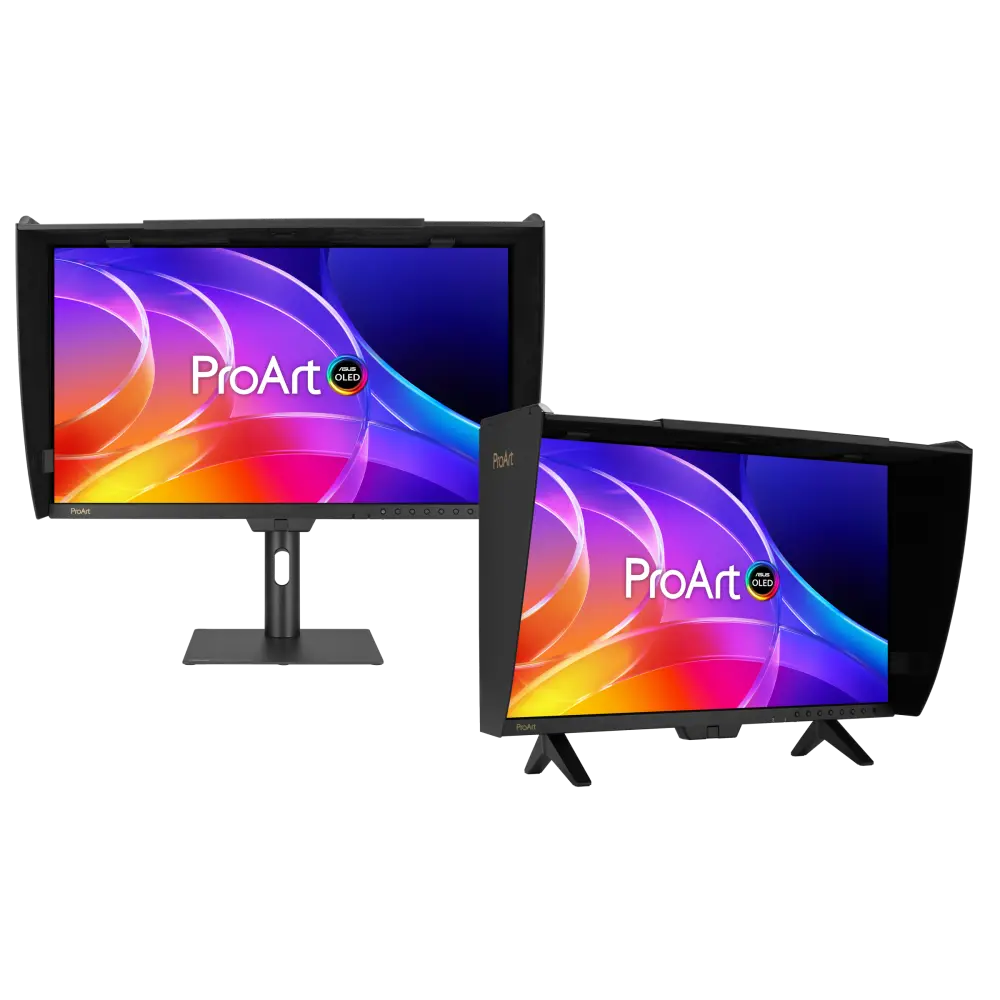 ASUS ProArt Display OLED PA27USDUK manufacturer specification · ProArt Display OLED PA27USDCompare the two
 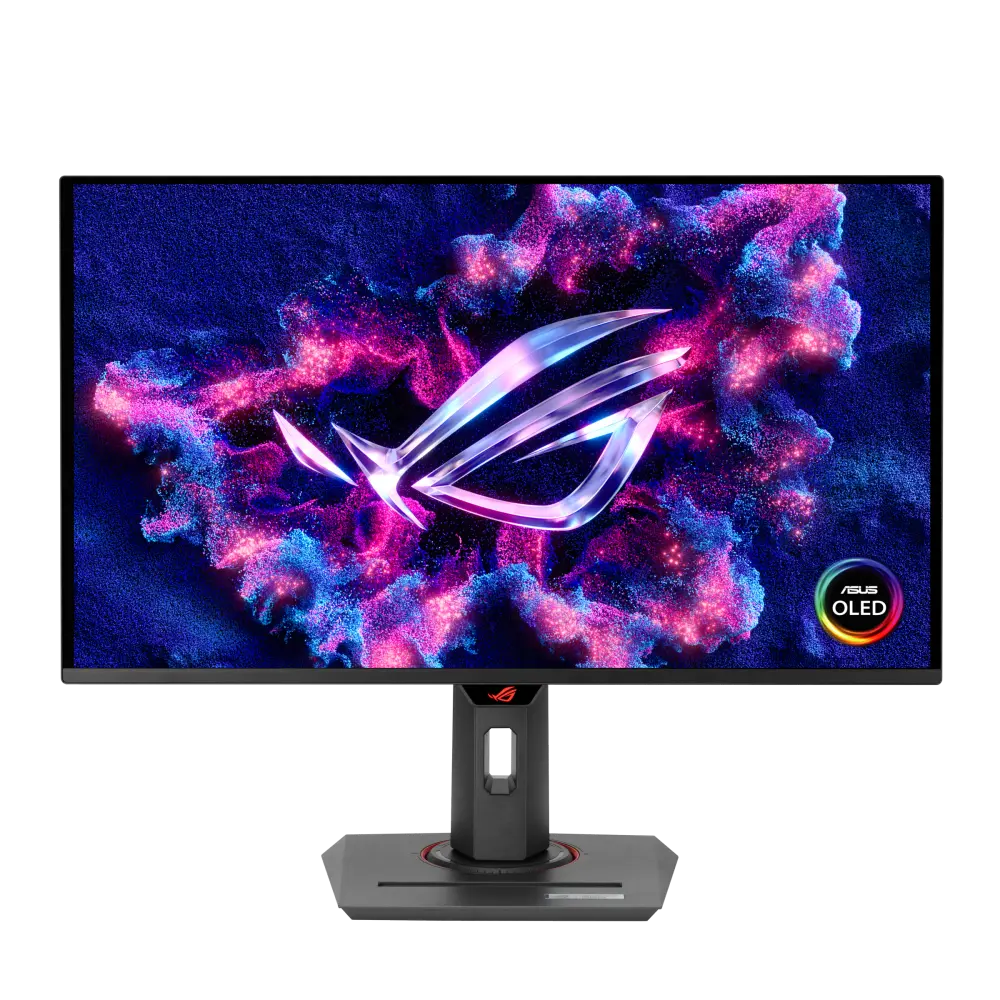 ASUS ROG Strix OLED XG27UCDMGUK manufacturer specification · ROG Strix OLED XG27UCDMGCompare the two
 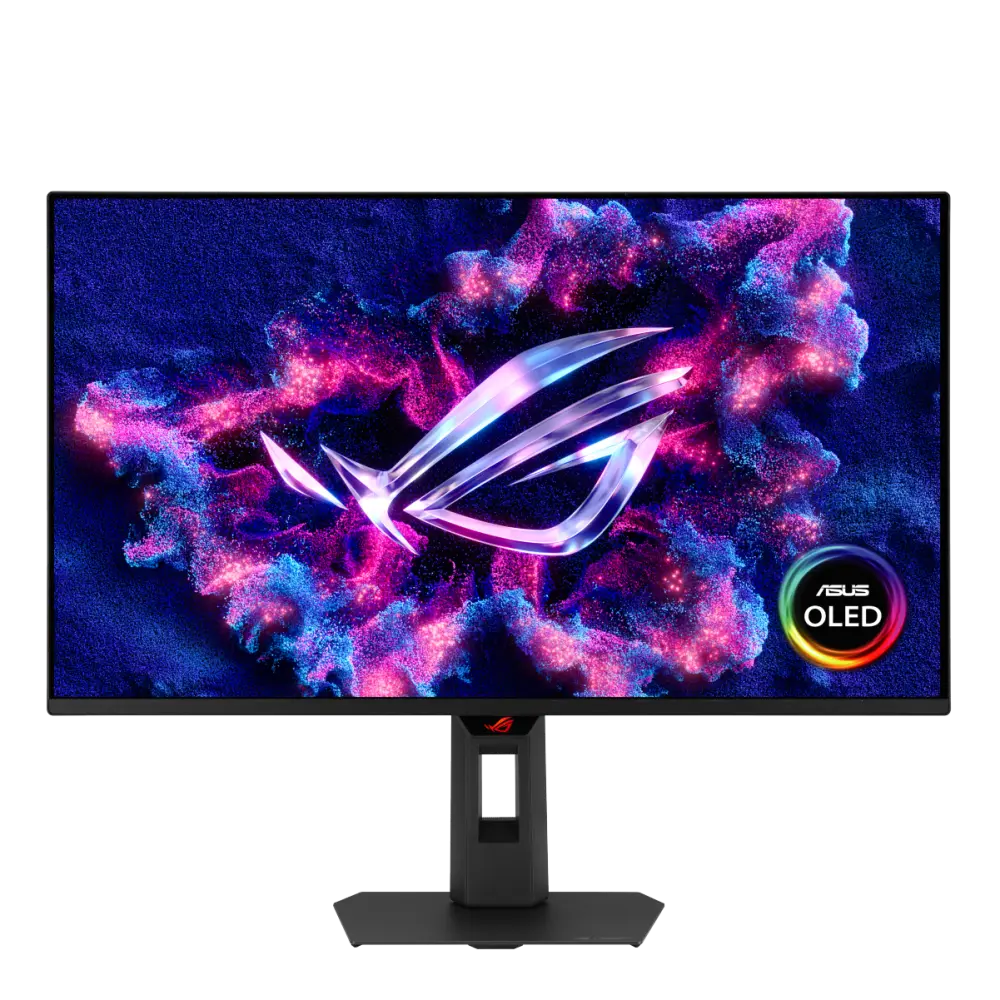 ASUS ROG Strix OLED XG27UQDMSUK manufacturer specification · ROG Strix OLED XG27UQDMSCompare the two
 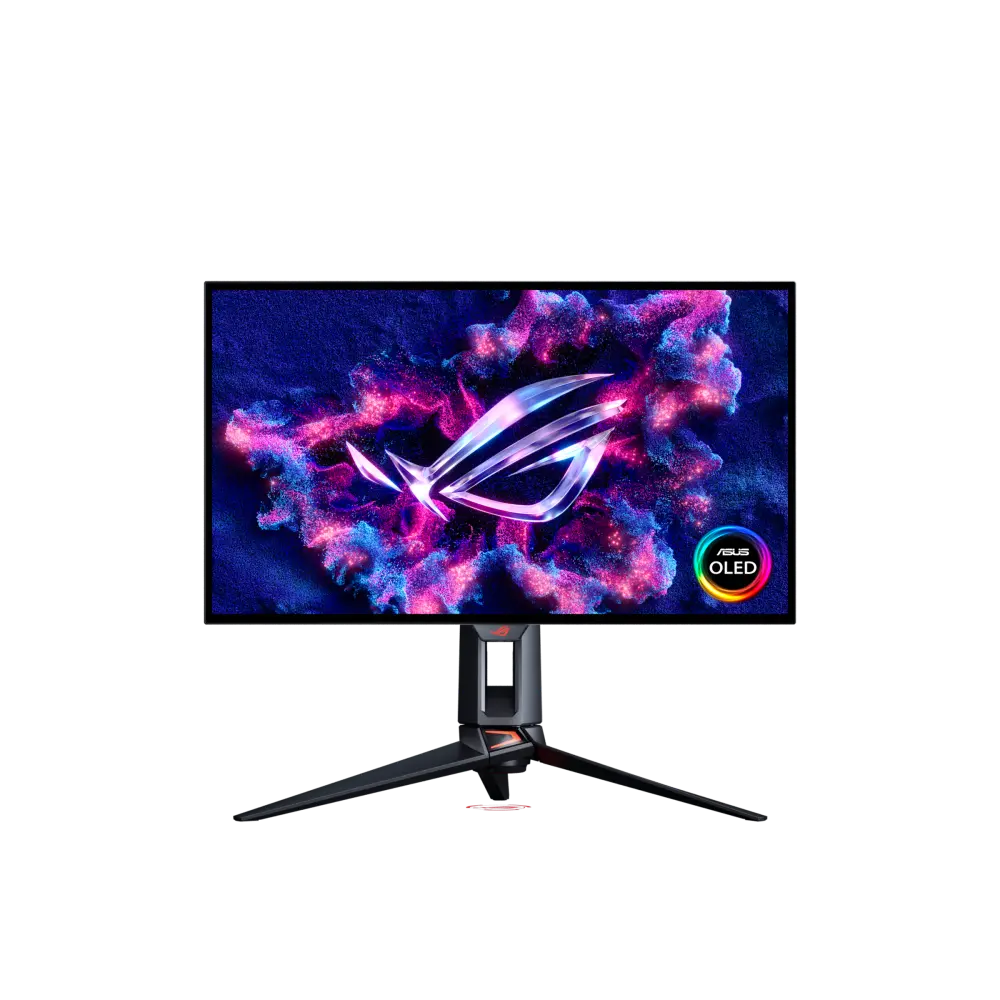 ASUS ROG Swift OLED PG27UCWMUK manufacturer specification · ROG Swift OLED PG27UCWMCompare the two
 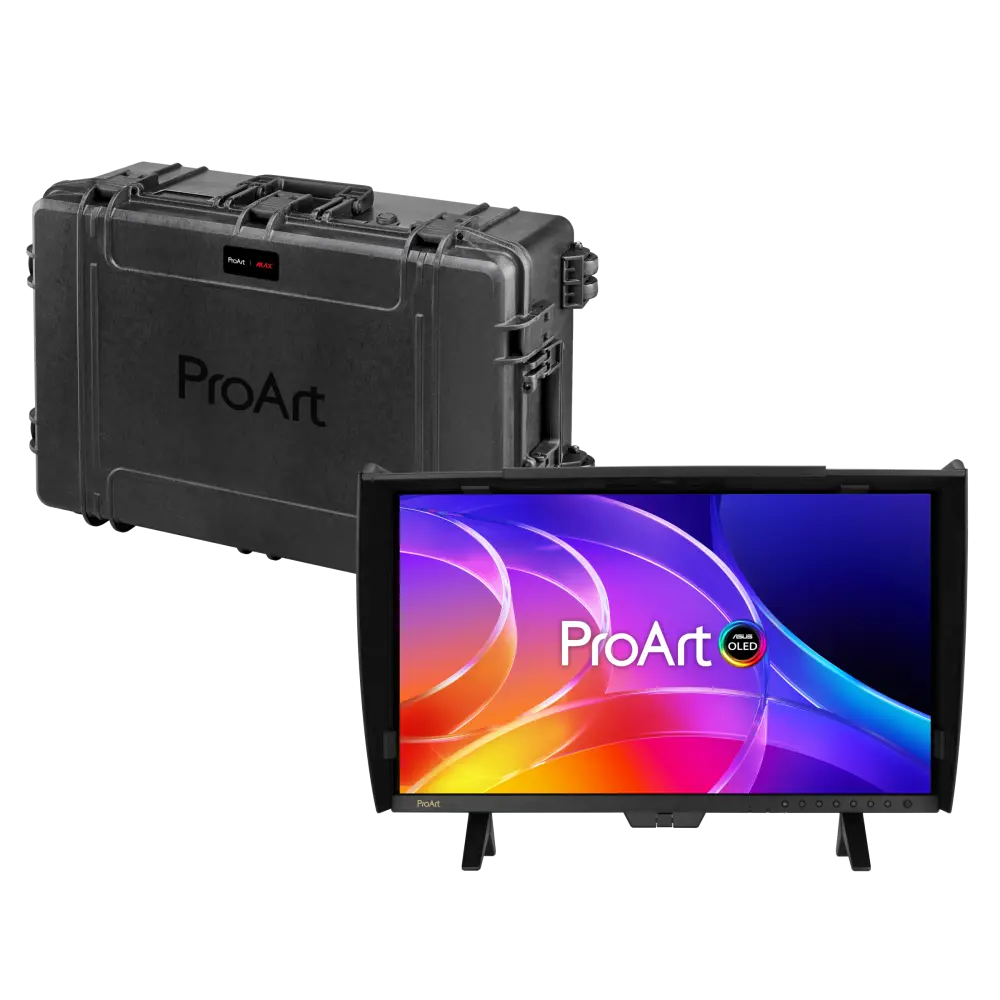 ASUS ProArt Display OLED PA27USD MAX Rugged Case EditionGlobal manufacturer specification · ProArt Display OLED PA27USD MAX Rugged Case EditionCompare the two
 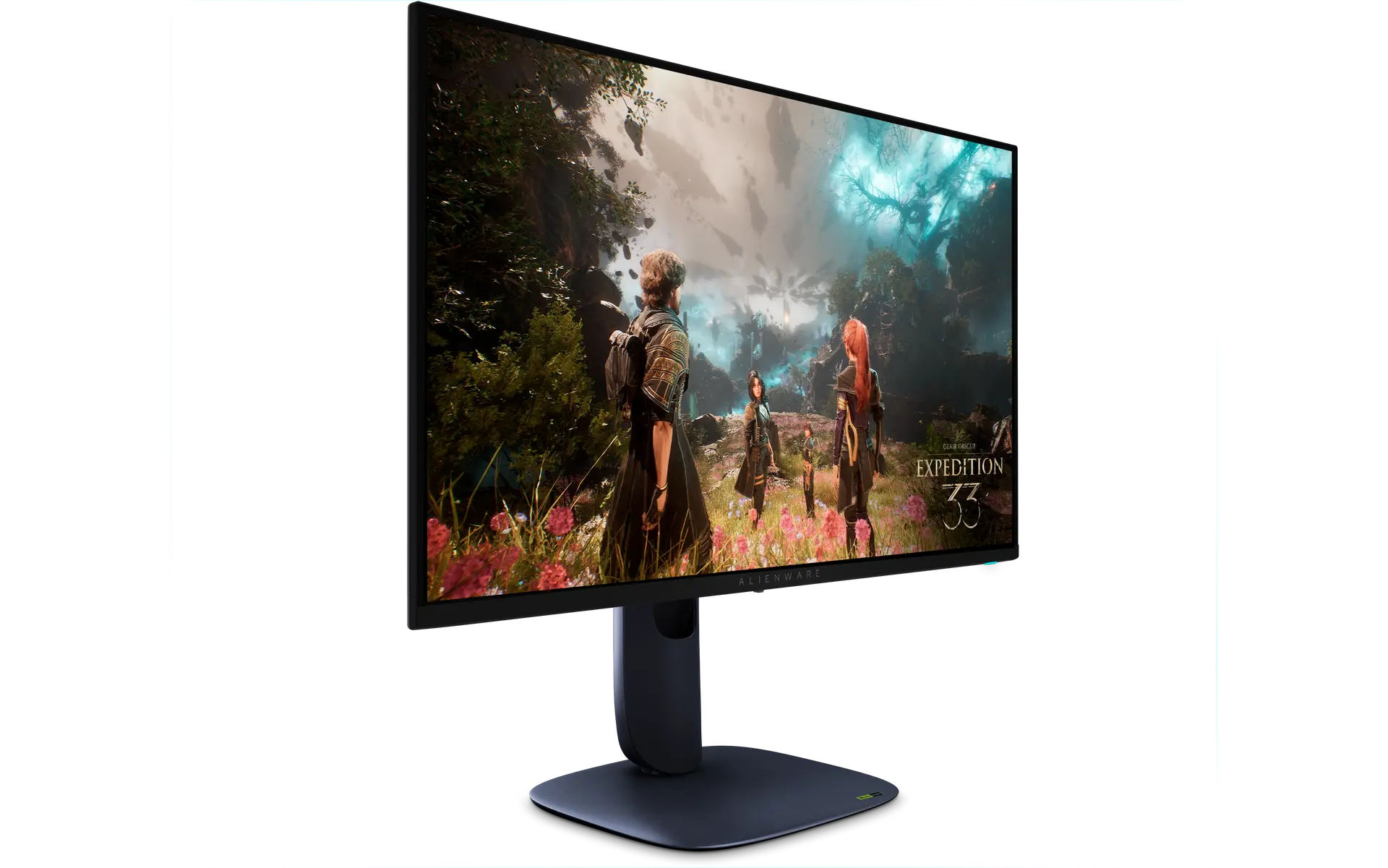 Alienware 27 4K QD-OLED Gaming Monitor - AW2725QUK manufacturer part CR2HM · Dell offer aw2725q_monitorCompare the two
 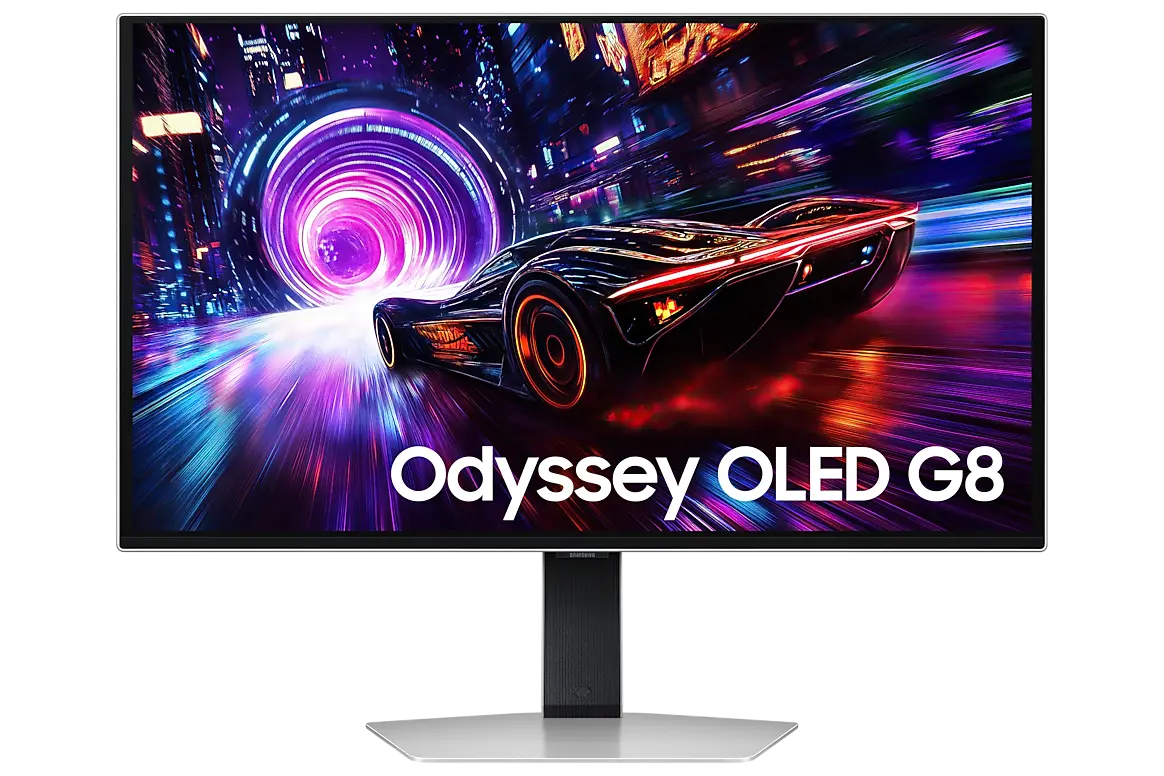 Samsung Odyssey OLED G8 G81SF 27-inchLS27FG810SUXXU · 27-inch OLED · Samsung UK specificationCompare the two
  Samsung Odyssey OLED G8 G80SH 27-inchLS27HG802SUXXU · 27-inch OLED · Samsung UK specificationCompare the two