


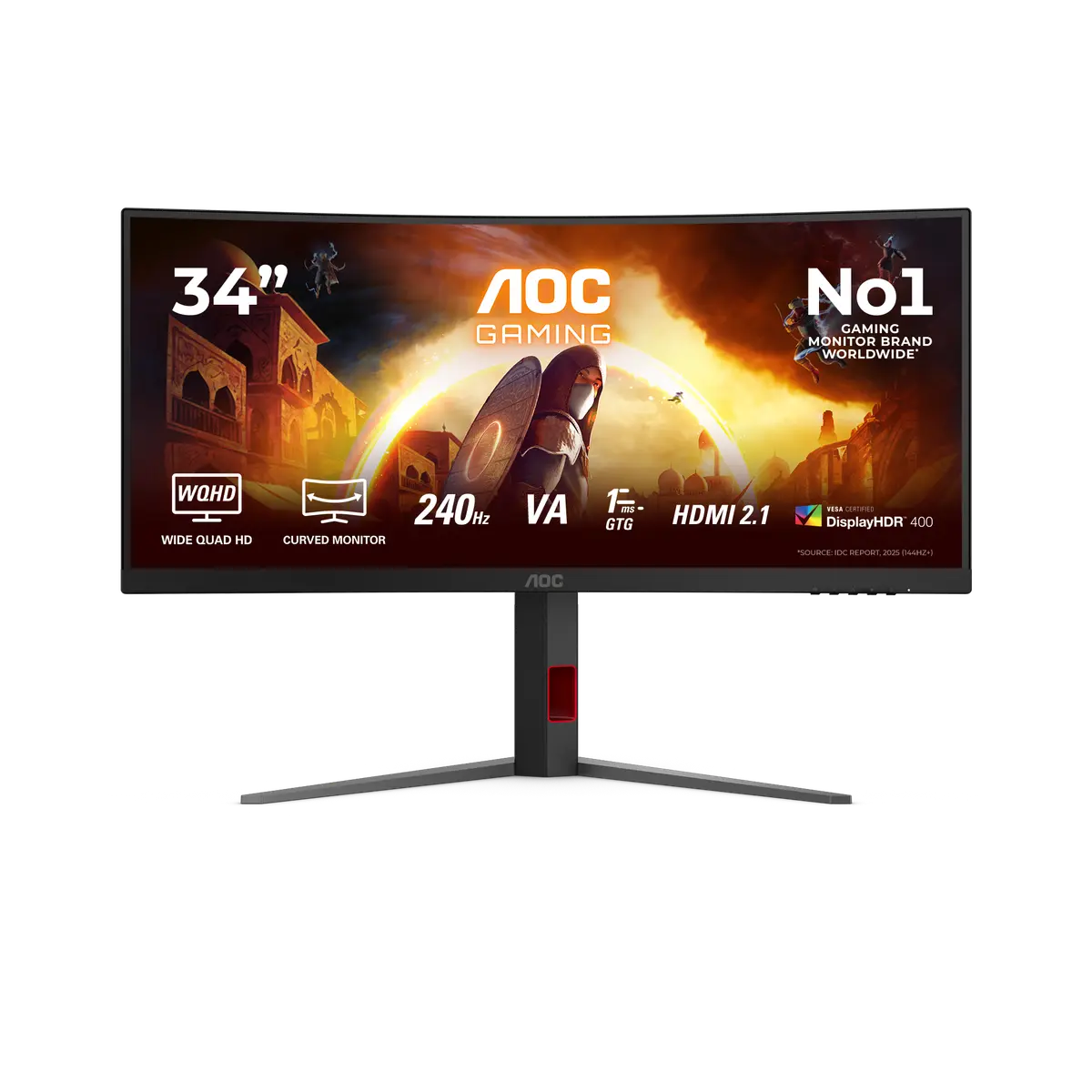
 AOC CU34G4ZCU34G4Z · 34-inch Fast VA · AOC UK specification
- Refresh rate at native resolution
- 240 HzThis one: 250 Hz

34-inch Fast VA · UK specification
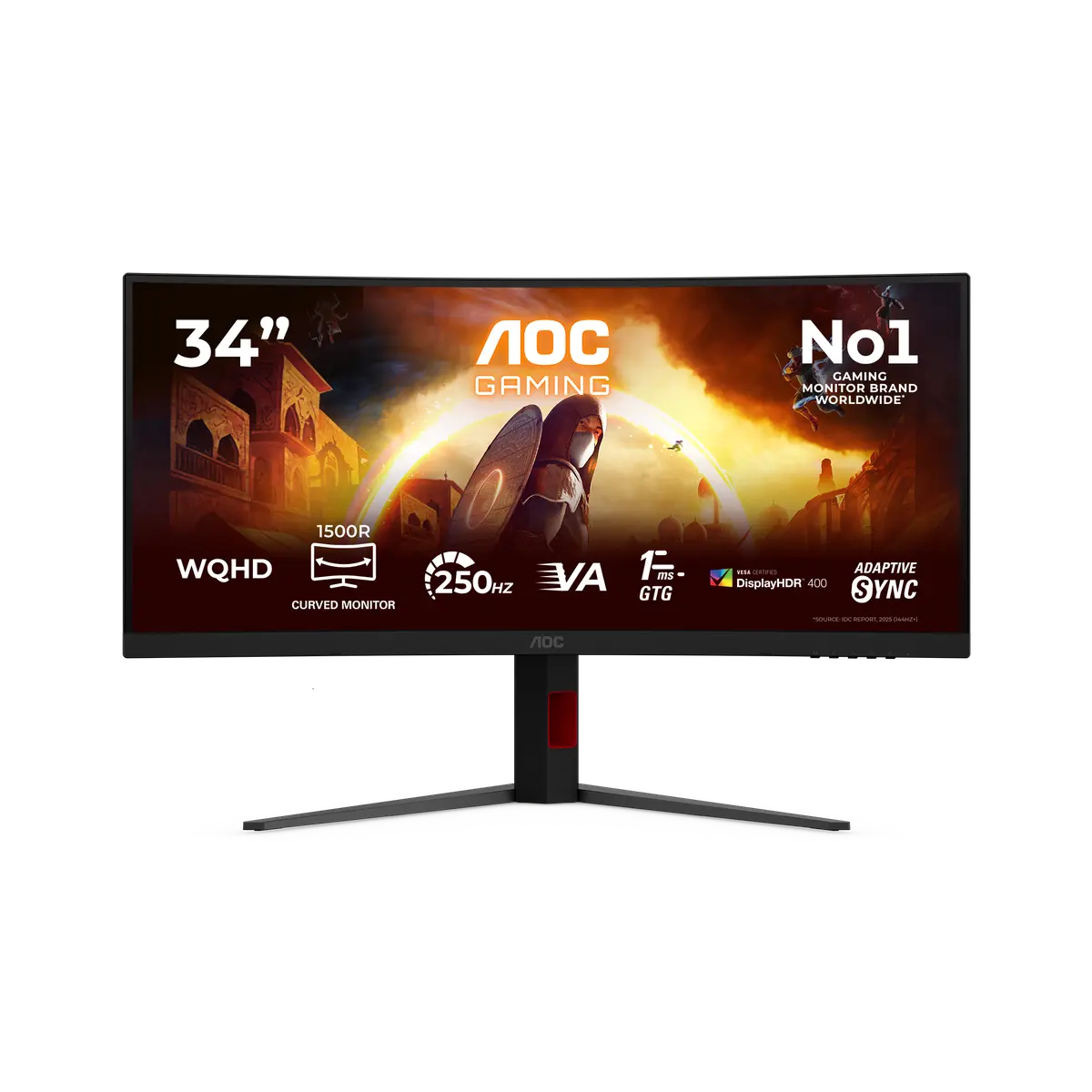
A 34-inch Fast VA monitor with a 3440 × 1440 panel and a listed 250 Hz native-resolution mode. Its specified depth with stand is 269.4 mm.
As an Amazon Associate I earn from qualifying purchases.
Email me when the AOC CU34G4ZCA gets cheaper on eBay. We check exact-model listings once a day at 12:00 UTC.
Specifications checked 28 Sept 2026Manufacturer specifications, not a hands-on test.
The nearest checked monitors by key specifications, with what differs from the AOC CU34G4ZCA. The first matches the Compare button above.
AOC CU34G4ZCU34G4Z · 34-inch Fast VA · AOC UK specification AOC CU34G4CACU34G4CA · 34-inch Fast VA · AOC UK specification
 AOC CU34G4CU34G4 · 34-inch Fast VA · AOC UK specification
The 3440 × 1440 panel supports a listed 250 Hz native-resolution mode. Check the input-specific conditions alongside the figures.
A listed charging output reaches 90 W on the specified USB-C or Thunderbolt port. Match the laptop and cable to that port’s power and display capabilities.
The 90 W charging ceiling may not replace the original charger for a laptop that needs more power. The rating applies only to the stated port.
Allow for the 269.4 mm listed depth with the supplied stand, plus cable clearance. Check desk depth before choosing this size.
Exact configuration: CU34G4ZCA · 34-inch Fast VA · AOC UK specification
55 specifications in 10 groups. Values are manufacturer specifications unless a row says “Measured result” or “Calculated from cited specifications”. 2 rows repeat listed facts in the manufacturer’s own wording, kept under “Manufacturer wording”.
Manufacturer-listed panel diagonal; a rounded size may appear in the product name.
SourceManufacturer resolution notation: 3440x1440. See the separate refresh-mode conditions for any lower-resolution configurations.
SourceManufacturer panel designation; technology alone does not establish tested image quality.
SourceAt the native panel resolution. Manufacturer lists 250 Hz. Available modes depend on input, cable and source. Listed vertical input range: 48-250Hz (HDM/DisplayPort).
SourceManufacturer response-time claim; settings and transition method matter. GtG and MPRT values are different measures and are not independent motion-clarity results.
SourceManufacturer response-time claim; settings and transition method matter. GtG and MPRT values are different measures and are not independent motion-clarity results.
SourceNeeds a compatible source device, input and driver; console VRR support varies.
SourceThe same facts in the manufacturer’s combined or original wording, each with its source.
At the native panel resolution. Manufacturer lists 250 Hz. Available modes depend on input, cable and source. Listed vertical input range: 48-250Hz (HDM/DisplayPort).
SourceThe model page lists 450 cd/m² under Brightness in nits, without identifying typical sustained output, peak window size or a measurement mode. The previous typical-brightness wording was unsupported.
SourceAOC does not state the window size or whether this is sustained or peak brightness.
SourceSpecification row reads "1.07 Billion Colors (10-bit @ 200Hz)" and the manual lists 1.07B; the bit-depth statement conflicts with the page's 8-bit feature text (see colour depth).
AOC's UK specification table lists "1.07 Billion Colors (10-bit @ 200Hz)", but the same page's WQHD feature text says "True 8-bit color". The linked manual lists 1.07B colours and 10 bpc input modes up to WQHD 250Hz (some formats need a DSC-capable graphics card). Native panel depth and the 10-bit refresh condition are left unresolved.
Manufacturer-listed HDR formats or certification. This alone does not establish real-scene HDR quality, local dimming or measured peak brightness.
SourceManufacturer colour specification under its stated colour space and measurement basis. Coverage and gamut volume are not interchangeable, and this is not an independent colour-accuracy measurement.
SourceManufacturer colour specification under its stated colour space and measurement basis. Coverage and gamut volume are not interchangeable, and this is not an independent colour-accuracy measurement.
SourceManufacturer colour specification under its stated colour space and measurement basis. Coverage and gamut volume are not interchangeable, and this is not an independent colour-accuracy measurement.
SourceThe listed connections include USB-C or Thunderbolt. Video, data, upstream/downstream roles and charging power depend on the particular port.
SourceManufacturer port counts and versions. Confirm source-device support, cable bandwidth and the exact mode; a connector name alone does not guarantee every advertised configuration. The USB downstream count is unresolved: AOC's UK specification table lists USB type downstream: 4, while the exact-model user manual shows two downstream ports (USB3.2 Gen1 downstream x1 and USB3.2 Gen1 downstream + fast charging x1) and a connector row of HDMIx2/DisplayPort/USB C/USBx2/USB UP/Earphone out. Both sources list a fast-charging USB port.
AOC's UK specification table lists USB type downstream: 4. The exact-model user manual's rear connector list shows USB3.2 Gen1 downstream x1 and USB3.2 Gen1 downstream + fast charging x1, and its Connector Type row reads HDMIx2/DisplayPort/USB C/USBx2/USB UP/Earphone out. No single downstream count is selected.
USB-C 3.2 x 1 (DP alt mode, upstream, power delivery up to 90 W)
SourceNamed in AOC's KVM feature tile and described in the manual (one device on USB-C, the other on HDMI or DisplayPort plus the USB upstream cable; USB Selection offers Auto, USB C or USB up). The specification table has no KVM row.
Needs the upstream cable connected to a computer for hub data. Port counts and USB generation are listed separately.
SourceHeight-adjustable stand; travel is listed separately.
SourceManufacturer-listed travel: 130mm. Not calculated from the external height range.
SourceMatch the screw pattern, screw dimensions, product weight and mount load rating; the pattern alone does not verify a safe mount.
SourceManufacturer dimensions in the stated orientation; allow additional room for cables and movement. A listed height range is retained without inferring an adjustment travel.
SourceDepth from the manufacturer dimension tuple. Allow additional room for cable routing and movement.
SourceManufacturer width in the listed landscape configuration.
SourceNet product weight with the supplied stand or arm; packaging excluded.
SourceManufacturer dimensions in the stated orientation; allow additional room for cables and movement. A listed height range is retained without inferring an adjustment travel.
SourceManufacturer power figure under the stated operating mode; real use, brightness, connected USB devices and charging load can differ. Source mode: typical.
SourceManufacturer power figure under the stated operating mode; real use, brightness, connected USB devices and charging load can differ.
SourceManufacturer power figure under the stated operating mode; real use, brightness, connected USB devices and charging load can differ.
SourceThe same facts in the manufacturer’s combined or original wording, each with its source.
Manufacturer power figure under the stated operating mode; real use, brightness, connected USB devices and charging load can differ.
SourceCheck the exact model, purchase market, proof-of-purchase requirements and full manufacturer terms; this is not a cross-border warranty guarantee.
SourcePackage contents describe the inspected regional specification; confirm the exact retailer bundle.
SourceUK and US retailer searches are provided separately. A UK specification does not prove identical US variants, included plugs, stock or cross-border warranty.
SourceMore of the nearest checked monitors by key specifications, for a side-by-side comparison.
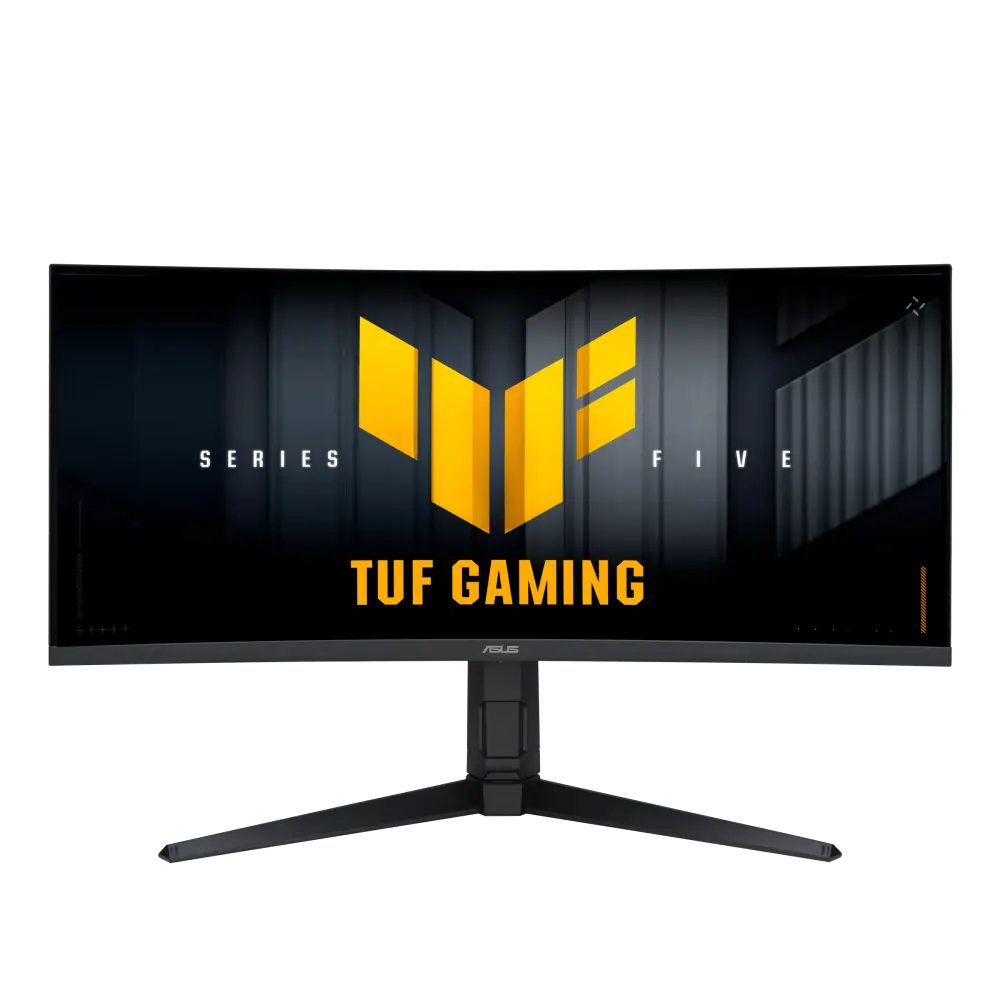 ASUS TUF Gaming VG34WQML5AGlobal manufacturer specification · TUF Gaming VG34WQML5ACompare the two
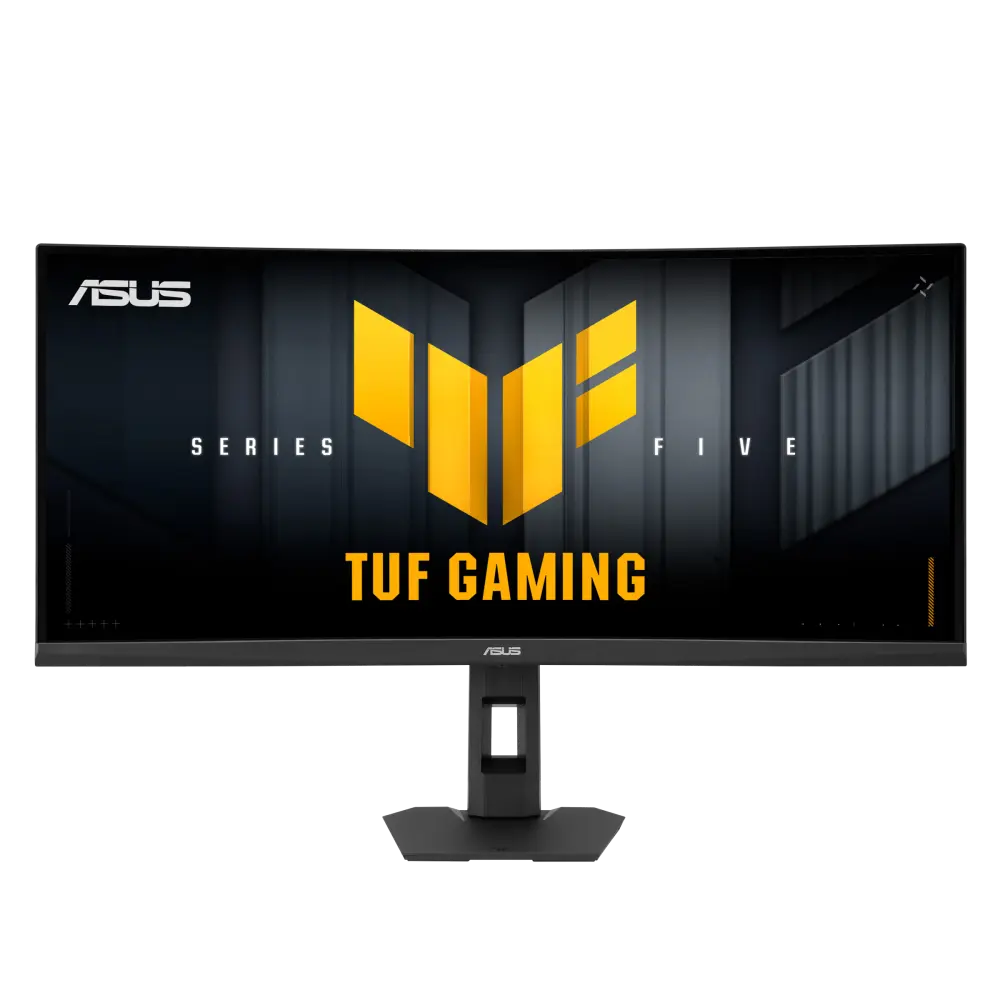 ASUS TUF Gaming VG34WQML5FGlobal manufacturer specification · TUF Gaming VG34WQML5FCompare the two
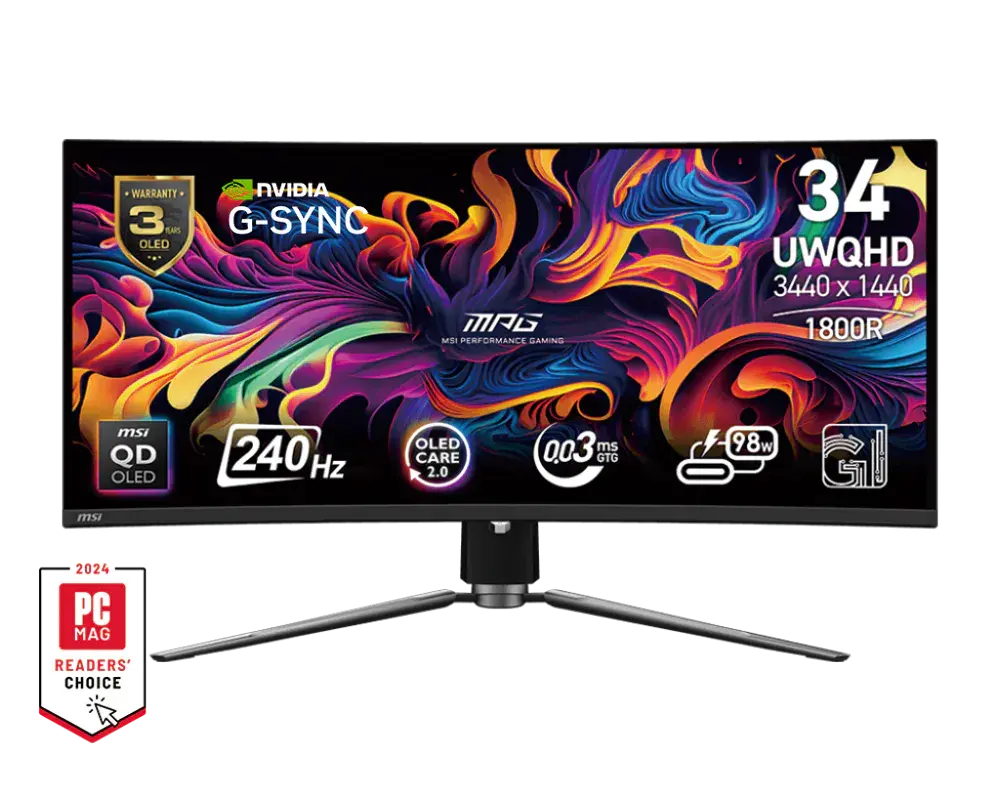 MSI MPG 341CQPX QD-OLED34.18-inch · 3440 × 1440 · 240 Hz · MSI global specificationCompare the two
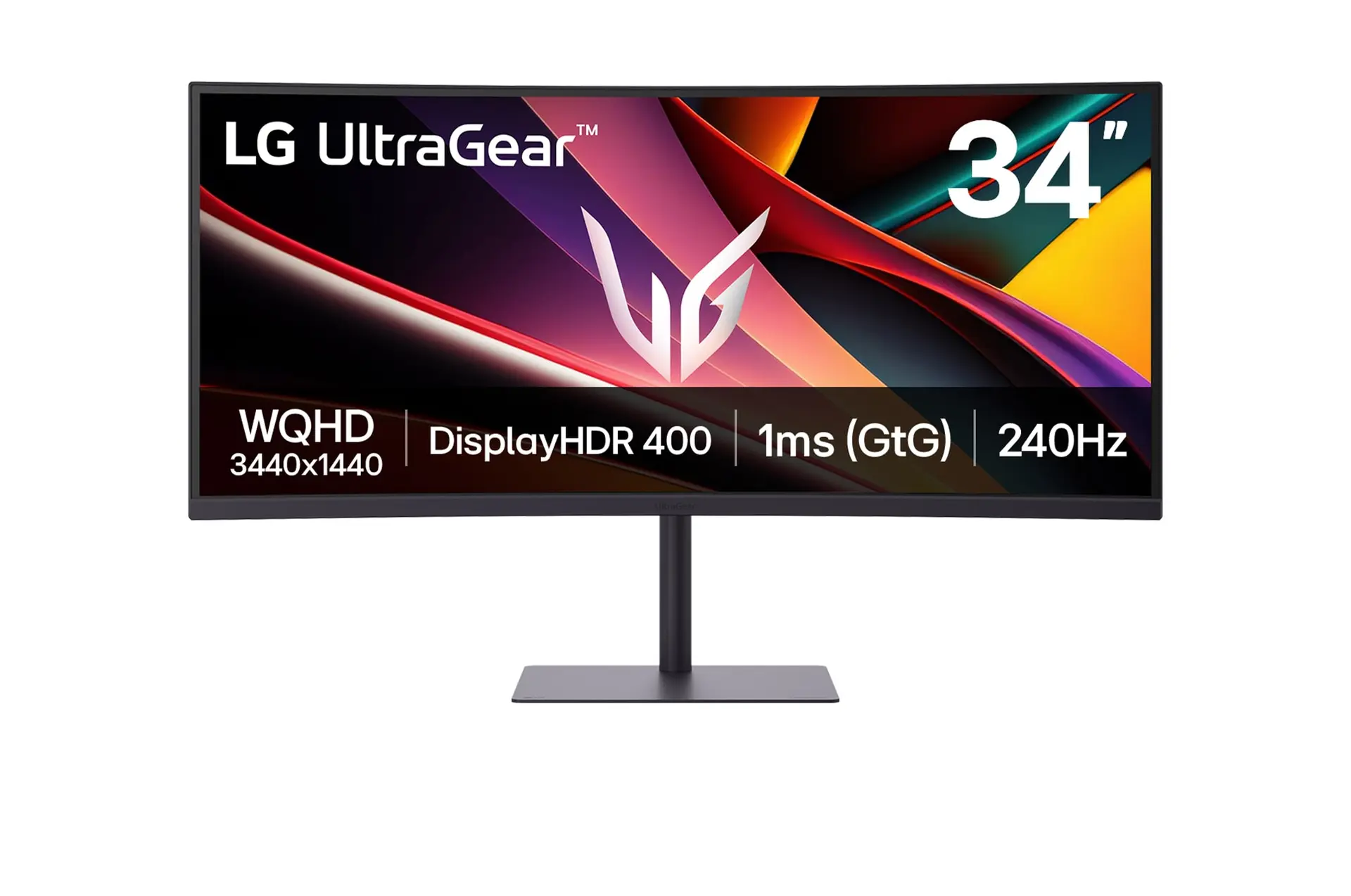 LG UltraGear 34G630A-BUK model 34G630A-BCompare the two
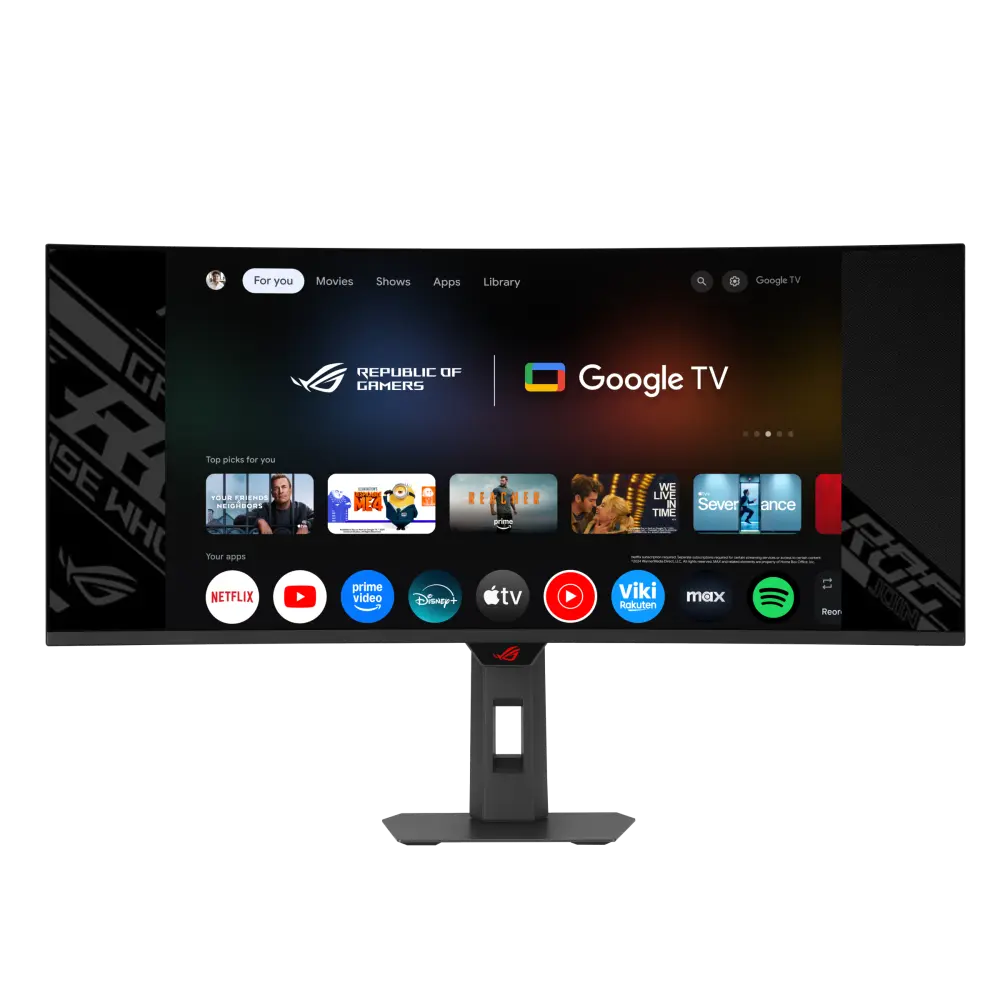 ASUS ROG Strix OLED XG34WCDMTGUK manufacturer specification · ROG Strix OLED XG34WCDMTGCompare the two
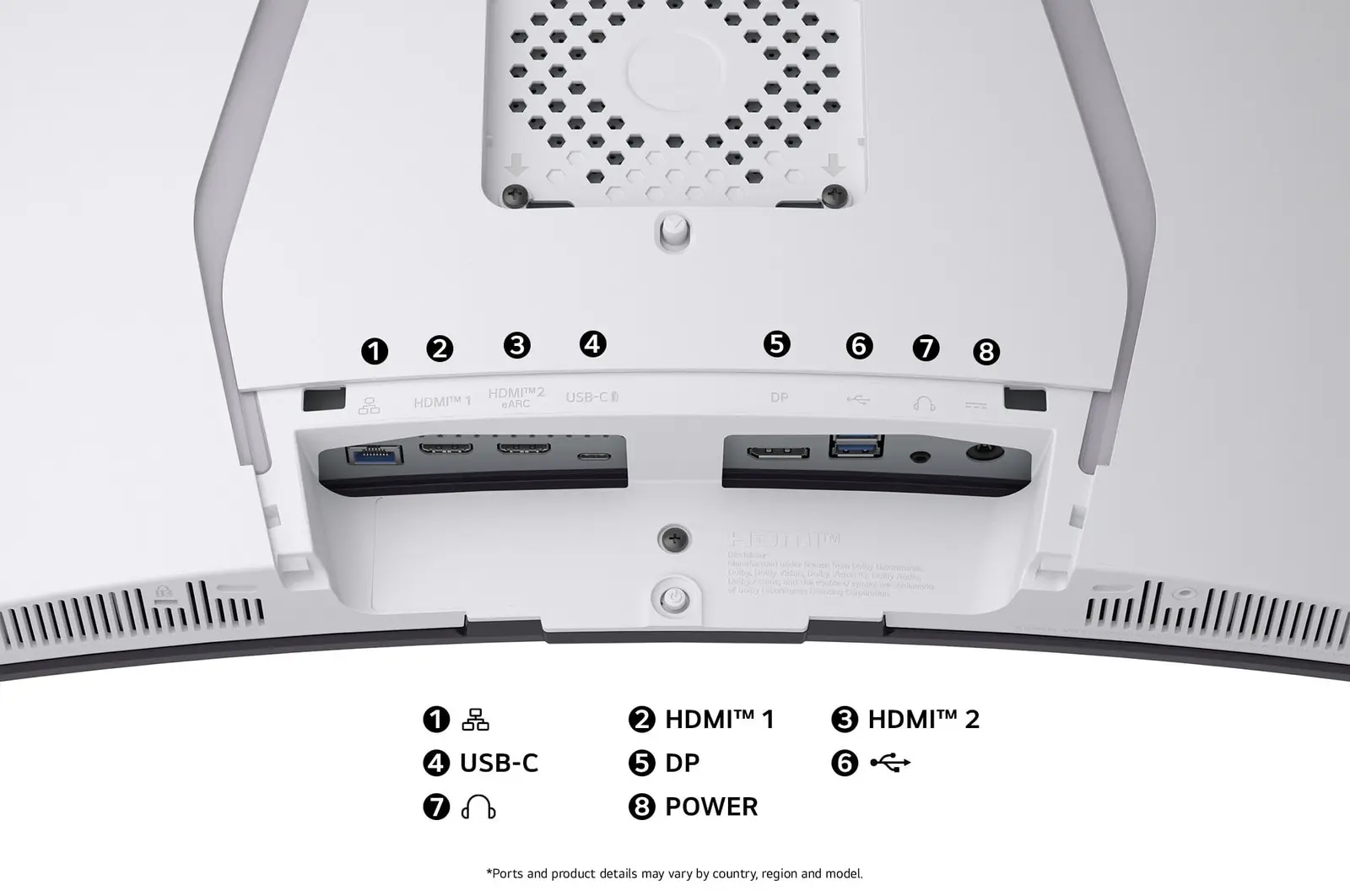 LG 34GX90SA-WUK manufacturer model · 34GX90SA-WCompare the two
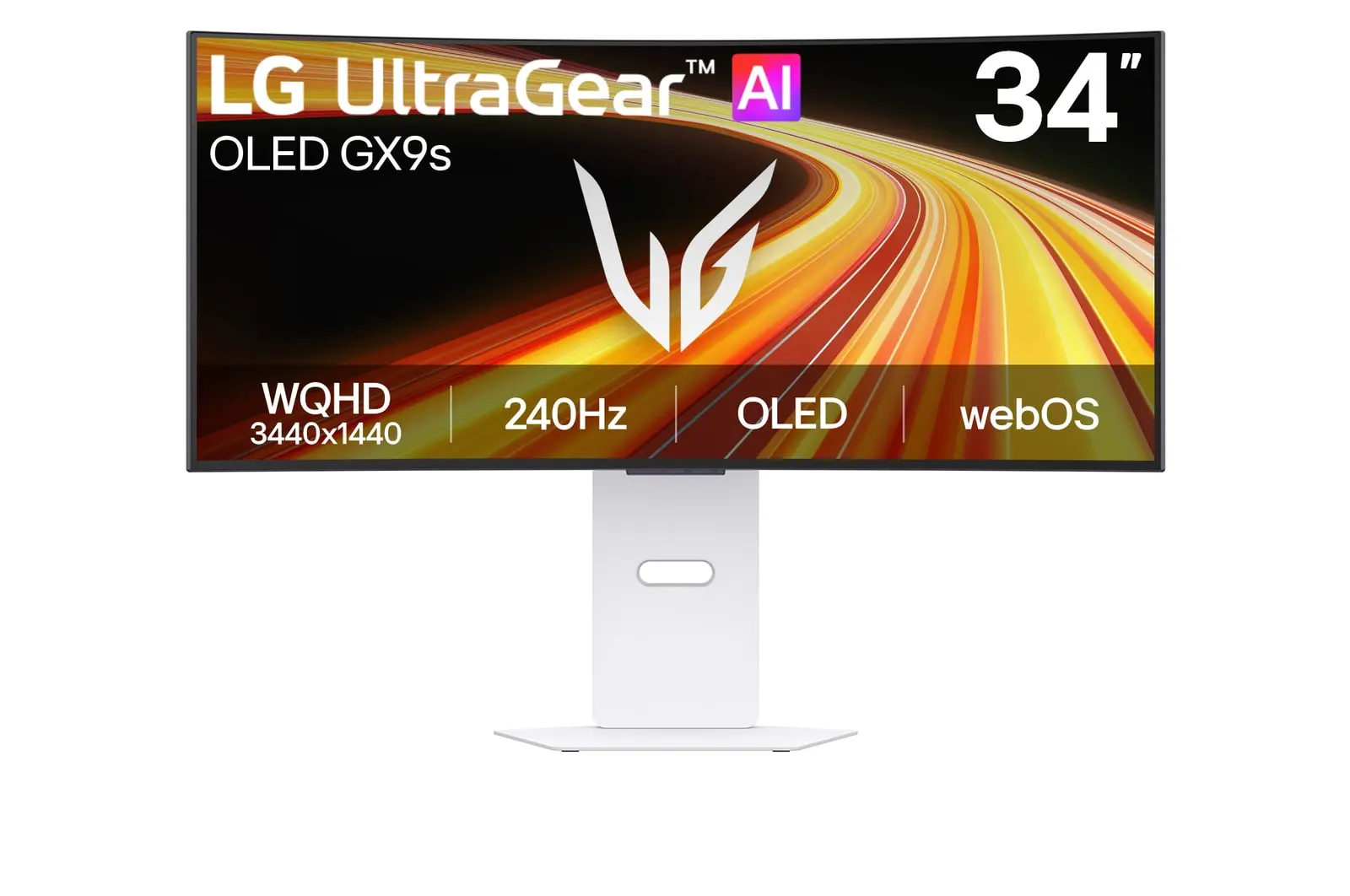 LG 34GX90SB-WUK manufacturer model · 34GX90SB-WCompare the two
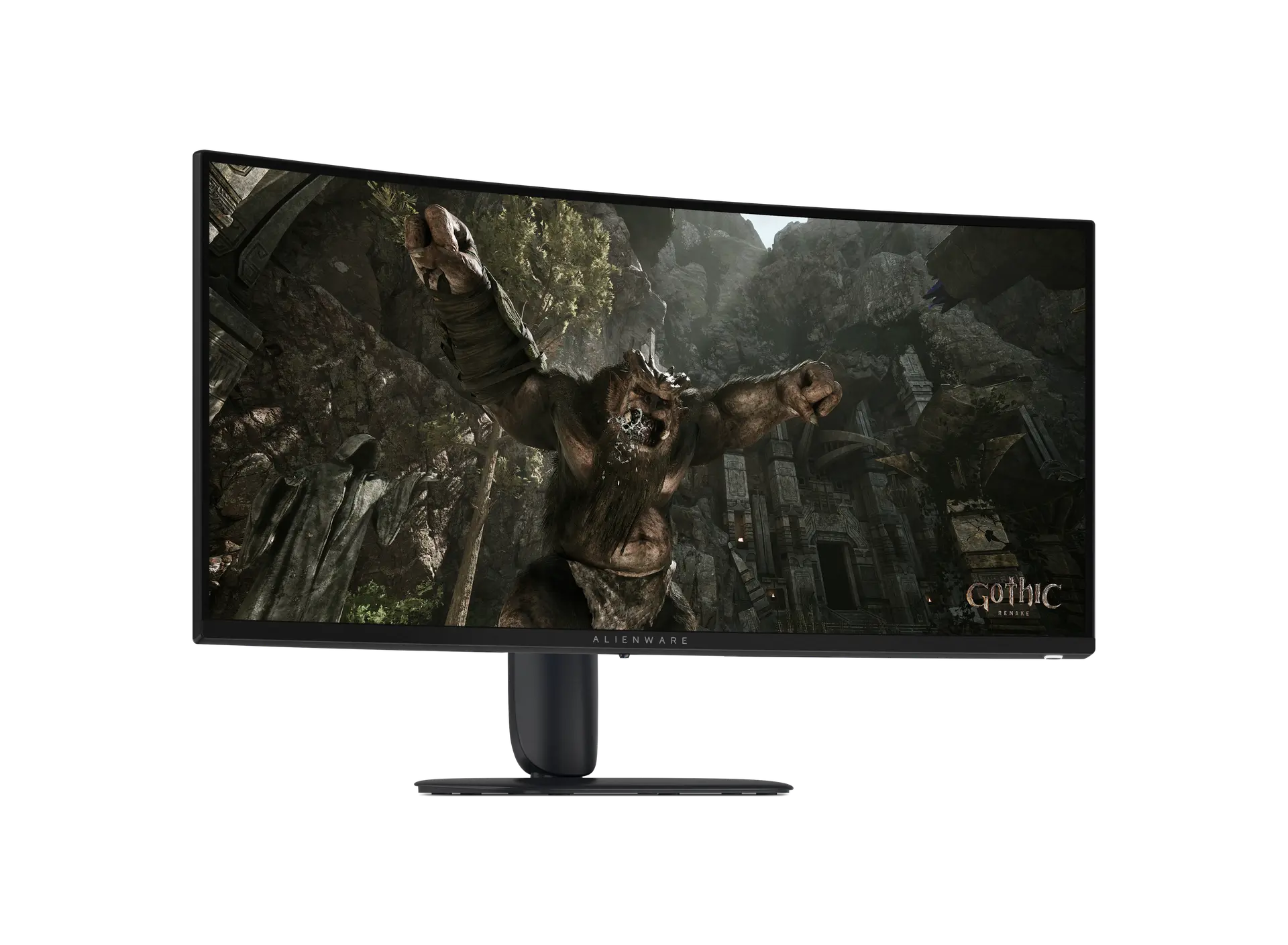 Alienware 34 240Hz Gaming Monitor - AW3426DWMUK manufacturer part P1F3H · Dell offer aw3426dwmCompare the two