


 ASUS ROG Strix XG27ACMSRGlobal manufacturer specification · ROG Strix XG27ACMSR
- Manufacturer response-time claim
- 1ms(GTG), 0.3ms(min.)This one: 1 ms GtG

27-inch Fast IPS · UK specification
A 27-inch QHD Fast IPS gaming monitor with up to 360 Hz over DisplayPort, a 1 ms GtG rating and NVIDIA G-SYNC Pulsar with ULMB 2, plus an ambient-light sensor and a stand with 130 mm height travel and portrait pivot. AOC's page and manual disagree on some connector counts and stand angles.
As an Amazon Associate I earn from qualifying purchases.
Email me when the AOC AG276QSG2 gets cheaper on eBay. We check exact-model listings once a day at 12:00 UTC.
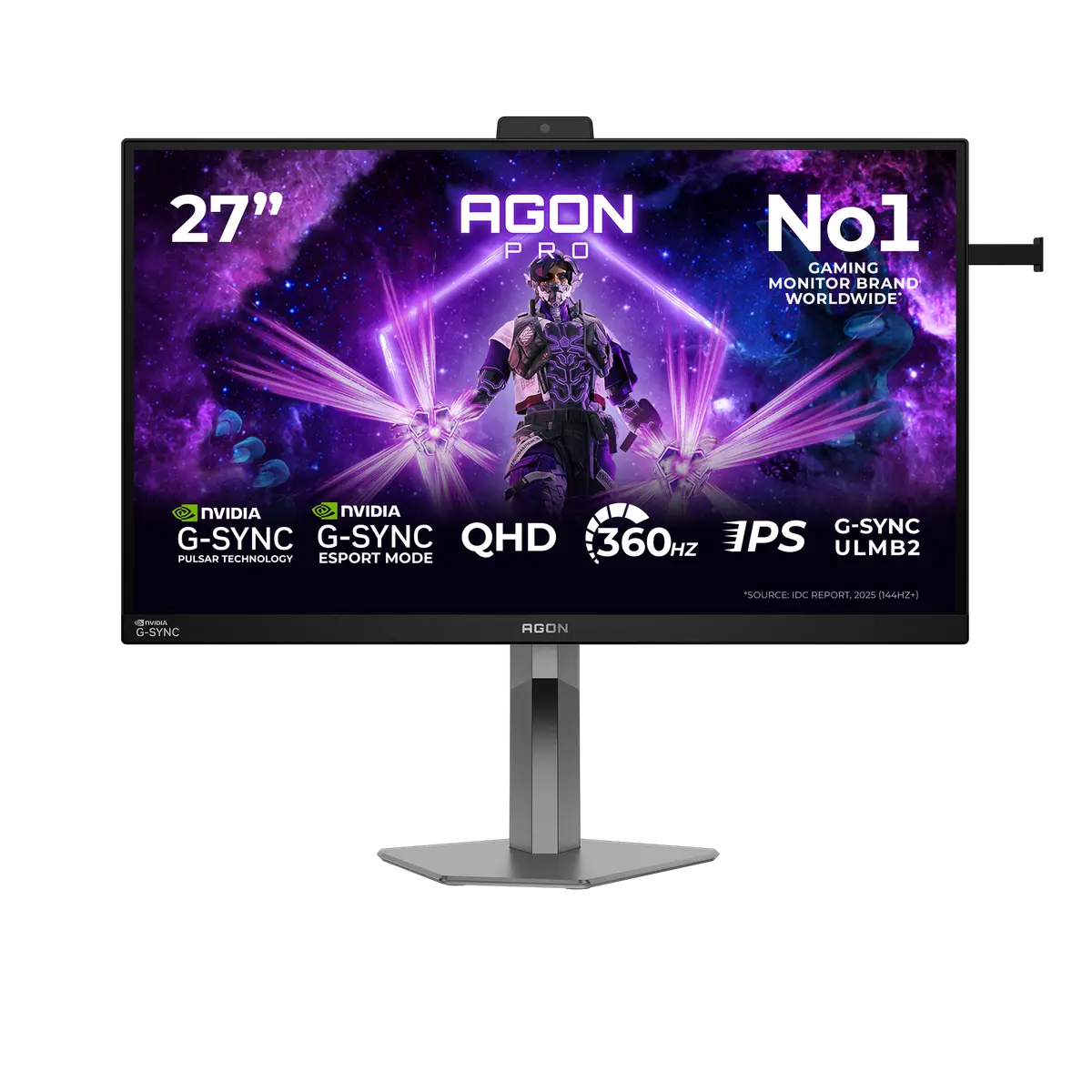
Specifications checked 12 Sept 2026Manufacturer specifications, not a hands-on test.
The nearest checked monitors by key specifications, with what differs from the AOC AG276QSG2. The first matches the Compare button above.
ASUS ROG Strix XG27ACMSRGlobal manufacturer specification · ROG Strix XG27ACMSR AOC Q27G4SRUQ27G4SRU · 27-inch Fast IPS · AOC UK specification
 ASUS TUF Gaming VG27AQML5FUK manufacturer specification · TUF Gaming VG27AQML5F
Pulsar combines VRR and blur-reduction operation when using an NVIDIA GPU with G-SYNC enabled, DisplayPort and a refresh setting of at least 240 Hz.
The built-in light sensor supports automatic brightness and colour adjustment, except in the manual’s energy-saving preset mode.
QHD runs at up to 360 Hz over DisplayPort with a 1 ms GtG rating, and AOC lists 97.3% DCI-P3 coverage (CIE 1976) from an 8-bit panel.
AOC's UK page lists three HDMI inputs, but the manual shows two; USB-A port counts and tilt/swivel limits also differ. Check the seller's listing if you need a particular number of ports.
Pulsar and ULMB 2 restrict overdrive adjustment. Pulsar is not offered without the specified NVIDIA/G-SYNC, DisplayPort and refresh-setting conditions.
HDMI is limited to QHD at 120 Hz, so the 360 Hz mode and G-SYNC Pulsar need a DisplayPort connection.
Wall or arm mounting needs AOC's VESA bracket accessory for the 100 × 100 mm pattern, and power comes from an external adapter.
Exact configuration: AG276QSG2 · 27-inch Fast IPS · AOC UK specification
63 specifications in 10 groups. Values are manufacturer specifications unless a row says “Measured result” or “Calculated from cited specifications”. 1 row repeats a listed fact in the manufacturer’s own wording, kept under “Manufacturer wording”.
AOC lists 27 inches / 68.58 cm on the UK page and a 68.4 cm viewable diagonal in the manual.
Manufacturer resolution notation: 2560x1440. See the separate refresh-mode conditions for any lower-resolution configurations.
SourceViewing angle measured at a 10:1 contrast ratio (CR10).
SourceExplicit exact-model Flat / Curved field.
SourceManual native QHD maximum: 360 Hz over DisplayPort; 120 Hz over HDMI. GPU, input and cable support still matter.
Grey-to-grey response as labelled by the manufacturer.
SourceThe UK page and manual agree on these limits. HDMI 2.1 TMDS does not mean FRL or 4K 120 Hz support.
Needs a compatible source device and input.
SourceThe overview and manual describe a G-SYNC processor with Pulsar; the web table also lists G-SYNC Compatible.
Needs an NVIDIA graphics card with G-SYNC enabled, DisplayPort input and a refresh setting of at least 240 Hz; otherwise the menu offers ULMB 2 instead.
Overdrive cannot be adjusted while ULMB 2 or Pulsar is on.
OSD adjustment range, available only when Pulsar is selectable and enabled.
SourceThe model page lists 450 cd/m² under Brightness in nits, without identifying typical sustained output, peak window size or a measurement mode. The previous typical-brightness wording was unsupported.
SourceManufacturer colour specification in its stated colour space.
SourceManufacturer-listed HDR formats or certification.
SourceManufacturer colour specification in its stated colour space.
SourceManufacturer colour specification in its stated colour space.
SourceManufacturer colour specification in its stated colour space.
SourceAOC does not state the window size or whether this is sustained or peak brightness.
SourceAOC's overview specifies 16.7M colours (8-bit).
SourceThe built-in light sensor supports automatic brightness and colour adjustment. Manual: these controls are unavailable in energy-saving preset mode.
OSD peak-brightness options (cd/m²) available when HDR is enabled in the operating system.
SourceThe manufacturer's specification does not list this feature.
SourceAOC's UK page lists three HDMI inputs and three USB-A downstream ports; the linked manual shows two HDMI inputs and two USB-A downstream positions. The counts are recorded as conflicting in their own fields. · Input types and versions; see the HDMI and USB-A count fields.
No USB-C charging output is listed.
SourceA USB upstream connection and downstream ports are documented. Exact USB-A counts for AG276QSG2 remain separately conflicting.
SourceCurrent UK connectivity table: 3x HDMI 2.1 TMDS. Linked manual connector specification and rear diagram: HDMIx2, HDMI1 and HDMI2. No exact revision distinction is given.
UK website: 3 x USB-A. Manual rear diagram identifies two downstream ports and a separate micro-USB service port, while its generic connector row says USBx3. No supported exact USB-A total is selected.
Height travel is listed separately (130 mm).
AOC's UK page says VESA mounting uses a bracket accessory; check the bracket, screws and load rating.
UK website: −3.5° to +18.5°. Linked manual diagram: −5° to +20°. No tolerance or revision explanation reconciles them.
AOC's UK website lists −18.5° to +18.5°; the linked manual diagram shows 20° each way.
Portrait rotation supported; range listed separately.
Published adjustment travel, not absolute desk-to-screen height.
Pivot angle from the product page, with its tolerance; the manual shows 90° each way.
Manufacturer dimensions in the stated orientation; allow extra room for cables and stand movement. A height range shows the stand's lowest and highest positions.
SourceDepth from the manufacturer dimension tuple. Allow additional room for cable routing and movement.
SourceManufacturer width in the listed landscape configuration.
SourceNet product weight with the supplied stand or arm; packaging excluded.
SourceExact manufacturer W/H/D order; excludes the supplied base.
SourceManufacturer product-without-stand value; distinct from assembled net and packed gross mass.
SourceAOC's website lists 60 W typical; the manual lists 59 W in its high-performance mode measured at the adapter input.
Off-mode power.
SourceMeasured at the adapter input including the adapter; maximum uses brightness 100 and contrast 100. The website separately lists 60 W typical.
SourceThe same facts in the manufacturer’s combined or original wording, each with its source.
The website lists 0.5 W; the manual explicitly qualifies standby as no more than 0.5 W.
The manual warns that the 400 setting may produce blurry images. Higher settings are not automatically better.
SourceManufacturer on-screen functions, not proof of better game performance.
SourceThe OSD Setup menu includes firmware upgrade via USB.
SourceCheck the purchase market, proof-of-purchase requirements and full manufacturer terms.
SourceThe page prints 1.8 beside the HDMI and DisplayPort cables without a unit; the manual says signal-cable inclusion varies by country.
UK model specification; US versions can differ in plugs, bundled accessories and warranty.
SourceMore of the nearest checked monitors by key specifications, for a side-by-side comparison.
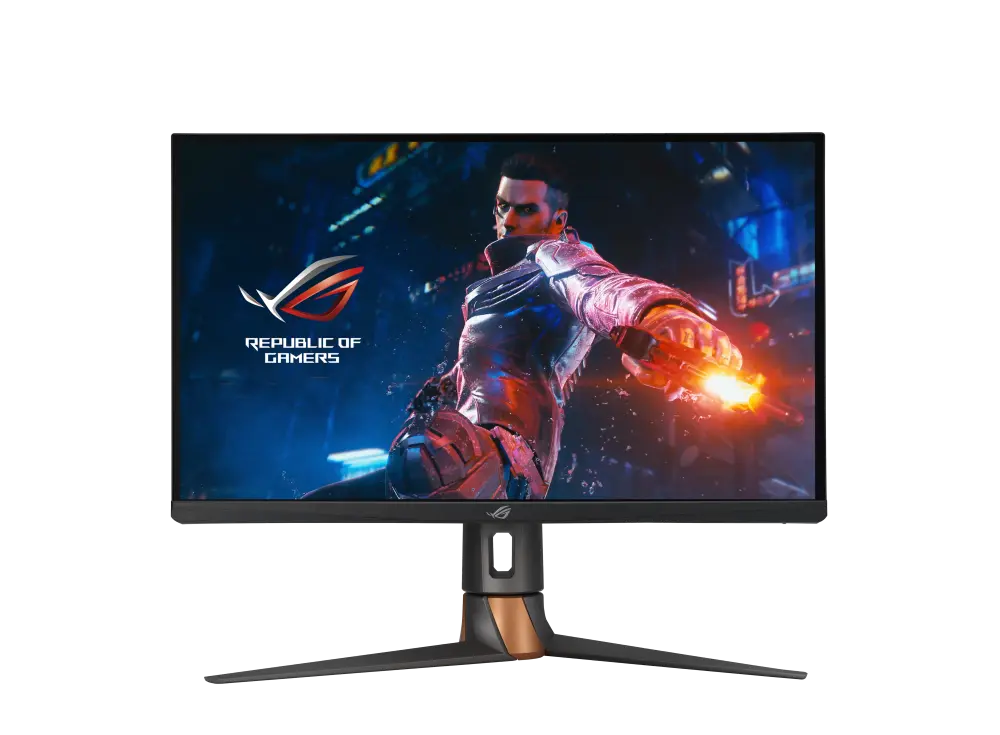 ASUS ROG Swift 360Hz PG27AQNUK manufacturer specification · ROG Swift 360Hz PG27AQNCompare the two
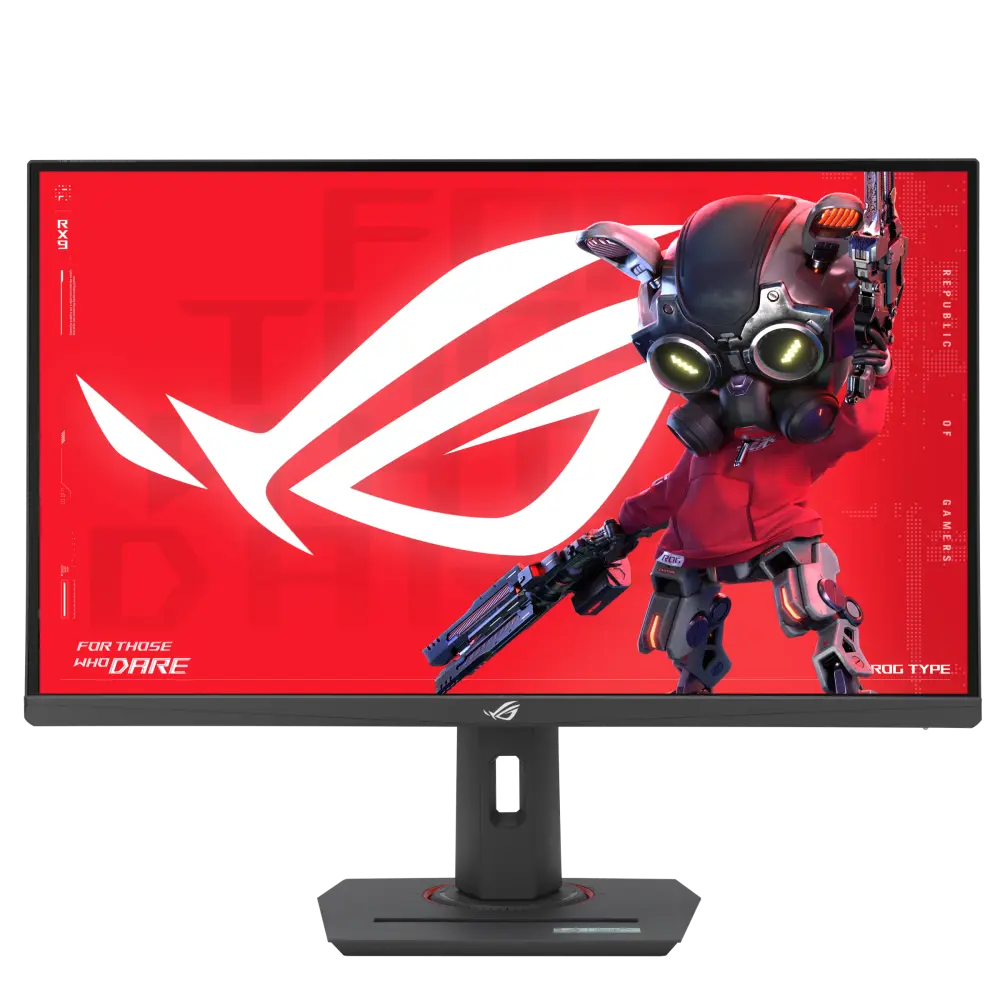 ASUS ROG Strix XG27ACMSUK manufacturer specification · ROG Strix XG27ACMSCompare the two
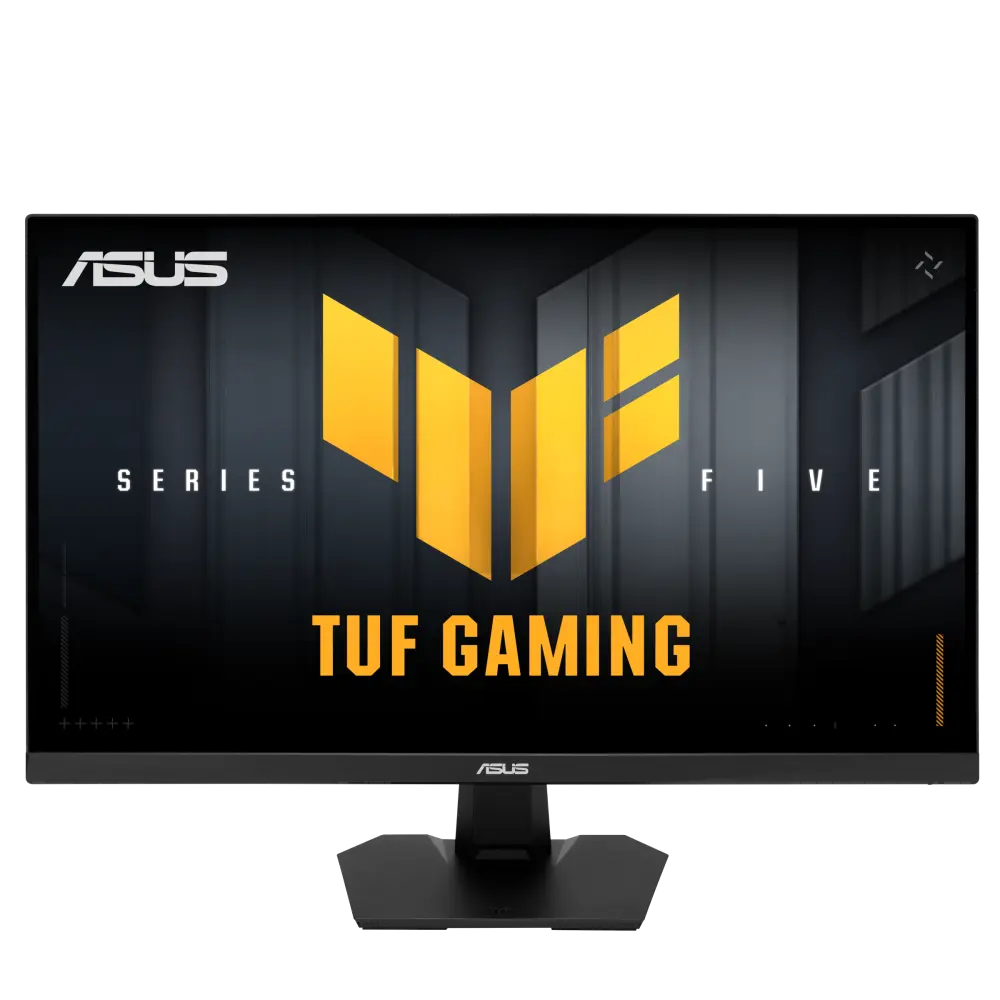 ASUS TUF Gaming VG27AQM5FGlobal manufacturer specification · TUF Gaming VG27AQM5FCompare the two
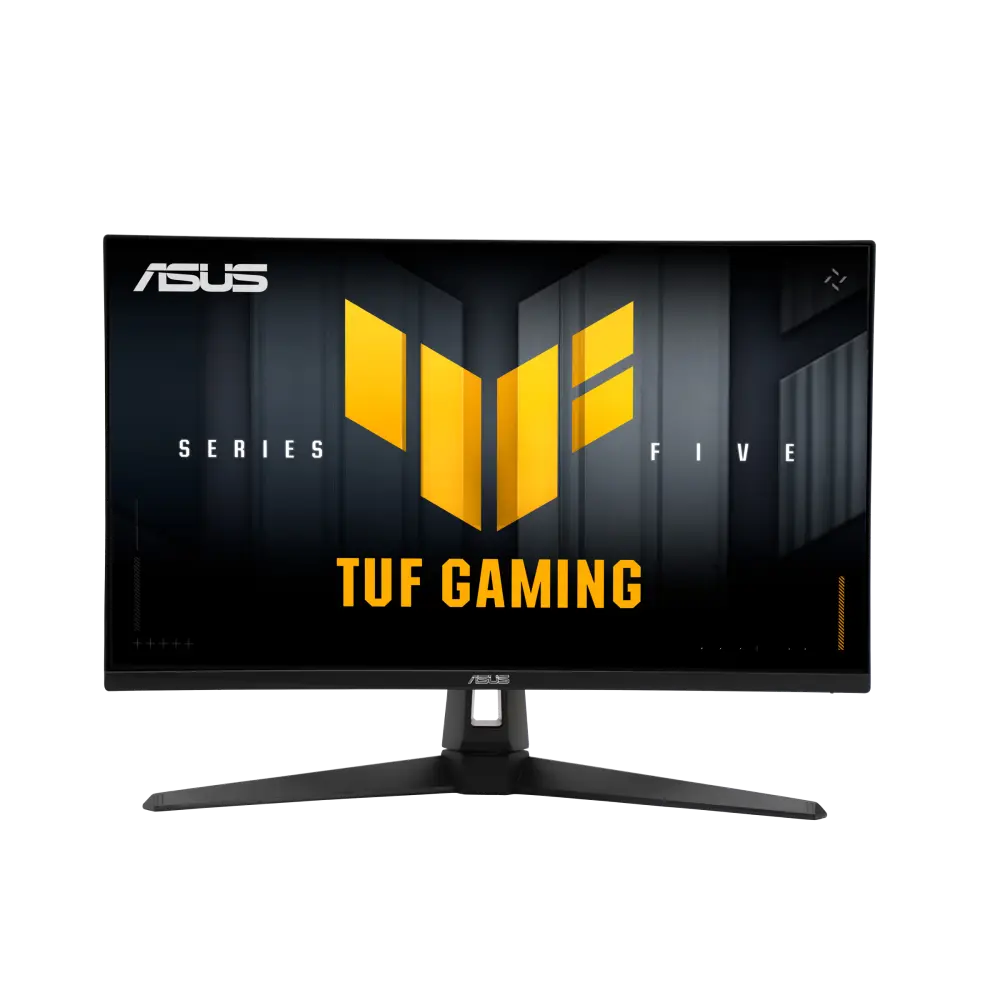 ASUS TUF Gaming VG27AQM5AUK manufacturer specification · TUF Gaming VG27AQM5ACompare the two
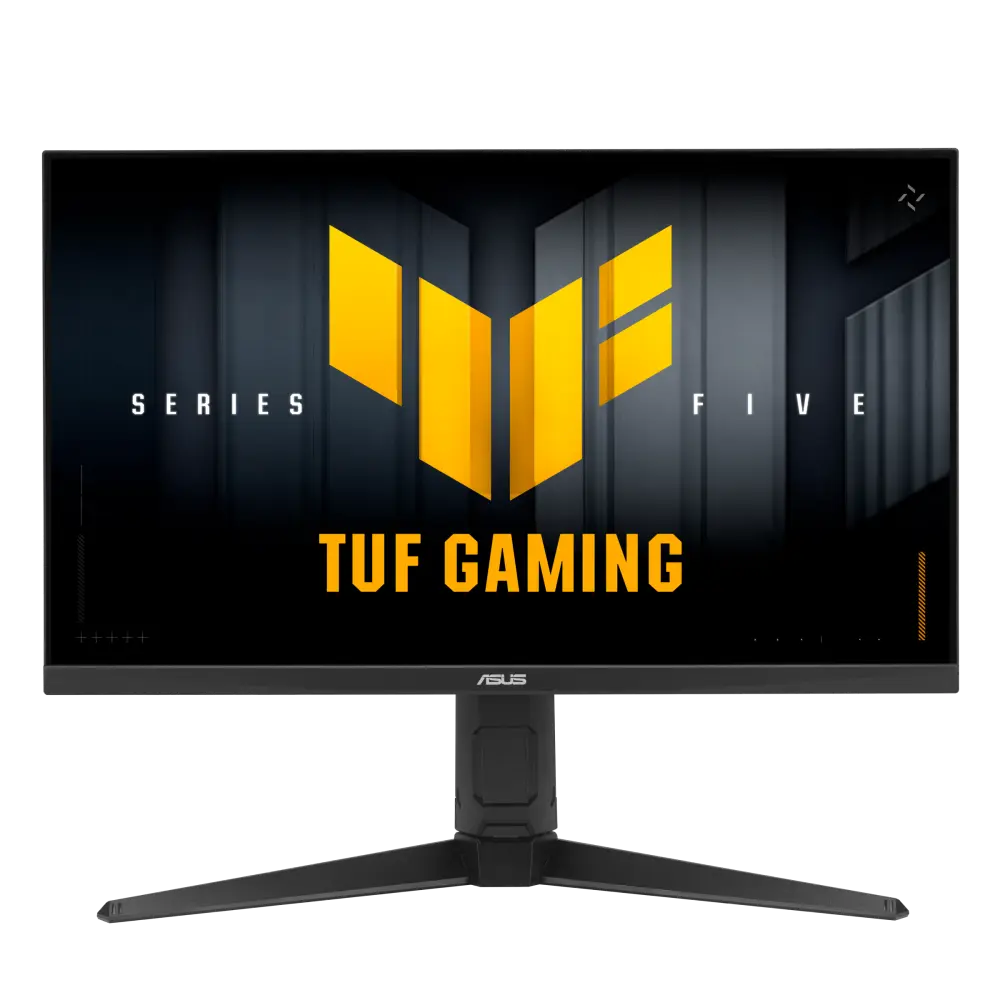 ASUS TUF Gaming VG27AQML5AUK manufacturer specification · TUF Gaming VG27AQML5ACompare the two
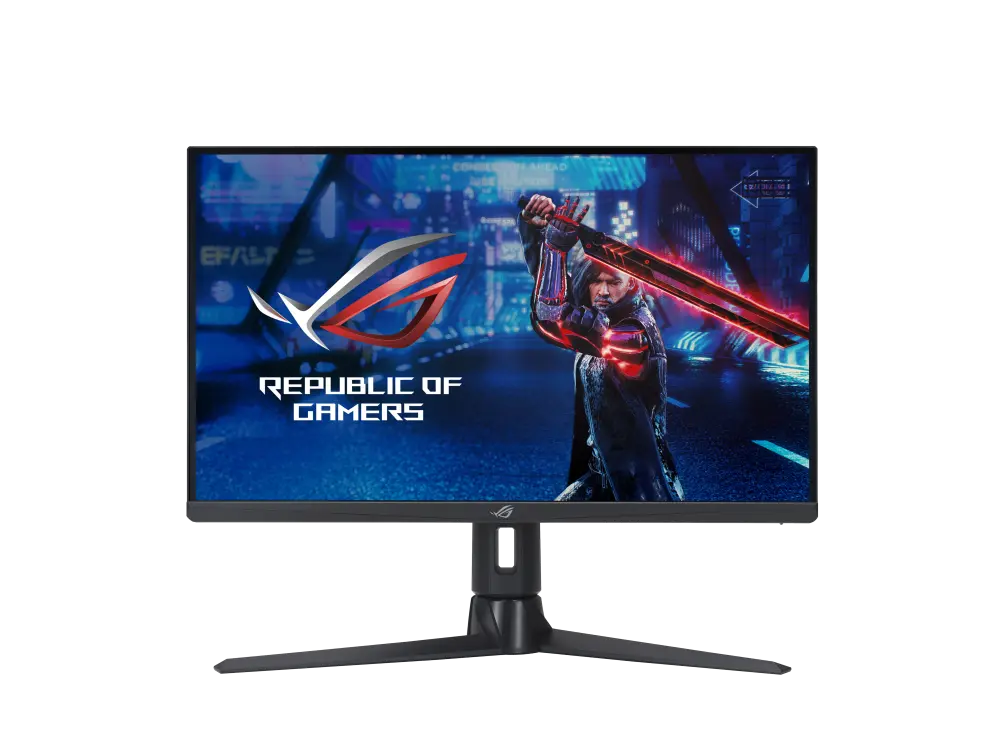 ASUS ROG Strix XG27AQMRUK manufacturer specification · ROG Strix XG27AQMRCompare the two
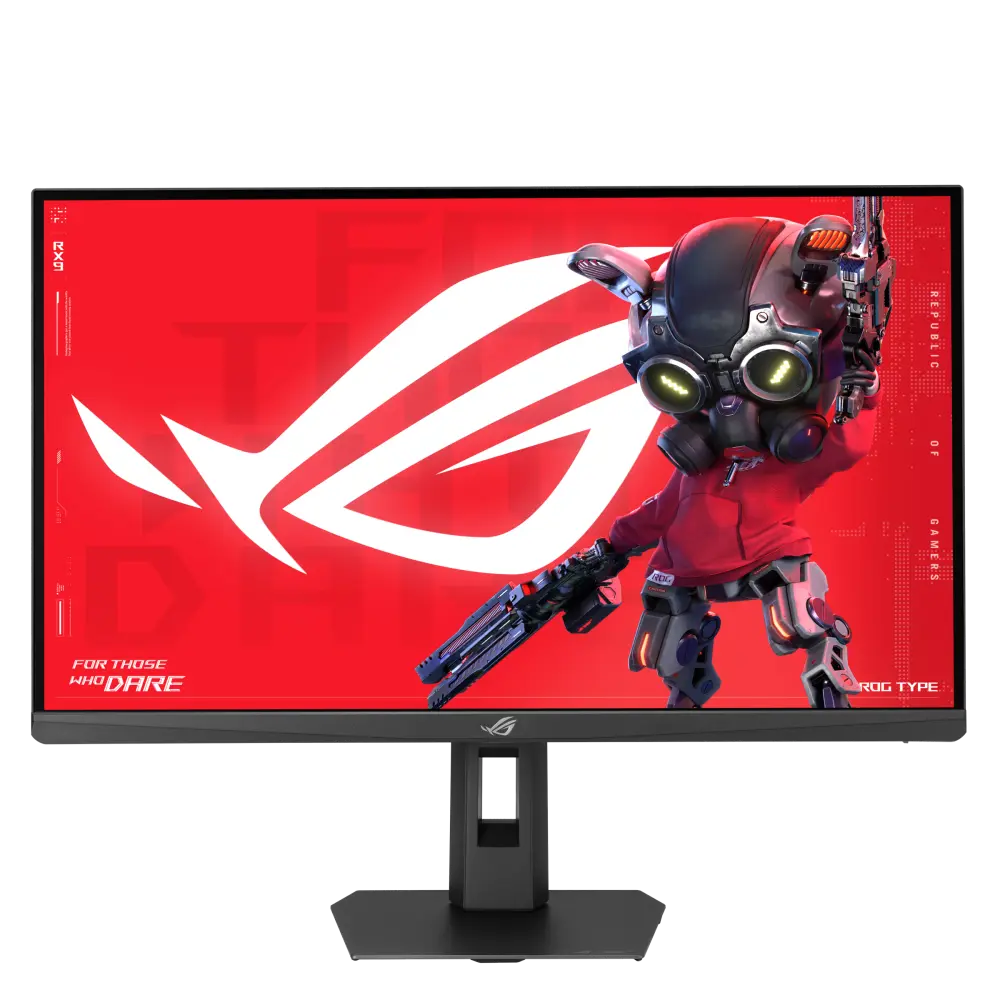 ASUS ROG Strix XG27ACNSGlobal manufacturer specification · ROG Strix XG27ACNSCompare the two
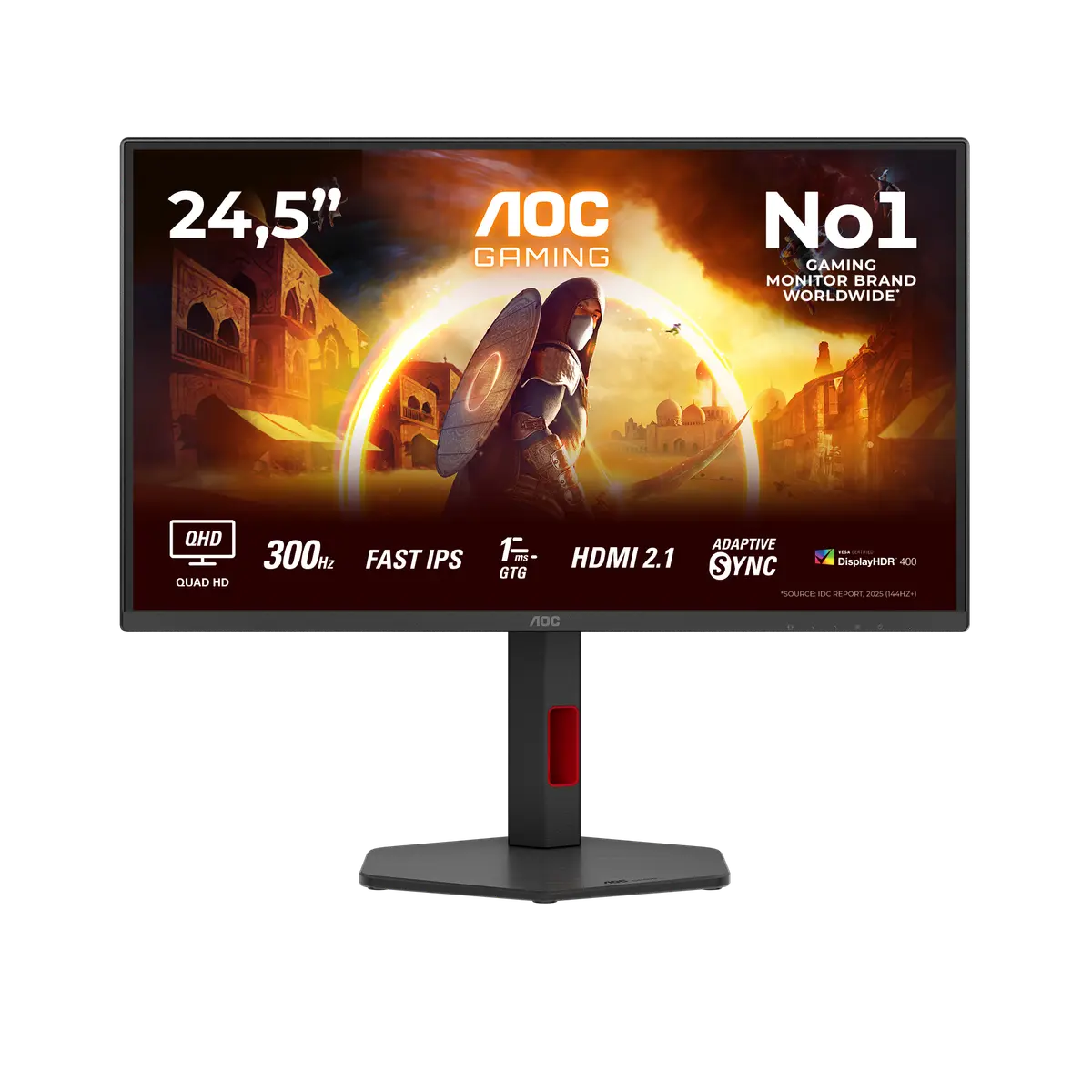 AOC Q25G4SRQ25G4SR · 24.5-inch Fast IPS · AOC UK specificationCompare the two