ATX Form Factor 12 inch x 9.6 inch ( 30.5 cm x 24.4 cm )
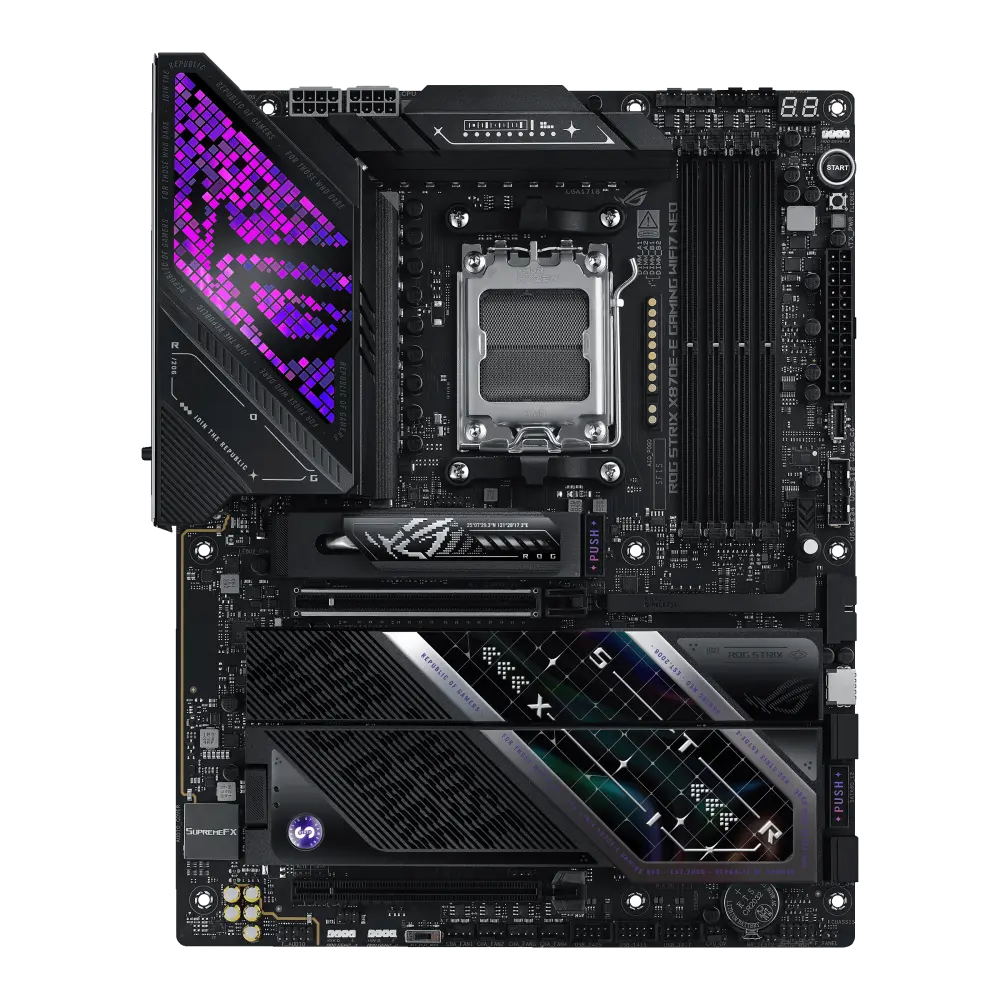
ROG STRIX X870E-E GAMING WIFI7 NEO motherboard, identified in the ASUS Global catalogue. Specifications below retain the manufacturer’s configuration and interface conditions.
The nearest checked motherboards by key specifications, with what differs from the ASUS ROG STRIX X870E-E GAMING WIFI7 NEO. The first matches the Compare button above.
Compatibility and maximum operating modes depend on the source’s stated hardware, firmware and connection requirements; manufacturer figures are not independent measurements.
Products in this catalogue that list the same socket or memory type as the ASUS ROG STRIX X870E-E GAMING WIFI7 NEO. A shared socket or memory type is necessary but not sufficient: check the exact CPU and memory support lists, and the BIOS version, before buying.
ATX Form Factor 12 inch x 9.6 inch ( 30.5 cm x 24.4 cm )Source
Memory
1 item
Memory type, slots and limit
4 x DIMM slots, max. 256GB, DDR5 Supports up to 8600+MT/s(OC)**/8200+MT/s(OC)*** with Ryzen™ 9000 Series Processors, 9600+MT/s(OC)**/9000+MT/s(OC)*** with Ryzen™ 8000 Series Processors, 8000+MT/s(OC)**/8000+MT/s(OC)*** with Ryzen™ 7000 Series Processors, ECC and Non-ECC Un-buffered DIMM* Dual channel memory architecture Supports AMD Extended Profiles for Overclocking (EXPO™) Supports DIMM Fit and DIMM Fit Pro NitroPath DRAM Technology ASUS Enhanced Memory Profile (AEMP) * Non-ECC, un-buffered DDR5 memory supports On-Die ECC function. ** Max Manual Overclocking: Achievable with advanced BIOS configuration and potentially specialized hardware. Passed AIDA64 memory benchmark at this frequency, verifying read/write bandwidth. Results may vary according to system components. *** EXPO/AEMP Profiles: Rated memory module speeds require setting the BIOS performance profile. Results may vary according to system components and can be impacted when four DIMM slots are used. For XMP/EXPO/AEMP profile settings, please visit https://rog.asus.com/support/faq/1042256/. **** Supported memory types, data rate (speed), and number of DRAM modules vary depending on the CPU and memory configuration, for more information please refer to CPU/Memory Support list under the Support tab of product information site or visit https://www.asus.com/support/download-center/. Adjustments will be made based on the specifications of mass-produced memory products available on the market.Source
Expansion slots
1 item
Expansion slots and restrictions
AMD Ryzen™ 9000 & 7000 Series Desktop Processors* 1 x PCIe 5.0 x16 slot (supports x16 mode) AMD Ryzen™ 8700 & 8600 & 8400 Series Desktop Processors* 1 x PCIe 4.0 x16 slots (supports x8 mode) AMD Ryzen™ 8500 & 8300 Series Desktop Processors* 1 x PCIe 4.0 x16 slots (supports x4 mode) AMD X870E Chipset 1 x PCIe 4.0 x16 slot (supports x4 mode) * Please check the PCIe bifurcation table on the support site (https://www.asus.com/support/FAQ/1037507/). * Specifications vary by CPU types. - To ensure compatibility of the device installed, please refer to https://www.asus.com/support/download-center/ for the list of supported peripherals.Source
Storage
1 item
Storage interfaces and restrictions
Total supports 5 x M.2 slots and 4 x SATA 6Gb/s ports AMD Ryzen™ 9000 & 7000 Series Desktop Processors M.2_1 slot (Key M), type 2242/2260/2280 (supports PCIe 5.0 x4 mode) M.2_2 slot (Key M), type 2242/2260/2280 (supports PCIe 5.0 x4 mode)** AMD Ryzen™ 8700 & 8600 & 8400 Series Desktop Processors M.2_1 slot (Key M), type 2242/2260/2280 (supports PCIe 4.0 x4 mode) M.2_2 slot (Key M), type 2242/2260/2280 (supports PCIe 4.0 x4 mode)** AMD Ryzen™ 8500 & 8300 Series Desktop Processors M.2_1 slot (Key M), type 2242/2260/2280 (supports PCIe 4.0 x4 mode) M.2_2 slot (Key M), type 2242/2260/2280 (Not supports) AMD X870E Chipset M.2_3 slot (Key M), type 2280 (supports PCIe 4.0 x4 mode)*** M.2_4 slot (Key M), type 2280 (supports PCIe 4.0 x4 mode) M.2_5 slot (Key M), type 2280 (supports PCIe 4.0 x4 mode) 4 x SATA 6Gb/s ports * Specifications vary by CPU types. ** USB 40Gbps Type-C ports on the back panel and M.2_2 slot share the bandwidth. Both run at x2 when a device is installed in the M2_2 slot. You can switch M2_2 to x4 in the BIOS, but this will disable the USB 40Gbps Type-C ports. *** M.2_3 shares bandwidth with PCIEX16(G4). When a M.2 drive is installed on M.2_3, PCIEX16(G4) will be disabled.Source
USB & rear connections
2 items
USB ports and headers
Rear USB (Total 13 ports) 2 x USB4® (40Gbps) ports(2 x USB Type-C®) 1 x USB 10Gbps port (1 x USB Type-C® with up to 30W PD/PPS Fast-charge)** 10 x USB 10Gbps ports (9 x Type-A + 1 x USB Type-C®) Front USB (Total 12 ports) 2 x USB 20Gbps connector (supports USB Type-C®) 2 x USB 5Gbps headers support additional 4 USB 5Gbps ports 3 x USB 2.0 headers support additional 6 USB 2.0 ports * USB Type-C® power delivery output: 5V/3A ** USB Type-C® power delivery output: 5V/9V max. 3A, 12V max 2.5A, 15V max. 2.0ASource
Rear-panel ports
2 x USB4® (40Gbps) (2 x USB Type-C® with DP Alt mode) 11 x USB 10Gbps port(s) (9 x Type-A + 1 x USB Type-C® + 1 x USB Type-C® with up to 30W PD/PPS Fast-charge) 1 x HDMI™ port 1 x Wi-Fi module 1 x Realtek® 5Gb Ethernet port 2 x Audio jacks 1 x Optical S/PDIF out port 1 x BIOS FlashBack™ button 1 x Clear CMOS buttonSource
Networking
1 item
Network interfaces and requirements
1 x Realtek® 5Gb Ethernet ASUS LANGuard; Wi-Fi 7 (MediaTek MT7927) 2x2 Wi-Fi 7* (802.11be) Supports 2.4/5/6GHz frequency band** Supports Wi-Fi 7 320MHz bandwidth Bluetooth® (suppports LE Audio)*** *Wi-Fi features may vary depending on the operating system. For Windows 11, Wi-Fi 7 will require 24H2 or later version for full functions, Windows 11 21H2/22H2/23H2 only support Wi-Fi 6E. For Windows 10, please note that no driver is available, refer to the Wi-Fi chipset vendor's website for details. ** Wi-Fi 6GHz frequency band and bandwidth regulatory may vary between countries. *** The Bluetooth® version may vary, please refer to the Wi-Fi module manufacturer's website for the latest specifications.Source
Audio
1 item
Audio interfaces
ROG SupremeFX 7.1 Surround Sound High Definition Audio CODEC ALC4080* - Impedance sense for front and rear headphone outputs - Supports: Jack-detection, Multi-streaming, Front Panel MIC Jack-retasking - High quality 120 dB SNR stereo playback output and 110 dB SNR recording input - Supports up to 32-Bit/384 kHz playback on front panel Audio Features - Audio Shielding - Savitech SV3H712 AMP - Gold-plated audio jacks - Rear optical S/PDIF out port - Premium audio capacitors - Audio cover * The LINE OUT port on the rear panel does not support spatial audio. If you wish to use spatial audio, make sure to connect your audio output device to the audio jack on the front panel of your chassis or use a USB interface audio device.Source
Power, cooling & lighting
1 item
Internal headers and connectors
Fan and Cooling Related 1 x 4-pin CPU Fan header(s) 1 x 4-pin CPU OPT Fan header(s) 1 x 4-pin AIO Pump header(s) 5 x 4-pin Chassis Fan header(s) 1 x AIO Q-Connector Power Related 1 x 24-pin Main Power connector 2 x 8-pin +12V CPU Power connector Storage Related 5 x M.2 slots (Key M) 4 x SATA 6Gb/s ports USB 2 x USB 20Gbps connector (supports USB Type-C®) 2 x USB 5Gbps headers support additional 4 USB 5Gbps ports 3 x USB 2.0 headers support additional 6 USB 2.0 ports Miscellaneous 3 x Addressable RGB Gen 2 header(s) 1 x Alteration PCIe mode switch 1 x Chassis Intrusion header 1 x CPU Over voltage jumper 1 x Front Panel Audio header (F_AUDIO) 1 x Start button 1 x 10⁻¹ pin Front Panel System header 1 x Thermal Sensor headerSource
BIOS, software & diagnostics
2 items
CPU support and BIOS requirements
AMD Socket AM5 for AMD Ryzen™ 9000 & 8000 & 7000 Series Desktop Processors* * Refer to https://www.asus.com/support/download-center/ for CPU support list. BIOS: 64MB (512Mb) Flash ROM, UEFI AMI BIOS
Exact CPU support and BIOS revision depend on the processor and the current ASUS CPU support list; the family statement is not a guarantee for every processor.



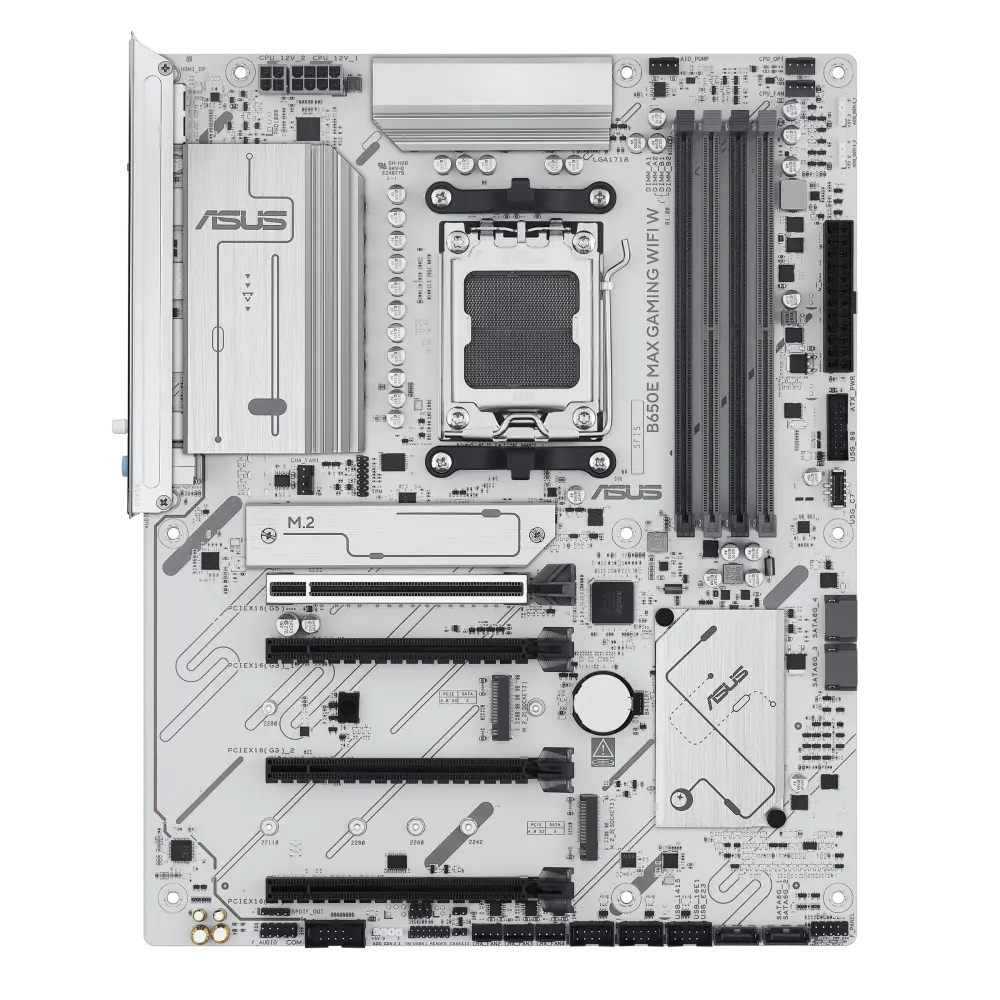 ASUS B650E MAX GAMING WIFI WUK manufacturer specification · B650E MAX GAMING WIFI W

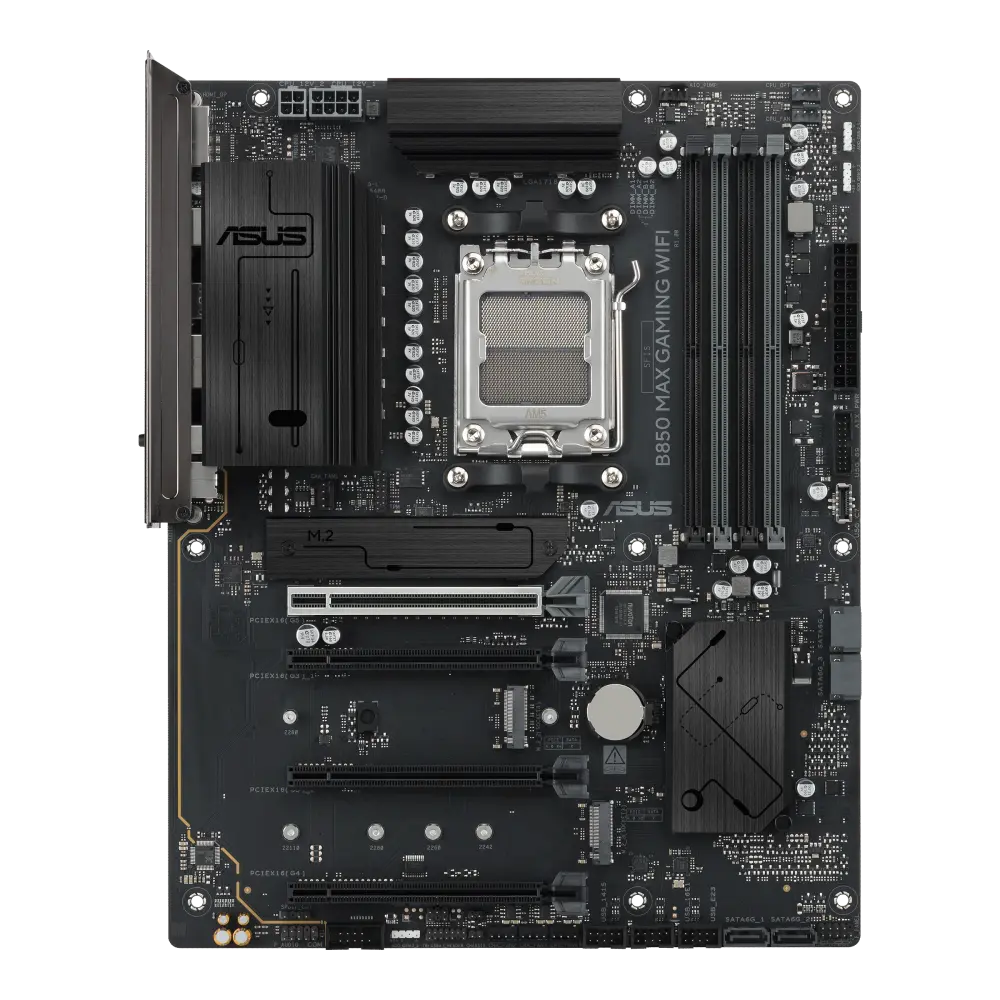 ASUS B850 MAX GAMING WIFI-CSMUK manufacturer specification · B850 MAX GAMING WIFI-CSM
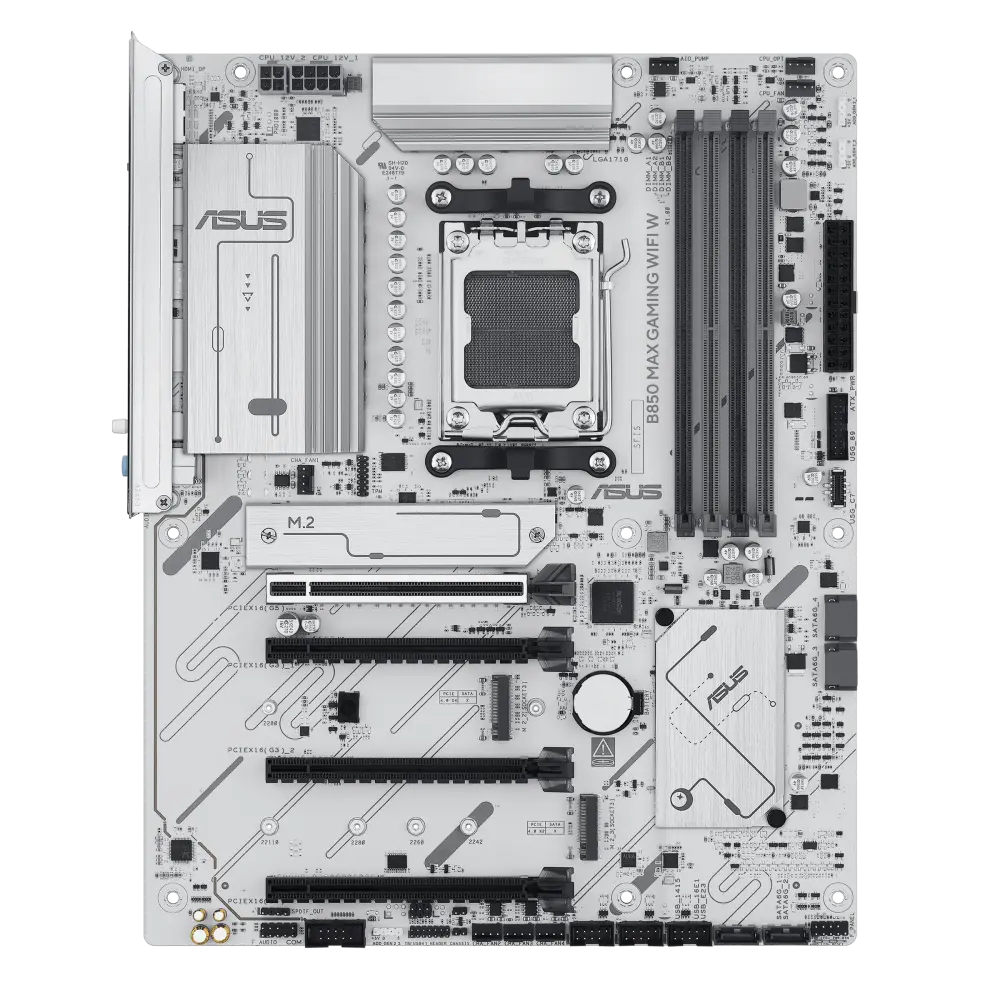 ASUS B850 MAX GAMING WIFI WUK manufacturer specification · B850 MAX GAMING WIFI W
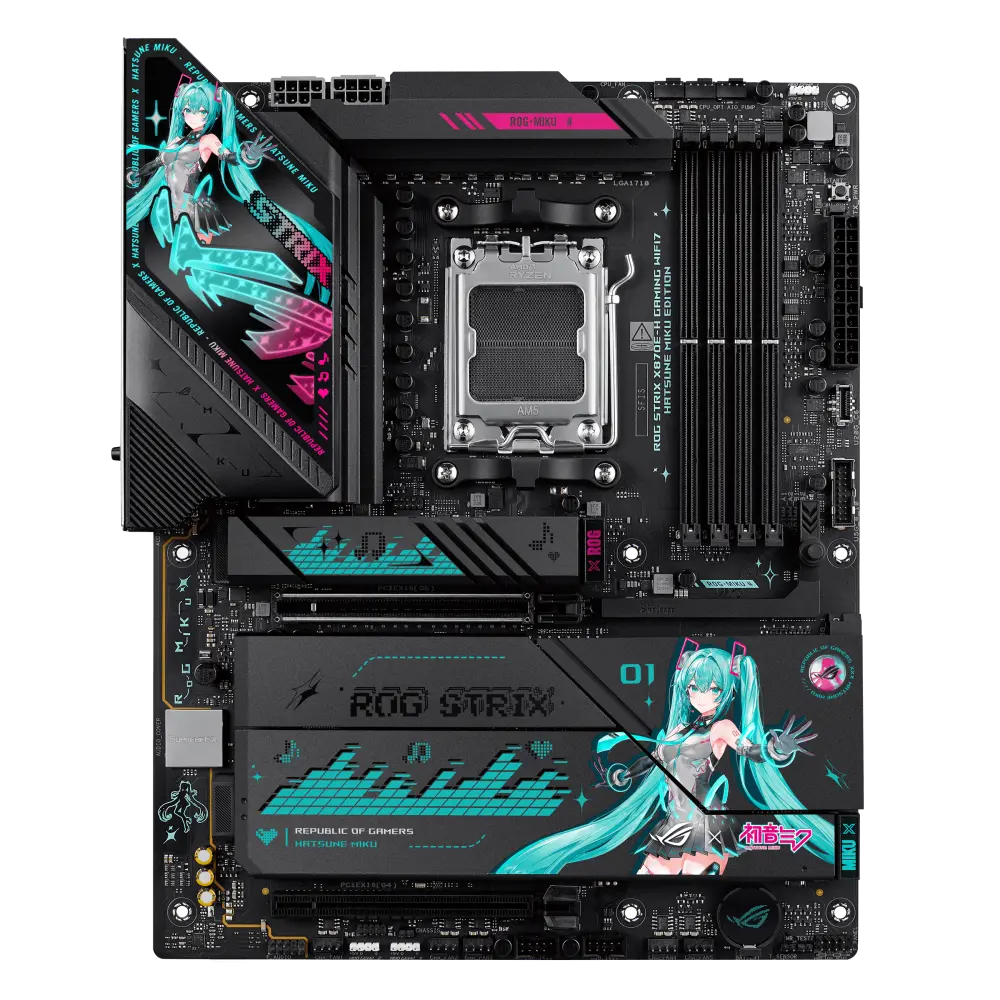 ASUS ROG STRIX X870E-H GAMING WIFI7 HATSUNE MIKU EDITIONUK manufacturer specification · ROG STRIX X870E-H GAMING WIFI7 HATSUNE MIKU EDITIONCompare the two
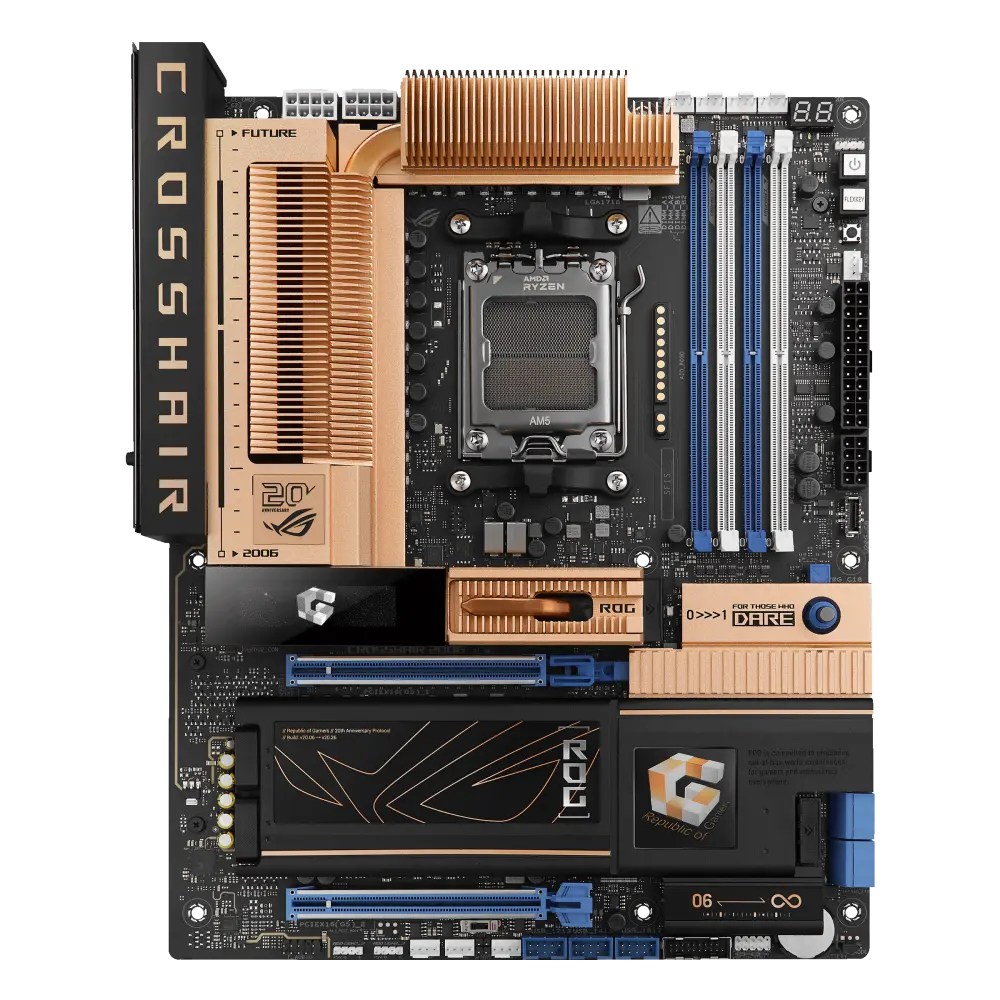 ASUS ROG CROSSHAIR 2006Global manufacturer specification · ROG CROSSHAIR 2006Compare the two
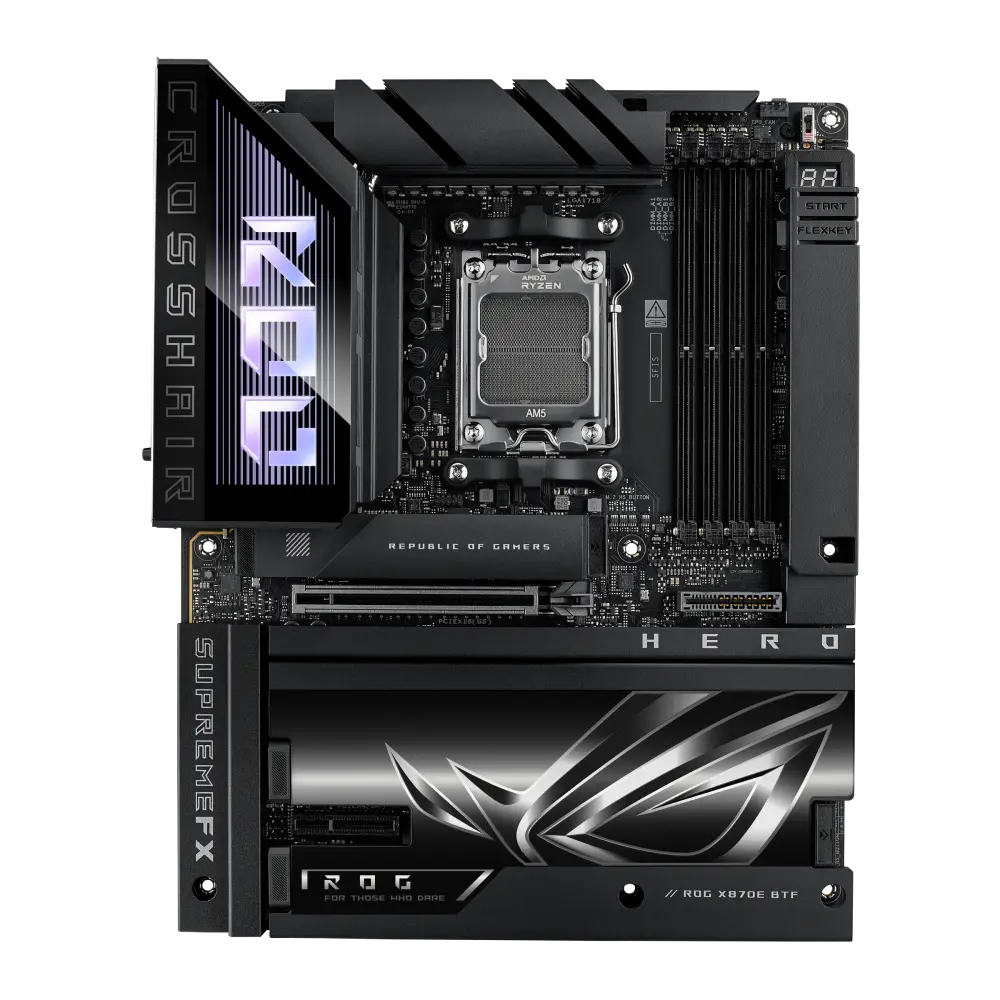 ASUS ROG CROSSHAIR X870E HERO BTFGlobal manufacturer specification · ROG CROSSHAIR X870E HERO BTFCompare the two
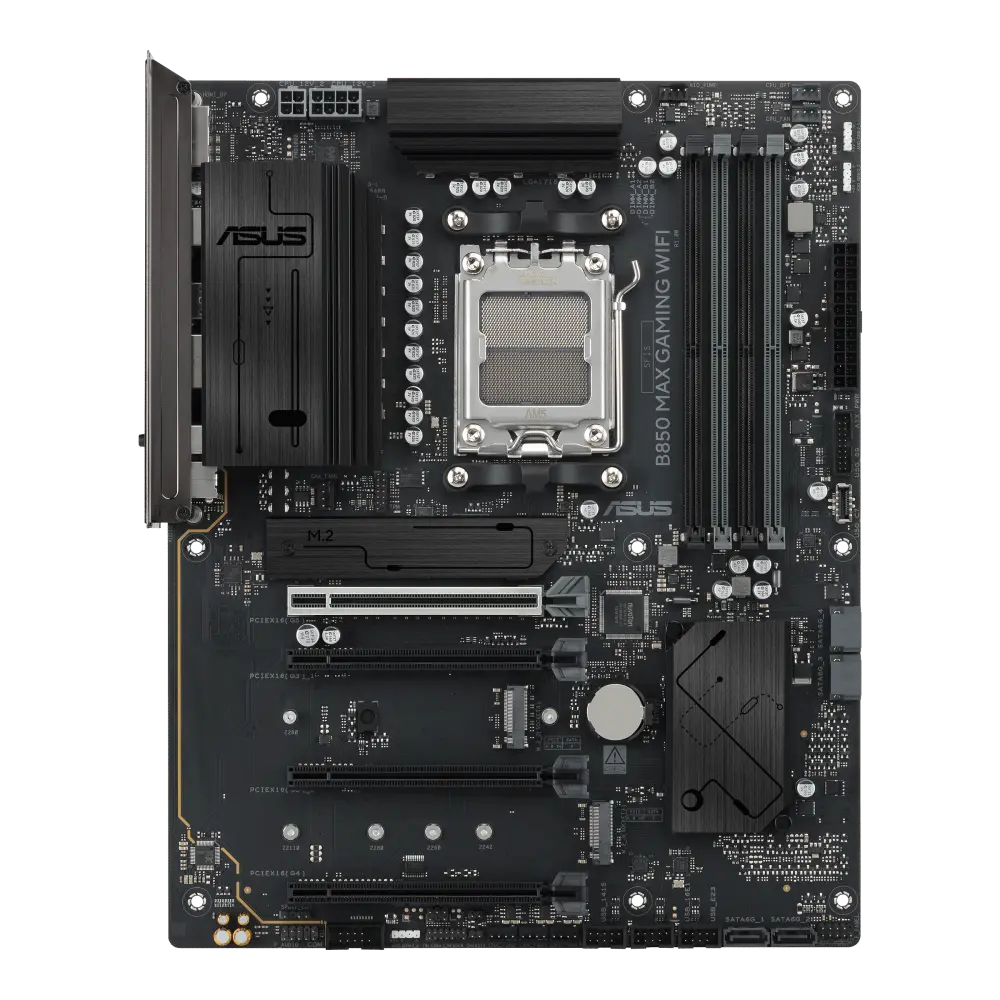 ASUS B850 MAX GAMING WIFIUK manufacturer specification · B850 MAX GAMING WIFICompare the two
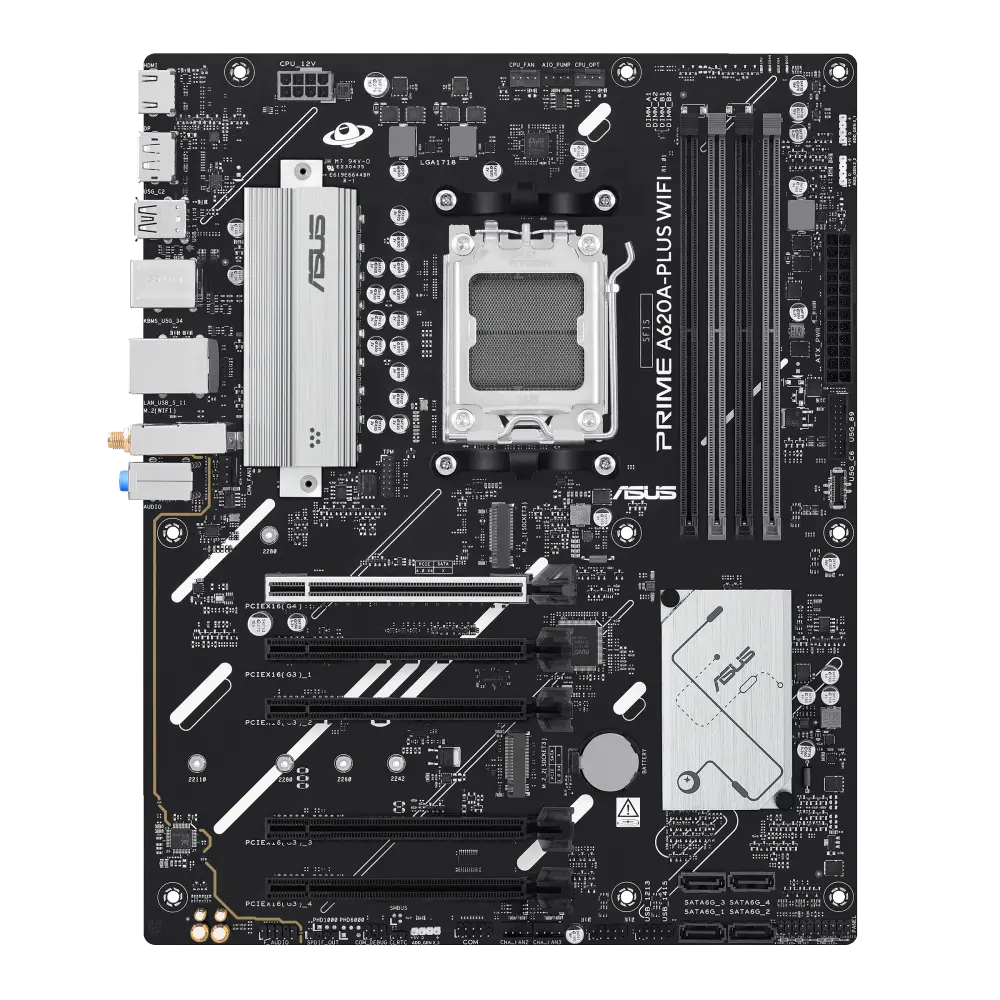 ASUS PRIME A620A-PLUS WIFIUK manufacturer specification · PRIME A620A-PLUS WIFICompare the two
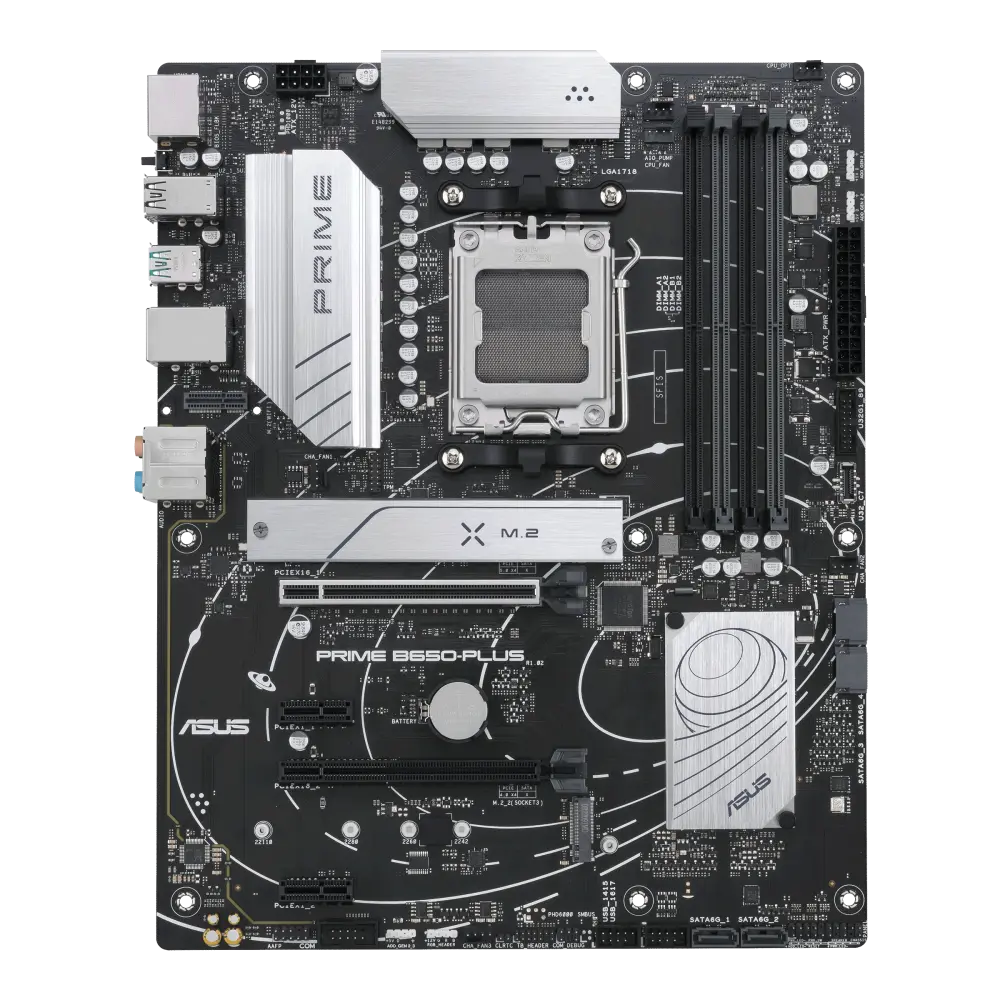 ASUS PRIME B650-PLUS-CSMUK manufacturer specification · PRIME B650-PLUS-CSMCompare the two
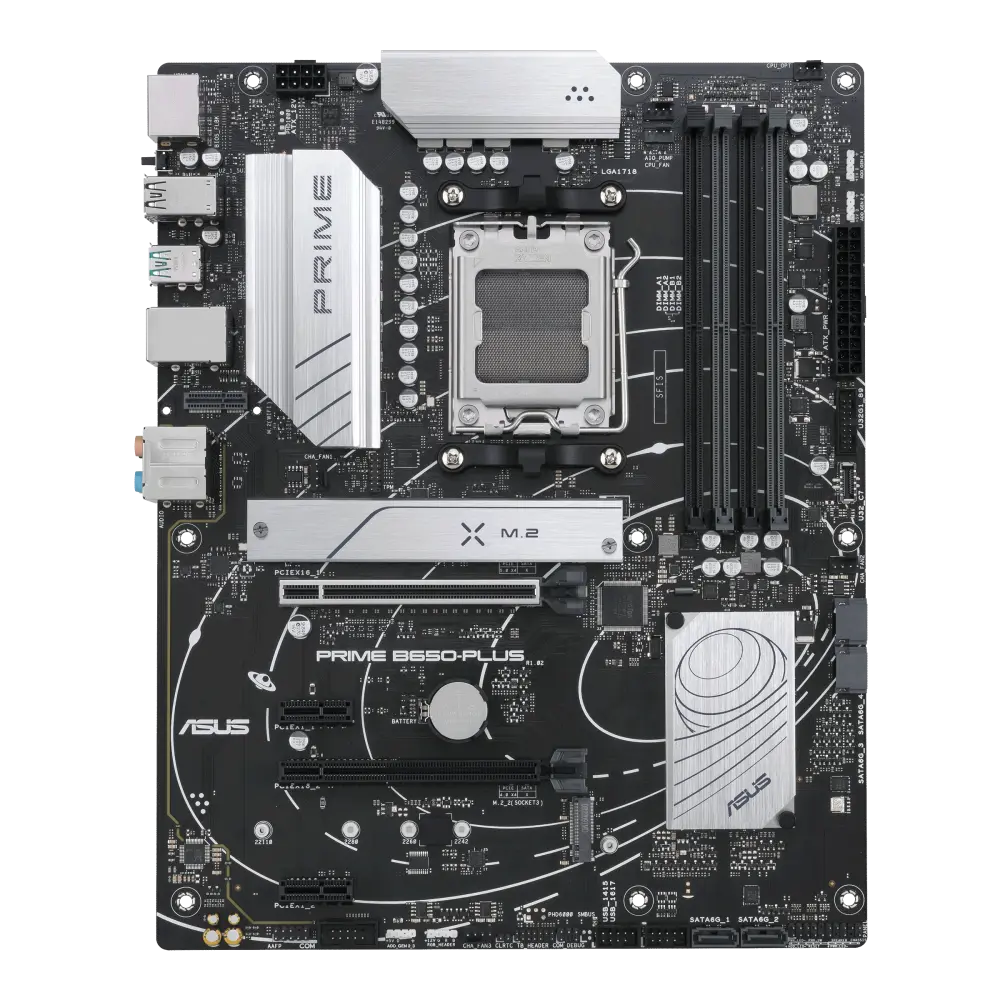 ASUS PRIME B650-PLUSUK manufacturer specification · PRIME B650-PLUSCompare the two
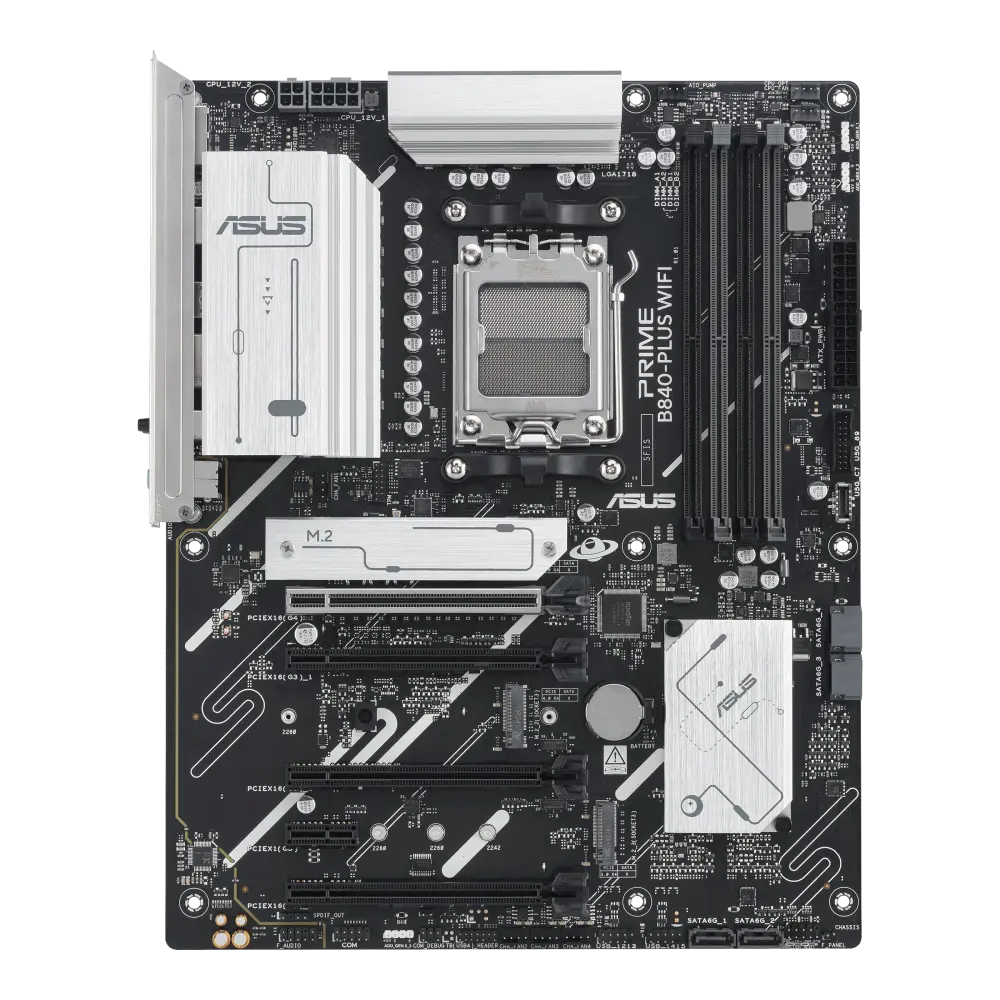 ASUS PRIME B840-PLUS WIFIUK manufacturer specification · PRIME B840-PLUS WIFICompare the two