ROG MAXIMUS Z690 APEX motherboard, identified in the ASUS Global catalogue. Specifications below retain the manufacturer’s configuration and interface conditions.
The nearest checked motherboards by key specifications, with what differs from the ASUS ROG MAXIMUS Z690 APEX. The first matches the Compare button above.
Compatibility and maximum operating modes depend on the source’s stated hardware, firmware and connection requirements; manufacturer figures are not independent measurements.
Products in this catalogue that list the same socket or memory type as the ASUS ROG MAXIMUS Z690 APEX. A shared socket or memory type is necessary but not sufficient: check the exact CPU and memory support lists, and the BIOS version, before buying.
2 x DIMM, Max. 96GB, DDR5 6600(OC)/6400(OC)/ 6200(OC)/ 6000(OC)/ 5800(OC)/ 5600(OC)/ 5400(OC)/ 5200(OC)/ 5000(OC) / 4800 Non-ECC, Un-buffered Memory* Dual Channel Memory Architecture Supports Intel® Extreme Memory Profile (XMP) *Supported memory types, data rate(Speed), and number of DRAM module vary depending on the CPU and memory configuration, for more information refer to www.asus.com for memory support list.Source
Expansion slots
1 item
Expansion slots and restrictions
Intel® 13th & 12th Gen Processors 2 x PCIe 5.0 x16 slots (supports x16 or x8/x8 modes)* Intel® Z690 Chipset** 1 x PCIe 3.0 x4 slot 1 x PCIe 3.0 x1 slot * When the PCIE 5.0 M.2 card is installed on the PCIEX16(G5)_2, PCIEX16(G5)_1 will run x8 only. ** Supports Intel® Optane Memory H Series on PCH-attached PCIe slot.Source
Storage
1 item
Storage interfaces and restrictions
Supports 5 x M.2 slots and 6 x SATA 6Gb/s ports, Total supports 5 x M.2 slots and 6 x SATA 6Gb/s ports* Intel® 13th & 12th Gen Processors* M.2_1 slot (Key M), type 2242/2260/2280 - Intel® 13th & 12th Gen processors support PCIe 4.0 x4 mode. PCIe 5.0 M.2 slot (Key M) via PCIe 5.0 M.2 card, type 2242/2260/2280/22110 - Intel® 13th & 12th Gen processors support PCIe 5.0 x4 mode Intel® Z690 Chipset** M.2_2 slot (Key M), type 2242/2260/2280 (supports PCIe 4.0 x4 & SATA modes) DIMM.2_1 slot (Key M) via ROG DIMM.2, type 2242/2260/2280/22110 (supports PCIe 4.0 x4 mode) DIMM.2_2 slot (Key M) via ROG DIMM.2, type 2242/2260/2280/22110 (supports PCIe 4.0 x4 mode) 6 x SATA 6Gb/s ports*** * Intel® Rapid Storage Technology supports NVMe RAID 0/1/5, SATA RAID 0/1/5/10. ** Intel® Rapid Storage Technology supports Intel® Optane Memory H Series on PCH attached M.2 slots. *** RAID configuration and boot drives are not supported on the SATA6G_E1-2 ports.Source
USB & rear connections
2 items
USB ports and headers
Rear USB:Total 10 ports, 1 x USB 3.2 Gen 2x2 port(s) (1 x USB Type-C®) 5 x USB 3.2 Gen 2 port(s) (5 x Type-A) 4 x USB 3.2 Gen 1 port(s) (4 x Type-A), 1 x USB 3.2 Gen 2x2 connector (supports USB Type-C®) 2 x USB 3.2 Gen 1 headers support additional 4 USB 3.2 Gen 1 ports 2 x USB 2.0 headers support additional 4 USB 2.0 portsSource
Rear-panel ports
1 x USB 3.2 Gen 2x2 port (1 x USB Type-C®) 5 x USB 3.2 Gen 2 ports (5 x Type-A) 4 x USB 3.2 Gen 1 ports (4 x Type-A) 1 x Wi-Fi Module 1 x Intel® 2.5Gb Ethernet port 5 x Gold-plated audio jacks 1 x Optical S/PDIF out port 1 x BIOS FlashBack™ button 1 x Clear CMOS button 1 x PS/2 Keyboard (purple) port 1 x PS/2 Mouse (green) portSource
Networking
1 item
Network interfaces and requirements
1 x Intel® 2.5Gb Ethernet, ASUS LANGuard; Intel® Wi-Fi 6E, Wi-Fi 6E 2x2 Wi-Fi 6E (802.11 a/b/g/n/ac/ax) Supports 2.4/5/6GHz frequency band* Bluetooth v5.2 * WiFi 6E 6GHz regulatory may vary between countries, and function will be ready in Windows 11 or later.Source
Audio
1 item
Audio interfaces
ROG SupremeFX 7.1 Surround Sound High Definition Audio CODEC ALC4080 - Impedance sense for front and rear headphone outputs - Supports: Jack-detection, Multi-streaming, Front Panel Jack-retasking - High quality 120 dB SNR stereo playback output and 113 dB SNR recording input - Supports up to 32-Bit/384 kHz playback Audio Features - SupremeFX Shielding Technology - Savitech SV3H712 AMP - Gold-plated audio jacks - Rear optical S/PDIF out port - Premium audio capacitors - Audio cover *The rear panel Line out port does not support spatial audio. If you wish to use spatial audio make sure to connect your audio output device to the audio jack on the front panel of your chassis.Source
Power, cooling & lighting
1 item
Internal headers and connectors
Fan and Cooling related 1 x 4-pin CPU Fan header(s) 1 x 4-pin CPU OPT Fan header(s) 1 x 4-pin AIO Pump header(s) 3 x 4-pin Chassis Fan header(s) 2 x 4-pin Full Speed Fan header(s) 1 x W_PUMP+ header(s) 1 x 2-pin Water In header 1 x 2-pin Water Out header 1 x 3-pin Water Flow header Power related 1 x 24-pin Main Power connector 2 x 8-pin +12V Power connector 1 x 6-pin PCIe Graphics Card connector Storage related 2 x M.2 slots (Key M) 1 x DIMM.2 slot supports 2 x M.2 slots (Key M) 6 x SATA 6Gb/s ports USB 1 x USB 3.2 Gen 2x2 connector (supports USB Type-C®) 2 x USB 3.2 Gen 1 headers support additional 4 USB 3.2 Gen 1 ports 2 x USB 2.0 headers support additional 4 USB 2.0 ports Miscellaneous 1 x 80 Light Bar jumper 3 x Addressable Gen 2 header(s) 1 x AURA RGB header(s) 2 x BCLK button 1 x BIOS Switch button 1 x FlexKey button 1 x Front Panel Audio header (AAFP) 1 x LN2 Mode jumper 1 x OSC sence header 1 x Pause switch 12 x ProbeIt Measurement Points 1 x ReTry button 1 x RSVD header 2 x RSVD switches 1 x Safe Boot button 1 x Slow Mode switch 1 x Start button 1 x 10⁻¹ pin System Panel header 1 x Thermal Sensor header 1 x Thunderbolt™ header 1 x V_Latch switchSource
BIOS, software & diagnostics
1 item
CPU support and BIOS requirements
Intel® Socket LGA1700 for 13th Gen Intel® Core™ & 12th Gen Intel® Core™, Pentium® Gold and Celeron® Processors, BIOS: 2 x 256 Mb Flash ROM, UEFI AMI BIOS
Exact CPU support and BIOS revision depend on the processor and the current ASUS CPU support list; the family statement is not a guarantee for every processor.



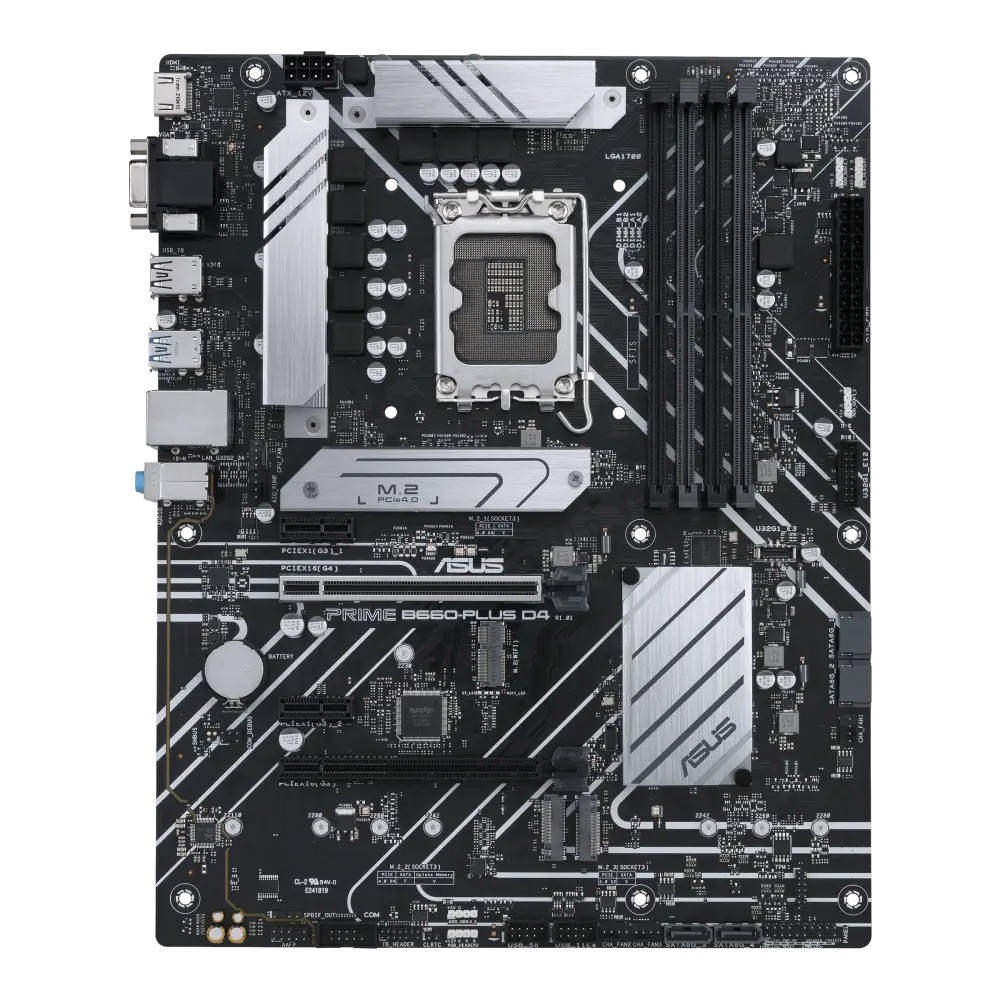 ASUS PRIME B660-PLUS D4UK manufacturer specification · PRIME B660-PLUS D4
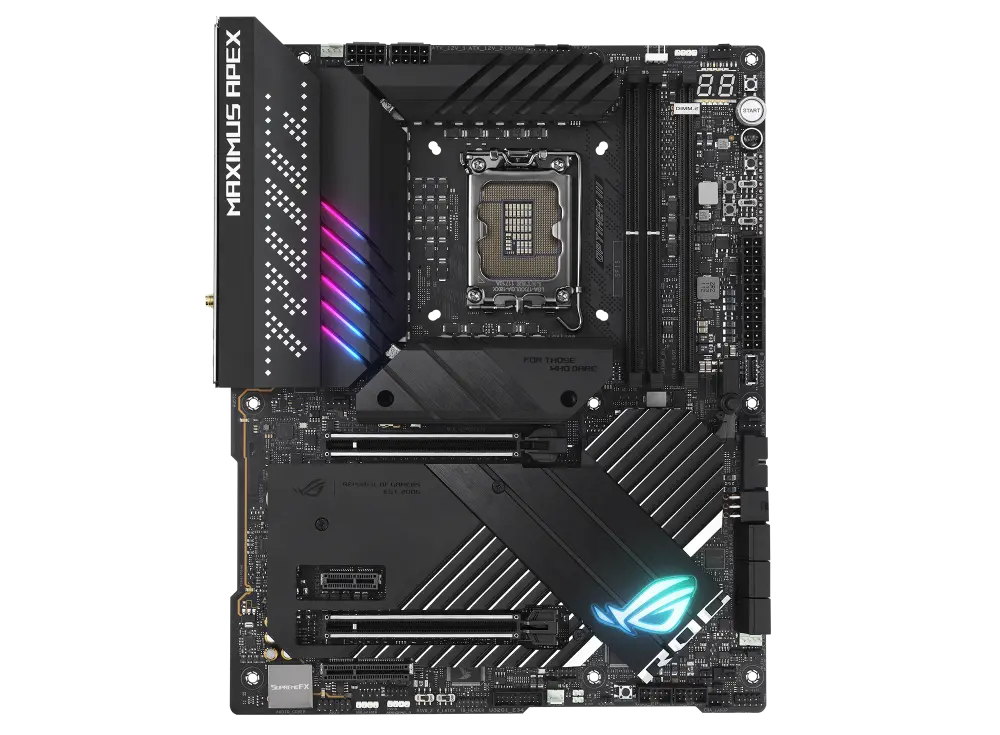
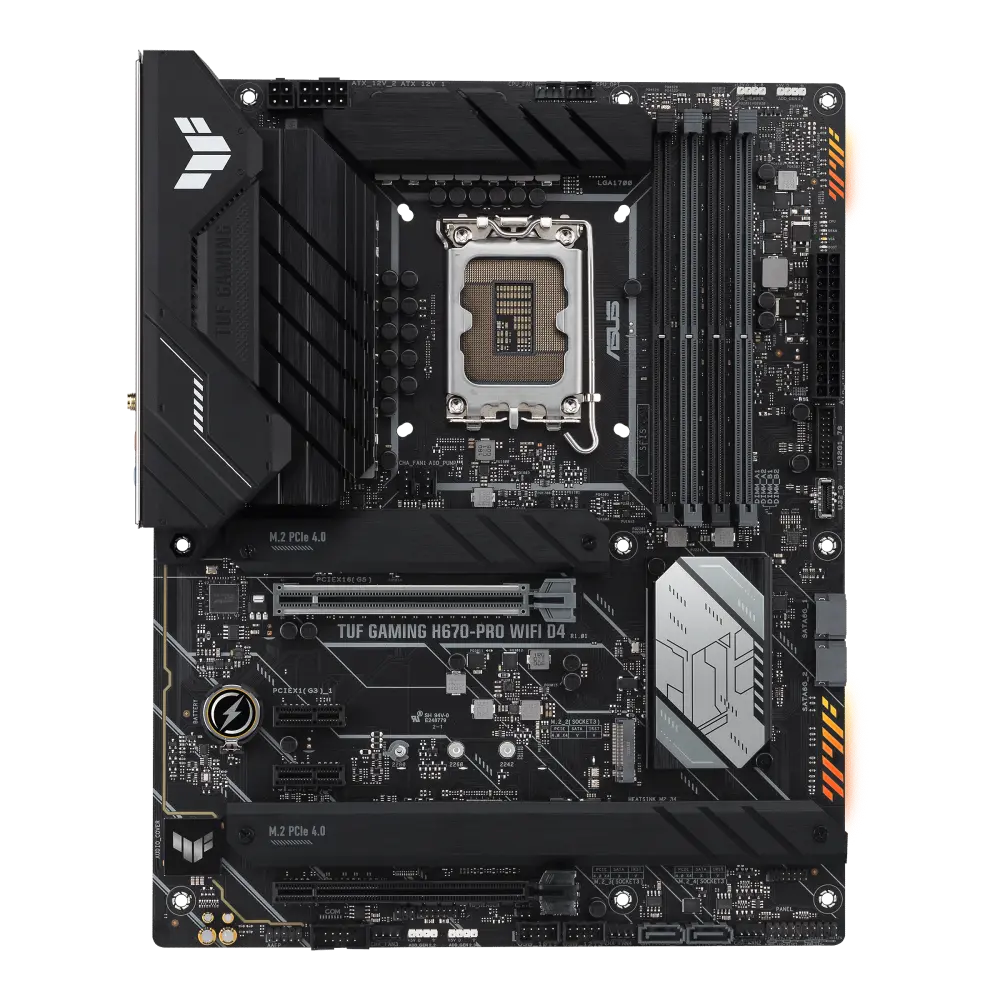 ASUS TUF GAMING H670-PRO WIFI D4UK manufacturer specification · TUF GAMING H670-PRO WIFI D4
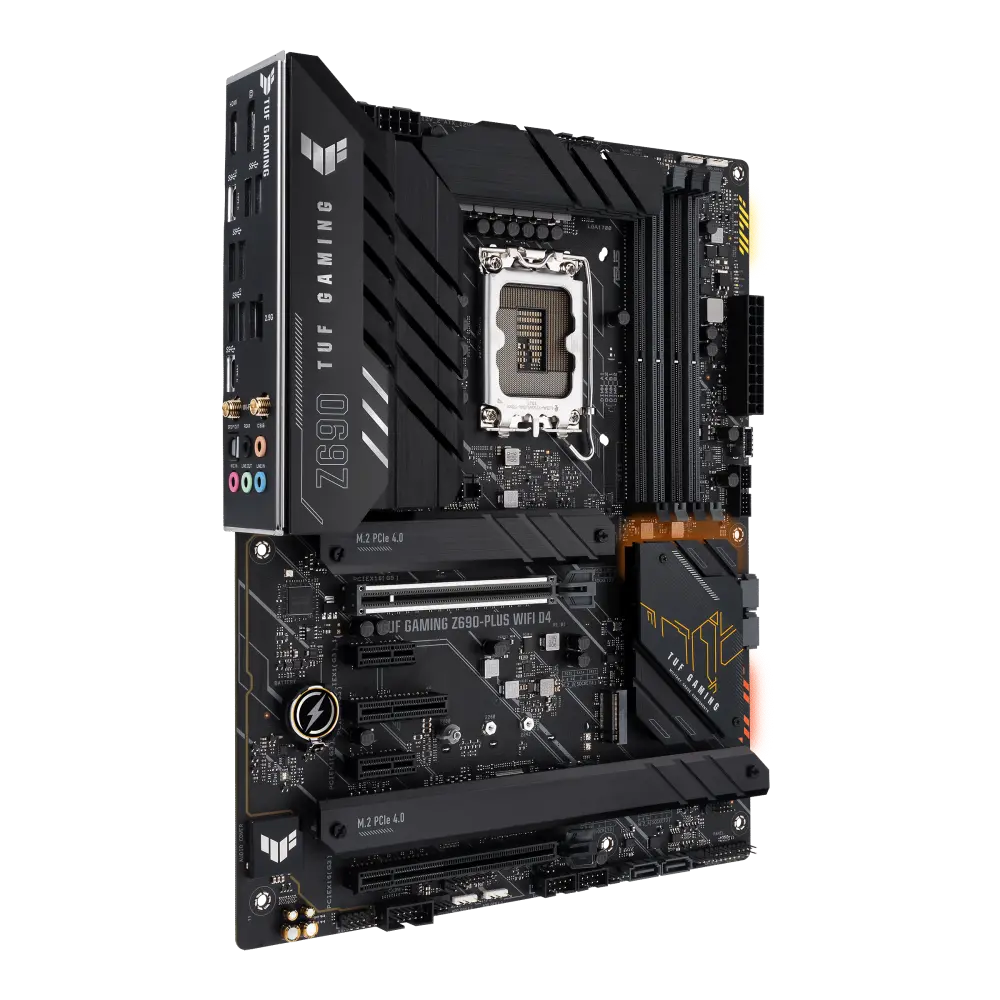 ASUS TUF GAMING Z690-PLUS WIFI D4UK manufacturer specification · TUF GAMING Z690-PLUS WIFI D4
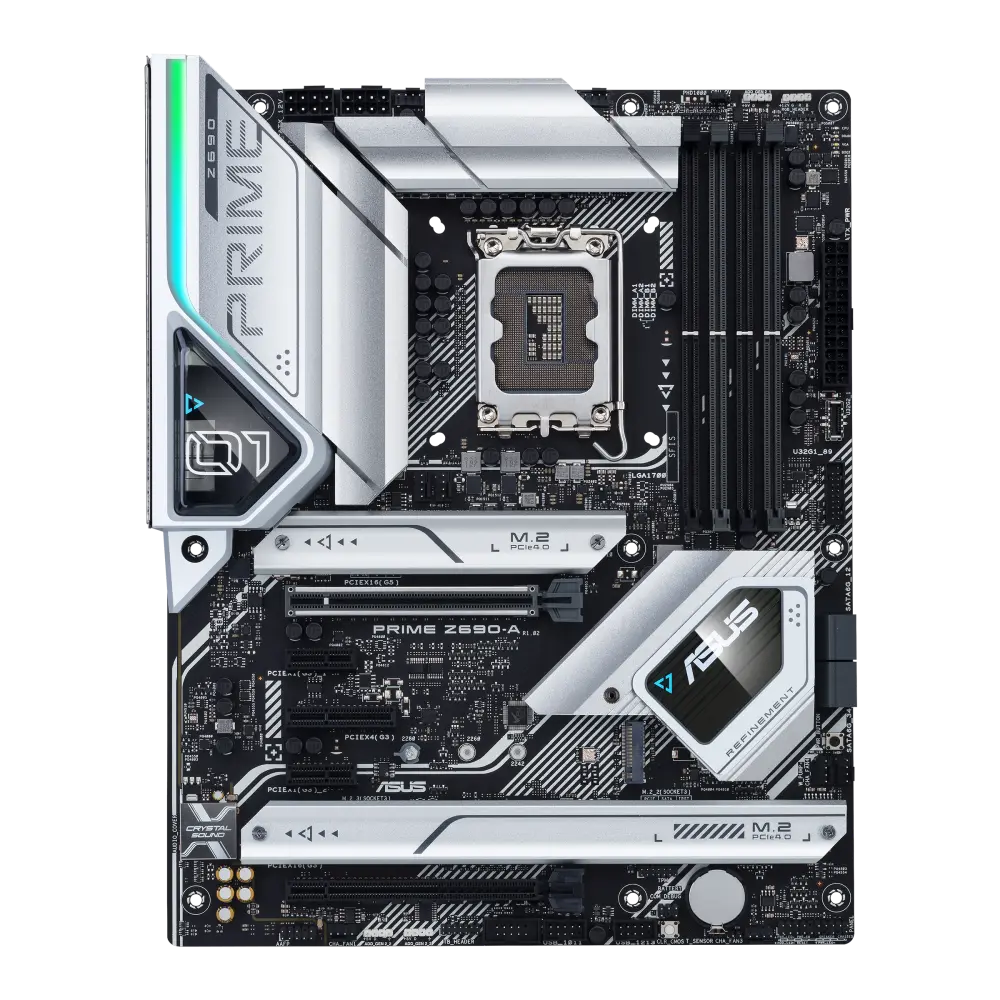 ASUS PRIME Z690-AUK manufacturer specification · PRIME Z690-ACompare the two
 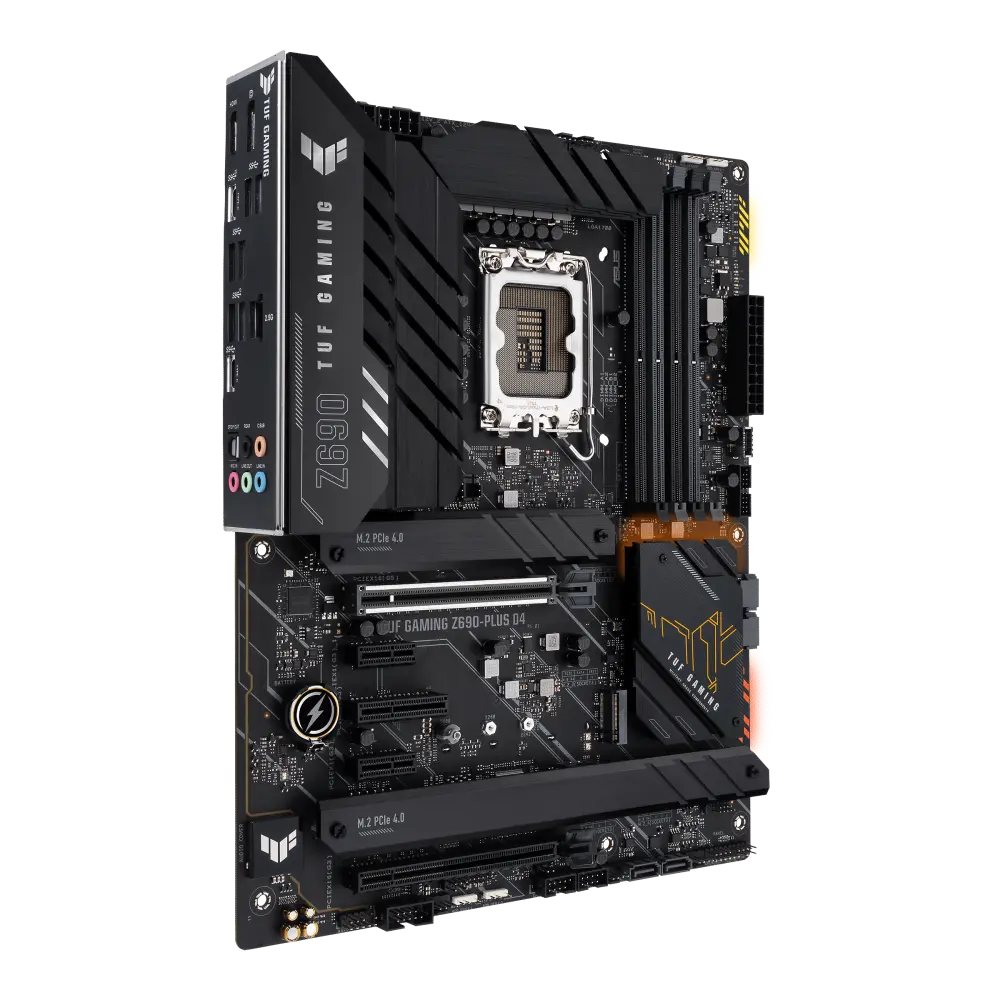 ASUS TUF GAMING Z690-PLUS D4UK manufacturer specification · TUF GAMING Z690-PLUS D4Compare the two
 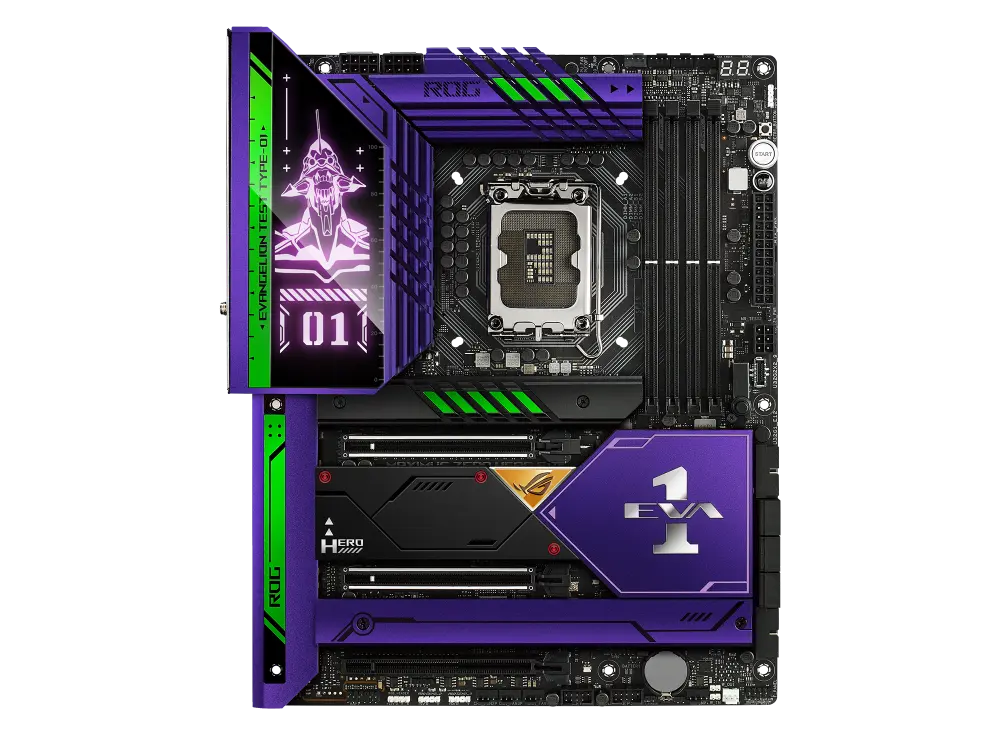 ASUS ROG MAXIMUS Z690 HERO EVA EDITIONUK manufacturer specification · ROG MAXIMUS Z690 HERO EVA EDITIONCompare the two
 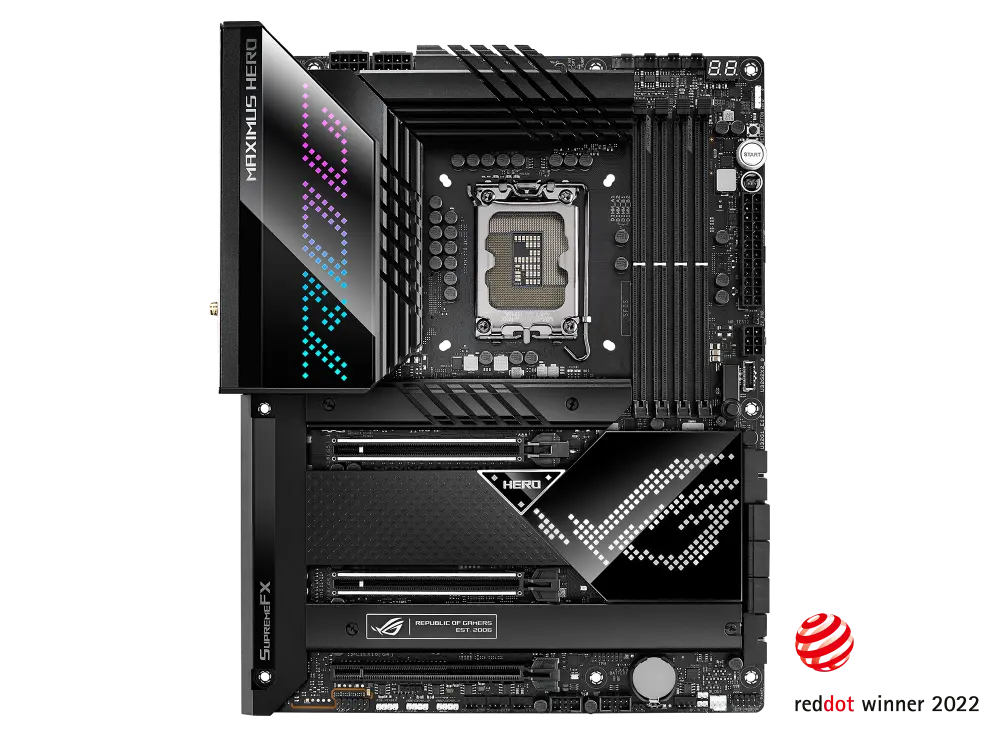 ASUS ROG MAXIMUS Z690 HEROUK manufacturer specification · ROG MAXIMUS Z690 HEROCompare the two
 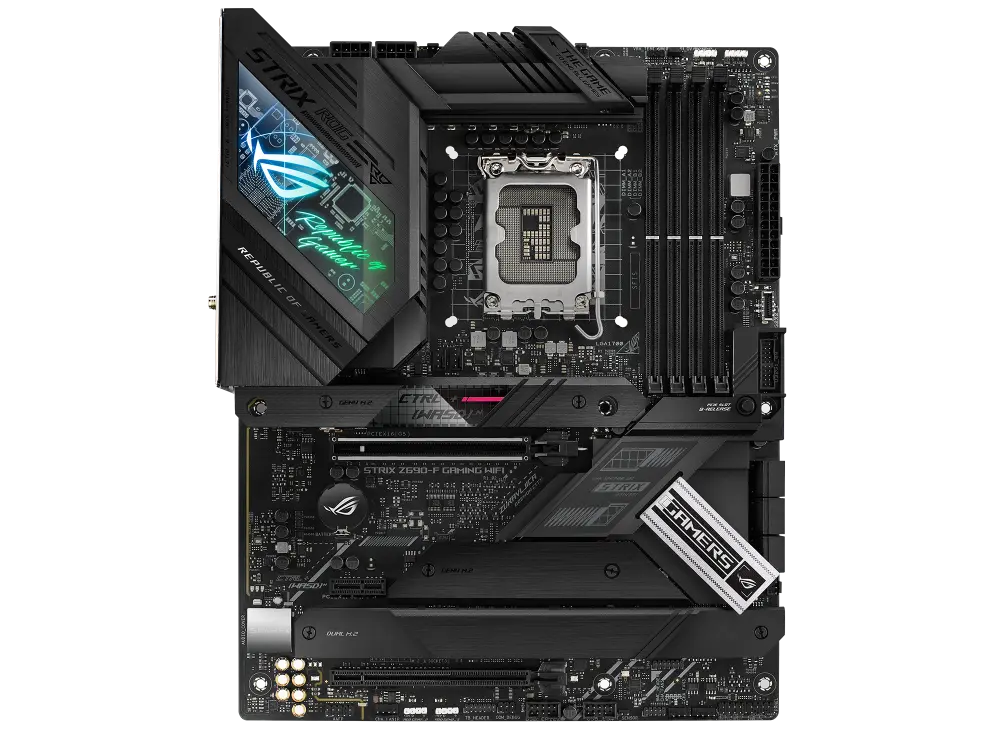 ASUS ROG STRIX Z690-F GAMING WIFIUK manufacturer specification · ROG STRIX Z690-F GAMING WIFICompare the two
 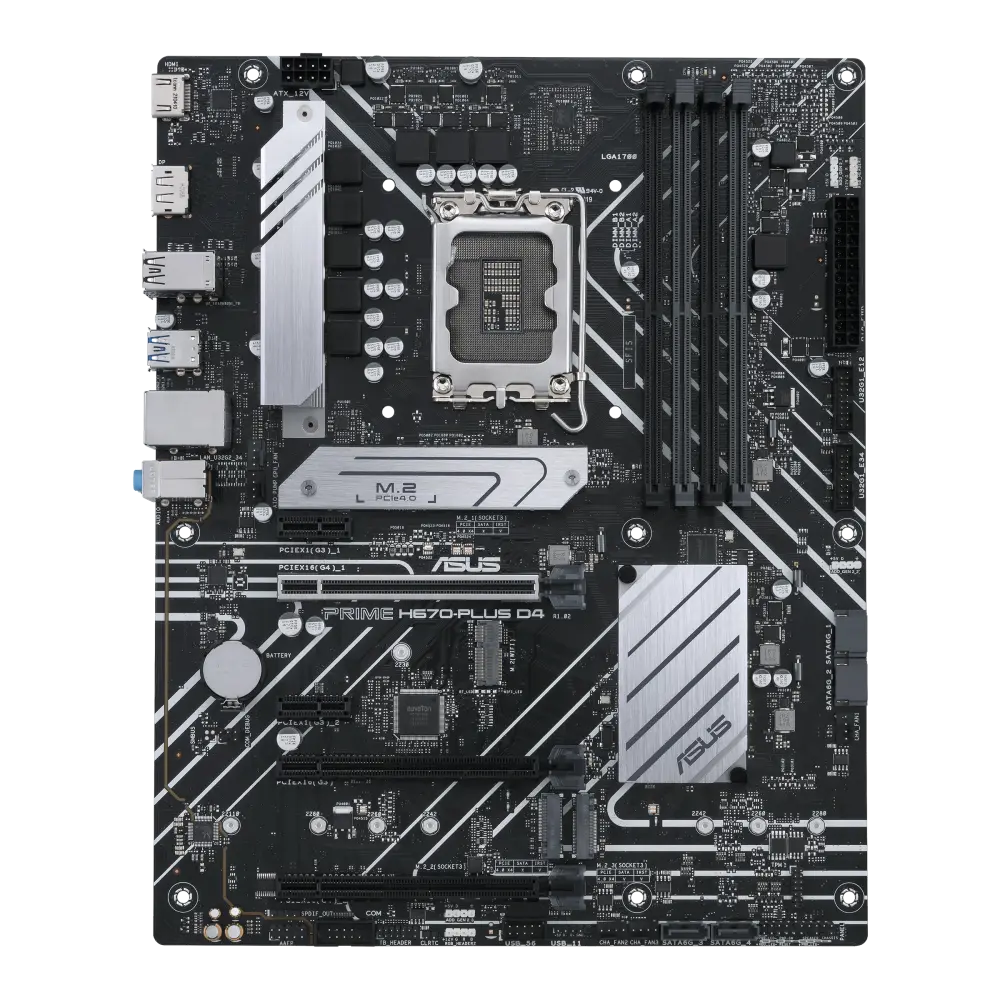 ASUS PRIME H670-PLUS D4-CSMGlobal manufacturer specification · PRIME H670-PLUS D4-CSMCompare the two
 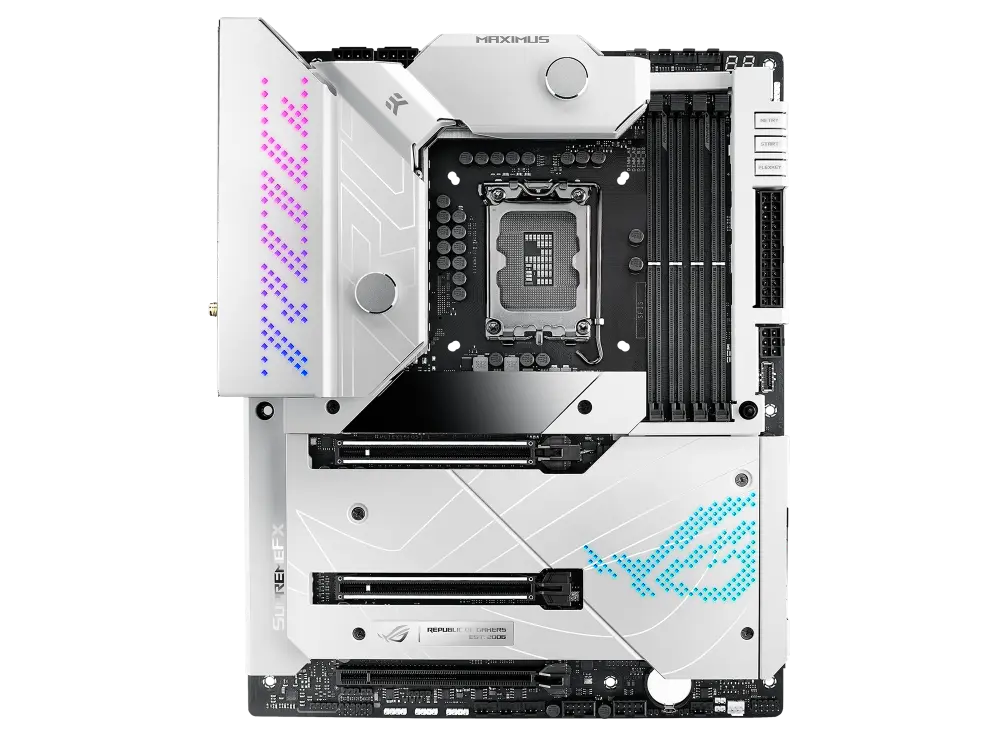 ASUS ROG MAXIMUS Z690 FORMULAGlobal manufacturer specification · ROG MAXIMUS Z690 FORMULACompare the two
 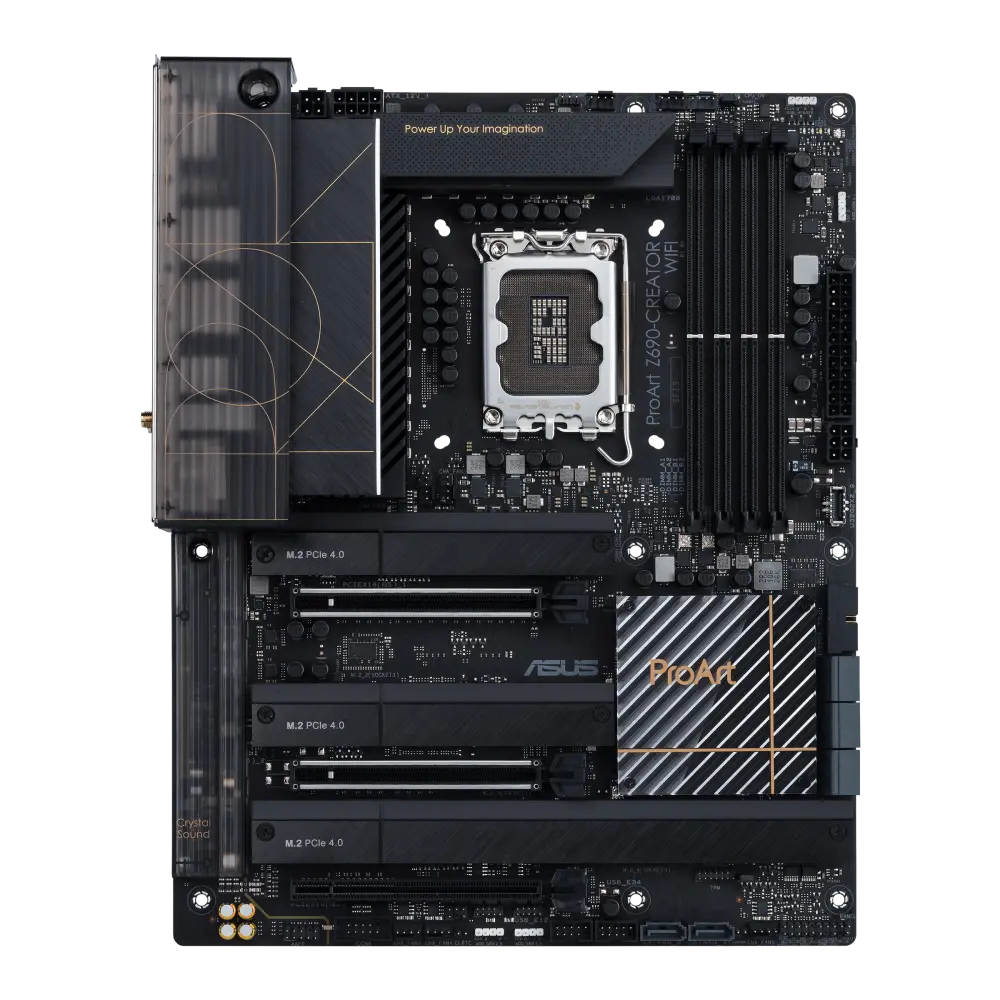 ASUS ProArt Z690-CREATOR WIFIUK manufacturer specification · ProArt Z690-CREATOR WIFICompare the two