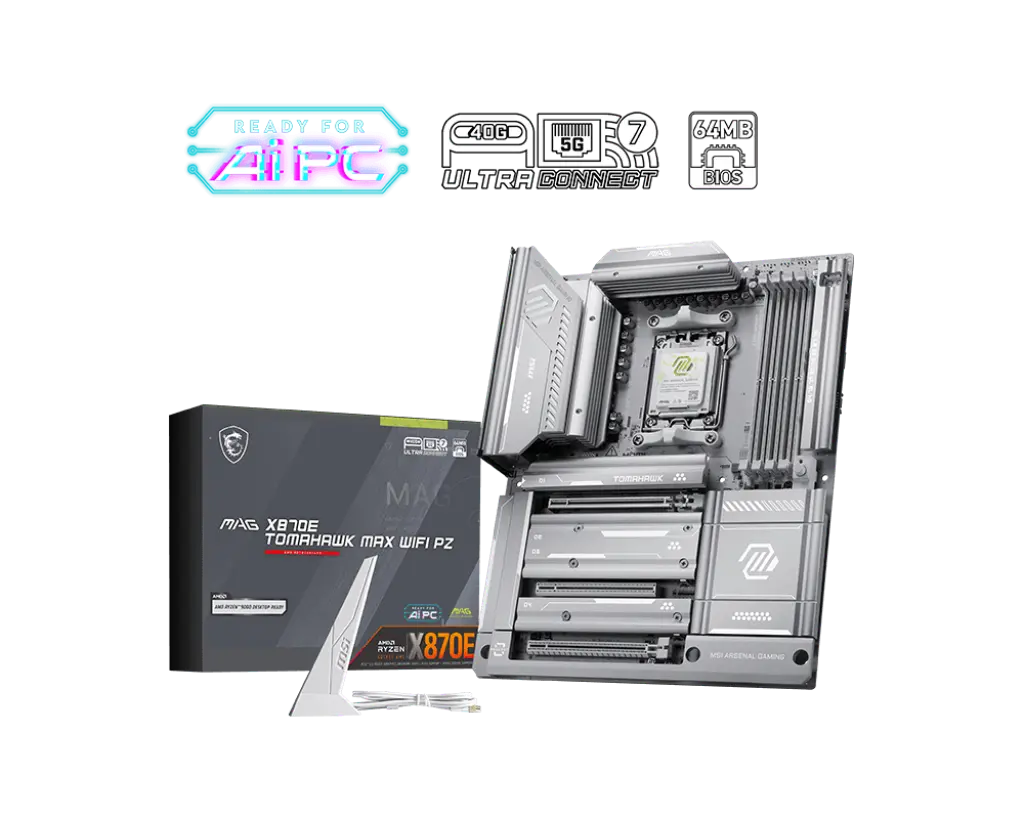
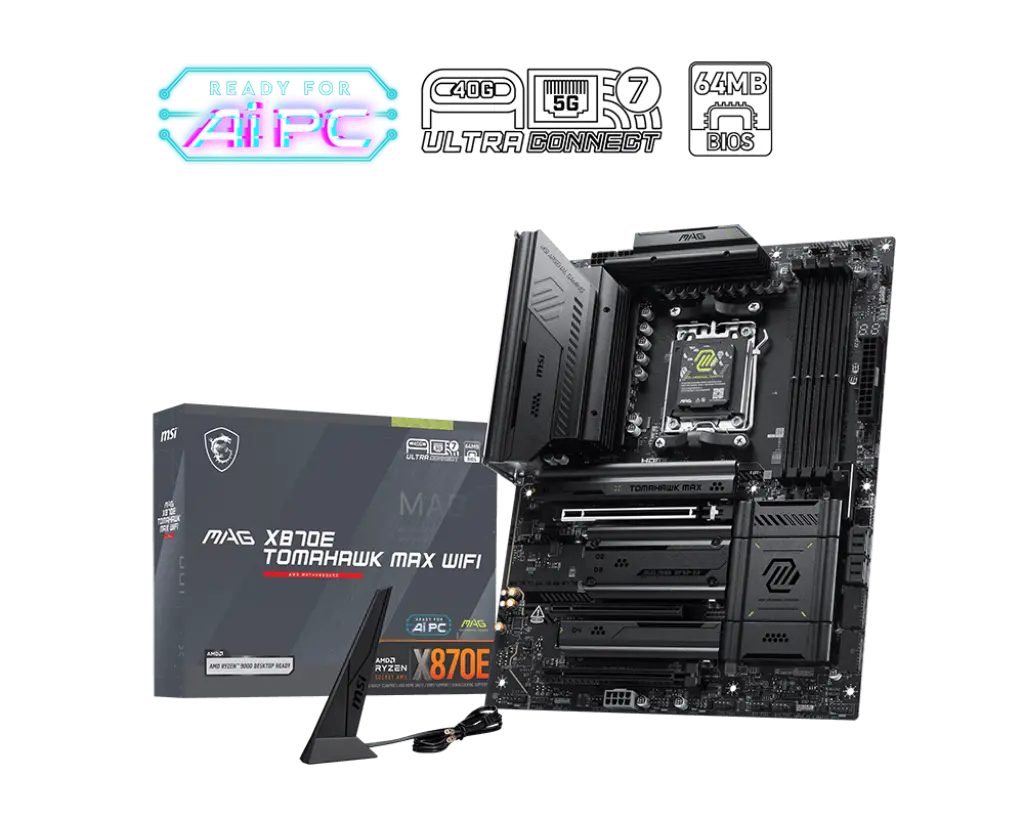
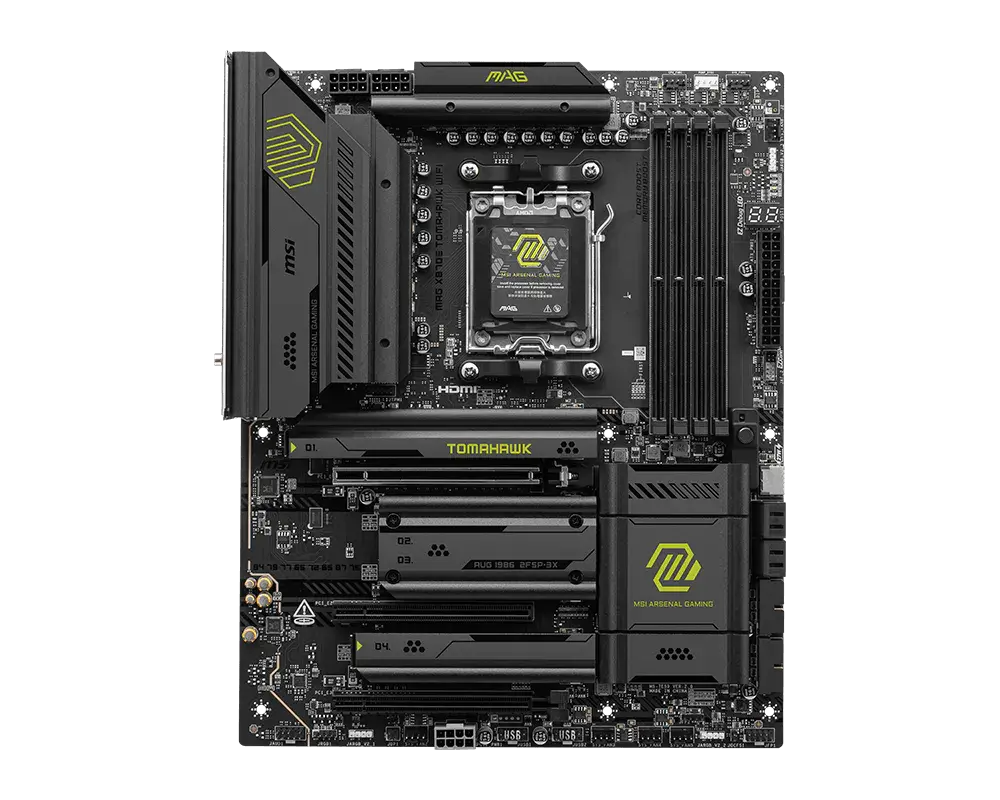
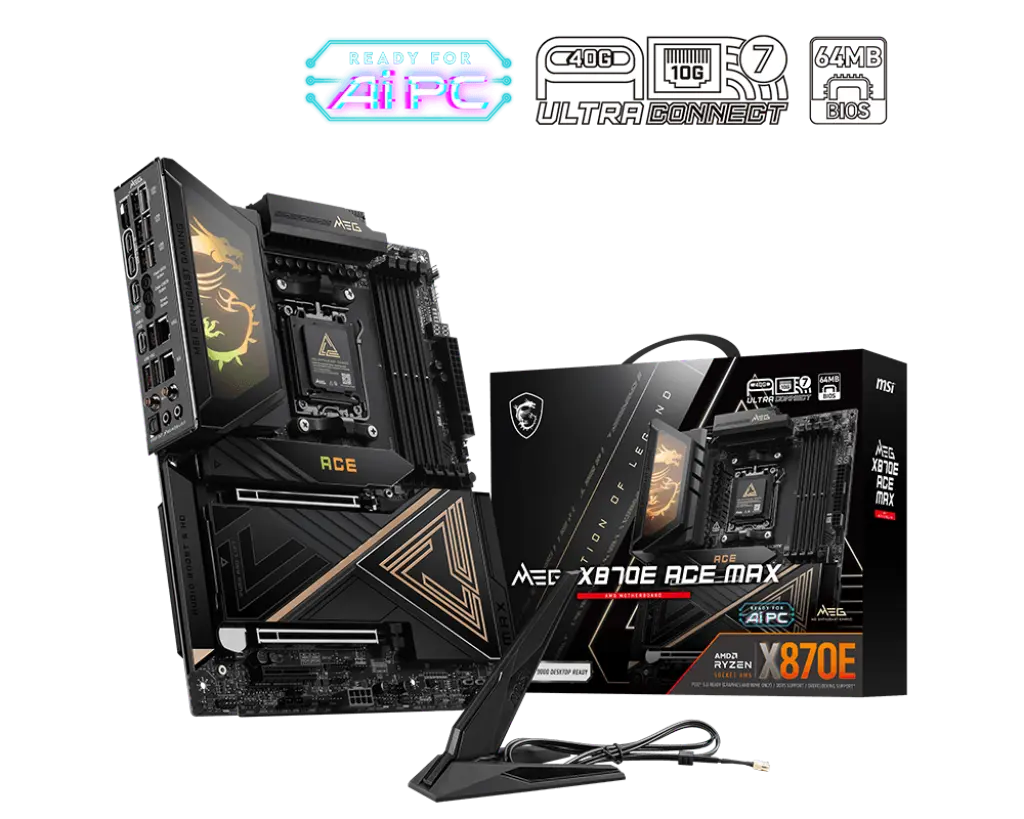
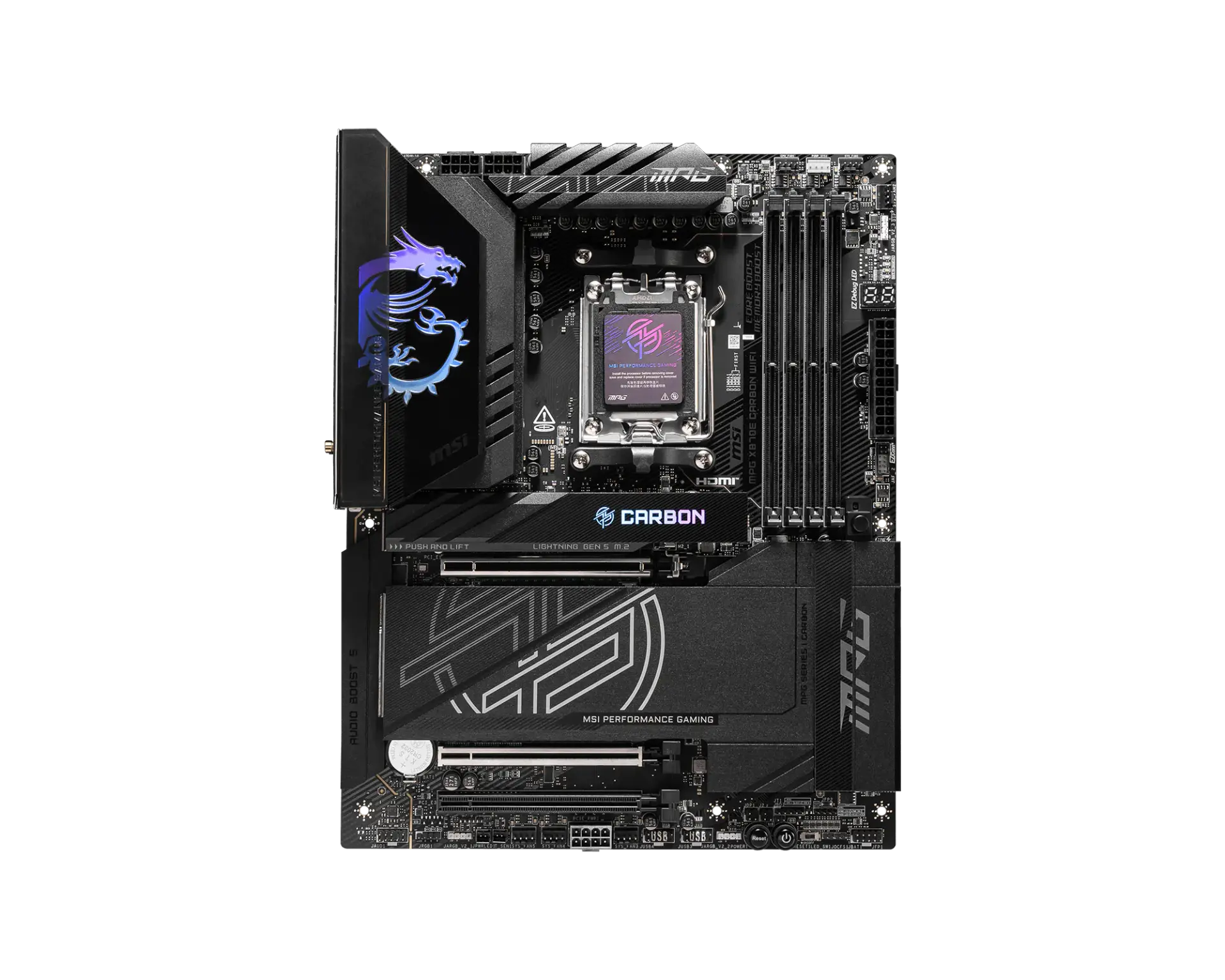
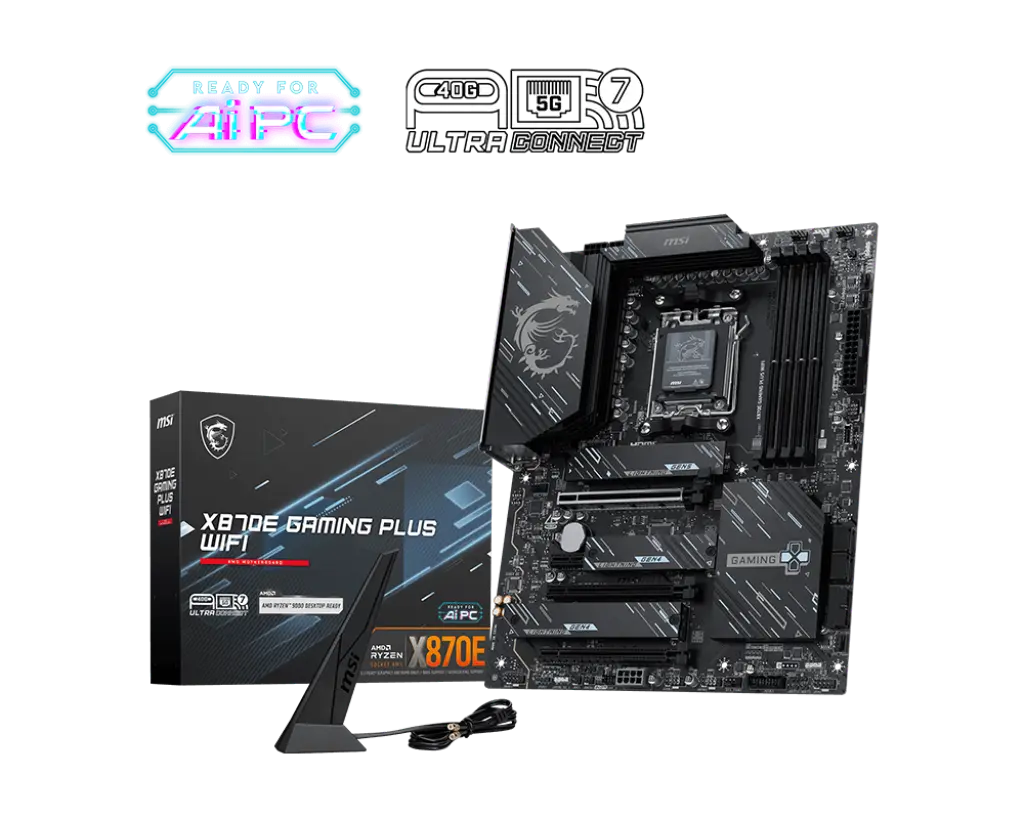
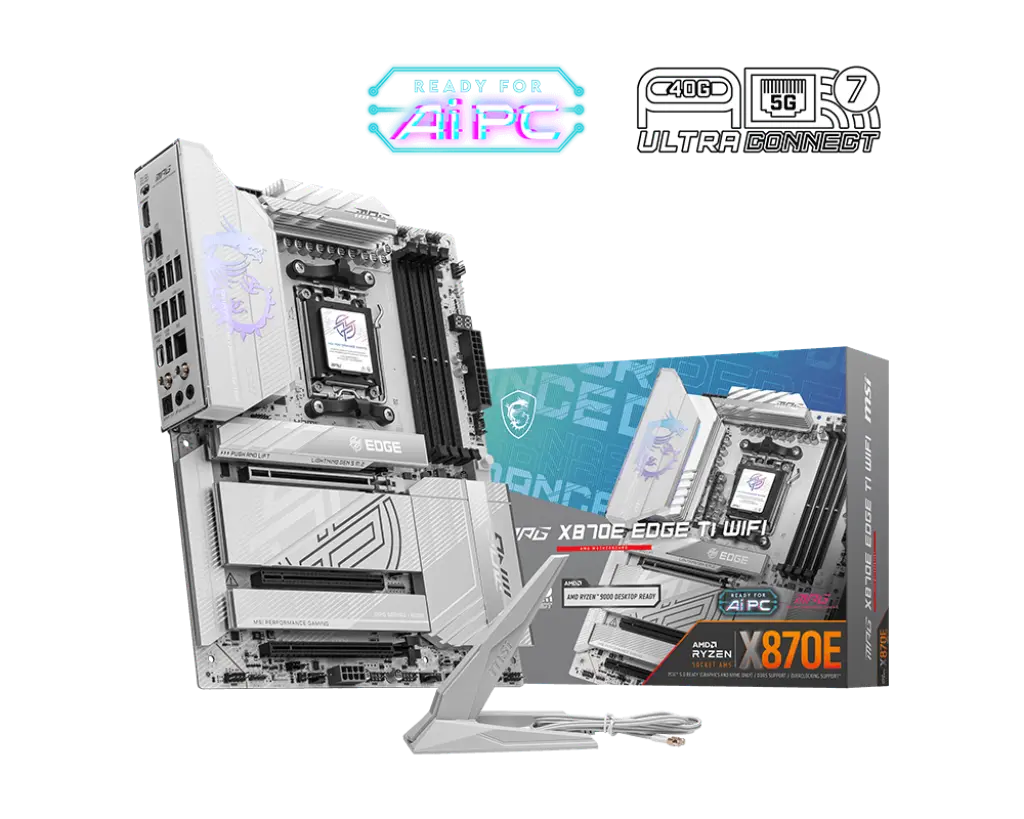
Compared with · MSI MAG X870E TOMAHAWK MAX WIFI PZ
- Memory generation, slots, capacity and conditions4x DDR5 UDIMM, Maximum Memory Capacity 256GB Memory Support DDR5 8400 - 5600 (OC) MT/s / 5600 - 4800 (JEDEC) MT/s Ryzen™ 9000 Series Processors max. overclocking frequency: • 1DPC 1R Max speed up to 8400+ MT/s • 1DPC 2R Max speed up to 6400+ MT/s • 2DPC 1R Max speed up to 6400+ MT/s • 2DPC 2R Max speed up to 6400+ MT/s Supports AMD POR Speed and JEDEC Speed Supports Memory Overclocking and AMD EXPO™ Supports Dual-Channel mode Supports Non-ECC, Un-buffered memory Supports CUDIMM, Clock Driver bypass mode only* * CUDIMM support and POR boot frequency may vary by CPU series, with manual overclocking available after boot. Certain CPUs may fail to boot, but future BIOS updates will improve compatibility. • The DIMM slots on this motherboard have double-sided latches. • Memory compatibility and supported speeds can vary depending on the CPU and memory configuration. For detailed information, please refer to the Memory Compatibility List available on the product’s Support page or visit https://www.msi.com/support/. → 4x DDR5 UDIMM, Maximum Memory Capacity 256GB Memory Support DDR5 9000 - 5600 (OC) MT/s / 5600 - 4800 (JEDEC) MT/s Ryzen™ 9000 Series Processors max. overclocking frequency: • 1DPC 1R Max speed up to 8400+ MT/s • 1DPC 2R Max speed up to 6400+ MT/s • 2DPC 1R Max speed up to 6400+ MT/s • 2DPC 2R Max speed up to 6400+ MT/s Supports AMD POR Speed and JEDEC Speed Supports Memory Overclocking and AMD EXPO™ Supports Dual-Channel mode Supports Non-ECC, Un-buffered memory Supports CUDIMM, Clock Driver bypass mode only* * The DIMM slots on this motherboard only have single-sided latches. ** CUDIMM support and POR boot frequency may vary by CPU series, with manual overclocking available after boot. Certain CPUs may fail to boot, but future BIOS updates will improve compatibility. *** Memory compatibility and supported speeds can vary depending on the CPU and memory configuration. For detailed information, please refer to the Memory Compatibility List available on the product’s Support page or visit https://www.msi.com/support/
- Storage interfaces and lane-sharing conditions4x M.2 (Qty) M.2_1 Source (From CPU) supports up to PCIe 5.0 x4, supports 22110/2280 devices M.2_2 Source (From CPU) supports up to PCIe 5.0 x4, supports 2280/2260 devices M.2_3 Source (From Chipset) supports up to PCIe 4.0 x4, supports 2280/2260 devices M.2_4 Source (From Chipset) supports up to PCIe 4.0 x4, supports 2280/2260 devices 4x SATA 6G (Qty) M.2_1 slot (From CPU) • Supports up to PCIe 5.0 x4 (For Ryzen™ 9000/ 7000 Series processors) • Supports up to PCIe 4.0 x4 (For Ryzen™ 8000 Series processors) M.2_2 slot (From CPU) • Supports up to PCIe 5.0 x4 (For Ryzen™ 9000/ 7000 Series processors) • Supports up to PCIe 4.0 x4 (For Ryzen™ 8700/ 8600/ 8400 Series processors) *The M2_2 slot will be unavailable when using Ryzen™ 8500/ 8300 Series processors. **USB 40Gbps Type-C ports on the back panel and M2_2 slot share PCIe 5.0 x4 bandwidth. Both run at PCIe 5.0 x2 when a device is installed in the M2_2 slot. You can switch M2_2 to PCIe 5.0 x4 in the BIOS, but this will disable the USB 40Gbps Type-C ports. The USB4 host controller supports up to PCIe 4.0 x4. → 5x M.2 (Qty) M.2_1 Source (From CPU) supports up to PCIe 5.0 x4, supports 2280/2260 devices M.2_2 Source (From CPU) supports up to PCIe 5.0 x4, supports 2280/2260 devices M.2_3 Source (From Chipset) supports up to PCIe 4.0 x4, supports 22110/2280 devices M.2_4 Source (From Chipset) supports up to PCIe 4.0 x4, supports 2280/2260 devices M.2_5 Source (From Chipset) supports up to PCIe 4.0 x4, supports 2280 devices 4x SATA 6G (Qty) M.2_1: • Supports up to PCIe 5.0 x4 (For Ryzen™ 9000/ 7000 Series processors) • Supports up to PCIe 4.0 x4 (For Ryzen™ 8000 Series processors) M.2_2: • Supports up to PCIe 5.0 x4 (For Ryzen™ 9000/ 7000 Series processors) • Supports up to PCIe 4.0 x4 (For Ryzen™ 8700/ 8600/ 8400 Series processors) * The M2_2 slot will be unavailable when using Ryzen™ 8500/ 8300 Series processors. ** M.2_1 & PCI_E3 share the bandwidth. M.2_1 will run at x2 speed when installing device in the PCI_E3 slot. You can switch M.2_1 slot to x4 in the BIOS, but this will disable the PCI_E3 slot. *** USB 40Gbps Type-C ports & M2_2 share the bandwidth. USB 40Gbps Type-C ports will run at x2 speed when installing device in the M2_2 slot. You can switch M.2_2 to x4 in the BIOS, but this will disable the USB 40Gbps Type-C ports. **** Please refer to the manual for M.2 SSD heatsink restrictions.
- Network interfaces and operating-system conditionslan: 1x Realtek ® 8126 5G LAN; wireless lan & bluetooth: Wi-Fi 7 The Wireless module is pre-installed in the M.2 (Key-E) slot Supports MU-MIMO TX/RX, 2.4GHz/ 5GHz/ 6GHz* (320MHz) up to 5.8Gbps Supports 802.11 a/ b/ g/ n/ ac/ ax/ be Supports Bluetooth ® 5.4**, MLO, 4KQAM * 6GHz band support may depend on every country’s regulations and Wi-Fi 7 will be ready in Windows 11 version 24H2. ** The Bluetooth version may be updated, please refer to the Wi-Fi chipset vendor’s website for details. Bluetooth 5.4 will be ready in Windows 11 version 24H2. → lan: 1x Marvell ® AQC113CS 10Gbps LAN 1x Realtek ® 8126 5Gbps LAN; wireless lan & bluetooth: Wi-Fi 7 Solution The Wireless module is pre-installed in the M.2 (Key-E) slot Supports MU-MIMO TX/RX, 2.4GHz/ 5GHz/ 6GHz* (320MHz) up to 5.8Gbps Supports 802.11 a/ b/ g/ n/ ac/ ax/ be Supports Bluetooth ® 5.4**, MLO, 4KQAM * 6GHz band support may depend on every country’s regulations and Wi-Fi 7 will be ready in Windows 11 SV3. ** The Bluetooth version may be updated, please refer to the Wi-Fi chipset vendor's website for details. Bluetooth 5.4 support schedule depends on MSFT Windows 11 plan.
- Memory slotsNot verified → Not verified
- M.2 slotsNot verified → Not verified
- Maximum memoryNot verified → Not verified
Same: Socket AM5
Compare side by side